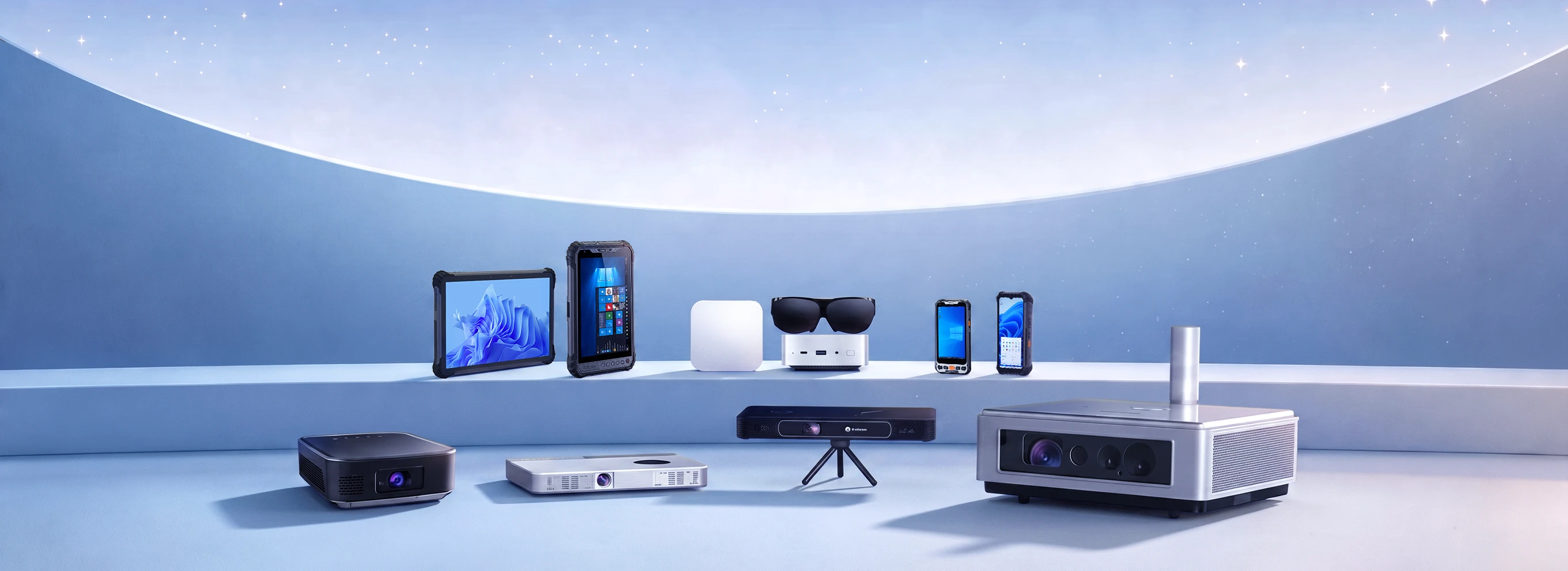
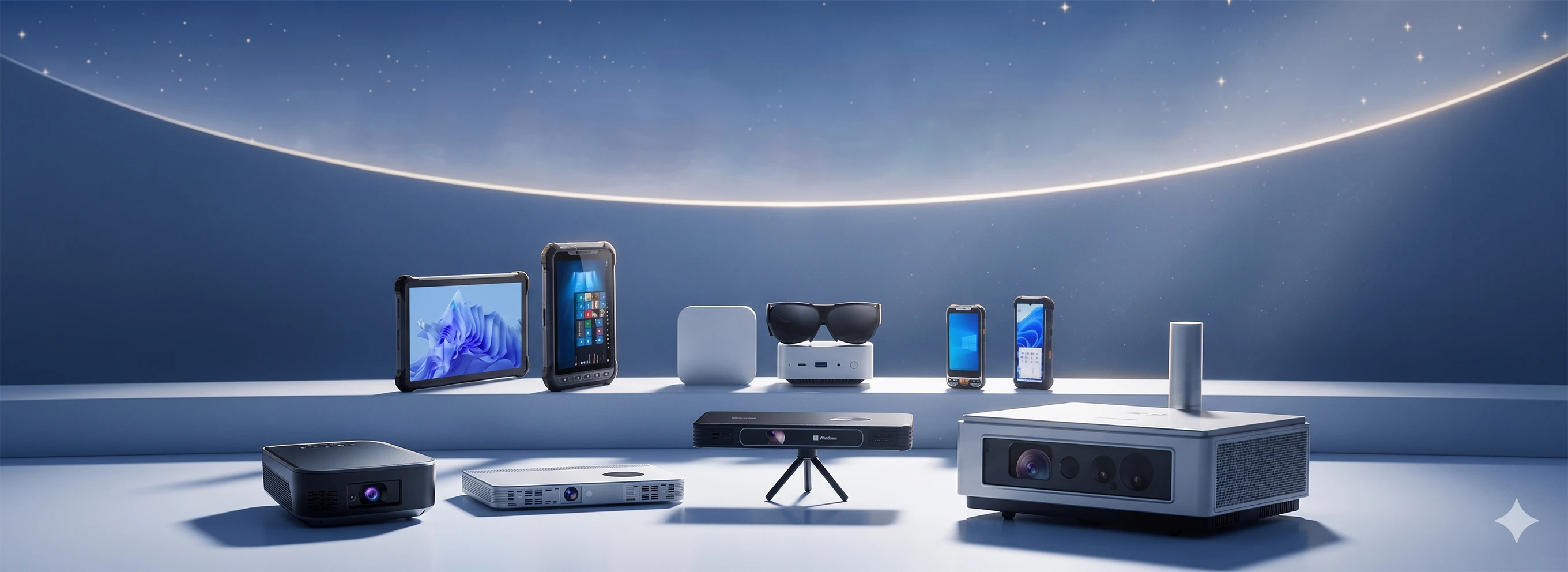
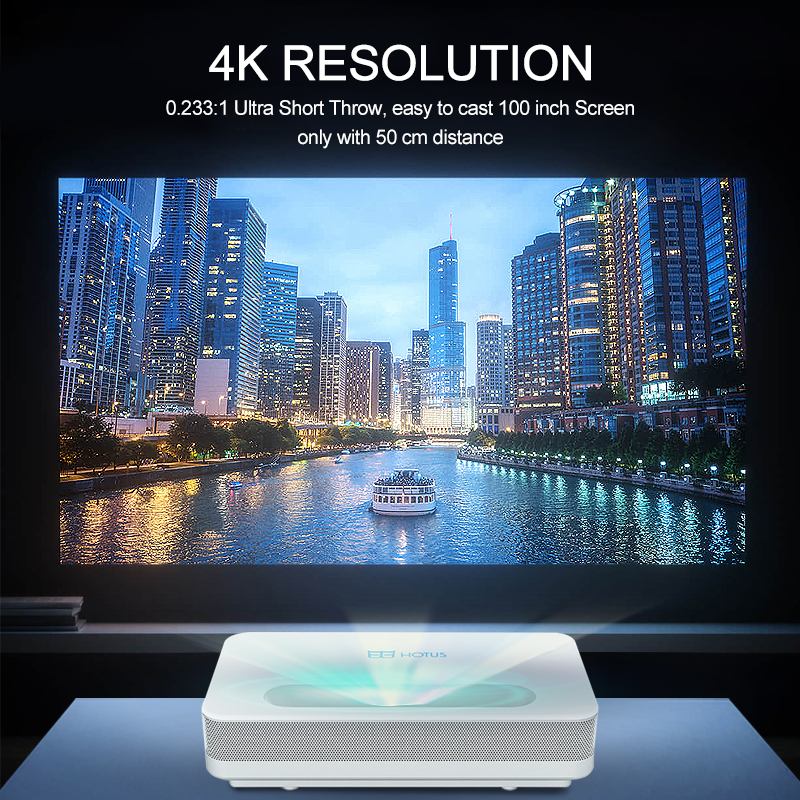
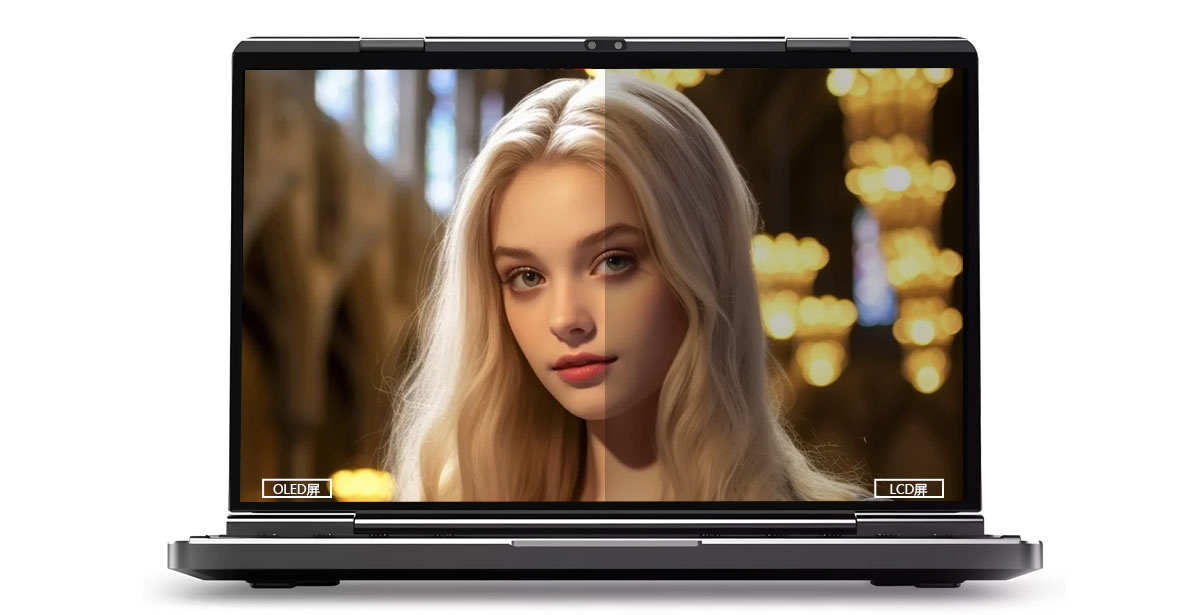
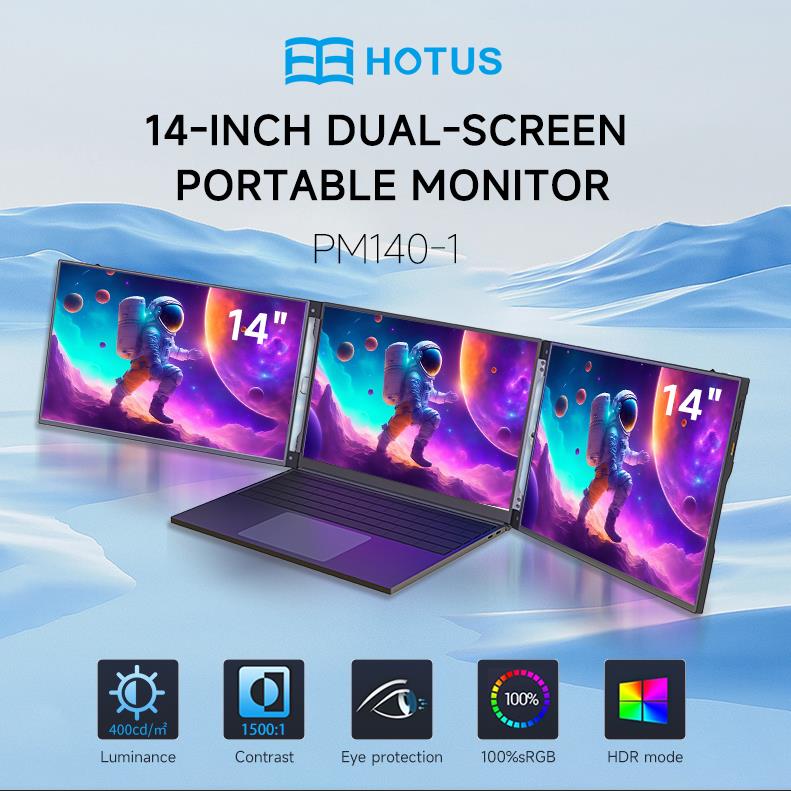
One Device, Dual Functions – A Projector and a Com...
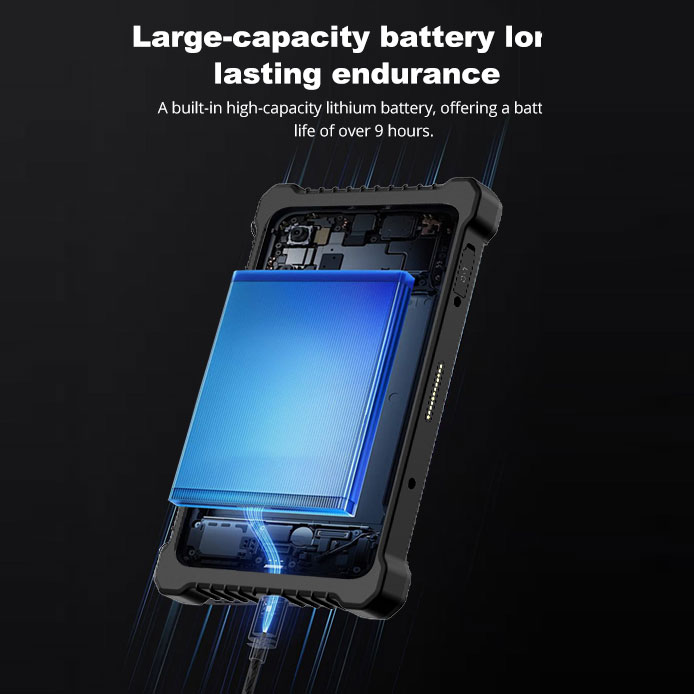
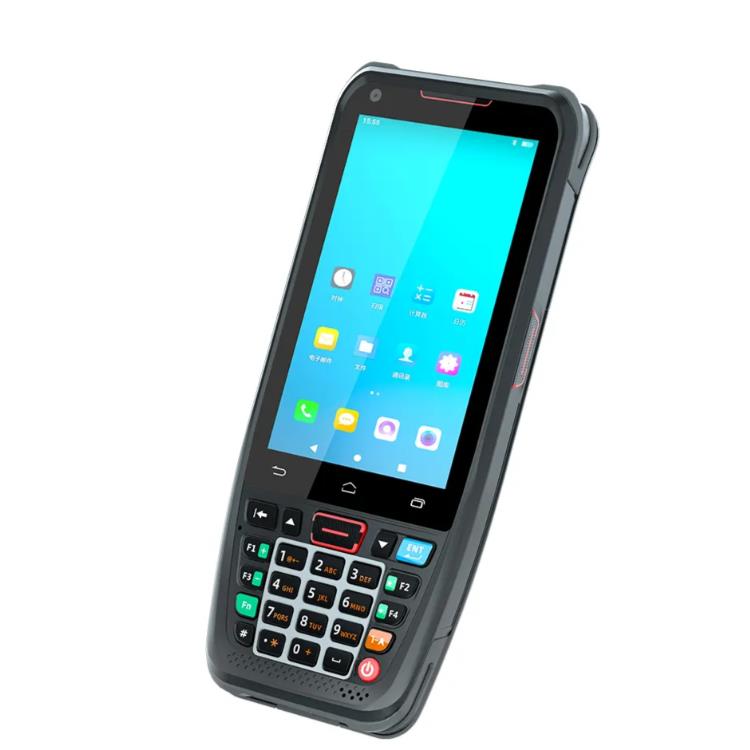
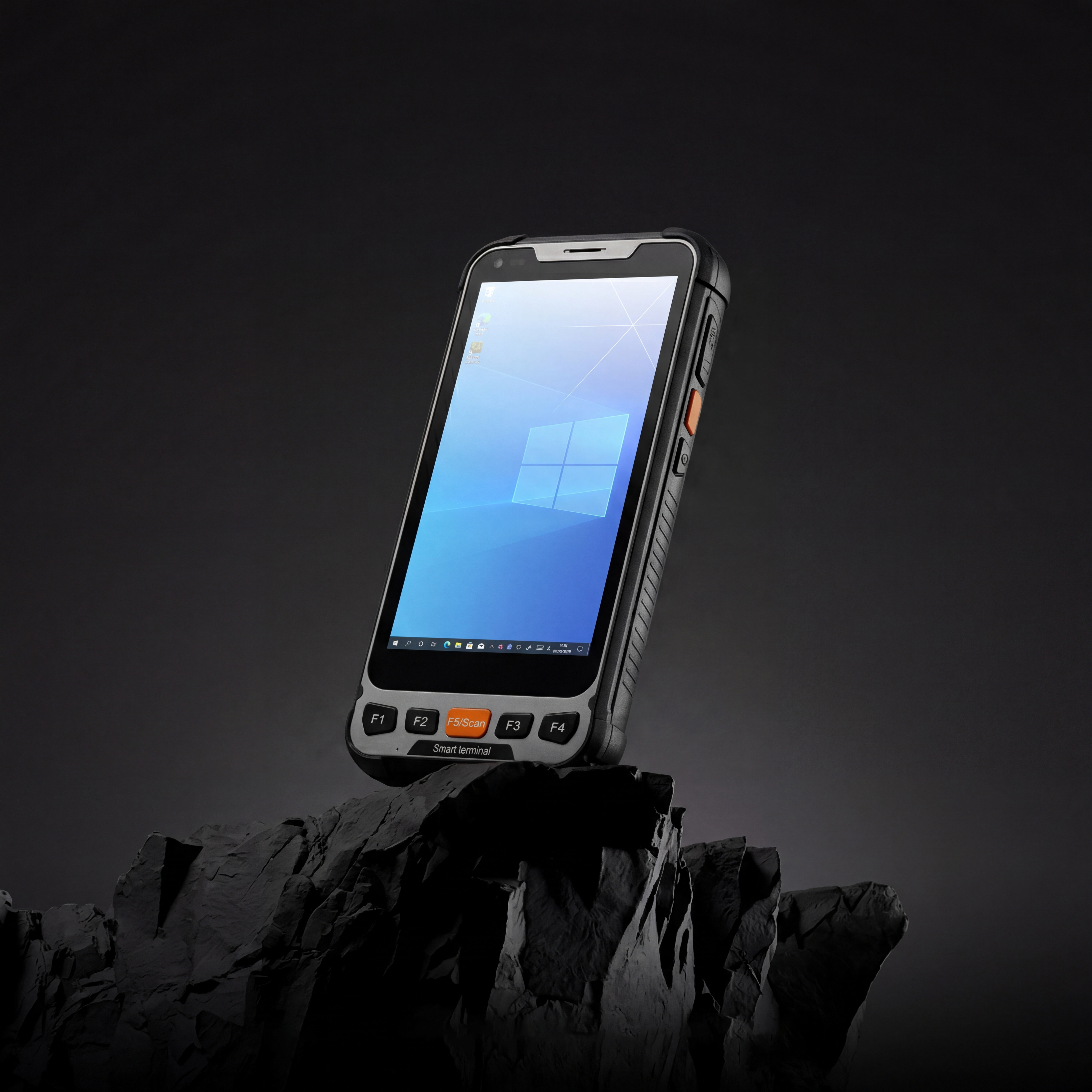
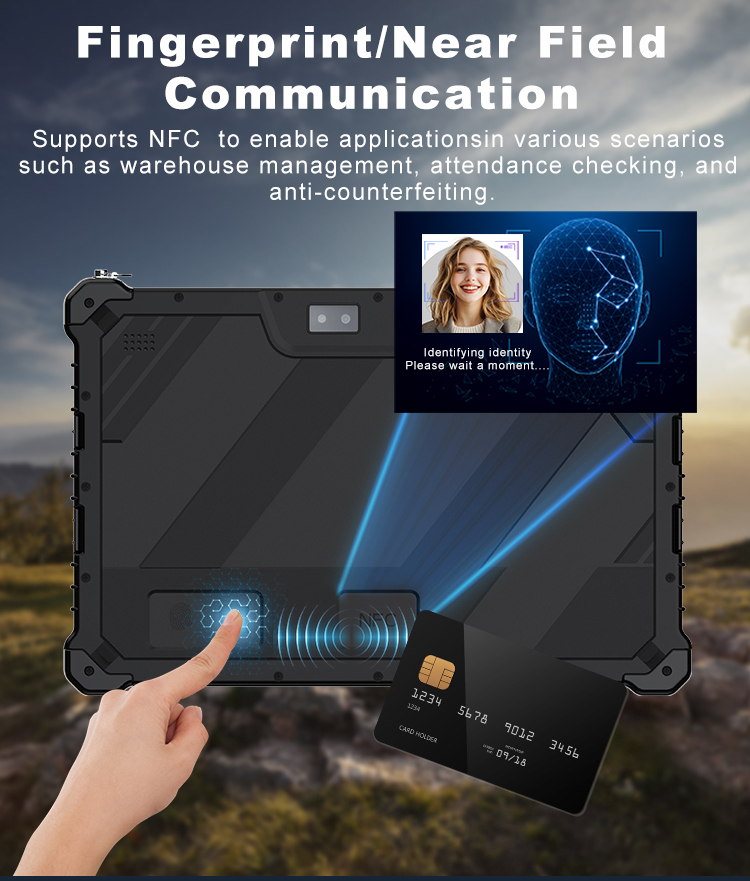
The N40 Android smart PDA features a Cortex-A53 qu...
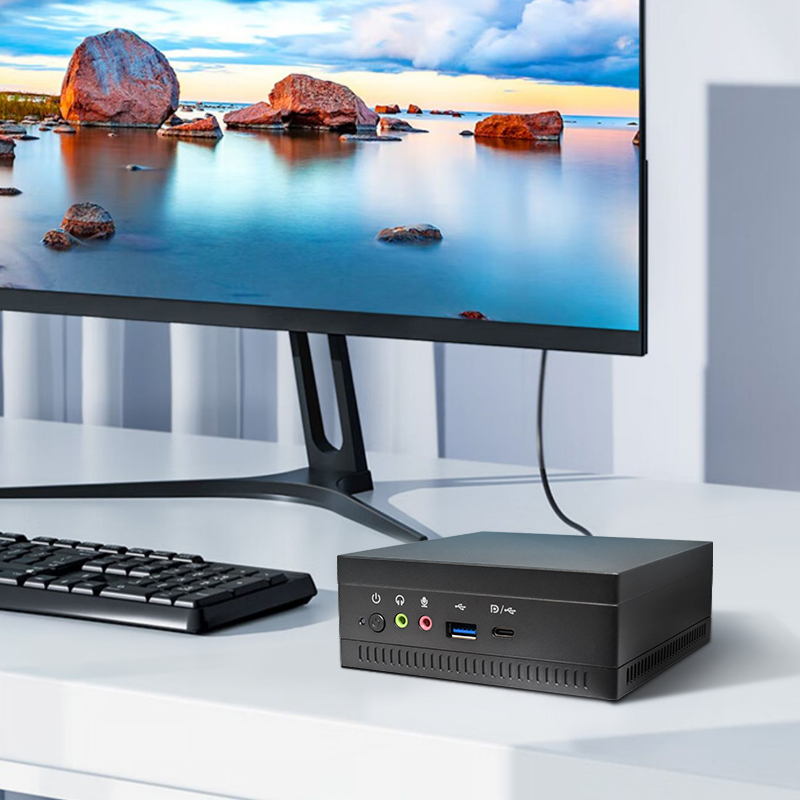
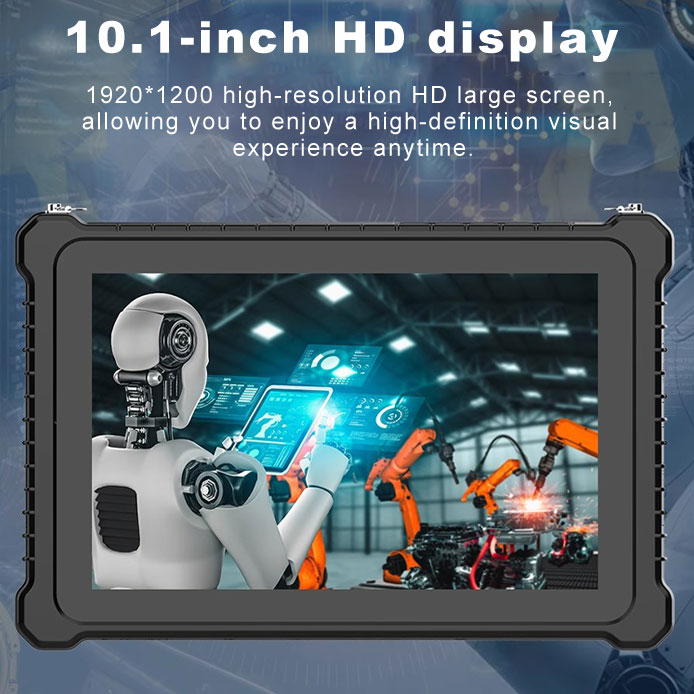
Technical SpecificationsModel: Palm-sized miniPCTy...
Full SpecificationsModel Hotus SH5‑WOperating ...
Full SpecificationsModelHotus ST11‑MOSWindows 10/1...
Keywords: Projector Screen Size | Screen Type | Screen Material
The projection screen is one of the most essential projector accessories. Choosing the right screen can dramatically improve image quality — while a poor screen can ruin even the best projector. This guide covers aspect ratio, screen type, and material.
Many buyers spend a fortune on a high‑end projector but then project onto a bare wall or a cheap screen — wasting much of the projector’s potential. So what should you pay attention to when buying a projection screen? Let’s break it down into aspect ratio/size, screen category, and screen material.
The screen size directly affects your viewing experience. Common aspect ratios are 4:3, 16:10, 16:9, and 5:4. Each fits different use cases:
Buying tip: For home use, choose 16:9. For mixed business/home, 16:10 is a good compromise. As for size, a common rule: screen width should be about 1/3 to 1/2 of your viewing distance.
Projection screens fall into two optical types: reflective and transmissive.
Screens are also divided into rigid (hard) screens and soft screens. Hard screens (e.g., metal, ALR) offer better flatness and image quality but are expensive and not portable. Soft screens (e.g., electric pull‑down, tripod) are convenient and more affordable for home/office. Generally, hard screens deliver better image quality than soft screens, but for most families, a good soft screen offers better value.
The most common screen materials are white plastic (matte white) and glass bead. Their optical properties are very different:
Buying tip: For large audiences or wide seating, choose white plastic. For a dedicated home theater with a fixed central seat, glass bead can give you a brighter image. Advanced materials like ALR (ambient light rejecting) screens for ultra‑short‑throw projectors or metallic screens for 3D are also available at higher budgets.
Conclusion: A Good Screen Unlocks Your Projector’s Full Potential
Many users focus only on projector specs and ignore the screen. But the right screen maximizes brightness, contrast, and color. Remember three key points: choose 16:9 for home, white plastic for wide seating, glass bead for a fixed sweet spot. For premium setups, consider ALR or rigid screens. Choose wisely and enjoy the big screen experience.