- Select Language
The T80 handheld PDA combines advanced barcode sca...
Explore an innovative Personal Digital Assistant f...
The F505 Handheld PDA is a compact, high-performan...
R350C 4-inch Industrial Handheld PDA | Qualcom...
Full SpecificationsModelHotus ST11‑UOSWindows 10 P...
Full SpecificationsModelHotus ST9‑MOSWindows 10/11...
Full SpecificationsModelHotus ST11‑MOSWindows 10/1...
Full SpecificationsModelHotus ST11‑JOSWindows 10 P...
Traditional approaches to education often ask teachers to raise their voice or repeat instructions until the message finally lands. But what if there was a better way? HTNJ08B Rugged Tablet, HCAR5000 MI and WTR PRO AMD are changing how teams handle this challenge. In a modern computer classroom, the hardware that powers lessons, assignments and examinations needs to be dependable, quiet and easy to maintain. This article compares three Hotus devices from a cross-brand perspective, looking at how each one fits the daily reality of a school lab: packed timetables, heavy student traffic and limited technical staff.
A computer lab is more than a room full of screens. It is the backbone of digital literacy, coding classes, multimedia lessons and online assessment. IT coordinators have to balance performance against budgets, and durability against the wear that hundreds of students can inflict. The good news is that the market now offers specialized hardware for exactly this environment. Understanding what each product does best lets schools assemble a lab that runs for years without constant repairs. For institutions evaluating their options, an industrial solution for Education delivers the balance of ruggedness and long-term support that ordinary consumer gear cannot match.
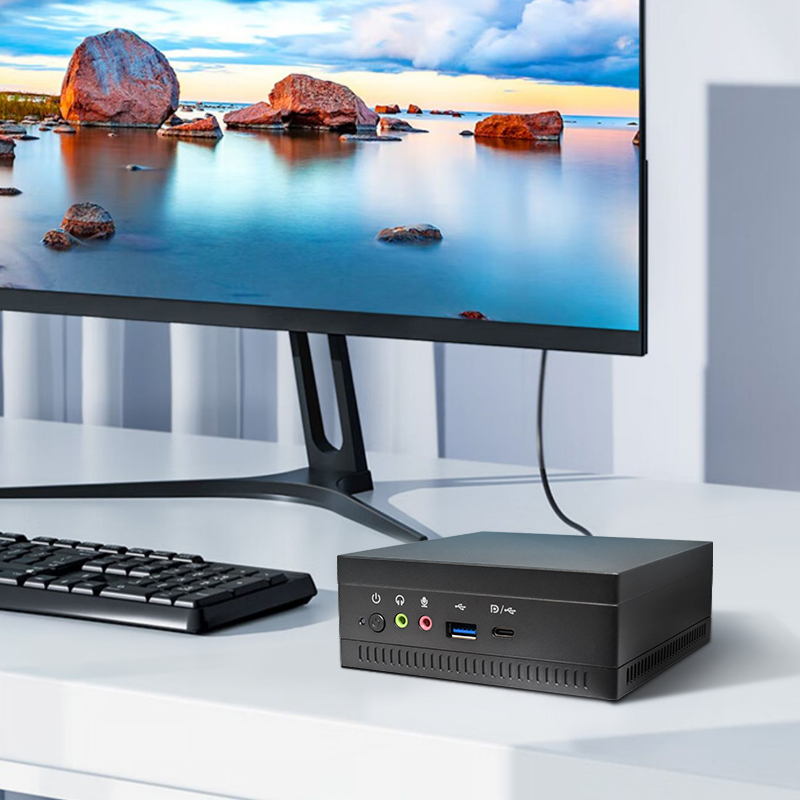
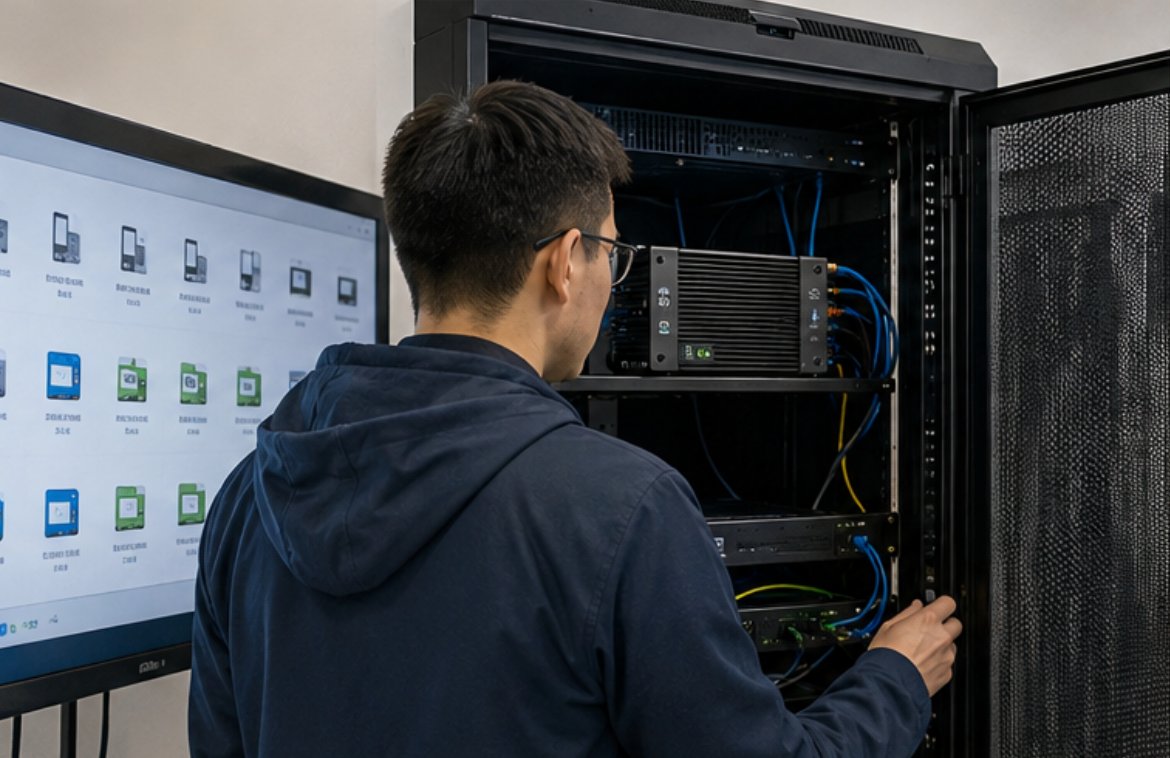
The HCAR5000 MI is built for spaces where every square inch of desk space counts. Computer labs pack workstations close together, and a bulky tower crowds the desk, blocks airflow and complicates cable management. The HCAR5000 MI sidesteps all of that with a slim design that mounts behind a display or sits discreetly under the desk. Its low power draw keeps the room cooler and the electricity bill lower, while fan noise stays low enough that students can focus on the teacher's instructions instead of a hum of machinery.
For technicians, uniformity is the hidden superpower of the HCAR5000 MI. When every workstation in the lab shares the same platform, imaging, patching and troubleshooting become repeatable procedures instead of one-off battles. A lab built on HCAR5000 MI units can be reimaged over a lunch break, and a faulty unit can be swapped in minutes because spares are interchangeable. That means fewer canceled classes and less downtime during exam periods, when the lab is under the most pressure.
Not every class is just word processing. Graphic design, video editing, 3D modeling and data analysis coursework place serious demands on the CPU and GPU. For those sessions, the WTR PRO AMD brings AMD-powered performance to the lab, letting students run creative and technical software without the sluggishness that cripples older machines. When a class of thirty students launches a heavy application at the same time, the difference between a responsive system and a frozen one can define whether a lesson succeeds.
The WTR PRO AMD also proves that power does not have to mean noise and heat. Its efficient architecture keeps thermals in check even during sustained workloads, which matters in a room where dozens of units run simultaneously. Schools that need one machine to handle both daily tasks and demanding coursework often find that the WTR PRO AMD removes the need for a second, more expensive fleet. It is a strong example of how rugged mini PC solutions have evolved to cover the performance end of the spectrum without sacrificing the space and energy advantages of the form factor.
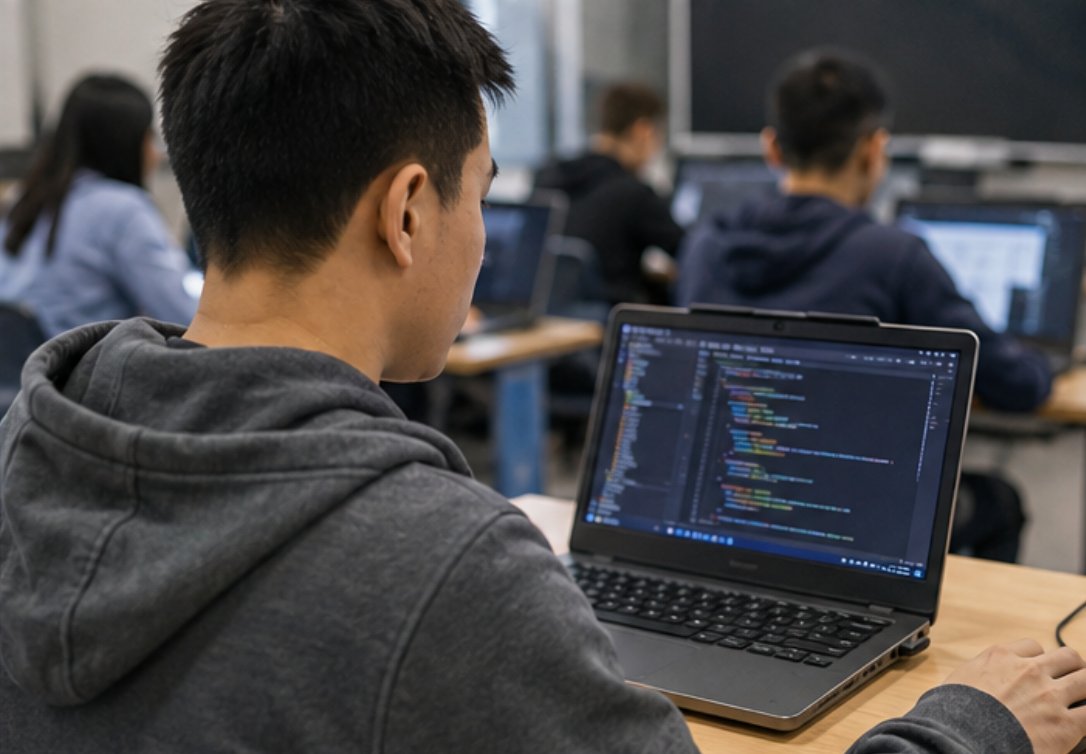
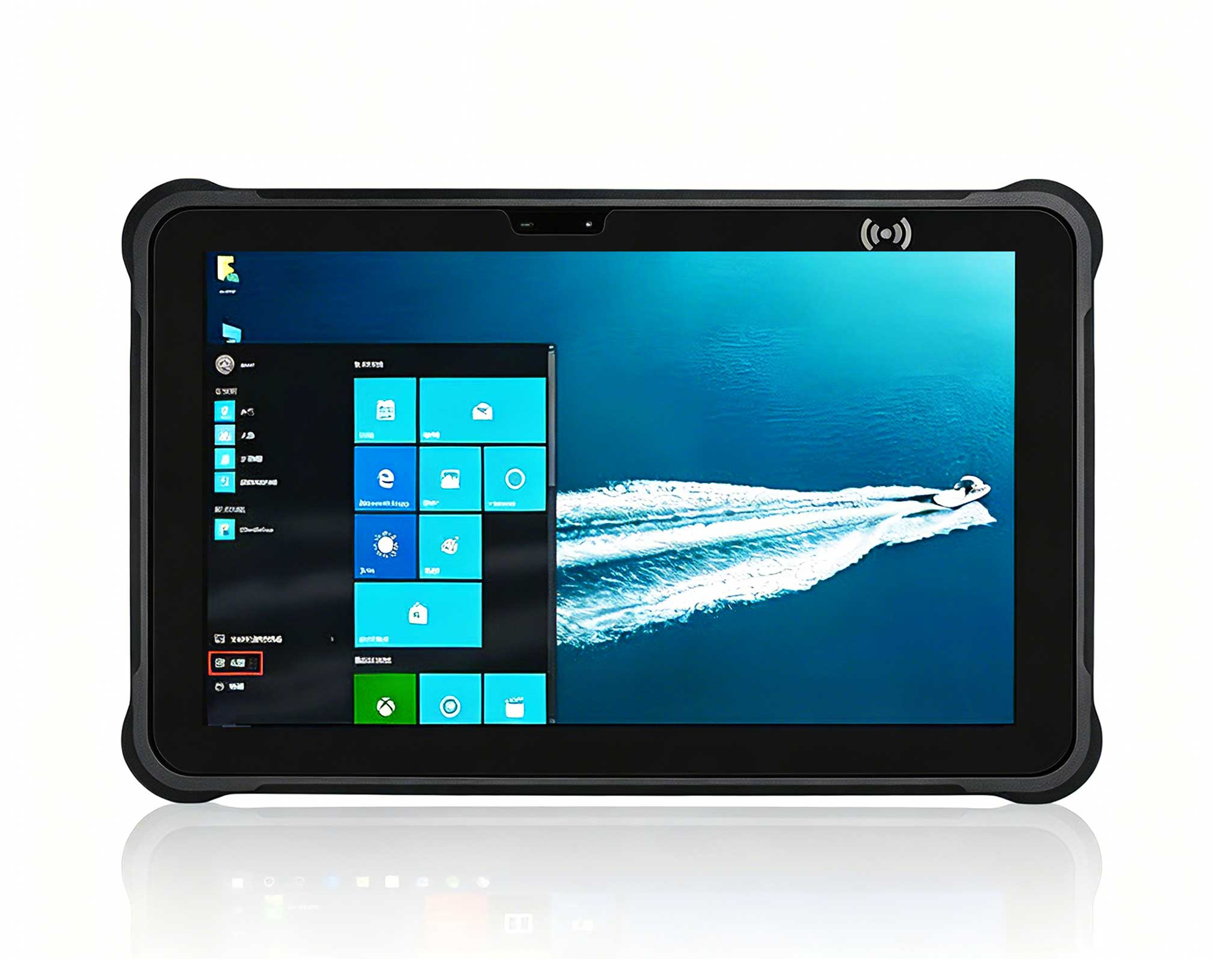
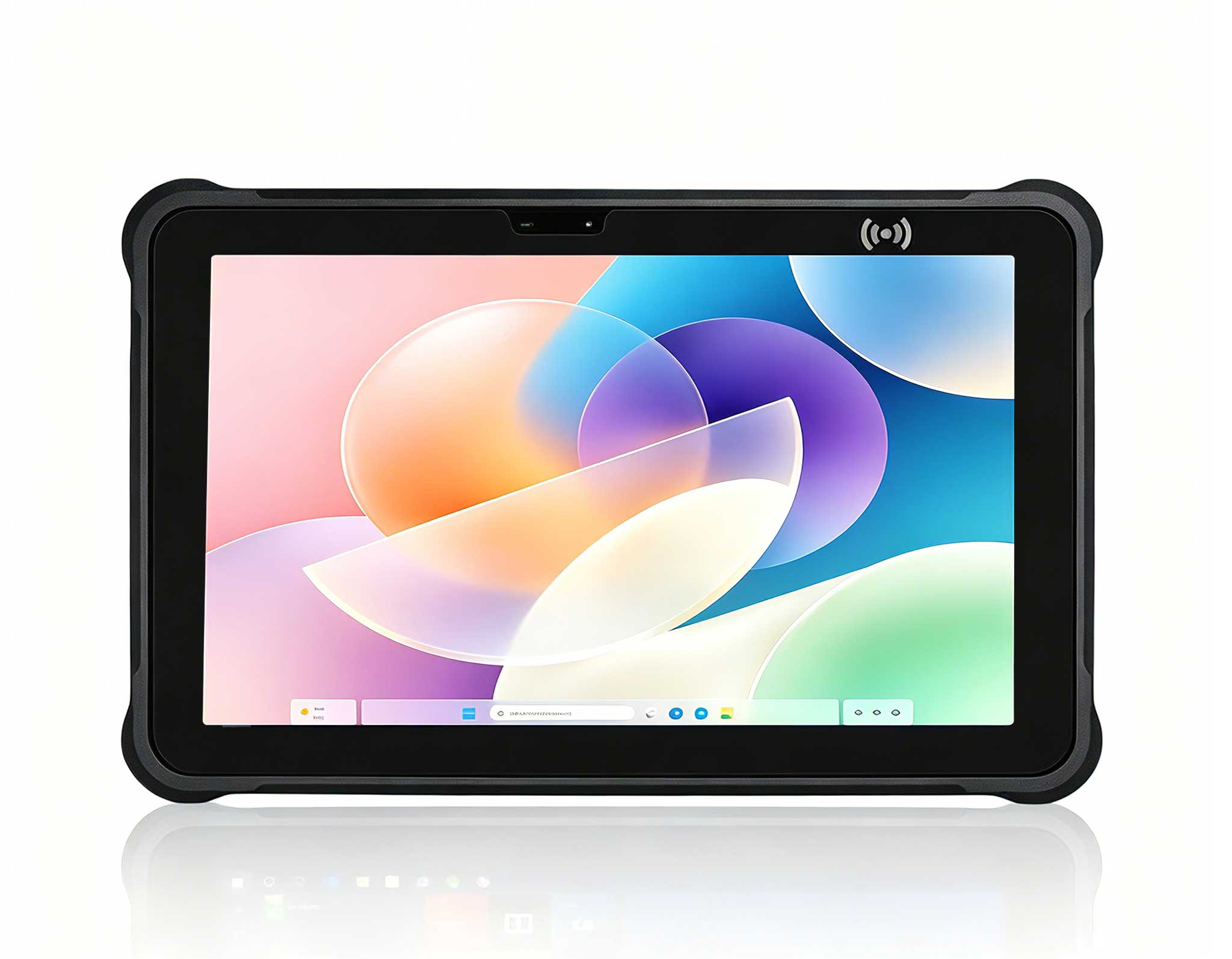
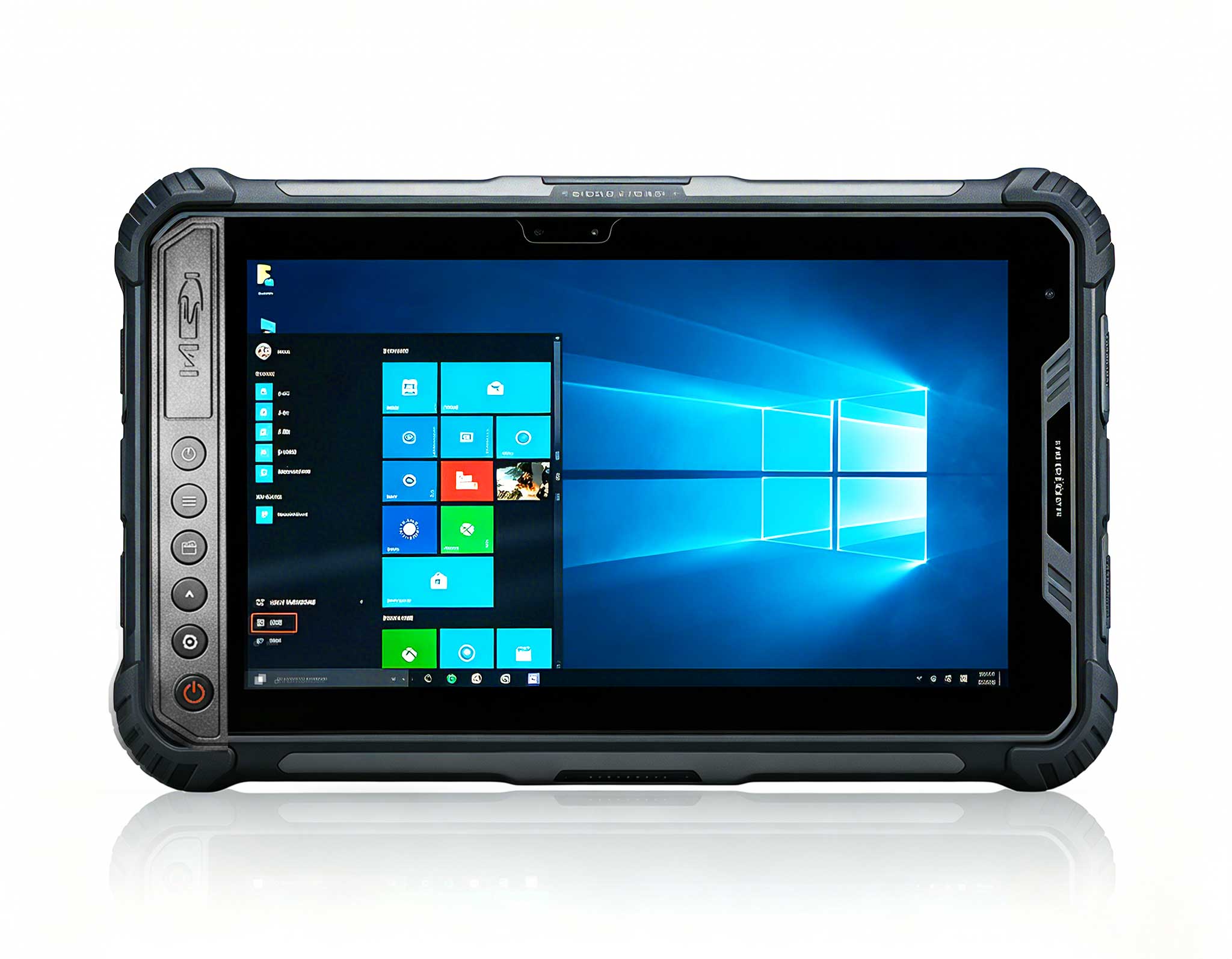
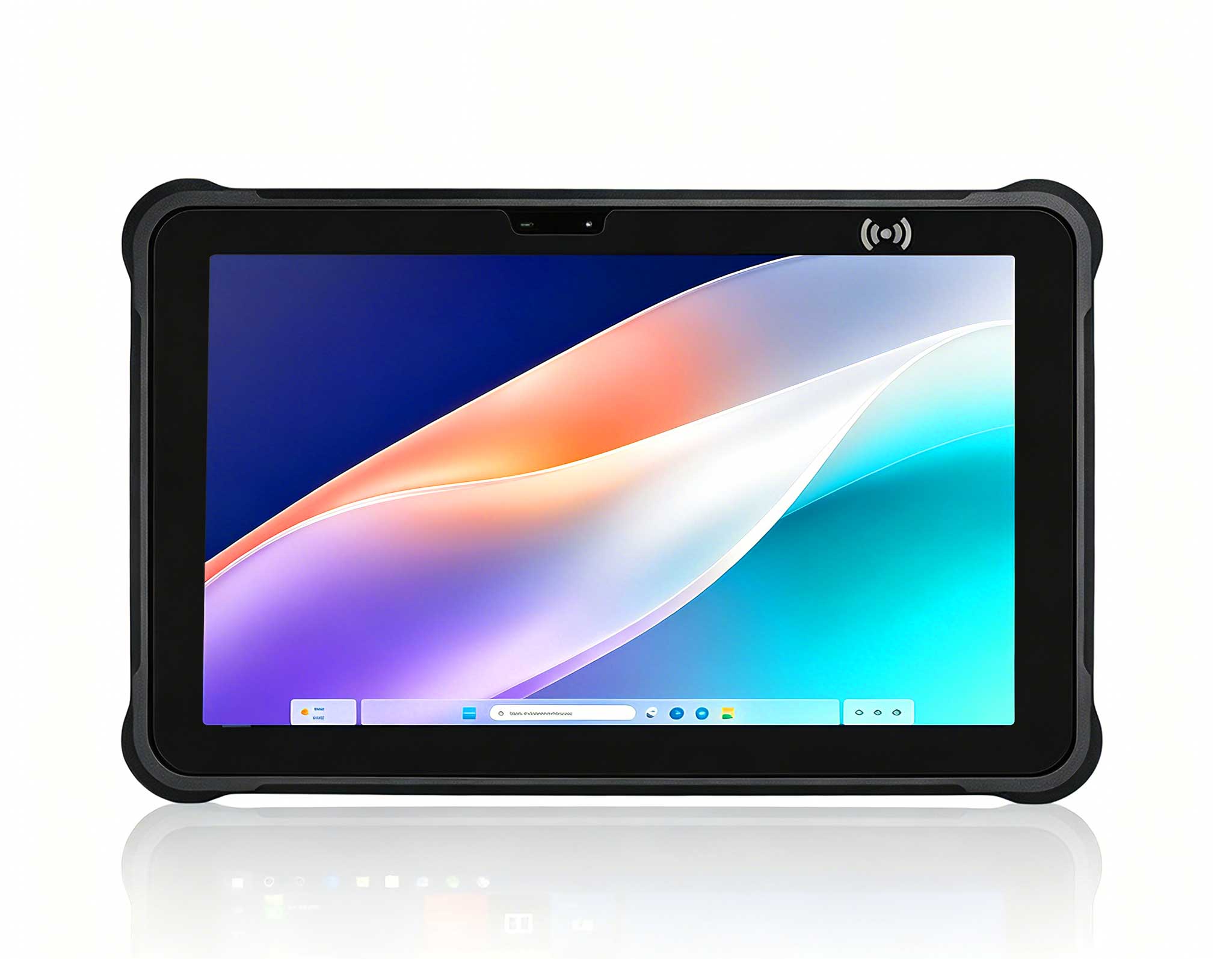
While the mini PCs anchor the lab, the HTNJ08B Rugged Tablet moves with the people who run the classroom. Teachers and lab technicians need a device that survives being carried between rooms, passed around during group work and dropped on a hard floor now and then. The HTNJ08B Rugged Tablet is engineered for that abuse, with a reinforced chassis and a touchscreen that keeps working in bright, busy environments where an ordinary tablet would not last a term.
Beyond durability, the tablet simplifies daily operations. A teacher can walk the aisles, monitor student screens, run the central teaching console and answer questions without returning to a fixed desk. Technicians can use the same rugged device to access maintenance tools and inventory records while standing next to the rack. One device that survives the classroom floor while doing the job of both a teaching panel and a service terminal gives schools real flexibility, and it ties the whole lab together into a single, coherent workflow.

The three devices are not competitors for the same slot in a lab; they complement each other. The table below summarizes the key differences to guide purchasing decisions.
| Attribute | HCAR5000 MI | WTR PRO AMD | HTNJ08B Rugged Tablet |
|---|---|---|---|
| Best Role in a Lab | Standard student workstation | Performance-intensive coursework | Mobile teacher console and service terminal |
| Form Factor | Ultra-compact mini PC | Compact mini PC with AMD power | Rugged tablet with touchscreen |
| Key Strength | Low power, quiet, easy to image | High performance for creative apps | Durability and portability |
| Ideal Environment | Dense lab with many units | Labs running design and data software | Multi-room classrooms and mobile staff |
| Maintenance Profile | Uniform fleet, simple swaps | Fewer units needed for heavy tasks | Withstands drops and daily handling |
Total cost of ownership often decides a purchasing decision more than the sticker price. In education, budgets stretch over many years, and every repair or replacement eats into funds meant for teaching. The HCAR5000 MI keeps running costs low through energy efficiency and a standardized fleet, which shortens mean time to repair. The WTR PRO AMD protects the budget differently: it concentrates high performance in fewer machines, so schools avoid buying and maintaining a second class of equipment.
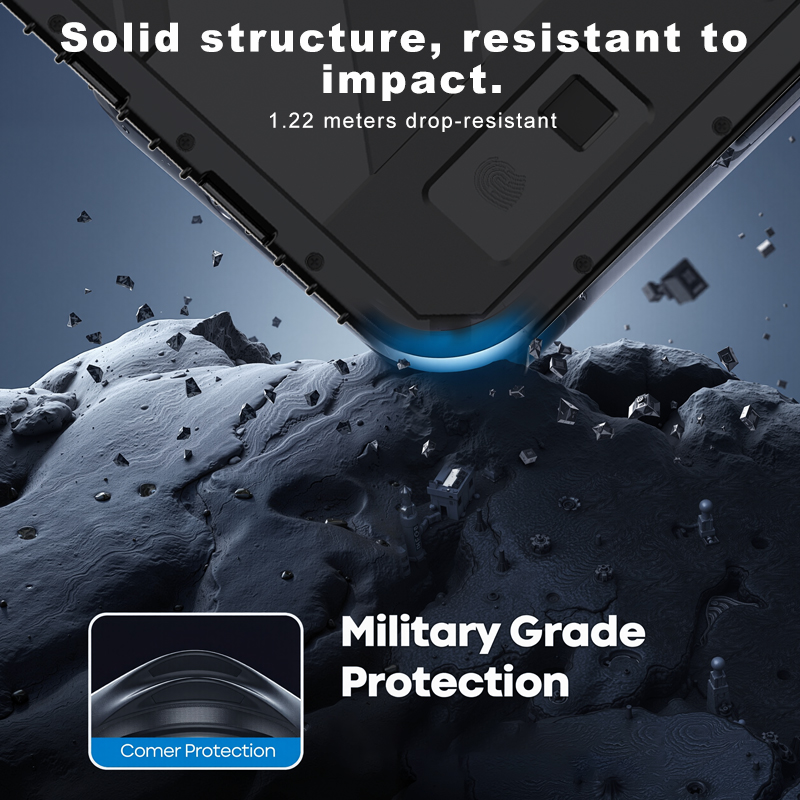
Durability is where the HTNJ08B Rugged Tablet shines. A device handled by dozens of students across the school year accumulates drops, bumps and spills. Consumer tablets fail under that pressure, and each failure means a new purchase. Rugged construction turns that recurring expense into a one-time investment. When schools weigh these factors across the full life of a computer lab, the combination of a dependable mini PC fleet and a rugged mobile device consistently delivers the lowest cost per hour of classroom use.
There is no single best device for every computer classroom. The right answer depends on the mix of subjects, the number of students and the size of the technical team. A sensible strategy starts with a solid base of HCAR5000 MI units for everyday work, adds WTR PRO AMD machines where creative and technical coursework demands more power, and equips staff with the HTNJ08B Rugged Tablet so they can manage it all from the floor.
Whichever path you choose, the goal is the same: a lab that starts on time, survives the semester and supports learning instead of interrupting it. With the right hardware, teachers stop repeating themselves, students stay engaged, and technical staff spend their time on improvement instead of firefighting. To review the full family of options before you commit, explore our mini PC solutions and compare the models side by side. For a device that can handle the classroom floor, the rugged tablet range is worth a closer look as well.