- Select Language
The F505 Handheld PDA is a compact, high-performan...
R366-S 5.5-inch Industrial PDA | Qualcomm Octa-cor...
The AMD Mini PC Windows 10 Pro is a compact yet po...
P8 Series 8-Inch Rugged Industrial Tablet PC Mobi...
This ultra-compact mini PC offers powerful perform...
When a client asks me how to keep a self-service kiosk running for three shifts without a single call to IT, my answer is never "buy the cheapest panel on the shelf." Digital signage and self-service terminals live in transit hubs, retail floors, and factory lobbies where dust, vibration, and curious fingers are simply part of the job. The display is only half of the system. You also need a player that will not crash under load, a front panel people can actually touch with confidence, and a handheld that lets your team reconfigure an entire row of machines from the aisle. After wiring Hotus hardware into several of these sites, I have a clear view of which device owns which role. Here is how the SH5-W, the HTQ10A Android Rugged Tablet, and the WTR PRO AMD Mini PC divide the work in a real deployment.
A kiosk is not a living-room TV. It boots before the building opens and keeps running through cleaning crews, temperature swings, and the occasional knocked-over coffee. Consumer-grade boards thermal-throttle, plastic bezels crack, and fan intakes clog within a season. That is why I steer operators toward dedicated digital signage kiosk solutions built on industrial components from the start. The three devices below are not random picks; each one covers a distinct failure point in the field, and together they remove the weak links that usually take a terminal offline.
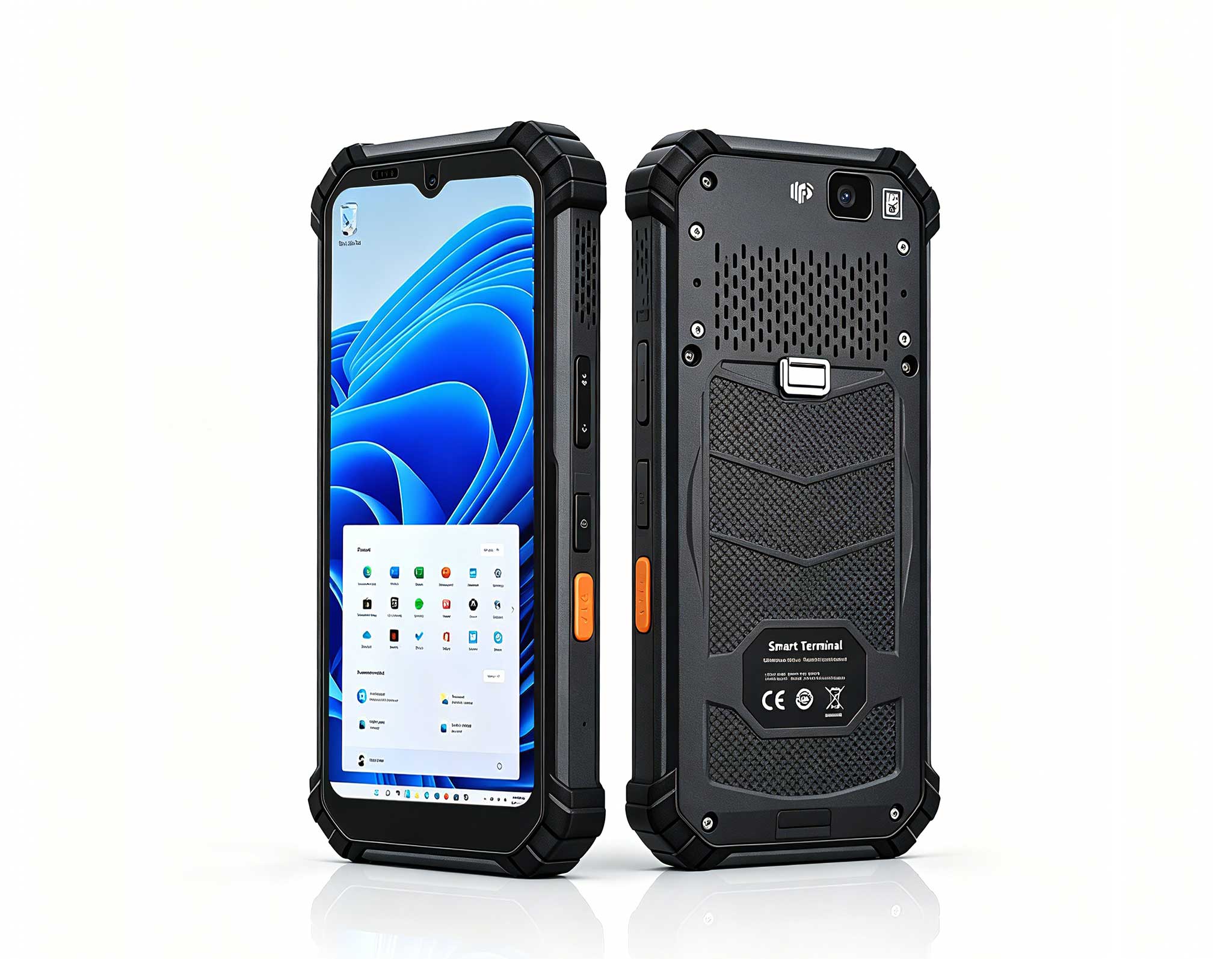
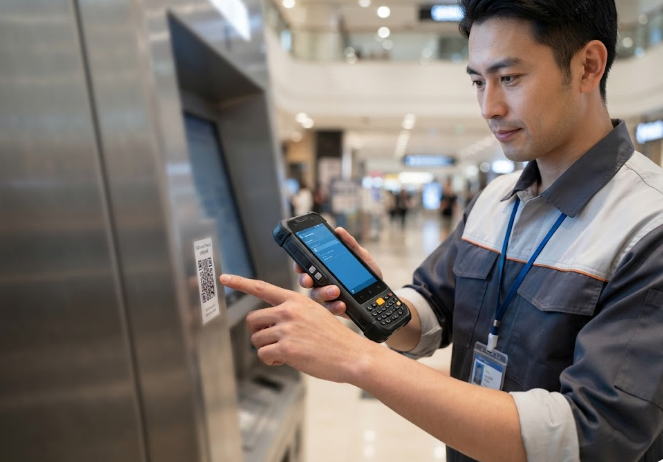
The SH5-W is a 5.5-inch Windows 10 Pro handheld that fits in one hand yet carries a full industrial feature set. Inside sits an Intel Cherry Trail Z8350 quad-core processor with 4GB of RAM and 64GB of storage, enough to run remote-desktop clients, scanner apps, and a kiosk management console without lag. Its 1080x1920 IPS panel holds up at 400 nits, and the 5000mAh battery gives roughly 5.5 hours of field use between charges. What makes it the right tool for signage crews is the rugged envelope: IP65 sealing, 1.2-meter drop resistance, and an operating range of -20 to 55 degrees Celsius. GPS, BeiDou, and GLONASS positioning plus 4G LTE mean a technician can walk the floor, scan a machine's QR tag, and push a config change from anywhere on the network. Optional 1D/2D barcode, UHF RFID, and fingerprint modules turn it into a true mobile service terminal rather than just a phone-shaped PC. For day-to-day kiosk care, the SH5-W is the device I hand to every field engineer.
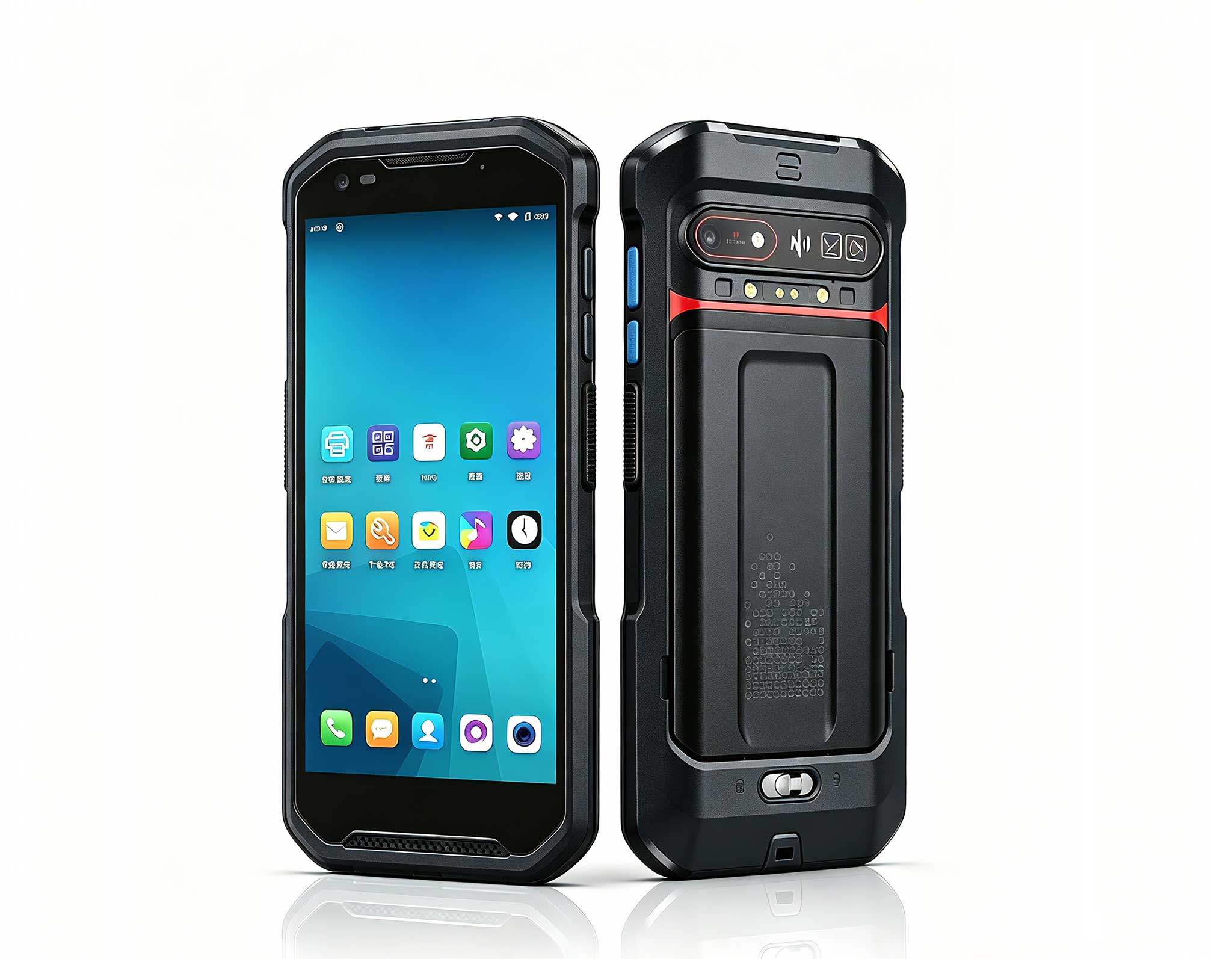
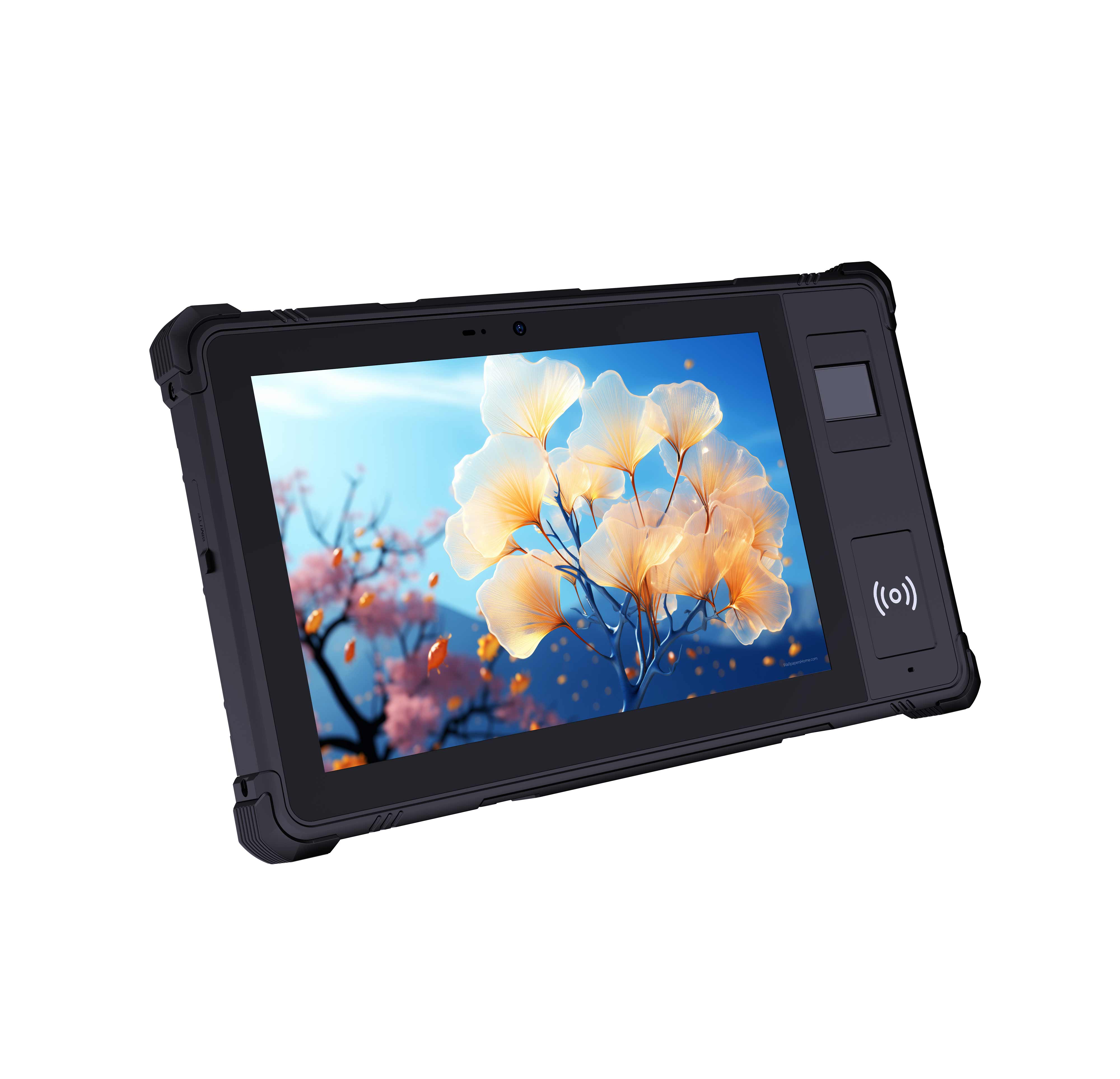
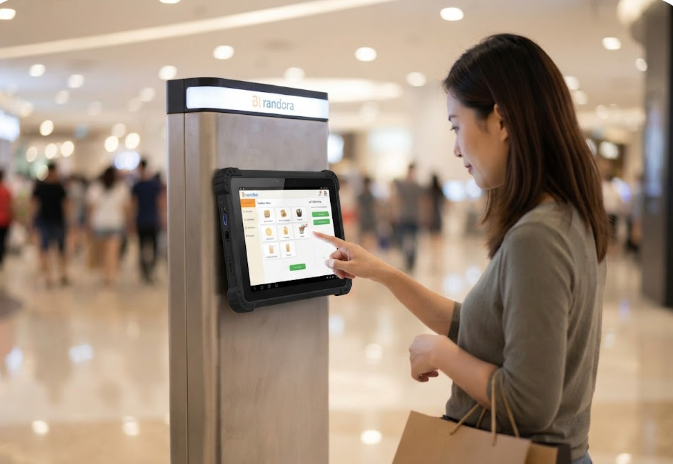
Where the SH5-W is the behind-the-scenes controller, the HTQ10A Android Rugged Tablet is the face your customers actually touch. Its 10-inch LCD runs at 1920x1200 with 560 nits of brightness, so menus stay readable under harsh overhead lighting. An MTK8788 octa-core chip at 2.0GHz, paired with 8GB of RAM and 128GB of storage, keeps an Android kiosk app smooth even when multiple people queue at the panel. The 7000mAh battery supports all-day interactive use, and the IP67 rating with 1.22-meter drop resistance shrugs off spills and bumps that would destroy a consumer tablet. Interfaces are generous: USB, Type-C, Mini HDMI, a combined TF and SIM slot, and a 12-pin POGO connector for a charging dock, which makes countertop mounting clean. Optional 4G, NFC, barcode scanning, and fingerprint round it out as a self-checkout or visitor-registration front end. When the job calls for a customer-facing screen, the HTQ10A Android Rugged Tablet is my first recommendation.
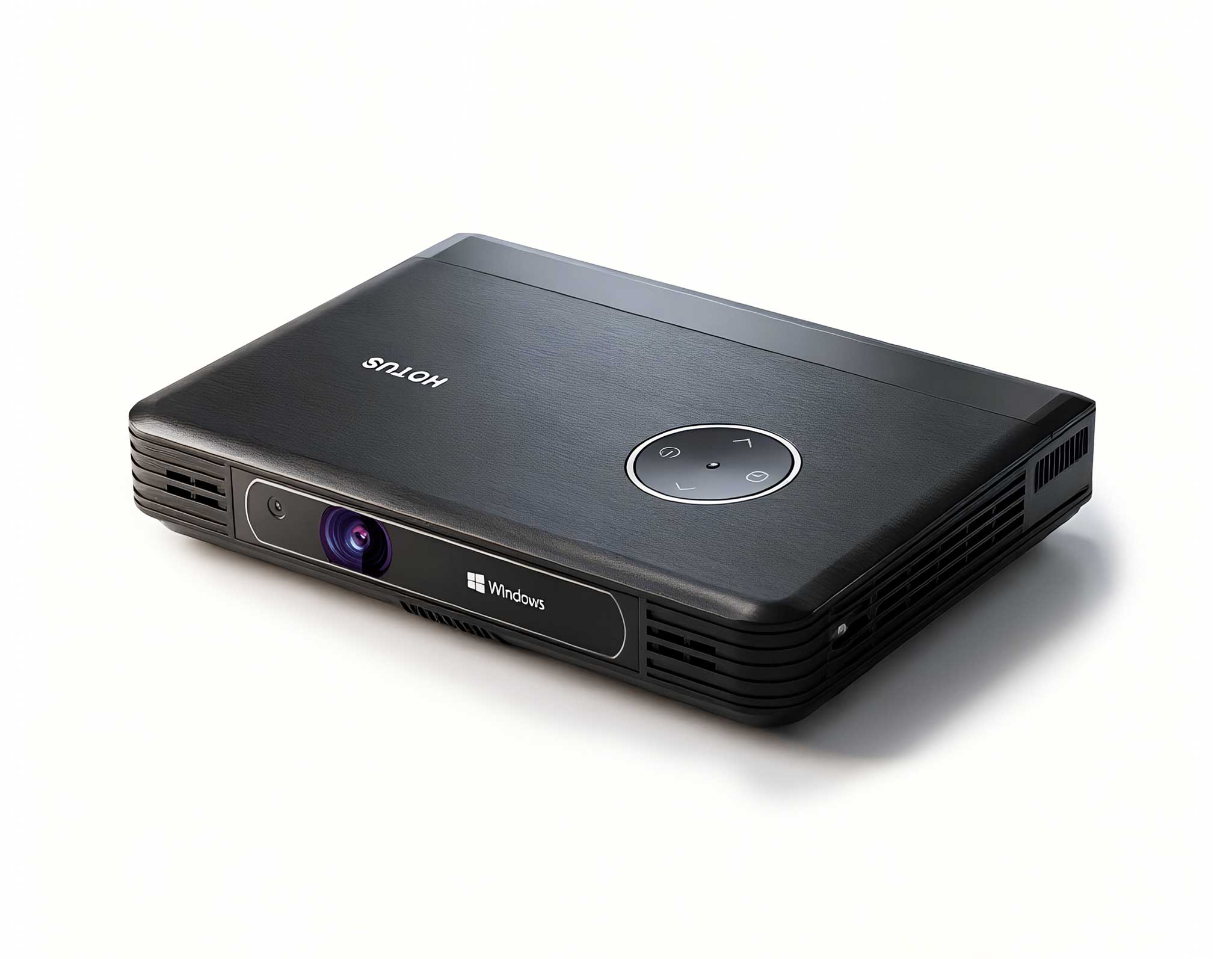
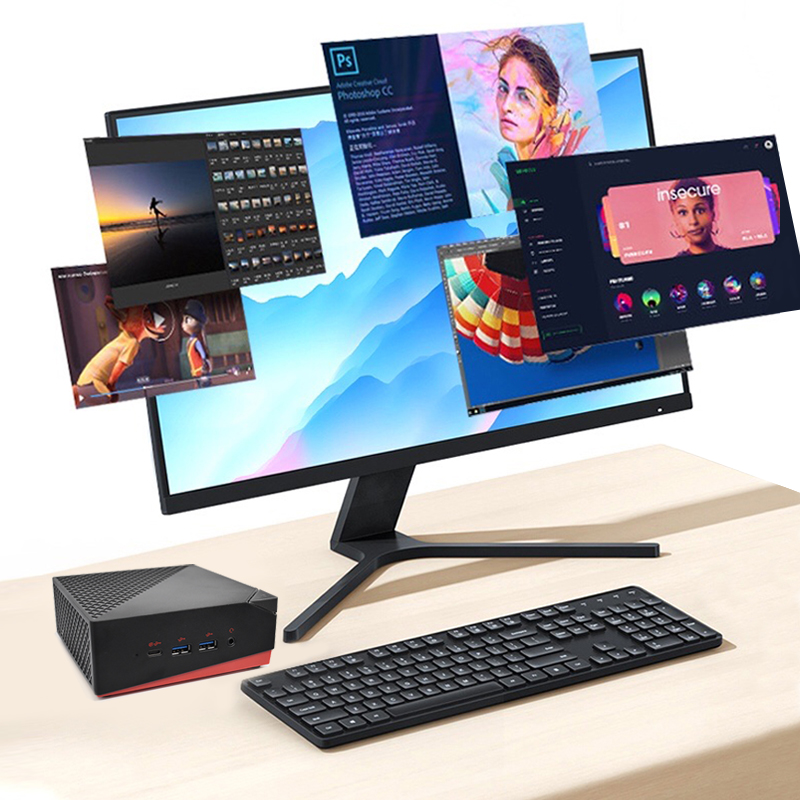
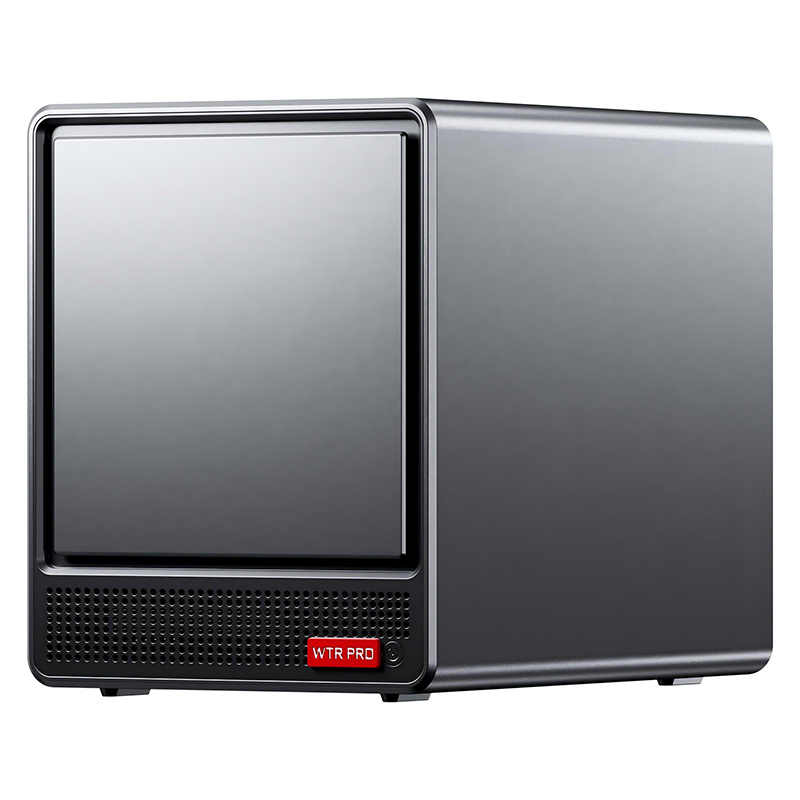
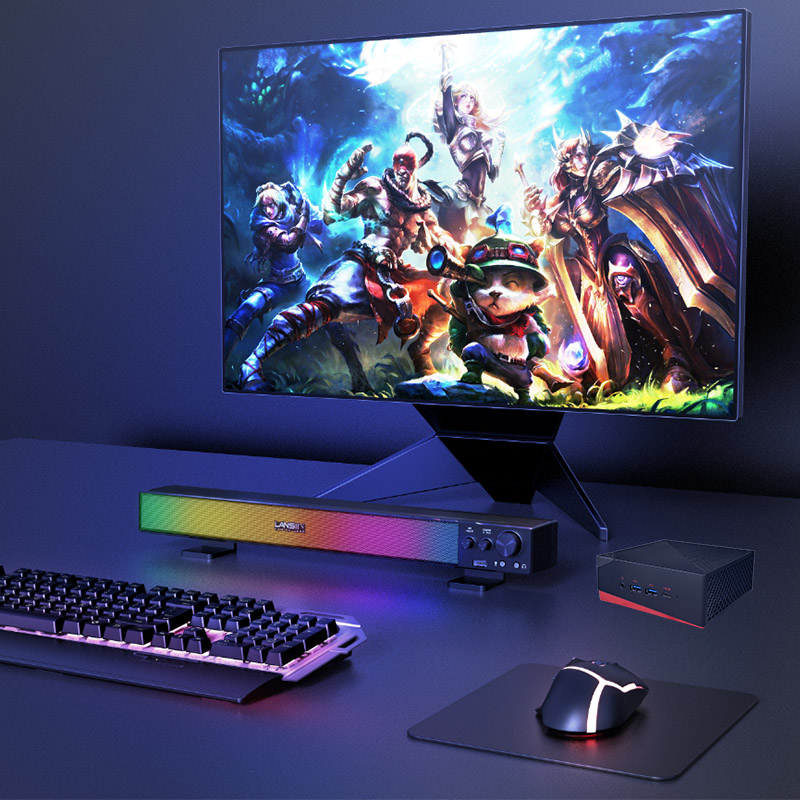
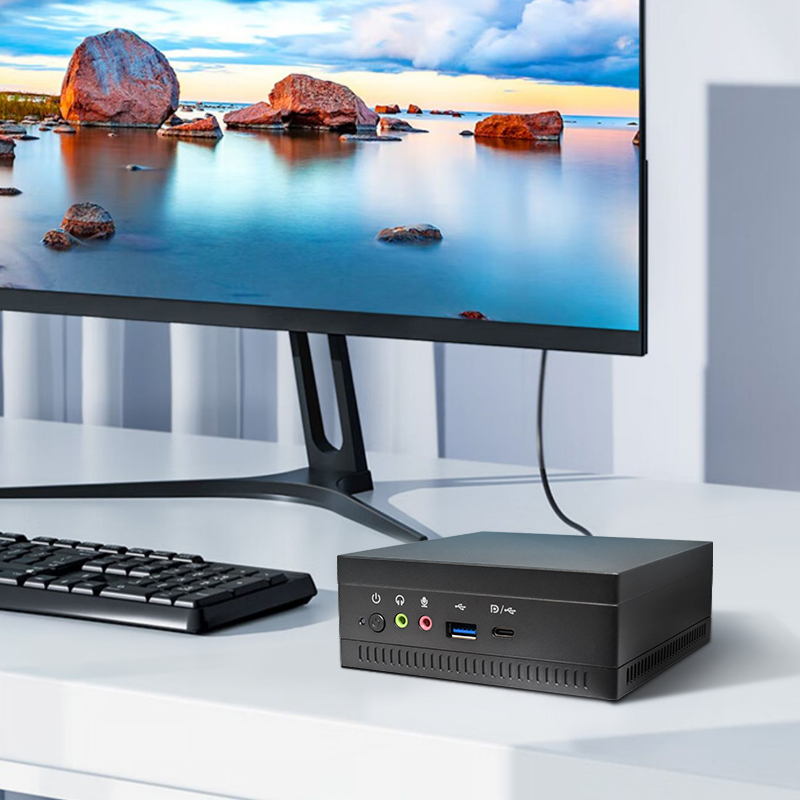
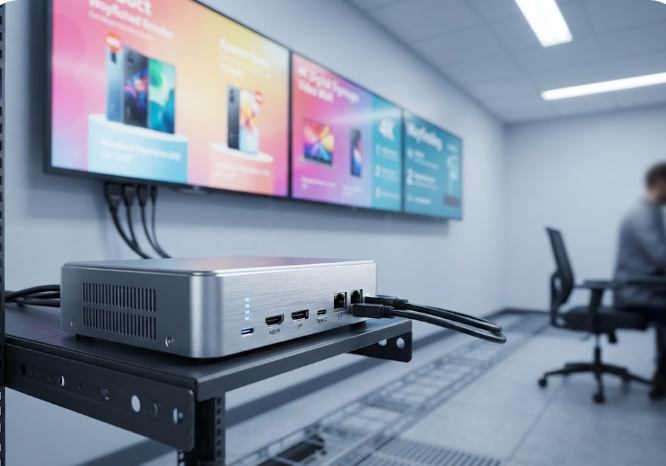
Every kiosk row needs a brain, and the WTR PRO AMD Mini PC is built to be exactly that. Powered by an AMD R7 5825U or Intel N100 with Radeon or UHD graphics, it drives up to three 4K displays at once through HDMI, DisplayPort, and Type-C, so a single box can feed a main signage wall plus two side panels. The 4-SATA version supports up to four drives, which is why I use it as both a high-speed NAS and a local content cache; if the wide-area link drops, the screens keep playing from on-box storage. Dual 2.5G Ethernet ports handle fast file transfer and secure network isolation, and WiFi 6 covers wireless backhaul. The metal chassis dissipates heat passively enough for fan-light operation in dusty lobbies, and at 120W it sips far less power than a tower PC. For the backend that actually runs the show, the WTR PRO AMD is the quiet workhorse I trust.
| Model | Operating System | Processor | Display | Memory and Storage | Protection | Power | Best Kiosk Role |
|---|---|---|---|---|---|---|---|
| SH5-W | Windows 10 Pro | Intel Cherry Trail Z8350, quad-core | 5.5" IPS, 1080x1920, 400 nits | 4GB RAM, 64GB ROM | IP65, 1.2m drop | 5000mAh, ~5.5h | Mobile config and control |
| HTQ10A Android Rugged Tablet | Android 12 | MTK8788, octa-core 2.0GHz | 10" LCD, 1920x1200, 560 nits | 8GB RAM, 128GB ROM | IP67, 1.22m drop | 7000mAh | Interactive front panel |
| WTR PRO AMD Mini PC | Windows 11 | AMD R7 5825U or Intel N100 | Triple 4K via HDMI, DP, Type-C | DDR4 x2, NVMe x2, 4x SATA | Metal chassis | 120W, 4-bay storage | Signage engine and local server |
The mistake I see most often is forcing one box to do everything. If you only need a customer to tap through a menu, the HTQ10A alone may be enough. If you are running a multi-screen video wall with local caching and isolated guest networks, the WTR PRO AMD earns its place as the engine. And if your team services dozens of terminals across a site, the SH5-W turns a two-hour patrol into a twenty-minute walk. Pick by failure mode, not by price: choose the device that removes the specific thing that breaks first. A transit hub with high touch traffic wants the IP67 front panel; a warehouse office with a content wall wants the triple-4K mini PC; a distributed retail chain wants the handheld for remote care.
Digital signage succeeds when the hardware disappears into the background and the message stays front and center. With the SH5-W handling mobile service, the HTQ10A owning the touch experience, and the WTR PRO AMD driving the screens and storage, you get a stack that is rugged by design rather than rugged by afterthought. If you are planning a rollout and want to see how these pieces fit your floor plan, take a moment to explore our mini PC solutions and talk to our team about a configured bundle. The right combination ships ready to boot, and your IT queue stays quiet.