- Select Language
The T80 handheld PDA combines advanced barcode sca...
The N40 Android smart PDA features a Cortex-A53 qu...
This dual touchscreen gaming laptop combines cutti...
One Device, Dual Functions – A Projector and a Com...
The R501 PDA combines a powerful MT6762 Octa-Core ...
The U9000 handheld PDA combines advanced barcode s...
When I moved the last part of my team to permanent remote work, the same complaints surfaced within a week: dropped video calls, laggy remote desktops, and a laptop fan that sounded like a jet engine under the desk. Home office troubleshooting is rarely about the software. Most failures trace back to the hardware we place on the desk and the way it handles heat, wireless signals, and movement between rooms. This guide walks through the faults I see most often and the device choices that actually fix them.
If you are building a distributed team from scratch, start with a clear plan rather than whatever spare laptop is lying around. We publish dedicated remote work home office solutions that map each role to the right hardware profile before you buy anything.
A loud fan is not a personality trait of a small machine; it is a distress signal. The instant a processor hits its thermal ceiling it clips its clock speed, and the person on the other end of your screen share watches the frame rate collapse. In a home office the acoustic nuisance is just the visible half of the problem. The real cost is the lost headroom during the exact hours you need steady performance. Silence, in my experience, usually means margin: the system is cooling itself without screaming for help.
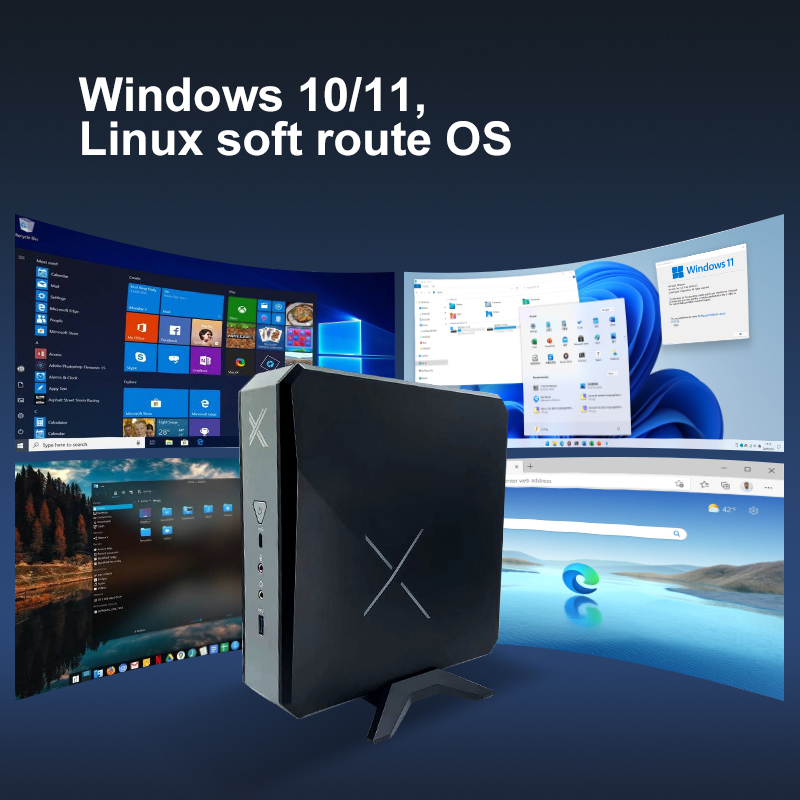
The palm-sized mini PC mounts behind the monitor and essentially disappears. With no spinning fan there is no dust intake, no bearing to fail, and no clock drop during an eight-hour shift of browser tabs and remote sessions. For knowledge workers who live inside a remote desktop, this one change removes the two most common home office faults at once: thermal throttling and the acoustic distraction that makes every call feel like a wind tunnel. A wired LAN port on the same unit also takes WiFi congestion out of the equation for the machine that does the heavy lifting.
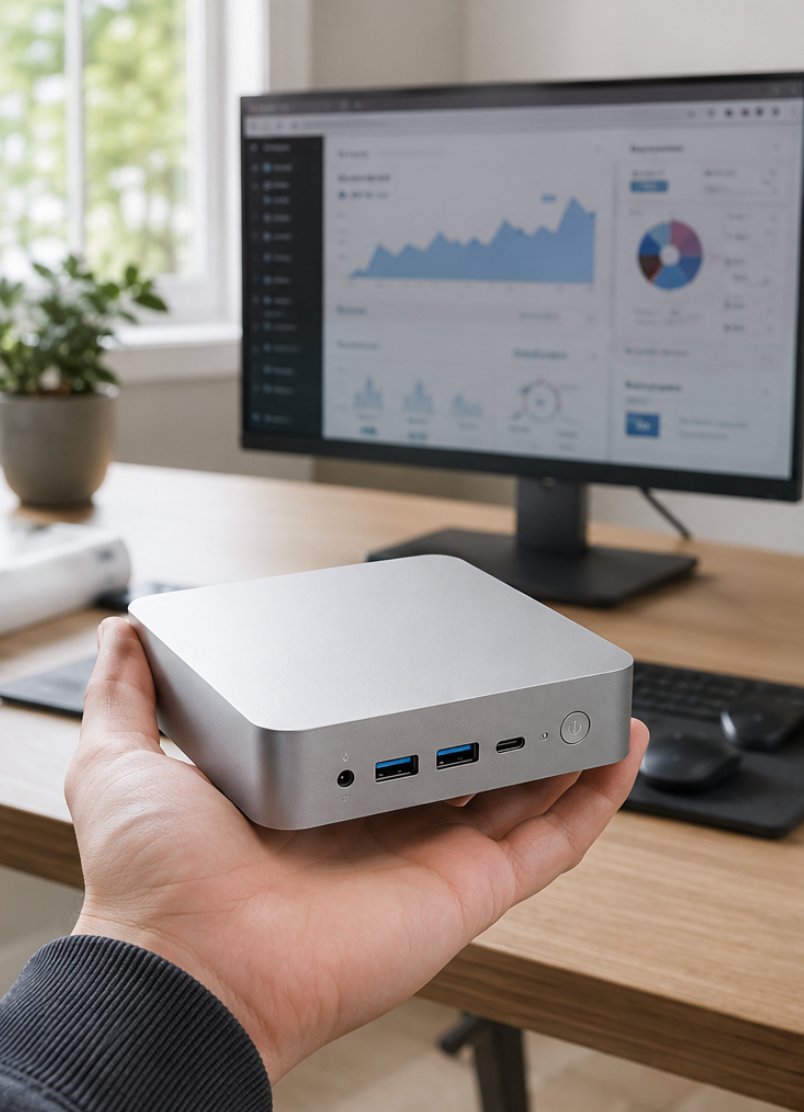
For a deeper look at the unit itself, the Palm-sized miniPC product page lists the port layout and mounting options I rely on for clutter-free desks.
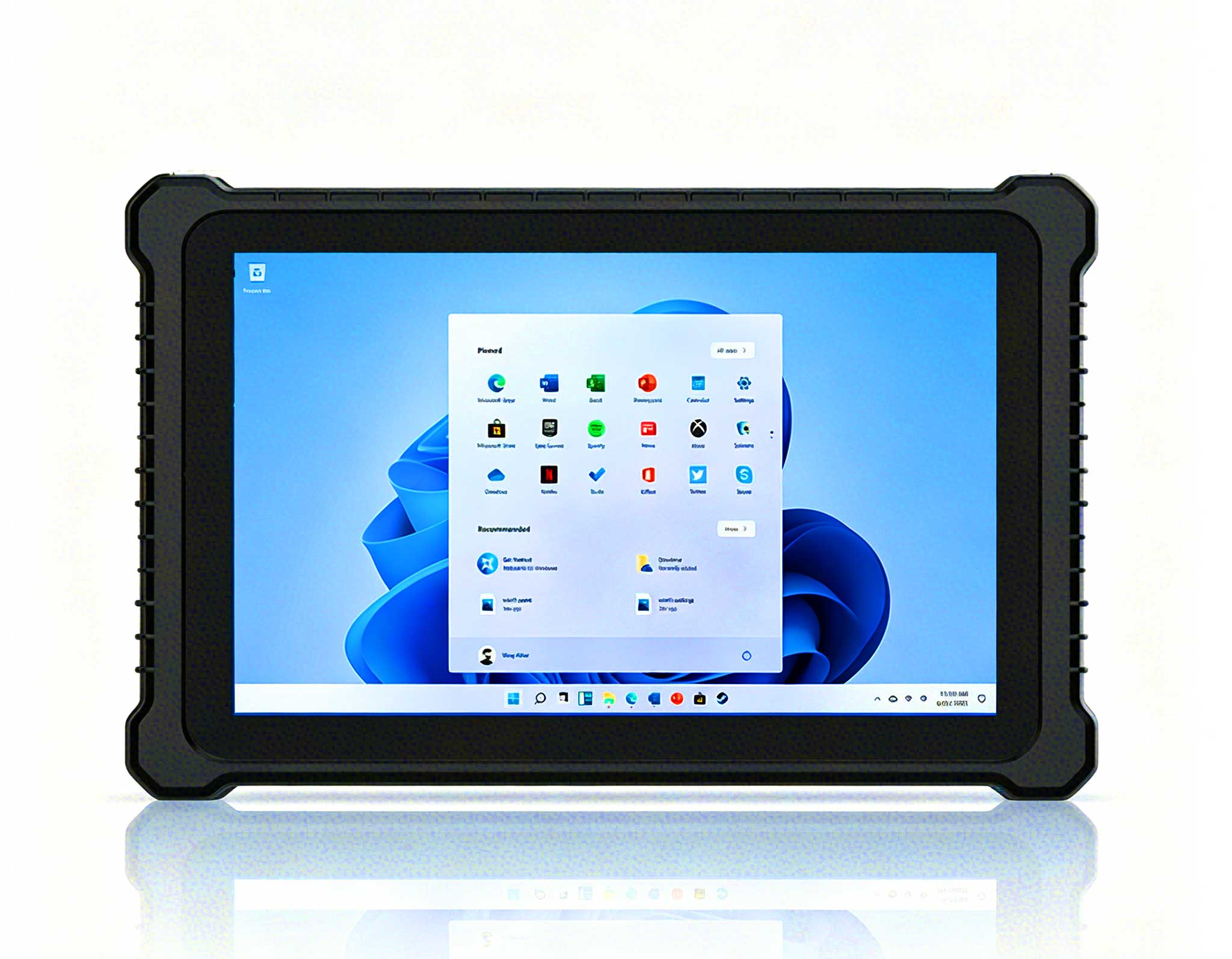
Remote work is not always at a desk. Plant walkthroughs, warehouse check-ins, and on-site customer visits still need a screen that survives a drop and a spilled coffee. The ST9-J 8-inch rugged tablet holds a stable wireless link while you walk, and its sealed body shrugs off the kind of accident that would end a consumer laptop. I have handed these to field staff who previously tethered a phone to a cracked consumer tablet, and the link stability alone paid for the swap.
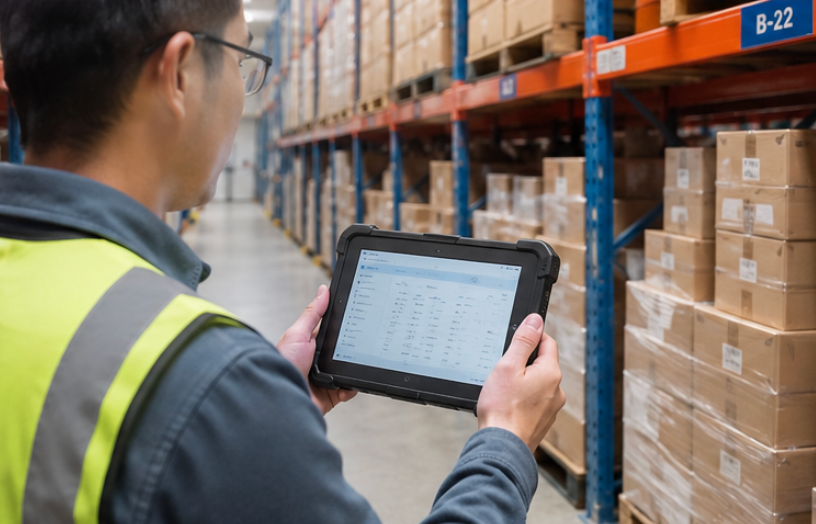
The ST9-J page covers the ingress rating and cellular option that keep a roaming worker online when the office WiFi does not reach.
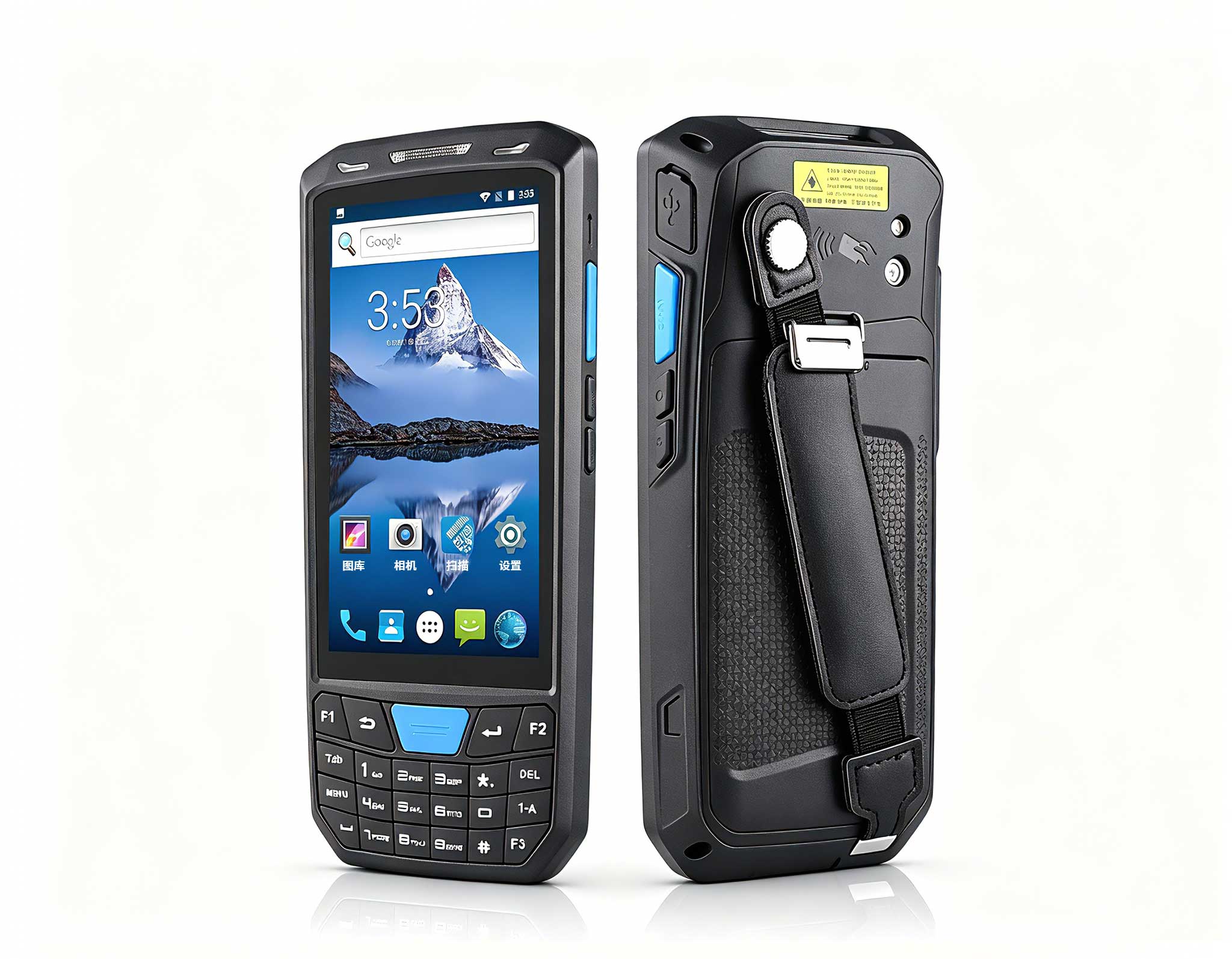
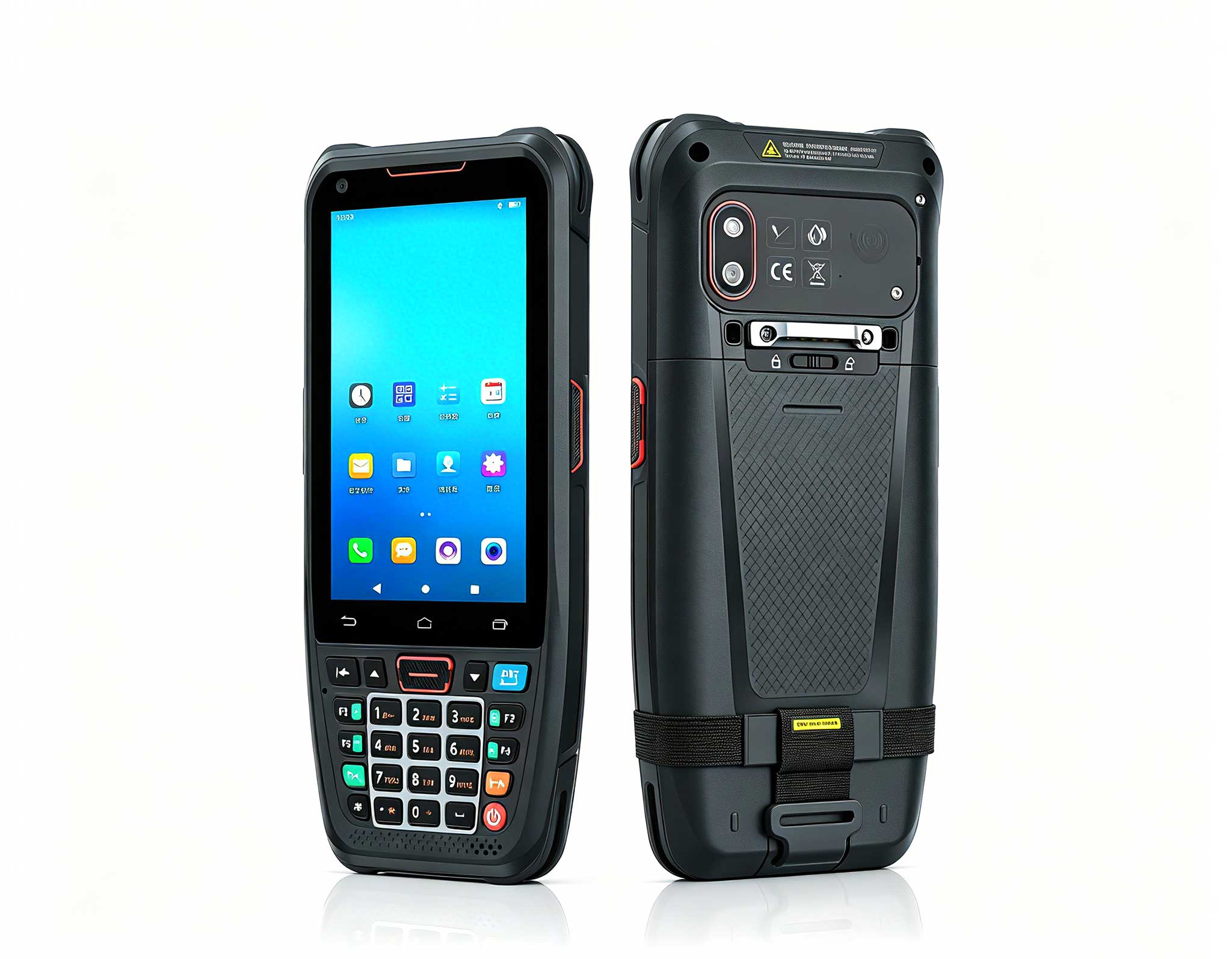
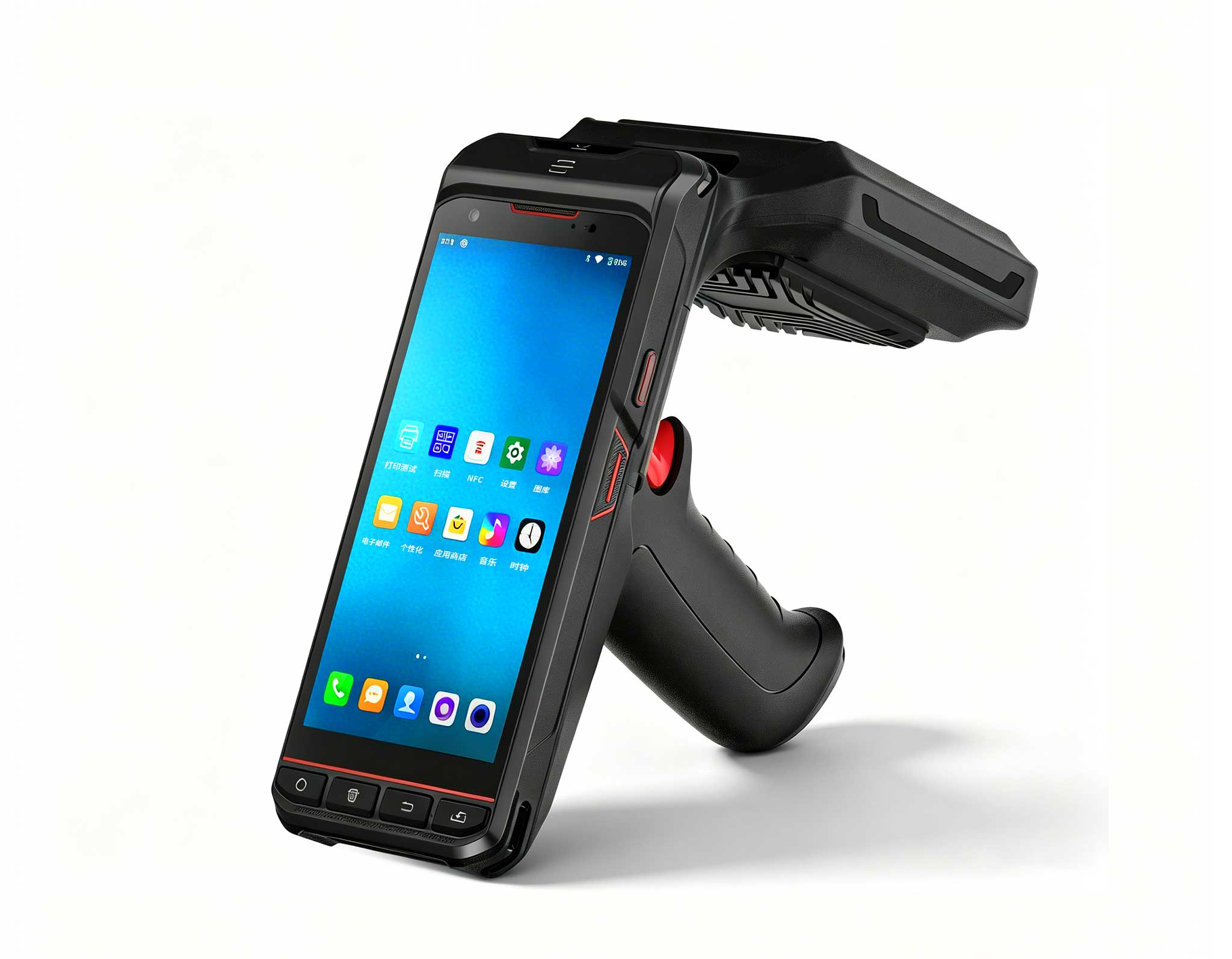
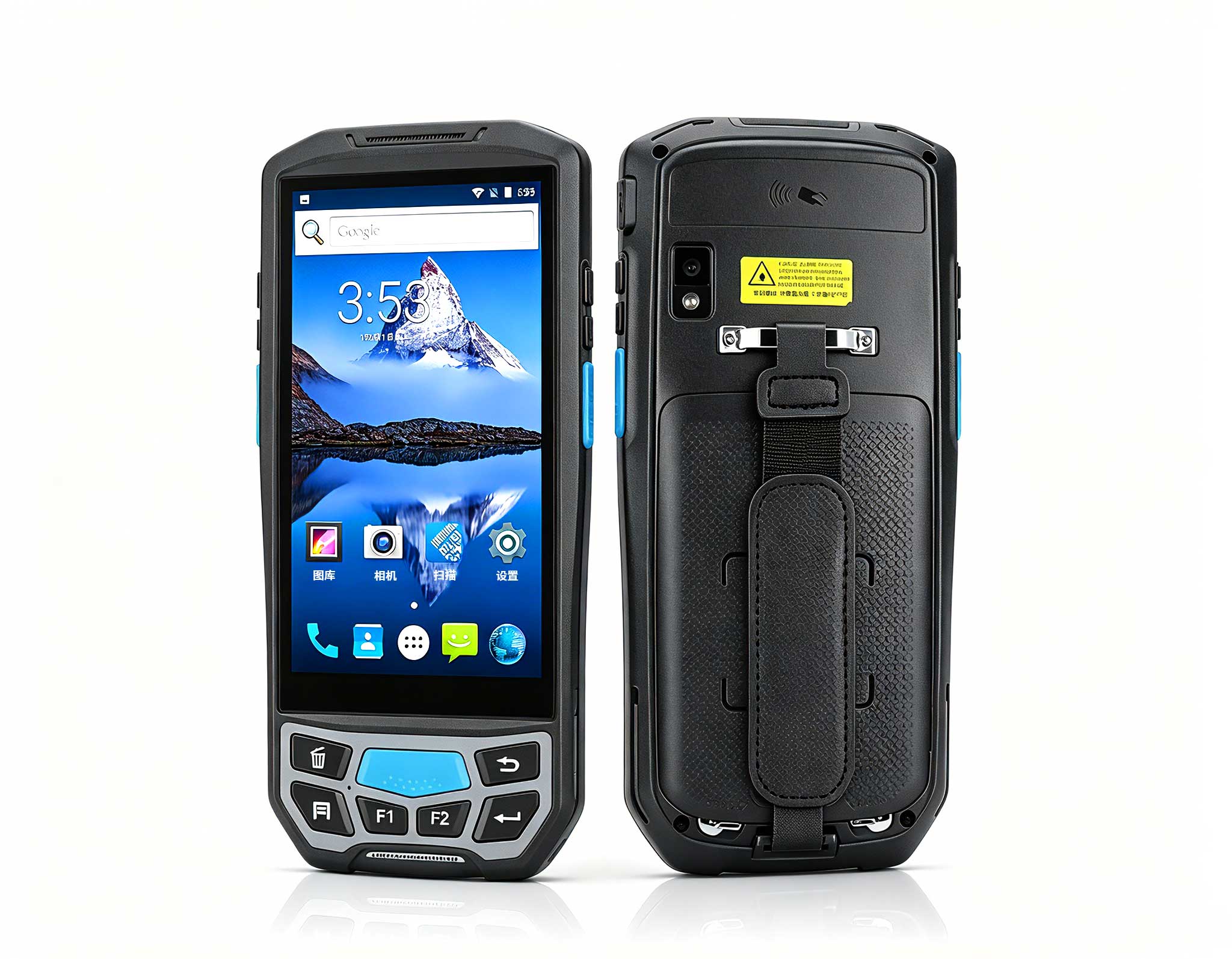
Some home-based operations still touch physical stock: spare parts, returns, sample fulfillment, even small-batch shipping from a garage. The SH6 handheld terminal turns a fragile phone into a purpose-built scanner with a dedicated trigger and a battery that outlasts the shift, so a barcode misread never quietly becomes a shipping fault. For anyone running inventory from a home base, the ergonomics of a real trigger reduce the mis-scans that pile up at the end of a long day.
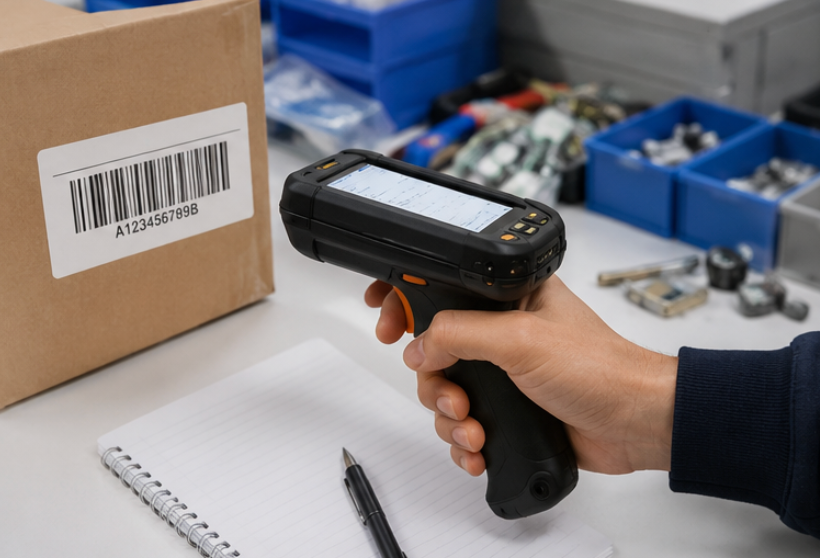
Details on the SH6 handheld, including its scanning engine and grip design, are on the product page.
| Device | Form factor | Durability | Wireless | Best for |
|---|---|---|---|---|
| Palm-sized miniPC | Fanless palm-sized box | Passive cooled, desk use | WiFi 6, wired LAN | Fixed desk remote work |
| ST9-J | 8-inch rugged tablet | Sealed, drop resistant | WiFi plus cellular | Mobile on-site work |
| SH6 | Handheld scanner | Rugged grip, long battery | WiFi, RFID ready | Inventory and scanning |
Configurations vary by batch and region, so confirm the exact ports, wireless bands, and ratings on the specific SKU with our team before you standardize a fleet.
The faults below account for almost every home office ticket I have handled, and most of them are solved by moving the right device into the right spot.
Dropped WiFi during calls usually means the laptop is too far from the access point or stuck on a crowded 2.4 GHz band. Put the palm-sized mini PC on a wired connection and the video freezes stop. Bluetooth peripheral cuts trace back to USB 3.0 interference or a dongle hidden behind the monitor; a short extension cable and line-of-sight fix most of them. Remote desktop lag is almost always the client machine gasping for thermal headroom, which the fanless mini PC removes by design. Tablet link drops while walking are solved by the ST9-J cellular fallback. Scan misreads shrink dramatically once the SH6 dedicated trigger replaces a phone camera.
The selection rule is simpler than any spec sheet. Desk-bound knowledge work points to the mini PC. A role that moves between sites points to the ST9-J. Anything that touches physical stock points to the SH6. Mixed routines pair a mini PC at the home base with a rugged tablet in the bag, so the worker never downgrades to a consumer device when the environment gets rough.
Pick by fault, not by headline number. Quiet fanless compute for the desk, rugged mobility for the field, handheld scanning for inventory. Start from the failure you hate most and let the device remove it. To compare the full lineup and read deployment notes from similar teams, explore our mini PC solutions and talk to our team about a profile that fits your routine.