- Select Language
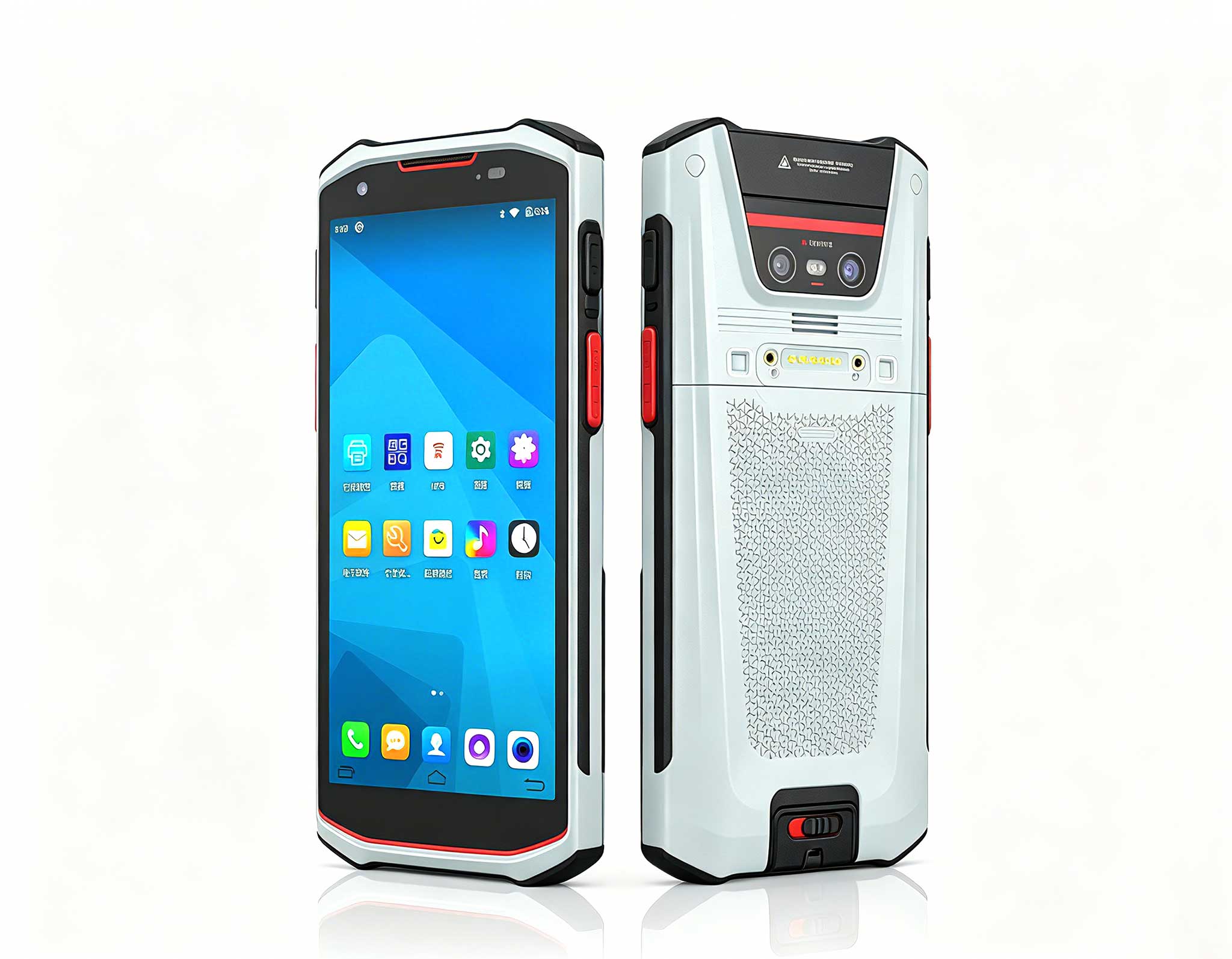
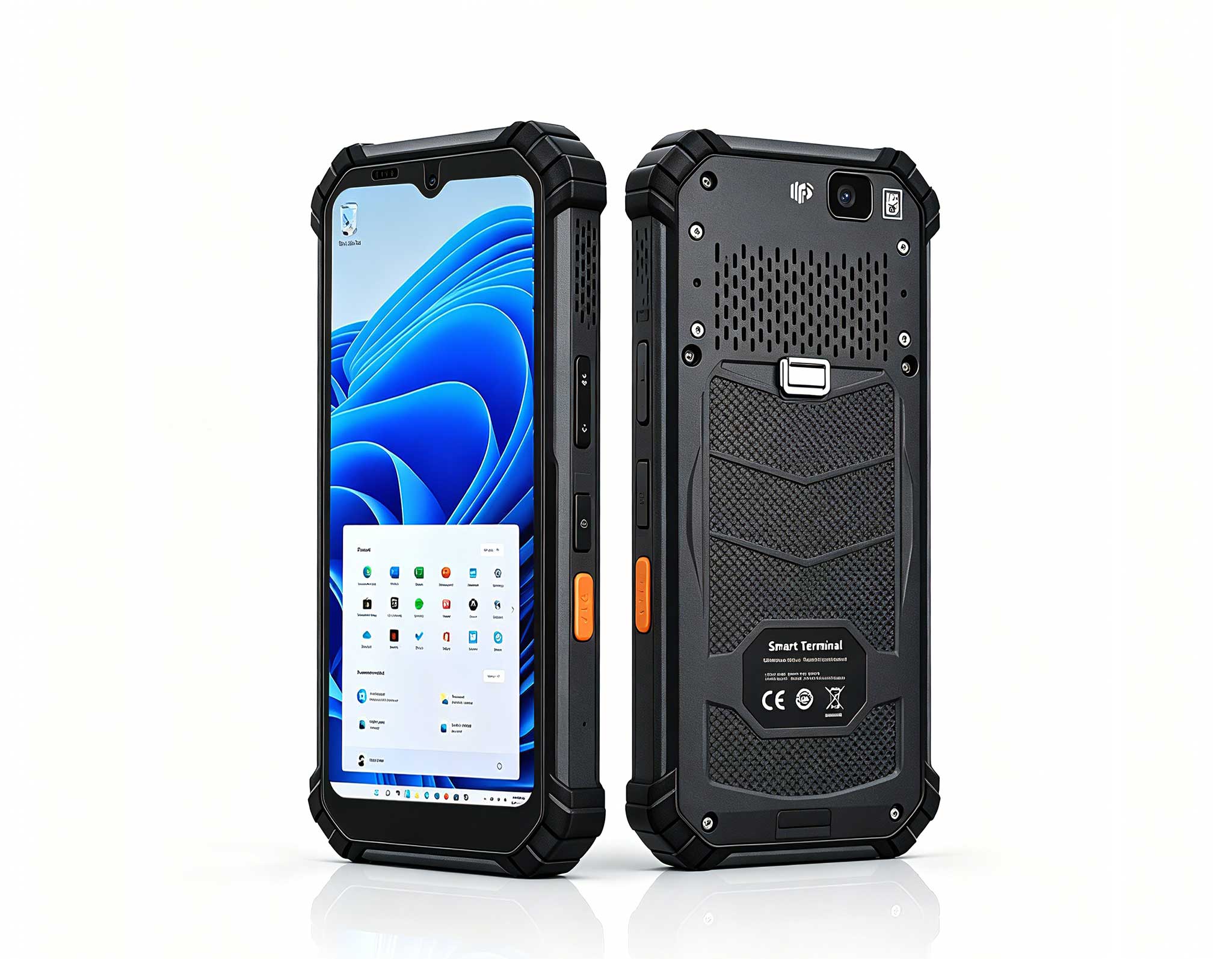
The T80 handheld PDA combines advanced barcode sca...
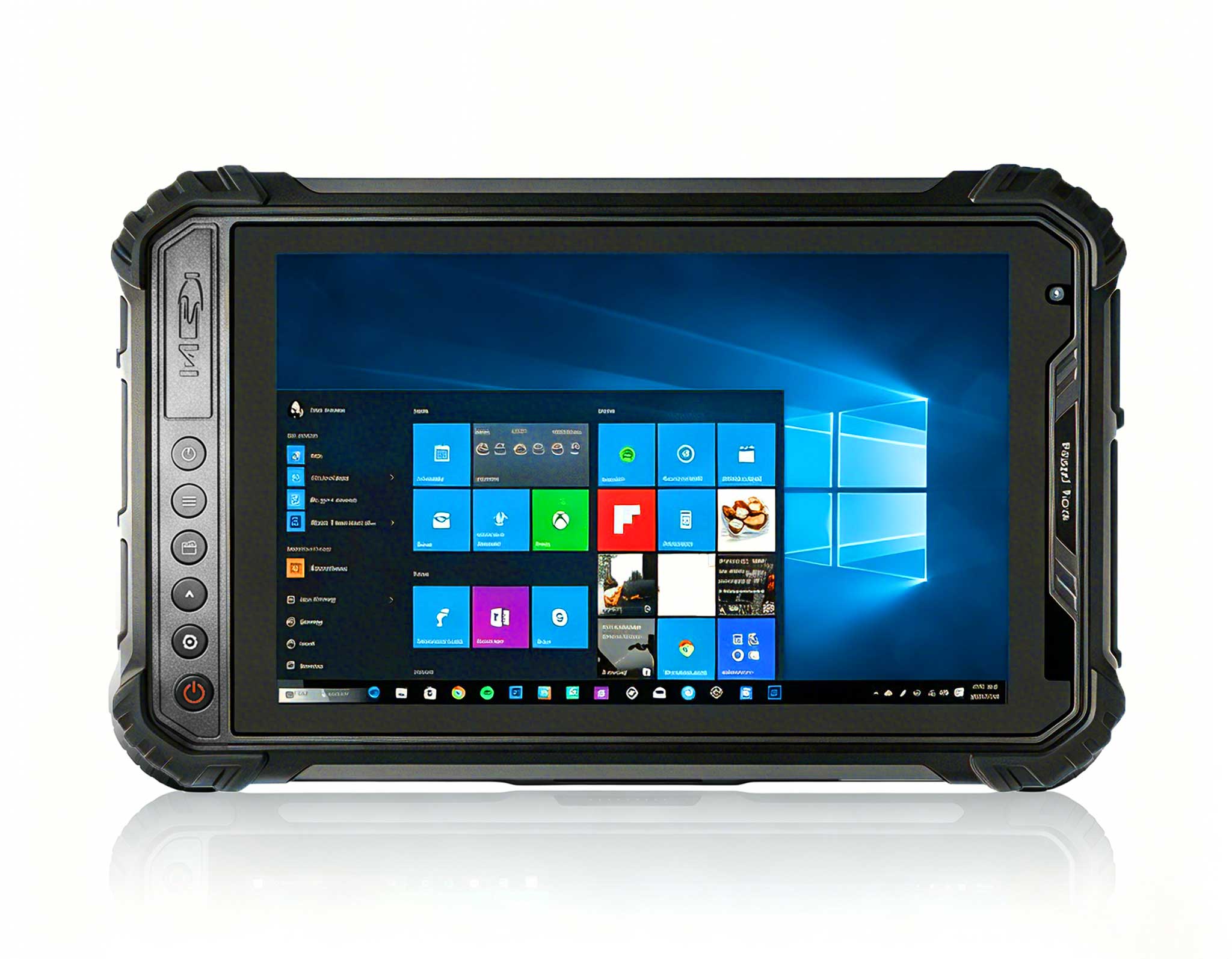
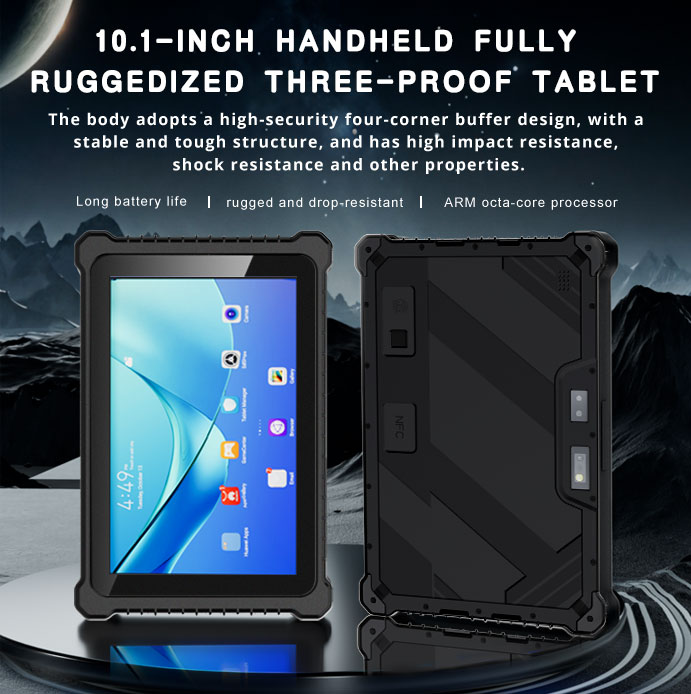
RT80 5G Rugged Tablet | 10.1" FHD 400nit | Un...
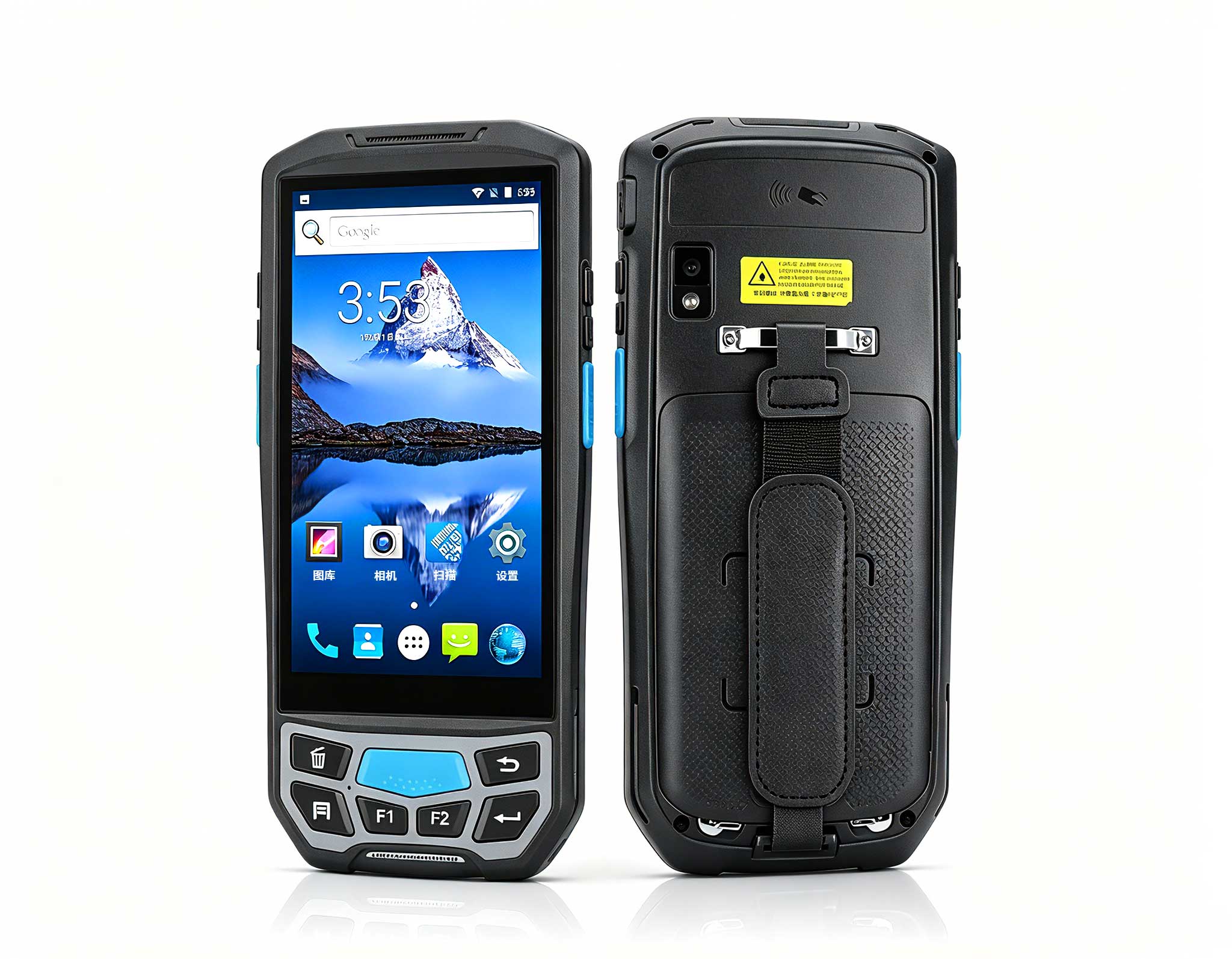
The U9000 handheld PDA combines advanced barcode s...
The EGPU Graphics Card Expansion Dock is a high-pe...
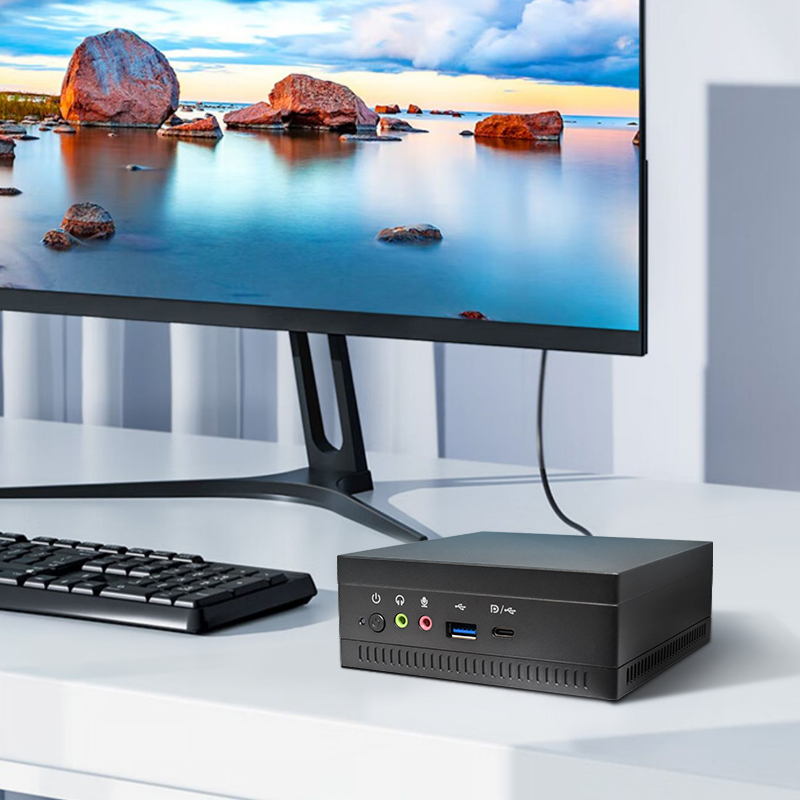
This ultra-compact mini PC offers powerful perform...
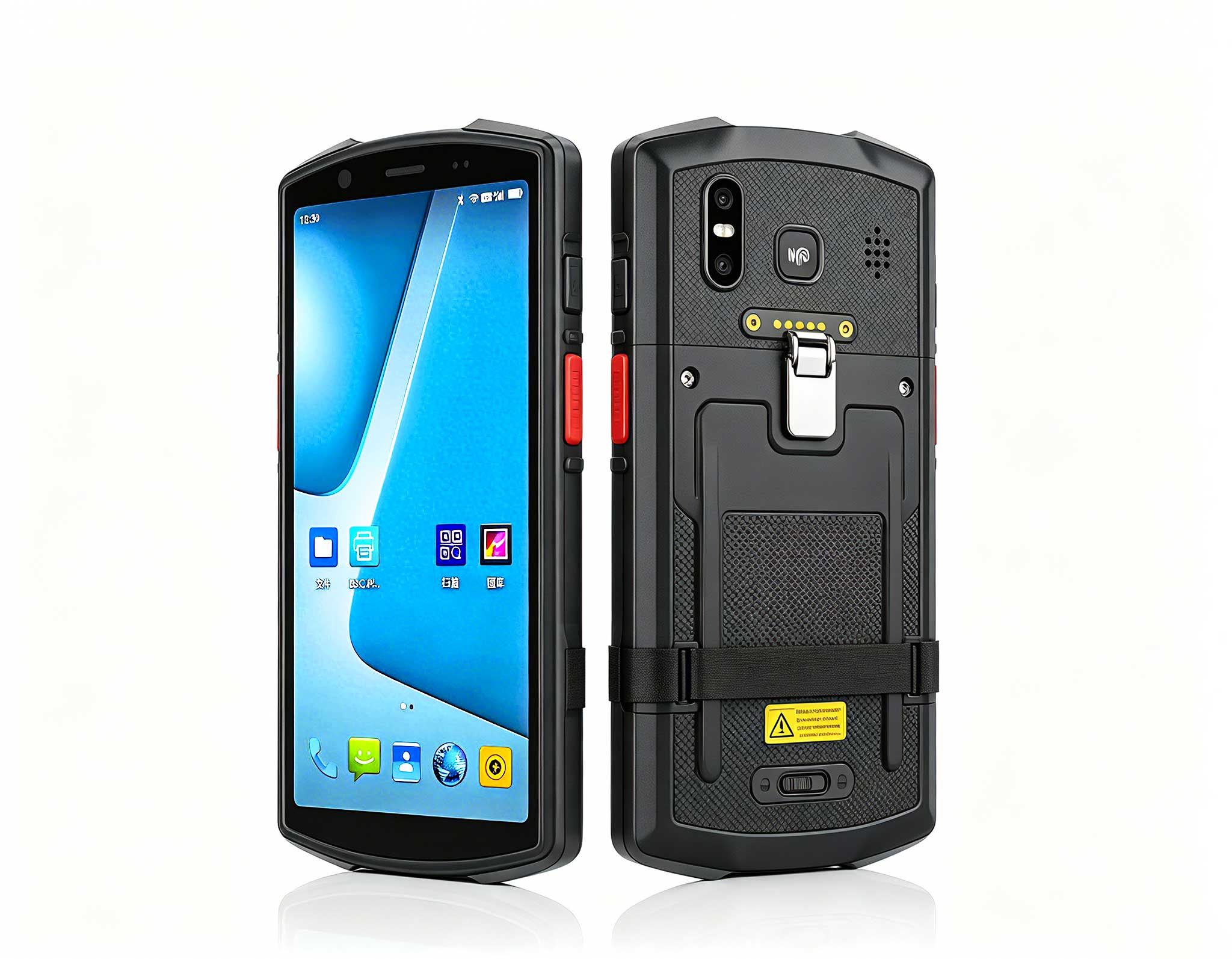
The N60 PDA is a cutting-edge device for inventory...
I have walked enough store floors to know that checkout hardware rarely dies dramatically. It fades. A scanner window turns cloudy, a vent clogs with dust, a battery that once lasted a full shift now taps out by lunch. Most of what store teams call a breakdown is really a maintenance gap that built up over weeks. This playbook comes from a regional convenience chain that runs a Palm-sized miniPC at each counter alongside Handheld PDA F505 and T80 Handheld PDA units on the floor, and it is the routine that kept their lanes open through a full year of double shifts.
The first sign is almost never an error code. It is a cashier reaching for a device twice, or a queue that moves slower on Mondays than on Saturdays. At this chain, the store team logged three recurring complaints: scanners that hesitated on wrinkled labels, a counter box that ran warm by mid-afternoon, and handhelds that needed a top-up before the shift ended. None of these looked like failures on paper. All of them cost real minutes at the till. The useful insight was to treat the three complaints as one system rather than three separate devices, because the counter host, the floor scanners, and the charging routine all feed the same outcome, lanes that stay open.
Uptime at the till is not won by buying tougher hardware alone. It is won by habits that take ninety seconds a day and hold their value for years. The chain standardised early on rugged barcode and RFID handhelds for checkout that could survive a twelve-hour shift, then discovered that the hardware only paid off once someone owned the routine. A device that is wiped, docked, and checked daily will outlast a tougher device that nobody touches. That is the whole argument for writing the routine down.
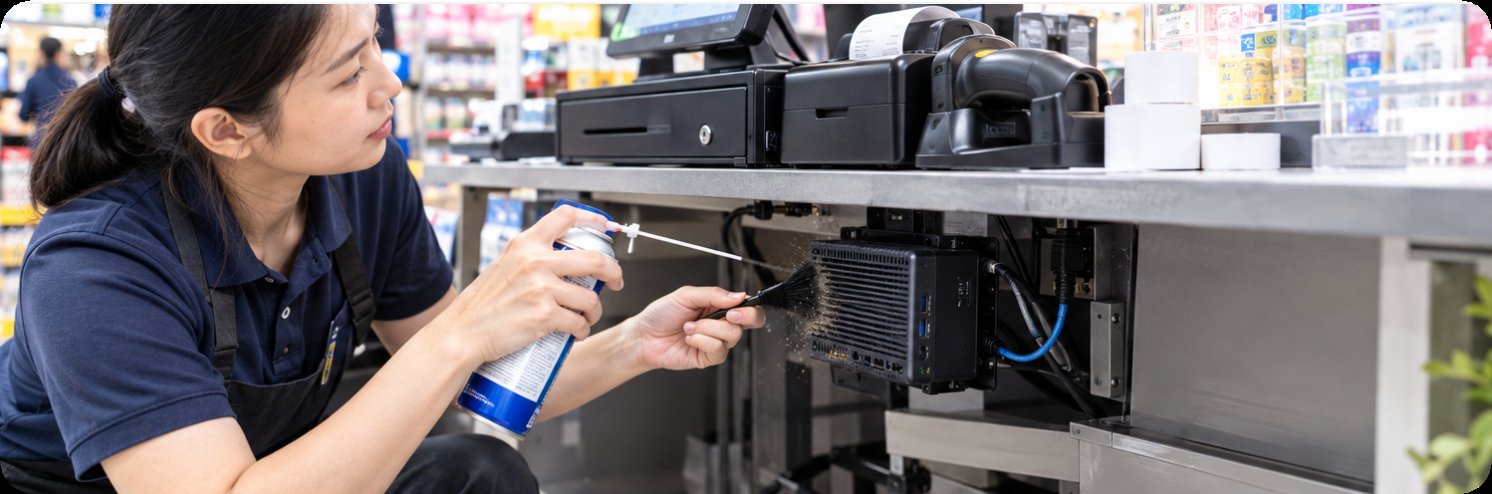
The counter box sits behind the till, which is the worst place in any store for airflow: low, enclosed, and right next to the door that customers open all day. Lint, receipt paper dust, and floor grit end up in the same vent. The chain's fix was unglamorous and effective. Every closing shift wipes the intake, and every Monday the unit comes off its mount for a filtered-air blow-out. Vents stay clear, the fan never ramps to full, and the Palm-sized miniPC holds steady clock speeds through the afternoon rush instead of throttling into sluggishness when the queue is longest.
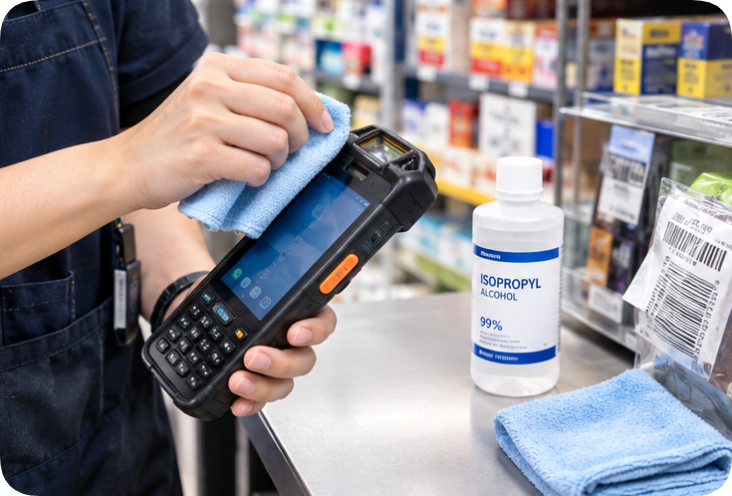
Every hesitated scan is a customer waiting and a cashier apologising. In practice, most hesitation traces back to the window rather than the engine: fingerprint film, cleaner residue, and the fine scratches that come from setting a unit face-down on a counter. The chain moved to a lint-free cloth and a drop of isopropyl at open and close, and banned the paper towels that were leaving micro-scratches. On the Handheld PDA F505, that single change lifted first-pass read rates on wrinkled and curved labels, which is exactly where a floor team loses the most time.
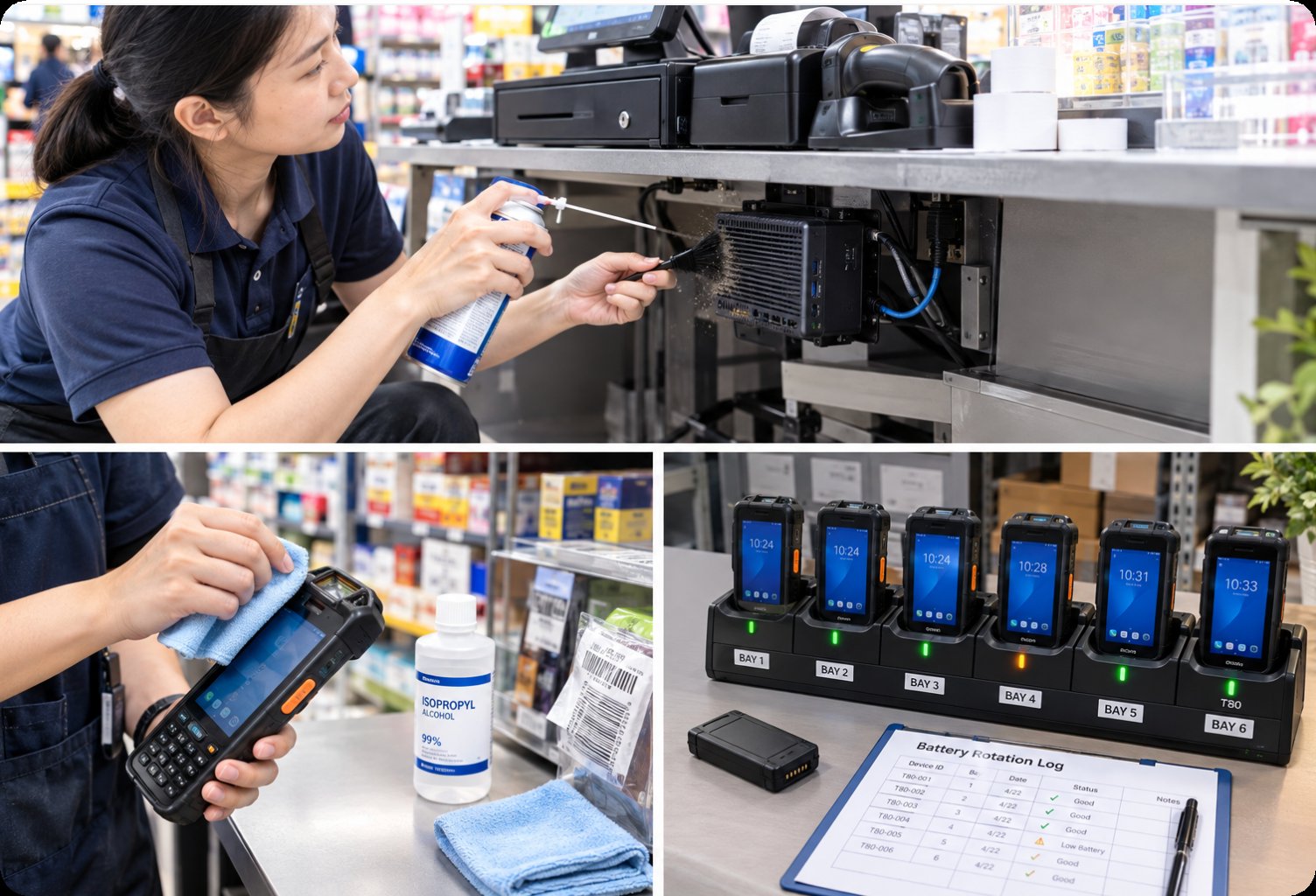
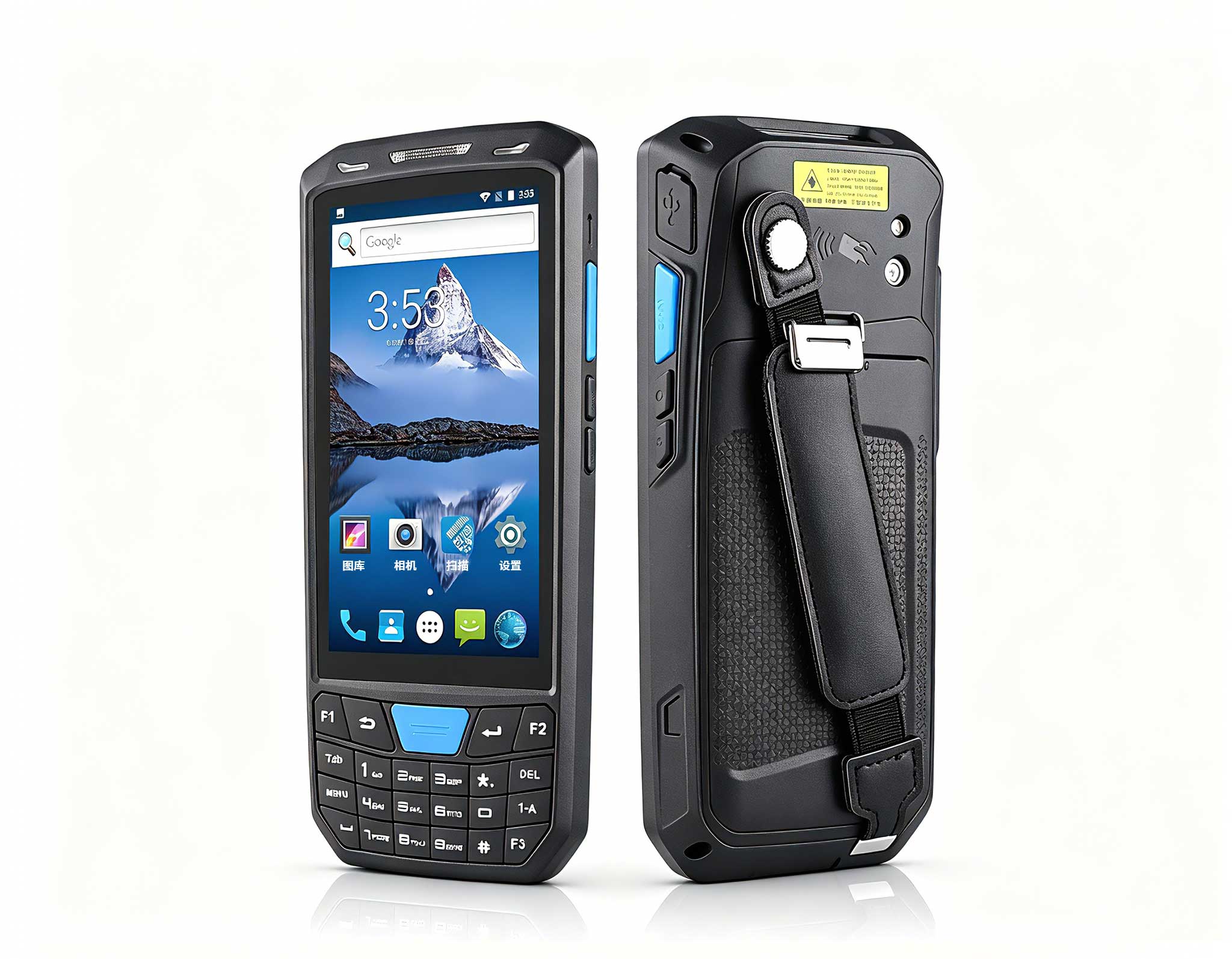
Battery trouble is the complaint that store teams report last and feel first. A unit that dies at 3pm pushes the whole lane onto a spare, and spares are where discipline quietly collapses. The chain wrote a simple rule: every unit docks overnight at a labelled bay, no unit leaves the store uncharged, and any pack that cannot clear a full shift is retired from the floor rather than reassigned to a lighter shift. Paired with the T80 Handheld PDA, the routine turned battery life from a daily complaint into a quarterly purchase line, which is a far cheaper conversation to have.
The daily list is deliberately short, because a list that takes ten minutes will be skipped on a Friday. Wipe the scanner window at open and close. Wipe the counter intake at close. Dock every handheld at a labelled bay. Log anything that felt slow, even if it recovered. Three of these four items take seconds. The fourth, the log, is what turns anecdotes into a pattern the team can act on before a device actually stops.
Once a quarter the team runs a slower pass. Firmware is updated on a staging unit first, then rolled to the floor only after a full shift of clean scans. Ports are inspected for bent pins and packed lint, since a loose dock connection looks exactly like a dying battery and gets misdiagnosed constantly. Cables are traced and reseated, and any cable with a kink at the strain relief is replaced rather than taped. None of this is sophisticated, and all of it prevents the class of failure that is hardest to diagnose under time pressure.
After a year the log told a clear story. Scanner-related complaints fell sharply once the cloth change landed. Warm-counter reports disappeared entirely after the Monday blow-out became routine. Battery escalations dropped to a handful per quarter, and most of those traced to a single bad batch of packs rather than to the devices. The chain's own summary was that they had not bought their way out of the problem, they had written their way out of it.
| Device | Daily task | Weekly task | Telltale sign |
|---|---|---|---|
| Palm-sized miniPC | Wipe intake at close | Filtered-air blow-out, reseat mount | Case warm by mid-afternoon |
| Handheld PDA F505 | Clean scanner window twice | Inspect ports and seals | Hesitation on wrinkled labels |
| T80 Handheld PDA | Dock at a labelled bay | Retire weak packs | Needs a top-up before shift end |
If you run a similar floor, start with the ninety-second routine and add the quarterly pass once the daily one sticks. The devices here are built for it, and you can explore our mini PC solutions to see how the counter host fits a till of any size. For a closer look at what happens when the routine slips, read a retail checkout troubleshooting guide covering the same category of floor hardware, and you will notice that most of the fixes are the ones this playbook was written to prevent.