- Select Language
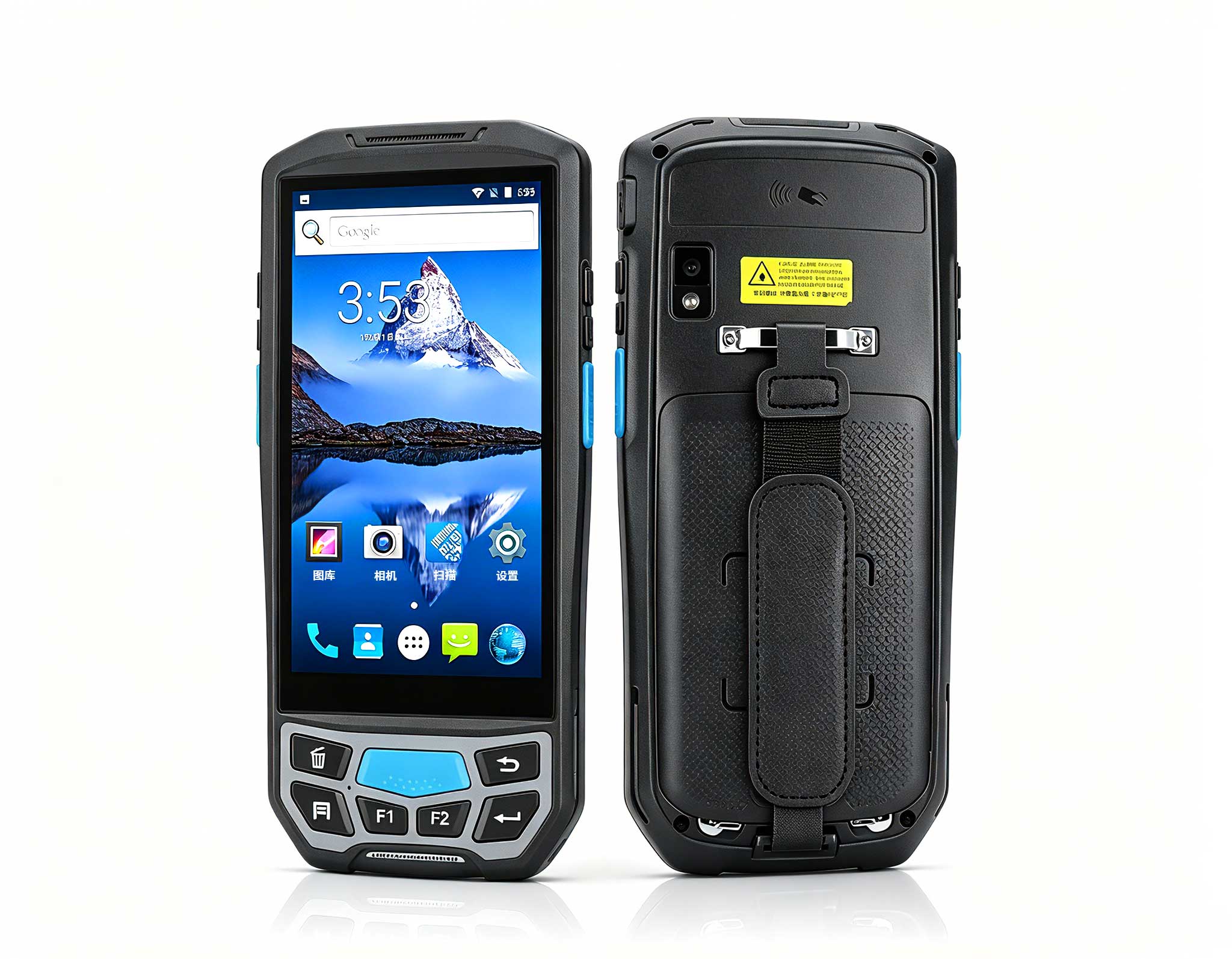
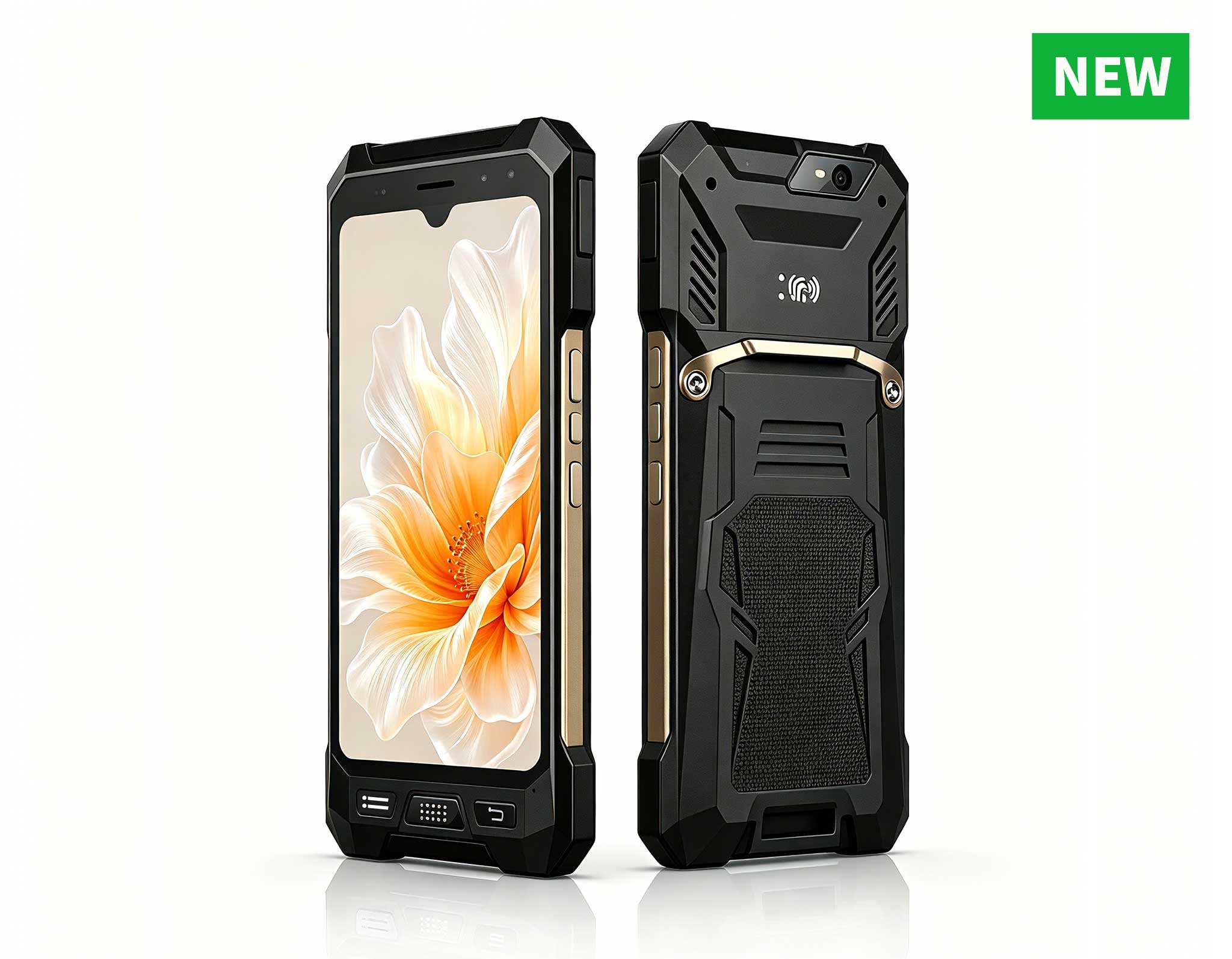
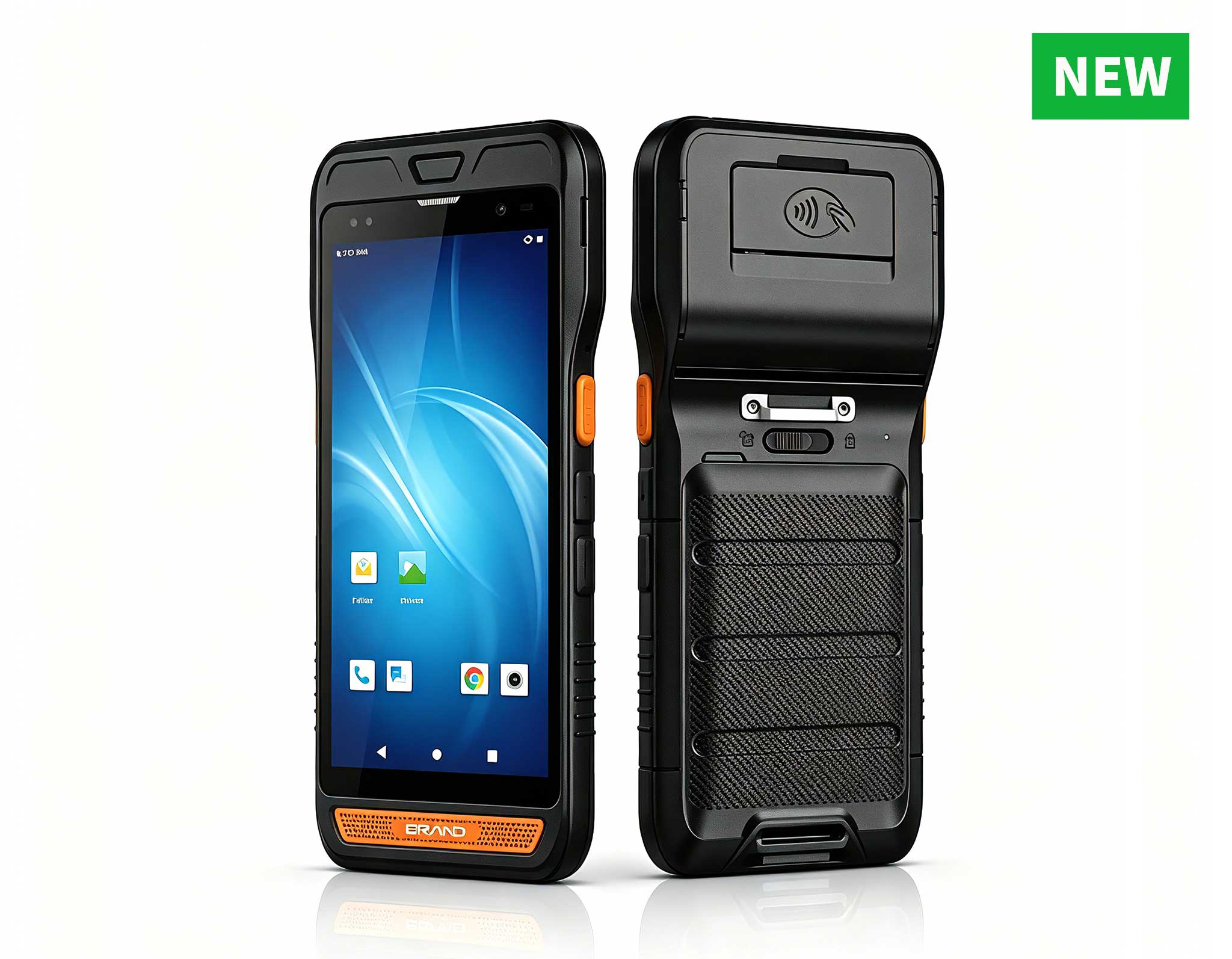
The U9000 handheld PDA combines advanced barcode s...
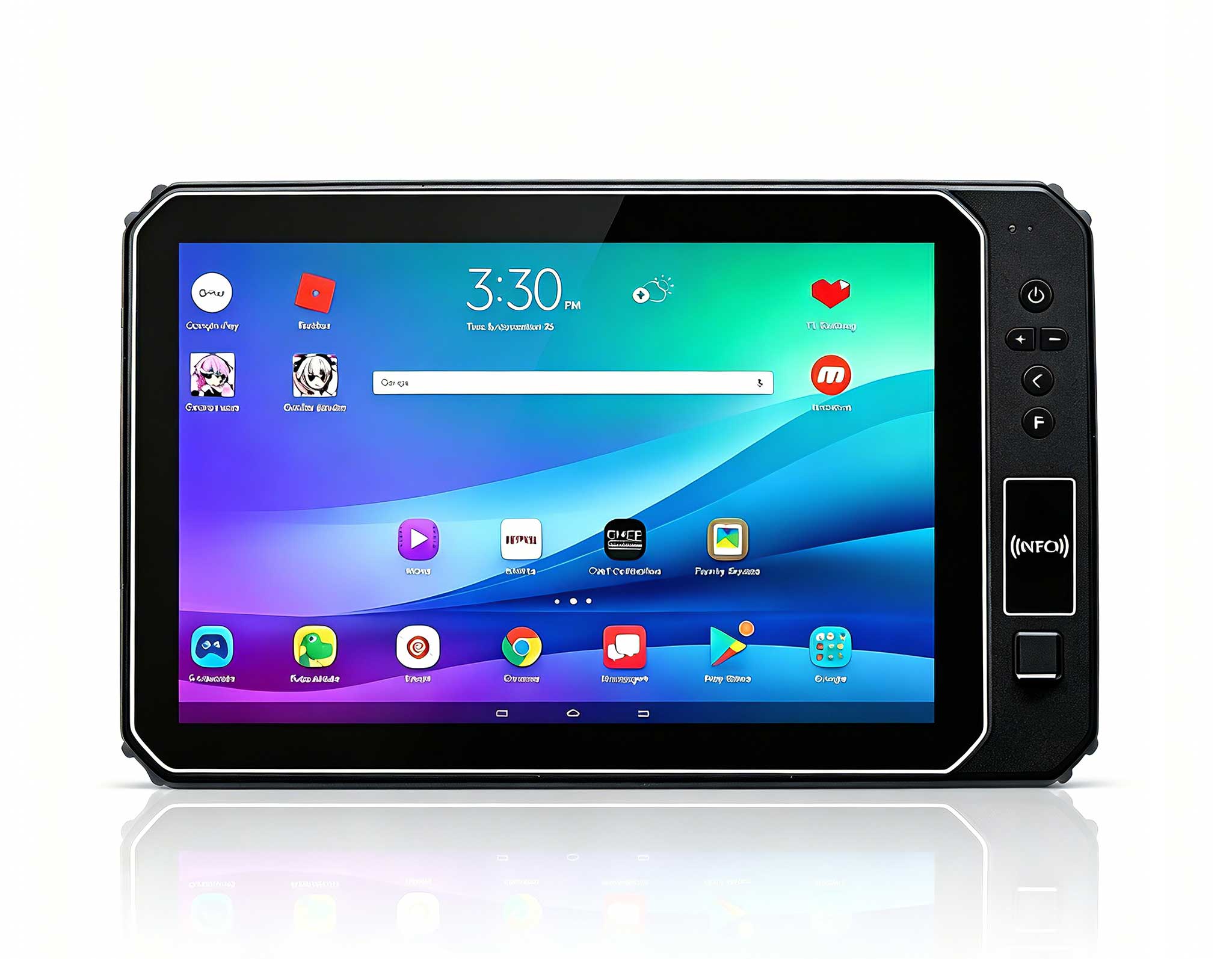
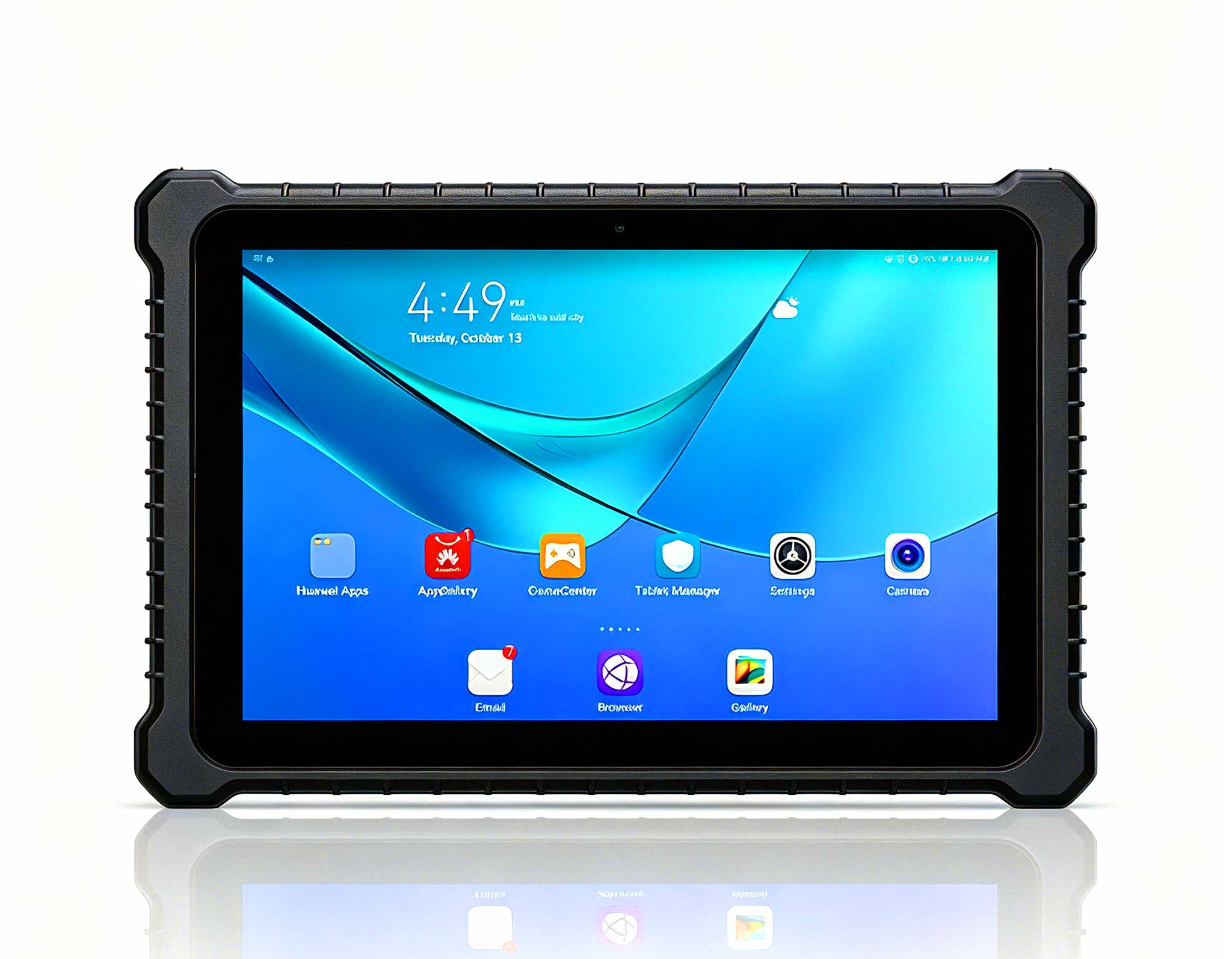
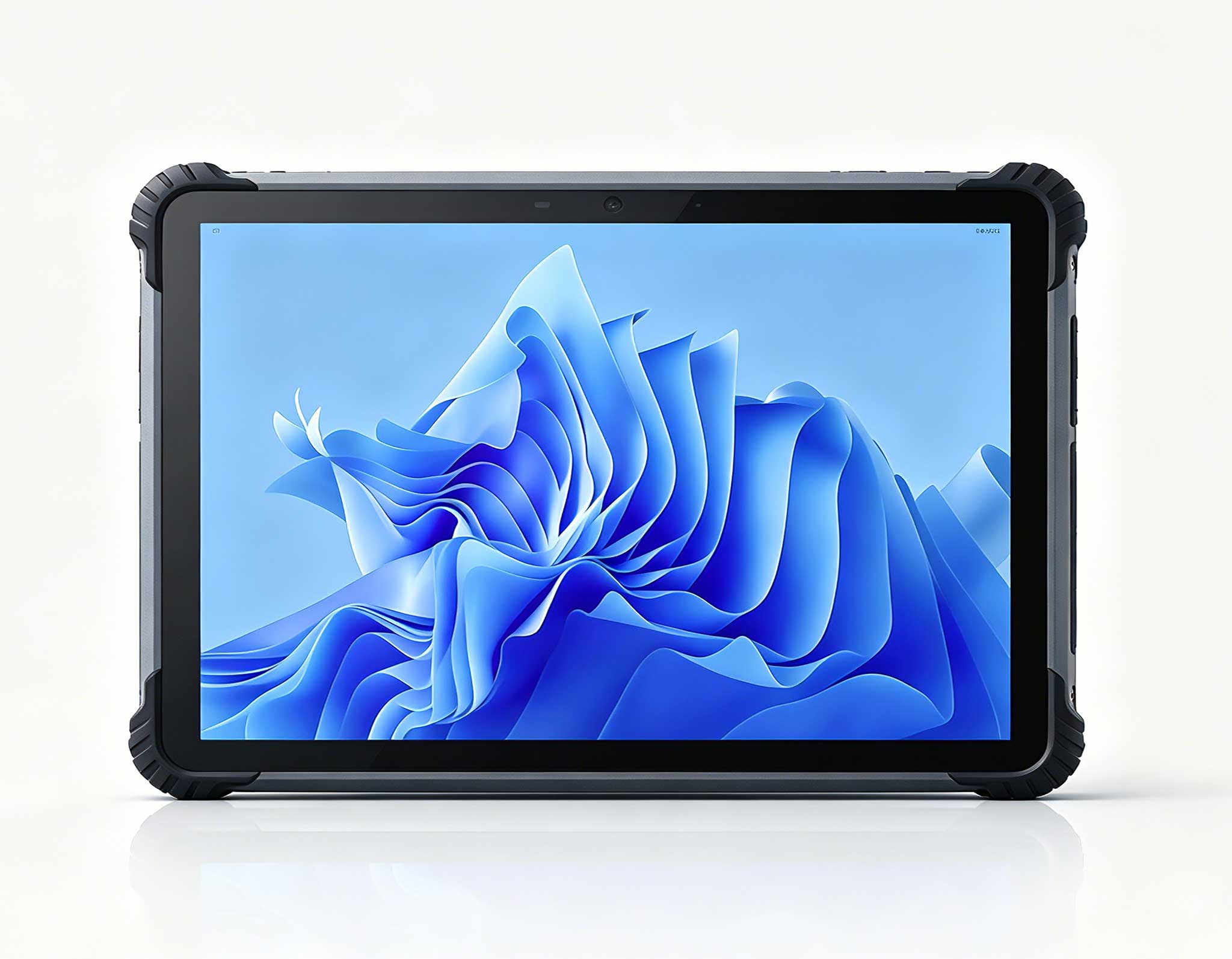
This 10-inch Android rugged tablet is designed for...
Full SpecificationsModelHotus ST11‑UOSWindows 10 P...
R530C 6.0-inch Industrial PDA | Qualcomm Octa-core...
R860-S 5.5-inch Industrial PDA with Thermal Printe...
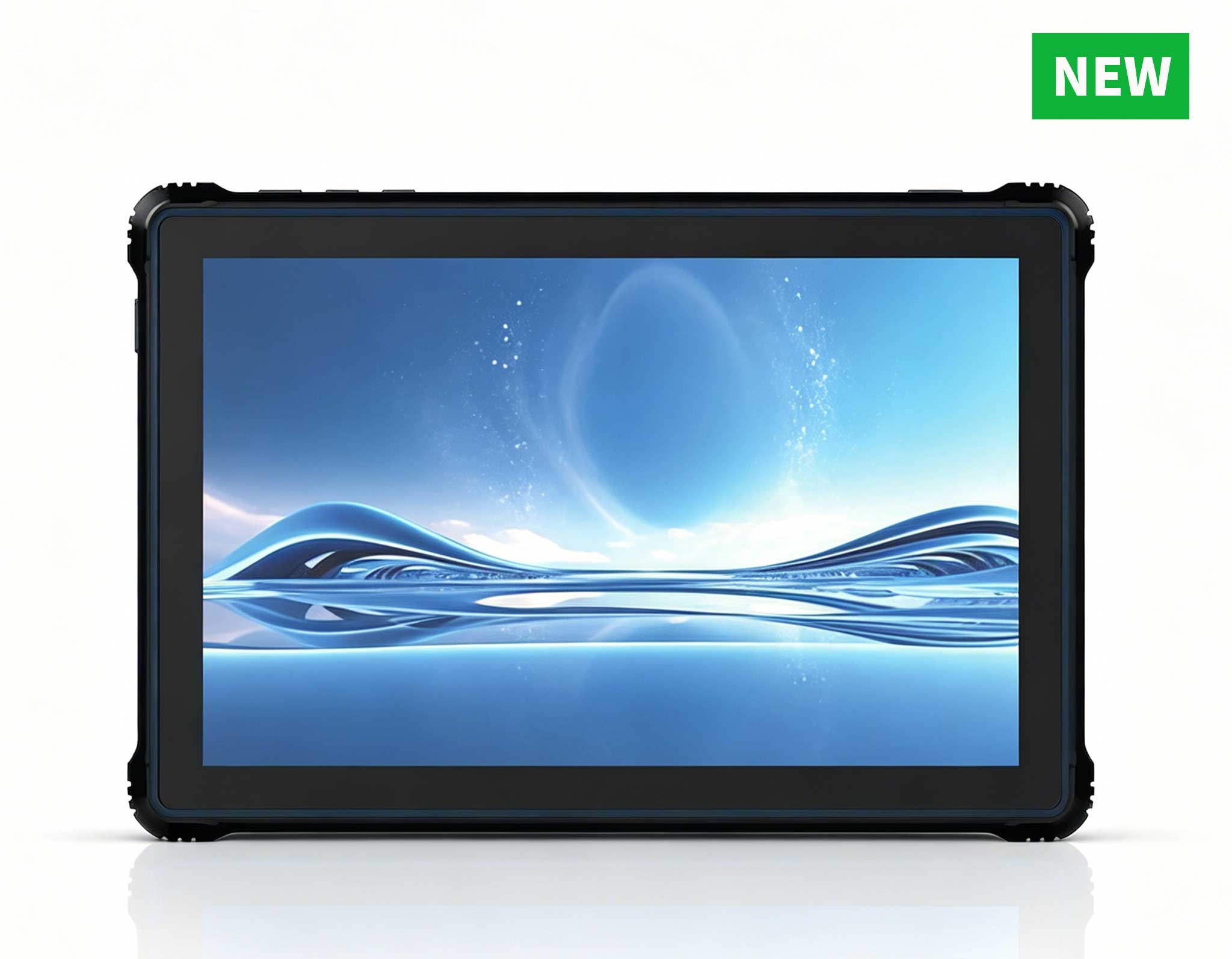
RT80 5G Rugged Tablet | 10.1" FHD 400nit | Un...
Full SpecificationsModelHotus ST13‑UOSWindows 10 P...
A distribution centre is a brutal place for any screen. Forklift masts shake it, gloves fight it, cold aisles fog it, and a dropped unit is measured not in repair cost but in the picks that stop while someone hunts for a spare. I spent time with a third-party logistics operator that had already failed once at this, and then succeeded, and the difference came down to matching each job on the floor to a different size of screen. This is how the HTYJ10A, the ST13-J, and the HTYJ08A ended up dividing the work.
The operator ran a 24-hour site with three shifts, a mezzanine picking floor, a receiving dock handling forty inbound trucks a day, and a cold storage annexe held at minus twenty. Their first attempt had been a single consumer tablet model bought in bulk and fitted into third-party cases. Within a quarter, the failure rate was the main topic of every operations meeting. Screens cracked at the corners, batteries died mid-shift, and the cold annexe turned touch panels unresponsive at exactly the moment pickers needed them. The second attempt started from a different question: not which device is toughest, but which size and mounting style suits each job, which is what led the team to rugged mobile hardware for warehouse floors rated for continuous industrial duty.
The forklift crews were the loudest critics, and their complaint was specific. A large screen bolted to a mast column eats the sightline the driver depends on, and a heavy unit vibrates loose within weeks. Anything that forces a driver to look around it is a safety problem, not a productivity problem. The crews did not want a smaller computer. They wanted a smaller screen, mounted low and tight, that could be read at a glance and operated with a gloved thumb while the other hand stayed on the controls.
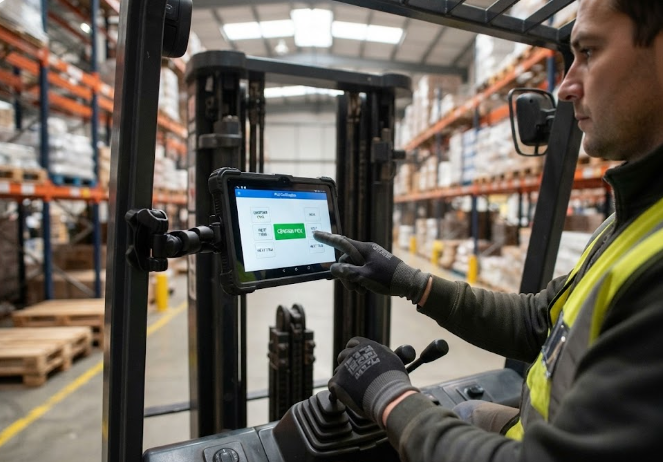
The answer for the trucks was the HTYJ08A. Its eight-inch panel is small enough to sit beside the mast rather than across it, and light enough that the original clamp mount stopped working loose. Gloved input was the other half of the problem: the team specified a glove-capable touch mode and larger on-screen targets for the two actions drivers perform most, confirming a pick and flagging a short. Cold mornings in the loading bay, which had killed the previous panels, stopped being an issue once the operating temperature range matched the environment rather than the showroom.
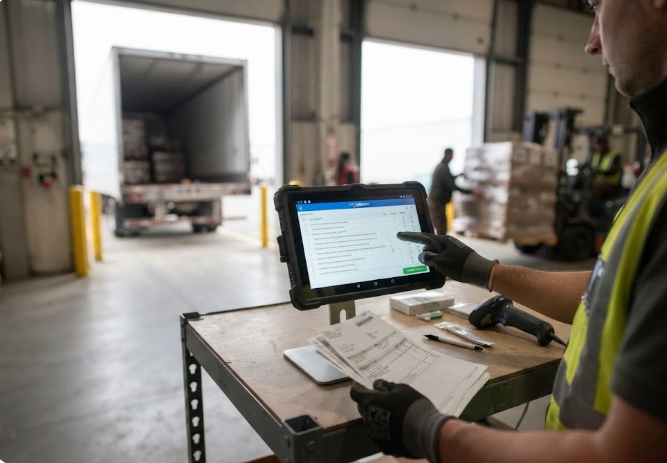
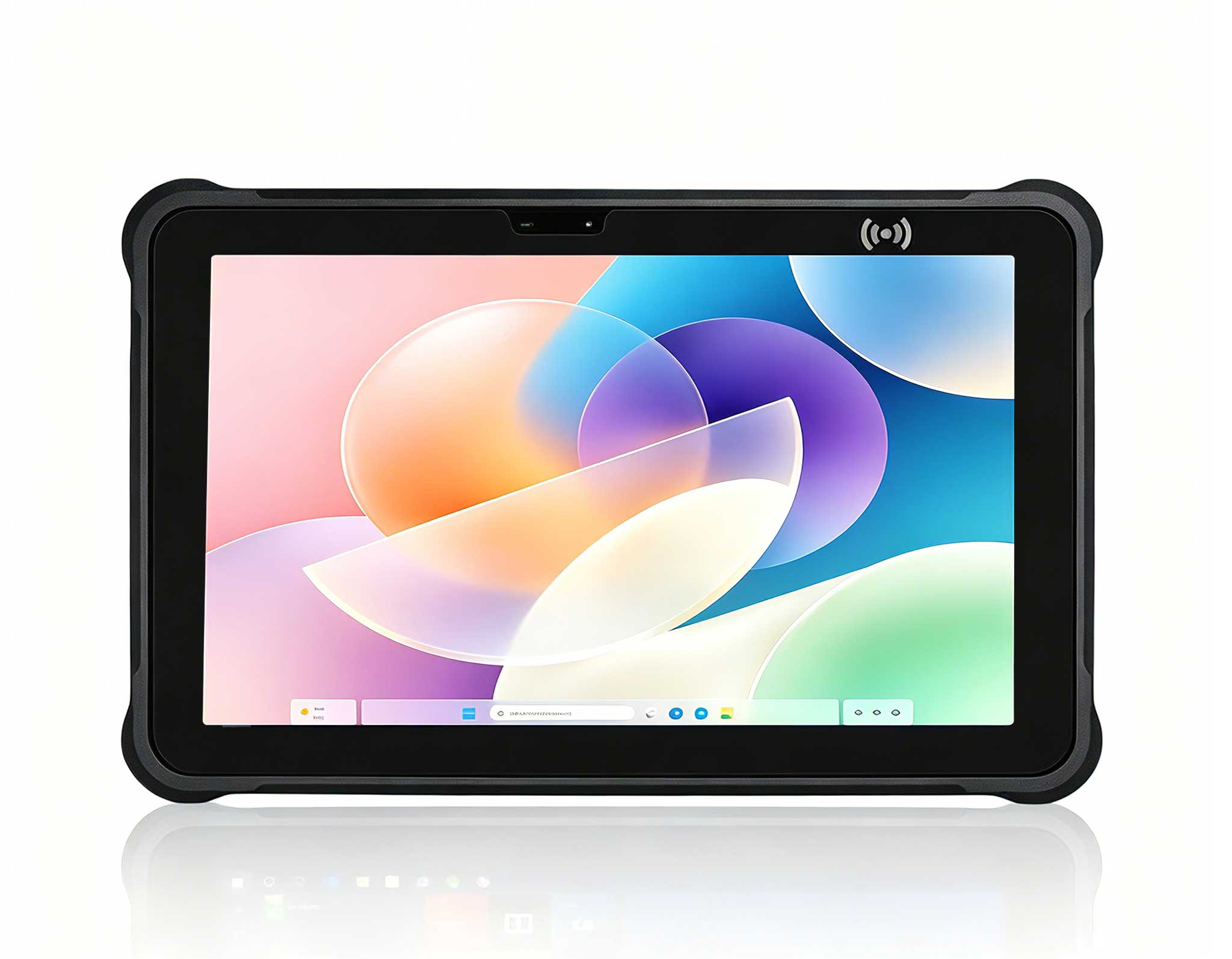
Receiving is a different job entirely. Dock staff work standing at a bench, comparing paper manifests against inbound pallets, capturing signatures, and photographing damage before a truck is released. A small forklift screen is wrong here: the whole point is seeing a full document without scrolling. The HTYJ10A took this bench role with a ten-inch panel that fits a full manifest page, and a casing that survives being set down on concrete several hundred times a week. The dock team's own measure of success was simple: damage claims stopped being disputed, because every release now had a photograph attached at the moment it happened.
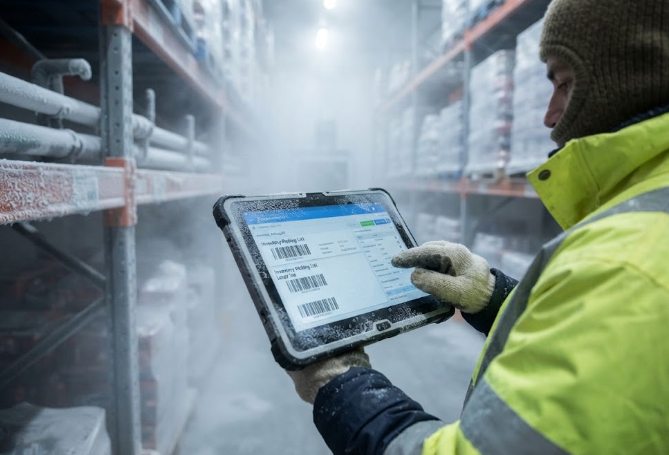
The cold annexe was the failure that had embarrassed them most. At minus twenty, the old panels responded seconds late or not at all, and pickers had taken to removing gloves, which is how the site ended up with cold-injury complaints as well as a device problem. The fix was partly environmental and partly hardware. The ST13-J went in with a thirteen-inch panel that stays legible at distance, because in a freezer aisle a picker reads the screen from arm's length through condensation rather than up close. The larger panel also meant fewer screen changes per pick, which matters most when hands are cold and every extra tap costs dexterity.
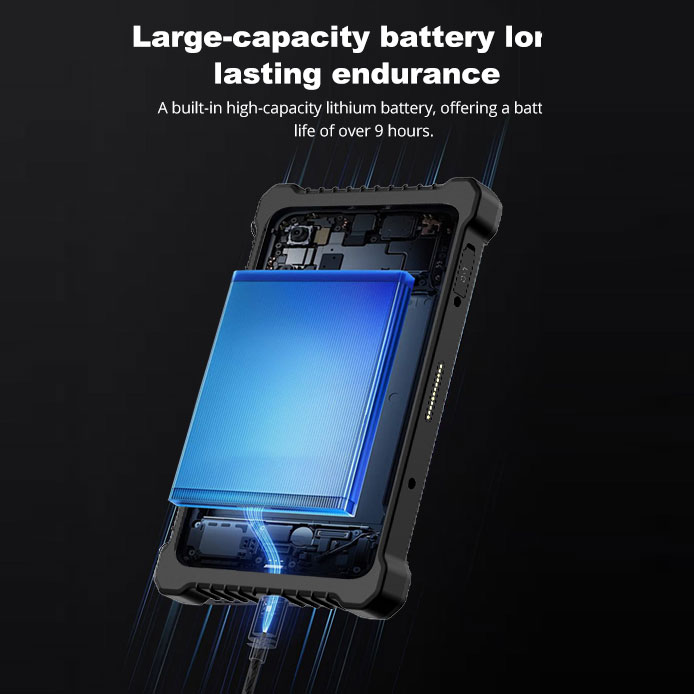
Hardware choice was only half the fix. The site had assumed batteries were the problem, when the real failure was charging behaviour. Units were being parked wherever a cable reached, so a shift began with no way to know which devices were actually full. The operator labelled bays by zone, made end-of-shift docking part of the handover checklist, and retired any pack that could not clear a full shift into a bench role instead of the floor. Within a month the mid-shift swap, which had been routine, became rare enough to stop appearing in the handover notes.
After two quarters the numbers were unambiguous. Device-related stoppages fell by more than half, and the remaining ones were almost entirely physical damage from a specific clamp that was later redesigned. Picks per labour hour rose, most of it attributed to pickers no longer walking to a fixed terminal to confirm a line. Damage disputes at the dock effectively ended once photography became standard. Perhaps most telling, the site stopped keeping a spare pool of consumer tablets under the supervisor's desk, which had been its quietest and most persistent cost.
| Unit | Role on site | Panel | Shift rating | Best for |
|---|---|---|---|---|
| HTYJ08A | Forklift-mounted pick and pack | 8 inch | Full shift | Tight cabs, gloved one-hand use |
| HTYJ10A | Receiving dock manifests | 10 inch | Full shift | Document review, signing, photos |
| ST13-J | Cold aisle inventory | 13.3 inch | Full shift | Freezer aisles, arm's-length reading |
If you are specifying for a distribution floor, resist the single-model buy. The three jobs here, driving, receiving, and picking in the cold, want three different screen sizes and three different mounting styles, and a compromise device fails at all of them. Specify for the cold aisle explicitly rather than hoping a standard rating covers it, and treat charging behaviour as part of the specification, because a disciplined shift beats a larger battery. To see how these units compare across the range, browse our rugged handheld tablets by panel size and duty rating. For the installation detail behind a comparable site, read a field-proven installation plan for warehouse logistics fleets, which covers mounting and staging on a similar three-shift operation.