













When planning a digital signage deployment, the hardware choice often defines the project's success or failure. At Hotus, we see system integrators and facility managers regularly weighing two distinct options: the all-in-one ST11-J 10.1" Windows Rugged Industrial Tablet and the compact Palm-sized miniPC. While both can power signage content, they serve different operational realities. This guide provides a head-to-head comparison across key decision factors—installation complexity, environmental resilience, user interaction, and long-term maintenance—so you can match the right device to your specific use case.
1. Form Factor and Deployment Strategy
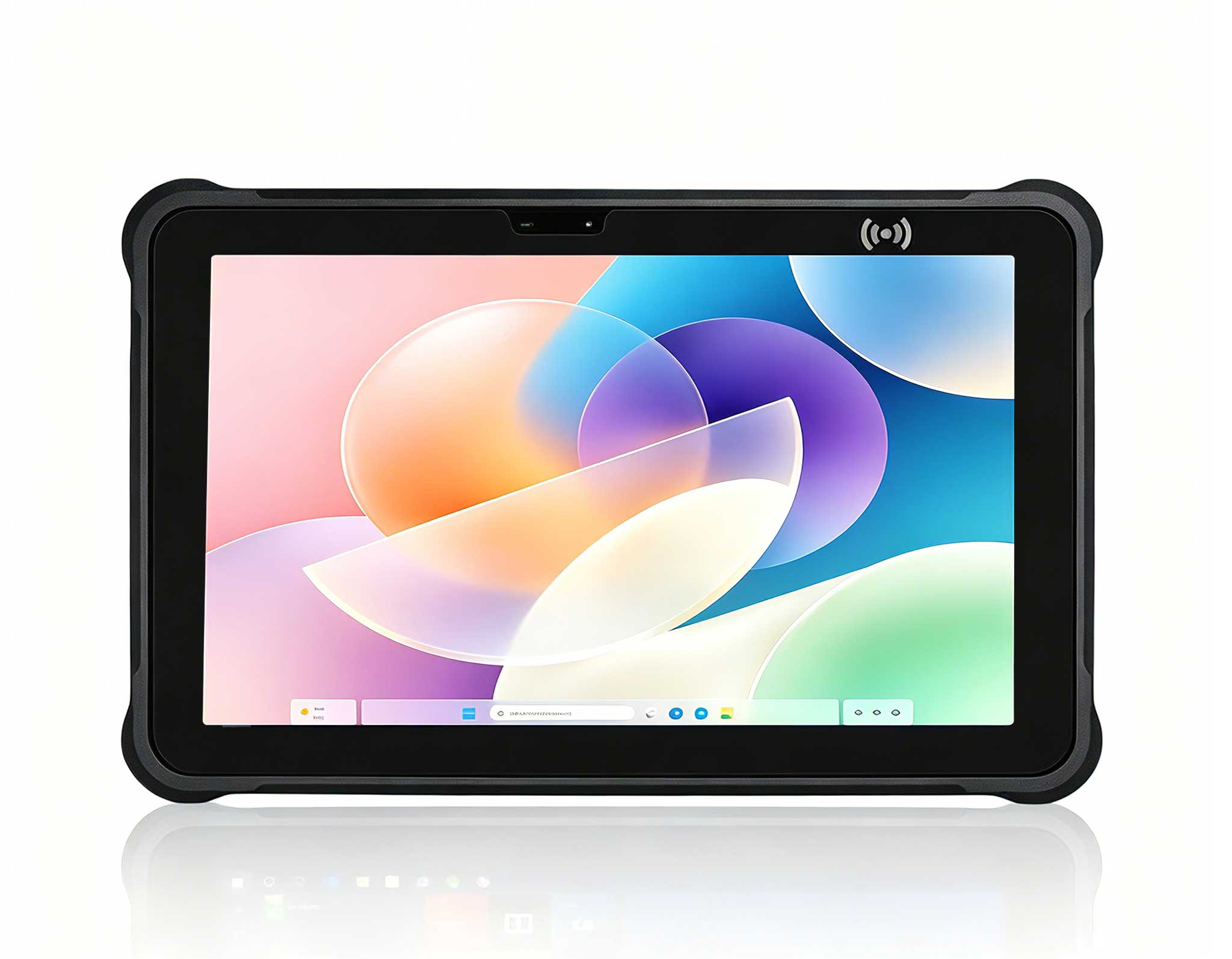
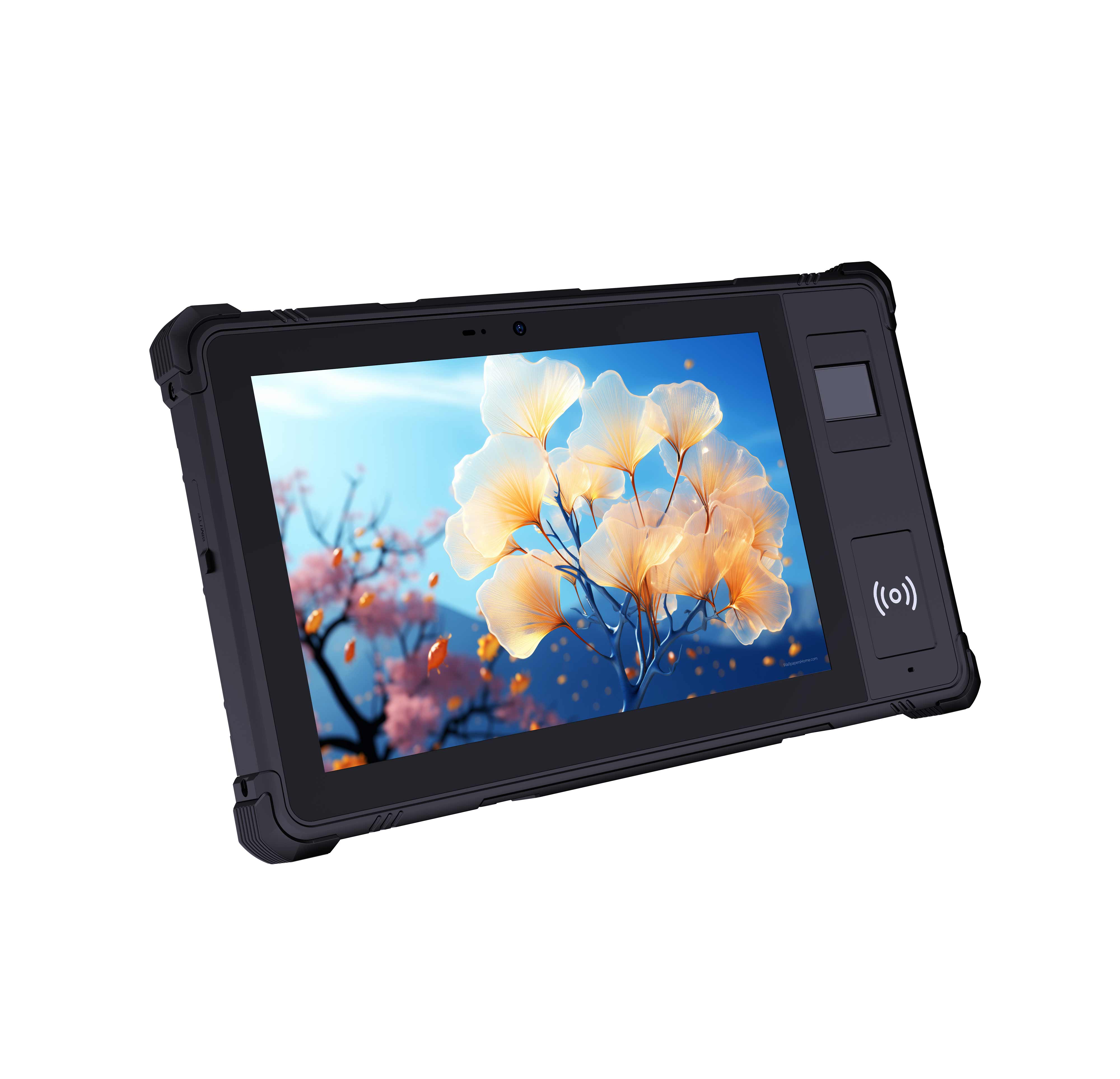
ST11-J: Self-Contained Display Unit
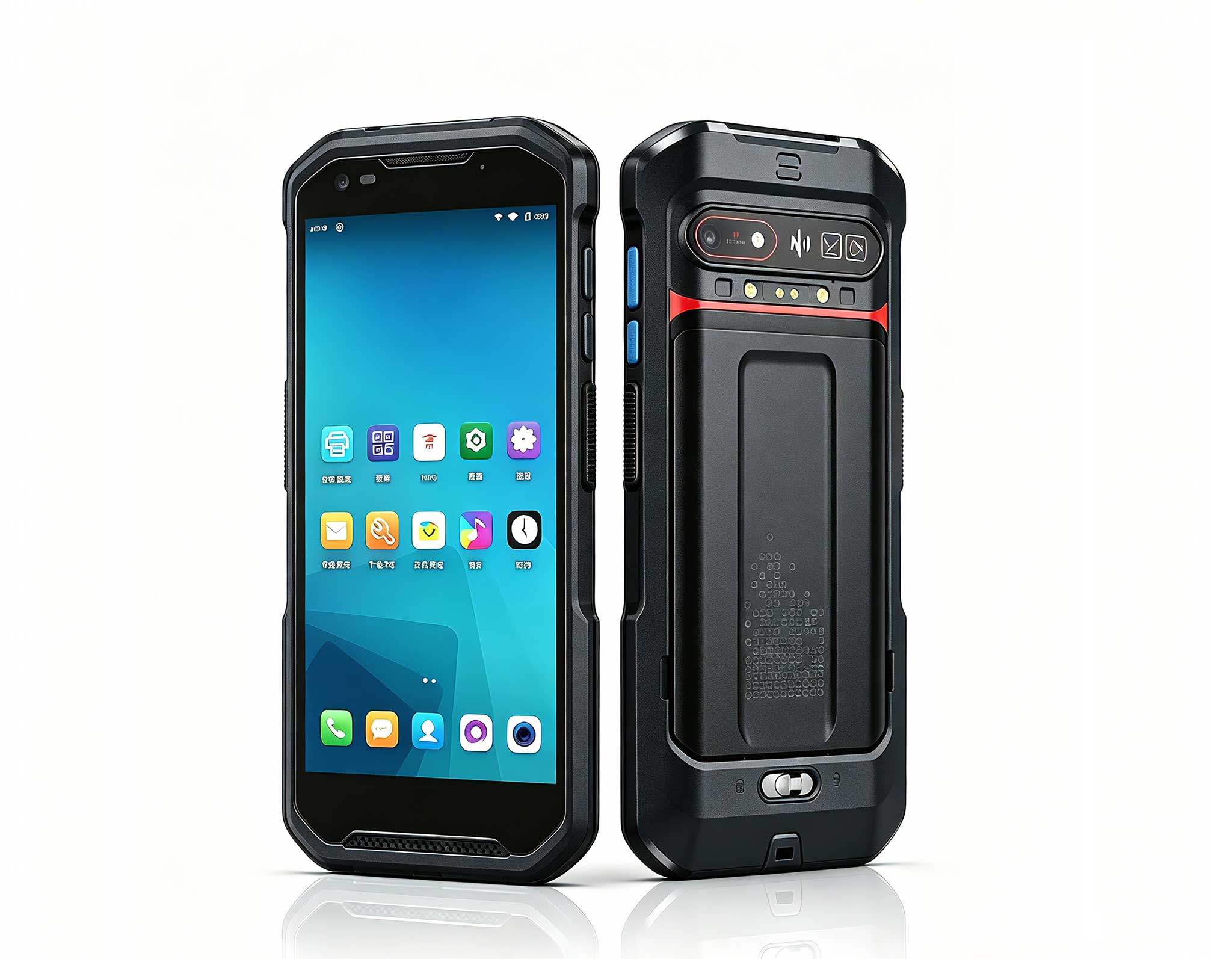
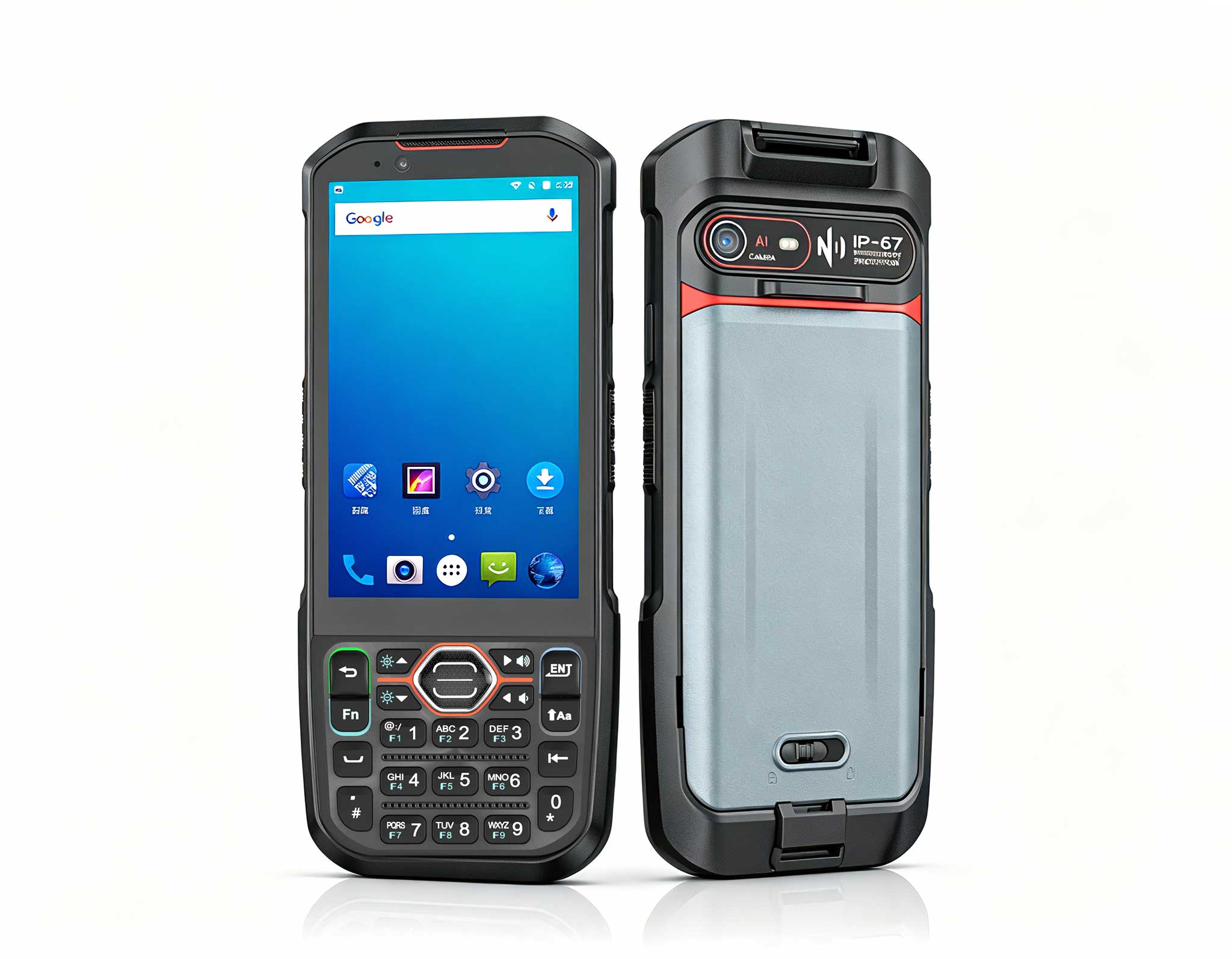
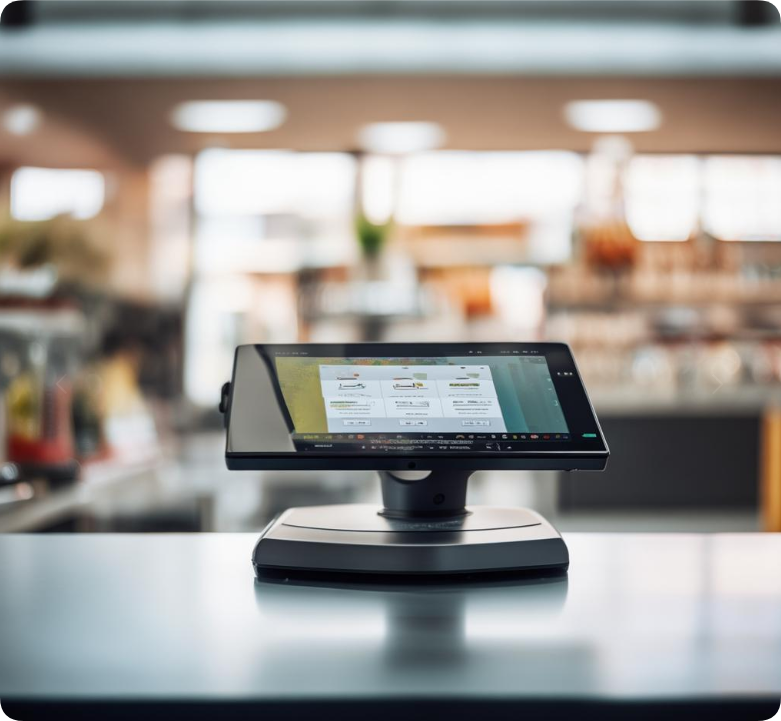
The ST11-J integrates a 10.1-inch touchscreen, processor, storage, and I/O into a single ruggedized chassis. This makes it ideal for wall-mount applications where space is limited and a separate monitor would add complexity. Typical deployments include interactive kiosks, room booking panels, and factory floor dashboards. The device runs on Windows 10/11 IoT Enterprise and supports standard signage software like Scala or ScreenCloud. With Intel Celeron or Pentium processors and 4–8 GB RAM, it handles 1080p video loops and live data feeds without external hardware.
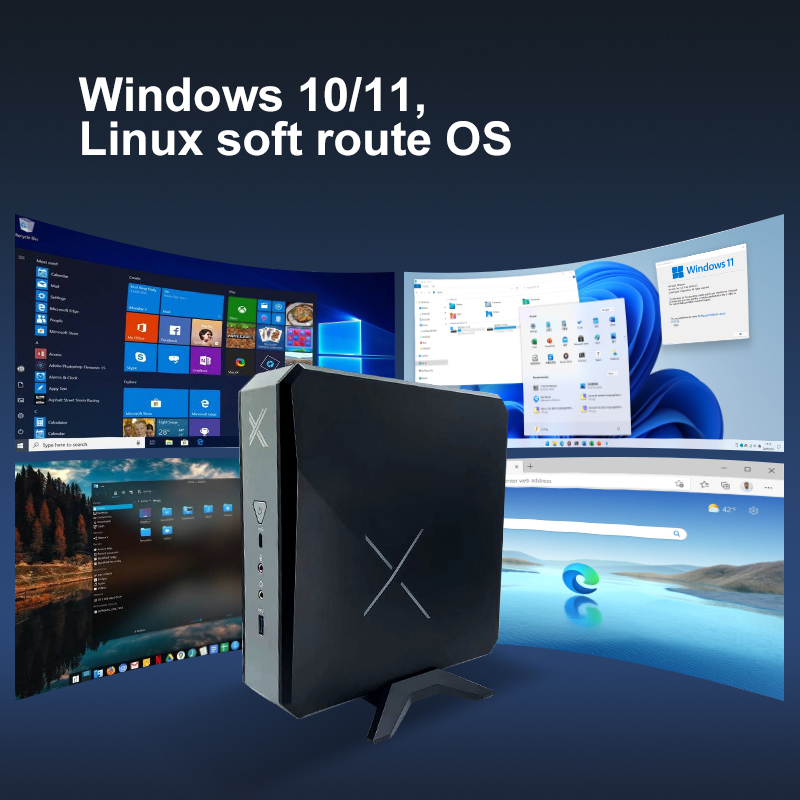
Palm-sized miniPC: Headless Host for Existing Monitors
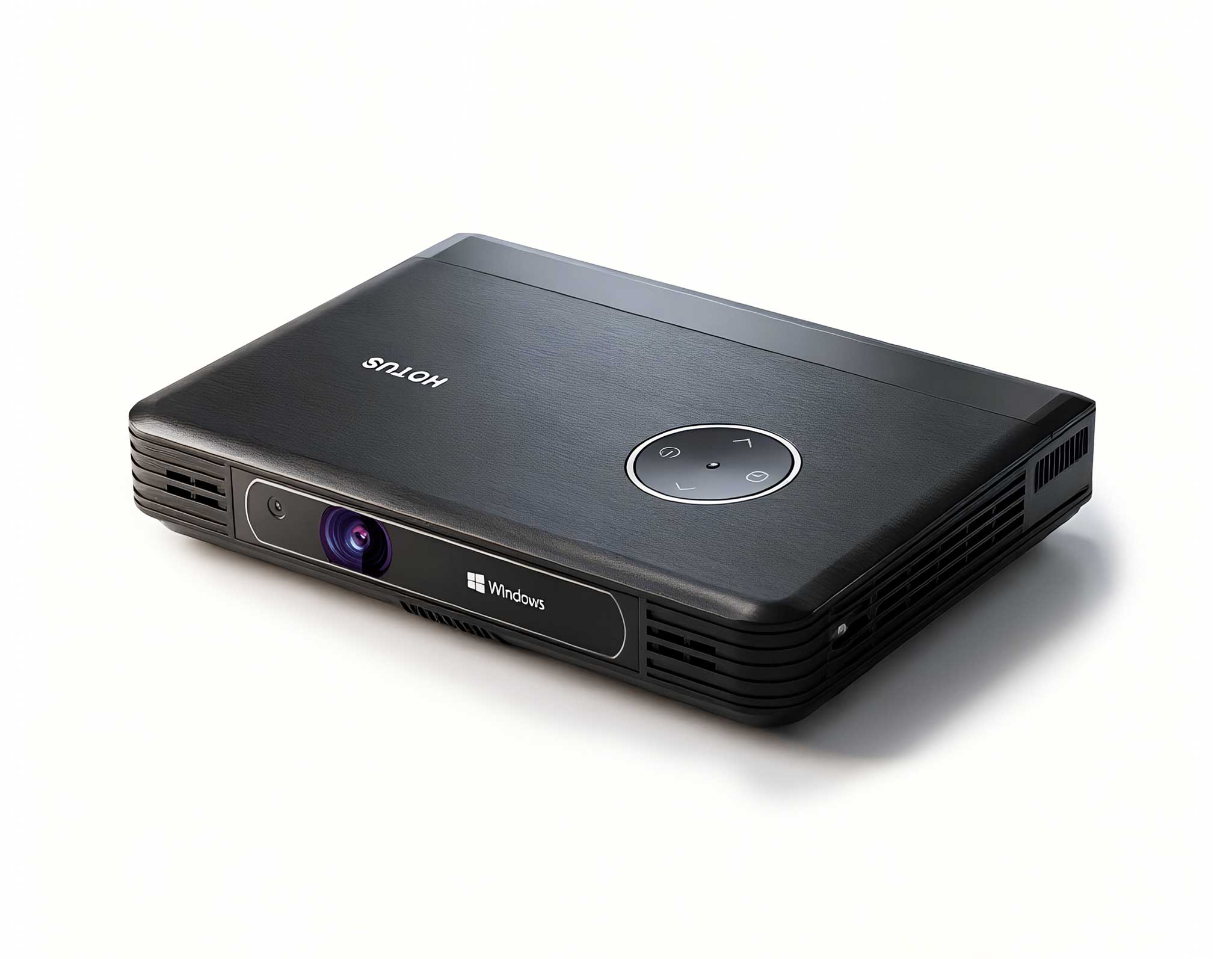
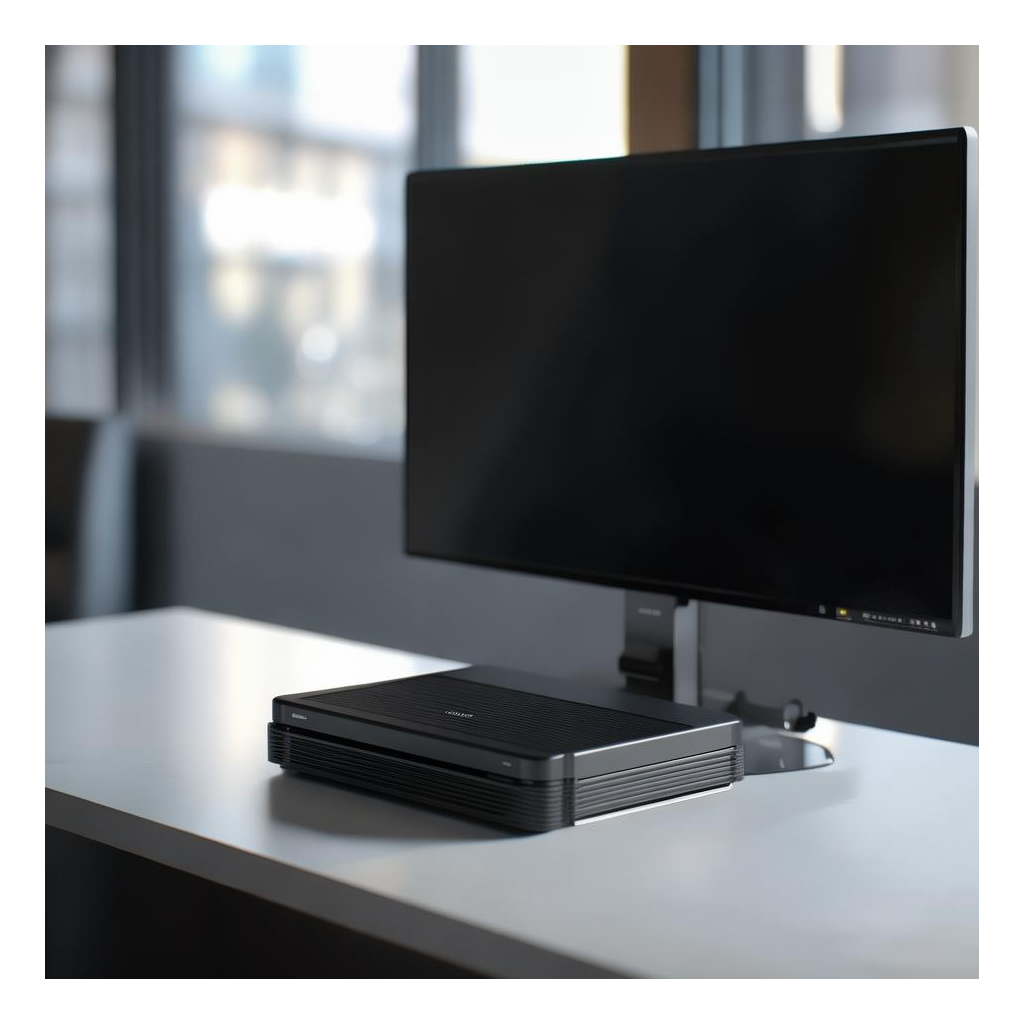
The Palm-sized miniPC is a bare-bones compute module—no display, no touch interface—designed to be hidden behind a standard monitor. It runs Windows 10/11 Pro and offers similar processor options (Celeron N-series or Pentium Silver) with 4–8 GB RAM and up to 256 GB storage. This configuration is perfect for scenarios where you already have a display or need to drive multiple screens from a single host. However, it requires additional cabling, a separate power supply for the monitor, and a mounting bracket for the miniPC itself.
2. Installation and Labor Costs
ST11-J: Installation is straightforward: mount the tablet using its VESA-compatible bracket, connect power and Ethernet, and configure the signage software. No separate display, cable management, or external power adapter for a monitor is needed. This reduces installation time by an estimated 30–40% compared to a host-plus-display setup, according to field data from retail rollouts.
Palm-sized miniPC: Requires more labor. You must mount the miniPC, run HDMI and USB cables to the monitor, connect power to both devices, and potentially manage signal extenders for longer runs. For a single screen, this adds roughly 45–60 minutes to installation. For multi-screen arrays, the complexity multiplies, increasing the risk of cable failures or loose connections over time.
3. Environmental Durability and Reliability
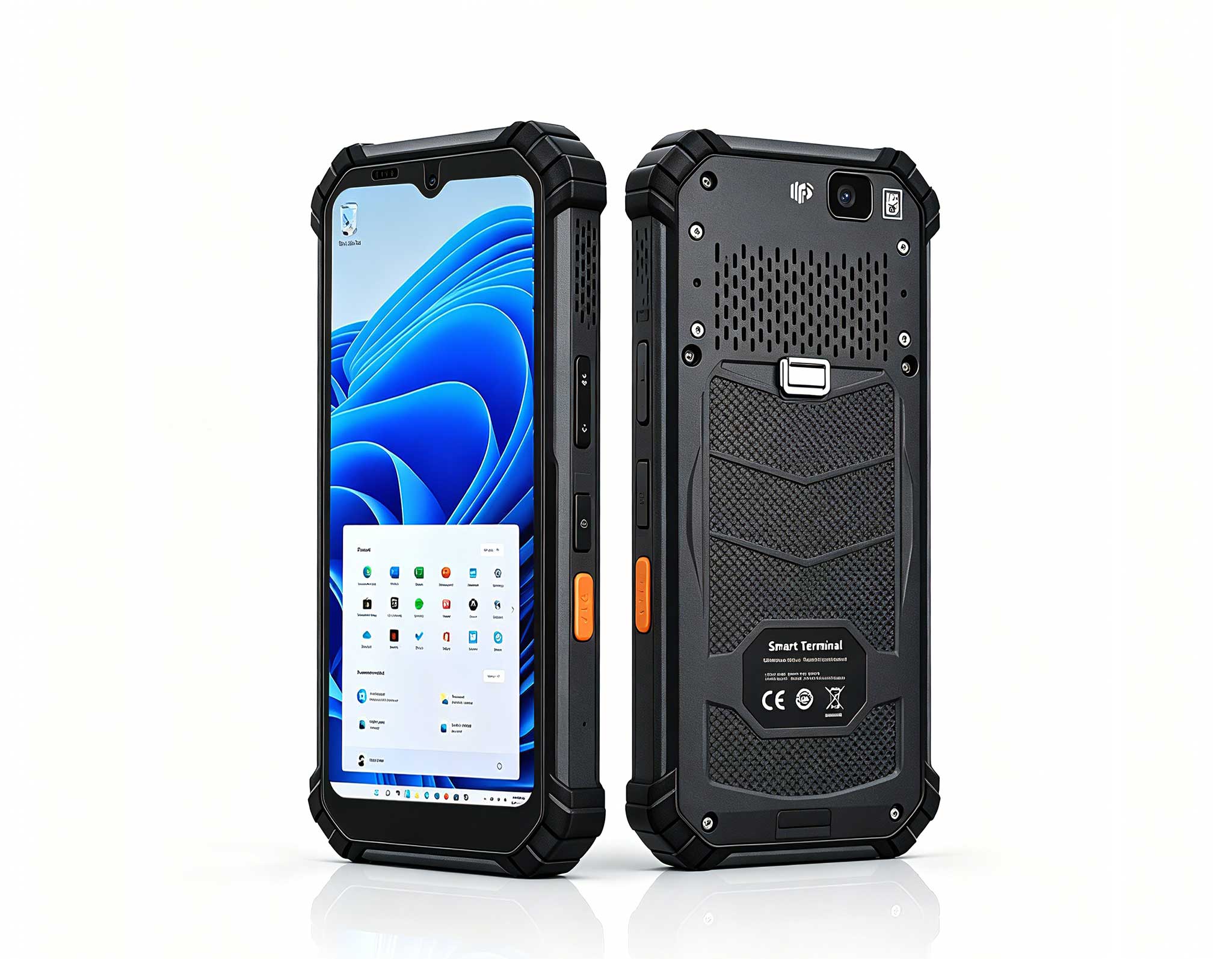
ST11-J: Built with an IP65-rated front bezel and a sealed aluminum chassis, the ST11-J resists dust, moisture, and vibration. It operates in temperatures from -20°C to 60°C, making it suitable for warehouses, outdoor kiosks, or industrial floors. The touchscreen is optically bonded for sunlight readability, and the device includes a fanless cooling system for silent, maintenance-free operation.
Palm-sized miniPC: While compact, the miniPC lacks the ruggedization of the ST11-J. It typically has an IP40 rating and a fanless design but uses exposed ports that can collect dust. Operating temperature ranges from 0°C to 50°C, limiting its use in harsh environments. The miniPC is best suited for climate-controlled settings like office lobbies or retail stores where physical abuse is minimal.
4. User Interaction and Content Flexibility
ST11-J: The integrated touchscreen supports capacitive multi-touch, enabling interactive applications like wayfinding, product catalogs, or employee check-in systems. For passive signage, the device can run 24/7 video loops or scheduled content via software. The display's 10.1-inch size is adequate for close-range viewing but may be too small for large public spaces.
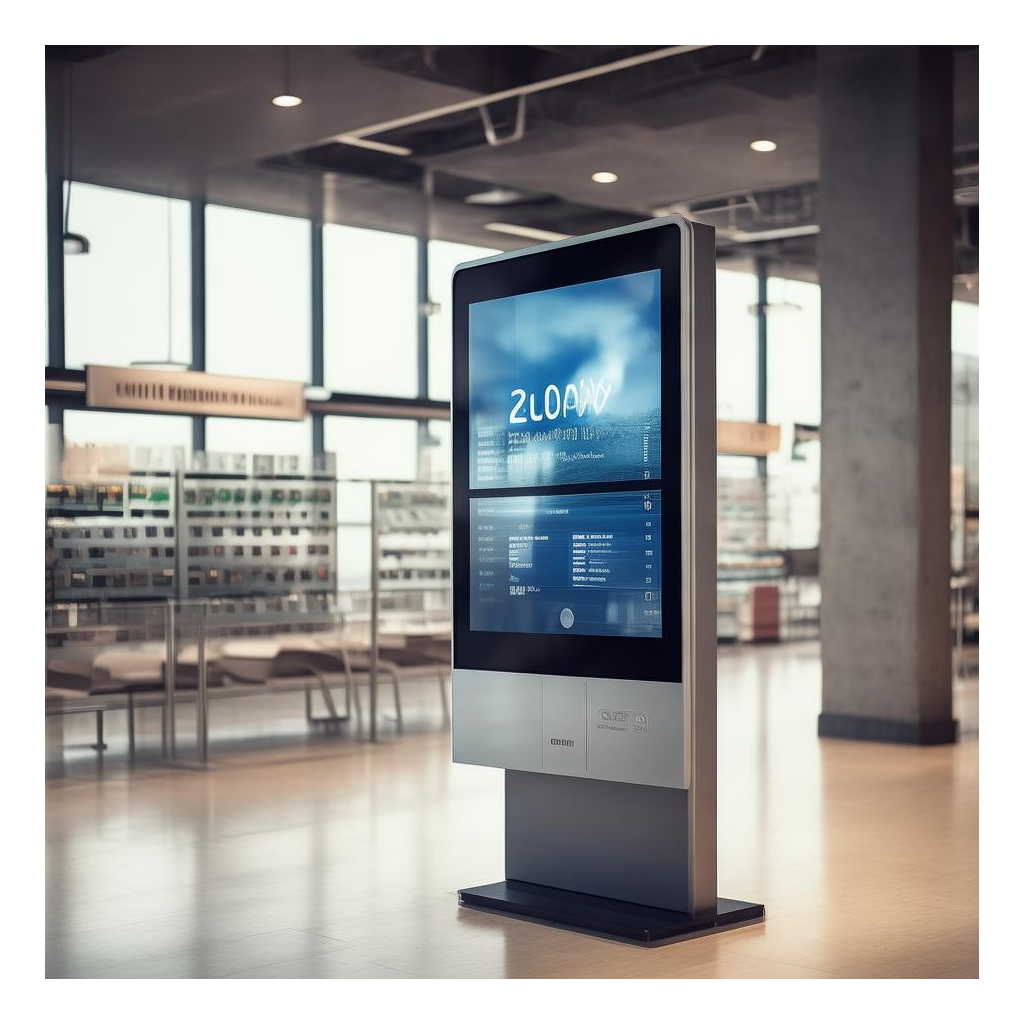
Palm-sized miniPC: Since it lacks a built-in display, interaction depends on the connected monitor. If the monitor is non-touch, user input is limited to a mouse or keyboard, making it unsuitable for interactive kiosks. However, the miniPC can drive larger screens (up to 4K resolution) for high-visibility signage, such as menu boards or digital billboards, where touch is not required.
5. Total Cost of Ownership Over 5 Years
ST11-J: Higher upfront cost (typically $800–$1,200) but lower total cost of ownership due to reduced installation labor, no separate display maintenance, and longer lifecycle in rugged environments. The all-in-one design minimizes points of failure—no loose cables, no display power adapter issues. Replacement is a single-unit swap.
Palm-sized miniPC: Lower initial price ($300–$500) but hidden costs add up: a commercial-grade monitor ($400–$800), mounting hardware, cables, and potentially a signal extender. Over five years, the combined hardware and labor can exceed the ST11-J's cost, especially if the monitor requires replacement or the miniPC fails in a dusty environment. Additionally, the miniPC's smaller form factor limits upgradeability—RAM and storage are often soldered.
6. Real-World Use Cases
ST11-J: Industrial production dashboards, hospital room status boards, outdoor wayfinding kiosks, quick-service restaurant menu displays near the kitchen line.
Palm-sized miniPC: Corporate lobby signage behind a 55-inch screen, retail shelf-edge displays (non-touch), or multi-screen video walls in conference rooms where a single host drives several monitors.
7. Decision Framework
Choose the ST11-J if your deployment requires durability, simple installation, or interactive touch functionality in challenging environments. Opt for the Palm-sized miniPC if you already have a display, need large-screen output, or operate in a controlled indoor space where physical resilience is secondary to cost per screen.
By evaluating these factors—installation complexity, environmental fit, interaction needs, and long-term costs—you can confidently select the device that aligns with your signage project's operational reality. For more deployment examples and technical specifications, see our ST11-J logistics sorting field test report and the full Rugged Tablet series overview.