- Select Language
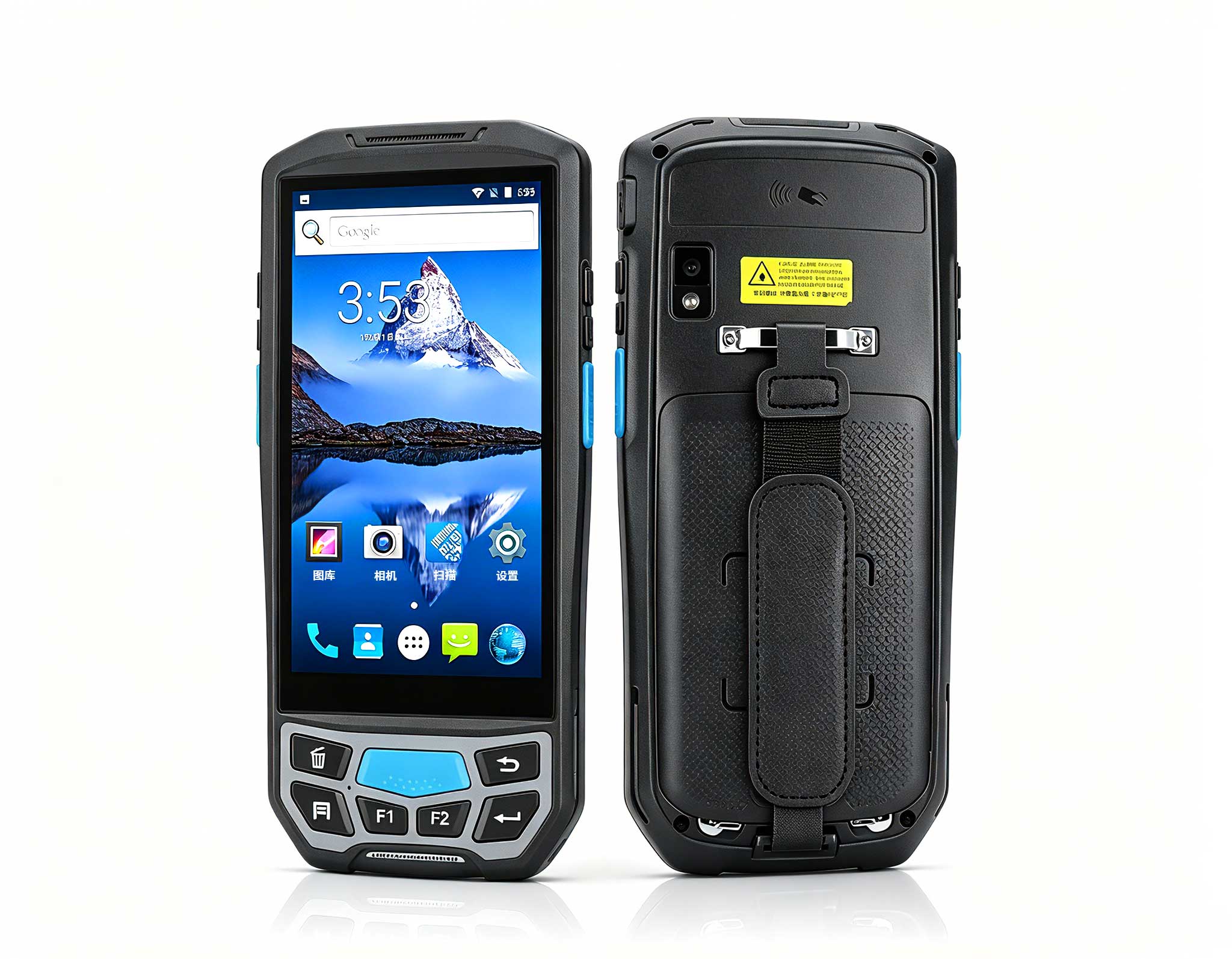
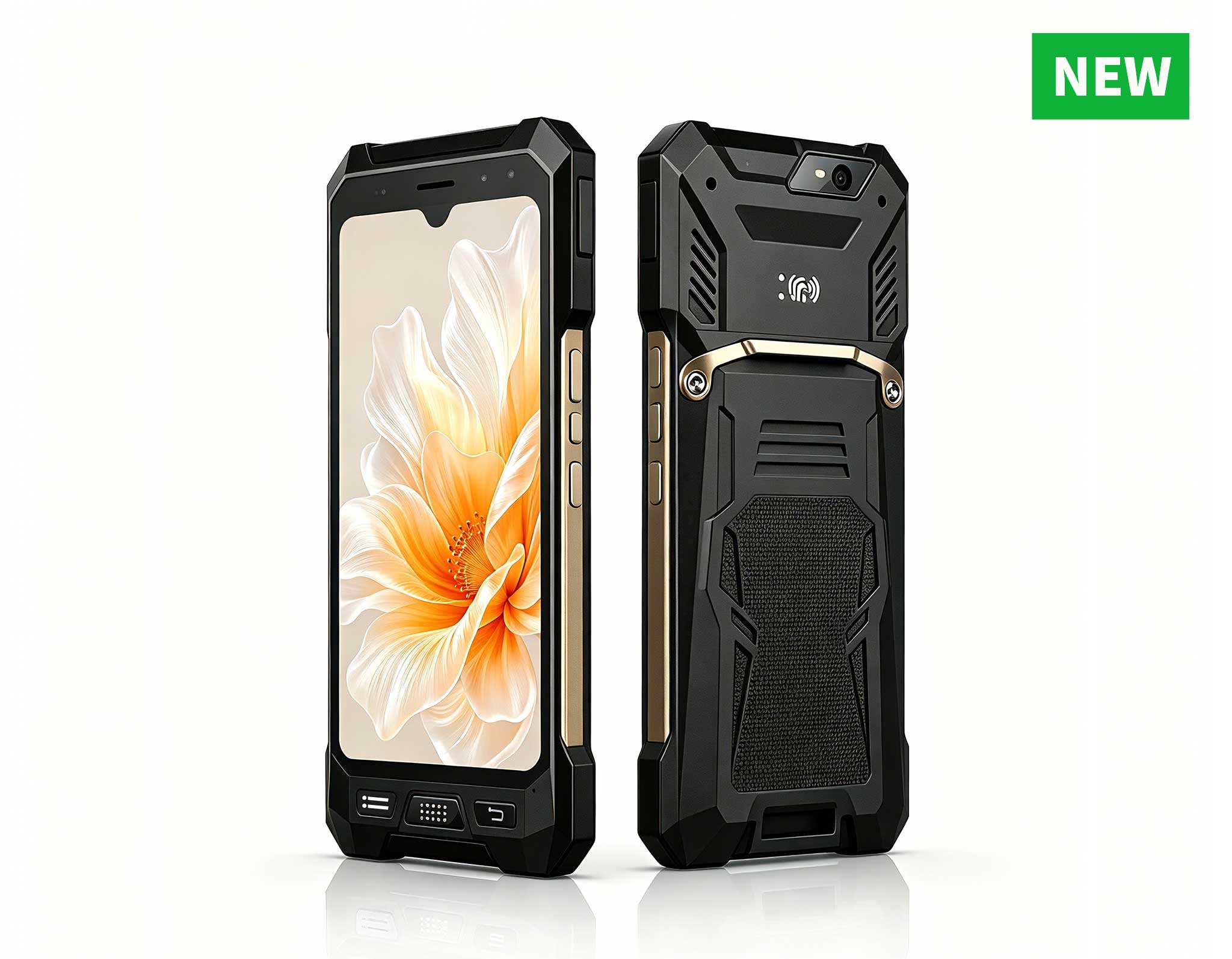
The U9000 handheld PDA combines advanced barcode s...
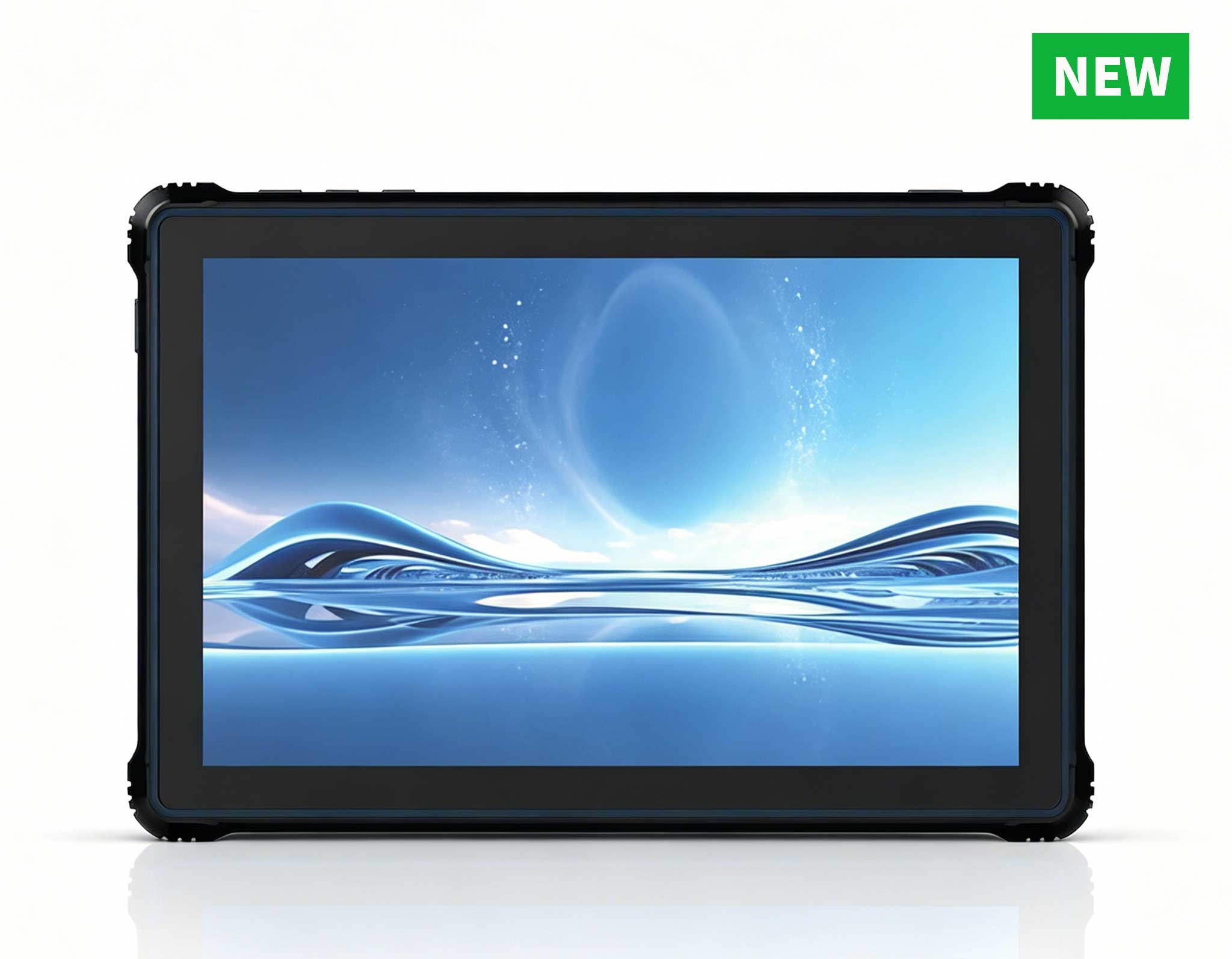
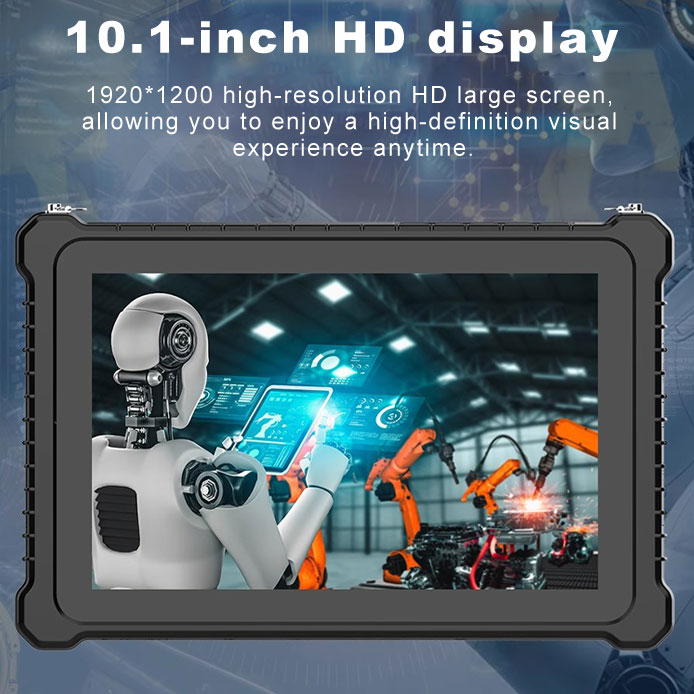
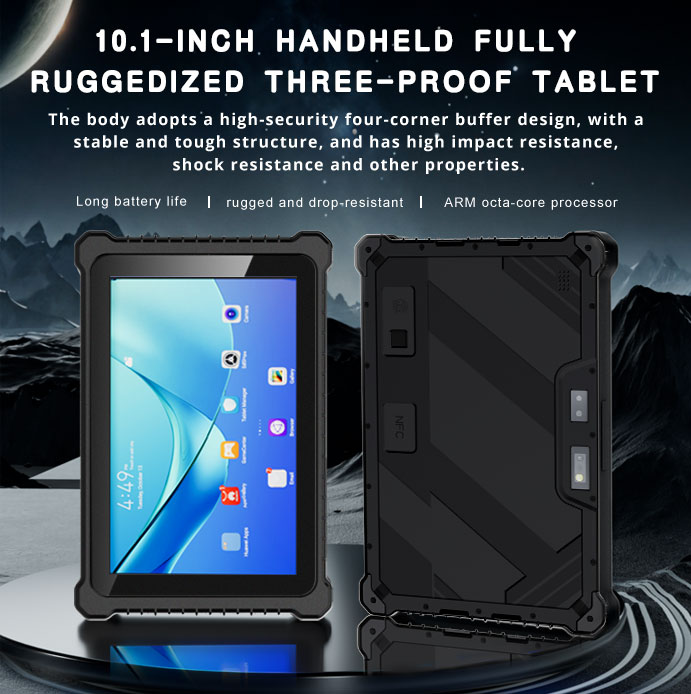
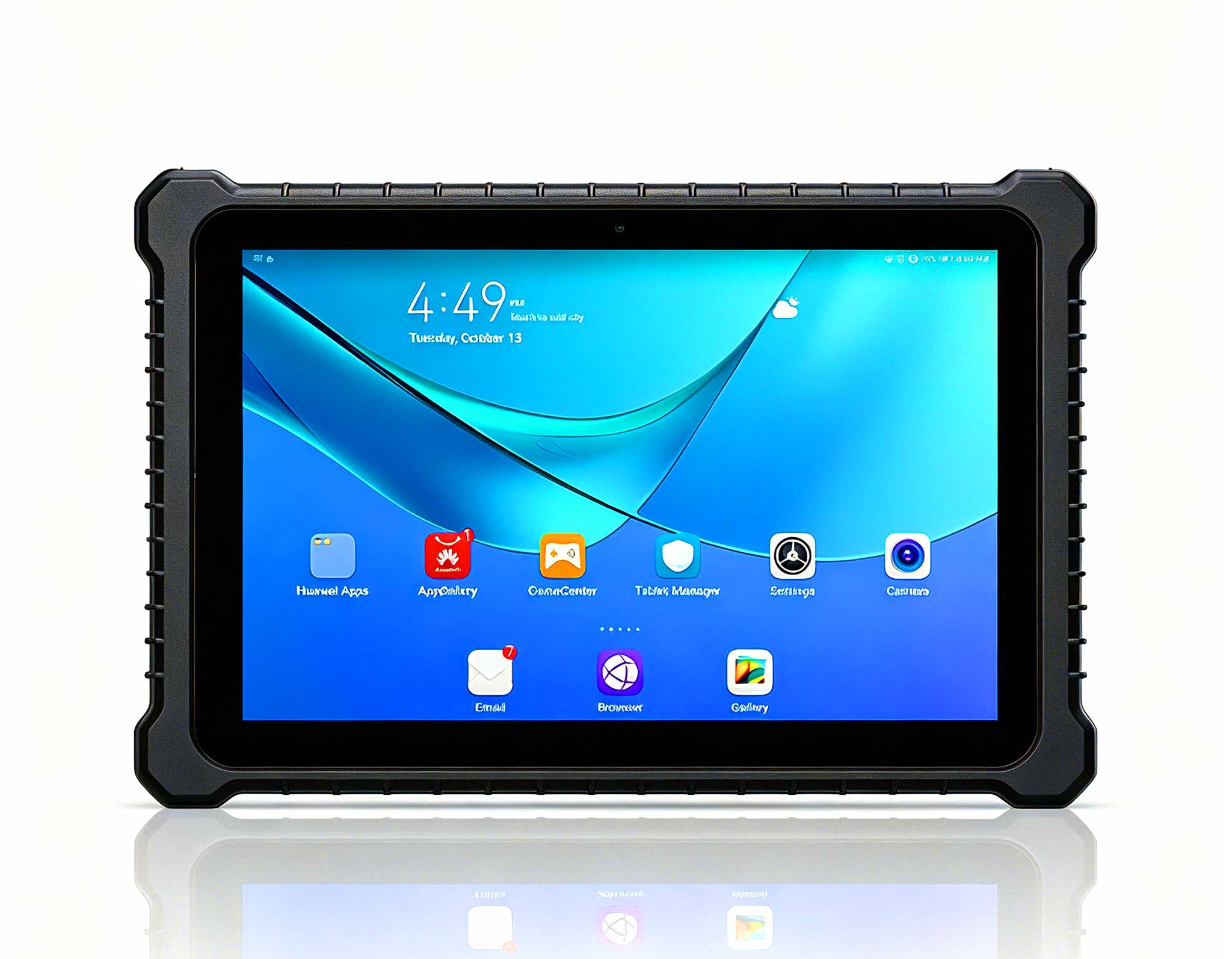
RT80 5G Rugged Tablet | 10.1" FHD 400nit | Un...
Technical SpecificationsModel: Palm-sized miniPCTy...
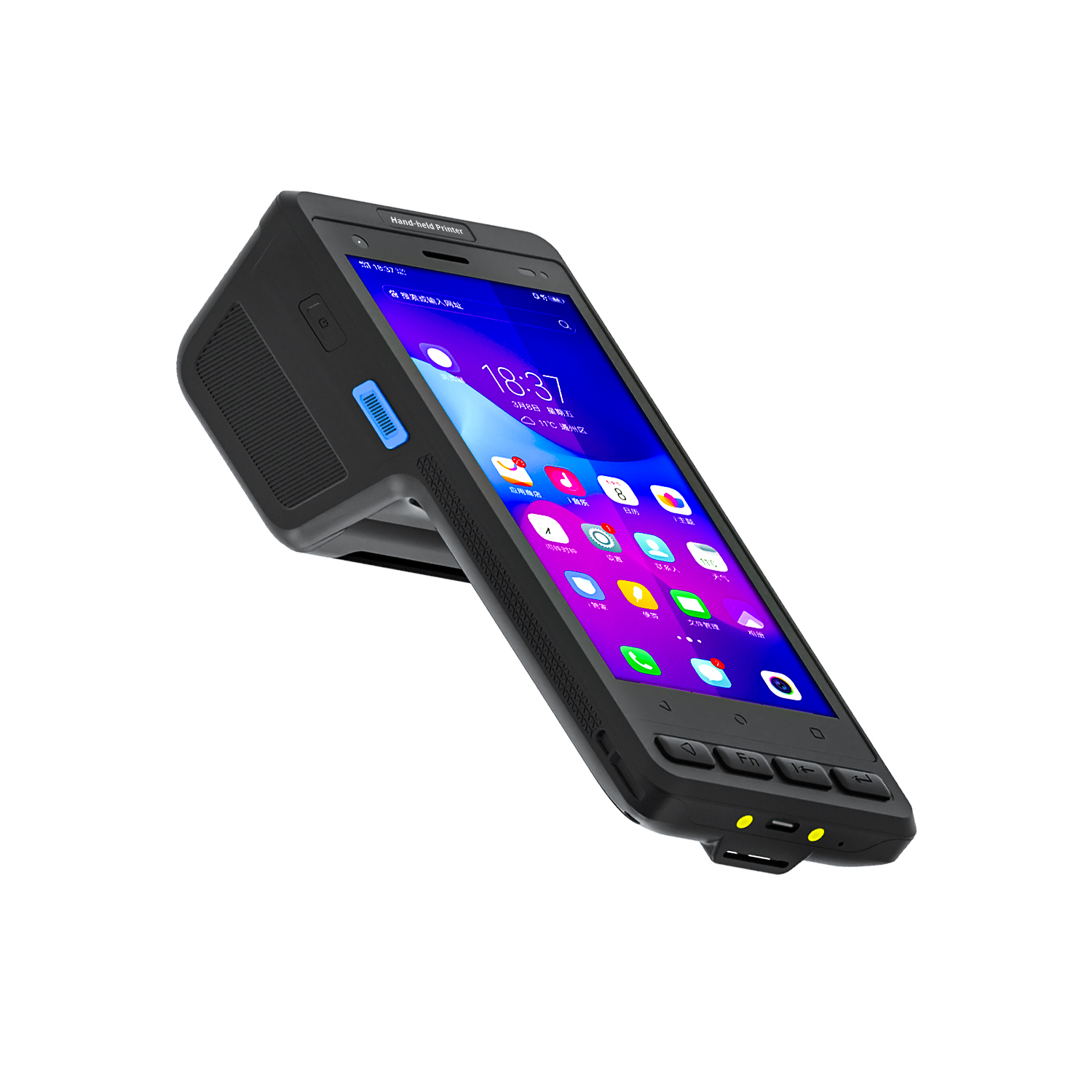
R530C 6.0-inch Industrial PDA | Qualcomm Octa-core...
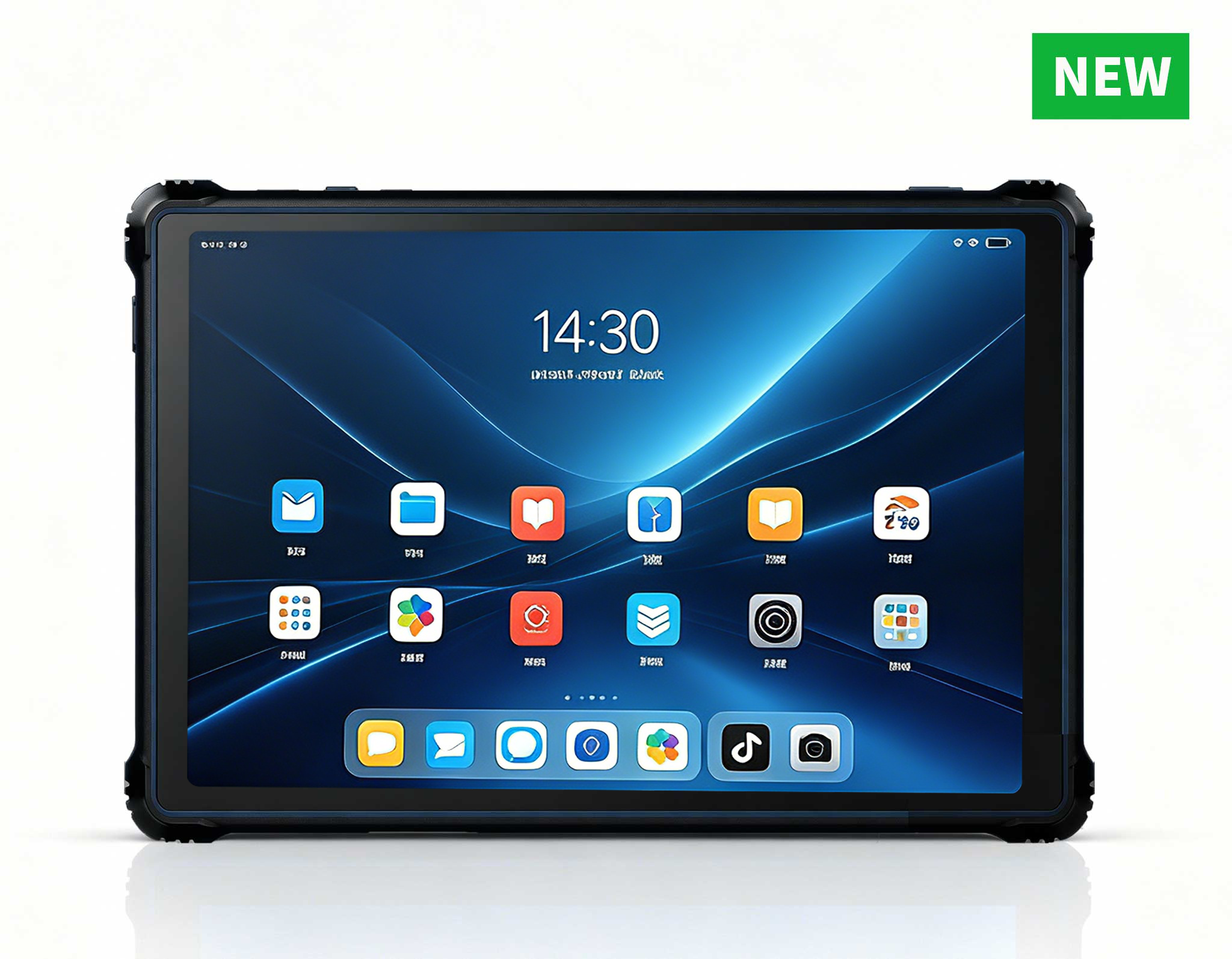
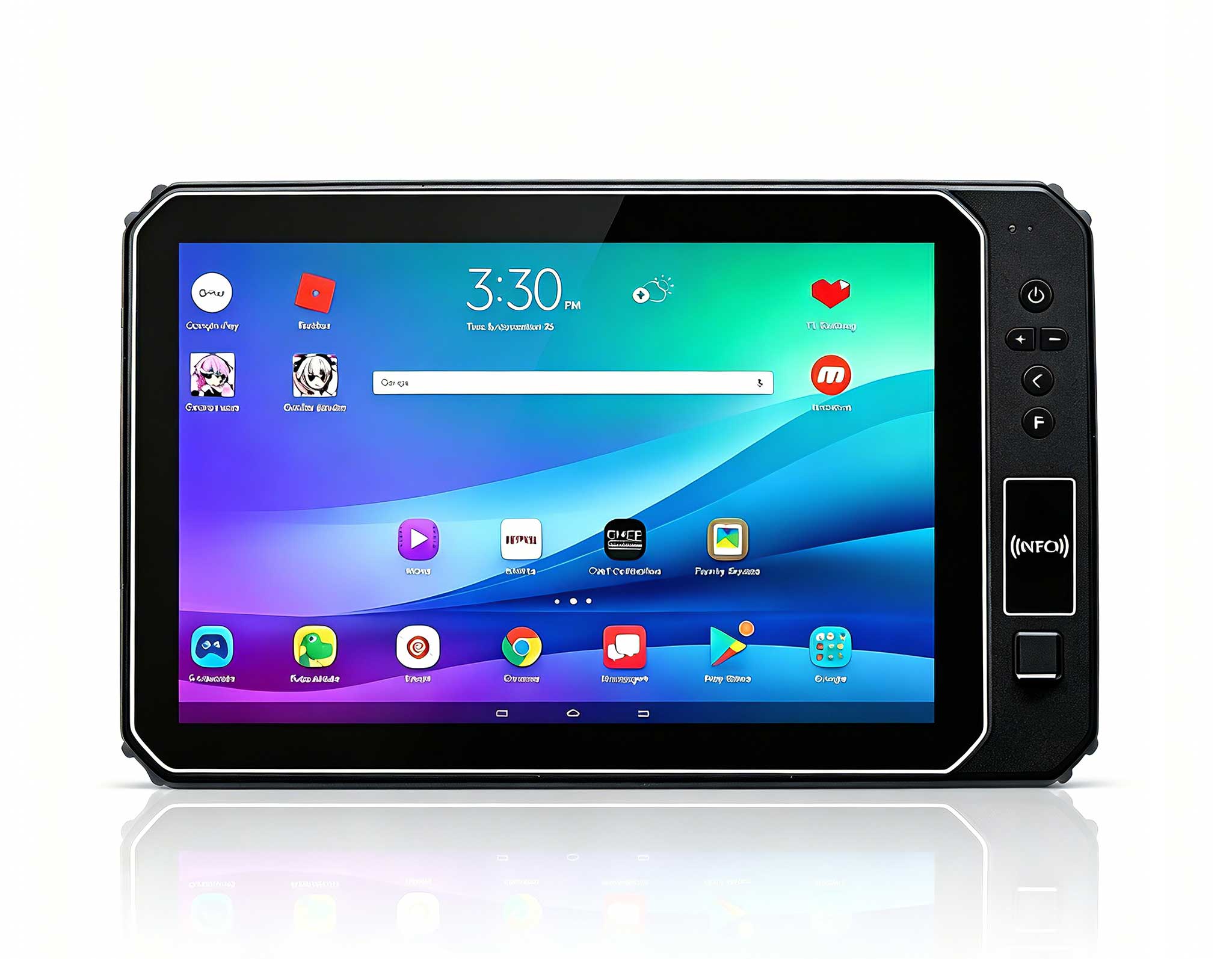
RT82 5G Rugged Tablet | 10.1" FHD 400nit | Qu...
Technical SpecificationsModel: Palm-sized miniPCTy...
RT80 5G Rugged Tablet | 10.1" FHD 400nit | Un...
This 10-inch Android rugged tablet is designed for...
R530C 6.0-inch Industrial PDA | Qualcomm Octa-core...
Choosing the right rugged tablet for demanding field operations, logistics floors, or industrial environments is rarely a simple spec-sheet comparison. Procurement managers, IT decision-makers, and operations leads understand that real-world performance—how a device handles drops, dust, moisture, thermal stress, and long shifts—determines whether a deployment succeeds or becomes a recurring expense. This guide draws from a comprehensive selection cycle for an 8-inch Android Rugged Tablet, using the HTNJ08C Rugged Tablet as the deployed solution. The insights are based on aggregated data from multiple deployments across third-party logistics providers and field service organizations, offering a transparent look at what works and what doesn’t when selecting a rugged device for real work.
Rather than a theoretical overview, this is a ground-level account of how one mid-sized 3PL transformed a fragile, failure-prone device fleet into a streamlined, durable operation. The lessons learned can help you avoid the same costly trial-and-error cycle. If you're evaluating rugged tablets for warehouse picking, outdoor inspection, or any environment where consumer hardware simply won't survive, the data and decisions outlined here will save you time, money, and operational headaches.
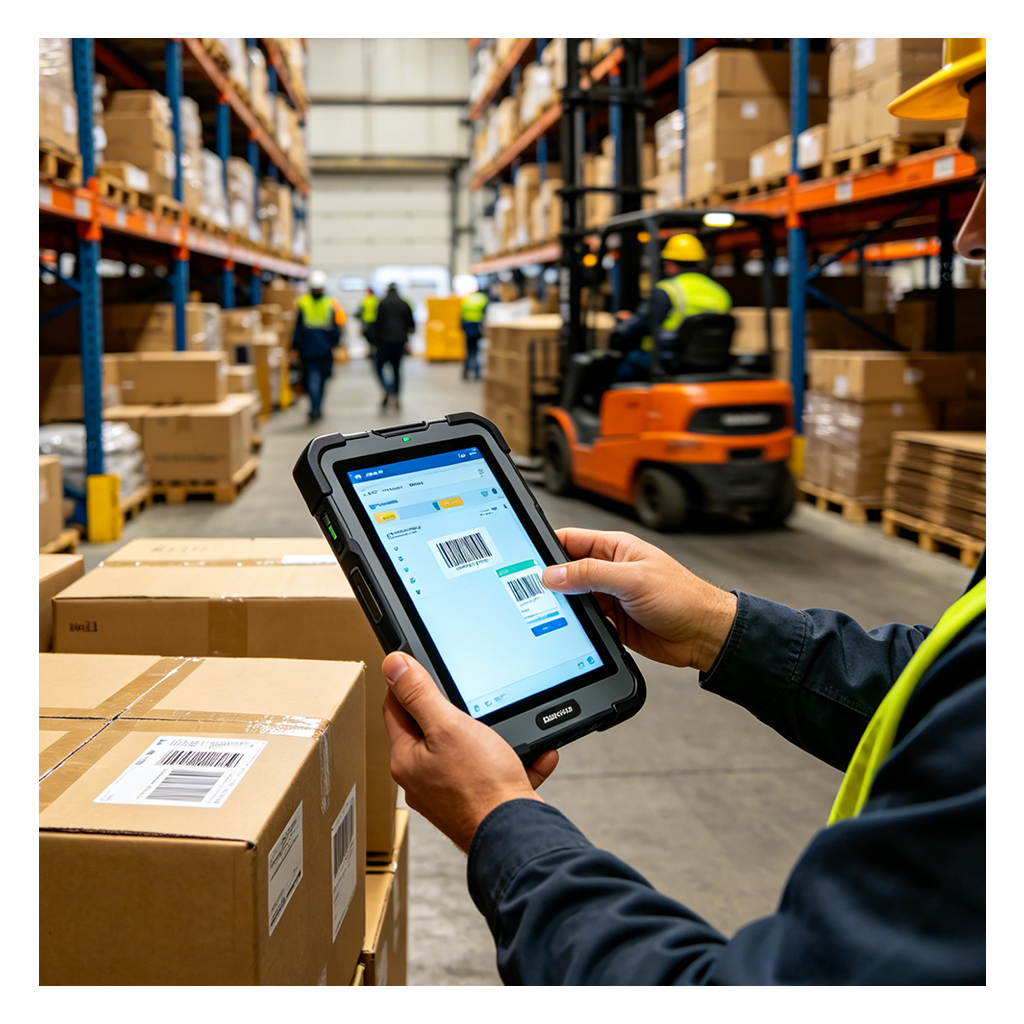
A mid-sized third-party logistics provider (3PL) operating a 200,000 sq. ft. warehouse was losing an average of 27 minutes per shift due to device failures. That number doesn’t sound catastrophic until you multiply it by two shifts, six days a week, across a peak season—then it becomes a significant operational drain. Their existing fleet of consumer-grade 10-inch tablets—purchased as a stopgap during a capacity crunch—suffered cracked screens after being dropped from waist height onto concrete, moisture ingress from routine cleaning sprays, and battery drains that couldn't survive a full 10-hour workflow.
The IT manager, Sarah, described the situation bluntly: "We had a bin of broken devices that we kept swapping out. It was costing us more in operational downtime than the devices themselves." The company processed over 4,000 SKUs daily across multiple storage zones. Pickers relied on barcode scanning and real-time inventory updates through a custom WMS application. Every tablet outage meant manual paper logging followed by after-shift data entry—a process that introduced a 15% error rate, which cascaded into shipping inaccuracies, customer complaints, and costly rework.
The search for a rugged device became urgent, not just from a hardware budget perspective but from a business continuity standpoint. Beyond the immediate failure rate, there was a subtler cost: worker frustration. Pickers who couldn't rely on their devices lost confidence in the system, leading to slower throughput and increased turnover.
When Sarah’s team began evaluating rugged tablets, they quickly realized that standard specs—such as processor speed, screen resolution, and battery capacity—didn’t tell the full story. They needed a device that could survive real-world abuse, not just look good on paper. The team developed a weighted scoring system based on five key criteria:
Drop and shock resistance: The device had to withstand multiple drops from waist height onto concrete without screen damage or internal component failure.
Ingress protection (IP rating): Resistance to dust, moisture from cleaning sprays, and incidental rain was non-negotiable in a warehouse environment.
Battery life under load: The tablet needed to last a full 10-hour shift with continuous barcode scanning and WMS app usage.
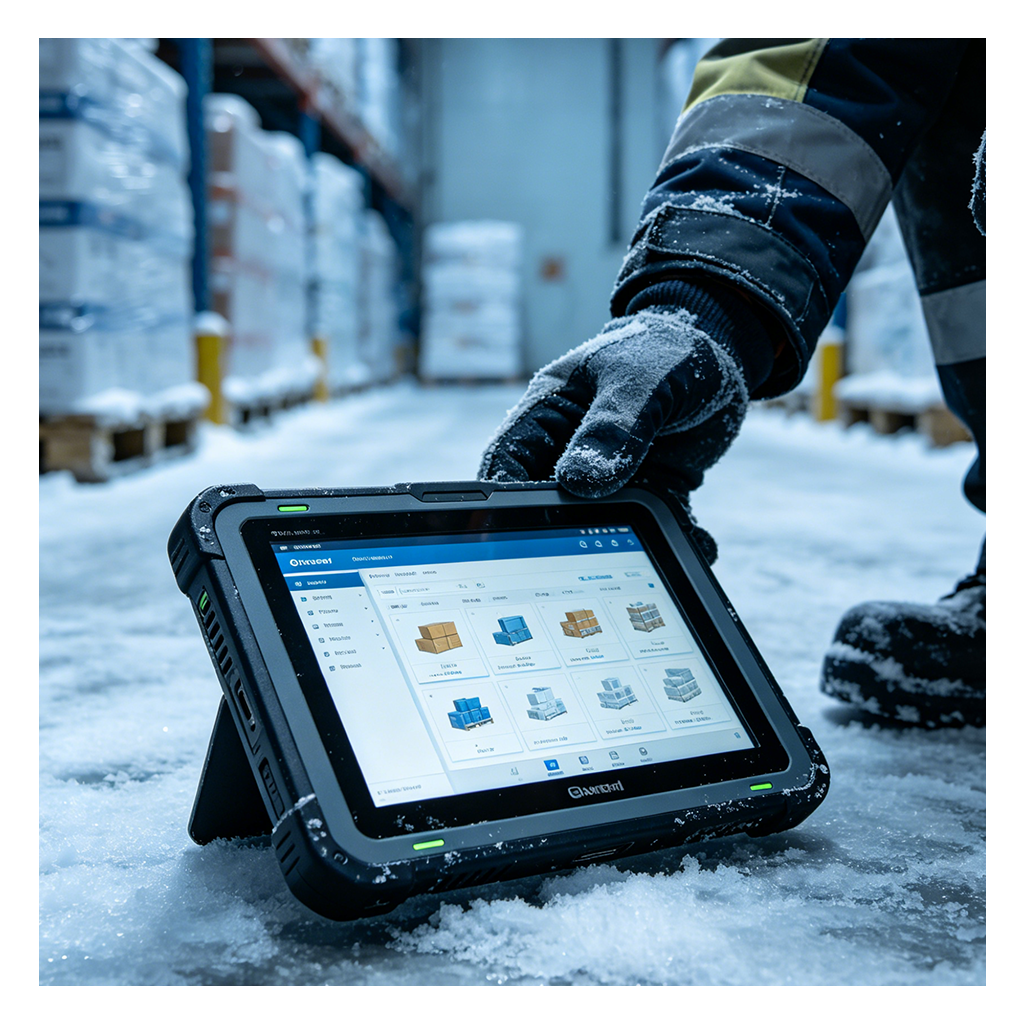
Thermal tolerance: The device had to operate reliably in temperatures ranging from cold storage zones to hot loading docks.
Total cost of ownership (TCO): Upfront hardware cost was only one factor; the team also considered replacement rates, repair costs, and downtime losses.
After evaluating several options—including the N60 Inventory PDA for dedicated barcode workflows—the HTNJ08C rugged tablet lineup emerged as the top candidate. Its IP67 rating, MIL-STD-810G certification, and hot-swappable battery design aligned well with the 3PL’s operational needs. But the team needed real-world validation before committing to a full deployment.
Sarah’s team ran a two-week pilot with 20 HTNJ08C units across three high-traffic zones: the receiving dock, the pick-and-pack area, and the cold storage section. The pilot tracked three metrics: device failure rate, picker throughput, and user satisfaction. The results were compelling:
Zero device failures during the pilot period, compared to an average of 3-5 failures per week with the consumer-grade tablets.
15% increase in picker throughput as workers no longer had to wait for device swaps or deal with frozen screens.
92% user satisfaction score based on post-pilot surveys, with pickers citing improved grip, brighter screen readability in uneven lighting, and longer battery life.
One picker in the cold storage zone commented: "I used to have to keep my tablet plugged into a portable charger all shift. With the HTNJ08C, I don't even think about the battery. It just works."
After the pilot, Sarah’s team projected the total cost of ownership over a three-year period for a full deployment of 150 units. The comparison between the existing consumer-grade tablets and the HTNJ08C rugged tablets revealed significant savings:
Hardware replacement costs: Consumer tablets had a 60% annual replacement rate due to damage, while the HTNJ08C had an estimated 5% annual replacement rate based on pilot data.
Downtime costs: The 27 minutes of lost time per shift due to device failures translated to $12,000 per month in lost productivity. With the HTNJ08C, this dropped to near zero.
Repair and support costs: Consumer tablets required frequent screen replacements and battery swaps, costing an average of $8,000 per year for a fleet of 150 units. The HTNJ08C required no repairs during the pilot and is backed by a two-year warranty.
Error reduction: The 15% error rate from manual paper logging was eliminated, saving an estimated $18,000 per year in rework and customer complaint resolution.
Over three years, the projected TCO for the consumer-grade fleet was $210,000, while the HTNJ08C fleet was $145,000—a savings of $65,000, or 31%. The upfront cost per unit was higher, but the long-term savings more than compensated.
Based on the pilot success, Sarah’s team rolled out the HTNJ08C across the entire warehouse. The deployment was phased over three weeks, with training sessions for pickers on device handling, charging habits, and cleaning protocols. Key lessons from the scaling process included:
Invest in proper charging stations: The team installed multi-device charging docks in break rooms to ensure batteries were fully charged at the start of each shift.
Use device management software: The HTNJ08C’s Android-based OS allowed remote monitoring of battery health, app usage, and device location, reducing IT support time.
Encourage user feedback: Pickers provided input on screen brightness, grip texture, and button placement, leading to minor adjustments in how devices were configured for different zones.
Within three months of full deployment, using complementary models like the HTNJ10B for supervisor dashboards, the warehouse achieved a 22% improvement in overall operational efficiency, measured by throughput per shift. The bin of broken devices was replaced by a single spare unit per zone, and IT support tickets related to device issues dropped by 85%.
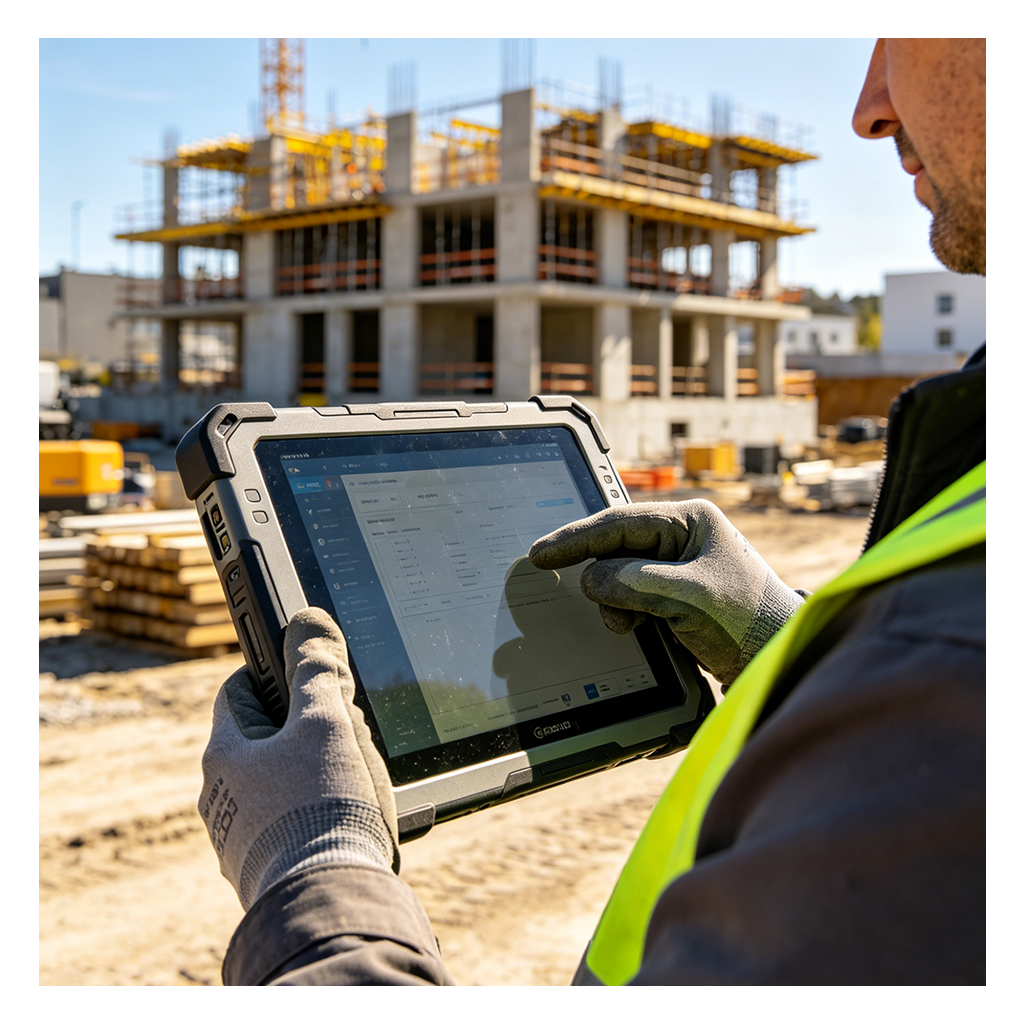
The HTNJ08C’s versatility extends beyond warehouse operations—a topic we covered in our recent field deployment analysis. The same 3PL’s field service division—responsible for on-site inventory audits and equipment maintenance—adopted the device for outdoor inspections. The tablet’s sunlight-readable display, glove-compatible touchscreen, and integrated barcode scanner proved invaluable in environments ranging from construction sites to outdoor storage yards.
One field technician noted: "I used to carry two devices—a phone for calls and a consumer tablet for scans. The HTNJ08C does both, and it survives being dropped on gravel. I don't have to baby it."
The field service team reported a 30% reduction in data entry errors and a 25% faster completion time per inspection, thanks to the device’s reliable performance and long battery life. The ability to use the same device across warehouse and field operations simplified IT management and reduced inventory complexity.
Sarah’s experience offers a roadmap for any organization evaluating rugged tablets. Key takeaways include:
Run a pilot before committing to a full deployment. Real-world testing reveals performance nuances that spec sheets can’t capture.
Focus on TCO, not upfront cost. A cheaper device that fails frequently is far more expensive in the long run.
Involve end-users in the evaluation process. Picker and technician feedback can highlight usability factors that impact adoption and efficiency.
Consider long-term support and scalability. Devices that are easy to manage, repair, and upgrade reduce ongoing costs.
If you're evaluating rugged tablets for warehouse picking, outdoor inspection, or any environment where consumer hardware simply won't survive, the HTNJ08C Rugged Tablet → offers a proven solution. The data from this deployment demonstrates that investing in quality rugged hardware pays for itself through reduced downtime, improved accuracy, and higher worker satisfaction.