- Select Language
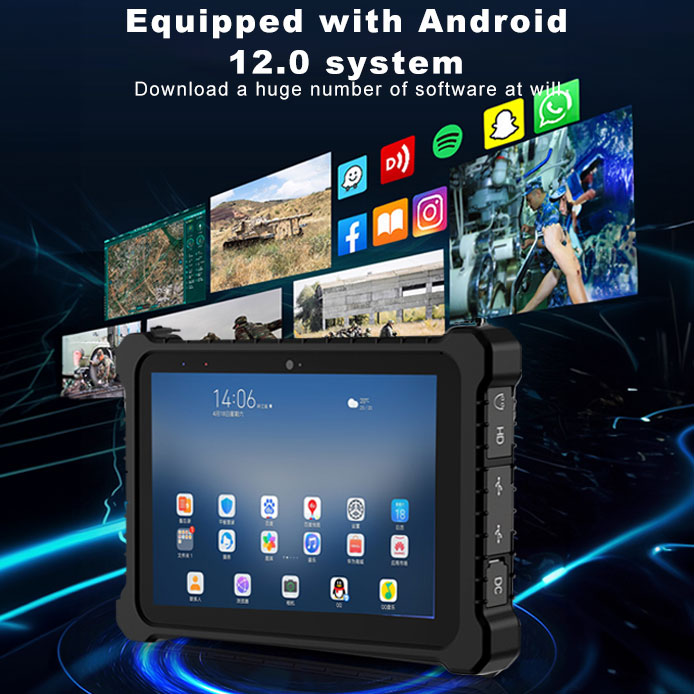
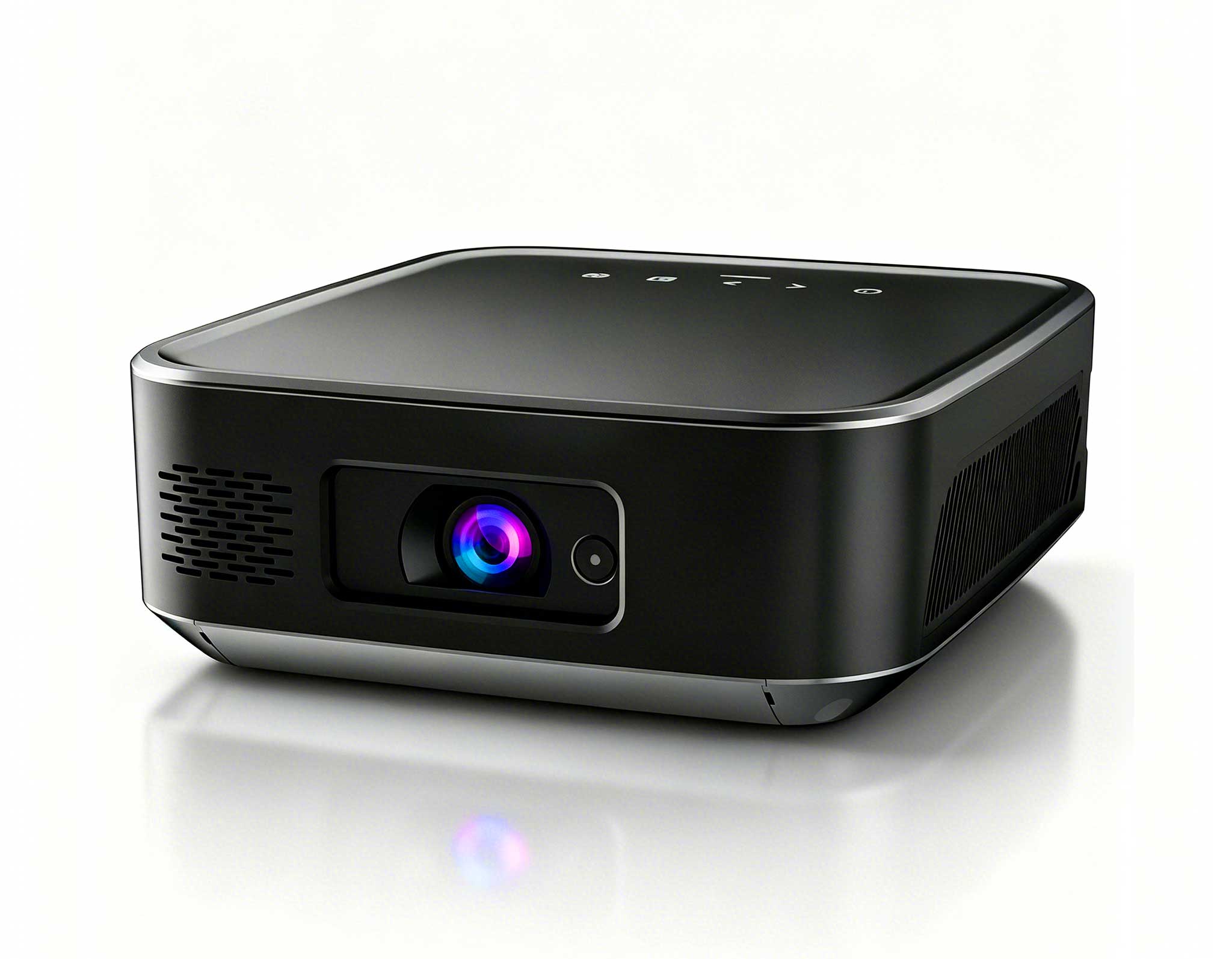
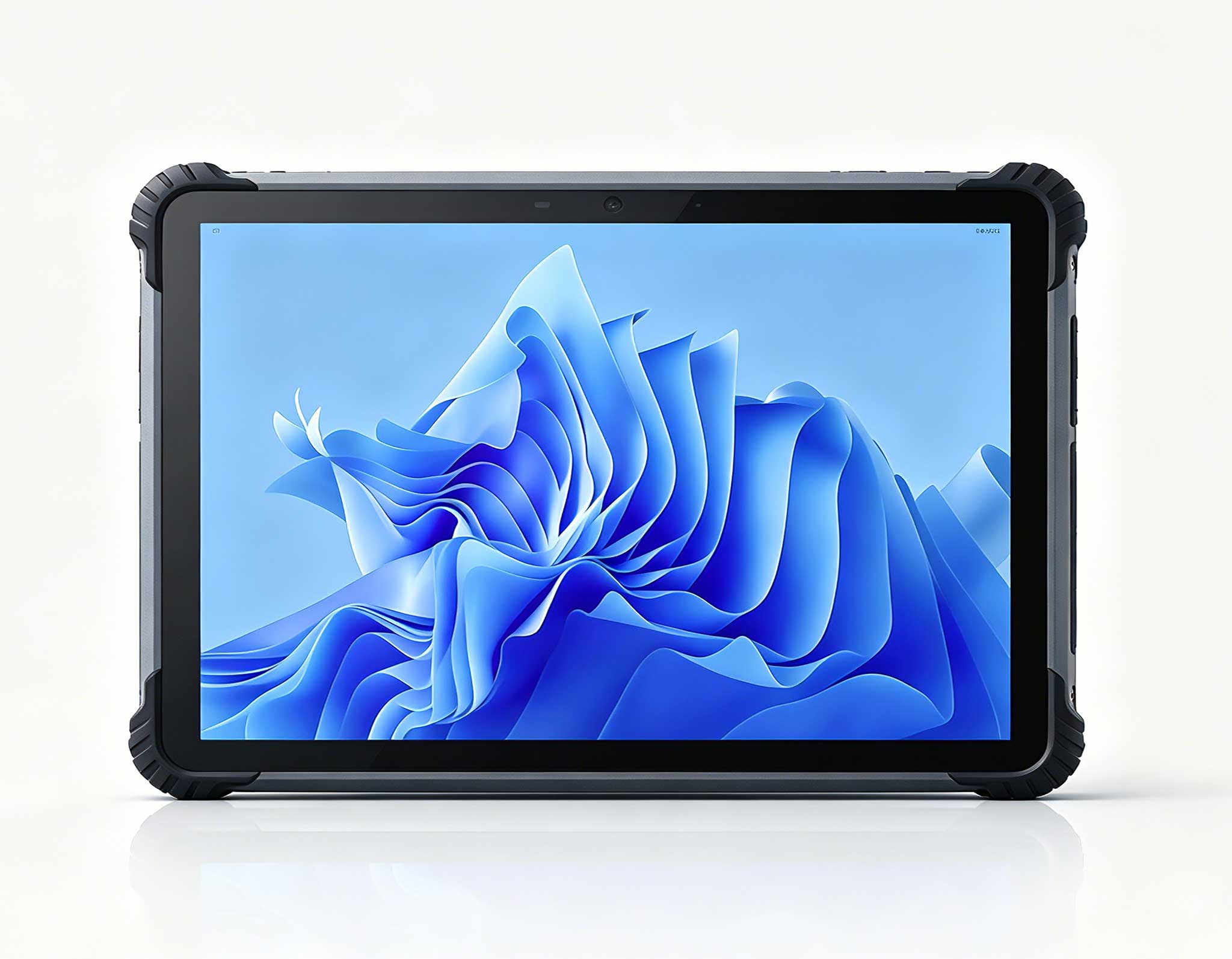
This 10-inch Android rugged tablet is designed for...
R530C 6.0-inch Industrial PDA | Qualcomm Octa-core...
RT80 5G Rugged Tablet | 10.1" FHD 400nit | Un...
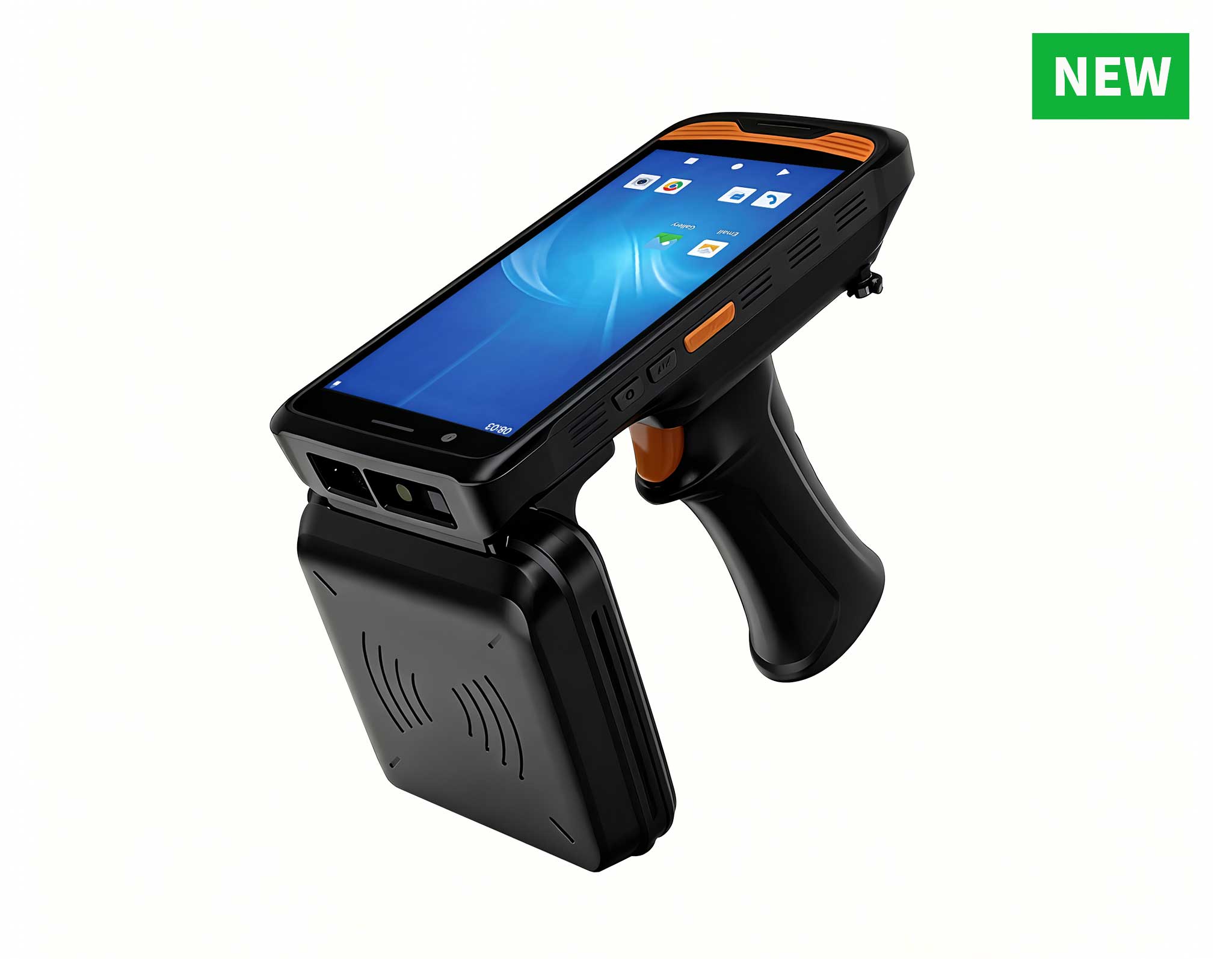
R366C-S 5.5-inch Industrial UHF RFID Reader | Qual...
Full SpecificationsModelHotus ST13‑UOSWindows 10 P...
RS50 5G Rugged Handheld Terminal | 6.3" FHD+ ...
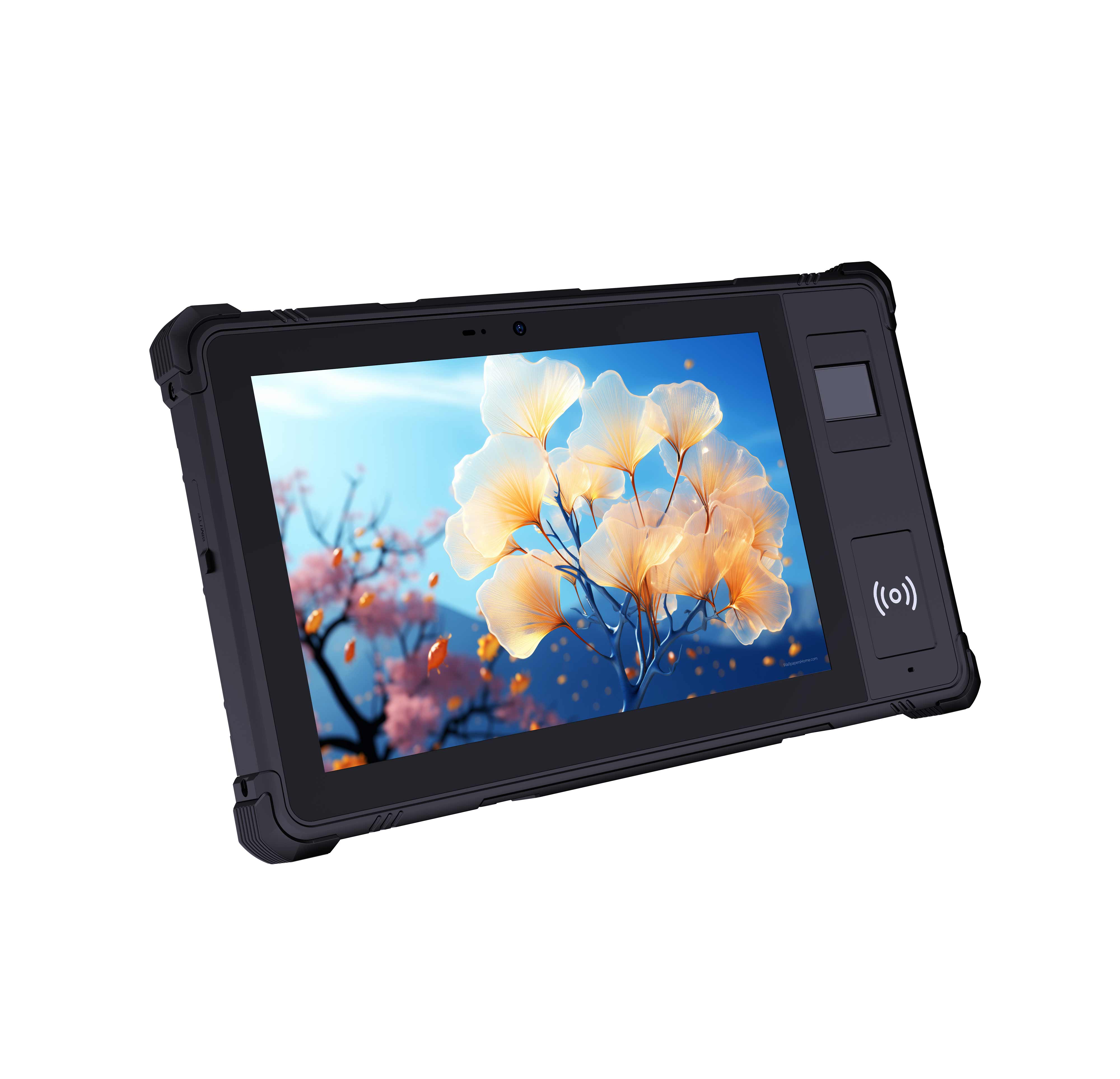
P8 Series 8-Inch Rugged Industrial Tablet PC Mobi...
Every minute counts when a digital signage kiosk goes dark. A single failed unit can cost a service team two to three hours of on-site repair, and in that window foot traffic keeps flowing past a blank screen. Downtime translates directly into lost engagement, lost revenue, and extra strain on IT staff. When the WTR PRO AMD, SH5-W, and HCAR5000 MI work together inside one kiosk, most of those interruptions can be prevented before they ever happen. The reality is that the majority of kiosk failures are avoidable with a consistent maintenance routine built around three pillars: cleaning, thermal care, and software hygiene.
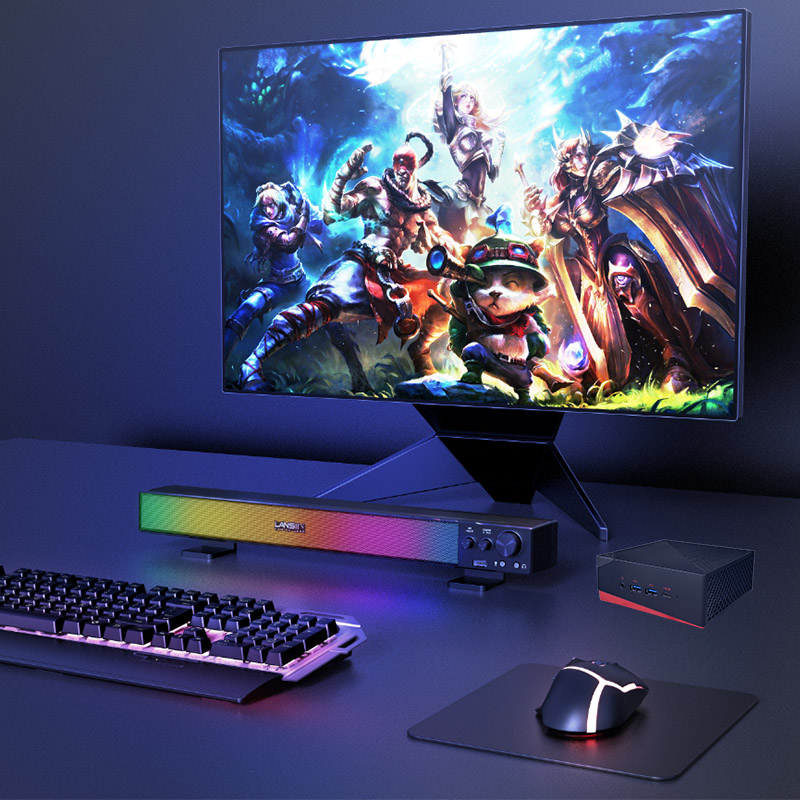
The HCAR5000 MI mini PC is the quiet engine behind many digital signage kiosk deployments. Because it is fully fanless and built from wide-temperature components, it has fewer moving parts and no spinning fan to collect dust, which makes it a natural fit for the industrial solution for Digital Signage Kiosk where the compute core may sit inside a sealed enclosure for months at a time. Day-to-day maintenance is deliberately light: check the aluminum chassis for accumulated dust, confirm the storage drive is healthy, and note any change in operating temperature during each service visit.
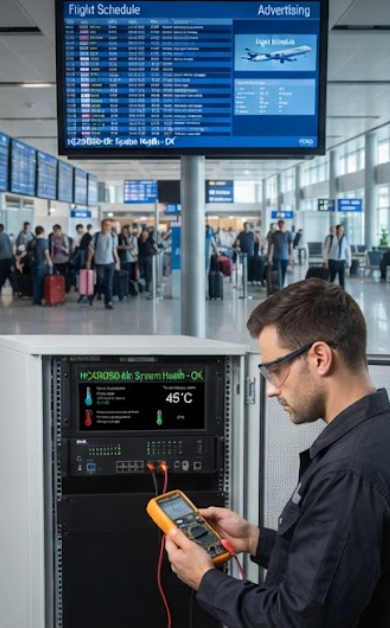
WTR PRO AMD extends the same philosophy to edge computing workloads. The AMD platform handles video decoding, remote management, and peripheral connections without breaking a sweat, while the rugged casing protects the board from vibration and light impacts during installation and transport. For maintenance teams, the most valuable trait is predictability. The system reports temperature and load data faithfully, so an operator can spot a rising trend long before it turns into a visible failure. A simple quarterly routine, blowing out the vents with compressed air and reseating connectors, keeps the unit running reliably for years.
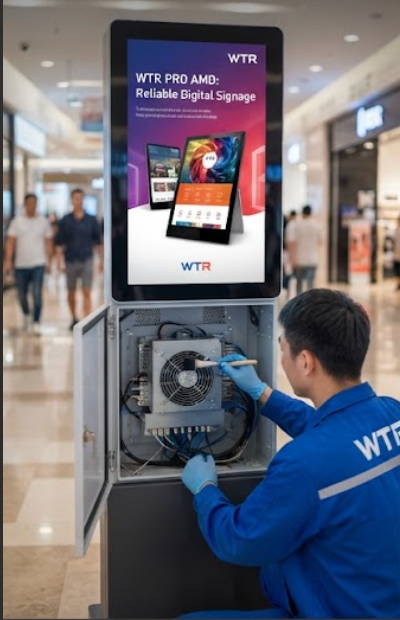
The SH5-W is the user-facing part of the kiosk, and no other component gets touched more often. As a 5.5-inch Windows rugged industrial tablet, it drives the interactive menus, wayfinding, and feedback forms mounted inside the kiosk bezel. Screen cleanliness is the first maintenance priority. Fingerprints and dust do more than look bad; they reduce touch accuracy and make the interface feel unresponsive. Clean the glass with a micro-fiber cloth and a mild, screen-safe solution, and always apply the liquid to the cloth rather than directly onto the panel. The 5.5-inch Windows SH5-W Rugged Industrial Tablet responds best to a weekly visual check paired with a monthly touch-calibration pass.
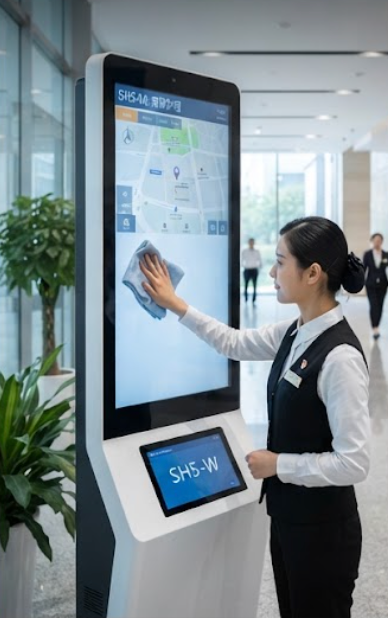
Beyond cleaning, the mounting and cabling behind the SH5-W deserve equal attention. Vibration from nearby doors or HVAC equipment can slowly loosen fasteners over time, so add a torque check on the mounting bracket to your routine. Also inspect the connector where the tablet joins the kiosk power supply; a loose contact is one of the most common causes of intermittent blank screens, and re-seating it takes seconds once you are on site.
Digital signage kiosks run around the clock, and heat is the quiet enemy of every 7x24 deployment. Even though the HCAR5000 MI and WTR PRO AMD are designed to operate without fans, they still need airflow around the chassis to shed heat effectively. In enclosures sealed for weather protection, internal temperatures can climb quickly, so install a ventilation grille with a dust filter if your enclosure does not have one, and plan to clean that filter every three months. Keeping the intake path clear is the single most effective maintenance action you can take, and the rugged mini PC solutions in the Hotus lineup are engineered with airflow in mind.
Both mini PCs rely on aluminum fin heat sinks that perform best when the surrounding airflow is unobstructed. During a service visit, take ten minutes to examine the full thermal path: remove any lint or dust film from the fins, confirm that the heat sink still makes firm contact with the chassis, and measure the ambient temperature inside the enclosure. Thermal management is really a habit. It keeps the compute core stable through summer heat waves and heavy-use weekends, and it is far cheaper to maintain than it is to replace.
The table below condenses the maintenance focus for each product in the stack into a single page. It gives field technicians a fast reference when they build service schedules and plan their site visits.
| Model | Role in Kiosk | Primary Maintenance Focus | Recommended Interval |
|---|---|---|---|
| HCAR5000 MI | Fanless compute core | Chassis dust check, SSD health monitoring, enclosure airflow | Every 6 months |
| WTR PRO AMD | AMD edge computing platform | Vent cleaning, connector reseating, temperature log review | Every 3 months |
| SH5-W | Interactive display tablet | Screen cleaning, touch calibration, mounting and cable checks | Monthly |
Hardware care only takes a fleet so far. Firmware and operating system updates are the software side of the same discipline, and they deserve an equally rigorous schedule. Roll out Windows updates for the SH5-W and the WTR PRO AMD platform during off-peak hours, when foot traffic is at its lowest. Before pushing anything, read the release notes and verify driver compatibility; a bad display driver can take a kiosk offline just as quickly as a failing power supply. Keep one staging unit where new updates are validated before they reach the rest of the fleet.
Build a preventive maintenance calendar that combines the tasks above with a monthly system log review. Track storage capacity, watch for unexpected reboots, and compare temperature readings across sites to catch anomalies early. A predictable schedule turns maintenance from a reactive scramble into a quiet routine that visitors never notice and operators can trust.
The digital signage kiosk team at a major institution used to spend roughly thirty minutes per tour just checking and distributing equipment, and intermittent touch failures forced extra site visits almost every week. After deploying the HCAR5000 MI, WTR PRO AMD, and SH5-W together with a simple preventive schedule, they cut preparation time to under five minutes and eliminated most connector-related and thermal disruptions. Screen cleaning became a standing weekly task, thermal checks now run quarterly, and unplanned site visits have dropped sharply across the whole deployment.
If you are planning a similar deployment, the same discipline applies no matter the environment. Start with a maintenance plan on day one, train the staff who will own it, and review the numbers every month. To see the full product family and compare options, explore our mini PC solutions or contact the Hotus team for a consultation tailored to your kiosk fleet.