- Select Language
Technical SpecificationsModel: Palm-sized miniPCTy...
The F505 Handheld PDA is a compact, high-performan...
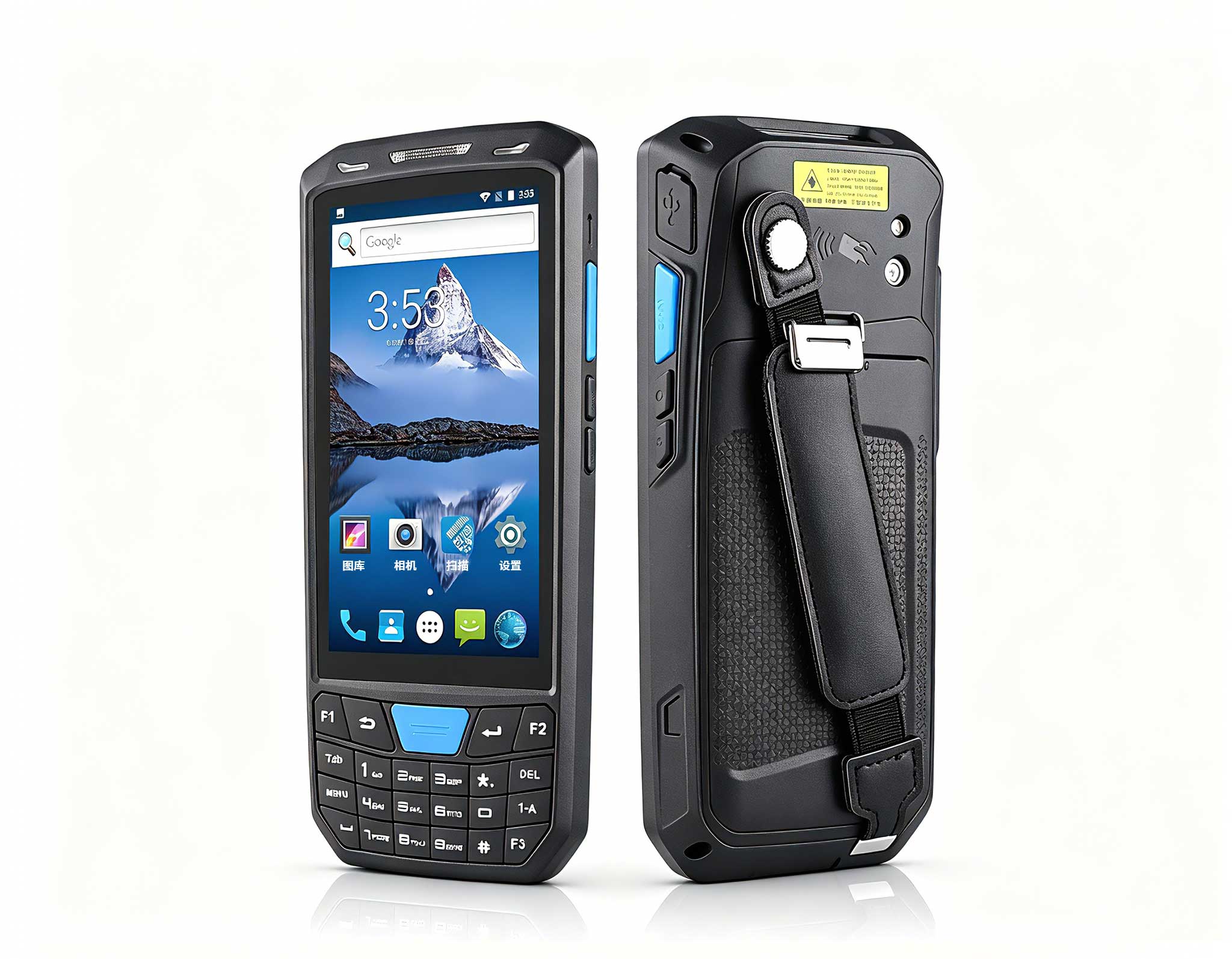
The T80 handheld PDA combines advanced barcode sca...
This dual touchscreen gaming laptop combines cutti...
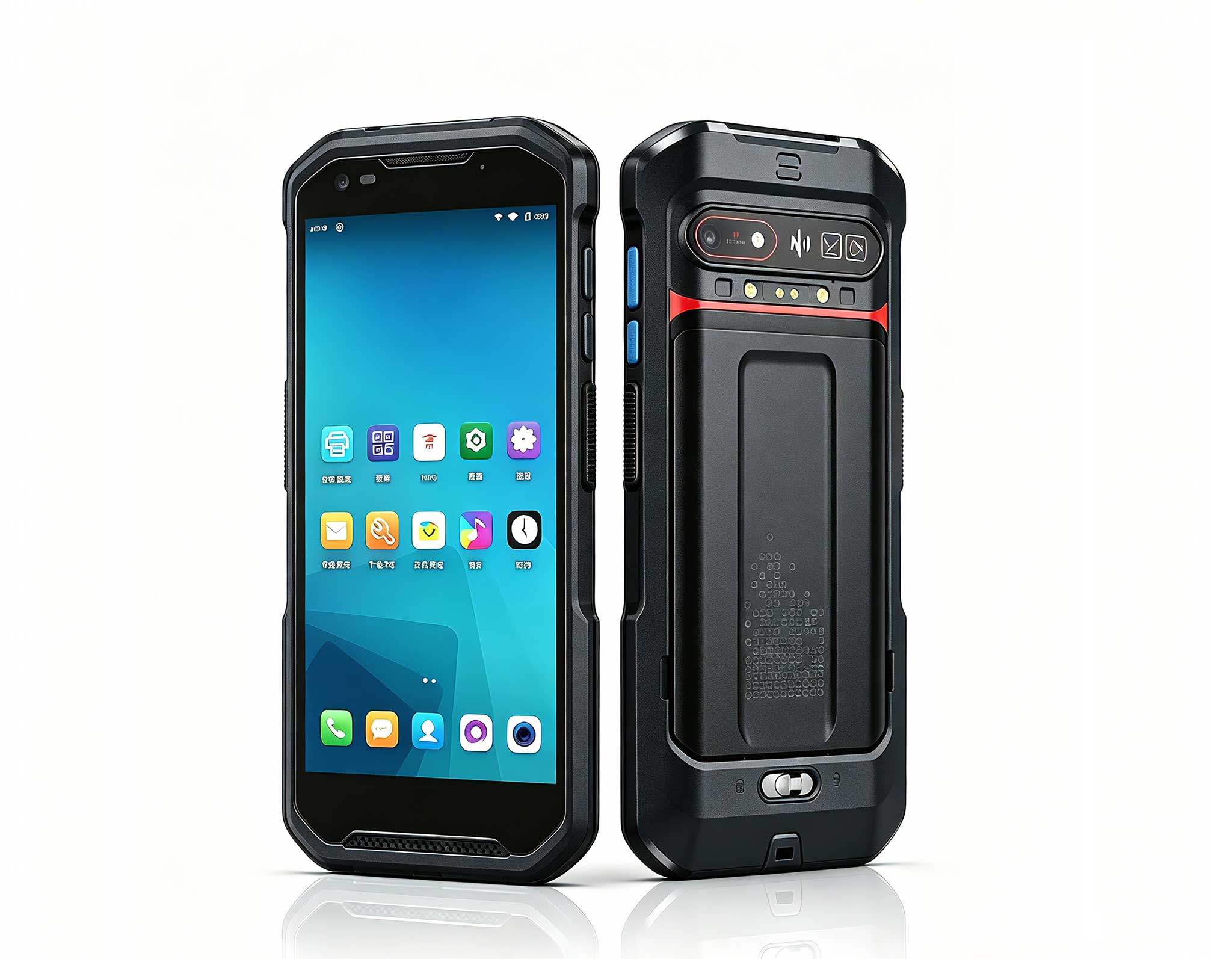
The N60 PDA is a cutting-edge device for inventory...
R366-S Thin 5.5-inch Industrial PDA | Qualcomm Oct...
A school computer lab fails in ways an office never does. Thirty machines wake at the same second, a lesson plan depends on every one of them working, and the person who has to fix it is usually the teacher who is also supposed to be teaching. I have spent enough mornings in that room to know that most "the lab is broken" calls come down to four or five faults that repeat. This is the triage order that actually resolves them, built around a mixed fleet of an HCAR5000 MI lab host, ST11-J student tablets, and older HTNJ08B units still in service.
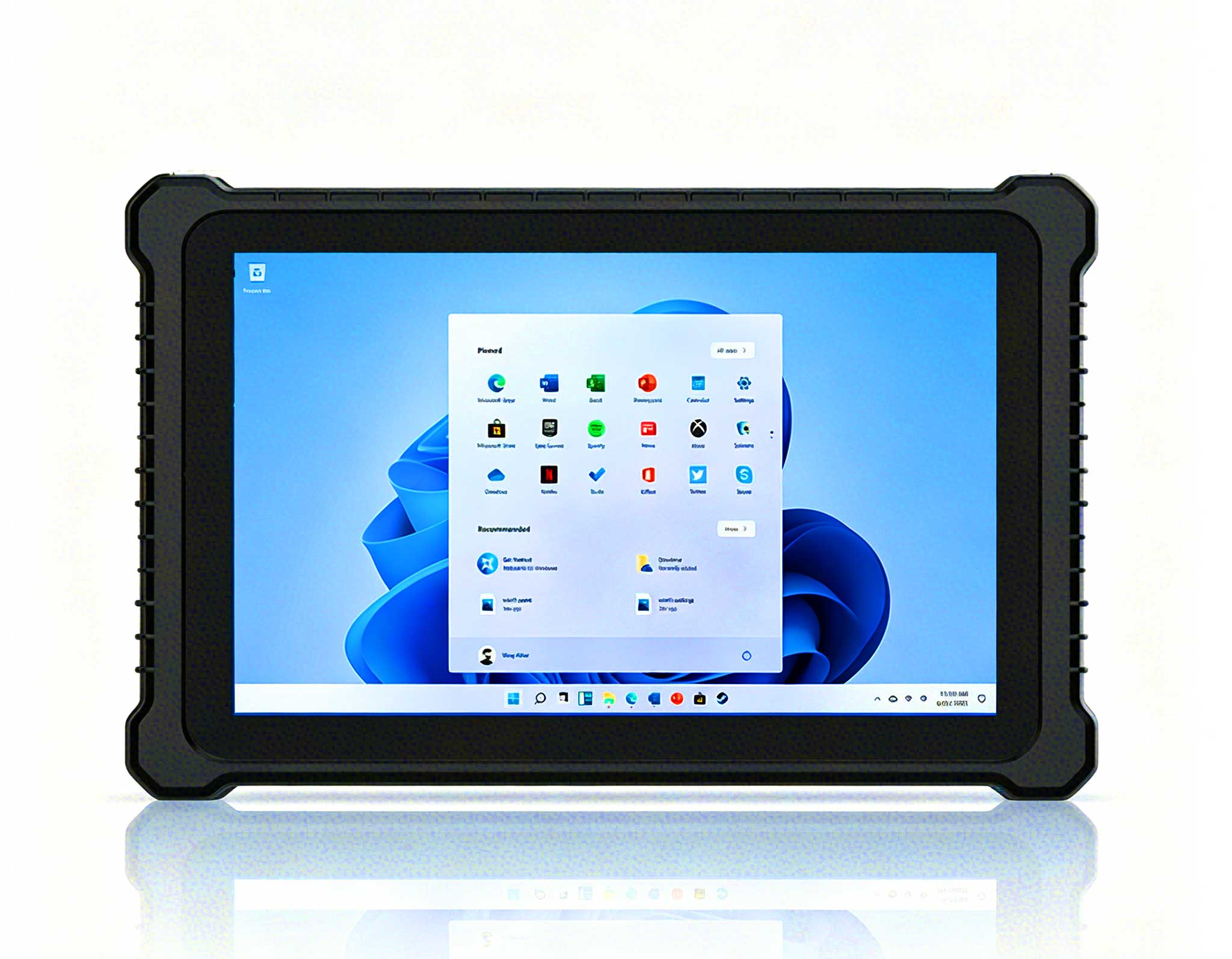
Before any diagnostic, it helps to know the distribution. In the logs we reviewed, the overwhelming majority of tickets were not hardware failures at all. They were power and docking faults, network contention at lesson start, image corruption after a failed update, and physical damage concentrated in the oldest units. Genuine component failure was rare. That ordering matters, because a technician who starts by swapping parts will spend the whole morning on the least likely cause. It is also why the school standardised on rugged tablets for education computer labs rated for shared daily use rather than consumer hardware.
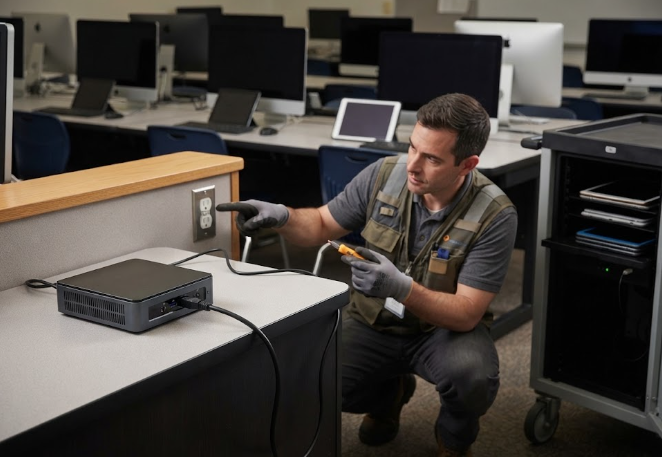
Start at the wall. The most common single fault in a shared lab is a charging cart where one bank has lost power, so a third of the fleet begins the day at forty percent and dies by second period. Check the cart, then the cables, then the ports, in that order, before touching a single device. On the lab host itself, the HCAR5000 MI should be verified on a known-good outlet and a known-good cable, because a host that browns out under load produces symptoms that look exactly like a failing disk. Nine times in ten, the fix is a power path, not a part.
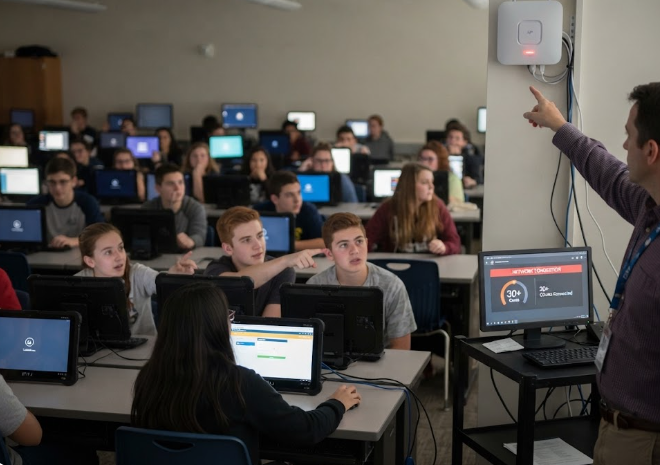
The second most common fault is the one that looks like a device problem and is really a network problem. Thirty clients associating at the same moment will saturate an access point that handles them fine when they arrive gradually. The tell is timing: everything is slow for the first ninety seconds of a lesson and normal afterwards. The fix is to stagger association or raise capacity, not to reimage anything. Where a real device fault exists on the ST11-J, it almost always presents as an inability to hold a connection in one specific corner of the room, which points at coverage rather than at the tablet.
The third category is the most expensive in technician time and the easiest to prevent. A partially applied update leaves a unit in a state where it boots, looks fine, and fails at a specific application. Chasing that symptom device by device is a losing game. The alternative is to keep a known-good image and treat rollback as the default response to any software fault, which turns a two-hour investigation into a fifteen-minute reimage. The rule we settled on was simple: if the fault cannot be reproduced on a second unit running the same image, reimage rather than repair.
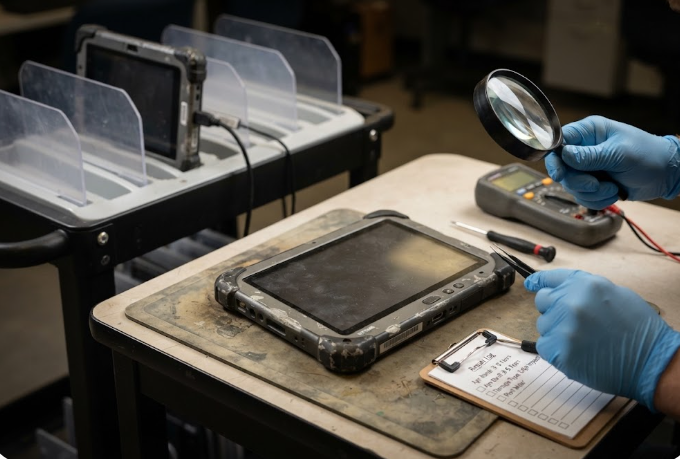
Physical damage is not random. It clusters by age and by handling point, which makes it predictable and therefore manageable. On the older HTNJ08B units still in the fleet, the recurring faults were corner impacts from being stacked without dividers, and port wear from cables being pulled sideways rather than straight out. Both are handling problems with physical fixes: dividers in the cart, and a straight-pull rule that takes a week to teach and years off the fleet's life.
Put together, the sequence is short enough to tape inside a cabinet door. Check the power path, including the cart, before touching a device. Reproduce the fault on a second unit before believing it is software. Test the network at lesson start rather than at idle. Only then open a unit. That order resolves the large majority of calls without a single part being ordered, which is the entire point: in a school, the scarce resource is technician attention, not hardware.
After a term of running this order, the school's own numbers were instructive. Tickets resolved without a parts order rose substantially. Repeat calls on the same unit within a week fell to near zero, because the underlying cause was being found the first time. The oldest part of the fleet generated most of the physical damage calls, which gave the school the evidence it needed to prioritise replacement by age band rather than replacing everything at once.
| Fault class | Typical symptom | First check | Usual fix |
|---|---|---|---|
| Power and docking | Units start the day partly charged | Cart bank, then cable, then port | Restore the power path |
| Network contention | Slow for 90 seconds at lesson start | Timing of the slowdown | Stagger association or add capacity |
| Image corruption | Boots fine, fails in one application | Reproduce on a second unit | Roll back to the known-good image |
| Physical damage | Corner cracks, loose ports | Age band and handling point | Cart dividers, straight-pull rule |
The last piece is deciding what to keep on the shelf. A school does not need a spare of everything. It needs enough of the most-used unit to cover a lesson, one known-good host, and a documented image it can restore quickly. Everything else can wait for a supplier. If you are building that policy now, you can explore our mini PC solutions for the host tier and match tablet spares to the age bands your log actually flags. For a wider view of where this hardware is heading in schools, read an education hardware trend report covering the same fleet categories, and you will notice the same age-band pattern driving replacement decisions.