- Select Language
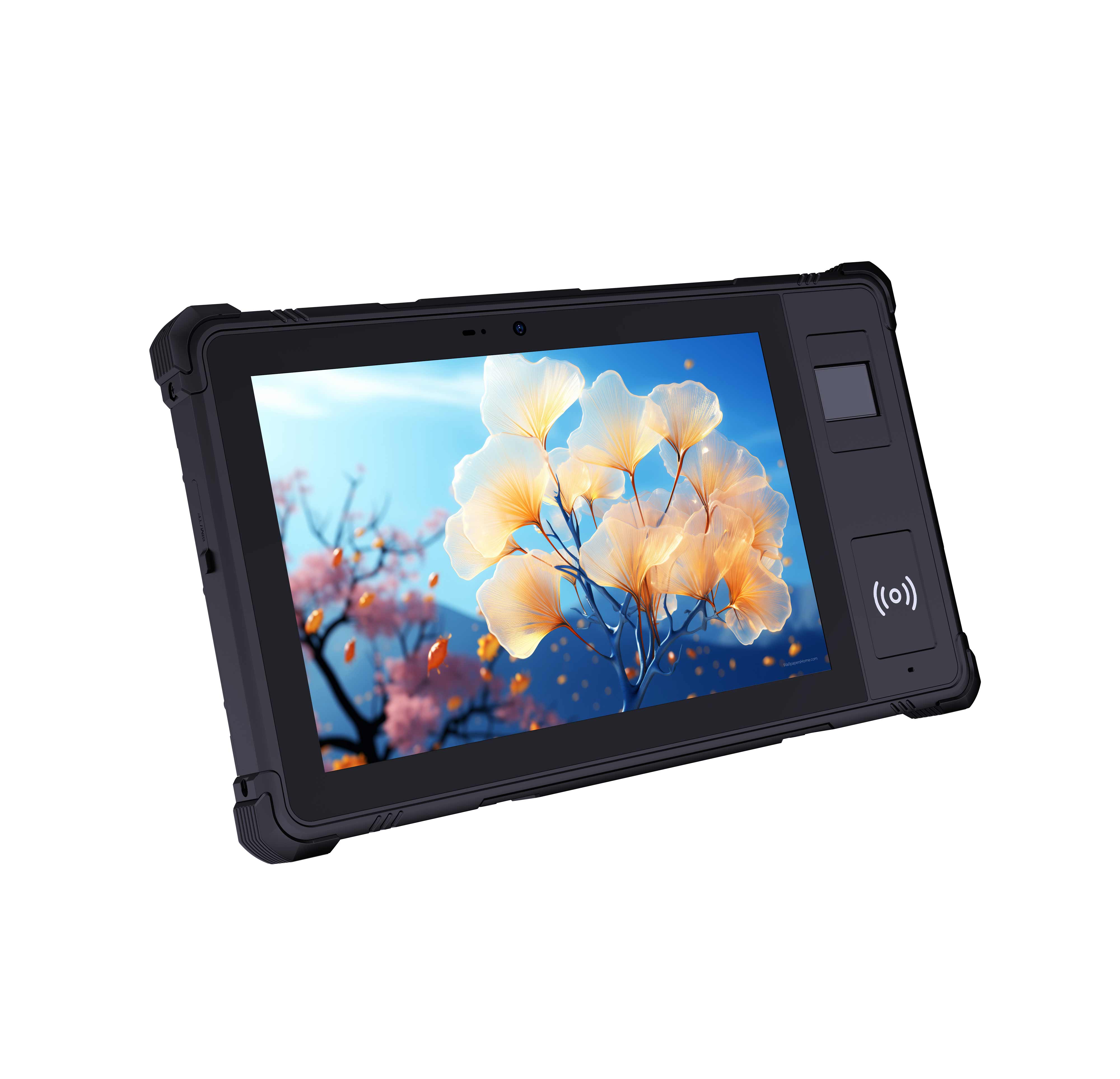
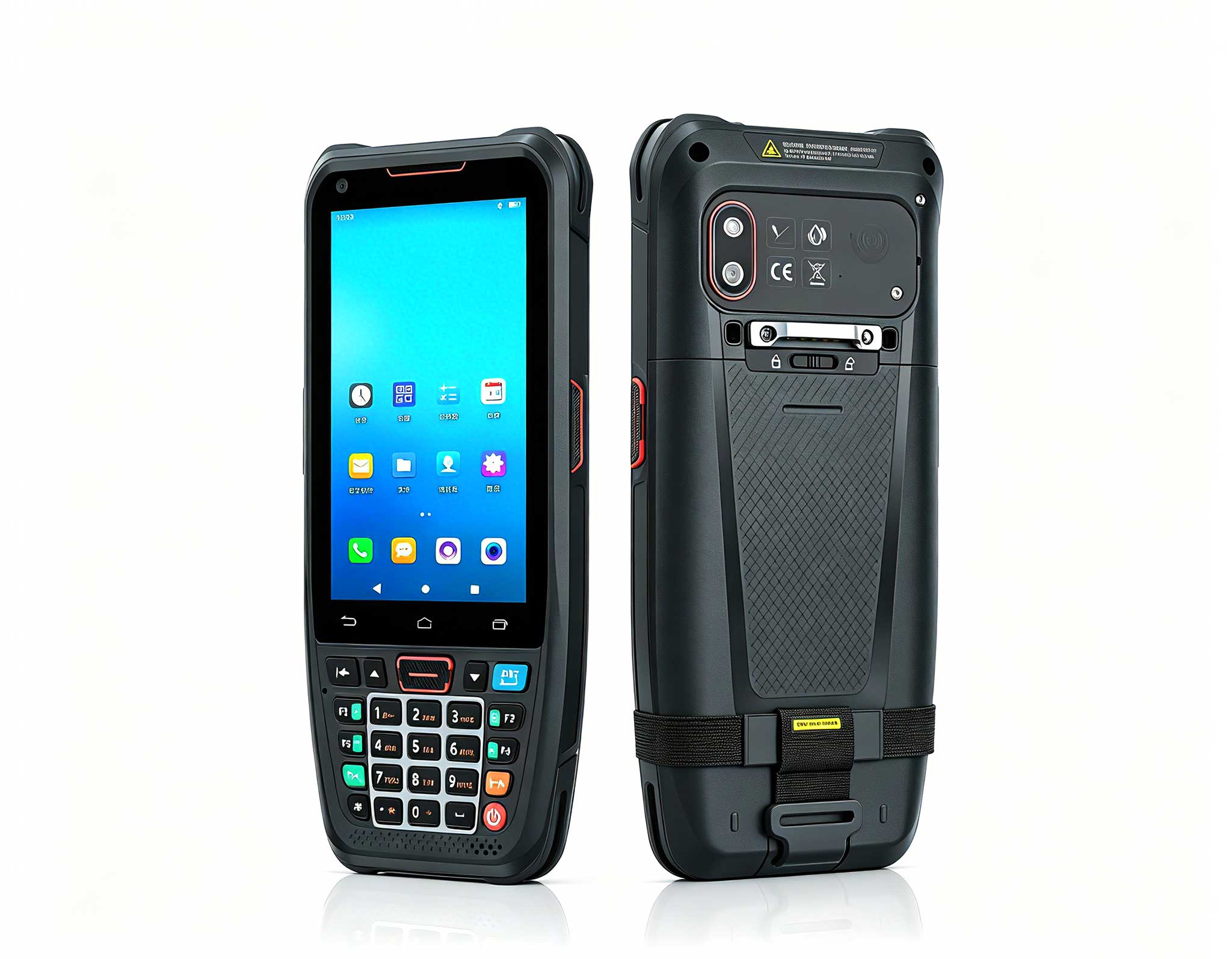
Explore an innovative Personal Digital Assistant f...
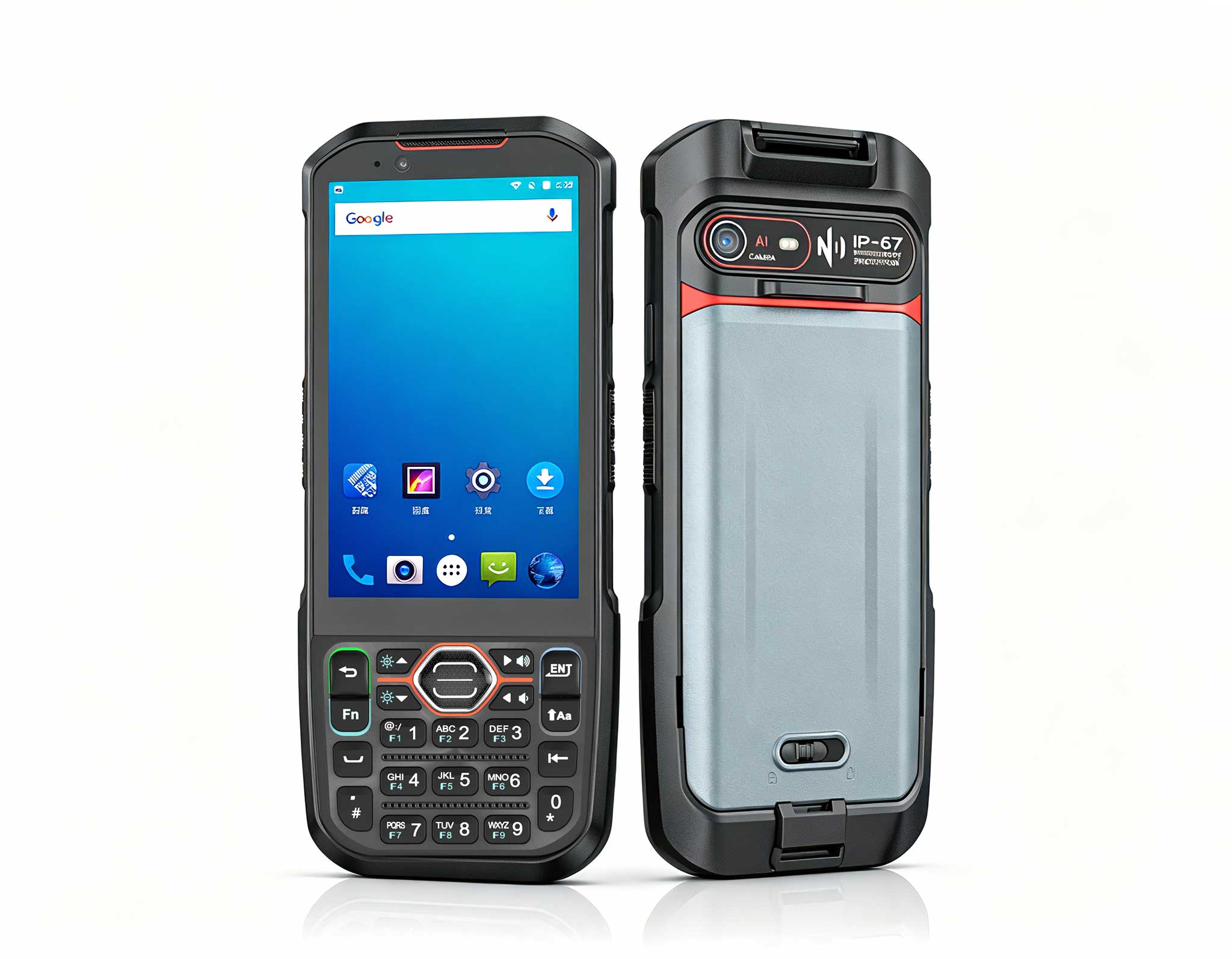
The N40 Android smart PDA features a Cortex-A53 qu...
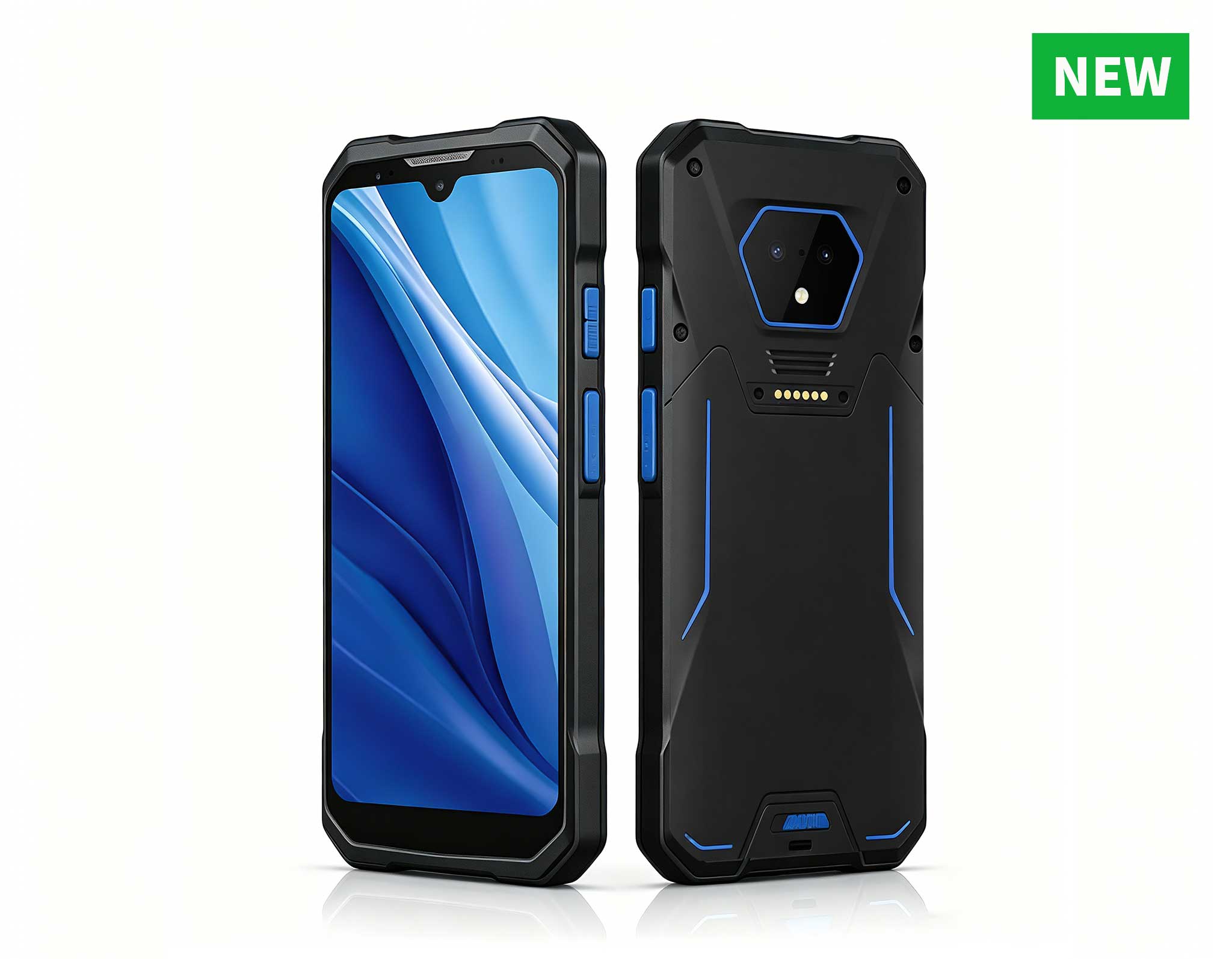
RS50 5G Rugged Handheld Terminal | 6.3" FHD+ ...
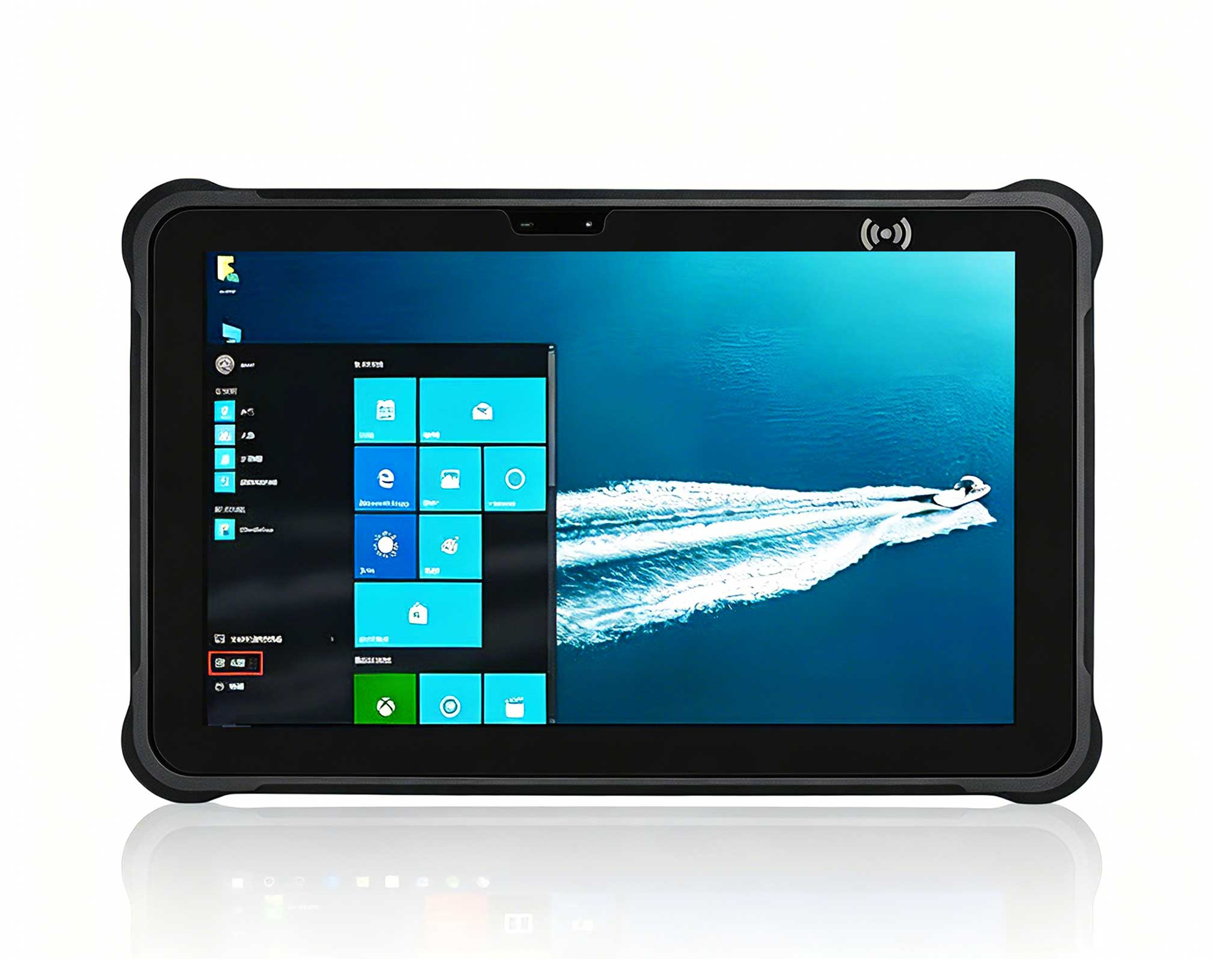
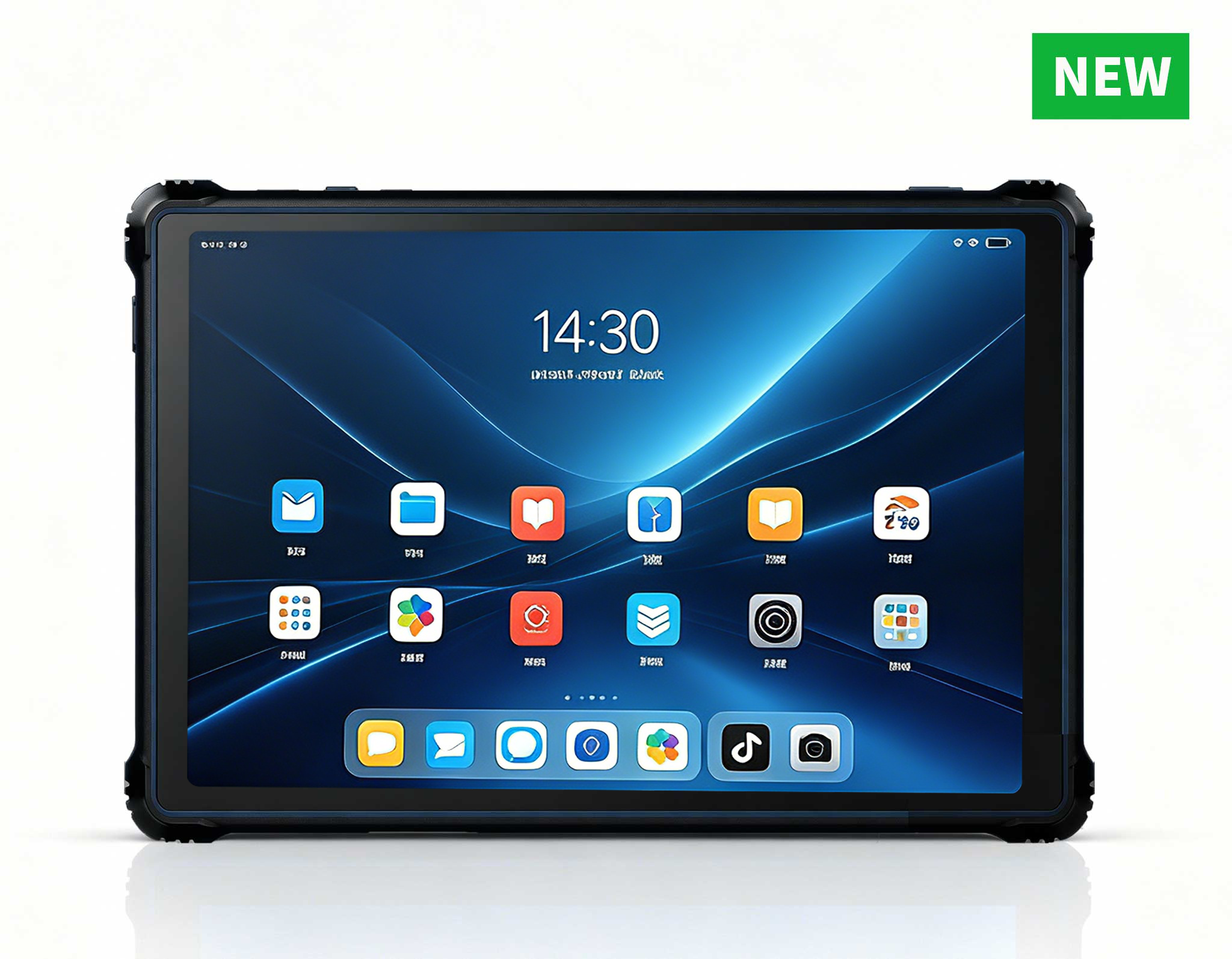
RT82 5G Rugged Tablet | 10.1" FHD 400nit | Qu...
Maintenance instructions: Store at room temperatur...
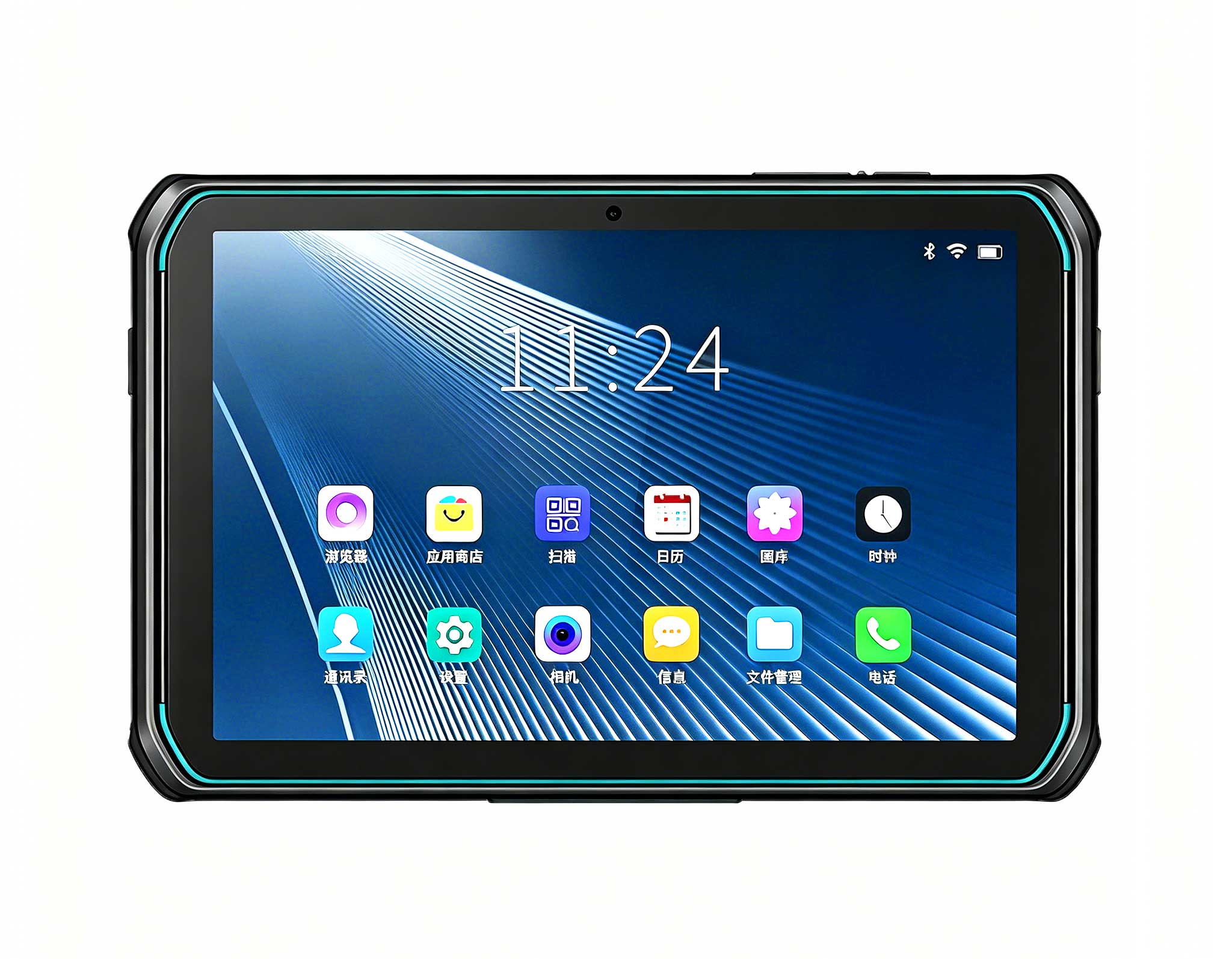
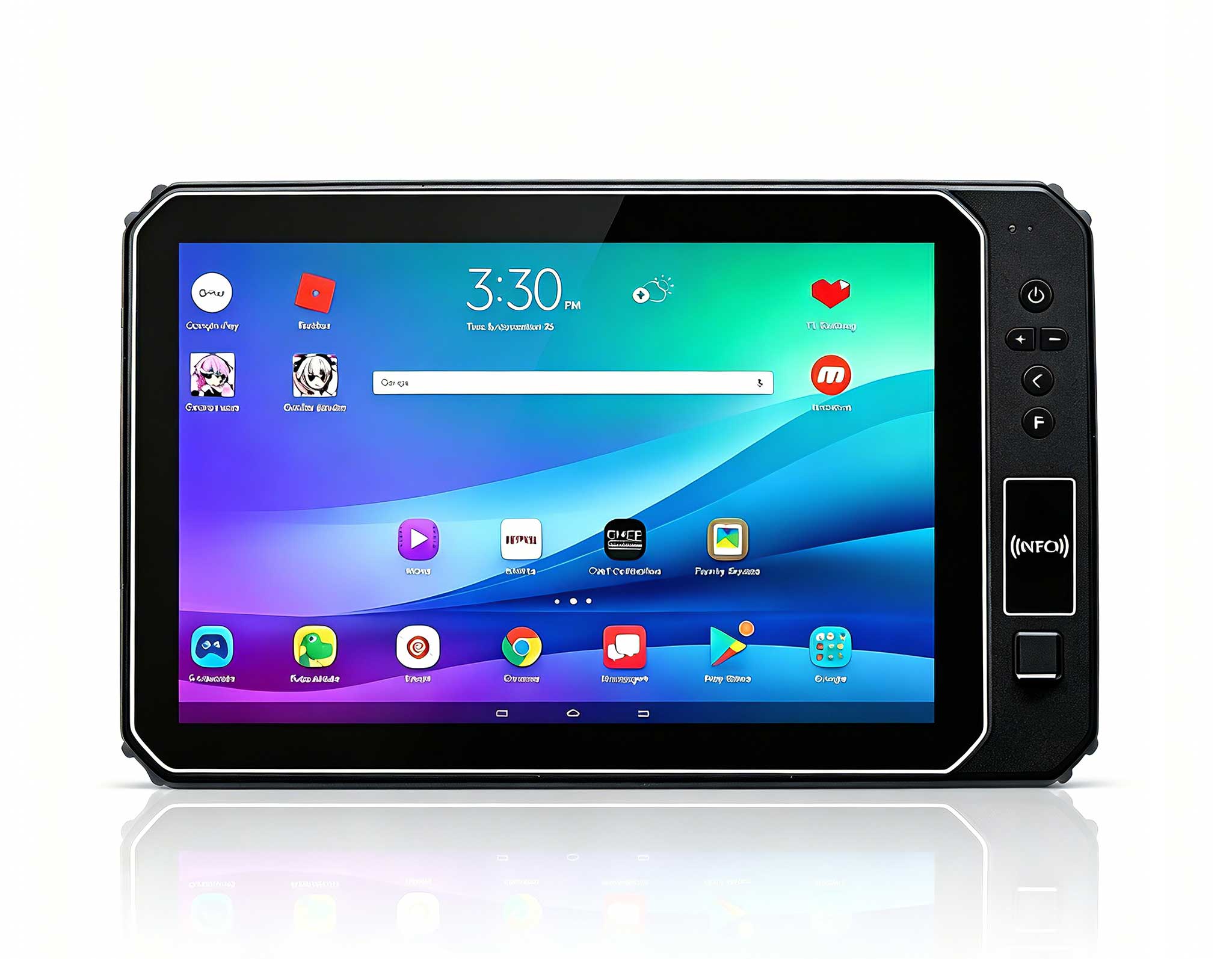
This 10-inch Android rugged tablet is designed for...
In 2026, the global memory (RAM) market has been on a wild rollercoaster—sudden price surges followed by unexpected drops, leaving ordinary home and office users confused about how to buy a smart, future-proof computer without overspending. Bulky desktops waste space and laptops lock you into fixed specs, but the HOTUS Mini PC stands out as the ideal solution: it lets you customize RAM/storage easily, adapts to price swings, and delivers desktop-grade performance in a palm-sized package. This guide breaks down how ordinary users can navigate RAM price chaos, pick the right Mini PC configuration, and maximize value for daily work, study, and entertainment.
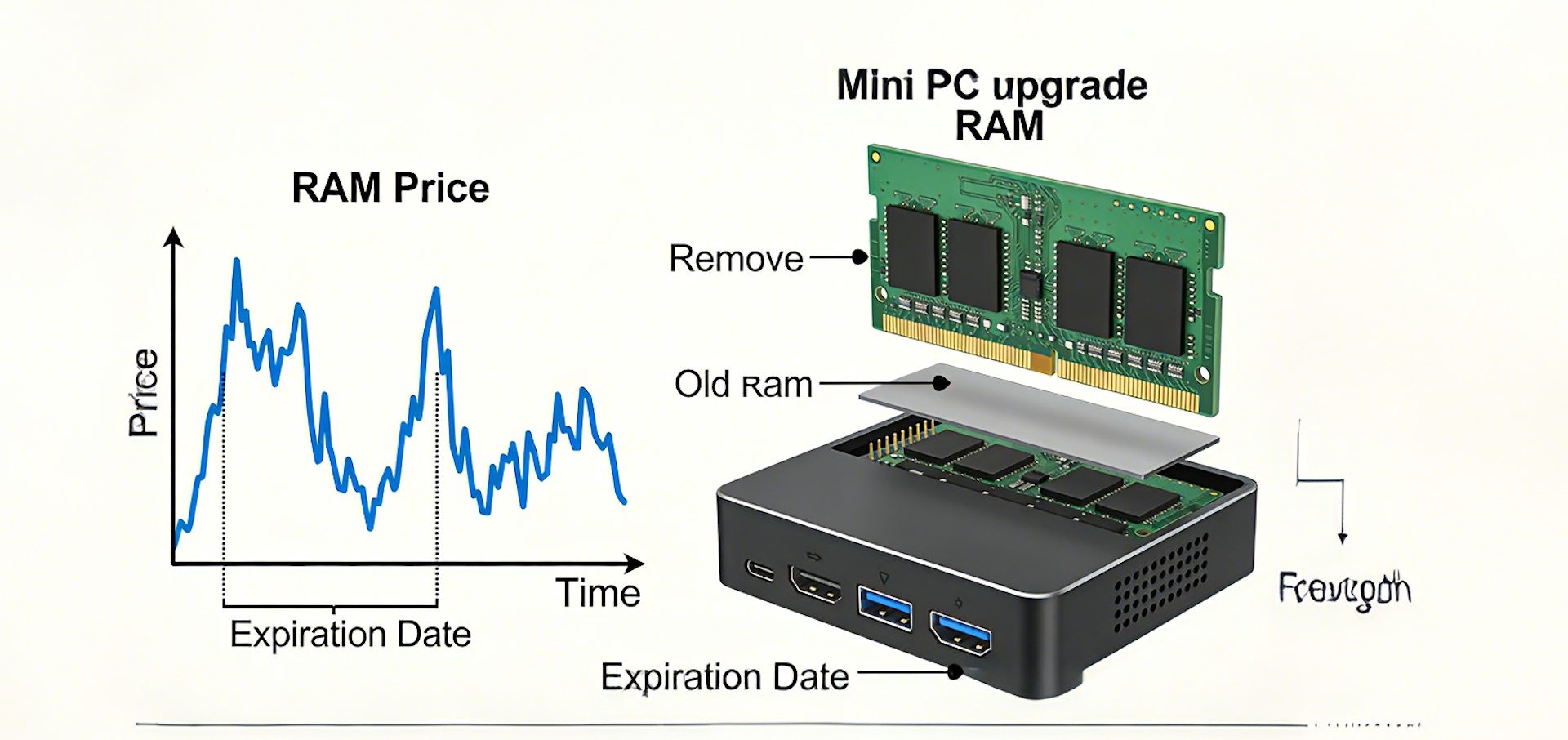
RAM (Random Access Memory) is the "working memory" of any computer—more RAM means smoother multitasking, faster app launches, and no lag when running browsers, Office, video calls, or media players. Over the past year, supply chain disruptions, chip shortages, and market speculation have caused RAM prices to jump 30–50% in months, then drop 20–40% overnight. For regular users (not gamers or 3D designers), this volatility directly impacts two key choices: how much RAM to buy now and whether to pick a fixed-spec laptop/desktop or a customizable Mini PC.
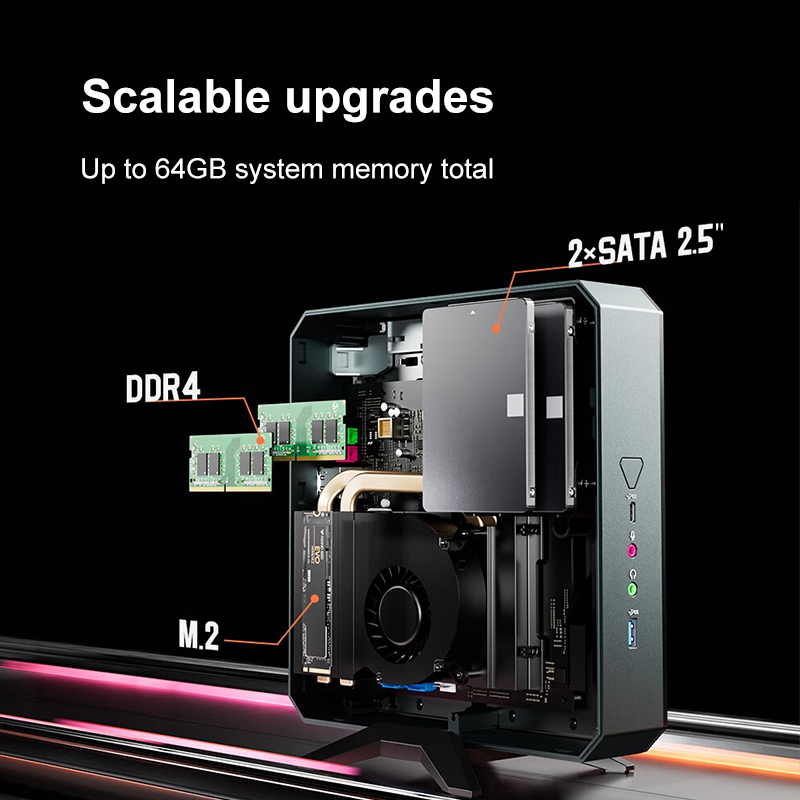
Traditional desktops are big and noisy; laptops have soldered RAM (impossible to upgrade later). When RAM is expensive, you’re forced to buy less and suffer slow performance; when prices drop, you can’t add more. The HOTUS Mini PC solves this: it uses standard SO-DIMM laptop RAM, fully user-upgradable—so you can start small when RAM is pricey, then add more later when prices fall, no waste, no regret.
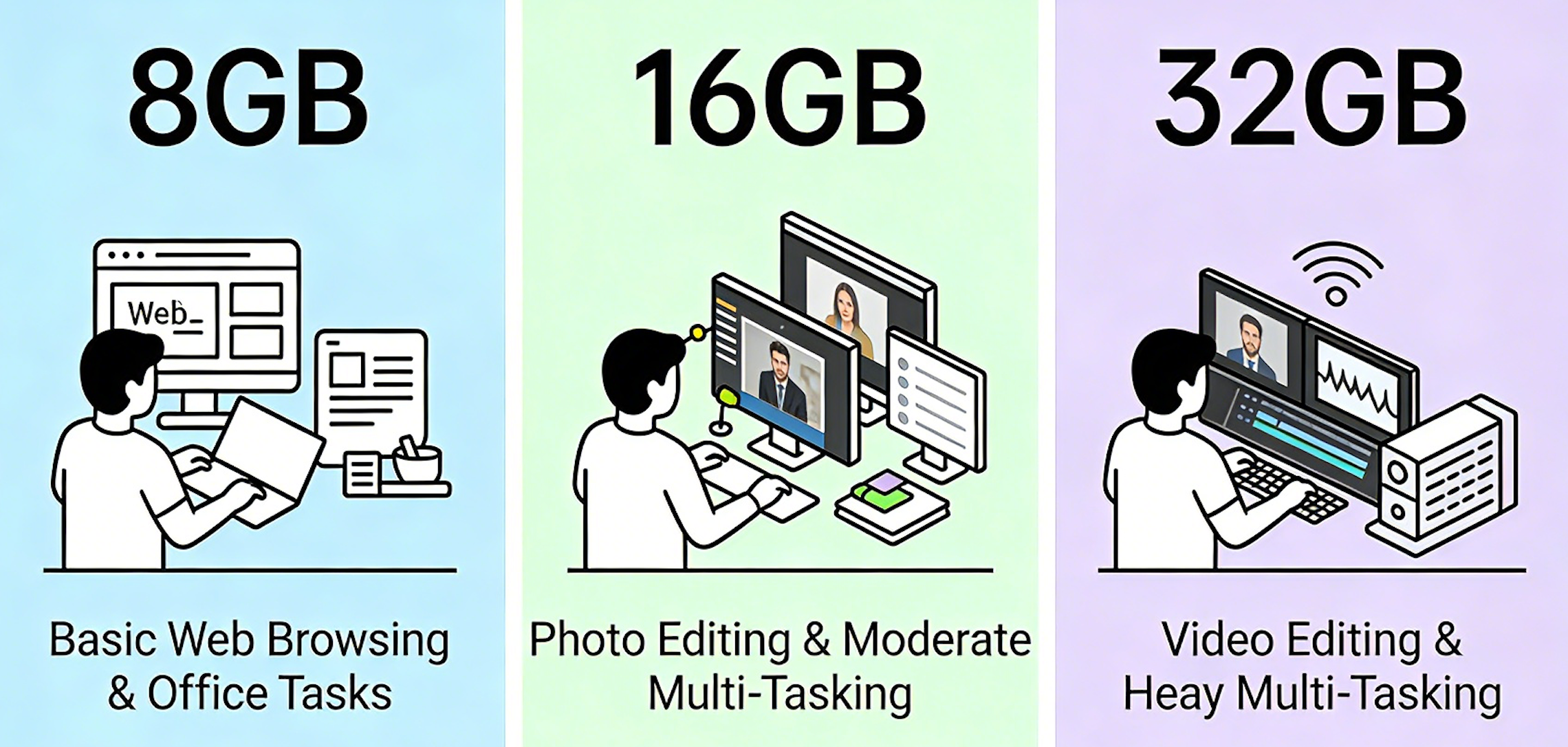
Forget marketing hype—ordinary users (home browsing, Office work, video calls, 4K streaming, light photo editing) don’t need 32GB or 64GB RAM. Here’s the practical, budget-friendly breakdown aligned with current RAM price trends:
The HOTUS Mini PC supports up to 32GB DDR4/DDR5 RAM, with two easy-to-access slots—no technical skills needed to upgrade. This flexibility lets you adapt to RAM price swings perfectly.
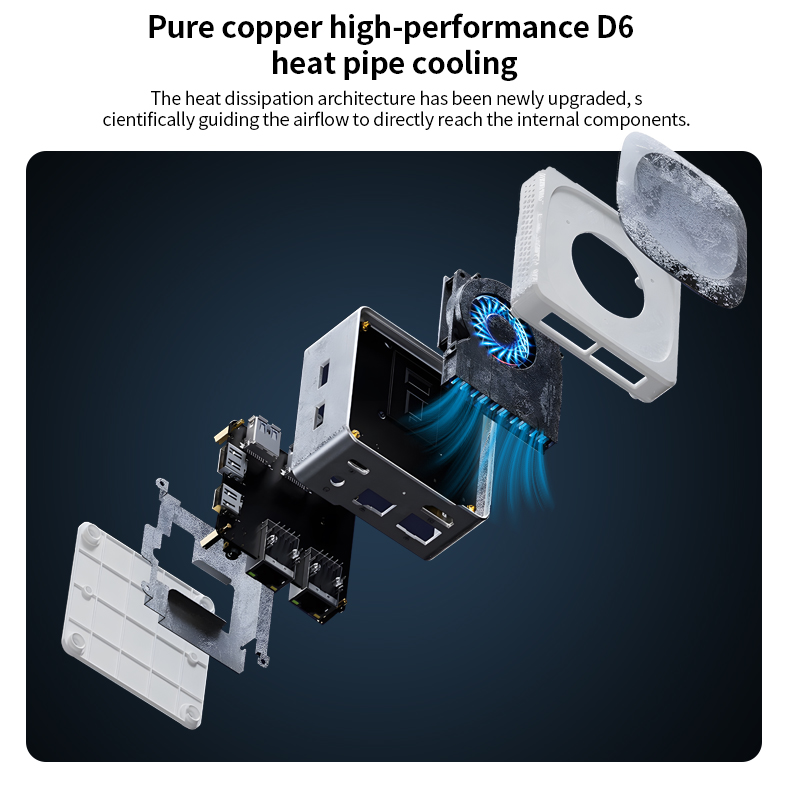
When RAM prices are volatile, upgradability is everything. Here’s how the HOTUS Mini PC beats traditional options for ordinary users:
For ordinary users, the Mini PC is the only choice that lets you control costs amid RAM price swings while keeping performance and portability.
Follow these simple rules to buy smart, avoid overpaying, and get a Mini PC that lasts:
Stick to Trusted Brands Like HOTUS: Avoid cheap no-name Mini PCs with soldered RAM or poor quality. HOTUS Mini PCs use standard components, come with 2-year warranty, and are fully user-upgradable—no hidden costs.
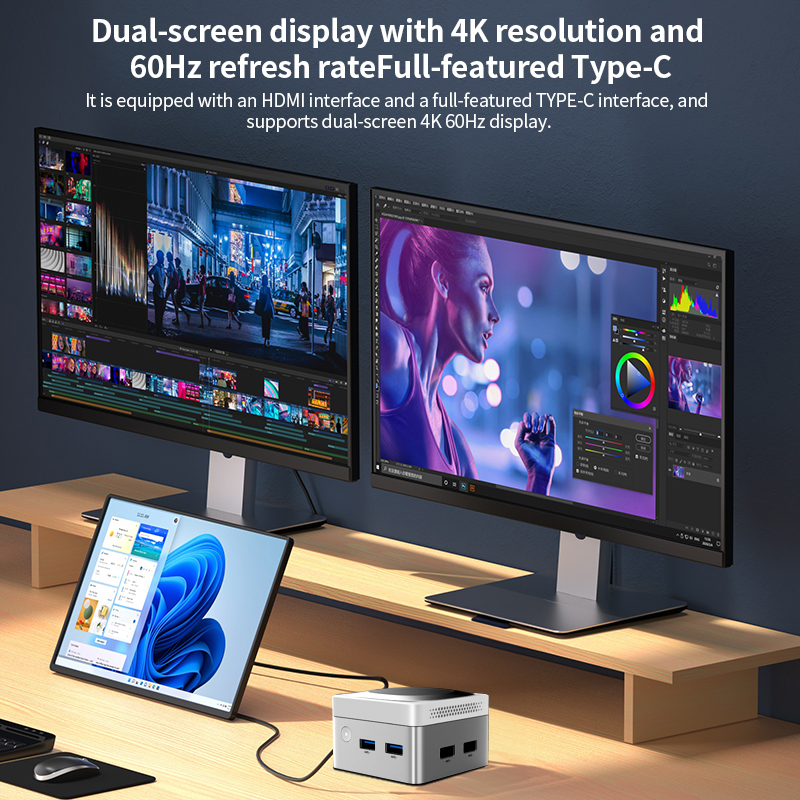
For Home Users: Browsing, streaming, online classes, and family sharing—8GB RAM works perfectly now; add 8GB later for $20–$30 when prices drop. The Mini PC hides behind the TV or monitor, no clutter.
For Office Workers: Multitasking with Excel, Word, Zoom, and 10+ browser tabs—16GB RAM is ideal. The HOTUS Mini PC mounts behind the monitor, saving desk space and keeping the office quiet.
For Students: Online learning, homework, light gaming—8GB initial, upgrade to 16GB later. Portable enough to carry between dorm and home.
RAM prices will keep fluctuating, but ordinary users don’t have to lose money. The HOTUS Mini PC gives you full control: start small to save when RAM is expensive, upgrade easily when prices fall, and enjoy desktop performance in a compact, silent, energy-efficient package. It’s not just a computer—it’s a flexible, future-proof solution that adapts to market changes and your daily needs.
Skip bulky desktops and locked laptops. Choose the HOTUS Mini PC—the best budget-friendly, upgradable compact computer for 2026 and beyond.
© 2026 HOTUS Technology | All Rights Reserved | Explore More Mini PC Solutions at hotusprojector.com