- Select Language
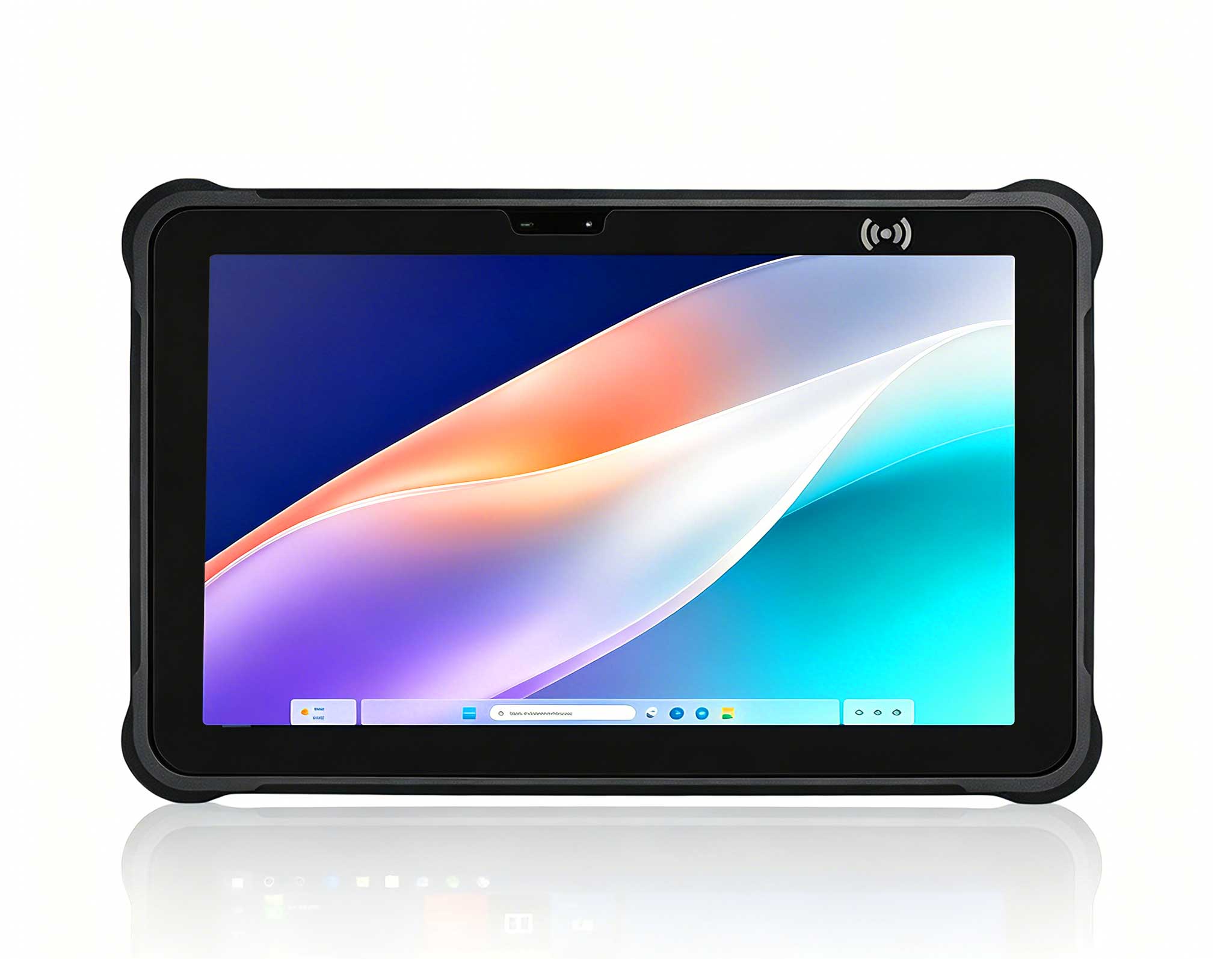
Full SpecificationsModelHotus ST11‑MOSWindows 10/1...
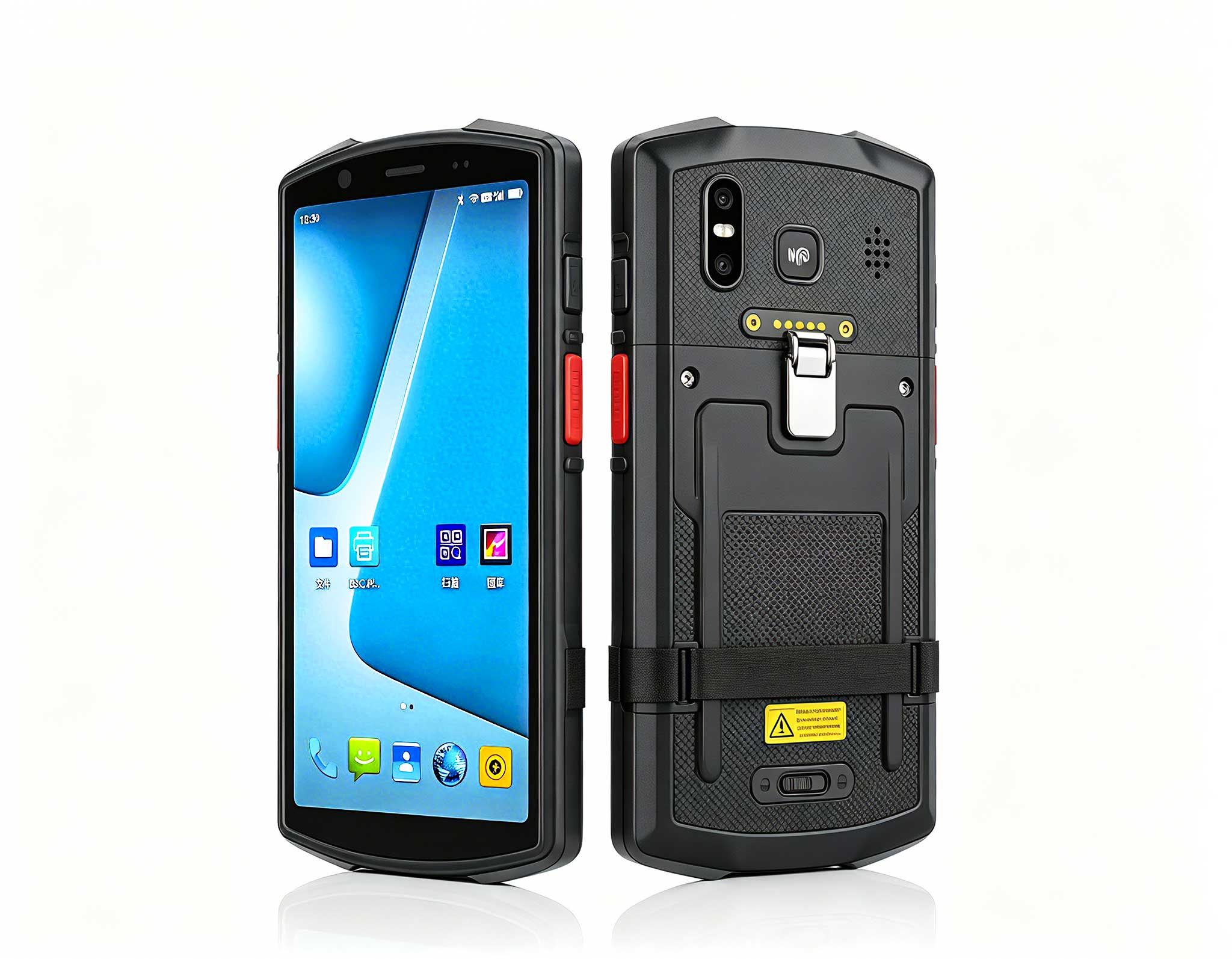
The N60 PDA is a cutting-edge device for inventory...
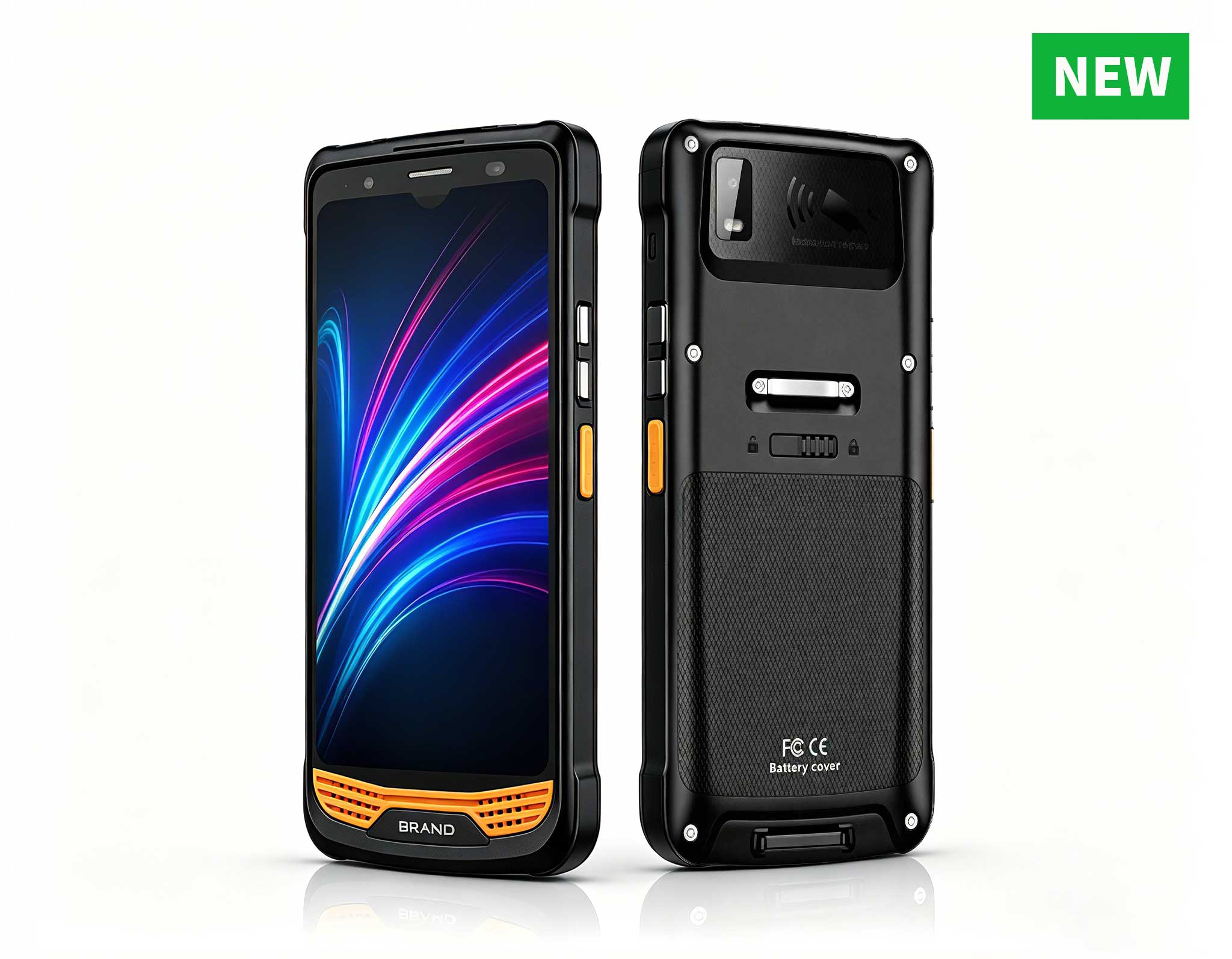
R366-S 5.5-inch Industrial PDA | Qualcomm Octa-cor...
Explore our customized PDA designed for versatile ...
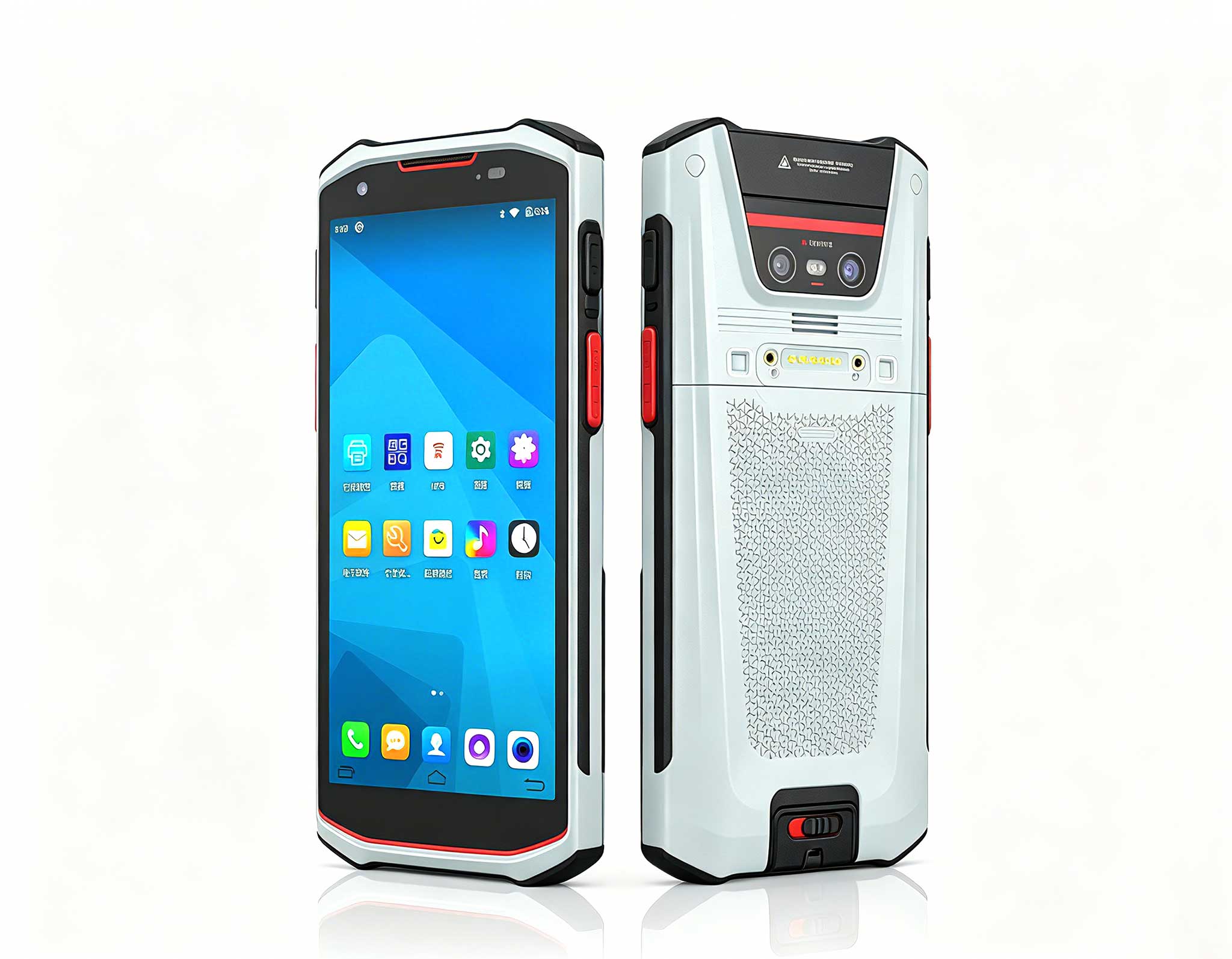
RS51 4G Rugged Handheld Terminal | 6.3" FHD+ ...
In the fast-paced world of warehouse outbound picking, efficiency isn't just a goal—it's a survival metric. A lagging or unwieldy device can quickly turn a productive shift into a series of costly delays and errors. Choosing between the HTNJ08C rugged tablet (8-inch, Android) and the SH6 6.5" Windows Rugged Handheld Tablet (6.5-inch, Windows) from Hotus requires a clear understanding of your operational priorities. This guide breaks down the key factors to help you make an informed investment.
The operating system choice is more than a technical detail—it shapes your entire workflow. Here’s how each platform aligns with different warehouse environments:
The HTNJ08C leverages a modern Android OS, designed for agility and user-friendliness. In a warehouse context, this offers distinct advantages:
Zero Learning Curve: Most workers already use Android devices daily. Training on the HTNJ08C takes minutes, not hours, allowing seasonal staff to hit the ground running.
Rich App Ecosystem: Cloud-based WMS platforms like Oracle NetSuite or SAP often prioritize Android app development. The HTNJ08C integrates seamlessly, ensuring you get the latest features first.
Optimal Screen Size: The 8-inch display strikes a perfect balance—larger than a smartphone for clear pick lists and barcode scans, yet compact enough for one-handed operation.
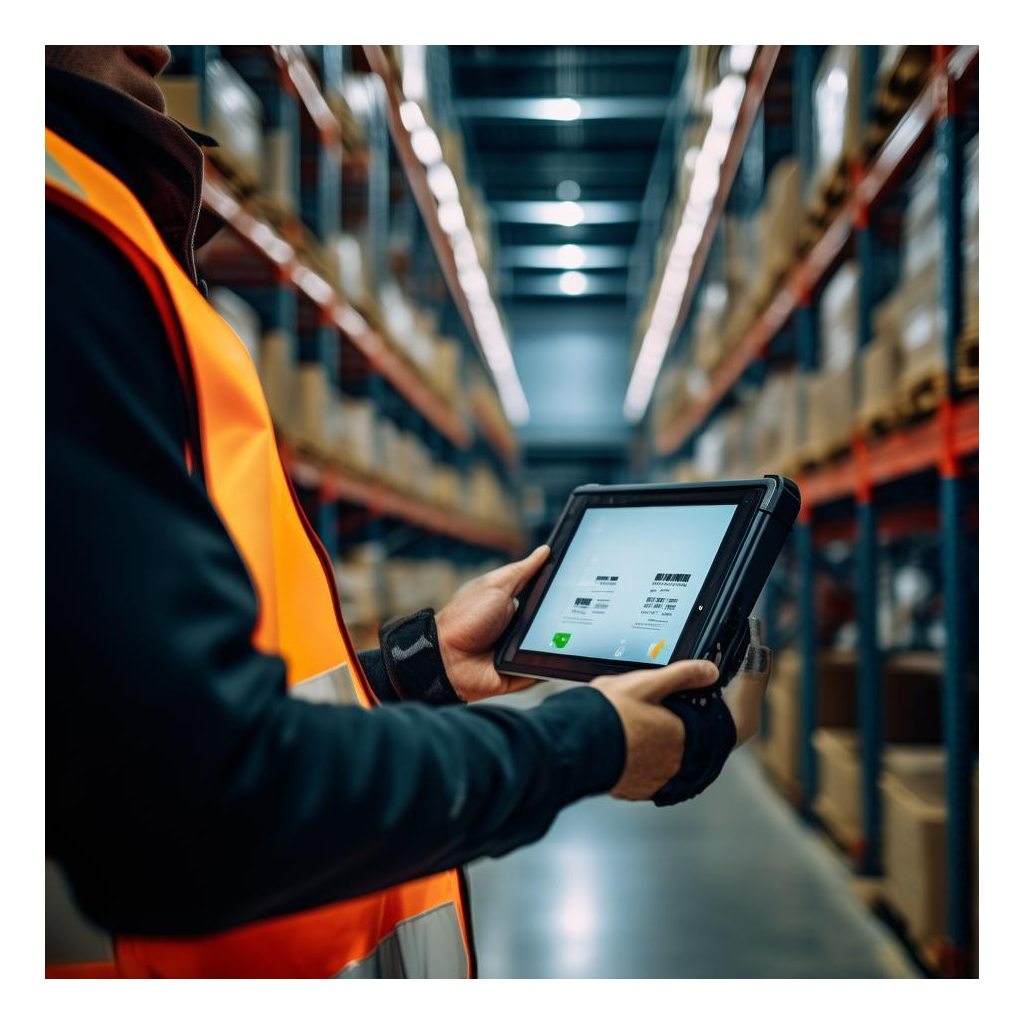
Consider a typical scenario: A picker named Alex processes 200 orders per day. With the HTNJ08C 8-inch rugged tablet, he uses the integrated barcode scanner to instantly verify SKUs. The 8-inch screen displays a high-contrast image of the item and its location. The Android OS handles multitasking smoothly, letting him switch between scanning and inventory checks without lag. The device's rugged design ensures it survives drops onto concrete floors or impacts with shelving.
The SH6 runs a full Windows OS, which is indispensable for certain operations. Its primary strength lies in compatibility:
Legacy Software Support: If your warehouse relies on custom or older Windows-based WMS applications, the SH6 runs them natively without emulation or cloud migration.
Desktop-Level Functionality: For tasks requiring advanced data entry, spreadsheet management, or direct access to Windows-only tools, the SH6 provides a familiar environment.
Integration with Enterprise Systems: Many large-scale logistics operations still depend on Windows-based servers and databases. The SH6 bridges that gap effortlessly.
For instance, a warehouse manager named Sarah uses a proprietary Windows-based inventory system. The SH6 6.5-inch unit allows her to log in directly, run reports, and update stock levels in real-time, all from the warehouse floor. Its 6.5-inch touchscreen is responsive, and the physical buttons provide tactile feedback for gloved hands.
Beyond the OS, raw performance determines daily usability. Here’s a side-by-side look at critical specs:
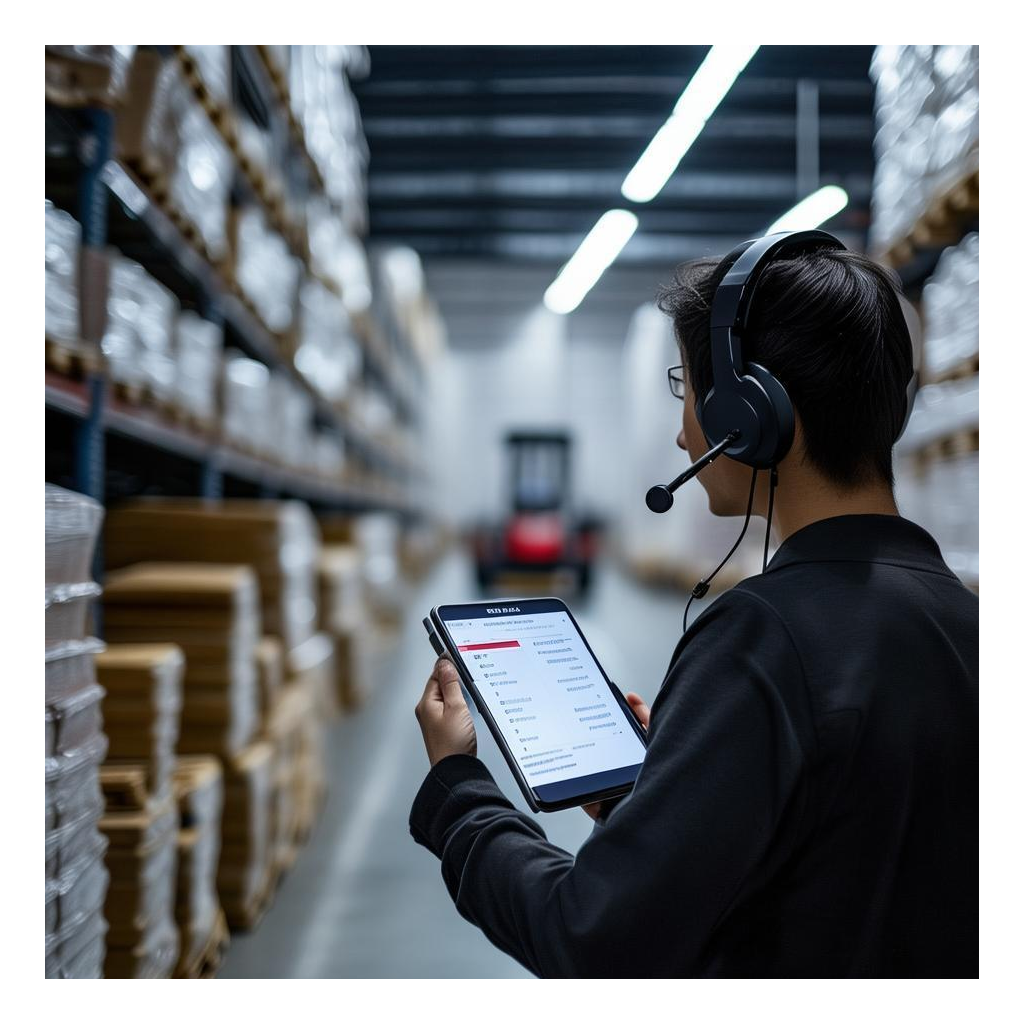
Processing Power: The HTNJ08C features an octa-core processor optimized for Android multitasking, while the SH6 uses a robust Intel-based chip ideal for Windows workloads.
Durability: Both devices meet IP67 standards, resisting dust and water immersion. The HTNJ08C's 8-inch form factor offers slightly more screen protection, while the SH6's compact design fits tighter spaces.
Battery Life: The HTNJ08C supports hot-swappable batteries for 24/7 operations, whereas the SH6 provides up to 10 hours of continuous use on a single charge.
In a high-volume picking scenario, the HTNJ08C's longer battery life and quick-swap capability reduce downtime. Conversely, the SH6 excels in environments where workers return to charging stations between shifts.
Investment decisions go beyond upfront price. Consider these TCO factors:
Hardware Cost: The HTNJ08C typically has a lower initial price due to Android's open ecosystem, while the SH6 may be higher due to Windows licensing and specialized hardware.
Software and Integration: Android devices often require less customization for cloud-based WMS, reducing IT overhead. Windows devices may need more setup but offer seamless legacy integration.
Maintenance and Repair: Both devices are ruggedized, but the HTNJ08C's modular design allows for easier field repairs, lowering long-term service costs.
For a warehouse processing 10,000 picks daily, the HTNJ08C's lower TCO can save thousands of dollars annually, especially when factoring in reduced training and IT support needs.
Not every warehouse is the same. Here’s how to choose based on your specific needs:
High-Volume E-Commerce Fulfillment: The HTNJ08C's large screen and Android speed make it ideal for fast-paced, app-driven picking. Example: A fulfillment center using cloud-based WMS sees a 15% increase in picks per hour after switching to the HTNJ08C.
Legacy Warehouse Integration: The SH6 is perfect for operations with older systems. Example: A distribution center using a 10-year-old Windows-based inventory tool avoids costly migration while modernizing hardware.
Mixed Environments: Some warehouses deploy both devices—HTNJ08C for new hires and SH6 for supervisors running desktop-level reports.
In a case study, a logistics company with 50 pickers reported that the HTNJ08C reduced training time by 40% and error rates by 25%, while the SH6 improved legacy system access for managers by 30%.

Your decision hinges on your current software infrastructure and workforce needs:
Choose the HTNJ08C if: You use cloud-based WMS, prioritize fast onboarding, and need a device that balances screen size with portability. It’s the best pick for modern, agile warehouses.
Choose the SH6 if: You rely on legacy Windows applications, require desktop-level functionality on the floor, or have a workforce accustomed to Windows interfaces.
Consider a Hybrid Approach: For large operations, deploying both devices can optimize efficiency across different roles and tasks.
As seen in real-world warehouse device optimization, the HTNJ08C and SH6 are not competitors but complementary tools. By aligning your choice with your operational realities, you can maximize throughput, reduce costs, and keep your warehouse running smoothly.