- Select Language
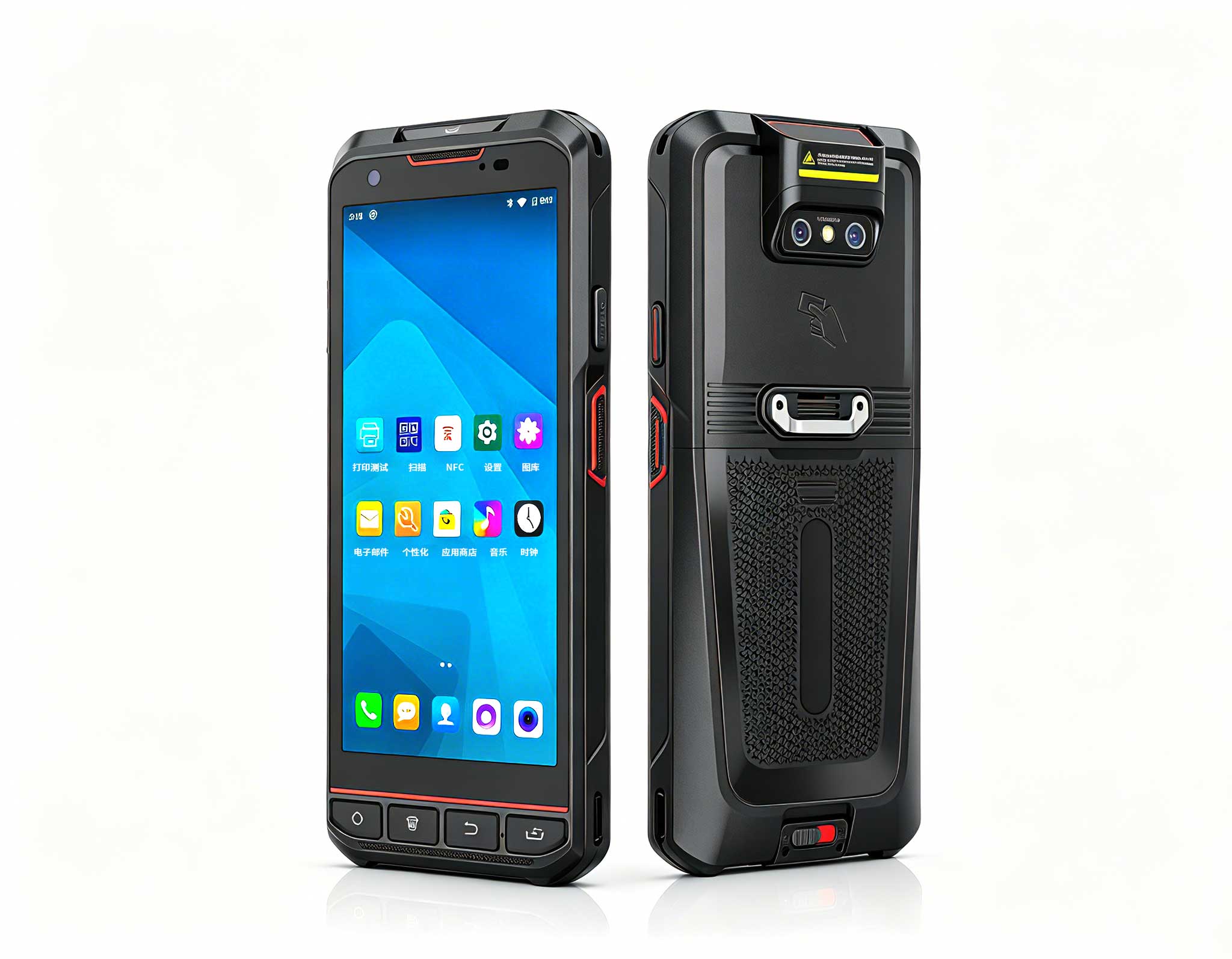
R366-S 5.5-inch Industrial PDA | Qualcomm Octa-cor...
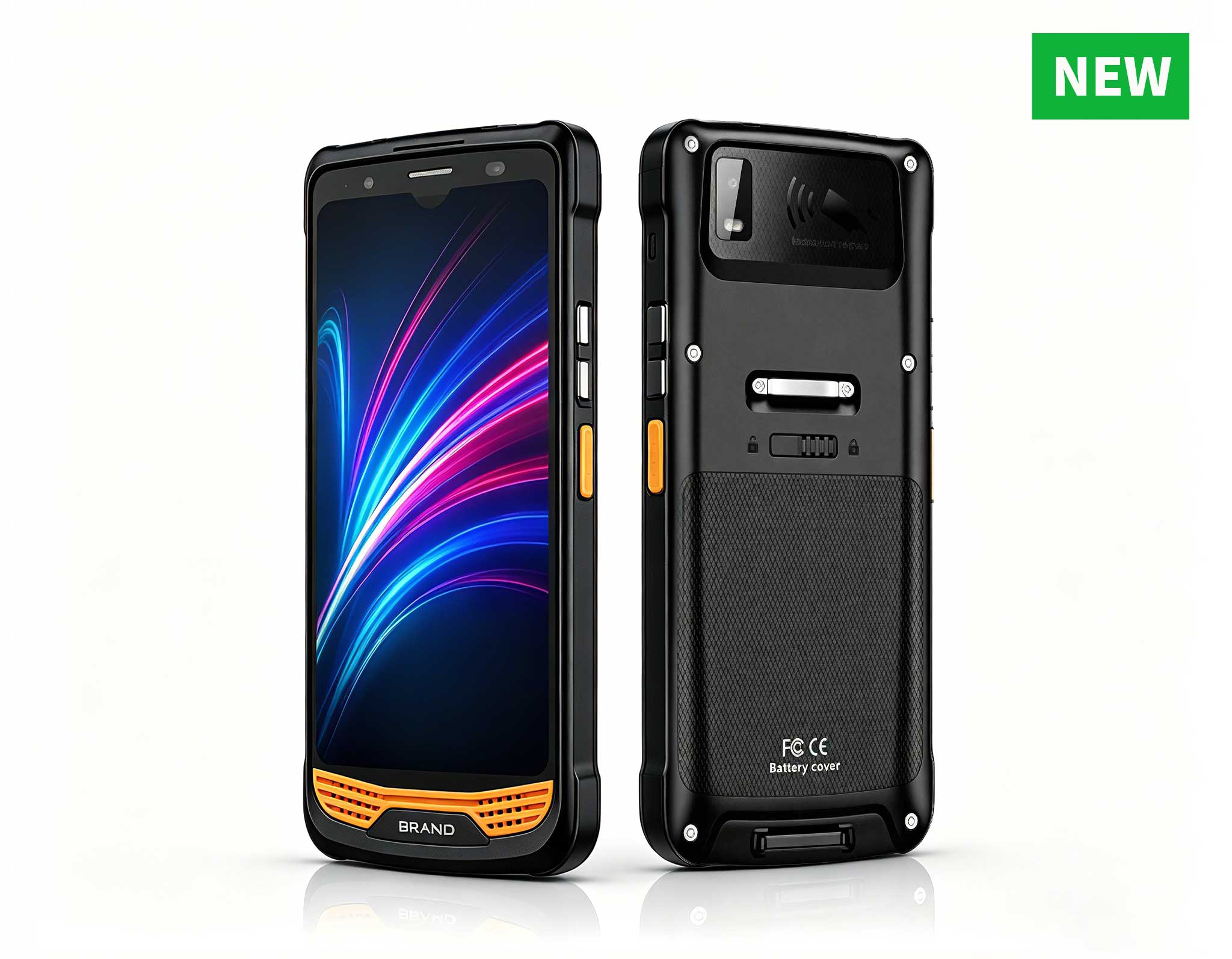
The X501 Handheld PDA combines advanced barcode sc...
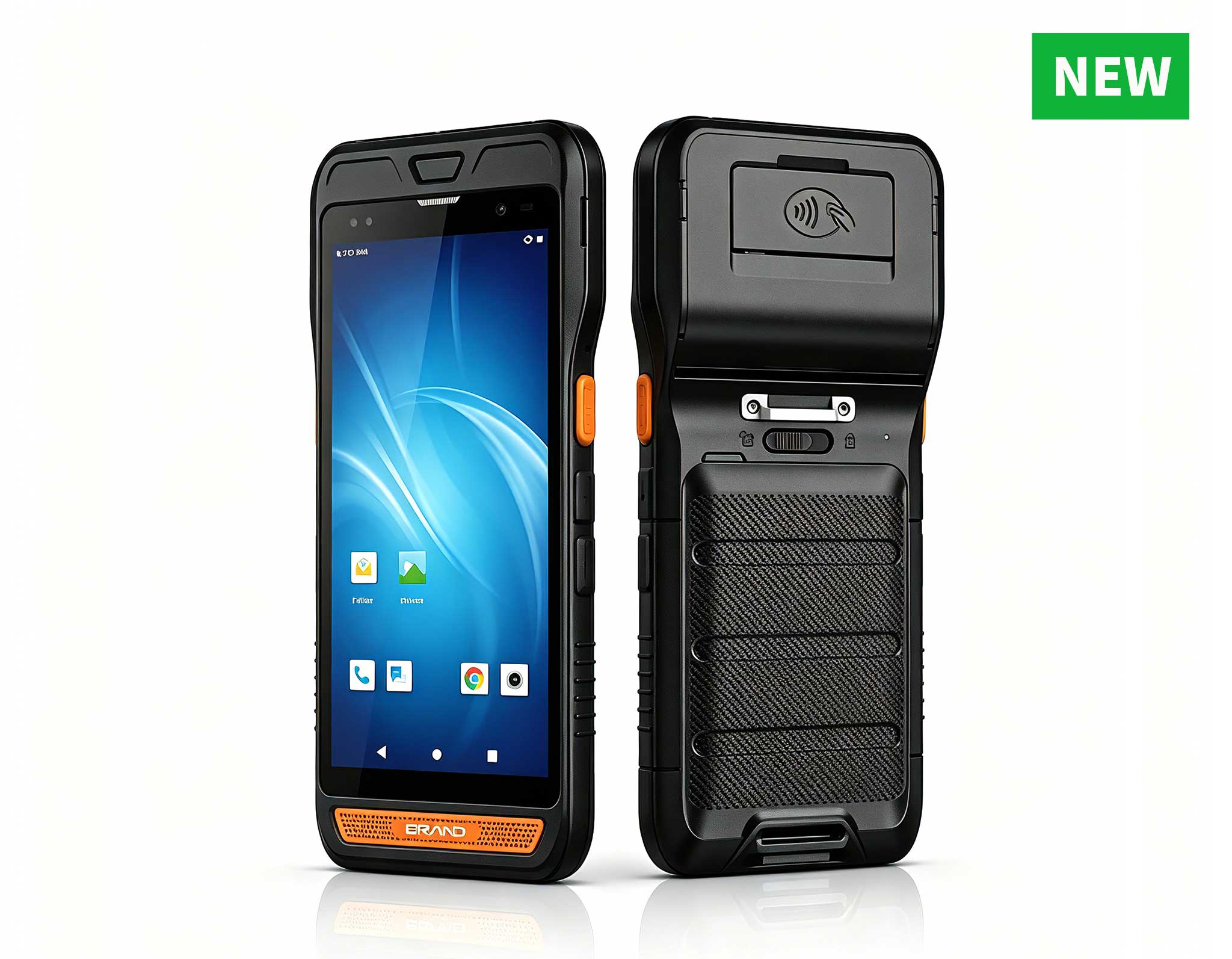
R860-S 5.5-inch Industrial PDA with Thermal Printe...
The R501 PDA combines a powerful MT6762 Octa-Core ...
Full SpecificationsModelHotus ST13‑UOSWindows 10 P...
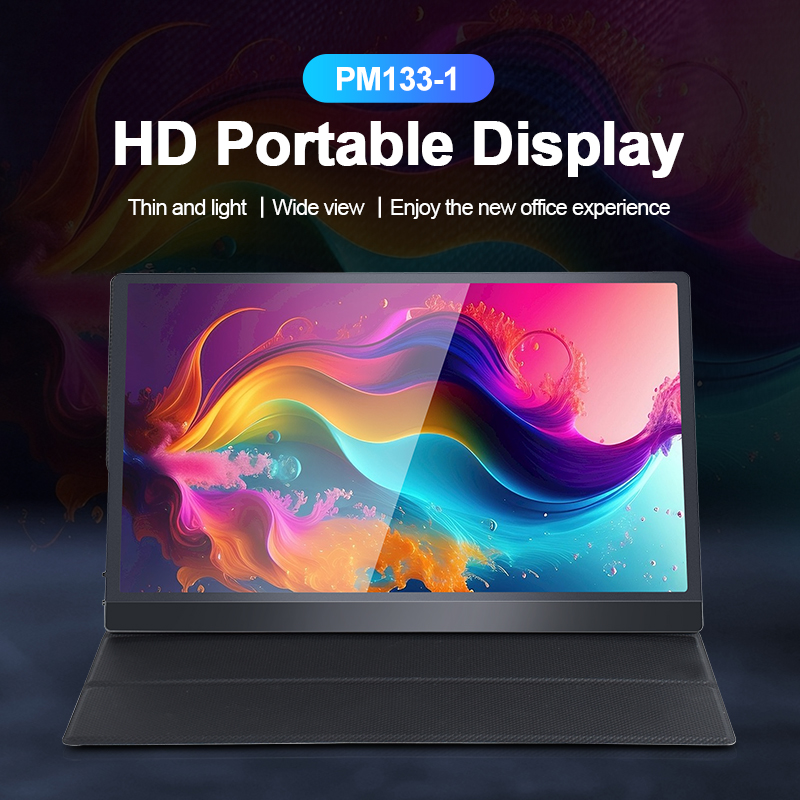
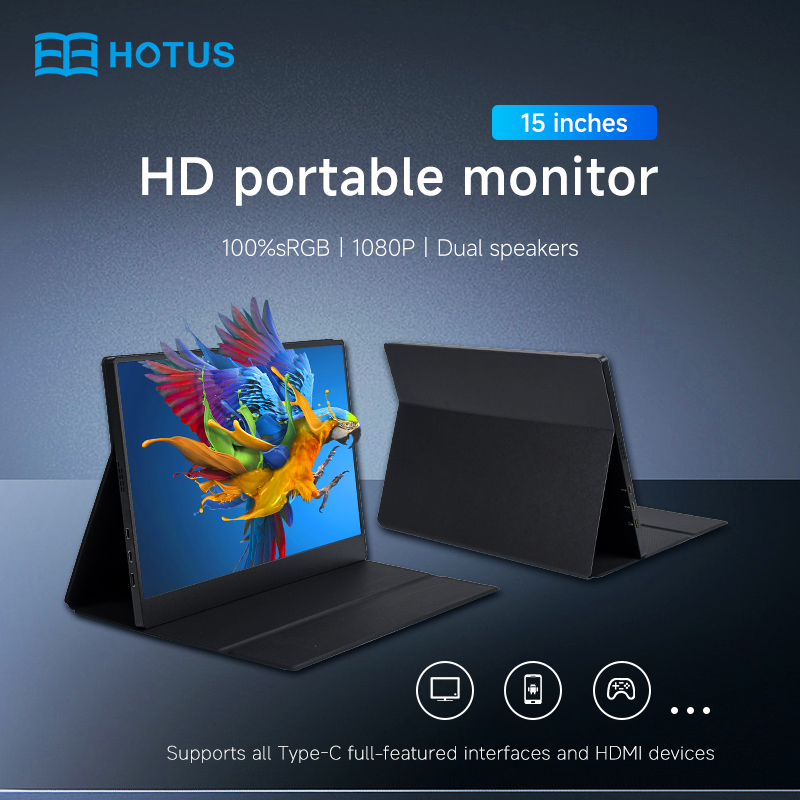
The PM156-1 is a 15.6-inch portable PC monitor fea...
Full SpecificationsModelHotus ST11‑UOSWindows 10 P...
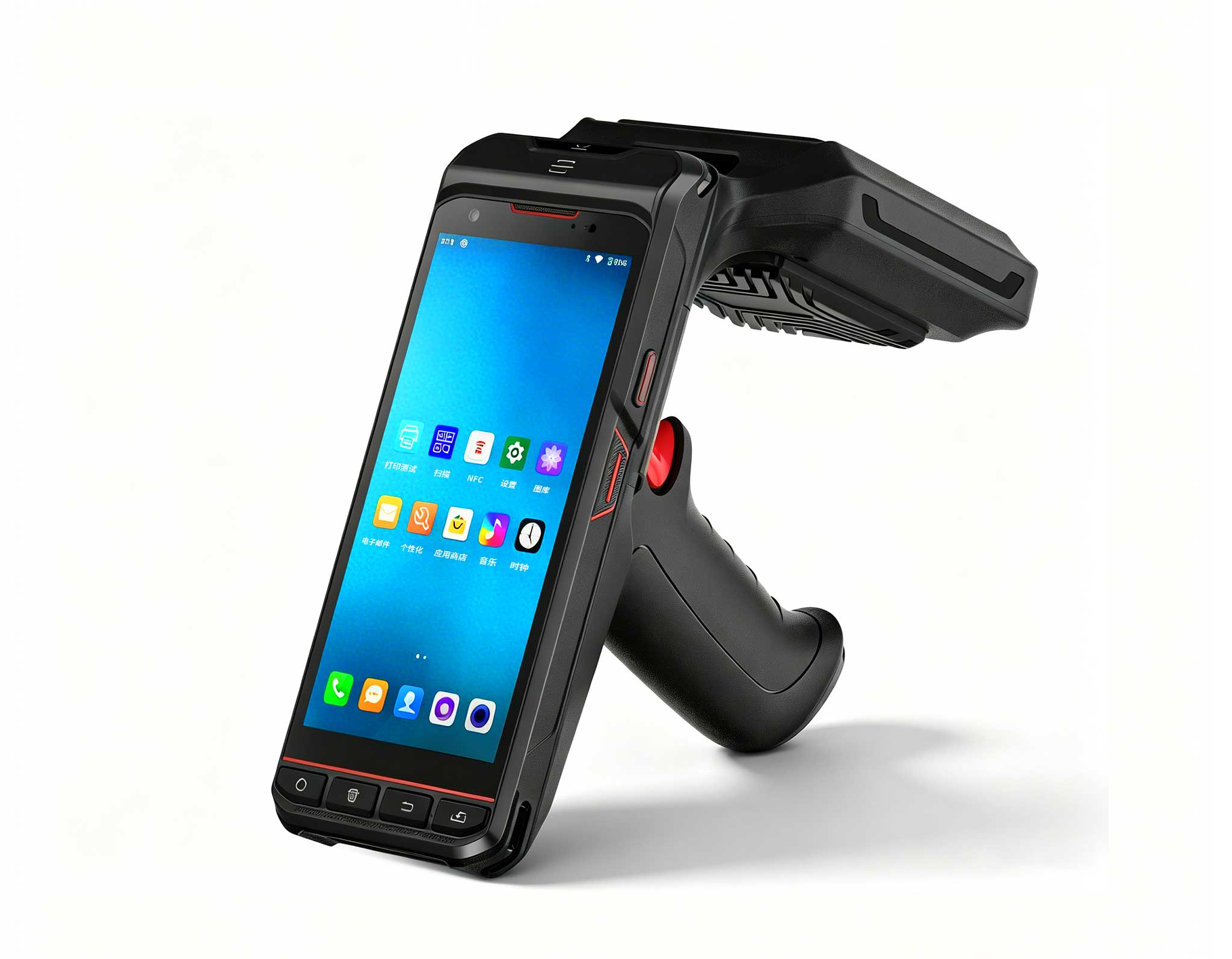
R530C 6.0-inch Industrial PDA | Qualcomm Octa-core...
In modern industrial environments, the era of one-device-fits-all has ended. Field technicians rely on powerful Windows tablets for heavy diagnostics, while warehouse operators need nimble Android devices for rapid scanning. This multi-device workflow demands smart selection—pairing the right tool to each task. Hotus offers two standout candidates: the ST13-U 13.3" Windows Rugged Industrial Tablet (a large-screen powerhouse built for stationary control centers) and the HTNJ08C Rugged Tablet (an 8-inch Android portable optimized for mobility). This article explores their distinct roles in a multi-device ecosystem, focusing on performance, total cost of ownership, and real-world fit. We’ll examine deployment scenarios, technical trade-offs, and hidden operational costs. Whether you’re integrating two devices into one workflow or scaling an existing fleet, this guide helps you choose wisely.
Modern industrial workflows—spanning warehousing, manufacturing, and field service—are increasingly built around multi-device ecosystems. A typical setup: a shift supervisor uses a Windows-based ST13-U at a central station to run inventory management software (ERP, WMS), while floor employees carry HTNJ08C tablets for real-time scanning and communication. The Windows system handles data-heavy analysis, while the Android device excels at quick, touch-based tasks with a smaller footprint. For organizations building their industrial tablet fleet, Hotus offers a full range of Windows and Android options. Neither device alone can replace the other; they complement each other seamlessly.
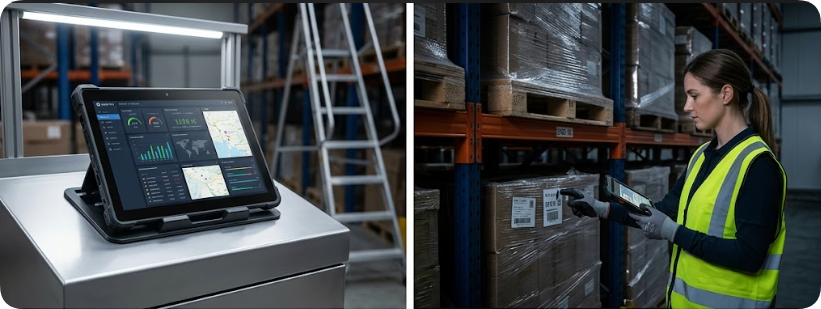
Picture a busy distribution center: a worker in a high-vis vest moves between metal shelving units, holding an ST13-U in one hand. The large 13.3-inch screen displays a barcode scanning success interface alongside an Android-based inventory dashboard—thanks to Wi-Fi 6 connectivity, the Windows tablet wirelessly syncs with an Android handheld nearby. Meanwhile, a colleague uses an HTNJ08C to scan cartons because its 8-inch form factor fits in a pocket and boots Android instantly. Data from the Android scanner appears on the ST13-U’s dashboard within seconds. This multi-device collaboration saves time, reduces errors, and eliminates the need to carry a single heavy device all day. This case illustrates the core decision: Windows vs. Android, 13.3-inch vs. 8-inch, industrial-grade vs. portable. Let’s break down the parameters.
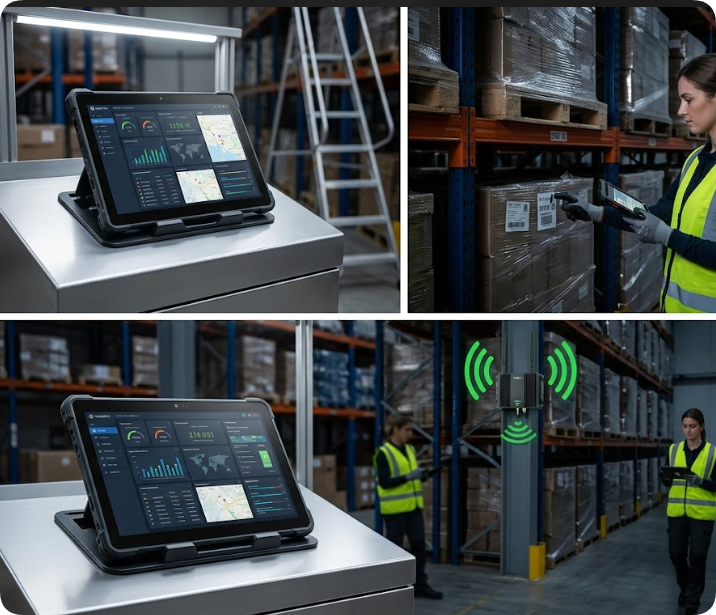
The most fundamental difference is the OS. The ST13-U runs Windows (typically Windows 10/11 Pro or IoT), giving it access to legacy enterprise software, full desktop productivity suites, and advanced peripheral support (e.g., RFID readers, thermal printers). The HTNJ08C runs Android, offering a streamlined interface with fast app loading, touch-first interactions, and compatibility with modern cloud-based tools. For multi-device workflows, this means the ST13-U serves as the command center for data processing, while the HTNJ08C acts as a mobile data collector.
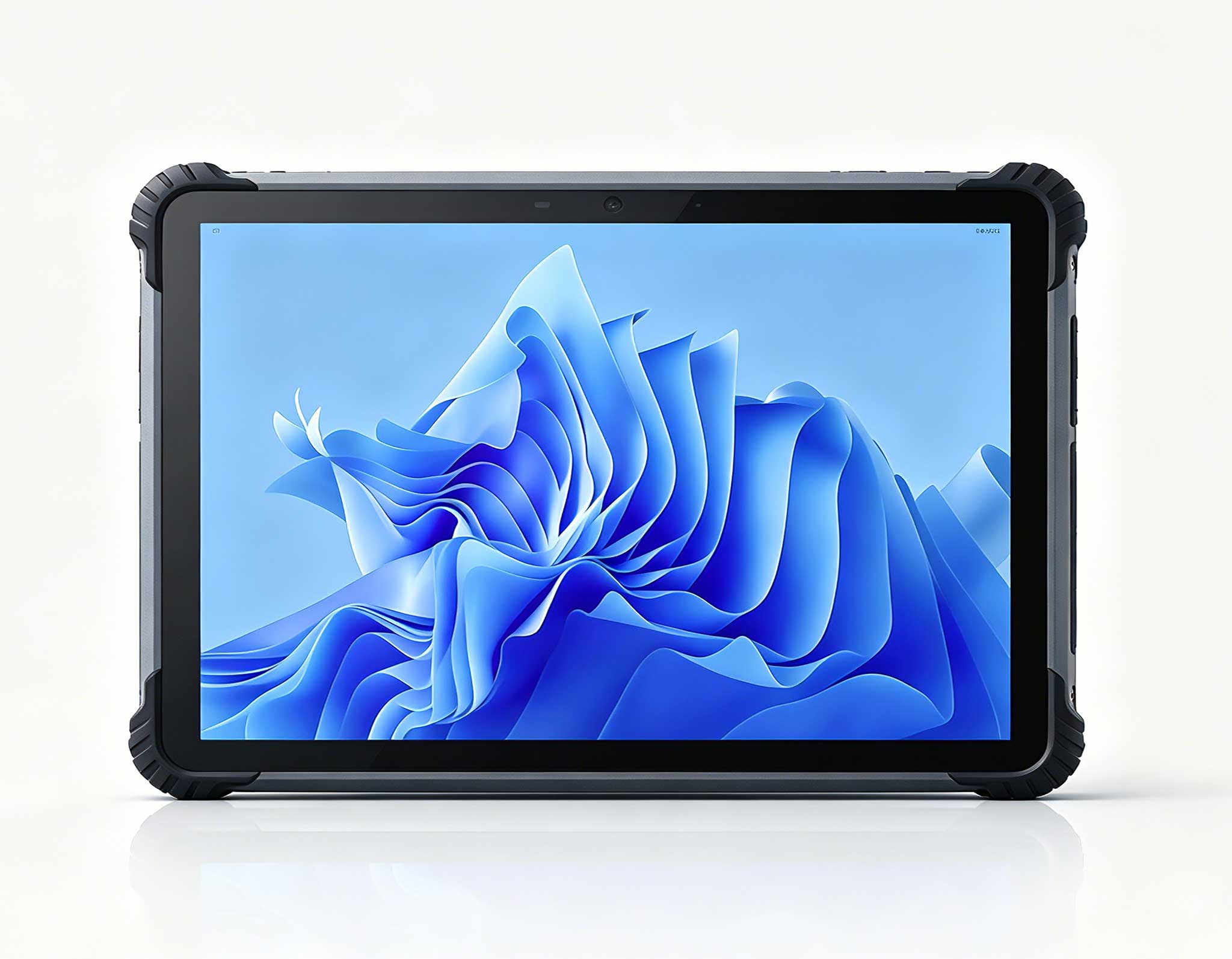
The ST13-U boasts a 13.3-inch high-brightness display (1000 nits typical) for indoor and semi-outdoor use, ideal for detailed dashboards, CAD files, or multiple windows. Its larger size makes it less portable but perfect for fixed stations. The HTNJ08C has an 8-inch screen (800 nits) that is easily handheld, pocketable, and optimized for single-handed scanning. In a warehouse, a worker can scan barcodes with one hand while using the other to move items. The ST13-U stays on a cart or desk, providing a bird’s-eye view of operations.
Under the hood, the ST13-U typically features an Intel processor (similar to its sibling ST13-J rugged tablet) (e.g., Celeron N3450 or Core i5) with 8–16 GB RAM, capable of running multiple heavy applications simultaneously. Its storage (128–512 GB SSD) supports local data caching and complex logs. The HTNJ08C uses a MediaTek or Qualcomm processor with 4–8 GB RAM and 64–128 GB storage, sufficient for scanning apps, real-time dashboards, and basic reporting. For multi-device setups, the ST13-U handles the heavy lifting (e.g., ERP integration, data analytics), while the HTNJ08C offloads lightweight tasks.
Both devices are rugged, but with different focuses. The ST13-U is IP65-rated (dust and water jets), with a drop rating of 1.2 meters, making it suitable for dusty factory floors or outdoor loading docks. Its large chassis allows for robust thermal management. The HTNJ08C is IP67-rated (full submersion up to 1 meter) and drops from 1.5 meters, designed for handheld use in wet or dirty conditions. In a distribution center, the HTNJ08C can be dropped on concrete and still function, while the ST13-U is best kept on a stable surface.
The ST13-U, with its larger display and Windows license, typically costs 25–35% more than the HTNJ08C. For a fleet deployment, this adds up: buying five ST13-Us might cost $10,000–$12,000, while five HTNJ08Cs might cost $6,000–$8,000. However, the ST13-U replaces a desktop PC and a separate tablet, potentially saving on hardware redundancy.
Windows tablets often require IT support for updates, security patches, and driver management. Android devices are generally simpler to manage via MDM (Mobile Device Management) and require less frequent intervention. Over three years, the ST13-U may incur 15–20% higher IT overhead. Battery life also factors: the HTNJ08C typically lasts a full shift (8–10 hours) on a single charge, while the ST13-U may need a mid-shift charge if used heavily. Replacement batteries for the HTNJ08C are cheaper and easier to swap in the field.
Consider peripheral integration: the ST13-U supports USB-C, HDMI, and Ethernet, requiring docking stations for fixed setups. The HTNJ08C has fewer ports but integrates wirelessly. In a multi-device workflow, the ST13-U may need a rugged dock (costing $150–$300 each), while the HTNJ08C uses a simple charging cradle ($50–$100). Software licensing for Windows-based ERP modules can also add cost versus Android’s free OS.
In a 100,000-square-foot warehouse, the ST13-U serves as a supervisor’s terminal at a central desk, running WMS software and displaying real-time inventory maps. Floor workers use HTNJ08Cs for scanning, picking, and receiving. In similar deployments, the ST11-J tablet has proven effective in logistics picking workflows. Data syncs via Wi-Fi 6, with the ST13-U updating inventory instantly. The 13.3-inch screen shows a large dashboard with multiple panels (e.g., pick rate, error alerts), while the 8-inch devices provide quick feedback. This setup reduces paper usage and human error, with a typical ROI of 6–9 months.
A technician inspects industrial equipment on-site. They carry an HTNJ08C for quick checks: scanning barcodes, capturing photos, and logging readings. When a complex issue arises, they return to the truck or office where an ST13-U is docked. Using the ST13-U, they run diagnostic software, access remote servers, and generate reports. The HTNJ08C’s Android apps sync with the ST13-U via cloud, ensuring no data loss. This two-device workflow balances mobility with processing power.
The ST13-U and HTNJ08C represent two sides of the same coin: one is a powerhouse for control, the other a nimble companion for mobility. In a multi-device workflow, they don’t compete—they collaborate. By choosing the ST13-U for data-heavy tasks and the HTNJ08C for field operations, you create a scalable, efficient system. Hidden costs like IT management, docking, and battery replacement should be factored into your total cost of ownership. For most industrial environments, a mixed fleet delivers the best ROI: the ST13-U handles the heavy lifting, while the HTNJ08C keeps workers moving. Evaluate your specific scenarios, test both devices in your workflow, and build a future-ready operation where every tool has its purpose.