- Select Language
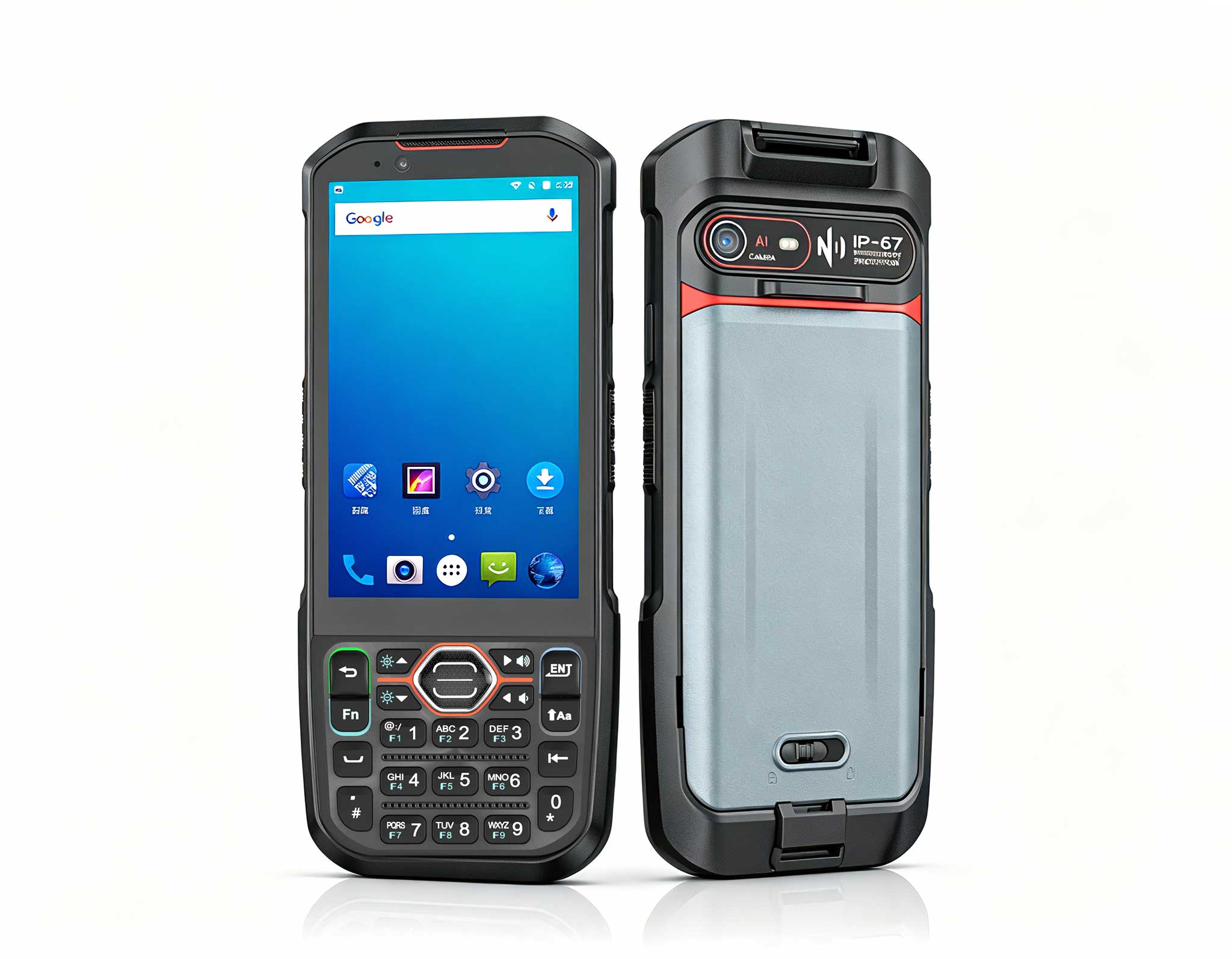
Explore an innovative Personal Digital Assistant f...
The X501 Handheld PDA combines advanced barcode sc...
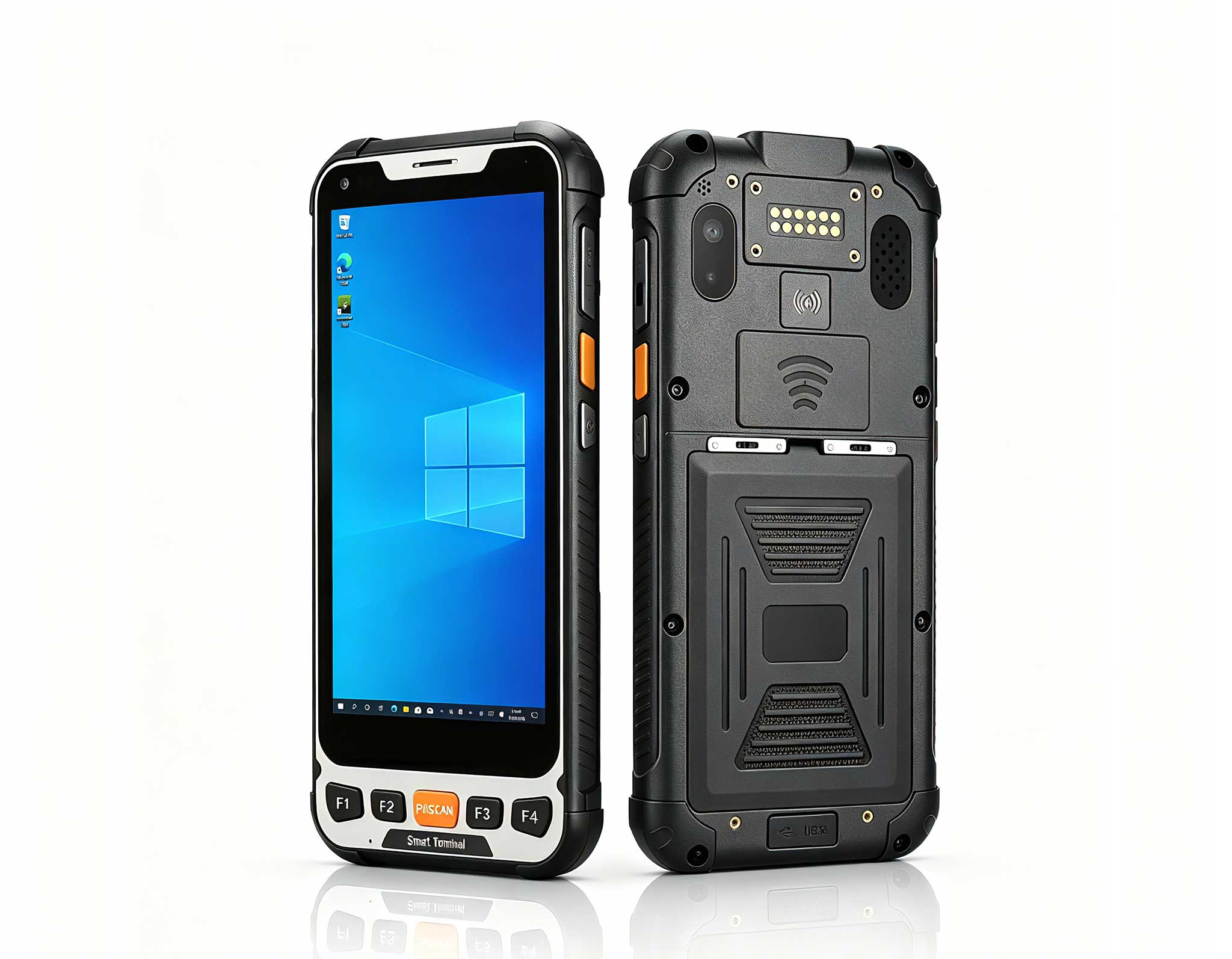
Full SpecificationsModel Hotus SH5‑WOperating ...
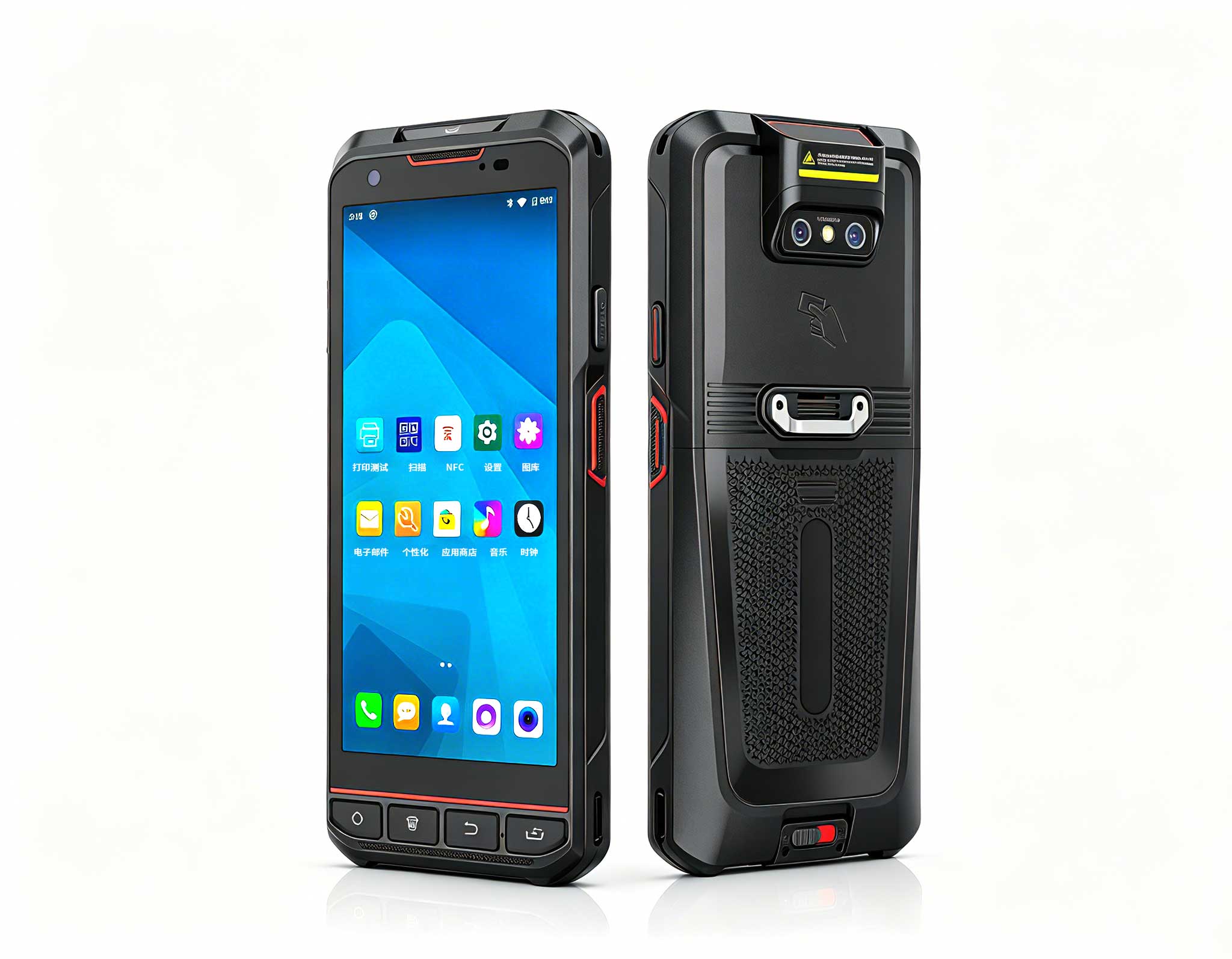
P11 Series Next-Gen Enterprise Rugged Industrial ...
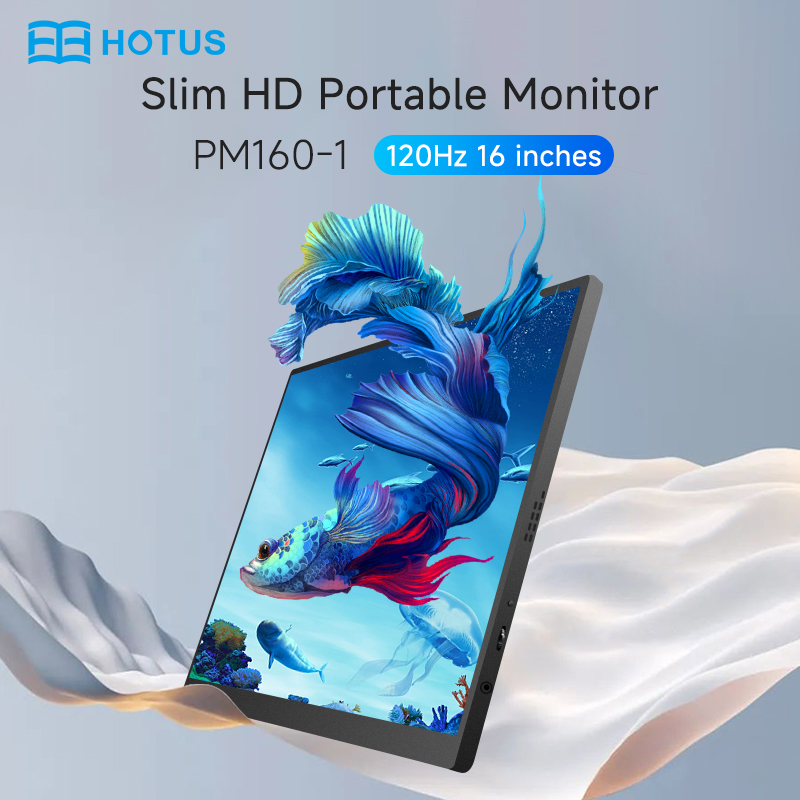
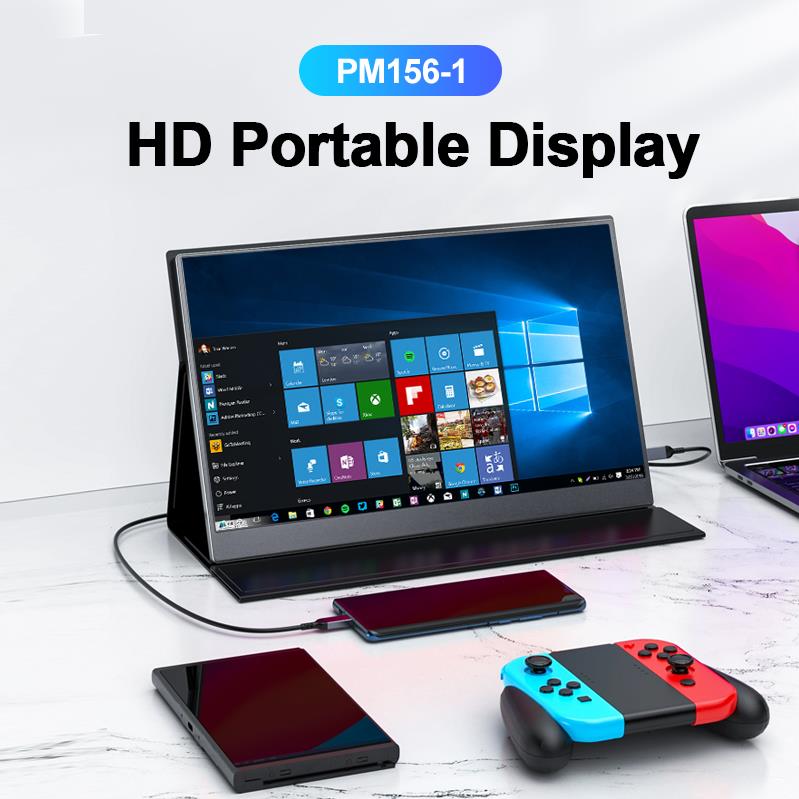
The PM156-1 is a 15.6-inch portable PC monitor fea...
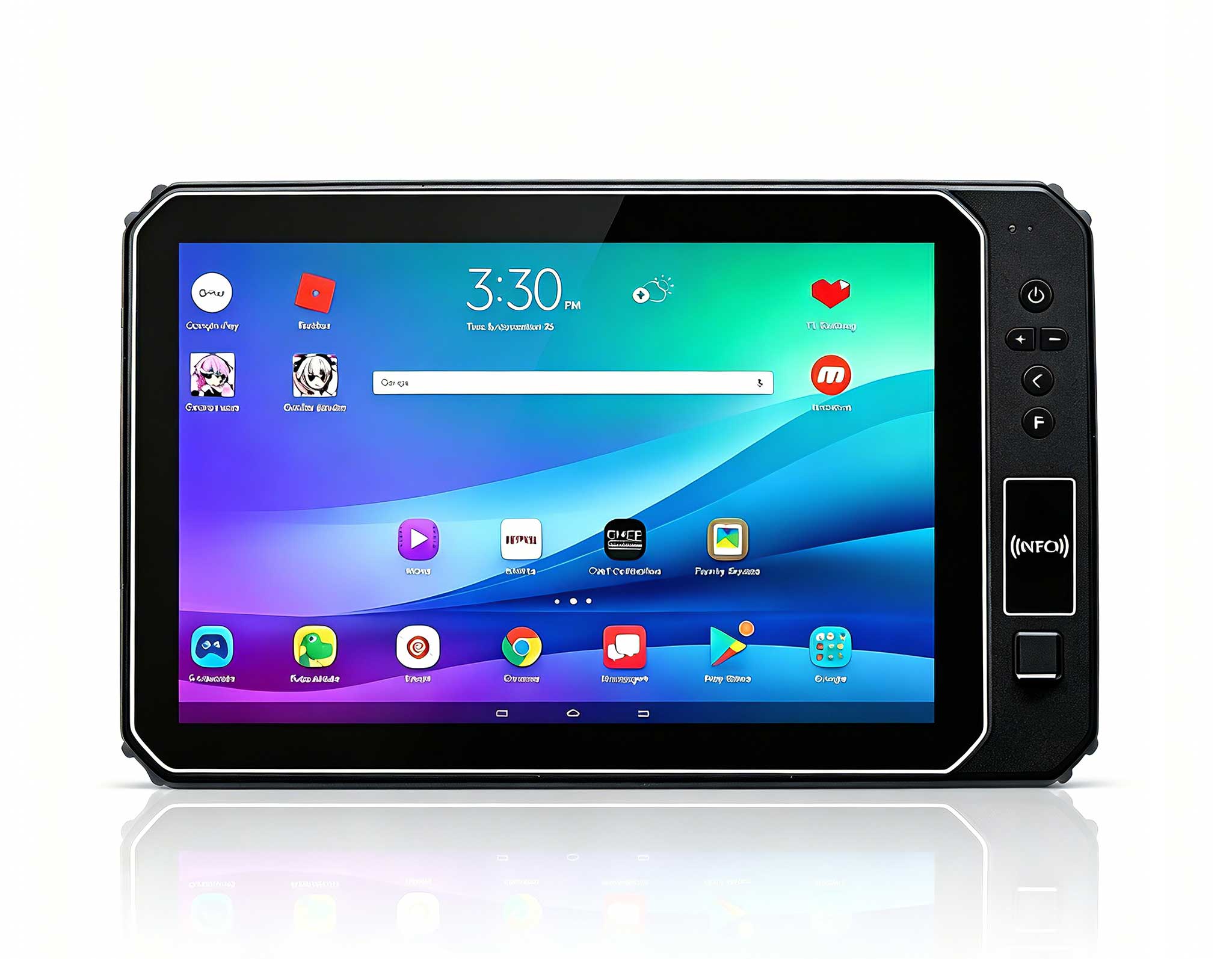
This 10-inch Android rugged tablet is designed for...
Over the years, I have worked closely with integrators and IT managers who are responsible for deploying digital signage and self-service kiosks. The most frequent issue I encounter is not a lack of ambition, but a fundamental mismatch between the hardware and the physical environment. You can have the best software in the world, but if the computer driving the display overheats inside a sealed kiosk or lacks the necessary ports for a touchscreen, the entire project stalls. That is why selecting the right Mini PC is so critical. These devices must be powerful enough to render high-resolution content, small enough to fit into tight enclosures, and durable enough to run 24/7 without interruption. Not all compact computers are built the same. Today, I want to compare three distinct options from the Hotus lineup that are perfectly suited for this work: the ultra-compact Palm-sized miniPC, the versatile WTR PRO AMD, and the high-performance HCAR5000 MI. Each serves a specific purpose, and understanding their differences is key to a successful deployment. For a deeper look at how these fit into a broader ecosystem, you can explore our dedicated digital signage kiosk solutions.
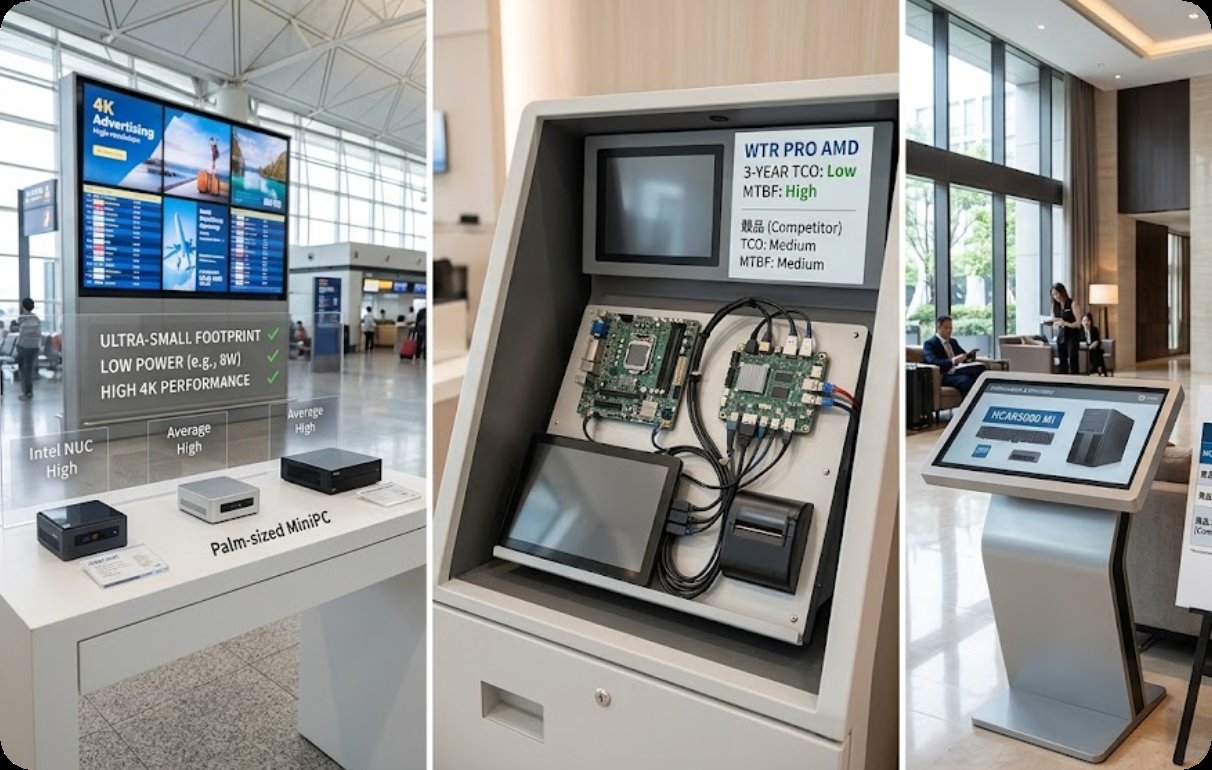
This device lives up to its name. The Palm-sized miniPC is my go-to recommendation for projects where space is the absolute premium. Think of a sleek, wall-mounted information display in a hotel lobby or a small interactive menu board at a fast-casual restaurant. Its primary advantage is its footprint. You can literally mount it behind a screen with a VESA mount, and it will disappear. While it is small, it is not a toy. It is engineered for stability and low power consumption, making it ideal for simple content playback and basic interactive applications. It is the most cost-effective entry point into professional digital signage.
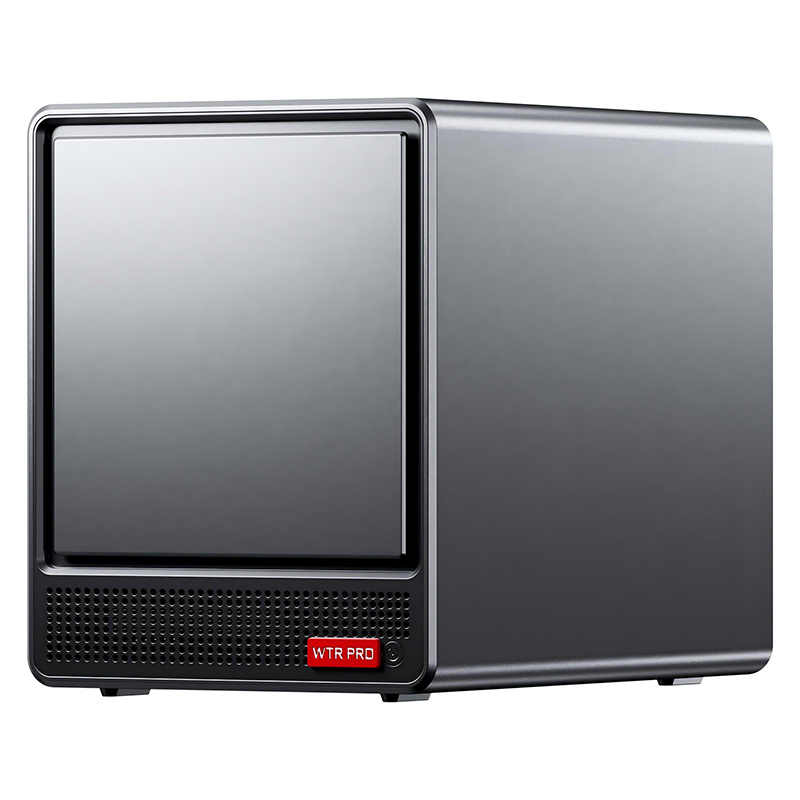
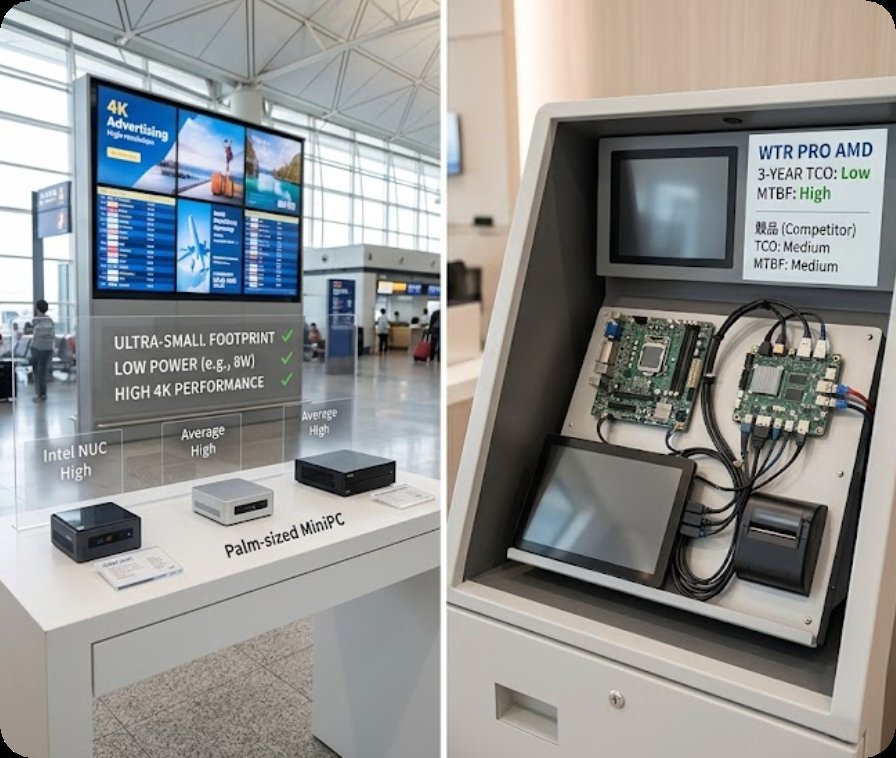
When a kiosk needs to do more than just play a video, the WTR PRO AMD becomes the obvious choice. This mini PC is unique because it combines the computing power of an AMD processor with a built-in 4-Bay NAS (Network Attached Storage). For a digital signage network, this is a game changer. Instead of relying on a cloud server or a separate NAS box, the WTR PRO AMD can store and serve content locally across a network of screens. This reduces bandwidth costs and ensures playback continues even if the internet goes down. I often recommend this for retail chains where you need to push large video files to multiple displays in one store. It is also excellent for a high-end information kiosk that needs to log user data or cache a large local database.
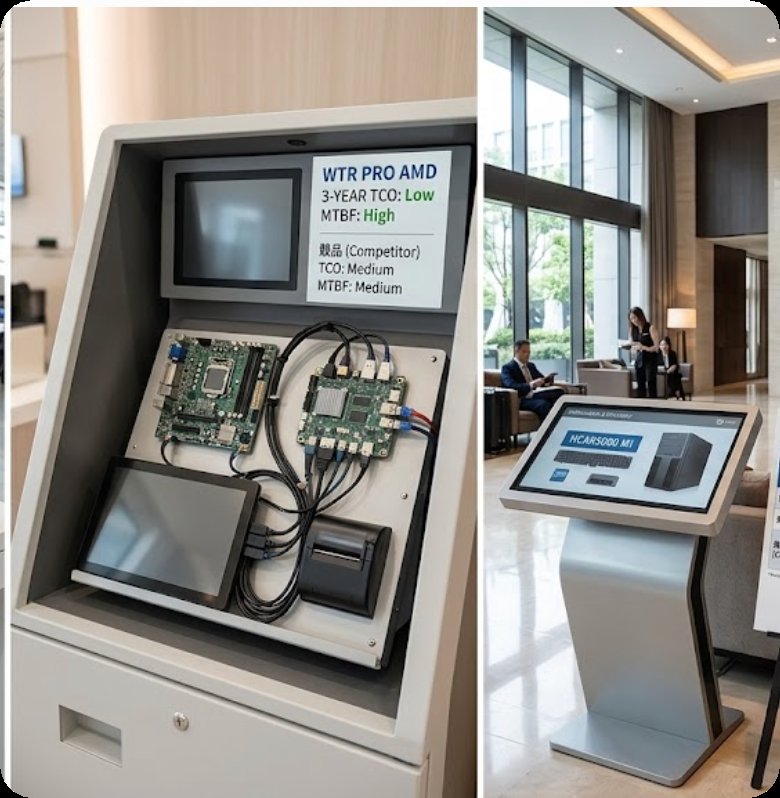
For the most demanding interactive applications, you need raw graphical power. The HCAR5000 MI, powered by the AMD Ryzen 5000H Series processor, is a significant step up in performance. This is not a device for a simple slideshow; this is for a high-traffic self-service kiosk running complex 3D mapping software, a touchscreen catalog with high-resolution images, or a gaming-style interactive attraction in a museum. It handles multitasking and high-frame-rate video without breaking a sweat. If your project involves real-time data visualization or intensive graphic rendering, the HCAR5000 MI is the only choice that guarantees a lag-free user experience. It is the workhorse for public-facing technology that demands respect through speed.
To help you visualize the differences, here is a direct comparison of the key technical specs that matter most for digital signage and kiosk deployments.
| Feature | Palm-sized miniPC | WTR PRO AMD | HCAR5000 MI |
|---|---|---|---|
| Primary Positioning | Ultra-compact, low-power playback | Versatile workhorse with local storage | High-performance interactive powerhouse |
| Processor (Typical) | Low-power Intel Celeron / N-series | AMD Ryzen (e.g., 7 5825U) | AMD Ryzen 5000H Series (High TDP) |
| Memory (RAM) | 4GB - 8GB DDR4 | 8GB - 32GB DDR4 | 16GB - 64GB DDR4 |
| Storage | eMMC / SATA SSD | M.2 NVMe + 4-Bay NAS (HDD/SSD) | M.2 NVMe (High-Speed) |
| Video Output | HDMI 2.0 | HDMI 2.0 / DisplayPort | HDMI 2.0 / DisplayPort (Multi-4K) |
| Cooling Solution | Passive (Fanless) | Active (Fan) | Active (High-Performance Fan) |
| Ideal Use Case | Menu boards, wayfinding displays | Retail networks, data-logging kiosks | Interactive catalogs, 3D applications |
| Power Efficiency | Excellent | Good | Moderate (Performance focused) |
Selecting the right mini PC comes down to understanding the workload. Here is a simple decision guide based on the most common scenarios I encounter.
For Simple Digital Signage (Content Playback Only):
If your goal is to play a loop of videos or a slideshow from a CMS, the Palm-sized miniPC is your best bet. Its fanless design is perfect for dusty or enclosed environments, and its low power consumption keeps operational costs down. It is the most cost-efficient solution for a single screen.
For Networked Signage with Local Storage Needs:
If you manage multiple screens and want to reduce your reliance on constant internet streaming, the WTR PRO AMD is the smart choice. The built-in NAS allows you to create a local content distribution network. This is also the best option for kiosks that need to store and manage large amounts of user-generated data or transaction logs.
For High-Performance Interactive Kiosks:
If your application requires heavy processing—like real-time video analytics, complex 3D rendering, or handling multiple touch inputs simultaneously—you need the HCAR5000 MI. Do not try to save money on a lower-spec device for a high-traffic interactive kiosk; it will lead to a poor user experience and increased maintenance costs.
Choosing the right hardware is the foundation of a reliable digital signage or kiosk operation. The Palm-sized miniPC, WTR PRO AMD, and HCAR5000 MI each fill a specific niche in the Palm-sized miniPC family, offering a solution for everything from a simple menu board to a complex interactive station. By matching the device's strengths to your project's demands, you ensure longevity, stability, and a better return on your investment.
I encourage you to look at your current or upcoming project and ask yourself: What is the primary task? How much physical space do I have? What is my budget for the device itself versus the cost of operation? If you are still unsure which model is right for you, I invite you to explore our mini PC solutions to see the full range of options available. Our team is ready to help you find the perfect engine for your next public-facing technology deployment.