- Select Language
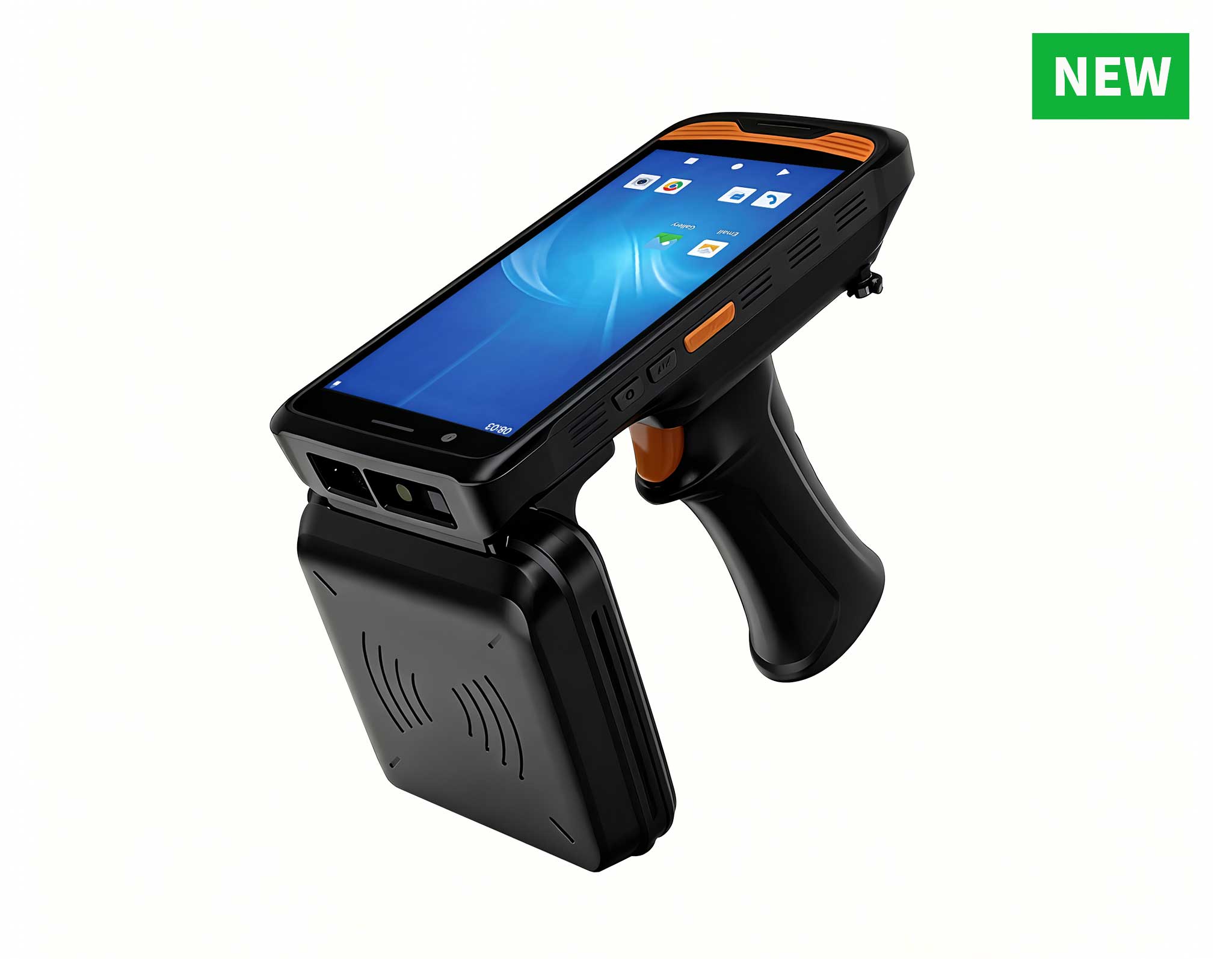
The R501 PDA combines a powerful MT6762 Octa-Core ...
RS50 5G Rugged Handheld Terminal | 6.3" FHD+ ...
R366C-S 5.5-inch Industrial UHF RFID Reader | Qual...
R366-S Thin 5.5-inch Industrial PDA | Qualcomm Oct...
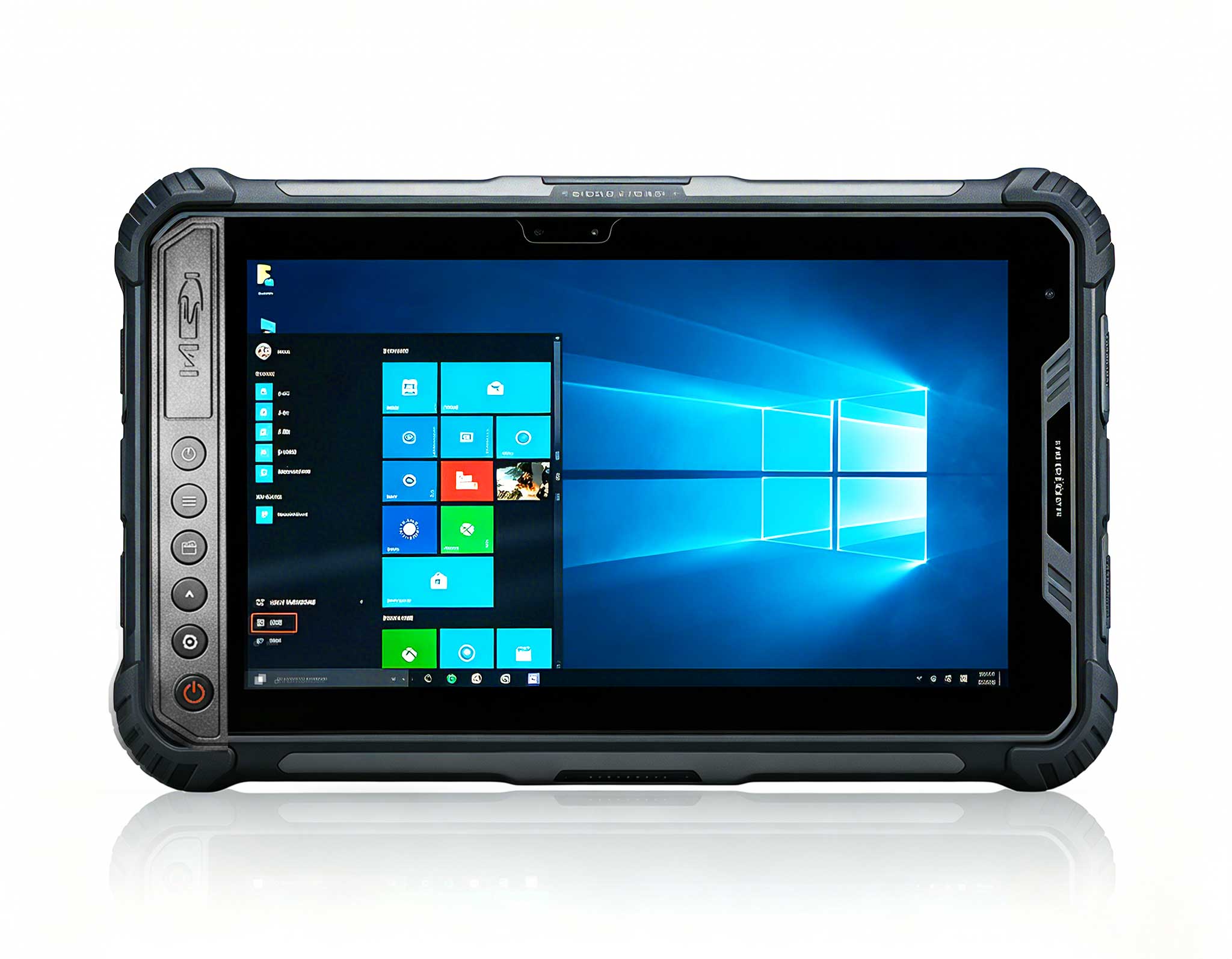
Full SpecificationsModelHotus ST9‑MOSWindows 10/11...
Full SpecificationsModelHotus ST11‑MOSWindows 10/1...
After spending years helping schools and universities overhaul their IT setups, I’ve learned one thing: a computer lab is nothing like an office. It’s a high-traffic, dust-prone, space-constrained environment where every decision—especially the hardware—has long-term consequences. I’ve walked into labs stuffed with bulky towers that blocked airflow and collected chalk dust, and I’ve seen modern labs where students actually have room to spread out their notes. The shift toward small form factor PCs in education isn’t just a trend—it’s a practical response to real-world problems. When you’re equipping a lab for 30 students, the hardware needs to be compact, durable, and secure. That’s why I always recommend looking at palm-sized Mini PC solutions. They save desk space, cut power consumption, and often come with industrial-grade features that consumer desktops simply can’t match. For schools, that translates into a lower total cost of ownership and a safer, cleaner learning environment. Today, I’m going to compare three distinct models from Hotus Technology that are purpose-built for this task: the Palm-sized miniPC, the HCAR5000 MI, and the WTR PRO AMD. Each has a specific role to play in a modern classroom, and understanding those roles will help you make the right call.
For schools looking to standardize their computer labs with a reliable, space-saving solution, our dedicated education solutions are designed to meet these exact needs.
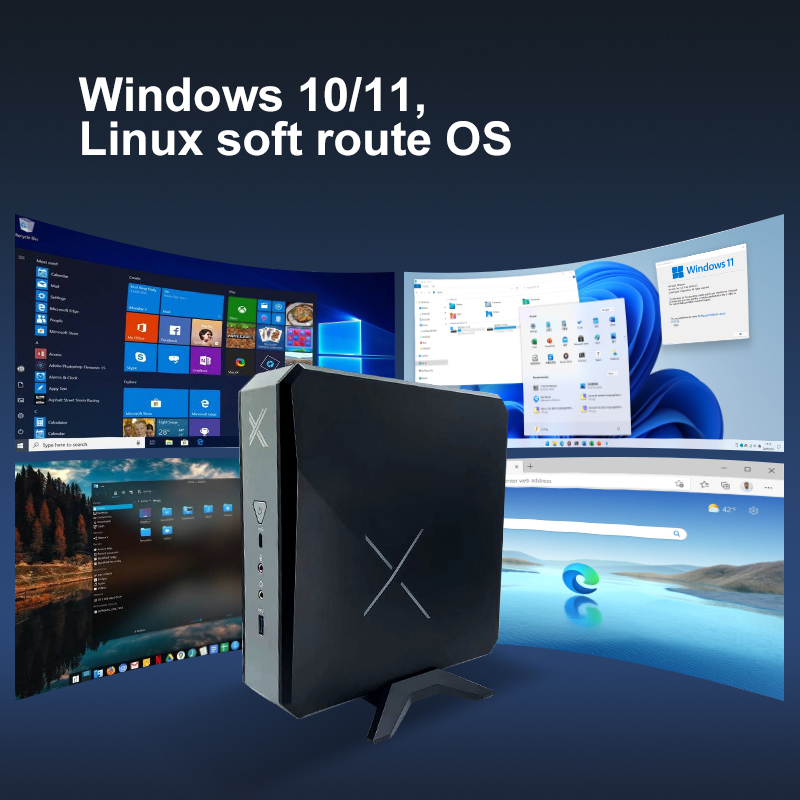
The Palm-sized miniPC does exactly what the name promises—it delivers a full-function computer that fits in the palm of your hand. Its primary strength lies in environments where desk real estate is at a premium. In a typical school computer lab, every square inch of the desk is valuable for textbooks, writing, and student interaction. This model eliminates the tower entirely. Its core specs include a low-power but efficient processor (often Intel N-series or equivalent), support for up to 16GB of RAM, and multiple USB ports for peripherals. It’s fanless, which means it runs completely silent and is highly resistant to dust—a huge advantage in a classroom where chalk dust or general foot traffic can clog traditional fans. The best scenario for this device is a standard computer lab focused on basic productivity tasks: word processing, web browsing, educational software, and coding fundamentals. It’s also an excellent choice for library kiosks or administrative workstations where silence and reliability are non-negotiable.
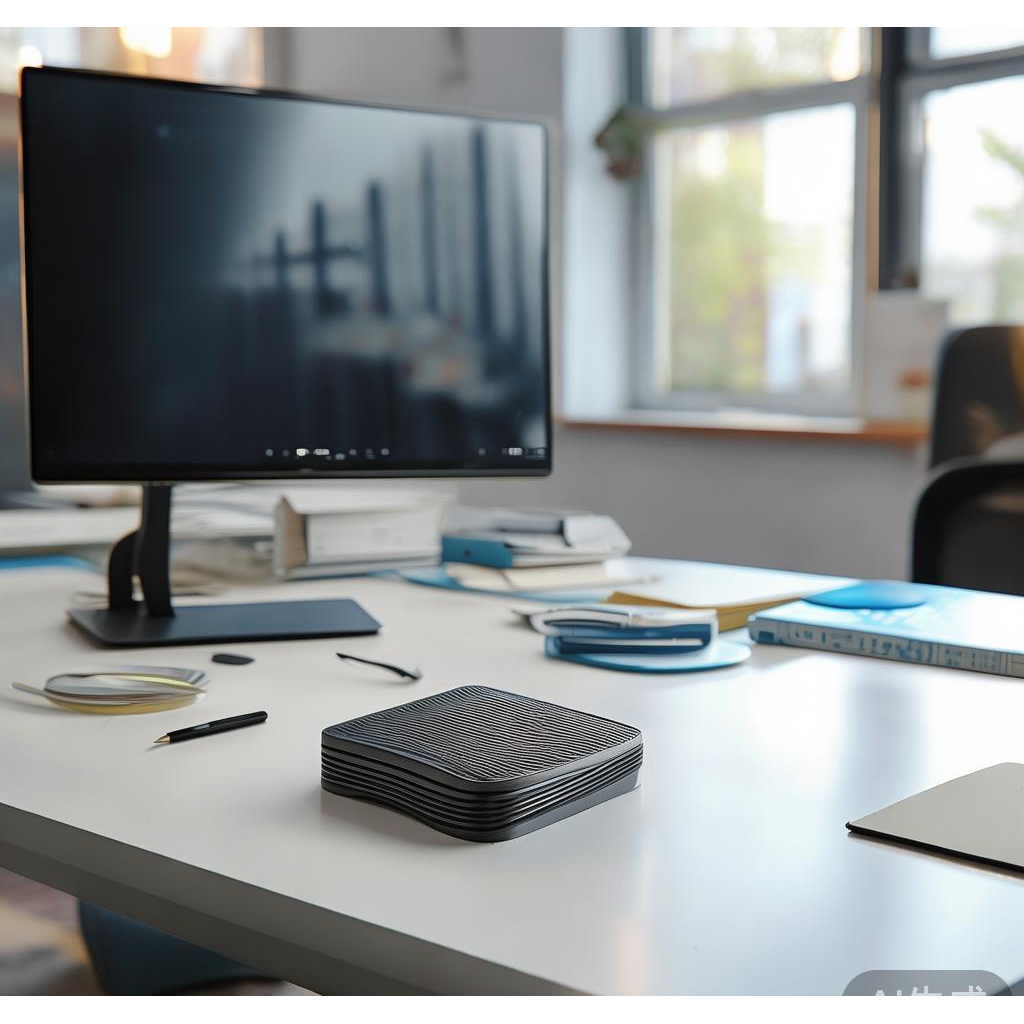
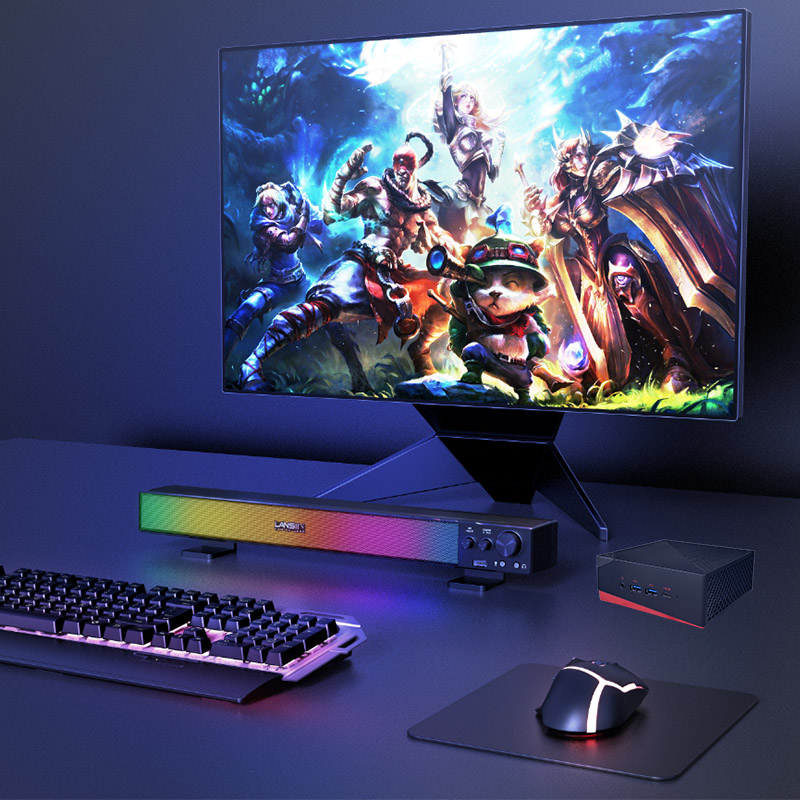
When the curriculum demands more power—think graphic design, video editing, or running multiple virtual machines—the HCAR5000 MI steps up. This unit is powered by the AMD Ryzen 5000H Series processors, which are mobile-class chips known for excellent multi-core performance. For a school lab that serves advanced students in STEM or media arts programs, this mini PC provides the necessary horsepower without the footprint of a traditional desktop. It supports dual-channel DDR4 memory and features a robust cooling system that manages heat effectively under sustained loads. The HCAR5000 MI is slightly larger than the palm-sized model but remains compact and VESA-mountable, allowing it to be hidden behind a monitor or under a desk. This model is ideal for a specialized computer lab or a multi-purpose classroom that needs to handle both standard tasks and more intensive applications like 3D modeling or programming IDEs. It strikes a perfect balance between size and performance.
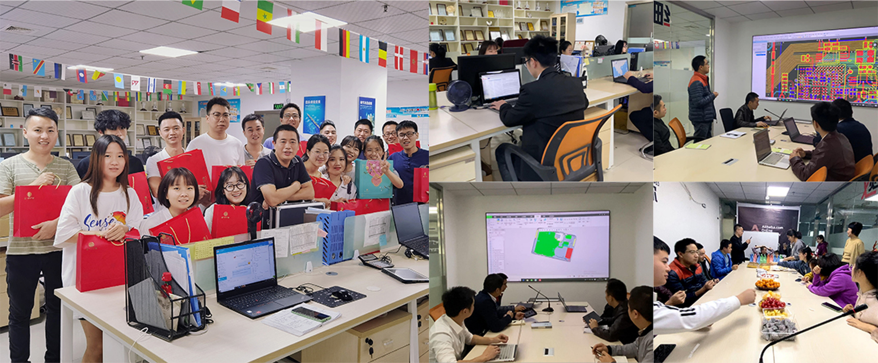
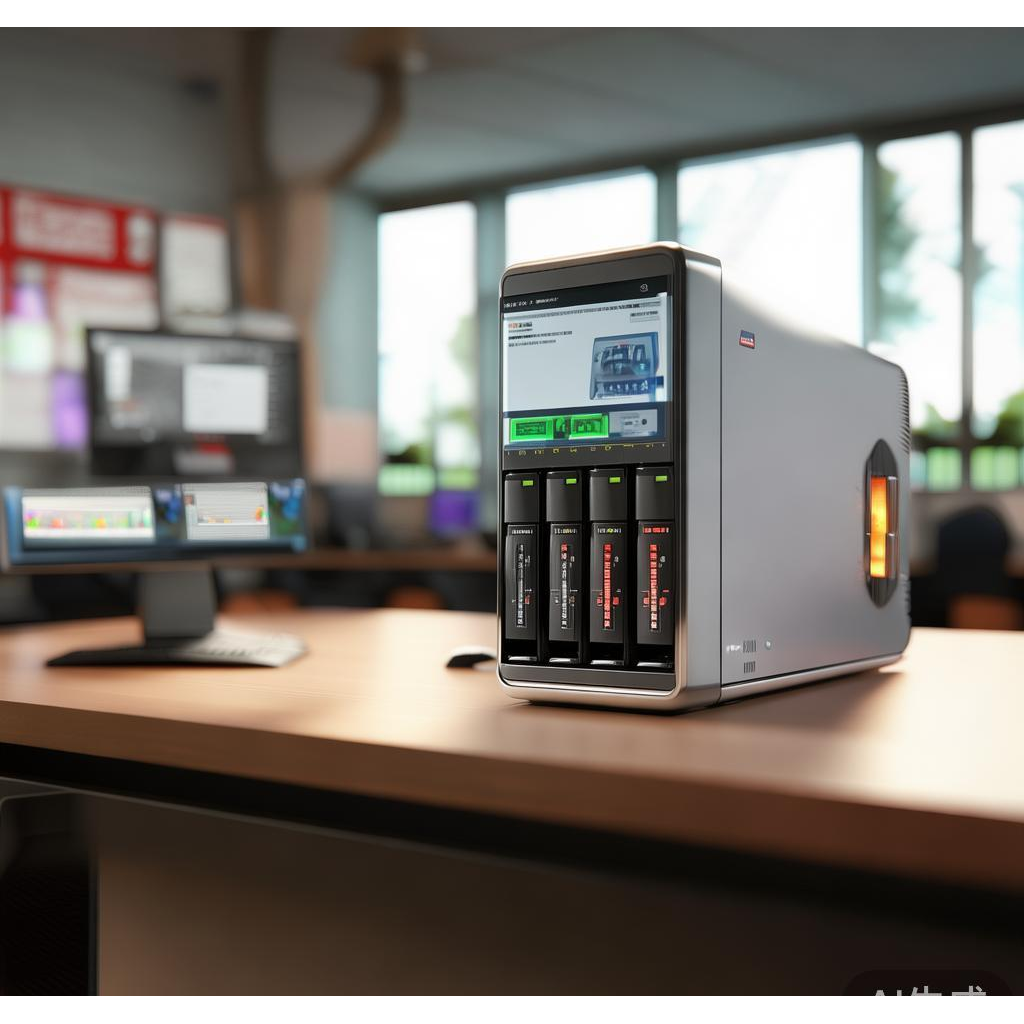
The WTR PRO AMD is a unique hybrid. It’s not just a mini PC; it’s also a 4-bay NAS (Network Attached Storage) system. This makes it exceptionally valuable for a computer lab that needs centralized storage, file sharing, or even a local server for educational software. Powered by an AMD processor, it combines workstation capabilities with network storage. In a school setting, this means you can run a classroom management server, host shared folders for student projects, and still use it as a powerful workstation for a teacher or a student. Its compact form factor houses four hard drive bays, allowing for massive storage redundancy. The best scenario for the WTR PRO AMD is a lab that acts as a hub for digital content creation or where data security and backup are critical. It’s also perfect for a teacher’s station that needs to manage student files and run demanding software simultaneously.
| Feature | Palm-sized miniPC | HCAR5000 MI | WTR PRO AMD |
|---|---|---|---|
| Processor | Intel N-series / Low Power | AMD Ryzen 5000H Series | AMD Ryzen (High Performance) |
| Memory Support | Up to 16GB DDR4 | Up to 64GB DDR4 | Up to 64GB DDR4 |
| Storage | M.2 SSD | M.2 SSD + SATA | M.2 SSD + 4x 3.5" HDD/SSD Bays |
| Cooling | Fanless (Silent) | Active Cooling (Fan) | Active Cooling (Fan) |
| Dust/Protection | Excellent (Fanless) | Good (Filtered Intake) | Good (Filtered Intake) |
| Network | 1x Gigabit LAN | 2x Gigabit LAN | 2x 2.5 Gigabit LAN |
| Primary Use | Basic Lab / Kiosk | Advanced Lab / STEM | Server / Teacher Station / Media Lab |
| Best For | Silent, dust-prone labs | Performance-intensive tasks | Storage + Workstation hybrid |
When considering your lab's infrastructure, the Palm-sized miniPC series offers a range of options to fit different budgets and performance needs.
For a standard elementary or middle school lab: Focus on the Palm-sized miniPC. It’s quiet, dust-proof, and more than enough for educational apps, typing, and research. Its fanless design also means less maintenance over the years.
For a high school STEM or media lab: Choose the HCAR5000 MI. The AMD Ryzen 5000H processor provides the multi-core performance needed for coding, video editing, and 3D design without taking up valuable desk space.
For a lab that needs centralized storage or a teacher server: The WTR PRO AMD is your best bet. It can serve as both a powerful workstation and a NAS, allowing you to manage student files, run backup tasks, and host software from a single, compact device.
For budget-conscious projects: The Palm-sized miniPC offers the lowest entry cost. For maximum flexibility and future-proofing, the WTR PRO AMD provides the most features per square inch.
To learn more about how these devices can transform your classroom, explore our mini PC solutions for detailed specifications and case studies.
Choosing the right hardware for your school is a critical decision. Whether you need silent, space-saving units for a general lab or powerful workstations for specialized courses, Hotus Technology has a solution. Our team can help you plan a deployment that fits your curriculum and budget. Contact us today for a personalized consultation and discover how our mini PCs can create a more efficient, modern, and engaging learning environment for your students.