- Select Language
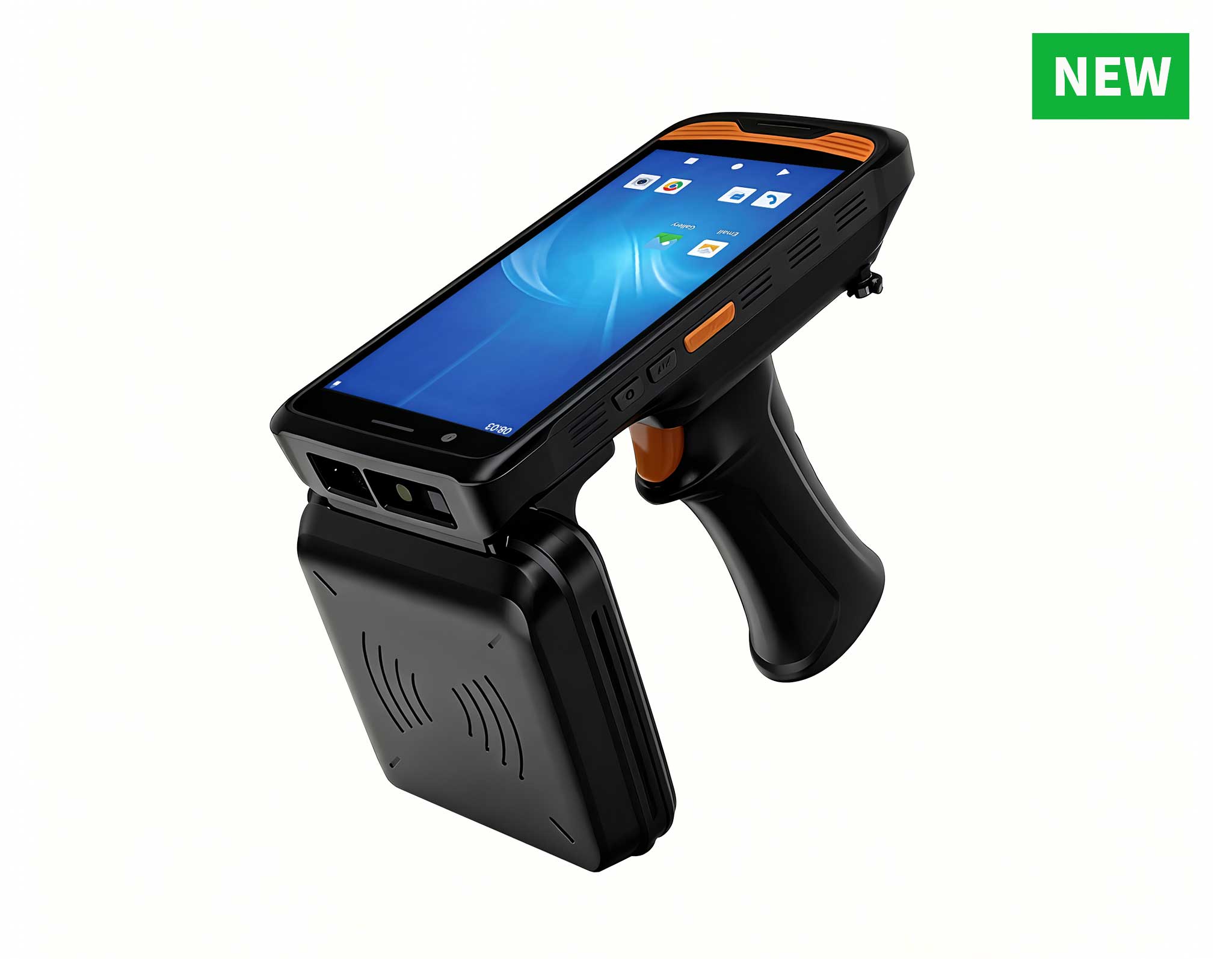
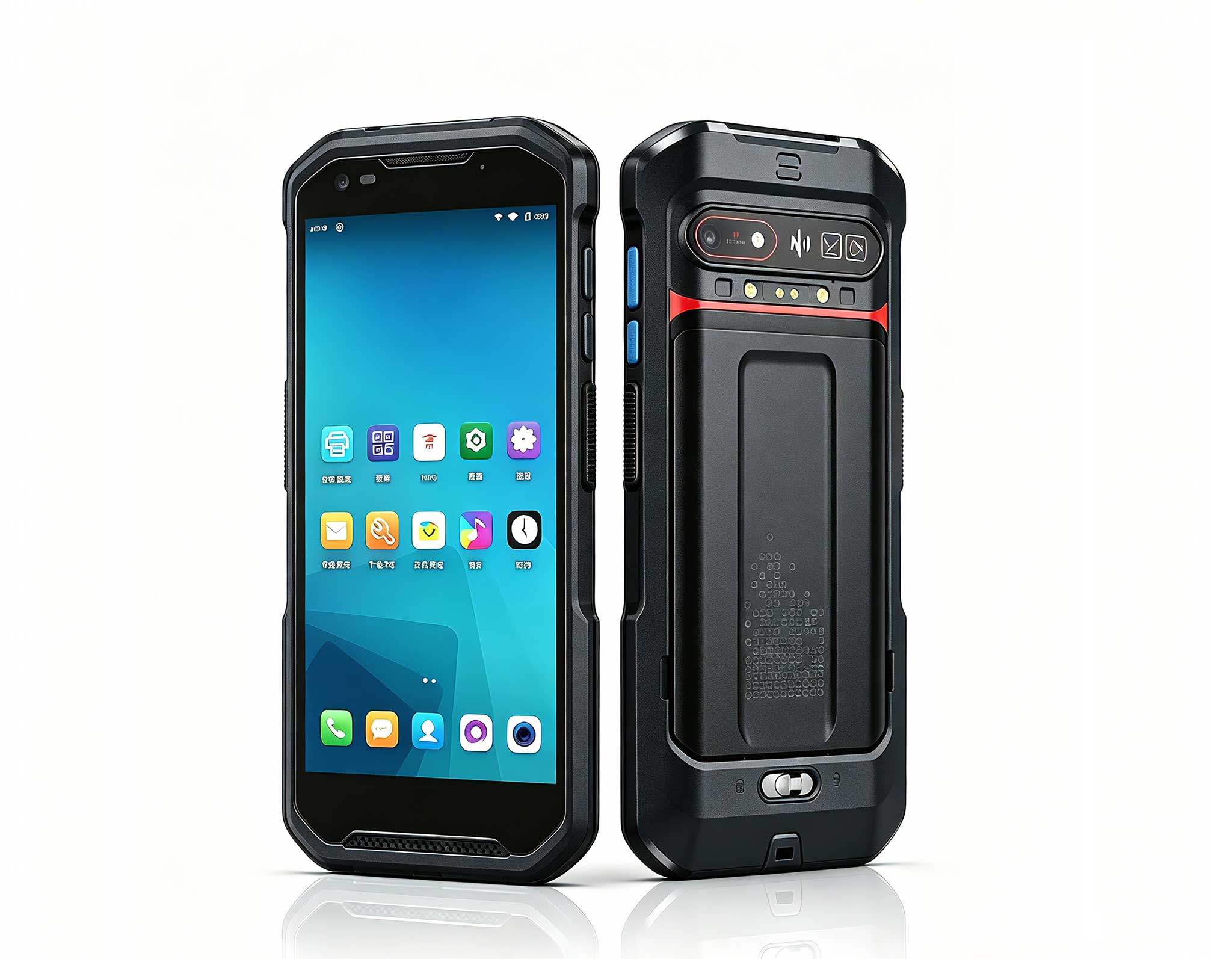
R366C-S 5.5-inch Industrial UHF RFID Reader | Qual...
The N40 Android smart PDA features a Cortex-A53 qu...
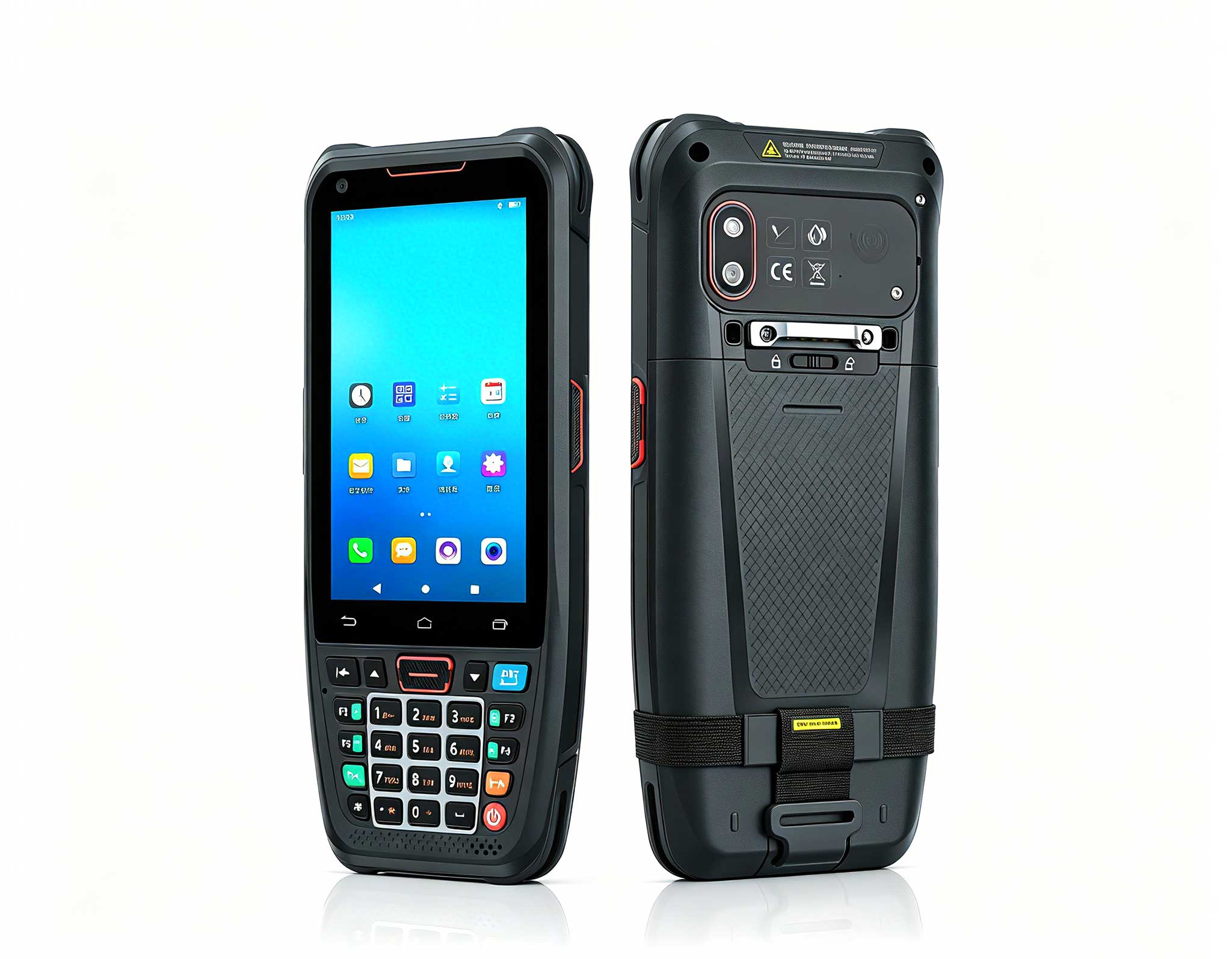
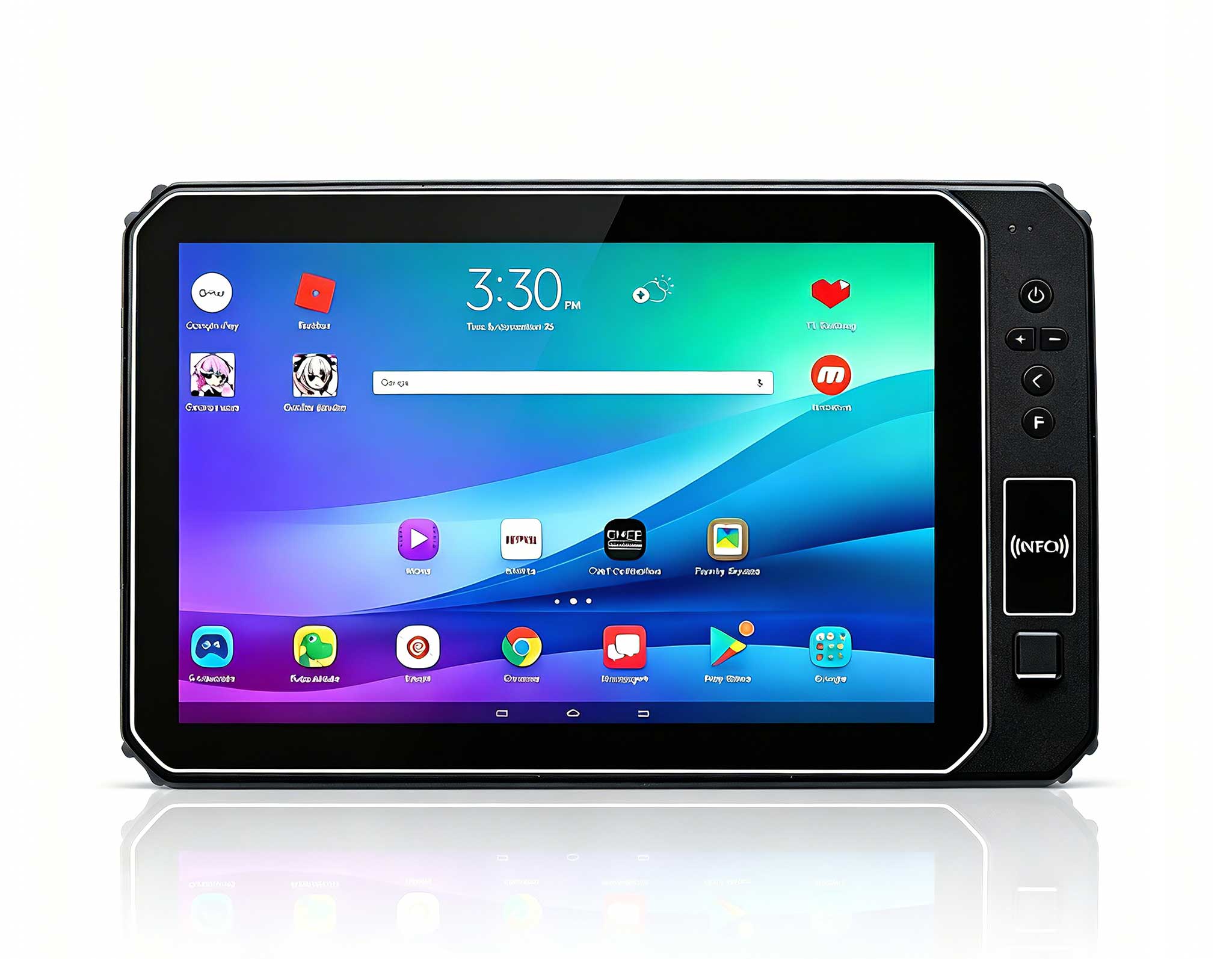
The F505 Handheld PDA is a compact, high-performan...
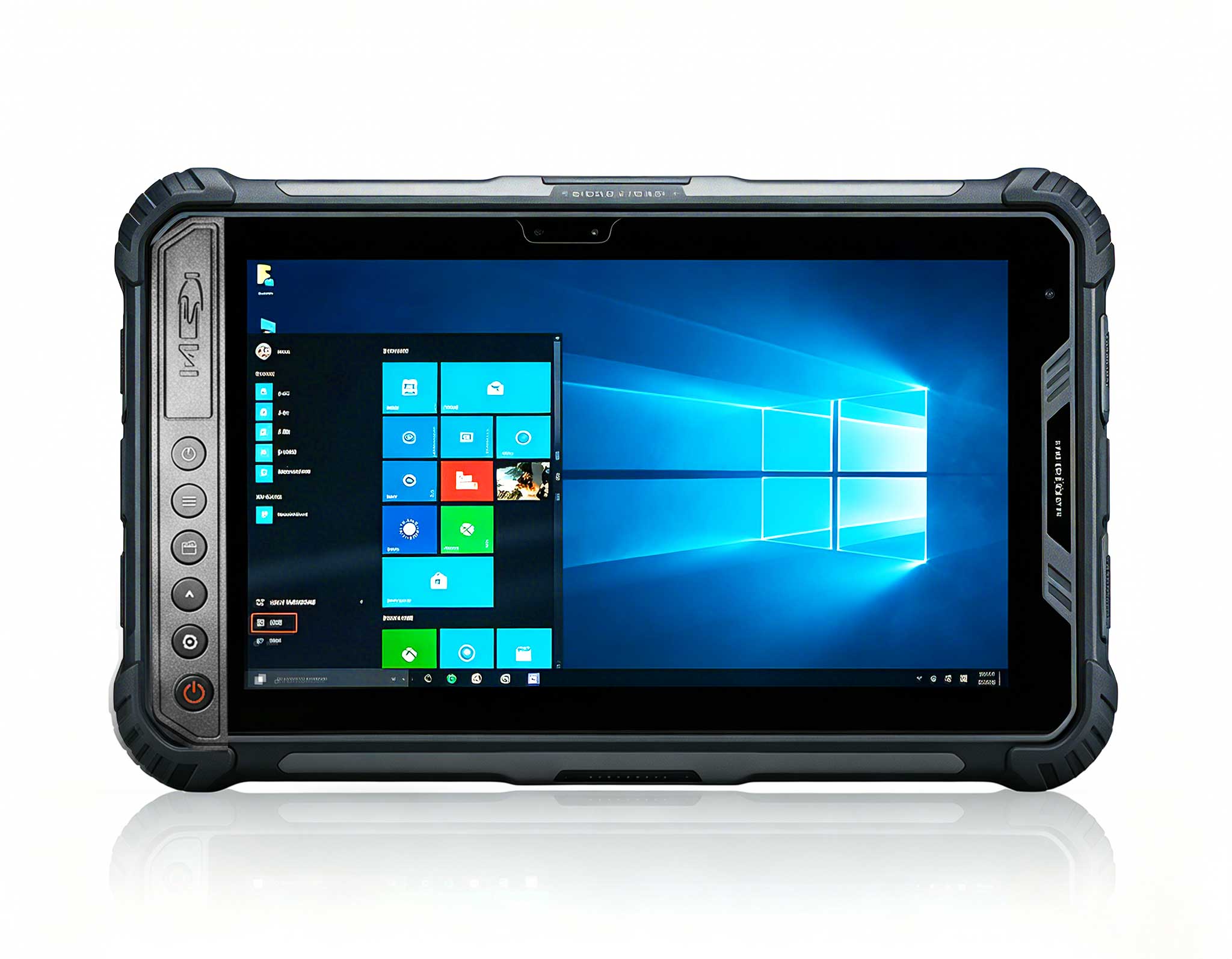
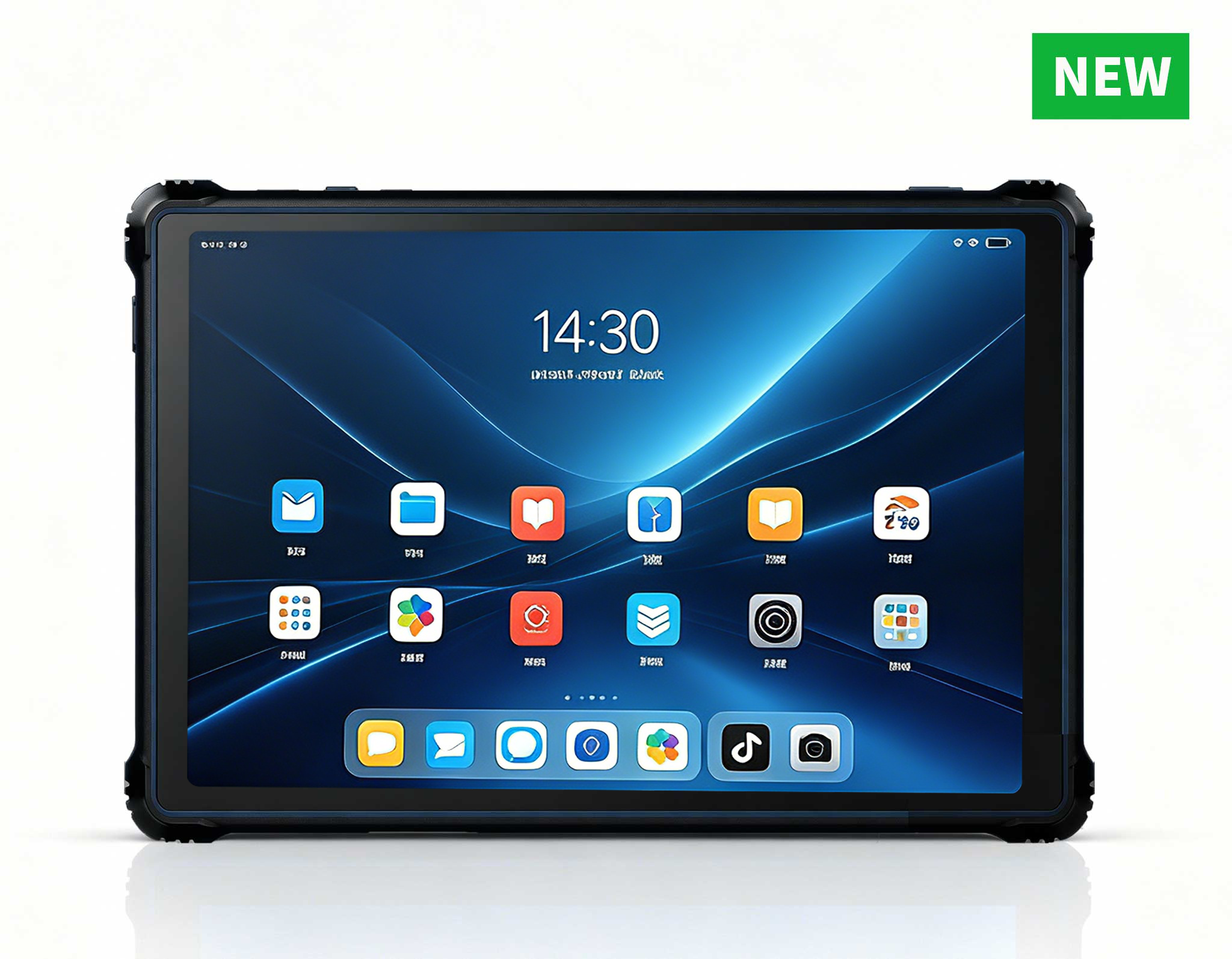
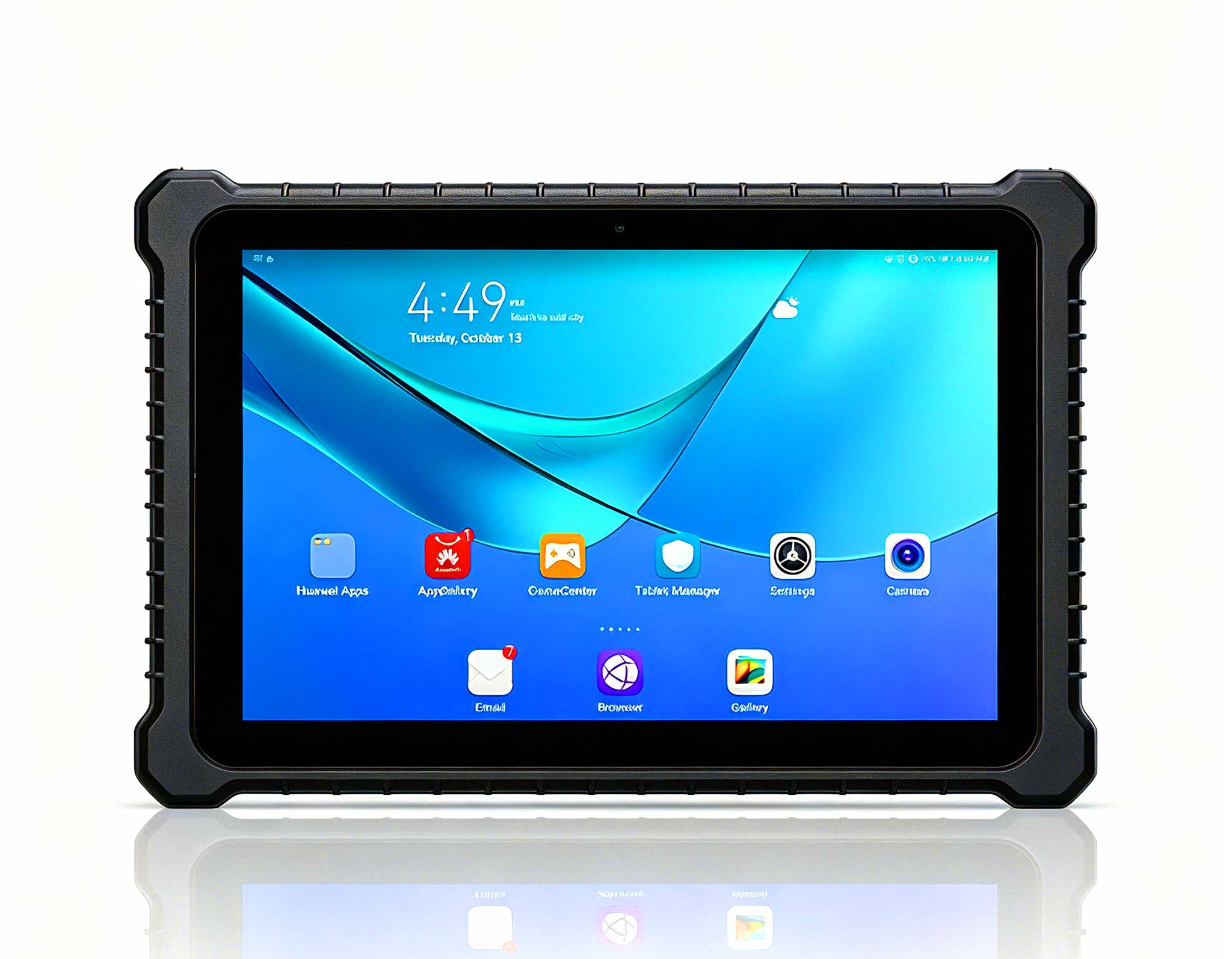
RT82 5G Rugged Tablet | 10.1" FHD 400nit | Qu...
This 10-inch Android rugged tablet is designed for...
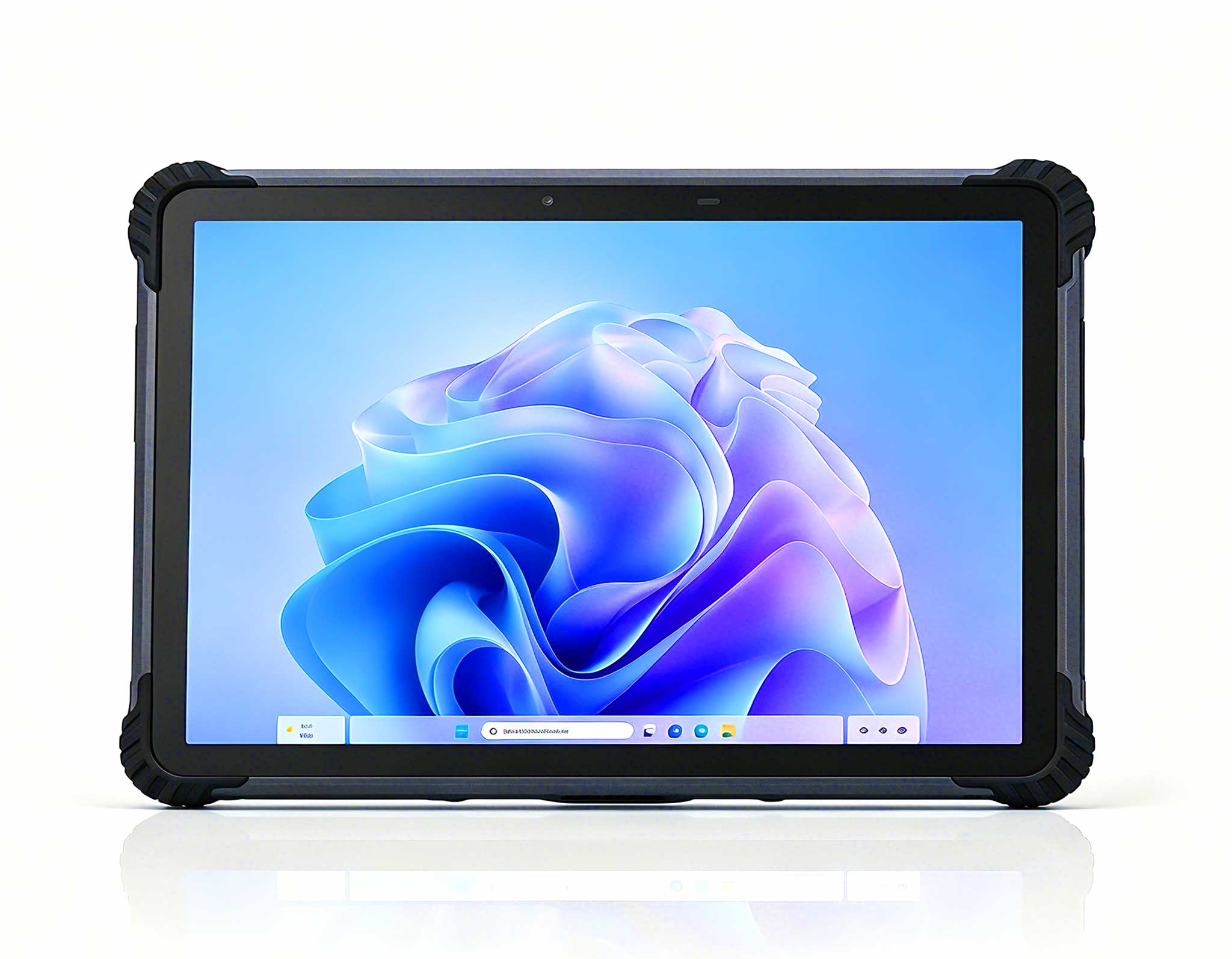
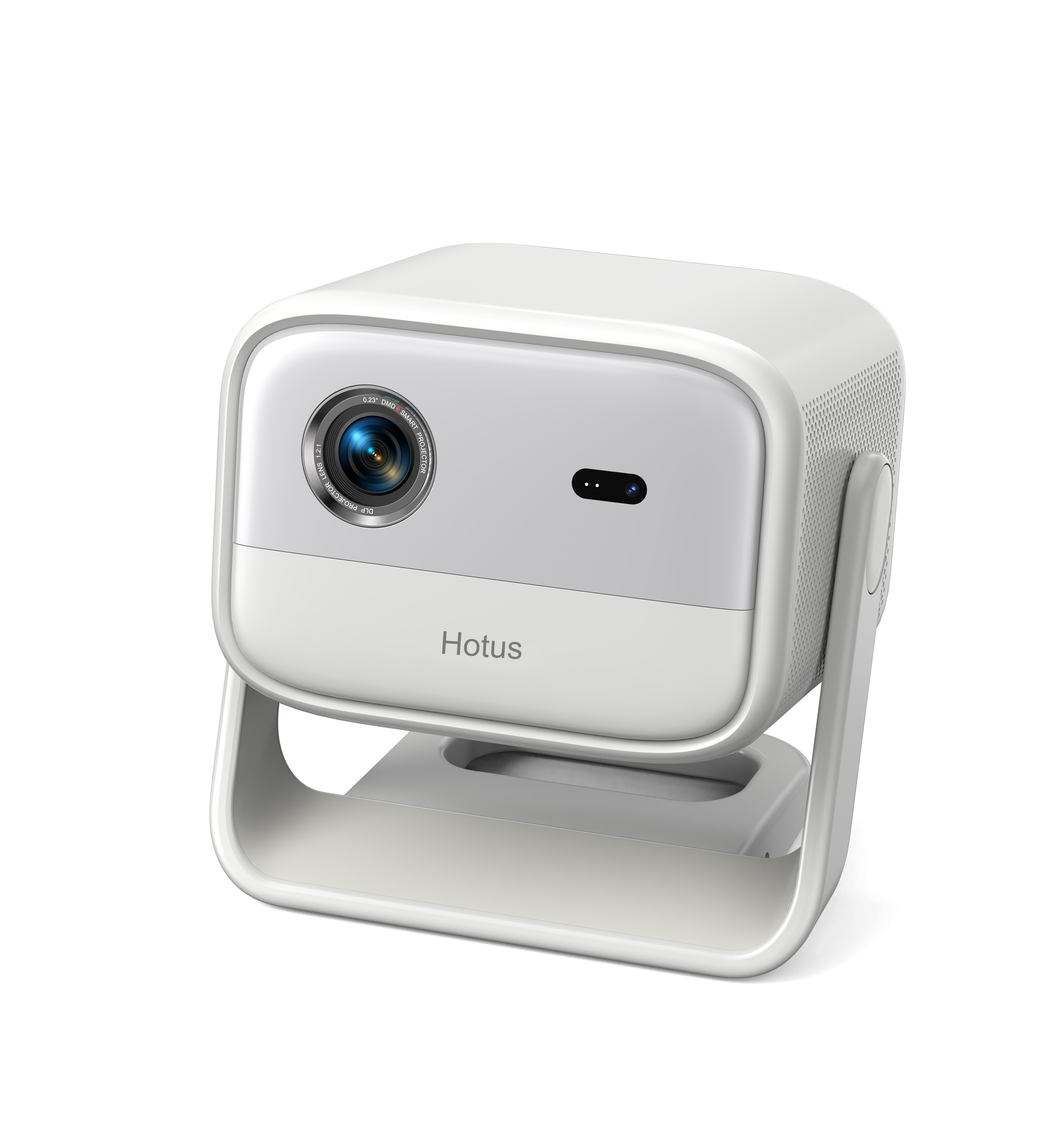
Full SpecificationsModelHotus ST13‑JOSWindows 10 P...
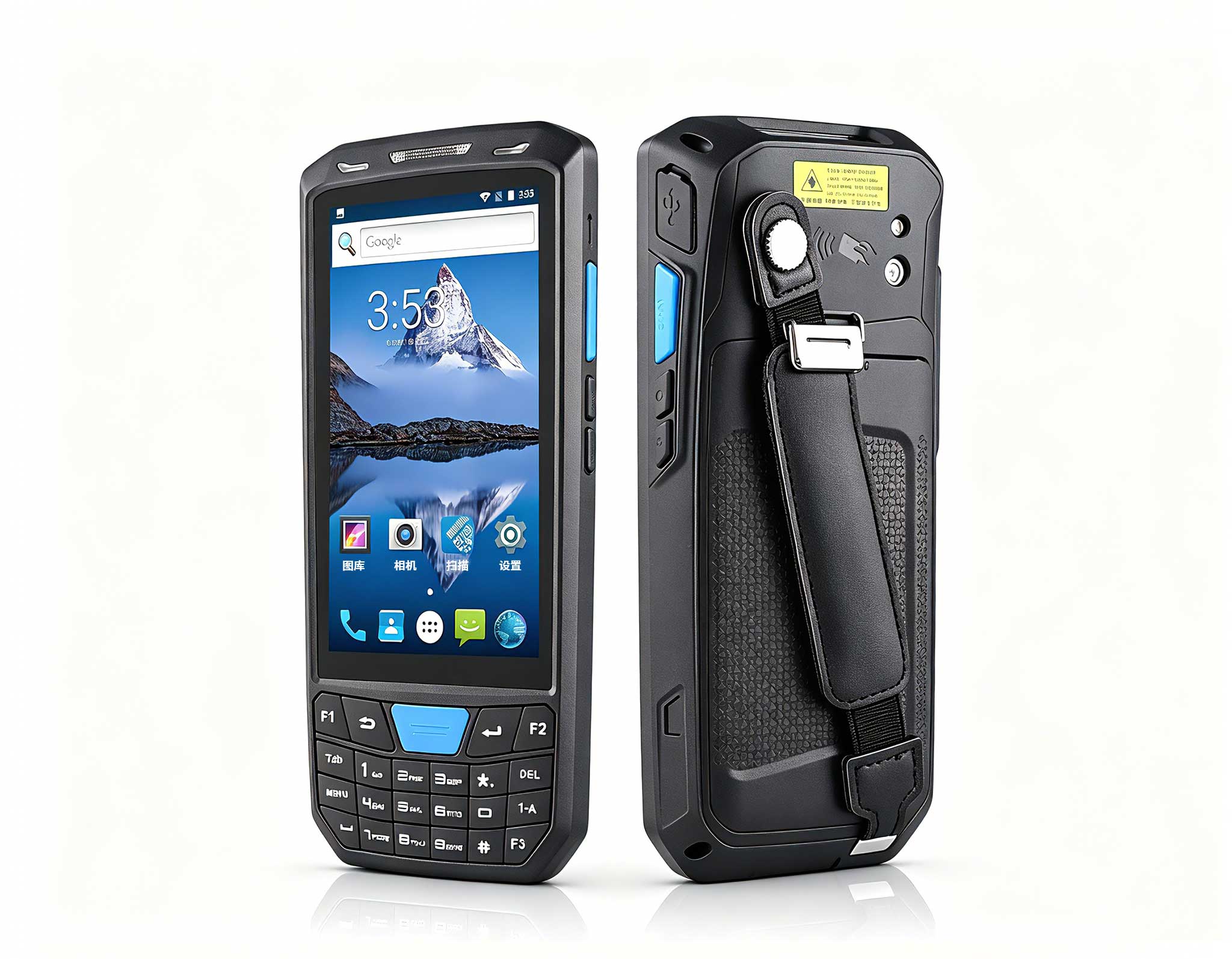
The T80 handheld PDA combines advanced barcode sca...
Over a decade spent architecting IT infrastructure for schools and universities has taught me a simple truth: a computer lab is not a gentle environment. Cables get yanked, devices get knocked off desks, and the sheer daily traffic of hundreds of students takes a toll on even the most robust hardware. The real cost, however, is not just the replacement price of a broken device—it is the downtime, the lost lesson time, and the strain on already overworked IT staff. When I walk into a lab and see expensive standard consumer tablets held together with tape, I know the maintenance budget is bleeding. This is precisely why I push for purpose-built hardware. For educational institutions looking to reduce repair cycles and extend the lifespan of their digital classrooms, the answer lies in ruggedized technology. Instead of treating devices as disposable, we need to treat them as long-term assets, and that requires a shift toward dedicated education solutions that are engineered for the chaos of a school day.
The maintenance angle is not just about preventing physical breakage. It is about thermal management, battery health, and port integrity. In a standard classroom, dust and chalk particles accumulate in vents, and USB ports wear out after a few hundred insertions. Over time, these small issues compound into catastrophic failures. The HTNJ08 series from Hotus addresses these pain points head-on. These are not just tablets with a thicker case; they are re-engineered for the rigors of institutional use. In this article, I will break down the three models in this lineup—the HTNJ08C, HTNJ08A, and HTNJ08B—and explain how each one fits into a specific maintenance and usage strategy for modern computer labs.
When I recommend a device for a busy computer lab that runs from 8 AM to 5 PM, the HTNJ08C Rugged Tablet is usually my first pick. This model sits at the top of the lineup, offering the highest level of protection against drops and spills. In my experience, the most common cause of device failure in schools is not the initial impact but the subsequent liquid damage when a water bottle tips over. The HTNJ08C is designed with sealed ports and a reinforced chassis that makes it significantly more resistant to accidental splashes compared to standard tablets. From a maintenance perspective, this means fewer motherboard replacements and less corrosion on internal connectors. It also handles thermal loads better, ensuring that the processor does not throttle during intensive testing software, which is a common issue in labs without air conditioning.
For IT administrators, the HTNJ08C reduces the total cost of ownership. Its robust build means you are not constantly ordering replacement screens, which are often the most expensive single component to repair. The positioning here is clear: this is the workhorse for primary schools and high-traffic shared carts. If you have a lab where devices are checked out and returned multiple times per day, the HTNJ08C is built to survive that handling. I have seen these units withstand the rough-and-tumble of middle schoolers, and the reduction in repair tickets is remarkable. It is the device you buy when you want to stop thinking about hardware failures and start focusing on curriculum delivery.

Not every classroom needs the absolute maximum level of ruggedness. For standard computer labs in high schools and vocational training centers, the HTNJ08A Rugged Tablet offers a sweet spot between durability and portability. This model is slightly lighter than the C variant, which makes it easier for younger students to handle during collaborative projects. From a maintenance standpoint, the HTNJ08A retains the critical features like reinforced corner bumpers and a scratch-resistant screen, but it does so without the extra bulk that can make a device feel clunky. In my view, this is the ideal choice for labs that are stationary—where devices are docked at desks rather than carried around all day.
The key advantage of the HTNJ08A is its balance of power and efficiency. It handles standard office applications, web-based learning platforms, and even light coding tasks without breaking a sweat. The battery life is optimized for a full school day, which reduces the need for constant charging cycles—a major factor in battery degradation over time. For maintenance teams, this model is easier to service. The back panel is designed for quick access, allowing technicians to replace the battery or SSD without specialized tools. This reduces the turnaround time for repairs, ensuring that your lab remains operational even when a device needs attention. It is the pragmatic choice for schools that want rugged reliability without paying a premium for features they might not use.

Finally, we have the HTNJ08B Rugged Tablet, which is my recommendation for schools that are moving toward mobile computer labs—carts that move between classrooms. This is the lightest model in the series, making it less tiring for students to carry between stations. In terms of maintenance, the HTNJ08B is designed to minimize the most common failure point in mobile environments: the charging port. The connector is reinforced and recessed, preventing the wobble that often leads to broken solder joints. I have seen too many devices die because a student tripped over a charging cable while the tablet was plugged in. The HTNJ08B mitigates this risk with a design that allows the cable to detach cleanly without damaging the port.
For educational settings that use a "bring your own device" (BYOD) style lab or a shared cart system, the HTNJ08B offers the best balance of weight and durability. It does not compromise on the essential protective features, but it prioritizes mobility. From a lifecycle perspective, this model is easier on the shoulders of students and on the backs of the carts themselves. The reduced weight also means less stress on the hinges of the cart doors, which are often a maintenance headache. While the HTNJ08C is for the harshest environments, the HTNJ08B is for the classrooms that need agility. It is the device that encourages movement, collaboration, and flexible seating arrangements, all while keeping the hardware safe.
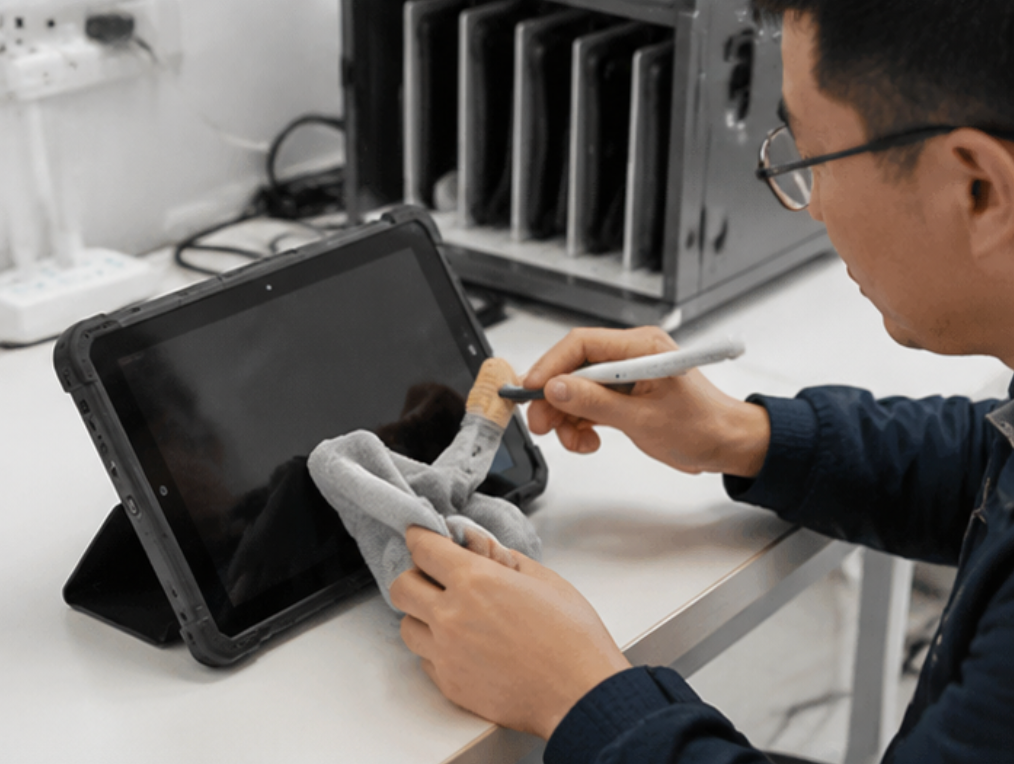
To help you make a quick decision, I have compiled a comparison table of the three models based on the key specifications that matter for maintenance and classroom performance.
| Feature | HTNJ08C Rugged Tablet | HTNJ08A Rugged Tablet | HTNJ08B Rugged Tablet |
|---|---|---|---|
| Primary Position | High-traffic flagship | Balanced standard use | Lightweight mobile labs |
| Chassis Durability | Maximum drop & splash resistance | High durability with lighter frame | Essential protection, lowest weight |
| Port Sealing | Fully sealed against spills | Reinforced, semi-sealed | Recessed charging port design |
| Maintenance Ease | Lowest failure rate, complex teardown | Tool-less back panel for quick access | Easy component swap for field repairs |
| Best Scenario | Elementary schools, shared carts | Fixed labs, vocational training | Mobile carts, BYOD classrooms |
| Handling Weight | Heavier, robust feel | Moderate weight | Lightest, student-friendly |
This table clearly shows that while all three models share the rugged DNA of the Hotus line, they are tuned for different operational realities. The HTNJ08C is the tank, the HTNJ08A is the all-rounder, and the HTNJ08B is the sprinter.
When you are planning the procurement for a computer lab, you need to look beyond the sticker price. The first consideration is the age of the students. For K-5 environments, where devices are dropped more frequently and liquids are always a risk, I strongly advise investing in the HTNJ08C. The extra ruggedness will pay for itself within the first year by preventing just a couple of screen replacements. For middle and high schools, where students are more careful but still prone to accidents, the HTNJ08A offers a good balance. It is also the better choice if your IT team is small and you need devices that are quick to service in-house.
The second consideration is the physical layout of your lab. If you have a fixed lab with desks and cable management arms, the weight of the device is less of an issue, and the HTNJ08C or HTNJ08A will work well. However, if you are deploying a mobile cart that moves between rooms, the weight of the HTNJ08B is a significant advantage. Lighter carts are easier to push and cause less wear on the wheels and brakes. Finally, consider your software environment. If you run heavy CAD or video editing software, you will want the highest performance model, which is typically the HTNJ08C. If you are primarily running web apps and office suites, the HTNJ08A or HTNJ08B will suffice, saving you money that can be allocated to other resources.
I also recommend thinking about the lifecycle of the device. A rugged tablet should last three to five years in a school environment. During that time, you will need to replace batteries and possibly SSDs. The HTNJ08A is my top pick for ease of maintenance, but the HTNJ08B is not far behind. The HTNJ08C, while the most durable, may require a bit more skill to open up. Make sure your technicians are trained on the specific model you choose. Ultimately, the best choice is the one that aligns with your specific traffic patterns and maintenance capabilities. Do not overbuy on ruggedness if you do not need it, but do not underbuy if your environment is harsh.
Investing in rugged tablets is only half the battle; the other half is establishing a routine maintenance schedule. Even the toughest device will fail if the vents are clogged with dust or the battery is constantly drained to zero. I advise schools to set up a monthly check-up routine where devices are cleaned, software is updated, and batteries are calibrated. The HTNJ08 series is designed to make this easier, but the human element is still crucial. By choosing the right model for each specific use case, you are already reducing the frequency of these interventions. But when you do need to service them, the modular design of these tablets makes the job manageable for any competent IT technician.
If you are unsure which model is right for your specific classroom setup, I encourage you to look at the broader lineup. The HTNJ08C Rugged Tablet series shares a common architecture, which simplifies spare parts inventory. You can stock one type of battery or screen and use it across all three models, which is a huge win for maintenance logistics. This modularity is something I always look for when advising institutions. It reduces the amount of unique stock you have to hold and speeds up the repair process. For those of you who are also looking to upgrade the teacher's workstation or the lab's backend, you might want to explore our mini PC solutions to pair with these tablets for a complete, low-maintenance classroom ecosystem.
In conclusion, the move to rugged tablets is not just a hardware upgrade; it is a strategic decision to reduce the total cost of ownership and improve the reliability of your digital infrastructure. Whether you choose the robust HTNJ08C, the balanced HTNJ08A, or the agile HTNJ08B, you are investing in peace of mind. The goal is to let teachers teach and students learn without the constant interruption of "my tablet is broken." If you have questions about which model fits your budget or your specific lab layout, do not hesitate to reach out to our team. We are here to help you build a computer lab that is built to last, not just for this semester, but for years to come. Contact us today for a consultation and a quote on bulk pricing for your institution.