- Select Language
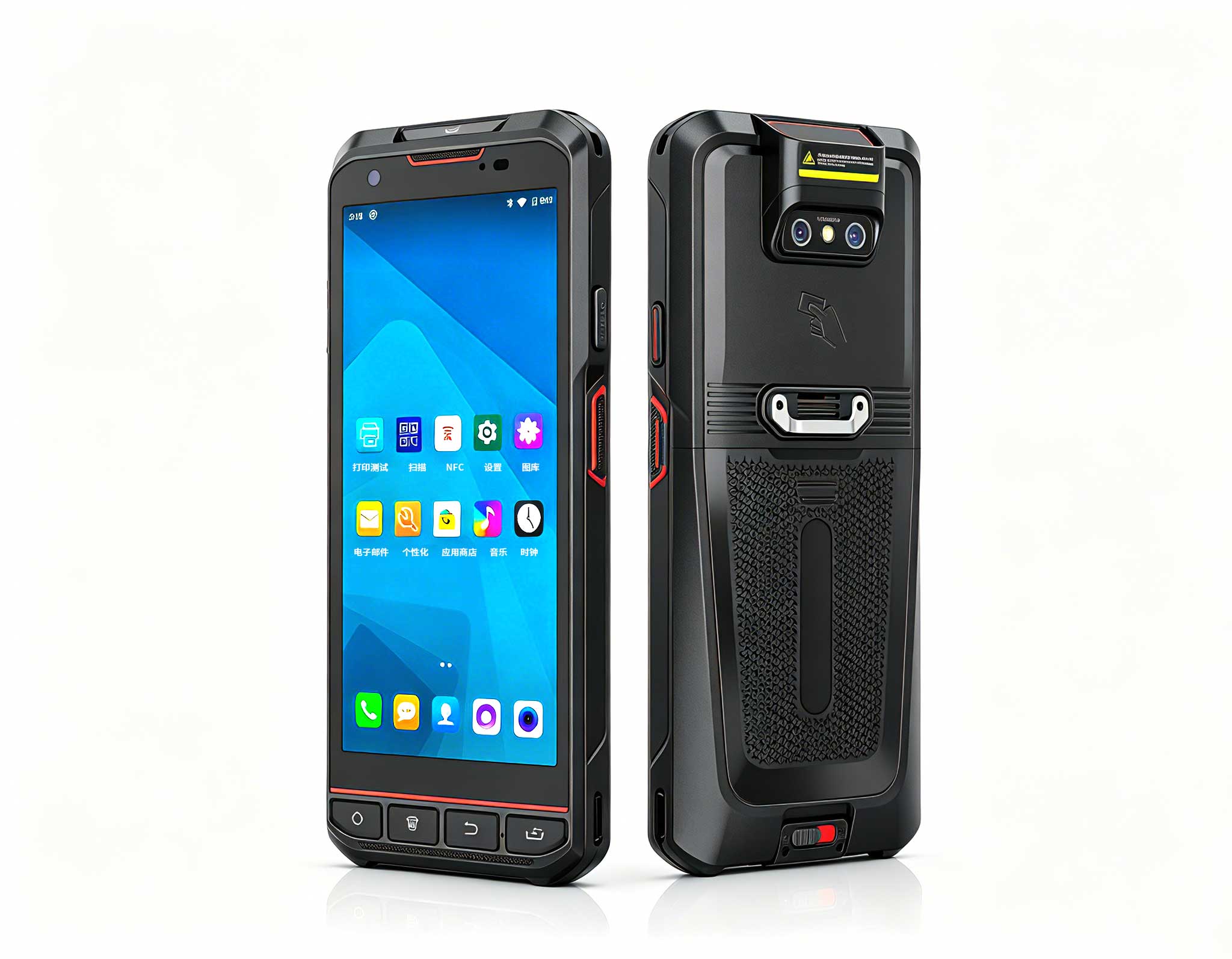
The X501 Handheld PDA combines advanced barcode sc...
Enterprise Flagship SeriesEngineered for mission-c...
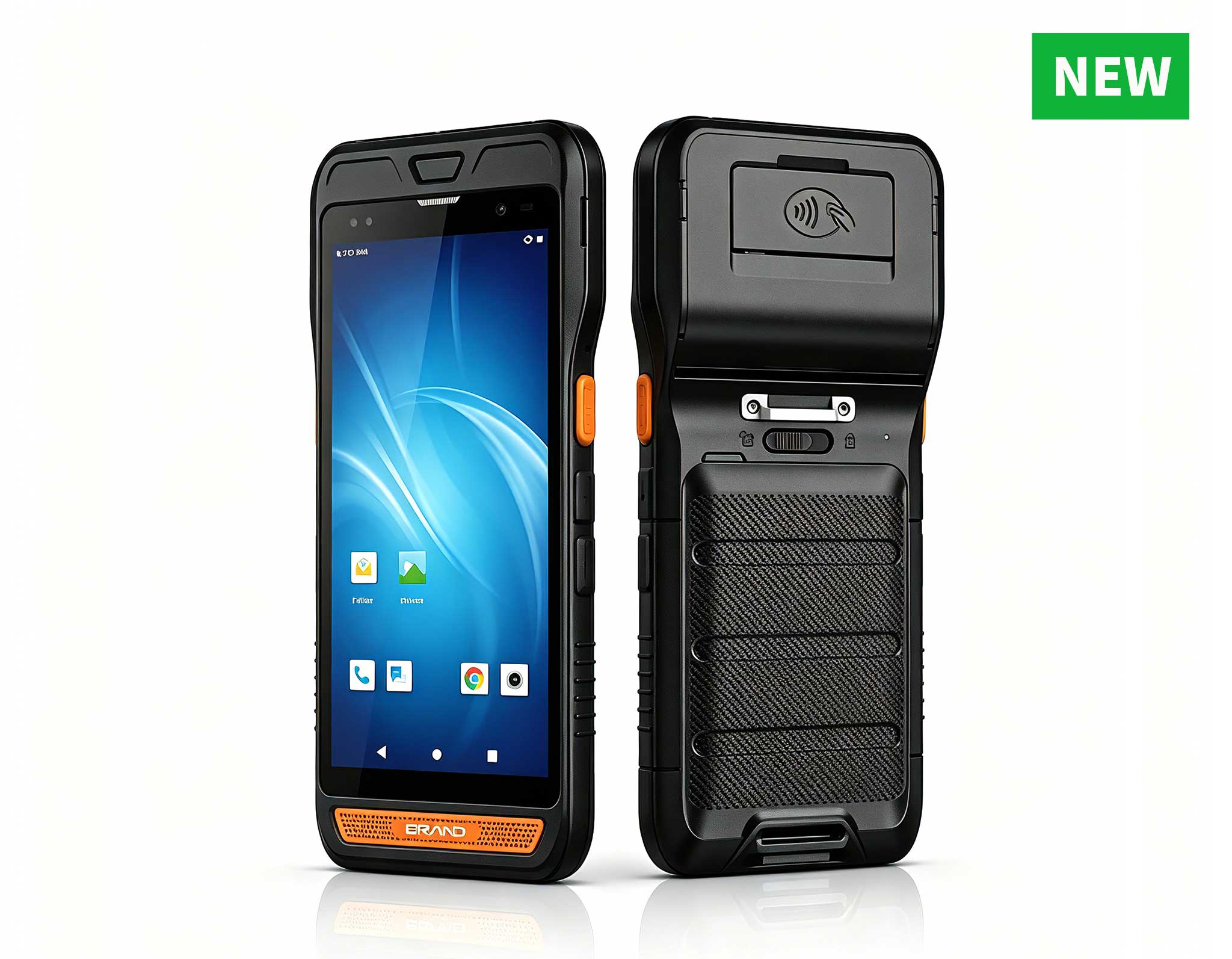
R860-S 5.5-inch Industrial PDA with Thermal Printe...
The X501 Handheld PDA combines advanced barcode sc...
Full SpecificationsModelHotus ST13‑JOSWindows 10 P...
R366-S 5.5-inch Industrial PDA | Qualcomm Octa-cor...
From the unknown so simpleUsed for mobile phones, ...
The R501 PDA combines a powerful MT6762 Octa-Core ...
After more than a decade spent consulting for hotels, resorts, and boutique hospitality groups, I’ve watched the front desk evolve from a fixed fortress of wires and monitors into a fluid, guest-centric space. The shift is unmistakable: the era of the clunky, stationary desktop terminal is over. Modern travelers expect to check in from a poolside cabana, a valet stand, or even the backseat of an airport shuttle. Meanwhile, housekeeping supervisors need to update room statuses in real time without sprinting back to a central office. This transformation isn't about aesthetics—it's about operational efficiency and the guest experience. The challenge? Standard consumer tablets and phones simply can't survive the daily punishment of a 24/7 hotel environment. They crack, they glitch, and they fail under constant handling, drops, and harsh disinfectants. That's why I firmly believe every forward-thinking property should treat rugged mobile computing as a core infrastructure investment, not a nice-to-have accessory. For properties looking to streamline operations, exploring dedicated hospitality hotel solutions is the first step toward future-proofing your service model.
Industry data backs this up. Hoteliers report that mobile check-in reduces lobby congestion by up to 30% during peak hours, and housekeeping teams using handheld devices cut room turnover time by nearly 15%. But these gains only materialize if the hardware survives the daily grind. Consumer tablets aren't designed for the front desk counter, where they get knocked off charging cradles, sprayed with cleaning agents, and exposed to temperature swings near entrance doors. Rugged tablets, by contrast, feature sealed ports, reinforced corners, and screens that resist scratches from keys and badge clips. In this article, I'll walk you through three specific Hotus models that fit different hospitality roles, compare their specs side by side, and give you a practical framework for choosing the right device for your property.
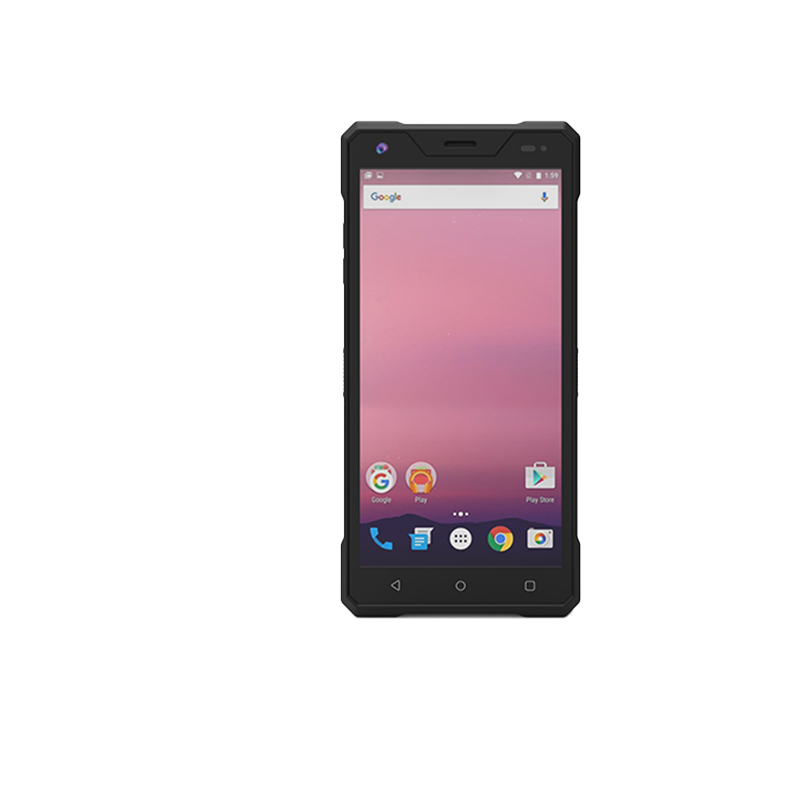
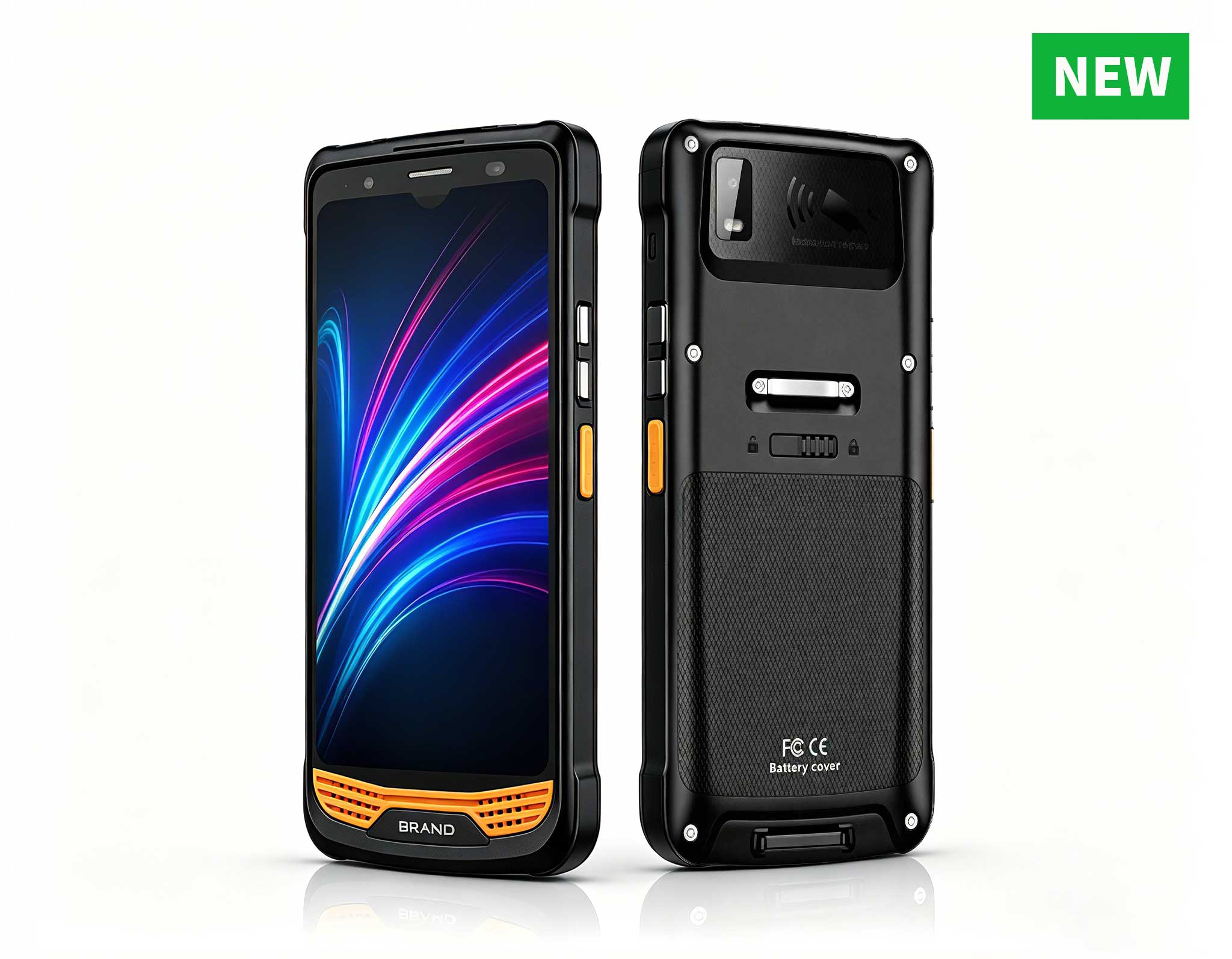
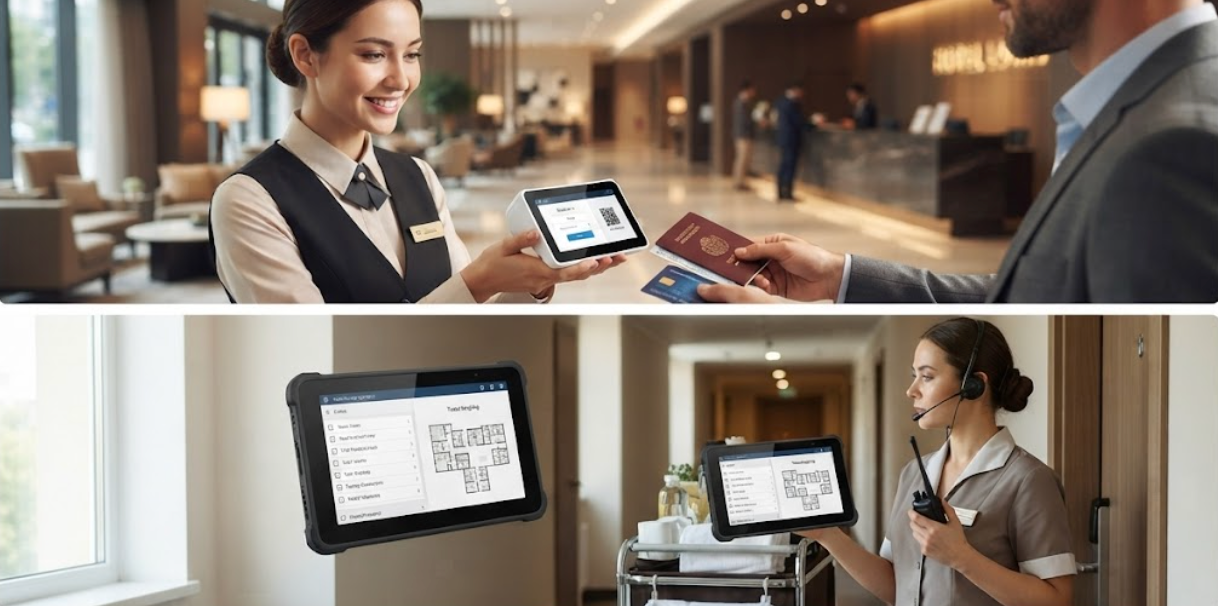
The SH5-W is my go-to recommendation for hotels that want to bring the front desk to the guest. This 5.5-inch rugged handheld tablet fits comfortably in one hand, making it ideal for roving concierge teams, valet attendants, and poolside service staff. I've seen properties deploy these for express check-in at the driveway, allowing guests to bypass the lobby entirely after a long flight. The device runs on a reliable processor that handles property management system apps, digital key issuance, and payment terminal connections without lag. Its compact form factor means your staff can carry it in a holster or a deep apron pocket, keeping both hands free for luggage or refreshments.
What impresses me most about the SH5-W is its durability relative to its size. With an IP65 rating, it shrugs off dust from outdoor valet stands and resists water splashes from poolside drink service. The glove-friendly touchscreen is a small detail that makes a big difference for staff working in cooler climates or outdoor entrance areas. For hotels that issue staff devices per shift, the SH5-W offers a sensible balance of capability and portability. It's not a full desktop replacement, but it's the best tool for the specific job of meeting guests where they are. If you're evaluating this model for your team, I recommend checking the <a href="https://www.hotusprojector.com/products/rugget-tablet/880.html" title="Hotus SH5-W 5.5" Rugged Handheld Tablet | Compact Industrial Mobile Computer">SH5-W product page for detailed I/O options and accessory compatibility.
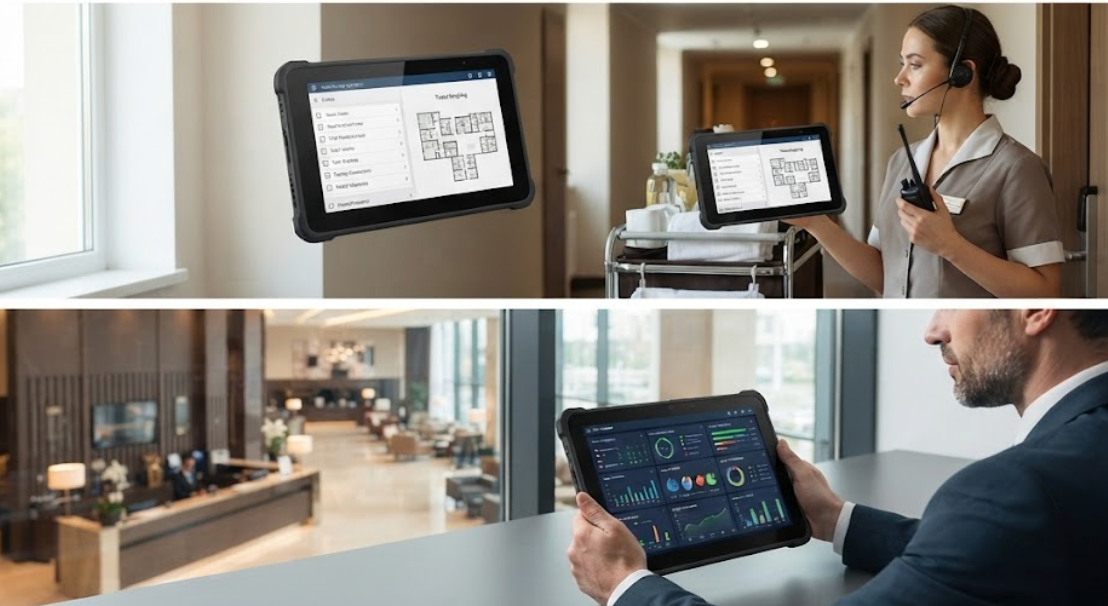
Housekeeping is the backbone of any hotel, yet it's often the most underserved department when it comes to technology. The SH6 rugged handheld tablet changes that narrative. With a slightly larger 6-inch display than the SH5-W, the SH6 gives housekeeping supervisors a comfortable view of room status boards, cleaning checklists, and inventory requests. I've watched teams use these devices to mark rooms as "inspection pending" the moment they finish vacuuming, which eliminates the walkie-talkie back-and-forth that slows down afternoon check-ins. The device also handles photo documentation well, so supervisors can attach images of damaged items or maintenance issues directly to the work order.
From a hardware perspective, the SH6 is built to survive the harsh realities of a housekeeping cart. It tolerates drops onto hard floors, resists penetration from cleaning chemicals, and maintains a secure grip even when staff wear latex gloves. The battery life is another strong point; I've seen a full shift run on a single charge with moderate use, which means fewer charging cradles needed in the staff office. For properties that want one device type for both front desk and housekeeping, the SH6 hits a sweet spot between portability and screen real estate. It's not as large as a full-size tablet, but it offers enough display area for complex forms and floor plan views. To see the full specification sheet and available mounting options, visit the SH6 product page.
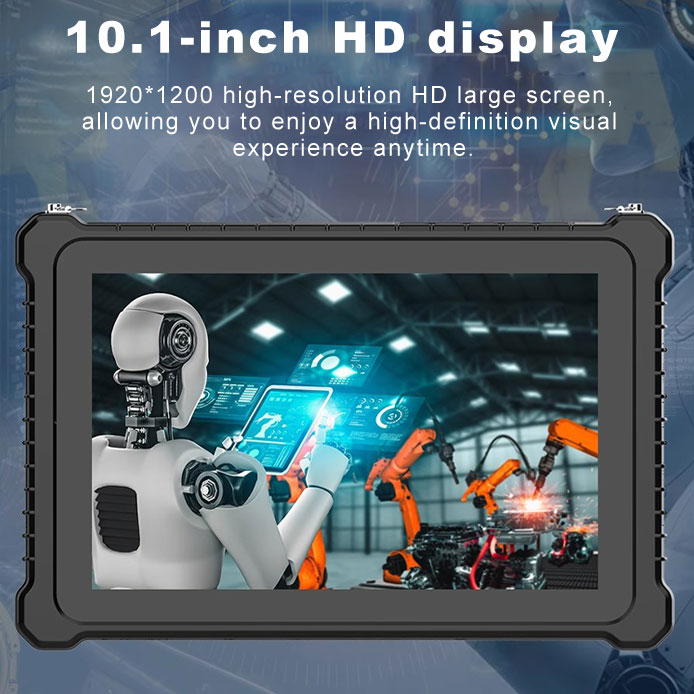
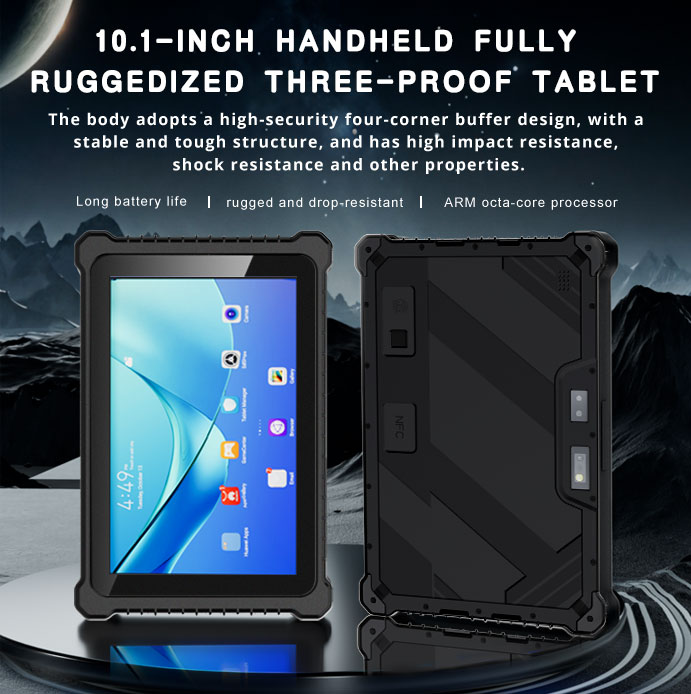
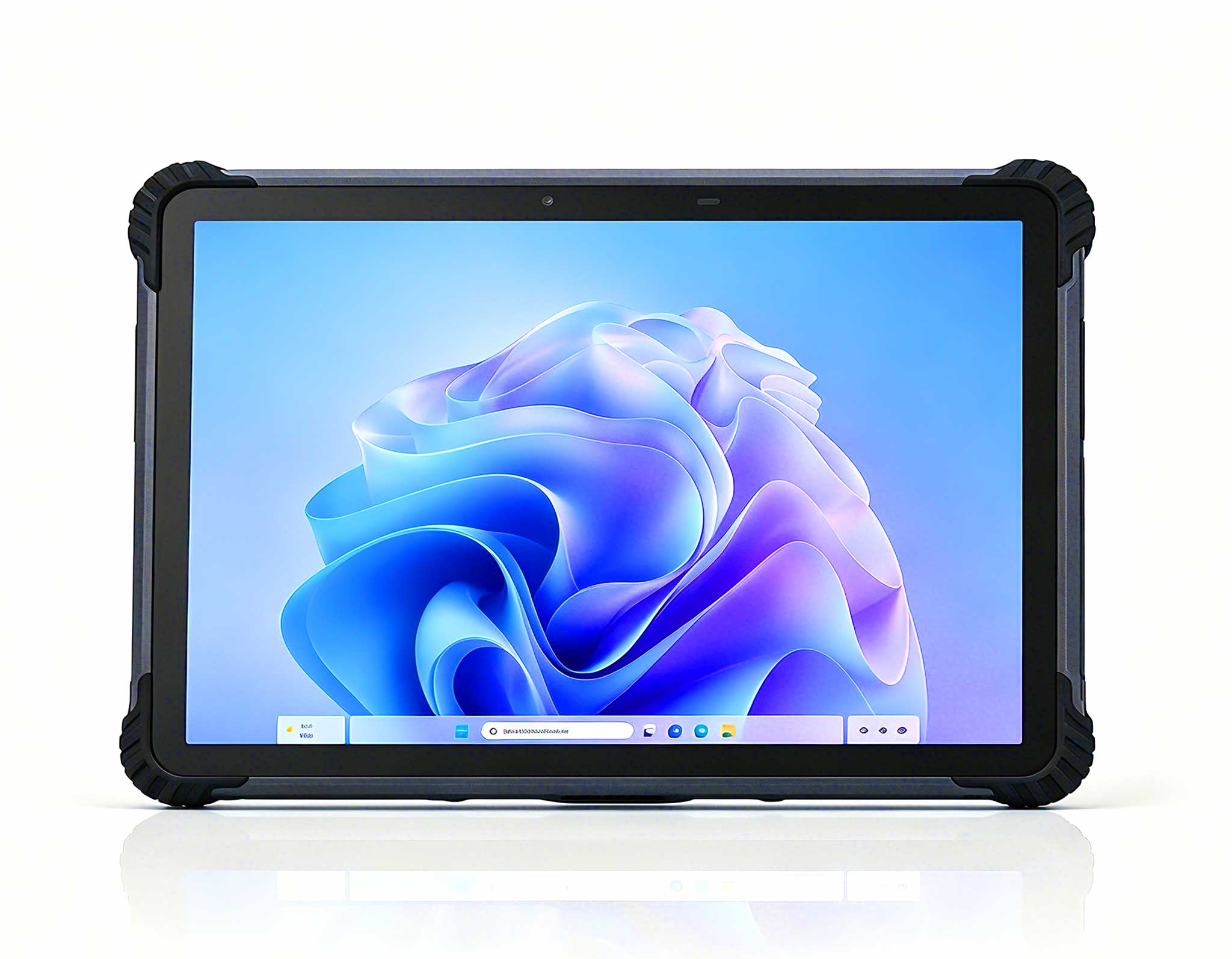
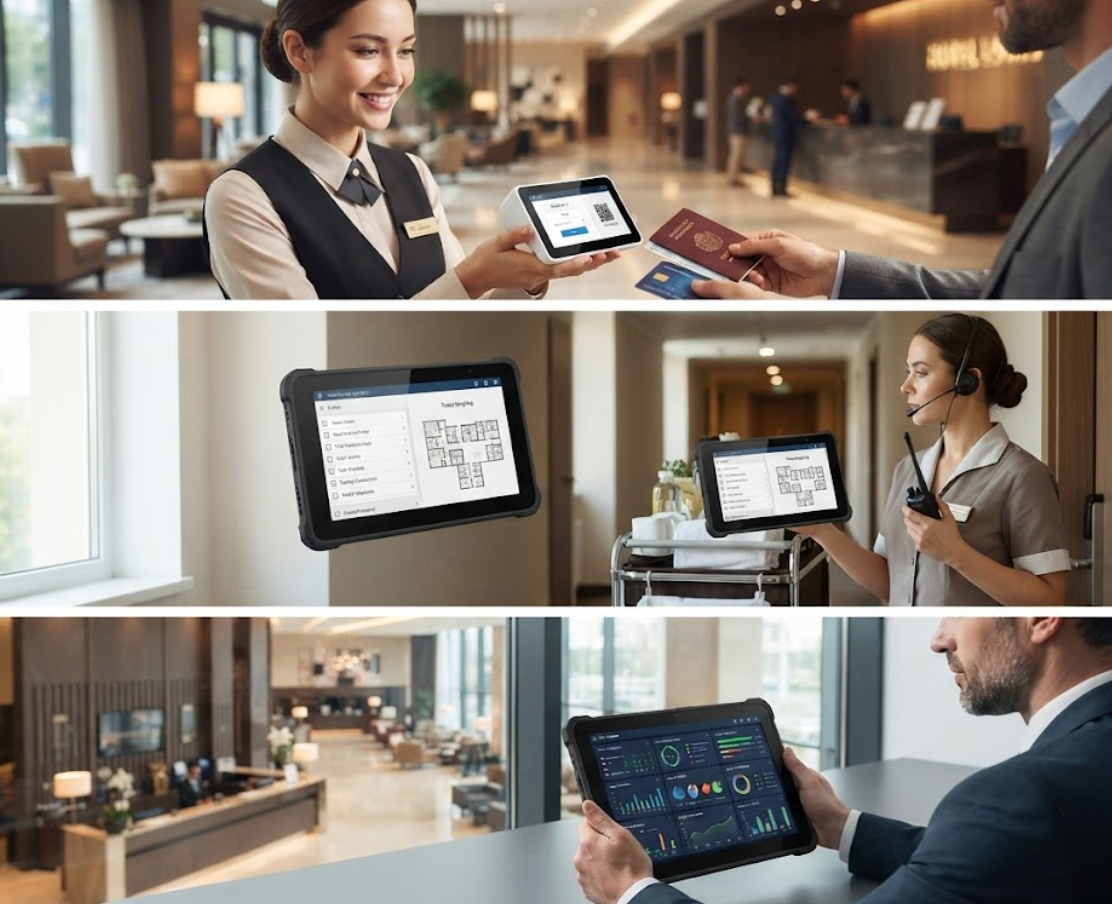
Sometimes you need a larger canvas. The HTNJ10C Rugged Tablet is my choice for hotels that want a fixed-mount or semi-portable solution at the front desk, or for use in large suites and event spaces. This 10.1-inch device provides a spacious interface for viewing multiple reservations, managing group bookings, or running guest satisfaction surveys at check-out. I've also seen it mounted on mobile kiosk stands in hotel lobbies, allowing guests to self-check-in while staff monitor the queue from a distance. The larger screen makes a meaningful difference when you're dealing with complex billing adjustments or showing guests a digital map of the property.
Despite its size, the HTNJ10C does not sacrifice ruggedness. It carries the same industrial-grade protection as its smaller siblings, with reinforced corners and a scratch-resistant display that stands up to continuous tapping and swiping. The device also offers more connectivity options, which is critical for front desk environments where you need to link to printers, card readers, and network switches. I recommend this model for hotels that are replacing their aging desktop terminals with a more flexible solution that can still be bolted down when needed. The HTNJ10C Rugged Tablet page has detailed information on docking stations and peripheral compatibility for your specific setup.
To help you make a quick decision, here's a comparison table that highlights the core differences across the three models. Use this as a starting point, then dig into the full specs on each product page.
| Feature | SH5-W | SH6 | HTNJ10C Rugged Tablet |
|---|---|---|---|
| Display Size | 5.5 inches | 6 inches | 10.1 inches |
| Best Use Case | Mobile check-in, concierge, valet | Housekeeping, shift coordination | Front desk, kiosk, event management |
| Portability | Excellent (one-hand use) | Very good (pocket-friendly) | Moderate (requires holster or stand) |
| Screen Real Estate | Basic forms and checklists | Detailed views and floor plans | Full PMS interface, group bookings |
| Typical Battery Life | Full shift with moderate use | Full shift with moderate use | Extended with hot-swap options |
| Ruggedness Rating | IP65, drop-resistant | IP65, chemical resistant | IP65, reinforced frame |
| Recommended Staff Role | Front of house, roving staff | Housekeeping, maintenance | Front desk, management |
The selection process comes down to three key questions. First, where will the device primarily live? If it's mostly in the hands of roaming staff, a smaller model like the SH5-W or SH6 is the right call. If it sits on a counter or kiosk stand, the HTNJ10C offers a better viewing experience for both staff and guests. Second, what tasks will dominate daily use? For quick room status updates and messaging, the SH5-W is sufficient. For detailed inspection forms or guest interactions that require showing maps and photos, the larger screens of the SH6 or HTNJ10C will reduce eye strain and errors.
Third, consider your staff's technical comfort level. A smaller device is less intimidating for seasonal or part-time staff, while a larger tablet may be preferred by career front desk agents who are used to desktop interfaces. I also advise factoring in accessory costs, such as charging cradles, hand straps, and vehicle mounts. The device that is easiest to charge and deploy will get used more consistently. For properties that want a uniform fleet across all departments, the SH6 is the most balanced option. For mixed environments where front desk and housekeeping have different needs, a combination of SH5-W for roving staff and HTNJ10C for fixed stations often works best.
As you plan your hardware refresh, I encourage you to look beyond the initial purchase price. A rugged tablet that lasts three to five years, with minimal downtime, delivers a better return on investment than a consumer device that needs replacement every 12 months. The trend in hospitality is clear: mobile, durable, and connected. By choosing the right Hotus model for each role, you position your property to adapt to whatever guest expectations come next. To explore the broader ecosystem of devices that support hotel operations, browse the SH5-W series and related rugged tablets to see the full range of form factors available.
For more insights on building a complete technology stack for your hotel, from front desk terminals to back-office computing, explore our mini PC solutions that complement your mobile devices. The right combination of fixed and mobile hardware will keep your operations running smoothly, whether you manage a boutique inn or a 500-room resort.