Over the past decade of consulting for diverse enterprises, I have identified a recurring, costly pattern: companies default to purchasing a "standardized" high-end desktop for every employee. This results in absurd inefficiencies—receptionists running workstations that could render 3D animation, while engineers grapple with machines that thermal-throttle under heavy load. You aren't investing in performance; you are paying for waste. The strategic alternative is to align hardware specs with actual role-based requirements. A well-selected Mini PC reduces energy overhead, minimizes heat, optimizes desk ergonomics, and provides long-term scalability. Let’s explore how to dismantle the "one-size-fits-all" trap and tailor your hardware infrastructure for maximum ROI.
The Three Definitive User Profiles in Modern Business
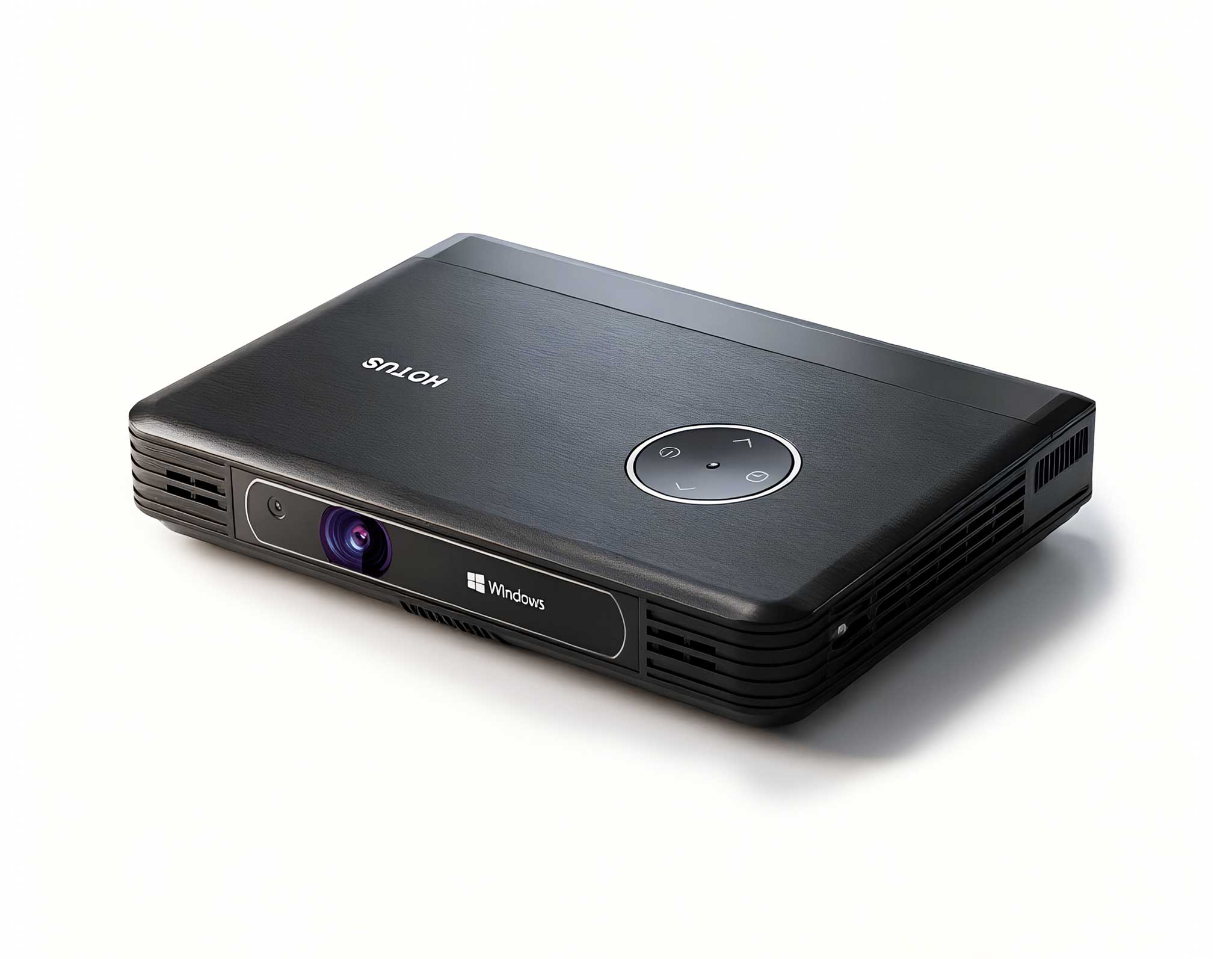
Before investing in your next fleet of computing hardware, categorize your workforce into three primary tiers: Task-Oriented, Multitasking Professionals, and Power-Computing Specialists. Failing to differentiate these roles results in significant capital leakage. Below, I have analyzed the best solutions from Hotus Technology, categorized by technical output and operational utility.
1. The Palm-Sized Mini PC: Efficiency for Kiosks and Single-App Stations
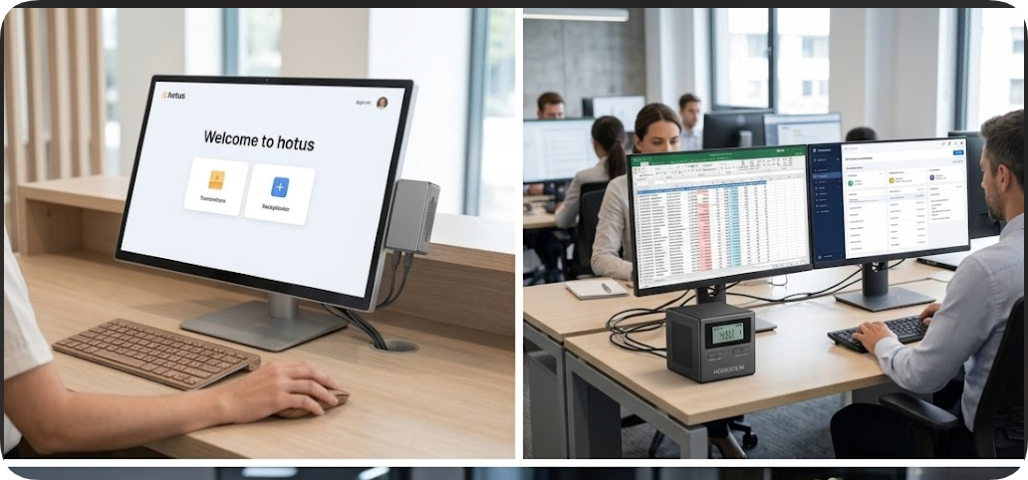
For staff whose daily responsibilities are locked into specific, focused applications—such as booking systems, cloud-based point-of-sale terminals, or basic email management—the Palm-sized miniPC is the gold standard.
Its ultra-compact footprint allows it to be mounted behind a monitor or secured under a desk, creating a clutter-free environment that looks professional in any reception or lobby area. It efficiently manages web-based interfaces and office suite document creation without the power draw or bulk of a traditional tower. I have personally supervised office overhauls where replacing legacy desktops with these units reduced ambient noise and electricity costs by over 40%. For a kiosk or a single-app terminal, any excess processing overhead is literally burning your budget.
2. The HCAR5000 MI: The Workhorse for Multitasking Professionals
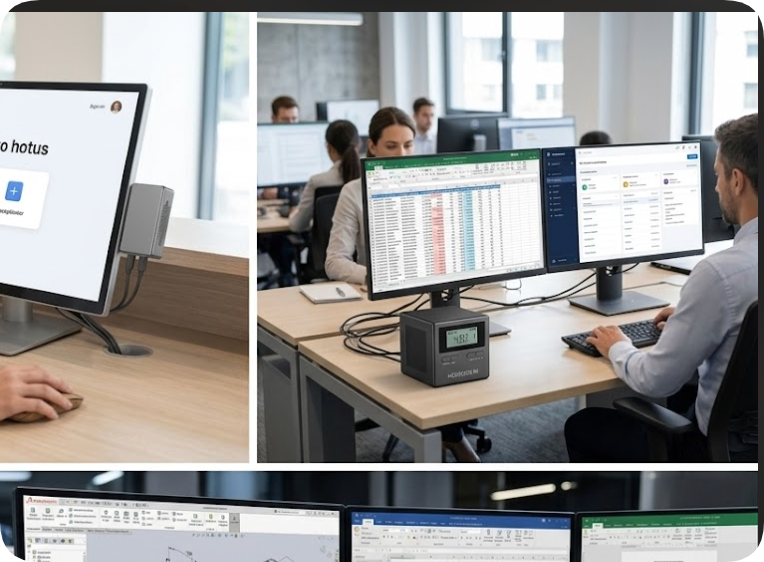
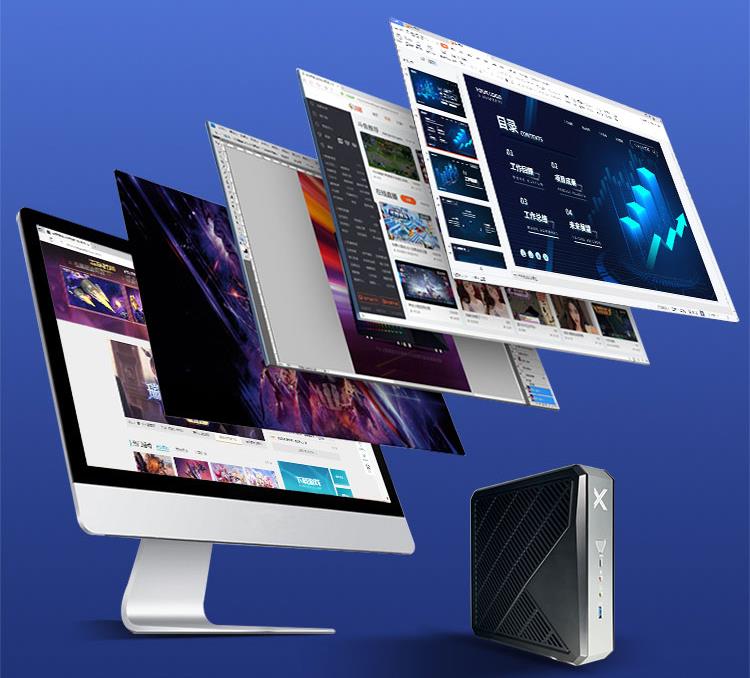
The modern knowledge worker rarely deals with one window at a time. They juggle CRMs, high-data spreadsheets, and thirty browser tabs simultaneously. For this demographic, the HCAR5000 MI is the definitive sweet spot between price and raw performance.
Supporting dual 4K monitors out of the box, this model empowers project managers and accountants to view dashboards alongside their working documents without window switching fatigue. Its processor architecture is fine-tuned to handle context switching between multiple business applications without micro-stuttering. It represents the perfect middle ground: sufficient storage capacity to keep local files synchronized and enough computational headroom to ensure that the system remains responsive throughout the entire business lifecycle.
3. The WTR PRO AMD: High-Performance Tier for Technical Workloads
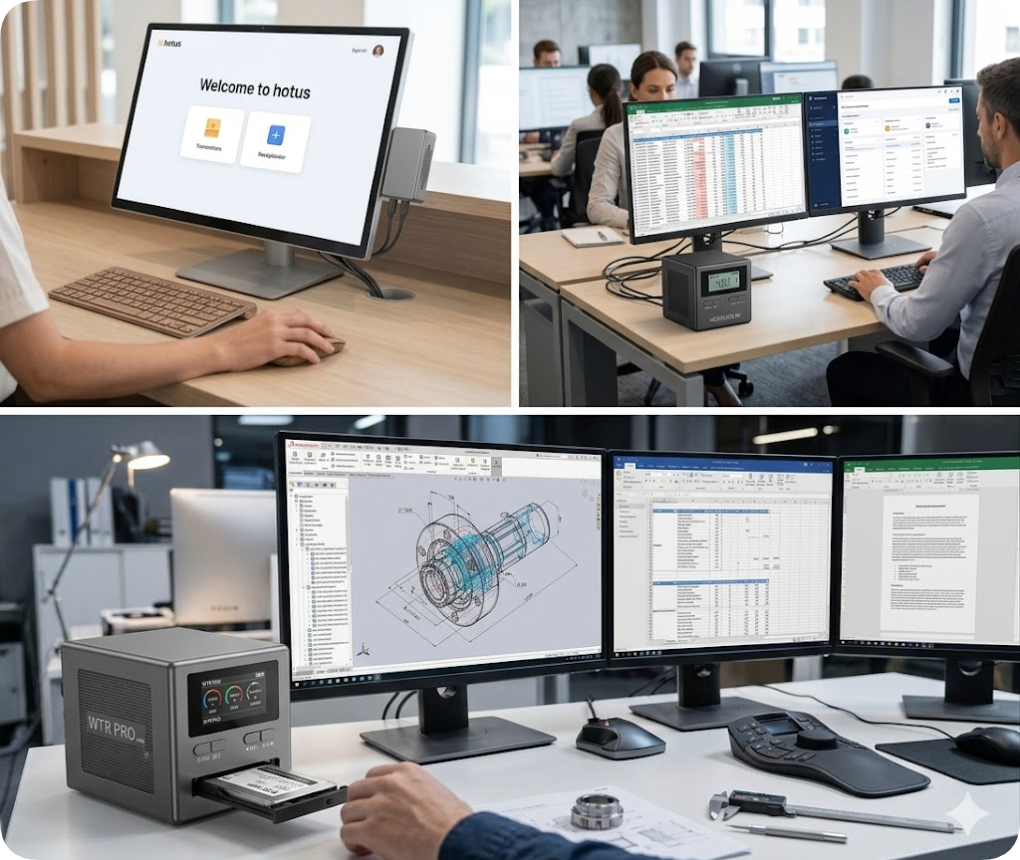
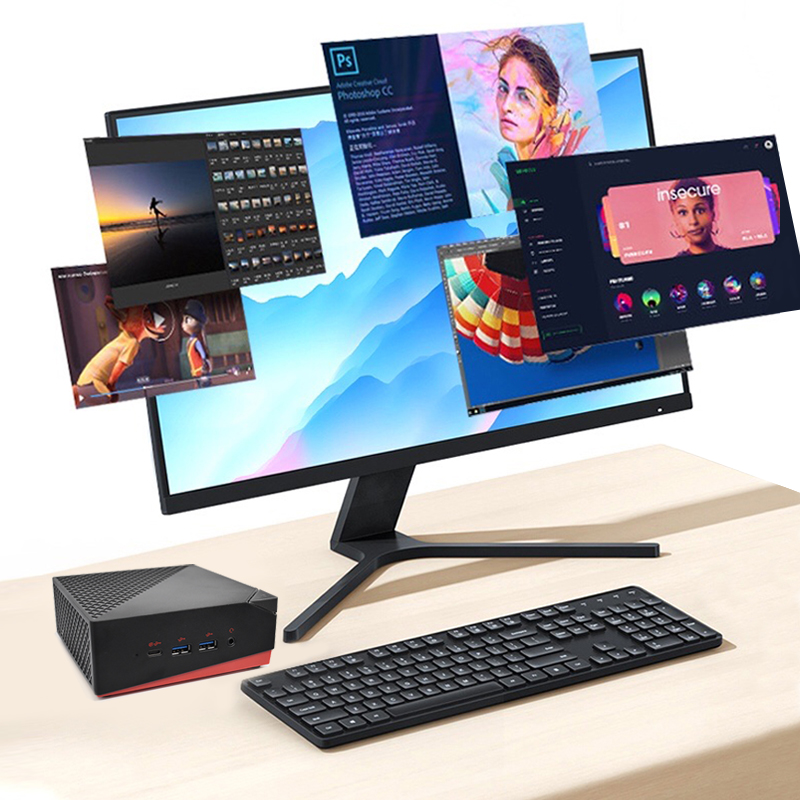
When the conversation shifts to CAD rendering, virtualization, data compilation, or running an in-office NAS (Network Attached Storage), traditional mini PCs fail. Enter the WTR PRO AMD.
Designed specifically for IT administrators, mechanical designers, and developers, this unit leverages high-performance AMD architecture to handle heavy computational loads. The highlight of this machine is the accessible exterior drive bay, which allows for rapid storage hot-swapping—a critical feature for teams handling massive datasets or local server backups. I have deployed these in engineering firms where they function as the primary workstation during the day and a localized data server at night, proving that massive power does not always require massive square footage.
Technical Comparison Matrix
| Feature | Palm-sized | HCAR5000 MI | WTR PRO AMD |
|---|
| Workload Category | Single-App/Kiosk | Multitasking/Office | CAD/Virtualization |
| Monitor Output | Single 4K | Dual 4K | Triple 4K |
| Storage Logic | M.2 Optimized | M.2 + SATA | Hot-swap Drive Bays |
| Primary User | Reception/Retail | Finance/Managers | Engineers/IT Admins |
Final Recommendations for IT Leaders
The era of generic office computing is over. By performing a simple audit of your team’s daily workflows, you can match hardware to function, effectively trimming up to 20% from your hardware procurement budget while simultaneously increasing technical performance where it counts.
Do not succumb to the temptation of "future-proofing" with overpowered machines for simple tasks—this only increases your power usage and maintenance heat. Instead, follow a tiered deployment strategy: utilize the Palm-sized miniPC for basic connectivity, the HCAR5000 MI for your daily drivers, and the WTR PRO AMD for your technical heavy lifters. Smart hardware management is not about spending more; it is about spending with precision.