- Select Language
Maintenance instructions: Store at room temperatur...
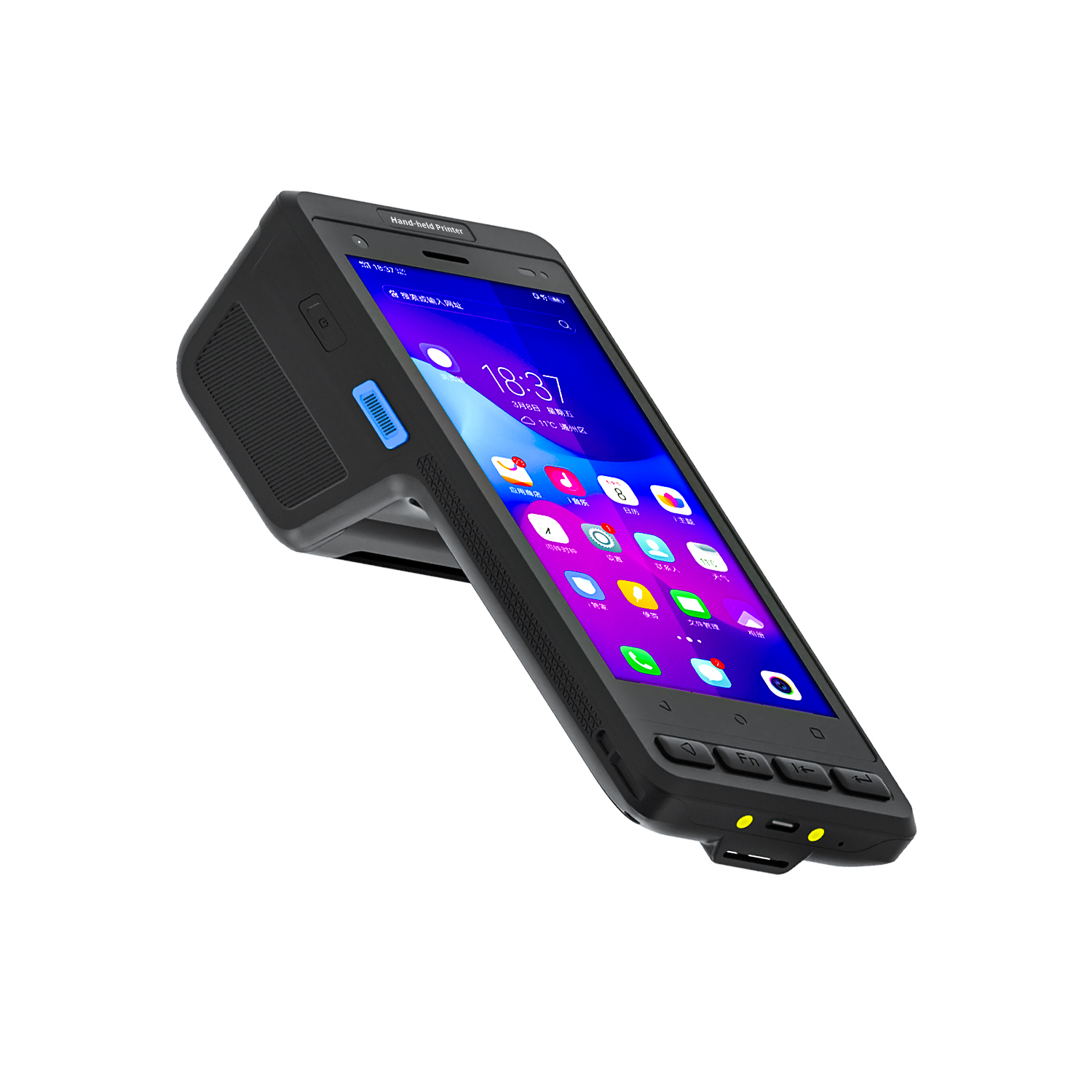
️ X8 Series Handheld Label & Thermal Printing ...
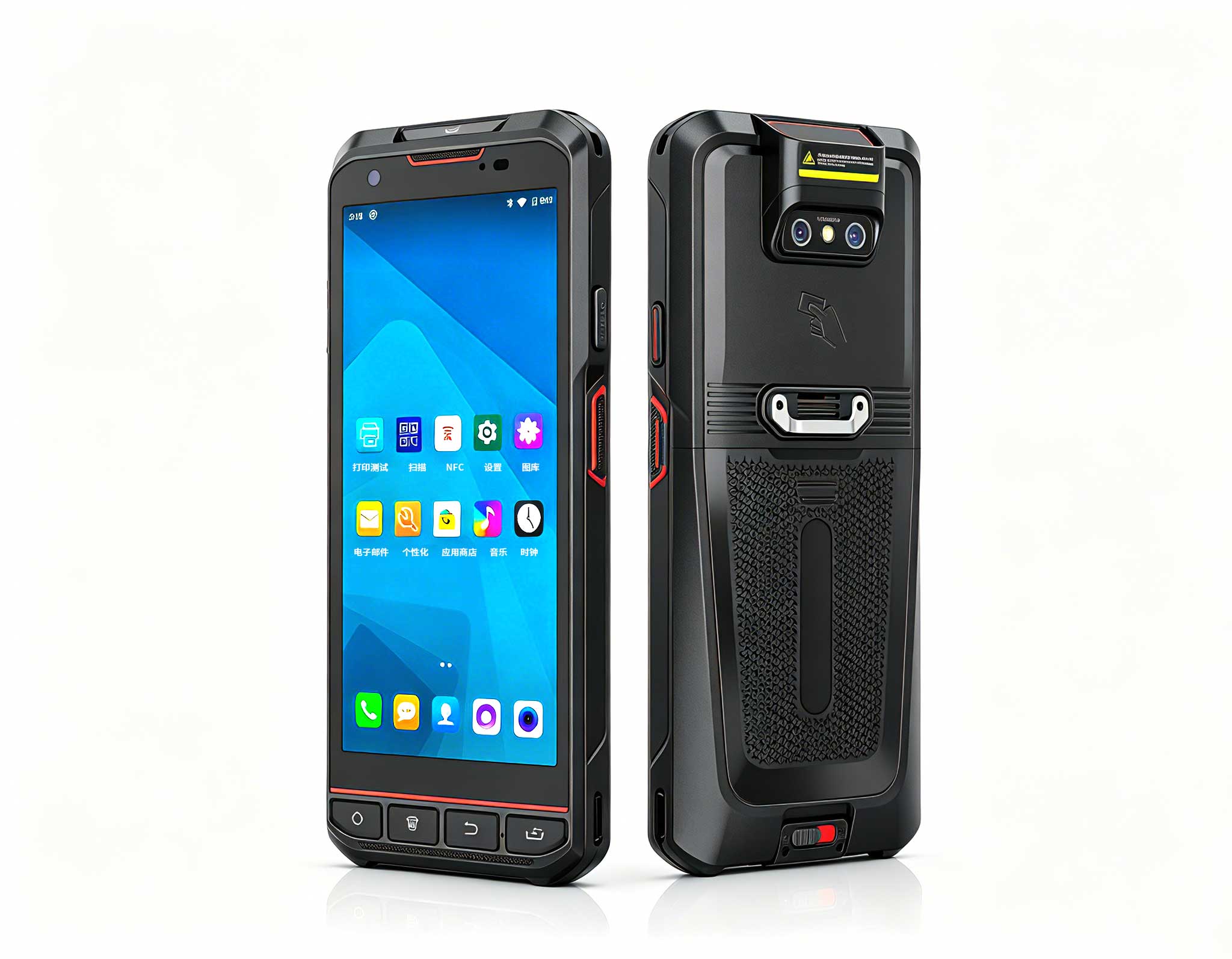
The X501 Handheld PDA combines advanced barcode sc...
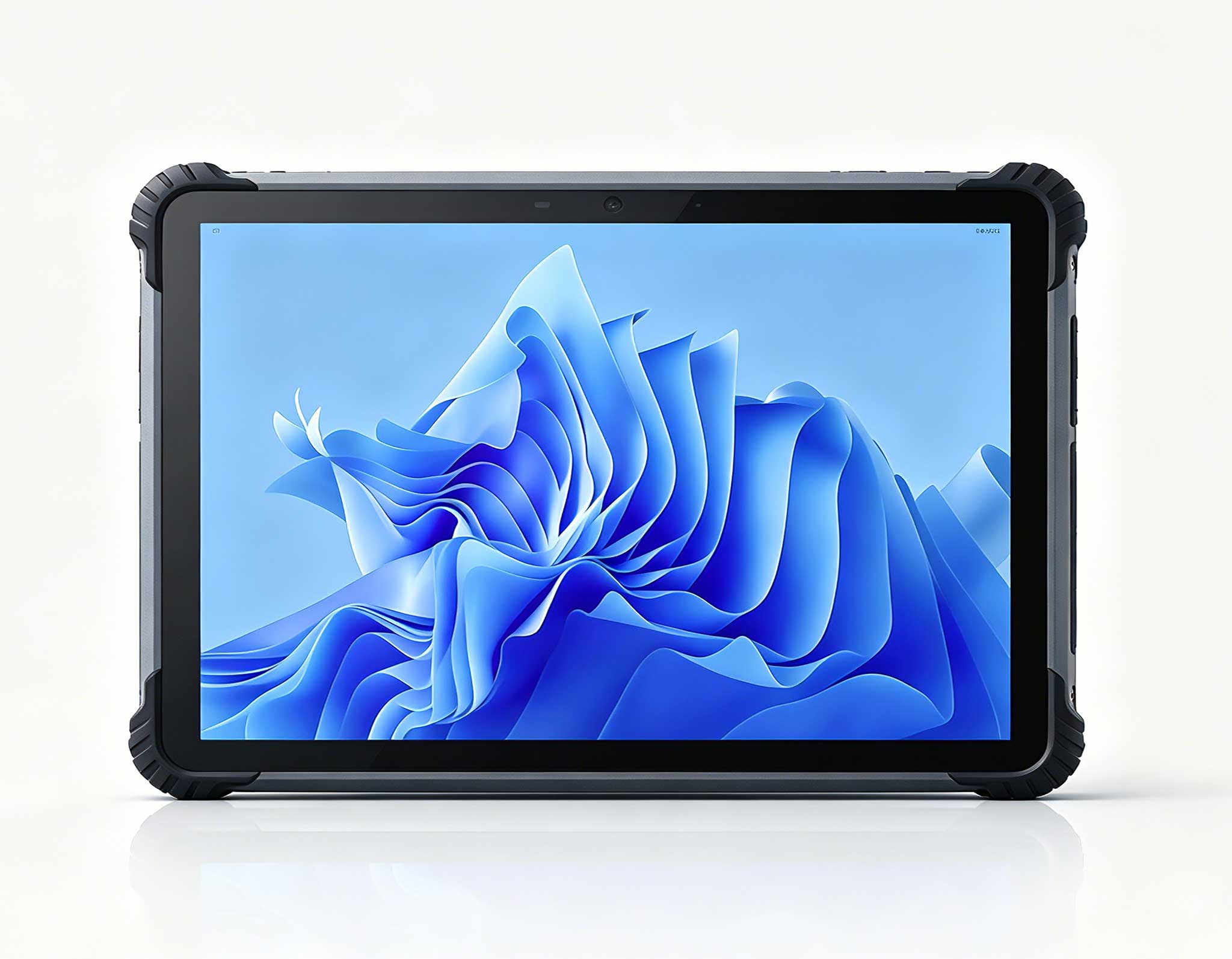
Full SpecificationsModelHotus ST13‑UOSWindows 10 P...
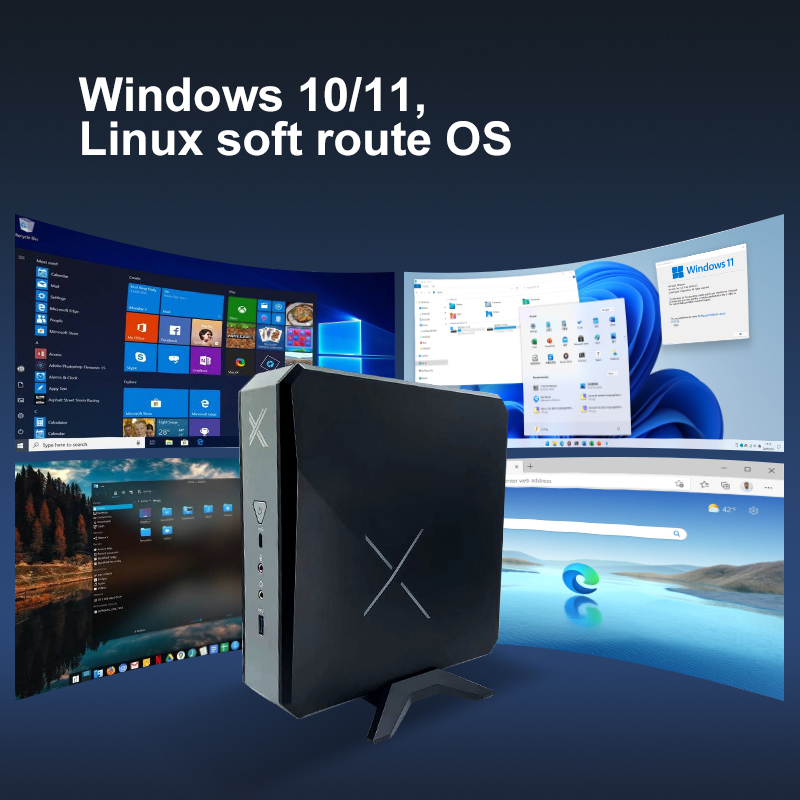
Technical SpecificationsModel: Palm-sized miniPCTy...
I’ve been replacing tower PCs in offices for five years — here’s what I’ve learned about matching the right Mini PC to the right desk. Traditional tower PCs are overkill for 90% of office desks; a three-tier Mini PC strategy covers every role from receptionist to CAD engineer, at a fraction of the cost and footprint. After auditing hundreds of workstations, I can tell you that most organizations are burning budget on CPU cycles that never get used, cooling fans that never spin down, and chassis space that could be filled with a coffee mug. The shift isn’t about being trendy — it’s about matching hardware to actual workload, nothing more, nothing less.
When I walk into an office, I don’t ask what brand of PC they want. I ask three questions: what software do they actually run, how many monitors do they need, and do they store data locally or in the cloud? The answers sort every employee into one of three buckets. Here’s how to fill each bucket without overspending.
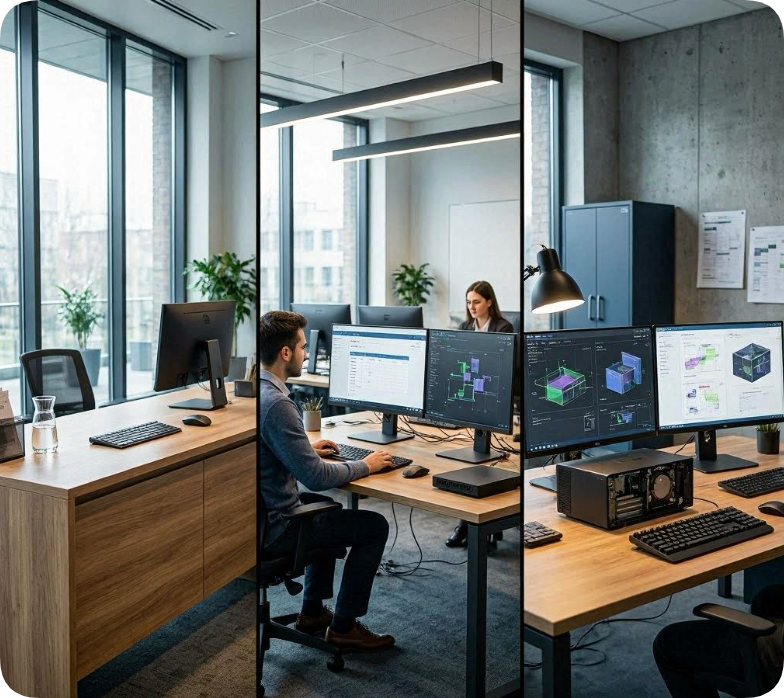
The worker persona: The receptionist who needs to check visitors in, answer emails, and keep the lobby schedule. The library catalog station that sits idle for hours between patrons. The digital signage player behind a TV in the break room. The checkout kiosk in a retail store.
Their actual daily workload: Web-based apps, a single browser with 5-10 tabs, email client, maybe a lightweight POS terminal. No video editing, no 3D modeling, no database crunching. The CPU is idle 80% of the day. The only thing that matters is reliability and silence.
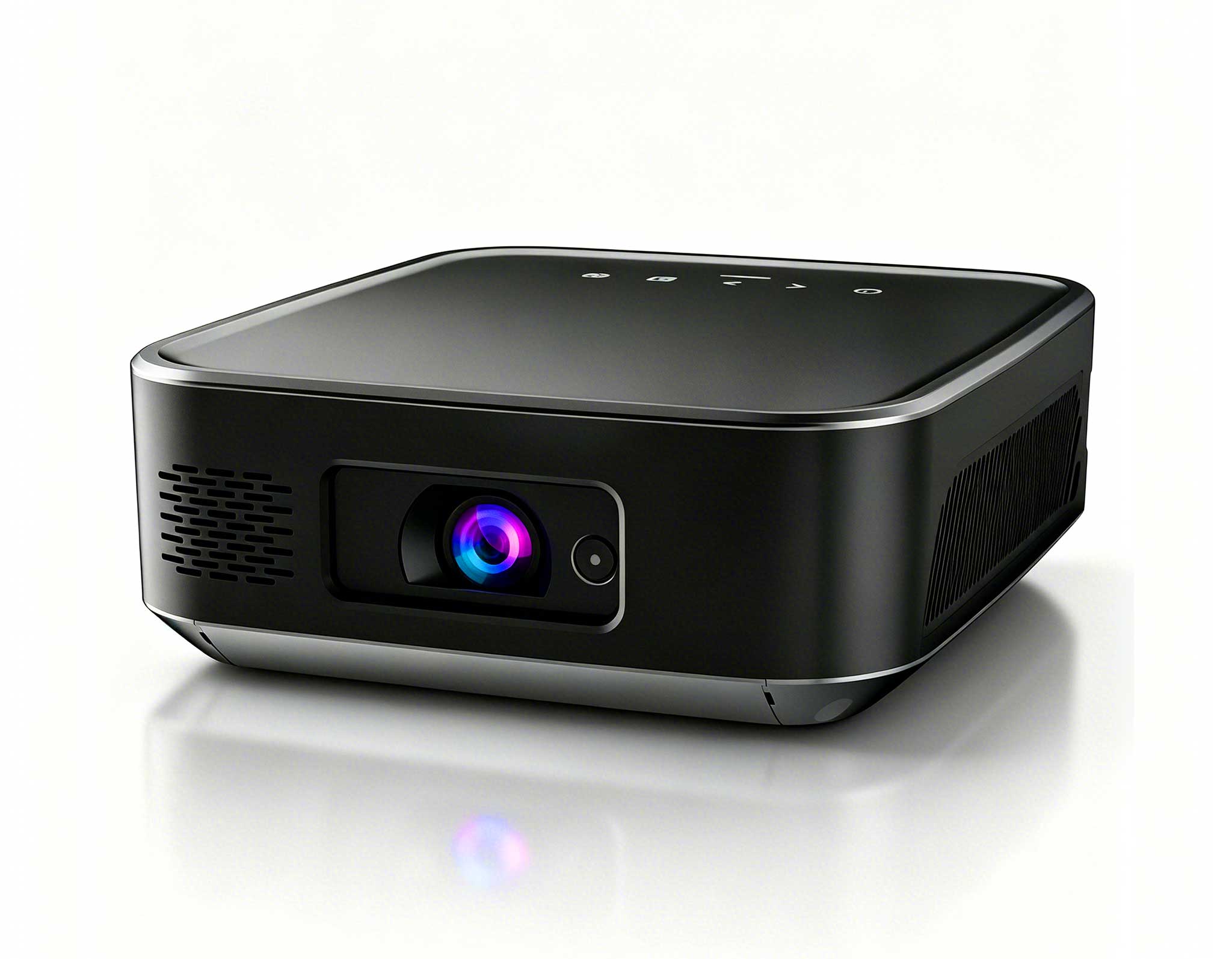
Why this mini PC tier is the right fit: The Palm-sized miniPC is fanless, which means zero moving parts and zero noise. The Intel N100 processor sips power — about 15 watts under load versus 65+ watts for a typical tower. It mounts behind a monitor with a VESA bracket, so the desk stays completely clean. For a reception desk that needs to look professional, that’s a huge win. I’ve deployed dozens of these in medical offices where the machine runs 24/7 for months without a single reboot. The 8GB RAM ceiling is tight, but for single-app workflows, it’s exactly right.
What goes wrong if you buy the wrong tier: If you put a high-end gaming tower at a reception desk, you’re paying for a GPU that never renders a frame, a PSU that wastes heat, and a fan that annoys the receptionist. If you try to use this entry-level mini PC for a heavy multitasker running 30 browser tabs and a CRM while video conferencing, the N100 will choke — you’ll see stuttering video calls and laggy spreadsheet scrolling. Know the ceiling before you buy.
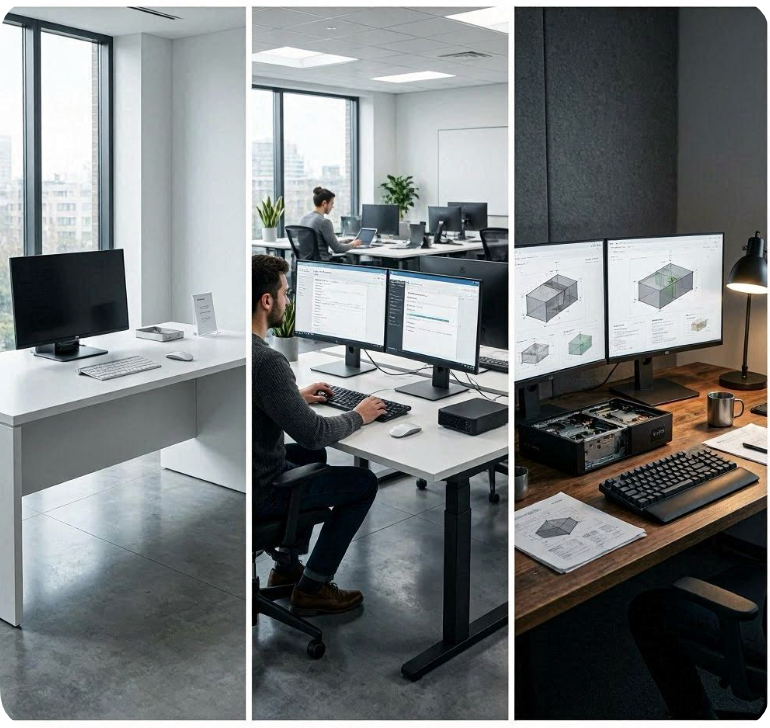
The worker persona: The data entry specialist who has two monitors side by side, one showing a CRM, the other showing a spreadsheet. The medical records clerk who needs to view patient files while updating a scheduling system. The classroom teacher running an interactive whiteboard while projecting a video and managing attendance. The insurance adjuster with 15 browser tabs, a PDF viewer, and a proprietary claims system open simultaneously.
Their actual daily workload: Productivity suites (Office 365, Google Workspace), browser-heavy workflows with 10-30 tabs, dual-monitor output, occasional video calls, and light document scanning. This is the most common desk in any midsize organization. It’s not glamorous, but it has to work every single day without a hiccup.
Why this mini PC tier is the right fit: The HCAR5000 MI handles dual displays natively — no dongles, no DisplayPort-to-HDMI adapters. The processor has enough headroom for 20+ browser tabs plus a full Office suite without breaking a sweat. With RAM expandable to 32GB, you can future-proof for the next three years of software bloat. I’ve seen these deployed in open-plan offices where every desk runs the same model — IT loves the uniformity, and users never complain about performance. The cooling fan is audible under load, but it’s quiet enough that nobody notices in a busy office.
What goes wrong if you buy the wrong tier: If you put the entry-level palm-sized mini PC here, the user will be frustrated within weeks. They’ll blame IT, they’ll blame the software, but the real problem is an underpowered CPU. If you overspend and put a high-end AMD workstation here, you’ve wasted money on compute you’ll never use. The mid-range tier is the sweet spot for 70% of office workers. Don’t overthink it.
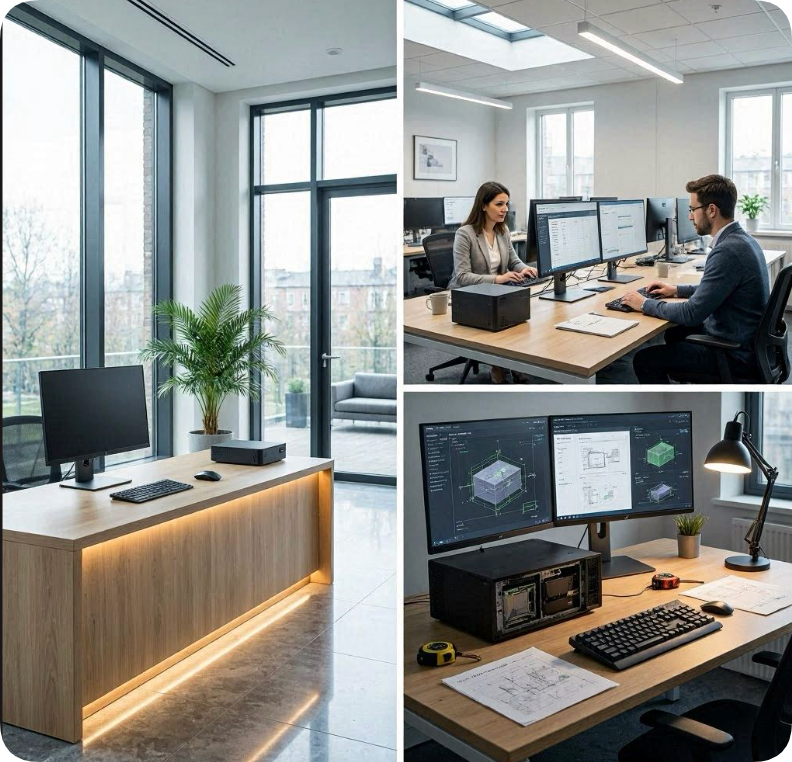
The worker persona: The mechanical engineer who drafts in CAD software, viewing 3D models and assemblies. The video editor who needs an ingest station to transfer and preview 4K footage before editing on a more powerful machine. The IT administrator who wants a local server for file sharing, a NAS for backups, or a virtualization host. The architect reviewing BIM models on site.
Their actual daily workload: CAD drafting (light to moderate), 3D model viewing, video transcoding, file server operations, database queries, and running multiple VMs. These users need local storage — lots of it — and enough CPU/GPU to handle real-time rendering or data processing. They also need reliability because these machines often run 24/7.
Why this mini PC tier is the right fit: The WTR PRO AMD is a full desktop replacement. The AMD processor delivers multi-core performance that rivals mid-range desktop CPUs, and the 4-SATA bays mean you can stuff 40+ TB of storage inside this tiny chassis. I’ve deployed these as on-prem file servers for small offices — they replace a full tower server and a separate NAS, saving rack space and power. For CAD light drafting, the integrated GPU handles 3D model viewing without stutter. For video ingest, the fast storage and USB-C ports make transfers quick. This is the only mini PC in the lineup that can genuinely replace a tower for a power user.
What goes wrong if you buy the wrong tier: If you try to run CAD or a file server on the HCAR5000 MI, you’ll hit RAM limits quickly, and the storage will be inadequate. You’ll end up buying external drives and USB hubs, which defeats the purpose of a clean setup. If you put the WTR PRO AMD on a reception desk, you’ve spent three times what you needed to. This tier is for the 10% of users who genuinely need the horsepower. Don’t give it to the intern who only checks email.
| Specification | Palm-Sized MiniPC | HCAR5000 MI | WTR PRO AMD |
|---|---|---|---|
| Processor | Intel N100 | Mid-range Intel (i5-class) | AMD (Ryzen-class) |
| RAM Ceiling | 8GB (fixed) | 32GB (expandable) | 64GB (expandable) |
| Storage | 128GB eMMC | 512GB SSD | 4x SATA bays + M.2 SSD |
| Display Outputs | 1x HDMI | 2x HDMI / DP | 2x HDMI / DP + USB-C |
| Network | Wi-Fi 5, Gigabit Ethernet | Wi-Fi 6, Gigabit Ethernet | Wi-Fi 6, 2.5Gb Ethernet |
| Best Role Fit | Reception, digital signage, kiosk | Office multitasking, dual-monitor | CAD, server, NAS, video ingest |
| Wrong-Fit Consequence | Chokes on 15+ browser tabs | Underpowered for CAD or server | Overkill for single-app workflows |
I don’t care what brand of PC you’ve used before. I don’t care what your cousin’s IT guy recommended. Before you spend a dollar, answer these three questions for every desk in your office:
1. What software do they actually run? Open Task Manager on their current machine. Look at the top five processes by CPU usage. If it’s all browser tabs and Office apps, you’re in Tier 1 or 2 territory. If you see CAD, video editors, or database servers, you need Tier 3. Don’t guess — measure.
2. How many monitors do they need? Single monitor? Almost any mini PC works. Dual monitors? You need at least two video outputs — that rules out the entry-level palm-sized model unless you use USB-to-HDMI adapters (which I don’t recommend for reliability). Triple monitors? You’re looking at the WTR PRO AMD or a dedicated GPU solution.
3. Do they need local storage or cloud-only? If everything lives in Google Drive or SharePoint, you don’t need a terabyte of local storage. The entry-level model’s 128GB is fine. If they work with large local files — CAD drawings, video projects, databases — you need the multi-drive capability of the WTR PRO AMD. Don’t pay for storage you’ll never fill.
Run this audit on every desk. I guarantee you’ll find that 70% of your users belong in Tier 2, 20% in Tier 1, and only 10% need Tier 3. That’s the three-tier strategy that saves money, reduces IT headaches, and gives every user exactly what they need — nothing more, nothing less. Stop buying towers. Start buying the right mini PC for the job.
My take: After five years of swapping out towers, I’ve learned that the biggest mistake isn’t buying the wrong brand — it’s buying the wrong tier. Match the machine to the task, and you’ll cut hardware costs by 30% while actually making your team faster. That’s not marketing. That’s just math.