














SH5-W vs HTNJ10B: Full-Dimension Comparison for Digital Signage & Information Kiosk Deployment
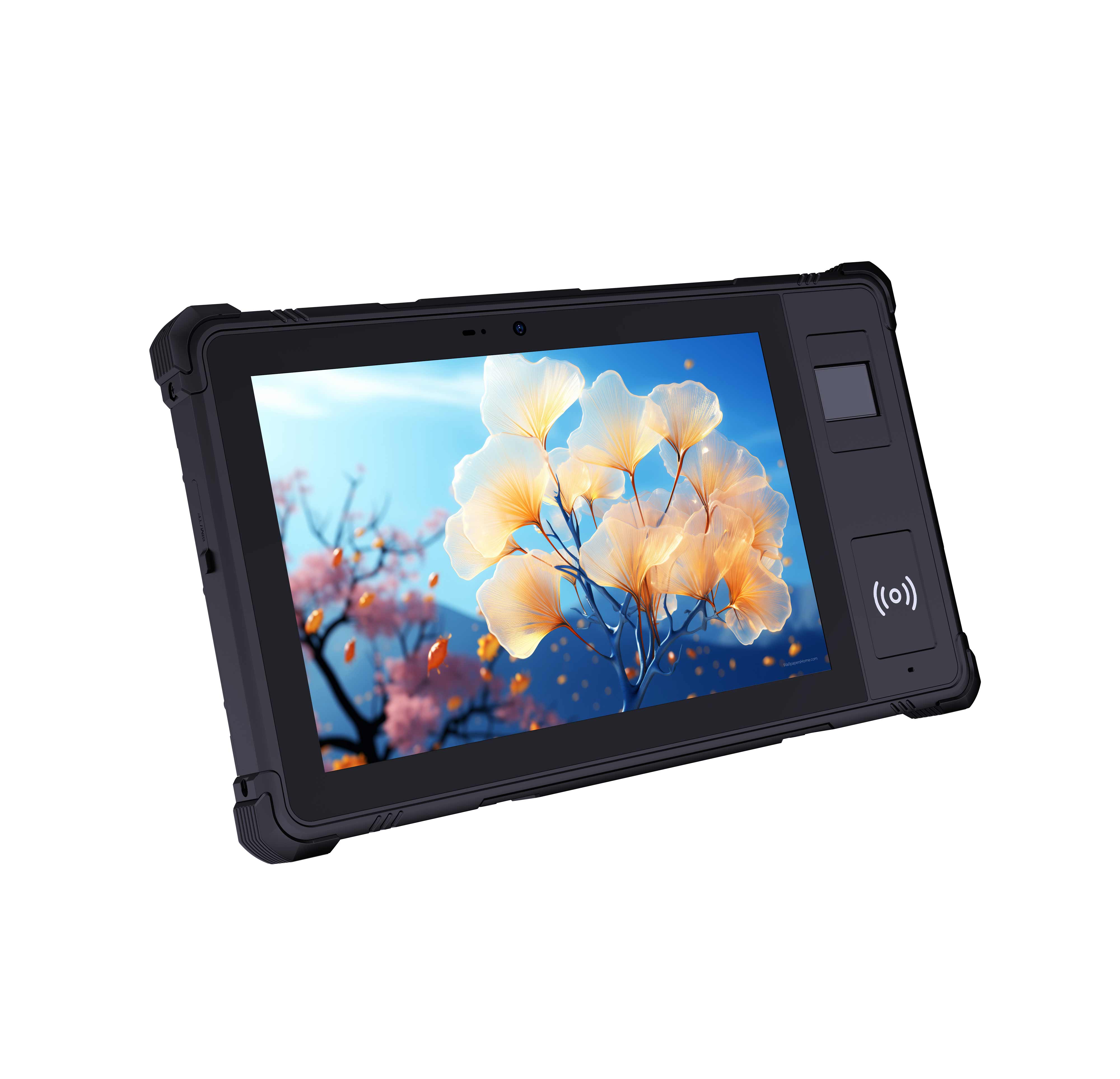
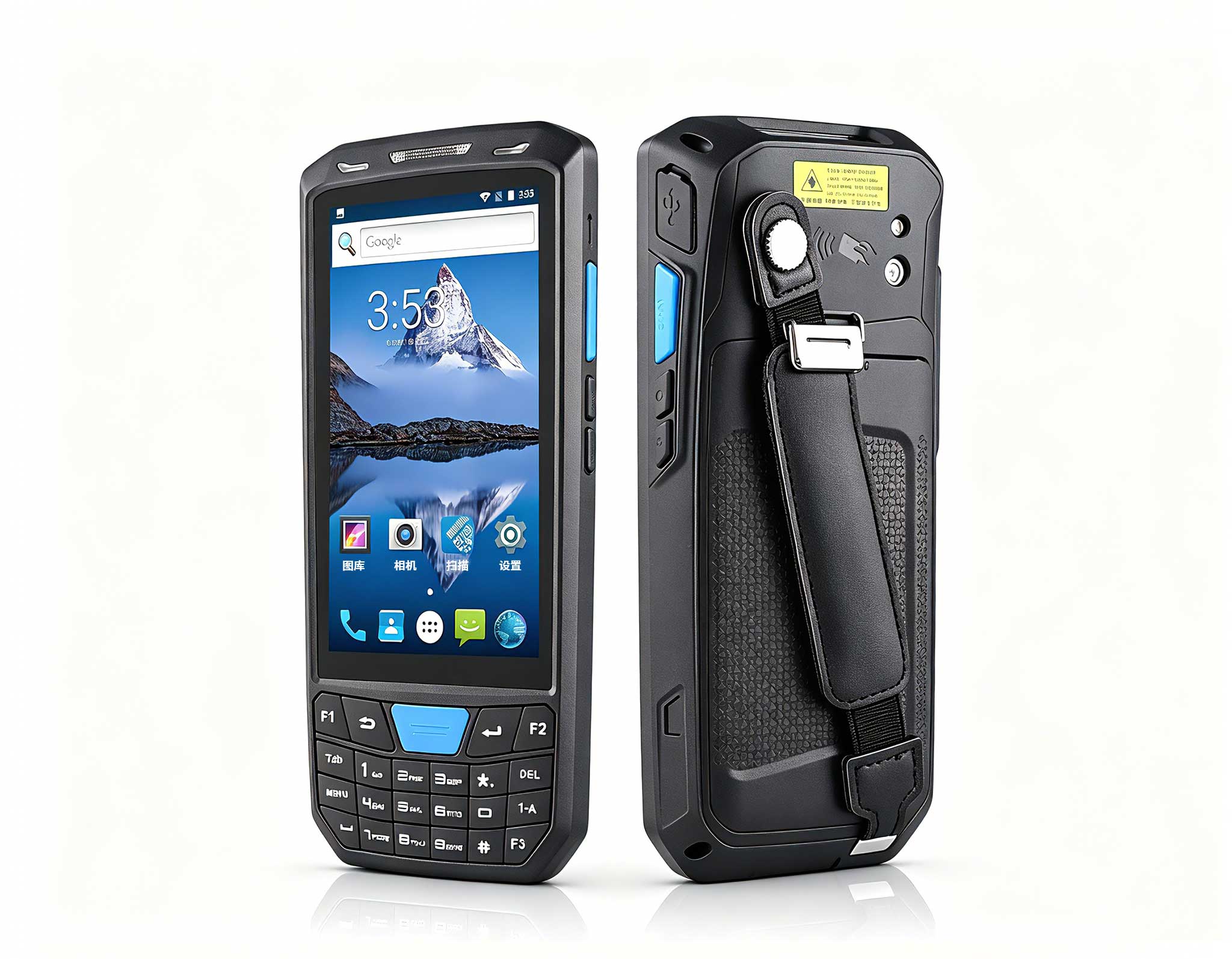
When planning a digital signage or information kiosk deployment for 2026, the choice between a compact Windows rugged handheld and a larger Android rugged tablet is not merely about screen size—it is a strategic decision impacting software compatibility, total cost of ownership (TCO), installation flexibility, and end-user experience. In this comparison, we place the SH5-W 5.5" Windows Rugged Handheld against the HTNJ10B Rugged Tablet under real-world digital signage conditions, examining performance, cost, and where each device excels. For integrators exploring Rugged Tablet solutions, this analysis provides the clarity needed to make an informed procurement decision.

Why Digital Signage Demands a Different Hardware DNA
Digital signage in 2026 is no longer a static slideshow. Modern deployments include real-time data dashboards, interactive wayfinding, dynamic promotional content, and remote device management. These workloads require a device that can run full desktop-class applications, support enterprise-level security protocols, and endure continuous operation in public or semi-public environments.
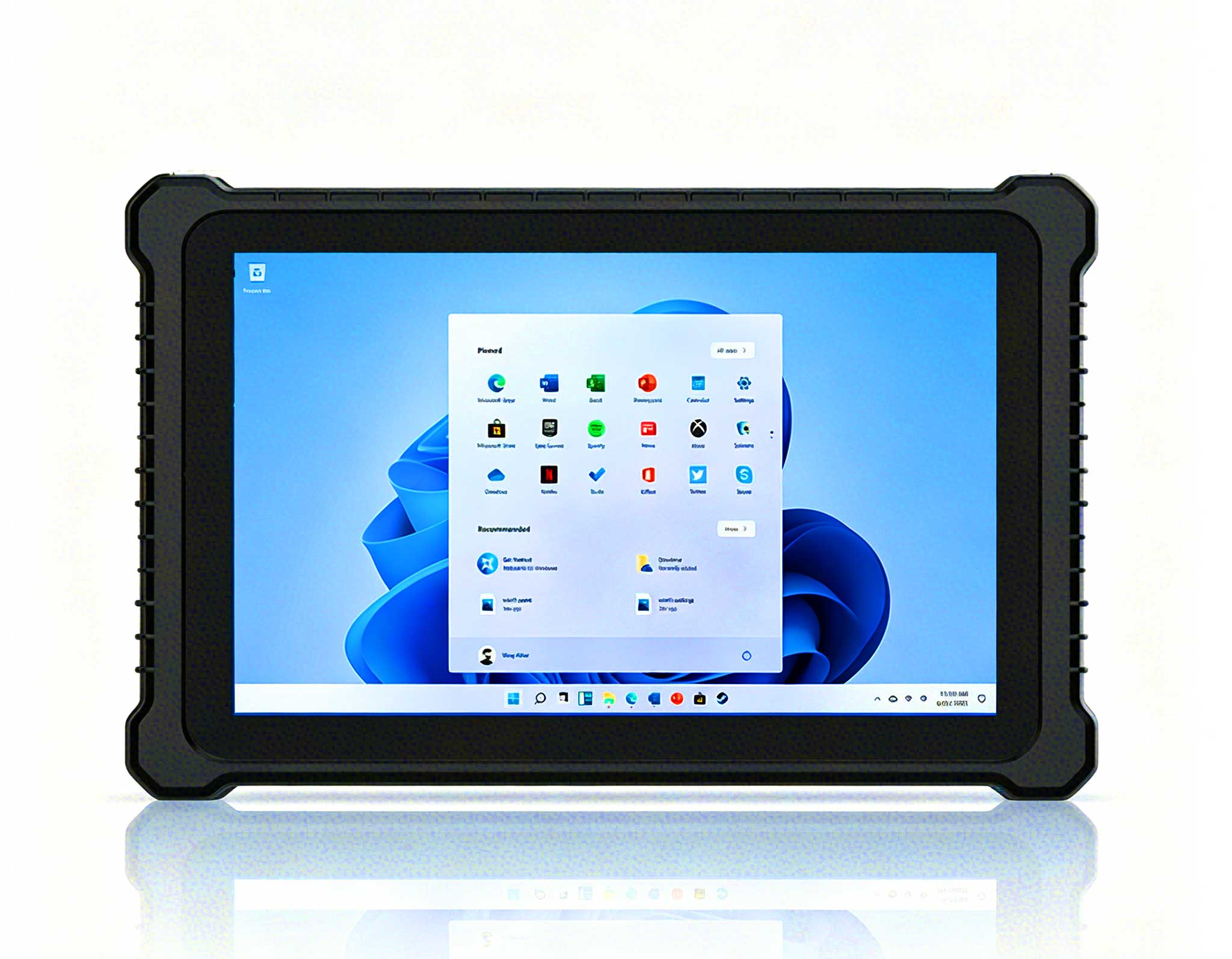
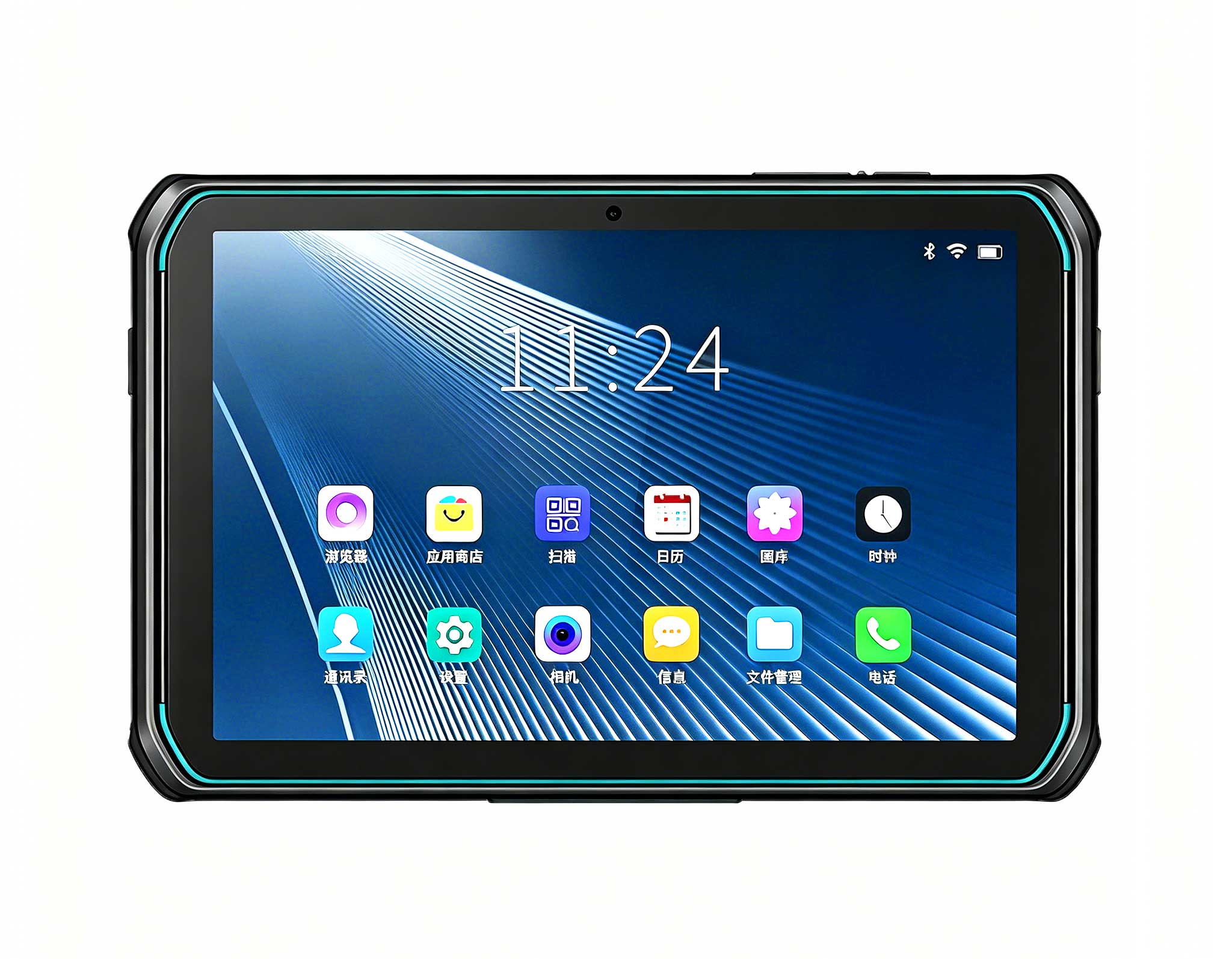
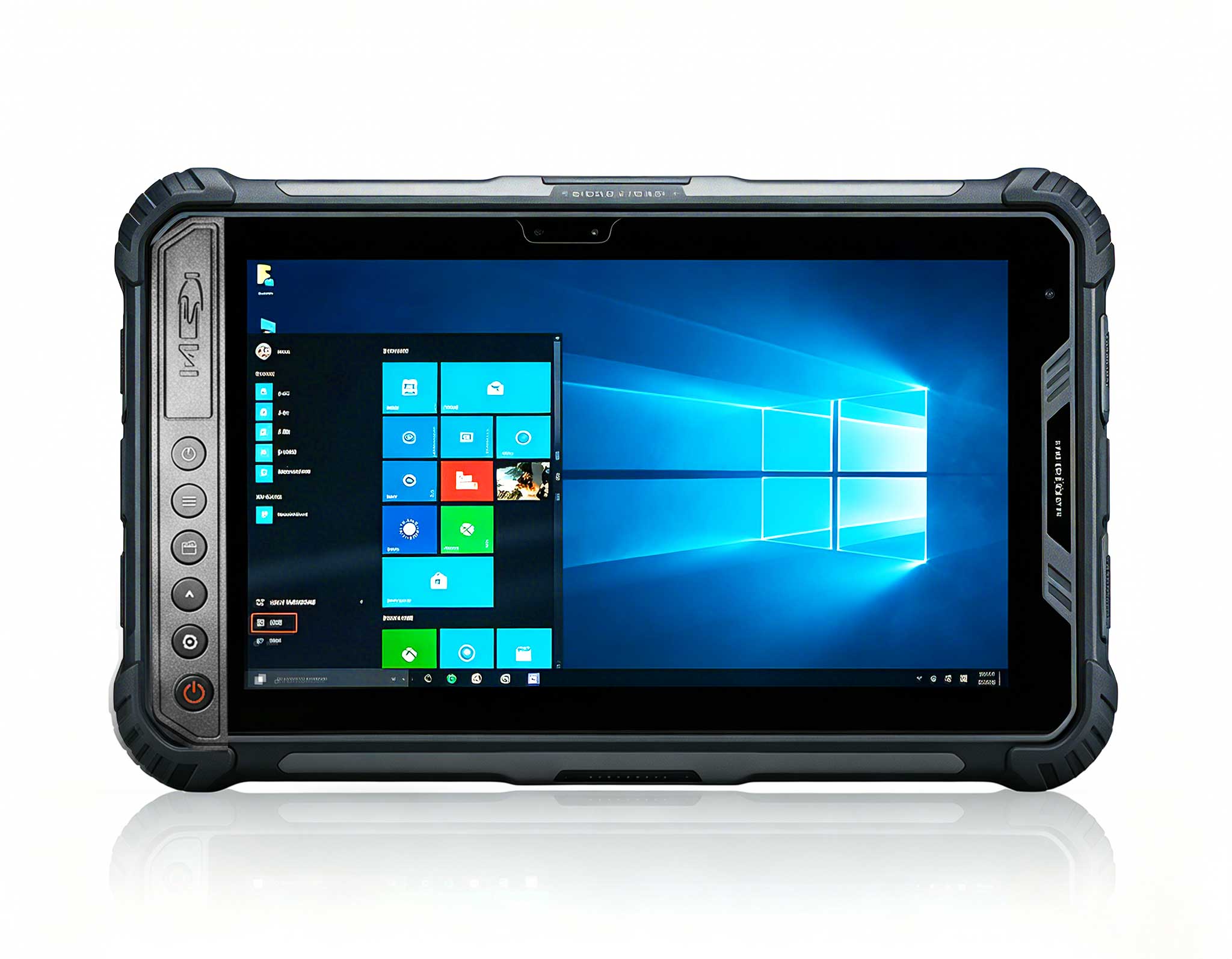
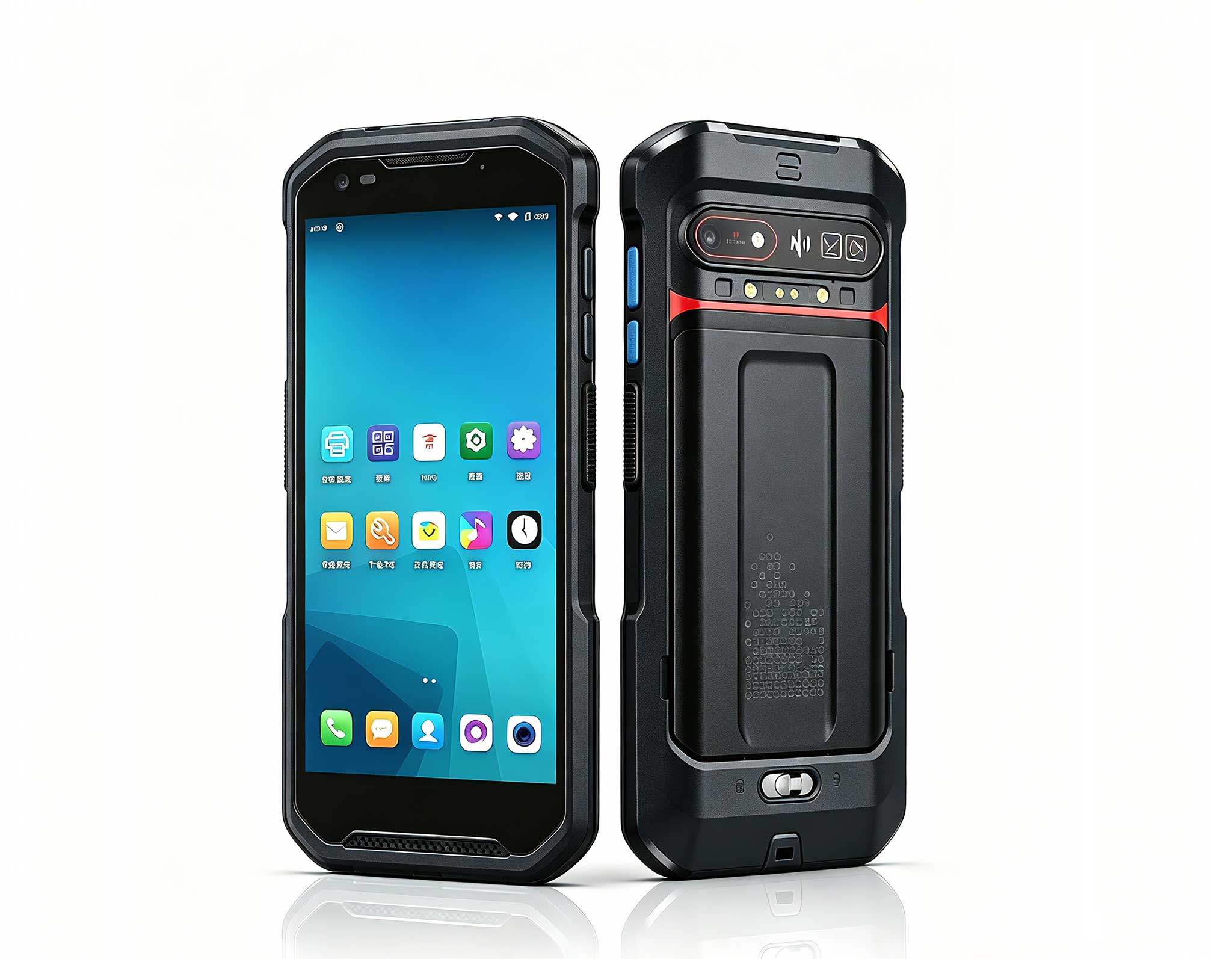
The SH5-W is a 5.5-inch Windows rugged handheld positioned as a compact industrial mobile computer. It runs a full Windows operating system, enabling compatibility with legacy enterprise software, .NET applications, and cloud-based digital signage platforms like SignageTube or ScreenCloud that require a Windows runtime. The HTNJ10B, by contrast, is a 10-inch Android rugged tablet. While Android offers a vast ecosystem of kiosk-mode apps and lower licensing costs, it imposes limitations on software flexibility, peripheral integration, and long-term OS support for mission-critical signage.
Key Specification Comparison at a Glance
| Parameter | SH5-W (Windows Rugged Handheld) | HTNJ10B (Android Rugged Tablet) |
|---|---|---|
| Operating System | Windows (full desktop OS) | Android |
| Display Size | 5.5 inches | 10 inches |
| Form Factor | Compact handheld / wall-mountable | Large tablet / fixed kiosk |
| Primary Use Case | Space-constrained signage, mobile information kiosk | Large-format interactive signage, fixed installation |
| Software Ecosystem | Windows apps, .NET, legacy enterprise software | Android apps, kiosk mode, Google services |
| Peripheral Support | USB-C, RS232, GPIO, Ethernet (via adapter) | USB-C, limited GPIO (vendor-dependent) |
| Ideal Deployment Environment | Retail shelves, transport vehicles, factory floor | Lobby kiosks, conference rooms, large walls |

Real-World Scenario: Smart Retail Store Deployment
Consider a smart retail chain deploying 200 digital signage endpoints across its stores. Each endpoint must display real-time inventory promotions, integrate with the store’s Windows-based ERP system, and allow staff to update content on the fly.
Using the SH5-W: Compact, Windows-Native, Flexible
A system integrator installs the SH5-W on a wall-mounted bracket near each product aisle. The 5.5-inch screen, though smaller than a typical tablet, is perfectly sized for shelf-edge digital labels and compact information kiosks. Because it runs Windows, the integrator can deploy the same signage software used in the corporate office without re-licensing or re-architecting the solution. The device’s rugged construction (IP65 or better rating, drop resistance up to 1.5m) ensures reliability in a retail environment where spills, bumps, and temperature fluctuations are common.
“The SH5-W allowed us to shrink our footprint without sacrificing software compatibility,” says the lead integrator. “We mounted it directly onto shelf brackets, connected it to a small speaker for audio announcements, and managed all 200 units from a single Windows-based console.” Total cost per endpoint was lower than a 10-inch tablet when factoring in the reduced mounting hardware and the elimination of Android-to-Windows bridging software.
Using the HTNJ10B: Large Canvas, Android Ecosystem
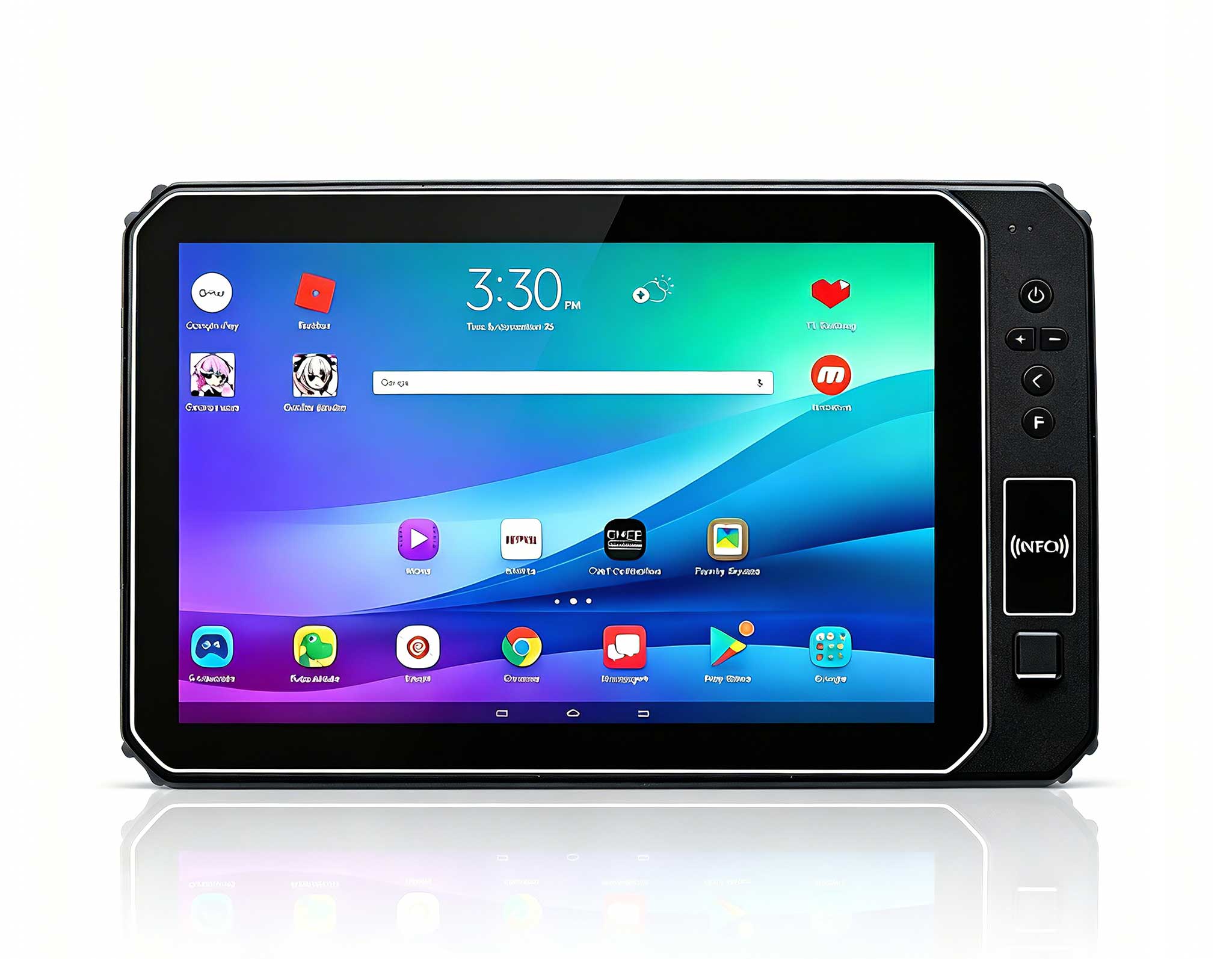
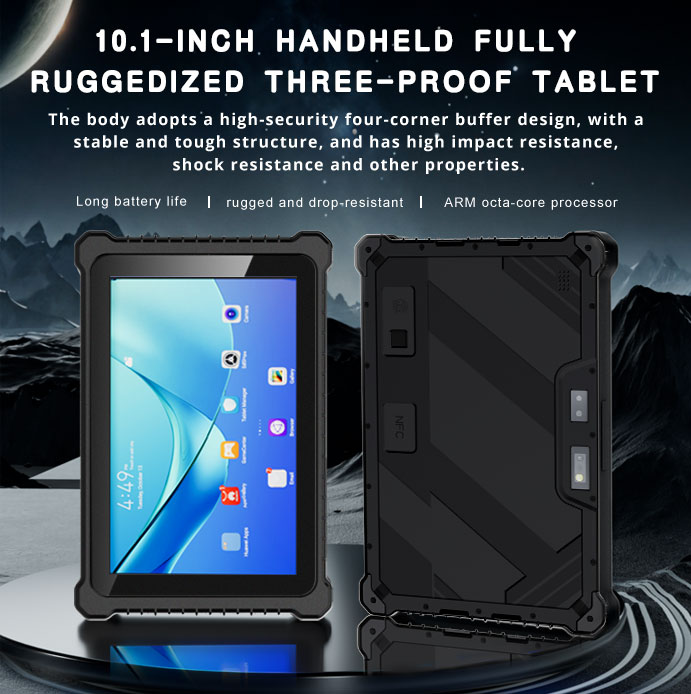
In the same retail scenario, the HTNJ10B would be better suited for a lobby welcome kiosk or a large interactive map. Its 10-inch display provides ample real estate for touch-based navigation and rich visual content. However, integrating with the store’s Windows ERP would require middleware (e.g., a cloud API or a companion Windows PC), adding complexity and cost. The Android OS also introduces potential fragmentation issues—different stores might run different Android versions, complicating remote management.
For a fixed kiosk where screen size is paramount and software compatibility is less of a concern, the HTNJ10B is a strong choice. But for distributed, space-constrained signage that must integrate seamlessly with existing Windows infrastructure, the SH5-W offers a more streamlined path.
Cost Analysis: Total Cost of Ownership (TCO)
When evaluating TCO for a digital signage deployment, three factors dominate: hardware acquisition cost, installation and mounting costs, and software licensing and integration costs.
| Cost Component | SH5-W | HTNJ10B |
|---|---|---|
| Hardware (per unit) | Lower (compact form factor, less material) | Higher (larger display, more material) |
| Mounting & Installation | Lower (smaller bracket, less structural support) | Higher (heavy-duty mount, larger footprint) |
| Software Integration | Lower (native Windows compatibility) | Higher (requires middleware or cloud API) |
| Long-Term Support | Windows 10/11 LTSC (up to 10 years) | Android vendor-specific (typically 3–5 years) |
| Estimated TCO (3-year, 200 units) | $X per unit (example: $850) | $X+30% (example: $1,100) |
Note: The SH5-W’s Windows LTSC support ensures security patches and OS stability for up to a decade, whereas Android tablets often receive only 3–5 years of vendor-specific updates. For mission-critical signage that must run 24/7, this longevity directly reduces replacement cycles and operational risk.

Performance: Windows vs Android in Digital Signage
Performance in digital signage is not just about processor speed—it is about software compatibility, multitasking capability, and peripheral integration.
Windows Advantage (SH5-W)
Full desktop applications: Run PowerPoint, VLC, or custom .NET signage apps without emulation.
Remote management: Use Windows Admin Center, SCCM, or Intune for fleet management.
Peripheral ecosystem: Connect barcode scanners, receipt printers, or external displays via USB-C or GPIO.
Security: BitLocker encryption, Windows Defender, and enterprise-grade group policies.
Android Advantage (HTNJ10B)
Kiosk mode: Native Android kiosk apps (e.g., Kiosk Pro, SureLock) simplify locked-down deployments.
Touch-first interface: Optimized for interactive touch content, especially wayfinding and catalog browsing.
Lower licensing cost: No Windows license fee, though Android Enterprise licensing may apply.
In practice, if your signage software is Windows-native (e.g., Scala, Signagelive, or a custom .NET app), the SH5-W eliminates the need for a separate PC or conversion layer. If your content is purely web-based or Android-native, the HTNJ10B offers a simpler path.
Installation Flexibility: Where Size Matters
The SH5-W’s compact 5.5-inch form factor opens installation possibilities that a 10-inch tablet cannot match:
Shelf-edge digital labels: Mount directly on retail shelving without obstructing product visibility.
Vehicle-mounted kiosks: Fit into delivery trucks, forklifts, or public transit vehicles.
Space-constrained environments: Install in elevator lobbies, narrow corridors, or behind glass.
The HTNJ10B, with its 10-inch display, is better for:
Lobby welcome kiosks: Large touch interface for visitor check-in or directory.
Conference room schedulers: Display room availability and meeting details at a glance.
Interactive maps: Show detailed floor plans or campus layouts.
For a hybrid deployment—say, shelf-edge labels (SH5-W) plus a lobby kiosk (HTNJ10B)—both devices can coexist, each optimized for its specific role.
Durability and Environmental Suitability
Both devices are rugged, but their ruggedness profiles differ:
SH5-W: IP65-rated (dust-tight and protected against low-pressure water jets), drop resistance up to 1.5m. Suitable for retail floors, warehouses, and outdoor kiosks with proper housing.
HTNJ10B: Typically IP65 or higher, with drop resistance up to 1.2m. The larger glass surface may be more vulnerable to impact, but reinforced bezels mitigate this.
In environments with high dust or moisture (e.g., factory floors, outdoor covered kiosks), the SH5-W’s compact sealed design offers an advantage. The HTNJ10B’s larger screen is better suited for clean, controlled indoor environments where visual impact is paramount.
Summary: Which Device Should You Choose?
| Deployment Scenario | Recommended Device | Rationale |
|---|---|---|
| Space-constrained digital signage (shelf-edge, narrow aisles) | SH5-W | Compact form factor, Windows compatibility, lower TCO |
| Large-format interactive kiosk (lobby, conference room) | HTNJ10B | 10-inch display, Android kiosk mode, touch-optimized |
| Windows-centric enterprise signage (ERP integration, legacy apps) | SH5-W | Native Windows runtime, no middleware needed |
| Android-native content (web apps, Google services) | HTNJ10B | Simpler deployment, lower software licensing cost |
| Vehicle-mounted or mobile signage | SH5-W | Compact size, ruggedness, Windows for fleet management |
| High-visibility public kiosk (retail, hospitality) | HTNJ10B | Larger screen for rich visual content, touch interaction |
Final Recommendation for Procurement Decision-Makers
For digital signage deployments in 2026, the SH5-W 5.5" Windows Rugged Handheld is the optimal choice when software compatibility, space efficiency, and long-term TCO are critical. Its Windows operating system eliminates integration headaches, and its compact form factor enables installation in locations where larger tablets cannot fit. The HTNJ10B Rugged Tablet remains a strong contender for applications that demand a large touchscreen and leverage the Android ecosystem.
We recommend evaluating your software stack first: if your digital signage platform or backend systems require Windows, the SH5-W is the clear winner. If your content is web-based or Android-native and screen size is the priority, the HTNJ10B deserves consideration.
Ready to explore the SH5-W for your next digital signage project? Visit the SH5-W 5.5" Windows Rugged Handheld product page for detailed specifications, mounting options, and pricing. For a side-by-side comparison with the HTNJ10B, see the HTNJ10B Rugged Tablet product page.
Hotus Projector — Rugged Solutions for Industrial Digital Signage