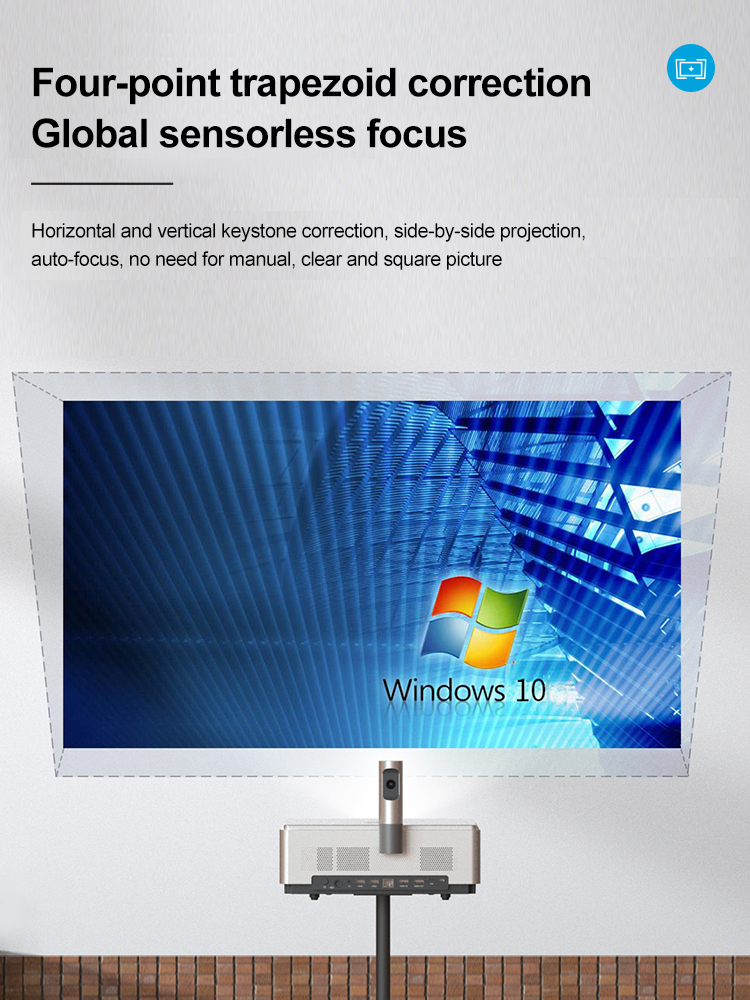
Many projector users have encountered a situation where a good picture does not completely cover the projection curtain and the picture may take on a trapezoidal shape rather than a regular rectangle. This is where keystone correction is required to adjust the projection to a standard rectangular projection to ensure the best viewing experience. This process is known in the projection industry as "trapezoid correction" and is analysed in the following three dimensions.
1. Optical or Digital
Keystone correction usually has two methods: optical keystone correction and digital keystone correction, optical keystone correction refers to adjust the physical position of the lens to achieve the purpose of adjusting the keystone, another digital keystone correction is through the software method to achieve keystone correction. At present, almost all domestic projector manufacturers have adopted digital keystone correction technology.
2. Manual or Automatic
As the name suggests, automatic requires manual operation of the remote control to correct the screen, while automatic does not. The way to open the two correction methods is as follows.
Manual: Turn on the projector - enter the settings - click 'Keystone correction' - manually correct up, down, left and right one by one"
Automatic: Turn on the projector to complete the correction automatically
3. Vertical or horizontal
At present, almost all domestic intelligent projector manufacturers have adopted digital keystone correction technology, and the majority of projectors using digital keystone correction support vertical keystone correction function, that is, the projector in the vertical direction can adjust its own height, the resulting trapezoid, through the projector for vertical keystone correction, you can make the screen into a rectangle, thus facilitating the use of users. There are also some manufacturers have achieved the horizontal trapezoid correction, to protect the horizontal direction of the picture viewing effect.