- Select Language
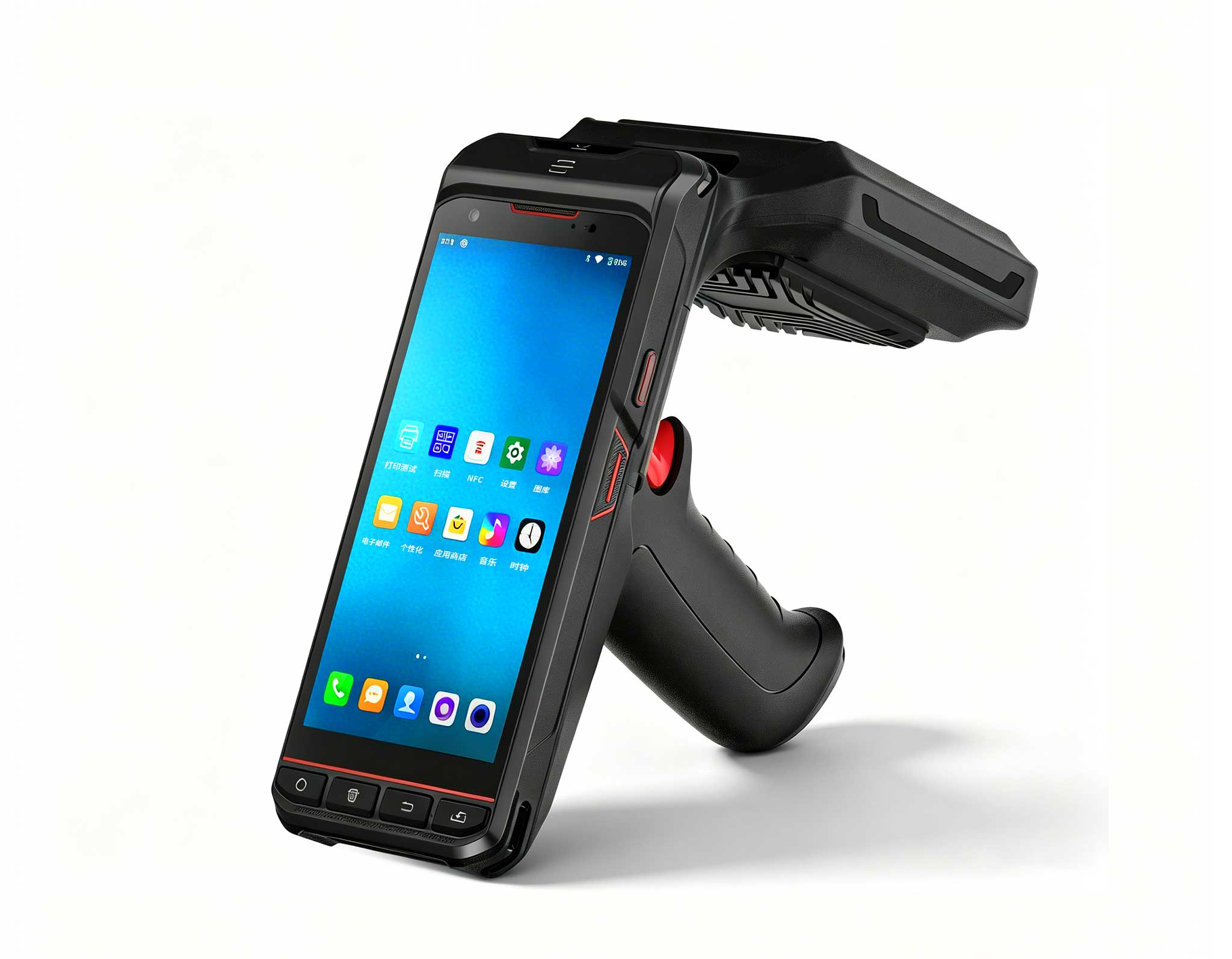
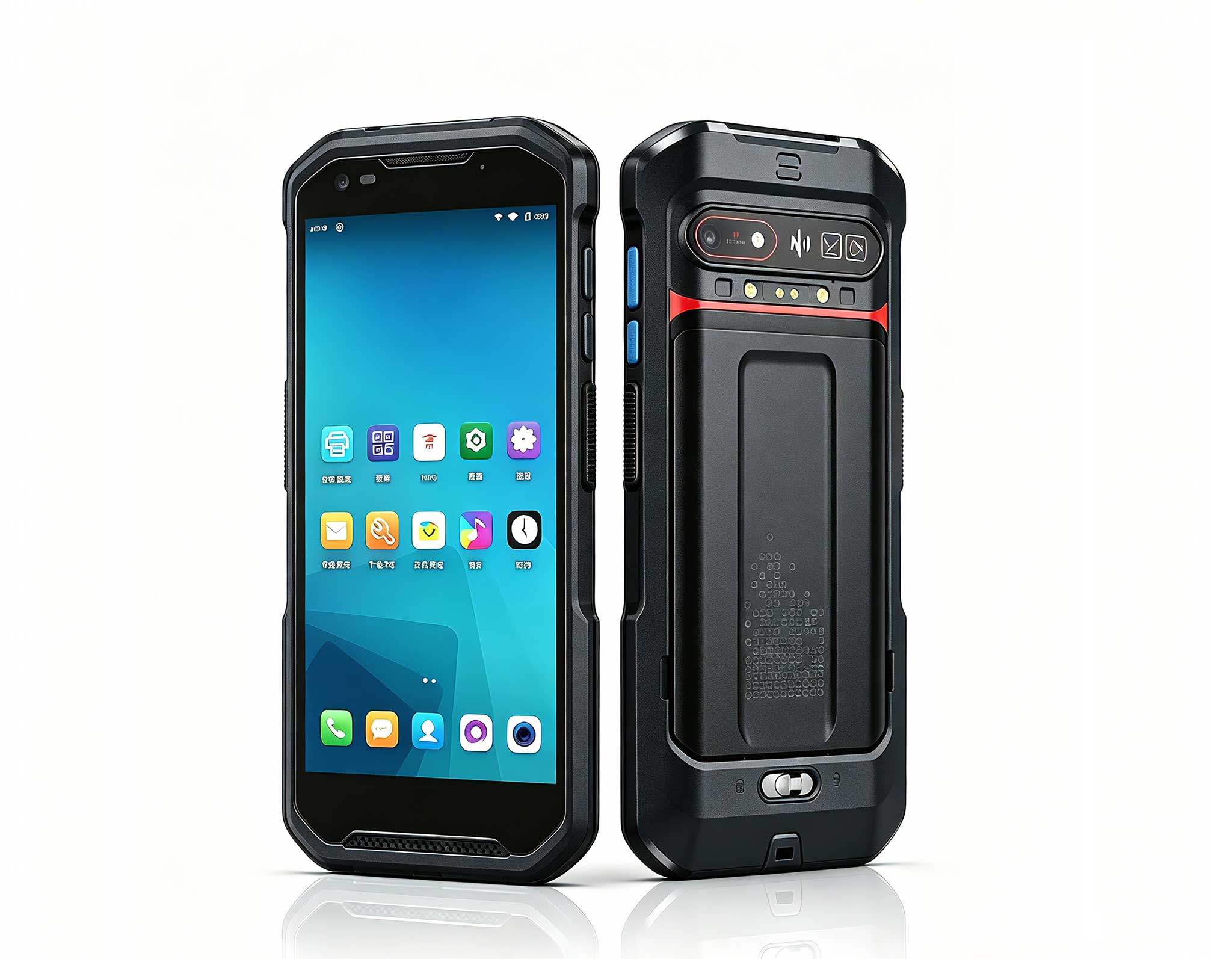
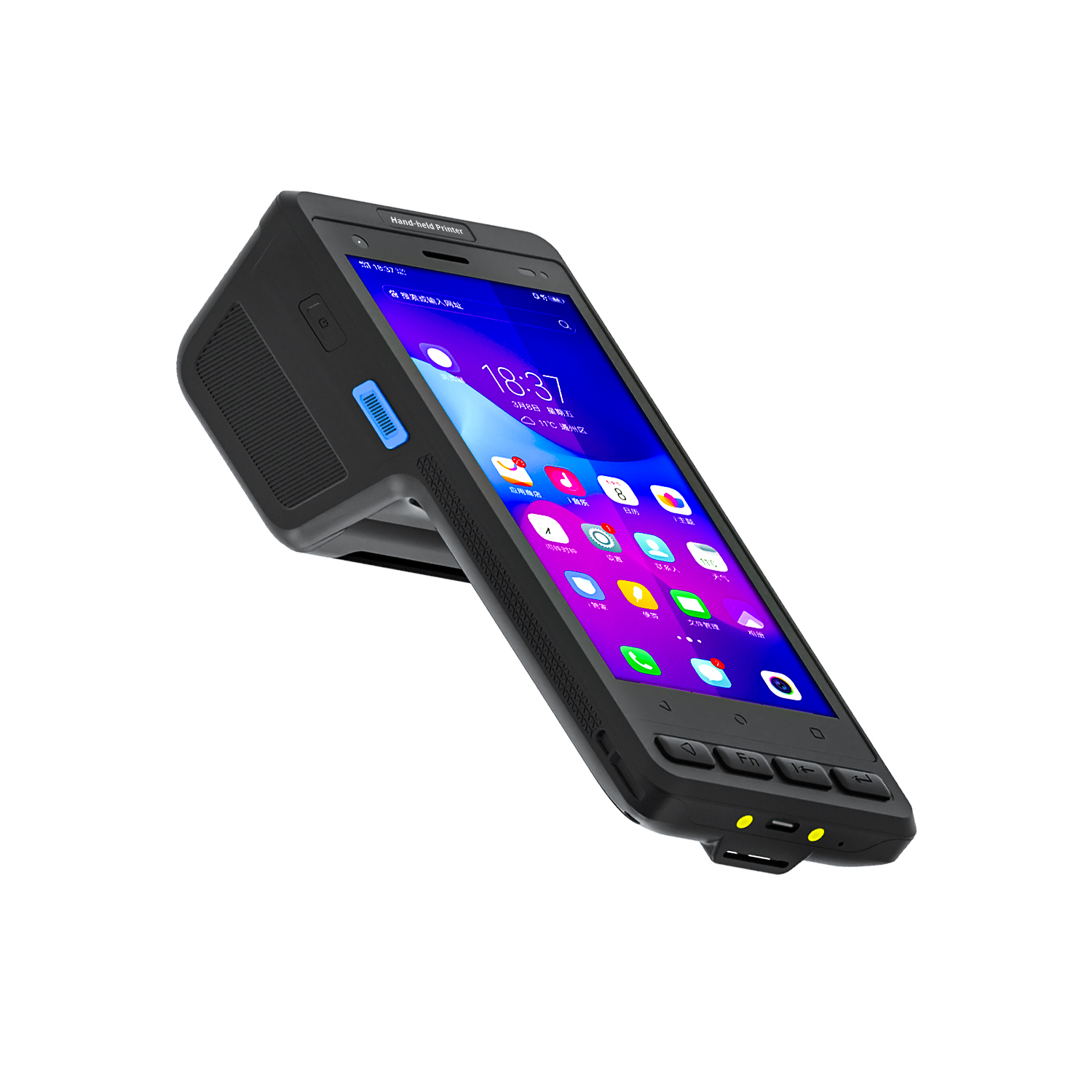
The R501 PDA combines a powerful MT6762 Octa-Core ...
The F505 Handheld PDA is a compact, high-performan...
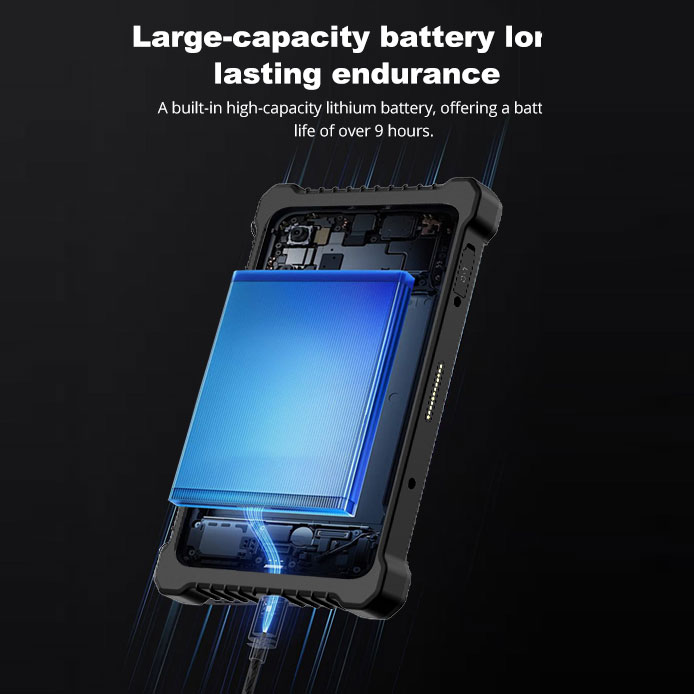
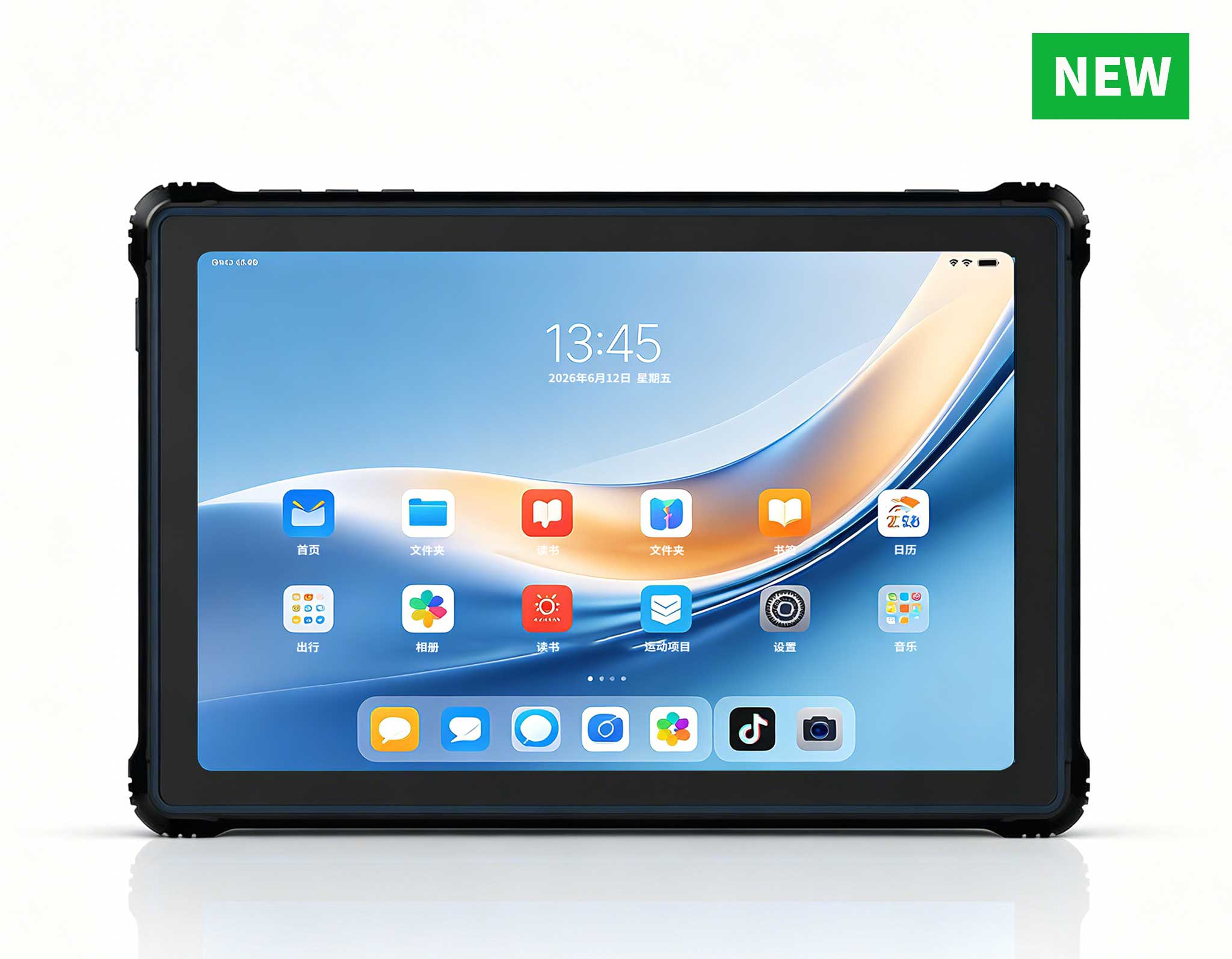
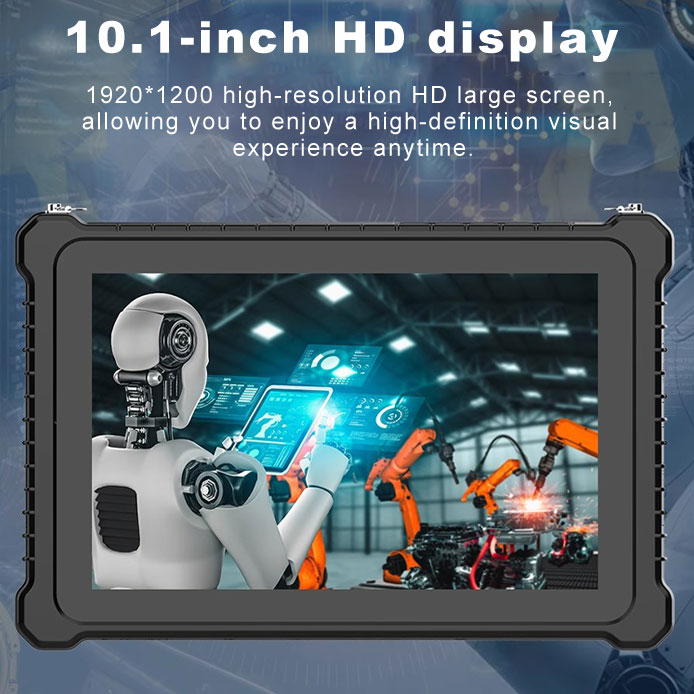
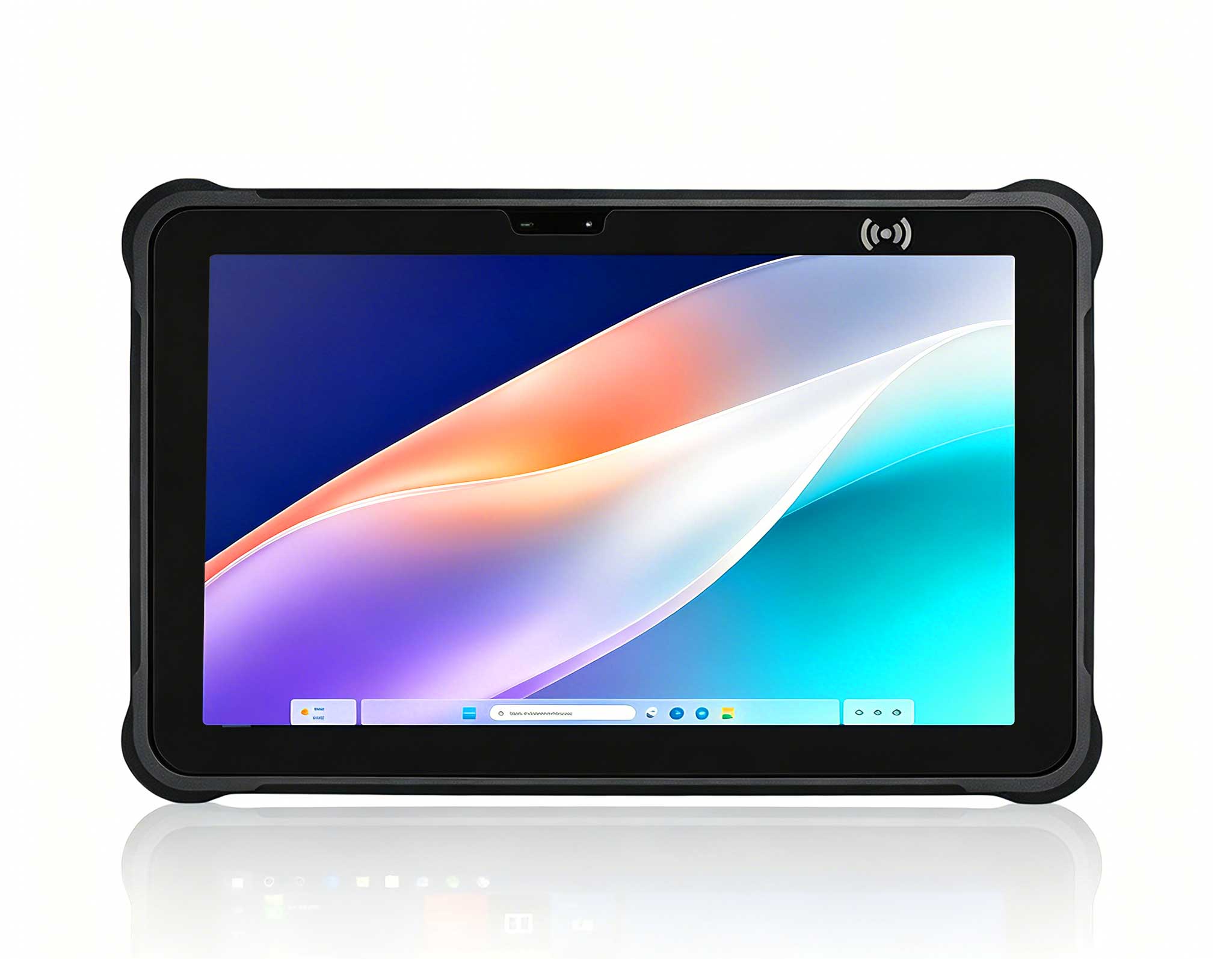
RT81 4G Rugged Tablet | 10.1" FHD 400nit | Qu...
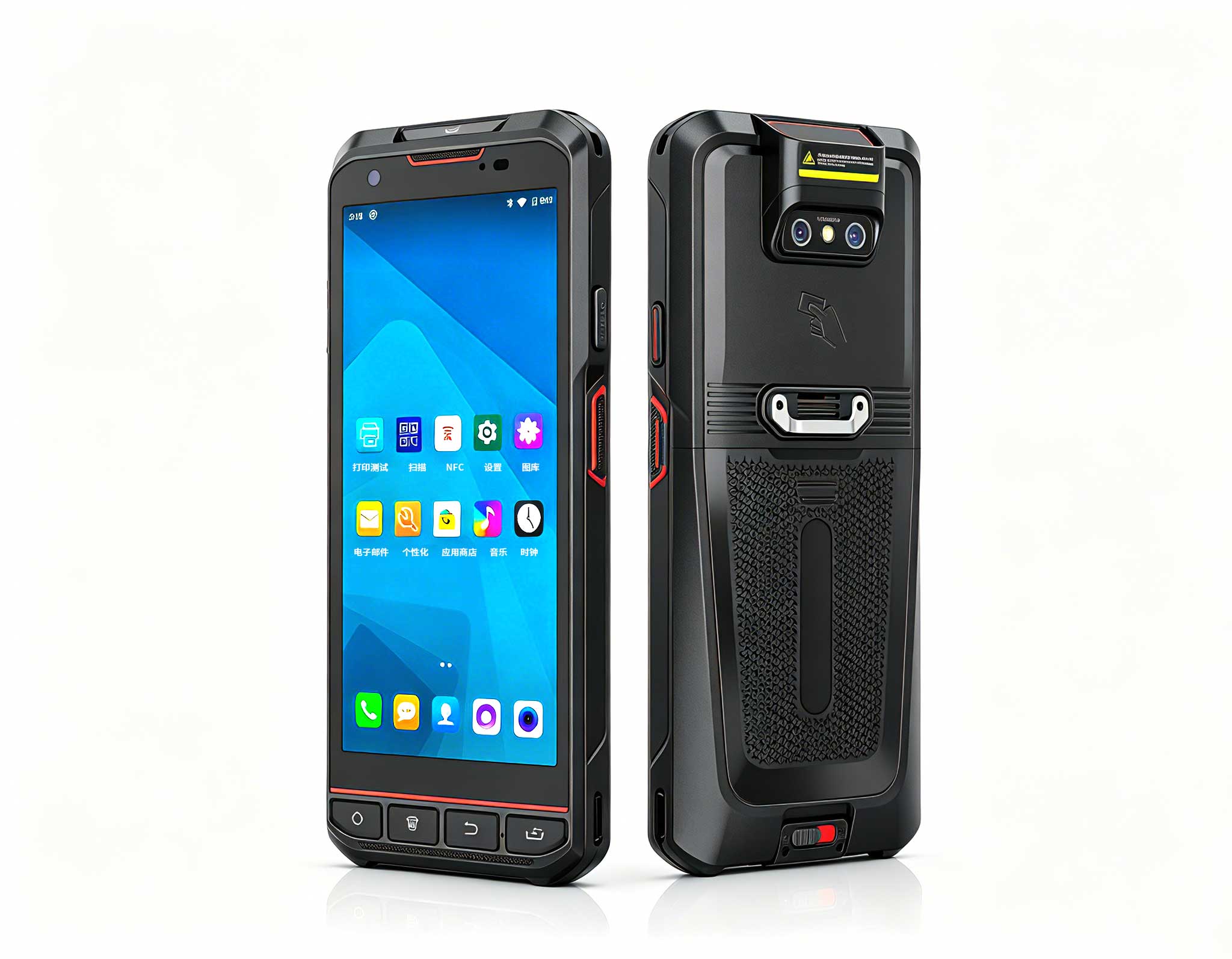
The X501 Handheld PDA combines advanced barcode sc...
️ X8 Series Handheld Label & Thermal Printing ...
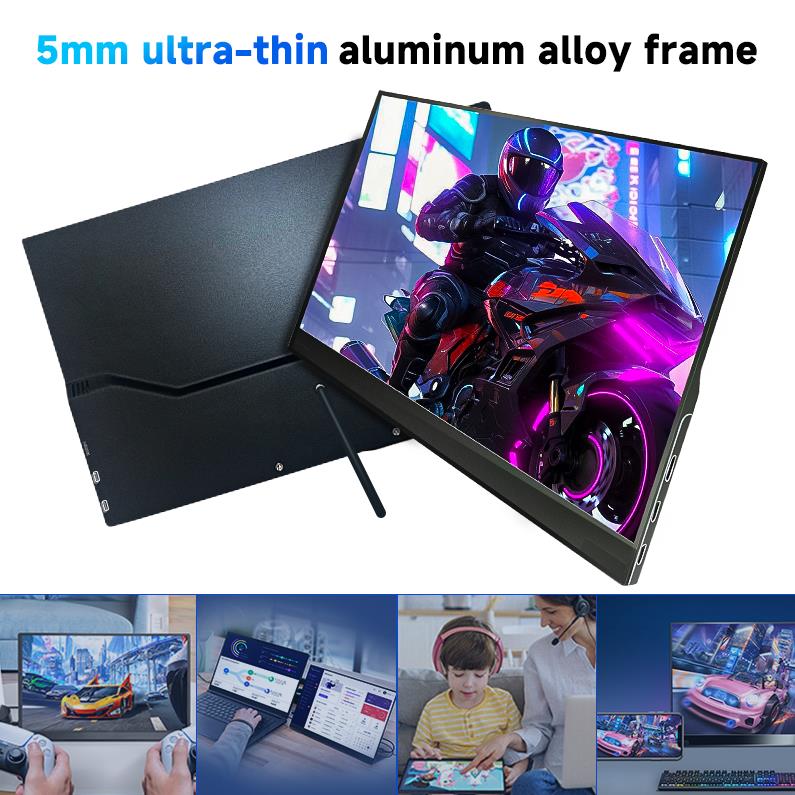
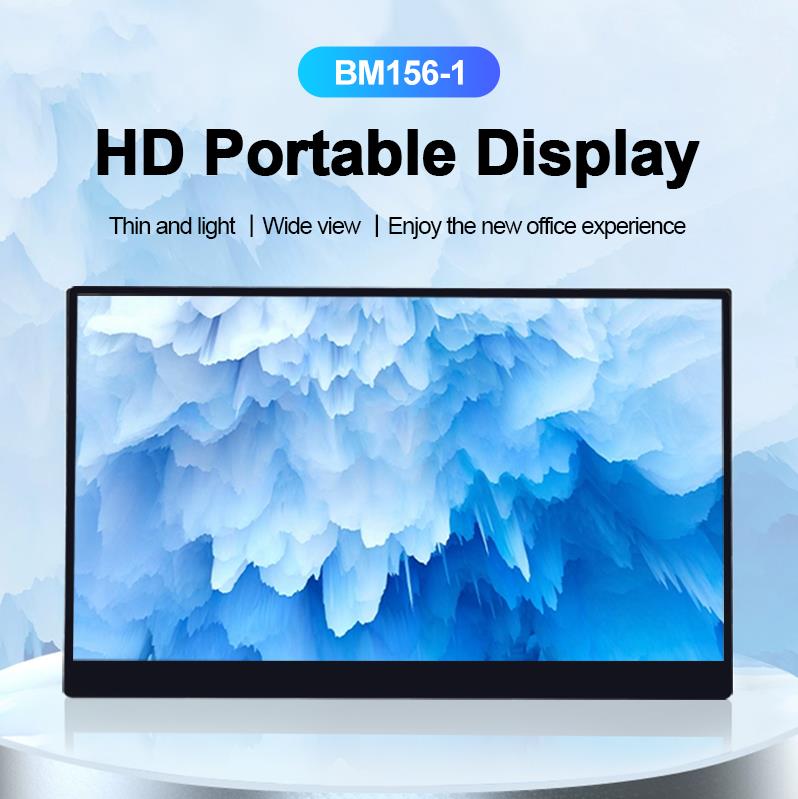
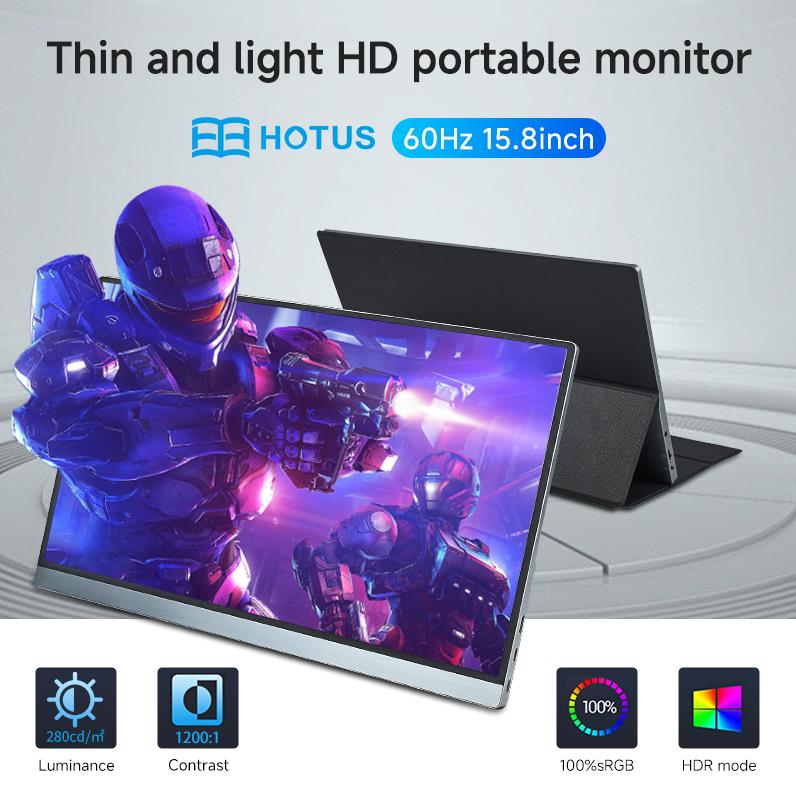
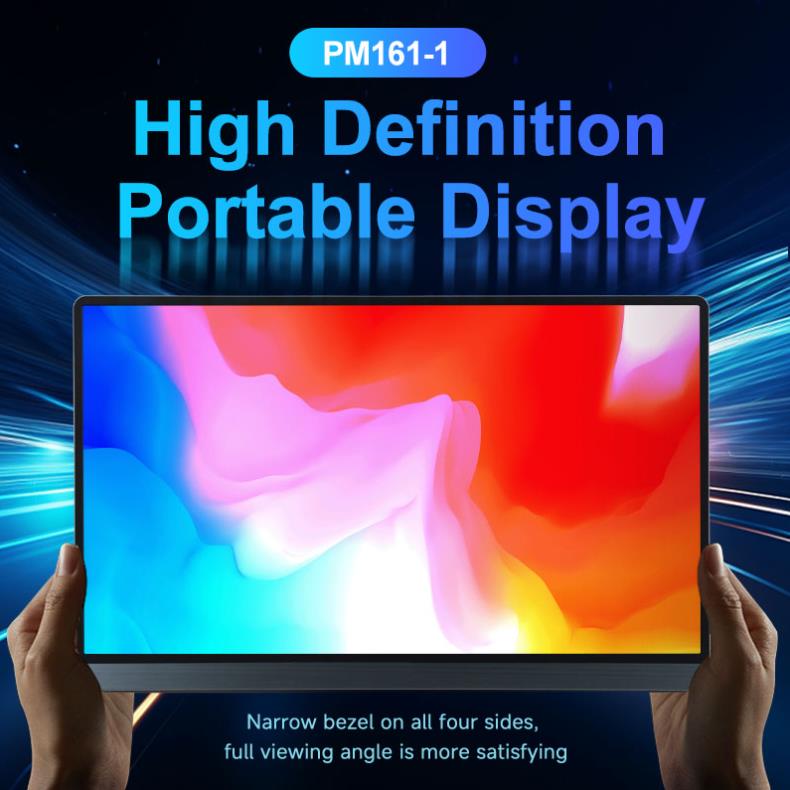
The PM158-1 is a 15.6-inch portable touchscreen mo...
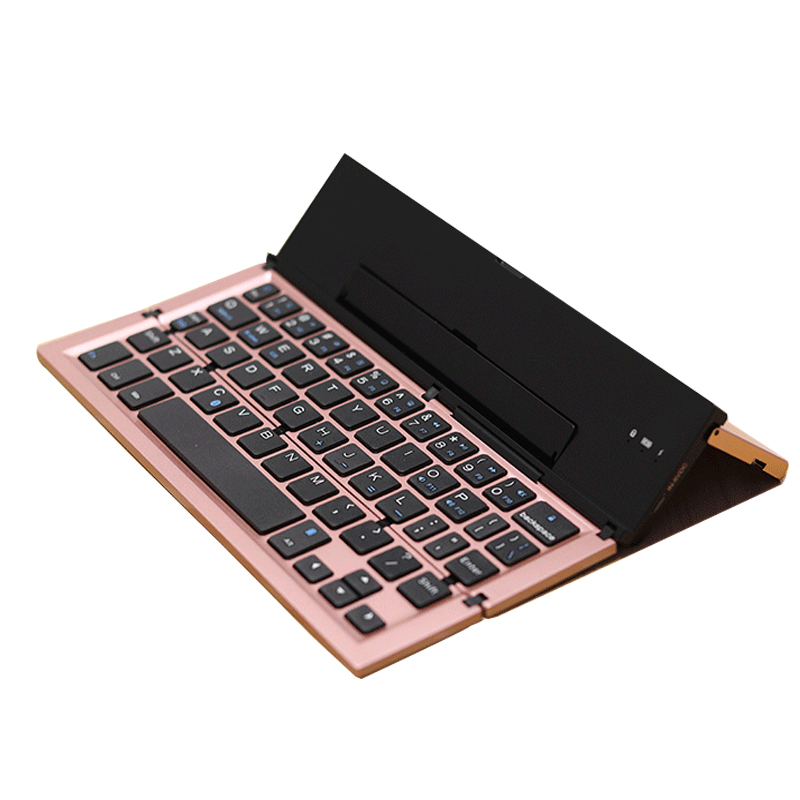
From the unknown so simpleUsed for mobile phones, ...
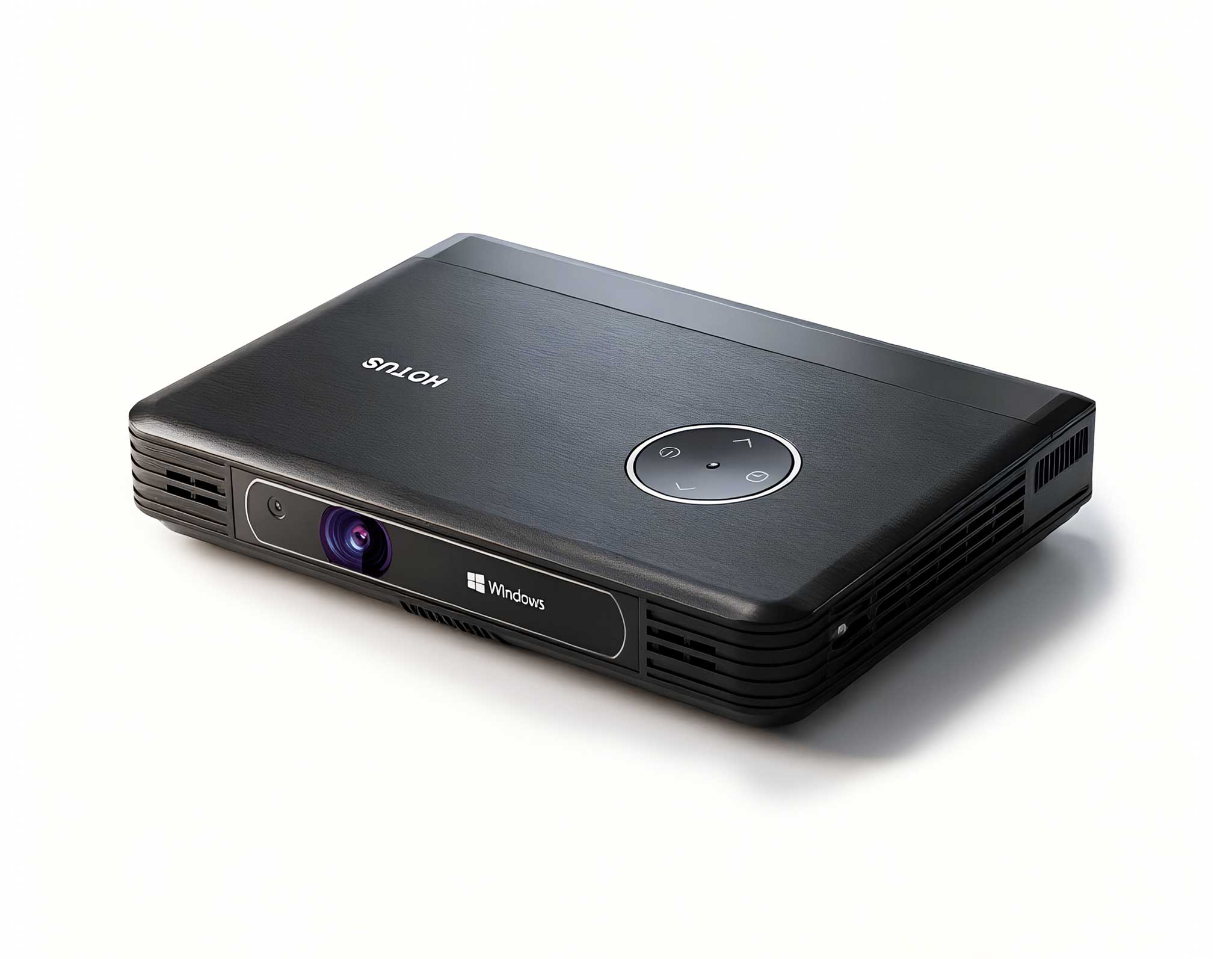
Full SpecificationsModelHotus ST11‑MOSWindows 10/1...
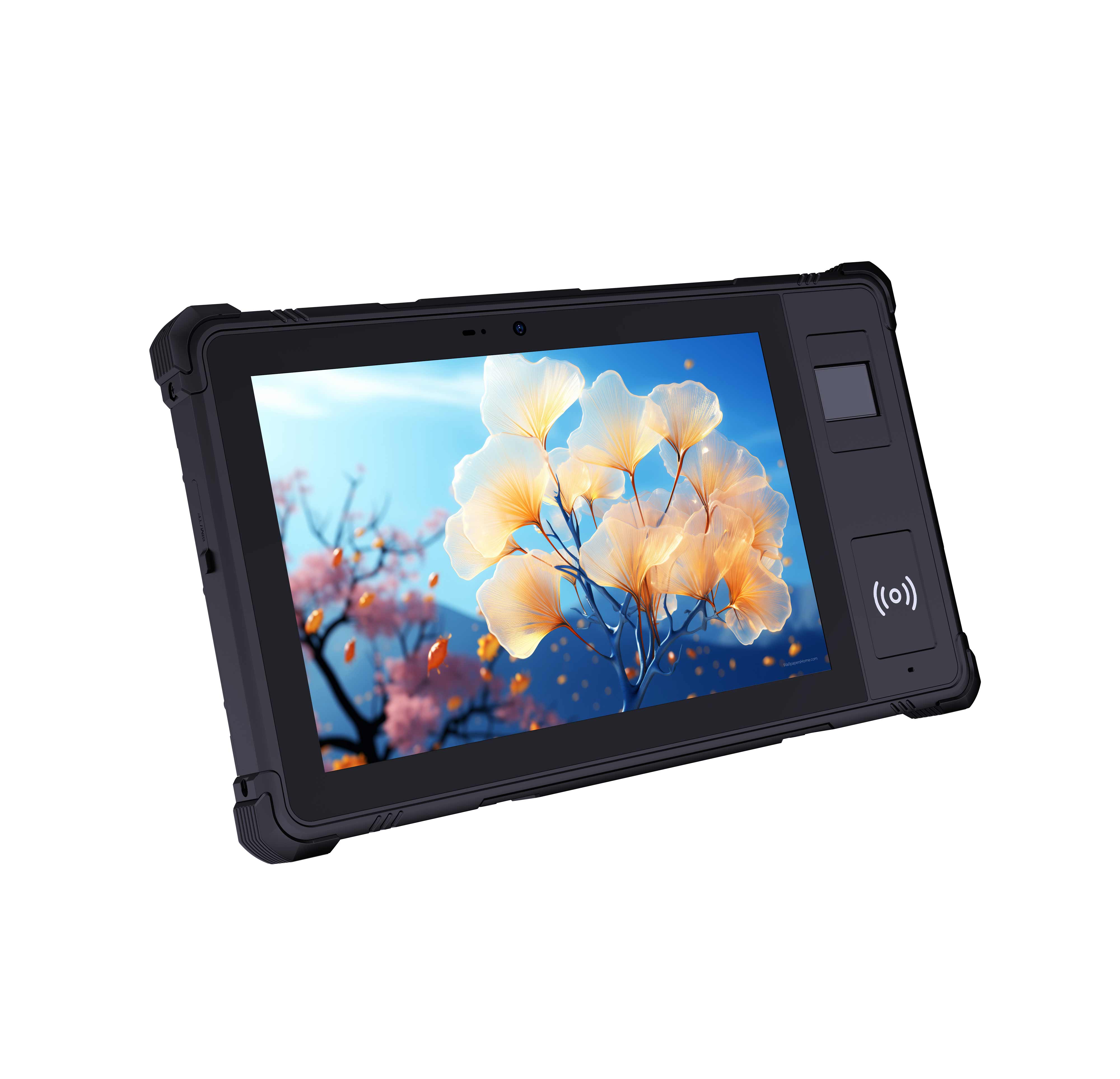
P8 Series 8-Inch Rugged Industrial Tablet PC Mobi...
Over the past decade consulting for K-12 and university IT departments, I've watched the same frustration surface again and again: the traditional tower PC has become a liability in a computer lab. These machines eat up desk space, generate distracting noise and heat, and turn cable management into a nightmare. One district I worked with—Springfield Unified School District—was dealing with exactly this. Their labs were cluttered, airflow was terrible, and their IT staff spent hours re-cabling and swapping out failed fans. The fix wasn't a bigger tower. It was a shift to dedicated education solutions built around miniaturized computing. The mission: find hardware that was compact, quiet, durable, and powerful enough to handle everything from basic typing to demanding STEM software. This case study breaks down how we solved their problem using three specific models from the Hotus lineup.
The first lab we tackled was a standard 30-seat classroom used for general literacy, web browsing, and office apps. The existing desktops were bulky Dell Optiplex towers from 2018 that consumed about 40% of the desk surface. We deployed the Palm-sized miniPC. This unit is exactly what it sounds like—a fully functional computer that fits in the palm of your hand. Its biggest advantage here is its physical footprint. We mounted these units directly behind the monitors using VESA brackets, eliminating the tower entirely and freeing up desk space for textbooks and writing. The core positioning is "ultra-compact and silent." With low-power consumption and fanless cooling options, it's perfect for quiet study environments. The IT director noted that the reduction in cable clutter alone saved them 15 minutes per workstation during setup.
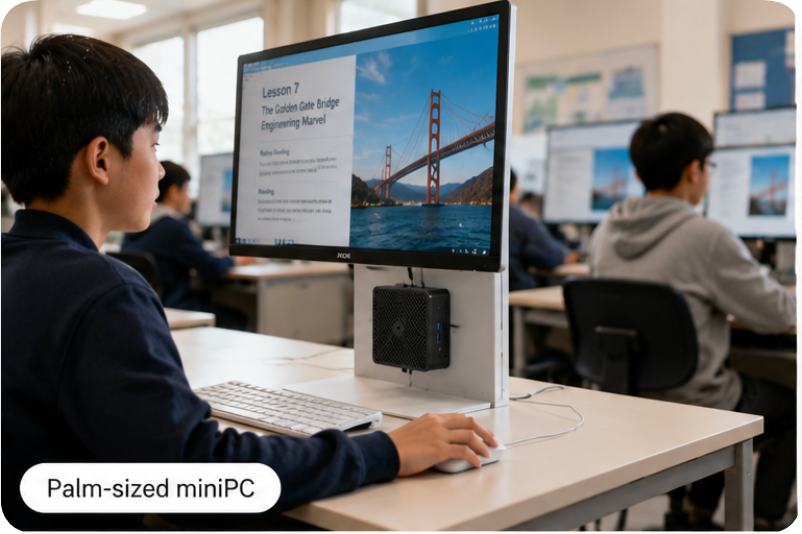
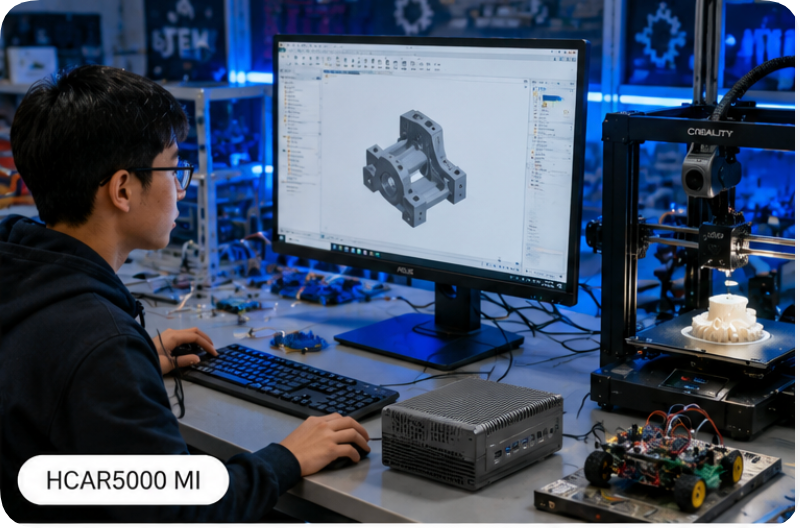
The second scenario was a high-school STEM lab requiring CAD software, video editing, and light 3D rendering. The old desktops were choking on these tasks. Here, we introduced the HCAR5000 MI. This isn't just a mini PC; it's a performance beast. Powered by the AMD Ryzen 5000H Series processors, it delivers desktop-class performance in a chassis that's still significantly smaller than a traditional mid-tower. The positioning here is "high-performance workstation in a compact form." The school's engineering teacher reported that rendering times dropped by 40% compared to their previous Intel i5 desktops. Furthermore, the unit's robust thermal design allowed it to run full load for a six-hour lab session without throttling. For any educational scenario requiring heavy multi-threading or dedicated GPU-like integrated graphics (via the powerful Radeon graphics), this is the go-to model.
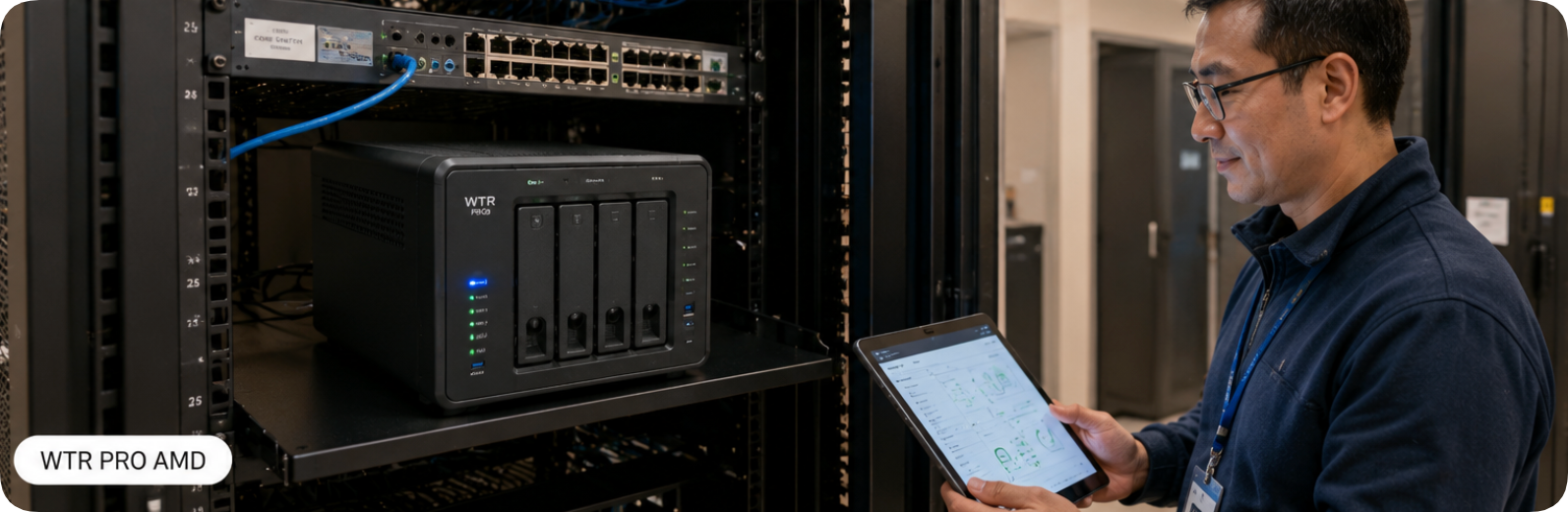
The third need came from the school's IT department itself. They needed a central file server for the lab, a local backup solution, and a media streaming box for the AV system. Instead of buying a separate NAS and a separate PC, we deployed the WTR PRO AMD. This unique device is a 4-Bay NAS Mini PC. It combines a powerful AMD processor with a built-in network-attached storage enclosure. The positioning is "converged infrastructure." It acts as the lab's local server, storing student projects and shared software images, while simultaneously functioning as a workstation for the lab assistant. The IT manager loved that it reduced power consumption by 60% compared to the separate server and desktop setup they previously used. The WTR PRO AMD is the ultimate choice for schools that want to consolidate hardware and simplify management. If you are looking for a device that does double duty, this is it.
| Feature | Palm-sized miniPC | HCAR5000 MI | WTR PRO AMD |
|---|---|---|---|
| Primary Positioning | Ultra-compact, silent, low-power | High-performance workstation | Converged NAS + PC |
| Processor Series | Intel N100 / N305 (Low Power) | AMD Ryzen 5000H Series (High Perf) | AMD Ryzen (Mobile/NAS Optimized) |
| Memory Support | Up to 16GB DDR4/DDR5 | Up to 64GB DDR4 | Up to 32GB DDR4 |
| Storage | 1x M.2 SATA/NVMe | 2x M.2 NVMe + 1x 2.5" SATA | 4x 3.5" SATA HDD/SSD + M.2 |
| Cooling | Fanless (Silent) | Active Fan (High Performance) | Active Fan (Server Grade) |
| Physical Size | Palm-sized (~0.5L) | Small Form Factor (~1.5L) | NAS Form Factor (~4L) |
| Best Educational Scenario | General literacy, quiet libraries | STEM, CAD, Video Editing | File server, backup, AV streaming |
When planning a computer lab refresh, the most critical factor is the workload. Don't over-spec for simple tasks, and don't under-spec for demanding software. For a standard typing or web-browsing lab, the Palm-sized miniPC is the most cost-effective and space-efficient choice. Its silent operation is a huge plus for focused learning. For a specialized STEM or graphic design lab, the HCAR5000 MI is non-negotiable. You need the CPU and GPU horsepower to run professional software. Finally, consider the infrastructure of your lab. If you need a local server for file sharing or network booting, the WTR PRO AMD eliminates the need for a separate server tower. The Springfield district ended up using a mix: Palm-sized units in the main labs, HCAR5000 MI units in the engineering lab, and one WTR PRO AMD as the central server. This hybrid approach gave them the best of all worlds: space savings, performance, and centralized storage.
The shift away from bulky desktops isn't just a trend—it's a necessity for modern, flexible learning environments. The three models we've discussed—the space-saving Palm-sized miniPC, the high-performance HCAR5000 MI, and the versatile WTR PRO AMD—offer a clear path to a cleaner, quieter, and more powerful computer lab. The Springfield case study proved that with the right hardware, you can reduce IT overhead, improve student focus, and future-proof your infrastructure. To see which model fits your specific needs, browse our full range of mini PC solutions. For a deeper dive into how these units handle specific educational software, we invite you to explore our mini PC solutions and read our detailed performance reviews.