- Select Language
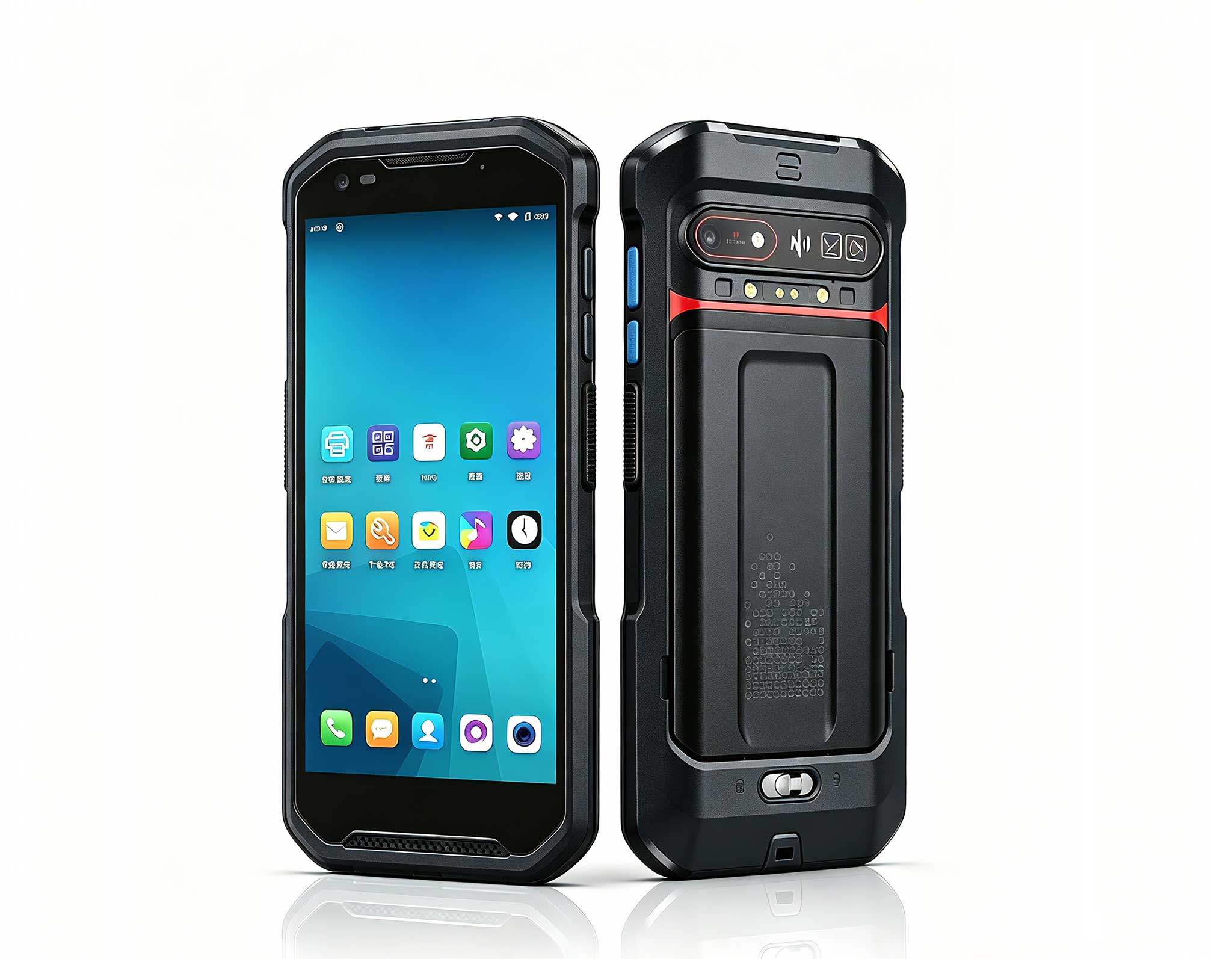
The F505 Handheld PDA is a compact, high-performan...
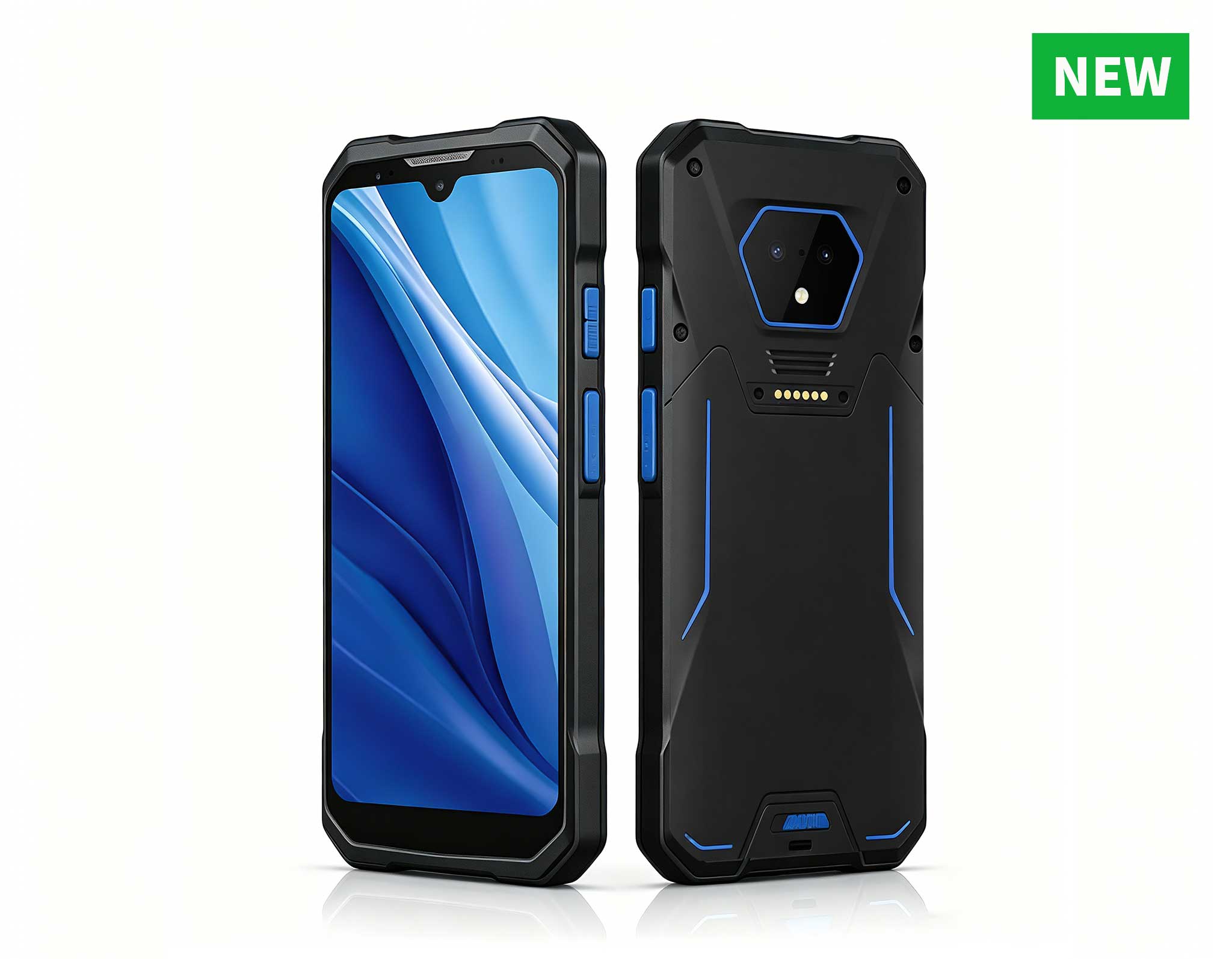
RS50 5G Rugged Handheld Terminal | 6.3" FHD+ ...
Full SpecificationsModelHotus ST11‑UOSWindows 10 P...
Full SpecificationsModelHotus ST11‑JOSWindows 10 P...
R860-S 5.5-inch Industrial PDA with Thermal Printe...
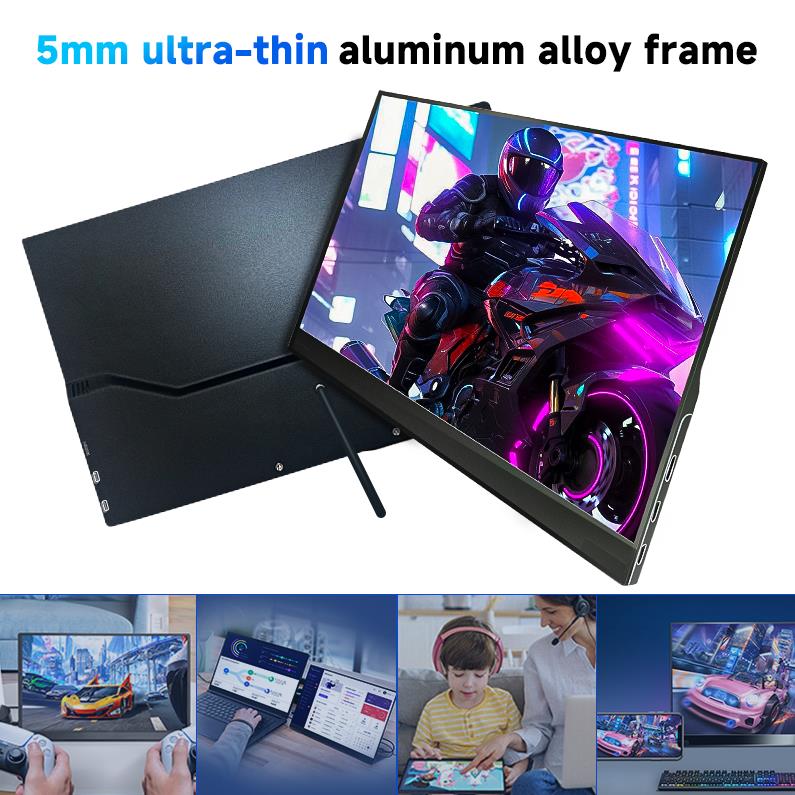
The PM156-1 is a 15.6-inch portable PC monitor fea...
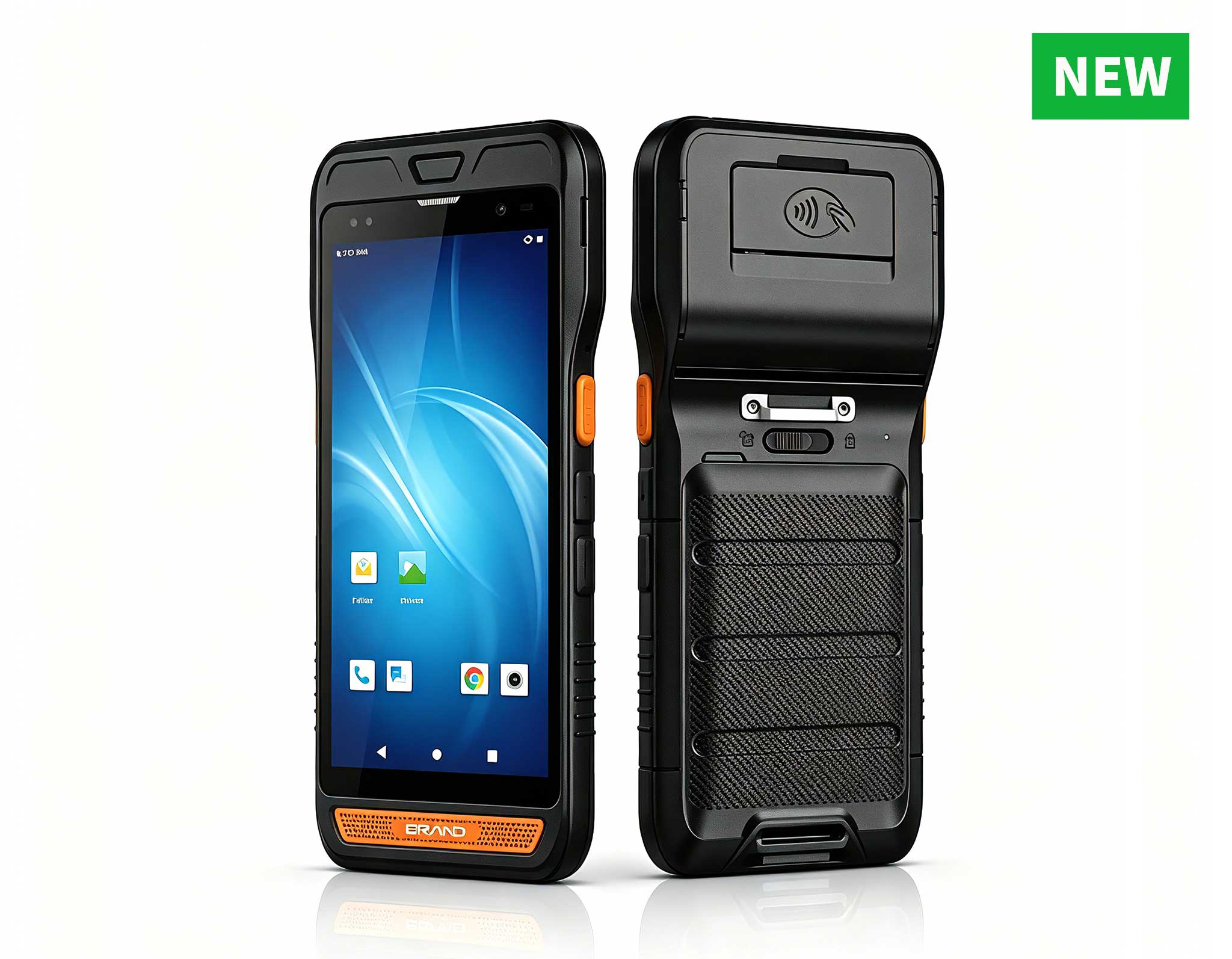
R366-S 5.5-inch Industrial PDA | Qualcomm Octa-cor...
In today’s industrial environments, no single hardware solution can address every operational demand. A plant floor supervisor may rely on a large display to oversee real-time production metrics, while a technician on the line needs a compact device for logging inspections and scanning barcodes. This is the reality of multi-device collaboration—a workflow requiring seamless interoperability across different form factors, operating systems, and durability standards. For teams committed to Windows-based rugged hardware, choosing a trusted Rugged Tablet partner is a strategic decision. Two standout options from Hotus—the ST13-J 13.3-inch Windows Rugged Industrial Tablet and the SH5-W 5.5-inch Windows Rugged Handheld—share the same OS but serve distinct roles in a connected ecosystem. This article provides a detailed comparison across performance, cost, and real-world deployment scenarios, assisting decision-makers in selecting the right device—or the right combination—for their operations.
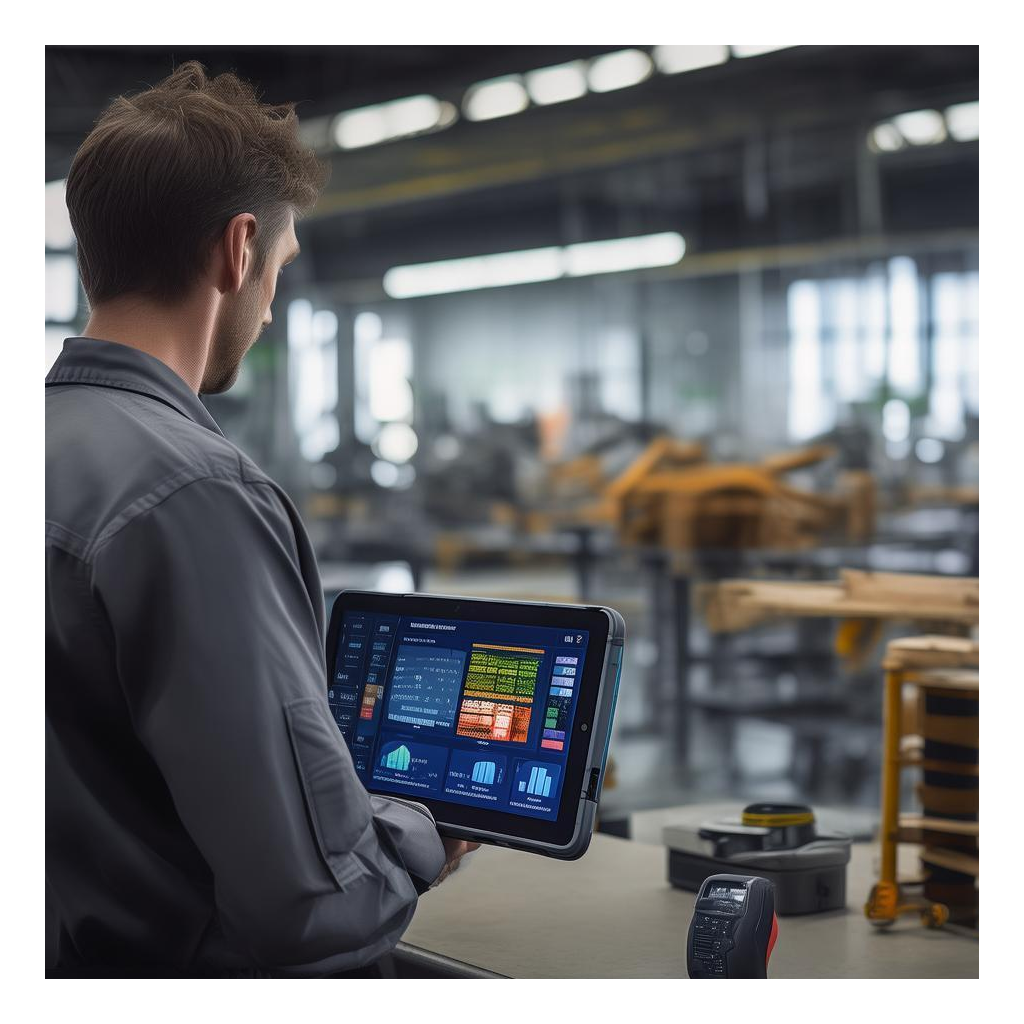
Step onto any modern factory floor, and the split is immediately visible. At a central workstation, a shift leader uses a large-screen tablet to track key performance indicators from dozens of PLCs and IoT sensors. Fifty feet away, a line technician moves along a conveyor, scanning component barcodes with a handheld computer small enough to clip to a belt. The supervisor needs a display dense enough to show charts, alarms, and control panels—tasks that become frustrating or even impossible on a 5.5-inch screen. The technician, meanwhile, requires a device that fits in one hand, survives repeated drops onto concrete, and runs an entire shift on a single charge. This classic divide between a workstation-grade rugged tablet and an ultra-mobile handheld computer is the core tension that multi-device workflows must address.
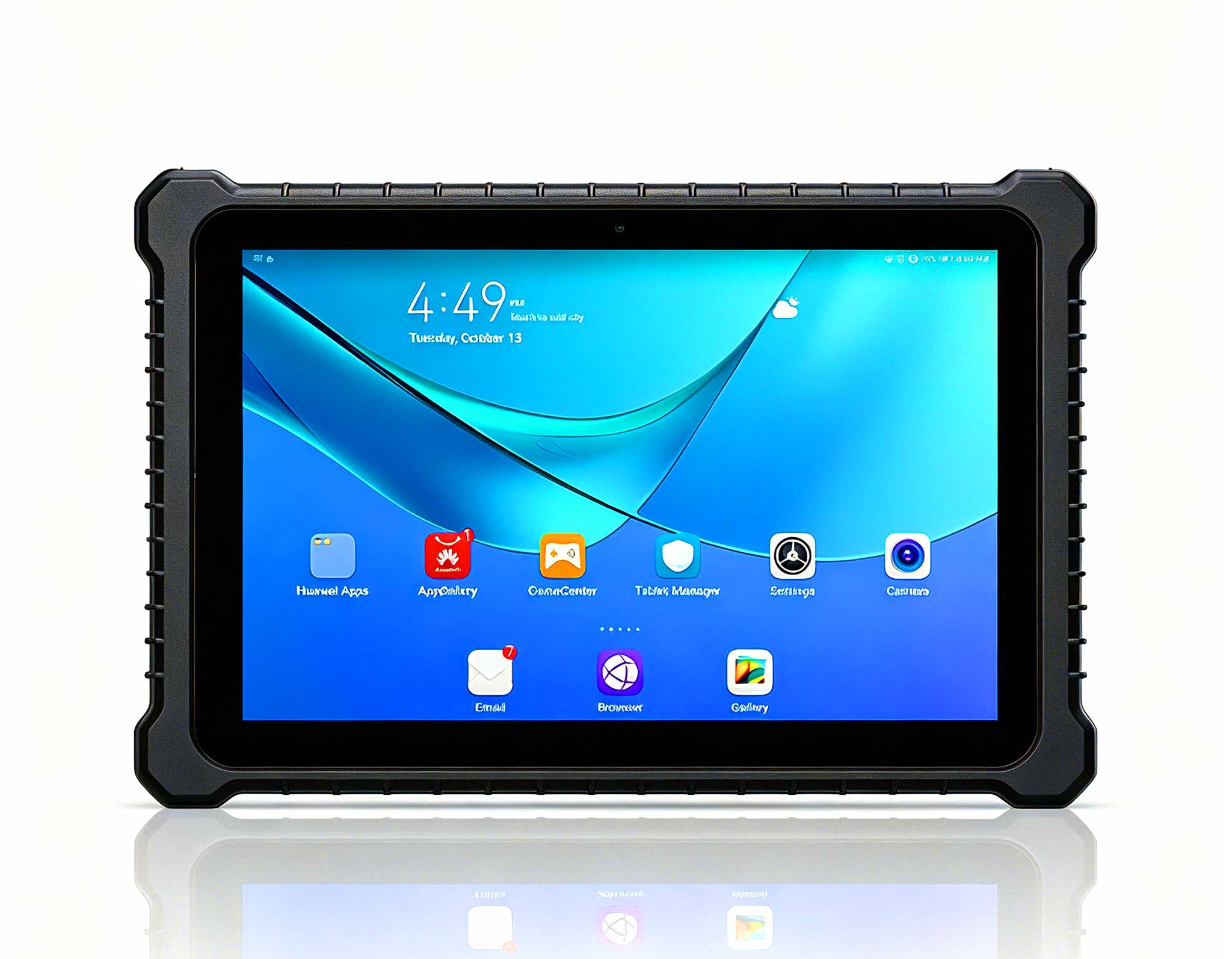
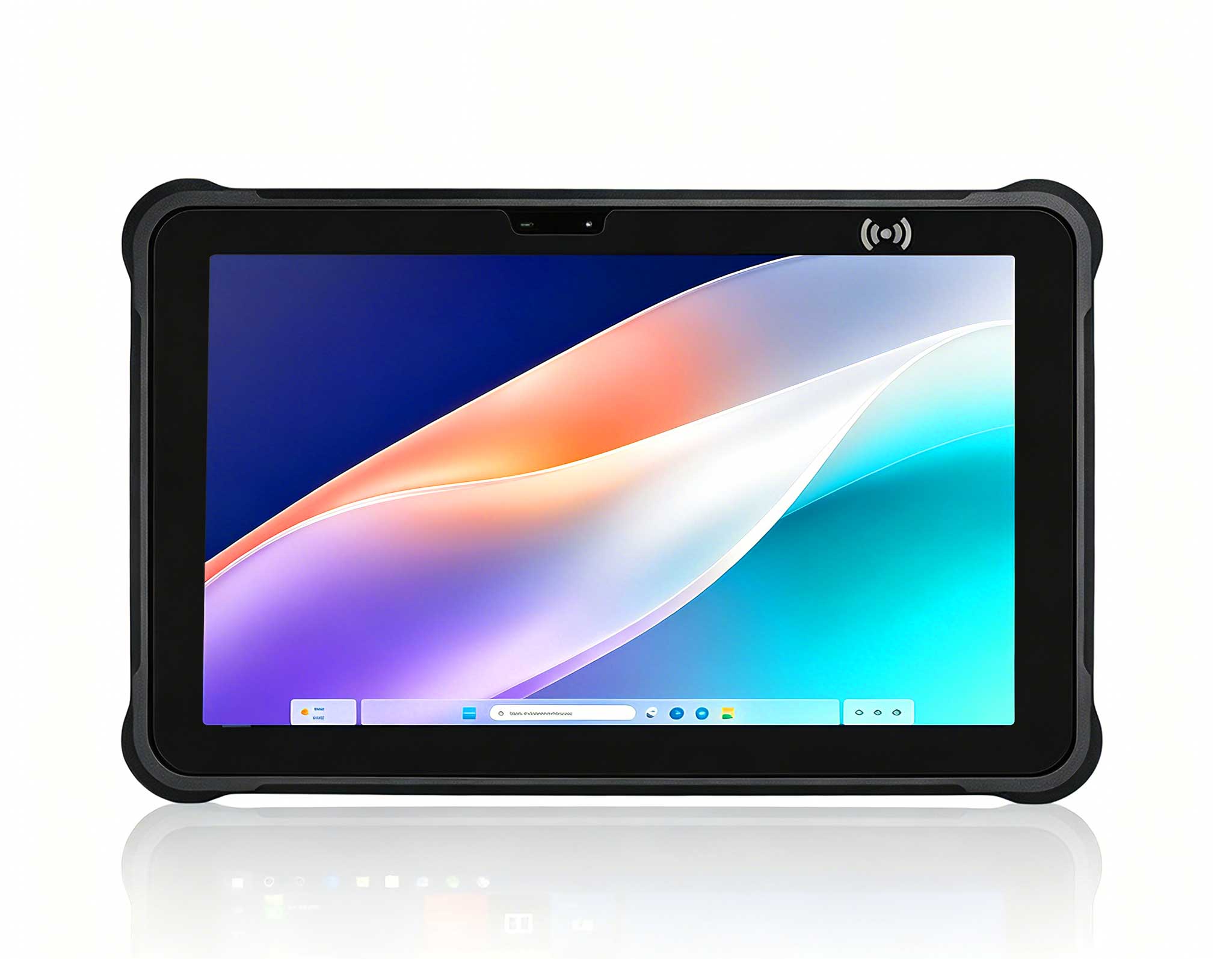
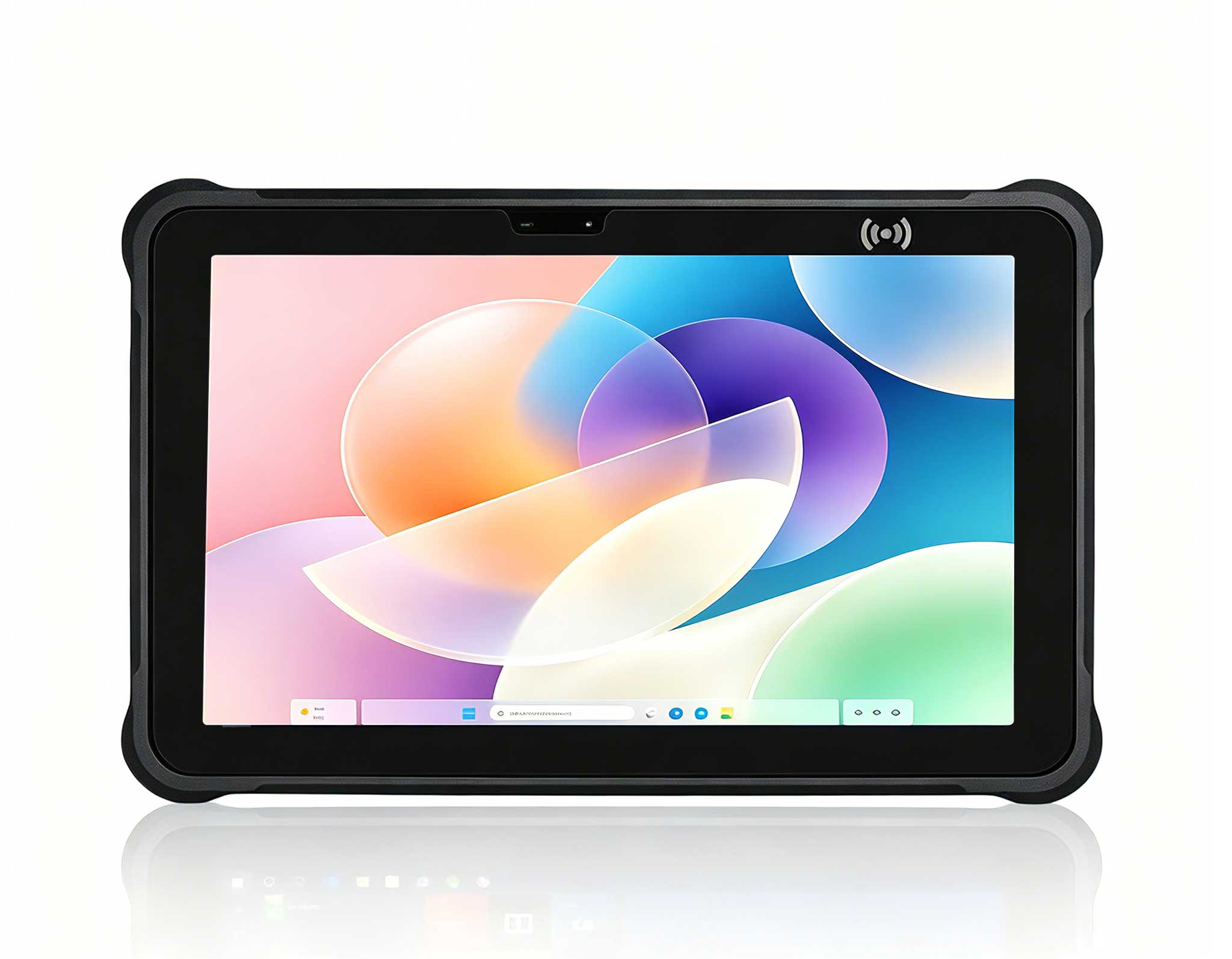
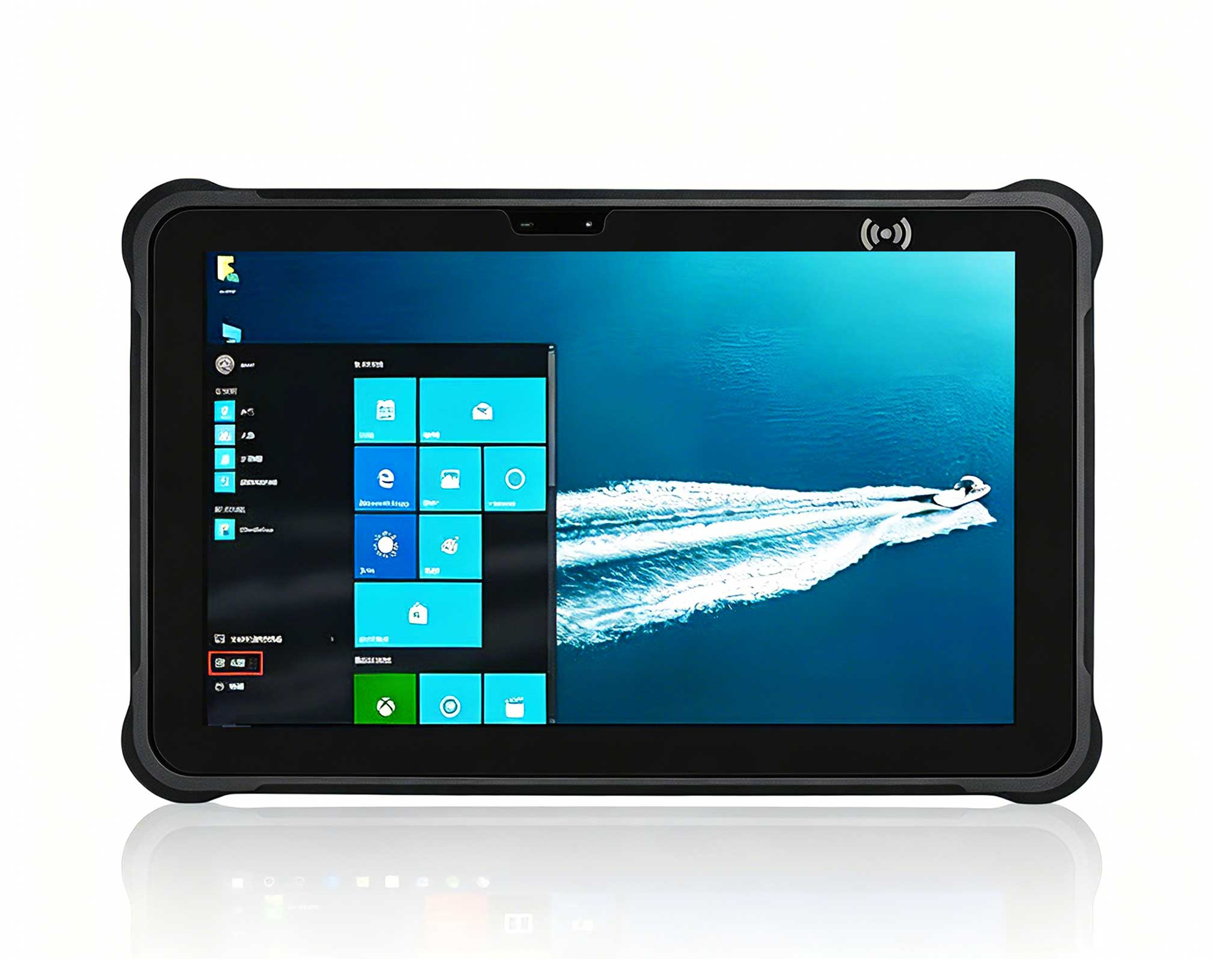
The ST13-J, equipped with a 13.3-inch industrial-grade display, provides a genuine desktop-class experience. It runs native Windows applications—ERP clients, SCADA dashboards, video analytics software—without requiring users to squint or constantly zoom in and out. The large screen also enables genuine split-screen multitasking: a warehouse manager can keep inventory management software open on one half while monitoring a live drone feed on the other. According to Hotus specifications, the ST13-J features a high-brightness panel (often exceeding 800 cd/m²) with sunlight readability and an IP65-rated sealed enclosure, making it suitable for semi-outdoor zones like loading docks, receiving yards, or assembly lines near open bay doors. Its chassis is built with a magnesium-alloy frame and corner bumpers that absorb impact, ensuring it withstands the bumps and knocks of a busy industrial shift.
When evaluating performance, both devices are powered by Intel processors, but their capabilities differ significantly. The ST13-J typically uses an Intel Core i5 or i7 processor, delivering robust performance for data-intensive tasks like running multiple virtual machines or processing high-resolution video feeds. In contrast, the SH5-W employs an Intel Atom or Celeron processor, optimized for low power consumption and sufficient for lightweight applications like barcode scanning, data entry, and field inspections. This difference in processing power directly impacts battery life: the ST13-J 13.3" Windows can last up to 8 hours under heavy use, while the SH5-W extends to 12–14 hours, making it ideal for all-day mobile operations.
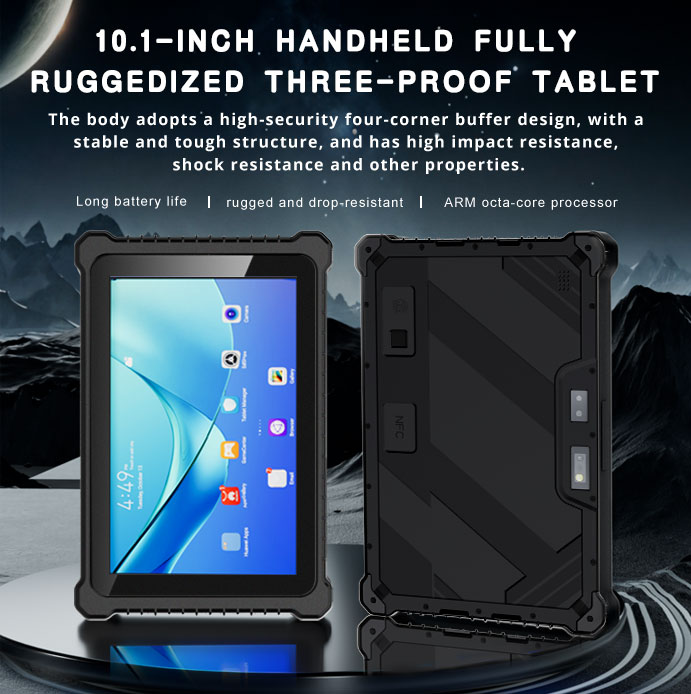
Durability is another critical factor. Both devices meet IP65 standards for dust and water resistance, but the ST13-J’s larger form factor includes additional shock-absorbing bumpers and a magnesium alloy frame, whereas the SH5-W’s compact design relies on a reinforced polycarbonate shell and rubberized edges. In drop tests, the SH5-W survives falls from up to 1.8 meters (6 feet) onto concrete, while the ST13-J withstands drops from 1.2 meters (4 feet). For extreme environments, the ST13-J offers optional expansion modules for barcode scanners or RFID readers, enhancing its versatility in warehouse or logistics settings.
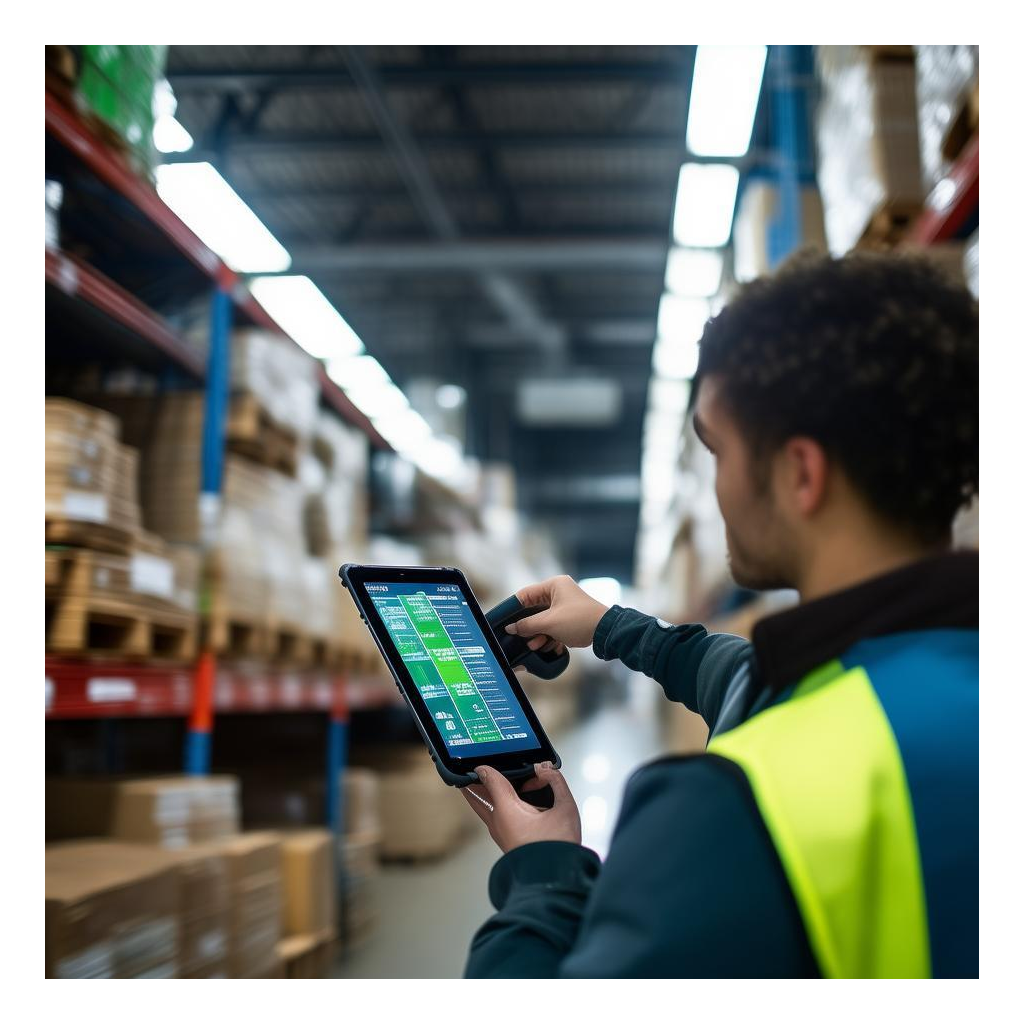
To illustrate the practical impact of these differences, consider three common deployment scenarios:
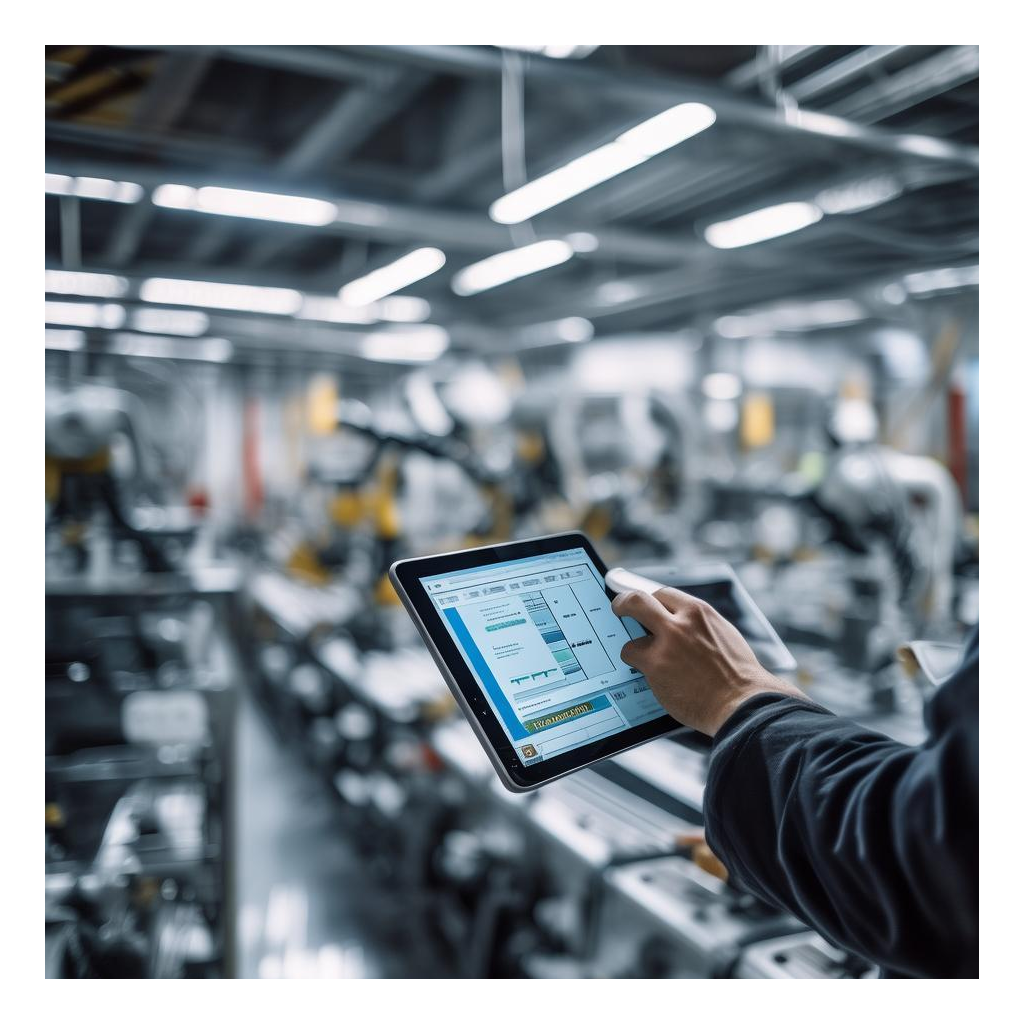
From a cost perspective, the ST13-J commands a higher upfront price due to its larger screen, more powerful processor, and additional durability features. Typical retail pricing for the ST13-J ranges from $2,500 to $3,500, while the SH5-W is priced between $1,200 and $1,800. However, total cost of ownership (TCO) must account for factors like lifespan, maintenance, and productivity gains. The ST13-J often lasts 5–7 years in industrial settings, while the SH5-W has a lifespan of 3–5 years due to higher mobility wear. In a multi-device deployment, pairing one ST13-J with three SH5-W units can reduce per-worker equipment costs by 25% compared to using only large tablets, while maintaining operational flexibility.
ROI is also influenced by software integration. Hotus devices support centralized management tools like Intel vPro and remote monitoring, reducing IT overhead. For example, a factory using both devices reported a 30% decrease in device-related downtime after implementing automatic updates and remote diagnostics. Additionally, the ability to swap batteries in the SH5-W eliminates charging delays, further enhancing productivity. For a deeper look at how these devices perform in real logistics environments, read our ST11-J 工业平板物流分拣实测.
To help decision-makers choose between the ST13-J and SH5-W, consider the following factors:
Ultimately, the ST13-J and SH5-W represent two ends of the rugged device spectrum, each excelling in its domain. By assessing your specific workflow requirements—from screen size and processing power to durability and budget—you can select the device or combination that drives efficiency and productivity in your industrial operations. For personalized guidance, consulting with Hotus’s solutions team can help tailor a deployment that aligns with your long-term goals. You can also explore our Rugged Tablet 制造业应用 for additional insights on industrial deployments.