- Select Language
P11 Series Next-Gen Enterprise Rugged Industrial ...
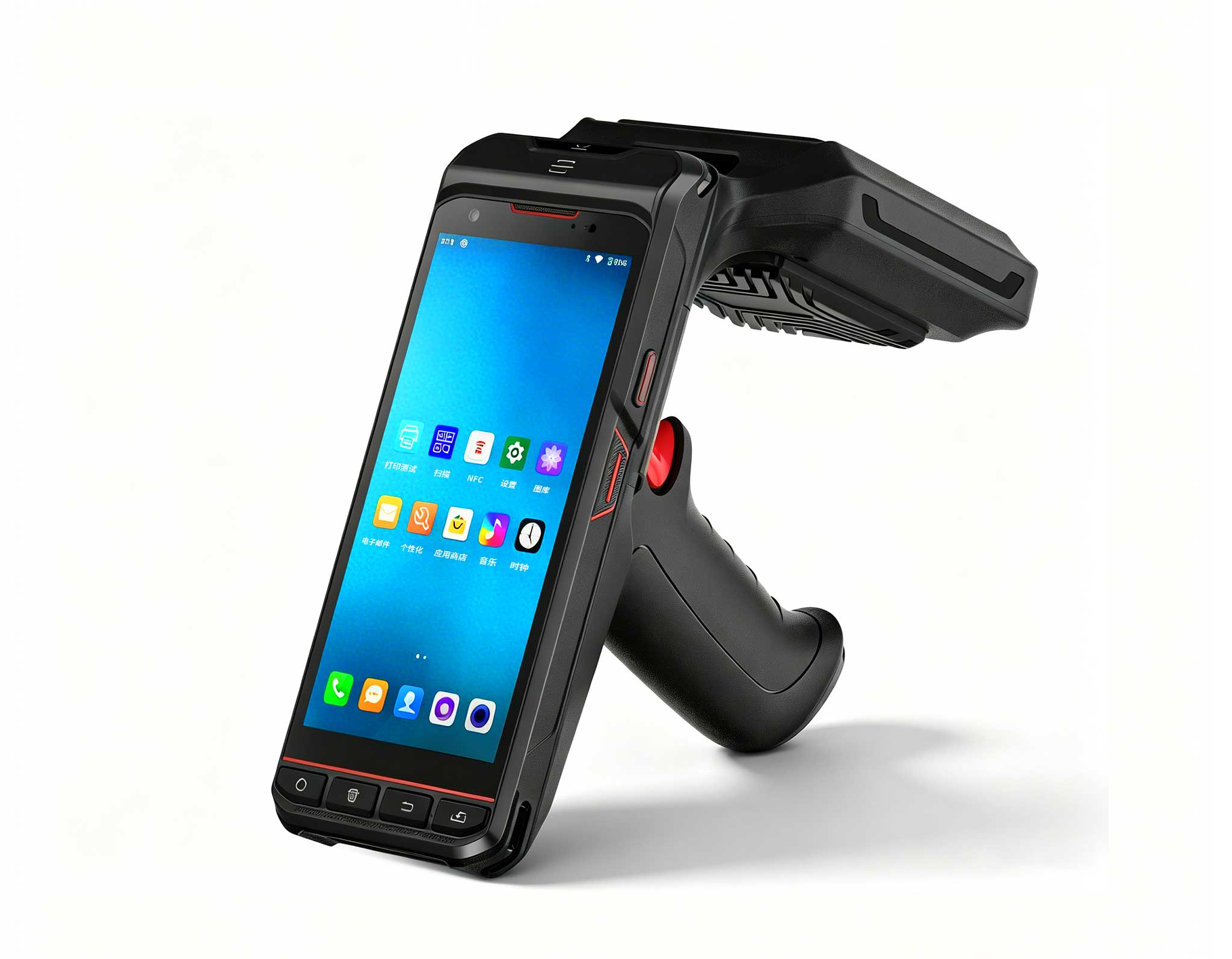
One Device, Dual Functions – A Projector and a Com...
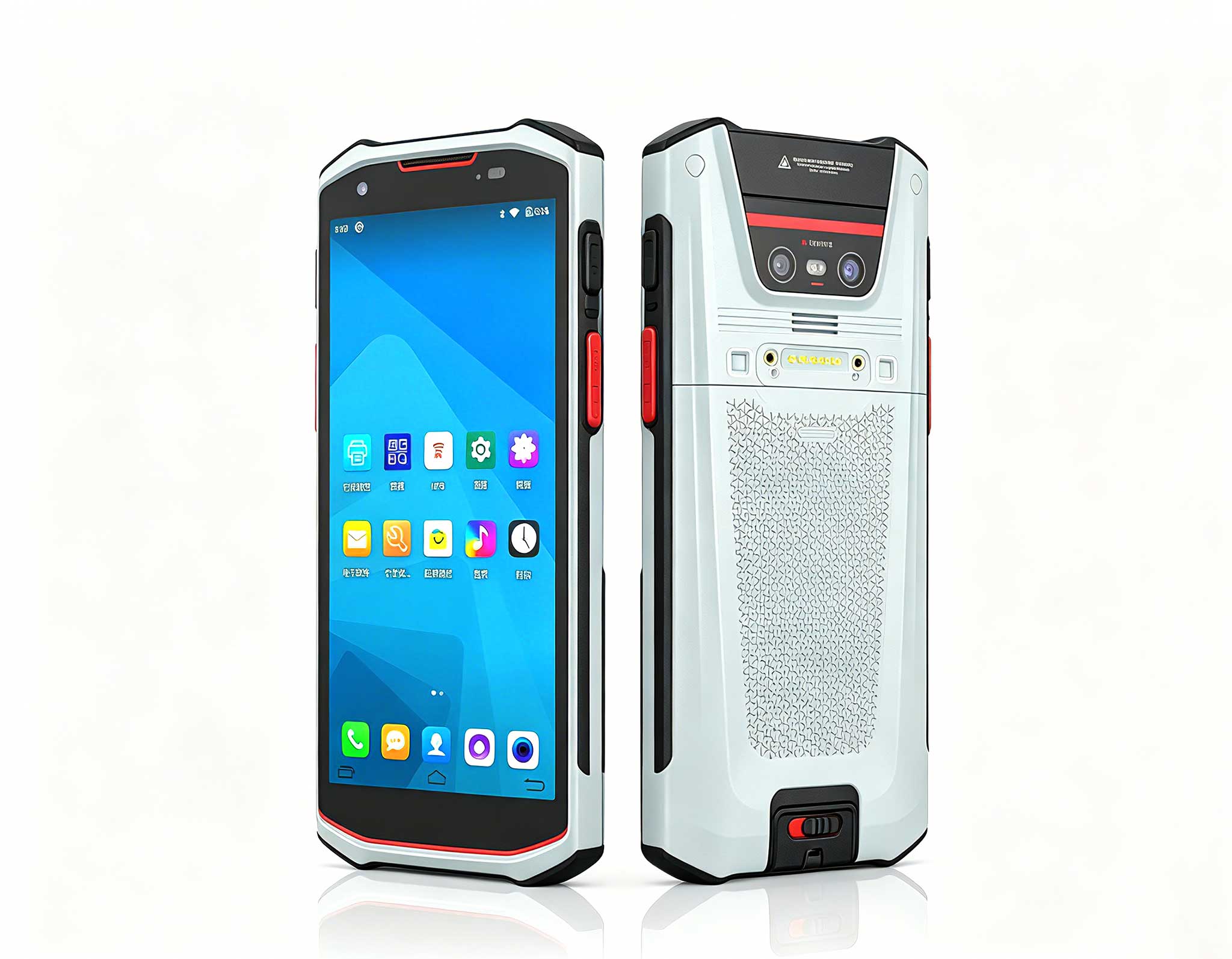
The R501 PDA combines a powerful MT6762 Octa-Core ...
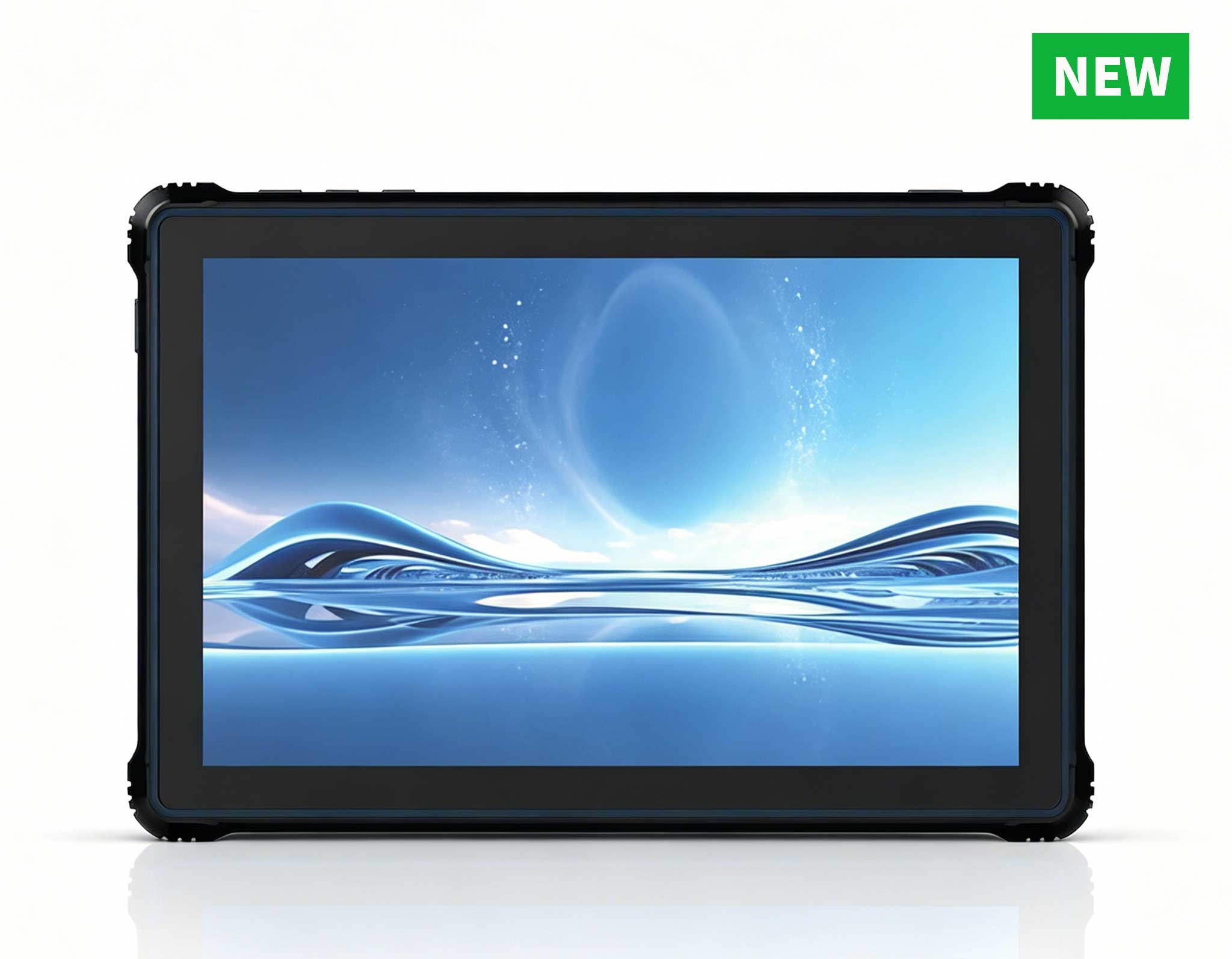
RT80 5G Rugged Tablet | 10.1" FHD 400nit | Un...
Full SpecificationsModelHotus ST11‑MOSWindows 10/1...
When evaluating rugged tablet solutions for retail, many decision-makers start by comparing specs like processor speed or battery life. While these metrics matter, they often overshadow a more critical question: how does the device actually fit into your team's daily operations? At Hotus, we've observed that the most successful deployments come from aligning hardware with workflow patterns—whether that means fast-paced floor scanning or stationary order management. Two models that exemplify this approach are the HTXUK10A-55 10" Rugged Tablet and the ST13-J 13.3" Windows Rugged Industrial Tablet. This guide takes a practical, workflow-centered perspective, exploring how each device fits into real retail environments—from bustling storefronts to stockrooms, but with a fresh focus on operational efficiency and user experience.
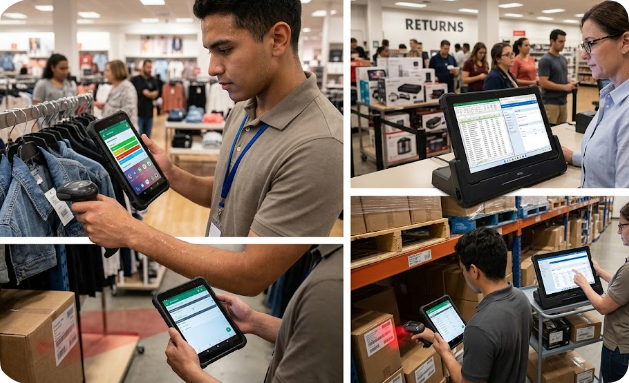
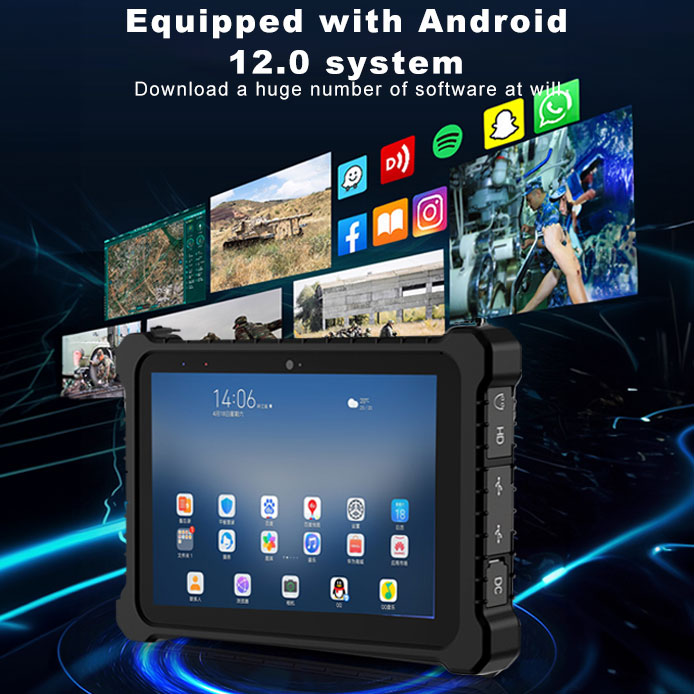
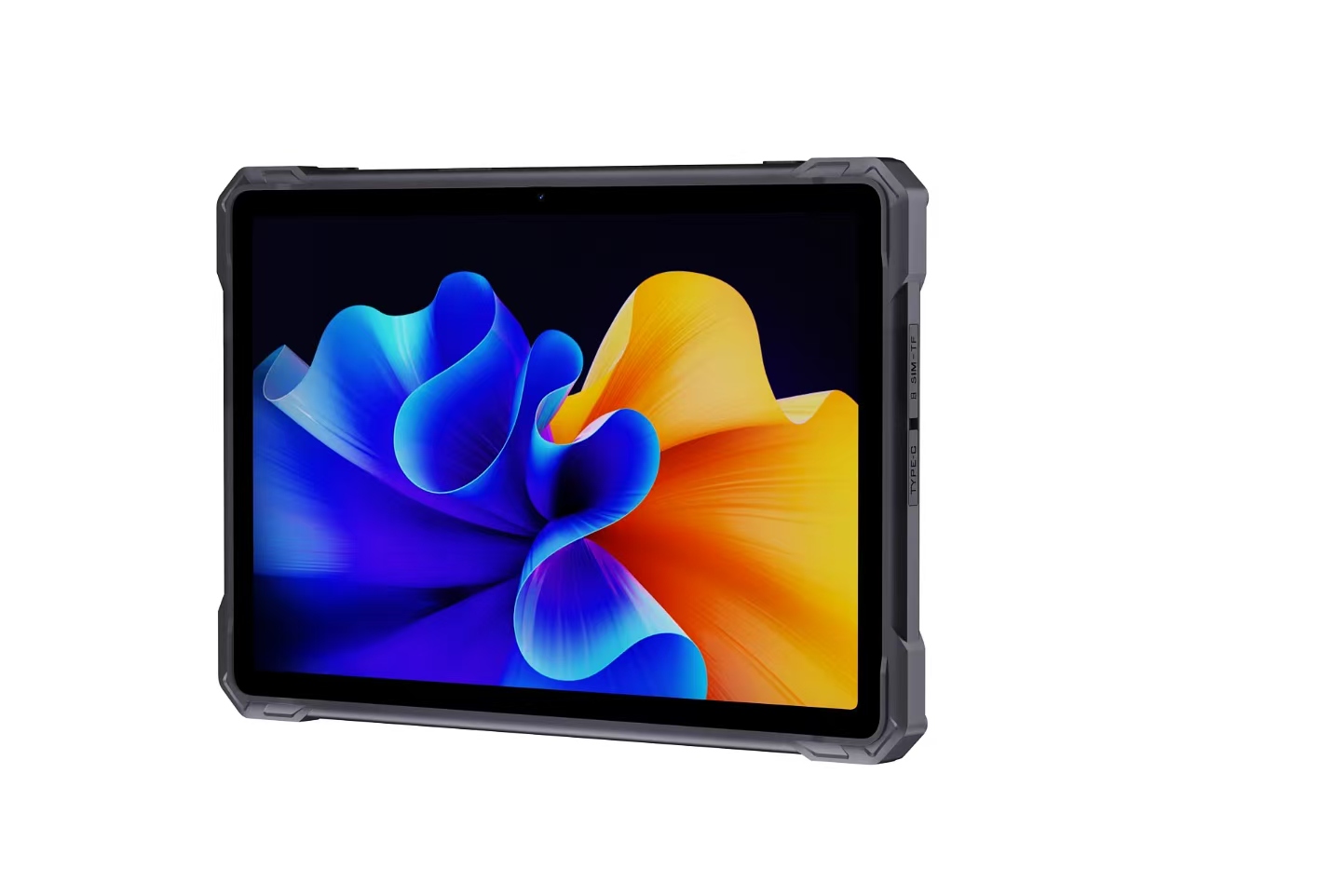
Retail staff are constantly on the move—greeting customers, processing returns, and restocking shelves. A tablet's physical design directly impacts how efficiently these tasks are performed. The HTXUK10A-55 is purpose-built for this environment. Weighing approximately 600 grams with a 10-inch display, it balances screen visibility with portability. In a recent deployment at a busy department store, floor associates used the device to check inventory levels and process mobile payments without returning to a fixed terminal. The built-in 2D imager allowed for quick barcode scans, reducing time spent on stock audits by 30% compared to manual methods. Its Android 12 OS ensures near-instant wake-up, so there's no delay when a customer needs assistance.
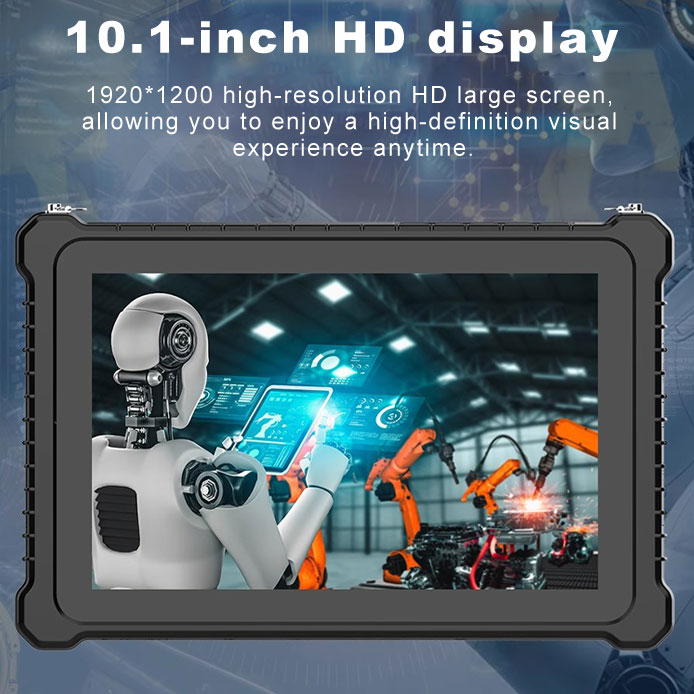
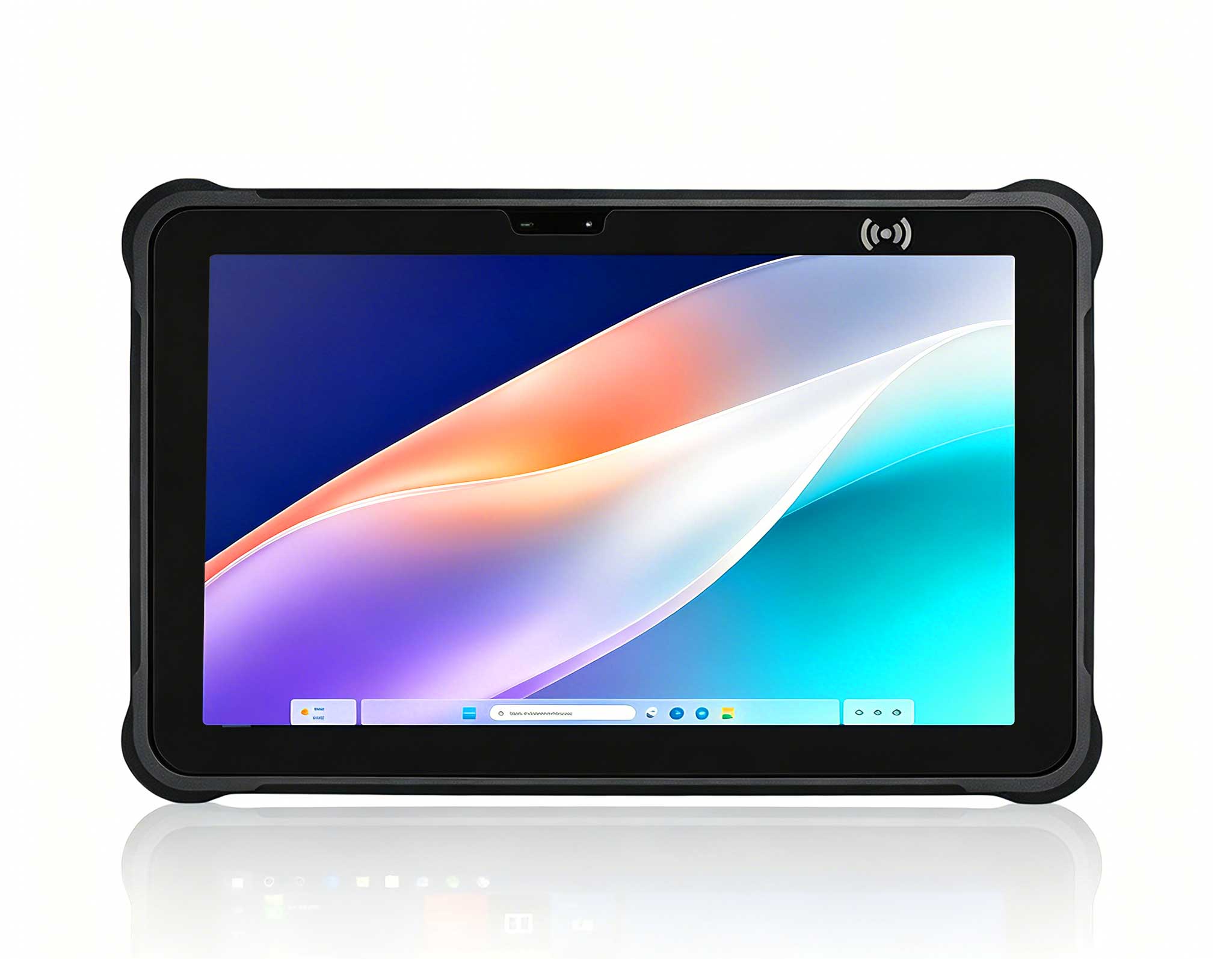
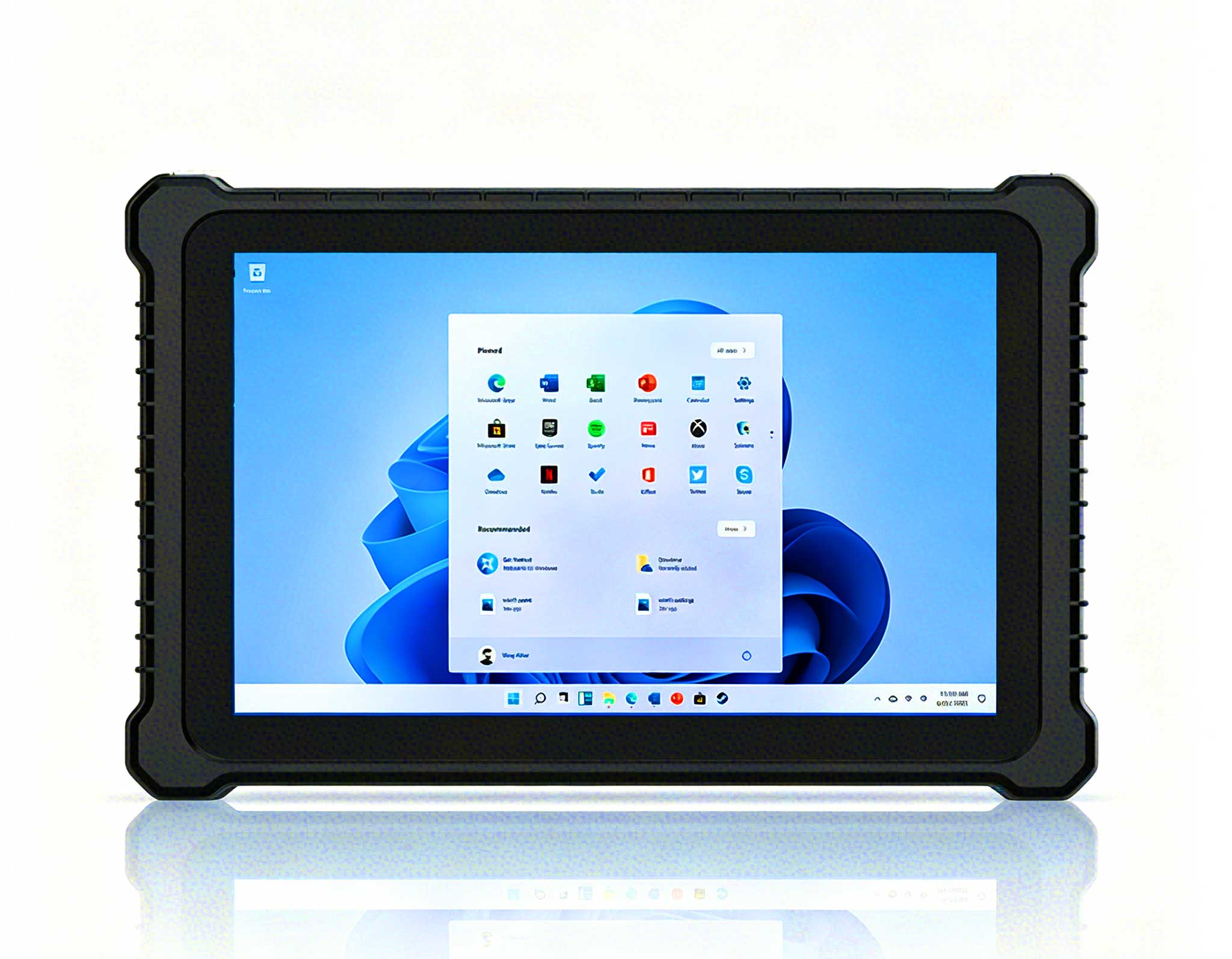
In contrast, the ST13-J 13.3" Windows Rugged Industrial Tablet prioritizes screen size over mobility. Its 13.3-inch display is ideal for multitasking—for example, viewing a customer's order history while updating stock records simultaneously. However, its larger chassis makes it less practical for extended handheld use. During a trial at a home improvement retailer, employees found the ST13-J comfortable when mounted on a cart or counter, but fatiguing when carried for more than 15 minutes. The Windows 11 Pro environment offers robust compatibility with legacy retail software, but the system takes slightly longer to wake from sleep compared to the Android-based HTXUK10A-55. For fixed-point applications like a checkout kiosk or warehouse desk, the ST13-J provides unmatched screen real estate.
To summarize the trade-off: the HTXUK10A-55 10" Rugged Tablet is your mobility champion, while the ST13-J 13.3" Windows Rugged Industrial Tablet shines when stationary multitasking is required.
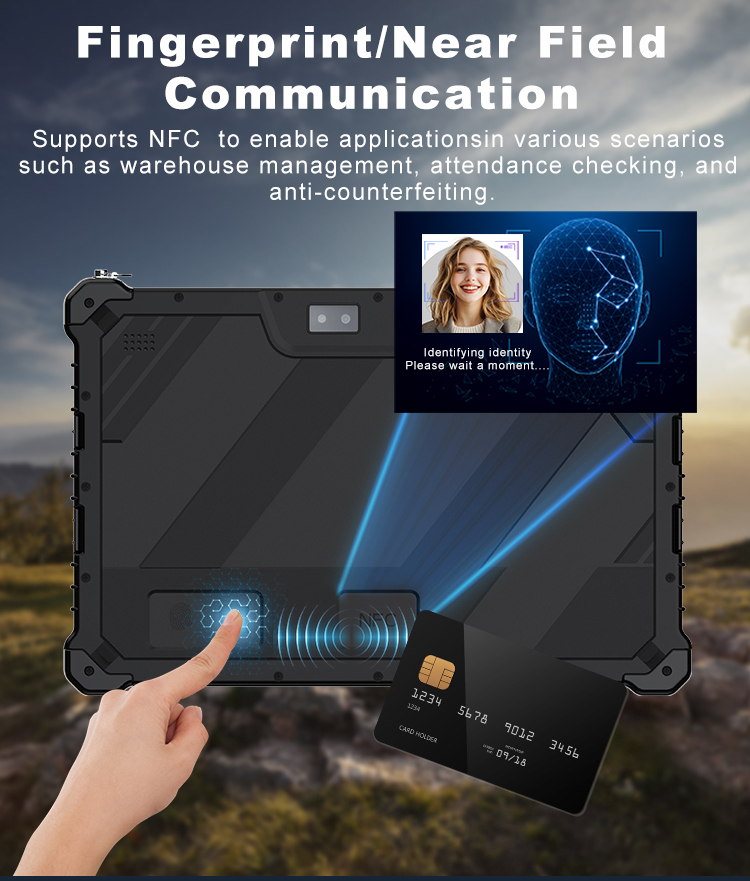
The choice between Android and Windows often determines how easily a tablet integrates into existing retail workflows. Android, as used on the HTXUK10A-55, excels in app-based environments. Retailers can deploy custom POS apps from the Google Play Store or sideload proprietary software with minimal friction. The touch-first interface is intuitive for staff who may not be tech-savvy, and the device supports NFC for contactless payments, which is increasingly important in modern retail. In a pilot program at a clothing boutique, staff used the HTXUK10A-55 to handle checkout lines on the sales floor, integrating with Square and Shopify POS without any compatibility issues. The Android 12 kernel also provides granular permission controls, ensuring that sensitive customer data remains secure.
Windows, on the ST13-J 13.3" Windows Rugged Industrial Tablet, offers deeper compatibility with enterprise-grade software like SAP or Oracle Retail. For retailers managing complex supply chains or using Windows-only inventory management tools, this is a significant advantage. The ST13-J's Windows 11 Pro supports full desktop applications, including spreadsheet-based reporting and multi-window management. However, the trade-off is a steeper learning curve for staff accustomed to mobile interfaces. During a deployment at a electronics chain, managers appreciated the ST13-J's ability to run legacy barcode scanning software, but cashiers needed extra training to navigate the Windows UI efficiently. The device's SSD ensures fast boot times—under 15 seconds from cold start—but sleep/wake cycles are slightly slower than the HTXUK10A-55's instant-on Android.
To understand which device matches your workflow, consider three typical retail scenarios:
Scenario A: Mobile Checkout and Customer Assistance
In a high-traffic store where employees roam the floor, the HTXUK10A-55 is the clear winner. Its lightweight design and instant-on capability allow staff to process payments, check stock, and answer customer questions without returning to a fixed register. A sporting goods retailer reported that using HTXUK10A-55 devices reduced checkout wait times by 20% during peak hours, as associates could complete transactions anywhere in the store.
Scenario B: Fixed-Point POS and Order Management
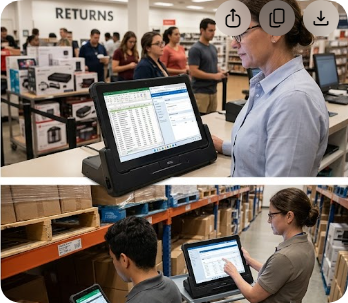
For a retail environment with dedicated checkout lanes or a customer service desk, the ST13-J 13.3" Windows Rugged Industrial Tablet offers superior screen space. A home decor chain used the ST13-J at their returns counter, where employees needed to view large product catalogs and process exchanges simultaneously. The Windows OS allowed seamless integration with their existing ERP system, and the 13.3-inch display made it easy to compare SKU numbers side by side.
Scenario C: Hybrid Roles
Some retail staff split time between the floor and a fixed station. In this case, a mix of both devices might be optimal. Floor associates can use the HTXUK10A-55 10" Rugged Tablet for mobile tasks, while managers use the ST13-J for reporting and administrative work. A grocery chain implemented this hybrid approach, assigning HTXUK10A-55 to cashiers for lane-free checkout and ST13-J to department heads for inventory oversight, resulting in a 15% increase in overall operational efficiency.
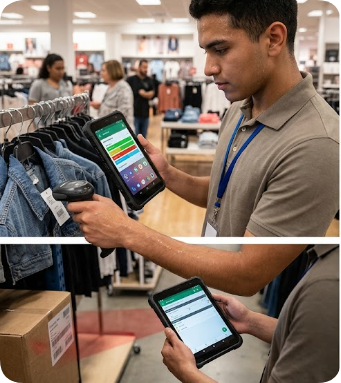
Both tablets are built for rugged use, but their construction reflects different priorities. The HTXUK10A-55 is IP65-rated, meaning it resists dust and low-pressure water jets—ideal for retail environments where spills or dust from stockrooms are common. Its integrated rubber bumpers provide drop protection up to 1.2 meters, which is sufficient for accidental slips during handheld use. The Android OS receives regular security patches, and Hotus offers a 3-year warranty on the device.
The ST13-J 13.3" Windows Rugged Industrial Tablet is built for more demanding conditions, with IP67 rating (complete dust ingress protection and submersion up to 1 meter for 30 minutes). It also features an optional hot-swappable battery, allowing continuous operation during long shifts. The Windows OS requires more frequent updates and antivirus management, but Hotus provides remote device management tools to simplify maintenance. For retailers with high dust exposure or potential liquid spills, the ST13-J offers extra peace of mind.
Instead of comparing specs in isolation, use this workflow-based checklist to decide between the two:
Ultimately, the right rugged tablet isn't the one with the best specs on paper—it's the one that integrates seamlessly into your team's daily workflow. For a deeper look at how rugged tablets are transforming manufacturing floors, see our related coverage. By prioritizing how your staff actually work, you can avoid costly mismatches and ensure that your investment drives real productivity gains.