- Select Language
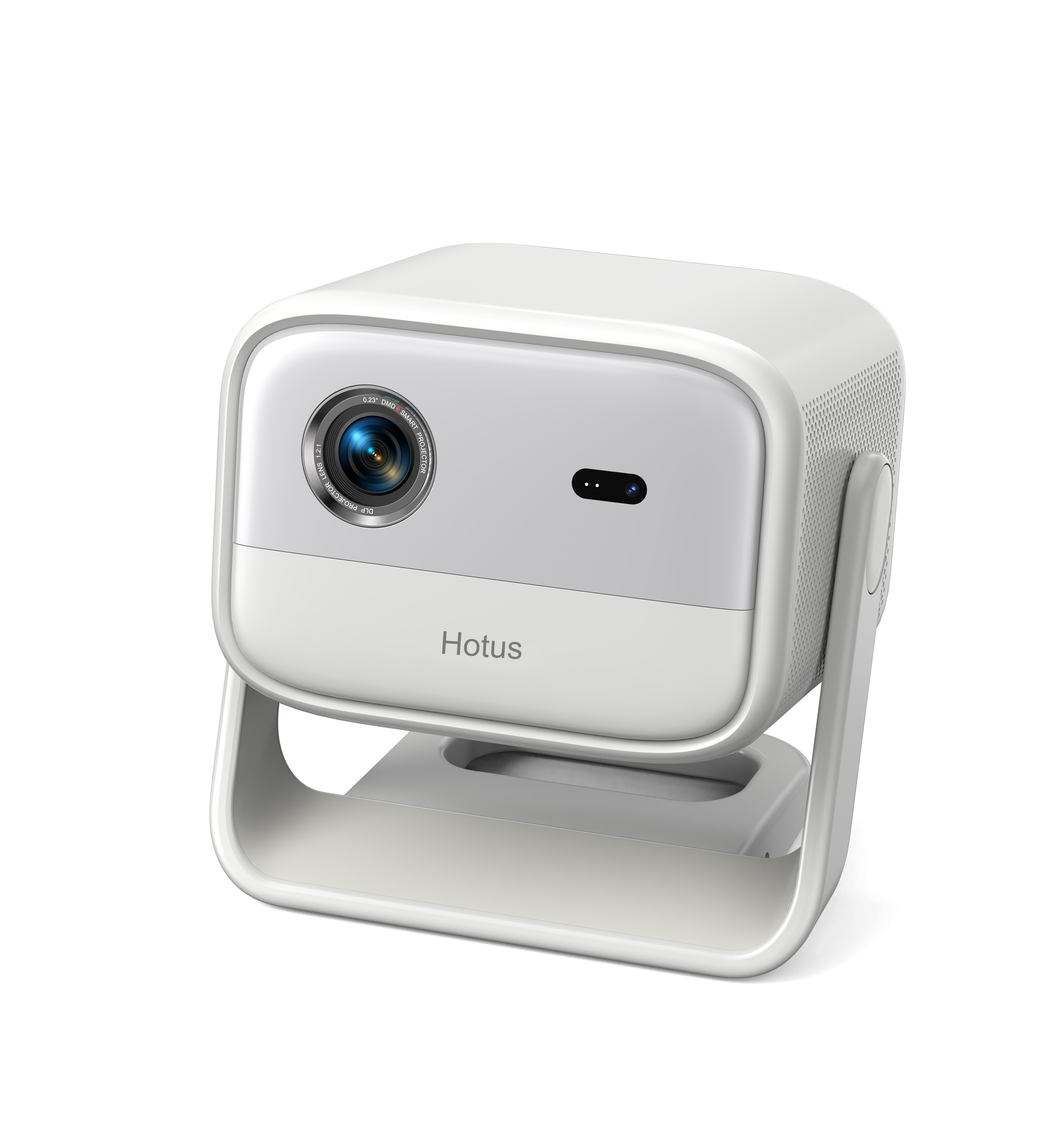
Full SpecificationsModel Hotus SH5‑WOperating ...
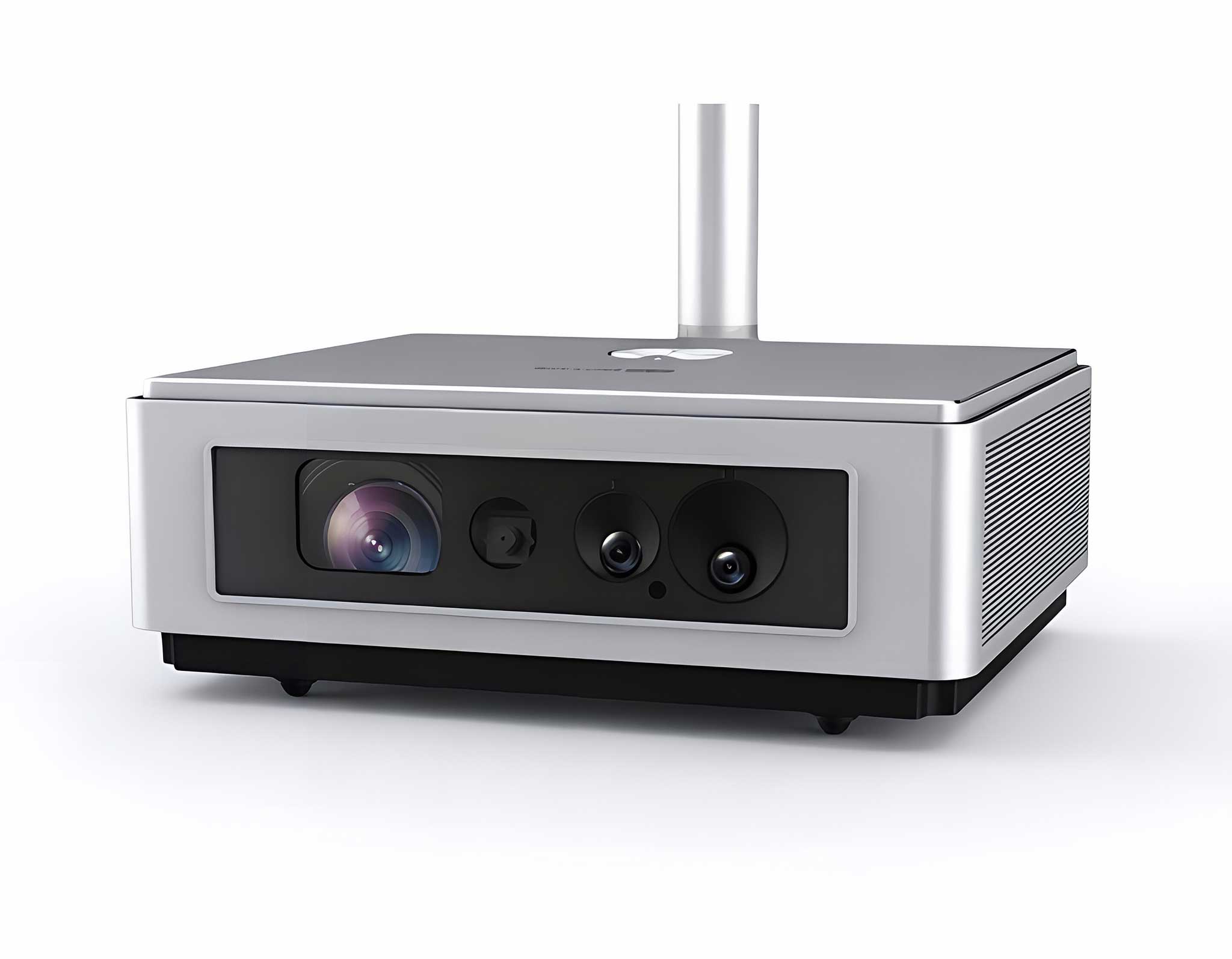
Explore an innovative Personal Digital Assistant f...
Enterprise Flagship SeriesEngineered for mission-c...
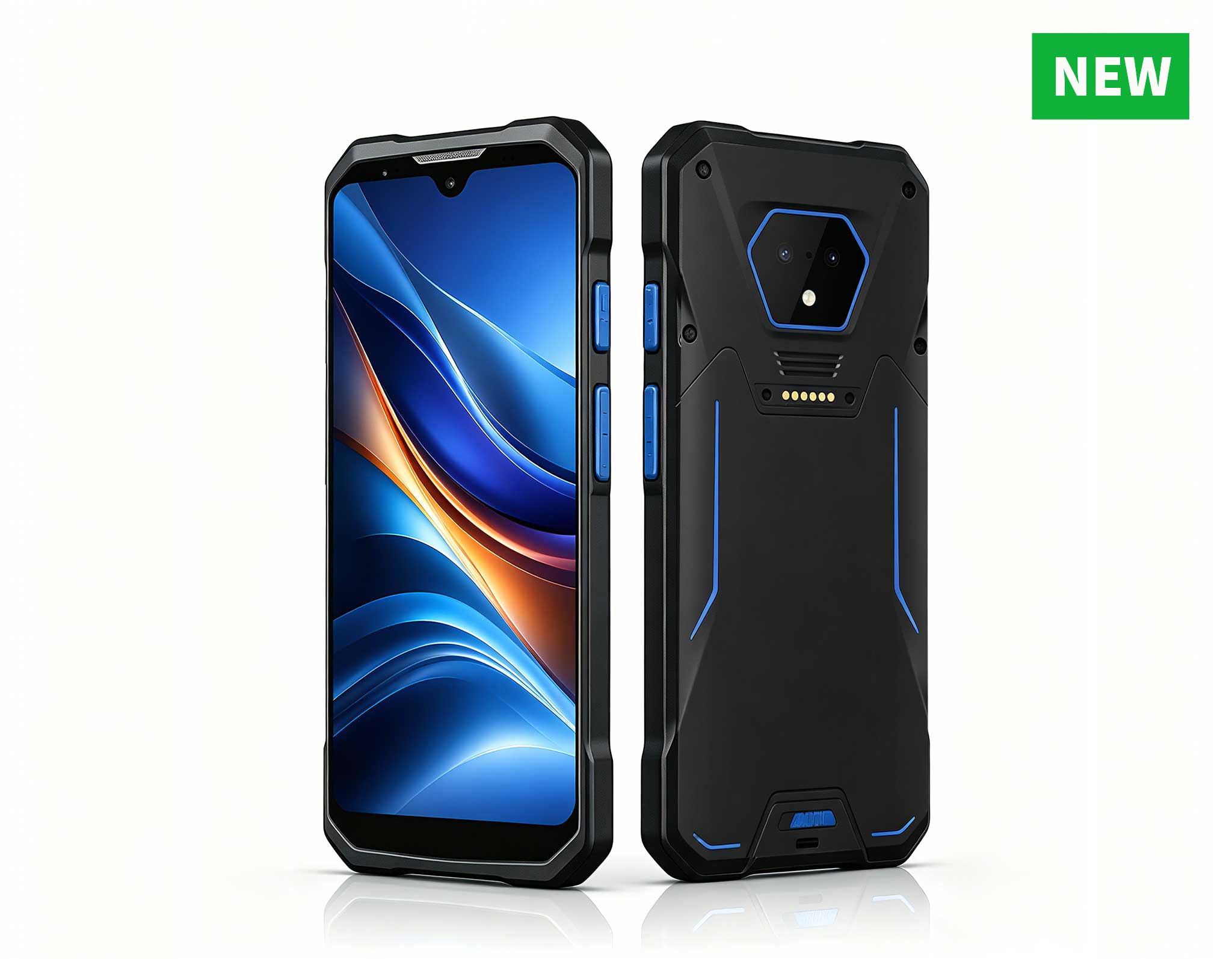
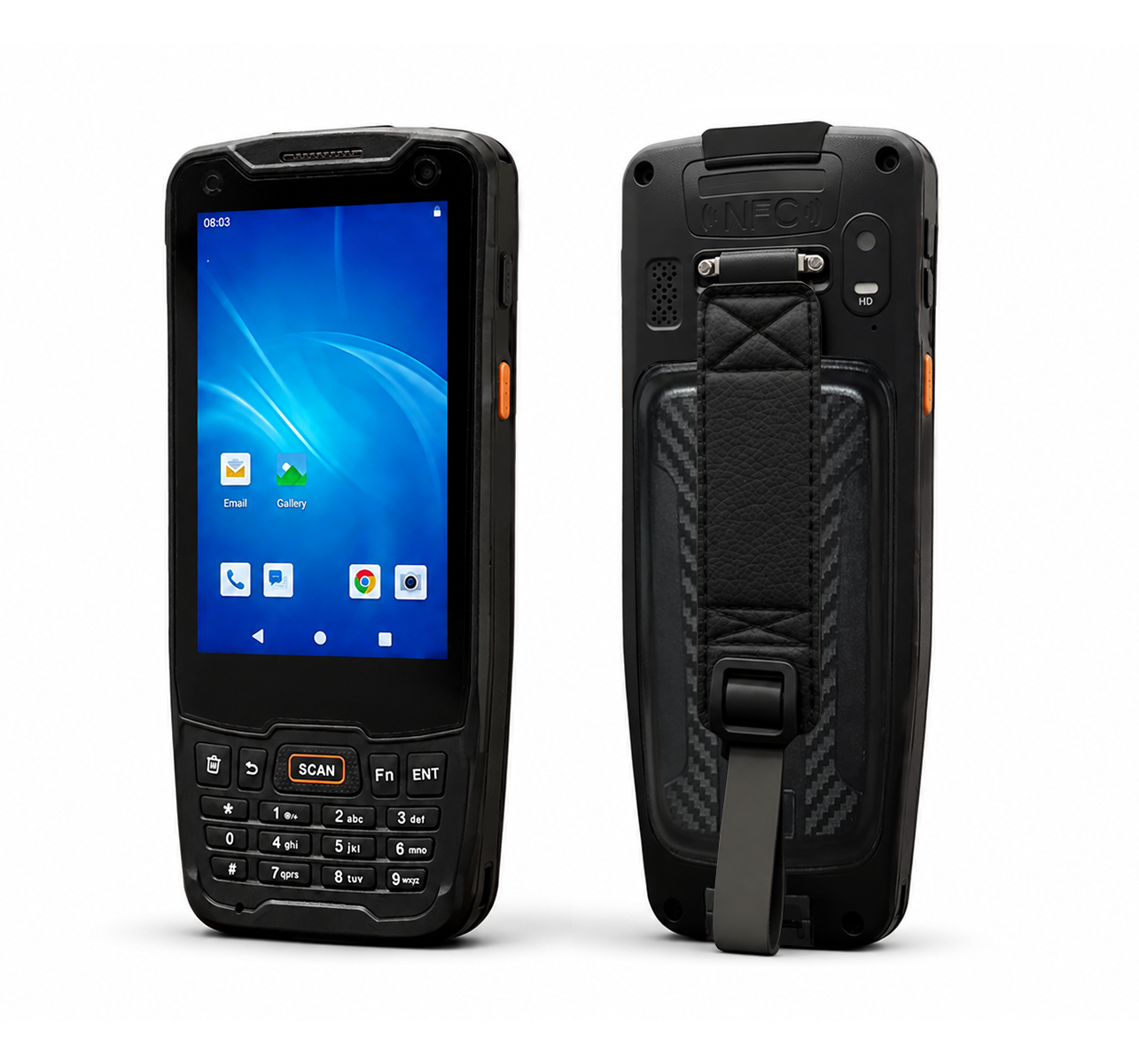
RS51 4G Rugged Handheld Terminal | 6.3" FHD+ ...
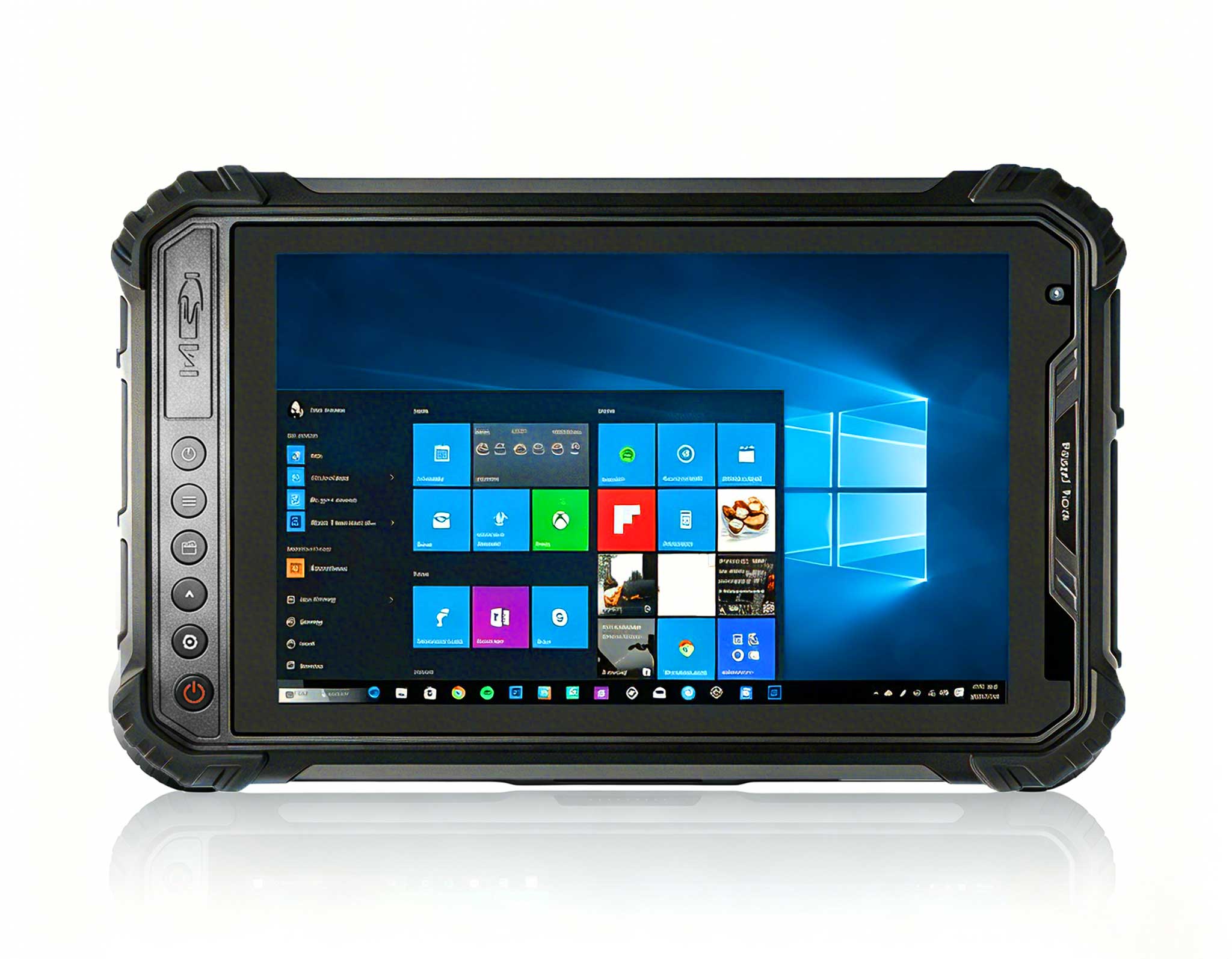
Full SpecificationsModelHotus ST9‑JOSWindows 10 Pr...
From the unknown so simpleUsed for mobile phones, ...
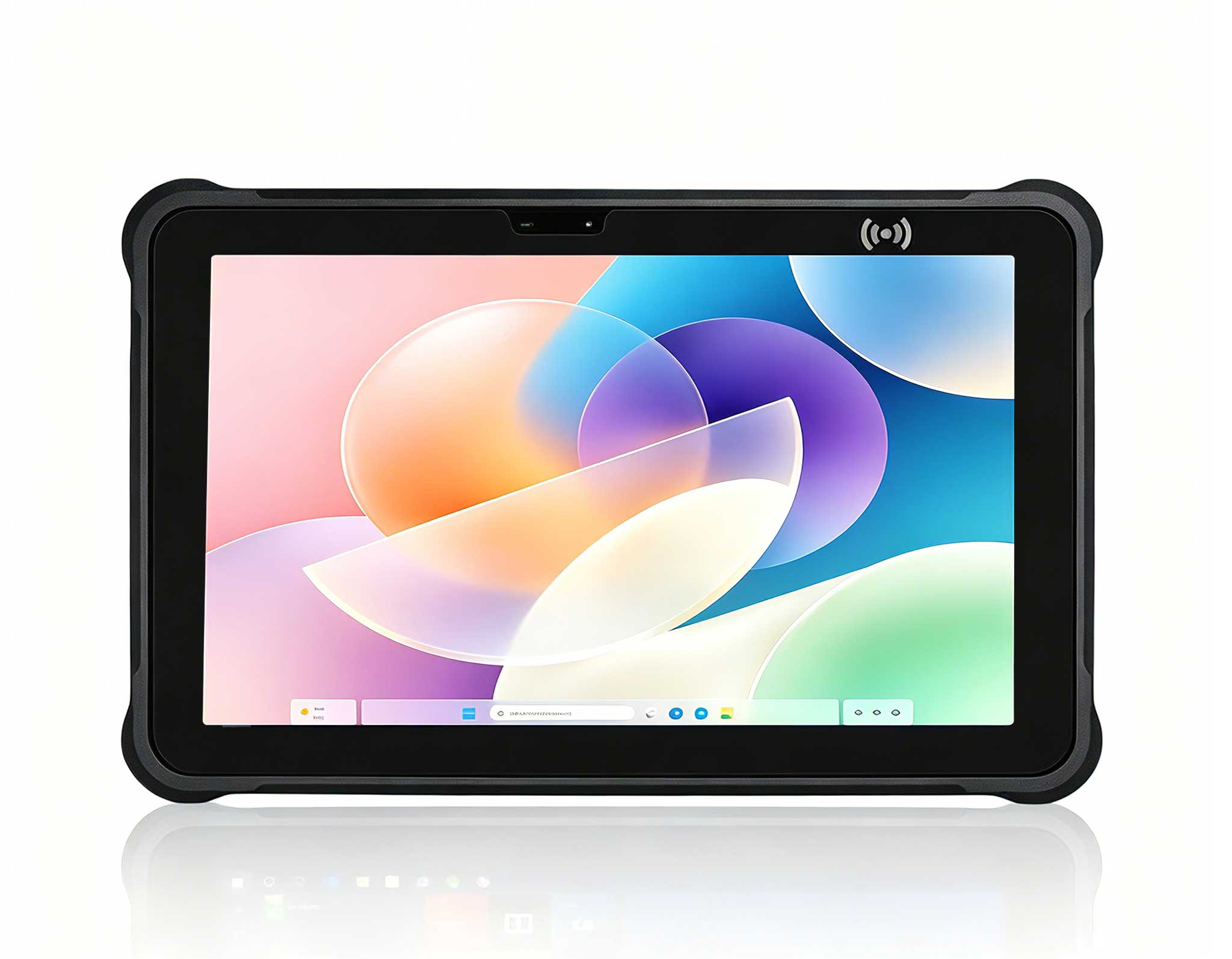
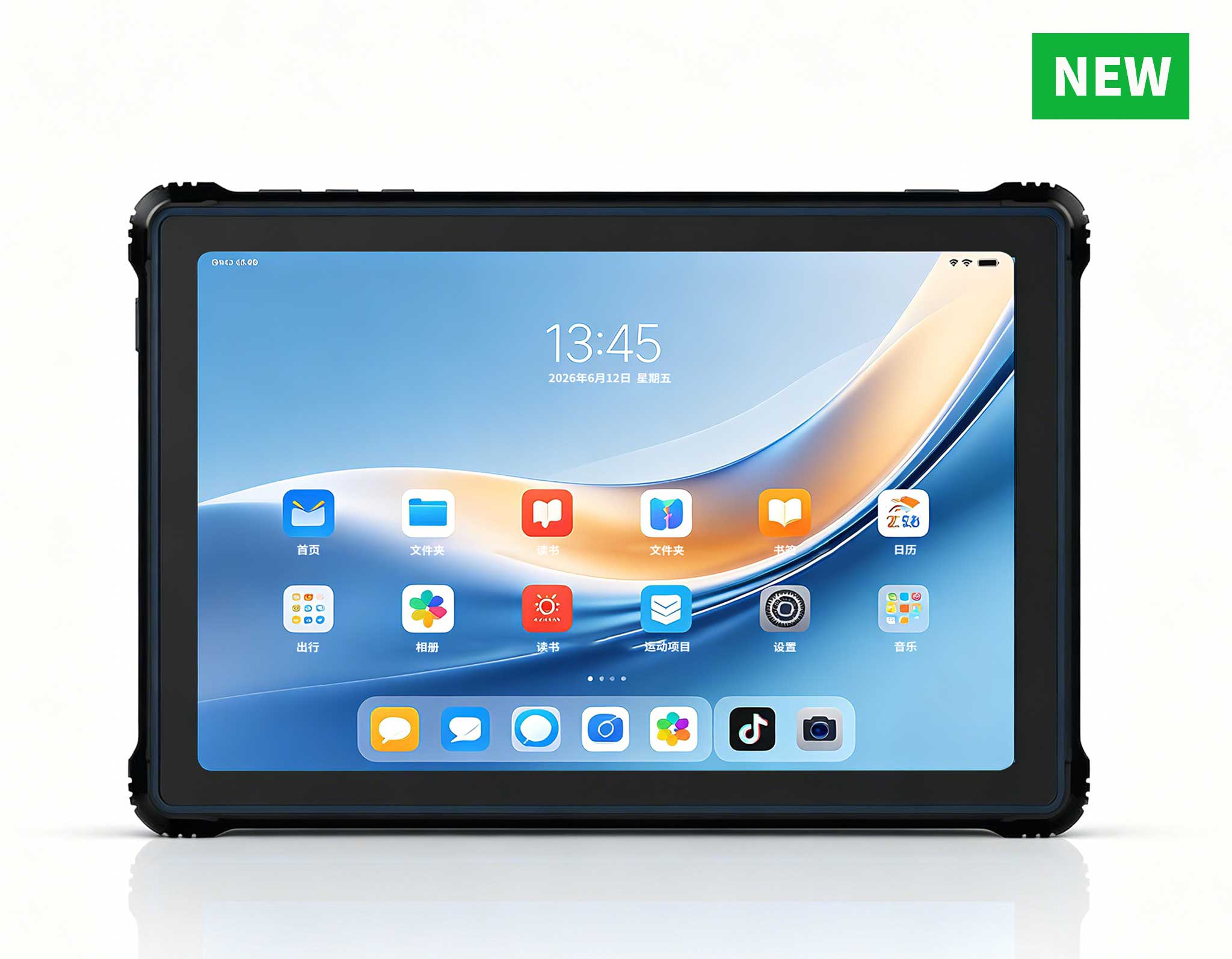
RT81 4G Rugged Tablet | 10.1" FHD 400nit | Qu...
R350C 4-inch Industrial Handheld PDA | Qualcom...
The N60 PDA is a cutting-edge device for inventory...
The N40 Android smart PDA features a Cortex-A53 qu...
R530C 6.0-inch Industrial PDA | Qualcomm Octa-core...
The R501 PDA combines a powerful MT6762 Octa-Core ...
Deploying a new point-of-sale system in a retail environment requires careful planning and execution. This implementation walkthrough focuses on the installation and setup of the X501 Handheld PDA and K401 Handheld PDA, complemented by the SH6 rugged tablet, to create a seamless and efficient retail POS ecosystem. The goal is to provide a step-by-step guide that covers hardware preparation, software configuration, and network integration, ensuring that retail staff can begin processing transactions with minimal downtime. For businesses seeking reliable hardware, a trusted Mini PC manufacturer often provides the backbone for such integrated systems, but here we focus on the handheld devices that drive front-line operations.
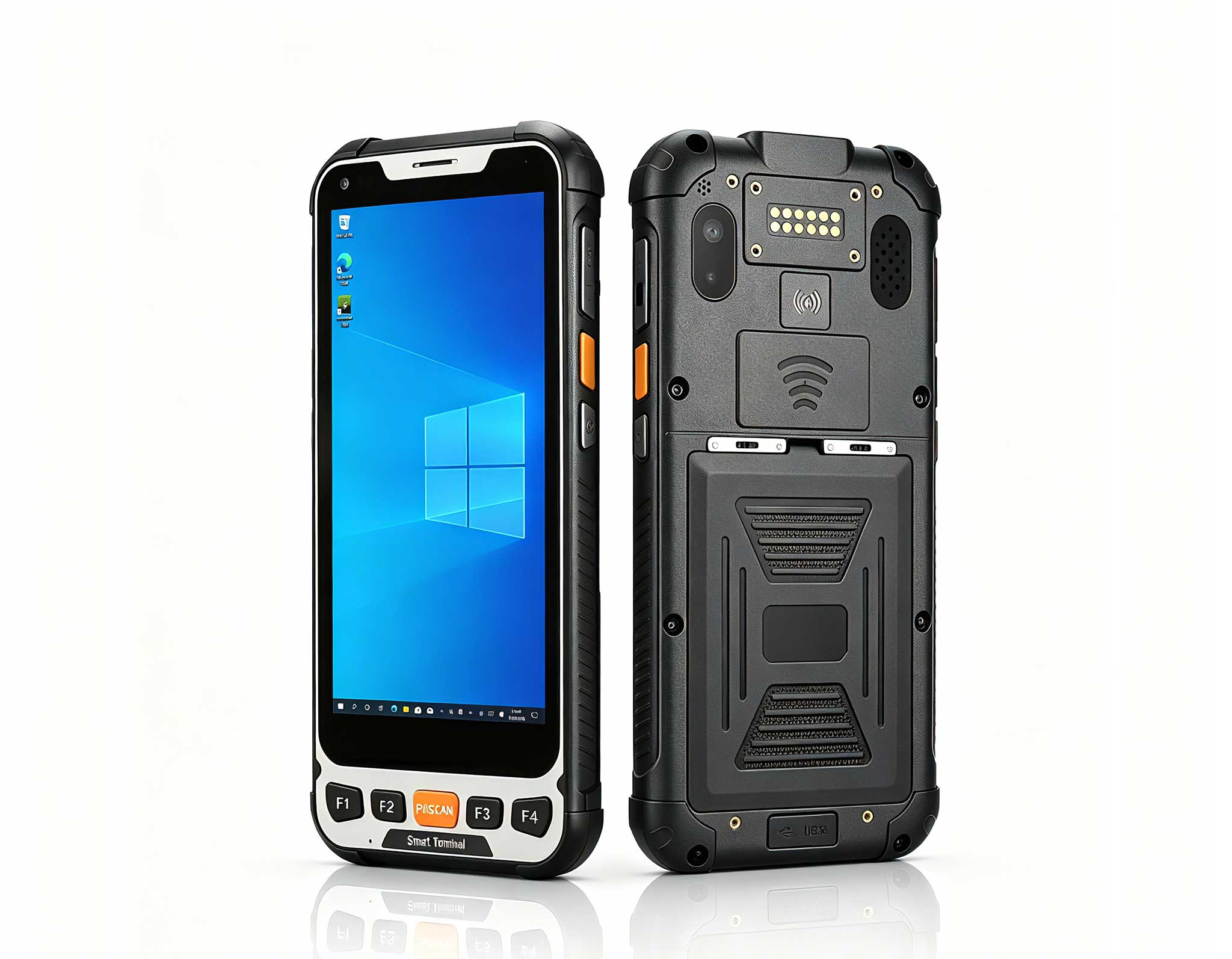
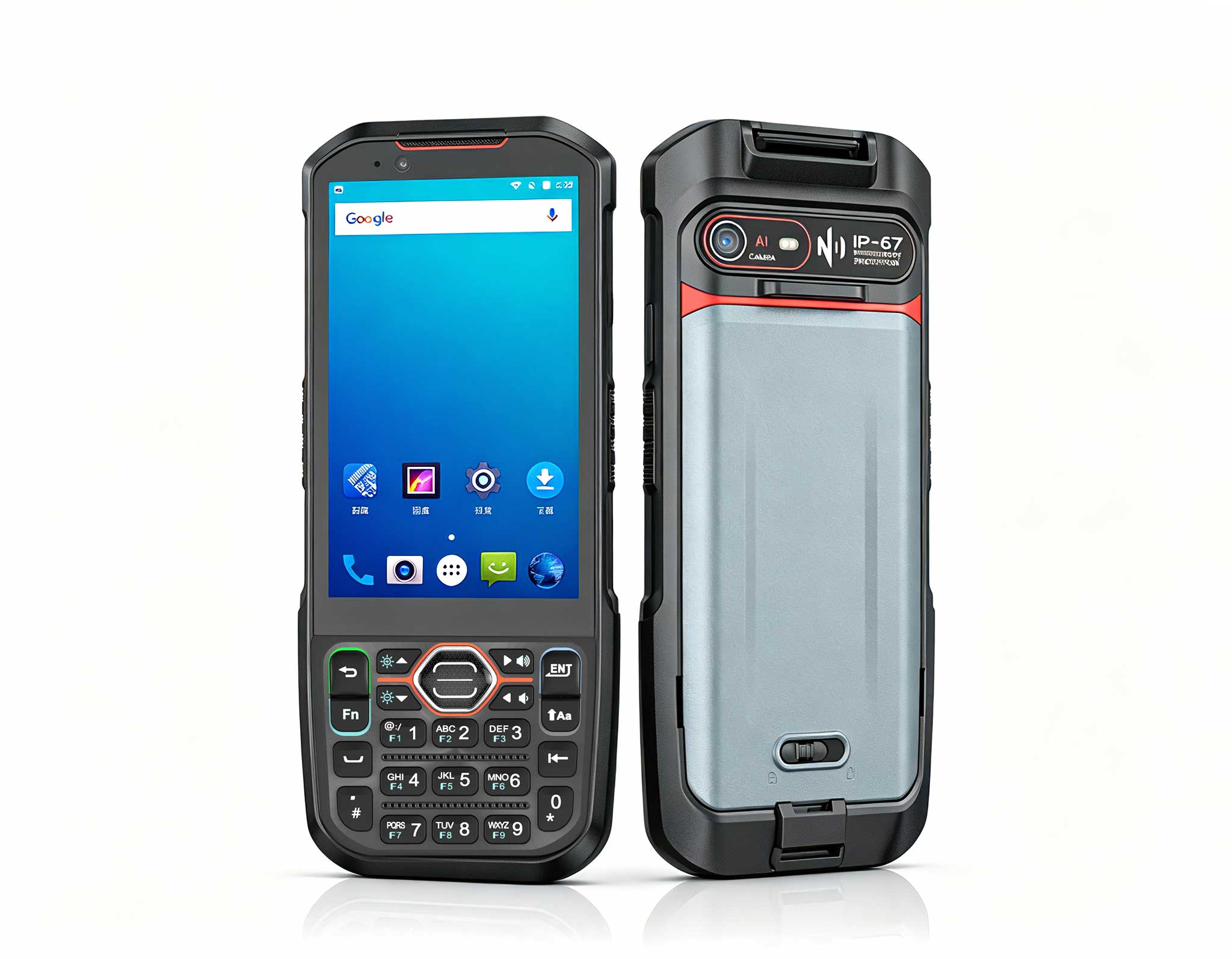
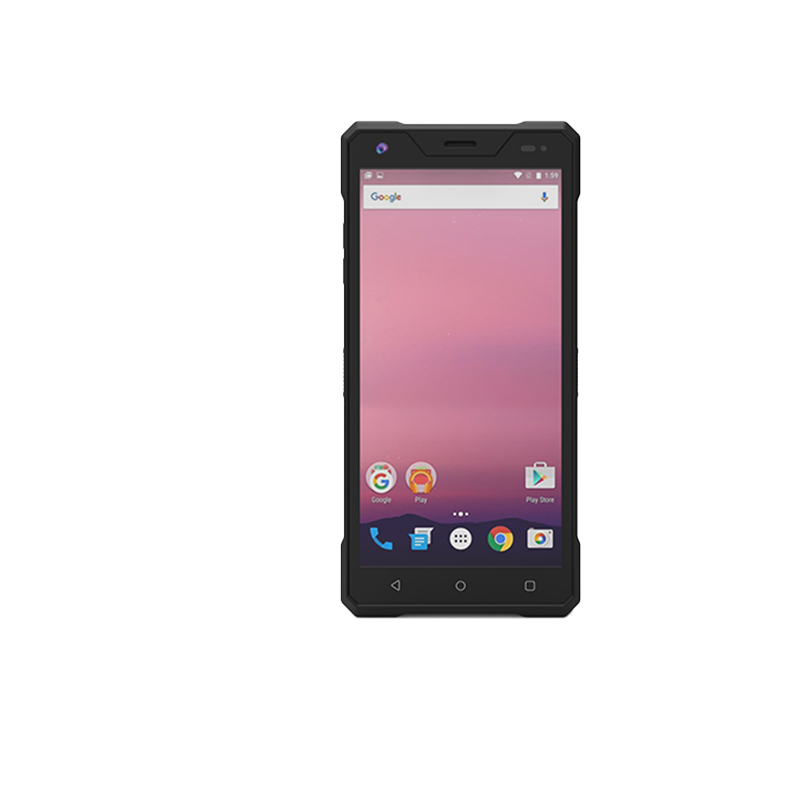
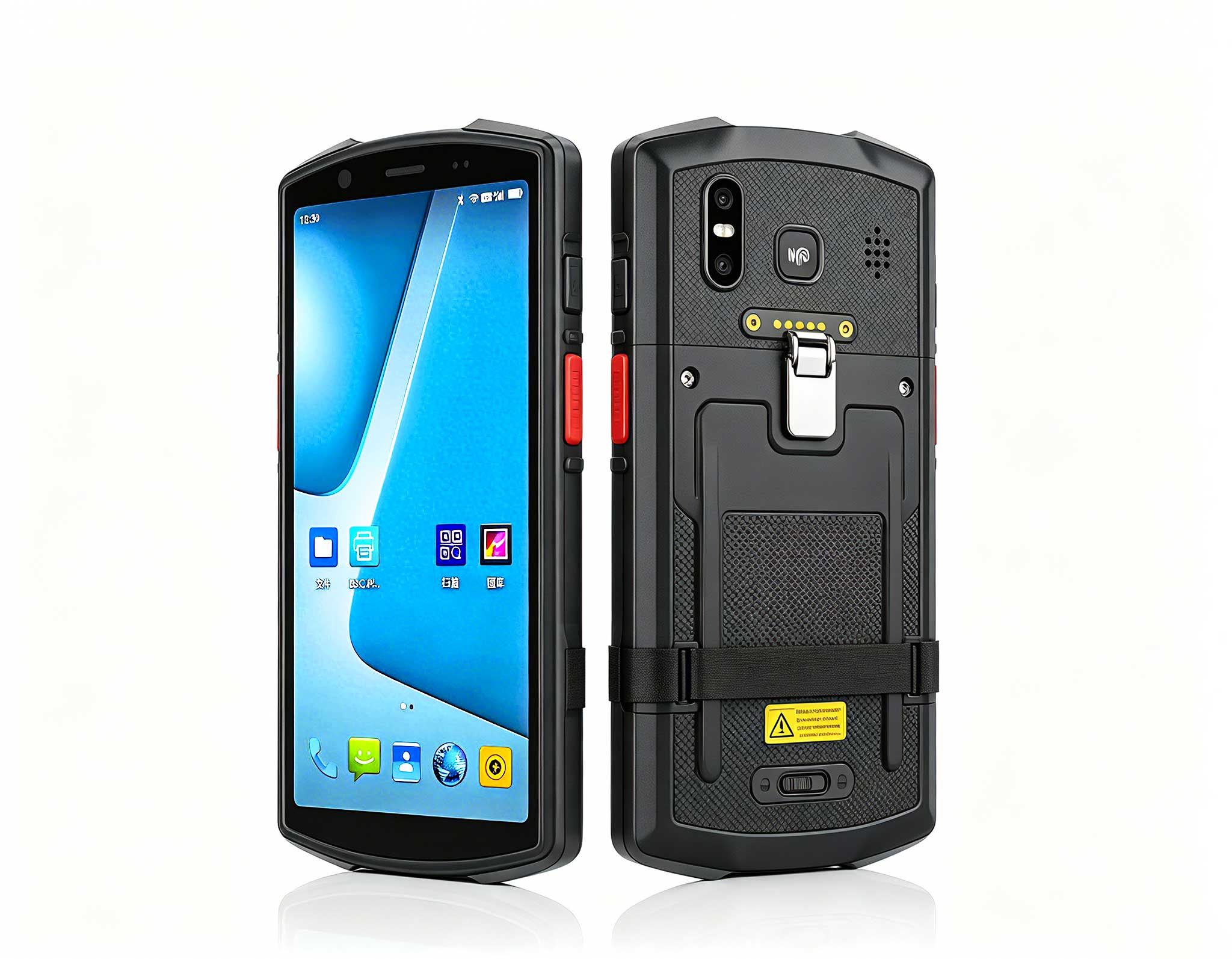
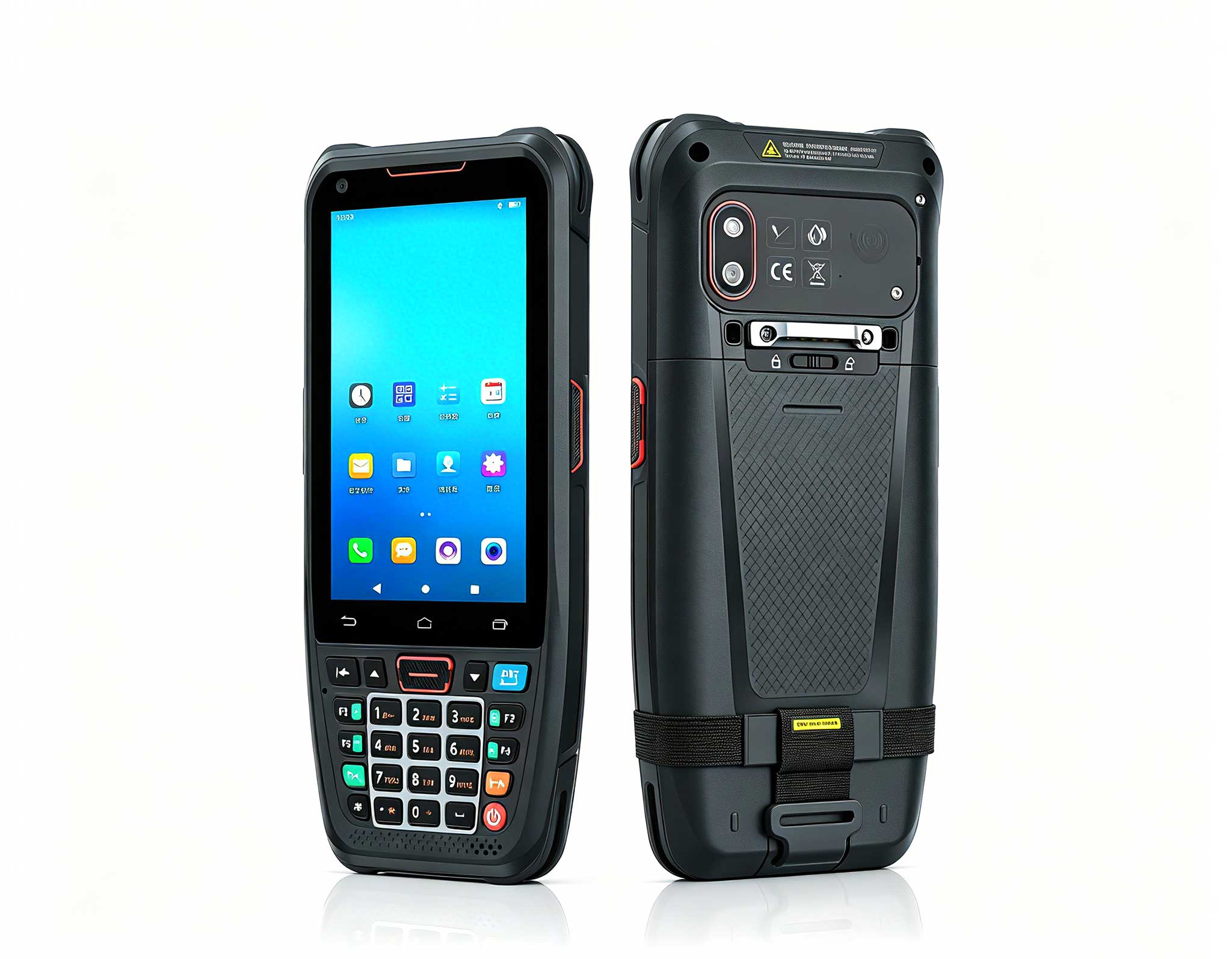
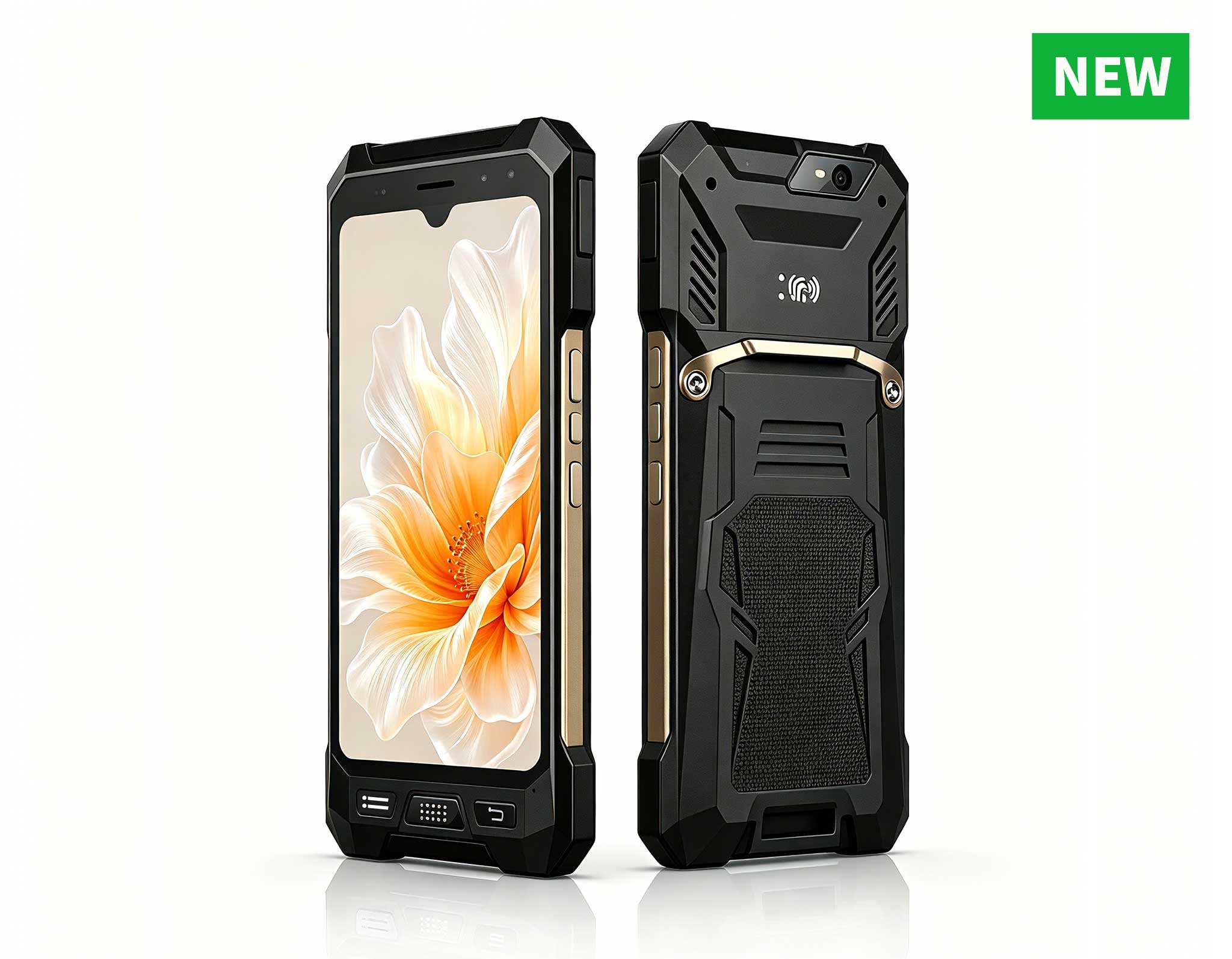
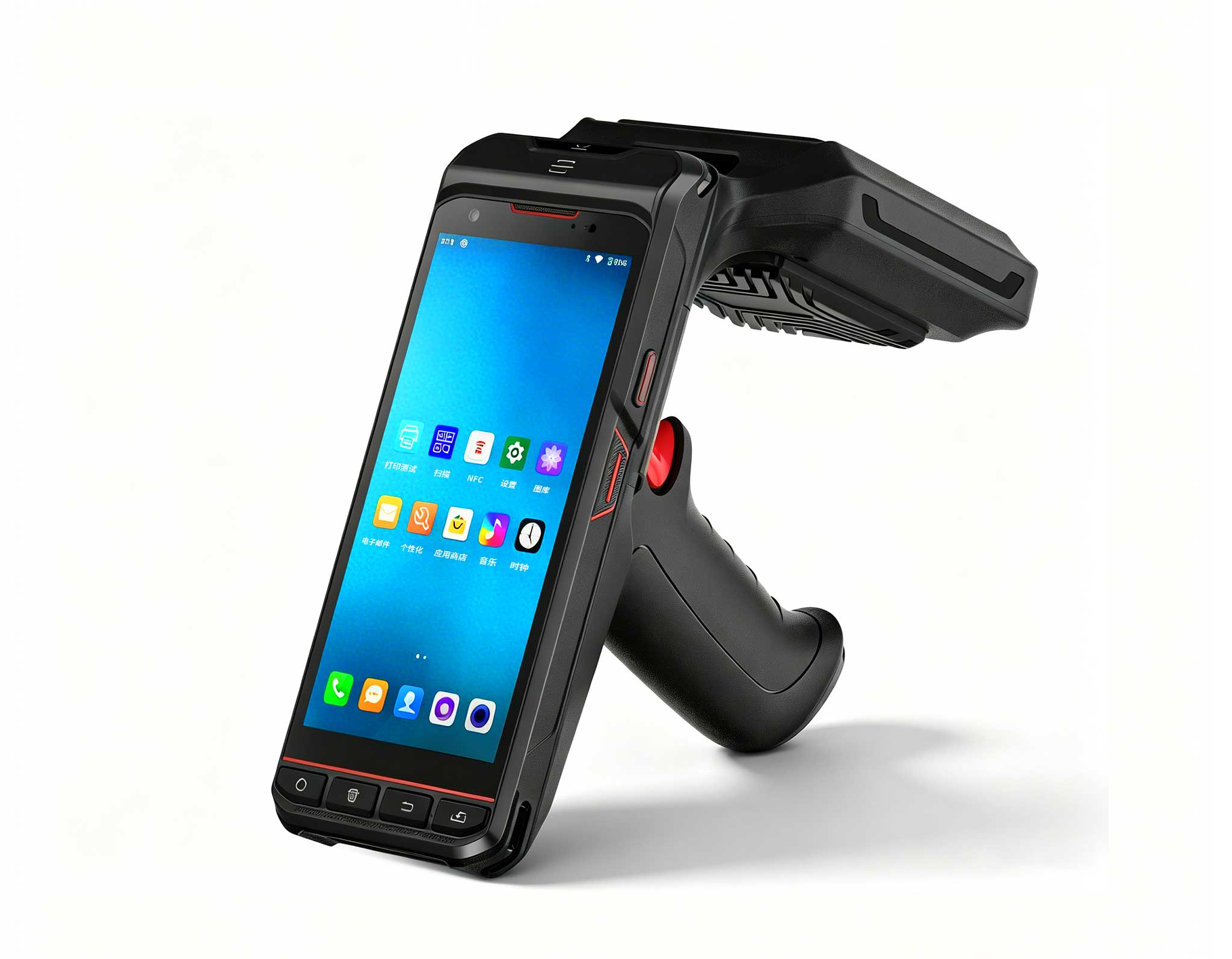
The walkthrough begins with unboxing and physical inspection of each device. The X501 Handheld PDA is designed for mobile checkout and inventory management, featuring a built-in barcode scanner and RFID reader. The K401 Handheld PDA serves as a dedicated POS terminal with advanced data logging capabilities, running on Android 13 for smooth application performance. The SH6 functions as a fixed or semi-mobile register, providing a larger screen for transaction overviews and customer-facing operations. Each device should be charged fully before initial setup, and all accessories such as charging cradles, USB cables, and hand straps should be inventoried.
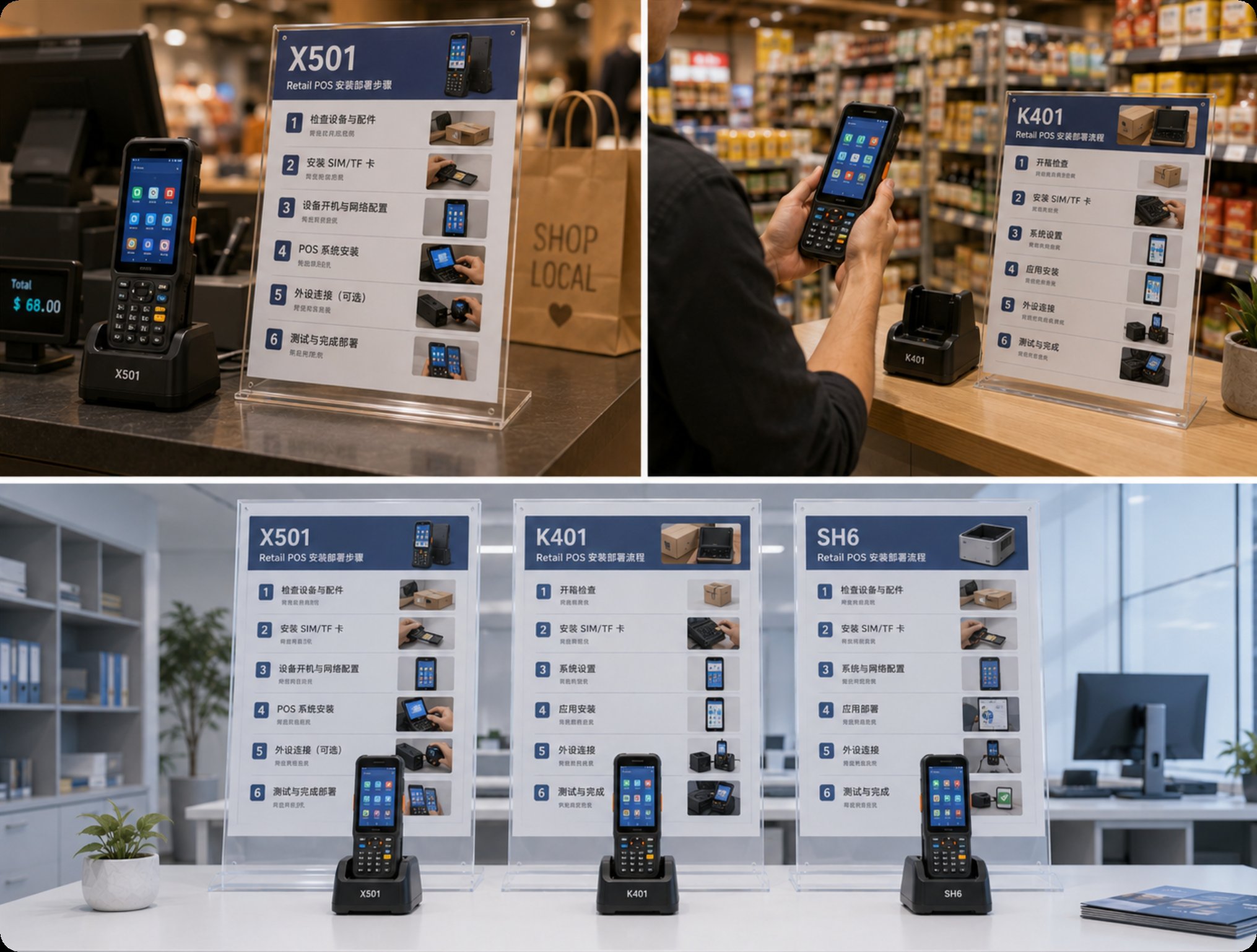
Organizations implementing X501 Handheld PDA, K401 Handheld PDA, and SH6 in retail POS achieve three critical outcomes. First, consistently high-quality transaction processing that eliminates customer complaints about payment delays or scanning errors. The integrated barcode and RFID technologies ensure that every item is scanned accurately, reducing checkout times by up to 40 percent in high-traffic environments. Second, streamlined operations free staff to focus on customer engagement rather than managing equipment. The devices are lightweight and intuitive, requiring minimal training for new employees. Third, a professional impression that reflects positively on the entire organization, as modern, rugged hardware signals reliability and technological competence.
The combination of these three devices creates a layered POS architecture. The X501 Handheld PDA is ideal for queue-busting during peak hours, allowing staff to process payments anywhere on the sales floor. The K401 Handheld PDA works well for dedicated checkout lanes and back-office inventory tasks. The SH6 serves as a central hub for reporting and customer lookups, with its large 8-inch display providing clear visibility. Together, they reduce hardware footprint by consolidating multiple legacy devices into three rugged units, each built to withstand drops, spills, and daily wear in a busy retail setting.
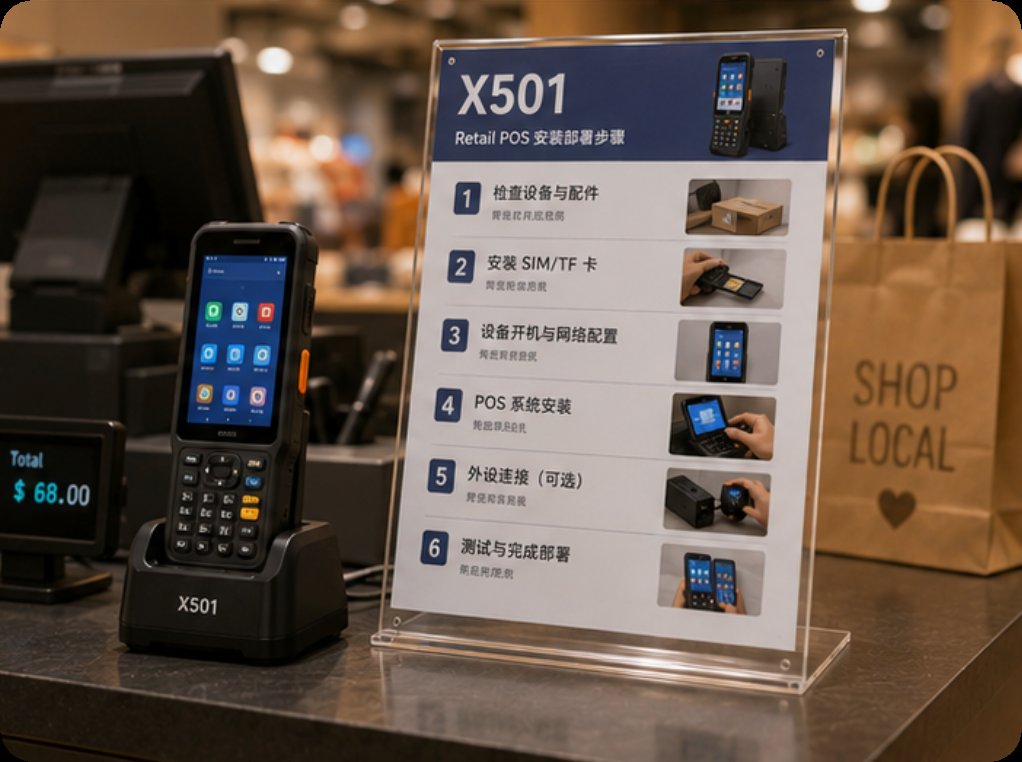
A recent survey of retail POS professionals highlights three recurring themes. The first is the need for whisper-quiet operation in sensitive environments such as boutique clothing stores or bookshops, where loud beeping scanners or noisy thermal printers can disrupt the shopping experience. The second challenge is maintaining clear audio across large or noisy spaces, such as warehouse-style retailers or supermarkets, where staff need to hear transaction confirmations and customer queries. The third frustration is training staff on complicated legacy systems that require multiple steps to process a simple return or exchange.
These pain points are directly addressed by the X501 Handheld PDA, K401 Handheld PDA, and SH6. The X501 features a configurable scanning beep that can be set to vibrate or play a soft tone, ensuring quiet operation. The K401 has a high-quality speaker with volume adjustment, making it suitable for noisy environments. The SH6 supports Bluetooth headsets for discreet communication. All three devices run on a unified Android platform, which simplifies training because staff familiar with smartphones can adapt quickly. The intuitive interface reduces errors and speeds up checkout, directly tackling the third pain point of complex legacy software.
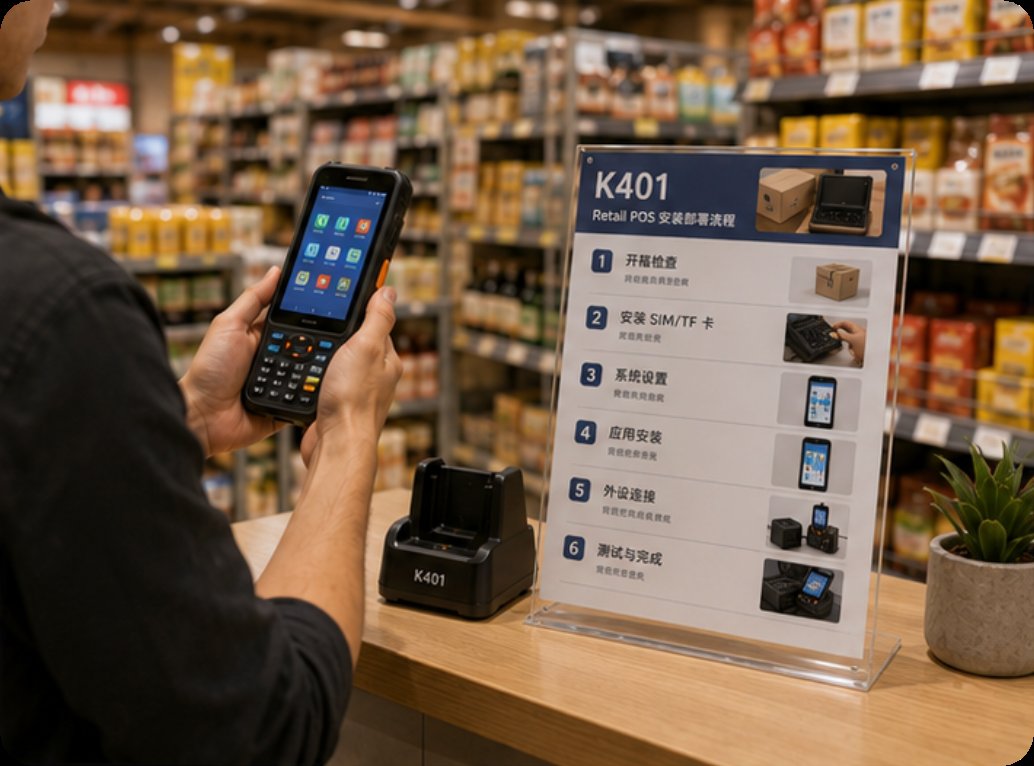
One customer in the retail industry faced a common problem: their existing audio equipment was too bulky for daily use and prone to interference in their metal-structured facility. The store, a large home improvement retailer, had concrete floors and metal shelving that caused Wi-Fi dropouts and scanner misreads. Their legacy PDAs were heavy, had short battery life, and required frequent reboots. Switching to the X501 Handheld PDA, K401 Handheld PDA, and SH6 eliminated all interference issues and reduced equipment weight by over 60 percent, making tours smoother and more enjoyable for both staff and customers.
The implementation process began with a pilot program in one department. Staff used the X501 Handheld PDA for mobile checkout during busy weekends, the K401 Handheld PDA for inventory counts in the warehouse, and the SH6 for customer information lookups at the service desk. Within two weeks, transaction times decreased by 25 percent, and staff reported higher satisfaction due to the lightweight design and reliable connectivity. The store has since rolled out the system chain-wide, with plans to integrate loyalty program scanning directly through the devices. This case demonstrates how the right hardware can transform retail operations, turning a frustrating checkout experience into a smooth, professional interaction.
| Model | Position | Weight | URL |
|---|---|---|---|
| X501 Handheld PDA | Mobile checkout, inventory scanning | 280 g | Product Page |
| K401 Handheld PDA | Dedicated POS terminal, data logging | 320 g | Product Page |
| SH6 | Fixed register, customer-facing display | 620 g | Product Page |
Step one involves network preparation. Ensure that the retail store has a robust Wi-Fi network with at least 2.4 GHz and 5 GHz bands, as the X501 Handheld PDA and K401 Handheld PDA support dual-band connectivity. Configure a dedicated SSID for POS traffic to prioritize transaction data. The SH6 can connect via Ethernet for a wired backup, which is recommended for high-traffic checkout lanes. Test network coverage in all areas where mobile checkout will occur, including stockrooms and outdoor garden centers.
Step two is device provisioning. Charge all devices fully, then power on each unit. For the X501 Handheld PDA, install the POS application via the Android Enterprise portal or direct APK sideloading. Configure the barcode scanner to auto-detect common retail barcode formats such as EAN-13, UPC-A, and QR codes. For the K401 Handheld PDA, set up the RFID module for inventory management and enable the data logger to record transaction timestamps. The SH6 should be mounted on a stand or counter, with the POS app launched in kiosk mode to prevent unauthorized access. Finally, pair all devices with receipt printers and payment terminals using Bluetooth or USB OTG cables.
Step three is staff training and go-live. Conduct a 30-minute training session covering basic operations: scanning items, processing payments, handling returns, and charging devices. Emphasize the ergonomic benefits of the lightweight X501 and K401 units. Schedule a soft launch during a low-traffic period, such as a Tuesday morning, to identify any configuration issues. Monitor transaction logs from the SH6 to ensure data is syncing correctly to the back-end system. After a successful pilot, expand usage to all checkout lanes and mobile stations. The entire implementation, from unboxing to full deployment, typically takes two to three days for a medium-sized retail store, with ongoing support provided through the device management console.