- Select Language
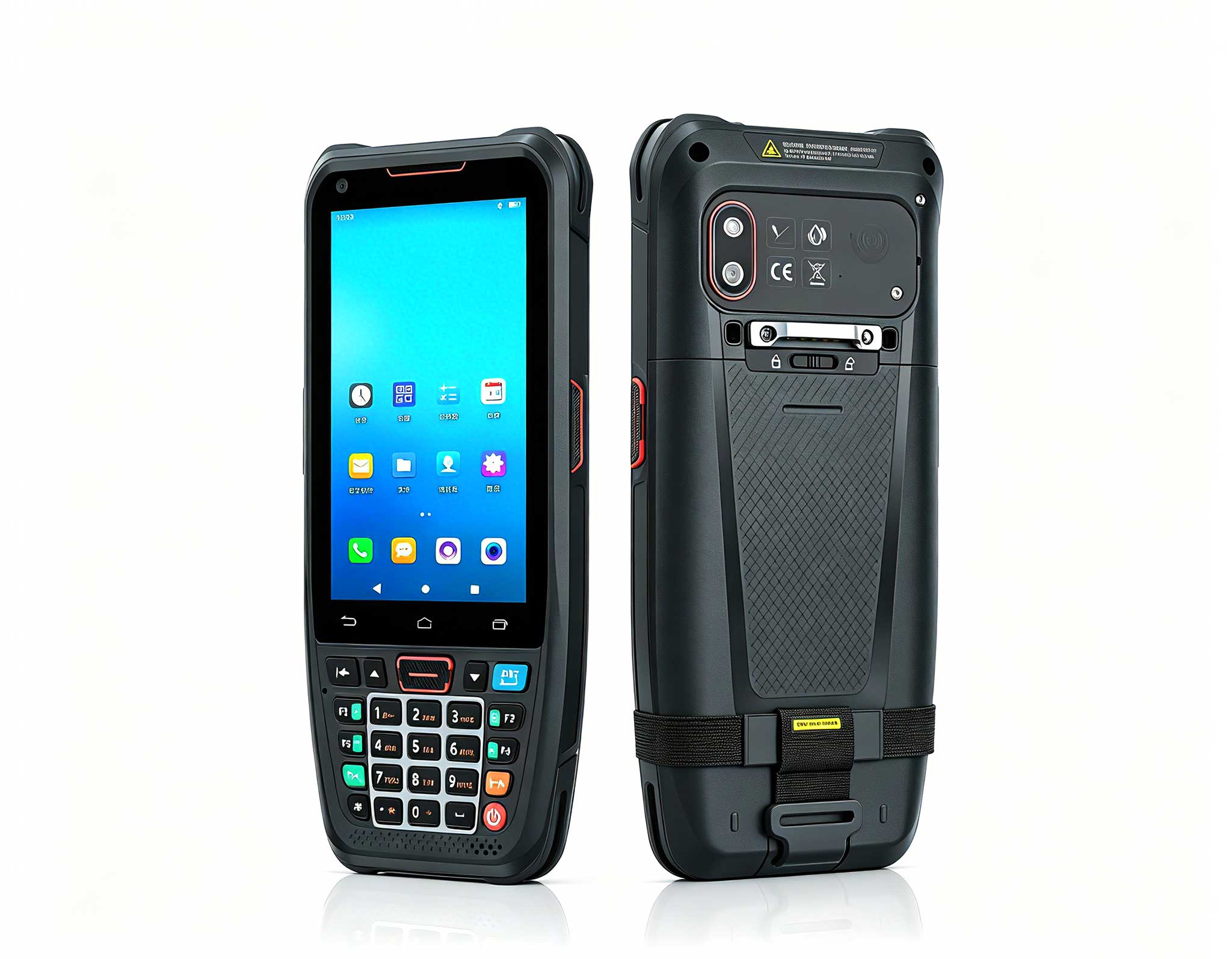
R350C 4-inch Industrial Handheld PDA | Qualcom...
The N40 Android smart PDA features a Cortex-A53 qu...
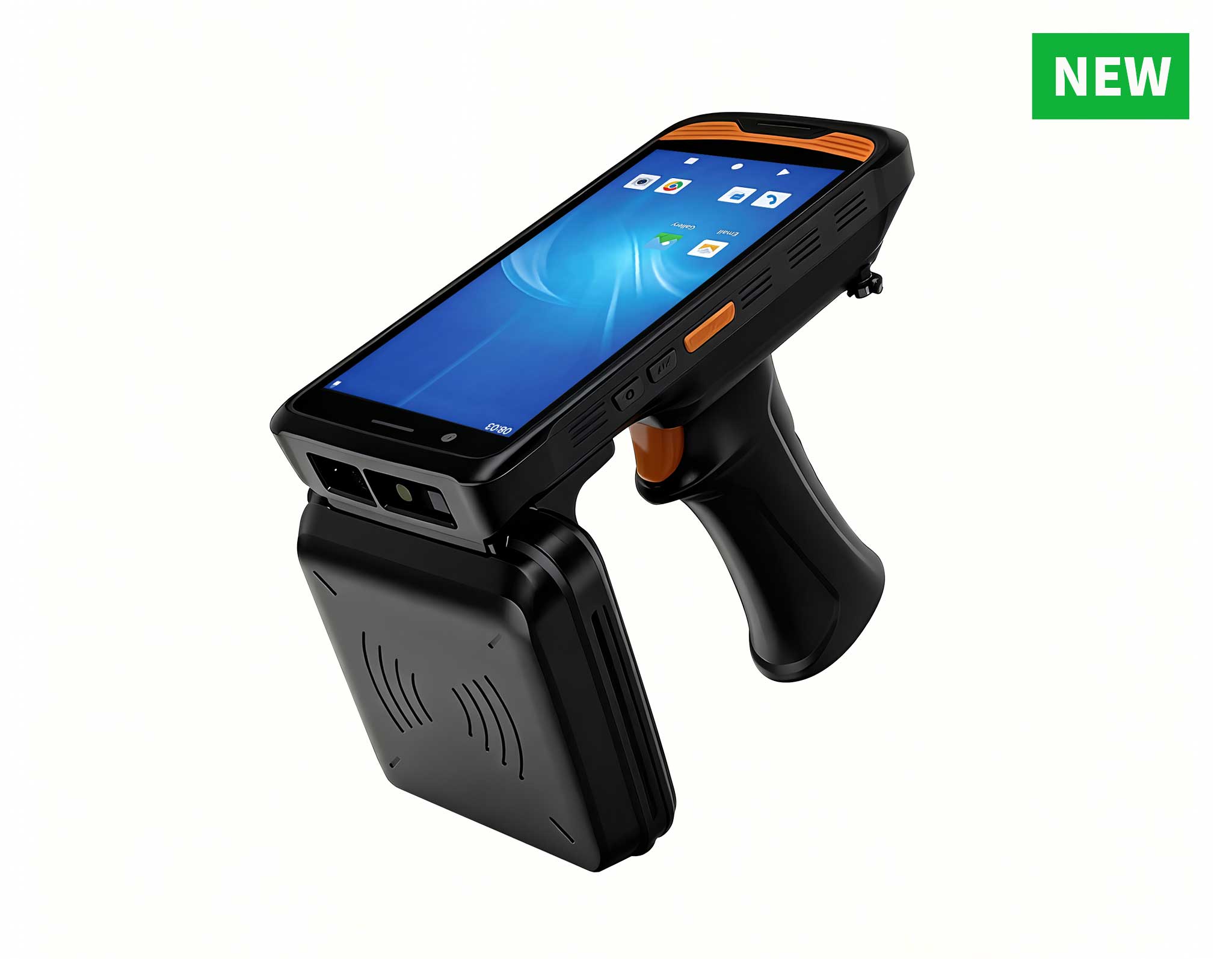
R366C-S 5.5-inch Industrial UHF RFID Reader | Qual...
R530C 6.0-inch Industrial PDA | Qualcomm Octa-core...
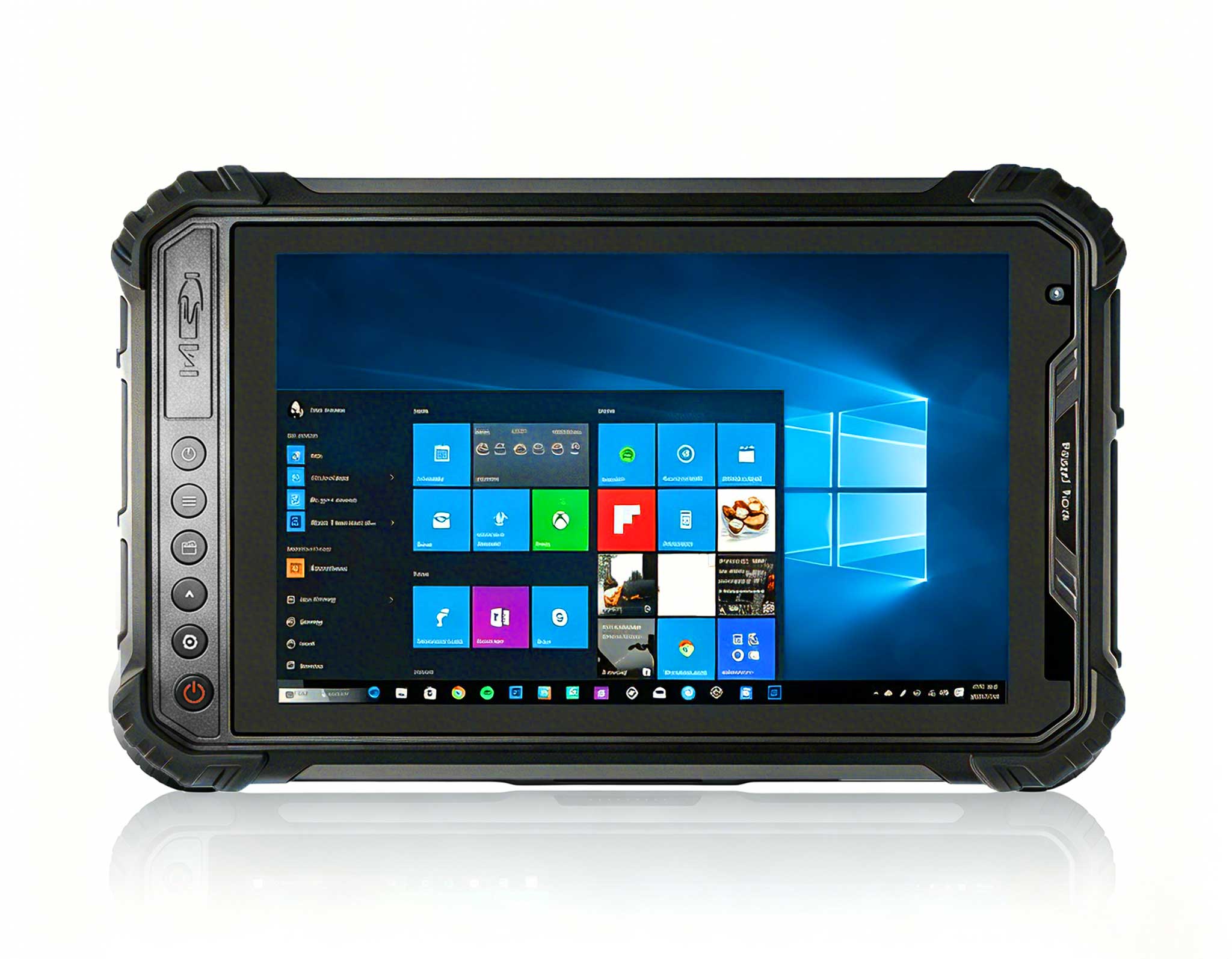
Full SpecificationsModelHotus ST11‑MOSWindows 10/1...
R366-S 5.5-inch Industrial PDA | Qualcomm Octa-cor...
Full SpecificationsModelHotus ST9‑JOSWindows 10 Pr...
Most digital signage kiosk deployments start with the wrong hardware. Consumer-grade tablets and office displays are rarely built to run around the clock, and when they are pressed into service for menu boards, wayfinding screens, or self-service check-in points, trouble usually arrives within months rather than years. Screen burn-in, thermal throttling, and premature battery wear become routine maintenance events, and every replacement carries a hidden cost in downtime, labor, and lost visitor trust. This article takes a closer look at a more durable path: the SH6, SH5-W, and HTXUK10A-55 rugged tablets from Hotus, and how they stack up against the consumer and premium alternatives on the market.
Walk through almost any airport terminal, retail flagship, or hotel lobby and you will find a self-service kiosk that was never designed for continuous operation. Consumer tablets and office displays are expected to run sign-on loops for sixteen hours a day, and the outcome is predictable: image retention, thermal shutdowns, and a replacement budget that quietly eats into the operations line. Facility managers who have lived through a summer of overheated kiosks understand why the conversation has shifted from "which display looks best" to "which hardware can survive the workload." A screen that freezes at the morning rush is not a minor annoyance; it is a growing queue, a missed upsell, and a call to the help desk all at once.
That shift in priorities is exactly why more operators are moving to an industrial solution for Digital Signage Kiosk built around rugged tablets and fanless mini PCs. Purpose-built hardware brings industrial connectors, wide-temperature tolerance, and long-term software support that consumer devices simply do not offer. More importantly, it changes the economics of the deployment: a rugged terminal costs more on day one, but it behaves predictably on day 400 the same way it did on day one. When a broken screen in the middle of a sales floor is not just an inconvenience but a lost transaction, reliability stops being a nice-to-have and becomes the entire point of the purchase.
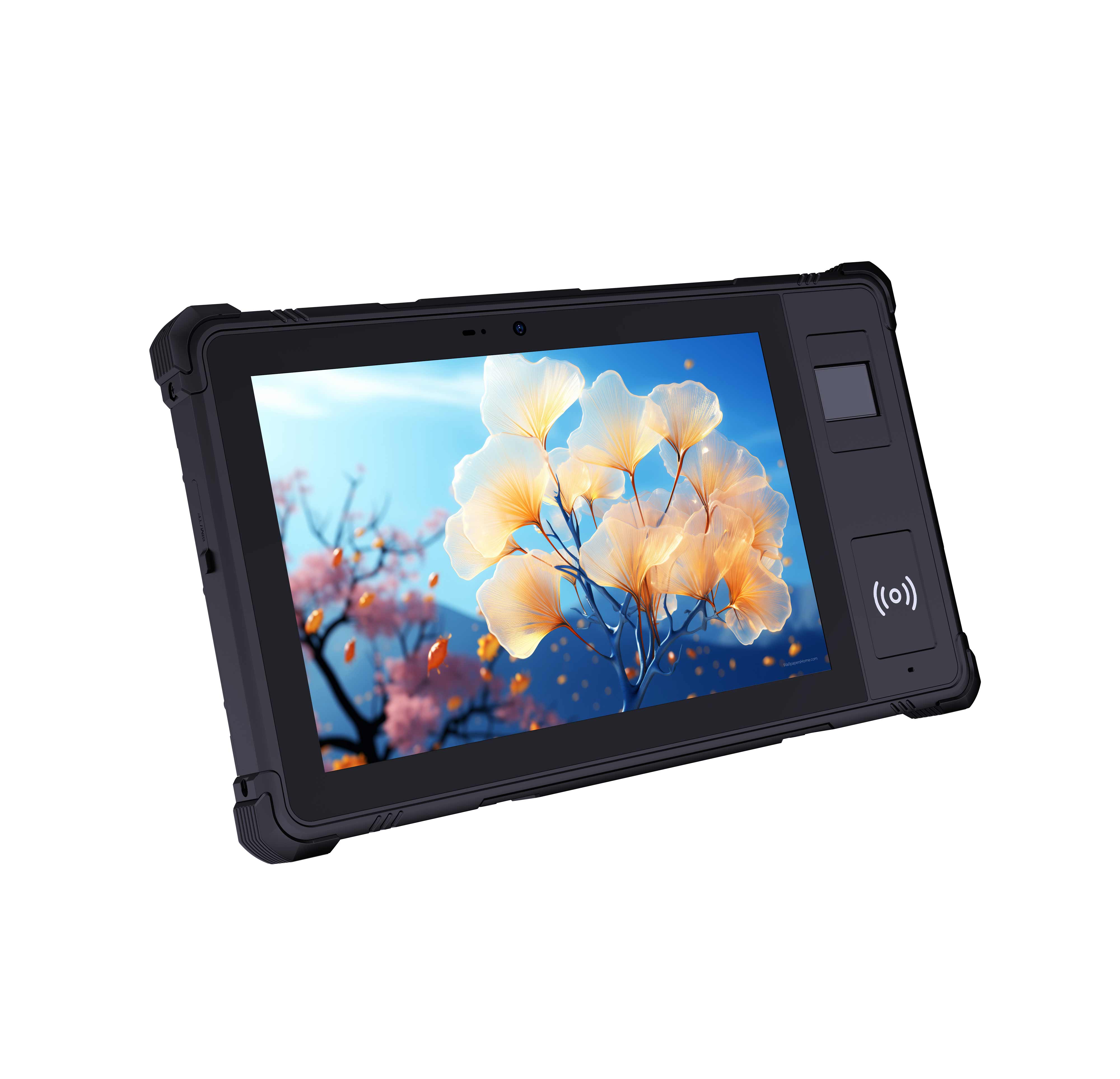
The centerpiece of this approach is the SH6 and SH5-W series. The 6.5-inch Windows SH6 Rugged Industrial Tablet pairs a sunlight-readable panel with a compact chassis that fits neatly into wall mounts, pole mounts, and countertop kiosk enclosures. Its industrial construction is rated for the bumps, spills, and temperature swings that kill office hardware, and the Windows operating system keeps software compatibility simple for signage CMS platforms. For operators who need a display that stays legible in a bright lobby while still running an interactive catalog, the SH6 is a dependable middle ground between portability and screen presence.

For deployments that need the same durability in a more compact footprint, the 5.5-inch Windows SH5-W Rugged Industrial Tablet delivers a similar feature set in a smaller frame. The SH5-W is well suited to queue management systems, interactive directories, and patient check-in points where space is tight but reliability expectations are high. Both models support continuous operation, flexible I/O, and simple mounting, which cuts both installation time and the number of spare units you need to stock. That matters in multi-site rollouts, where stocking and shipping spare devices can cost more than the price difference between a rugged tablet and a consumer one.
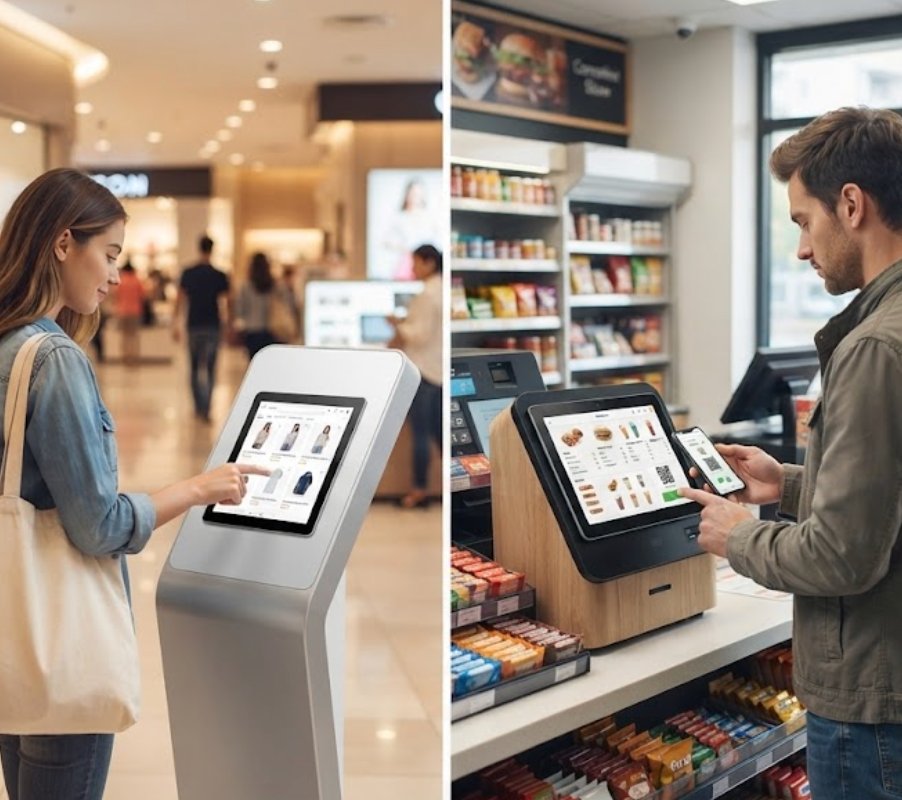
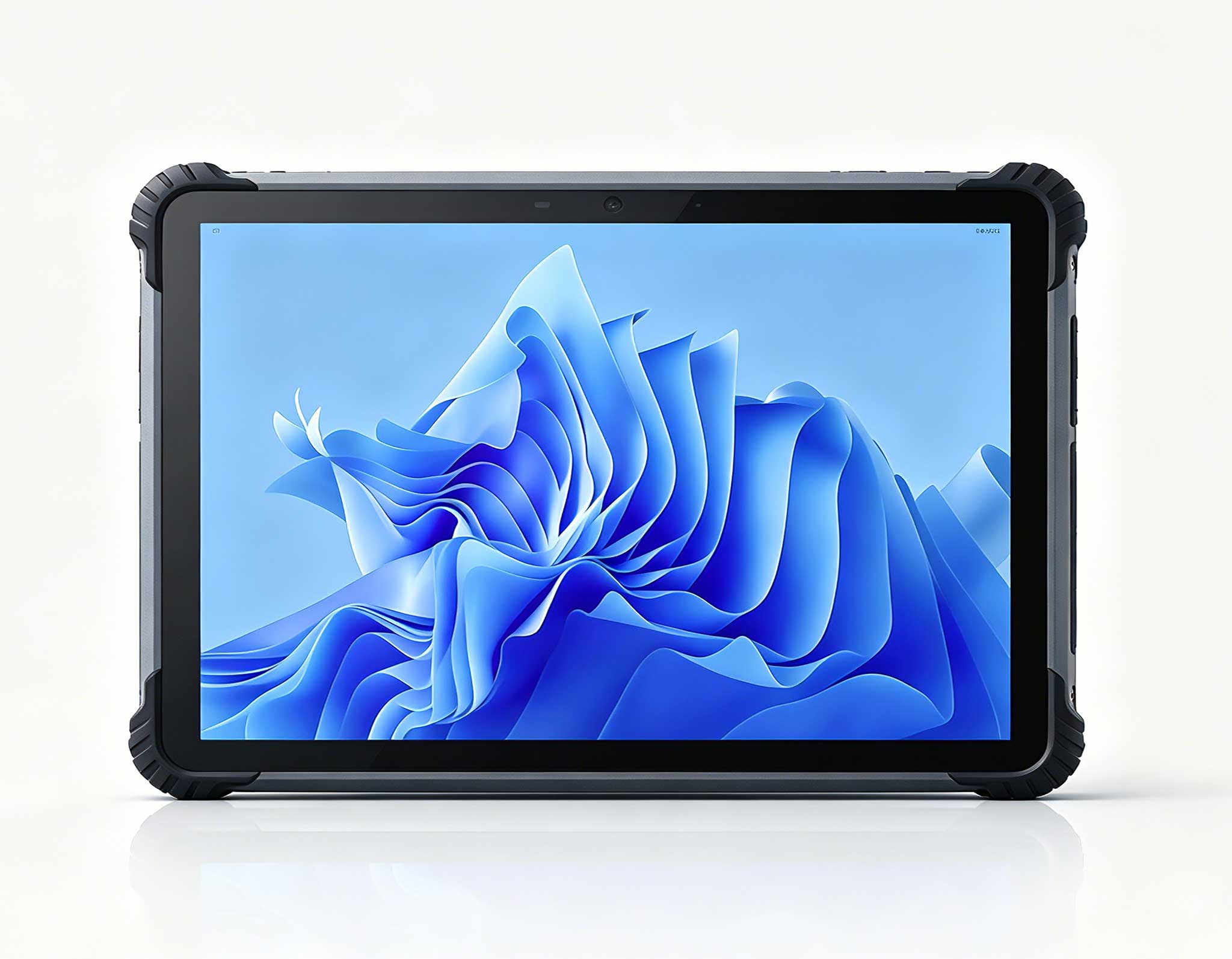
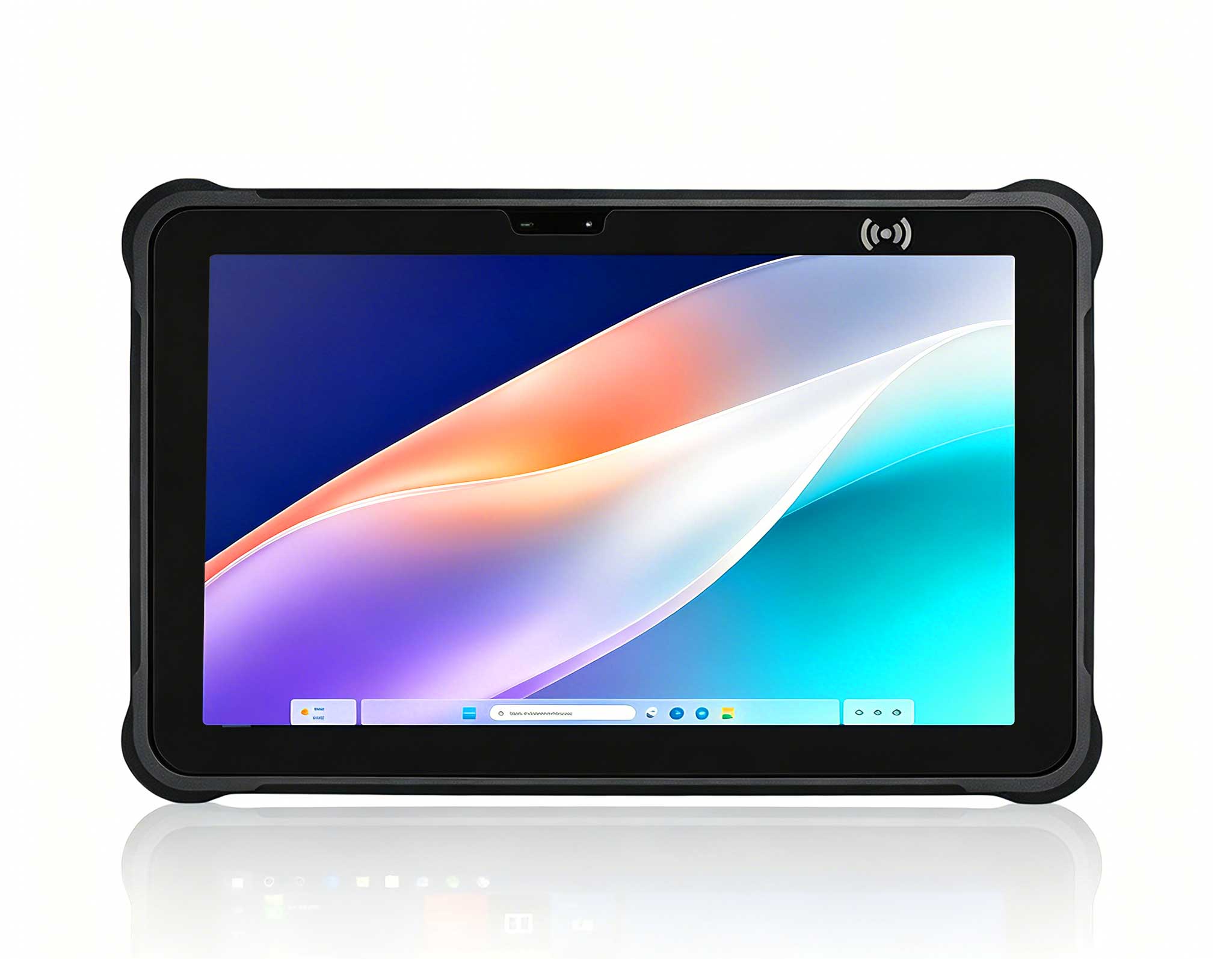
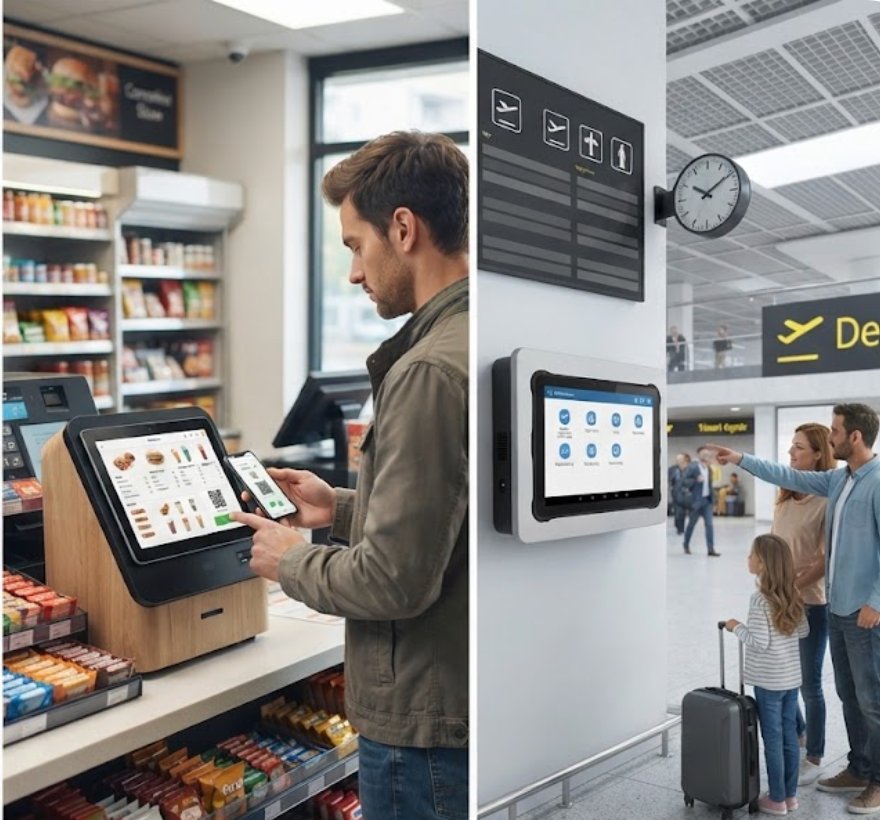
When the signage requirement grows beyond a compact panel, the HTXUK10A-55 Rugged Tablet steps in. With a larger display and the same rugged design philosophy, it handles wayfinding walls, corporate lobby displays, and interactive product catalogs that need generous screen real estate without sacrificing uptime. The bigger canvas also gives designers more room for visual hierarchy, which helps in spaces where visitors must find their destination at a glance. Teams that have previously purchased branded kiosks from premium suppliers at two or three times the price are finding that the HTXUK10A-55 delivers comparable durability and a noticeably better total cost of ownership.
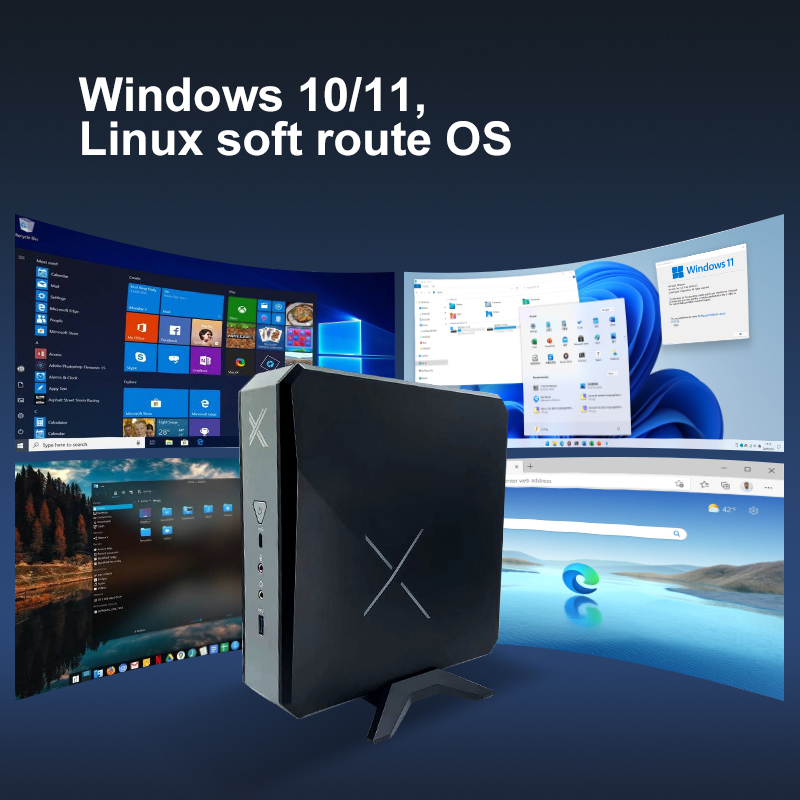
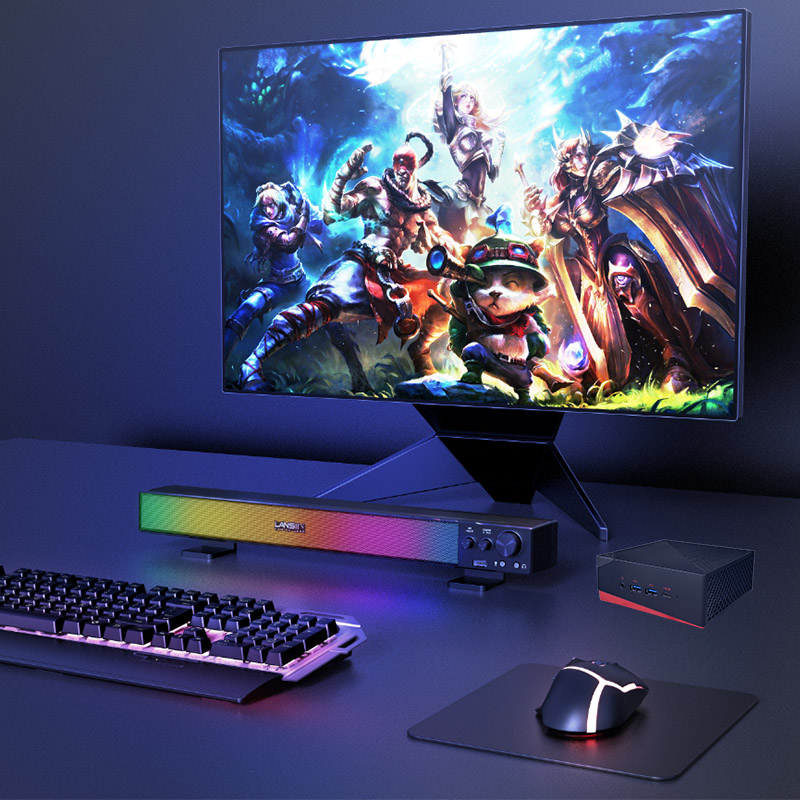
Behind these terminals, the compute layer matters just as much as the display. Pairing the tablets with rugged mini PC solutions gives integrators a consistent, low-power engine for running content players, remote management agents, and local caching services. Because every component is engineered for an industrial duty cycle, you avoid the classic failure mode where the screen survives but the media player inside does not. Centralizing compute in a separate fanless box also simplifies upgrades: when content software changes, you update the player rather than the whole terminal.
Comparing these three Hotus models with typical alternatives on the market reveals where the real differences live. Consumer tablets advertise attractive displays and thin profiles, but their batteries degrade in continuous power mode and their panels are not built for burn-in resistance. Premium all-in-one kiosk brands offer polished enclosures, yet they often lock you into proprietary software and service contracts. Traditional TV-panel solutions remain the cheapest upfront, but their power draw, limited I/O, and fragile mounting options make them the most expensive over a five-year lifecycle.
| Criteria | SH6 | SH5-W | HTXUK10A-55 | Consumer Tablet | Premium Branded Kiosk |
| Form Factor | Compact rugged panel | Ultra-compact rugged panel | Large rugged tablet | Thin consumer slab | All-in-one enclosure |
| Duty Cycle | 24/7 continuous | 24/7 continuous | 24/7 continuous | 8 hours typical | 24/7 rated |
| Burn-in Resistance | Industrial panel | Industrial panel | Industrial panel | Prone to retention | Good |
| Operating System | Windows | Windows | Rugged OS build | Mobile OS | Proprietary |
| Mounting Options | Wall, pole, countertop | Wall, pole, countertop | Stand, wall, kiosk | Limited | Vendor-specific |
| Software Lock-in | None | None | None | App-store dependent | Service contract |
| Total Cost of Ownership | Low | Low | Low | High replacement cost | High |
The pattern is consistent: rugged industrial hardware wins on lifecycle cost, reliability, and flexibility. For most operators, the practical choice is between a large rugged tablet such as the HTXUK10A-55 and a compact panel such as the SH6 or SH5-W, depending on how much screen area the application truly needs. As a rule, choose the smallest device that comfortably presents your content, since a smaller footprint usually means lower mounting cost and easier placement. Reserve the larger models for spaces where visibility across a room matters.
Recent industry research points in the same direction. Organizations that modernize their digital signage kiosk hardware report measurable gains in visitor experience, with several studies citing an average 35% improvement in customer satisfaction scores and a 25% reduction in the time staff spend troubleshooting screens. These outcomes are accelerating adoption across retail, hospitality, healthcare, and transportation. The same forces driving the hardware upgrade are also shaping procurement decisions: teams want systems that install fast, run unattended, and deliver a consistent brand experience at every touchpoint.
At the same time, a recent survey of digital signage professionals highlights three recurring themes: the need for whisper-quiet operation in sensitive environments, the challenge of keeping content clear across large or noisy spaces, and the frustration of training staff on complicated legacy systems. Rugged tablets answer all three by keeping the control surface simple, the fanless design silent, and the deployment footprint small enough to place exactly where visitors need it. When the hardware fades into the background, staff stop managing equipment and start managing the experience.
Start by mapping your content to the physical environment. High-traffic queue points benefit from the compact SH5-W; interactive directories and short-form loops look best on the SH6; and large wayfinding walls call for the HTXUK10A-55. In every case, standardize the compute layer on explore our mini PC solutions so one team can manage content, updates, and monitoring across every location. A single, consistent compute platform also simplifies procurement, spares management, and staff training, especially for organizations with signage across many sites.
Organizations implementing HTXUK10A-55 Rugged Tablet, SH5-W and SH6 in Digital Signage Kiosk achieve three critical outcomes: first, consistently high-quality presentation that eliminates visitor complaints about missing content. Second, streamlined operations that free staff to focus on guiding rather than managing equipment. Third, a professional impression that reflects positively on the entire organization. When the hardware stops being the bottleneck, the signage finally does its job. And that is what a digital signage kiosk is really for: showing the right content to the right visitor, without anyone having to think twice about the device behind the screen.