- Select Language
RT82 5G Rugged Tablet | 10.1" FHD 400nit | Qu...
The X501 Handheld PDA combines advanced barcode sc...
Full SpecificationsModelHotus ST11‑JOSWindows 10 P...
️ X8 Series Handheld Label & Thermal Printing ...
Full SpecificationsModelHotus ST11‑UOSWindows 10 P...
P8 Series 8-Inch Rugged Industrial Tablet PC Mobi...
The N40 Android smart PDA features a Cortex-A53 qu...
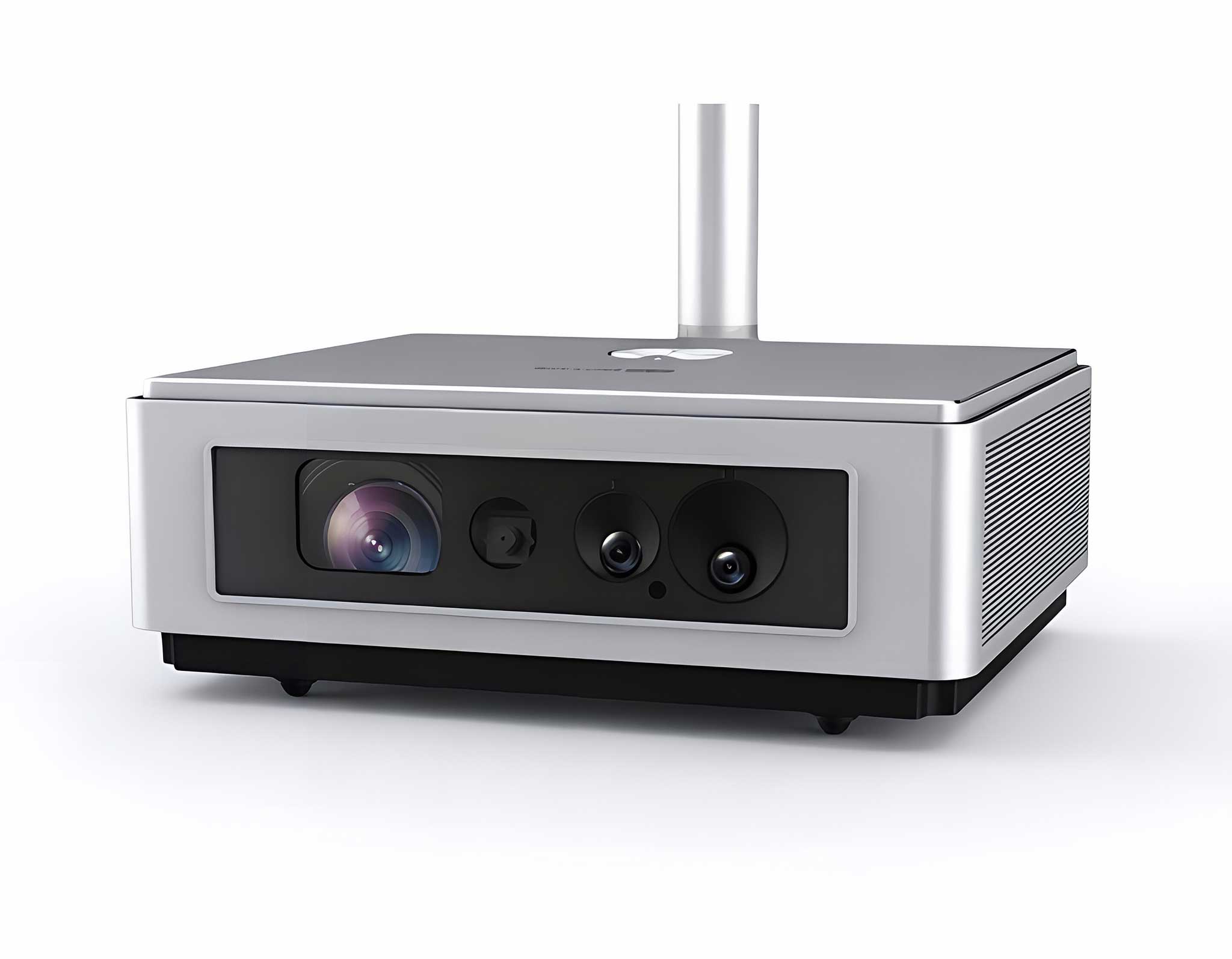
One Device, Dual Functions – A Projector and a Com...
Every retailer knows the scene: a long line at the register, a barcode that still will not scan on the third try, and a card reader that goes silent just as the customer reaches for their wallet. In a busy Retail Pos environment, these small failures add up fast, and each minute of downtime costs more than the next transaction; it costs the trust of customers who were ready to buy. Checkout staff deal with the same recurring problems: scanners that miss worn labels, handhelds that lose their connection mid-swipe, and peripherals that quietly drop out of service. The good news is that none of these issues require a full system replacement. This article examines the most common Retail Pos failures, why they happen, and how the SH6 rugged tablet, the T80 Handheld PDA, and the K401 Handheld PDA handle them in real store conditions. For teams planning a deployment, the industrial solution for Retail Pos from Hotus covers everything from the counter to the stockroom.
The barcode scanner is the workhorse of any checkout lane, and when it stops working, everything behind it stops too. Scan failures almost always come down to one of three root causes: a dirty scan window that scatters the light, labels printed with low contrast that the engine cannot resolve, or a scan engine that simply cannot handle damaged, creased barcodes. Handheld devices used for mobile checkout take even more punishment, because they are dropped on concrete, exposed to dust from the stockroom, and handled all day with gloved hands in conditions that would ruin a consumer phone.
Network disconnects are just as disruptive. A mobile payment terminal that loses its WiFi connection mid-transaction leaves the cashier with a failed authorization and a confused customer, while printers and card readers that drop their connection quietly add minutes to every transaction until someone notices. System lag, meanwhile, usually points to dated hardware or firmware that has not been updated since installation. Whatever the failure, the recovery routine stays the same: identify the component that failed, isolate it, restore it, and put a simple step in place so the problem does not resurface next week.
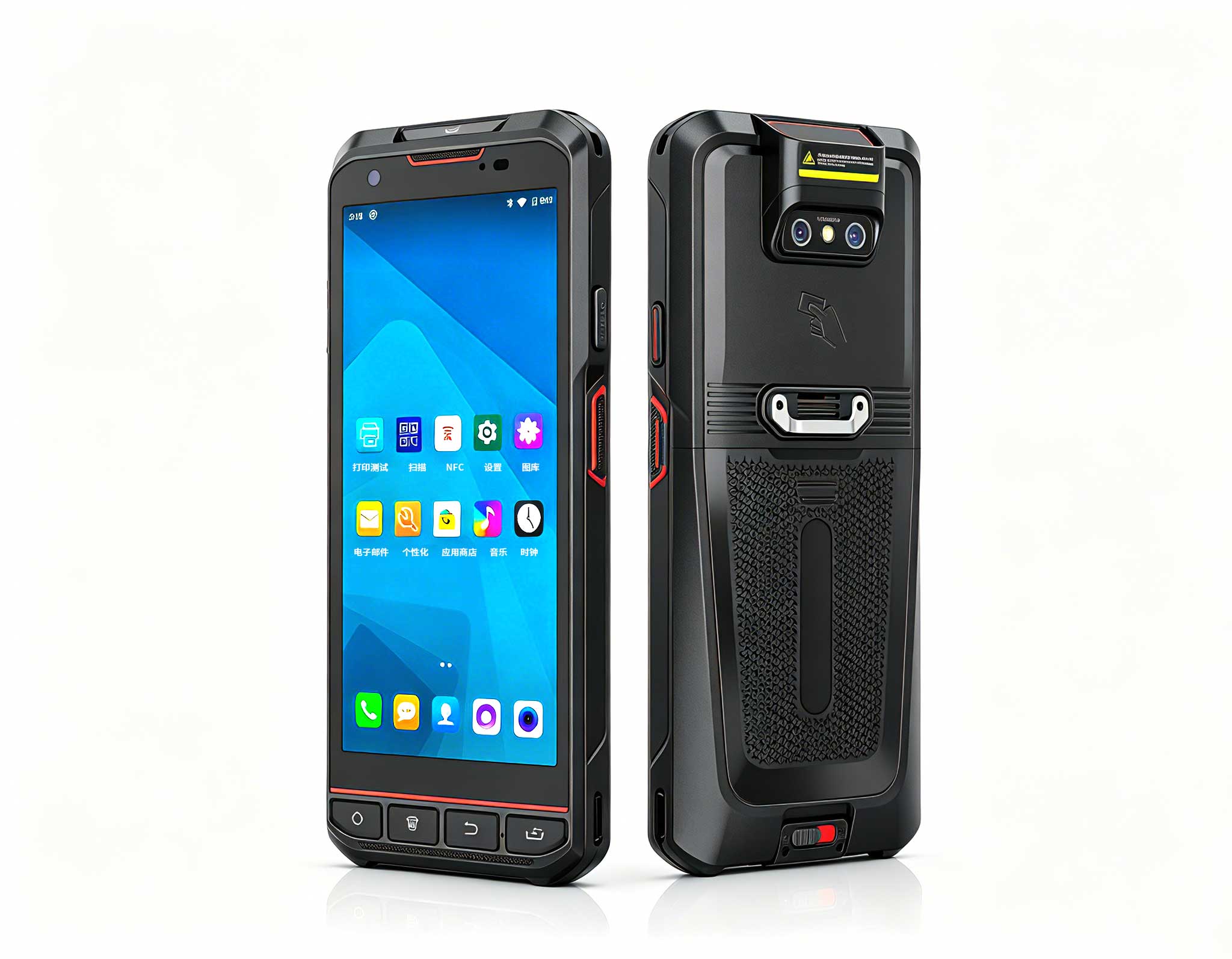
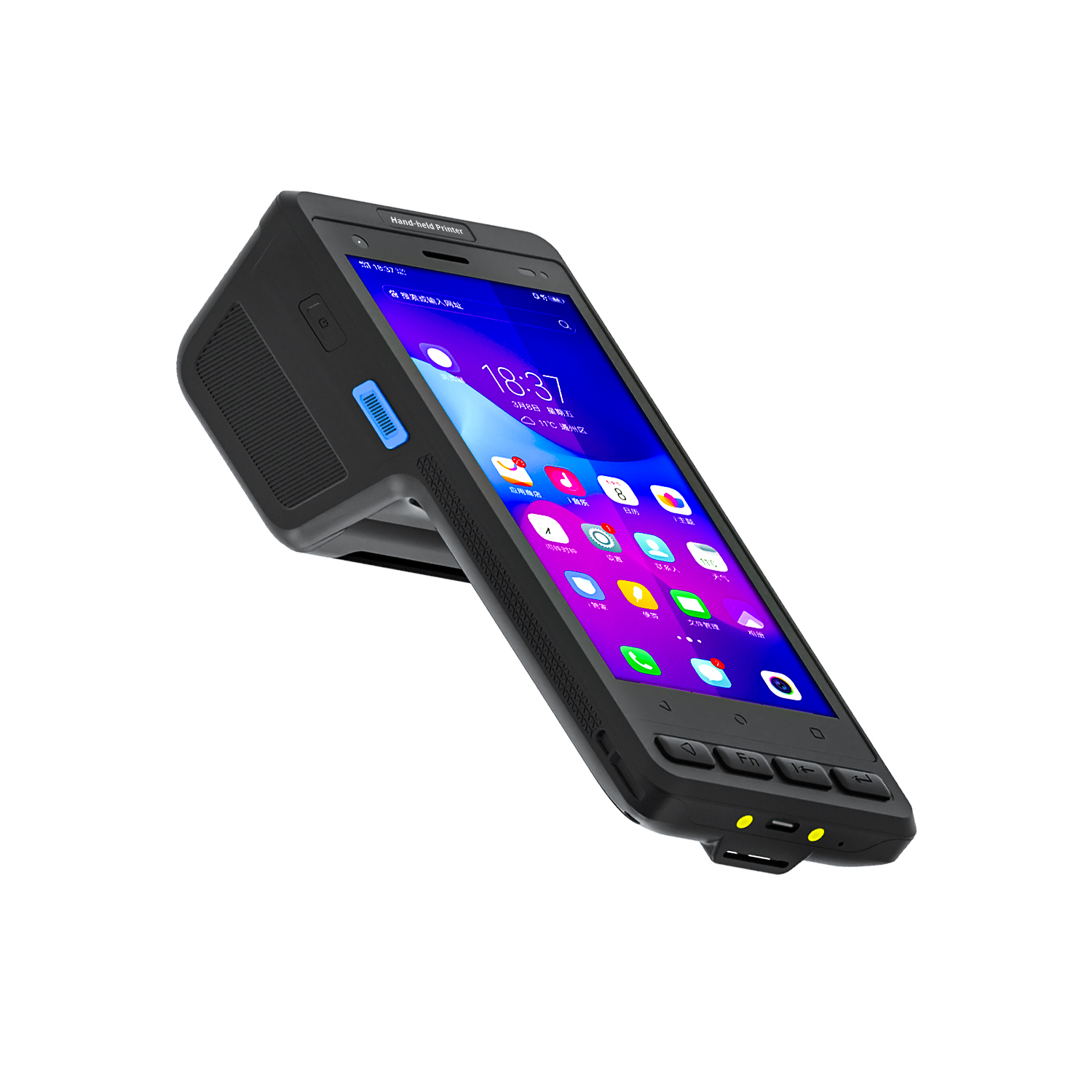
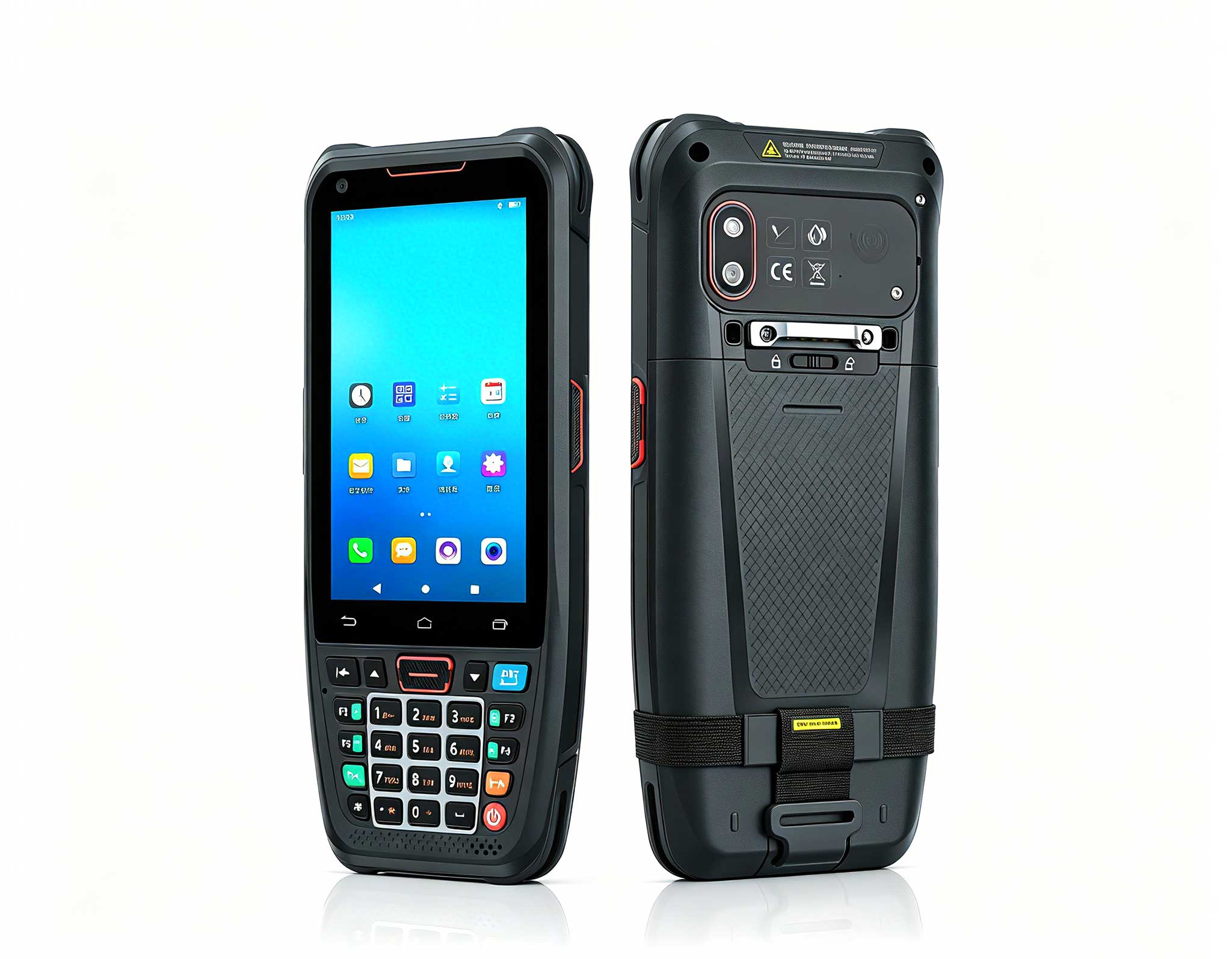
The T80 Handheld PDA is built for staff who spend their shift moving through the store rather than standing behind a counter. Cashiers use it to ring up purchases anywhere on the sales floor, which keeps lines moving during peak hours, while floor associates rely on it for cycle counts in back-of-house areas where WiFi signals are weakest. From a troubleshooting standpoint, the T80 cuts downtime in three practical ways. Its rugged housing survives the drops that shatter consumer-grade phones, so a fumbled device becomes a minor annoyance instead of a repair ticket. Its scan engine reads damaged and low-contrast labels that other scanners reject outright, which means fewer retries at the register. And its replaceable battery swaps out in seconds, keeping the unit on the floor instead of on a charger for a full shift. Even if a T80 does hang mid-task, a fast reboot brings it back without losing the day's transaction log.
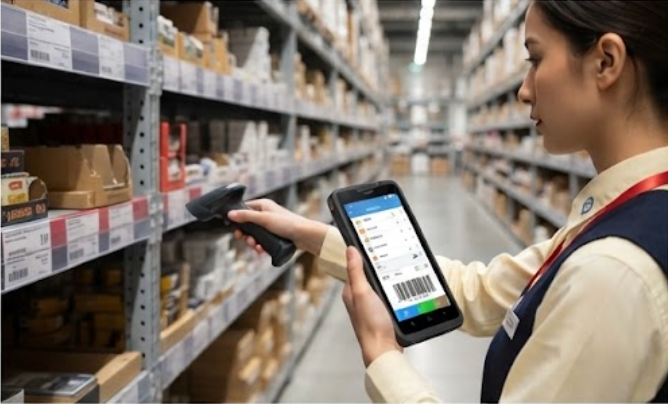
Every busy store needs a spare device that can take over the moment a primary unit fails, and the K401 Handheld PDA fills that role perfectly. Compact and lightweight, it slips into an apron pocket or a drawer beside the register, ready to replace a dead lane scanner within seconds. When a fixed scanner stops reading labels, the cashier simply picks up the K401, scans the item, and keeps the queue moving while the primary unit is looked at. Beyond emergencies, it also handles daily price checks while the main handheld is charging. Because it shares the same rugged build and scan technology as the T80, a replacement user can be trained in minutes, and batteries and chargers can be pooled across the fleet.
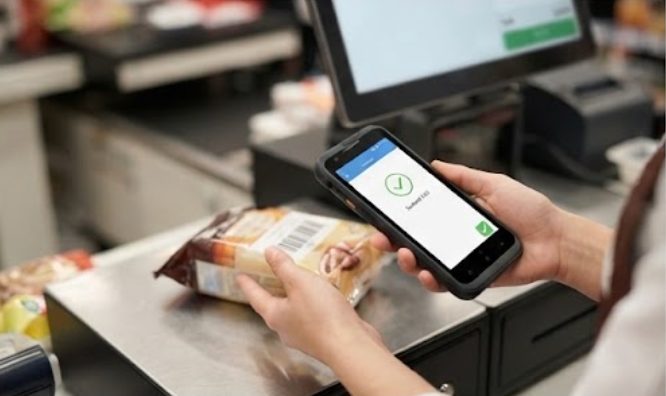
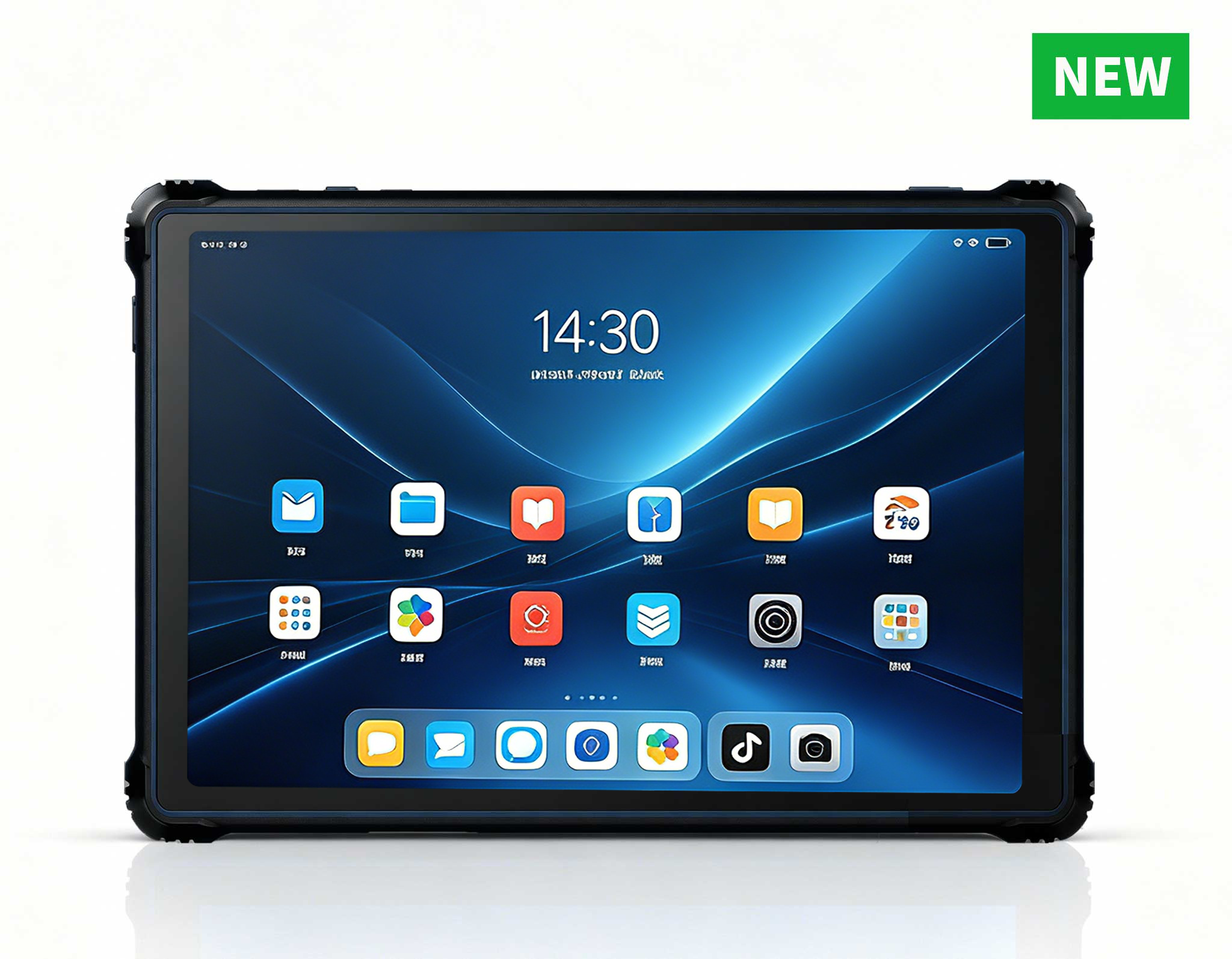
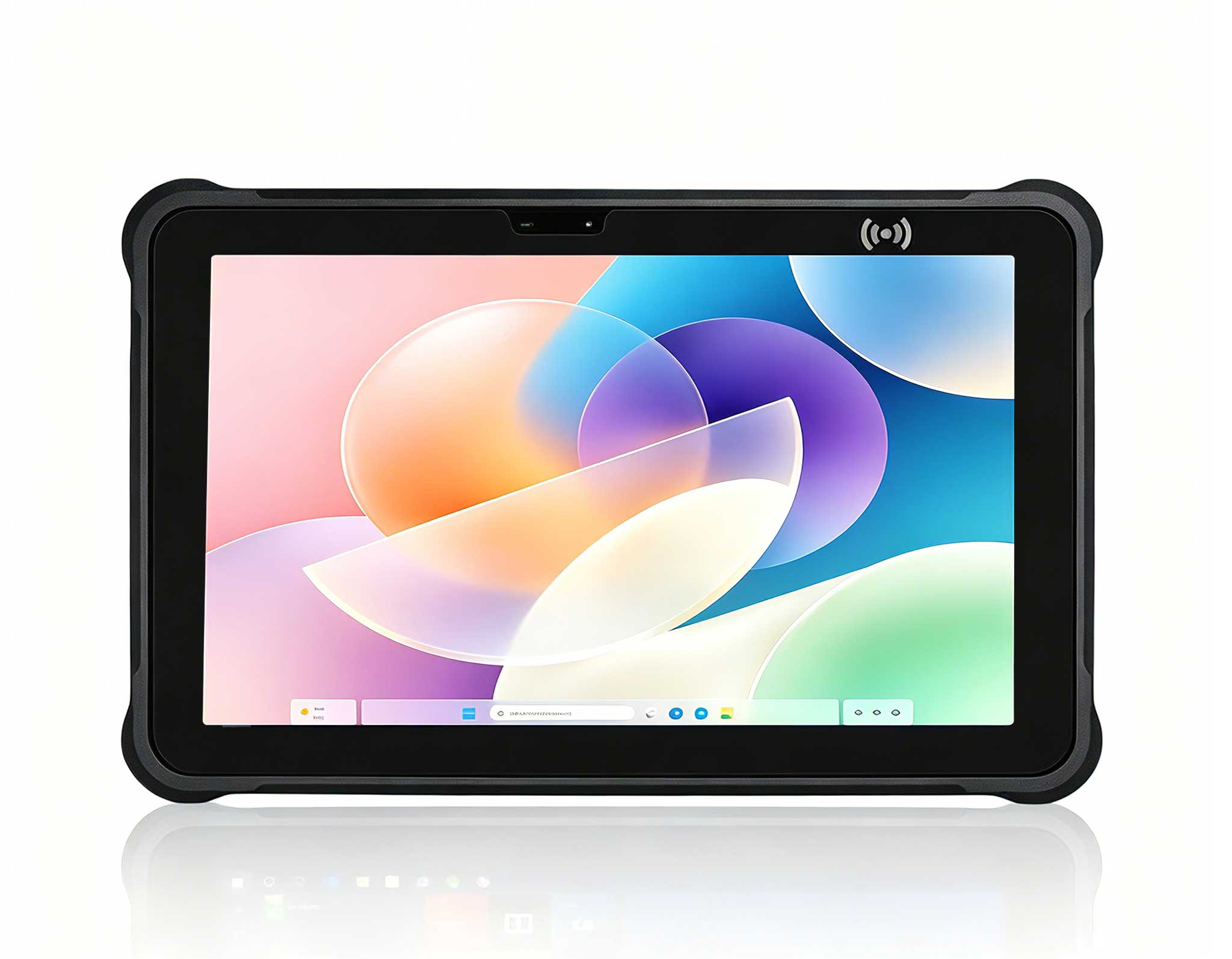
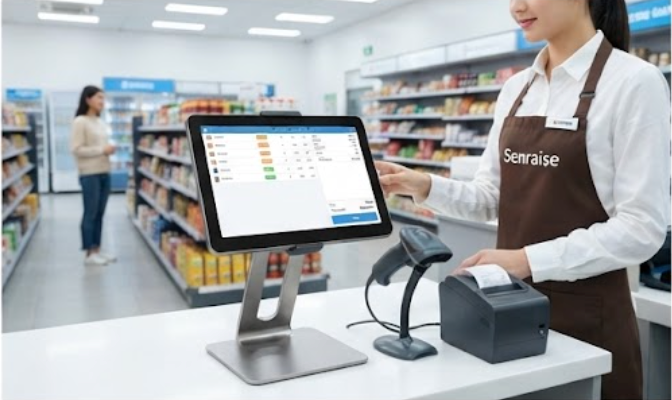
At the heart of the checkout counter, the 6.5-inch Windows SH6 Rugged Industrial Tablet serves as the fixed POS hub that keeps the whole lane connected. Unlike consumer tablets that lag and reboot at the worst possible moment, the SH6 runs continuously through a full shift in dusty, humid, and vibration-heavy environments. Its Windows operating system integrates directly with existing retail software, so receipt printers, cash drawers, and card readers pair reliably and stay paired. When a peripheral does disconnect, the SH6 shows clear status feedback so a cashier can restore the connection without calling IT. The industrial-grade construction also shrugs off spills, so a knocked-over coffee becomes a quick wipe-down rather than a half-day outage.
When a checkout device fails, speed matters more than diagnosis. First, restart the affected device and wait thirty seconds; a simple reboot clears most scan, network, and lag issues. Second, check physical connections and wireless indicators, because most card reader and printer failures turn out to be loose cables or a lost WiFi association. Third, if the device still fails, swap in a fresh battery on a handheld, or move checkout to a spare K401 while the primary unit is examined.
Fourth, test the scanner against a known-good label to confirm whether the problem is the device or the label itself. Fifth, verify that firmware and the POS client software are up to date, since most vendors ship regular stability fixes. Finally, record the incident in a simple maintenance log, noting the symptom, the fix, and the date. Stores that keep a spare K401 on hand and follow this routine consistently cut average recovery time from hours to minutes.
| Feature | T80 Handheld PDA | K401 Handheld PDA | SH6 Rugged Industrial Tablet |
|---|---|---|---|
| Primary Role | Mobile checkout and inventory scanning | Compact backup scanner and price checks | Fixed POS hub at the checkout counter |
| Form Factor | Handheld PDA with integrated scan engine | Lightweight handheld PDA | 6.5-inch Windows rugged tablet |
| Operating System | Rugged mobile OS for retail apps | Rugged mobile OS for retail apps | Windows for POS software compatibility |
| Scan Capability | Reads damaged and low-contrast labels | Reads standard retail barcodes | Supports attached scan peripherals |
| Battery | Replaceable, quick-swap design | Replaceable, shares fleet chargers | Long-life battery for full-shift operation |
| Weight | Moderate, balanced for one-hand use | Lightweight, pocket-friendly | Heavier, fixed at counter location |
| Durability | Rugged, drop and dust resistant | Rugged, drop and dust resistant | Industrial grade, spill and vibration resistant |
| Best Troubleshooting Use | Primary mobile unit with fast reboot | Instant spare when a lane scanner fails | Stable hub that keeps peripherals connected |
Do we need technical staff to operate this system? No. All three devices boot straight into the existing retail POS interface, and the recovery steps require no special training. Managers can train new staff on the routine in a single shift.
What happens if a device runs out of battery mid-shift? Handheld models use replaceable batteries, so the cashier swaps in a charged cell and the unit resumes immediately. The SH6 at the counter runs on its long-life battery and stays connected to power during normal operation, so the fixed lane rarely reaches a low-battery state.
How do we handle a scanner that will not read any label? First clean the scan window, then test a known-good label, and finally move checkout to a spare K401 while the primary unit is checked. Most scan failures are fixed in minutes without calling a technician.
Can these devices work with the rest of our infrastructure? Yes. The Windows-based SH6 integrates with standard retail management software, while the handhelds communicate over the store network. For larger rollouts, the same hardware backbone found in rugged mini PC solutions can power additional lanes and back-office workstations.
Retail Pos failures will always happen, but they do not have to stop your store. By combining the T80 Handheld PDA for mobile checkout, the K401 Handheld PDA as an instant spare, and the SH6 rugged tablet as the fixed POS hub, you turn the most common failure points into routine recoveries that take minutes. Staff stay focused on customers, queues stay short, and every transaction finishes on the first attempt.