- Select Language
Full SpecificationsModel Hotus SH5‑WOperating ...
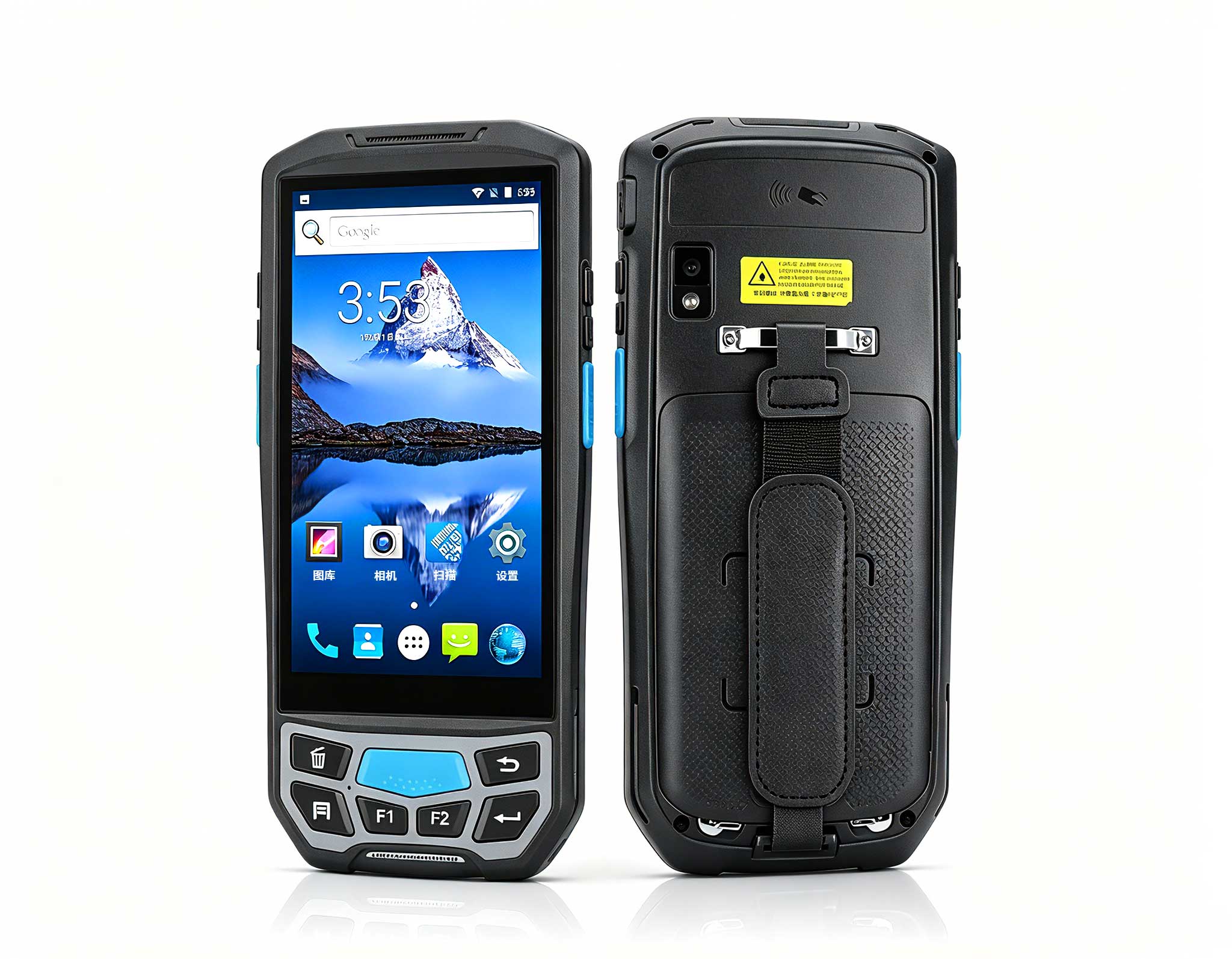
The U9000 handheld PDA combines advanced barcode s...
Technical SpecificationsModel: Palm-sized miniPCTy...
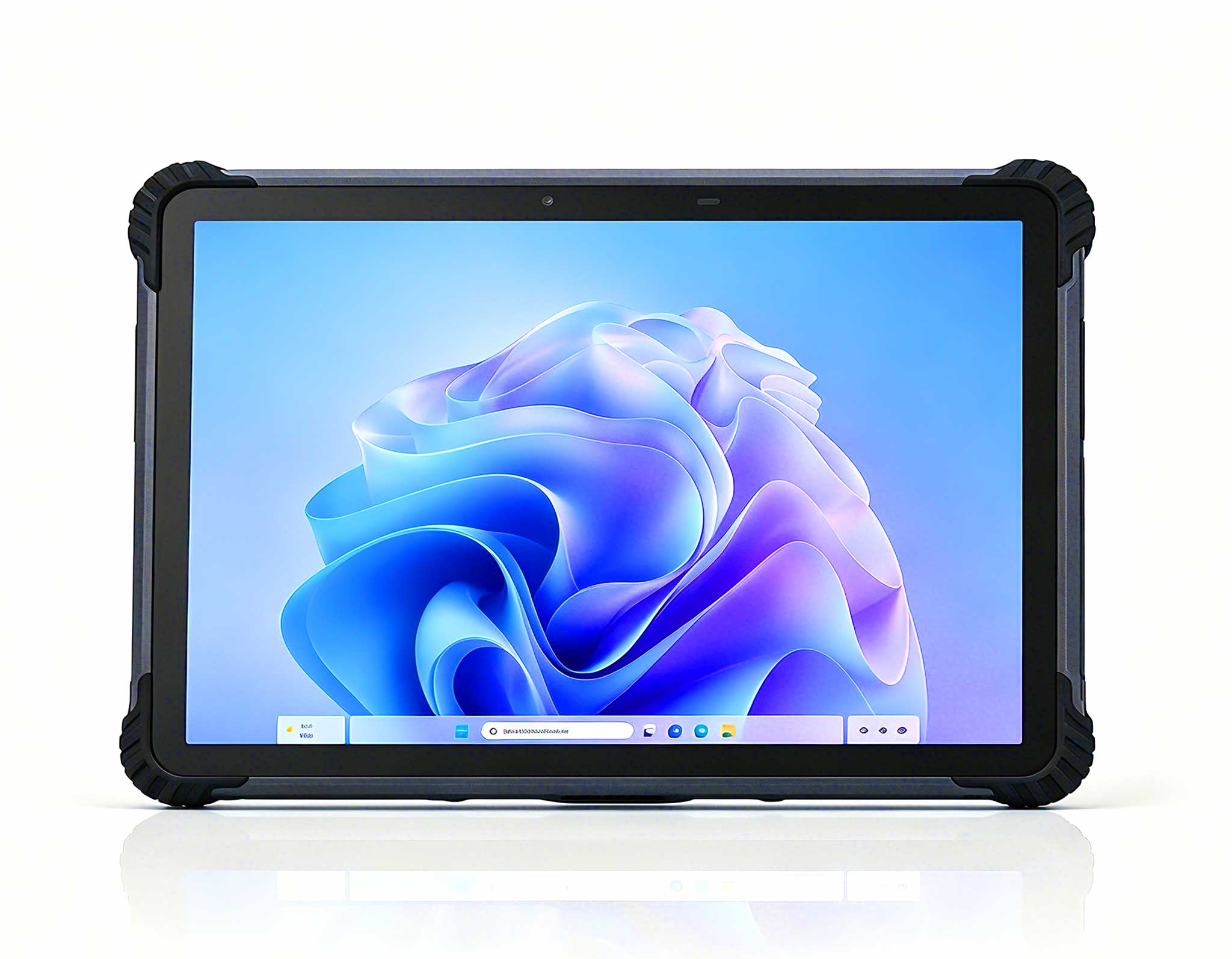
RT81 4G Rugged Tablet | 10.1" FHD 400nit | Qu...
The PM133-2 is a 13.3-inch portable monitor featur...
R366-S 5.5-inch Industrial PDA | Qualcomm Octa-cor...
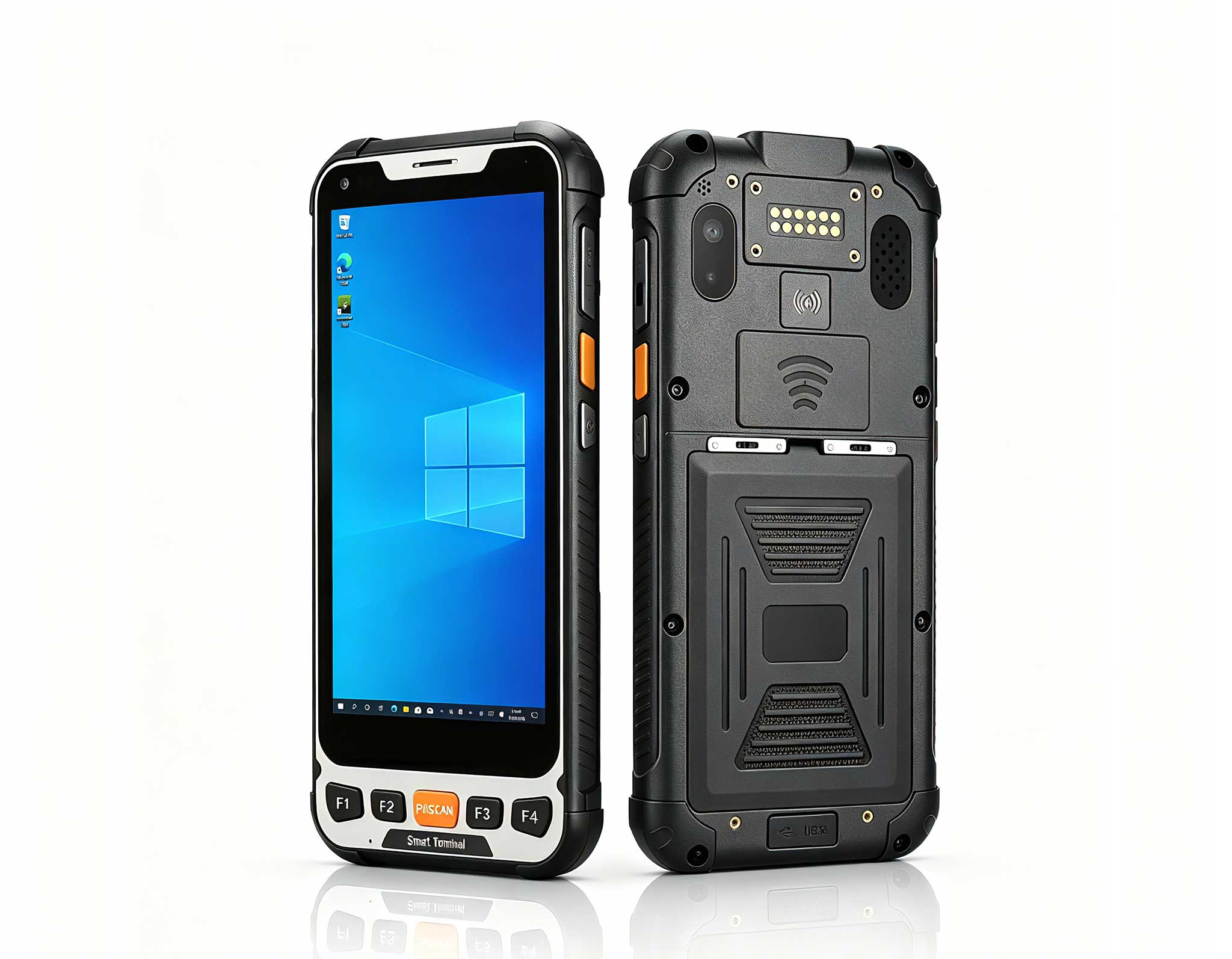
Full SpecificationsModelHotus ST9‑MOSWindows 10/11...
Explore our customized PDA designed for versatile ...
️ X8 Series Handheld Label & Thermal Printing ...
Keeping a medical workstation online through a packed clinic day is one of the most underappreciated jobs in healthcare IT. When a cart freezes at the nurse station or a tablet drops its Wi-Fi signal mid-round, the ripple effect is immediate: medication records wait, patient data queues up, and staff confidence erodes shift by shift. The good news is that the ST11-U, ST13-U and HTYJ10A Rugged Tablet share a common, serviceable architecture that puts most fixes within reach of a trained technician. This guide focuses on the practical side of clinic IT: what tends to break, why it breaks, and how to bring each device back to full operation without dispatching a specialist for every minor event. Every step below reflects how real medical staff actually use these devices through long, continuous shifts.
Field experience with medical workstations points to a few recurring themes: the demand for whisper-quiet operation in patient rooms, the challenge of keeping audio and display quality consistent across large or noisy ward floors, and the frustration of retraining staff on legacy systems that never seem to behave the same way twice. Yet when equipment fails mid-shift, the underlying cause is usually not a dead component. More often than not it is a configuration error, a power anomaly, or a connectivity problem that follows a predictable pattern once you know where to look.
Because all three models share a rugged, fanless architecture, the same troubleshooting logic applies across the entire fleet. Whether your site depends on the compact ST11-U at nurse stations, the larger ST13-U in consultation rooms, or the portable HTYJ10A Rugged Tablet for ward rounds, one trained technician can cover every unit with a single playbook. That consistency is a real advantage where staffing is tight. If you are planning a new deployment, the industrial solution for Medical Workstation from Hotus is a useful reference for system layout and peripheral compatibility before you commit to a final configuration.
The most frequent complaint at clinic help desks is a device that will not power on or hangs at the logo screen. Startup problems on the ST11-U usually trace back to one of three sources: a drained internal battery, a stalled Windows session, or a peripheral device that blocks the boot process. Begin with a hard reset: hold the power button for ten seconds, disconnect every USB peripheral, then power on again. If the unit still hangs, verify that it is receiving consistent power through its medical cart adapter, because many deployments run continuously around the clock and a marginal connection can cause intermittent boot failures that are easy to mistake for a hardware fault.
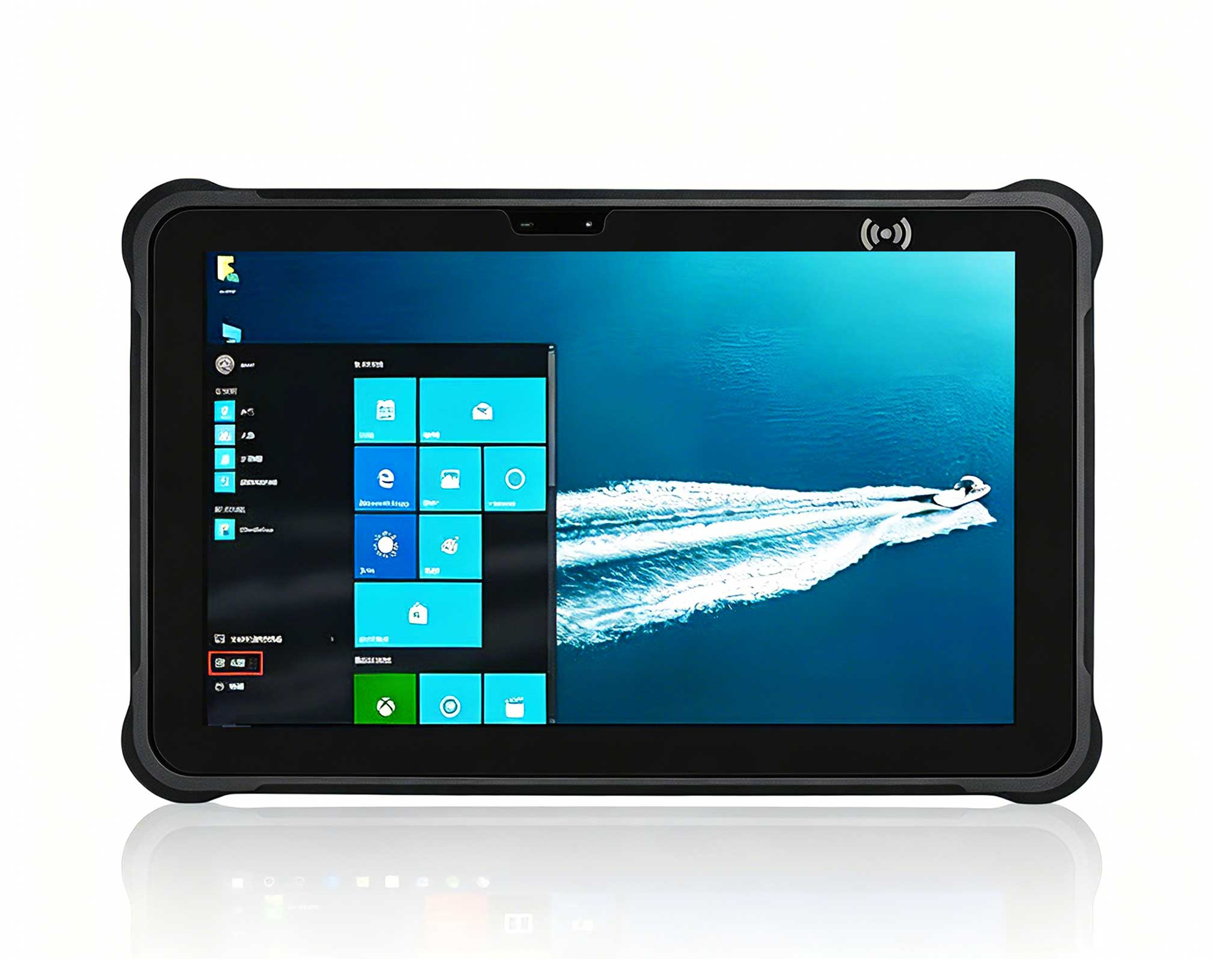
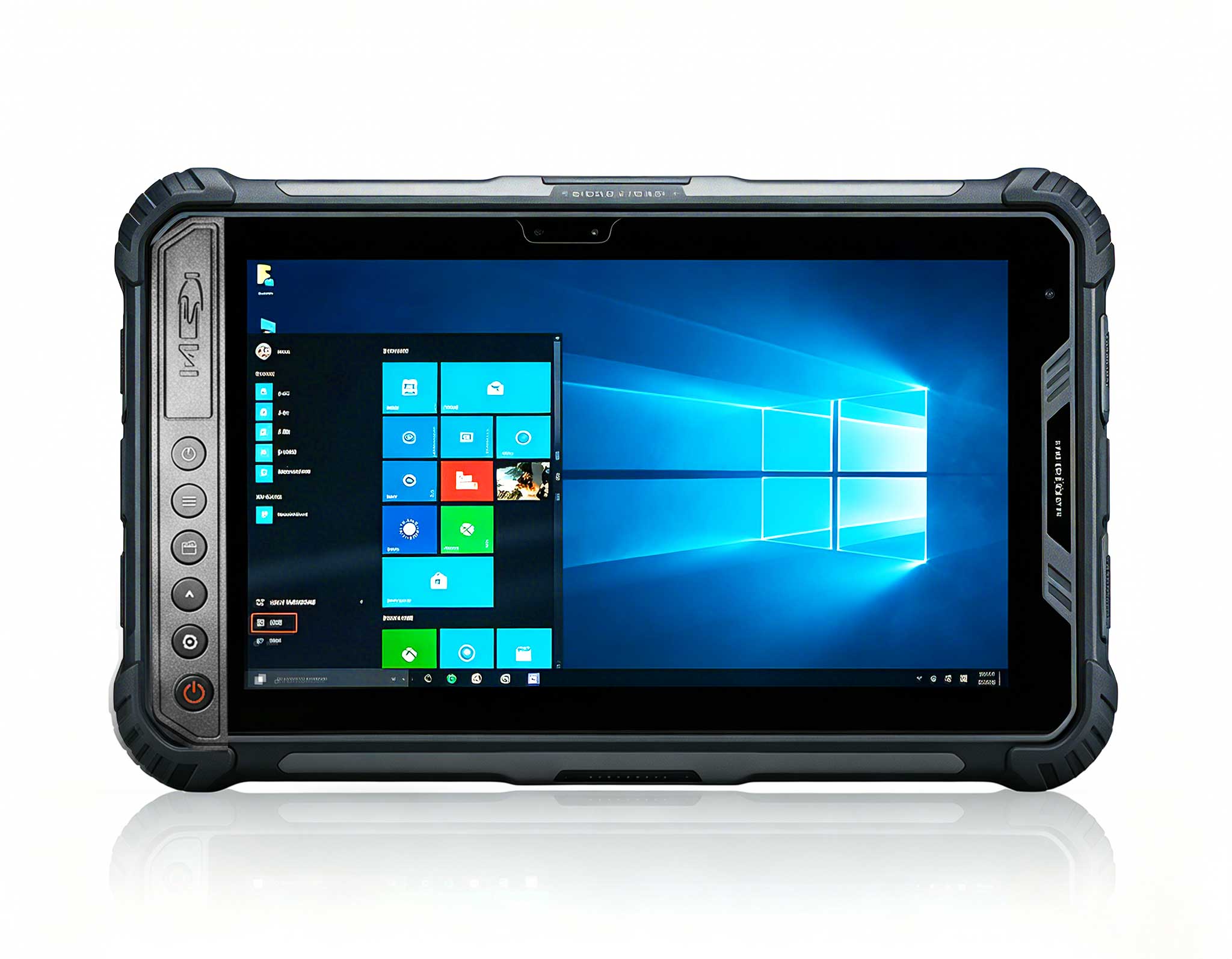
For longer-term stability, keep the operating system and clinical software up to date, schedule antivirus scans outside shift hours, and avoid letting overnight updates interrupt the morning surge. The 10.1-inch Windows ST11-U Rugged Industrial Tablet is the model most clinics choose for medication carts and bedside workstations, and its modular power design means a spare battery can be swapped in under a minute without tools. Standardizing on spare batteries across carts turns a thirty-minute incident into a sixty-second fix.
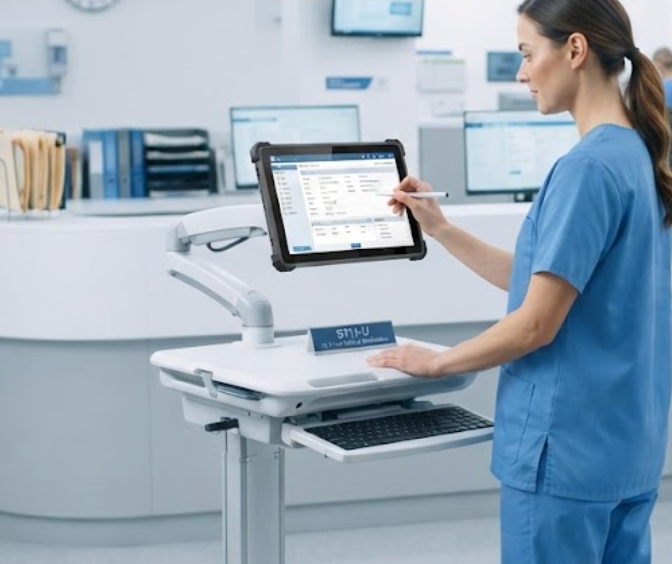
Touch failure is the second most reported issue, and in most cases the panel itself is perfectly healthy. Gloves, protective film, cleaning residue, and a stuck calibration are the usual suspects. Start diagnostics by cleaning the screen with the recommended solution and removing any third-party screen protector, since even a thin film can disrupt sensitivity near the edges. Then run the Windows touch calibration utility, or reboot into the built-in calibration mode the device supports. Test each quadrant of the screen individually, because a dead zone in one corner points to a driver problem rather than a global panel failure.
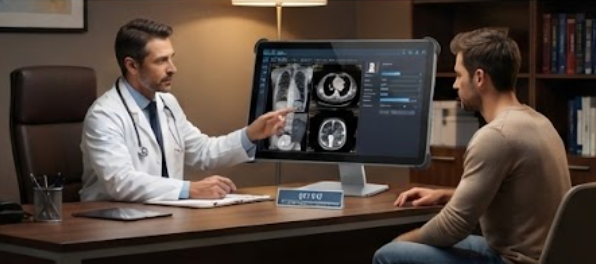
The 13.3-inch Windows ST13-U Rugged Industrial Tablet gives doctors a larger surface for imaging review and electronic charting, which also means more fingers on the display and more aggressive cleaning protocols. If a region of the screen becomes unresponsive, test the panel through the driver diagnostics before assuming hardware damage. In most cases a driver reinstall or a display driver update restores full responsiveness without any part replacement, so keep a known-good driver package on the network share for quick reinstallation during the shift.
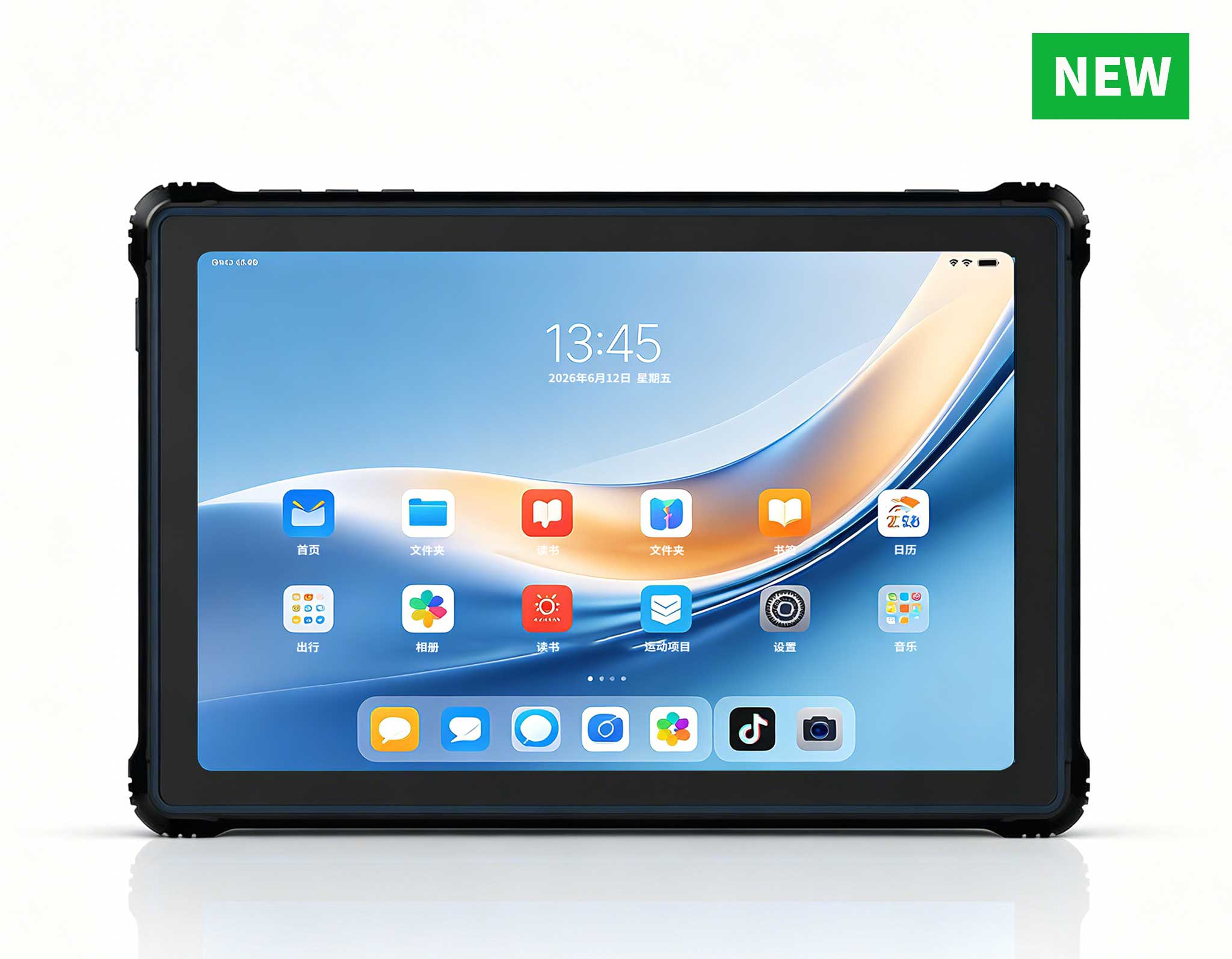
Slow charting and frozen patient portals usually point to the network, not the tablet. When the HTYJ10A Rugged Tablet reports throughput well below the expected speed during ward rounds, first check the signal strength between the tablet and the nearest access point, then confirm the device has not latched onto a distant or congested channel. Disconnecting and reconnecting to the Wi-Fi network clears most sticky sessions, and toggling the network adapter in Windows flushes stale routes. Where roaming between access points is frequent, verify that fast roaming is enabled on the infrastructure side, as older deployments often leave it disabled.
The HTYJ10A Rugged Tablet is built for mobility, so thermal throttling is the other common cause of perceived lag in hot wards. Keep the ventilation path clear, avoid leaving the device in direct sunlight between rounds, and confirm that the power plan is set for balanced performance rather than maximum battery savings. A quick BIOS or Windows sensor check tells you immediately whether throttling is the culprit before you start chasing network settings.
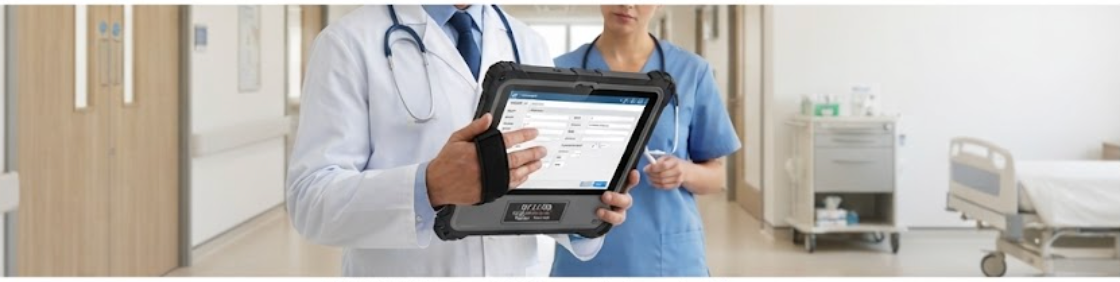
Battery problems surface in two ways: rapid drain during a shift and sudden shutdowns at low charge. For any of the three models, start by checking the battery health report in Windows. A battery that still shows above 80 percent health but drains quickly is usually being emptied by background processes, so review startup programs and close redundant cloud-sync clients that serve no clinical purpose. For sudden shutdowns, inspect the power plan and the charging dock contacts, because dirty pins are a common cause of intermittent charging that gradually worsens over several weeks.
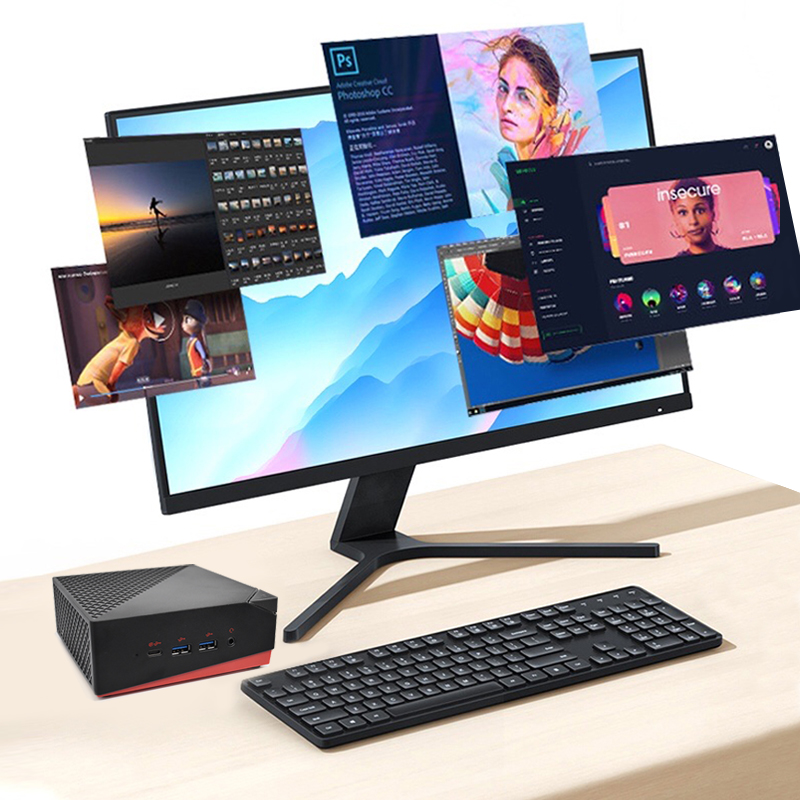
All three units support fast-charge strategies that keep the workstation running through double shifts, and scheduling top-up charging between rounds extends service life considerably. When you standardize accessories and spare batteries across the fleet, you can also explore rugged mini PC solutions for fixed stations that never move, reserving the tablets for staff who walk the wards. Matching the form factor to the workflow is the cheapest reliability upgrade a clinic can make.
The table below summarizes how the three models fit different medical workstation roles. Choose the display size and form factor that matches the task, then standardize your troubleshooting playbook around the shared components, because the common architecture means a lesson learned on one model transfers directly to the other two.
| Model | Display | Typical Medical Workstation Role | Mounting Flexibility | Best Suited For |
|---|---|---|---|---|
| ST11-U | 10.1-inch | Medication carts and nurse station terminals | VESA cart mount, wall mount | High-mobility ward workflows |
| ST13-U | 13.3-inch | Doctor consultation and imaging review | Articulating arm, counter stand | Larger interfaces at fixed points |
| HTYJ10A Rugged Tablet | 10.1-inch | Bedside rounds and on-the-go charting | Handheld with optional docking | Portable data entry during rounds |
Common questions about deploying the HTYJ10A Rugged Tablet, ST11-U and ST13-U in medical workstation environments include: Do we need dedicated technical staff to operate the system? Can multiple clinicians use the same cart simultaneously? What happens if a device runs out of battery mid-shift? Modern systems are designed with these scenarios in mind: intuitive operation that requires no special training, multi-user support with distinct profiles, and generous battery life with quick-swap options that keep a dead unit out of service for minutes rather than hours.
If a problem persists after the steps above, check the device event logs for error codes, confirm the firmware is current, and test the suspected unit with a known-good power adapter before contacting support. Documenting each resolution creates a clinic-specific knowledge base that shortens every future downtime event, and it gives new technicians a reference point from their first week. With the right process in place, the ST11-U, ST13-U and HTYJ10A Rugged Tablet keep your medical workstation running shift after shift, and the patterns you learn here will serve you long after the next upgrade.