Closing a metro platform screen door fault requires three distinct records before the end of a maintenance shift: a clear close-up photograph of the mechanical track, live controller readings pulled directly from the signalling cabinet, and a scanned asset tag binding both records to the exact door and platform. Rather than forcing one device to handle every environment poorly, a station maintenance crew assigned each evidence type to the rugged terminal best built for that step.
At a two-platform underground interchange where technicians inspect door operators, traction cabinets, and escalator panels on rotating rounds, each record is captured under completely different physical constraints—dim door voids, brightly lit control cabinets requiring wired ports, and fast platform walks where one hand stays on a rail. Matching the ST11-J, HTYJ10A, and SH6 to those exact conditions streamlines depot reporting while keeping hardware specifications transparent.
Visual Track Documentation: ST11-J for High-Detail Door Void Photos
Mechanical defects such as worn guide rollers, displaced rubber seals, or loose harnesses rarely register in controller logs, making high-resolution visual documentation the first step in fault triage. Technicians need to reach narrow door gaps under uneven tunnel-to-platform lighting and verify image sharpness immediately so depot reviewers never have to schedule a repeat inspection.
The 10.1 Inch Windows Rugged Tablet PC ST11-J Supplier unit handles this stage with its 13MP rear camera with integrated flash and 10.1-inch 1200 × 1920 display, letting crews frame tight hardware clearances and verify focus on the spot. Its IP65 enclosure and 1.2 m drop rating tolerate damp station floors, while Windows 10 Pro runs the depot's desktop file-naming utility so images save directly under the assigned door ID.
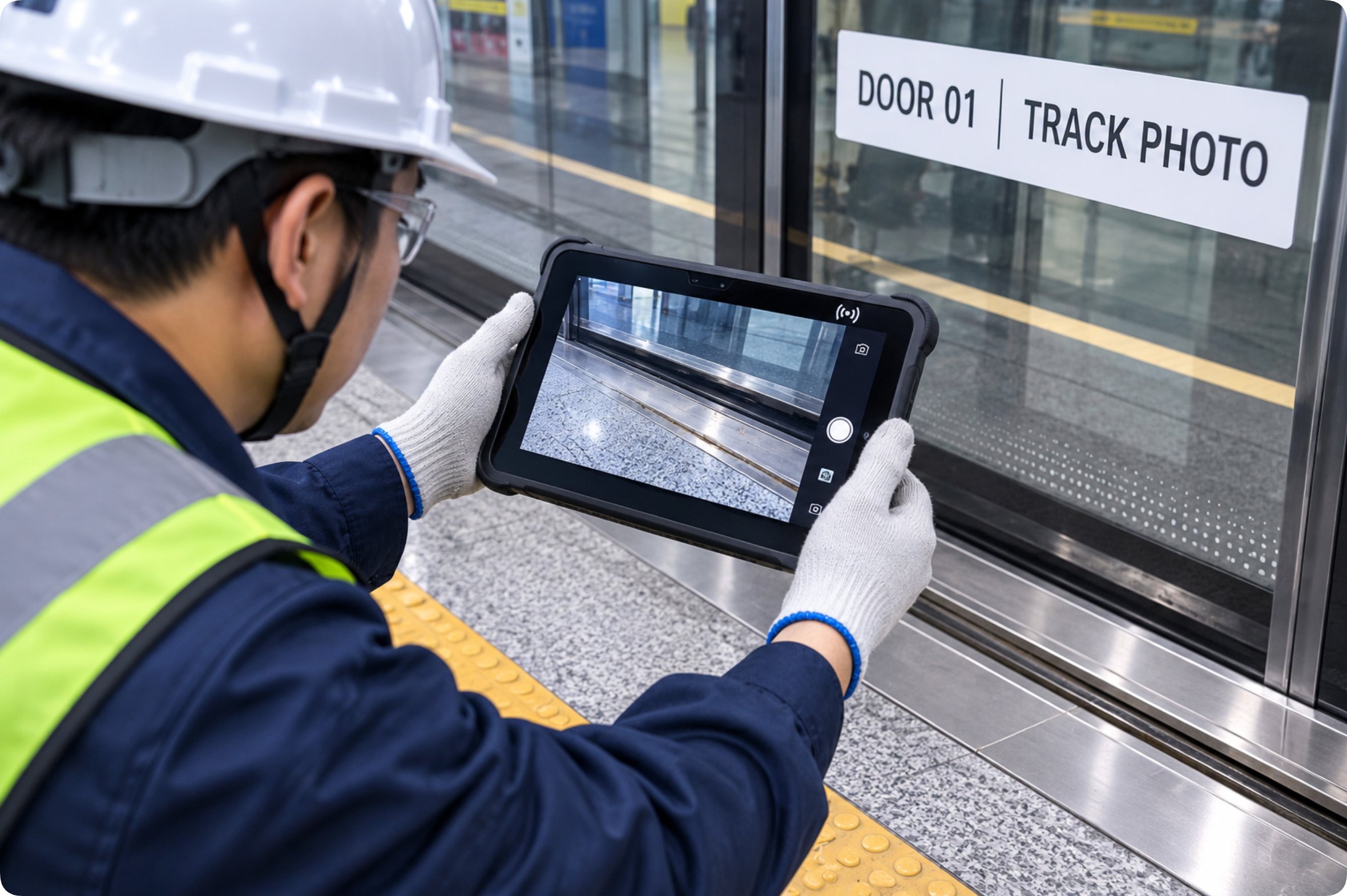
During extended overnight engineering possessions, the removable 6000mAh battery (rated around 8.5 hours) is backed up by a spare charged pack stored in the concourse maintenance room, keeping the imaging tablet active across double shifts without carrying duplicate hardware.
Cabinet Diagnostics: HTYJ10A for Direct Wired Controller Readings
Visual photos alone cannot distinguish a mechanical jam from a drive voltage dip or encoder error. Retrieving fault logs from platform controller cabinets requires native physical ports—without fragile external adapter hubs—and a Windows environment capable of running the signalling vendor's diagnostic suite.
The HTYJ10A Dustproof Waterproof Rugged Tablet PC fills this diagnostic role with integrated RJ45 Ethernet, USB Type-A, USB Type-C, and Mini HDMI ports built directly into its IP67 double-layer housing. Technicians connect straight into cabinet service ports, read parameters cleanly on the 560-nit display under bright enclosure LEDs, and log exact fault codes without transcription errors.
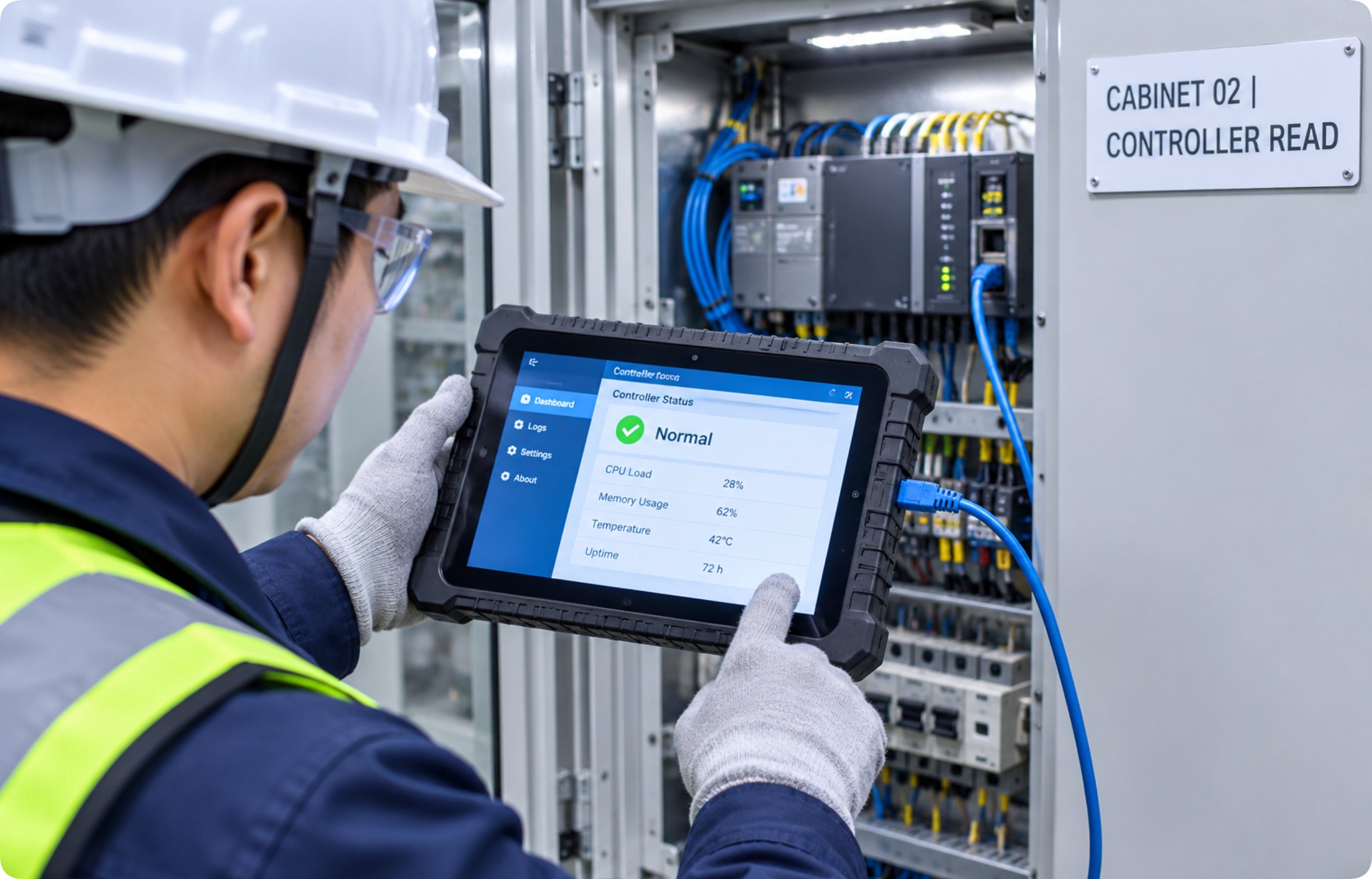
To maintain engineering accuracy, the station's internal standard relies strictly on specifications verified consistently across the HTYJ10A listing—IP67 sealing, 560-nit brightness, and onboard RJ45/USB/HDMI connectivity—while flagging conflicting page entries (such as 6000mAh vs. 3500mAh battery, Wi-Fi 5 vs. Wi-Fi 6, 16GB vs. 8GB RAM, and 60°C vs. 55°C upper temperature limits) for written supplier confirmation before volume ordering.
Asset Identification on the Move: SH6 for One-Handed Tag Scans
Every depot work order requires a verified asset ID before closure. Walking busy platforms to scan door plates and junction boxes demands a pocketable, one-handed terminal that leaves the technician's other hand free for handrails and cabinet latches while withstanding accidental drops onto concrete.
The 6.5 Inch Industrial Rugged Tablet SH6 OEM unit anchors this step with IP67 sealing, 1.5 m drop resistance, a swappable 5000mAh battery, and optional 2D barcode and NFC modules that read both legacy engraved plates and newly installed contactless tags. Technicians pull up prior door fault history before even opening an enclosure.
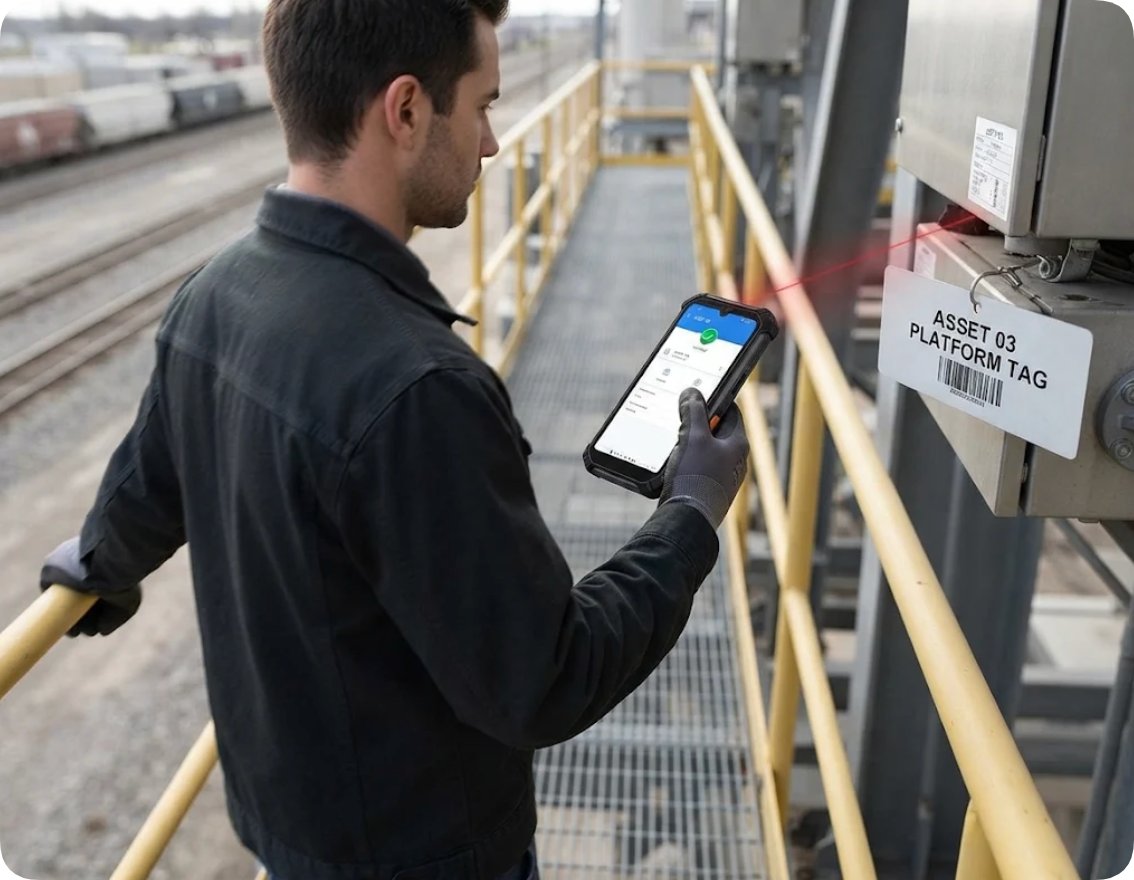
Because the SH6 listing contains two differing configuration blocks—one referencing a 6.0-inch octa-core Android handheld (3.8V battery) and another listing a 6.5-inch Intel N100 Windows configuration (7.6V battery)—the maintenance team standardized strictly on the consistent handheld form factor, IP67 sealing, 1.5 m drop rating, and 2D/NFC capture options, following the sealed-hardware principles detailed in Industrial Three-Proof Application Solutions.
Auditing Conflicting Datasheet Blocks Before Procurement
When product pages display mismatched secondary specs, copying the top table blindly creates procurement risk. Separating verified structural traits—ingress protection, drop resistance, camera resolution, and physical ports—from disputed fields keeps engineering sign-offs factual while prompting buyers to lock down exact OS builds, RAM, and battery specs in writing under Industrial Inspection Industrial Hardware Solutions Supplier agreements.
| Inspection Evidence Type | Assigned Device | Verified Specifications Used | Fields Held for Supplier Confirmation |
|---|---|---|---|
| Door track photograph | ST11-J | 13MP rear camera with flash; 10.1-inch 1200 × 1920 screen; IP65; 1.2 m drop rating | None for this imaging role |
| Controller cabinet reading | HTYJ10A | RJ45 Ethernet, USB-A, USB-C, Mini HDMI; 560-nit display; IP67 | Battery mAh, Wi-Fi generation, RAM capacity, upper temp limit |
| Platform asset identity | SH6 | Handheld form factor; 1.5 m drop rating; IP67; optional 2D barcode & NFC | Operating system build, exact screen inch size, battery voltage |
Merging Three Evidence Streams Into One Depot Work Order
Standardizing capture roles gave technicians a repeatable routine: frame door-track photos on the 10.1-inch ST11-J, pull wired cabinet logs on the HTYJ10A, and scan platform asset tags on the pocketable SH6. Because all three terminals write directly to the same depot reporting database using consistent asset IDs, supervisors receive complete, verifiable fault packages before shift handover.
For a related deployment dividing fleet hardware by fault category, see ST9-J, ST11-U and R366C-S: A Charging Depot Case Built on Fault Classes alongside broader mobile maintenance workflows in Field Service Application Solutions.