- Select Language
Technical SpecificationsModel: Palm-sized miniPCTy...
P11 Series Next-Gen Enterprise Rugged Industrial ...
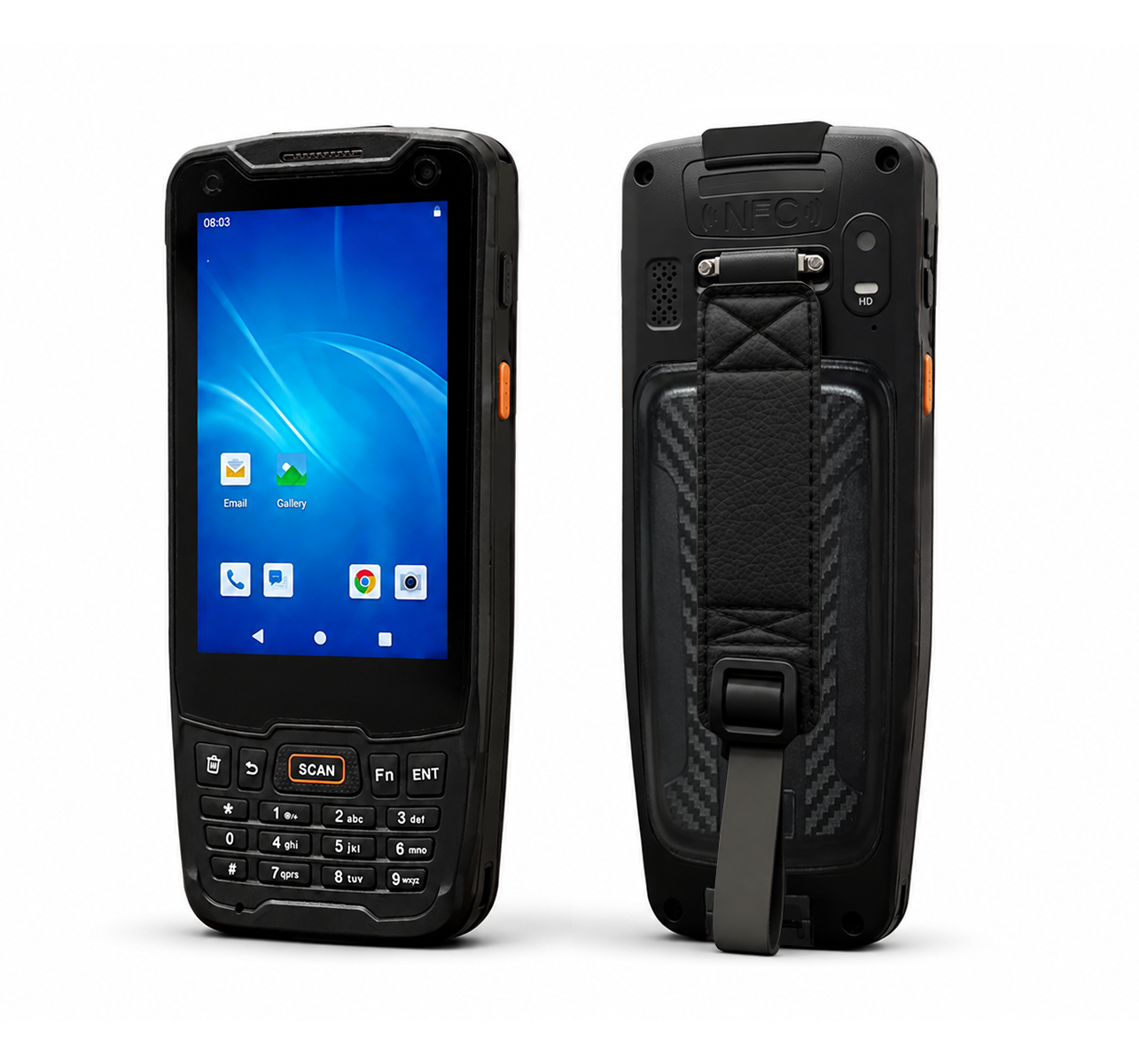
R350C 4-inch Industrial Handheld PDA | Qualcom...
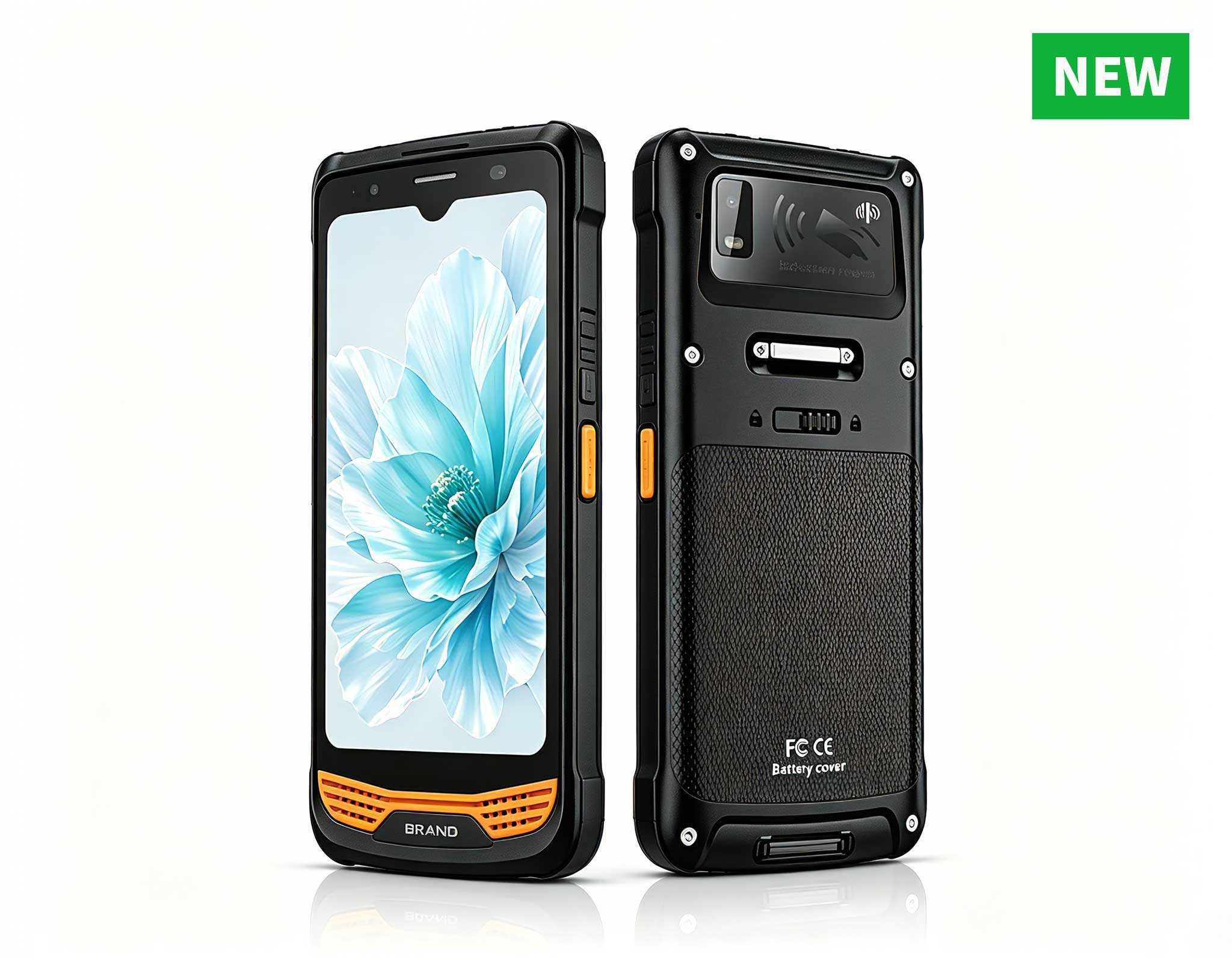
R366-S Thin 5.5-inch Industrial PDA | Qualcomm Oct...
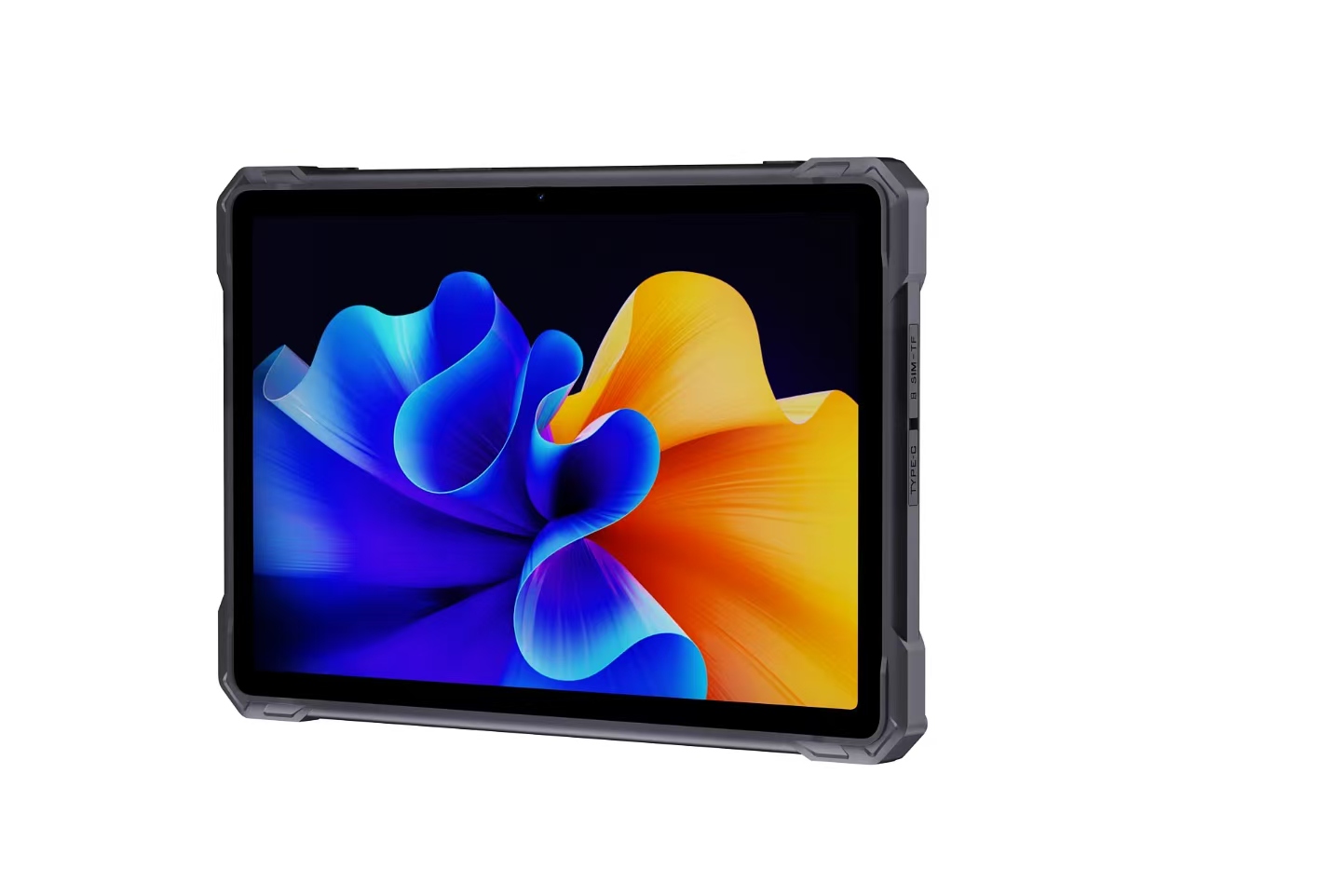
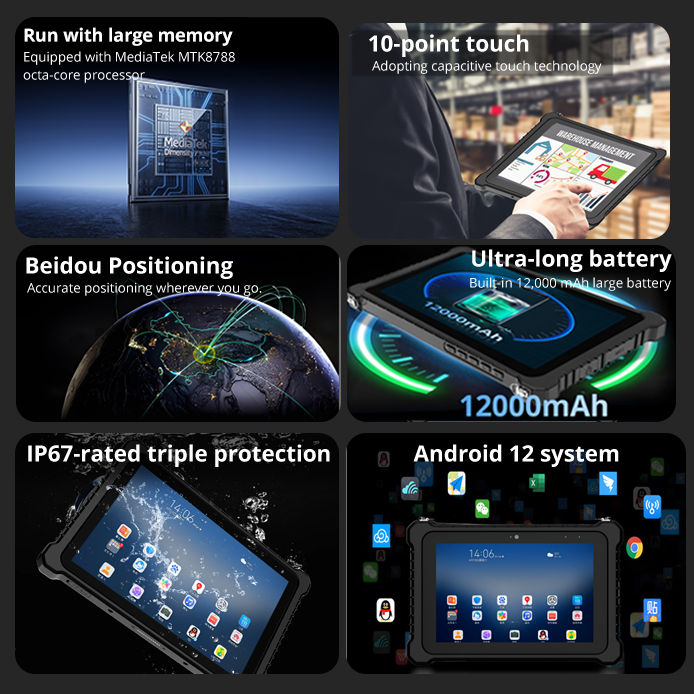
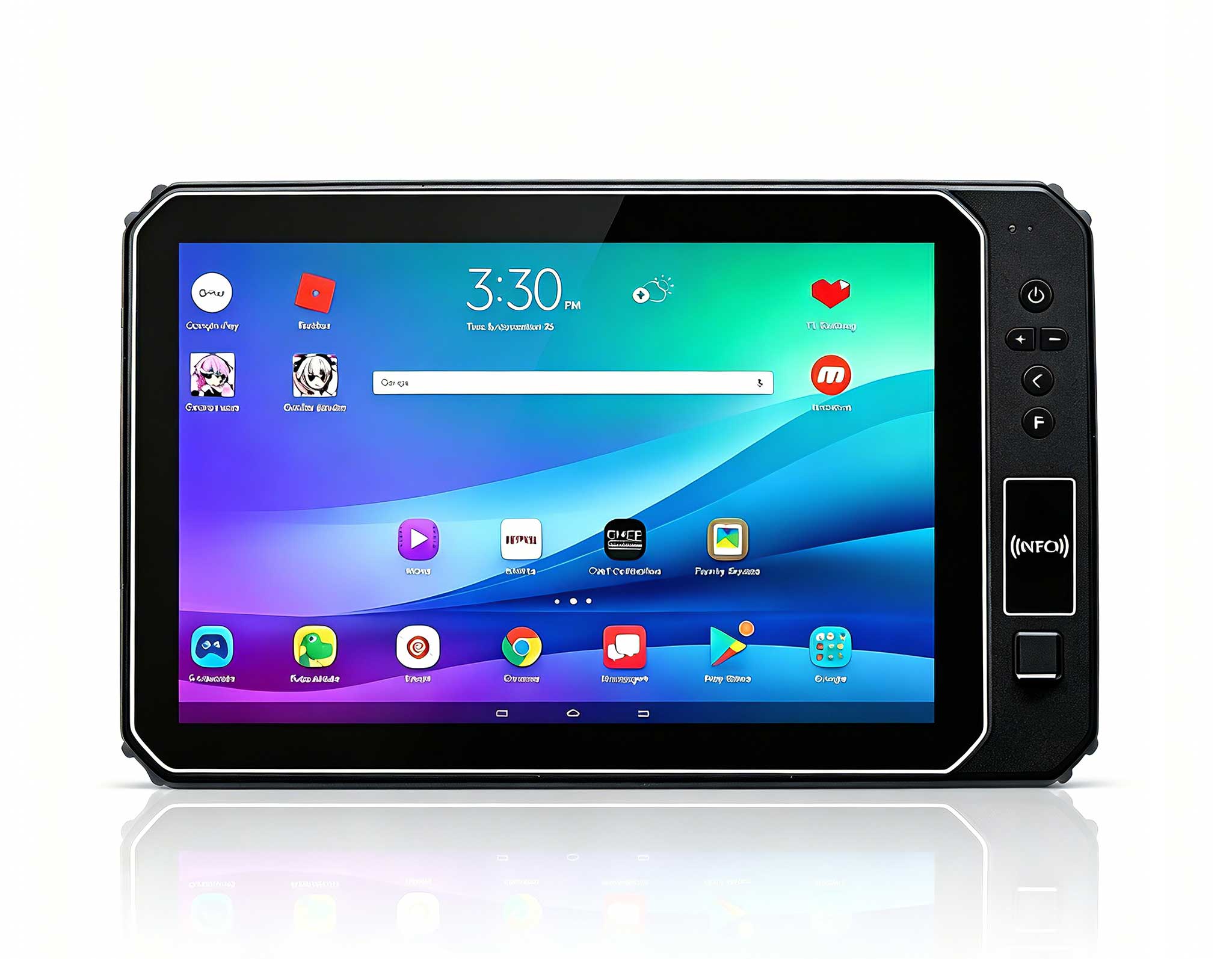
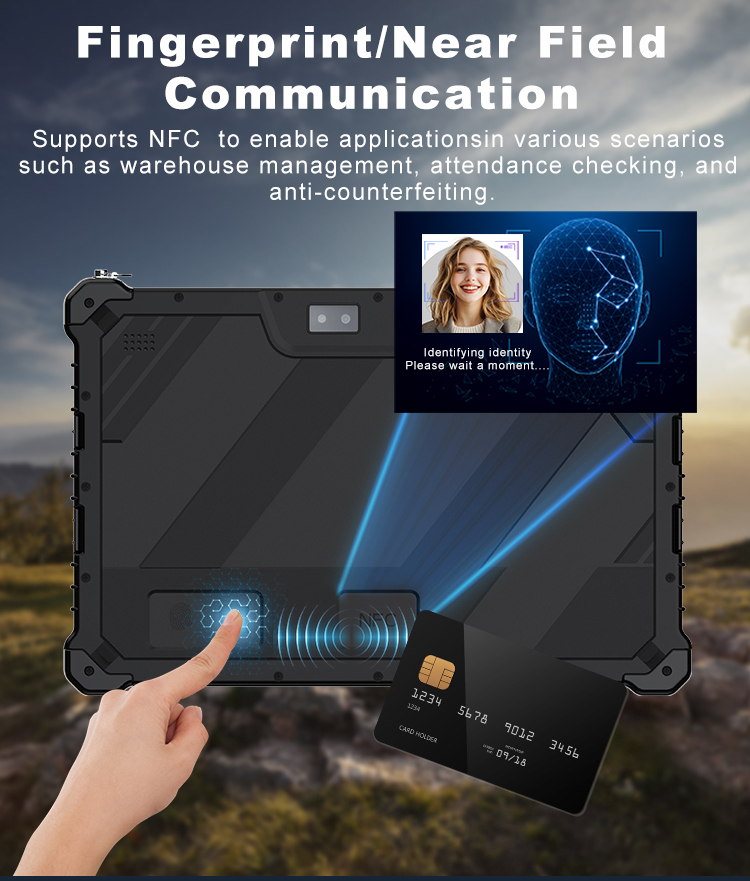
This 10-inch Android rugged tablet is designed for...
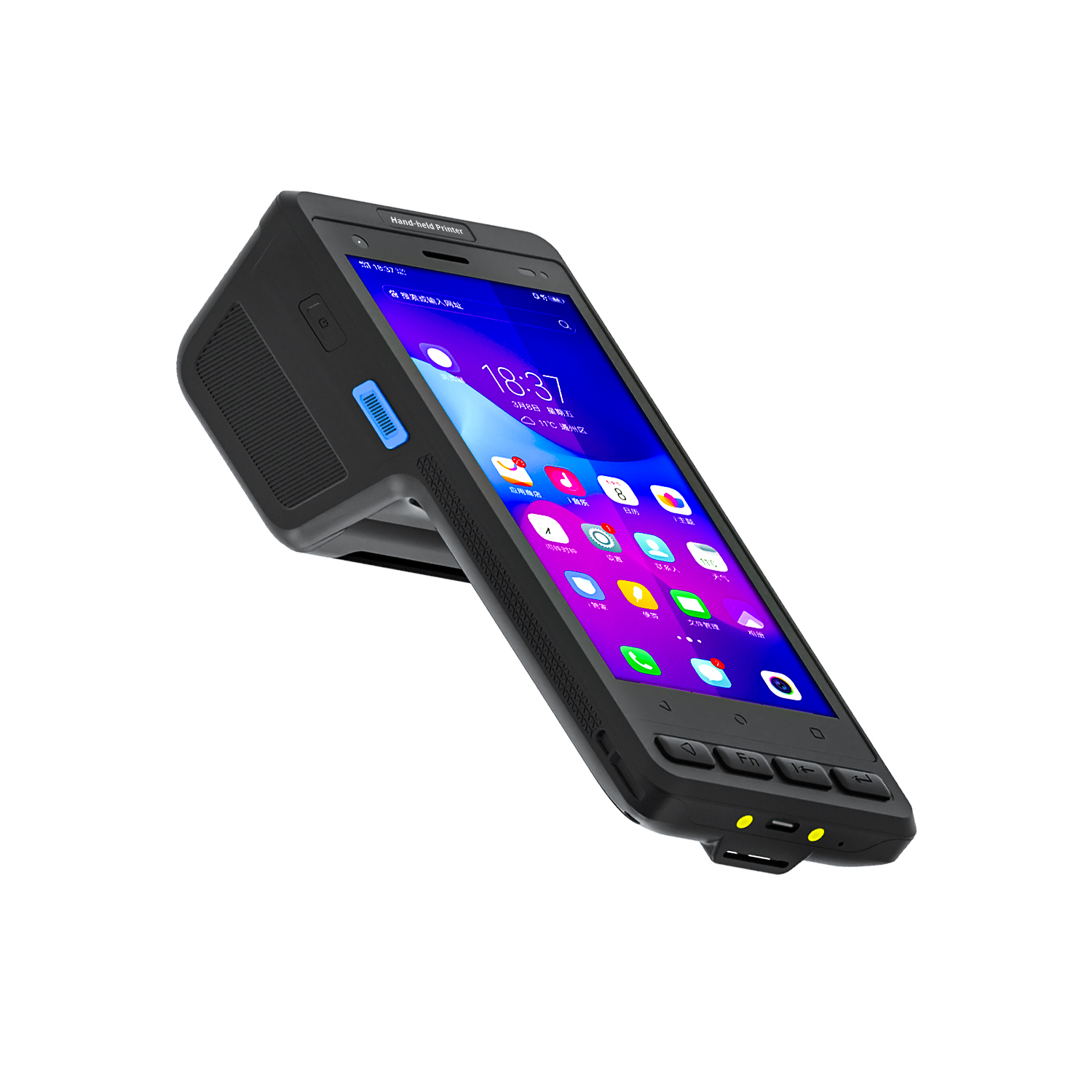
️ X8 Series Handheld Label & Thermal Printing ...
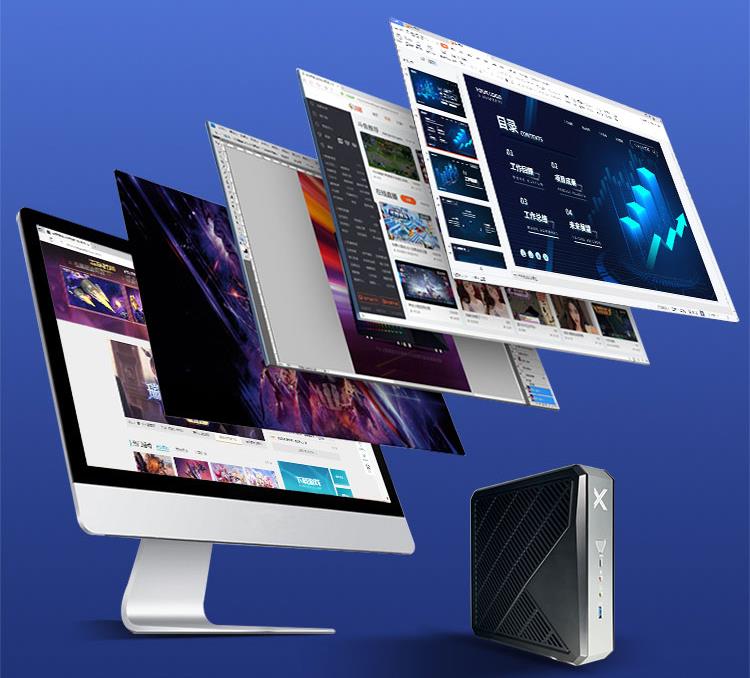
Walk into a modern retail store, a security control room, or a small business server closet today, and you won’t find a tower desktop. What you’ll see is a tiny black box bolted to the back of a monitor or tucked into a network rack. I’ve been deploying Mini PC hardware for over five years across digital signage networks, edge computing nodes, and office environments. I can tell you with confidence: the traditional desktop tower is quietly dying in commercial and industrial settings. The reason is straightforward—Mini PCs now deliver enough CPU performance, memory bandwidth, and I/O flexibility to handle 90% of what a full-sized desktop does, while consuming a fraction of the power and space. Whether you’re running a 24/7 kiosk, a multi-monitor trading desk, or a home lab for virtualization, there’s a Mini PC tier that fits. Here’s what I’ve learned from real deployments, and the three Hotus models that cover the spectrum from ultra-low-power signage to heavy edge AI workloads.
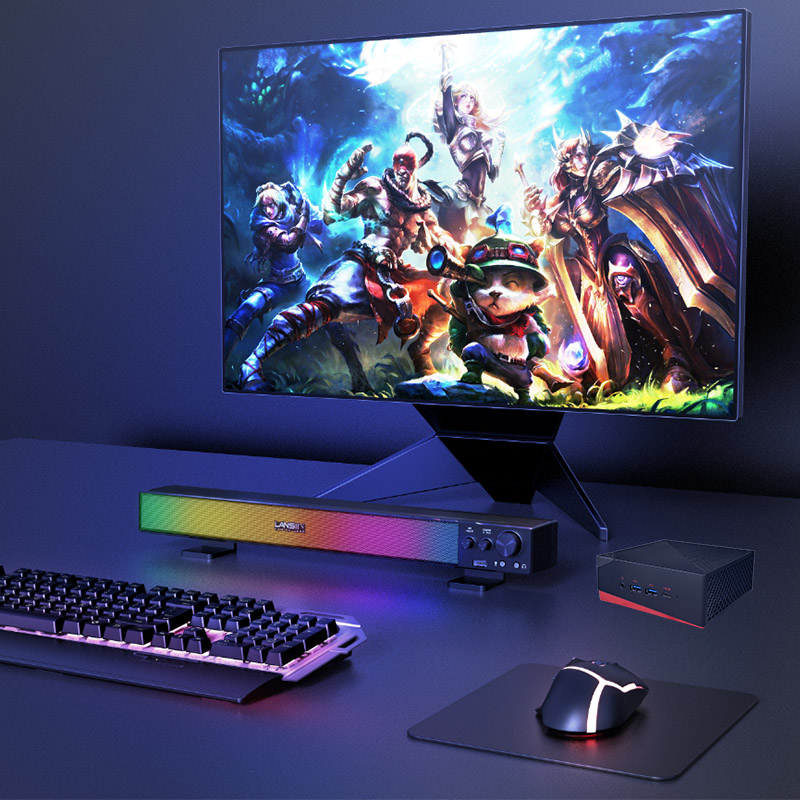
I started my Mini PC journey with digital signage deployments for a chain of coffee shops. The requirement was brutal: the computer had to run 16 hours a day, seven days a week, mounted behind a 55-inch display showing menu boards and promotional videos. It had to be silent—no fan noise in a quiet café—and it had to consume so little power that we could leave it on overnight without worrying about the electric bill. That’s where the Palm-sized miniPC became my go-to. This unit literally fits in the palm of your hand, and it sips under 15W under load. I’ve installed dozens of these using the included VESA mount, attaching them directly to the back of displays. The fanless design means zero dust intake and zero noise—critical for retail environments where customers notice every hum.
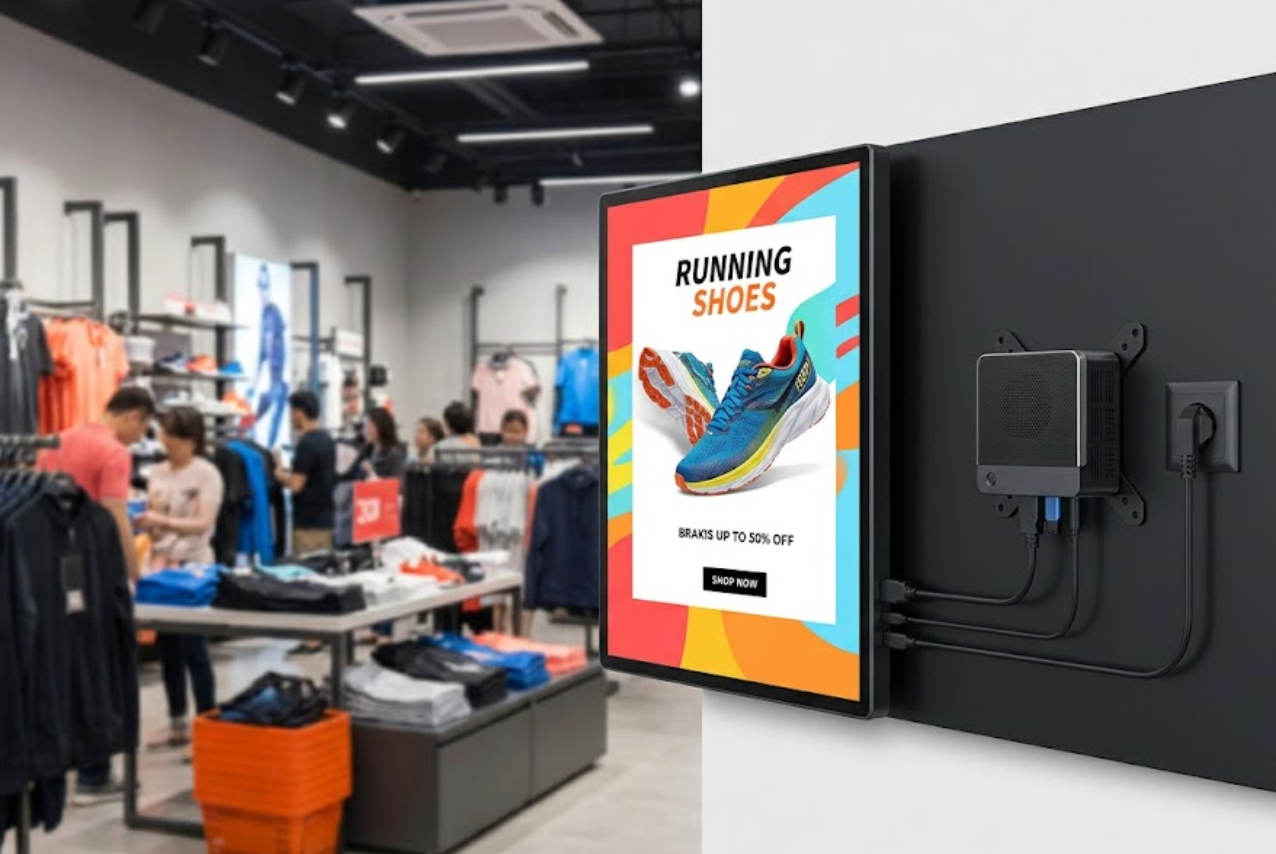
Hardware-wise, don’t let the tiny size fool you. The Palm-sized miniPC runs on low-power Intel processors (Celeron or N-series) that handle 1080p video playback, web-based POS systems, and lightweight office tasks like spreadsheets and email without stuttering. It supports up to 8GB of RAM and has both HDMI and VGA outputs, so you can drive two displays if needed. For digital signage, kiosks, or a simple office workstation where you just need a browser and Office apps, this is the most cost-effective, reliable solution I’ve found. It’s also dead simple to deploy—plug in power, connect to the display, and you’re done. No bulky tower, no cable clutter.
When a client needed to upgrade their security control room—three 27-inch monitors running surveillance software, data dashboards, and live feeds simultaneously—I knew a palm-sized unit wouldn’t cut it. That’s when I turned to the HCAR5000 MI Mini PC. This is the mid-range tier that bridges the gap between ultra-compact and full desktop replacement. It packs Intel Core i5 or i7 processors (11th or 12th gen, depending on configuration), which provide enough multi-threaded grunt to drive three 4K displays simultaneously via HDMI and DisplayPort. In that control room deployment, the HCAR5000 sat under the desk, connected to three monitors showing security camera feeds, a building management dashboard, and a live weather radar. It ran 24/7 for six months without a single crash or thermal throttle.
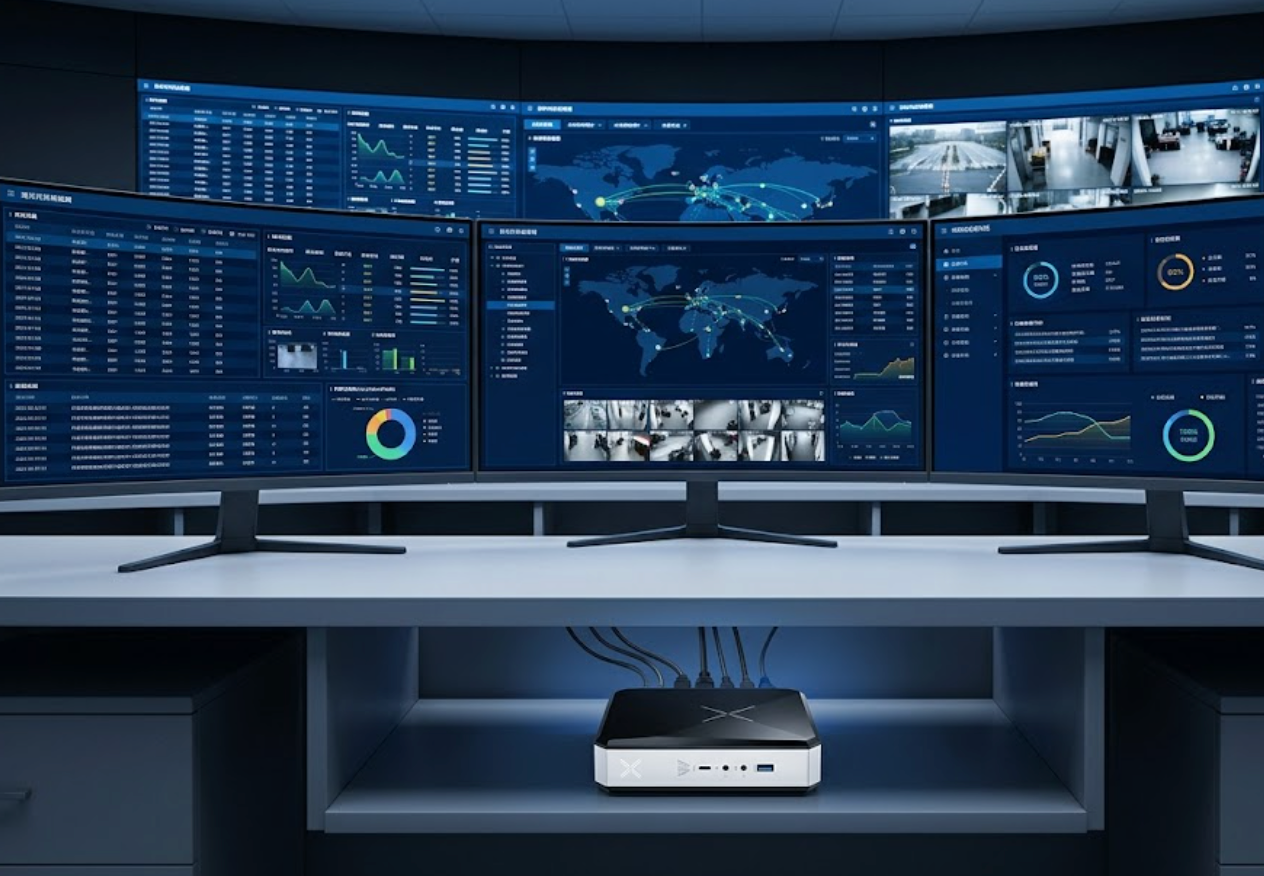
This unit also excels in retail POS environments. I’ve deployed it in a busy electronics store where it handled a dual-monitor POS system (customer-facing display + cashier screen), inventory management software, and a local database—all while connected to a receipt printer and barcode scanner via its multiple USB 3.0 ports. The HCAR5000 supports up to 32GB of DDR4 RAM, which gives you headroom for moderate edge computing tasks like local data processing or running a lightweight virtualization hypervisor. It consumes around 35-45W under load—still a fraction of a desktop tower—and includes a VESA mount for under-desk installation. If you need reliable multi-display performance without jumping to a high-end AMD chip, this is the sweet spot.
For the most demanding deployments—think 4K video transcoding, running multiple virtual machines, or acting as a network appliance with dual 2.5G Ethernet—I reach for the WTR PRO AMD Mini PC. This is the high-performance tier that truly replaces a desktop workstation. I installed one in a media production house where it handles 4K video editing in DaVinci Resolve, and another in a home lab running Proxmox with five virtualized servers. The AMD Ryzen processors (up to Ryzen 7 5800H or 6900HX) deliver desktop-class multi-core performance, and the integrated Radeon graphics are surprisingly capable for light gaming and GPU-accelerated workloads.
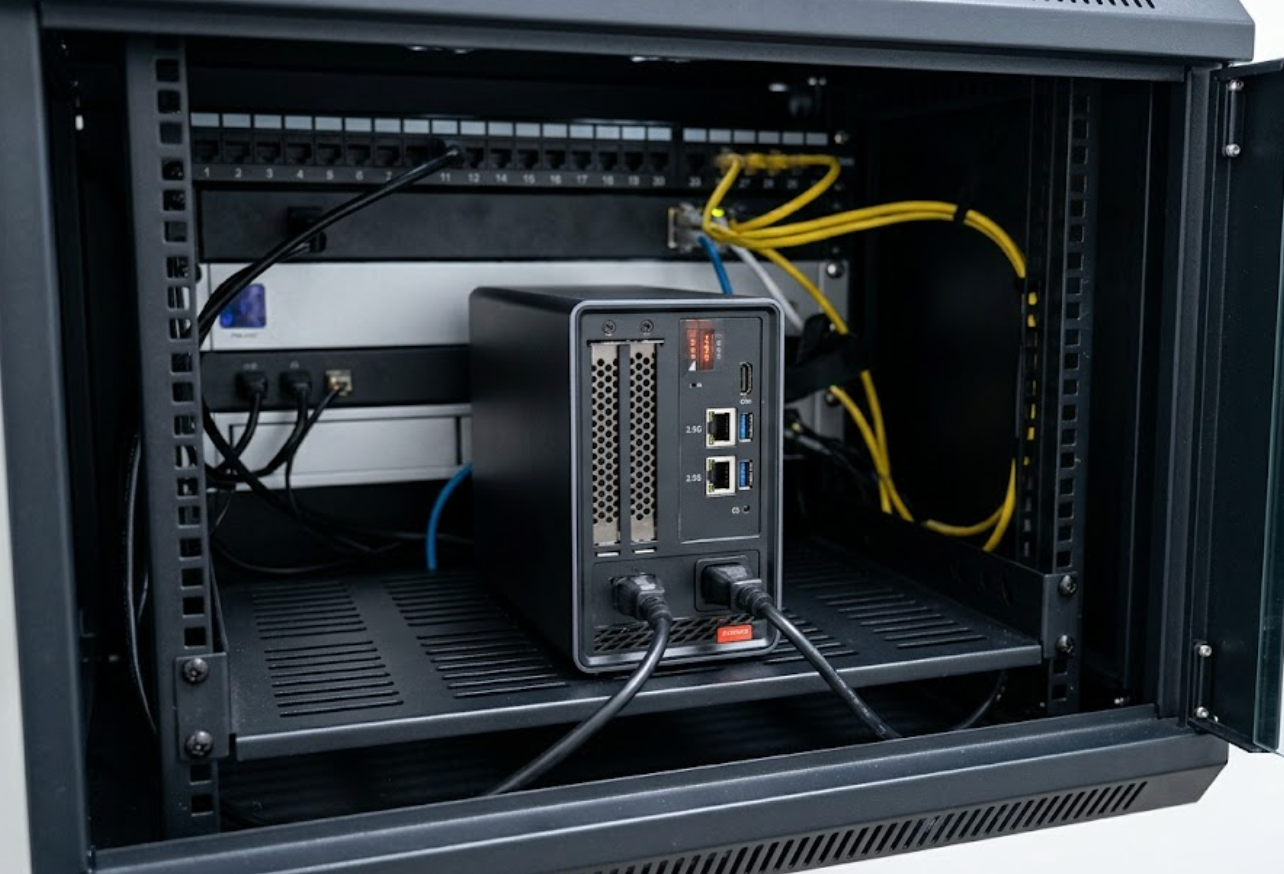
What sets the WTR PRO apart for edge computing is the dual 2.5G Ethernet ports. I’ve deployed one as a pfSense firewall and router for a small office, handling gigabit internet with VPN and traffic shaping—no separate network appliance needed. It also supports up to 64GB of DDR4 RAM, which means you can run multiple VMs or containers without hitting memory limits. The unit fits in a small server rack alongside a switch and UPS, and the cool blue status LEDs make it look right at home in a network closet. For heavy AI inference at the edge (like local object detection from IP cameras), the Ryzen’s multi-threading and GPU compute capabilities handle it better than any Intel i5 in this form factor. If your workload demands raw CPU power, high memory capacity, and dual high-speed networking, this is the Mini PC that eats desktops for breakfast.
| Feature | Palm-sized miniPC | HCAR5000 MI | WTR PRO AMD |
|---|---|---|---|
| Form Factor | Palm-sized, fanless, VESA | Compact, VESA-mountable | Compact, rack-mountable |
| CPU Tier | Intel Celeron / N-series | Intel Core i5 / i7 | AMD Ryzen 5 / 7 |
| TDP | Under 15W | 35–45W | 45–65W |
| Max RAM | 8GB DDR4 | 32GB DDR4 | 64GB DDR4 |
| Display Output | HDMI + VGA | 2x HDMI + DisplayPort | 2x HDMI + 2x USB-C |
| Best Use Case | Digital signage, kiosks, light office | Multi-monitor control rooms, POS, moderate edge | 4K editing, virtualization, heavy edge AI, network appliances |
| Target Budget | Entry-level ($150–$250) | Mid-range ($350–$550) | High-end ($500–$800+) |
If you’re deploying a fleet of digital signage displays or setting up a simple office workstation where silence and low power matter most, go with the Palm-sized miniPC—it’s the most cost-effective, reliable choice I’ve used for those environments. If you need to drive three monitors in a control room or run a retail POS system with multiple peripherals, the HCAR5000 MI gives you the Intel performance and connectivity without breaking the bank. And if you’re building a home lab, doing 4K video work, or deploying an edge AI node that needs dual 2.5G networking and desktop-class CPU power, the WTR PRO AMD is the clear winner. Mini PCs aren’t just replacing desktops—they’re redefining what a desktop can be. Pick the tier that matches your workload, and you’ll never look back at a tower again.