- Select Language
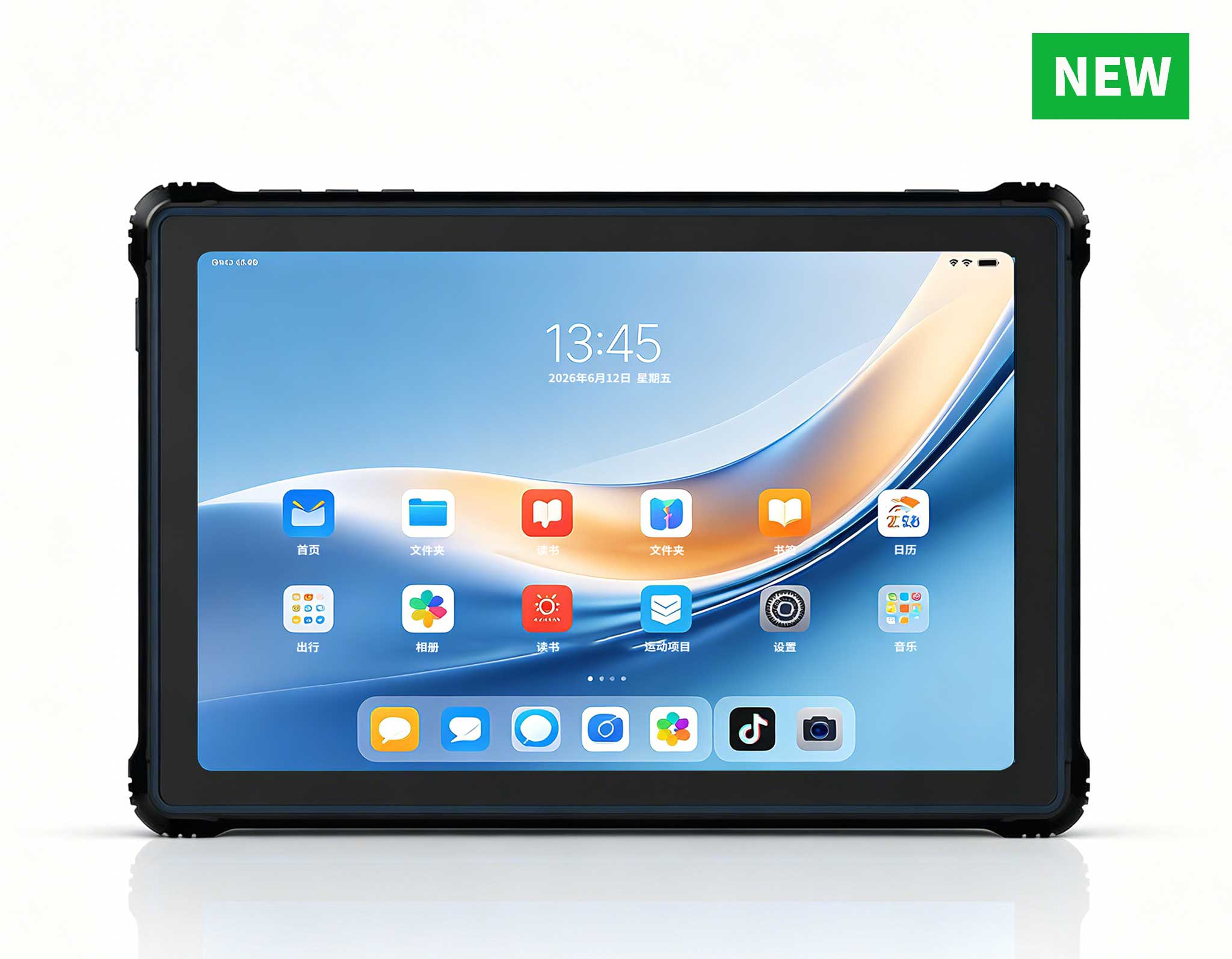
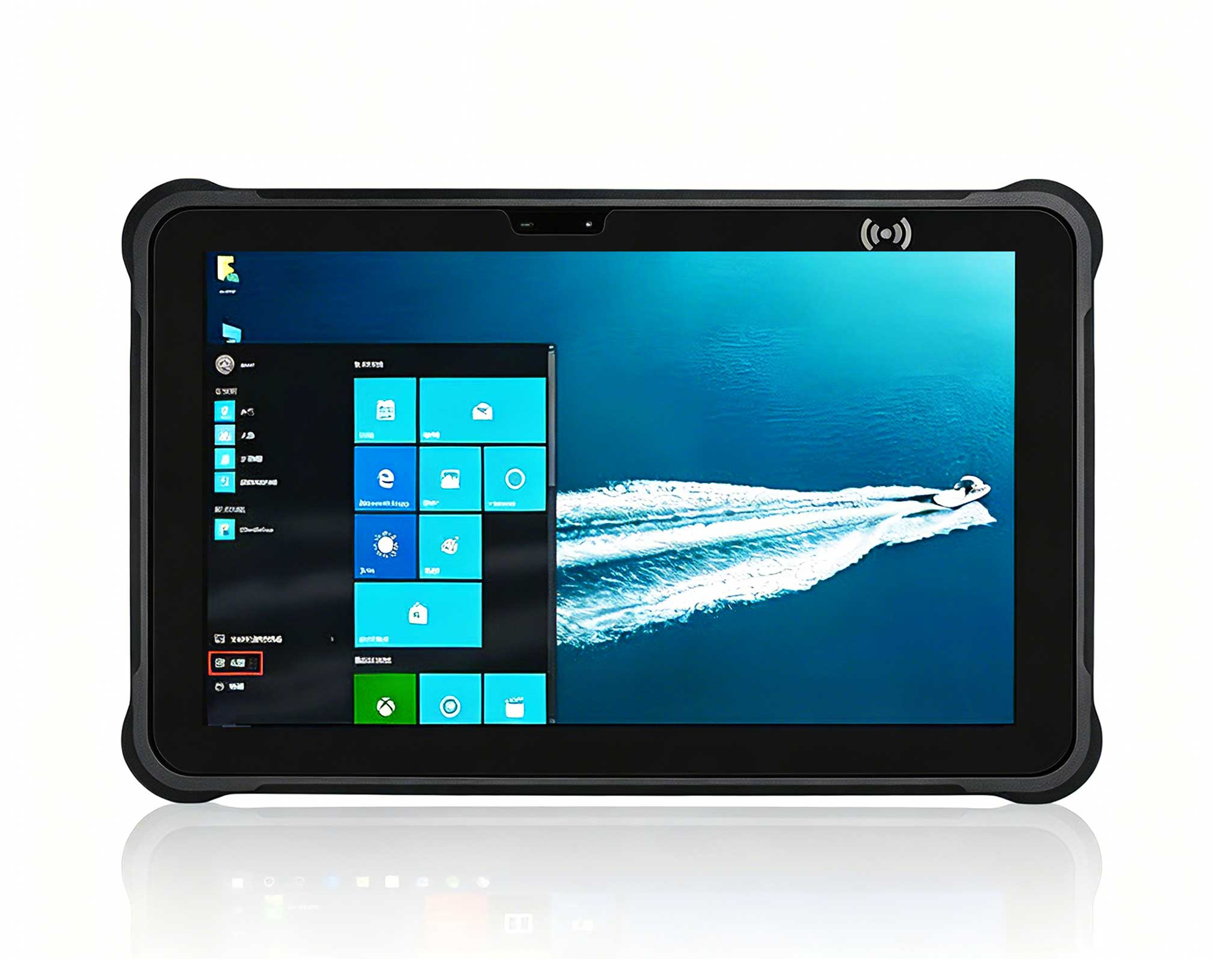
RT81 4G Rugged Tablet | 10.1" FHD 400nit | Qu...
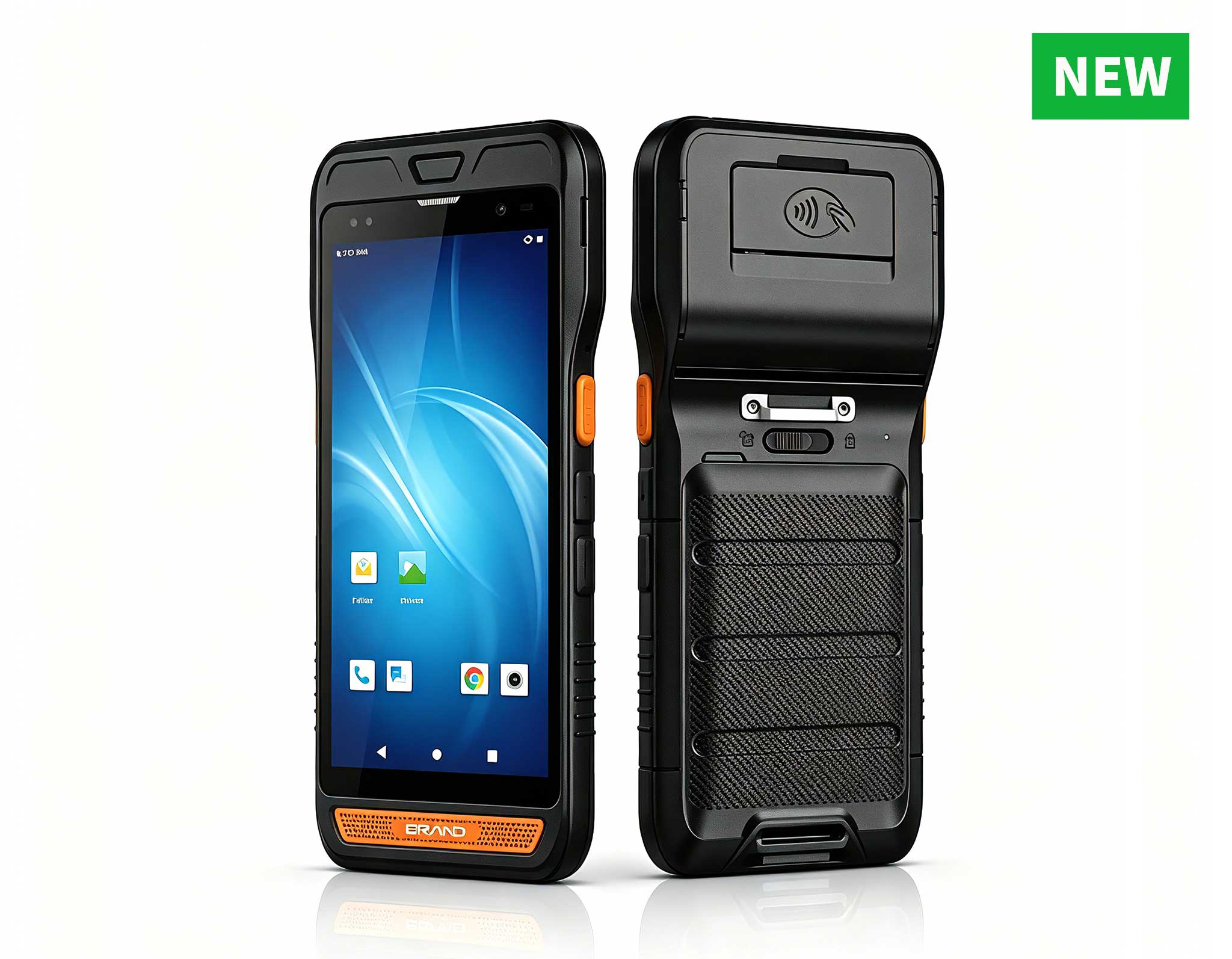
R860-S 5.5-inch Industrial PDA with Thermal Printe...
RS51 4G Rugged Handheld Terminal | 6.3" FHD+ ...
From the unknown so simpleUsed for mobile phones, ...
Full SpecificationsModelHotus ST11‑JOSWindows 10 P...
RS51 4G Rugged Handheld Terminal | 6.3" FHD+ ...
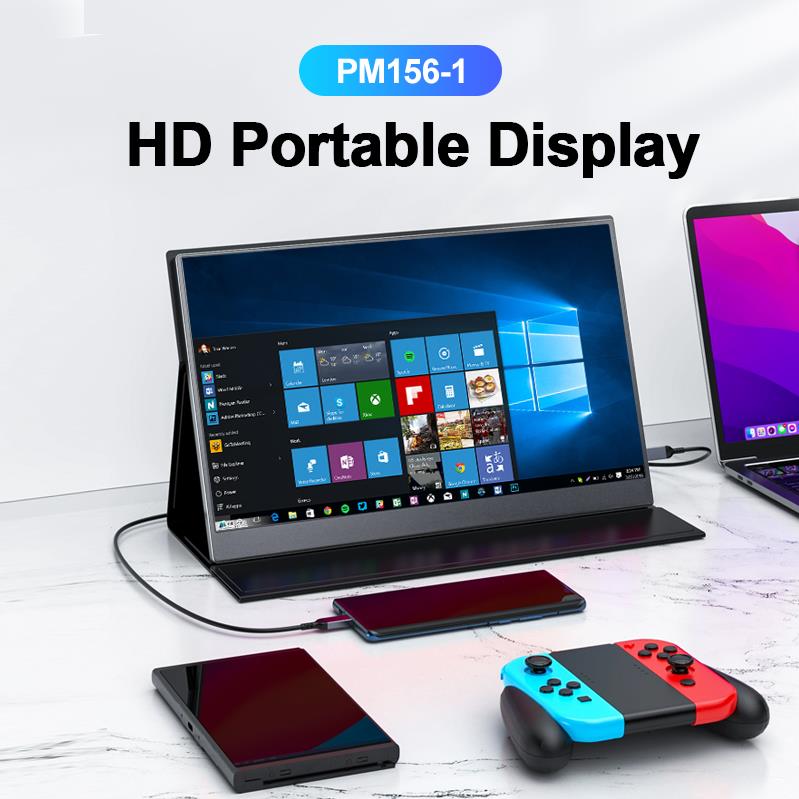
The PM156-1 is a 15.6-inch portable PC monitor fea...
R530C 6.0-inch Industrial PDA | Qualcomm Octa-core...
The T80 handheld PDA combines advanced barcode sca...
I’ve been building and deploying desktop systems for over a decade. From sprawling office LANs to single-purpose kiosks, I’ve watched the traditional tower PC get pushed out of more and more environments. And honestly? I’m not sad to see it go. The quiet revolution isn’t coming from a new flagship CPU or a flashy GPU launch — it’s coming from a category that barely looks like a computer at all. Mini PC systems have quietly replaced traditional desktops in countless commercial and industrial settings, and they’re doing it with lower power, smaller footprints, and surprisingly more performance than most people expect. Whether it’s a digital sign running 24/7 in a retail store, a control room driving six monitors, or an edge server crunching AI inference data in a network closet — the Mini PC has become the default compute platform. And if you’re still specifying full-size towers for these jobs, you’re leaving money, space, and reliability on the table.
I’ve personally deployed all three of the Hotus Mini PCs I’m about to walk you through. Each one fills a specific tier in the modern computing stack. Here’s what I’ve learned, what hardware actually matters, and which one you should pick for your next project.
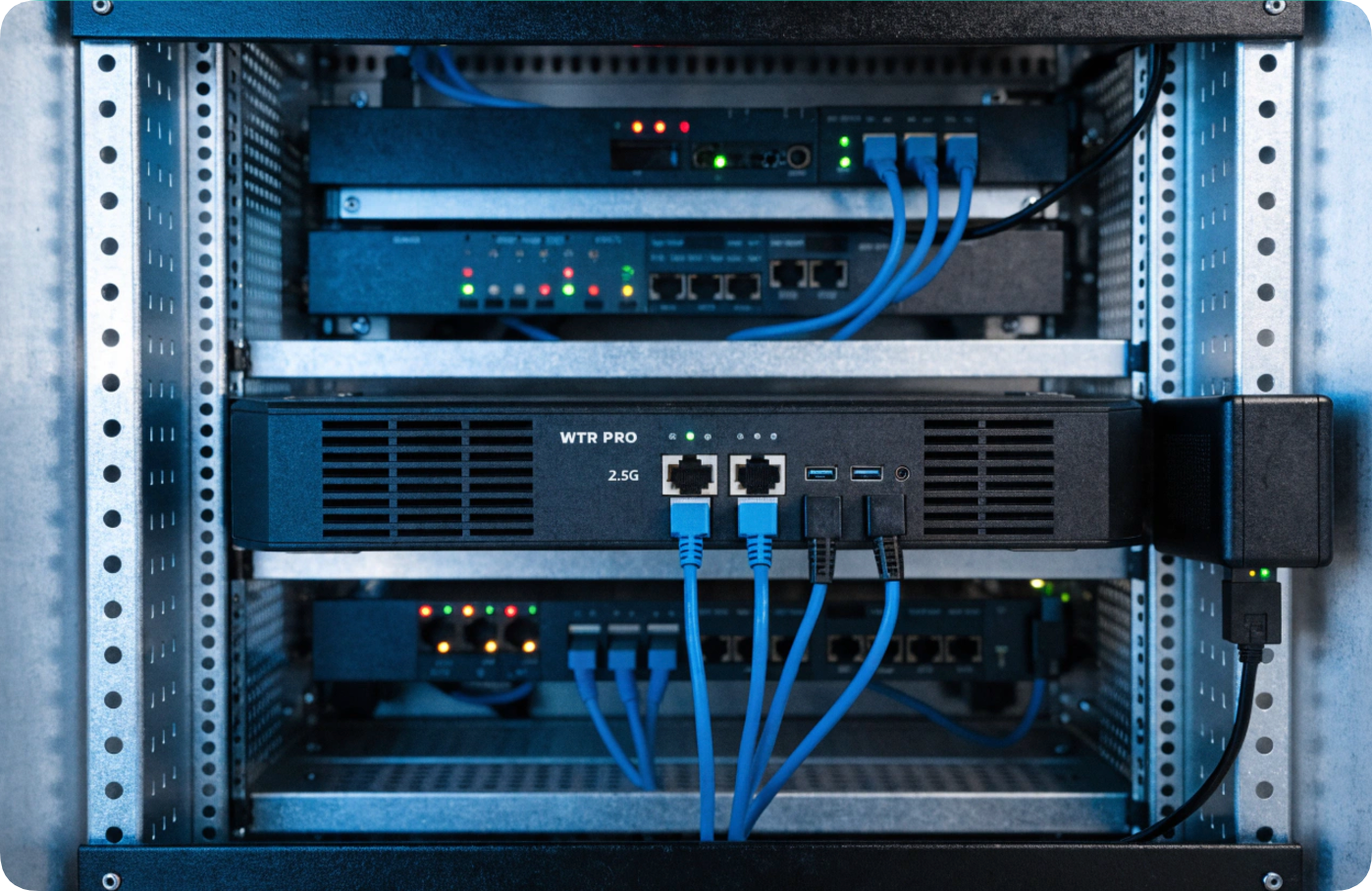
Let’s start with the machine that surprised me most. The Palm-sized miniPC is exactly what it sounds like — a computer that fits in your palm, consumes under 15W under load, and runs completely silent because there are no moving parts. I installed one behind a 55-inch digital signage display in a busy retail electronics store. The screen runs a looping ad for new smartphones, and the Mini PC is VESA-mounted directly to the back of the display. You literally cannot see it. It’s been running for nine months without a single reboot.
For digital signage, kiosks, and thin client office work, the hardware requirements are modest but specific. You need low power draw (under 15W means you can run it 24/7 without worrying about electricity costs), passive cooling (fans fail, especially in dusty retail environments), and a solid video output. This unit handles 4K at 60Hz over HDMI, which is all you need for modern signage. It also has enough USB ports to connect a touch screen overlay or a barcode scanner.
Why this tier fits: If your workload is “display content, run a lightweight app, or serve as a remote desktop client,” this is the most cost-effective and reliable option. You don’t need an i7 to show a menu board. You need something that won’t break, won’t make noise, and won’t cost a fortune. This is that machine.

Next up is the machine I’ve deployed in two very different environments: a security control room with six monitors, and a retail POS system running a custom inventory management app. The HCAR5000 MI Mini PC is the sweet spot for anyone who needs real desktop-class performance without the bulk. It comes with Intel Core i5 or i7 options — I’ve used both — and the key hardware feature here is the multiple display outputs. This unit supports up to three independent 4K displays via HDMI and DisplayPort. In the control room deployment, I had surveillance feeds on two screens, a map dashboard on the third, and the system never broke a sweat.
The hardware that matters for this tier: CPU cores (i5 is plenty for most multi-display setups, but i7 helps if you’re running video analytics), RAM expandability (I maxed it out at 32GB for the control room), and storage speed (NVMe SSD is standard here, which makes a huge difference when loading large datasets or video archives). It also has Intel’s vPro support on some configurations, which is a lifesaver for remote management in enterprise deployments.
Why this tier fits: If you need to drive multiple monitors, run moderately complex applications, or handle edge computing workloads that aren’t GPU-heavy, this is your machine. It’s also perfect for retail POS systems where you need reliability and the ability to run a full Windows or Linux stack without lag. The power draw is higher than the palm-sized unit — around 35-45W under load — but it’s still a fraction of what a traditional desktop would pull.
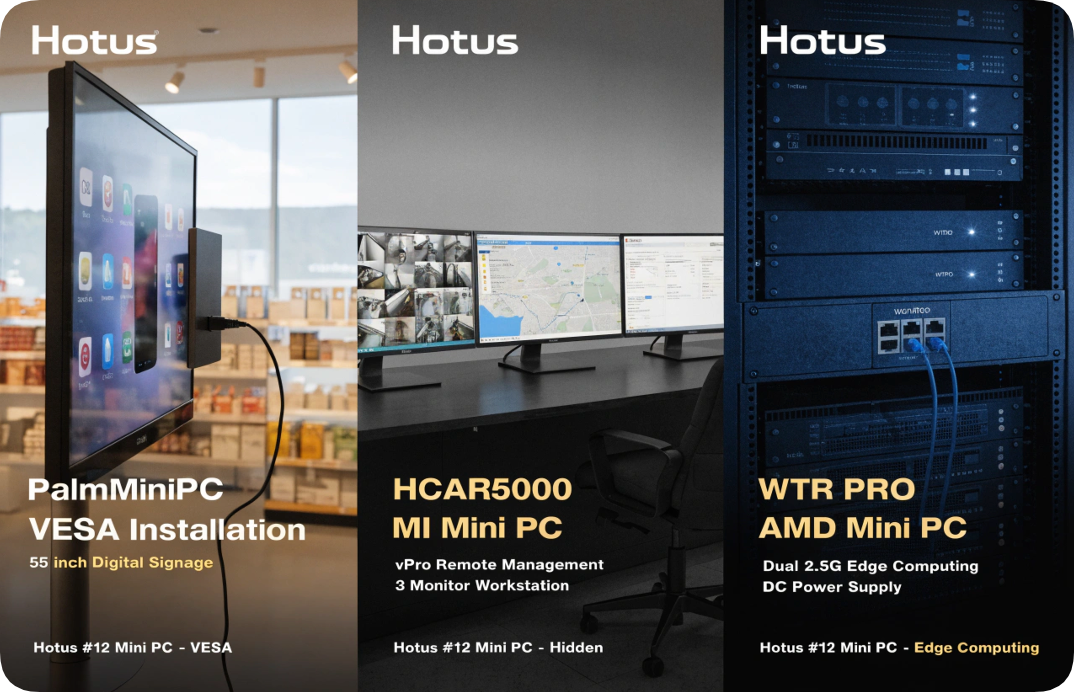
Now we’re talking about the machine that blurs the line between Mini PC and workstation. The WTR PRO AMD Mini PC is built around an AMD Ryzen processor — I’ve tested it with both the Ryzen 7 and Ryzen 9 variants — and this thing absolutely rips. I deployed one in a small server rack at a client’s edge computing site, where it handles real-time video analytics from four IP cameras, runs a Docker container for a local database, and serves as a network appliance with its dual 2.5G Ethernet ports. It’s been running for three months straight without a single hiccup.
The hardware that matters here is the CPU (Ryzen’s multi-core performance is exceptional for virtualization and parallel workloads), the dual 2.5G Ethernet (essential for network appliances, firewalls, or high-speed data transfer between edge devices), and the ability to handle 4K video editing or transcoding without stuttering. I’ve also maxed it out at 64GB of RAM, which makes it a viable host for multiple VMs or containerized applications. The TDP is higher — around 65W under full load — but that’s expected when you’re packing this much compute into a chassis that’s still smaller than a shoebox.
Why this tier fits: If your workload involves heavy-edge AI inference, 4K video processing, virtualization, or network appliance duties, this is the Mini PC you want. It’s also an incredible home lab machine for enthusiasts who want to run Proxmox, pfSense, or a media server without dedicating a full tower to the task. The Ryzen architecture gives you workstation-class performance in a form factor that can be rack-mounted or tucked into a network closet.
| Model | Form Factor | CPU Tier | TDP (Typical) | Max RAM | Display Output | Best Use Case | Target Budget |
|---|---|---|---|---|---|---|---|
| Palm-sized Mini PC | Ultra-compact, palm-sized | Intel Celeron/Pentium | Under 15W | 8GB | 1x HDMI (4K@60Hz) | Digital signage, kiosks, thin clients | Entry-level |
| HCAR5000 MI | Compact, VESA-mountable | Intel Core i5/i7 | 35-45W | 32GB | 3x HDMI/DP (4K@60Hz) | Control rooms, multi-display, POS, edge computing | Mid-range |
| WTR PRO AMD | Compact, rack-mountable | AMD Ryzen 7/9 | 65W | 64GB | 2x HDMI (4K@60Hz) + DP | 4K editing, virtualization, AI edge, network appliances | High-end |
If you’re reading this and wondering which one to buy, here’s my honest advice based on real deployments. If your job is purely content display — digital signage, menu boards, or a simple kiosk that runs one app — go with the Palm-sized Mini PC. It’s silent, cheap, and will run for years without maintenance. If you need to drive multiple monitors in a control room, run a retail POS system, or handle moderate edge computing tasks like data aggregation, the HCAR5000 MI is your best bet. It’s the most versatile machine in the lineup and the one I recommend most often for commercial deployments.
And if you’re building a home lab, handling 4K video editing, or deploying edge AI workloads that need serious CPU grunt — get the WTR PRO AMD. It’s overkill for most office tasks, but for the right project, it’s a genuine workstation replacement that fits in a backpack. The Mini PC isn’t just eating the desktop anymore — it’s becoming the desktop for a huge range of applications. Pick your tier, and you’ll wonder why you ever used a tower.