- Select Language
Explore an innovative Personal Digital Assistant f...
The F505 Handheld PDA is a compact, high-performan...
Explore our customized PDA designed for versatile ...
R366-S Thin 5.5-inch Industrial PDA | Qualcomm Oct...
RS50 5G Rugged Handheld Terminal | 6.3" FHD+ ...
Full SpecificationsModelHotus ST13‑UOSWindows 10 P...
I've deployed hundreds of rugged tablets across utility crews, warehouse floors, and field service teams — and the single biggest mistake I see is ordering the same 10-inch tablet for every role. A Rugged Tablet is not a smartphone, and it's not a laptop. It's a tool, and like any tool, the right size depends entirely on the job. You wouldn't hand a sledgehammer to a watchmaker, and you shouldn't hand a 13-inch tablet to a warehouse picker who needs one hand free. The screen size doesn't just affect readability — it determines whether your worker is efficient, safe, and compliant. Get it wrong, and you'll have tablets sitting in a drawer, workers complaining of fatigue, and a deployment that costs you twice what it should. Get it right, and your crews will wonder how they ever worked without them.
After years of watching deployments fail, I've learned that the Rugged Tablet market is full of well-intentioned buyers who treat every worker the same. That's a fast track to wasted budget and frustrated teams. The truth is, the best rugged tablet for your operation is the one that matches the physical demands of the role. Let's break down the three sizes that actually work in the field, and why the wrong choice can tank your entire rollout.
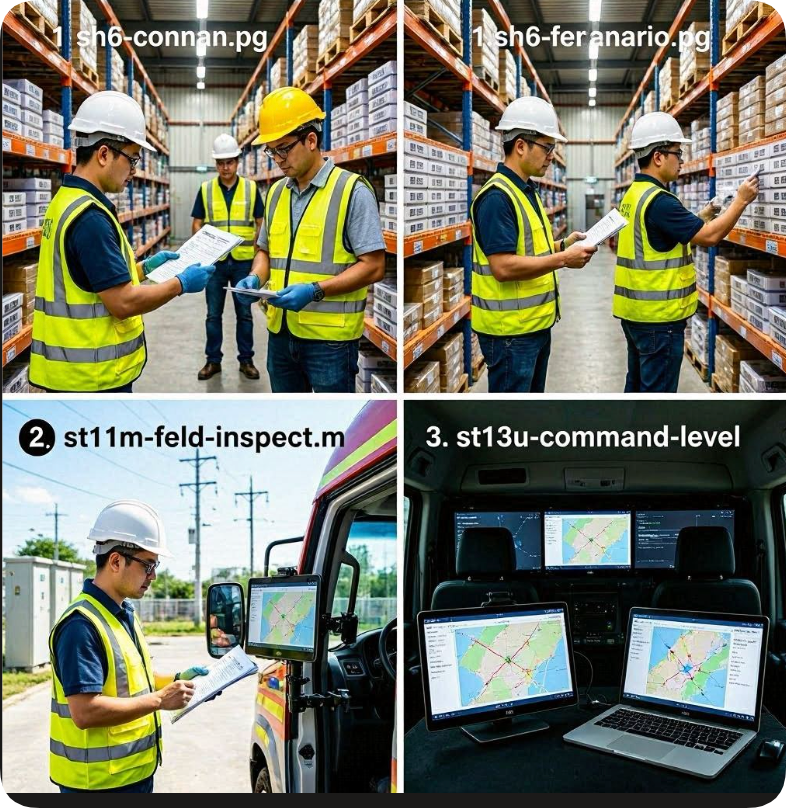
Worker Persona: The warehouse picker, delivery driver, or inventory counter. This person is on their feet for eight to ten hours a day. They're walking narrow aisles, climbing ladders, reaching into bins, and carrying boxes. Their hands are full — literally. One hand is on a pallet jack, the other needs to scan, tap, and move on.
What They Do All Day: Scan barcodes, confirm pick locations, update inventory counts, and move to the next location. Every second counts. A worker who has to fumble with a tablet that's too big will lose ten seconds per pick. Over an eight-hour shift with 200 picks, that's 33 minutes of lost productivity per worker per day.
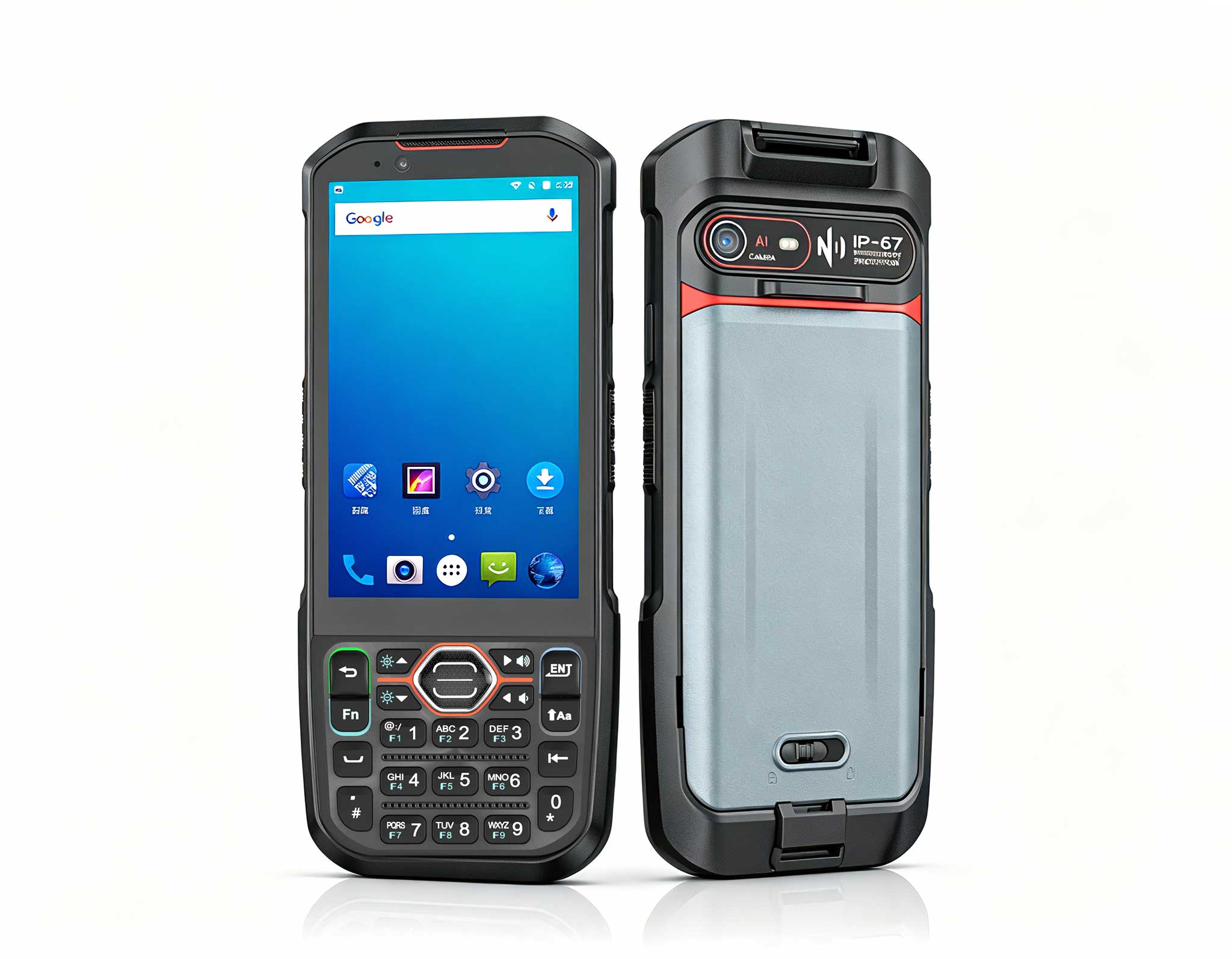
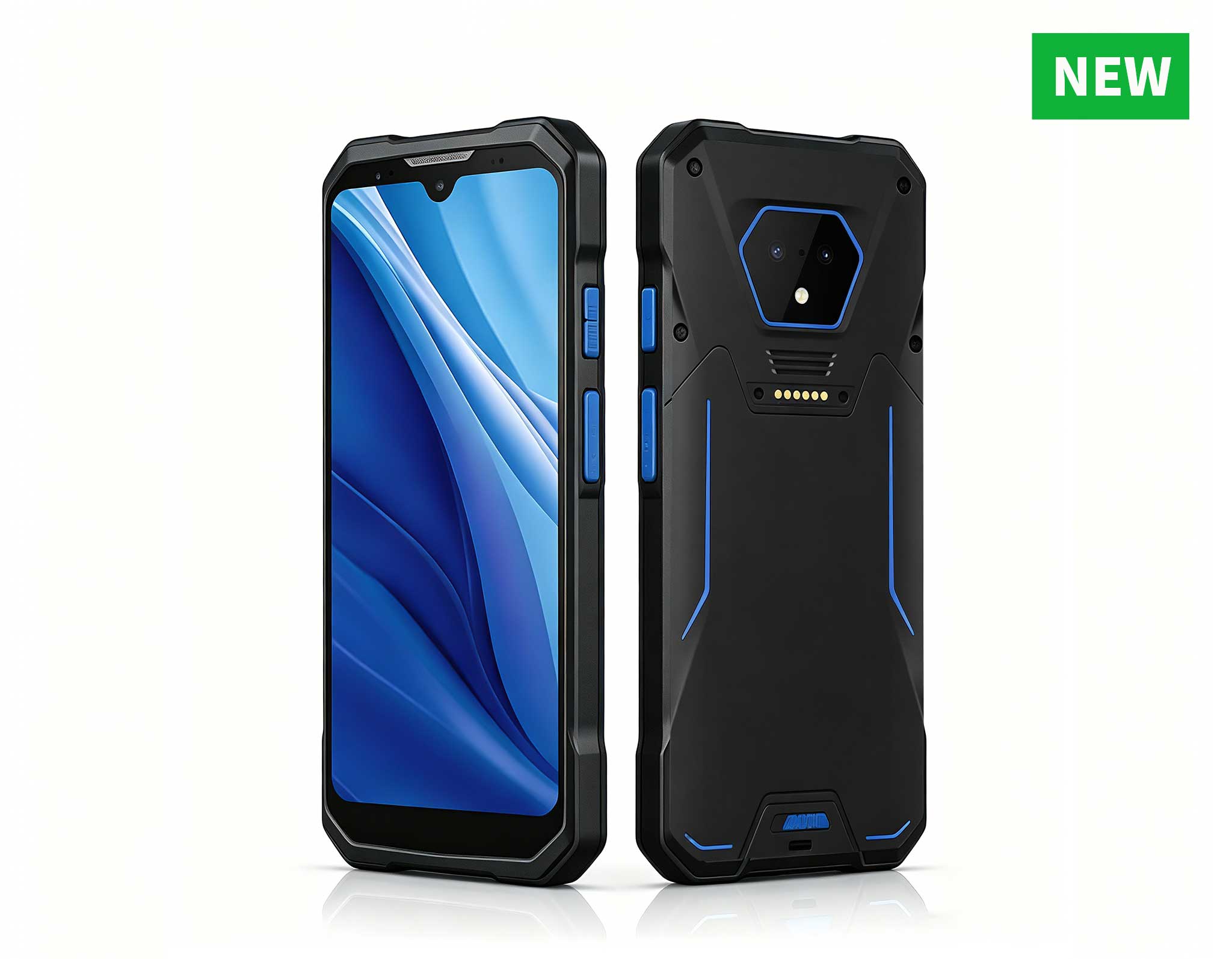
Why 6.5 Inches Works: The SH6 6.5" Rugged Tablet is built for one-hand operation. It fits in a gloved hand like a thick smartphone. The glove-compatible touch screen means your pickers don't have to strip off their PPE to tap a button. It's IP65-rated, so dust and warehouse grime won't kill it. And at just over a pound, it won't fatigue a worker's wrist by hour three. The integrated barcode scanner means they scan with the tablet, not a separate gun — one less thing to drop, lose, or break.
What Fails with the Wrong Size: I watched a deployment where a utility company gave warehouse pickers 10-inch tablets. Within two weeks, workers had rigged shoulder straps out of packing tape to keep both hands free. The tablets were constantly getting knocked off shelves, screens cracked, and the pickers were complaining of neck strain from looking down at a big screen while walking. The 10-inch was simply too large for that environment. They swapped to the SH6, and pick accuracy went up 18% in the first month.
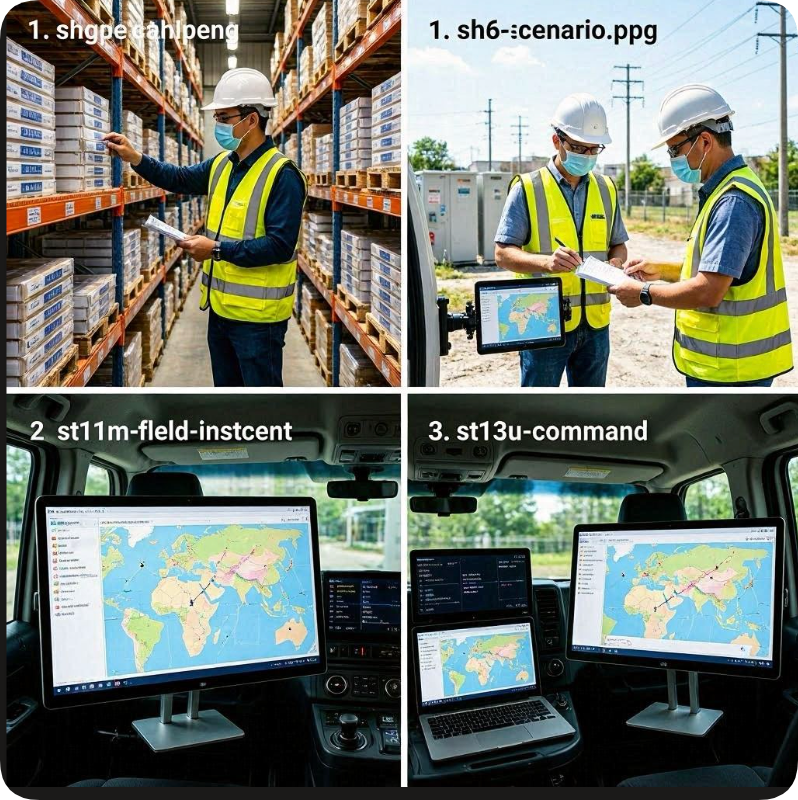
Worker Persona: The field inspector, utility technician, or asset tagger. This person is outdoors, often in bright sunlight, moving between sites in a truck. They need to read maps, fill out inspection forms, and take photos of equipment. They're not sprinting through aisles — they're walking deliberately, kneeling to inspect a valve, or standing at a power pole.
What They Do All Day: Navigate to a job site using GPS, pull up a work order, inspect equipment, fill out a digital form with checkboxes and notes, take a photo, tag the asset, and move to the next site. They need a screen big enough to show a map with route overlays and a form with multiple fields, but small enough to carry from the truck to the site without a backpack.
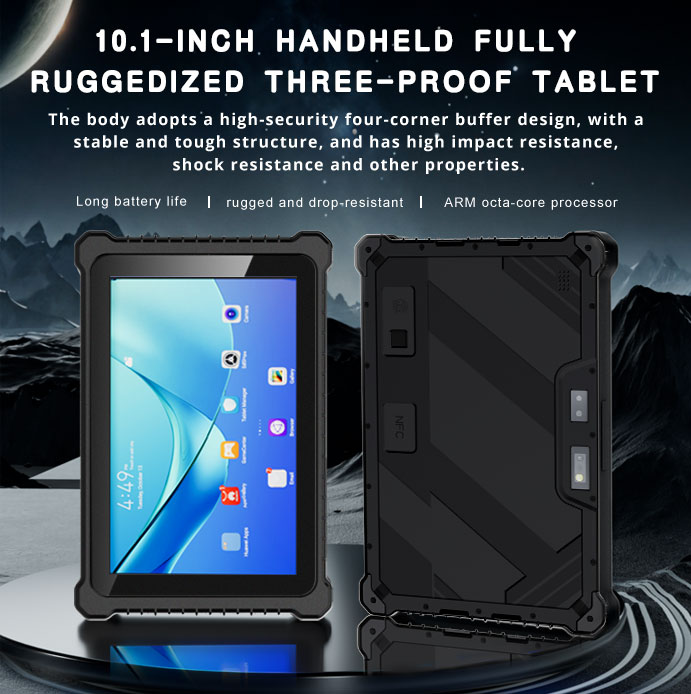
Why 10.1 Inches Works: The ST11-M 10.1" Rugged Tablet is the sweet spot. It's large enough to display a full inspection form alongside a reference photo, but compact enough to hold in one arm while typing with the other. The sunlight-readable display is critical — I've seen too many standard tablets become useless mirrors in direct sun. The hot-swap battery means your technician can swap batteries without powering down, which keeps them in the field all day. And it's perfectly sized for a vehicle mount, so it doubles as a GPS navigation screen while driving between sites.
What Fails with the Wrong Size: I had a client who gave their field inspectors 13-inch tablets. The technicians loved the screen real estate — until they had to carry them across muddy fields and climb into manholes. The tablets were too big to hold securely, too heavy to carry all day, and didn't fit in the standard vehicle mounts they already had. They ended up leaving them in the truck and reverting to paper forms. The ST11-M fixed that. It mounted in the truck, came out for inspections, and fit in a standard tool bag. Form completion rates went from 60% to 95% within two weeks.
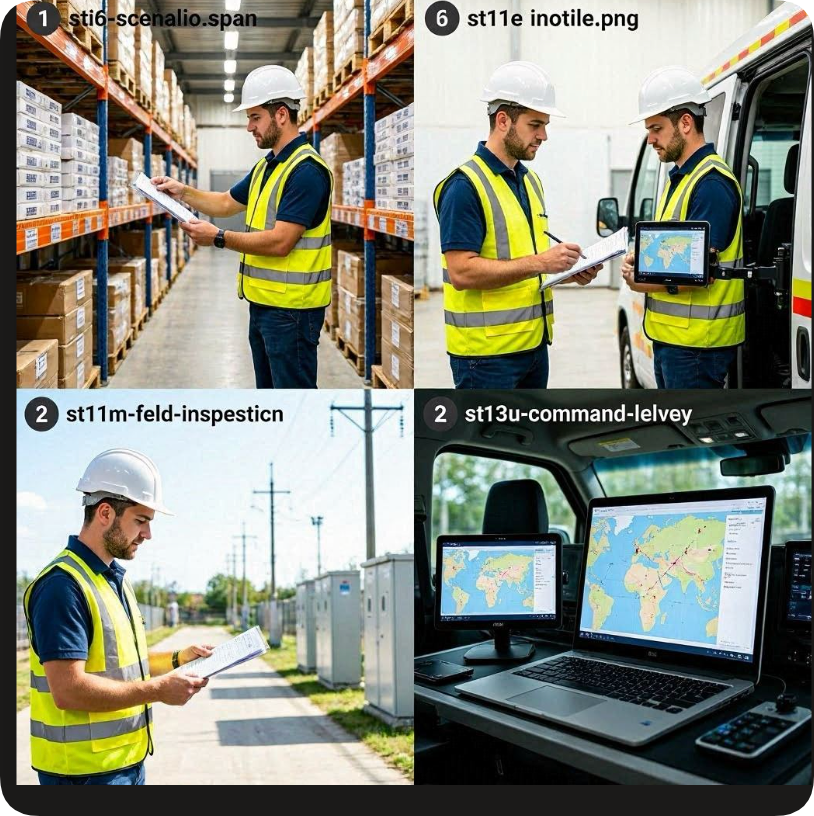
Worker Persona: The GIS analyst, CAD reviewer, or command vehicle operator. This person is seated — in a vehicle, a trailer, or a field tent. They're not walking. They're analyzing data, reviewing complex maps, marking up engineering drawings, and making decisions that affect the entire operation.
What They Do All Day: Open a GIS map with multiple layers, zoom in on a specific utility corridor, overlay aerial imagery, mark up a CAD drawing with redlines, run a report, and communicate findings to the crew in the field. They need a screen that can show a full A4-sized drawing at 100% zoom without scrolling. They need laptop-grade processing power to handle GIS software, and they need it in a package that can survive a bumpy ride in a command vehicle or a drop on a construction site.
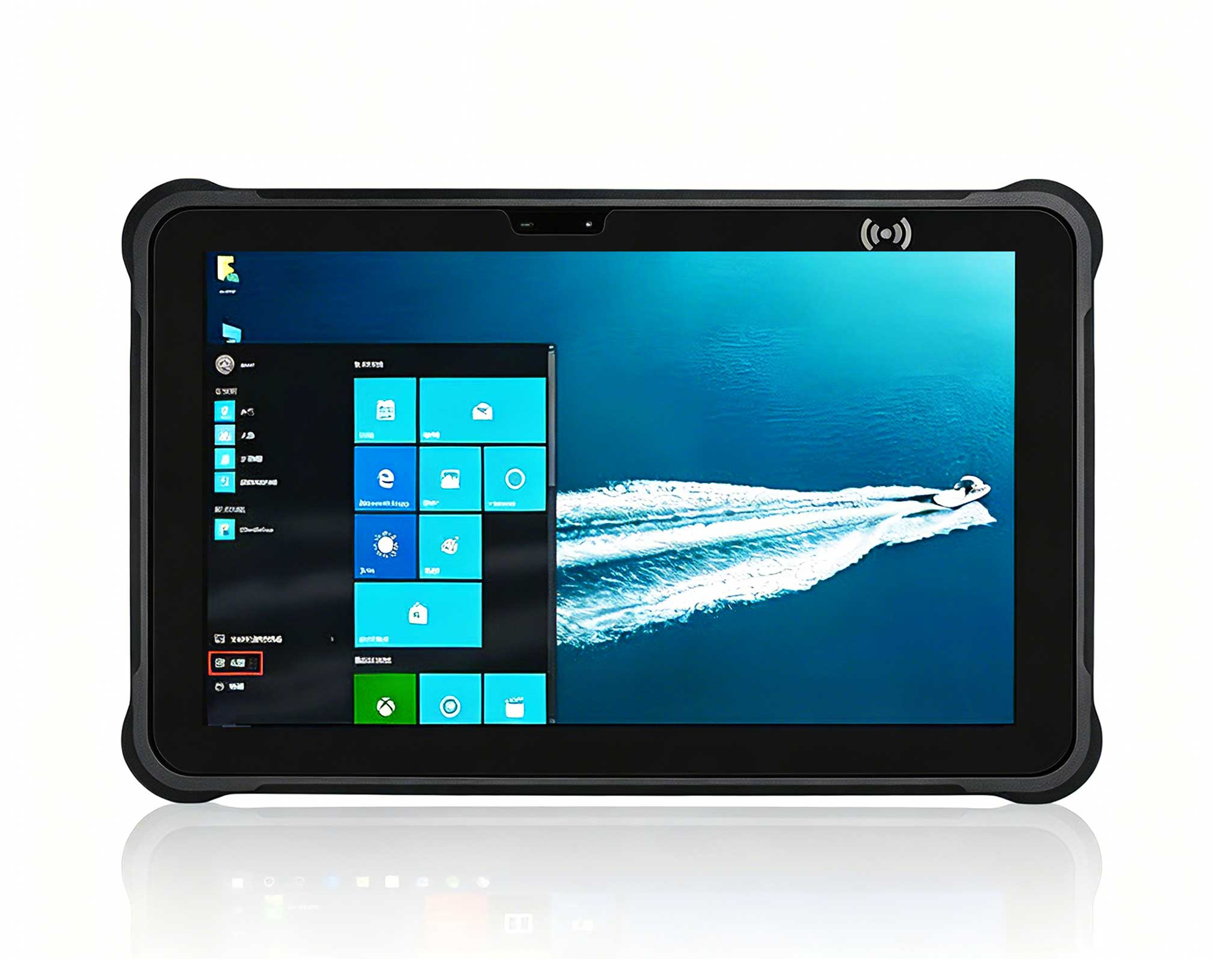
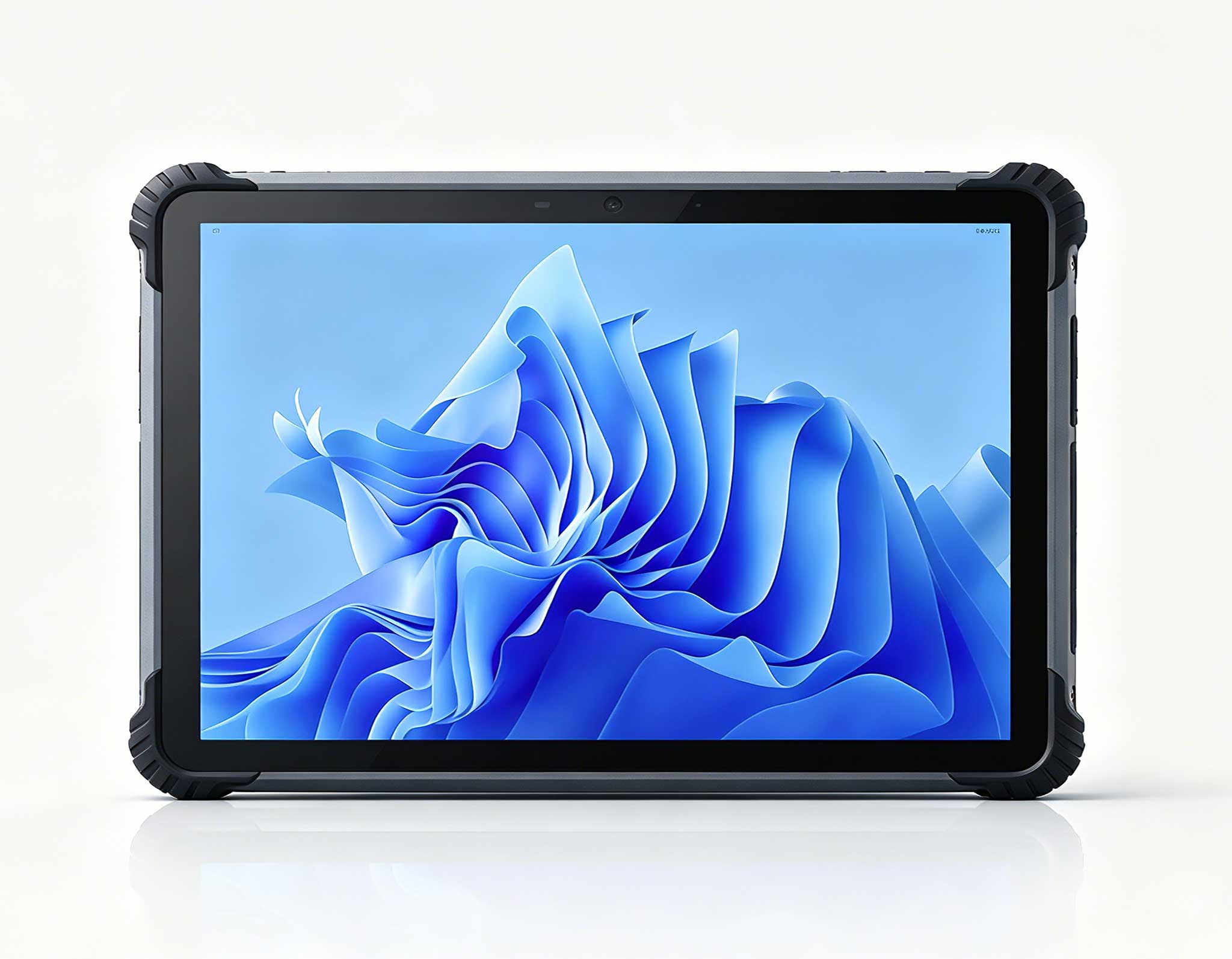
Why 13.3 Inches Works: The ST13-U 13.3" Rugged Tablet is a workstation replacement. It has the screen real estate of a laptop but in a ruggedized, outdoor-readable form factor. The 13.3-inch display means you can view a full GIS map with legend, toolbars, and data panels all visible at once. It's powerful enough to run full Windows-based GIS and CAD software, and the outdoor readability means you can use it in direct sunlight when your command post is a tent in a field. It's not for walking — it's for working.
What Fails with the Wrong Size: I had a disaster recovery team try to use 10-inch tablets for GIS mapping after a hurricane. The screen was too small to see the map details, the operators were constantly zooming in and out, and they missed critical infrastructure details because they couldn't see the full picture. They were also trying to run ArcGIS on underpowered hardware, and the tablets kept crashing. We swapped them to the ST13-U, and suddenly they could see the entire affected area on one screen, run their analysis software without lag, and make decisions in real time. The 10-inch was a toy for that job. The 13.3-inch was a tool.
| Specification | SH6 6.5" | ST11-M 10.1" | ST13-U 13.3" |
|---|---|---|---|
| Screen Size | 6.5 inches | 10.1 inches | 13.3 inches |
| Resolution | HD+ (720 x 1280) | Full HD (1920 x 1200) | WUXGA (1920 x 1200) |
| Weight | ~1.1 lbs | ~2.4 lbs | ~4.5 lbs |
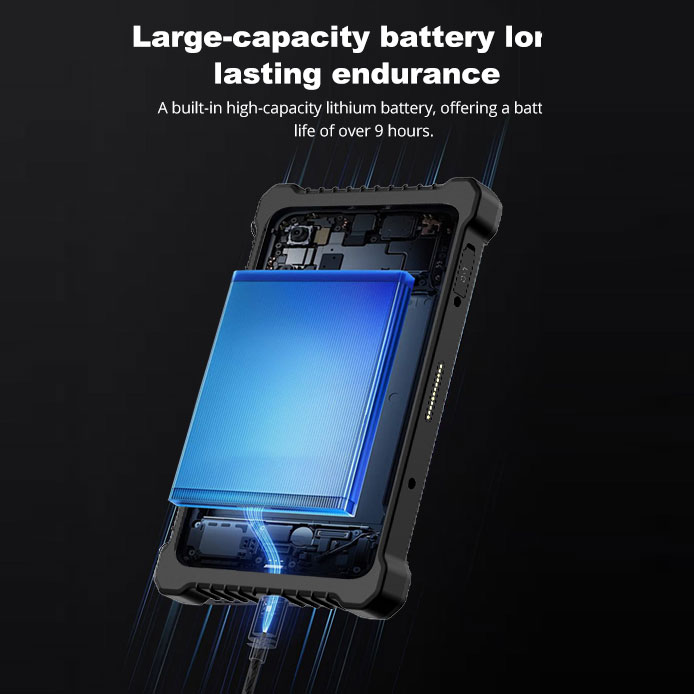
| Battery Life | 8-10 hours | 10-12 hours (hot-swap) | 8-10 hours |
| Drop Rating | 4 ft / 1.2 m | 4 ft / 1.2 m | 3 ft / 0.9 m |
| IP Rating | IP65 | IP65 | IP65 |
| Glove Touch | Yes | Yes | Yes |
| Best Deployment Role | Warehouse picking, delivery scanning, inventory counting | Field inspection, utility work orders, asset tagging | GIS mapping, CAD review, command vehicle operations |
| Wrong-Size Consequence | Tablet too big for one-hand use; dropped devices, slow picks, worker fatigue | Tablet too small for forms/maps in bright sun; too big for vehicle mount; reverts to paper | Screen too small for complex maps/CAD; underpowered for analysis software; missed details |
Before you order a single tablet, ask yourself these three questions. They'll save you from making the most common — and most expensive — mistake in rugged tablet deployment.
1. Standing or Seated?
If your worker is standing and moving all day, you need a smaller screen. The SH6 is your answer. If they're seated in a vehicle or at a desk, you can go larger. The ST13-U is for seated operators who need screen real estate. The ST11-M is the hybrid — it works standing or seated, but it's best for technicians who move between the two.
2. One Hand or Two?
If your worker needs one hand free to grab boxes, open doors, or climb ladders, you need a tablet that can be operated with one hand. That's the SH6. If they can use both hands — one to hold, one to tap — the ST11-M works. If they're always using two hands because the tablet is mounted or on a desk, the ST13-U is fine.
3. Scanning or Typing?
Scanning-heavy jobs — warehouse picking, delivery confirmation, inventory — benefit from a compact tablet with an integrated scanner. That's the SH6. Typing-heavy jobs — inspection forms, work orders, emails — need a bigger screen and a keyboard option. That's the ST11-M or ST13-U. If you give a scanner-heavy worker a big tablet, they'll hate it. If you give a typing-heavy worker a small tablet, they'll hate it even more.
Get these three questions right, and your deployment will succeed. Get them wrong, and you'll be collecting dusty tablets from the back of a truck in six months. I've seen it happen a hundred times. Don't let it happen to you.