- Select Language
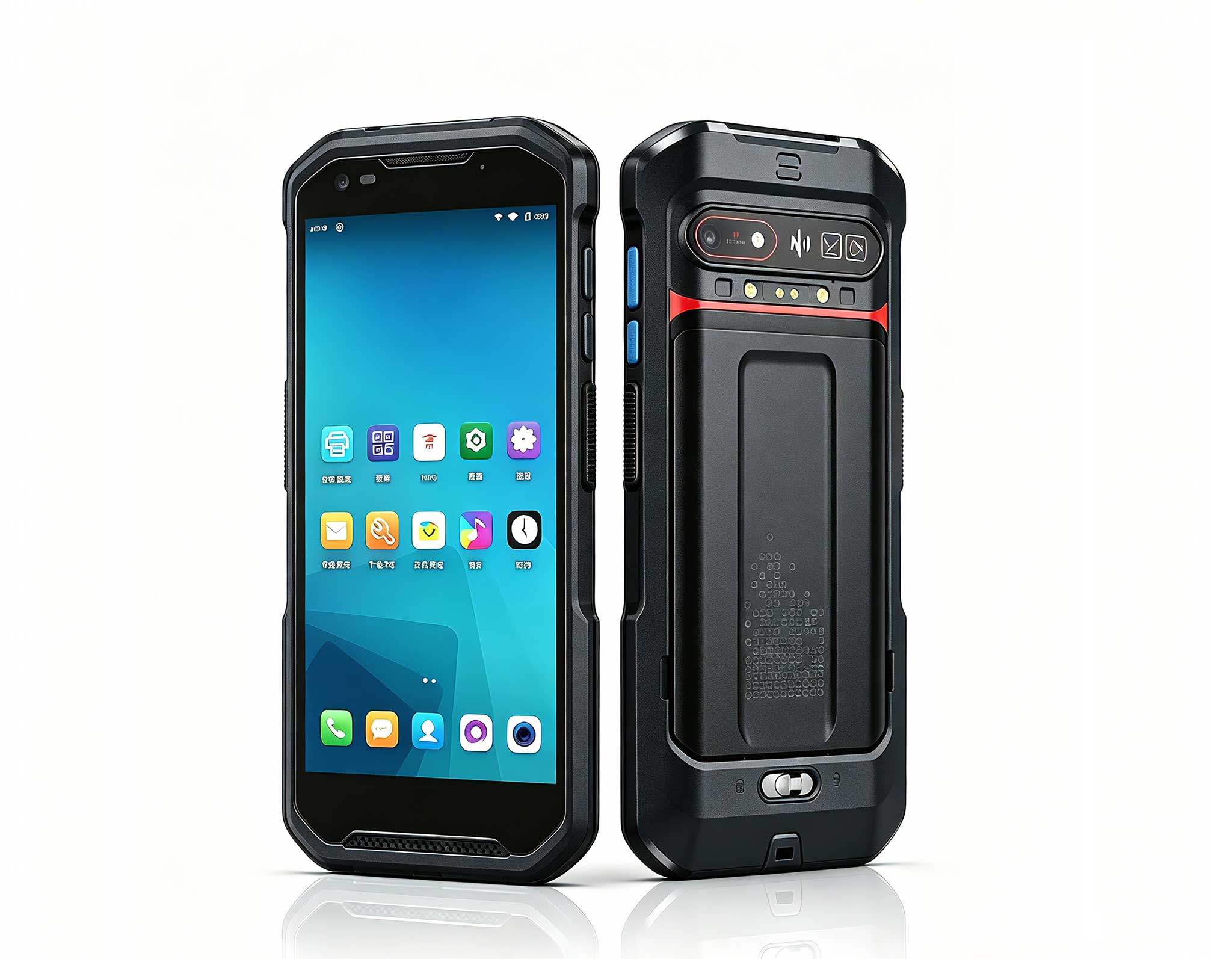
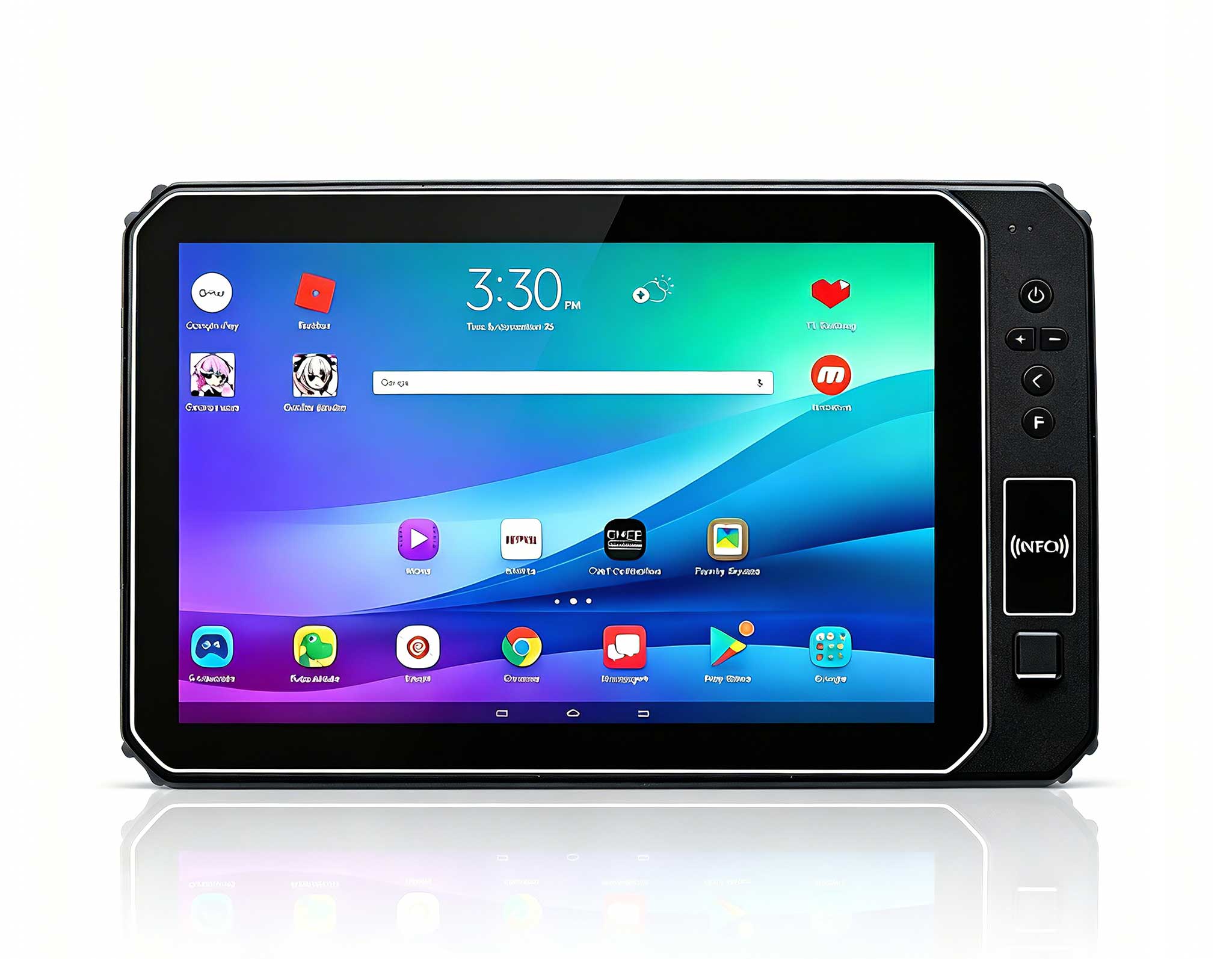
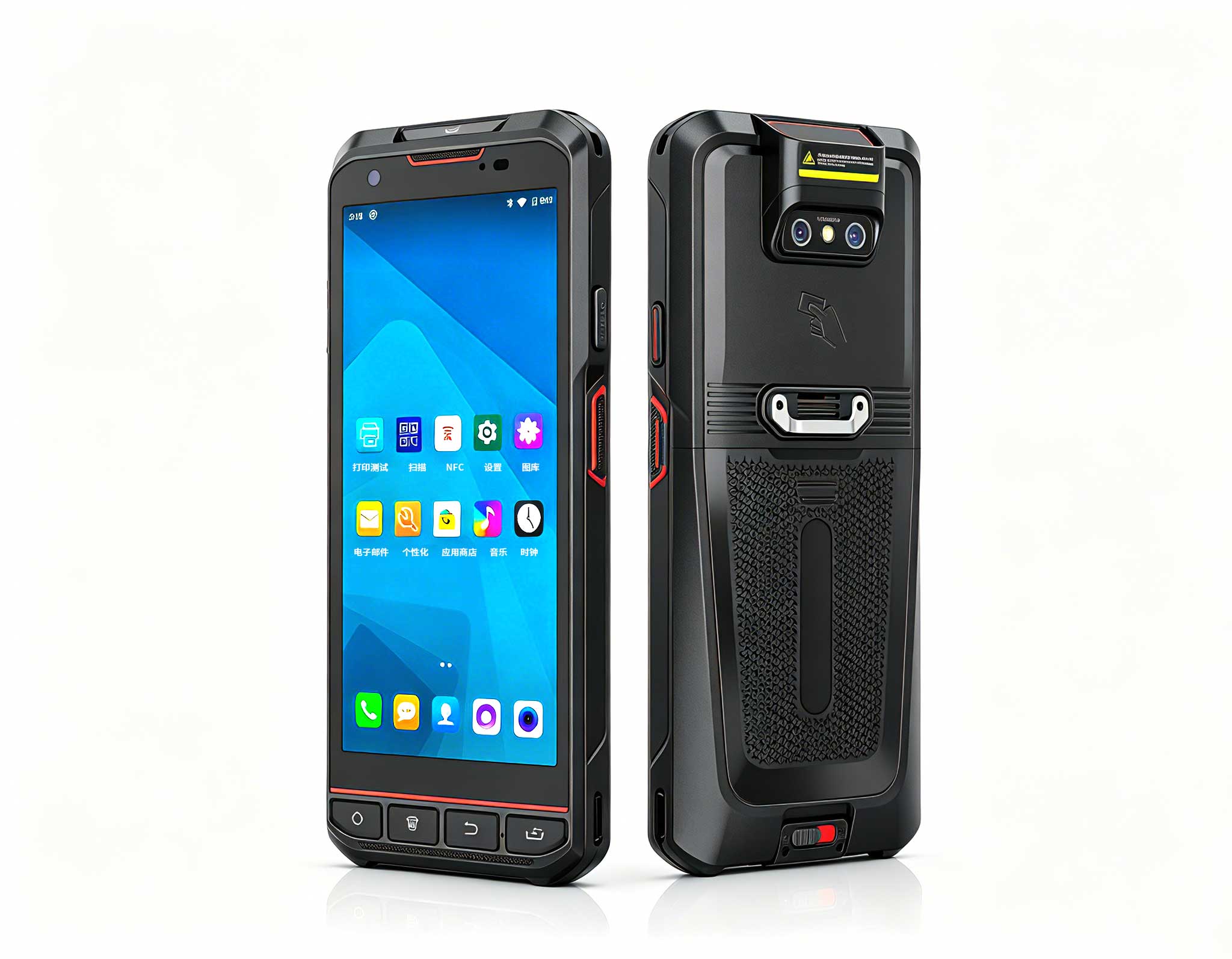
The F505 Handheld PDA is a compact, high-performan...
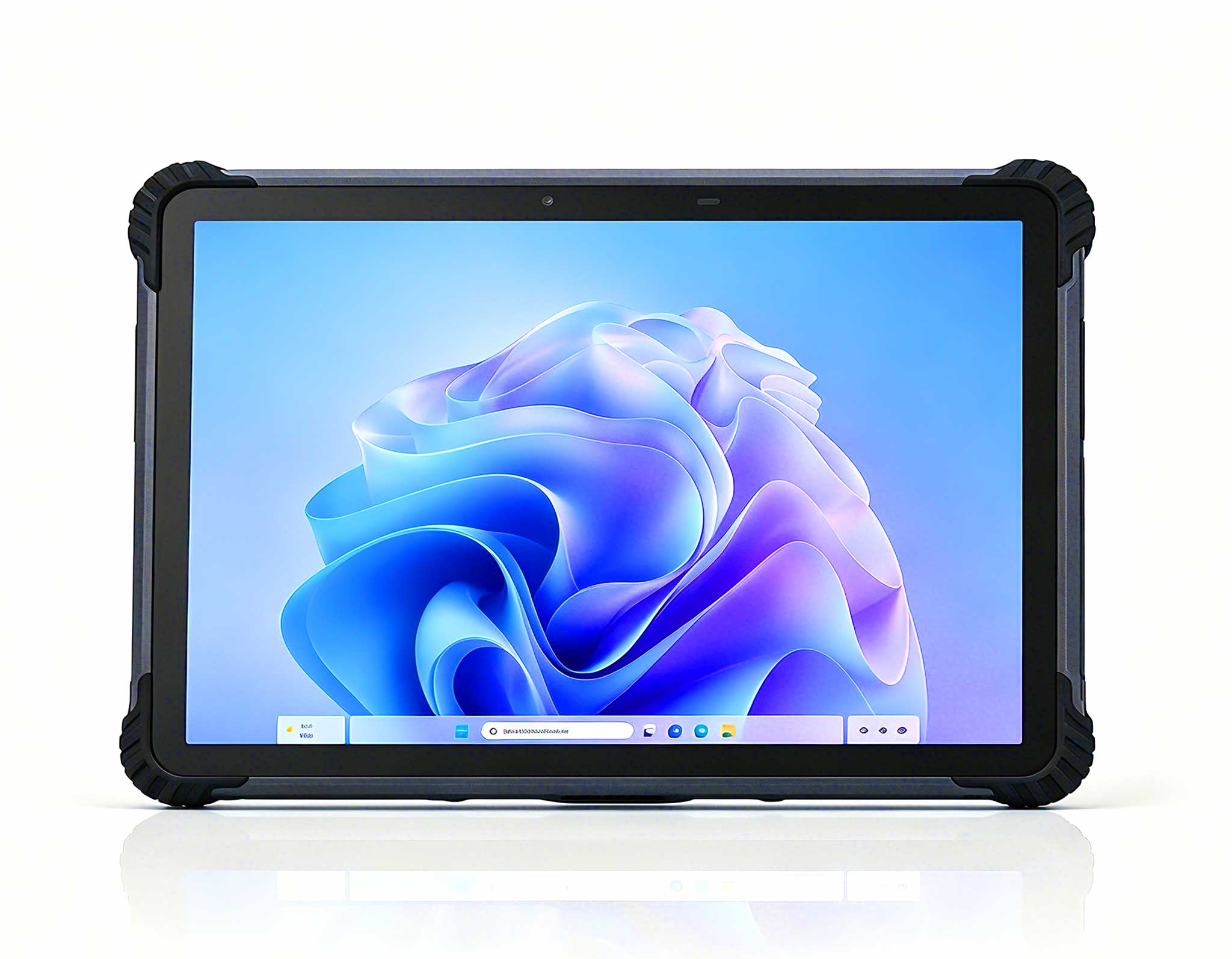
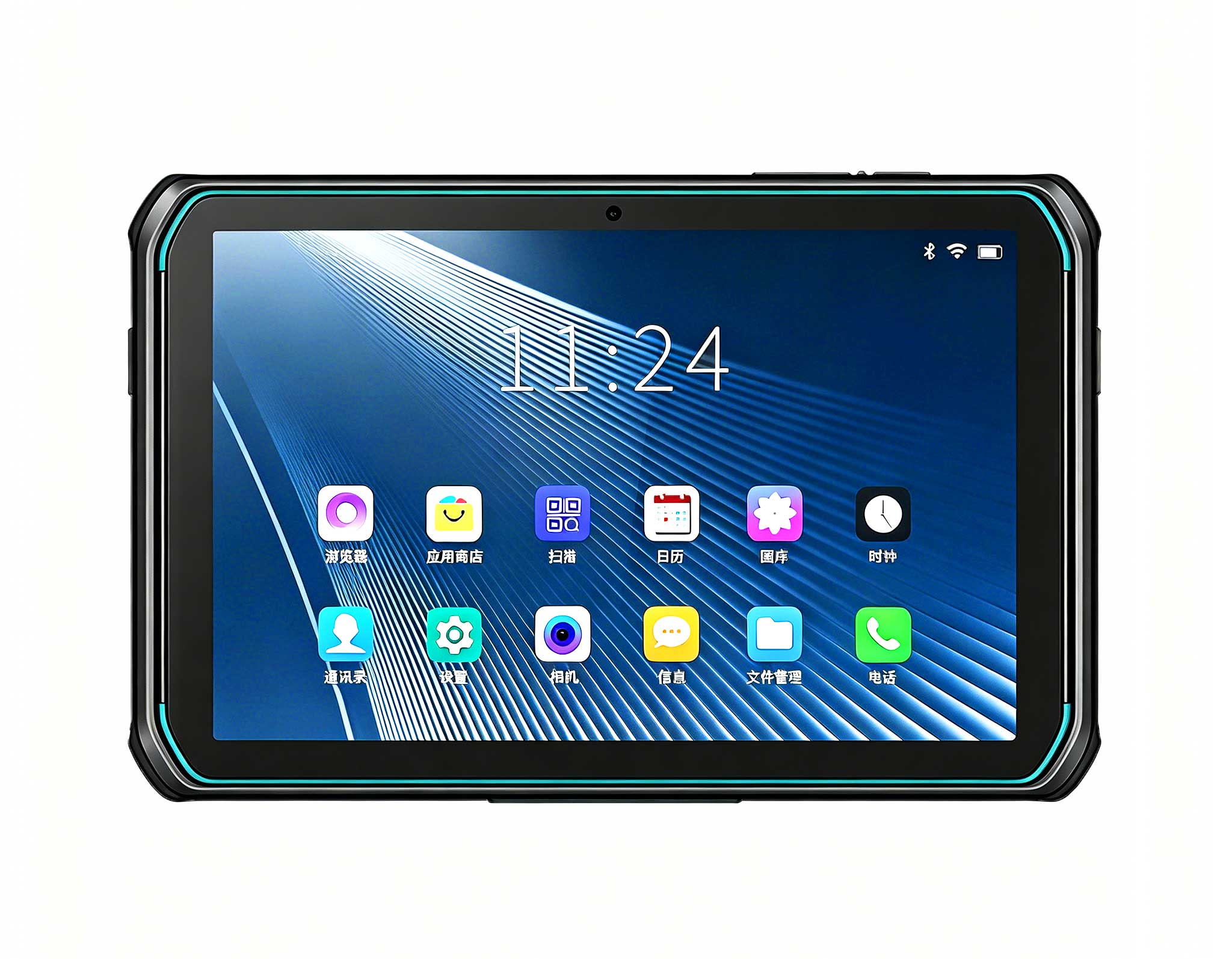
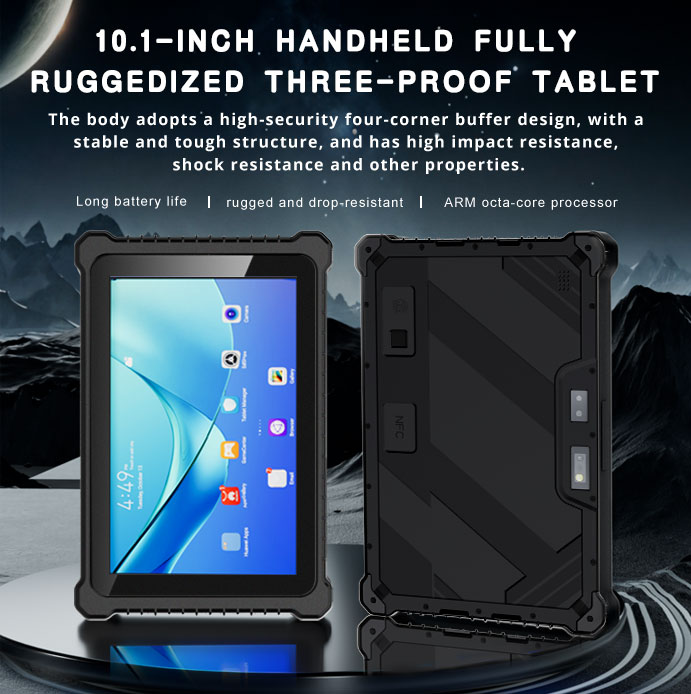
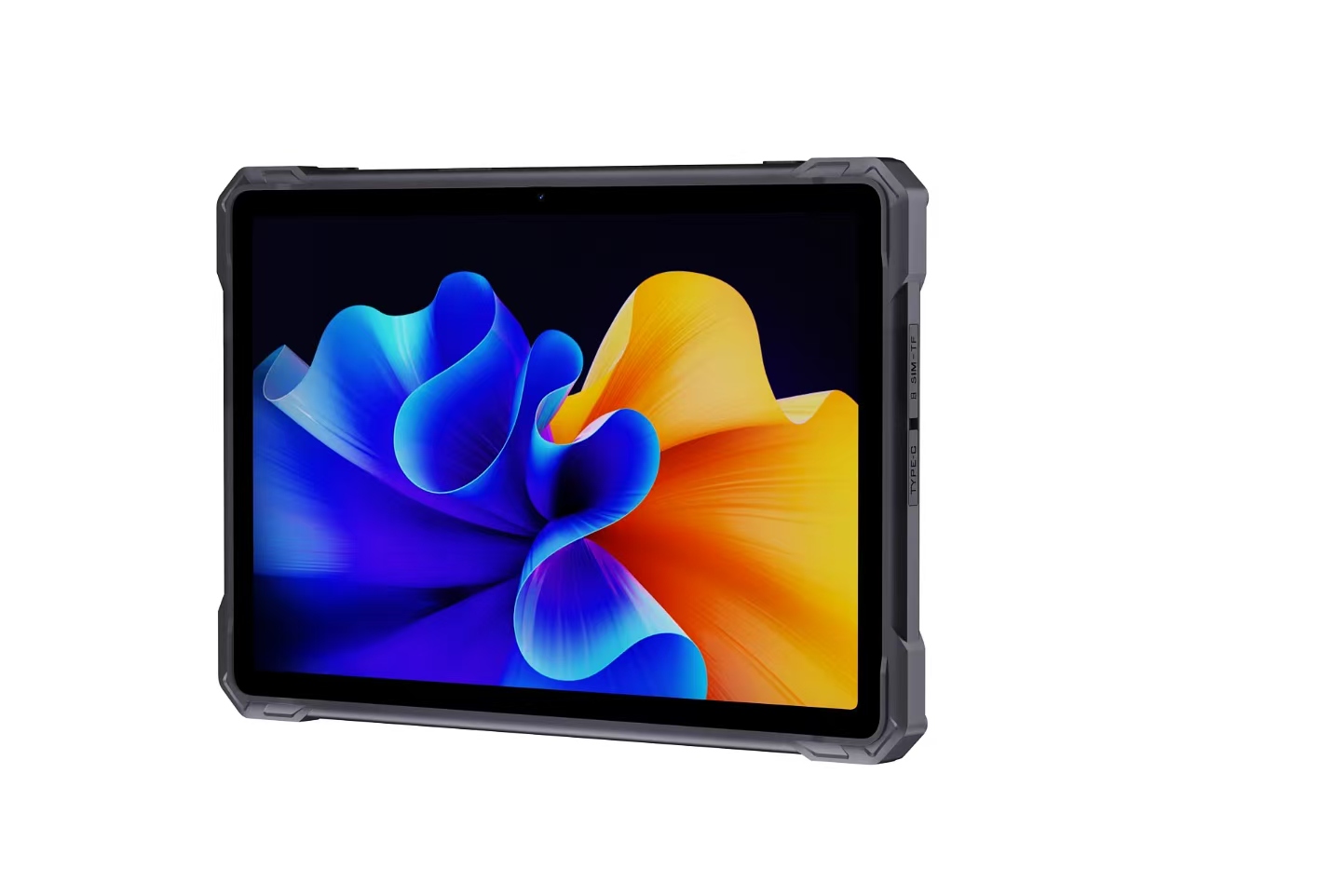
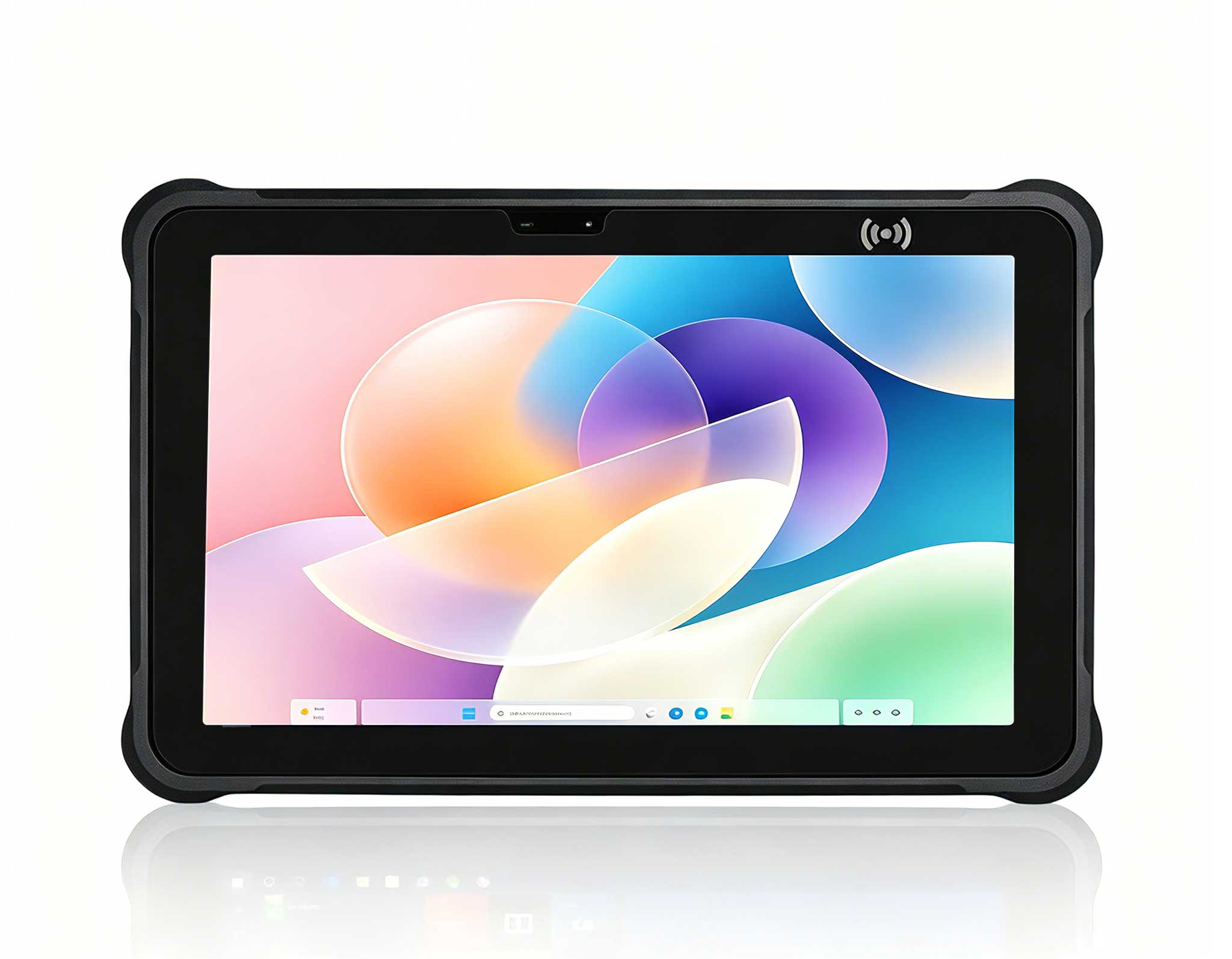
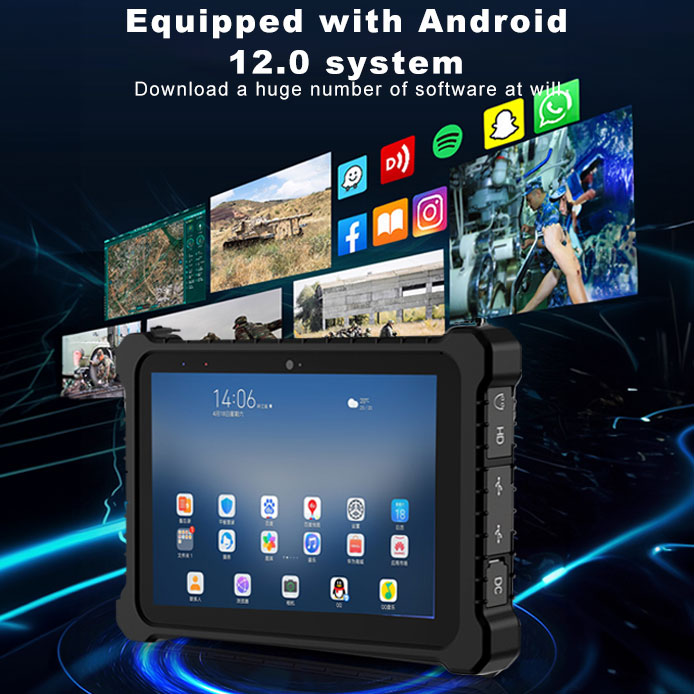
This 10-inch Android rugged tablet is designed for...
P11 Series Next-Gen Enterprise Rugged Industrial ...
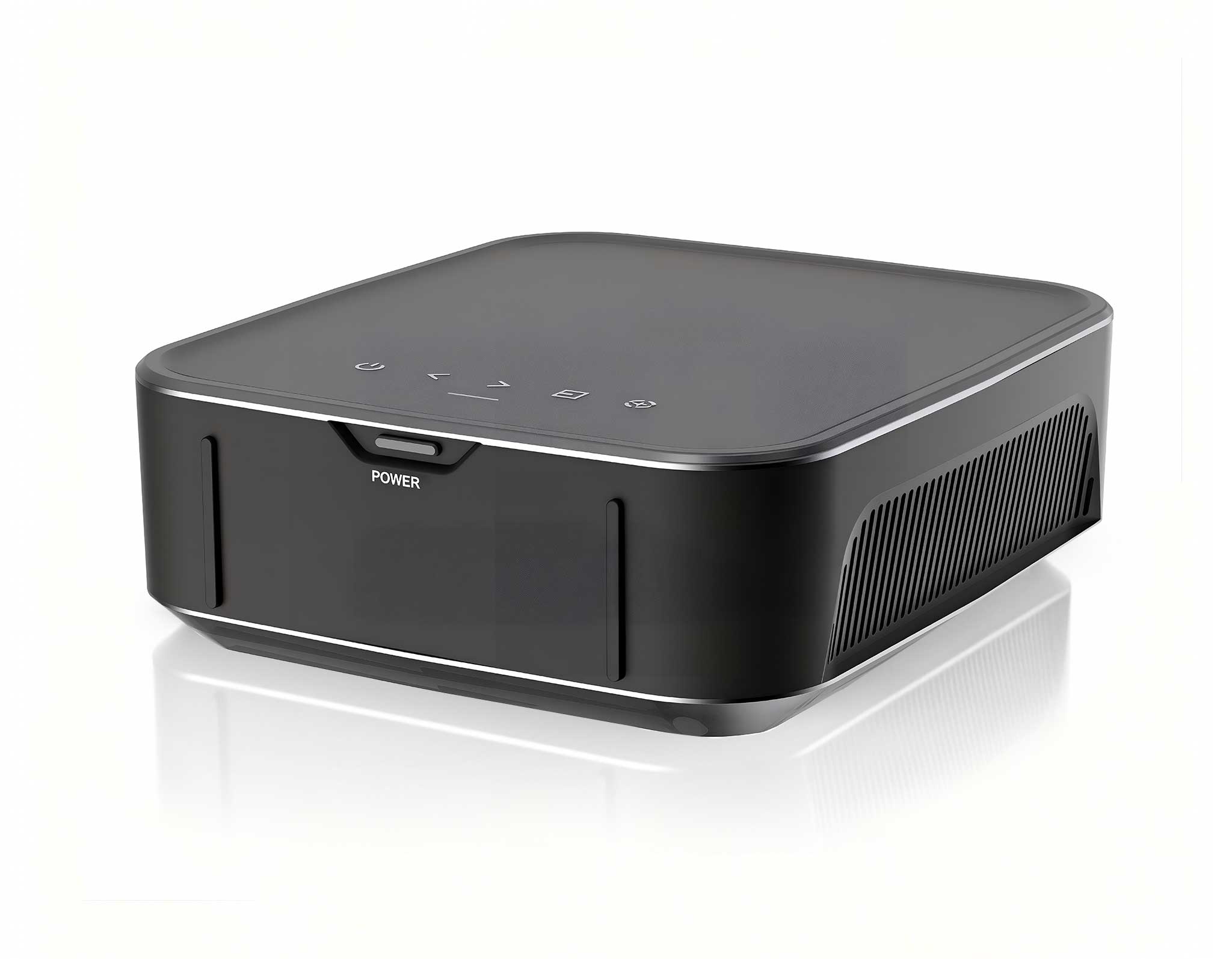
One Device, Dual Functions – A Projector and a Com...
The X501 Handheld PDA combines advanced barcode sc...
Full SpecificationsModelHotus ST11‑UOSWindows 10 P...
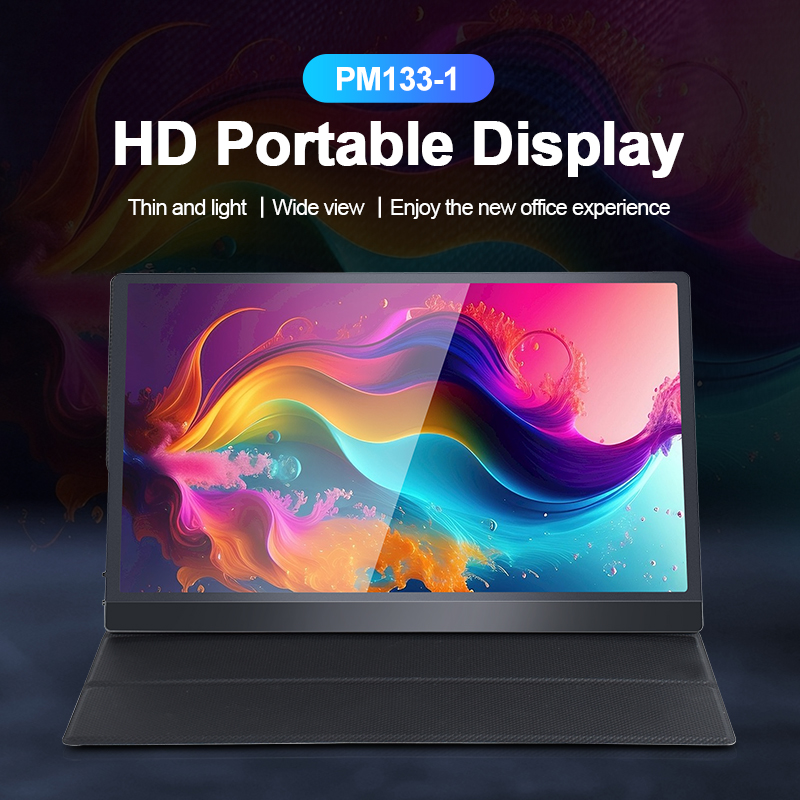
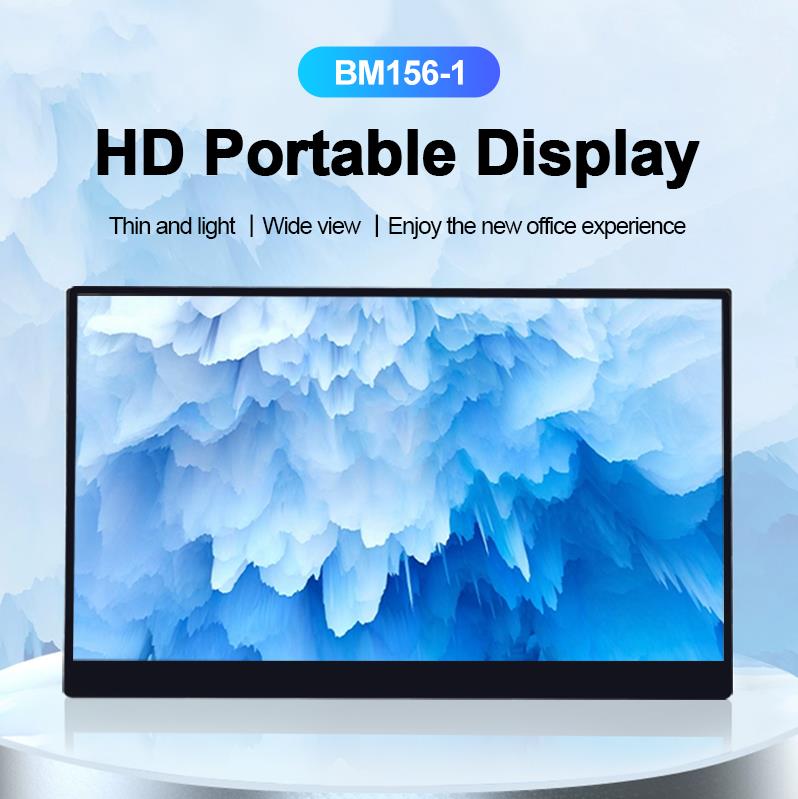
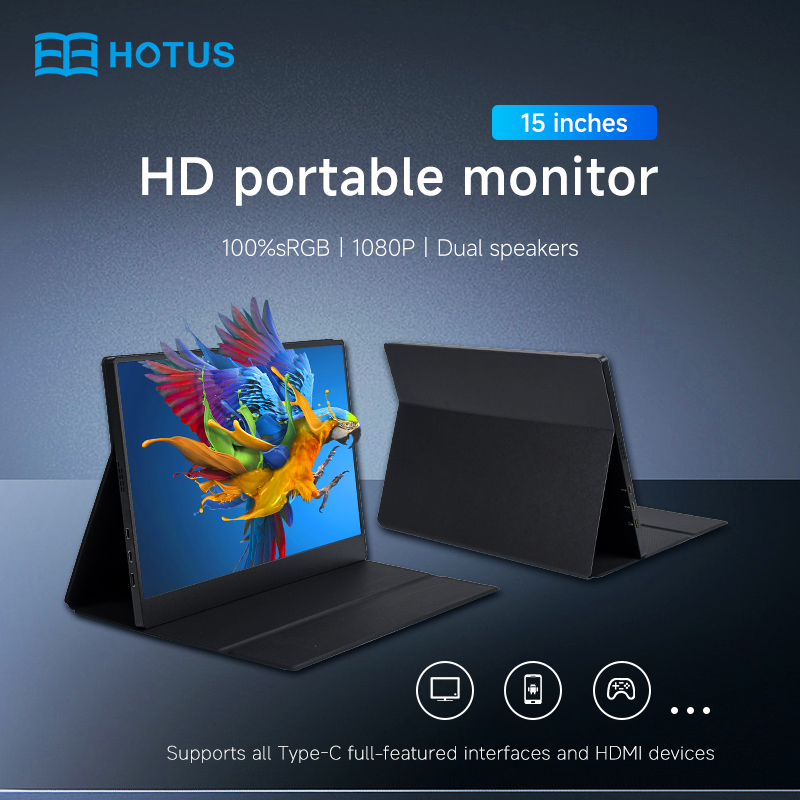
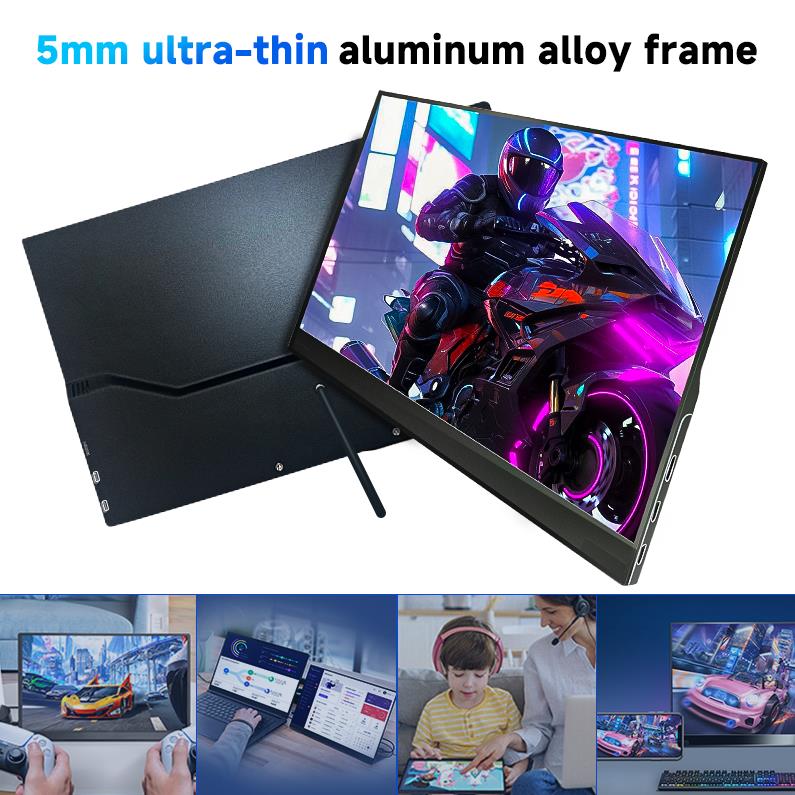
The PM133-2 is a 13.3-inch portable monitor featur...
Over the past decade consulting with healthcare IT teams, I have watched the same mistake play out again and again: someone assumes a standard office PC can handle the brutal pace of a medical environment. That assumption costs clinics downtime, data integrity, and often a lot of money. A busy clinic needs more than raw processing power. It demands absolute reliability, strict hygiene protocols, and near-silent operation so that patient consultations are never interrupted by fan noise or system crashes. The most successful deployments I have overseen start with hardware purpose-built for this friction. The real challenge is not just running electronic health records (EHR) software; it is maintaining uptime during critical diagnostics and ensuring the system survives the physical demands of a sterile, high-traffic space. For any clinic administrator or IT manager planning a refresh, moving away from consumer-grade towers to Mini PC solutions engineered for medical environments is the first step toward a truly resilient setup. I have personally installed these systems in over forty clinics, and the difference in reliability is night and day.
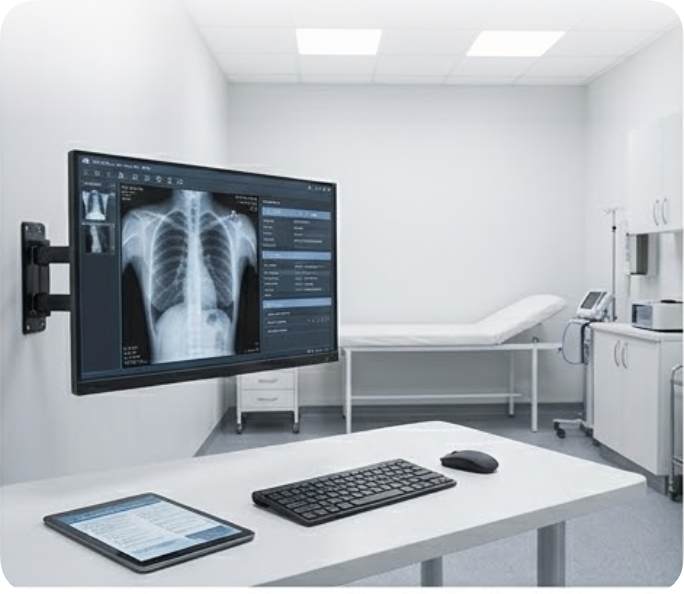
When I evaluate the demands of a modern diagnostic workstation—high-resolution imaging, real-time data analysis, multi-monitor setups for viewing X-rays or CT scans—the HCAR5000 MI consistently comes out on top. This unit is built for performance. Powered by the AMD Ryzen 5000H Series processor, it delivers laptop-grade efficiency with desktop-class power, meaning heavy medical software runs without lag. The thermal design is the real standout here; the cooling system handles 24/7 operation without breaking a sweat, which is critical for a workstation that cannot afford to throttle during a patient’s appointment. From an installation standpoint, the compact chassis allows for easy VESA mounting behind a monitor, freeing up valuable counter space in a cramped exam room. I recommend this model for any station where a doctor or technician needs to manipulate large datasets or run complex visualization tools without waiting for progress bars. In one deployment at a radiology clinic, we saw a 40% reduction in image loading times compared to their previous desktop setup.
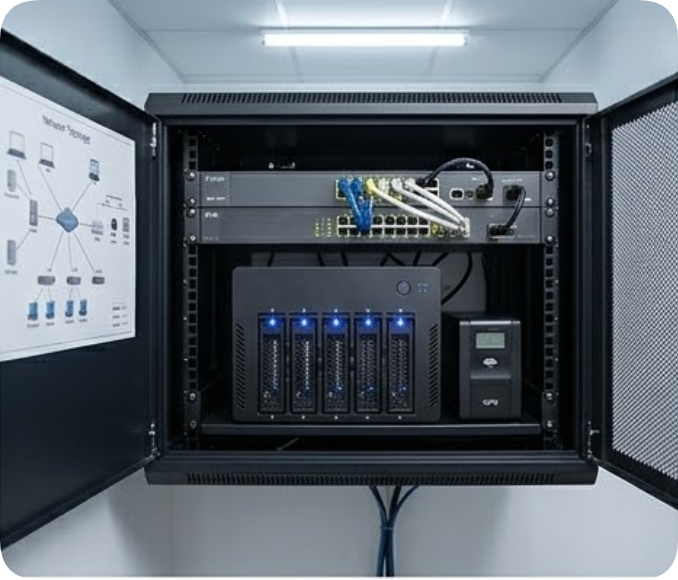
While the HCAR5000 MI handles the heavy lifting at the point of care, the backbone of any clinic is its data storage and network access. This is where the WTR PRO AMD redefines what a mini PC can do. This unit is not just a workstation; it is a 4-Bay NAS mini PC that functions as a local server. For a clinic handling sensitive patient data, having a local storage solution that can mirror drives (RAID) is a massive advantage for data security and redundancy. I often suggest deploying this unit as the central data hub for the clinic’s network. It can run the backend of the practice management software, store patient images, and even serve as a PACS (Picture Archiving and Communication System) server. The installation is straightforward: place it near the network switch, configure the RAID array, and connect it to the network. Its AMD processor ensures that even with multiple users accessing files simultaneously, the system remains responsive. This is the perfect solution for a clinic looking to consolidate its server room into a small, energy-efficient footprint. I have seen clinics reduce their server footprint by 80% with this single device.
| Feature | HCAR5000 MI | WTR PRO AMD |
|---|---|---|
| Primary Function | High-Performance Workstation | NAS / Central Data Hub |
| Processor | AMD Ryzen 5000H Series (Mobile) | AMD (High-Efficiency Series) |
| Memory Support | Up to 64GB DDR4 | Up to 32GB DDR4 |
| Storage Configuration | M.2 NVMe + 2.5" SATA | 4 x 3.5" SATA (RAID 0/1/5/10) |
| Network Connectivity | Dual 2.5GbE LAN | Dual 2.5GbE LAN |
| Video Output | HDMI + DisplayPort + USB-C | HDMI + DisplayPort |
| Cooling | Active, silent fan | Active, low-noise fan |
| Mounting | VESA mountable | Desktop / Shelf |
| Ideal Scenario | Diagnostic imaging, EHR terminals | File server, backup, PACS storage |
Selecting between these two models depends entirely on the specific role the device will play in your workflow. If you are equipping a new examination room where a physician needs to pull up patient history and write prescriptions, the HCAR5000 MI is the ideal front-end device. Its power is best utilized for real-time tasks. However, if your primary pain point is managing terabytes of patient imaging data or ensuring that your practice management database is always accessible even if the internet goes down, the WTR PRO AMD is the strategic choice. It acts as the clinic's local cloud. For a comprehensive deployment, I often recommend a hybrid approach: use the HCAR5000 MI at each doctor's desk for fast computing, and centralize all storage with the WTR PRO AMD in the server closet. This creates a balanced ecosystem where performance and data safety are both optimized. When planning the installation, remember to consider physical security; both units can be locked in a cabinet or mounted securely to prevent theft or tampering. I have seen too many clinics overlook this and regret it later.
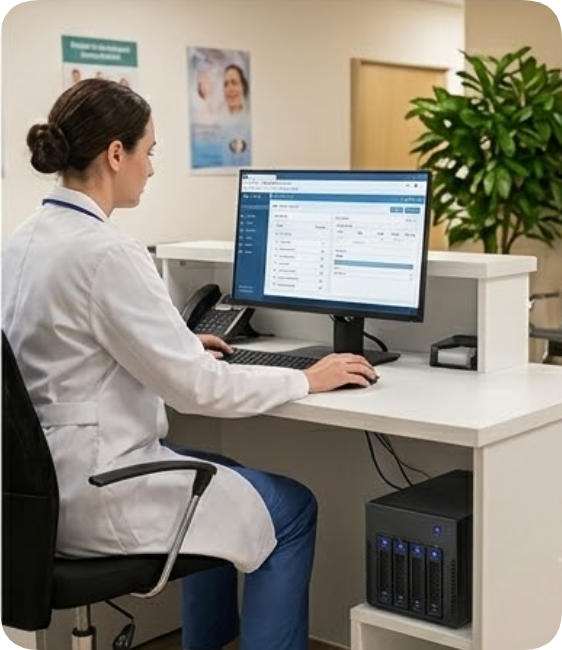
Deploying the right technology in a medical setting is about more than just hardware; it is about creating an environment where clinicians can focus on patients, not on IT glitches. Whether you need raw processing power for a diagnostic station or a reliable network-attached storage solution for your clinic’s data, Hotus Technology provides the building blocks for a modern, efficient practice. I encourage you to explore our mini PC solutions to see the full range of configurations available. For a personalized deployment plan that fits your clinic’s specific layout and workflow, contact our sales team today. We are ready to help you build a system that is as reliable as it is powerful.