- Select Language
Technical SpecificationsModel: Palm-sized miniPCTy...
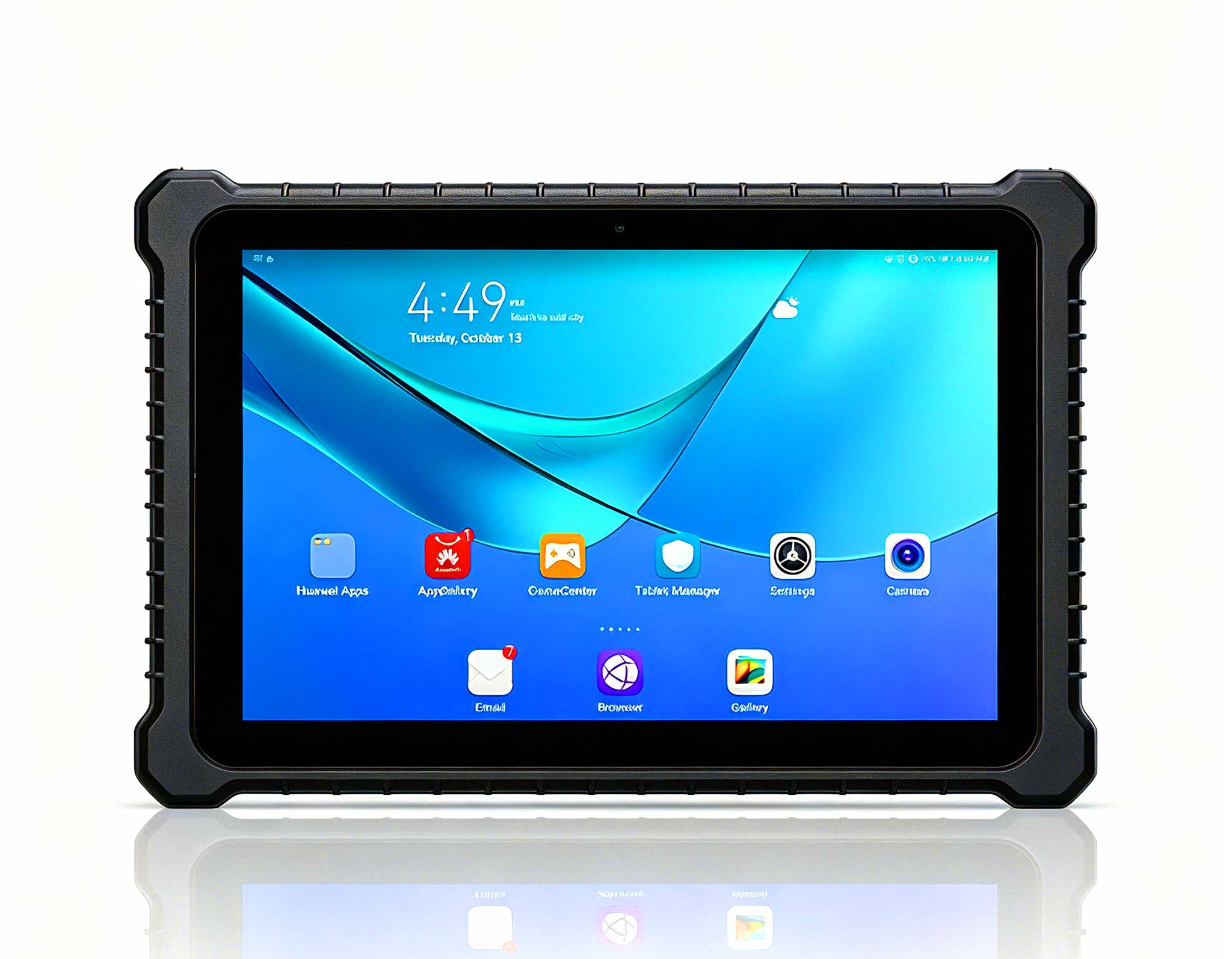
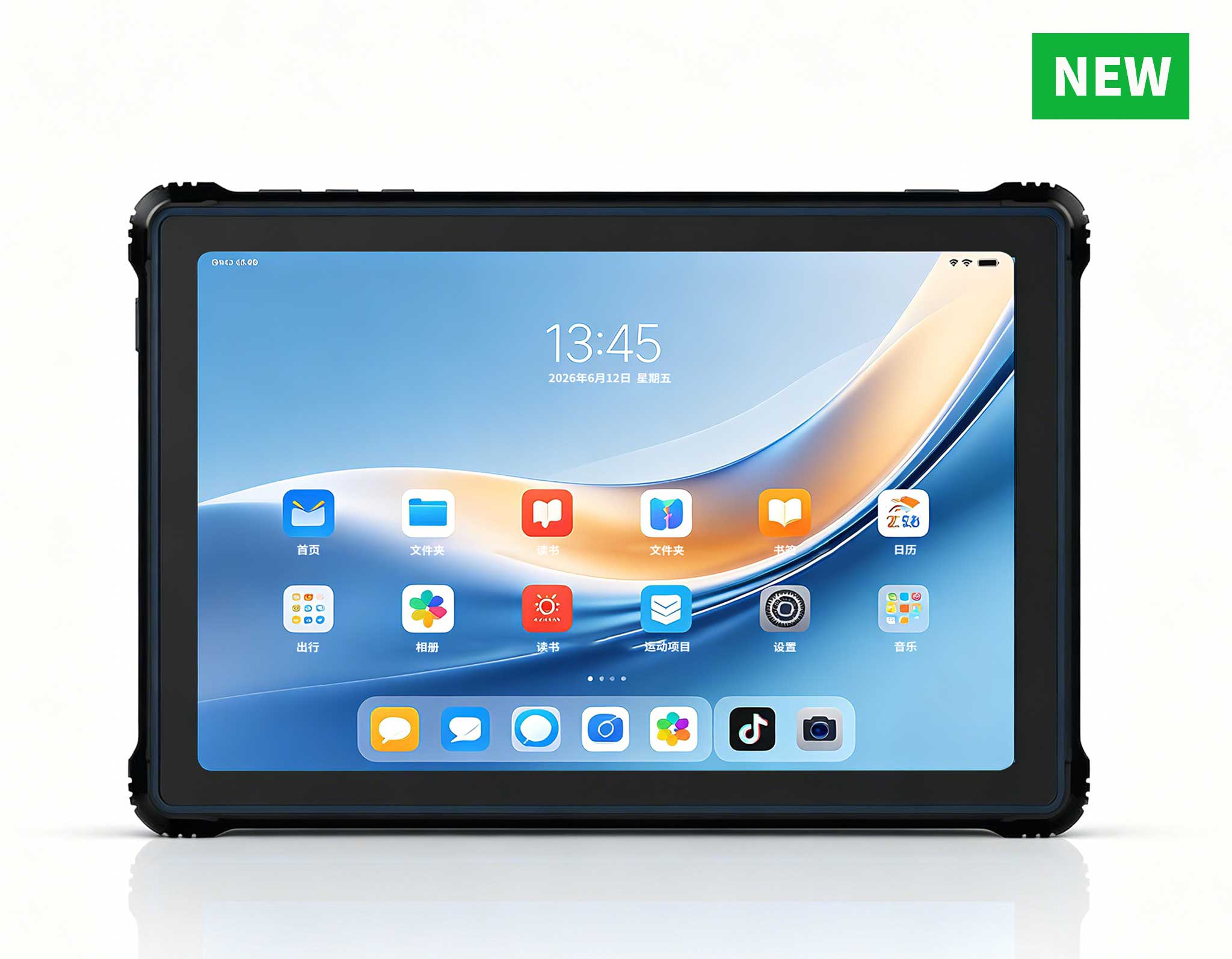
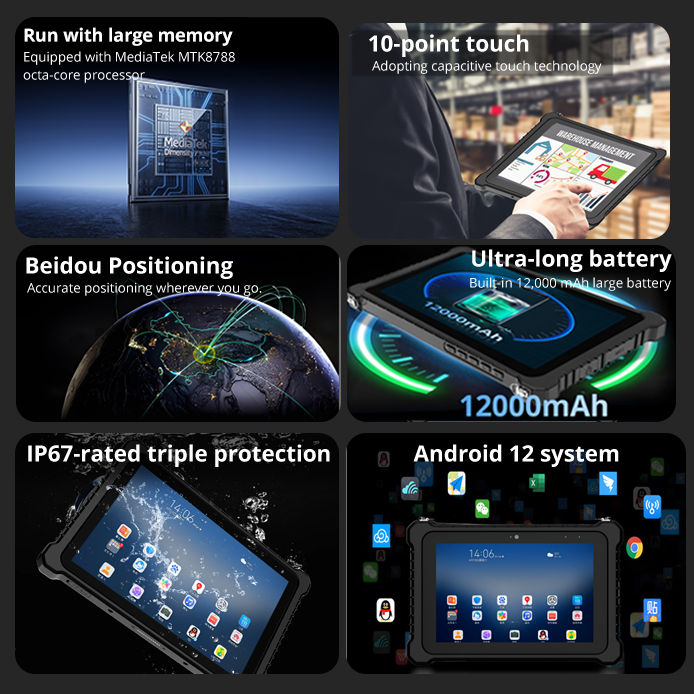
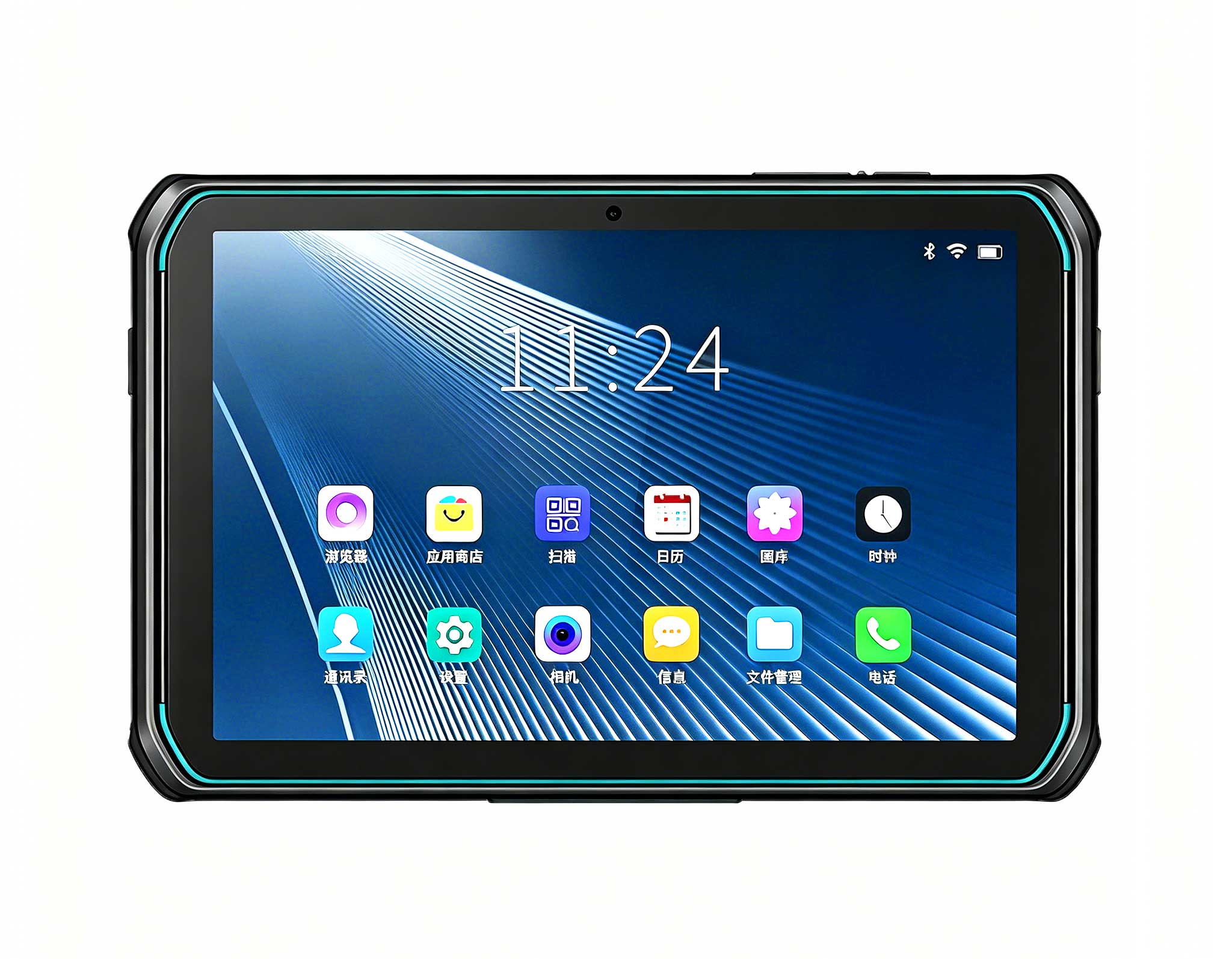
RT81 4G Rugged Tablet | 10.1" FHD 400nit | Qu...
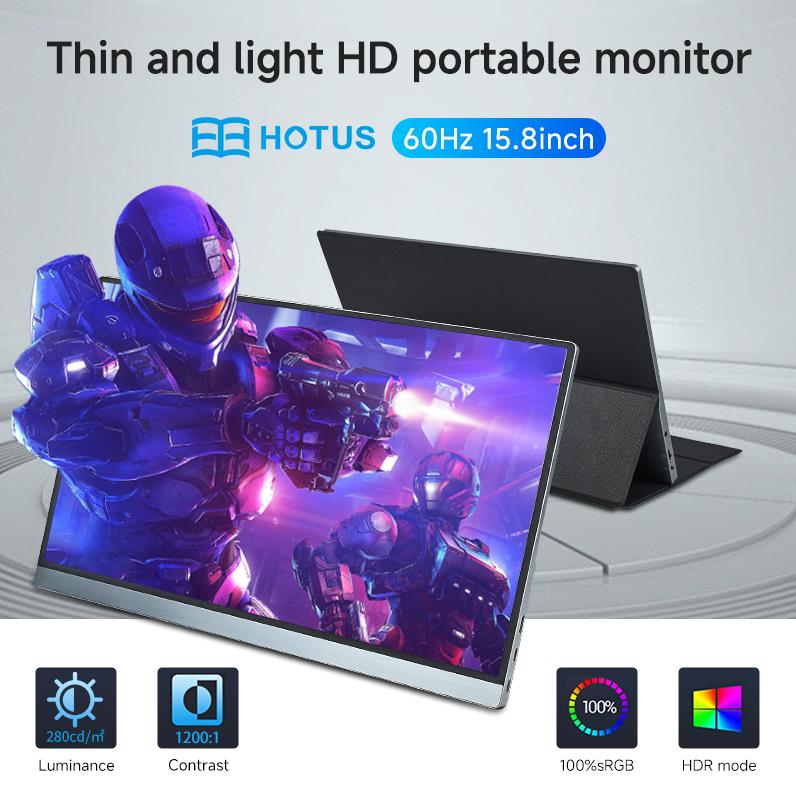
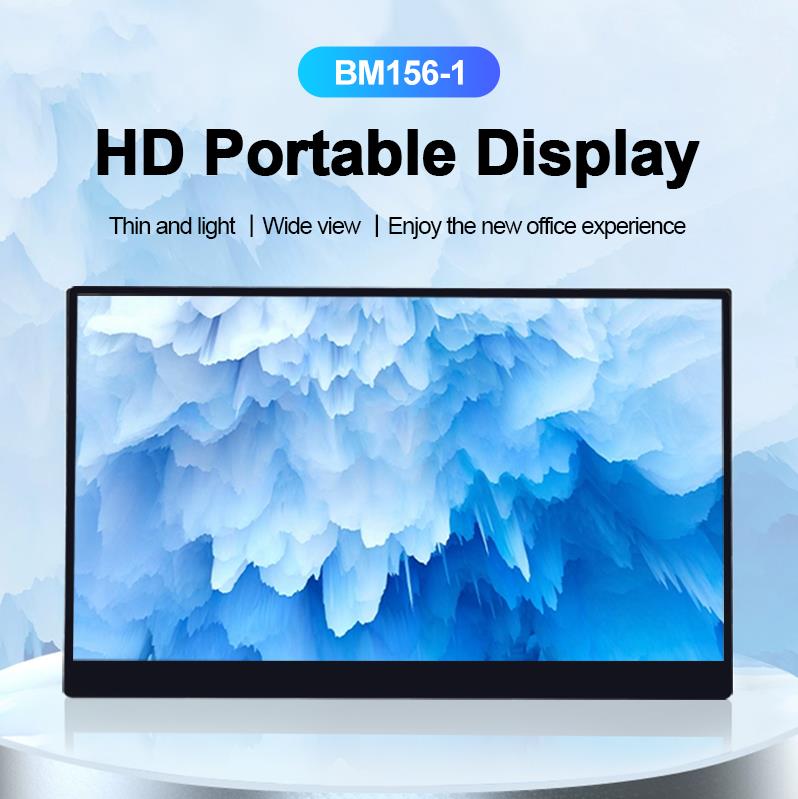
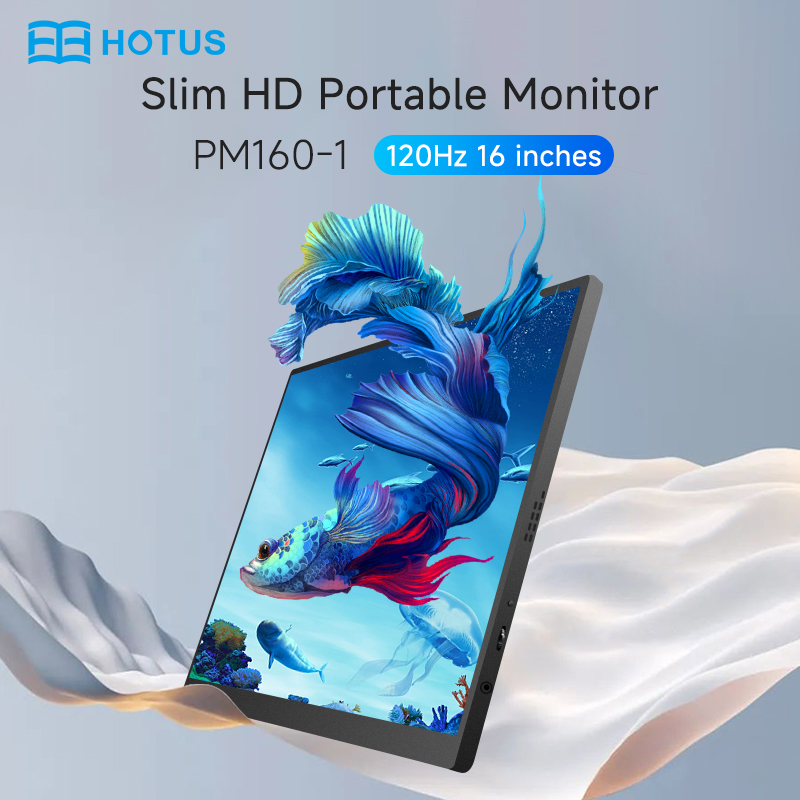
The PM158-1 is a 15.6-inch portable touchscreen mo...
RT81 4G Rugged Tablet | 10.1" FHD 400nit | Qu...
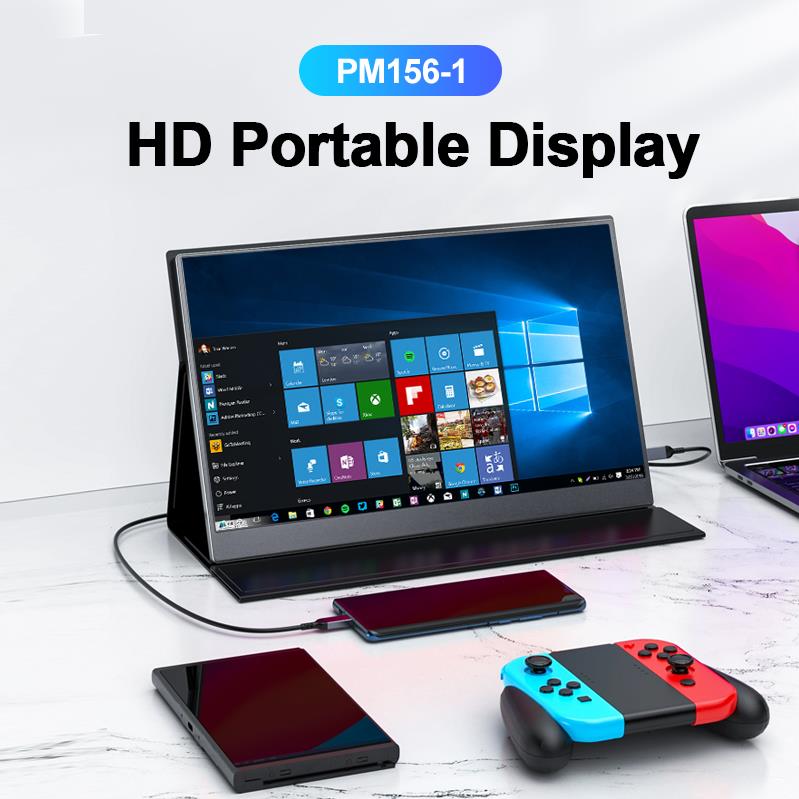
The PM156-1 is a 15.6-inch portable PC monitor fea...
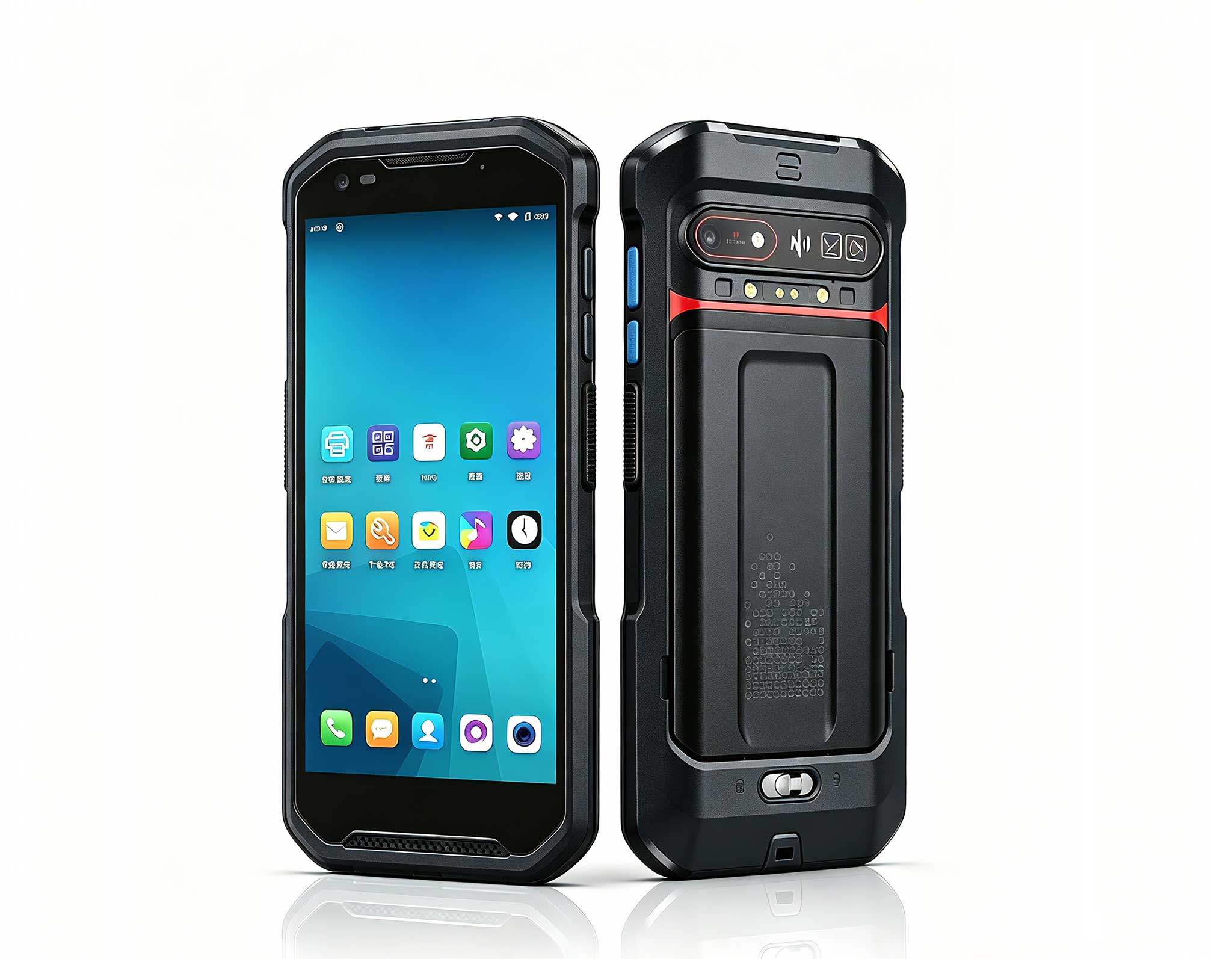
The F505 Handheld PDA is a compact, high-performan...
From my years in the field, I have seen the digital signage and self-service kiosk industry evolve from simple video loops to complex, interactive touchpoints. The hardware that powers these systems is no longer just a box in the back; it is the brain of the customer experience. The challenge is that traditional desktop PCs are too bulky and power-hungry, while consumer-grade mini PCs often lack the reliability and I/O for 24/7 operation. What the market truly needs is a purpose-built computing platform that balances raw performance, compact footprint, and industrial-grade stability. This is where Hotus Technology’s latest lineup comes into play, offering tailored solutions for everything from a simple menu board to a high-traffic ticketing kiosk. When planning your next deployment, starting with the right hardware is the most critical step, and I recommend looking at our dedicated digital signage kiosk solutions to understand the full ecosystem. A reliable Mini PC is the foundation of any modern interactive display system, ensuring smooth playback and long-term durability in demanding commercial environments.
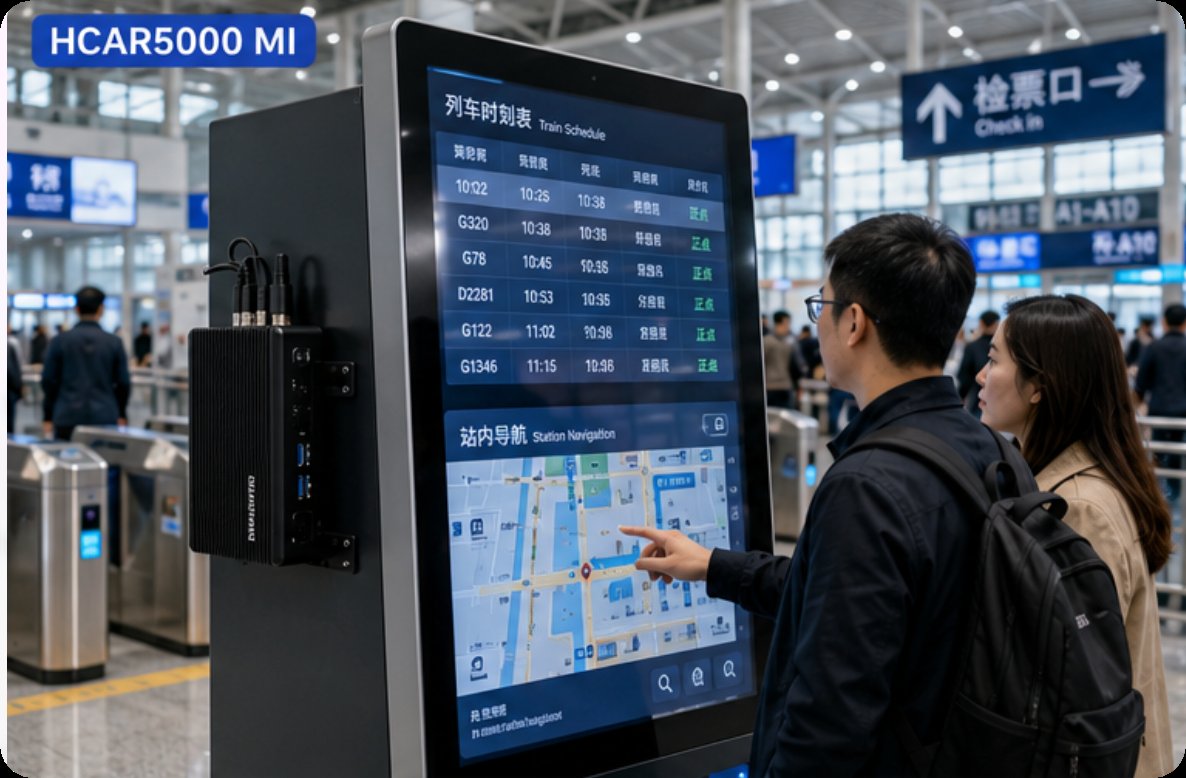
The HCAR5000 MI is my top recommendation for demanding, interactive self-service kiosks that require heavy multitasking. Powered by the AMD Ryzen 5000H Series processor, this unit delivers laptop-class CPU performance in a chassis that is barely larger than a smartphone. For a kiosk running a complex wayfinding application with real-time video analytics or a ticketing system processing high-resolution content, the HCAR5000 MI provides the necessary horsepower without the thermal throttling issues common in smaller devices. Its key advantage is the ability to drive multiple 4K displays simultaneously, making it ideal for immersive digital signage walls in retail or transportation hubs. The installation process is straightforward: simply mount it via the VESA bracket behind the display, connect your peripherals, and secure the power cable. Its robust metal casing also aids in passive heat dissipation, which is a critical factor for enclosed kiosk environments. I have deployed these units in busy train stations and they have run non-stop for months without a single hiccup.
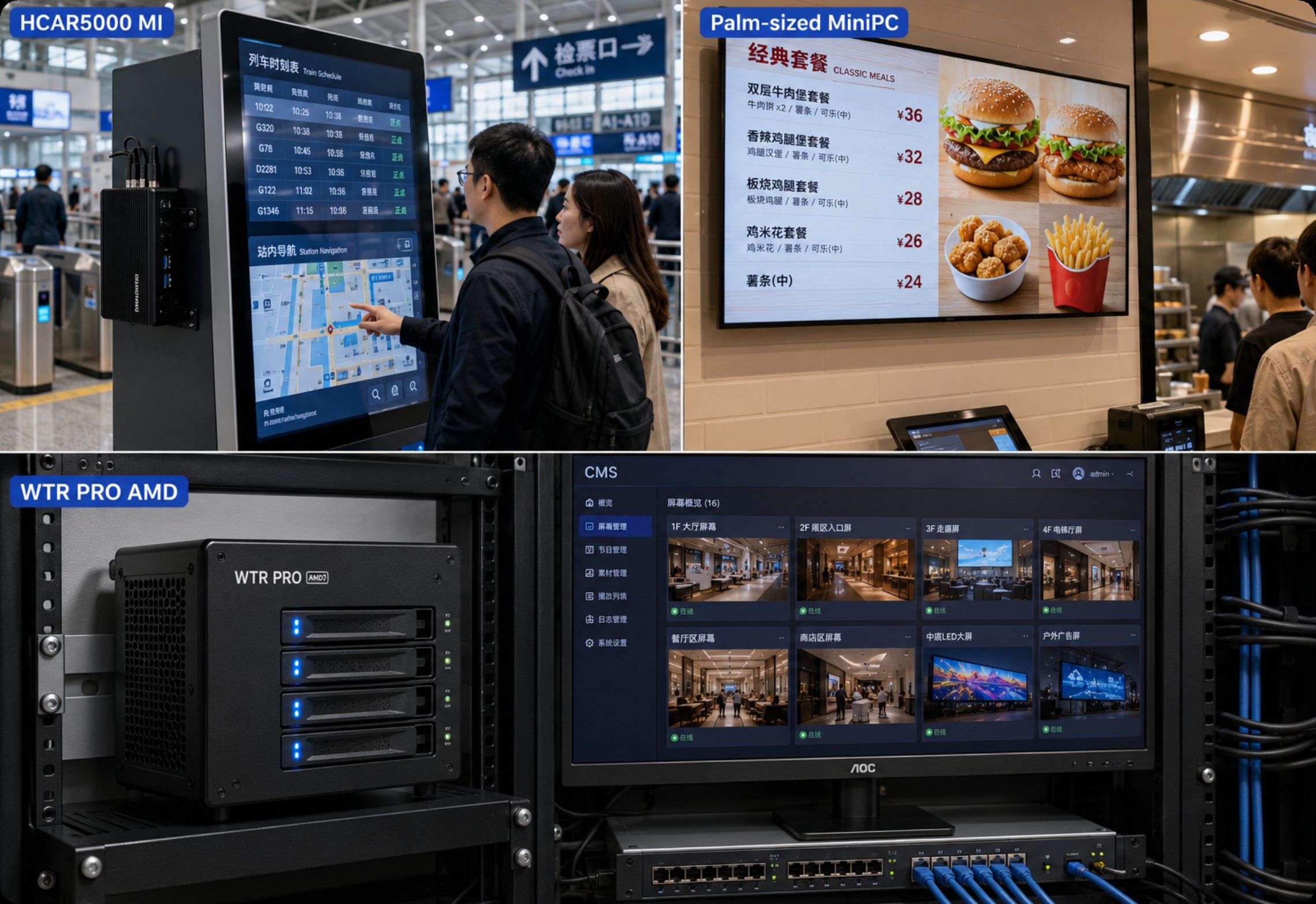
For projects where space is the ultimate constraint, the Palm-sized miniPC is a game-changer. As the name implies, this device fits in the palm of your hand, making it perfect for slim-profile digital signage panels and menu boards where the enclosure depth is minimal. Despite its size, it offers a rich set of I/O ports including HDMI, USB-C, and Gigabit Ethernet, ensuring compatibility with standard signage players. In my experience, this model excels in single-display scenarios like advertising screens in elevators, hotel lobbies, or quick-service restaurant drive-thrus. The installation guide for this unit emphasizes its zero-footprint design; you can literally hide it behind the screen using a simple adhesive mount or a small VESA plate. Its low power consumption also means it can often be powered over USB-C, further simplifying cable management and reducing installation costs. This is a true plug-and-play solution for operators who prioritize aesthetics and simplicity. I have seen these deployed in high-end retail boutiques where every millimeter of space matters.
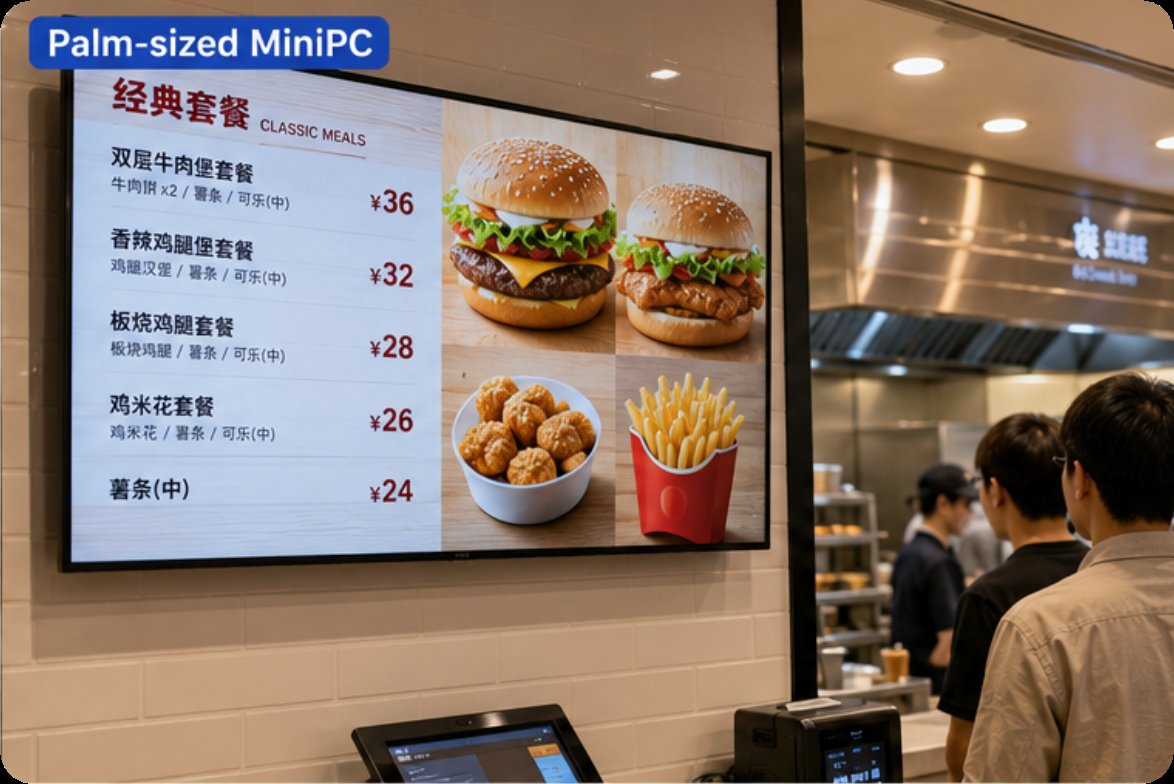
The WTR PRO AMD occupies a unique niche, combining a powerful mini PC with a 4-bay NAS (Network Attached Storage). This is not just a player; it is the central hub for a distributed signage network. In scenarios where you need to store a massive library of 4K video content, run a local content management system (CMS), or manage multiple screens from a single unit, the WTR PRO AMD is the ideal choice. Its AMD processor ensures smooth playback while the RAID-capable storage bays provide redundancy and high-speed data access. For installation, this unit requires a slightly more involved setup due to the hard drives, but the benefit is a self-contained, server-grade solution that reduces dependency on cloud storage. I have seen this deployed effectively in museums, corporate headquarters, and large retail chains where local content storage and reliability are paramount. The HCAR5000 MI series also offers similar processing power, but the WTR PRO AMD is the definitive choice when storage is the primary concern. It essentially eliminates the need for a separate NAS device, saving both rack space and capital expenditure.
| Feature | HCAR5000 MI | Palm-sized miniPC | WTR PRO AMD |
|---|---|---|---|
| Processor | AMD Ryzen 5000H Series | Intel Celeron/Pentium (Low Power) | AMD Ryzen (High Performance) |
| Memory | Up to 64GB DDR4 | Up to 16GB DDR4 | Up to 64GB DDR4 |
| Storage | M.2 NVMe + SATA | M.2 NVMe / eMMC | 4x 3.5" SATA + M.2 NVMe |
| Video Output | Dual HDMI / DP (4K@60Hz) | Single HDMI (4K@30Hz) | Dual HDMI (4K@60Hz) |
| Cooling | Active Fan + Heatsink | Passive (Fanless) | Active Fan + Heatsink |
| Mounting | VESA (75/100mm) | VESA / Adhesive | Desktop / Shelf |
| Ideal Scenario | Interactive Kiosks, Video Walls | Menu Boards, Slim Displays | Content Servers, Data-Intensive Signage |
| Operating System | Windows 11 Pro | Windows 11 / Linux | Windows 11 Pro / Linux |
Selecting the correct hardware depends entirely on the physical environment and the software requirements of your digital signage or kiosk project. For a simple menu board in a fast-food chain where space is tight and the content is static or low-resolution, the Palm-sized miniPC offers the lowest total cost of ownership and easiest installation. Its fanless design is also a major advantage in dusty kitchen environments. For a high-traffic interactive kiosk in a shopping mall that runs a 3D wayfinding app, you will need the processing power of the HCAR5000 MI. The ability to drive multiple 4K displays and handle real-time touch input without lag is non-negotiable. Finally, if your project involves managing a fleet of screens from a central location without relying on a cloud server, the WTR PRO AMD is your best bet. It acts as both the player and the server, providing local redundancy and fast content delivery. Always consider the total cost of ownership, including power consumption, maintenance, and the need for a separate NAS or server, before making a final decision. I have seen too many projects fail because the hardware was underspecified from the start.
Deploying a digital signage or kiosk system is about more than just mounting a screen; it is about creating a reliable, scalable, and engaging user experience. The Hotus Technology lineup provides a clear path for every scenario, from the ultra-compact Palm-sized miniPC to the powerhouse HCAR5000 MI and the storage-centric WTR PRO AMD. I encourage you to review the specific technical specifications and mounting options for each model. For a deeper dive into the technical aspects of setting up a networked signage system, please explore our mini PC solutions for detailed guides and case studies. Our team is ready to help you select the perfect hardware for your next project, ensuring a seamless installation and a long, productive service life. Whether you are upgrading an existing deployment or building from scratch, the right Mini PC will make all the difference in performance and reliability.