- Select Language
The N60 PDA is a cutting-edge device for inventory...
R366C-S 5.5-inch Industrial UHF RFID Reader | Qual...
Explore an innovative Personal Digital Assistant f...
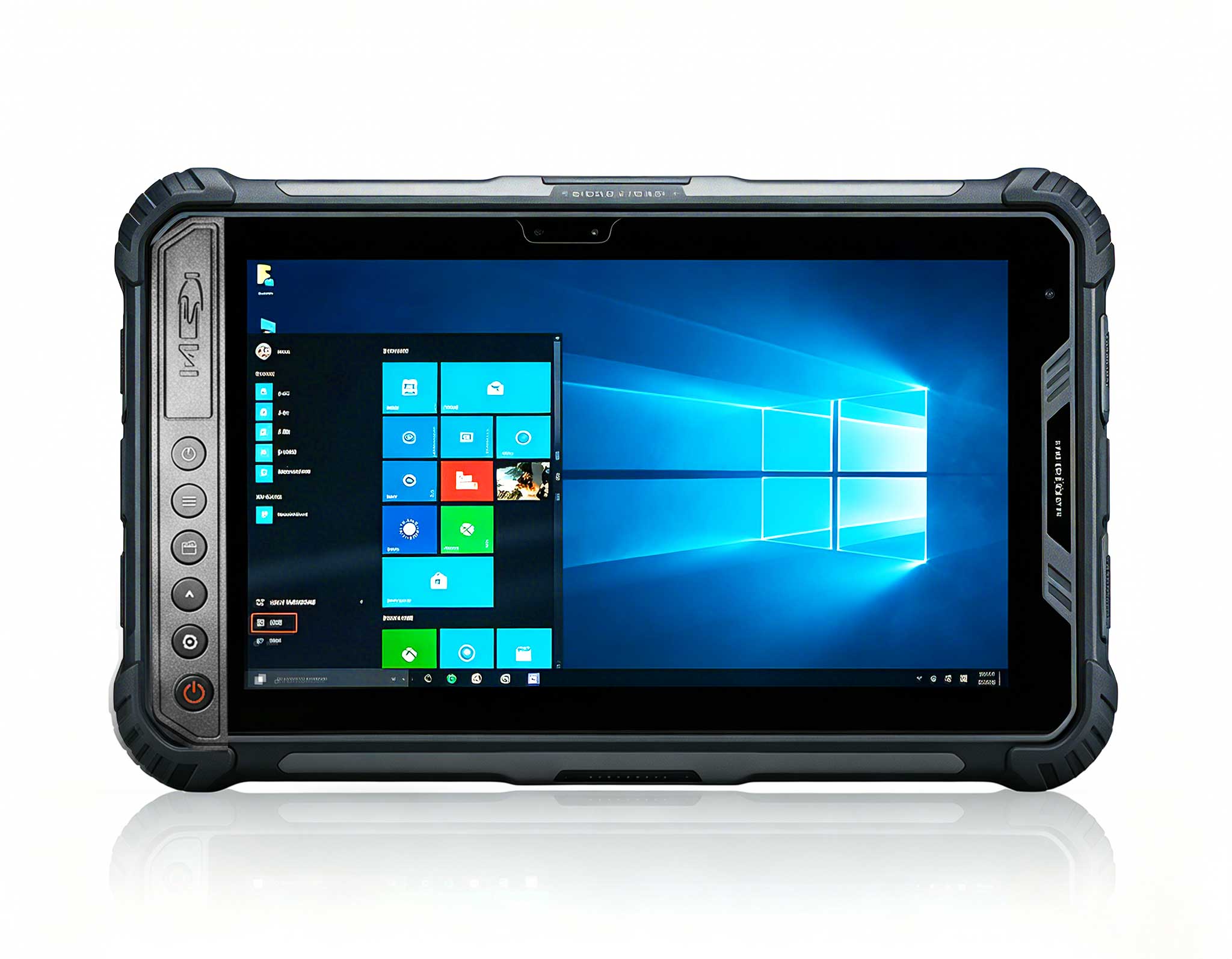
P11 Series Next-Gen Enterprise Rugged Industrial ...
Full SpecificationsModelHotus ST11‑UOSWindows 10 P...
The R501 PDA combines a powerful MT6762 Octa-Core ...
Full SpecificationsModelHotus ST9‑MOSWindows 10/11...
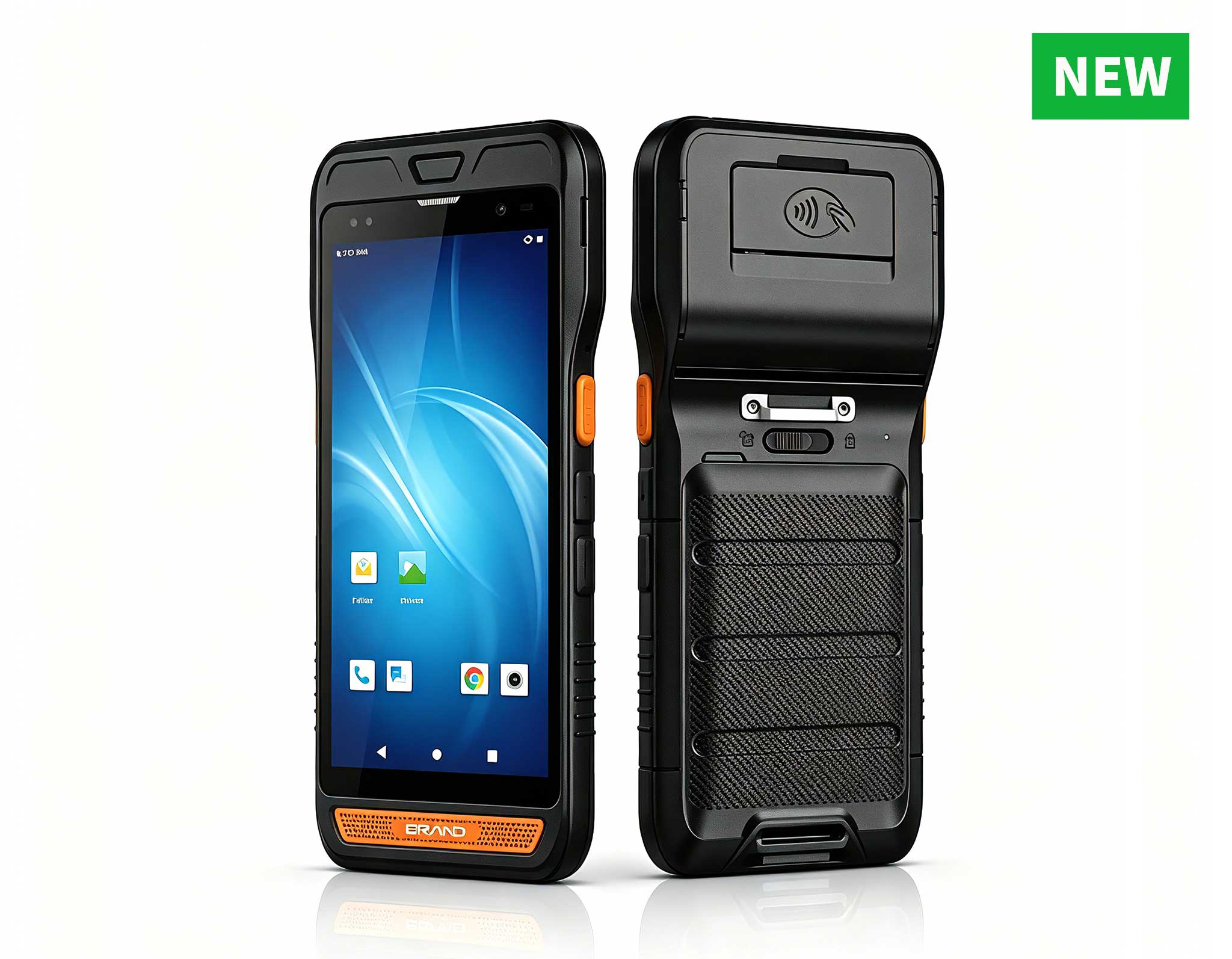
R860-S 5.5-inch Industrial PDA with Thermal Printe...
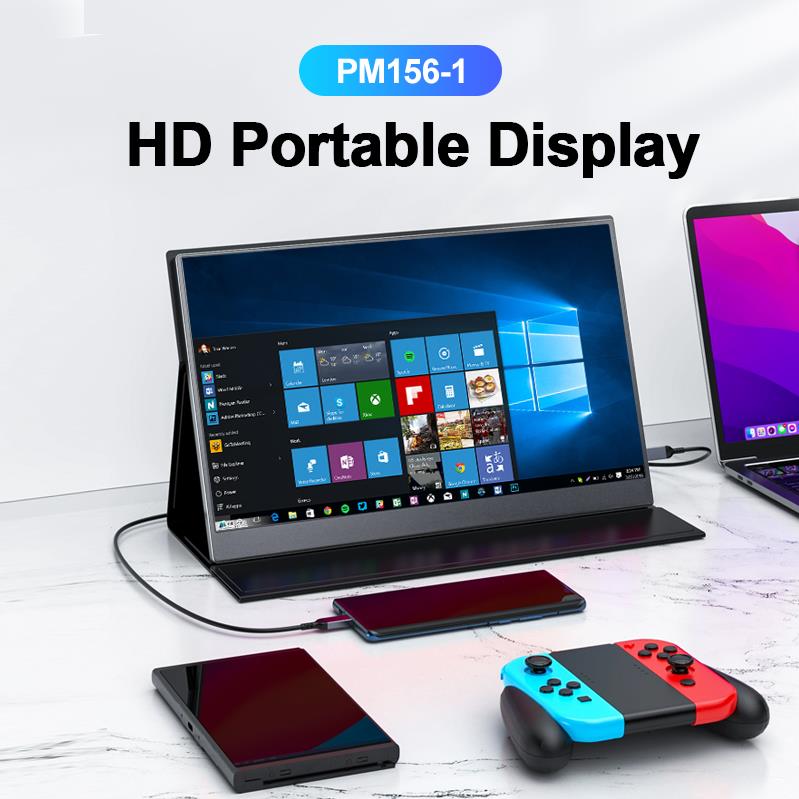
The PM156-1 is a 15.6-inch portable PC monitor fea...
After a decade of advising healthcare IT teams, I’ve watched the same mistake play out: a standard office PC gets dropped into a clinic, and within six months, it’s struggling. The clinical environment is brutal—disinfectant wipes, coffee spills, constant vibration, and zero tolerance for downtime. For handling high-resolution DICOM images, running a responsive Electronic Health Record (EHR) system, or managing a small lab, you need hardware that’s compact yet built to survive. That’s where the HCAR5000 MI and WTR PRO AMD come in. Both are top-tier dedicated medical workstation solutions, but they serve completely different roles inside the same building.
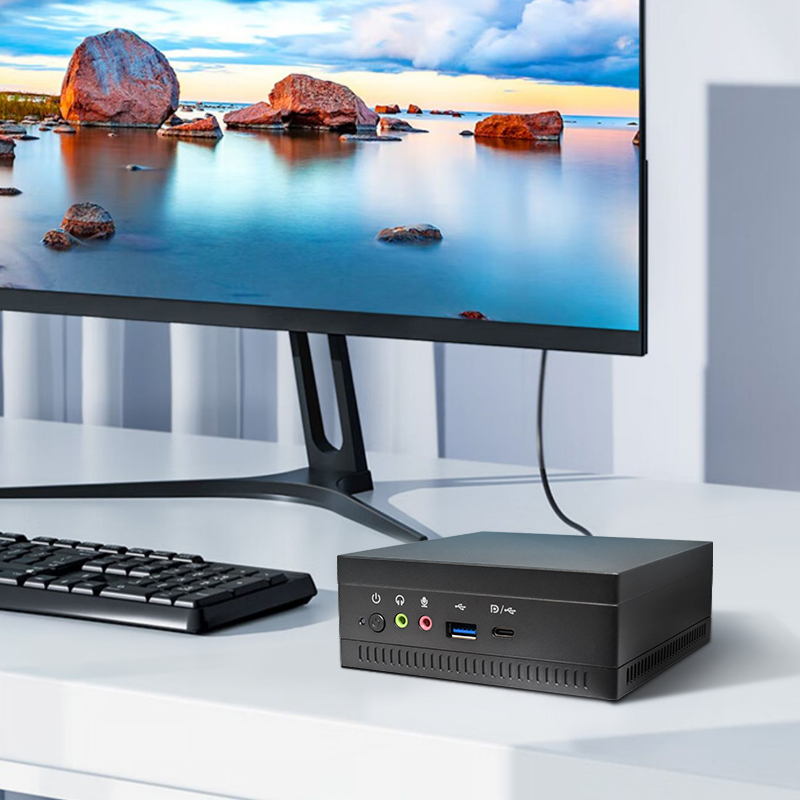
The HCAR5000 MI is built for pure speed. If your clinic has a central diagnostic station where a radiologist or specialist reviews CT scans, MRIs, or complex 3D reconstructions, this is the unit you want. It packs an AMD Ryzen 5000H Series processor—desktop-class CPU power in a chassis that’s smaller than a textbook. This isn’t a machine for light data entry; it’s a workstation that chews through heavy computational loads without thermal throttling. The rugged chassis meets basic ingress protection standards for medical environments, but its real strength is raw performance. For a specialist who needs zero lag when scrolling through imaging studies, the HCAR5000 MI is the obvious choice.
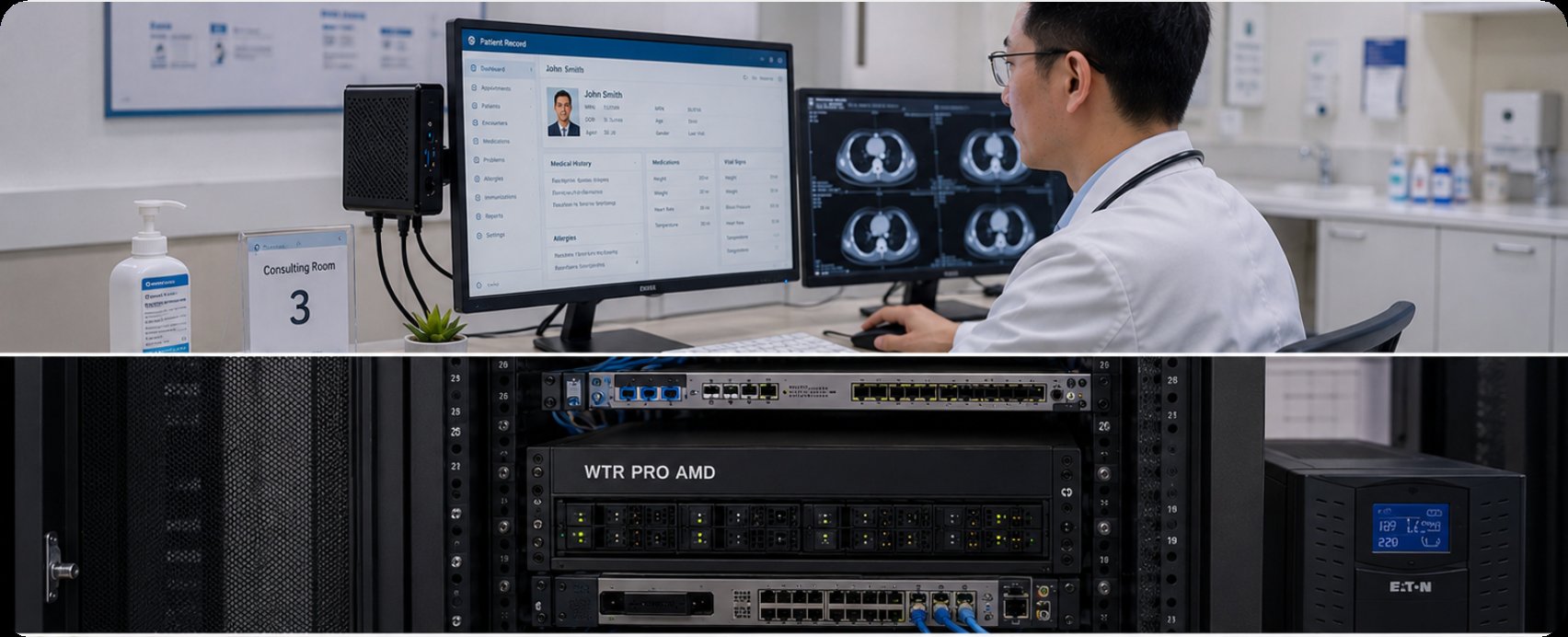
On the other end of the spectrum, the WTR PRO AMD is the Swiss Army knife of the clinic. This unit is a 4-Bay NAS Mini PC, which fundamentally changes how you think about your IT stack. Instead of being a pure compute node, it becomes the central data hub. It can run your practice management software, serve as a local PACS server for storing patient images, and act as a backup target for all other workstations. The AMD processor inside delivers smooth multi-tasking, but the real value lies in the storage architecture. For a small to medium-sized clinic, this eliminates the need for a separate server and a separate PC. It consolidates storage and compute into one silent, power-efficient unit. When you need a system that manages patient data and runs daily operations, the WTR PRO AMD is the more practical investment.
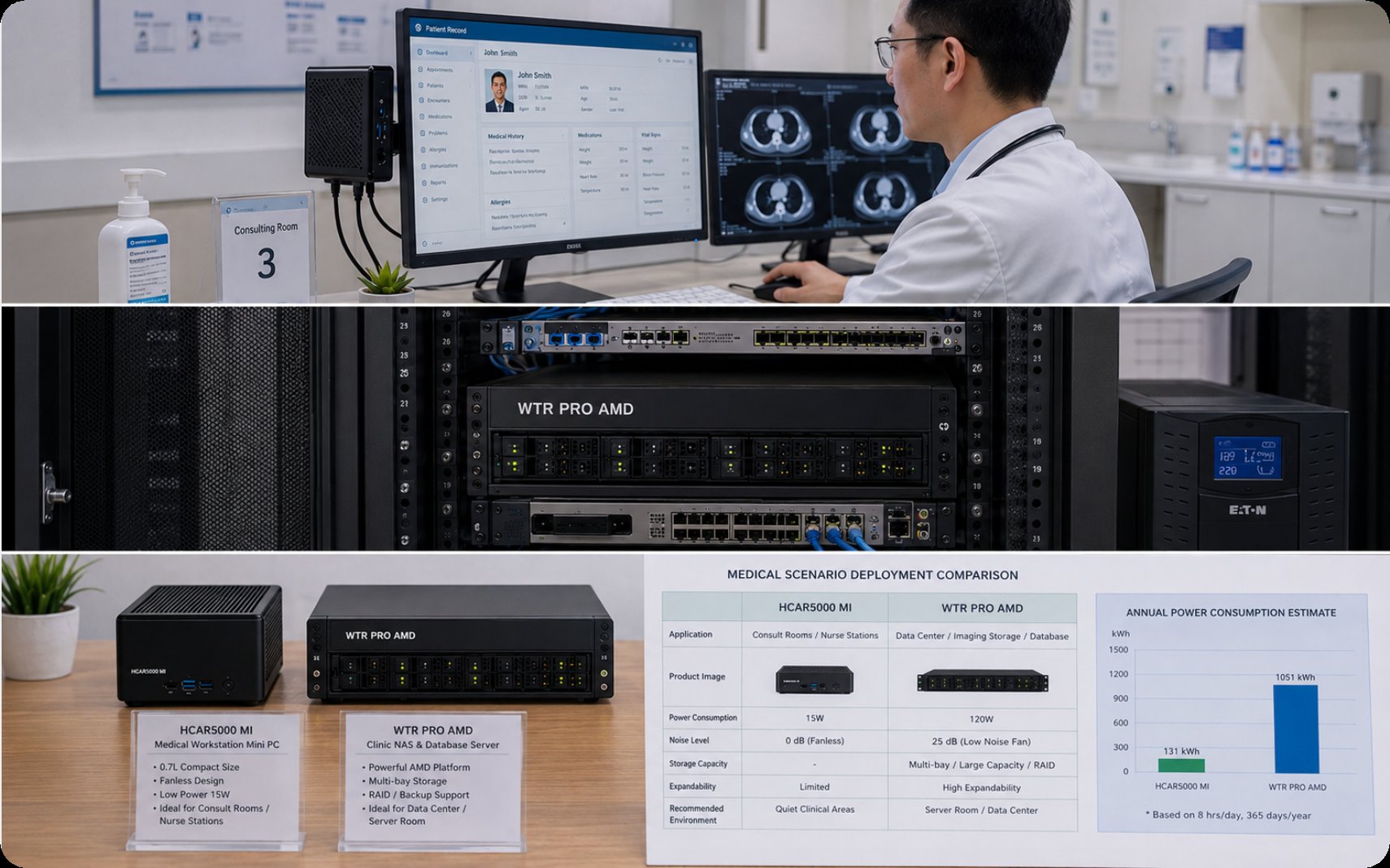
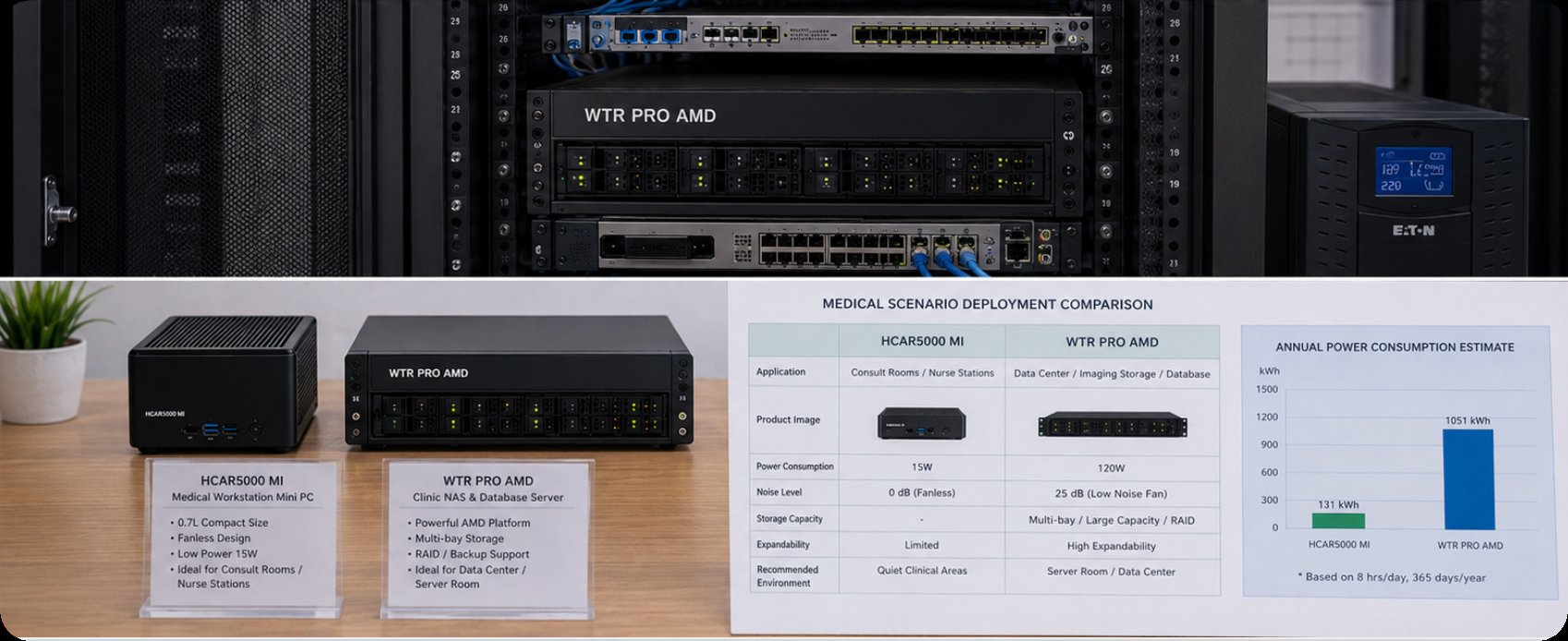
To make the right call, you need to look at the raw numbers. The table below breaks down the critical differences between the HCAR5000 MI and WTR PRO AMD in a clinical context.
| Specification | HCAR5000 MI | WTR PRO AMD |
|---|---|---|
| Primary Position | High-Performance Diagnostic Workstation | Clinic Server / NAS / Multi-purpose Hub |
| Processor (CPU) | AMD Ryzen 5000H Series (High TDP, Desktop-class) | AMD Ryzen (Balanced performance, low power) |
| Memory (RAM) | Up to 64GB DDR4 (Dual Channel) | Up to 64GB DDR4 (Dual Channel) |
| Storage Capability | M.2 NVMe + SATA (Limited internal bays) | 4x 3.5" SATA Bays + M.2 (Massive local storage) |
| Ingress Protection (IP Rating) | Standard rugged chassis (Spill resistant) | Standard rugged chassis (Spill resistant) |
| Network Connectivity | 2.5GbE (Standard high-speed LAN) | 2.5GbE (Standard high-speed LAN) |
| Best Use Case | Radiology, 3D imaging, High-speed data processing | EHR server, PACS storage, Backup, Practice management |
| Form Factor | Ultra-Compact (Desktop) | Compact Tower (4-Bay NAS form factor) |
Selecting the right system depends entirely on your clinic’s workflow. Here are three critical scenarios to guide your decision.
Scenario 1: The High-Volume Imaging Center
If your clinic is a radiology center or a dental practice using Cone Beam CT, the priority is GPU and CPU throughput. You need a system that can render images instantly. The HCAR5000 MI is the best fit here. It provides the necessary horsepower for demanding medical software. I recommend pairing it with a dedicated ECC memory setup for data integrity.
Scenario 2: The General Practice with Data Growth
For a standard GP clinic, the bottleneck is often network storage and server stability, not local compute power. The WTR PRO AMD excels here. It acts as a central repository, allowing multiple thin clients or existing PCs to access patient files and the EHR database. Its 4-bay NAS capability means you can set up RAID 5 for redundancy, protecting against data loss.
Scenario 3: The Hybrid Approach
Many modern clinics use a combination of both. They place a HCAR5000 MI at the doctor’s main desk for quick diagnostic reviews and use a WTR PRO AMD in the back office as the primary file server and backup target. This creates a resilient, high-performance network. For a deeper look into how these systems integrate, you can explore the HCAR5000 MI series for more technical details on its bus architecture.
There is no single "best" mini PC for a clinic. The choice is a strategic one. If raw speed and diagnostic capability are your non-negotiables, choose the HCAR5000 MI. If you need a centralized, secure data hub that also runs your daily software, the WTR PRO AMD is the smarter investment. Both are built to withstand the rigors of a medical environment, but they are optimized for different roles.
I encourage you to assess your current pain points. Are your doctors waiting for images to load? Or is your patient data scattered across unsecured hard drives? Once you answer that, the choice becomes clear. For further reading on optimizing your clinic’s IT infrastructure, explore our mini PC solutions to see how Hotus Technology can support your specific workflow. Contact our team today for a personalized consultation on building your perfect medical workstation setup.