- Select Language
Enterprise Flagship SeriesEngineered for mission-c...
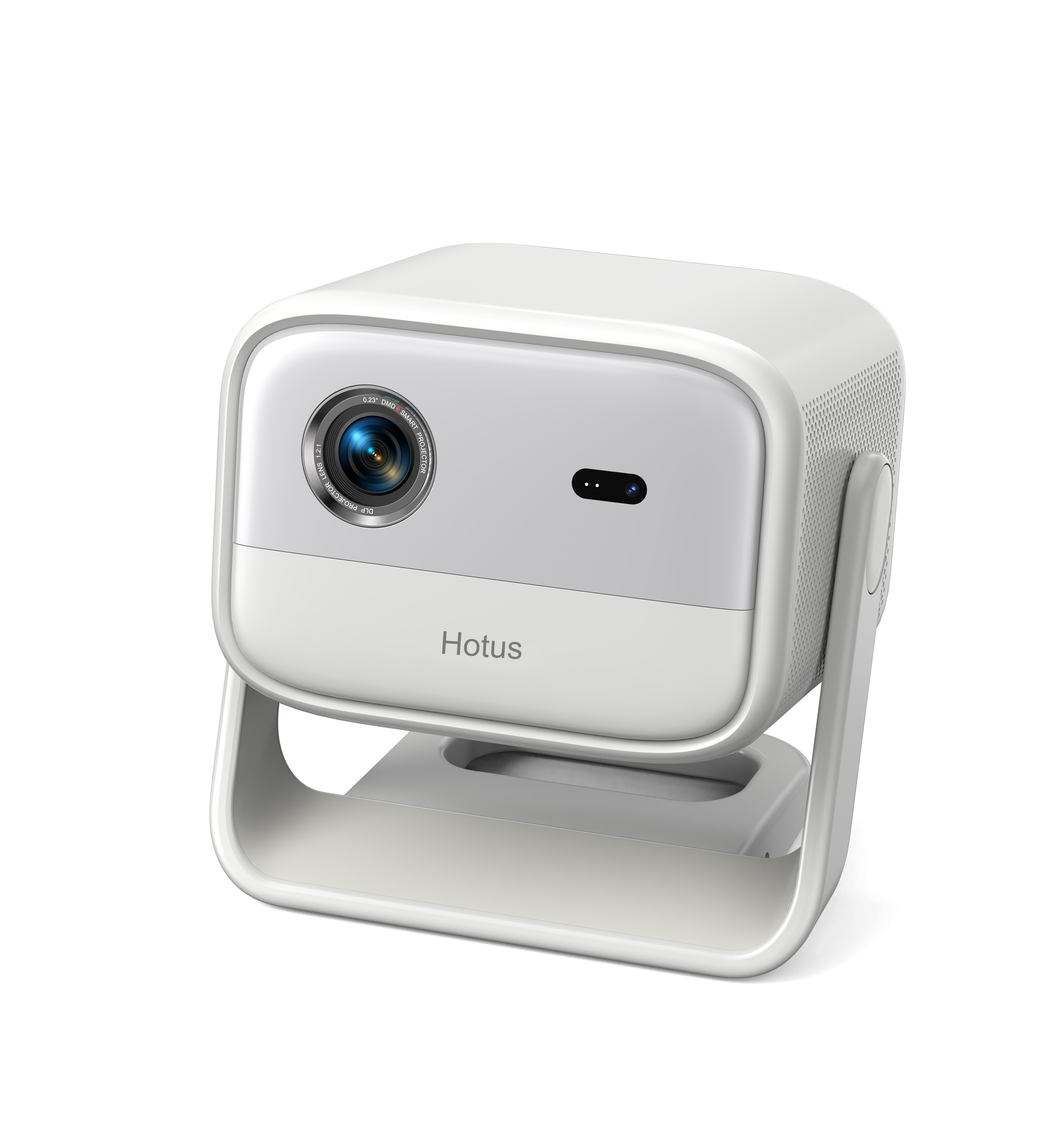
One Device, Dual Functions – A Projector and a Com...
Maintenance instructions: Store at room temperatur...
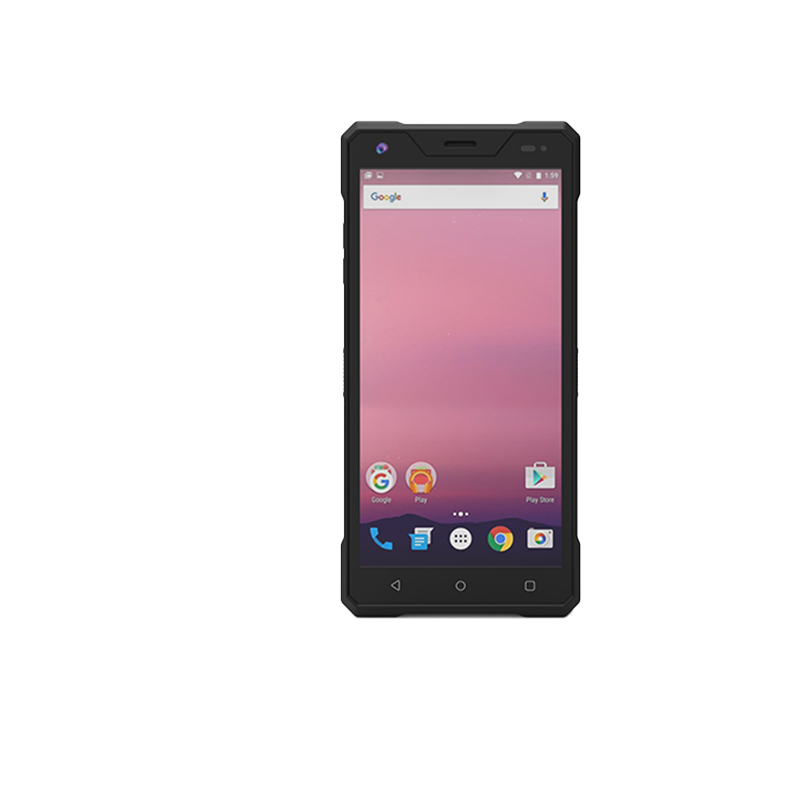
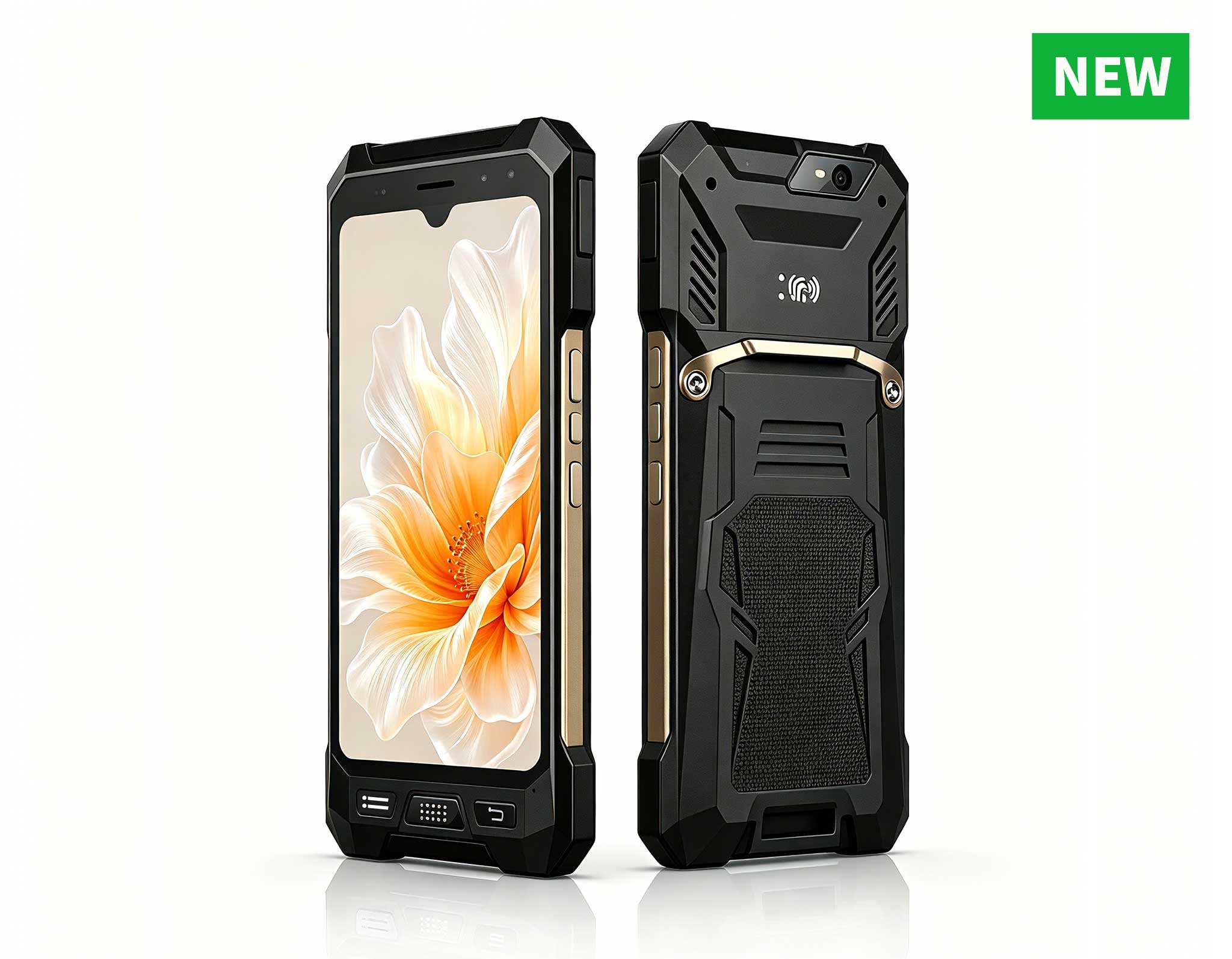
R530C 6.0-inch Industrial PDA | Qualcomm Octa-core...
Technical SpecificationsModel: Palm-sized miniPCTy...
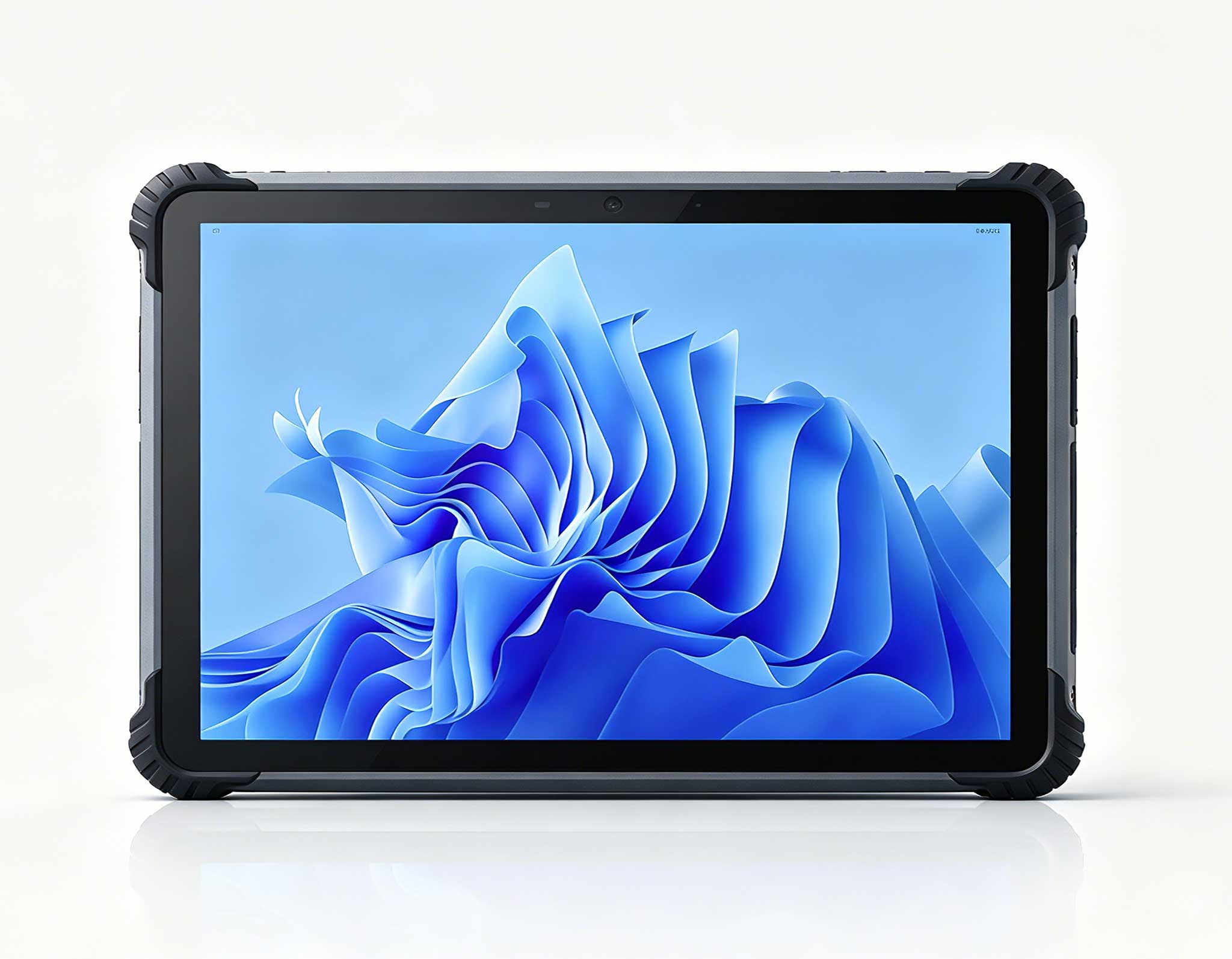
The PM156-1 is a 15.6-inch portable PC monitor fea...
The X501 Handheld PDA combines advanced barcode sc...
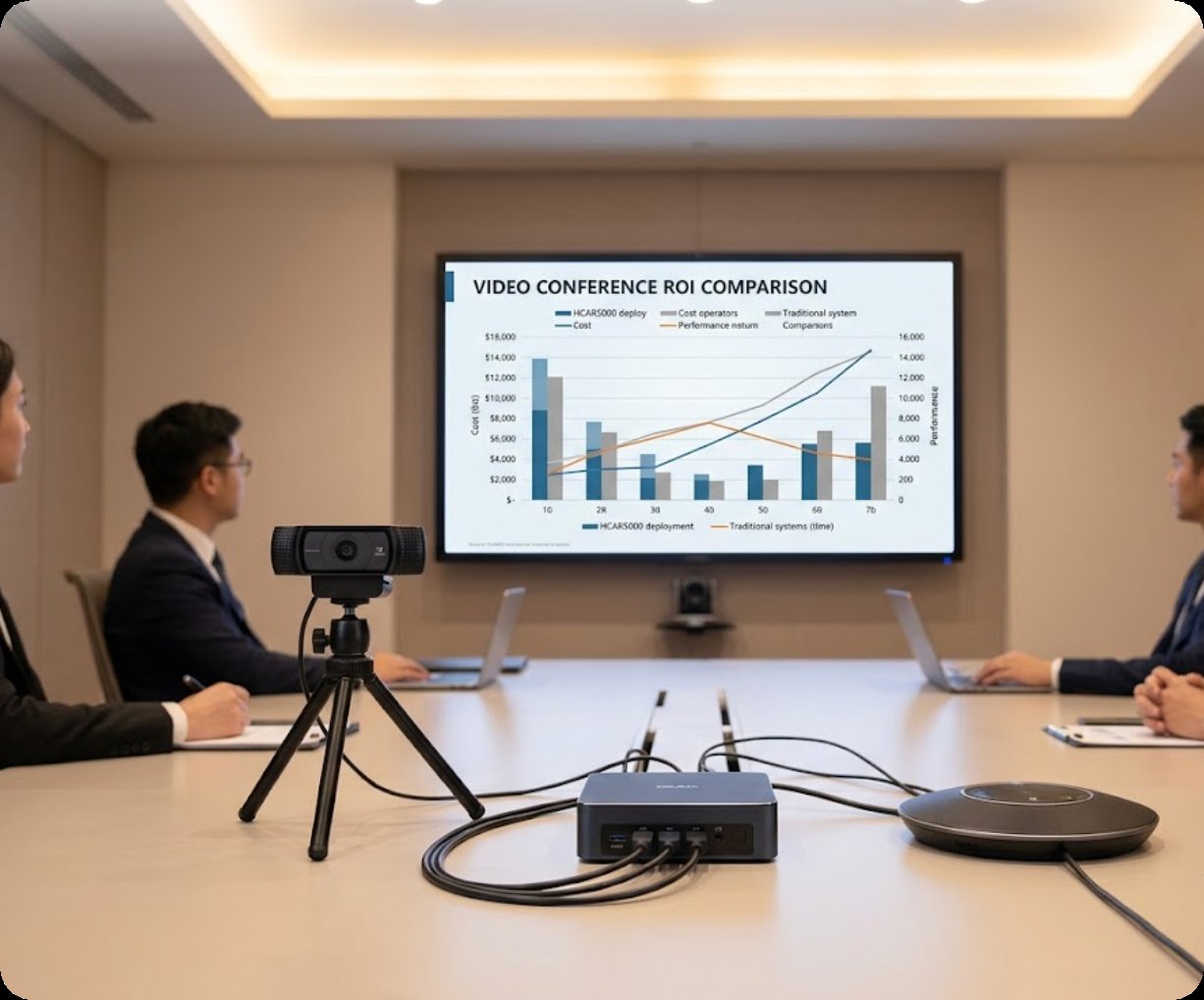
I’ve spent over a decade in IT procurement, and I keep watching companies make the same expensive mistake: buying dedicated video conferencing hardware that ends up gathering dust because it’s too complex to set up or too costly to scale. The real killer isn’t the price tag—it’s deployment friction. When you need an integrator for every room, or your team wastes 30 minutes just getting a laptop to connect to the display, you’ve already lost the productivity battle. That’s why I strongly advocate for a purpose-built Mini PC as the backbone of your video conferencing setup. It’s a shift from “per-room hardware” to “per-user productivity,” and when you run the total cost of ownership numbers, the savings are undeniable. For organizations looking to standardize meeting rooms without blowing the budget, investing in dedicated video conferencing solutions like those from Hotus Technology is the first step toward a truly scalable, high-ROI deployment.
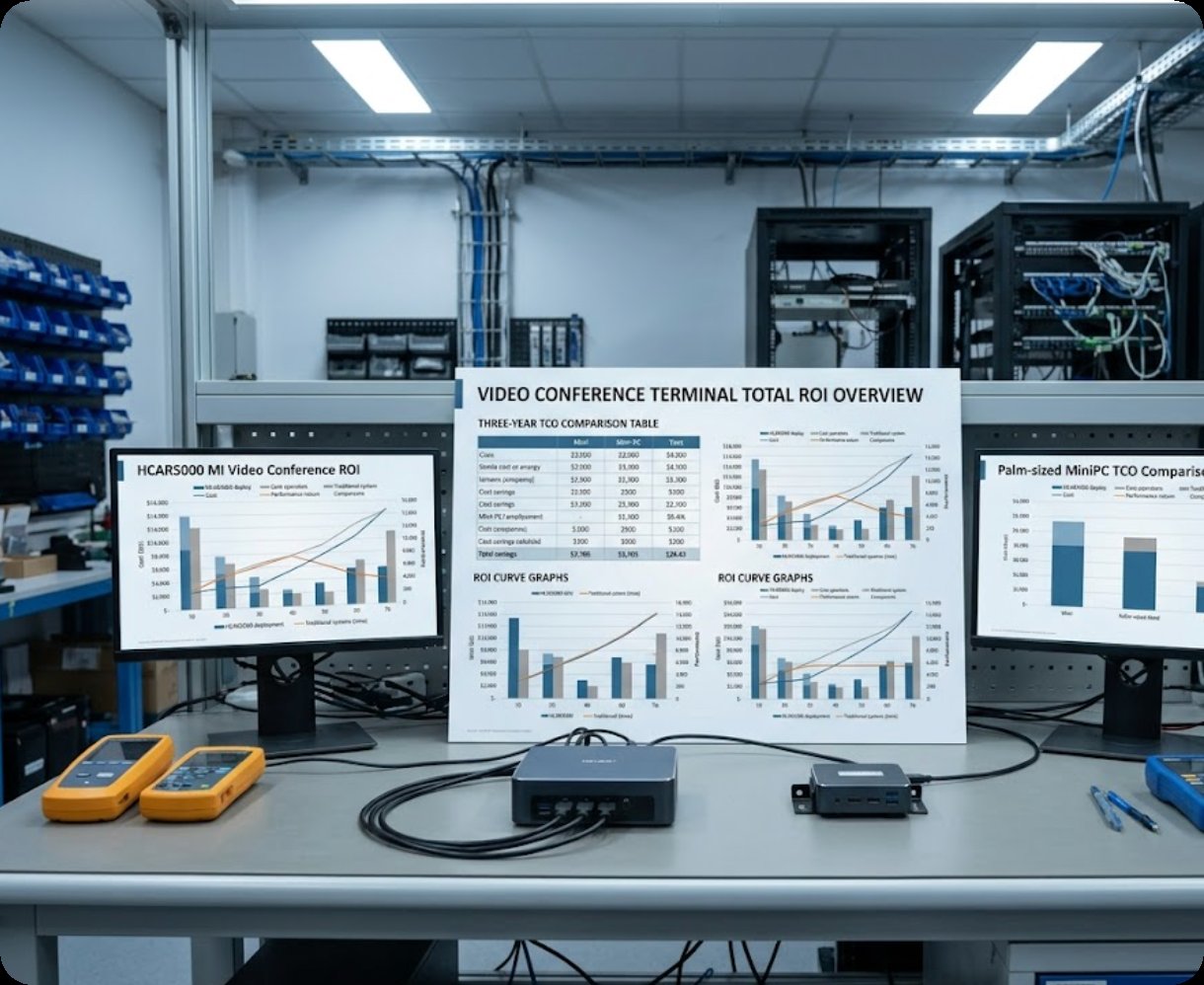
When you’re equipping a boardroom with a 4K display and a high-end camera system, you need a computer that can handle the processing load without stuttering. The HCAR5000 MI is my top pick for this scenario. It runs on the AMD Ryzen 7 5800H processor—a mobile-class CPU that punches well above its weight in multi-threaded tasks. This mini PC doesn’t just run Zoom or Teams; it runs them flawlessly while simultaneously handling screen sharing, real-time transcription, and background effects. The key differentiator is 16GB of DDR4 RAM paired with a 512GB NVMe SSD, so your system boots in seconds and never lags during a critical presentation. From an ROI standpoint, this unit replaces a much larger, pricier desktop workstation. You save on desk space, power consumption (it stays under 65W under load), and maintenance costs. The HCAR5000 MI is ideal for fixed installation in medium-to-large conference rooms (6–20 people) where you need consistent, high-quality performance every single day.
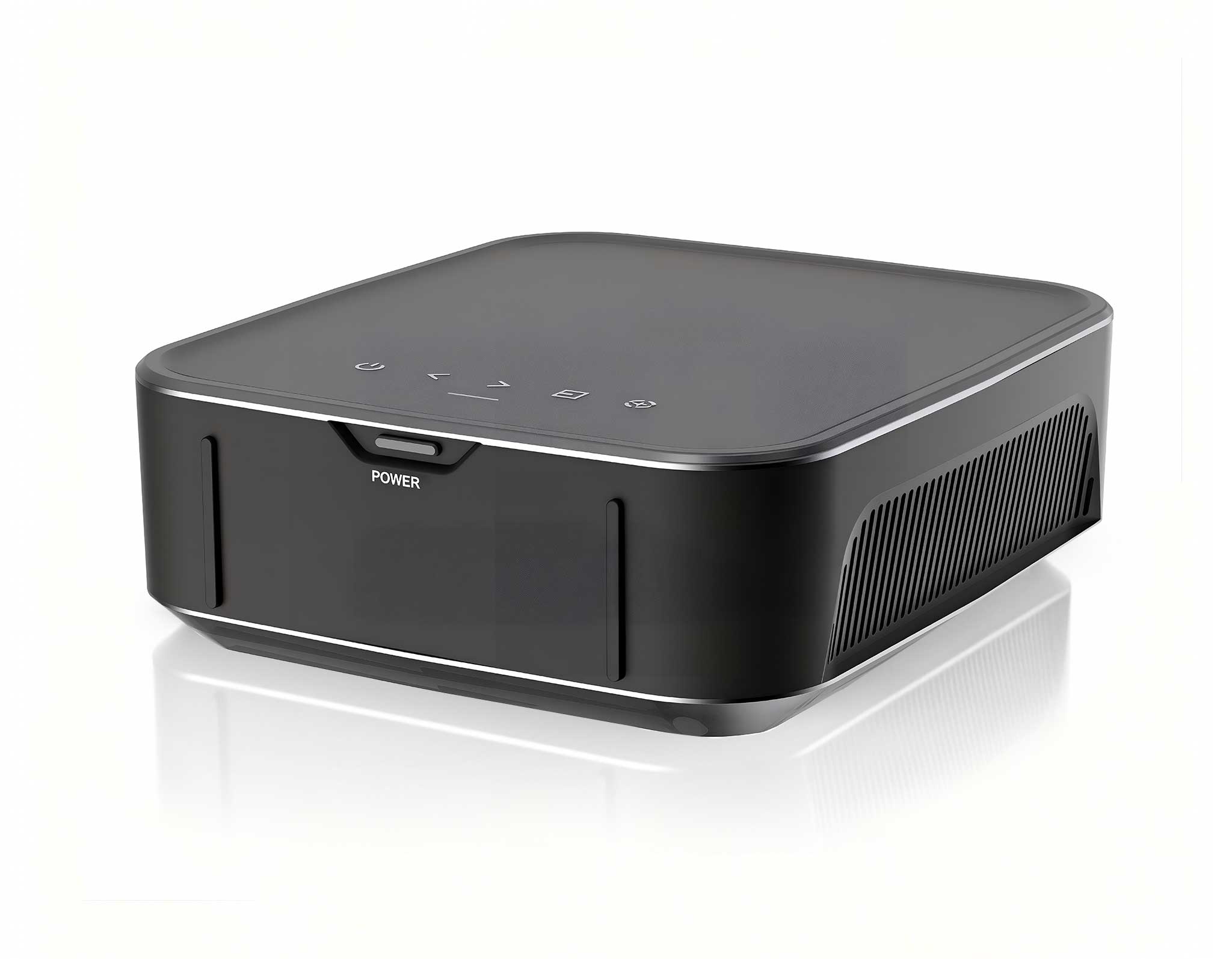
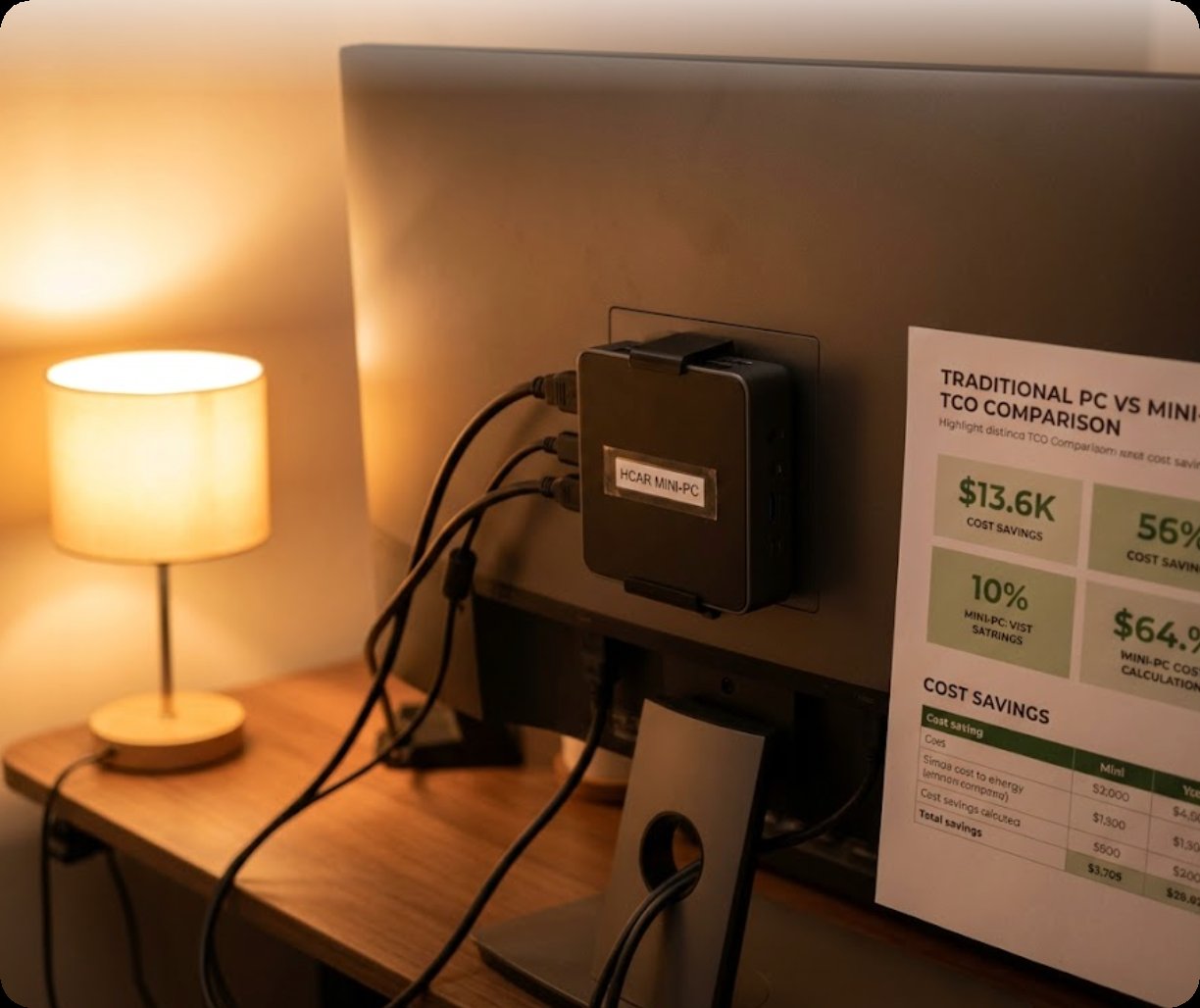
Not every meeting room needs a supercomputer. For the growing number of huddle rooms, phone booths, and small collaboration spaces, the Palm-sized miniPC is a perfect match. It literally fits in the palm of your hand, yet it packs an Intel N100 processor, 8GB of RAM, and a 256GB SSD. This configuration is more than enough for standard video conferencing apps like Google Meet, Webex, or Microsoft Teams Rooms. The real beauty of this unit is its deployment cost. You can mount it directly behind a monitor using a VESA bracket, eliminating the need for a separate PC cabinet or desk space. From an ROI perspective, the Palm-sized miniPC reduces your per-room hardware cost by up to 40% compared to traditional setups. It also simplifies IT management—you can pre-configure the OS and deploy them in minutes. This is the ideal solution for organizations with multiple small rooms (2–4 people) where the primary goal is quick, reliable video calls without the overhead of a full IT support ticket.
To help you make a data-driven decision, here’s a direct comparison of the core specifications and best-fit scenarios for these two models.
| Feature | HCAR5000 MI | Palm-sized miniPC |
|---|---|---|
| Processor | AMD Ryzen 7 5800H (8C/16T) | Intel N100 (4C/4T) |
| RAM | 16GB DDR4 | 8GB DDR4 |
| Storage | 512GB NVMe SSD | 256GB NVMe SSD |
| Graphics | Integrated Radeon Graphics | Intel UHD Graphics |
| Video Output | HDMI 2.0, DisplayPort | HDMI 2.0, USB-C |
| Cooling | Active fan (low noise) | Fanless (silent operation) |
| Best Room Size | Medium to Large (6–20 pax) | Small Huddle Rooms (2–4 pax) |
| Ideal Use Case | Boardroom, training room, all-hands | Phone booth, hot desk, small team |
| Mounting | Desk or VESA mount | VESA mount (behind monitor) |
| Power Consumption | ~65W (high performance) | ~15W (ultra low power) |
The decision boils down to three key factors: room size, usage intensity, and total cost of ownership. If you’re deploying in a large boardroom where executives run complex presentations with multiple video streams and data overlays, the HCAR5000 MI is your only choice. Its processing power ensures zero latency, which directly affects the perceived professionalism of your team. On the other hand, if you’re outfitting a series of small huddle rooms where the primary activity is a simple one-on-one video call, the Palm-sized miniPC offers a faster payback period. You can deploy three Palm-sized units for the cost of one high-end laptop, and you’ll never worry about someone walking away with the hardware. A third consideration is IT management. Both units run standard Windows or Linux, making them easy to integrate into your existing management software. For organizations that want to explore the full range of options, I recommend you browse the HCAR5000 MI series and the Palm-sized miniPC to see which form factor fits your mounting and power requirements.
The days of overpaying for bulky, proprietary video conferencing systems are over. By choosing a flexible, powerful mini PC from Hotus Technology, you’re not just buying hardware—you’re investing in a system that reduces deployment time, lowers energy costs, and simplifies maintenance. Whether you need the raw power of the HCAR5000 MI for your main conference room or the space-saving efficiency of the Palm-sized miniPC for your huddle spaces, the ROI is clear. To see how these units fit into a larger strategy, I encourage you to explore our mini PC solutions and read about real-world deployment case studies. Don’t let your next meeting be held back by outdated hardware. Make the switch to a dedicated video conferencing mini PC and watch your team’s productivity—and your budget—thrive.