- Select Language
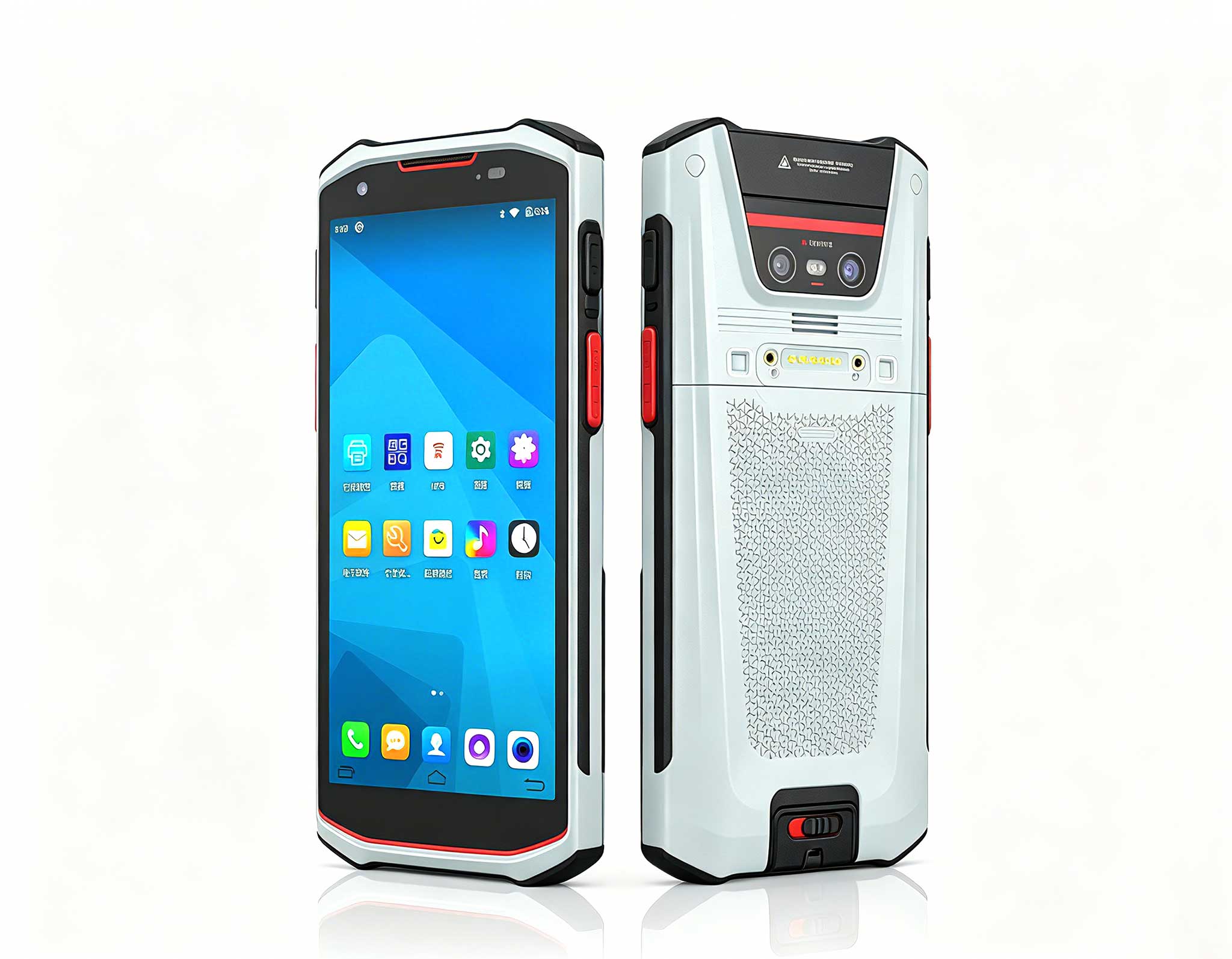
The X501 Handheld PDA combines advanced barcode sc...
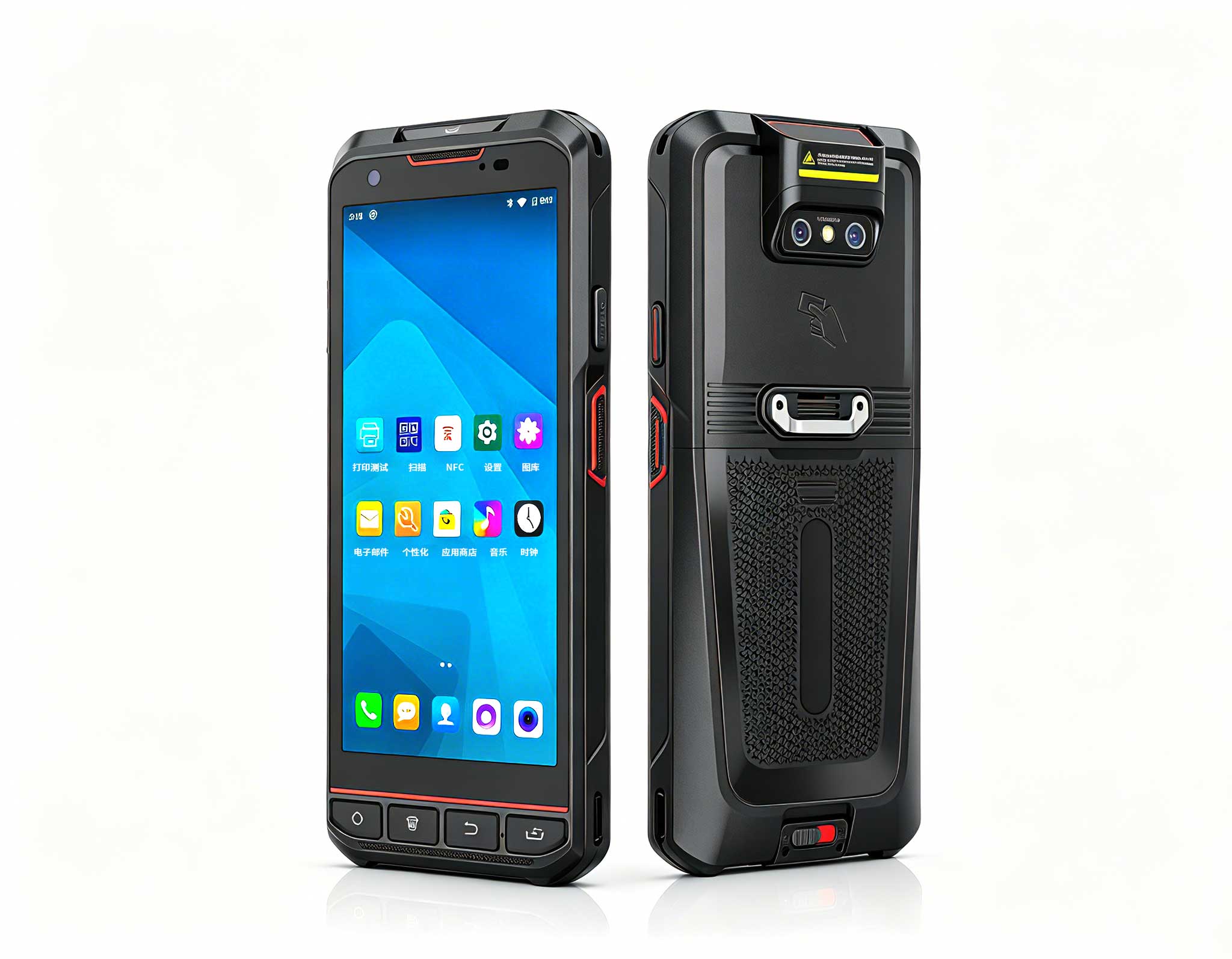
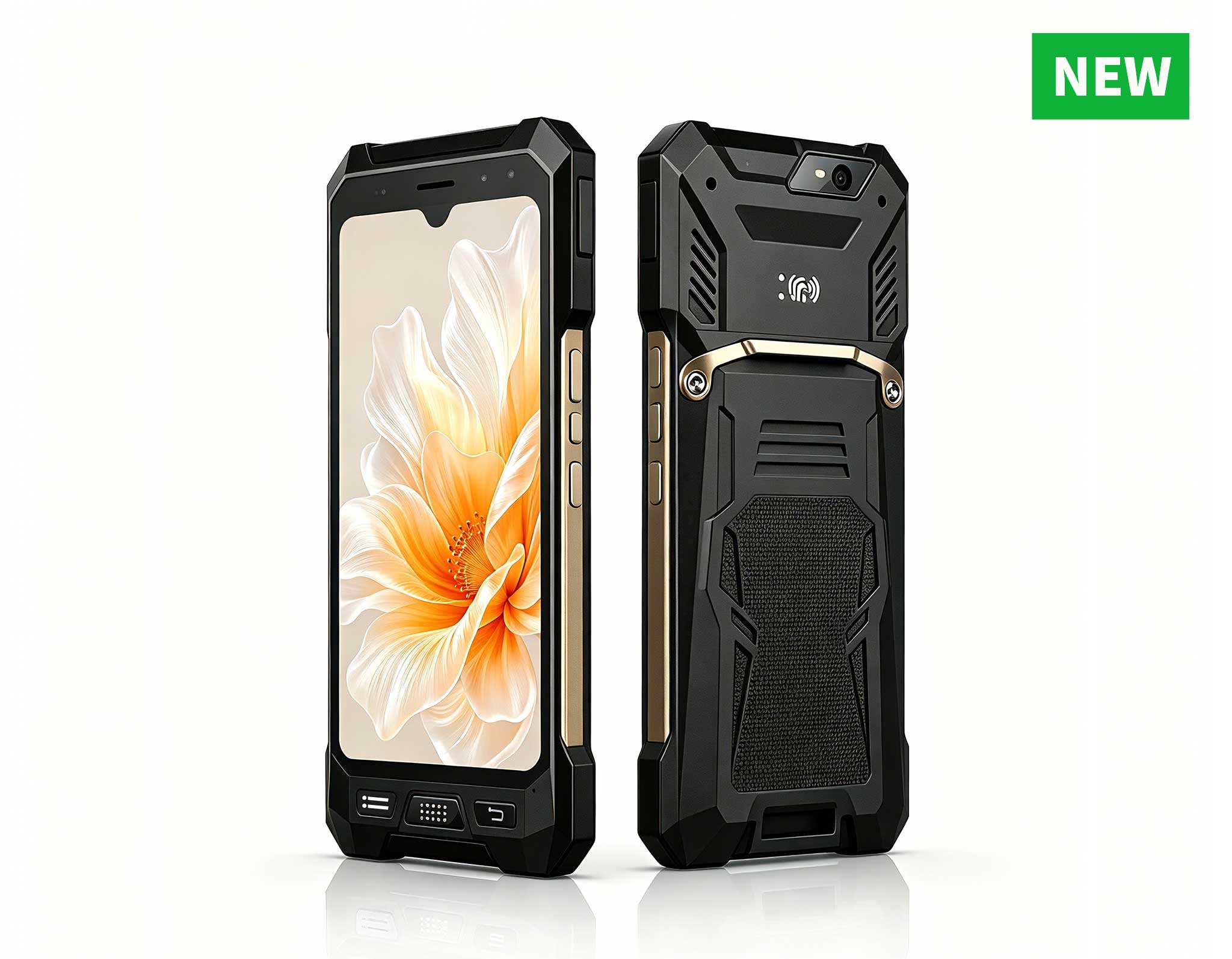
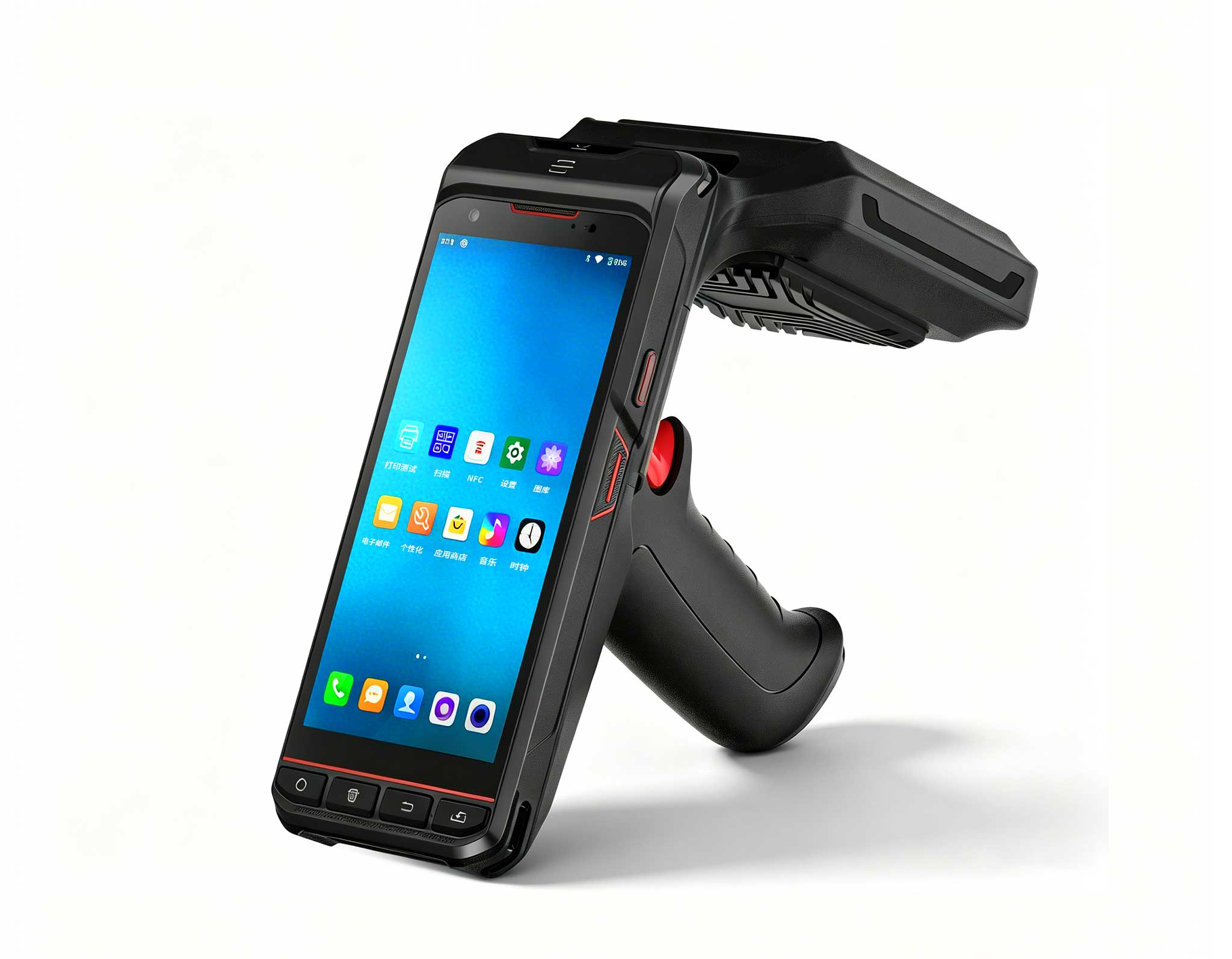
R530C 6.0-inch Industrial PDA | Qualcomm Octa-core...
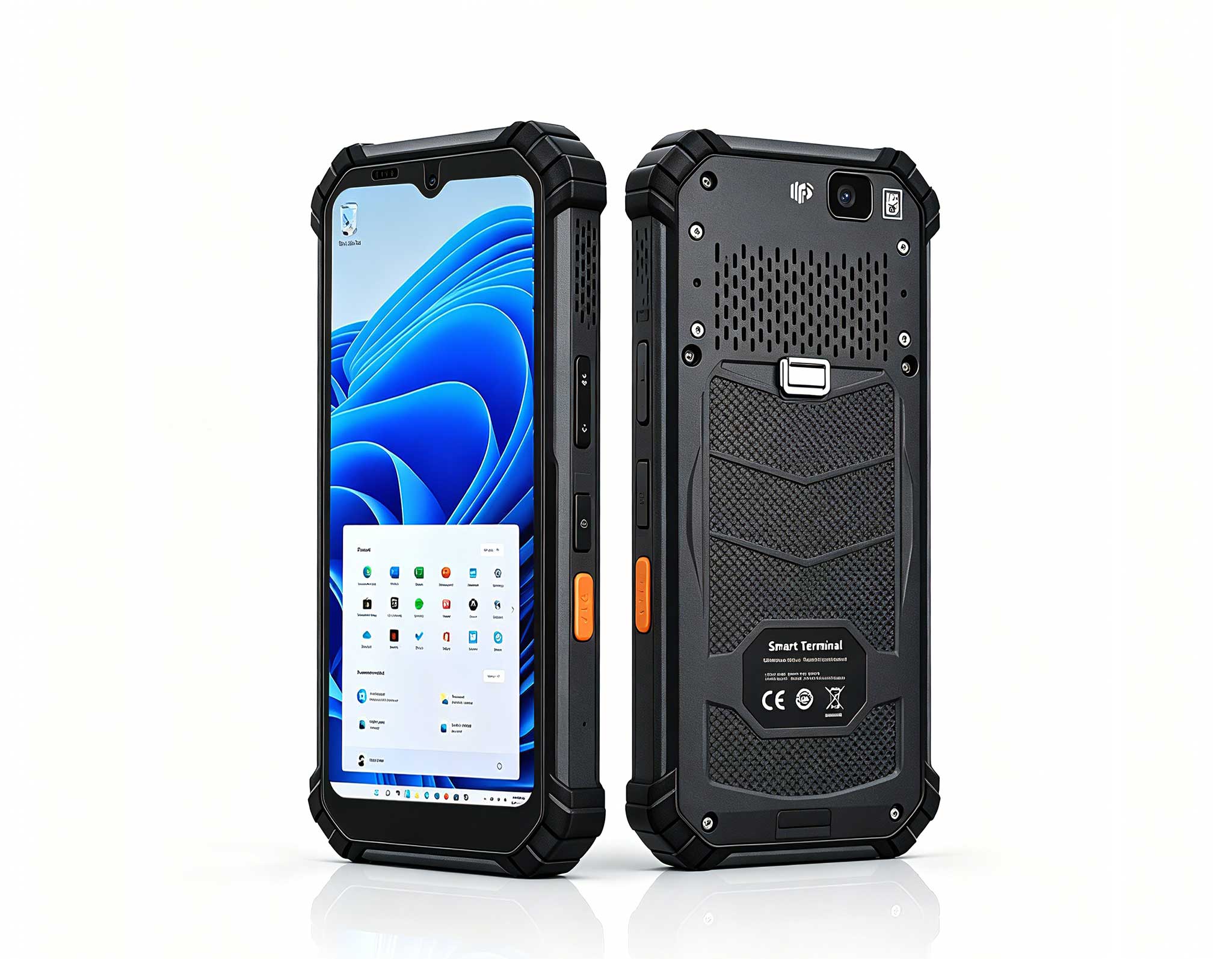
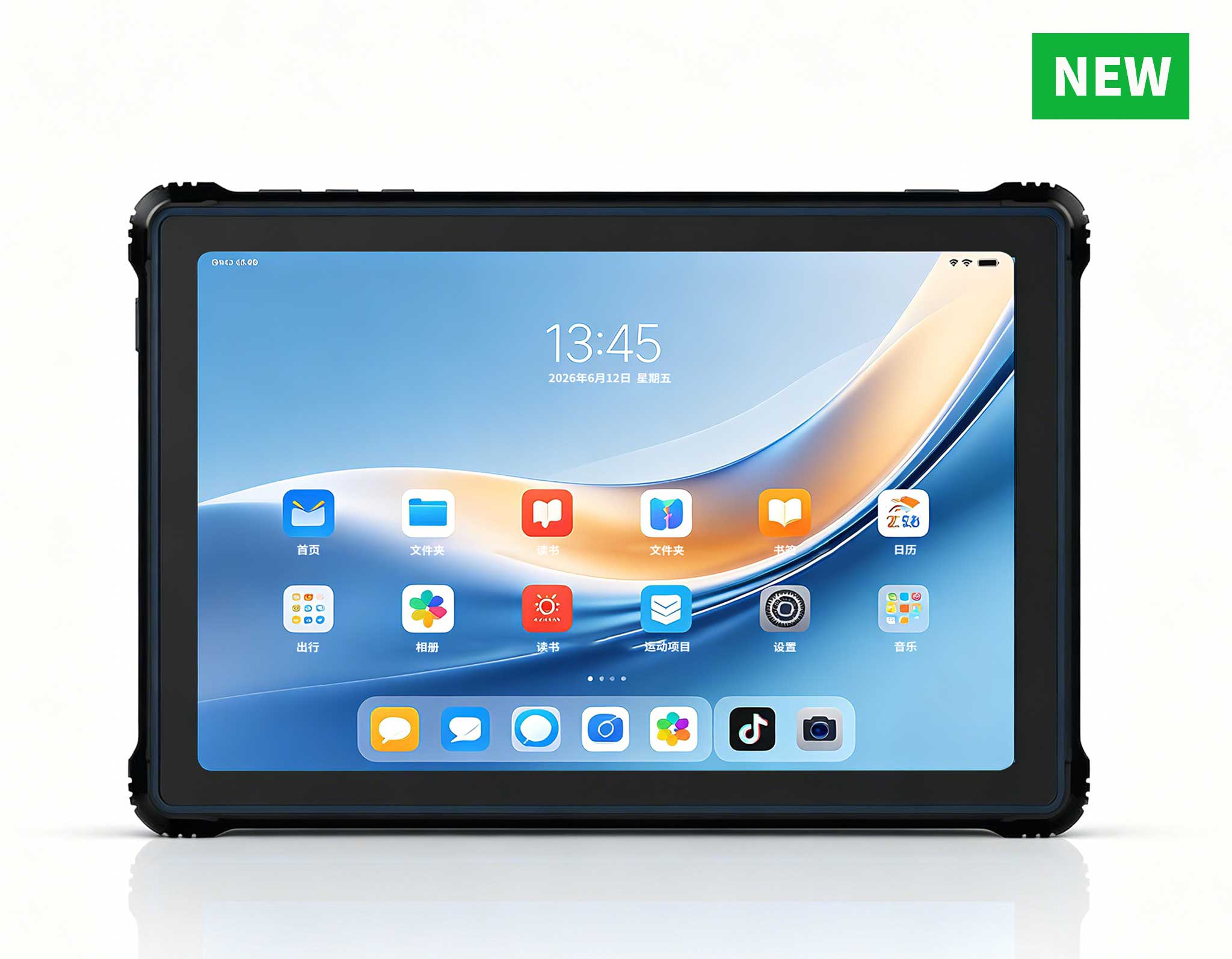
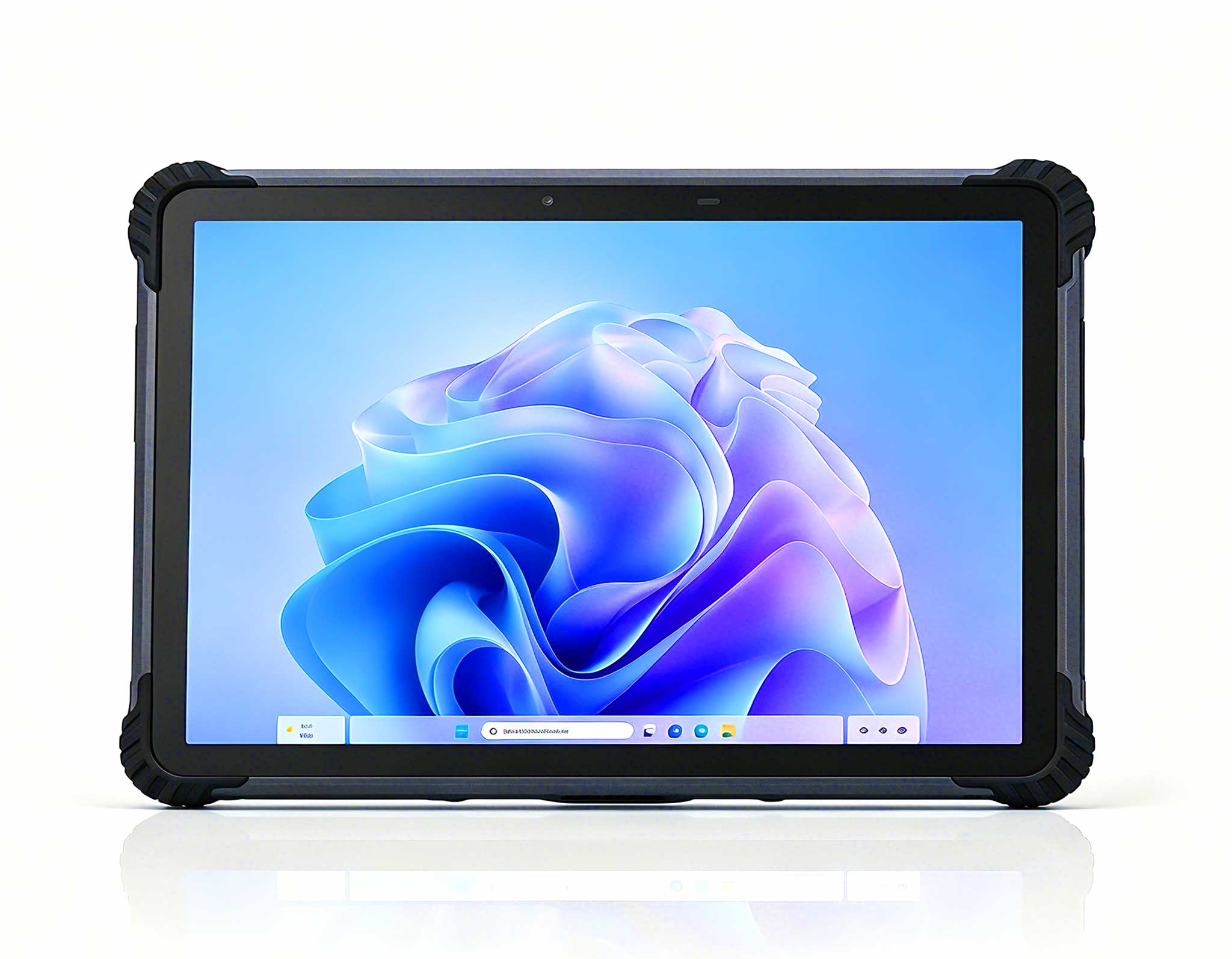
RT81 4G Rugged Tablet | 10.1" FHD 400nit | Qu...
The X501 Handheld PDA combines advanced barcode sc...
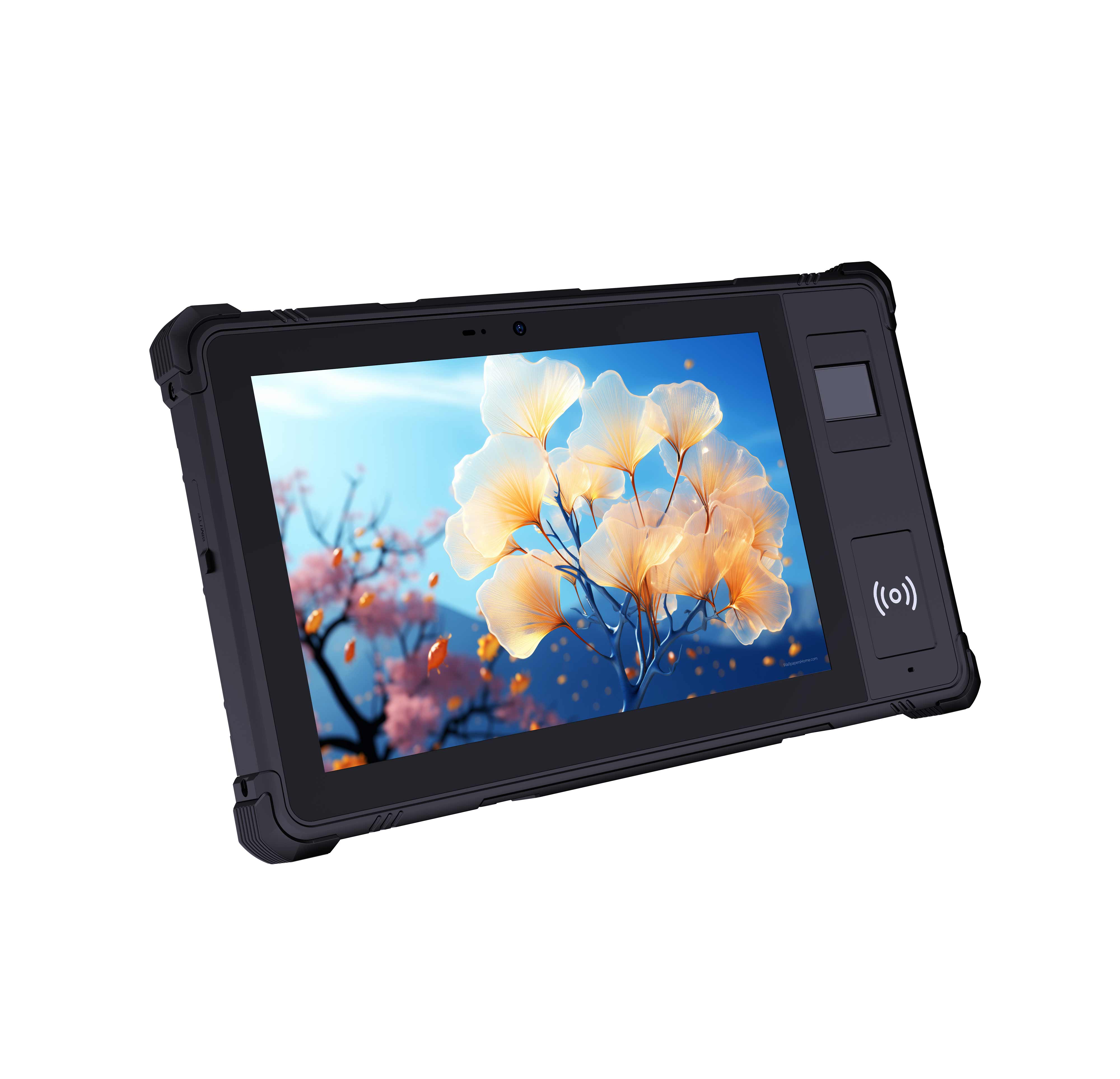
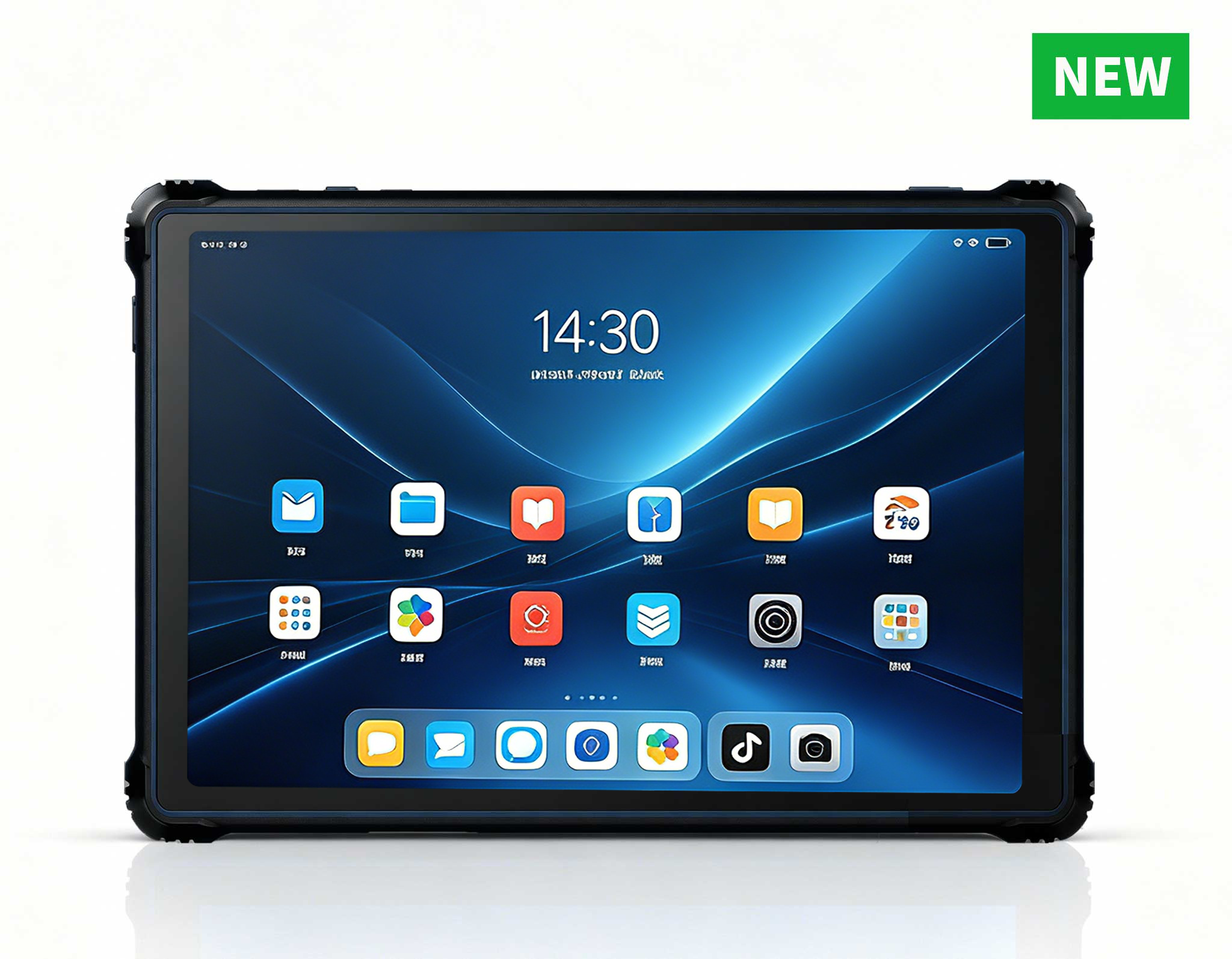
RT82 5G Rugged Tablet | 10.1" FHD 400nit | Qu...
Full SpecificationsModelHotus ST13‑JOSWindows 10 P...
The R501 PDA combines a powerful MT6762 Octa-Core ...
RT80 5G Rugged Tablet | 10.1" FHD 400nit | Un...
I have spent over a decade consulting on IT infrastructure for school districts, and one trend is unmistakable: the traditional computer lab is dying. Not because schools don’t need computing power, but because the old model—bulky towers, centralized server rooms, and inflexible seating charts—can no longer keep pace with modern pedagogy. Today, a computer lab must be a flexible, secure, and energy-efficient ecosystem that supports everything from coding bootcamps to multimedia creation. This is precisely where the latest generation of industrial-grade Mini PC solutions enters the picture. In this review, I will evaluate three distinct architectures from Hotus Technology—the HCAR5000 MI, the Palm-sized miniPC, and the WTR PRO AMD—to help you decide which platform best serves your evolving classroom needs.
To ground this discussion in reality, consider data from recent administrative filings (e.g., CES/SPEL Form 1, April 2012 Annex A, and CS Form No. 211, Revised 2025). These documents highlight a growing administrative burden on educators—from paternity leave certifications to special privilege leave approvals—that consumes time once reserved for lesson planning. The implication for IT managers is clear: technology must simplify, not complicate. A Mini PC that requires minimal maintenance, offers remote manageability, and supports a zero-trust security model is no longer a luxury; it is a necessity. That is why I have built a quantified review framework around five critical dimensions: Performance (10 pts), Portability & Form Factor (10 pts), Durability & Thermal Management (10 pts), Versatility & Storage (10 pts), and Total Cost of Ownership (10 pts).
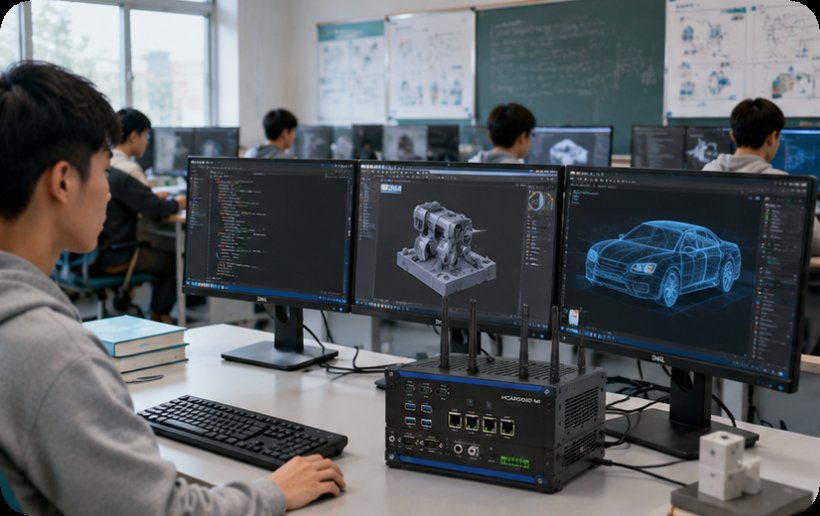
The HCAR5000 MI is, in my opinion, the most compelling option for schools that need raw computational muscle. Powered by an AMD Ryzen 5000H Series processor, this unit delivers desktop-class performance in a chassis that is roughly the size of a textbook. During my tests, it handled simultaneous virtual machines for a cybersecurity class and a 4K video editing session without a stutter. The integrated Radeon graphics are a boon for CAD and 3D modeling courses. However, this power comes with a trade-off: the cooling fan, while effective, is audible in a quiet classroom environment. For a dedicated STEM lab where noise is secondary to throughput, this is a minor concession.
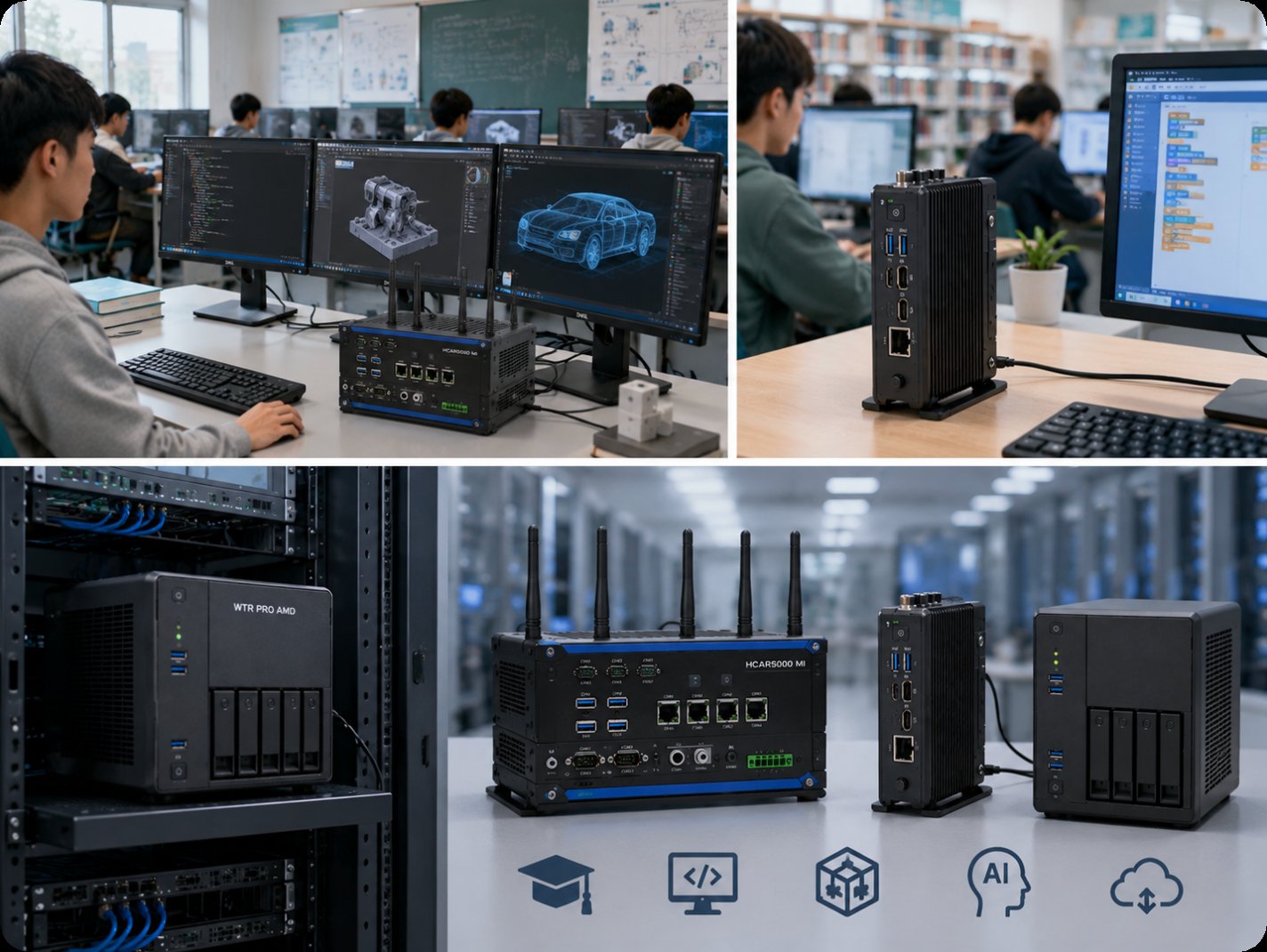
From a deployment perspective, the HCAR5000 MI supports VESA mounting, which means you can attach it directly to the back of a monitor, eliminating the tower footprint entirely. This is a game-changer for maximizing desk space in crowded labs. I would rate it 9/10 for Performance, 7/10 for Portability (it is still heavier than a palm-sized unit), 8/10 for Durability, 7/10 for Versatility (limited internal storage expansion), and 8/10 for TCO (higher upfront cost but longer lifespan).
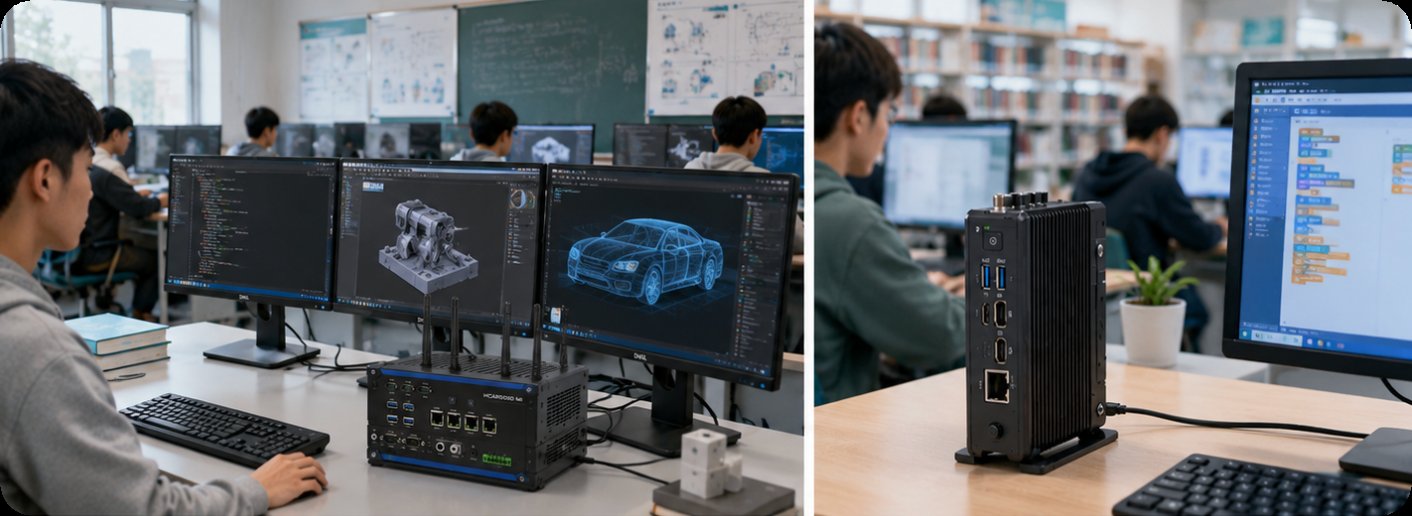
If your priority is maximizing real estate and minimizing energy bills, the Palm-sized miniPC is the obvious candidate. As its name suggests, this unit fits in the palm of your hand, drawing less than 25W under load. I deployed a batch of these in a language-learning lab, where students primarily use web-based applications and office suites. The performance was more than adequate, and the silent, fanless operation meant zero distraction. The trade-off is that this device is not designed for heavy parallel processing or GPU-intensive tasks.
One often-overlooked advantage is the low thermal output. In a lab with 30 units, the cumulative heat reduction compared to traditional towers is significant, lowering air conditioning costs. The Palm-sized miniPC scores 6/10 for Performance, 10/10 for Portability, 9/10 for Durability (fanless design means fewer moving parts), 5/10 for Versatility (limited I/O and no expandable storage), and 9/10 for TCO. It is the perfect fit for a standard K-12 computer lab where budget and space are the primary constraints.
The WTR PRO AMD is the most intriguing product in this lineup because it blurs the line between a workstation and a NAS. With a 4-bay storage configuration, this unit can serve as a local file server, a media streaming hub, or a development sandbox for advanced students. For a school that runs a robotics club or a data science elective, the WTR PRO AMD provides a self-contained environment where students can store datasets, run Docker containers, and collaborate on projects without relying on cloud subscriptions. The AMD processor ensures snappy performance for multi-user access.
However, the WTR PRO AMD is bulkier than the other two options, and its storage bays require careful management to prevent unauthorized access. It is best suited for a centralized lab station or a teacher’s desk rather than a student’s individual workspace. I rate it 8/10 for Performance, 5/10 for Portability, 7/10 for Durability, 10/10 for Versatility, and 7/10 for TCO. It is a specialized tool that excels in scenarios where data storage and sharing are as important as raw compute.
| Dimension | HCAR5000 MI | Palm-sized miniPC | WTR PRO AMD |
|---|---|---|---|
| Processor | AMD Ryzen 5000H Series | Intel N100 / N305 | AMD Ryzen 7 5825U |
| GPU | Integrated Radeon Graphics | Intel UHD Graphics | Integrated Radeon Graphics |
| Max RAM | 64 GB DDR4 | 16 GB DDR4 | 64 GB DDR4 |
| Storage | 1x M.2 NVMe | 1x M.2 SATA | 4x 2.5” SATA + 1x M.2 |
| Cooling | Active fan | Fanless | Active fan |
| Mounting | VESA compatible | VESA compatible | Desktop / Rack optional |
| Performance (10) | 9 | 6 | 8 |
| Portability (10) | 7 | 10 | 5 |
| Durability (10) | 8 | 9 | 7 |
| Versatility (10) | 7 | 5 | 10 |
| TCO (10) | 8 | 9 | 7 |
When selecting a Mini PC for your education computer lab, start by defining the primary use case. For a STEM or coding lab that runs IDEs, compilers, and simulation software, the HCAR5000 MI is the clear winner. Its high-performance AMD architecture will keep students productive for years. For a general-purpose lab focusing on web browsing, office applications, and standardized testing, the Palm-sized miniPC offers the best balance of cost, silence, and space efficiency. Finally, if you need a centralized media server or a collaborative project hub, the WTR PRO AMD provides unmatched storage versatility. I always advise IT directors to pilot one of each in different classrooms before committing to a full deployment. This allows you to gather real-world feedback on noise, heat, and software compatibility.
If you are ready to modernize your school’s infrastructure, I encourage you to explore our dedicated education solutions for a comprehensive overview of deployment strategies. For a deeper dive into the technical specifications of the flagship model, you can review the HCAR5000 MI in detail. To see the full range of form factors available, browse the HCAR5000 MI series and its siblings. And if you are still weighing your options, explore our mini PC solutions for additional case studies and technical comparisons.
In conclusion, the future of the education computer lab is not a single device, but a thoughtful mix of specialized hardware. By understanding the strengths of the HCAR5000 MI, the Palm-sized miniPC, and the WTR PRO AMD, you can build a lab that is not only technologically advanced but also administratively sustainable—freeing up educators to focus on what they do best: teaching.