- Select Language
RT80 5G Rugged Tablet | 10.1" FHD 400nit | Un...
P11 Series Next-Gen Enterprise Rugged Industrial ...
Explore our customized PDA designed for versatile ...
One Device, Dual Functions – A Projector and a Com...
RT81 4G Rugged Tablet | 10.1" FHD 400nit | Qu...
R530C 6.0-inch Industrial PDA | Qualcomm Octa-core...
RT80 5G Rugged Tablet | 10.1" FHD 400nit | Un...
Have you ever been in an Industrial Edge Computing setting where edge computing devices fail in harsh industrial environments due to inadequate ruggedization? If so, you already know why this matters. In this article, we explore how RT80 Rugged Tablet, WTR PRO AMD and HTQ10A Android Rugged Tablet solve this problem. Industrial Edge Computing demands hardware that can withstand vibration, temperature extremes, dust, and moisture while still delivering reliable compute performance. The gap between conventional office-grade devices and the realities of a factory floor, logistics hub, or remote energy site is vast. Deploying the wrong equipment leads to downtime, data loss, and costly maintenance cycles. This walkthrough focuses on the practical installation and deployment of three purpose-built devices from Hotus, offering a clear path from unboxing to full operational integration.
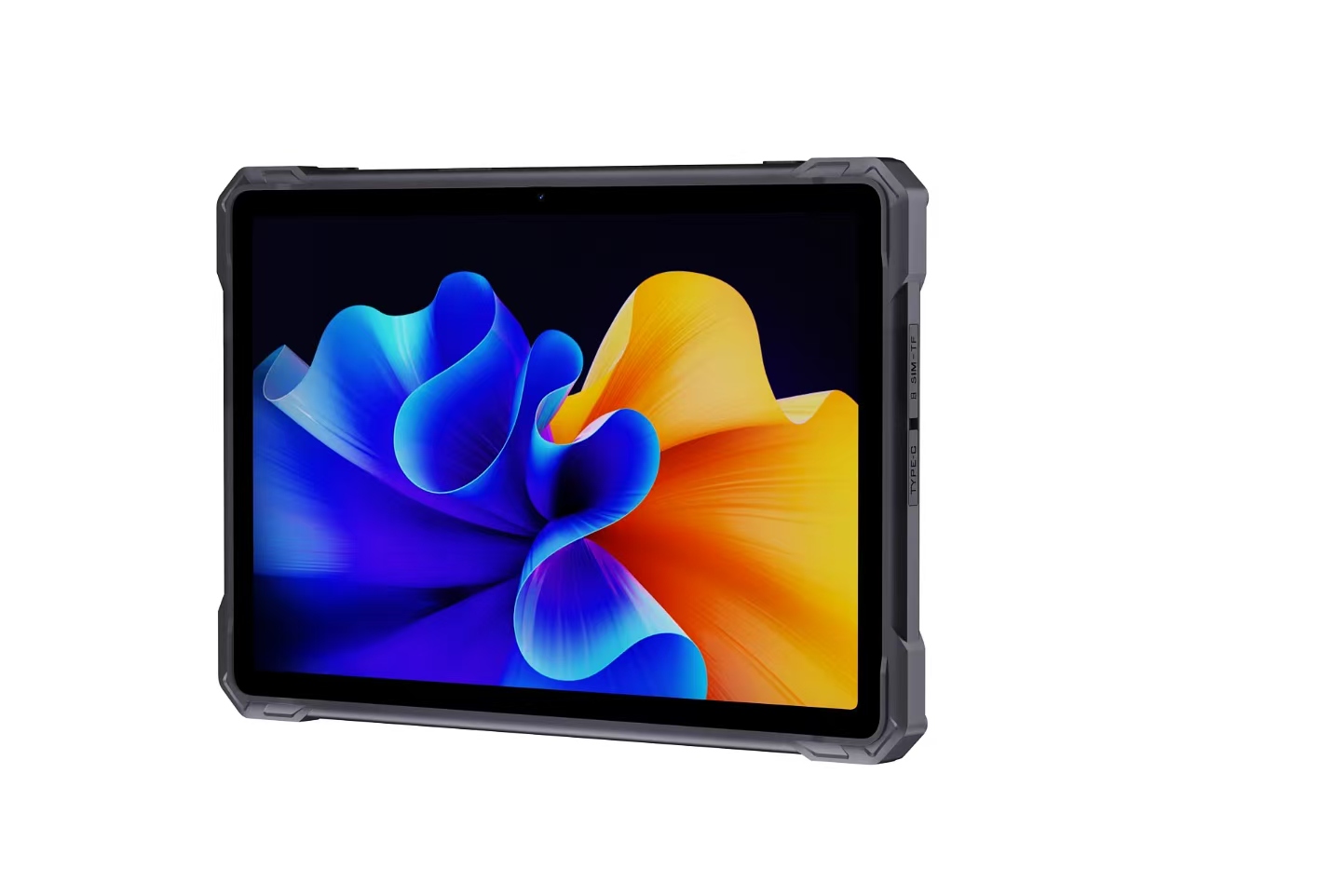
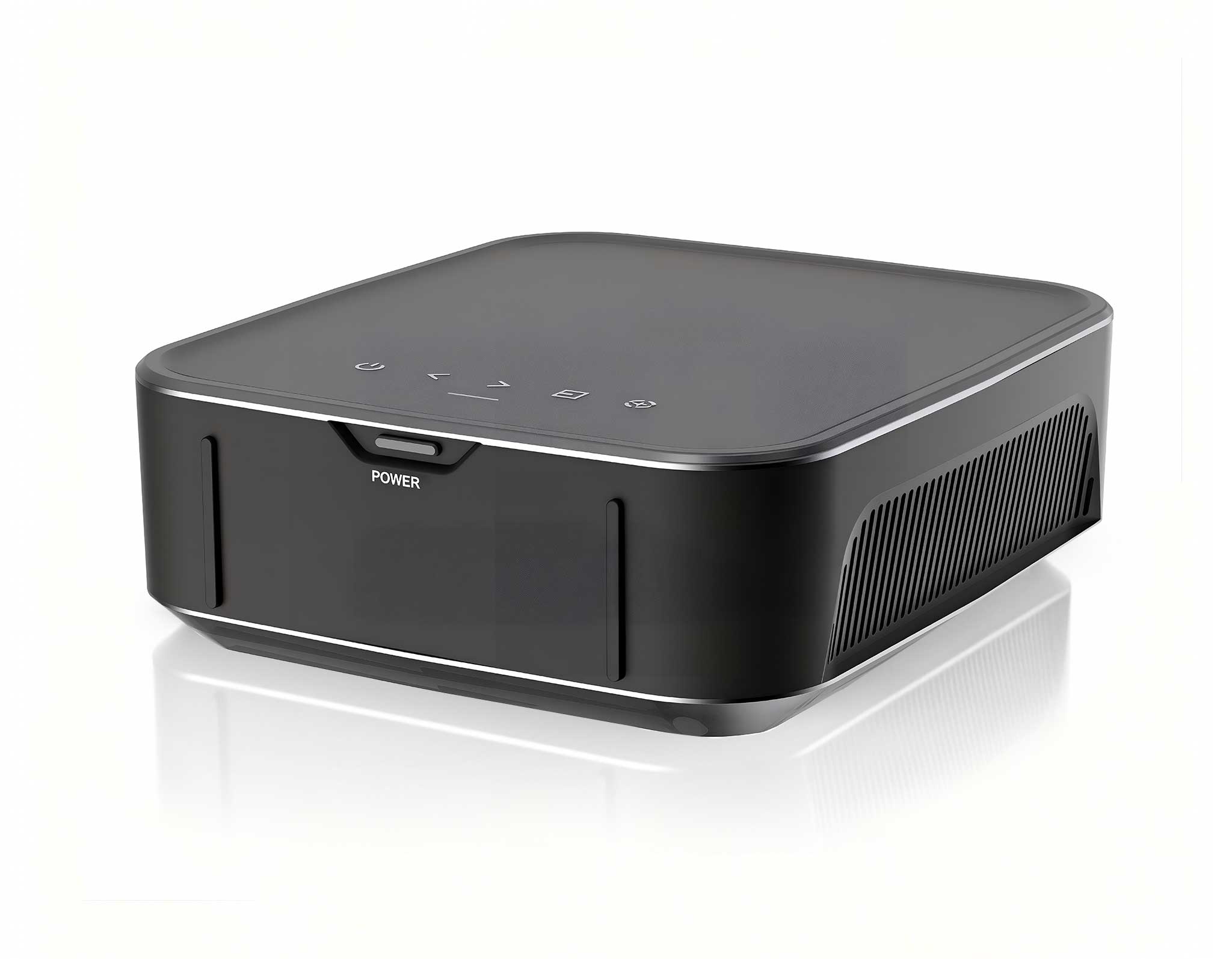
The first step in any successful Industrial Edge Computing implementation is a thorough assessment of the physical environment. Unlike a climate-controlled server room, edge locations often sit adjacent to heavy machinery, conveyor systems, or outdoor weather exposure. The WTR PRO AMD, a compact yet powerful mini PC, is engineered for such conditions. Its fanless design and wide-temperature operating range make it an ideal candidate for mounting directly onto equipment racks or within junction boxes near the data source. When planning the deployment, consider factors like ambient temperature, humidity, and the presence of airborne particulates. The WTR PRO AMD handles these challenges through its ruggedized chassis and industrial-grade components, ensuring that the compute layer remains stable even when the surrounding environment is anything but. For mobile inspection and monitoring tasks, the HTQ10A Android Rugged Tablet serves as the perfect companion. Its 10-inch display is sunlight-readable, and the device meets IP67 standards, meaning it is fully protected against dust ingress and can withstand temporary submersion in water. During the walkthrough, we recommend pairing the HTQ10A with a vehicle dock or a shoulder strap for hands-free operations. The tablet’s hot-swappable battery design allows for continuous shift-long usage without needing to power down for recharging. This is a critical feature in edge environments where the tablet is used for real-time data visualization, equipment diagnostics, and remote control interfaces. The HTQ10A Android Rugged Tablet bridges the gap between the central edge server and the human operator on the ground, providing a resilient interface that survives drops and spills.
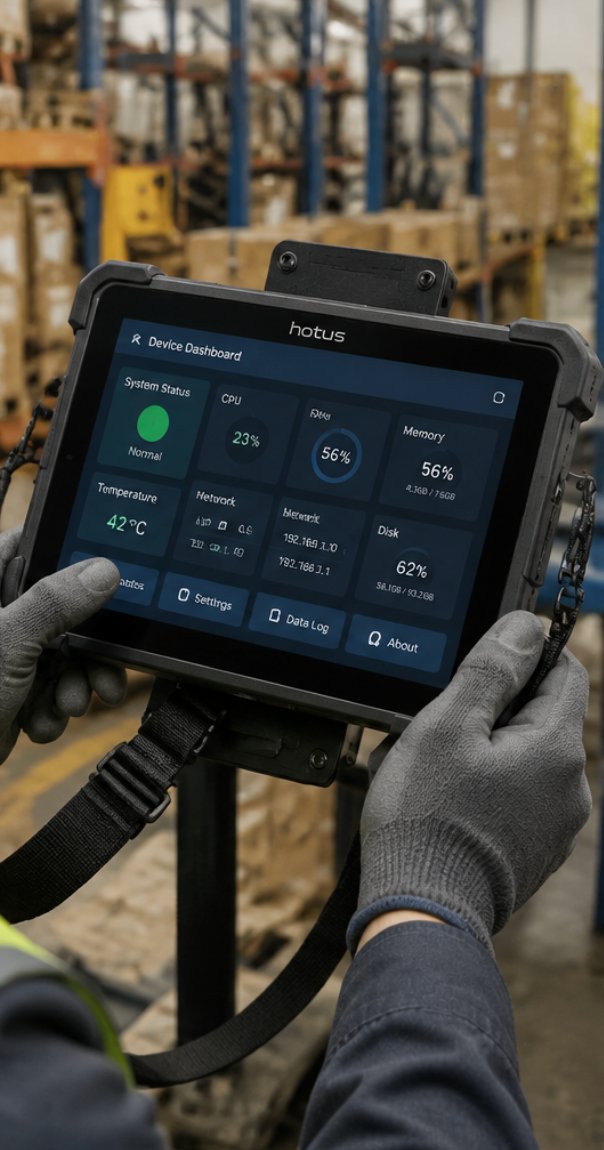
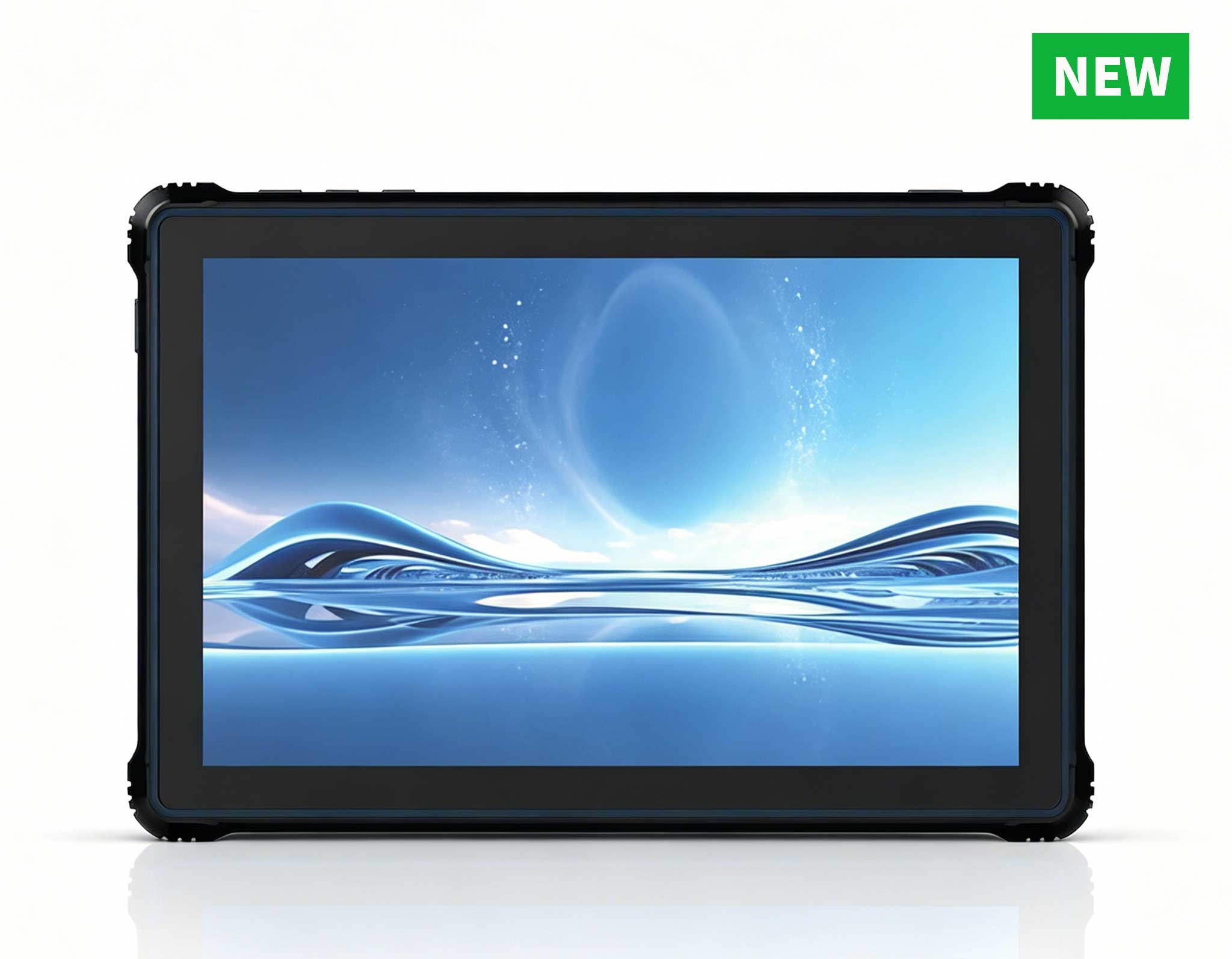
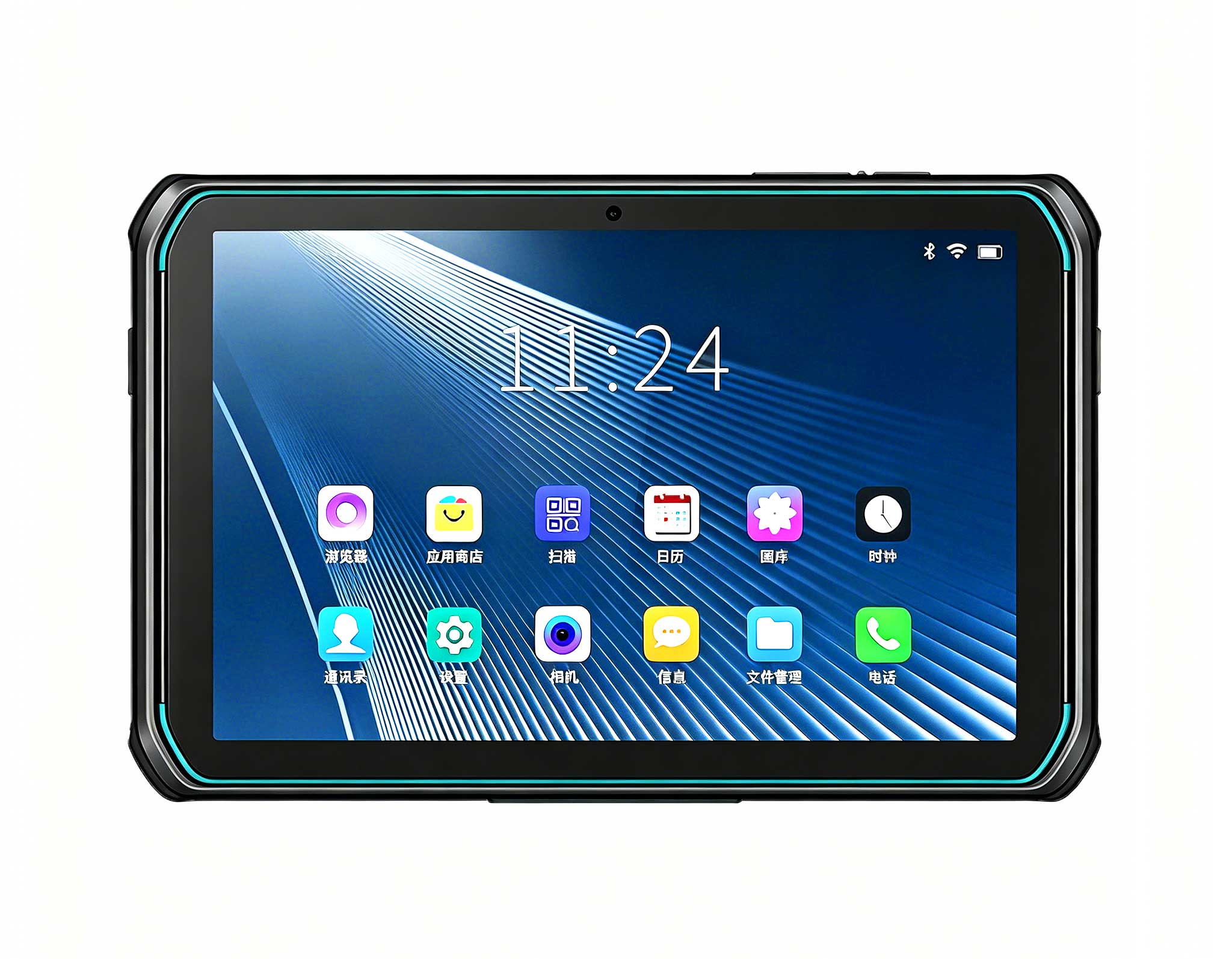
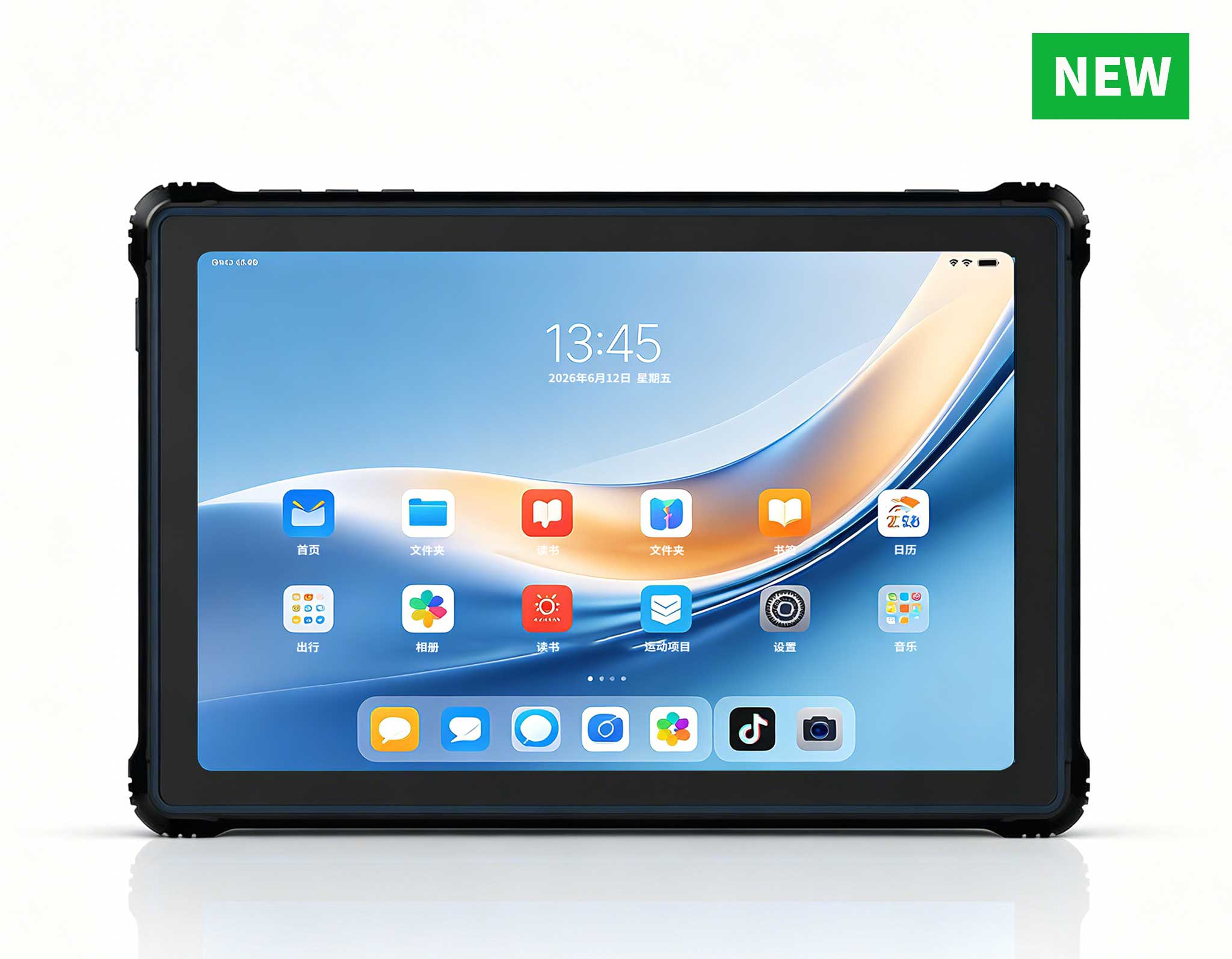
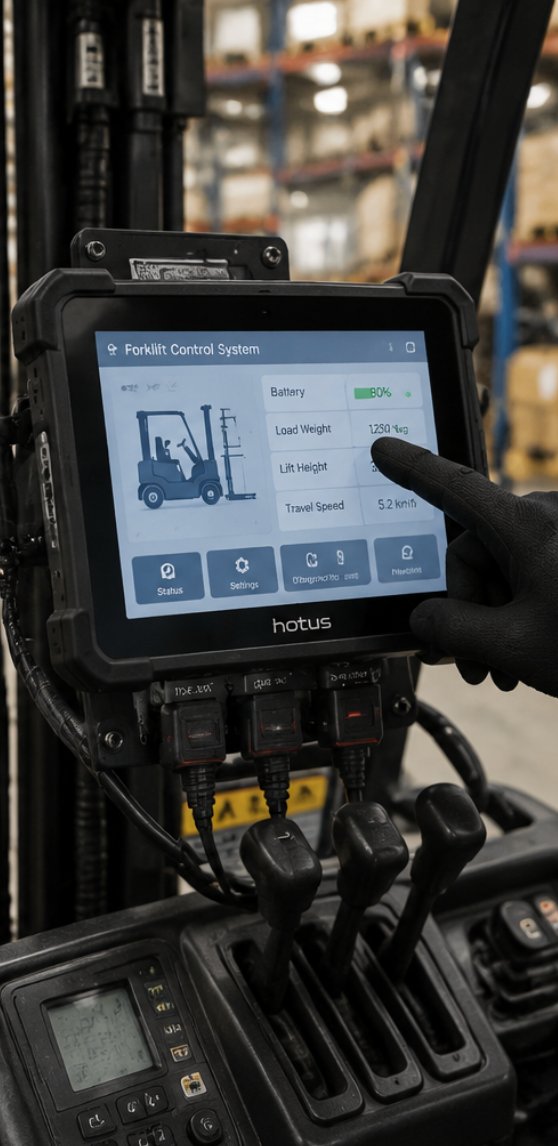
The RT80 Rugged Tablet, a larger 8-inch option, also plays a vital role in this ecosystem. It is particularly well-suited for fixed-mount applications, such as being installed on a forklift or a stationary control panel. The RT80’s robust mounting options and glove-friendly touchscreen ensure that operators can interact with the edge system even while wearing heavy protective gear. Its compatibility with various industrial protocols allows it to communicate directly with sensors and PLCs, acting as a local dashboard. When combined with the WTR PRO AMD as the central processing hub, the RT80 Rugged Tablet creates a complete, distributed edge network that can operate independently of the cloud, reducing latency and enhancing data security. This architecture is a core component of any industrial solution for Industrial Edge Computing, ensuring that critical decisions are made milliseconds away from the action.
The installation process for the WTR PRO AMD begins with physical mounting. The device comes with a VESA mount bracket, allowing for quick attachment to the back of a monitor, a wall, or under a desk. For edge applications, we recommend mounting it vertically to minimize dust accumulation on the top surface. Once secured, connect the power supply, ensuring it is rated for the local voltage and that the connector is locked in place to prevent accidental disconnection from vibration. The next step is network connectivity. The WTR PRO AMD is equipped with dual Gigabit Ethernet ports, which can be configured for redundancy or for separating control and data traffic. For cellular connectivity, the device supports optional 4G LTE modules, which is crucial for remote edge sites where wired infrastructure is unavailable. After booting, the operating system should be configured with a static IP address to ensure stable communication with the RT80 Rugged Tablet and other network devices. For the RT80 Rugged Tablet, installation is more about configuration than physical setup. Begin by pairing the tablet with the WTR PRO AMD over the local network. This can be done via Wi-Fi, but for maximum reliability in a noisy industrial environment, an Ethernet adapter or a USB-to-Ethernet dongle is recommended. Once connected, install the necessary client software or access the web-based dashboard hosted by the WTR PRO AMD. The RT80’s screen can be calibrated for different lighting conditions, and its physical buttons can be programmed to execute common commands like "emergency stop" or "cycle start." The tablet’s battery management system should be set to "continuous charge" mode if it is to be used as a permanent fixture. This ensures that the battery does not degrade prematurely while the device remains powered via an external source. For those seeking a more portable yet similarly capable device, the HTQ10A Android Rugged Tablet offers a different set of mounting accessories, including a desktop cradle and a car mount, making it versatile for various operational roles.
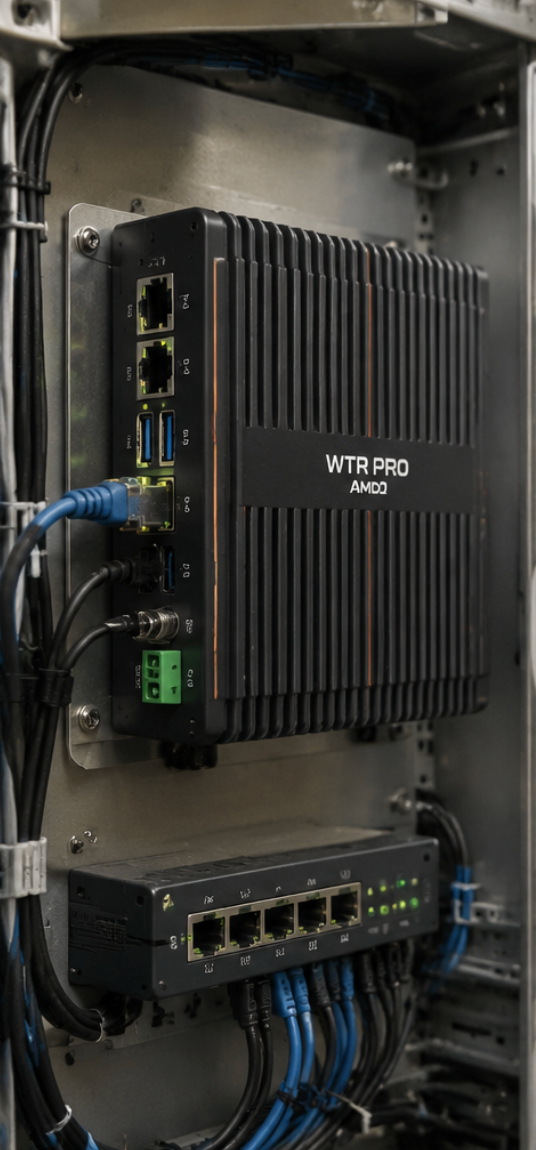
After the hardware is configured, the final step is to test the complete system. This involves running a diagnostic suite on the WTR PRO AMD to stress the CPU and memory, while simultaneously having the RT80 Rugged Tablet stream live sensor data from a simulated source. This test validates the end-to-end data path and ensures that the ruggedized devices can handle the expected workload without overheating or stuttering. The WTR PRO AMD’s AMD processor provides ample headroom for edge AI inference tasks, such as anomaly detection on production lines. By offloading these tasks from the central cloud, the entire system becomes more responsive and resilient to network outages. This holistic approach to deployment ensures that all components work in harmony, delivering a seamless edge computing experience.
The key benefits of WTR PRO AMD, HTQ10A Android Rugged Tablet and RT80 Rugged Tablet for Industrial Edge Computing extend beyond their physical durability. Organizations consistently report improved operational efficiency, reduced downtime from equipment failures, and lower total cost of ownership compared to using consumer-grade hardware that requires frequent replacement. The fanless design of the WTR PRO AMD eliminates the need for air filters and reduces the risk of mechanical failure, a common issue in dusty environments. Furthermore, the power efficiency of these devices is remarkable. The WTR PRO AMD draws significantly less power than a traditional tower server, which translates into long-term energy savings, especially when deployed across multiple sites. The ability to perform real-time data processing at the edge also reduces bandwidth costs, as only filtered and relevant data is sent to the central cloud for long-term storage. The flexibility of this trio is another major advantage. The RT80 Rugged Tablet can be used as a primary human-machine interface (HMI), while the HTQ10A Android Rugged Tablet can serve as a portable diagnostic tool. This dual-tablet strategy allows for a clear separation of duties: one for fixed monitoring and another for roving maintenance personnel. The WTR PRO AMD acts as the central brain, orchestrating data flow between the tablets and any connected sensors. This modularity means that a business can start with a single WTR PRO AMD and a couple of tablets, then scale up by adding more devices as the operation grows. For a deeper look at the full range of hardware, you can explore our rugged mini PC solutions to see how the WTR PRO AMD fits into a broader ecosystem of industrial computing products.
Common questions about deploying WTR PRO AMD, HTQ10A Android Rugged Tablet and RT80 Rugged Tablet in Industrial Edge Computing include: Do we need technical staff to operate the system? Can multiple operators use the tablets simultaneously? What happens if a device loses power during a critical operation? Modern systems are designed with these scenarios in mind. The WTR PRO AMD supports a watchdog timer that automatically reboots the system if it becomes unresponsive, ensuring high availability. The tablets feature hot-swappable batteries, so an operator can replace a depleted battery without shutting down the device, thanks to an internal backup capacitor. For multi-user scenarios, the RT80 and HTQ10A can connect to the WTR PRO AMD via a secure web server, allowing multiple operators to view different dashboards simultaneously without interference. Another frequent concern is data security. In an edge environment, data is often sensitive, and a breach could be catastrophic. The WTR PRO AMD supports hardware-level encryption, and the tablets can be configured for remote wipe capabilities if they are lost or stolen. The devices also support VPN protocols to ensure that all communication between the edge site and the central office is encrypted. This level of security is often a prerequisite for industries like energy and healthcare, where regulatory compliance is mandatory. The installation walkthrough provided here is designed to be straightforward, but for complex scenarios, Hotus offers technical support and documentation to assist with the process. If you are assessing the compatibility of these devices with your existing infrastructure, we invite you to explore our mini PC solutions for more detailed specifications and whitepapers.
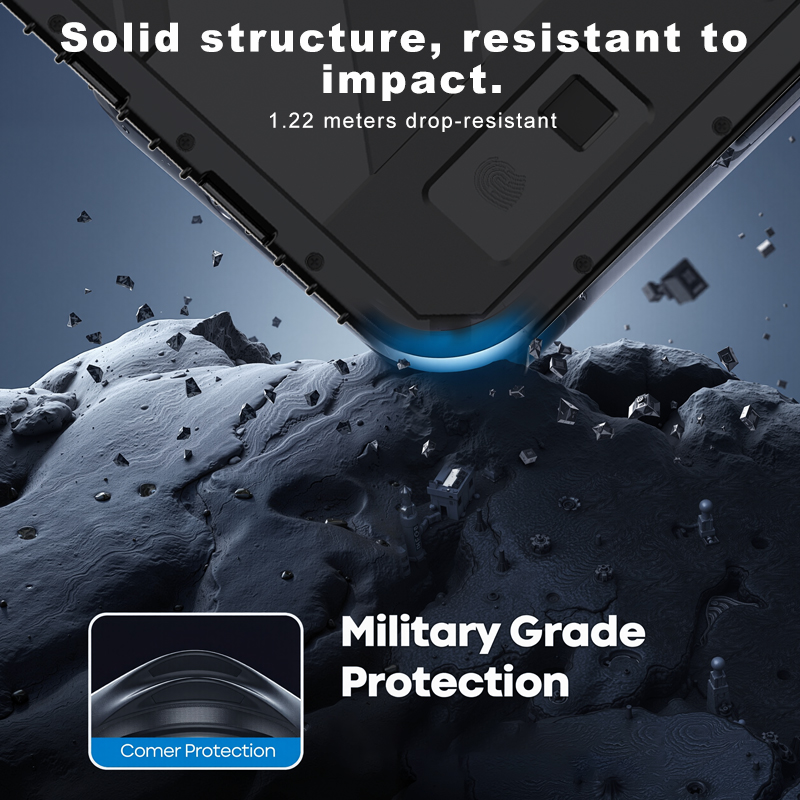
Before adopting modern solutions for Industrial Edge Computing, organizations commonly struggle with three persistent challenges: unreliable hardware, limited connectivity, and high maintenance costs of outdated equipment. These operational bottlenecks directly impact production throughput and data accuracy. Traditional PCs and tablets are not built to withstand the constant vibration of a production line, leading to hard drive failures and cracked screens. The RT80 Rugged Tablet, with its IP65 rating and drop-proof construction up to 1.8 meters, directly addresses this issue. Its solid-state storage has no moving parts, making it immune to shock-induced data loss. This reliability translates to fewer replacement parts and less downtime, which are the primary drivers of high maintenance costs.
Moreover, the challenge of limited connectivity is solved by the multi-radio capabilities of these devices. The WTR PRO AMD and the tablets support Wi-Fi 6, Bluetooth 5.2, and optional 5G modules, ensuring that they can connect to the most modern industrial networks. This is essential for implementing Industry 4.0 initiatives where machines must communicate seamlessly with each other and with the edge server. The RT80 Rugged Tablet’s RS232 and RS485 ports allow it to interface directly with legacy machinery, providing a bridge between old and new technologies. This backward compatibility is often overlooked but is critical for a cost-effective digital transformation. By addressing these pain points head-on, Hotus provides a clear upgrade path that minimizes risk and maximizes return on investment.
To assist in the selection process, the table below provides a comparative overview of the three devices, focusing on their positioning and physical characteristics. This information is crucial for determining which device best fits a specific role within the edge computing architecture.
| Model | Position | Weight | Reference URL |
|---|---|---|---|
| WTR PRO AMD | Central Edge Server / Gateway | Approx. 1.5 kg (fanless chassis) | View Product |
| HTQ10A Android Rugged Tablet | Portable Field Terminal / Diagnostics | Approx. 0.9 kg with battery | View Product |
| RT80 Rugged Tablet | Fixed HMI / Vehicle Mount | Approx. 1.1 kg with mounting bracket | View Product |
The WTR PRO AMD is the undisputed workhorse, designed to run 24/7 without interruption. Its weight reflects its robust construction, which includes a thick aluminum heat sink. The HTQ10A is lighter, prioritizing portability for staff who are constantly on the move. The RT80 sits in between, offering a balance of screen size and ruggedness for semi-permanent installations. When selecting a device, consider the primary use case. For data aggregation and heavy computing, the WTR PRO AMD is the only choice. For roving inspections, the HTQ10A’s Android operating system provides access to a vast library of industrial apps. For a wall-mounted control panel, the RT80’s wide viewing angle and durable touchscreen make it the most practical option. By understanding these distinctions, you can build a tailored edge computing solution that meets your exact operational requirements.