- Select Language
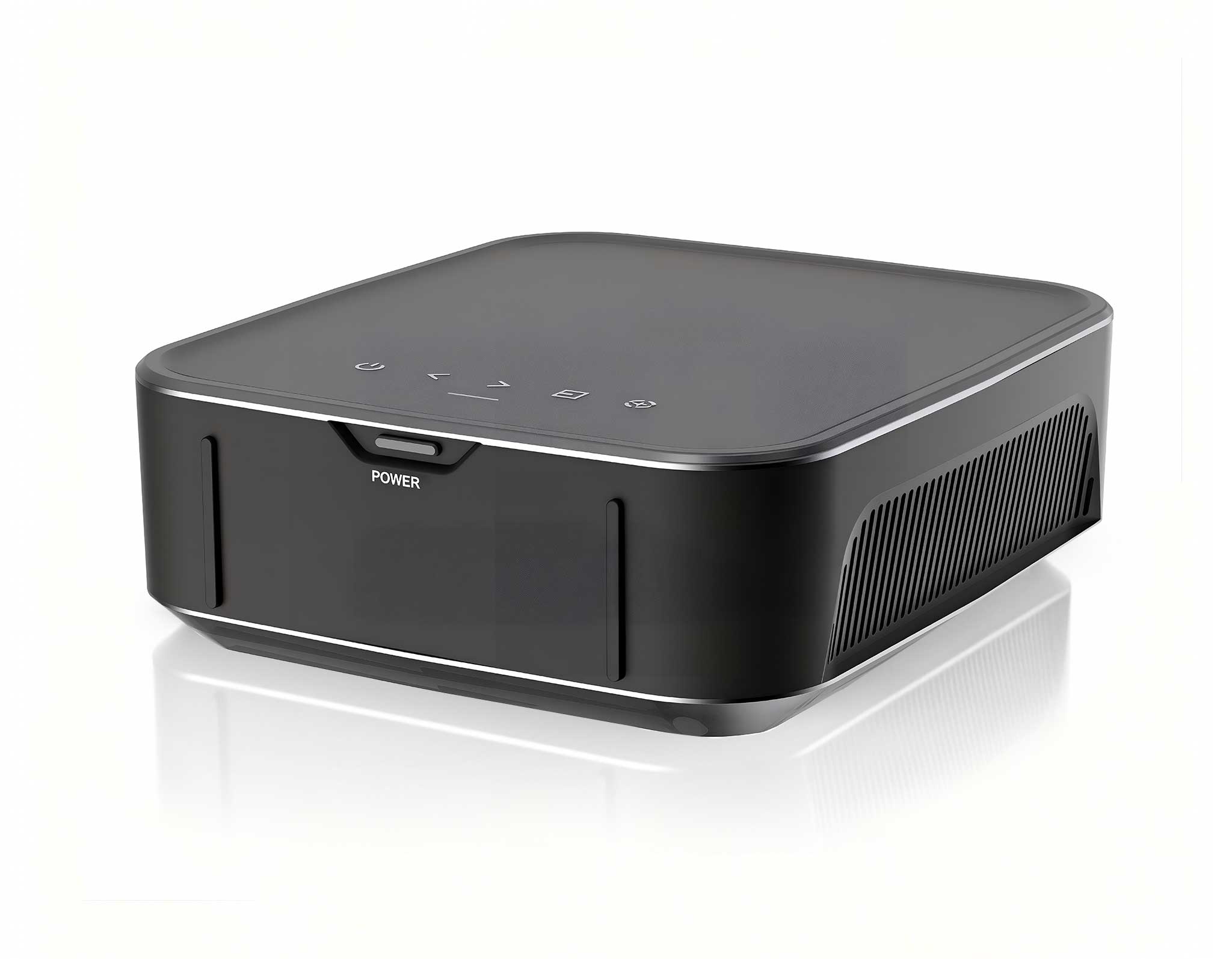
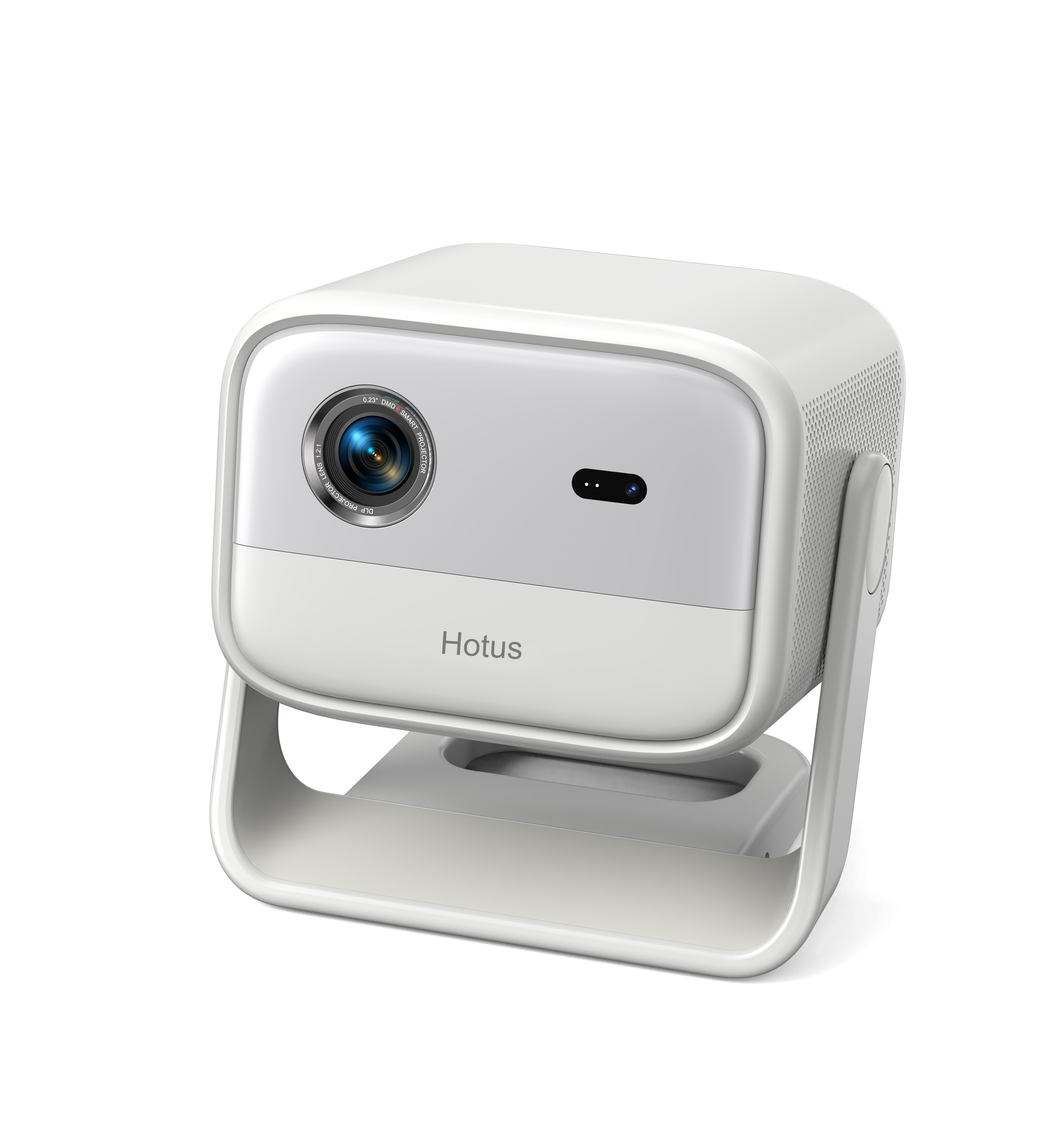
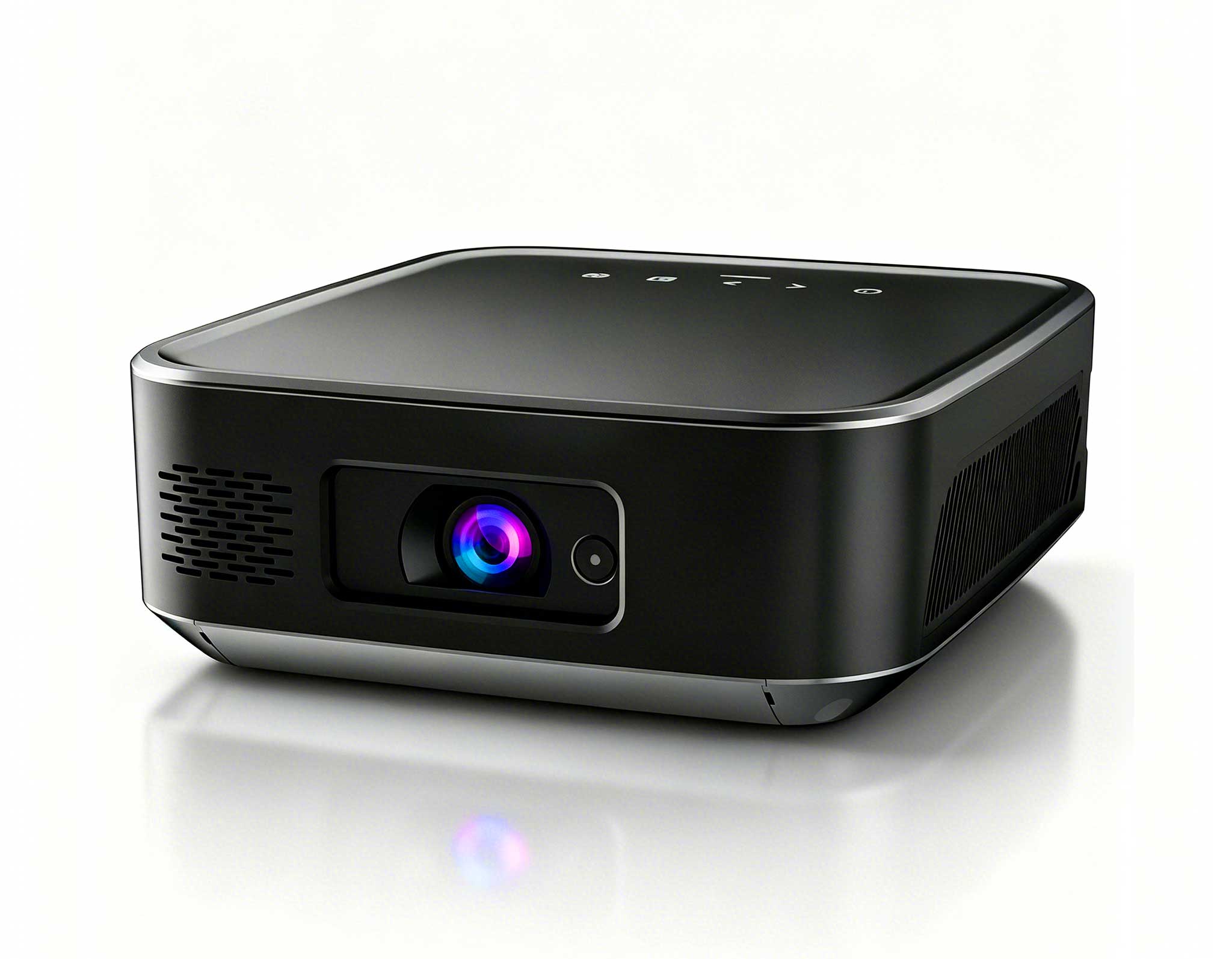
One Device, Dual Functions – A Projector and a Com...
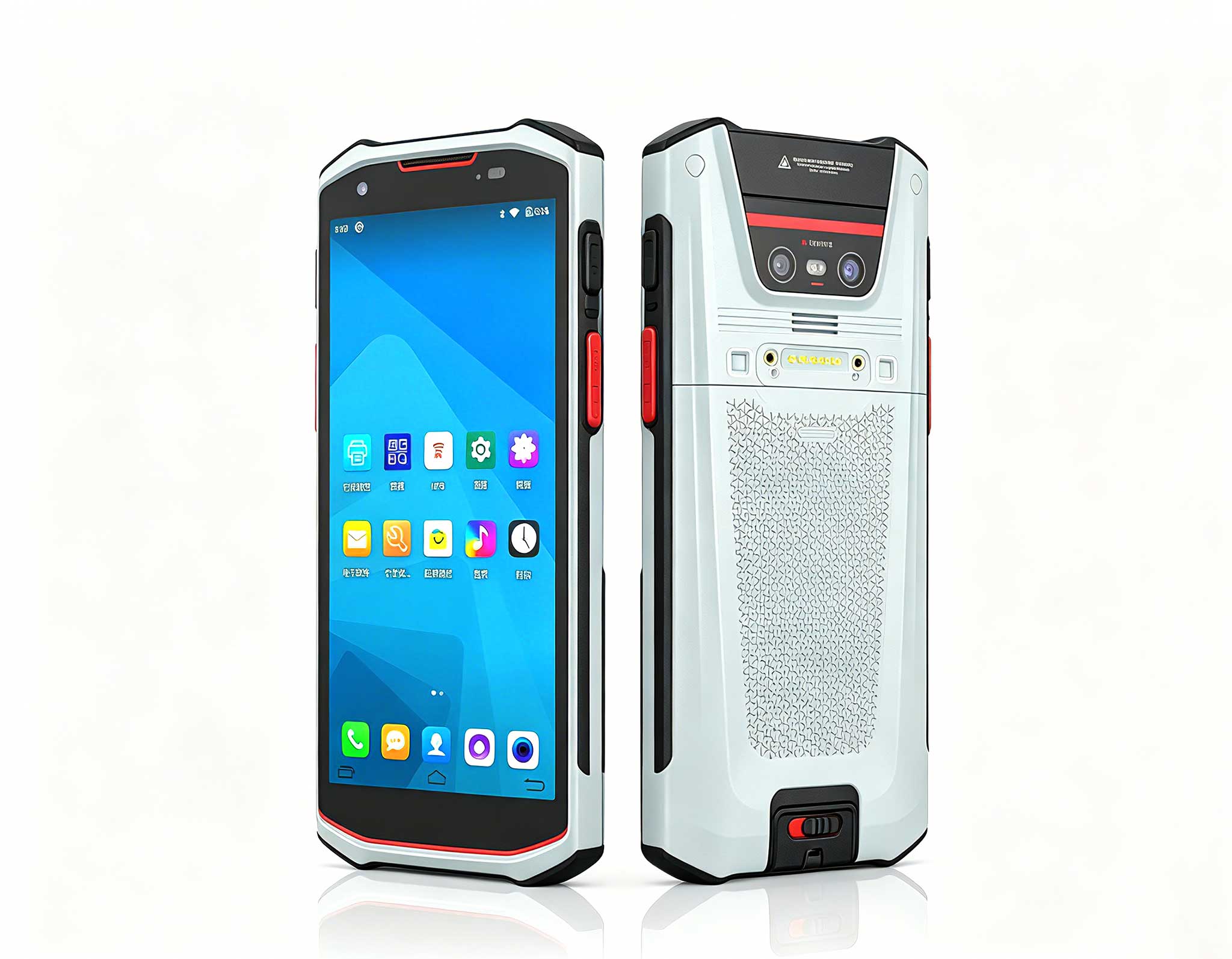
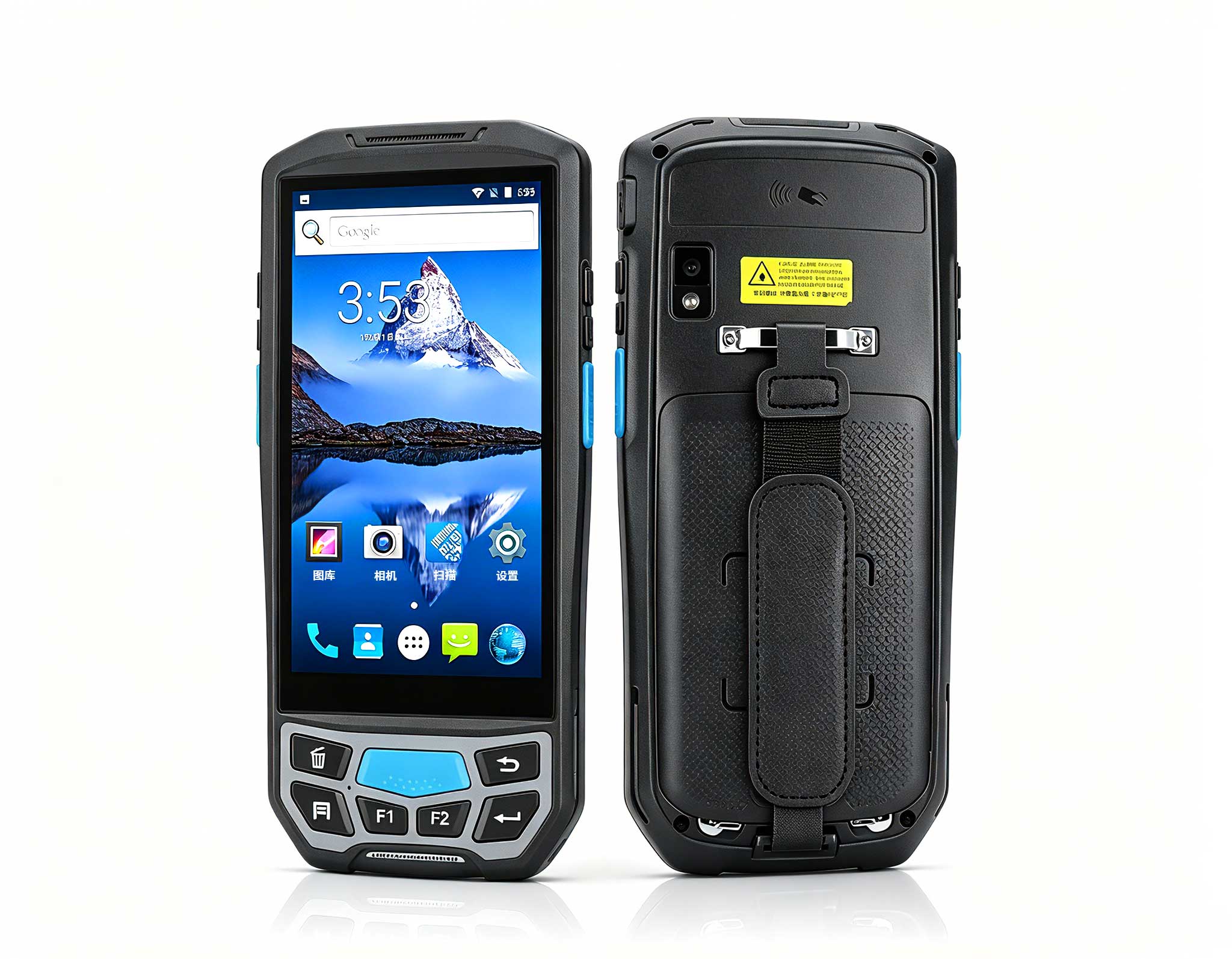
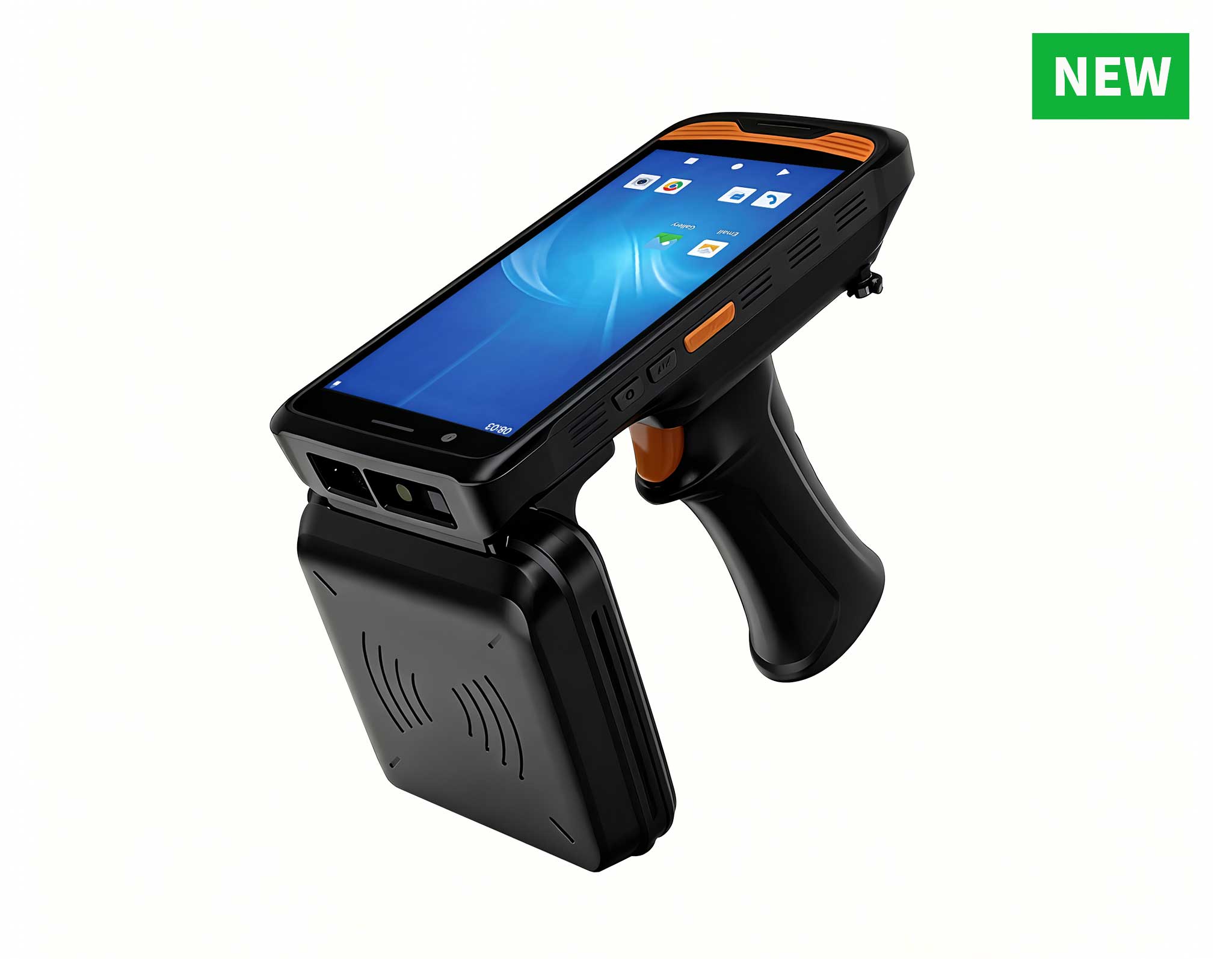
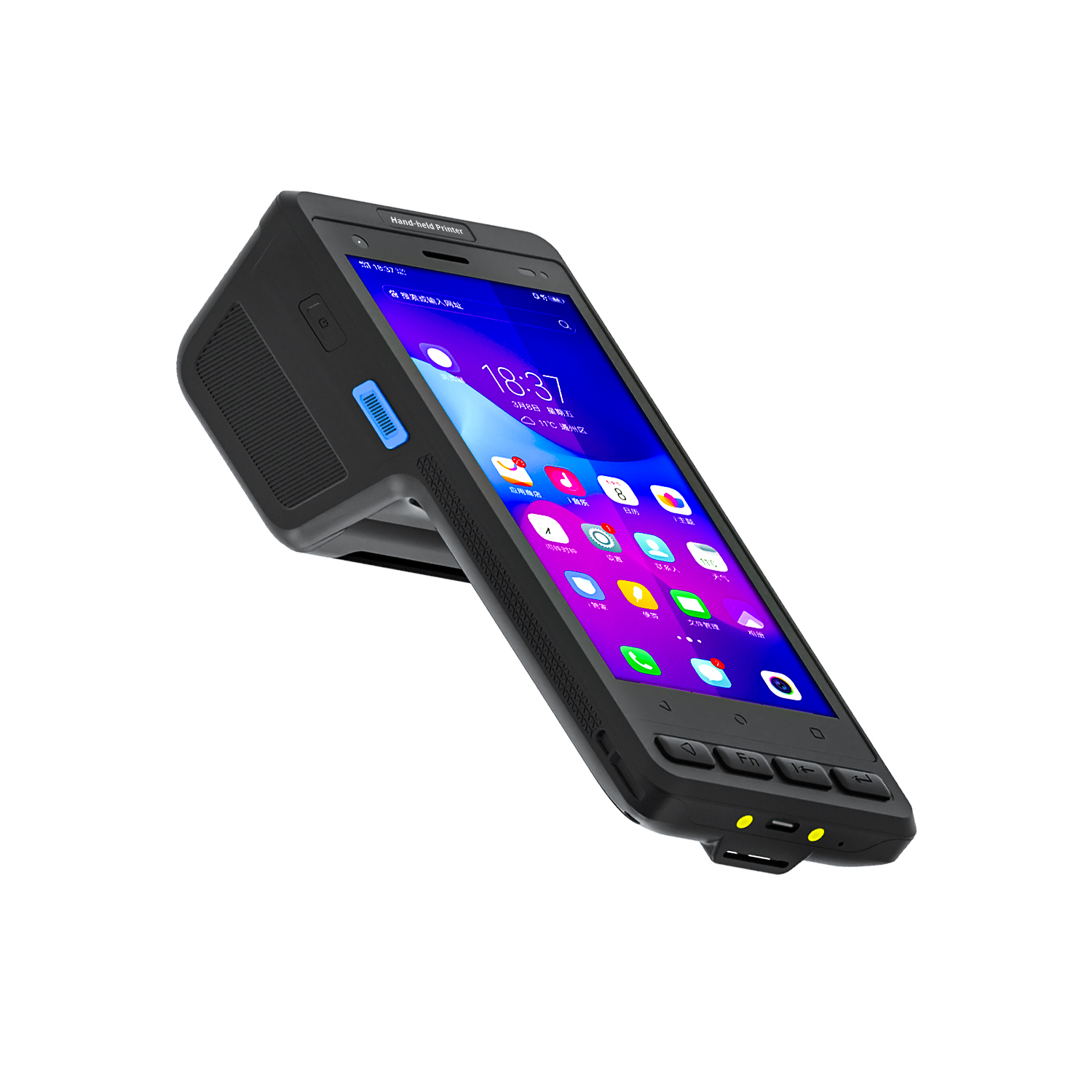
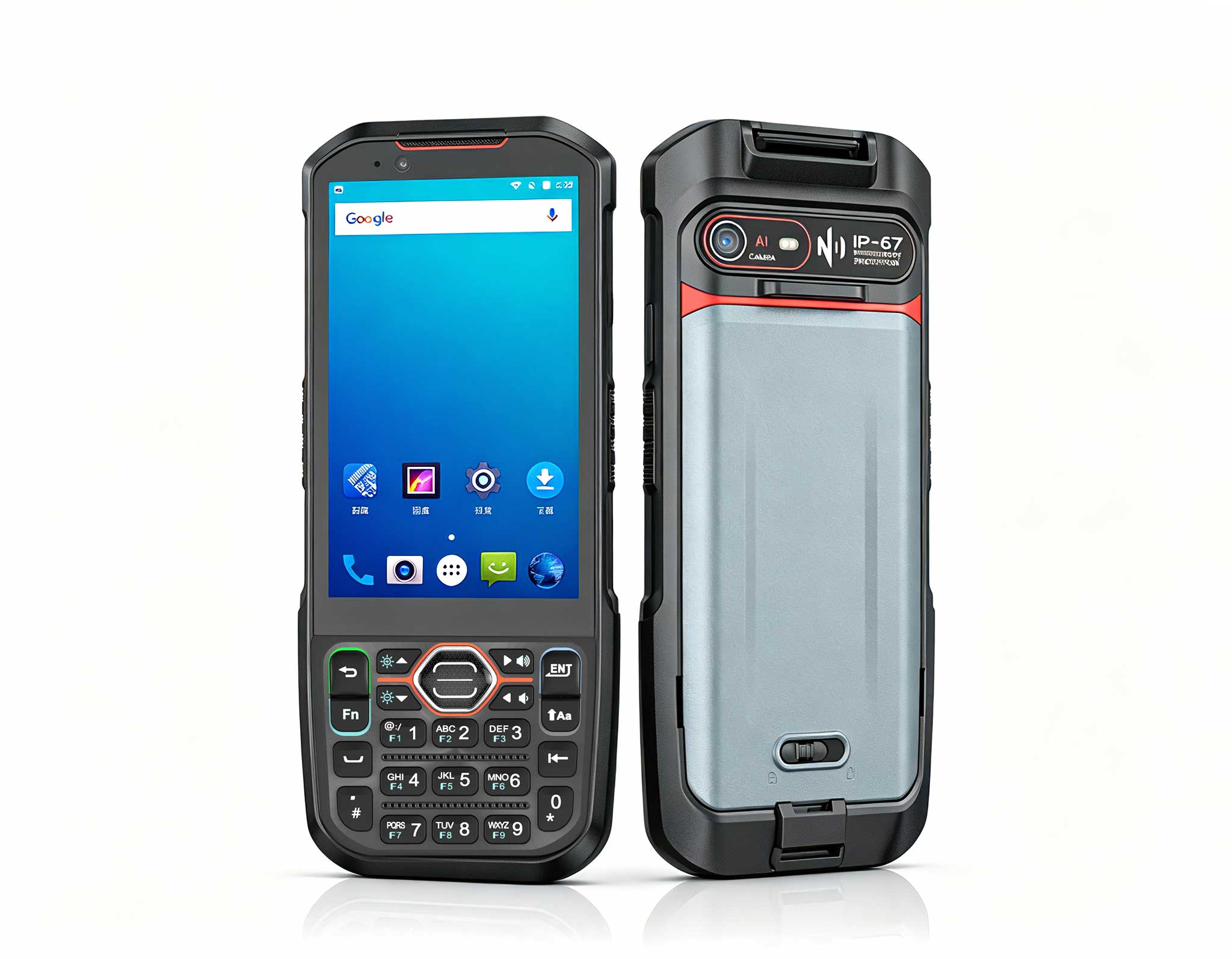
The U9000 handheld PDA combines advanced barcode s...
R366C-S 5.5-inch Industrial UHF RFID Reader | Qual...
Full SpecificationsModelHotus ST9‑JOSWindows 10 Pr...
️ X8 Series Handheld Label & Thermal Printing ...
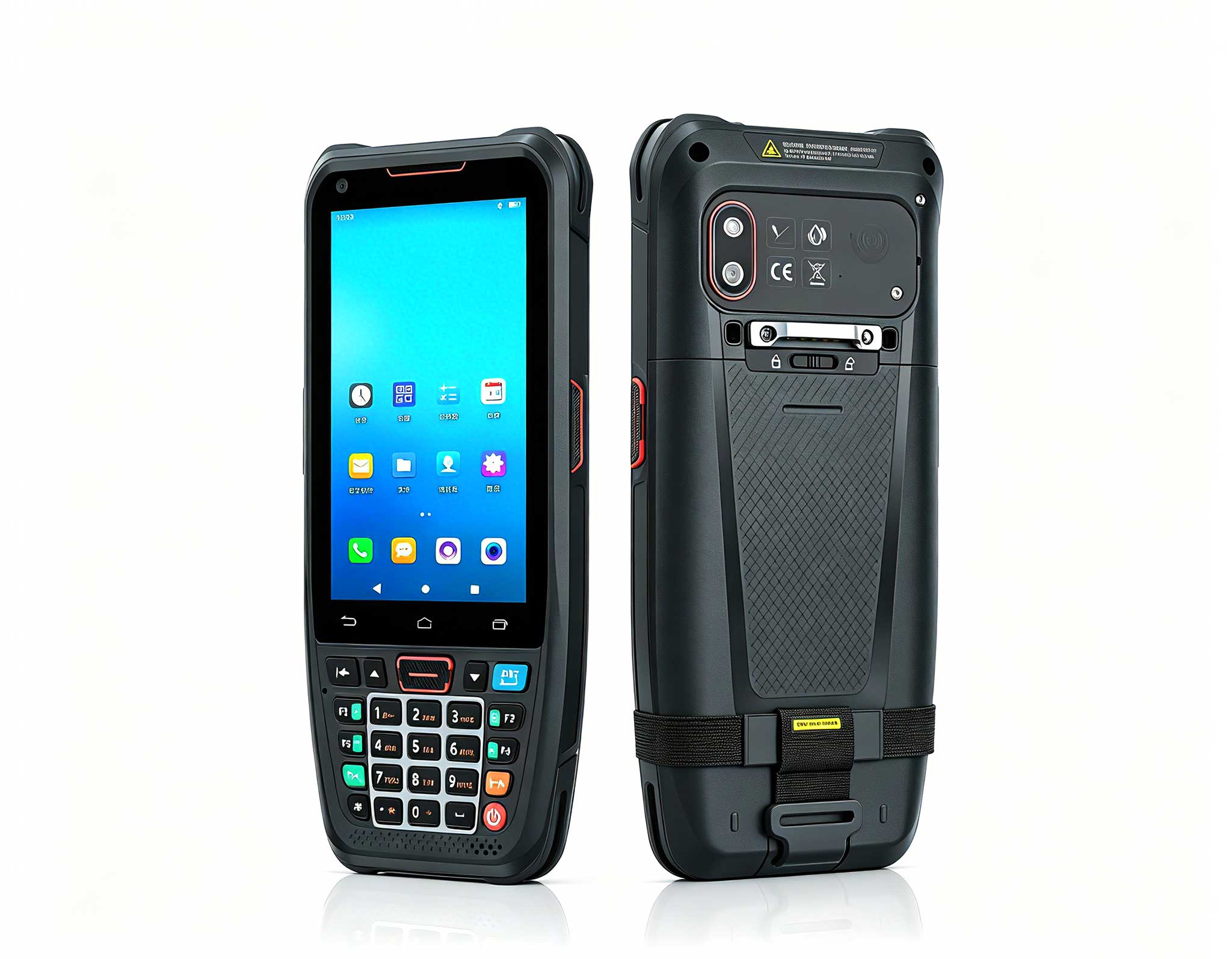
The N40 Android smart PDA features a Cortex-A53 qu...
Explore an innovative Personal Digital Assistant f...
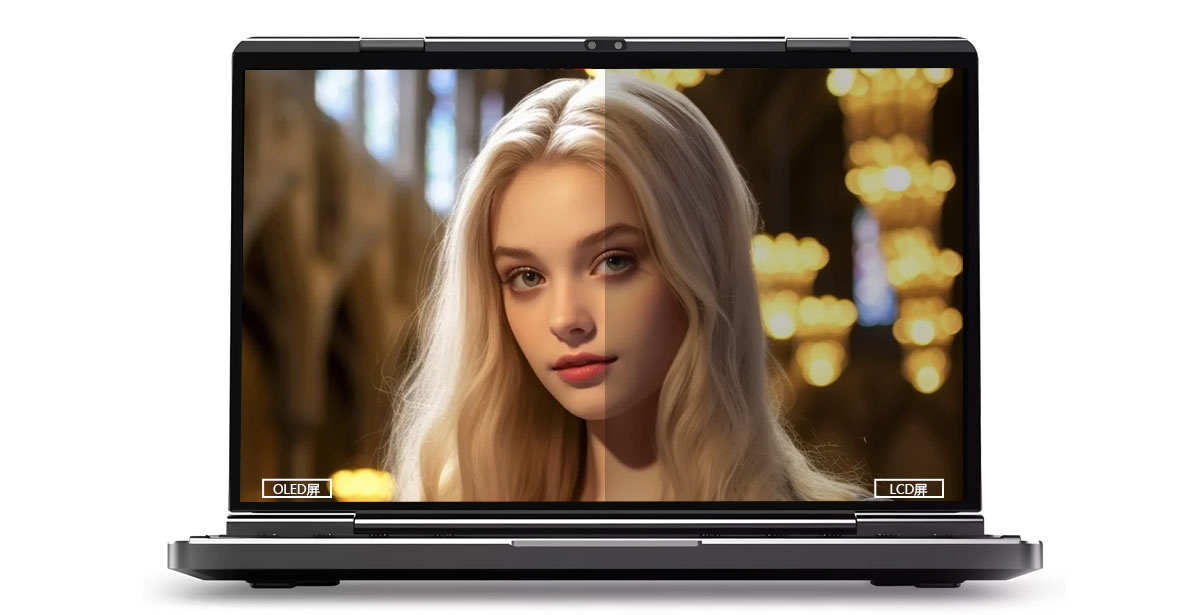
This dual touchscreen gaming laptop combines cutti...
The U9000 handheld PDA combines advanced barcode s...
How can you deliver consistent VDI performance with minimal hardware and power costs in a Thin Client Vdi environment without limited budget, power constraints, and varying user workloads? The answer lies in choosing the right tools—and SH5-W, ST13-U and ST11-U are built exactly for this purpose. These rugged industrial tablets serve as the endpoint hardware that connects remote workers to centralized virtual desktops, bridging the gap between demanding enterprise applications and the physical devices users interact with daily. When deployed correctly, they eliminate the common bottlenecks that plague traditional desktop virtualization setups.
The operational pain points in Thin Client Vdi typically fall into distinct categories — equipment that fails in demanding environments, frequent battery replacements disrupting tours, and signal dead zones that leave visitors disconnected from the guide. In a VDI context, these translate to dropped sessions, unresponsive peripherals, and thermal throttling that degrades the user experience. Many organizations discover that their chosen thin client hardware cannot sustain the processing load required for smooth video playback or multi-monitor productivity workflows, forcing IT teams to constantly reallocate resources.
The fundamental challenge lies in the fact that VDI shifts the computational burden to the server, but the endpoint must still handle video decoding, USB redirection, and network packet management efficiently. When the hardware is underpowered or poorly optimized, even the most robust virtual desktop infrastructure will disappoint end users. This is where the industrial solution for Thin Client Vdi becomes critical—selecting devices that are specifically engineered to handle the sustained I/O patterns and display rendering requirements of virtual desktop protocols like PCoIP and HDX.
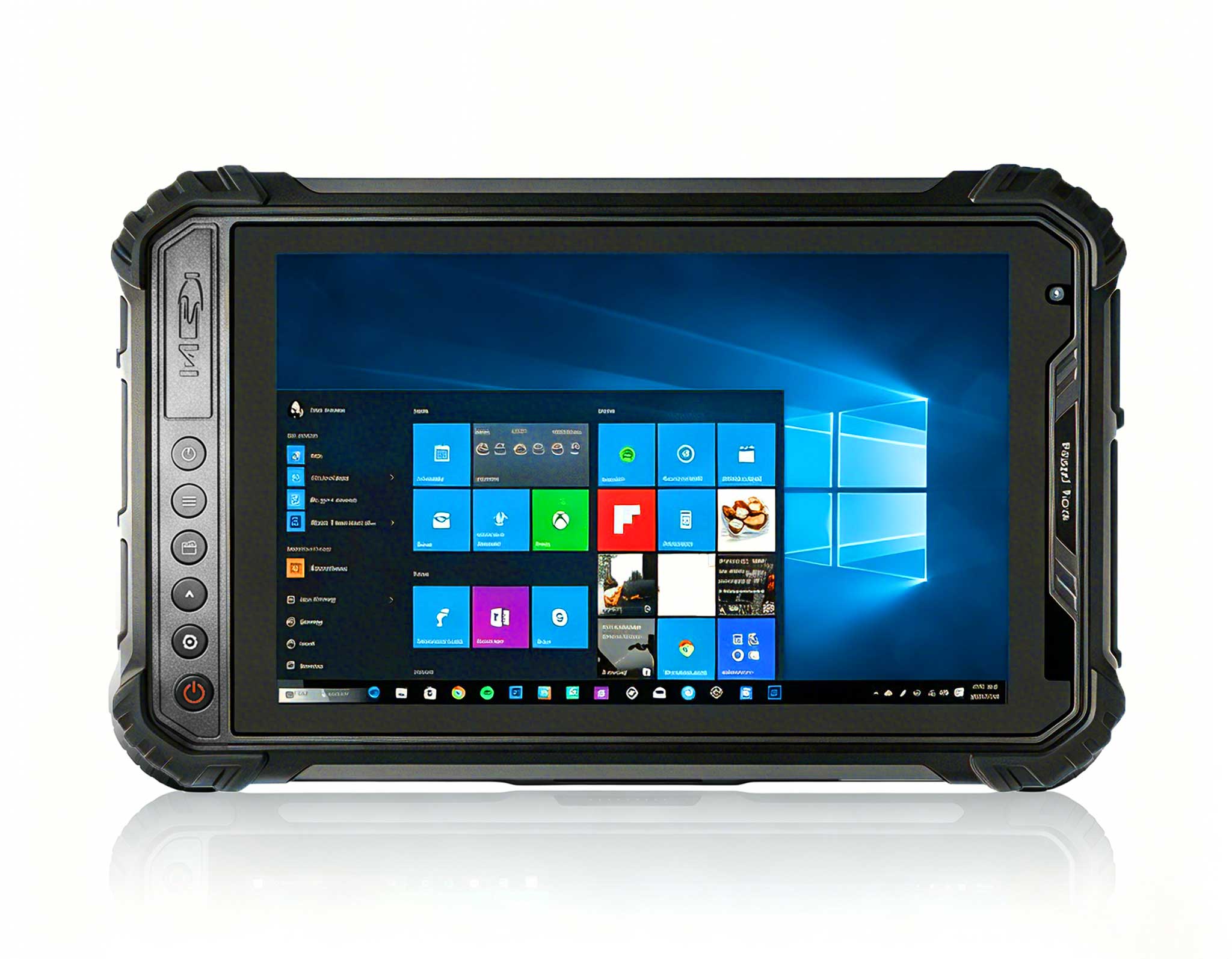
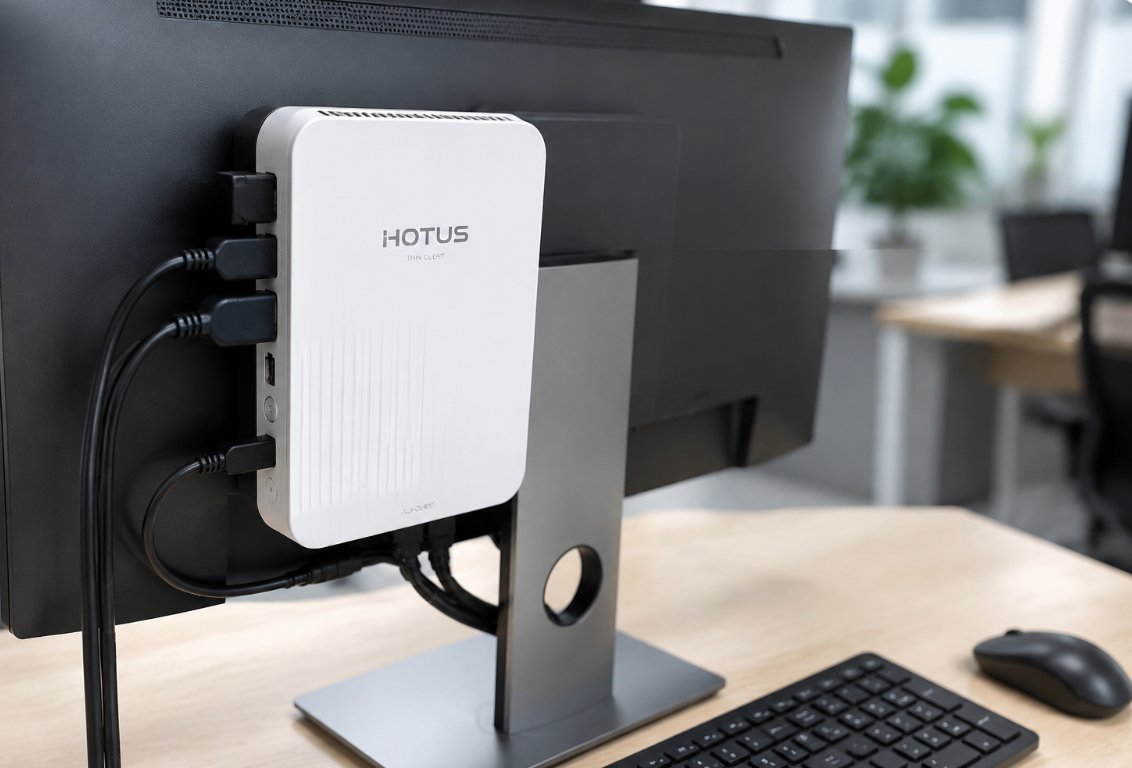
The 5.5 windows (SH5-W)Rugged Industrial Tablet addresses one of the most persistent problems in Thin Client Vdi environments: physical footprint. Many organizations struggle to deploy VDI endpoints in spaces where traditional desktop towers simply do not fit—think hospital nursing stations, retail checkout counters, or manufacturing floor kiosks. The SH5-W's compact form factor mounts easily behind monitors or within existing fixtures, yet it delivers the full Windows 10/11 experience required for seamless VDI connectivity.
When troubleshooting performance issues with the SH5-W, IT administrators typically focus on network configuration and display resolution settings. The device supports dual-band Wi-Fi and gigabit Ethernet, but improper MTU settings or aggressive power-saving profiles can cause intermittent disconnections. A common fix involves adjusting the advanced power settings to ensure the wireless adapter stays in high-performance mode during active sessions. Additionally, the SH5-W's fanless design eliminates moving parts that could fail, but it also means thermal management depends on proper ventilation—mounting the device in enclosed spaces without airflow will trigger thermal throttling that manifests as laggy mouse movement and delayed keystrokes.
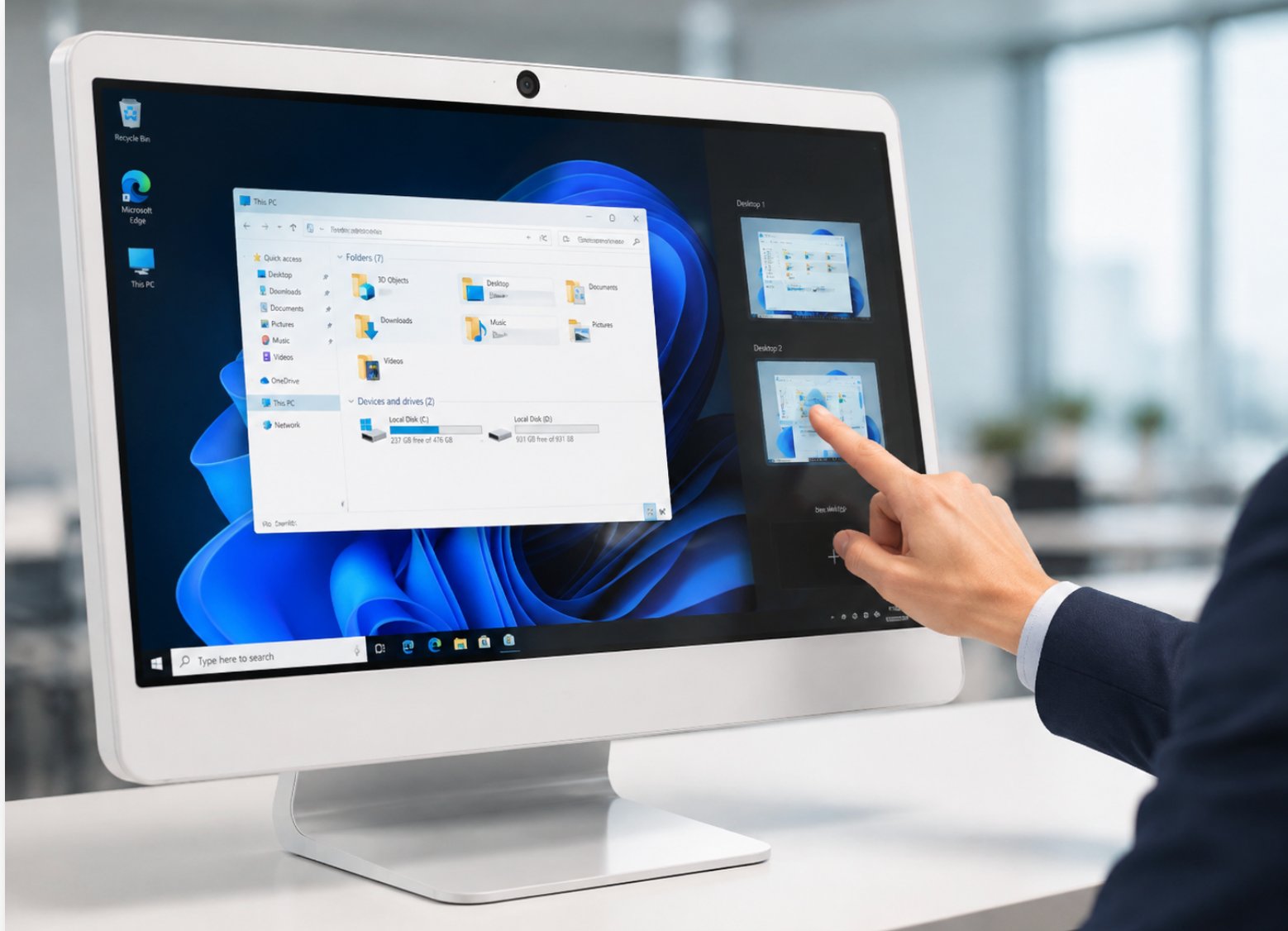
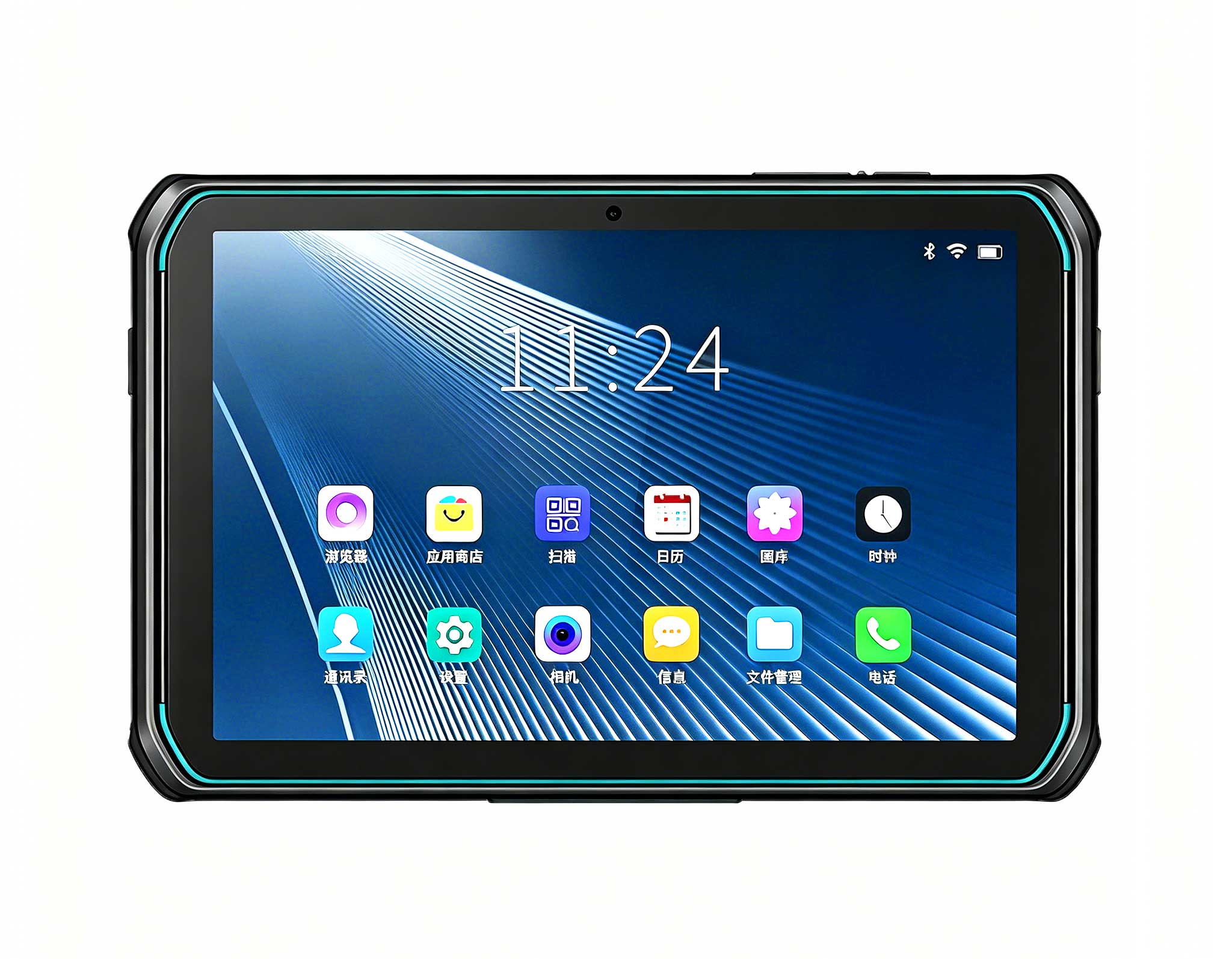
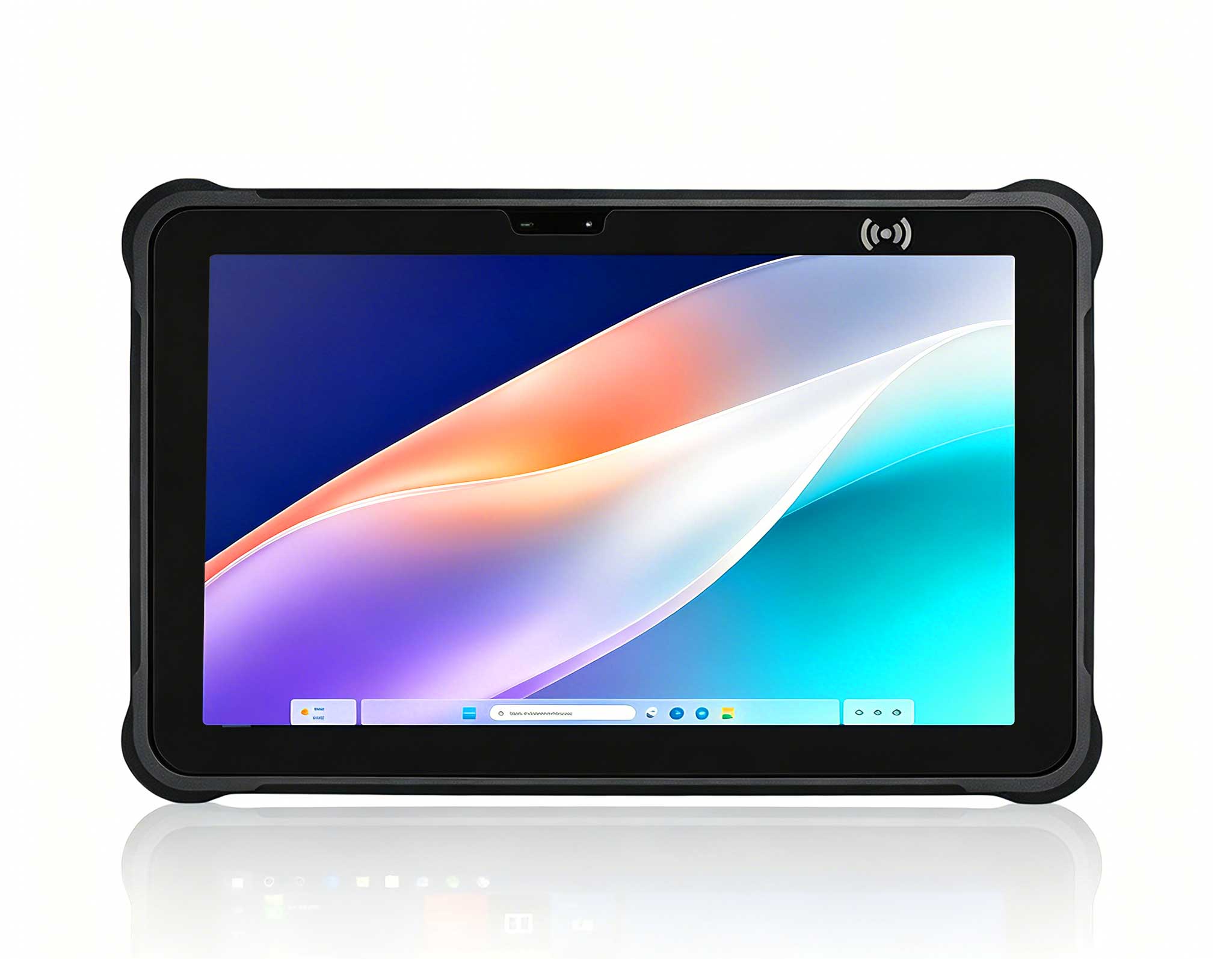
For environments that require a larger display footprint or more robust processing capabilities, the 10.1 windowsST11-URugged Industrial Tablet offers a versatile middle ground. The 10.1-inch touchscreen provides an intuitive interface for users who need quick access to virtual applications without the overhead of a full desktop setup. In troubleshooting scenarios, the ST11-U frequently resolves issues related to USB peripheral compatibility—its multiple USB 3.0 ports support high-bandwidth devices like document scanners and barcode readers without the latency spikes seen on older hardware.
One notable advantage of the ST11-U in Thin Client Vdi environments is its ability to handle multiple simultaneous protocol streams. When a user needs to view a virtual desktop while also streaming a training video from a separate source, the device's hardware-accelerated video decoding prevents the stuttering and frame drops that plague lower-end thin clients. For IT teams diagnosing slow performance, checking the device's resource monitor often reveals that the bottleneck is not the network or server, but rather an outdated graphics driver on the endpoint. Updating to the latest Intel graphics driver for the ST11-U consistently resolves these issues and restores smooth 60fps rendering.
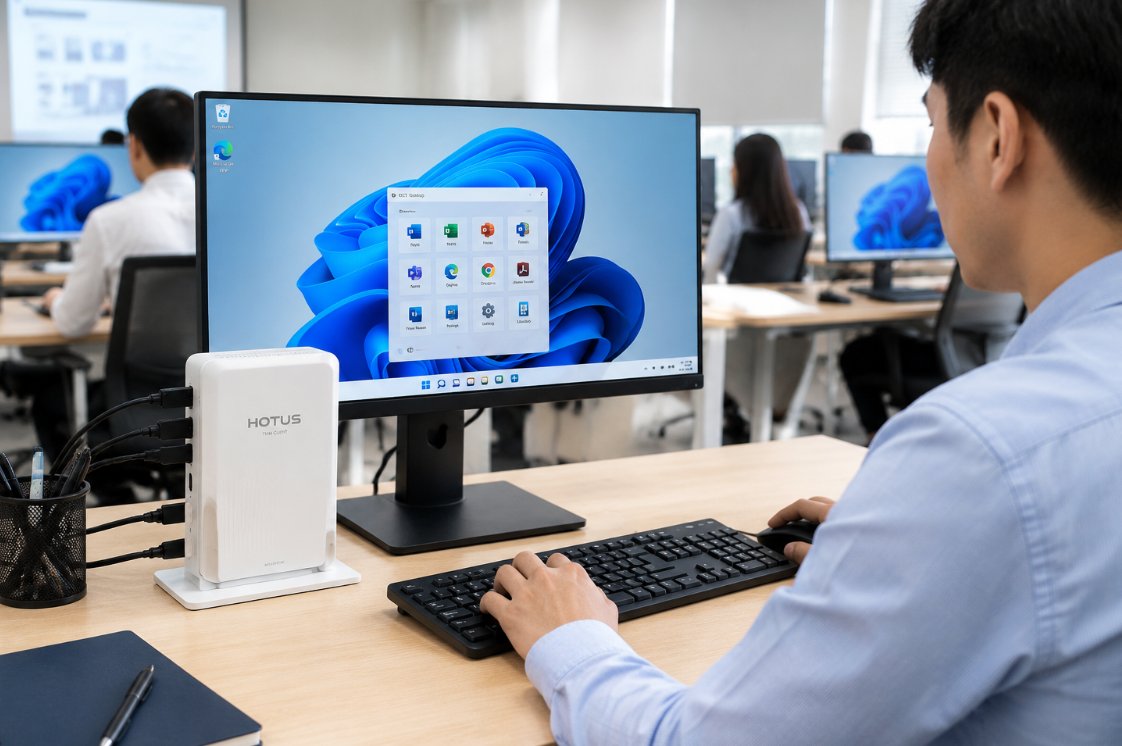
When user workloads demand extensive screen real estate—think financial analysts working with multiple spreadsheets or graphic designers previewing high-resolution assets—the 13.3 windows(ST13-U)Rugged Industrial Tablet becomes the preferred endpoint. The larger display reduces eye strain during extended sessions, and the higher native resolution (1920x1080) ensures that virtual desktops render crisp text and sharp graphics without the scaling artifacts seen on smaller screens. In troubleshooting, the ST13-U's additional processing headroom often eliminates the "ghosting" effect where mouse cursors leave trails during fast scrolling in virtualized applications.
A common issue that arises with the ST13-U in VDI deployments is related to its multi-touch capabilities conflicting with remote desktop protocols. When users attempt to use touch gestures on the virtual desktop, some protocols misinterpret the input as right-clicks or zoom commands. The solution involves configuring the VDI client software to disable local touch processing and instead pass raw touch events to the virtual session. This adjustment, combined with proper calibration of the touchscreen, ensures that the ST13-U delivers a native-feeling experience whether users are tapping buttons or dragging windows across the spacious display.
| Model | Display Size | Best Use Case | Key Advantage |
|---|---|---|---|
| SH5-W | 5.5 inches | Space-constrained kiosks and mobile carts | Ultra-compact, fanless, low power draw |
| ST11-U | 10.1 inches | General-purpose workstations with peripheral needs | Balanced performance with multiple USB 3.0 ports |
| ST13-U | 13.3 inches | Power users requiring large display and multitasking | High resolution and enhanced processing capability |
The key benefits of SH5-W, ST11-U and ST13-U for Thin Client Vdi extend beyond audio quality. Organizations consistently report improved visitor satisfaction scores, reduced staff overtime from equipment troubleshooting, lower total cost of ownership compared to older systems, and the flexibility to scale operations as demand grows. When selecting between the three models, IT leaders should evaluate the specific ergonomic and performance requirements of each user group, as well as the physical environment where the devices will operate. All three models share the same rugged construction standards, ensuring they withstand the bumps, drops, and temperature fluctuations common in industrial settings.
Several questions arise frequently when organizations consider SH5-W, ST11-U and ST13-U for Thin Client Vdi. How many visitors can one system support? The answer depends on the server-side configuration, but each endpoint typically handles one concurrent user session with room for multiple virtual displays. What is the effective range in a typical Thin Client Vdi environment? With Wi-Fi connectivity, the devices maintain stable connections up to 100 meters from the access point, though physical obstacles like walls and metal racks will reduce this distance. How long does the battery last for a full day of tours? The internal batteries provide 6-8 hours of continuous operation, but for fixed workstation deployments, the devices run indefinitely on external power.
The answers depend on the specific model chosen and the configuration deployed, but modern systems are designed to handle demanding professional use without compromise. For organizations seeking to expand their Thin Client Vdi footprint, exploring rugged mini PC solutions alongside the tablet form factors provides additional deployment flexibility. Whether you choose the compact SH5-W, the versatile ST11-U, or the productivity-focused ST13-U, each device is engineered to eliminate the most common failure points in virtual desktop environments, ensuring that your workforce stays connected, productive, and satisfied with their remote computing experience.