- Select Language
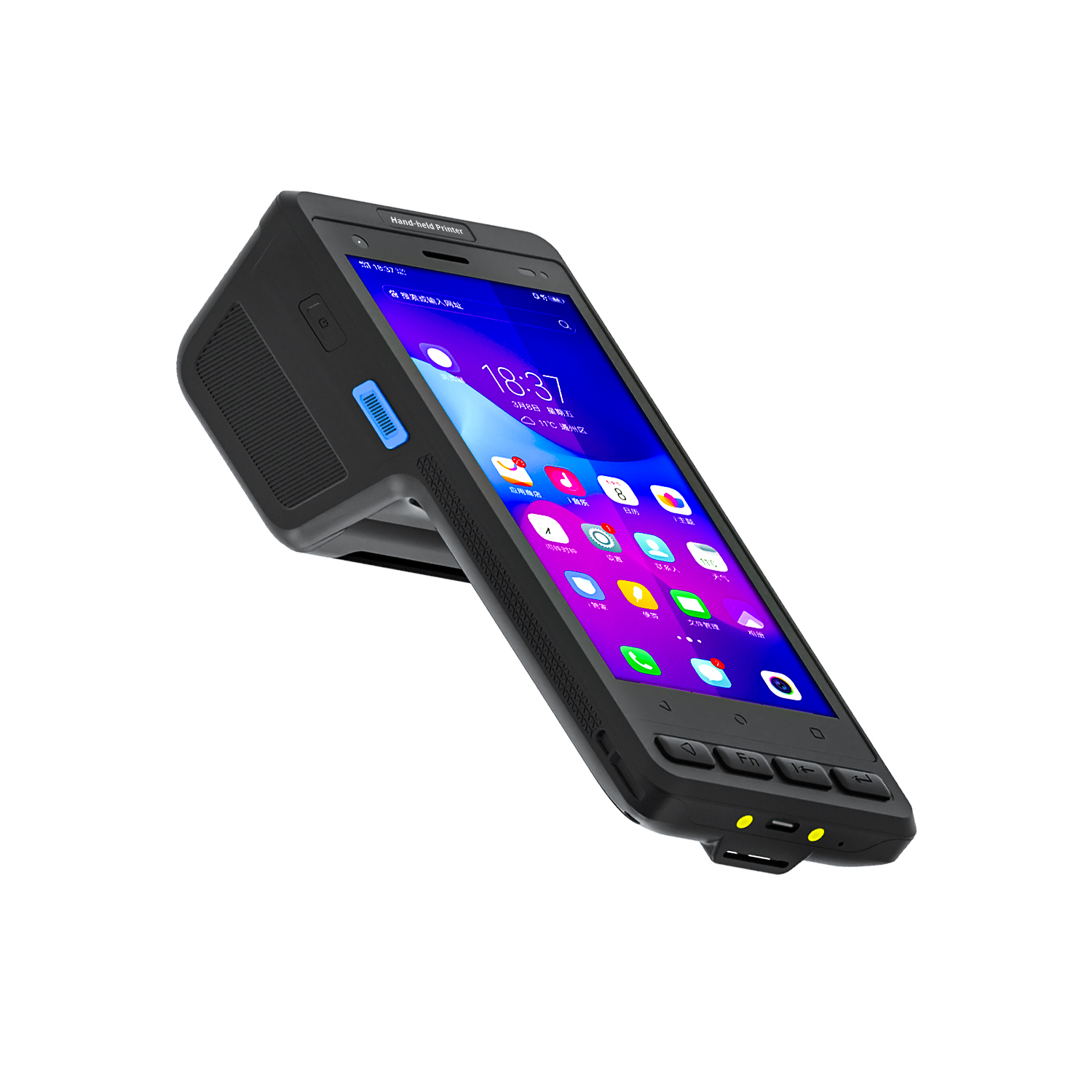
R530C 6.0-inch Industrial PDA | Qualcomm Octa-core...
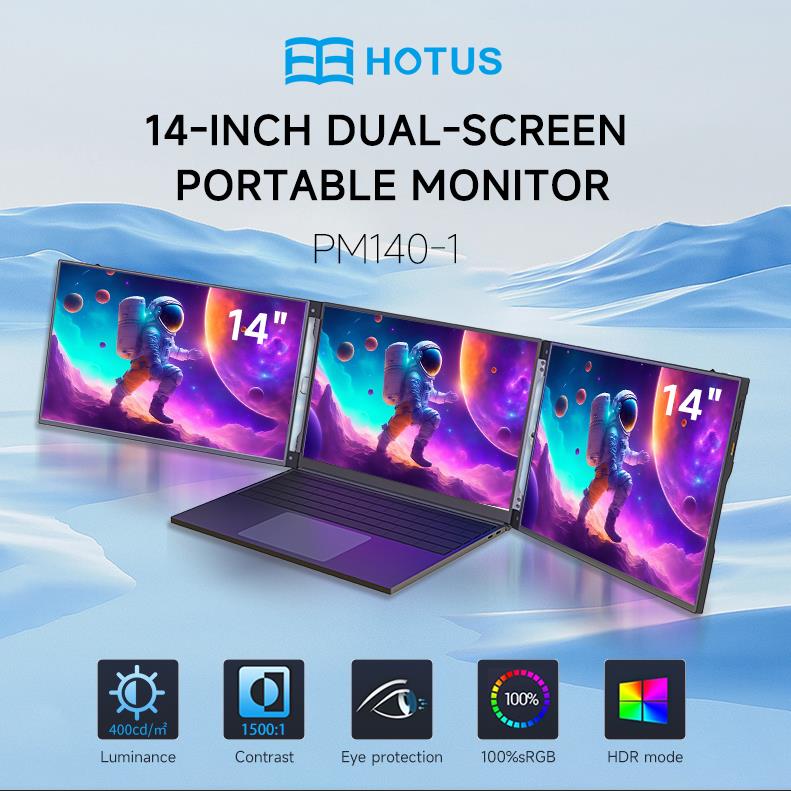
This dual touchscreen gaming laptop combines cutti...
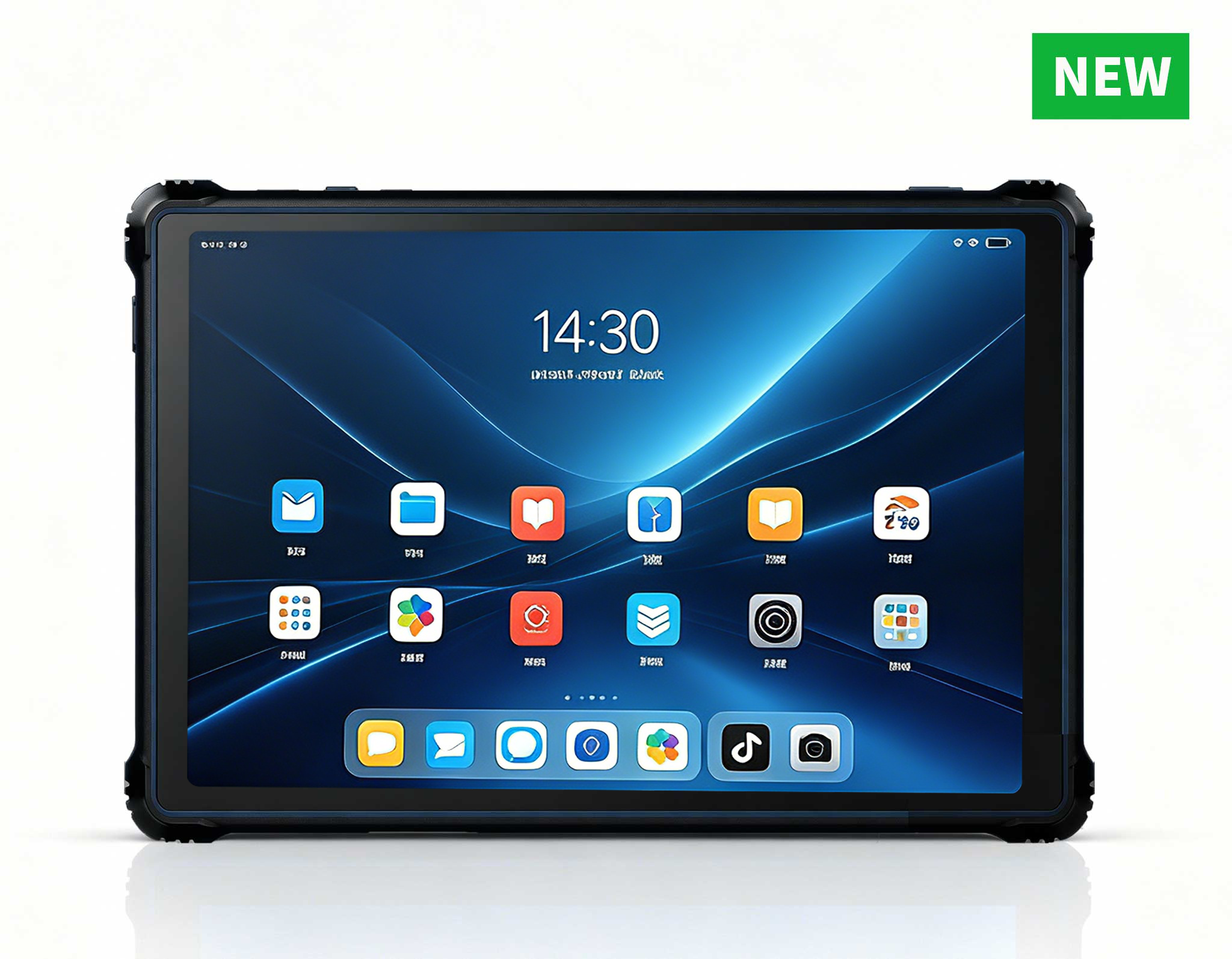
RT82 5G Rugged Tablet | 10.1" FHD 400nit | Qu...
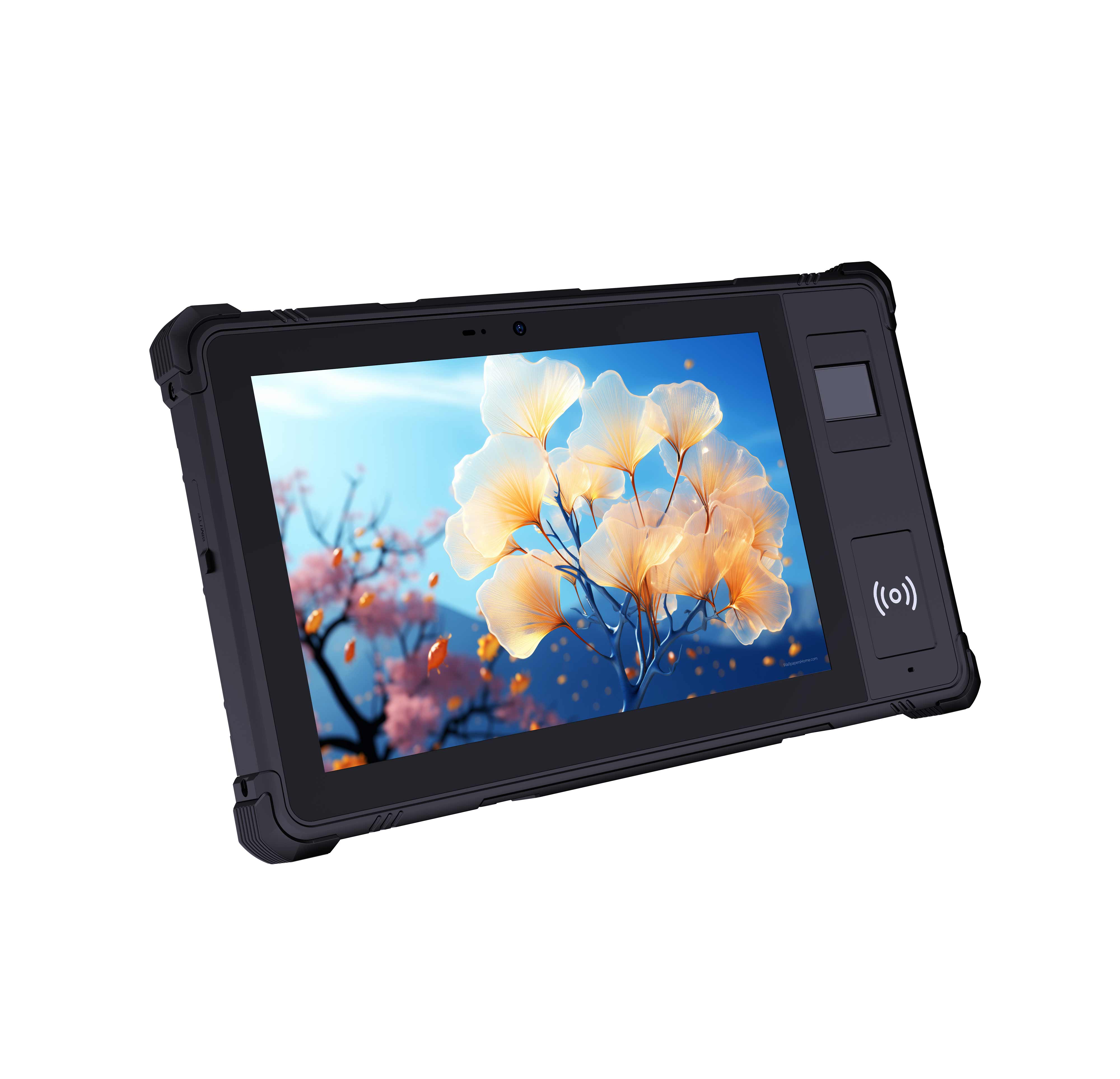
P8 Series 8-Inch Rugged Industrial Tablet PC Mobi...
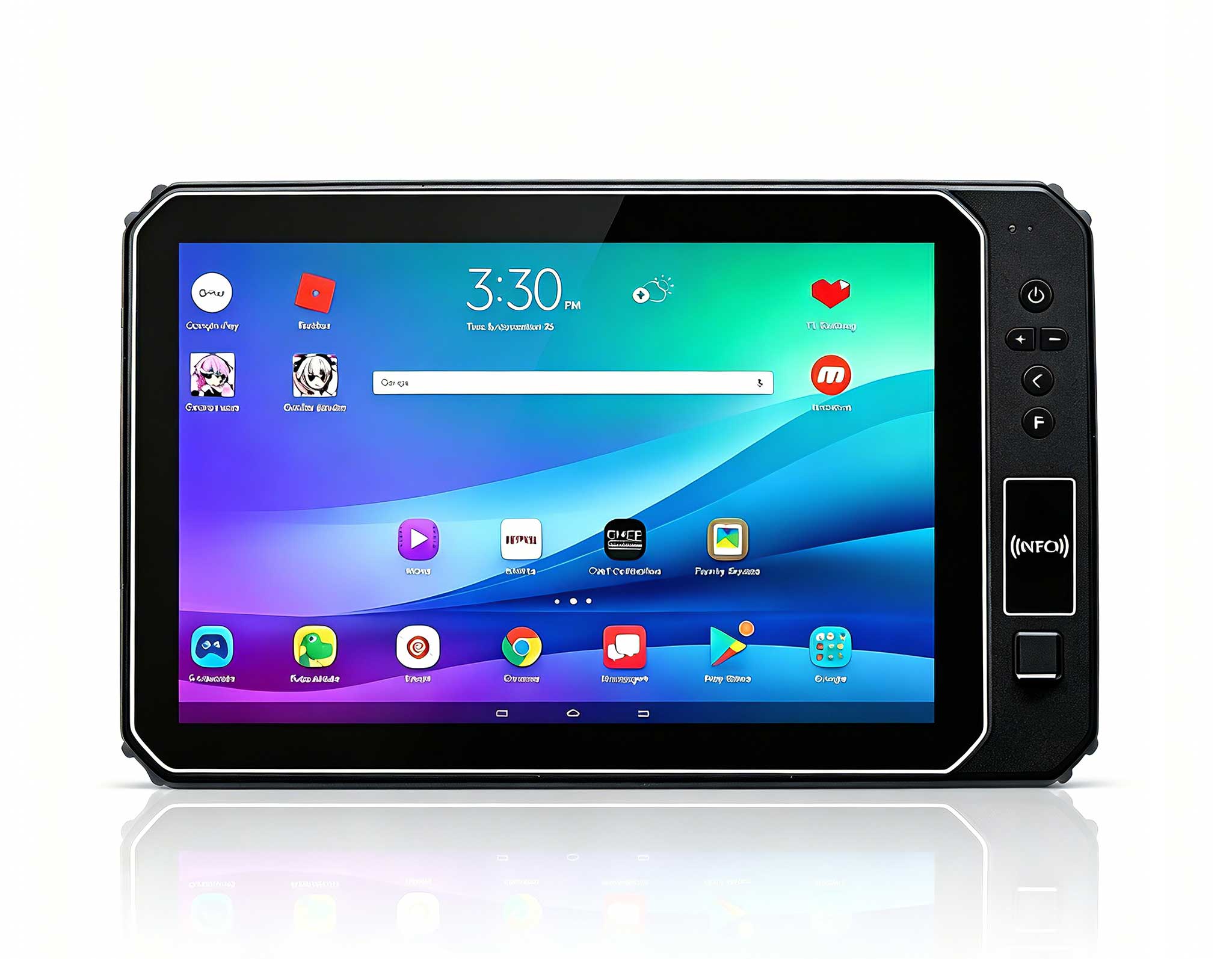
This 10-inch Android rugged tablet is designed for...
Full SpecificationsModelHotus ST13‑JOSWindows 10 P...
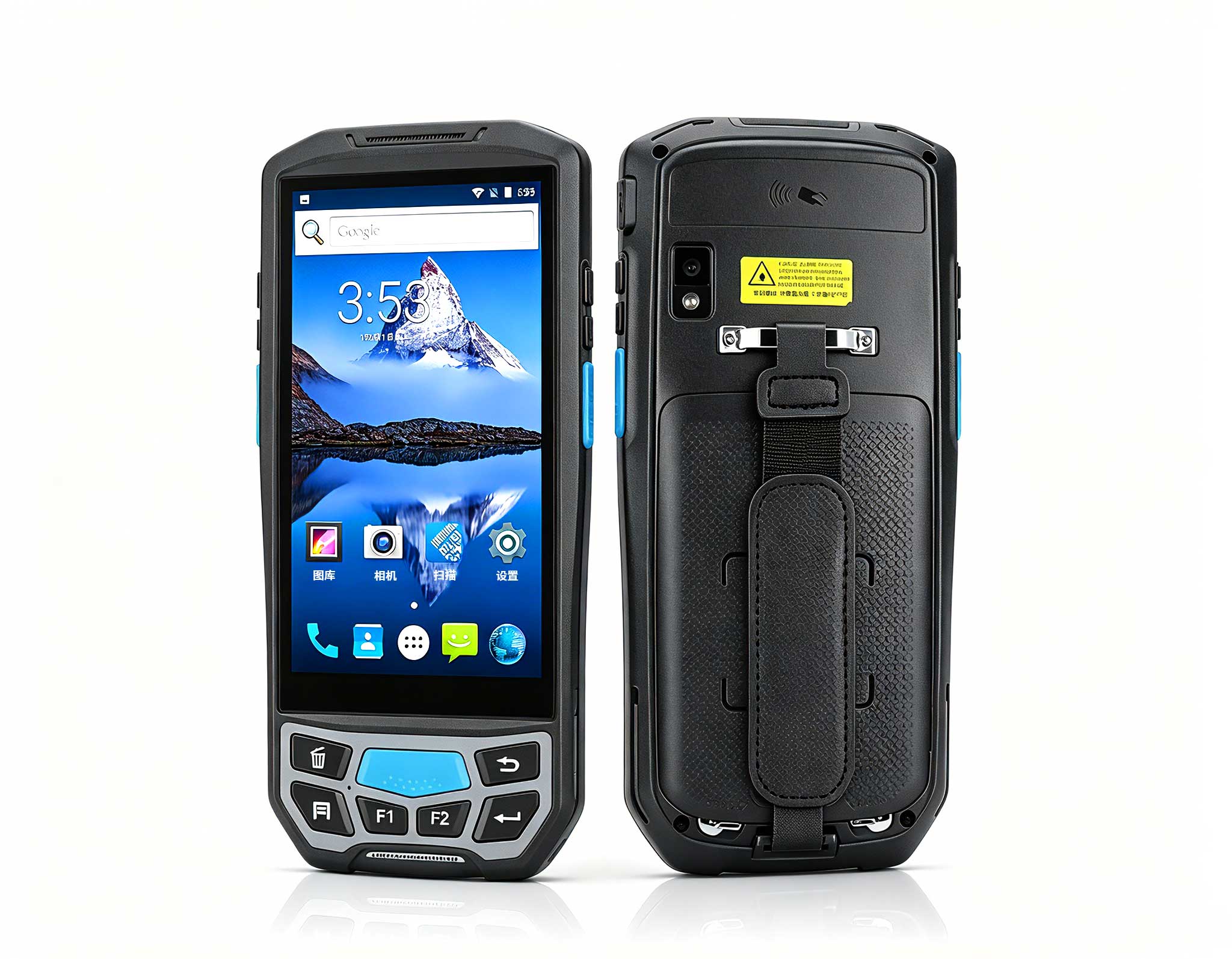
The U9000 handheld PDA combines advanced barcode s...
Every home entertainment setup eventually confronts an invisible adversary: heat accumulation trapped inside compact enclosures. As audiovisual engineers and system integrators, we frequently see premium hardware throttled not by silicon limitations, but by simple thermal neglect and poor cabinet airflow. Modern living room credenzas, TV stands, and home theater racks are notorious dust collectors. When deploying a compact Mini PC for real-time 4K/8K media decoding, local Plex transcoding, retro emulation, or AAA game rendering, your maintenance routine directly dictates system longevity, acoustic comfort, and consistent frame delivery. Integrating high-performance gaming entertainment solutions into your living space brings workstation-class computing into an elegant, discreet footprint. However, preserving peak silicon performance across years of continuous runtime demands a proactive, component-specific servicing strategy.
Field Engineer's Insight: Small form factor (SFF) platforms operate on tight thermal tolerances. Unlike sprawling mid-tower desktop chassis with hundreds of cubic inches of internal air volume, a high-density entertainment chassis relies on rapid convective exchange. A millimeter of dust over a radial blower fin stack can spike junction temperatures by 12°C to 18°C, forcing the processor into aggressive thermal throttling and degrading internal VRM capacitors over time.
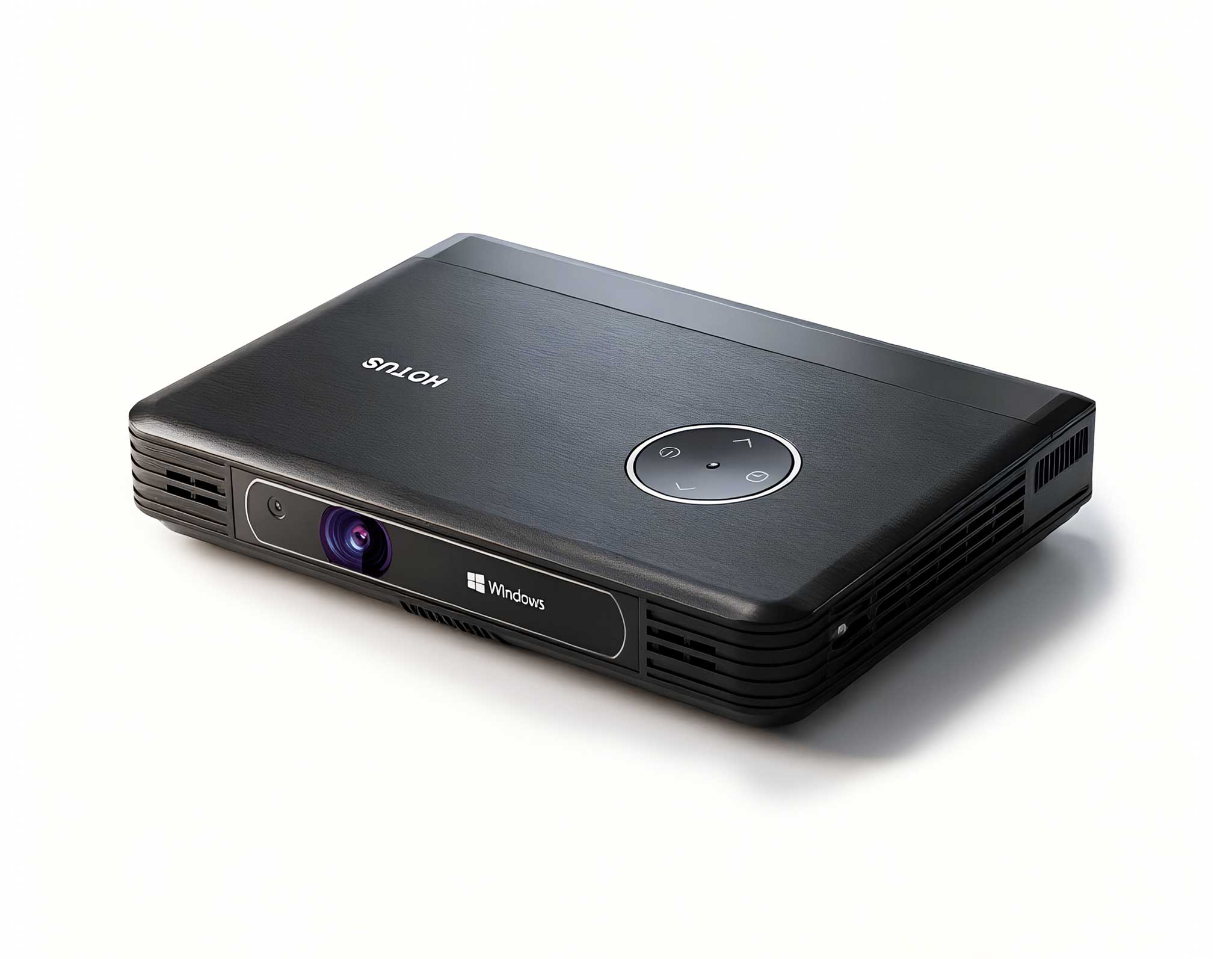
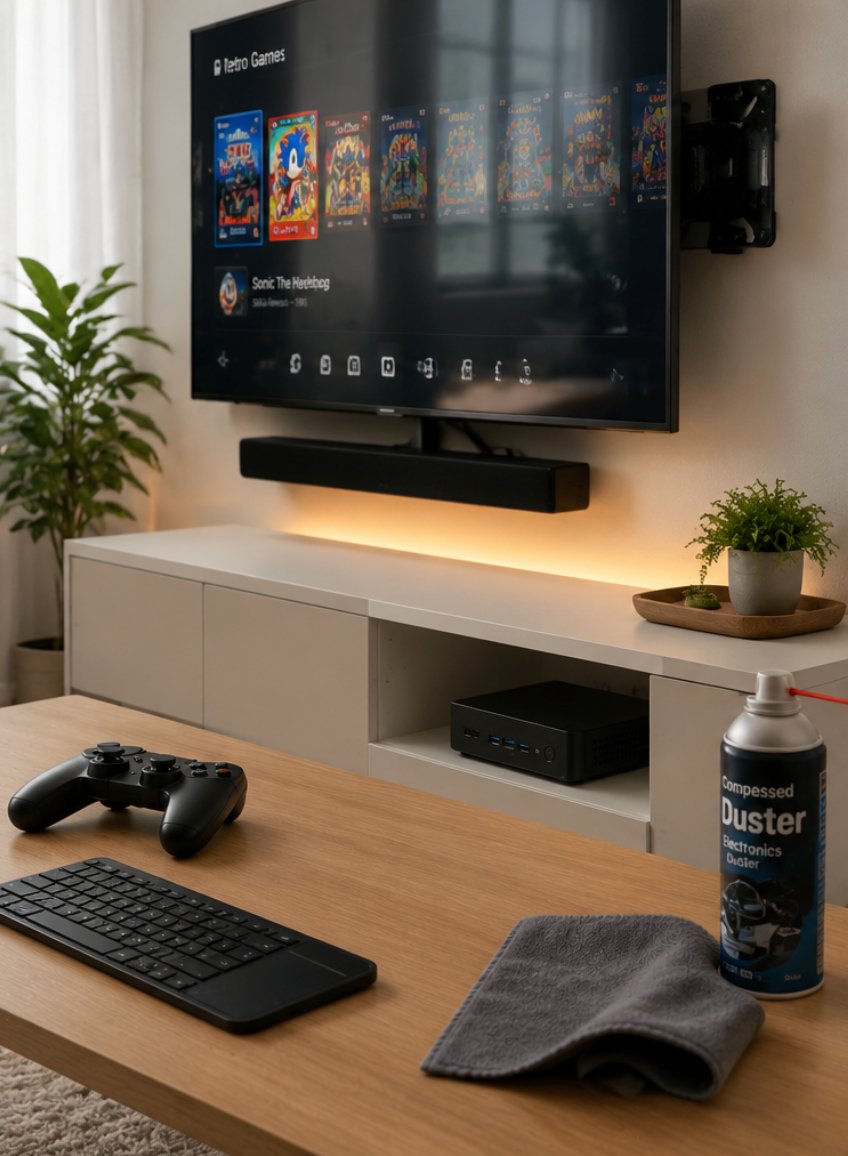
The Hotus Palm-sized miniPC delivers modern living room minimalism without sacrificing audiovisual muscle. Engineered to mount unobtrusively behind an OLED display via standard VESA brackets, fit inside shallow media consoles, or rest completely unnoticed on a floating shelf, this ultra-small form factor system packs enough compute density for continuous 4K Ultra HD HDR playback, multi-system retro emulation, and low-latency cloud gaming. By removing bulky tower chassis from the media room, it allows homeowners to achieve a clean, cable-free architectural finish.
Because the Palm-sized miniPC frequently runs within confined spatial envelopes near ambient heat sources like television panels and audio amplifiers, thermal intake clearance must be carefully preserved. Maintaining a perimeter of at least three to four inches of unobstructed space around the intake perforations prevents localized hot air recirculation. Every 60 to 90 days, use a canister of moisture-free compressed air or an antistatic electric duster to clear dust particulate from the intake vents and exhaust fins. Always execute short, controlled bursts while holding the internal blower fan stationary with a non-conductive probe to prevent bearing damage caused by over-spinning. Crucially, never place the chassis directly onto fabric surfaces, upholstered shelves, or deep-pile rugs, as stray fibers will swiftly clog the miniature heat exchanger.
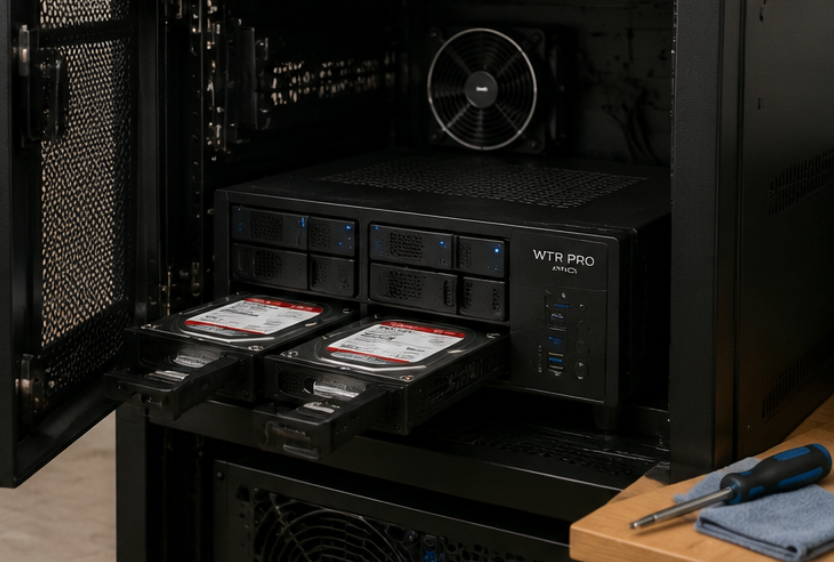
For demanding home theater enthusiasts, digital archivists, and home lab builders who require petabytes of centralized storage alongside serious processing capabilities, the Hotus WTR PRO AMD acts as the computational cornerstone of the household. Powered by a high-throughput multi-core AMD architecture coupled with an integrated multi-bay SATA and NVMe array, this hybrid NAS-workstation handles multi-stream Plex 4K HDR transcoding, uncompressed high-bitrate 8K media playback, automated network backups, and dedicated game server virtualization simultaneously. It seamlessly aggregates entire discographies, raw audio rips, and high-fidelity video libraries into a resilient, ultra-fast network resource.
Running a continuous multi-drive storage hub introduces unique mechanical, thermal, and electrical variables. Mechanical hard drives generate sustained operational heat and micro-vibrations, while high-speed NVMe scratch disks produce intense localized heat spikes during heavy ingestion passes. Establish a rigorous quarterly maintenance protocol:
Chassis and Caddy De-dusting: Power down the array safely, extract each drive caddy sequentially, and clear accumulated lint and dust ribbons from the backplane connectors and drive cages.
Fan Header and Blower Inspection: Inspect the primary exhaust fans for dynamic balance. Wipe fan blades using a dry lint-free microfiber cloth to remove oily dust film that can degrade rotational balance and induce low-frequency acoustic hum.
Predictive S.M.A.R.T. Telemetry: Run automated SMART extended self-tests monthly to track reallocated sector counts, drive temperature logs, and spin retry metrics. Address failing mechanical media before parity rebuild overhead stresses adjacent drives.
Thermal Exhaust Channeling: Ensure your entertainment cabinetry features active rear exhaust cutouts. Enclosing a multi-bay server inside an unventilated wooden cabinet causes ambient chamber temperatures to rise rapidly, which significantly reduces the mean time between failures (MTBF) of both the storage drives and power delivery circuits.
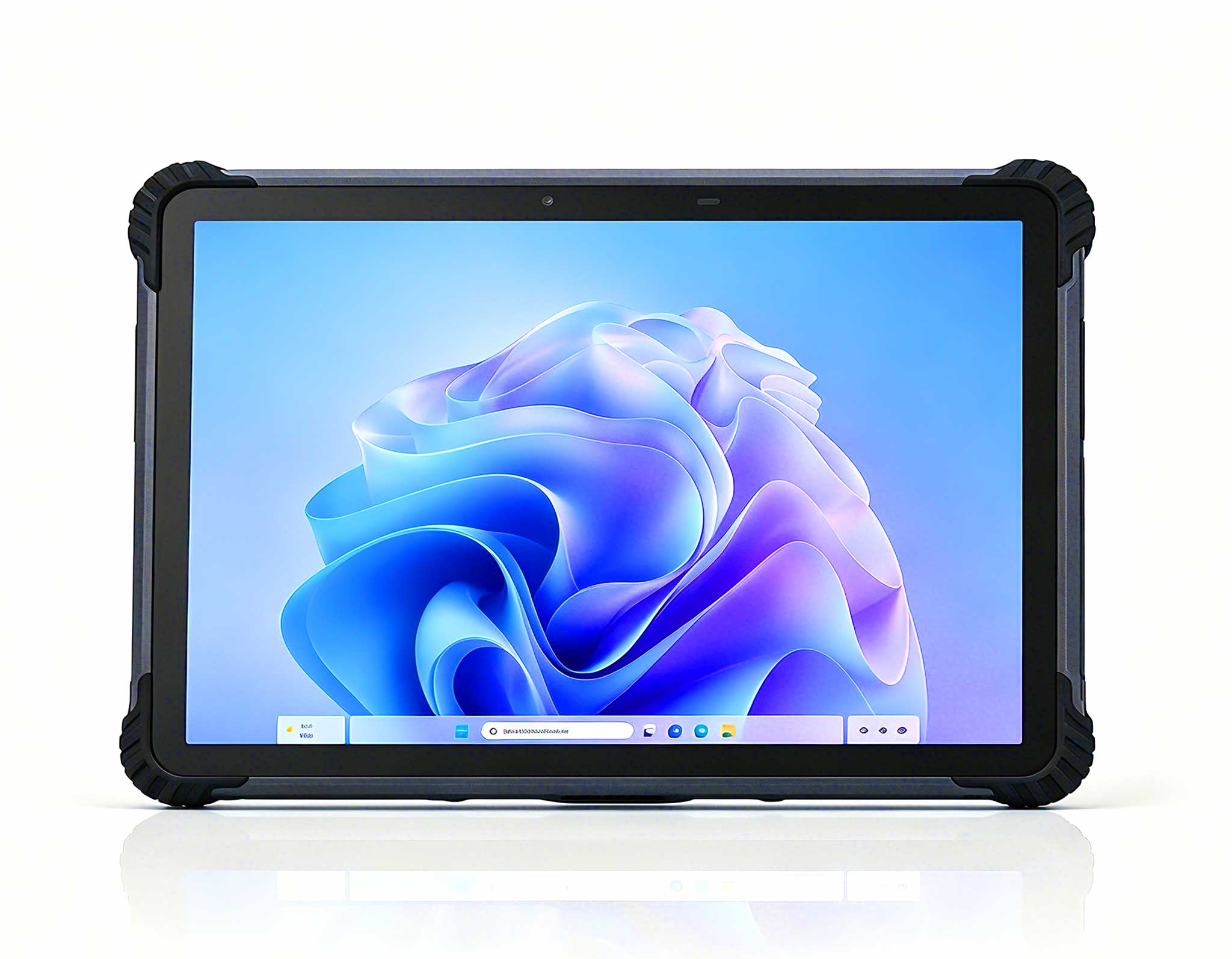
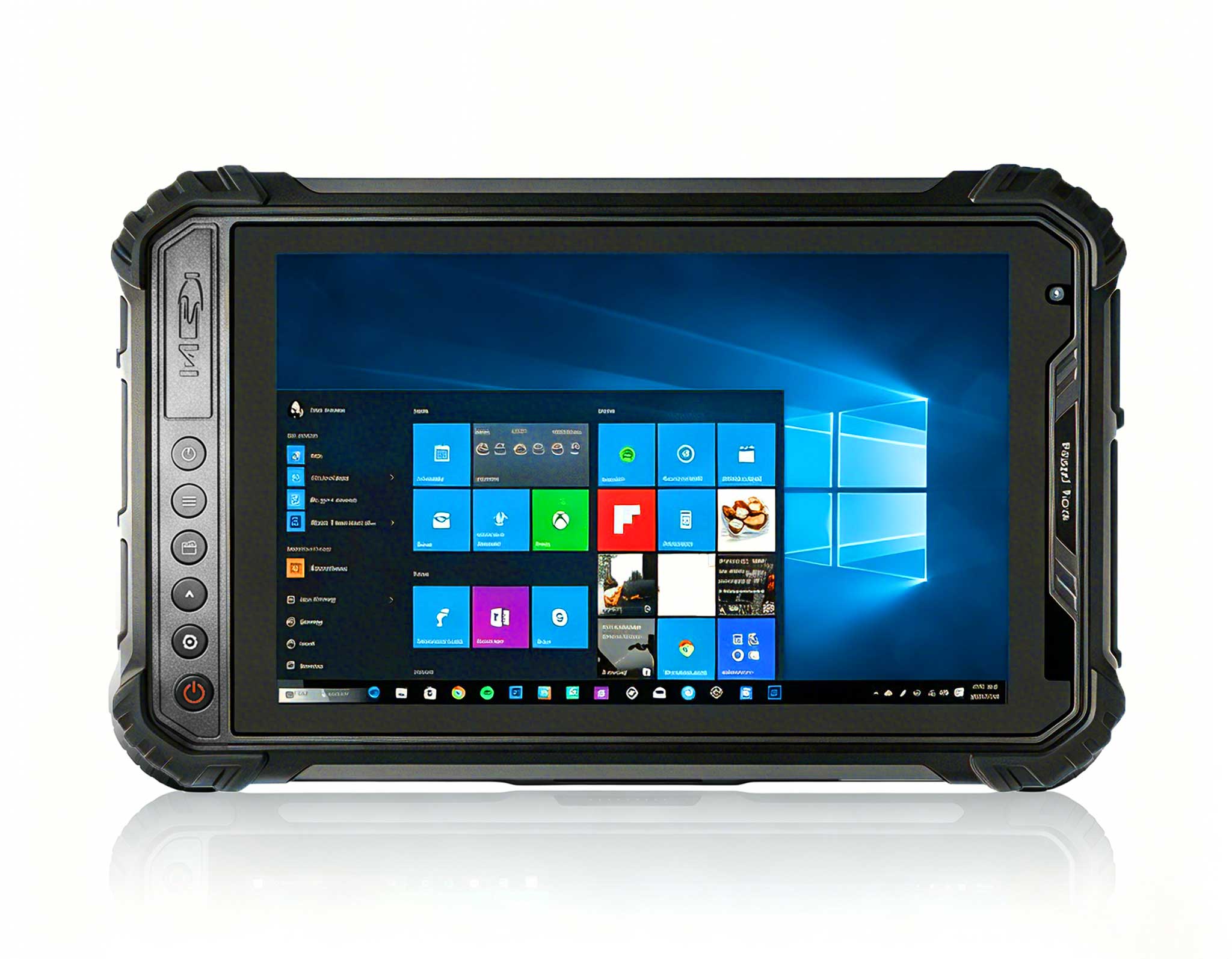
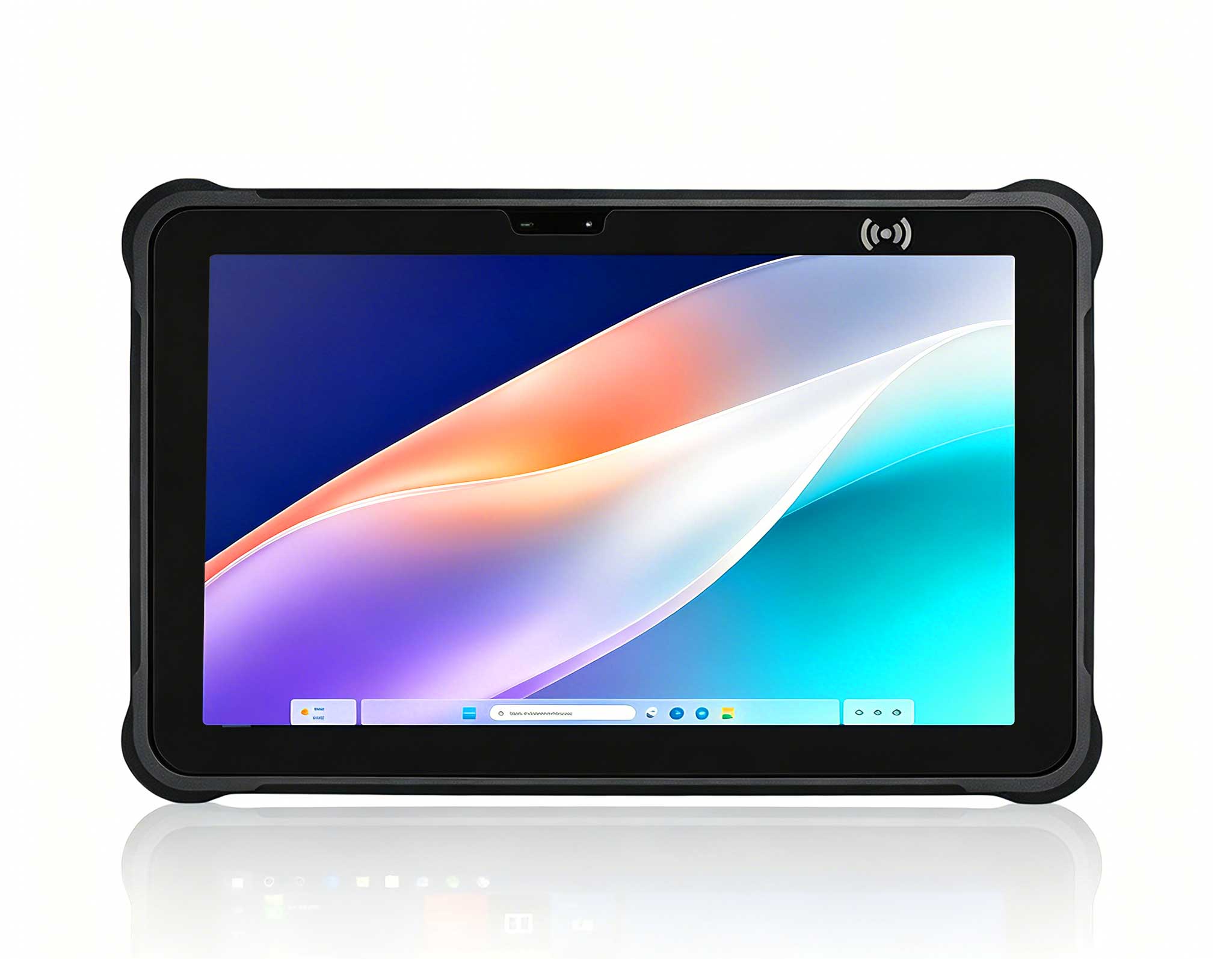
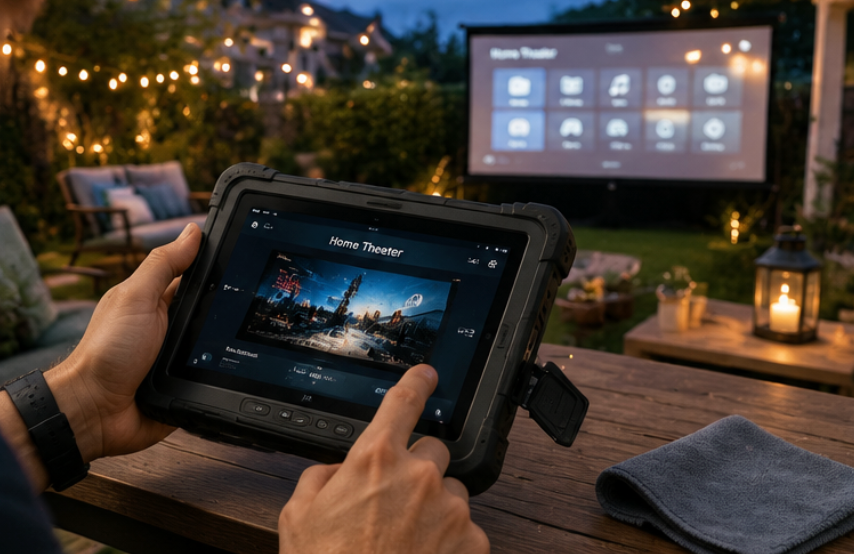
The Hotus ST11-U extends digital entertainment, smart automation, and wireless gaming well beyond the physical perimeter of the living room sofa. Reinforced with an industrial-grade drop-resistant housing, reinforced composite bumpers, and a high-nit sunlight-readable touch panel, this ruggedized platform functions as the central smart controller for multi-zone home theater matrix switchers, portable backyard movie projectors, and wireless remote-play gaming. Whether you are synchronizing outdoor patio audio zones in damp evening air or streaming high-frame-rate PC titles poolside, its rugged exterior resists dust ingress, moisture splashes, and accidental drops.
Sustaining the operational reliability of a rugged portable controller centers around port hygiene, screen integrity, and chemical battery health:
I/O Port Gasket Verification: Routinely check the perimeter rubberized port plugs and silicone dust seals. Ensure no sand, grit, or lint compromises the watertight seal before deploying the device in outdoor, poolside, or workshop environments.
Display Surface Care: Clean the bonded high-brightness touchscreen using an optical-safe, alcohol-free screen cleaner and a plush microfiber towel. Avoid aggressive chemical solvents or abrasive papers that can degrade the oleophobic and anti-glare coatings.
Lithium Polymer Battery Chemistry Management: For devices deployed primarily as fixed smart home control terminals, avoid keeping the battery pegged at continuous 100% state-of-charge while exposed to radiant heat. Implement partial discharge-recharge cycles or utilize firmware charge-limiting profiles (capping charge at 80%) to minimize electrolyte degradation and prevent battery swelling over years of ownership.
Selecting the optimal device and aligning its scheduled servicing routine ensures uninterrupted performance across every sector of your connected home ecosystem. Below is an engineering overview comparing physical profiles, workload capacities, and preventative maintenance priorities.
| Model | Primary Form Factor | Key Hardware Architecture | Entertainment Deployment | Core Maintenance Protocol |
|---|---|---|---|---|
| Palm-sized miniPC | Ultra-compact Pocket Chassis | Low-TDP High-Efficiency SoC, 4K HDR Output, NVMe Storage | Living room streaming, retro gaming, silent media playback | Bi-monthly vent de-dusting, airflow perimeter checks |
| WTR PRO AMD | Multi-Bay Hybrid NAS Chassis | High-Performance AMD Processor, Multi-Bay SATA/NVMe Array | Plex/Emby 4K/8K media transcoding, server hosting, master backup | Quarterly fan hygiene, backplane cleaning, drive S.M.A.R.T. monitoring |
| ST11-U | 10.1-inch Ruggedized Tablet | IP-rated Drop-proof Shell, High-Nit Display, Extended Li-ion Pack | Theater automation master terminal, patio streaming, portable gaming | Silicone port gasket checks, screen sanitization, battery health cycling |
Hardware maintenance is only half the battle. Software bloat, misconfigured background processes, and unoptimized operating system settings can cause cooling fans to run continuously at maximum RPM, accelerating dust ingestion and bearing wear. Implementing a few system-level optimizations drastically improves thermal behavior and reduces component stress:
Fan Curve Calibration in UEFI/BIOS: Configure custom acoustic-thermal profiles inside your system BIOS. Setting smooth step-up intervals rather than aggressive, instantaneous ramp spikes eliminates annoying fan whine during momentary CPU utilization bursts.
Hardware-Accelerated Codec Offloading: Verify that media players such as MPC-HC, VLC, Kodi, or Plex Home Theater are properly configured to leverage hardware video decoding (Direct3D11, VAAPI, or NVDEC). Offloading 10-bit HEVC, VP9, and AV1 decoding to the integrated GPU saves substantial CPU power, dropping package temperatures by up to 25°C during 4K HDR playback.
Background Service Pruning: Audit startup tasks and telemetry services. Disable unnecessary indexing services on solid-state system drives to reduce write amplification and eliminate parasitic background processor draw during idle home theater states.
Thermal Paste Renewal Interval: Under sustained media server or gaming workloads, high-conductivity thermal paste between the CPU die and heat exchanger dry out over time. Consider replacing the factory thermal interface material with high-grade non-conductive thermal paste every 24 to 36 months to restore peak thermal conductivity.
Every home infrastructure presents distinct spatial constraints, performance targets, and maintenance environments. Aligning your computing hardware with your actual usage pattern ensures optimal system life and user satisfaction:
The Minimalist Living Room Setup: If your priority is an uncluttered, dead-silent media hub hidden neatly behind a wall-mounted display, choose the palm-sized architecture. It delivers flawless 4K 60Hz streaming, retro console emulation, and web navigation with minimal power draw and simple