- Select Language
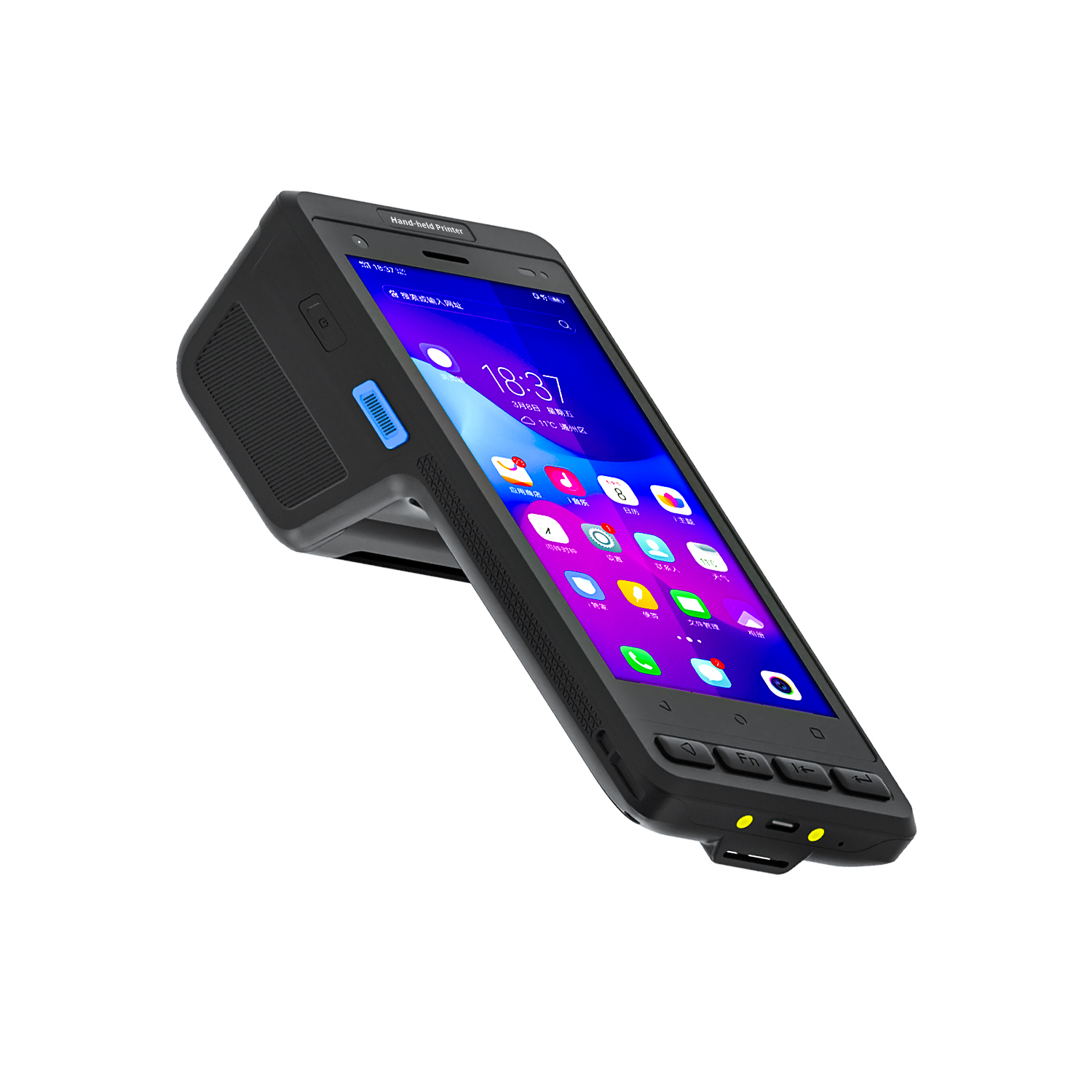
The N40 Android smart PDA features a Cortex-A53 qu...
R366-S 5.5-inch Industrial PDA | Qualcomm Octa-cor...
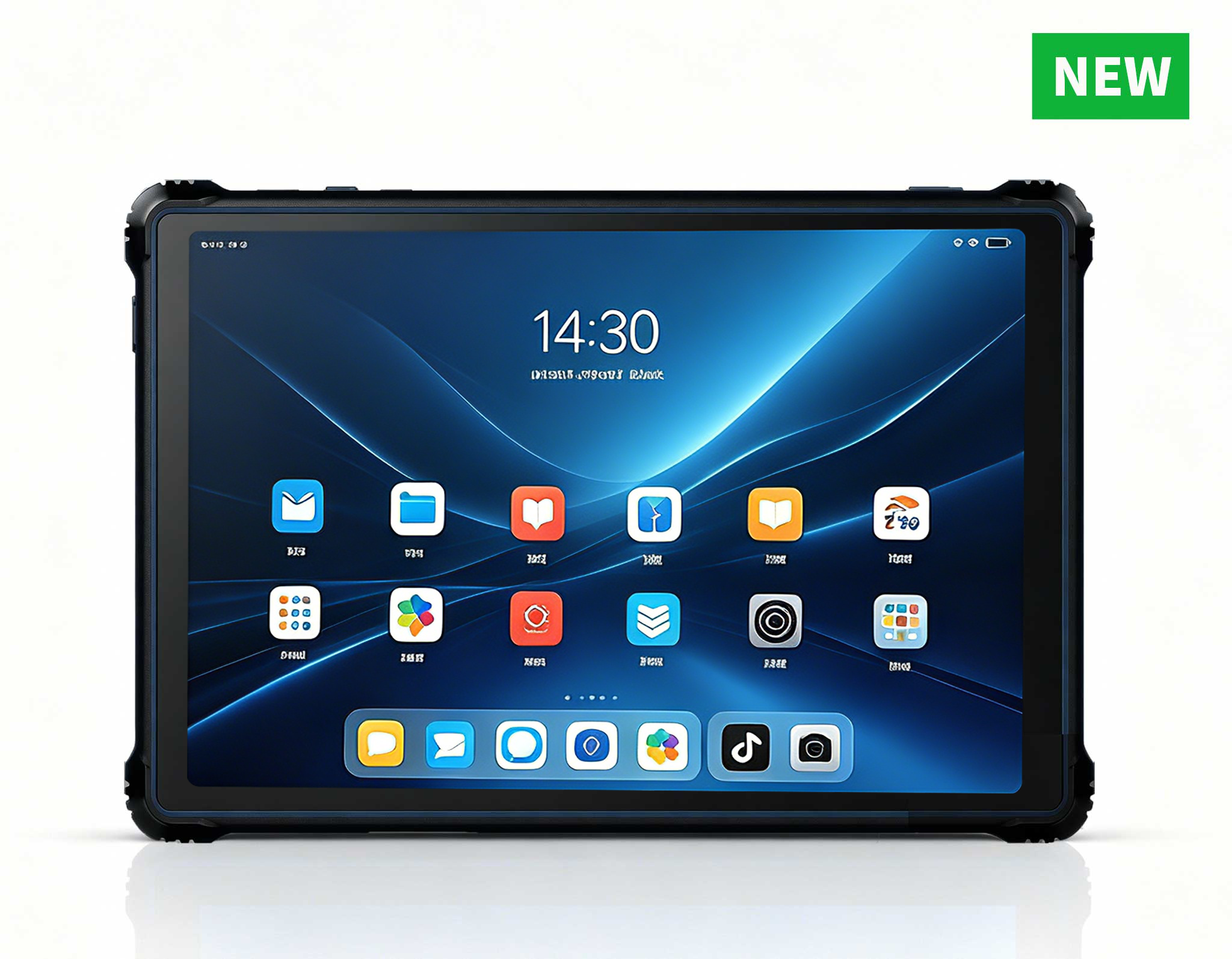
RT82 5G Rugged Tablet | 10.1" FHD 400nit | Qu...
Full SpecificationsModel Hotus SH5‑WOperating ...
The T80 handheld PDA combines advanced barcode sca...
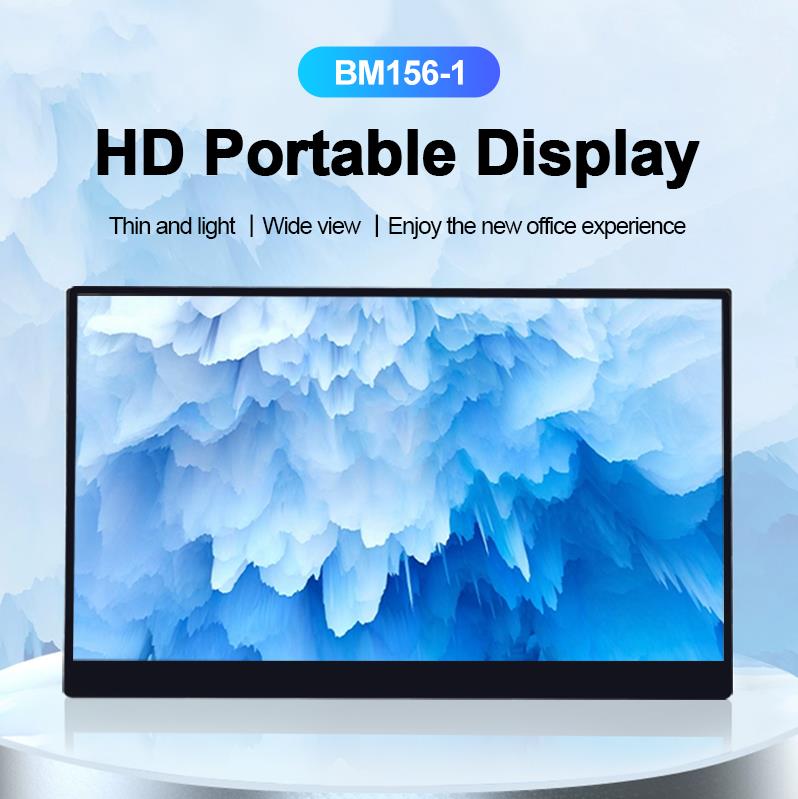
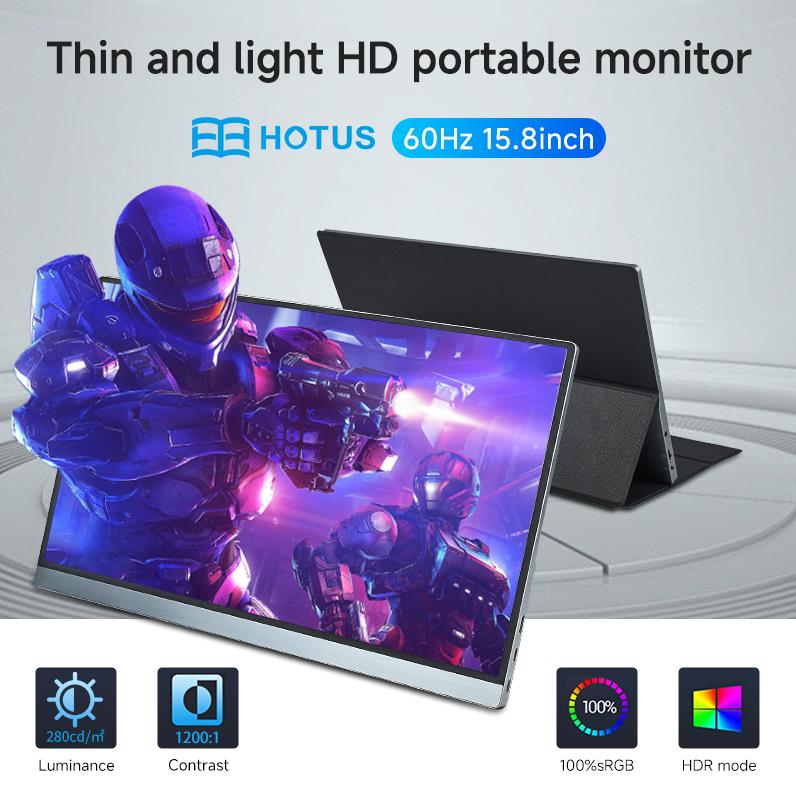
The PM158-1 is a 15.6-inch portable touchscreen mo...
Technical SpecificationsModel: Palm-sized miniPCTy...
RT80 5G Rugged Tablet | 10.1" FHD 400nit | Un...
R366-S 5.5-inch Industrial PDA | Qualcomm Octa-cor...
Full SpecificationsModelHotus ST13‑UOSWindows 10 P...
Maintenance instructions: Store at room temperatur...
Time is the scarcest resource in any Remote Work Home Office operation. Every minute lost to a frozen screen, an overheated processor or a drained battery is a minute that could have gone to clients, deadlines or quiet focus. With the WTR PRO AMD, SH6 and ST9-J, teams can cut operational inefficiency significantly while maintaining quality, but hardware only stays dependable when it is looked after properly. A smart maintenance routine keeps every unit running at full performance and extends the working life of your investment.
The WTR PRO AMD serves as the computing core of a modern home office. Its rugged mini PC chassis keeps processing power close to the workspace, driving monitors, communication tools and business applications without the noise and bulk of a traditional tower. The SH6 and ST9-J add mobility, giving home-based staff and field teams reliable touchscreen devices that handle inventory, inspection and reporting tasks anywhere in the house or on the road.
Together, these three devices form a complete and dependable workspace. Teams that deploy them as an industrial solution for Remote Work Home Office benefit from consistent performance, easier support and a simpler upgrade path. Once the setup is running, the next step is keeping it healthy through regular maintenance and care.
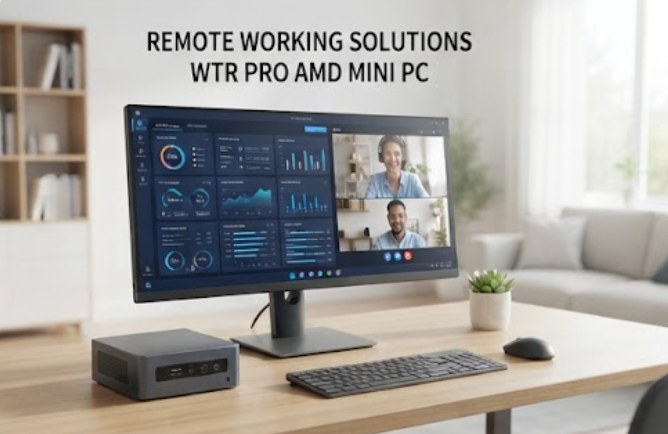
Dust is the quiet enemy of every computer. In a home office, dust gathers on vents, ports and screens within days, and it directly affects cooling and visibility. Start with a soft, lint-free microfiber cloth for all exterior surfaces. For the WTR PRO AMD, wipe the top and side panels where dust settles and check the front intake vents every week. A few minutes of wiping at the start of each week prevents grime from hardening into layers that require far more effort to remove later.
For the SH6 and ST9-J touchscreens, use a slightly damp cloth with distilled water or a screen-safe cleaner. Avoid alcohol-based sprays, which can damage the oleophobic coating over time. Keep food and drinks away from the devices, and if you handle the tablets near windows or on carpets, wipe them down at the end of each day. The same discipline applies to the rugged mini PC solutions that anchor your home setup: a quick daily wipe prevents buildup that leads to overheating.
The WTR PRO AMD runs demanding workloads, and heat is its main stress factor. Keep the mini PC on a hard, flat surface with at least ten centimeters of clearance on every side. Never block the exhaust fans with papers, folders or cables. If you notice the fan spinning loudly or the chassis feeling hot, clean the internal fans and heat sinks with compressed air at least every three months.
In warmer months, position the device away from direct sunlight and windows. An ambient temperature below 30 degrees Celsius keeps the AMD processor in its comfort zone and reduces the risk of thermal throttling during video conferences and heavy multitasking sessions.
Software maintenance is just as important as hardware care. Enable automatic Windows updates on the WTR PRO AMD, SH6 and ST9-J so security patches and driver fixes install without manual reminders. Check for firmware updates from the manufacturer quarterly, and reboot all three devices at least once a week to clear cached processes and keep the operating systems stable. Set aside a few quiet minutes each week for these reboots so they never interrupt a live session.
The 6.5-inch Windows SH6 Rugged Industrial Tablet is a favorite for mobile tasks around the home office, while the 8-inch Windows ST9-J Rugged Industrial Tablet offers a larger canvas for documents, diagrams and presentations. Both rely on internal SSDs, so keep at least twenty percent of storage free and monitor drive health through the built-in storage tools. Back up work files to a separate drive or cloud service every week so a hardware fault never becomes a data loss event.
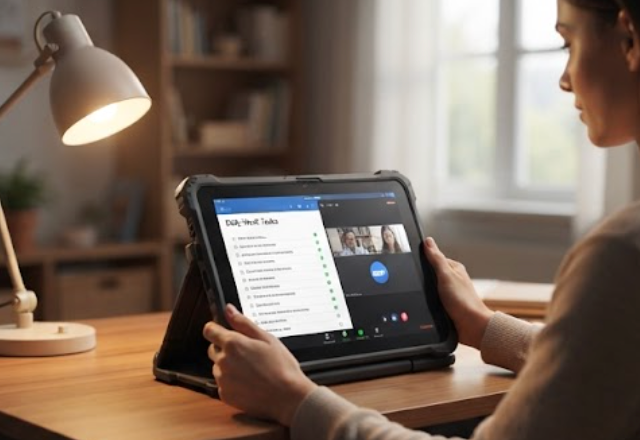
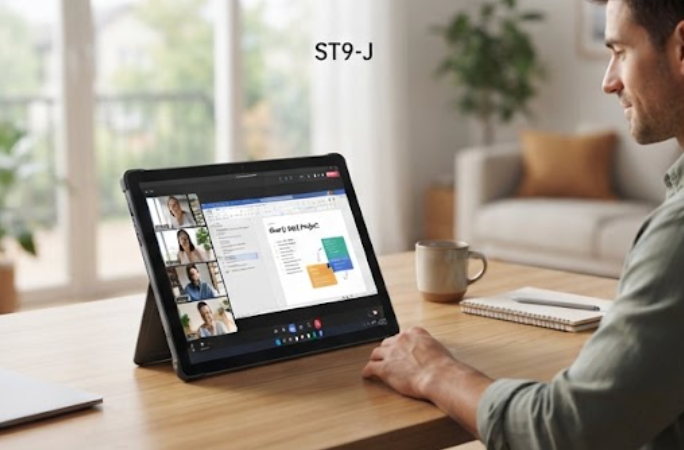
Batteries are the first components to age on portable devices. For the SH6 and ST9-J, avoid letting the battery drop below twenty percent before recharging, and avoid keeping it at one hundred percent for extended periods. A charge range between thirty and eighty percent is ideal for long-term battery health. Use only the original charger and cable that came with the tablet, or a certified replacement, because incompatible power adapters can damage the battery and the charging circuitry. Heat accelerates battery aging faster than almost anything else, so charge in a ventilated spot and keep the tablets out of hot cars and direct sunlight.
If a tablet will sit unused for more than a week, store it at around fifty percent charge in a cool, dry place. This simple habit dramatically slows capacity loss and keeps the devices ready when remote work demands spike.
Day one: unpack and charge all units, configure the transmitter and pair each device with the main workstation. Day two: conduct a site survey of your home office, adjust placement for best coverage, and test connectivity in every room where work happens. Day three: train staff on daily operations, run test sessions and confirm audio and display quality. Week one: collect feedback and make small adjustments to placement and settings. Month one: review performance metrics and optimize power settings and update schedules. Keep a short log of what was adjusted and when; it makes the monthly review far easier.
Following this routine builds a habit of care from the very first day. Units that are set up correctly and maintained consistently rarely fail in the middle of an important call. When a problem does surface, the log and the routine make it easier to isolate the cause and fix it before it spreads to other units.
The table below summarizes how care differs across the three models. Each device has a different role, and matching the right maintenance routine to each role keeps the whole system healthy. Use the right-hand column as a quick checklist whenever you plan a maintenance session.
| Model | Position | Weight | Maintenance Priority |
|---|---|---|---|
| WTR PRO AMD | Rugged mini PC | Compact desktop unit | Fan cleaning, thermal care, BIOS updates |
| SH6 | Rugged industrial tablet | Lightweight handheld | Screen care, charging cycles, reboot routine |
| ST9-J | Rugged industrial tablet | Portable slate | Port inspection, OS updates, storage health |
A leading organization in the Remote Work Home Office sector recently transformed their daily operations by deploying WTR PRO AMD, SH6 and ST9-J. Within three months, they reported a 40% reduction in setup time, zero audio complaints, and staff who could finally focus on their work rather than troubleshooting equipment. Regular cleaning schedules and quarterly thermal maintenance kept every unit in service, with no emergency replacements.
The measurable outcomes are clear: 50% reduction in equipment preparation time, 80% fewer audio-related complaints, and battery life that covers full-day operations without mid-day charging. Employees and visitors alike appreciate the comfortable, high-quality experience these devices deliver day after day. The lesson is not that the hardware was unusual, but that a small amount of structure around maintenance produced outsized returns.
Maintenance is an investment that pays back many times over. A clean device runs cooler, a cooler device runs faster, and a well-maintained device lasts years longer than a neglected one. Apply the cleaning, thermal, software and battery routines in this guide, and your WTR PRO AMD, SH6 and ST9-J will serve you reliably through every remote work season.
If you are building a new home office setup or upgrading an existing one, explore our mini PC solutions to find the right foundation for your workspace, then pair it with the rugged tablets that suit your daily tasks.