- Select Language
Explore an innovative Personal Digital Assistant f...
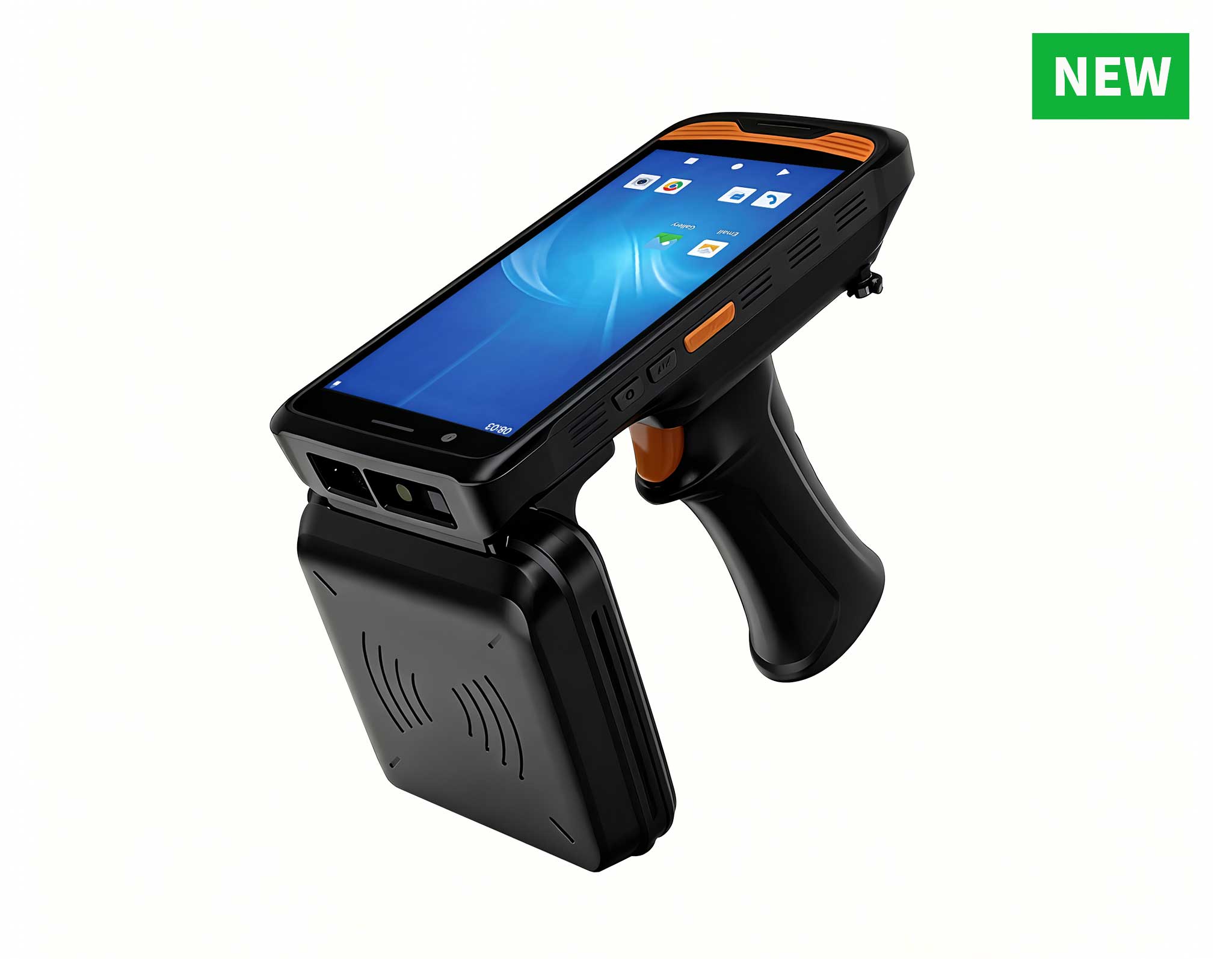
R366-S 5.5-inch Industrial PDA | Qualcomm Octa-cor...
R860-S 5.5-inch Industrial PDA with Thermal Printe...
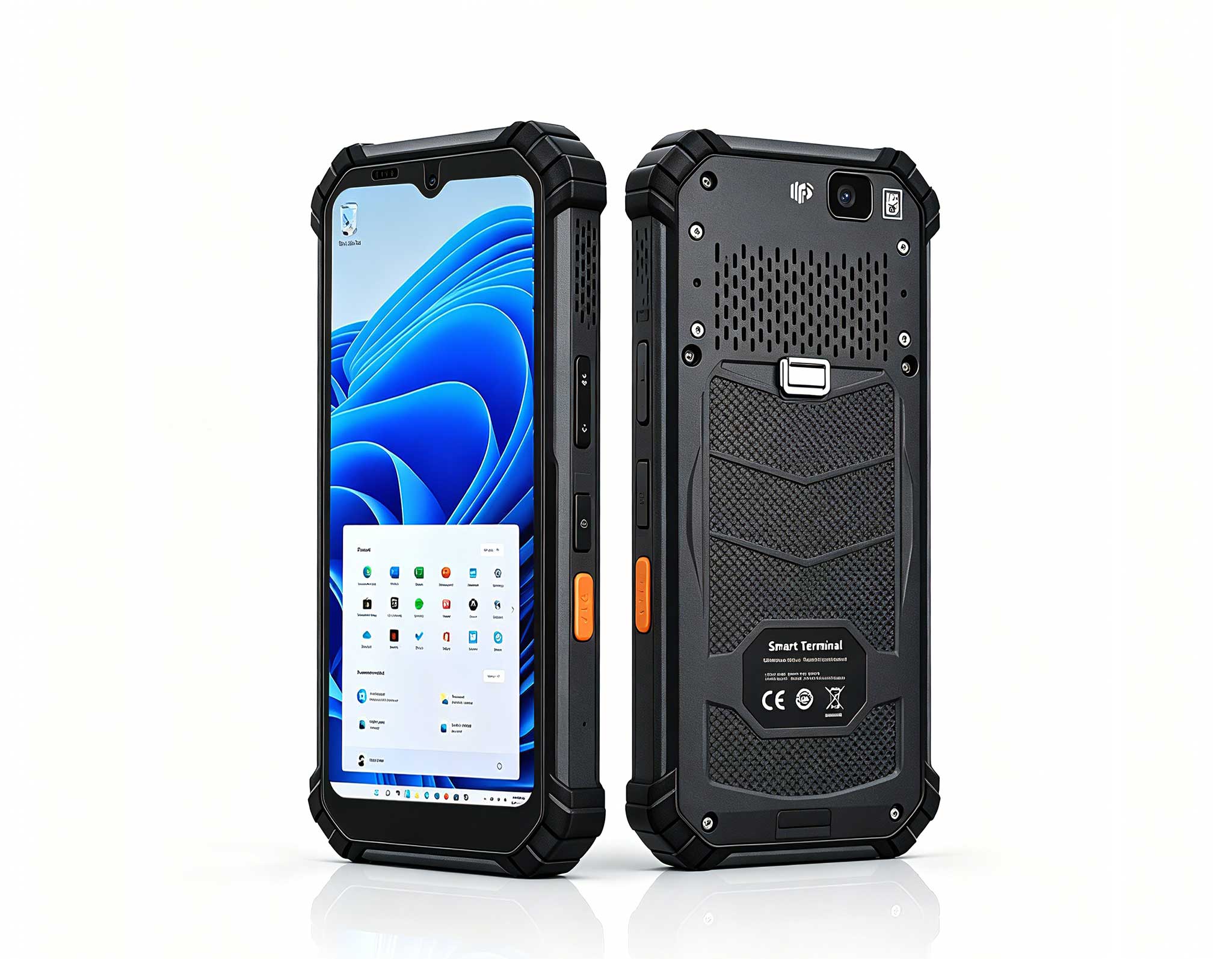
Full SpecificationsModelHotus ST13‑JOSWindows 10 P...
R366C-S 5.5-inch Industrial UHF RFID Reader | Qual...
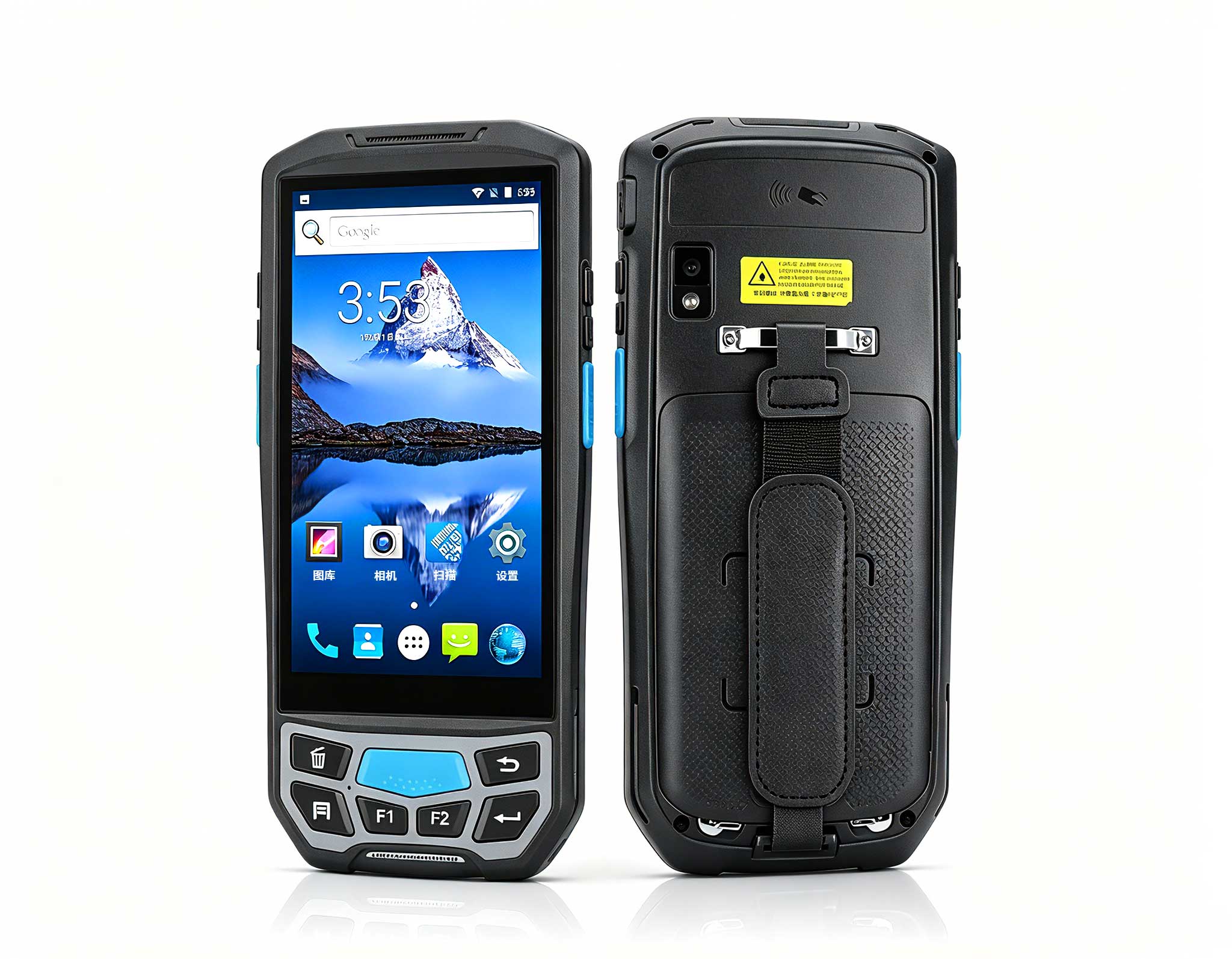
The U9000 handheld PDA combines advanced barcode s...
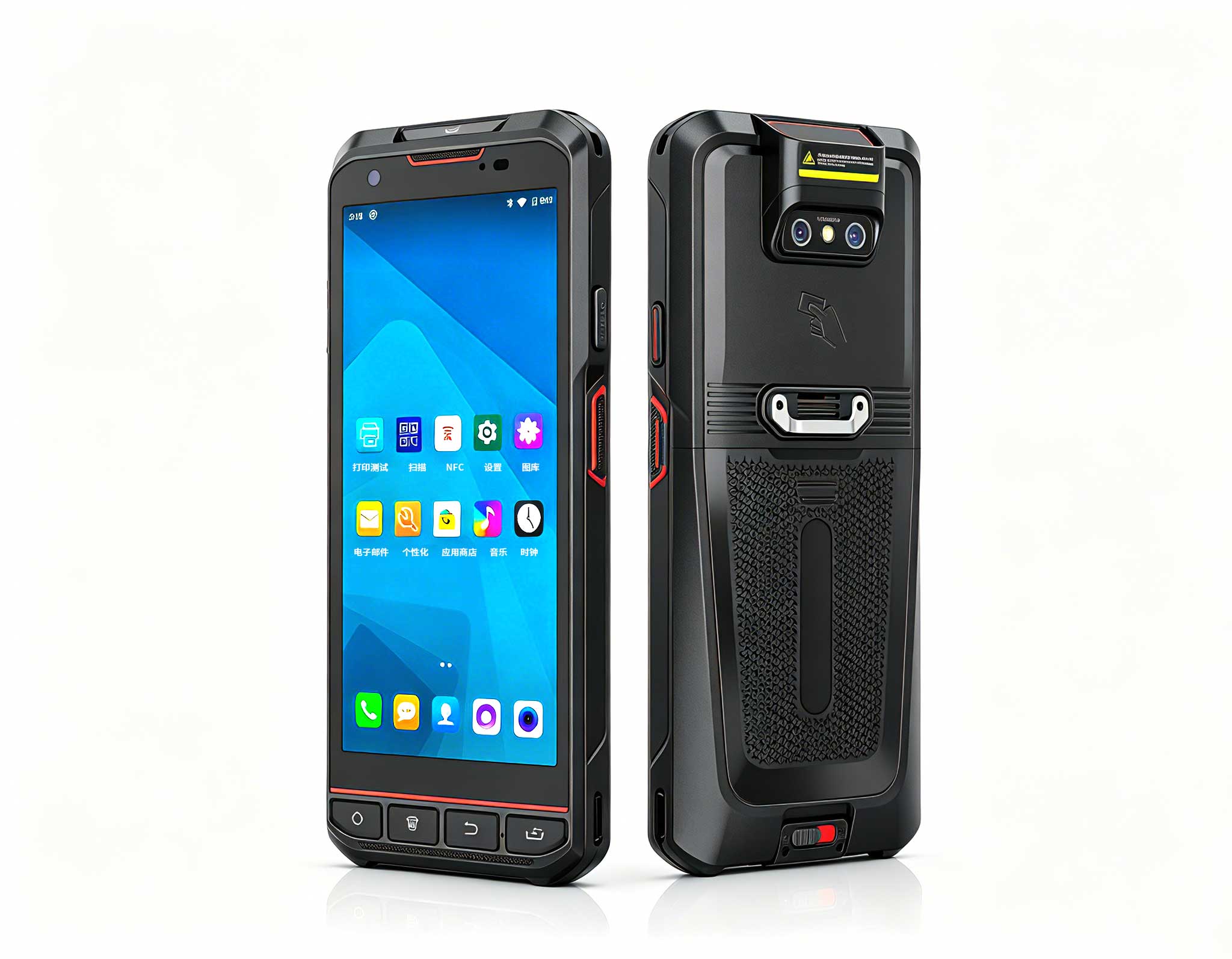
The X501 Handheld PDA combines advanced barcode sc...
R366-S Thin 5.5-inch Industrial PDA | Qualcomm Oct...
Picture a school computer room where the morning bell means the start of seamless lessons: every student can hear the instructor, every workstation responds the instant it is touched, and the IT team spends its energy supporting teaching instead of chasing hardware failures. That is the experience the HTNJ08B Rugged Tablet, ST9-M, and ST11-J are designed to deliver. Yet before any of that can happen, schools face a more demanding question: does the hardware actually meet the compliance and standards that modern education institutions are expected to uphold? This guide walks through the safety, durability, ergonomics, and deployment requirements that an education computer room must satisfy, and shows how the right industrial hardware answers each one.
For schools planning to replace aging computer rooms, the first step is to choose an industrial solution for Education that is built with compliance in mind from the start. Consumer-grade devices frequently fall short: they arrive without the certification documentation schools need, they cannot survive daily student handling, and they buckle under the sustained load of continuous classroom use. Purpose-built industrial hardware closes that gap, giving procurement teams documented evidence rather than hopeful promises.
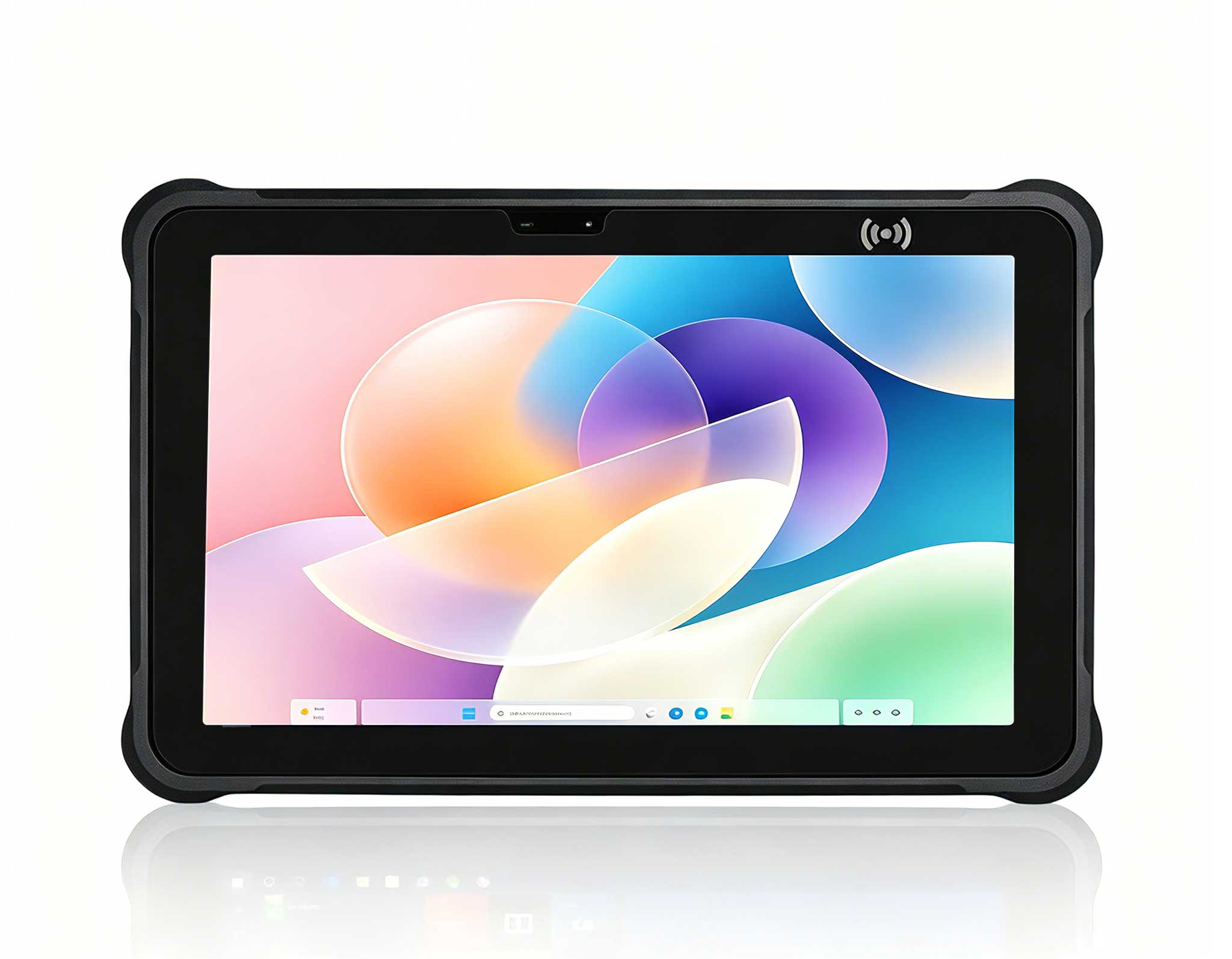
Few environments test hardware as severely as a school. Tablets shuttle between classrooms, pass from one pair of hands to the next, and ride along on field trips in backpacks and equipment bins. This is where the HTNJ08B Rugged Tablet earns its place in a compliance strategy. Its sealed, fanless chassis keeps out dust and moisture, runs quietly enough not to disrupt a lesson, and eliminates the moving parts that tend to fail first in consumer designs. That rugged construction translates directly into longer asset life and maintenance budgets that remain predictable from one term to the next.
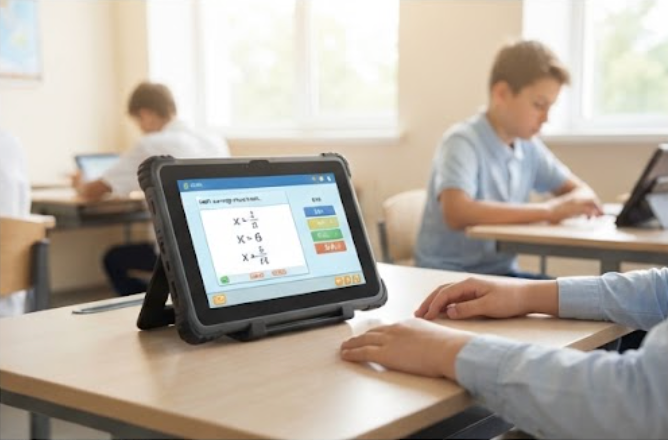
Durability keeps appearing in education procurement policy, and for good reason. Tenders and audits routinely ask whether a device can tolerate drops, rough handling, and long duty cycles across a full school year. A rugged tablet engineered for continuous classroom use answers yes, shielding the school from the cost and disruption of frequent replacements. In practical terms, industrial-grade construction stops being a mere purchasing preference and becomes a compliance decision that protects both the budget and the learning environment.
Education environments are dense by design. Dozens of devices share one room, one power network, and one cooling system, which makes electrical safety and thermal management genuine concerns rather than technical footnotes. Responsible vendors document the certifications that matter most to schools, including electrical safety, electromagnetic compatibility, and restricted-substance compliance. Verifying these credentials has become standard practice in school IT governance, especially for devices that minors use for several hours every day.
Fanless computing sits at the center of meeting those requirements. Industrial devices generate less heat and draw less power, easing the load on classroom air conditioning and reducing the risk of overheating on warm days. For adjacent stations such as teacher desks and lab controllers, pairing tablets with rugged mini PC solutions keeps the entire room on one compliant, low-noise platform that the IT team can manage as a single system.
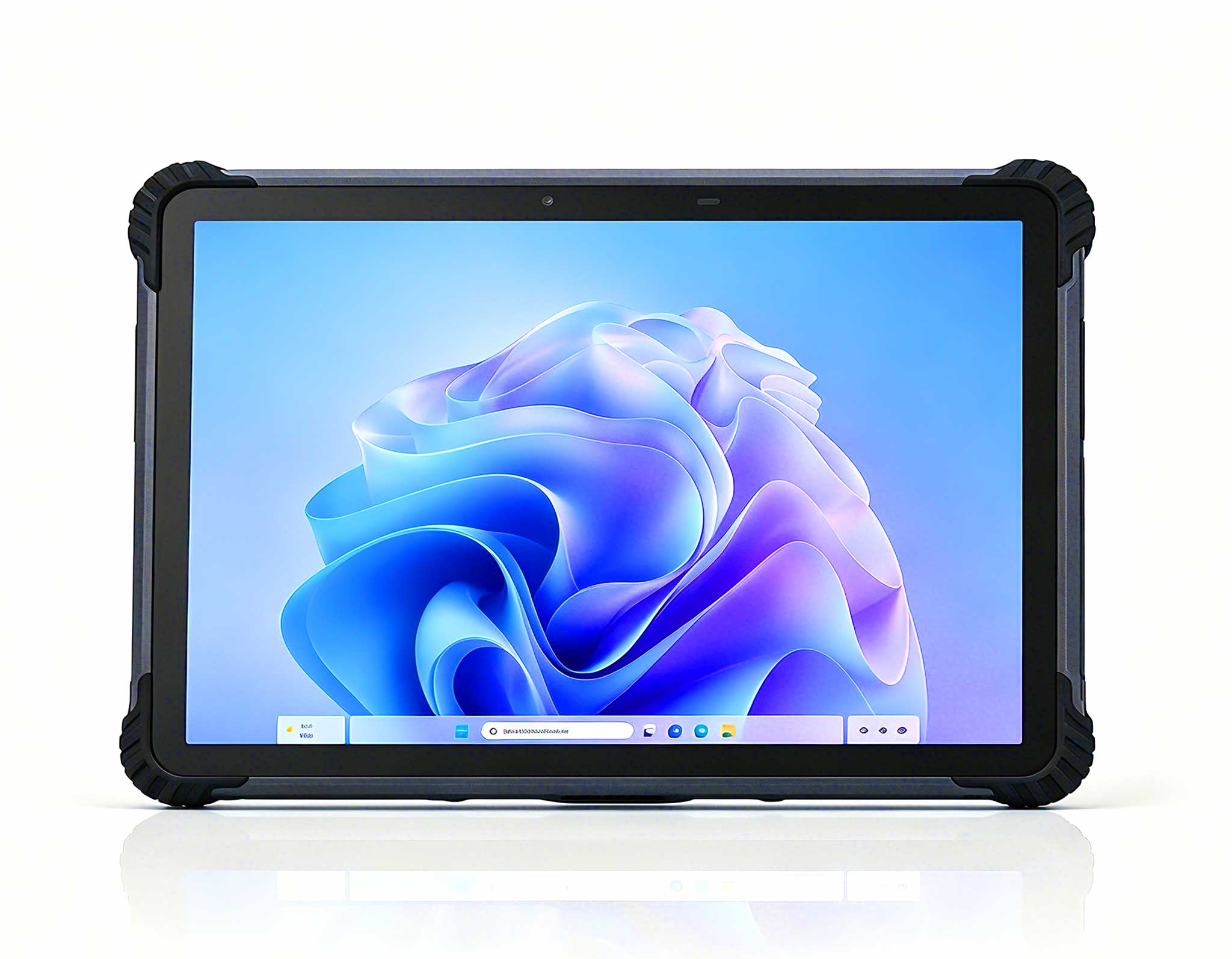
The classroom workstation is where compliance meets daily reality. Licensed software, exam platforms, and digital textbooks all assume a predictable operating system, which is why Windows remains the standard across most school districts. The 10.1-inch Windows ST11-J Rugged Industrial Tablet offers a generous display for shared reading and group work while staying compact enough for dense lab layouts. Its screen suits interactive lessons and testing software, where readability and touch accuracy directly influence student outcomes.
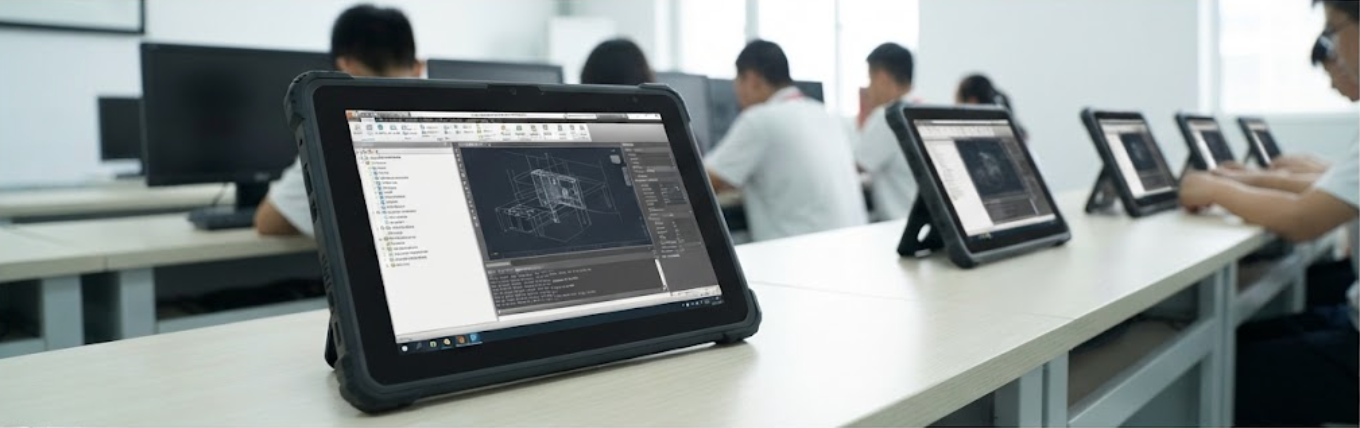
For tighter workspaces, the 8-inch Windows ST9-M Rugged Industrial Tablet delivers the same compliance-friendly characteristics in a lighter, more portable package. ST9-M units can be stored between classes, moved to collaborative corners, or deployed in rows without crowding the desks. Both models share a single Windows ecosystem, so IT teams apply one imaging standard, one security policy, and one update cycle across the whole room. That uniformity is precisely what school IT governance frameworks reward during review and audit.
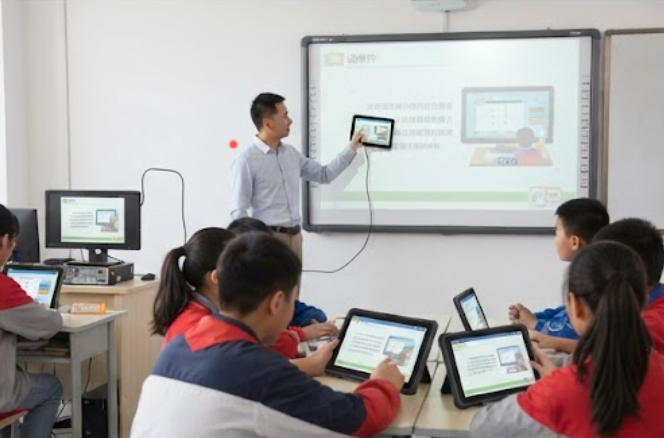
Students can spend consecutive periods in front of a screen, which turns ergonomics and eye comfort into a legitimate compliance topic. School IT guidelines consistently emphasize controlled viewing distances, adjustable positioning, and displays that reduce strain during prolonged reading. The large ST11-J touch display supports sensible viewing distances for group work, while the compact ST9-M allows flexible desk arrangements that adapt to different room shapes and lesson types. Simple everyday practices, such as sensible brightness levels and scheduled breaks, complete the routine.
Device heat is another quiet comfort factor that often goes unnoticed. A warm tablet becomes uncomfortable during long sessions and can heat up small workspaces, particularly in summer. Fanless, low-power designs run noticeably cooler on the surface, which matters when devices sit directly on students' desks for hours. By addressing heat, noise, and viewing comfort together, the room satisfies both the letter and the spirit of student wellbeing standards.
The key to a smooth rollout is preparation. Before the equipment arrives, pre-plan the room layout, identify high-traffic areas that need reinforced cabling, and designate a secure charging station that keeps devices powered and accounted for. A well-planned deployment of ST9-M, ST11-J, and HTNJ08B units takes less than a day, and documenting serial numbers, certificates, and warranties as you go makes future audits far easier to pass.
Ongoing compliance is a matter of consistency: one update window, one imaging policy, and one asset register for the whole room. Because all three models run on a shared Windows platform, maintenance stays predictable, and replacements slot into the existing image without rework or downtime. This lifecycle approach turns a one-time procurement into a long-term, standards-compliant program that keeps the computer room audit-ready year after year.
| Model | Screen and Form | Compliance Strengths | Recommended Computer Room Role |
|---|---|---|---|
| ST11-J | 10.1-inch Windows tablet | Large viewing area for shared content; low-power fanless operation | Primary classroom workstation |
| ST9-M | 8-inch Windows tablet | Compact footprint for dense layouts; portable between rooms | Secondary stations and small-group learning |
| HTNJ08B Rugged Tablet | Sealed rugged tablet | Impact-resistant chassis; splash and dust resistant construction | Mobile learning, field trips, and outdoor activities |
Schools that standardize on compliant industrial hardware report measurable gains: roughly 50 percent less preparation time, far fewer device-related interruptions, and battery life that comfortably covers a full school day without midday charging. Compliance in education is never a one-time checkbox; it is an ongoing commitment to safety, durability, and student wellbeing. Built on the HTNJ08B Rugged Tablet, ST9-M, and ST11-J, the computer room is certified, consistent, and built to last, a foundation any school can defend in an audit and rely on for years.