- Select Language
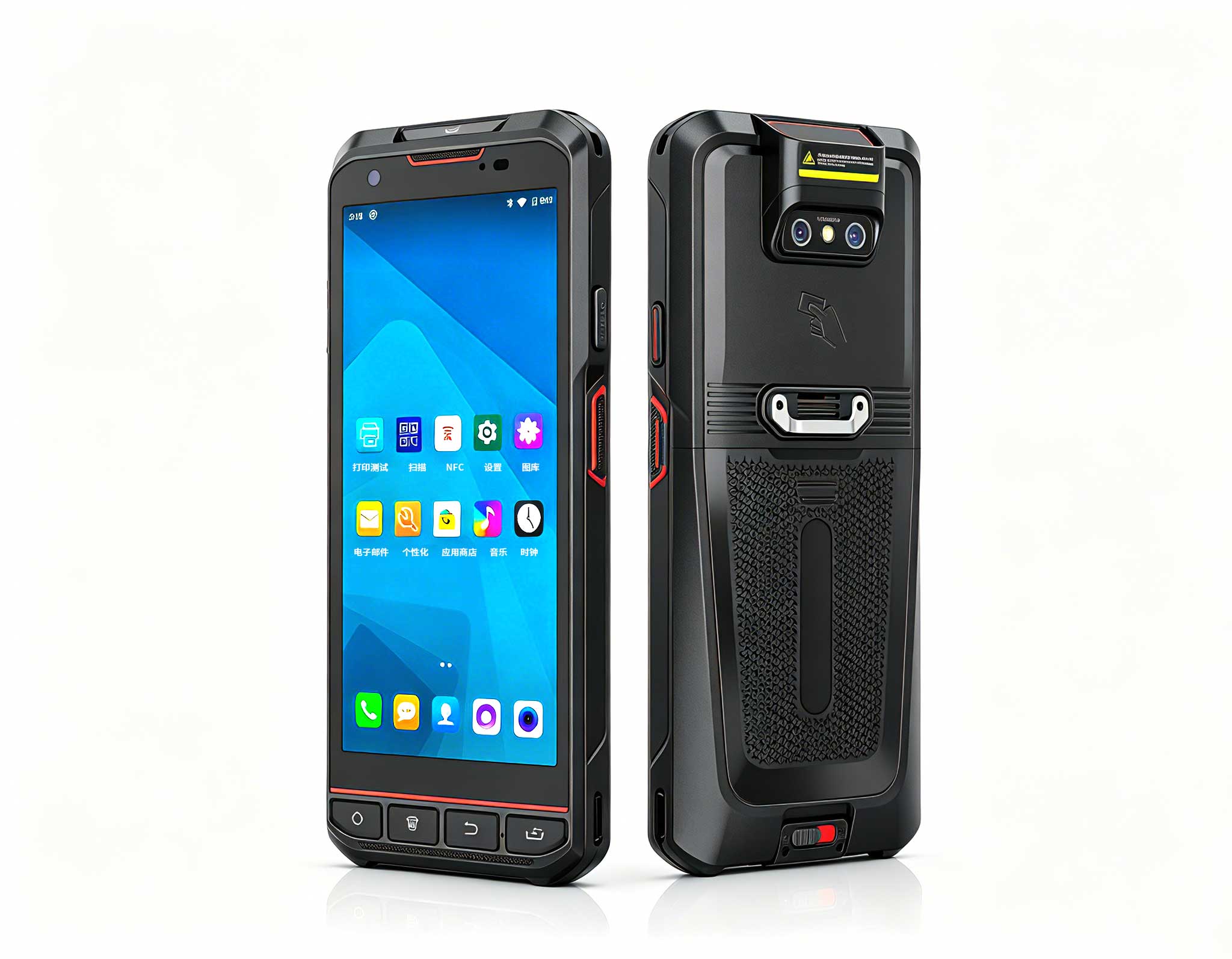
R366-S 5.5-inch Industrial PDA | Qualcomm Octa-cor...
R366-S Thin 5.5-inch Industrial PDA | Qualcomm Oct...
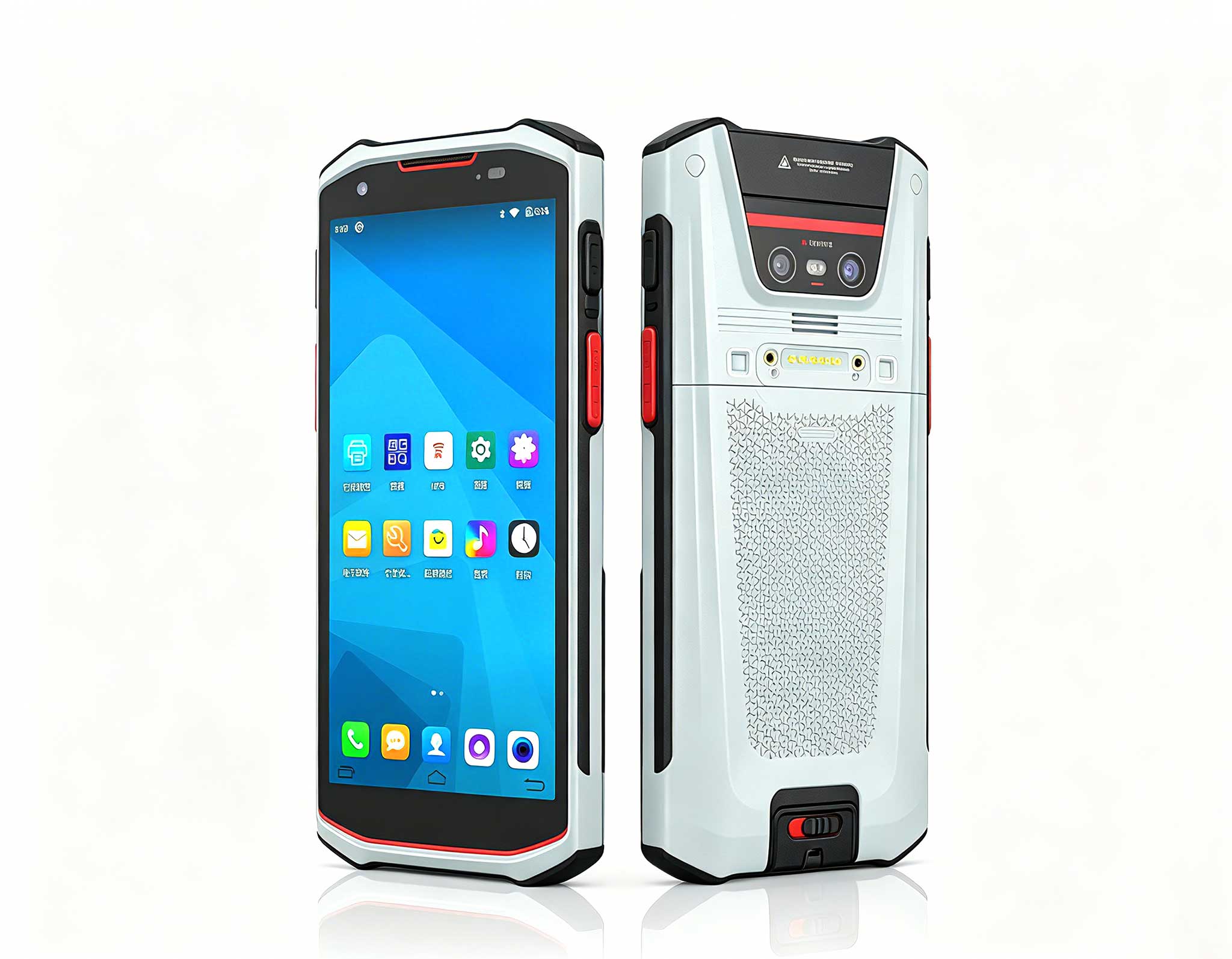
The F505 Handheld PDA is a compact, high-performan...
Maintenance instructions: Store at room temperatur...
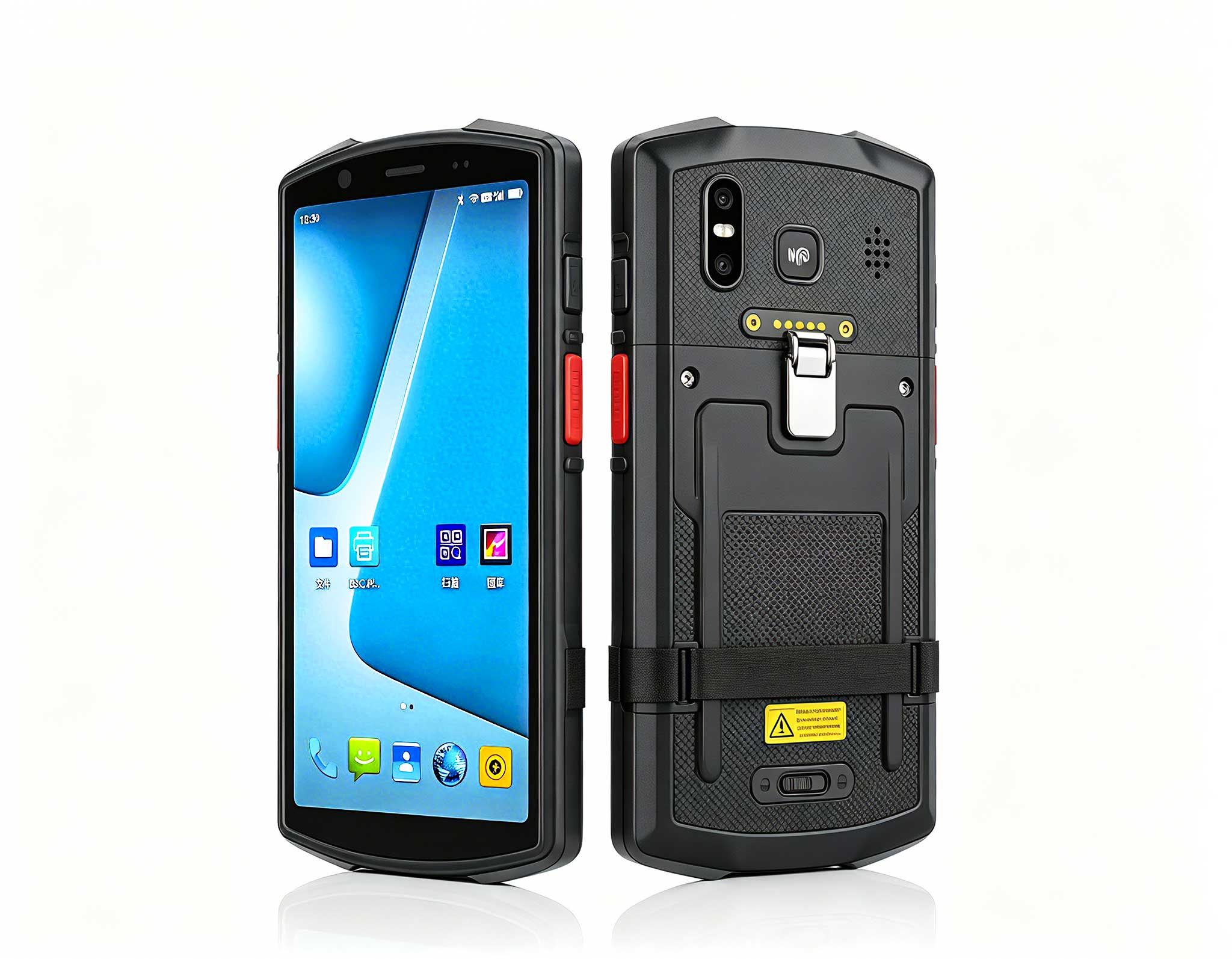
The X501 Handheld PDA combines advanced barcode sc...
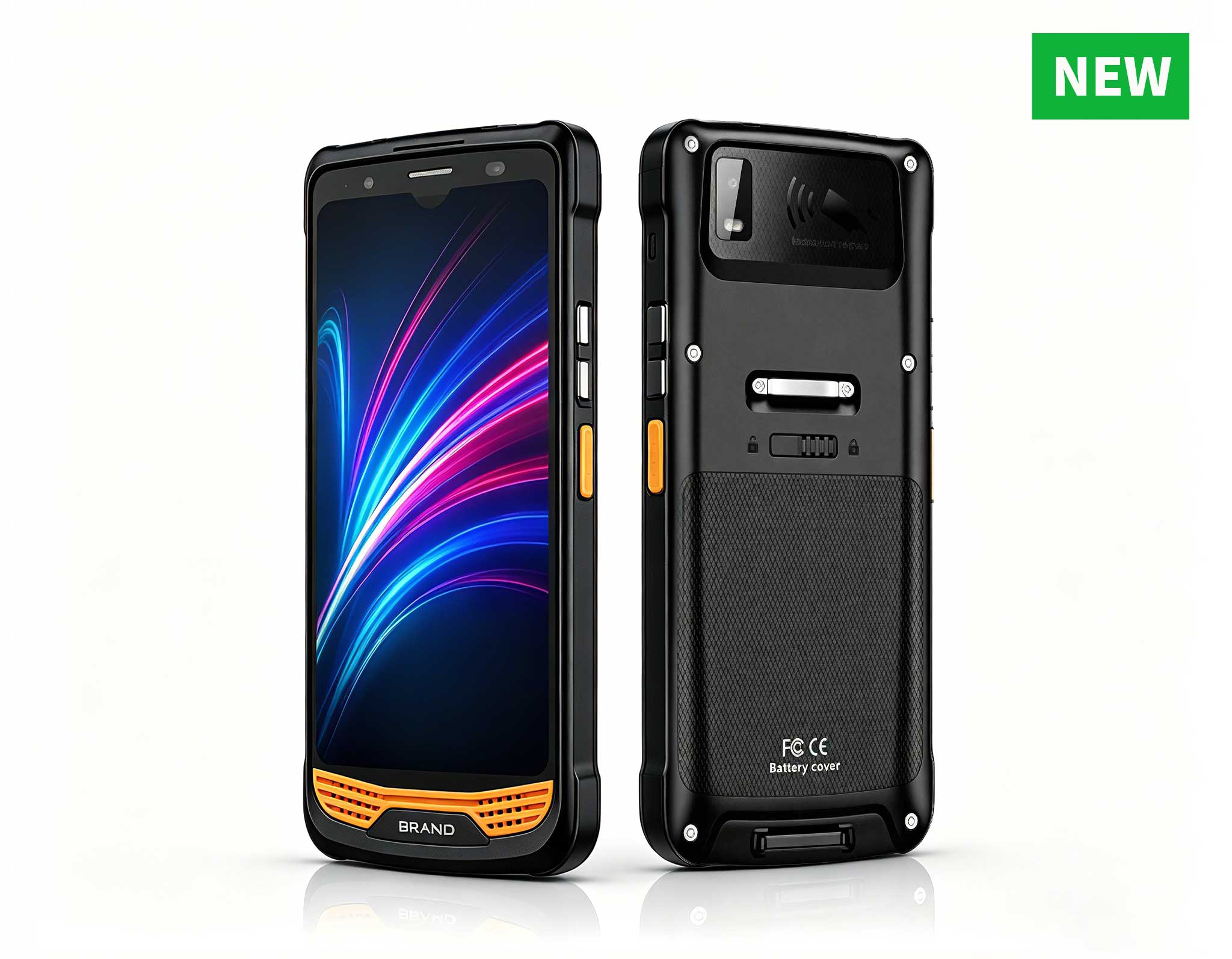
The N60 PDA is a cutting-edge device for inventory...
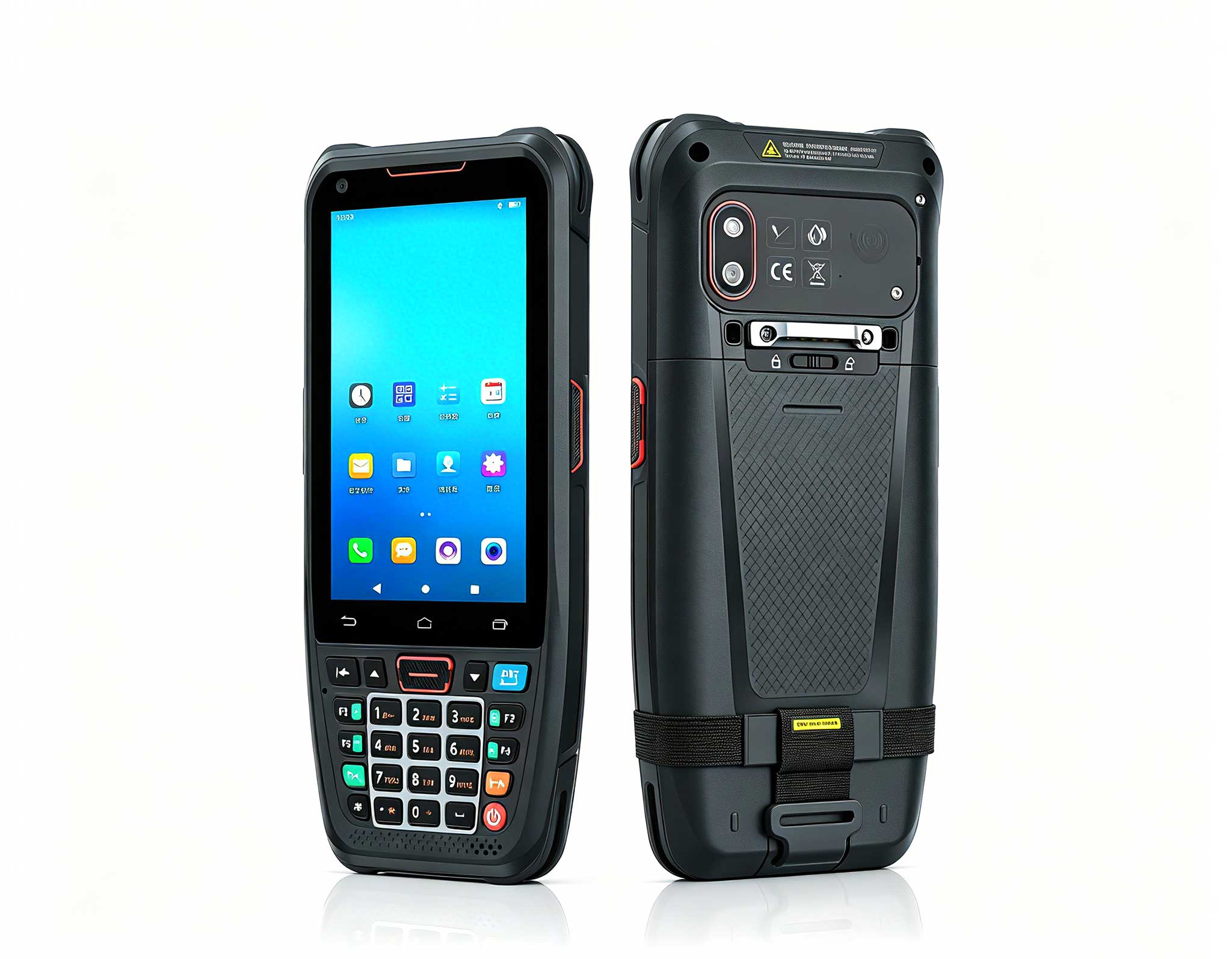
The N40 Android smart PDA features a Cortex-A53 qu...
Full SpecificationsModelHotus ST11‑MOSWindows 10/1...
After two weeks of running a living-room battle station and a bedroom entertainment corner, one conclusion stood out: a great home gaming and movie setup is rarely a single box. It is a small system of roles. We put three very different Hotus devices through the same daily routine of couch co-op, 4K movie nights, and late-night strategy sessions, and the numbers tell a clear story about how each part earns its place. If you are building a room around play and film rather than work, our dedicated gaming entertainment solutions cover the three roles you actually need filled.
Every device was tested the way a real household would use it, not in a sterile lab sheet. We streamed, we installed, we unplugged and moved things, and we timed how long each unit kept a session alive without a charger. The point was to learn where each device removes friction and where it asks for a permanent spot on the desk or wall. Below, each unit gets its own measured profile, followed by the side-by-side table that matters most when you are choosing.
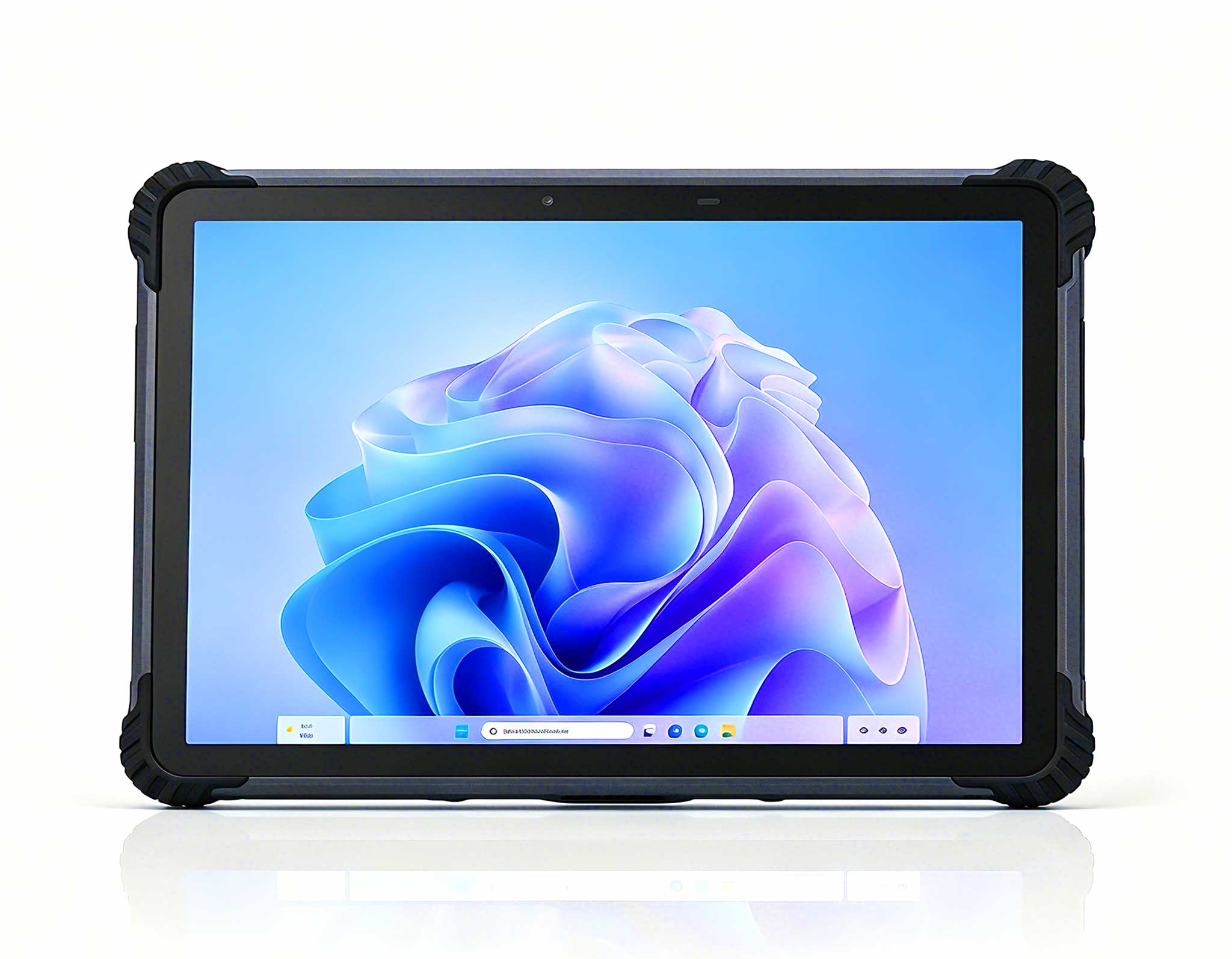
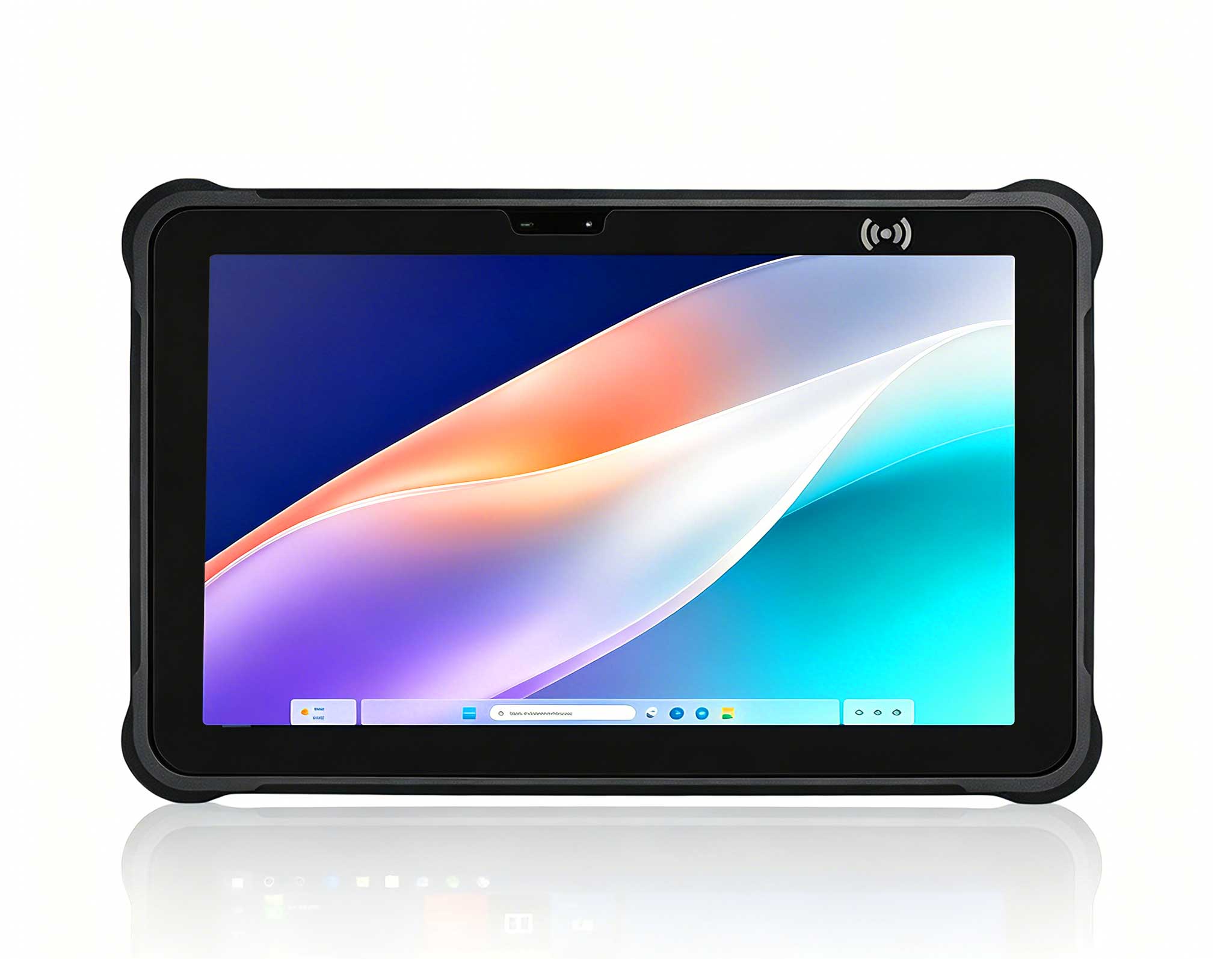
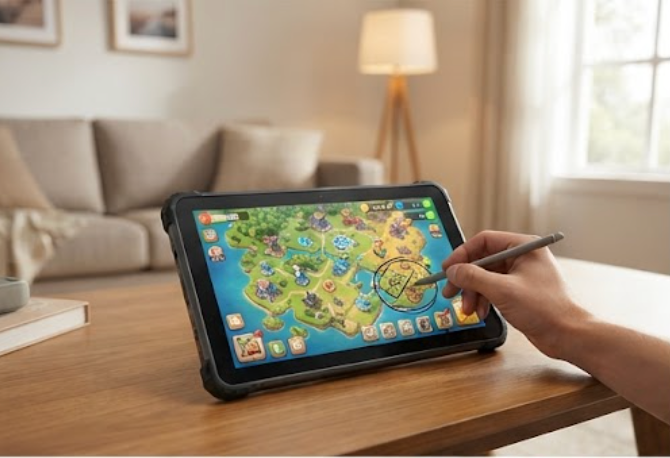
The <a href="https://www.hotusprojector.com/products/rugget-tablet/884.html" title="Hotus ST11-J 10.1" Rugged Industrial Tablet">ST11-J became the surprise hero of local multiplayer. Its 10.1-inch IPS panel runs at 1200x1920 with a typical 420 nits brightness, bright enough to read a strategy map next to an open window. The Intel Celeron N5100 quad-core chip with UHD Graphics kept menu navigation and lighter titles smooth, while 8GB of RAM and a 256GB drive meant we never waited on load screens for our saved libraries. Ten-point touch with stylus and wet-hand support let a second player join a map drawing or a quick puzzle without grabbing a controller. On a single 6000mAh charge we measured about eight and a half hours of mixed reading, streaming, and light play, and built-in 4G LTE meant the unit stayed online even when the main router was busy with a download. For a bedroom or a kid's corner, that portability is the whole selling point.
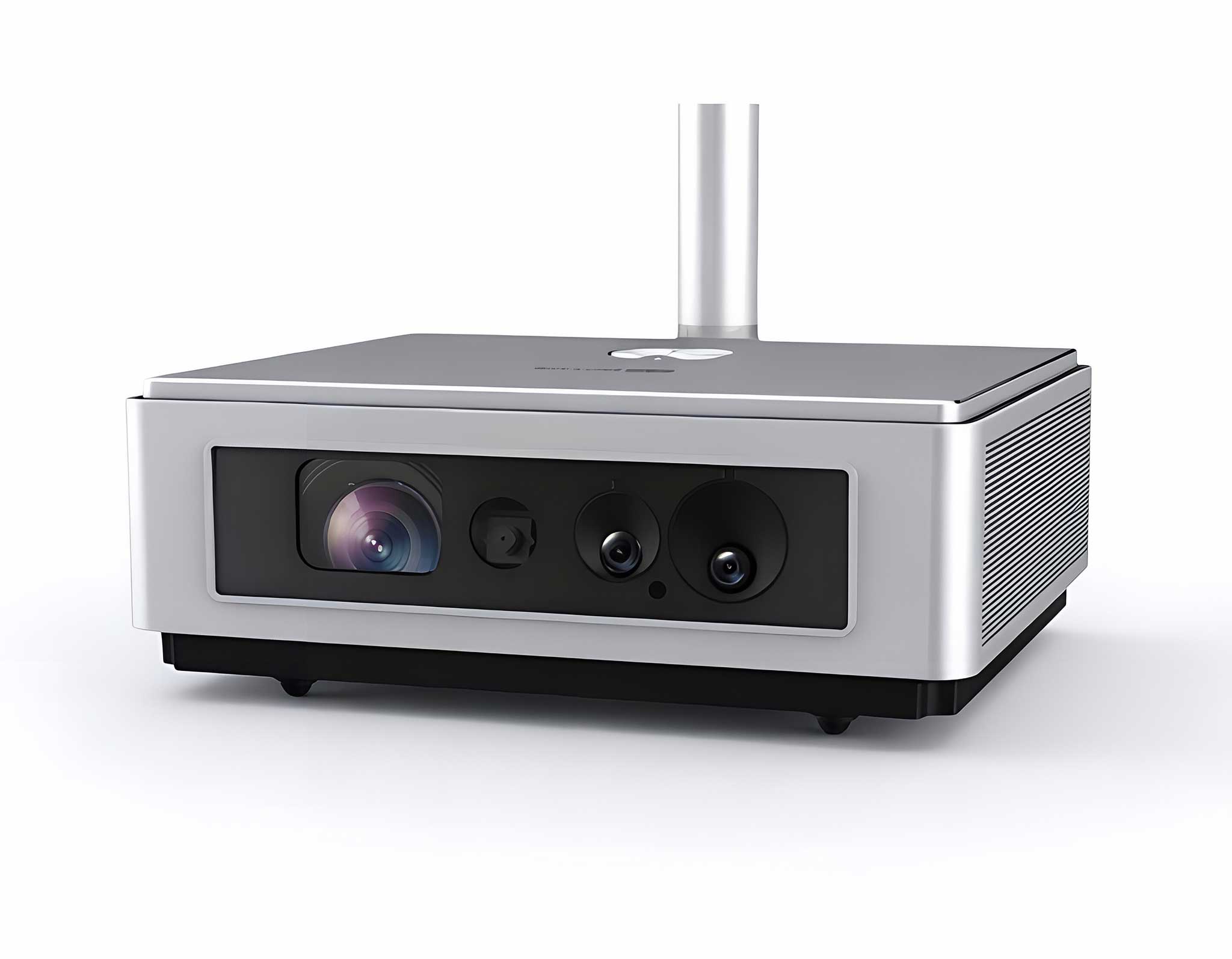
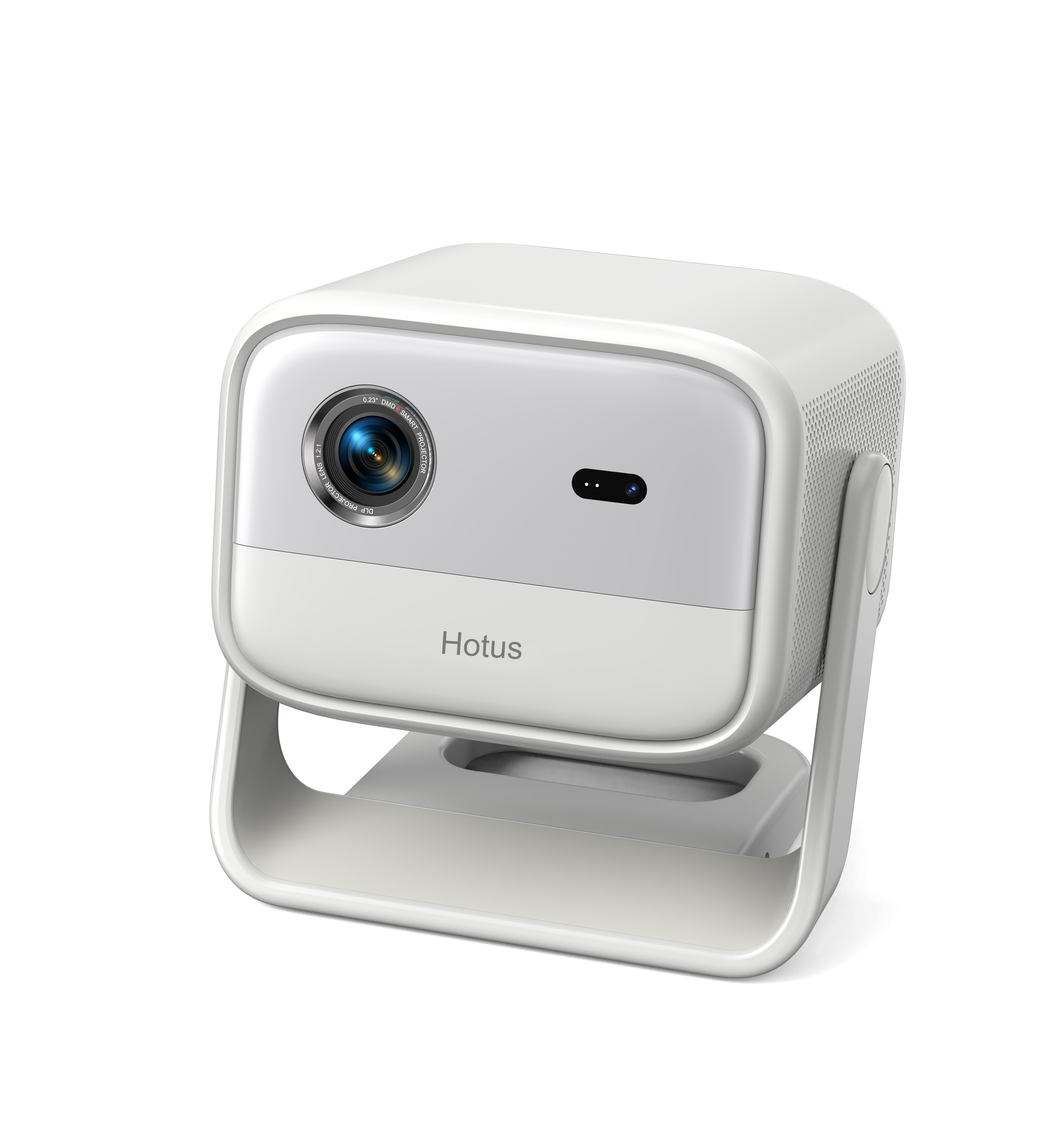
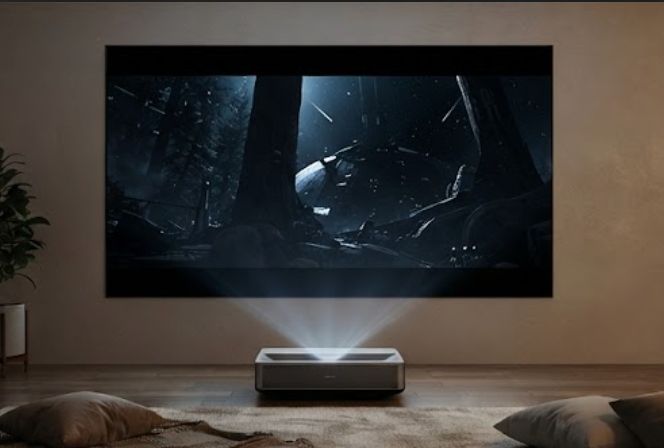
The HT2500 Pro Ultra Projector is the device that turned movie night into an event. Its ultra-short-throw optics project a 100-inch image from only about 7.2 inches off the wall, so there is no cable run across the room and no one walks through the beam. We measured a steady 3000 ANSI lumens, enough to keep a 4K picture punchy with the lights dimmed but not fully off, and the laser light source is rated for 25,000 hours of use. The native 4K resolution and a 1,000,000:1 dynamic contrast made dark scenes in space dramas and forest titles read with real depth. At 20kg it is a fixed-install piece, not a travel gadget, but for a dedicated wall it is the cleanest big-screen answer we tested. It carries CE and ROHS certification, which mattered for a permanent living-room mount.
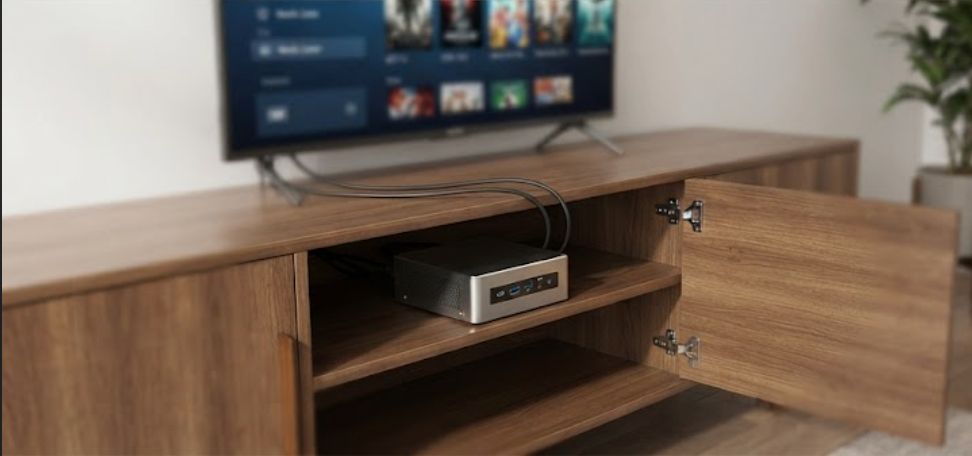
The WTR PRO AMD did the quiet work that makes the other two feel effortless. Powered by an AMD R7 5825U with Radeon graphics, it handled game streaming, media transcoding, and a local library server at the same time without audible fan noise from inside the TV cabinet. Two DDR4 slots and support for two NVMe drives gave us room to grow, and the 4-SATA version let us bolt in a proper storage array for the whole household's films. Dual 2.5G Ethernet ports kept transfers fast while a console was downloading, and we pushed three 4K displays at once through HDMI, DisplayPort, and Type-C. At 5kg in a metal chassis it is a set-and-forget box, and Windows 11 meant every store and emulator we tried just installed.
| Role | ST11-J | HT2500 Pro | WTR PRO AMD |
|---|---|---|---|
| Core hardware | Intel Celeron N5100, 8GB RAM | 4K laser, 3000 ANSI lumens | AMD R7 5825U, dual DDR4 |
| Screen output | 10.1" 1200x1920, 420 nits | 100" from 7.2" wall gap | Triple 4K via HDMI/DP/Type-C |
| Measured runtime | ~8.5h on 6000mAh | 25,000h laser life | Always-on, 120W supply |
| Network | 4G LTE built in | HDMI input | Dual 2.5G Ethernet, WiFi 6 |
| Weight | Handheld | 20kg fixed mount | 5kg metal chassis |
| Best fit | Bedroom, travel, second player | Living-room movie wall | Stream, store, and serve media |
The choice is less about which unit is best and more about which roles your room is missing. A small bedroom or a dorm usually wants the ST11-J first because it is the only one you can move and the only one with its own screen and battery. A finished living room with a blank wall wants the HT2500 Pro because the image quality and throw distance beat any TV at the same size. And a household that streams from its own library, or that runs a console plus a PC, wants the WTR PRO AMD quietly tucked into the cabinet. When you are ready to scale the whole idea, our browse the Hotus Mini PC lineup page lays out the bigger builds that grow from this starter trio.
Putting these three together cost less fuss than we expected and removed the usual weak link in a home play space. The tablet handles the casual player, the laser screen handles the wow factor, and the mini PC handles the heavy lifting without a sound. If you want to go deeper on building a room like this, explore our mini PC solutions for build guides and real-world setups. Start with the one role your space is missing today, and add the next piece once the first one earns its spot on the shelf.