- Select Language
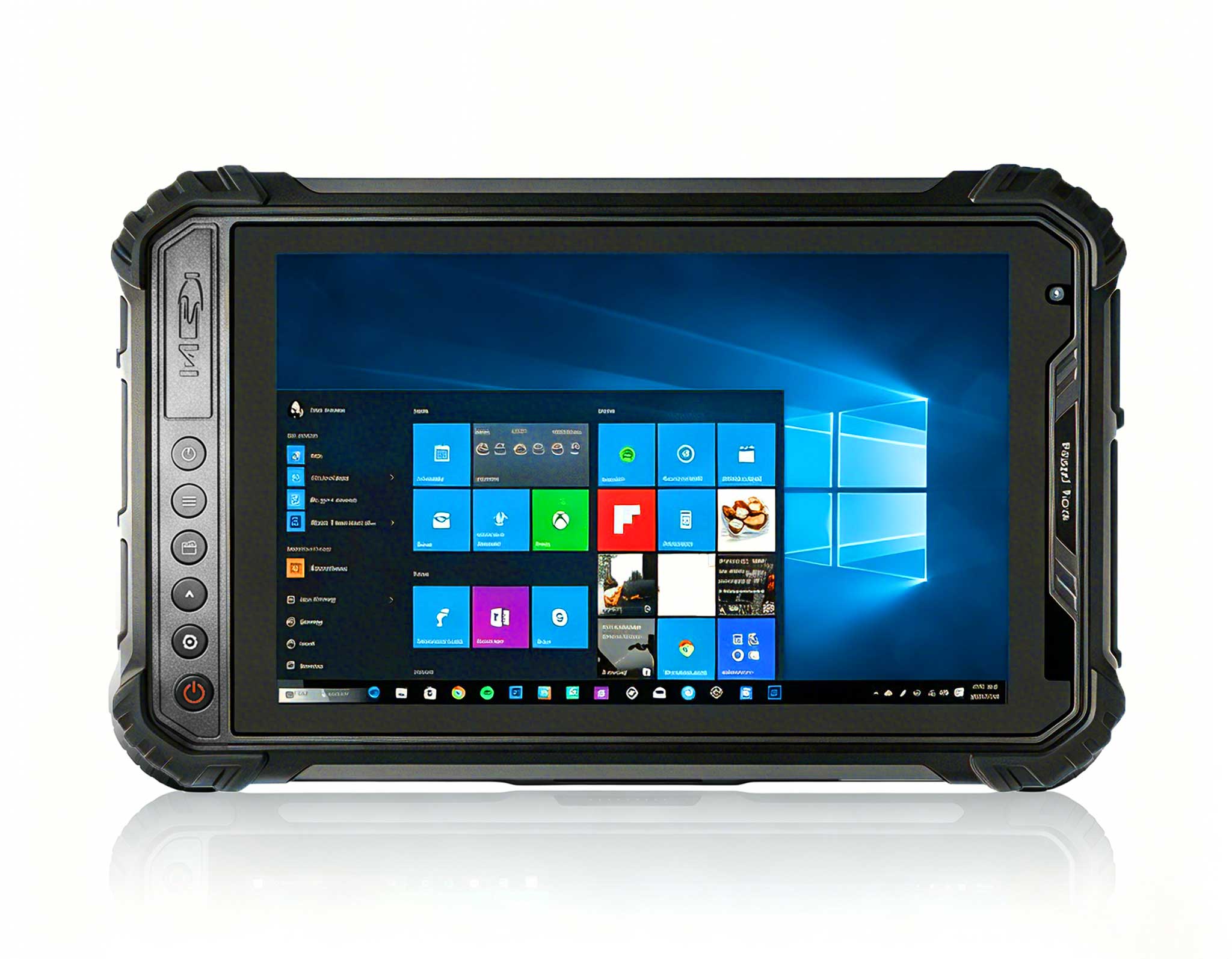
This 10-inch Android rugged tablet is designed for...
RT82 5G Rugged Tablet | 10.1" FHD 400nit | Qu...
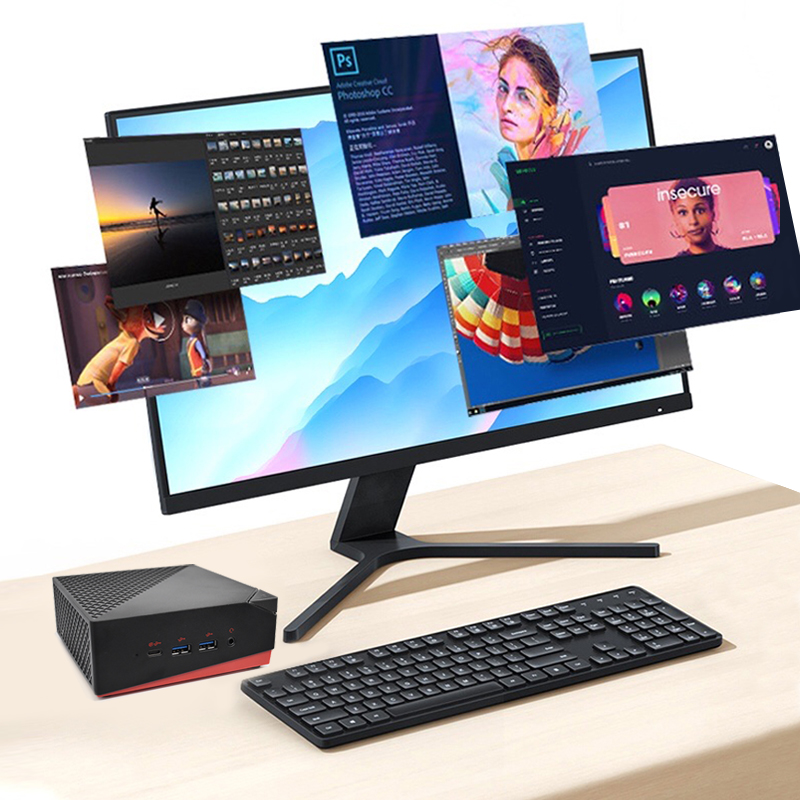
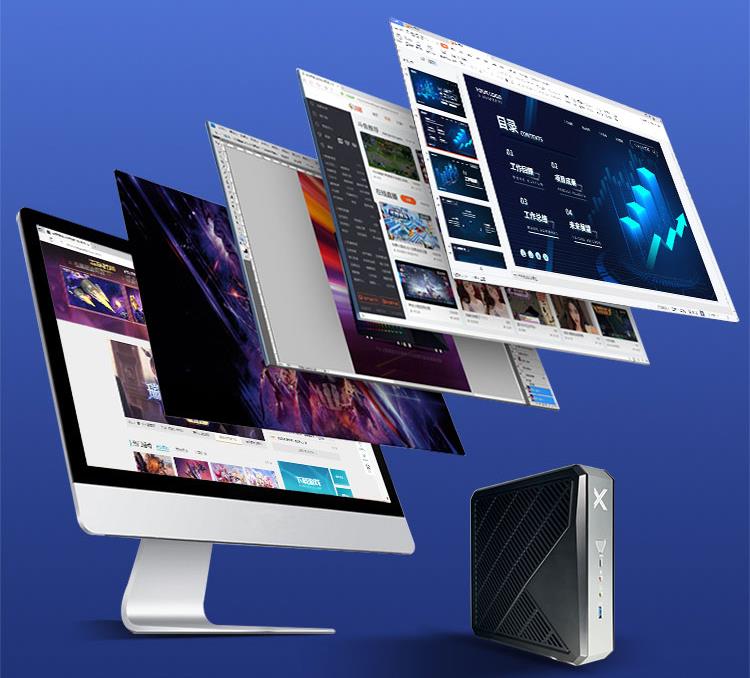
The AMD Mini PC Windows 10 Pro is a compact yet po...
Full SpecificationsModelHotus ST13‑UOSWindows 10 P...
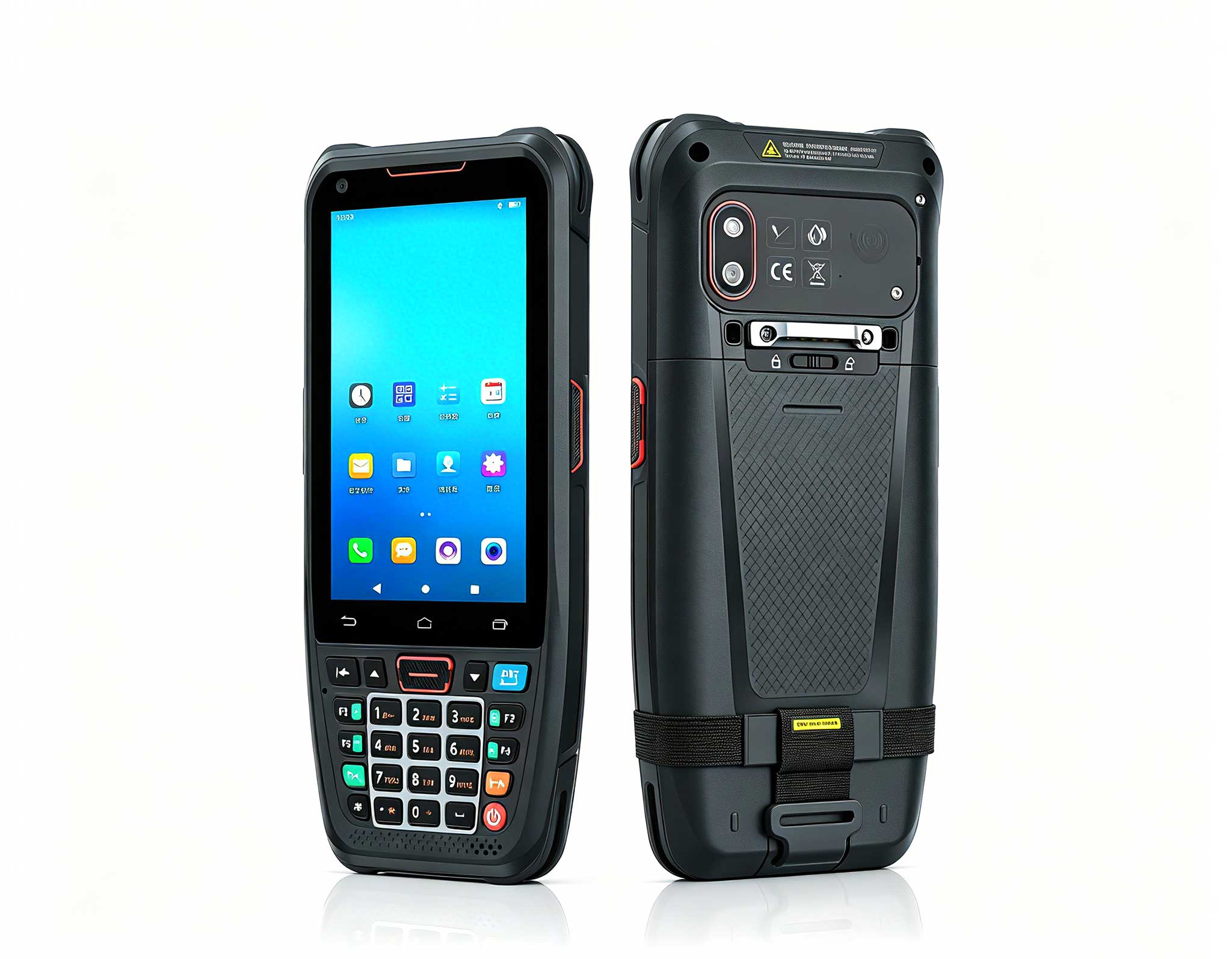
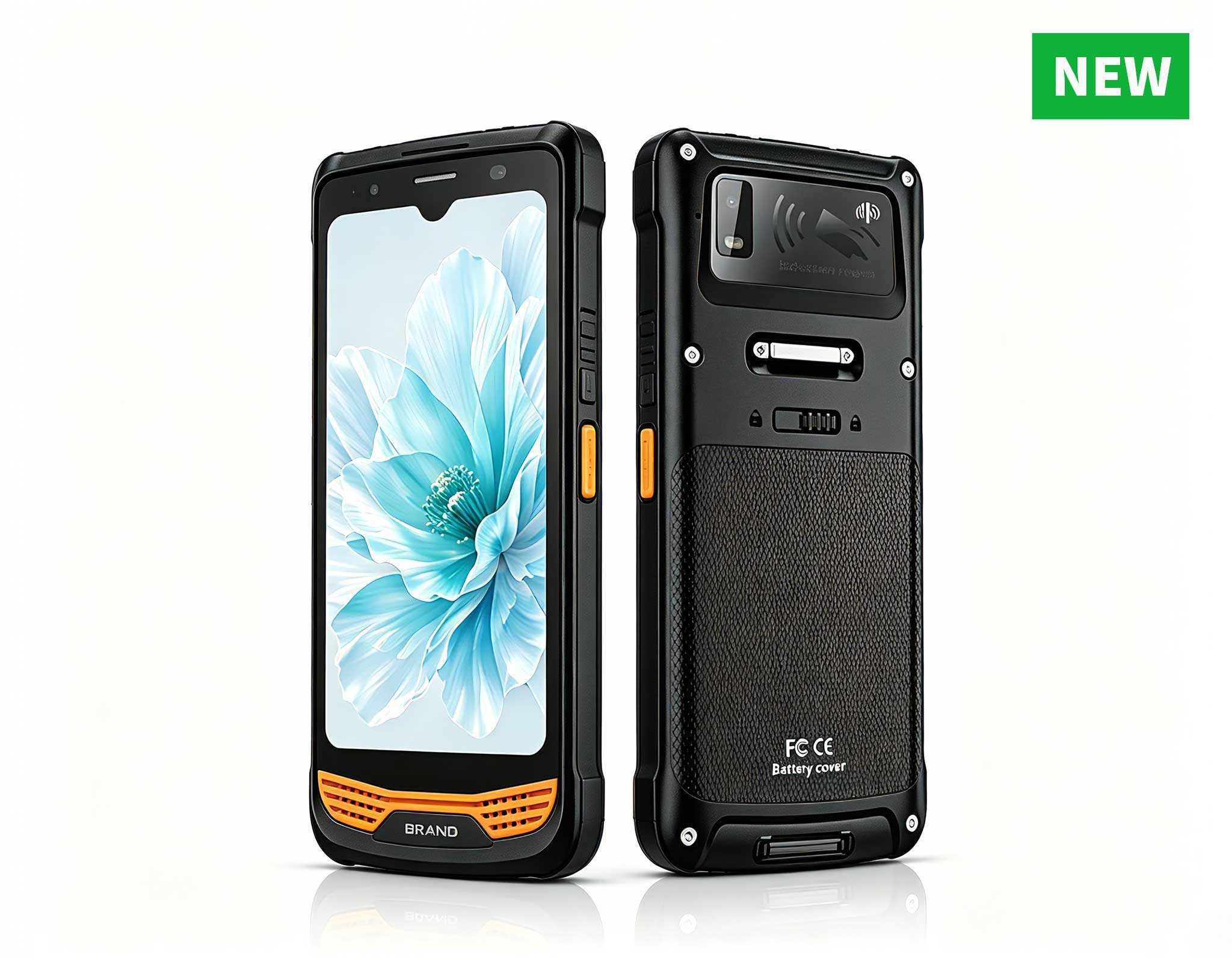
The N40 Android smart PDA features a Cortex-A53 qu...
R366-S Thin 5.5-inch Industrial PDA | Qualcomm Oct...
Full SpecificationsModelHotus ST9‑JOSWindows 10 Pr...
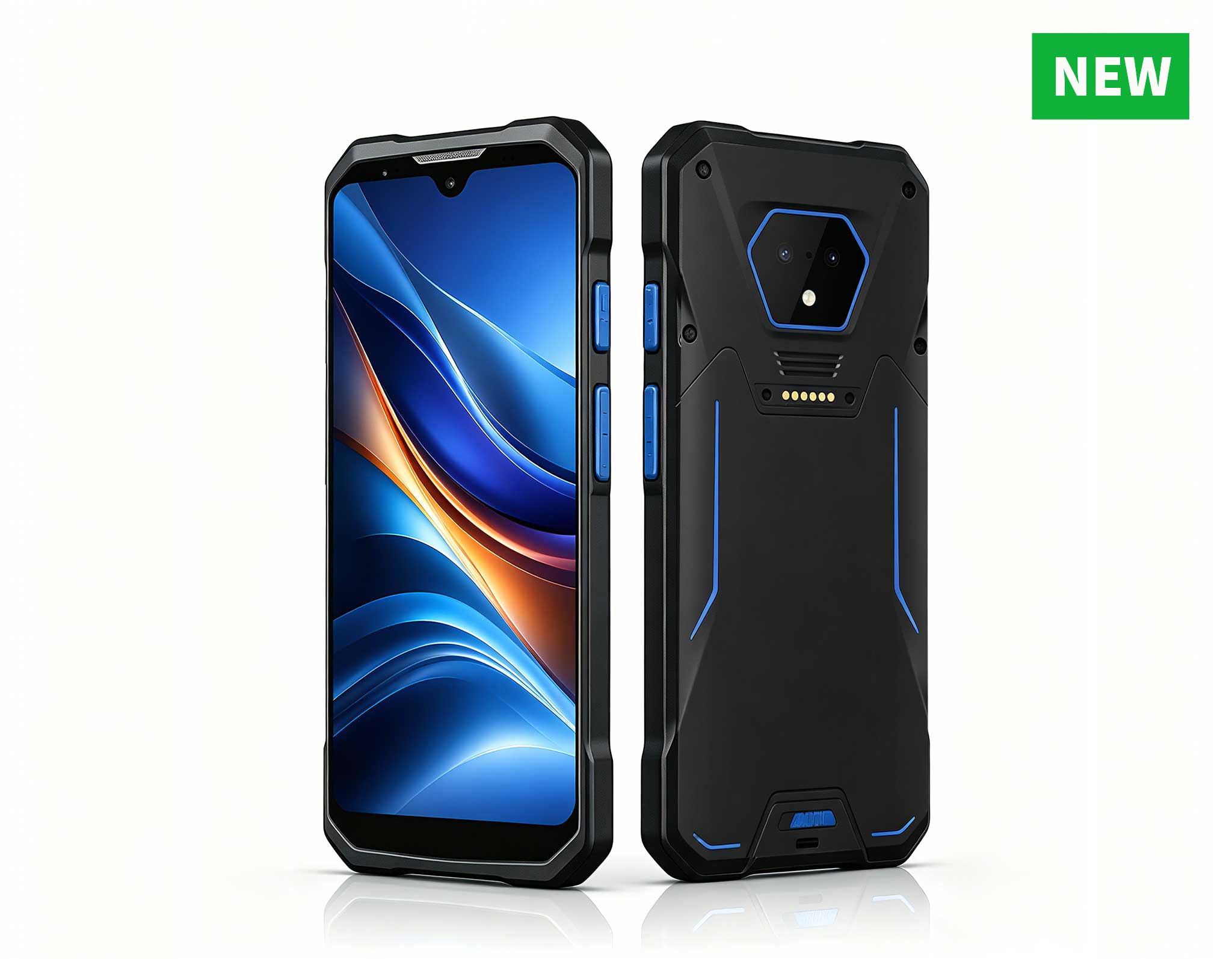
RS51 4G Rugged Handheld Terminal | 6.3" FHD+ ...
I still remember the first time I swapped a 55-inch TV for a projector in my own game room. The difference was not subtle. A 100-inch wall turned weekend co-op sessions and Friday movie nights into something closer to a private cinema. The buying decision is easy; the deployment is where most people stall. Where do you put the unit, how do you wire a console or a PC into it, and how do you keep the picture watchable under normal living-room lighting? In this guide I walk through three Hotus models and exactly how to deploy each one for gaming and home entertainment. If you are planning dedicated gaming entertainment solutions, the short version is simple: match the projector to the room instead of forcing the room to fit the hardware.
A television tops out where the wall begins. A projector does not. For fast console titles and cinematic single-player runs, the extra canvas pays off in immersion, and for movie nights a 120-inch image simply cannot be matched by a flat panel at any reasonable price. The trade-off is setup discipline: you control light, you choose a mount, and you manage cables once. Get those three right and a projector outperforms a TV for play and film every single time. The three models below cover three very different rooms, so read them as a deployment menu rather than a ranking.
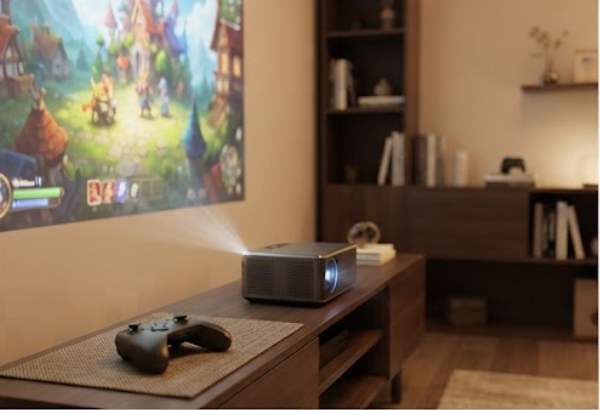
The Hotus HT500 is the most unusual device in this lineup because it is two products in one shell. Behind the DLP optics sits a full Windows 11 computer, so you can launch Steam, the Xbox app, or any streaming service directly on the projector without plugging in a laptop. Under the hood it uses a German Osram 3LED light source rated at 400 ANSI lumens, a 1280x720P panel, a 340:1 contrast ratio, and an NTSC color gamut above 90 percent. Auto-focus and keystone correction mean you set it down and the picture squares itself up without manual fiddling.
For deployment, the HT500 fits a media den or a compact office where the same machine doubles as a work PC and a game screen. It carries a built-in battery, so a power socket is optional, and dual-band WiFi keeps online co-op stable. Pair a Bluetooth controller and you are playing within minutes of unboxing. Full specs and the current build are on the Hotus HT500 product page.
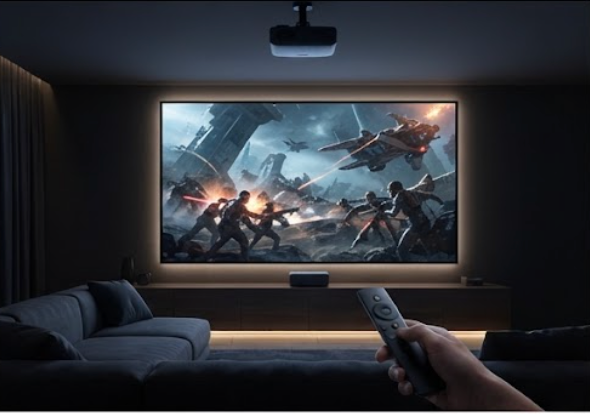
If the living room is the stage, the 4K Home TV Movie Game Projector is the headline act. It is built for smooth TV, movie, gaming, and even karaoke use, with Dolby sound and 3D surround playback, NFC touch-screen transmission for one-tap phone casting, a 1000M LAN port for rock-stable streaming, and a voice remote that removes the pain of an on-screen keyboard. The 4K panel is the real draw for anyone who has invested in a console or a Blu-ray library and wants that detail back on the wall.
Because this is the fixed-install member of the trio, deployment means a permanent home: a ceiling bracket or a high wall shelf aimed at a 100 to 120-inch screen. Run an HDMI cable from your console or PC, then use the LAN port or WiFi for services. The voice remote and NFC casting keep the whole family in control without a separate streaming box. See the 4K Home TV Movie Game Projector page for the full feature list.
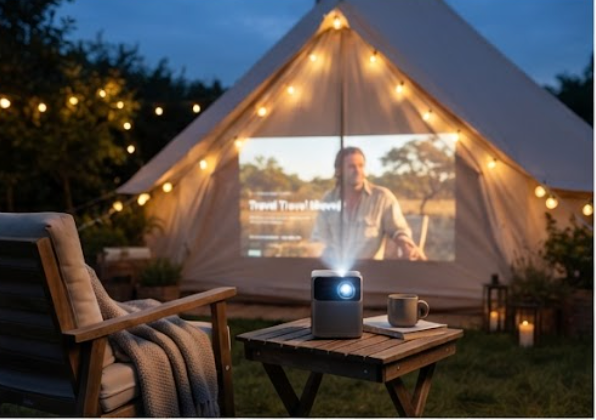
The H2 Mini Portable Projector is the one you grab when the room changes. It runs an Intel Atom quad-core platform with 4GB of RAM and 128GB of storage, pushes 350 ANSI lumens from a 1280x720P chip that still accepts 1080P, 2K, and 4K input, and ships with a 10,000 mAh battery that frees it from the wall entirely. Auto-focus and vertical keystone correction of plus or minus 40 degrees get the image right in about five seconds, which is the whole point of a portable unit.
Deployment here is deliberately lazy. Set it on a nightstand for a bedroom film, on a desk for a quick session, or take it outside for a backyard match under string lights. Dual-band WiFi and Bluetooth 4.2 handle casting and audio, and two built-in 2-watt speakers cover casual viewing without a soundbar. The H2 Mini Portable Projector is the lowest-friction way to add a big screen to any room that was never wired for one.
| Attribute | Hotus HT500 | 4K Home TV Movie Game Projector | H2 Mini Portable Projector |
|---|---|---|---|
| Projection tech | DLP, Osram 3LED | DLP, 4K UHD | DLP, LED |
| Brightness | 400 ANSI lumens | Home-theater class | 350 ANSI lumens |
| Resolution | 1280x720P | 4K UHD | 1280x720P, up to 4K input |
| Built-in compute | Windows 11 system | Voice remote and NFC cast | Intel Atom, 4GB RAM |
| Power | Built-in battery | AC, fixed install | 10,000 mAh battery |
| Easy setup | Auto focus and keystone | Wall or ceiling mount | Auto focus, keystone plus or minus 40 degrees |
| Where it shines | Media den or office | Living-room theater | Bedroom or on the go |
Before you mount anything, walk the room with three checks. First, light. The HT500 and H2 sit around 350 to 400 ANSI lumens, so a dimmable lamp or blackout curtain turns a washed-out image into a crisp one; the 4K model is the better pick for a brighter living room but still loves a dark wall. Second, mount. Ceiling brackets suit the fixed 4K unit, a short-throw shelf suits the HT500 den, and a tripod or tabletop suits the battery-powered H2. Third, connections. Run HDMI from your console or PC, use LAN or WiFi for streaming, and keep Bluetooth open for controllers and speakers. Get these three right and the rest is just finding the popcorn.
If you want one machine that is both a PC and a game screen, the HT500 wins the media den. If the living room is the priority and you want a permanent cinema with 4K detail and Dolby sound, the 4K Home model is the centerpiece. If the screen needs to move with you, from bedroom to backyard, the H2 is the obvious call. None of the three replaces the others; they cover different walls. Browse the full rugged mini PC solutions and projector range to mix and match, then start with the room you use most.
Ready to build your setup? Pick the model that matches your space, follow the deployment checklist above, and you will be playing on a wall-sized screen before the weekend is over. If you want help sizing a screen or choosing a mount, the product pages above carry the full specs you need to plan the install with confidence.