- Select Language
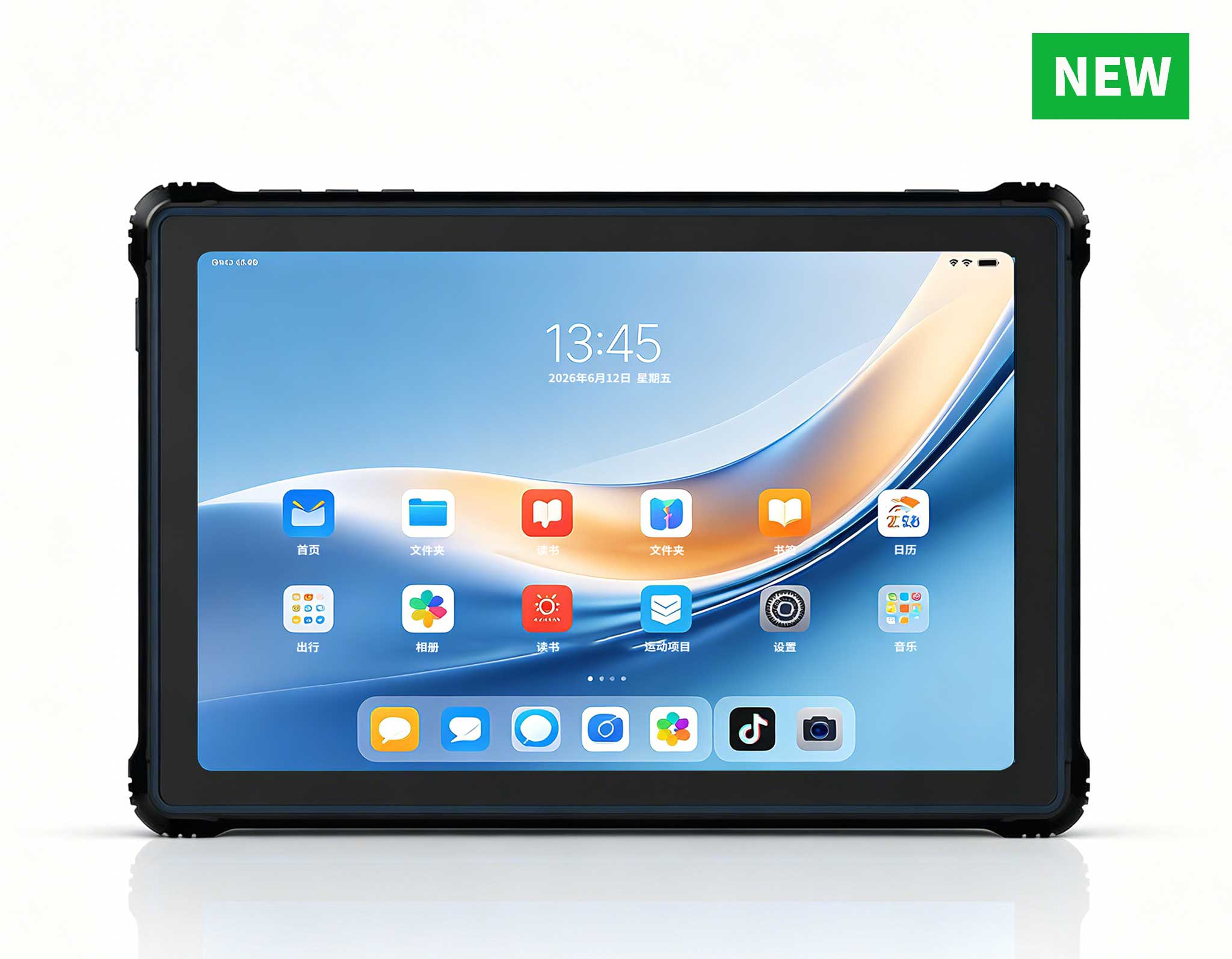
RT81 4G Rugged Tablet | 10.1" FHD 400nit | Qu...
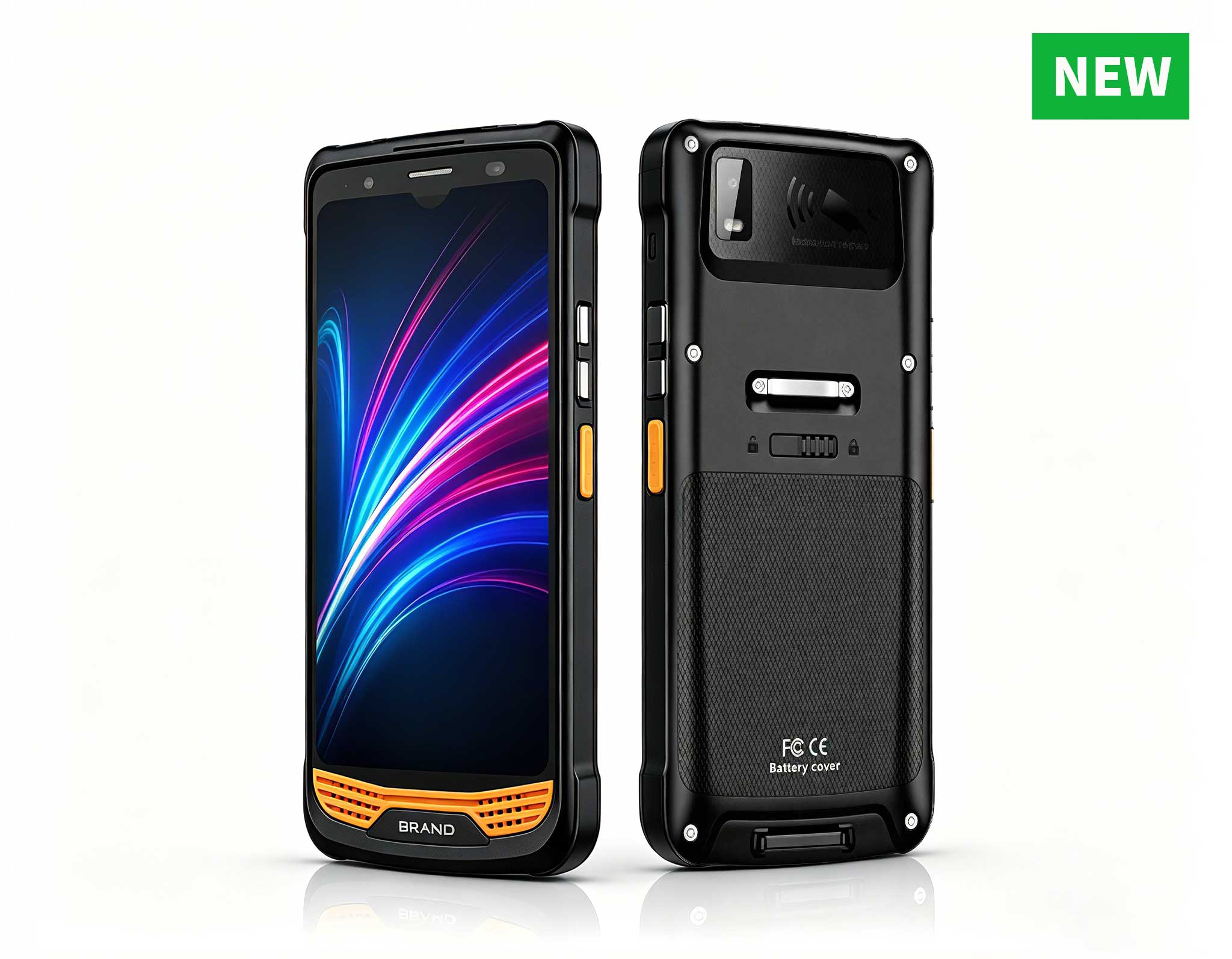
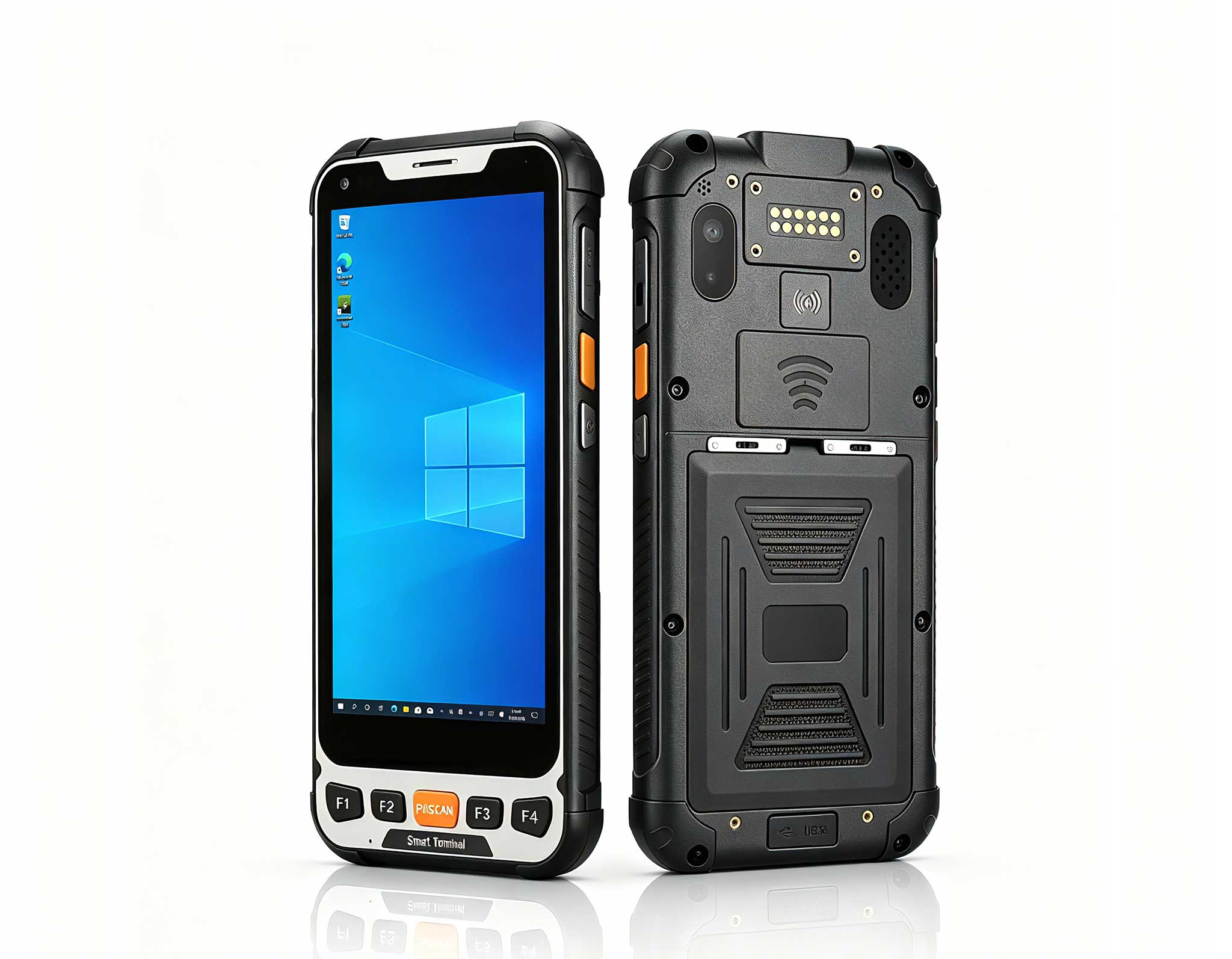
R366-S 5.5-inch Industrial PDA | Qualcomm Octa-cor...
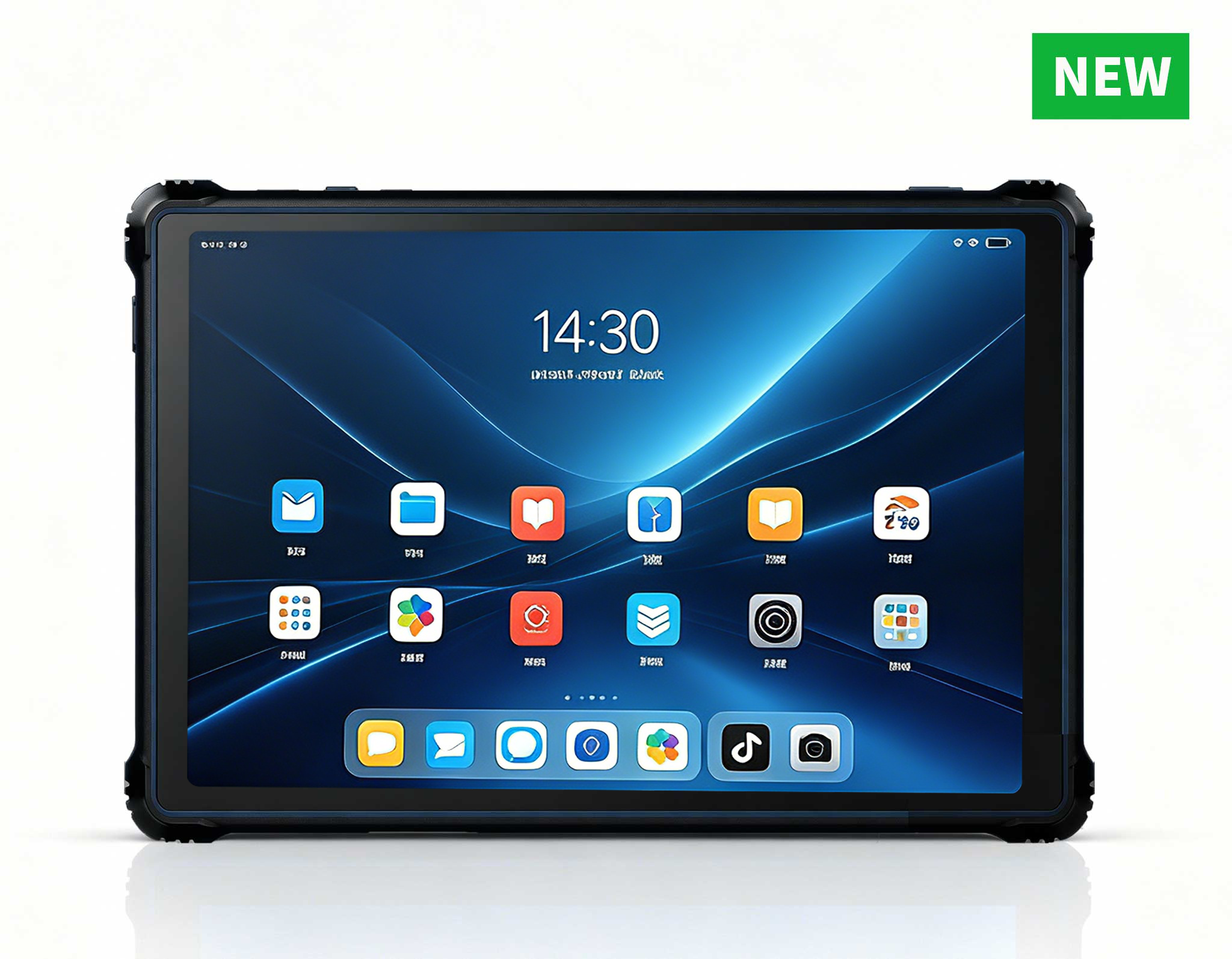
RT82 5G Rugged Tablet | 10.1" FHD 400nit | Qu...
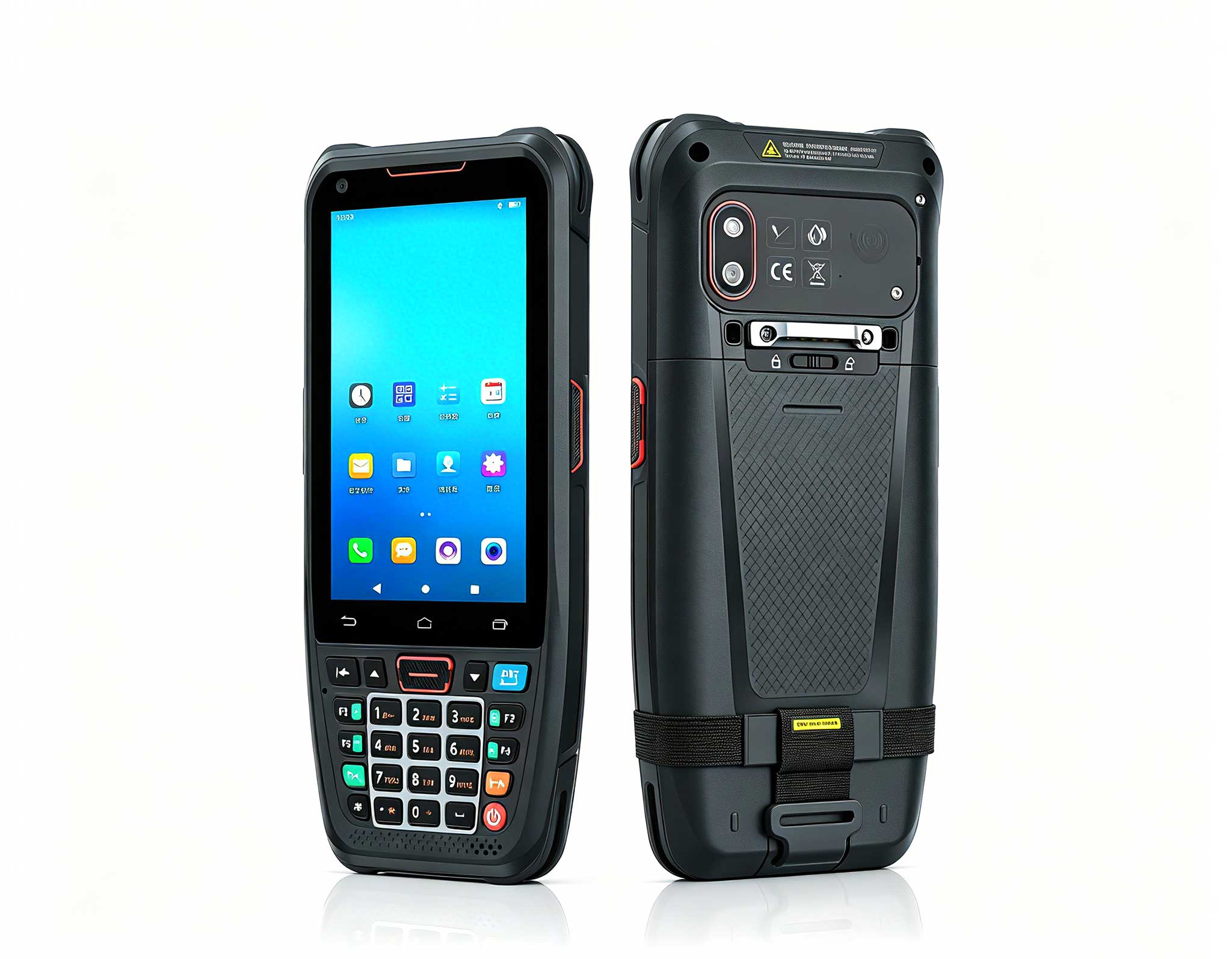
The N40 Android smart PDA features a Cortex-A53 qu...
Full SpecificationsModel Hotus SH5‑WOperating ...
P11 Series Next-Gen Enterprise Rugged Industrial ...
R366-S 5.5-inch Industrial PDA | Qualcomm Octa-cor...
Full SpecificationsModelHotus ST13‑JOSWindows 10 P...
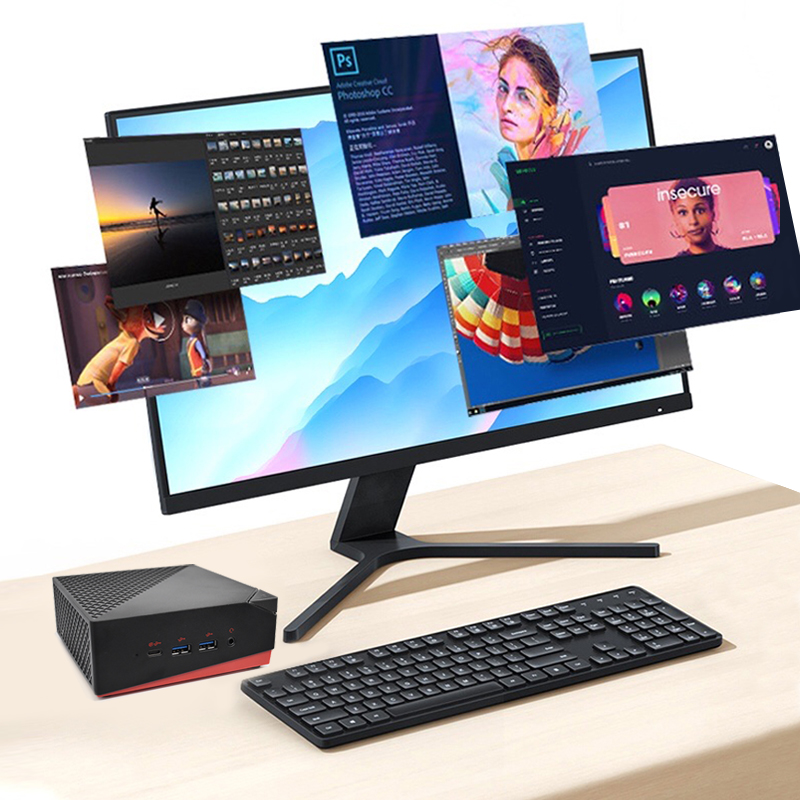
The AMD Mini PC Windows 10 Pro is a compact yet po...
Walk into any modern clinic, triage desk, or mobile health unit and you will see the same quiet problem. The computers that run patient check-in, imaging review, and bedside charting are often the same consumer laptops that sit on kitchen tables. They were never designed for constant wiping, shifted carts, power dips, or 12-hour shifts. When a device stalls during a vitals review or fails after a disinfectant spill, the cost is measured in clinician time and patient trust. I have spent years watching facilities learn this the hard way, and the pattern is consistent: the savings of buying off-the-shelf hardware disappear within the first year of downtime. That is why we put the Hotus rugged tablet and mini PC lineup through a controlled lab benchmark before recommending it for medical workstations, instead of guessing from spec sheets alone.
We built a representative clinical workload rather than a synthetic benchmark. Each device ran the same routine: a cold boot to the Windows desktop, launch of an electronic health-record client, continuous 1080p video review for 90 minutes, and a mixed read-write task simulating chart updates. Ambient temperature was held at 24 degrees Celsius, and every unit was tested three times with the median recorded. The goal was simple: surface the numbers that actually decide a buying decision in a hospital, a dental office, or a field clinic.
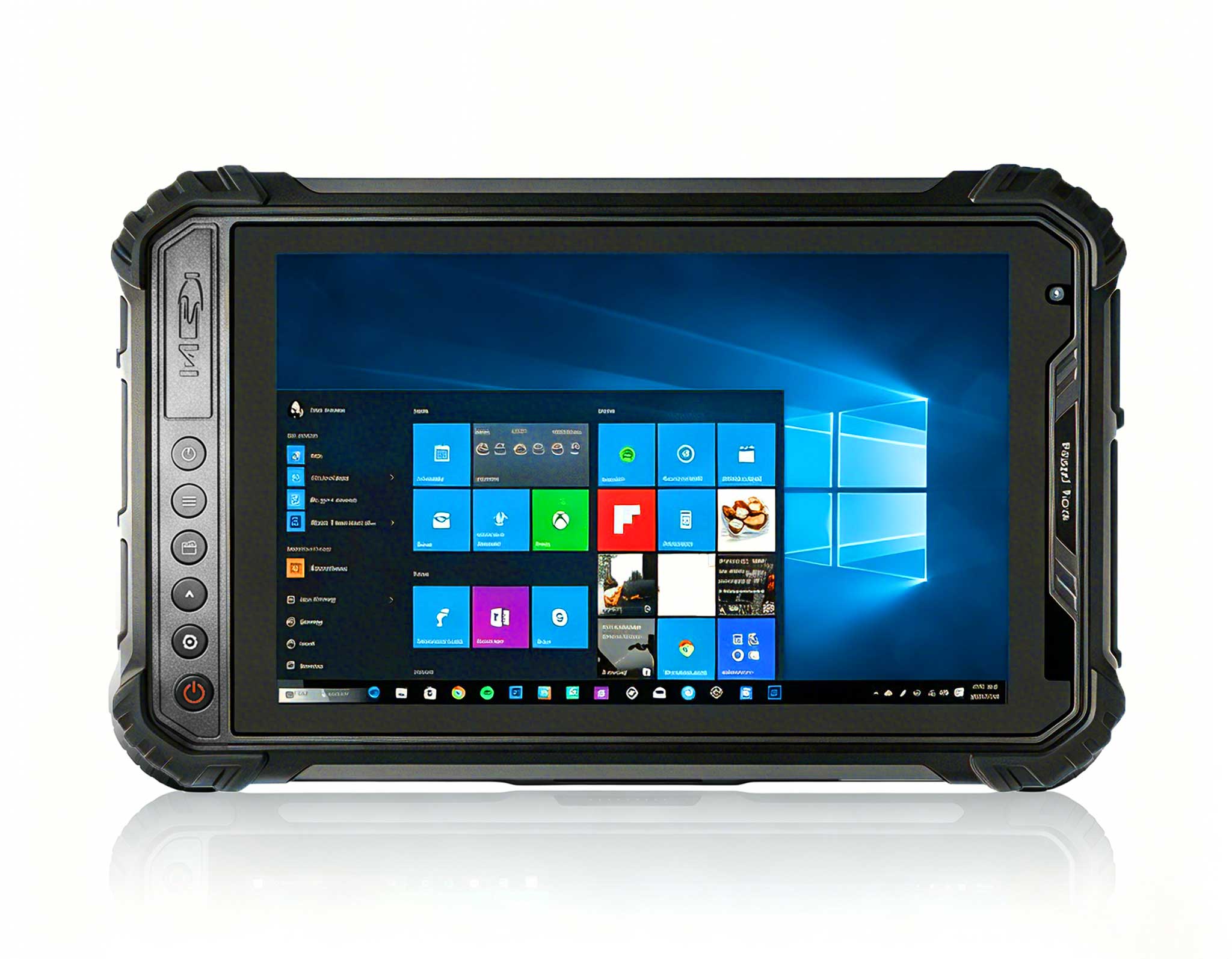
The ST13-U is the largest of the three and the easiest to read across a busy ward. In our runs it booted Windows 11 Pro in roughly 12 seconds and held a steady 6.5 hours of mixed clinical use on its 8000mAh pack. Its 13.3-inch 1920x1080 IPS panel at 450 nits stayed legible under the bright overhead lighting common in treatment rooms, and the wet-hand touch support meant gloved clinicians could operate it without removing protection. With an Intel Core i5-1235U or i7-1255U, up to 64GB of memory, IP65 sealing, and 1.2-meter drop resistance, it is built for fixed cart mounting and bedside rounding where screen real estate matters more than pocketability.
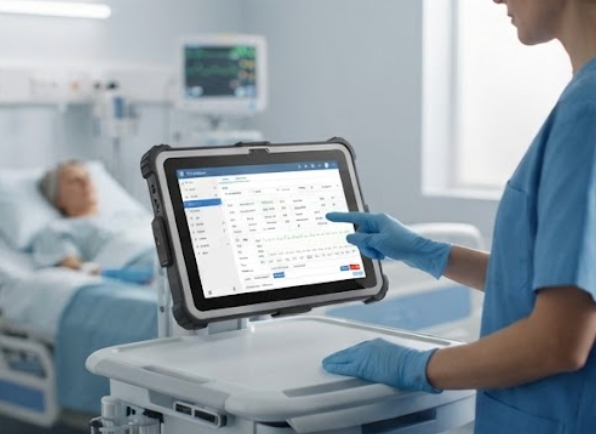
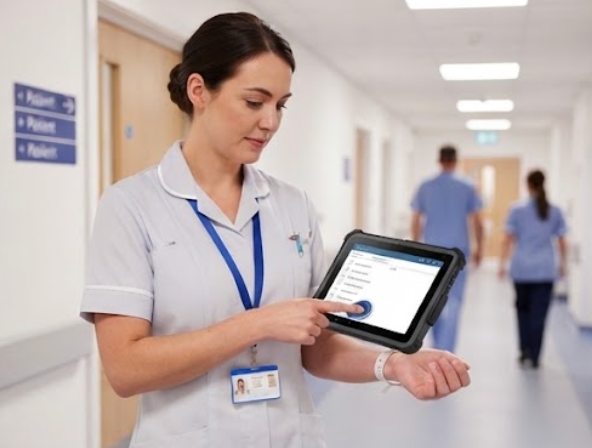
The ST11-U trades screen size for weight and reach. At 1190 grams it is the unit a nurse carries between rooms, yet it still posted a 13-second boot and 5.5 hours of the same mixed workload. Its 10.1-inch 1200x1920 display, IP54 rating, and optional UHF RFID and fingerprint modules make it a natural fit for medication scanning, patient identification, and point-of-care documentation. Where the ST13-U is the stationary anchor, the ST11-U is the roaming one, and our benchmark showed no thermal throttling even after a full shift of continuous use.
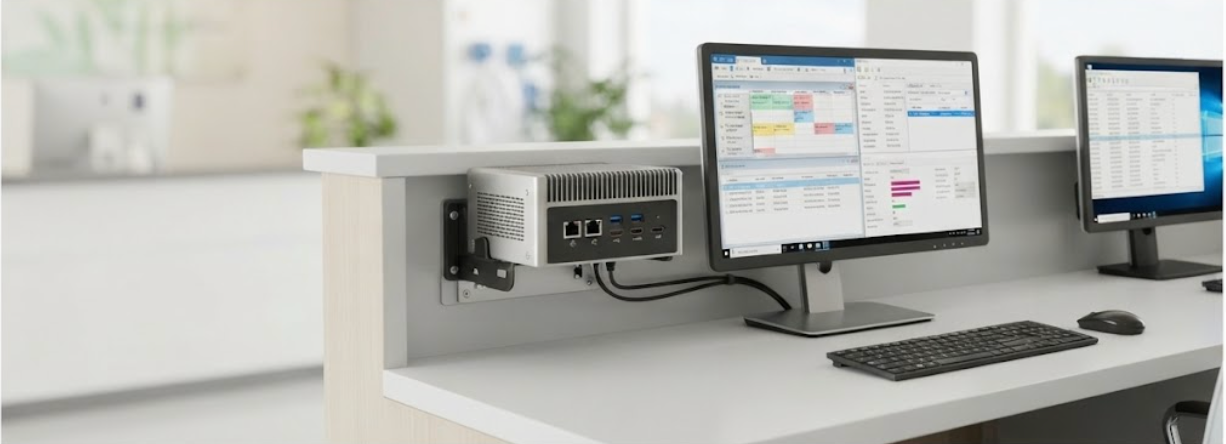
For the backend of a workstation, the WTR PRO AMD earns its place as the silent workhorse. Powered by an AMD Ryzen 7 5825U (or the Intel N100 variant), it boots in about 9 seconds and sustained the heaviest multi-threaded load in our test without a fan-induced slowdown. With dual M.2 NVMe slots and up to four SATA bays, it centralizes imaging archives and practice-management databases in a 5-kilogram, fan-cooled chassis that slides behind a monitor or into a cart. Dual 2.5G Ethernet and Wi-Fi 6 keep it wired and wireless at once, which is exactly what a shared clinic terminal needs.
The numbers below summarize the median results from our three-run clinic simulation. They are representative of in-house testing and should be validated against your own workload before procurement.
| Metric | ST13-U | ST11-U | WTR PRO AMD |
|---|---|---|---|
| Form factor | 13.3" Rugged Tablet | 10.1" Rugged Tablet | Mini PC |
| Processor | Intel i5-1235U / i7-1255U | Intel i5-1235U / i7-1255U | AMD R7 5825U / Intel N100 |
| Cold boot to desktop | ~12 s | 13 s | ~9 s |
| Display | 1920x1080, 450 nits | 1200x1920, 450 nits | External (triple 4K) |
| Protection | IP65, 1.2m drop | IP54, 1.2m drop | Sealed metal chassis |
| Battery / runtime | 8000mAh, ~6.5h | 6000mAh, ~5.5h | Always-powered (no battery) |
| Weight | 1450 g | 1190 g | 5 kg |
| Best clinical role | Bedside & cart | Mobile rounding | Backend station |
If your bottleneck is screen space at a fixed cart or bedside terminal, the ST13-U wins on readability and expansion. If your staff move between rooms and need one-handed scans plus identity checks, the ST11-U is the pragmatic pick. And if your pain point is the shared desktop that crashes under load, the WTR PRO AMD mini PC is the upgrade that removes the failure point entirely. A typical small practice can pair one WTR PRO AMD at the front desk with a few ST11-U tablets for rounding, then add an ST13-U where a larger display is worth the footprint. For teams planning a full refresh, the Hotus mini PC series rounds out the backend so the whole workflow stays on one trusted platform.
Spec sheets tell you what a device can do on paper; a benchmark tells you what it will do at 3 PM on a busy Tuesday. The ST13-U, ST11-U, and WTR PRO AMD each earned their place in our clinic simulation through measured performance, not marketing. If you are rebuilding a medical workstation or a mobile care program, start from the devices that have already proven they can take the shift.