- Select Language
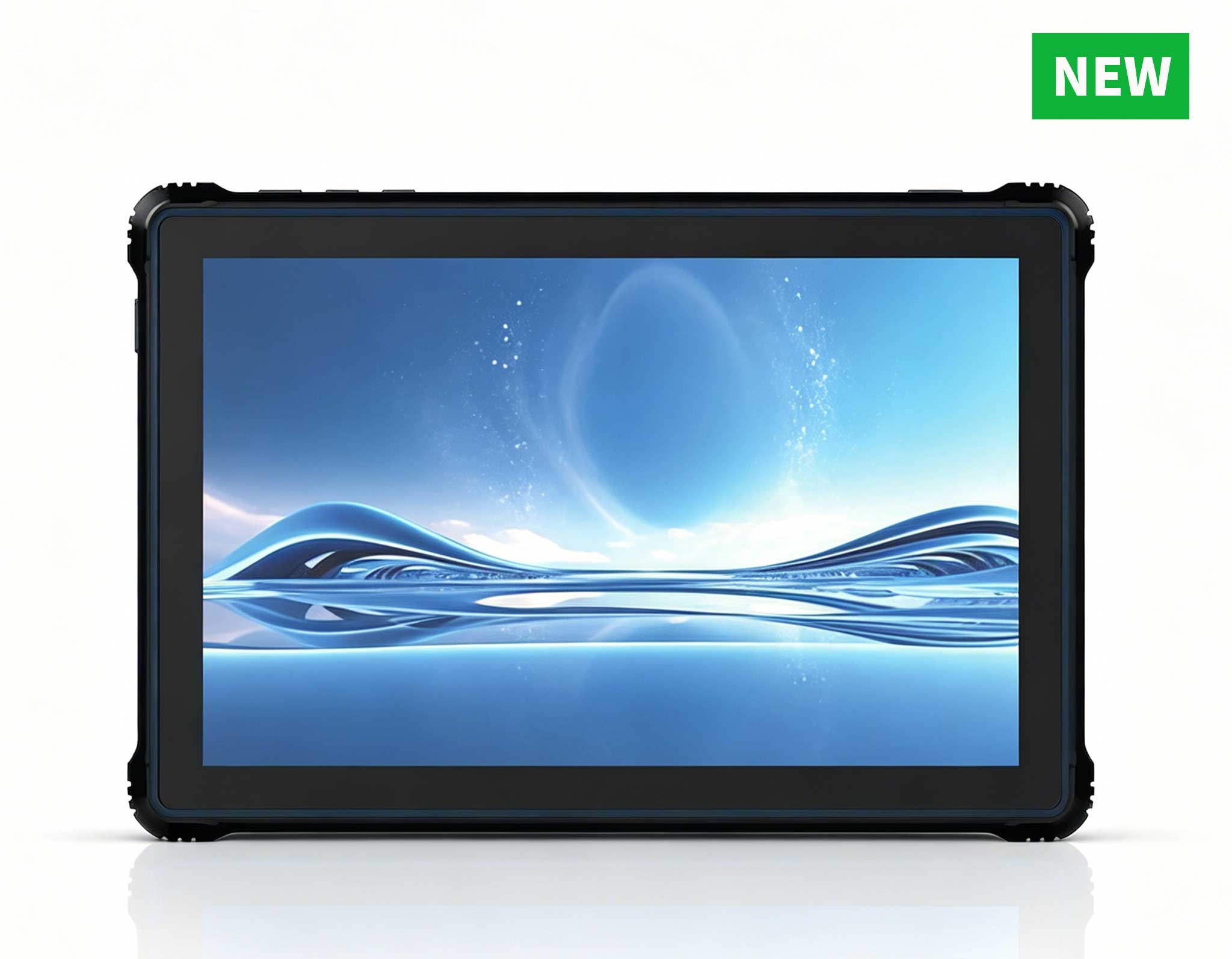
RT80 5G Rugged Tablet | 10.1" FHD 400nit | Un...
Full SpecificationsModelHotus ST9‑MOSWindows 10/11...
P11 Series Next-Gen Enterprise Rugged Industrial ...
RS51 4G Rugged Handheld Terminal | 6.3" FHD+ ...
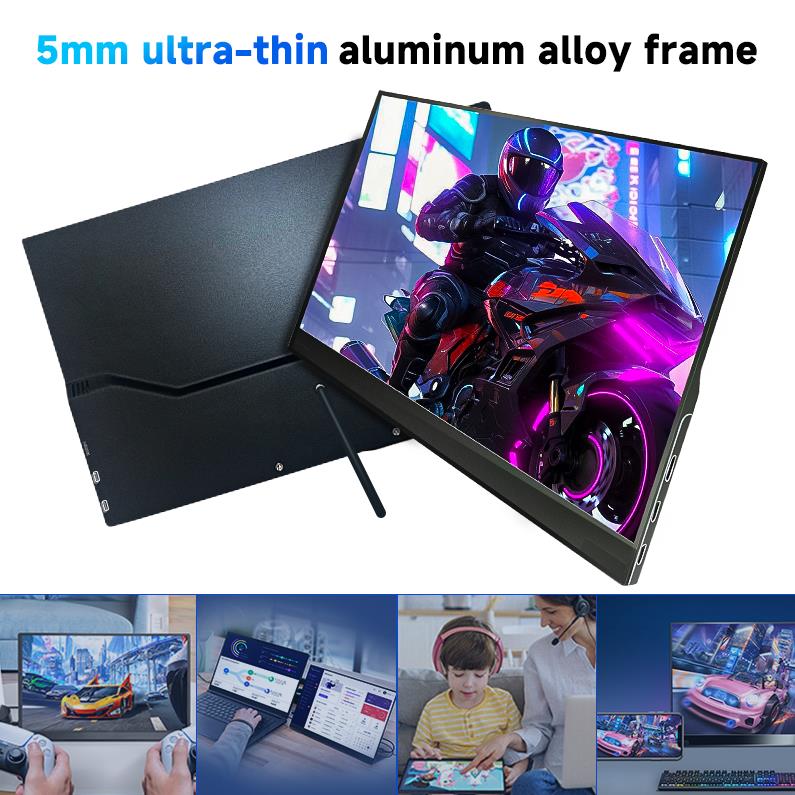
The PM133-2 is a 13.3-inch portable monitor featur...
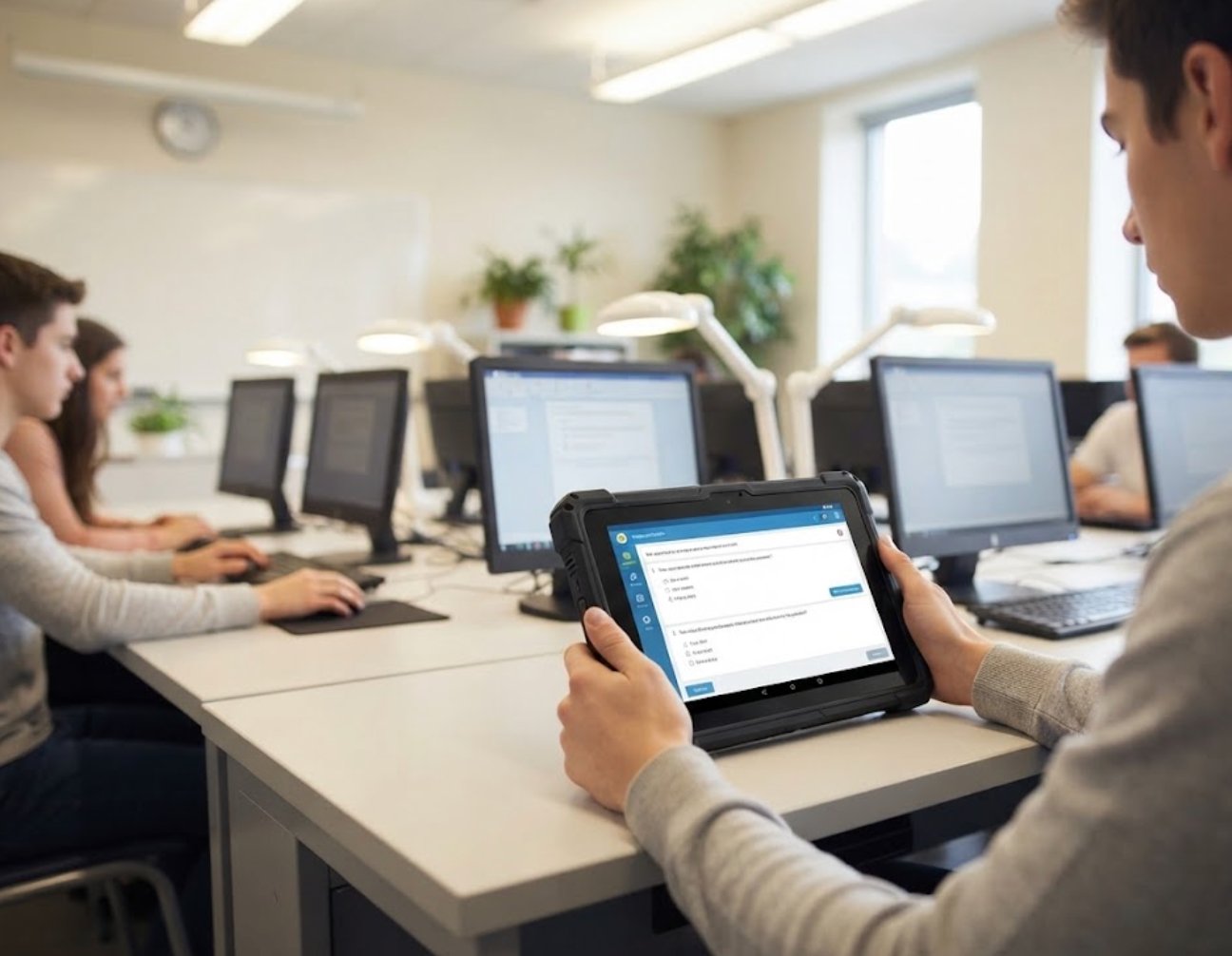
When a vocational school asked me to help spec out a new computer lab last spring, the procurement team opened with the obvious option: a cart of consumer laptops. I pushed back, and not because I dislike laptops. After watching three machines come back from a single semester with cracked hinges, dead batteries, and spilled-coffee keyboards, the math stopped making sense. A computer lab is a shared, high-turnover, occasionally chaotic environment, and the devices inside it need to survive students, backpacks, and budget cycles. The case I made to that team came down to one word: total cost of ownership. Rugged tablets and compact mini PCs, deployed as a deliberate system, routinely beat consumer gear on the only number a principal actually cares about. Here is how the ROI really breaks down when you build an education computer classroom around Hotus hardware.
A typical consumer laptop is engineered for an individual at a desk, not a classroom of thirty users who log in, unplug, drop, and recharge on a shared cart. Warranty claims, replacement cycles, and downtime add hidden cost that never shows up in the purchase order. A modern computer lab needs devices that tolerate abuse, boot fast, and stay serviceable for years. That is exactly where a rugged handheld plus a compact compute core earns its keep, and two Hotus builds have become my default recommendation for this exact job.
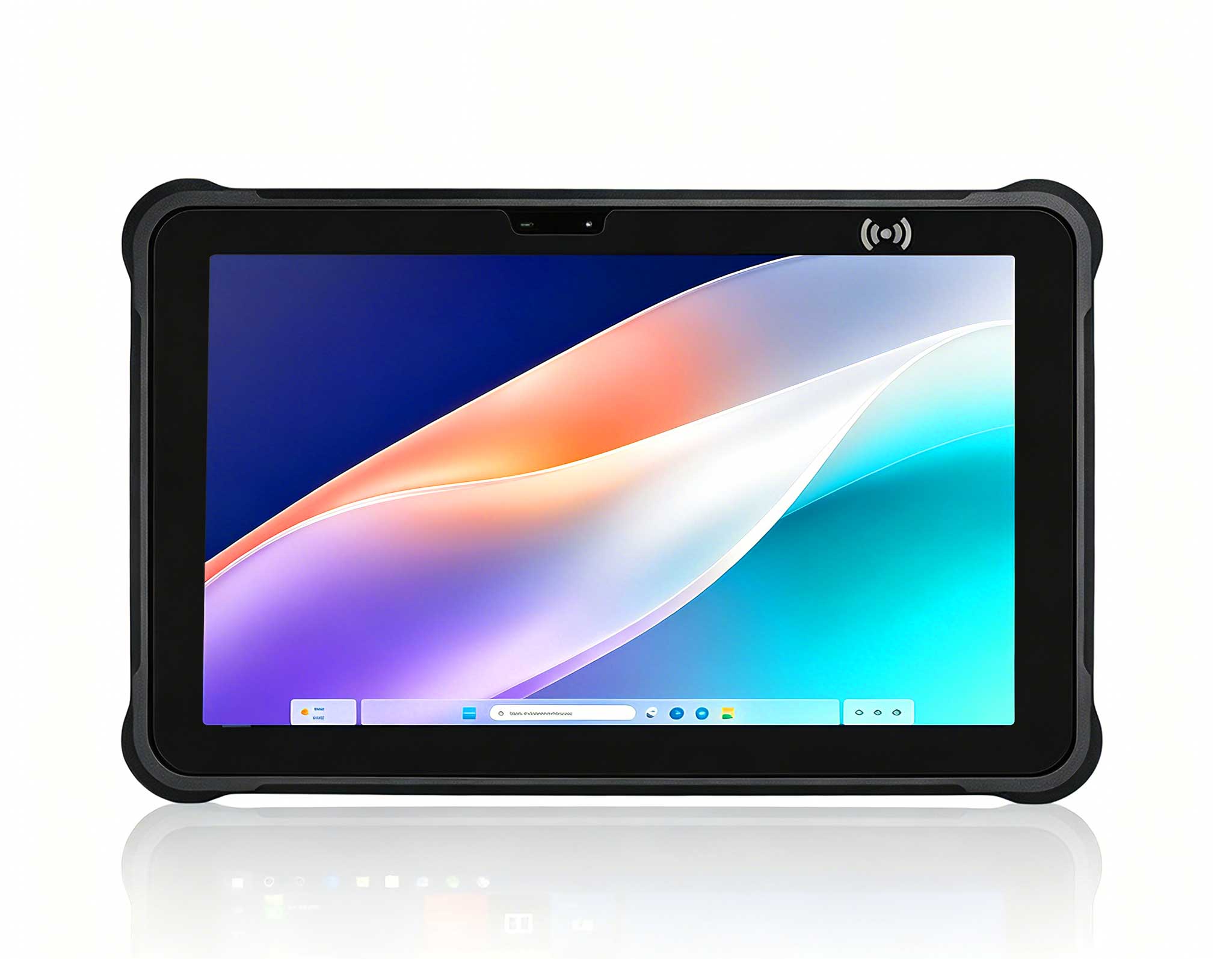
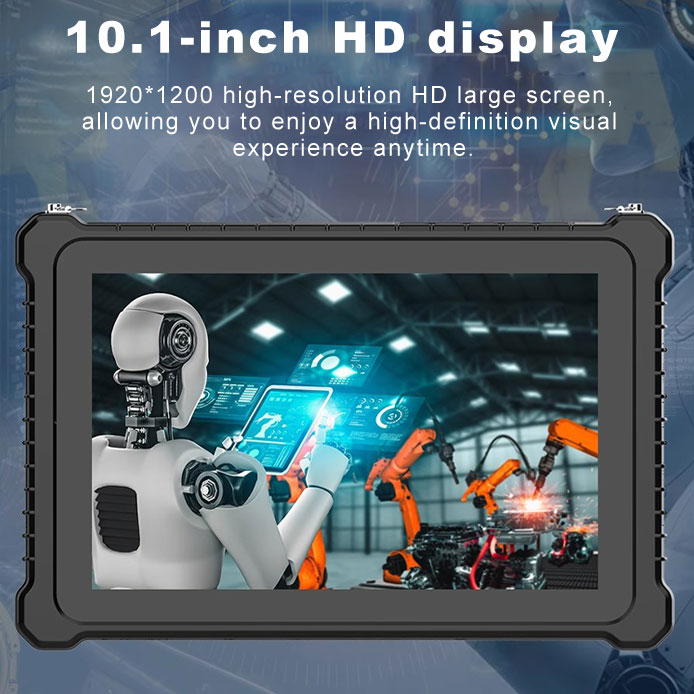
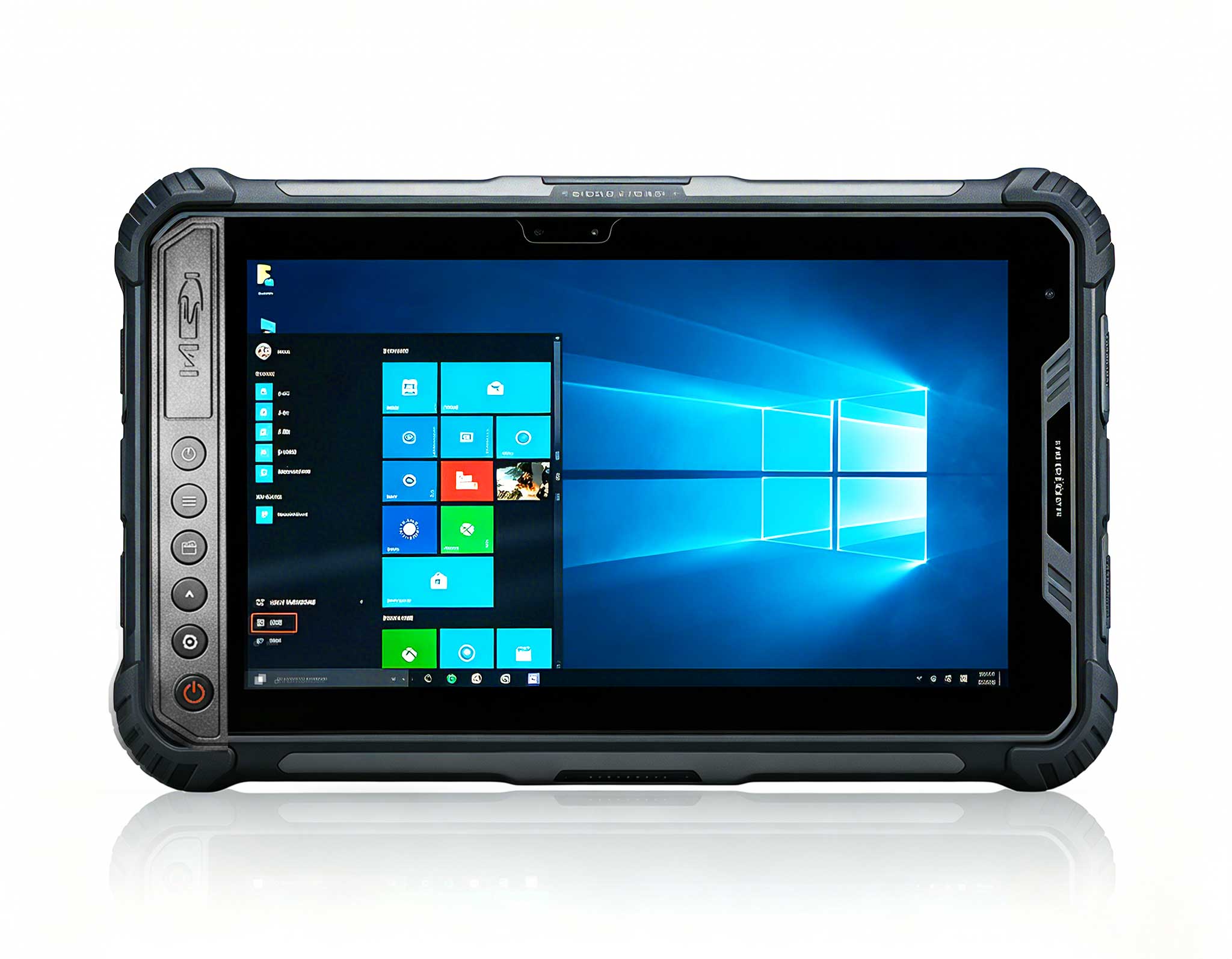
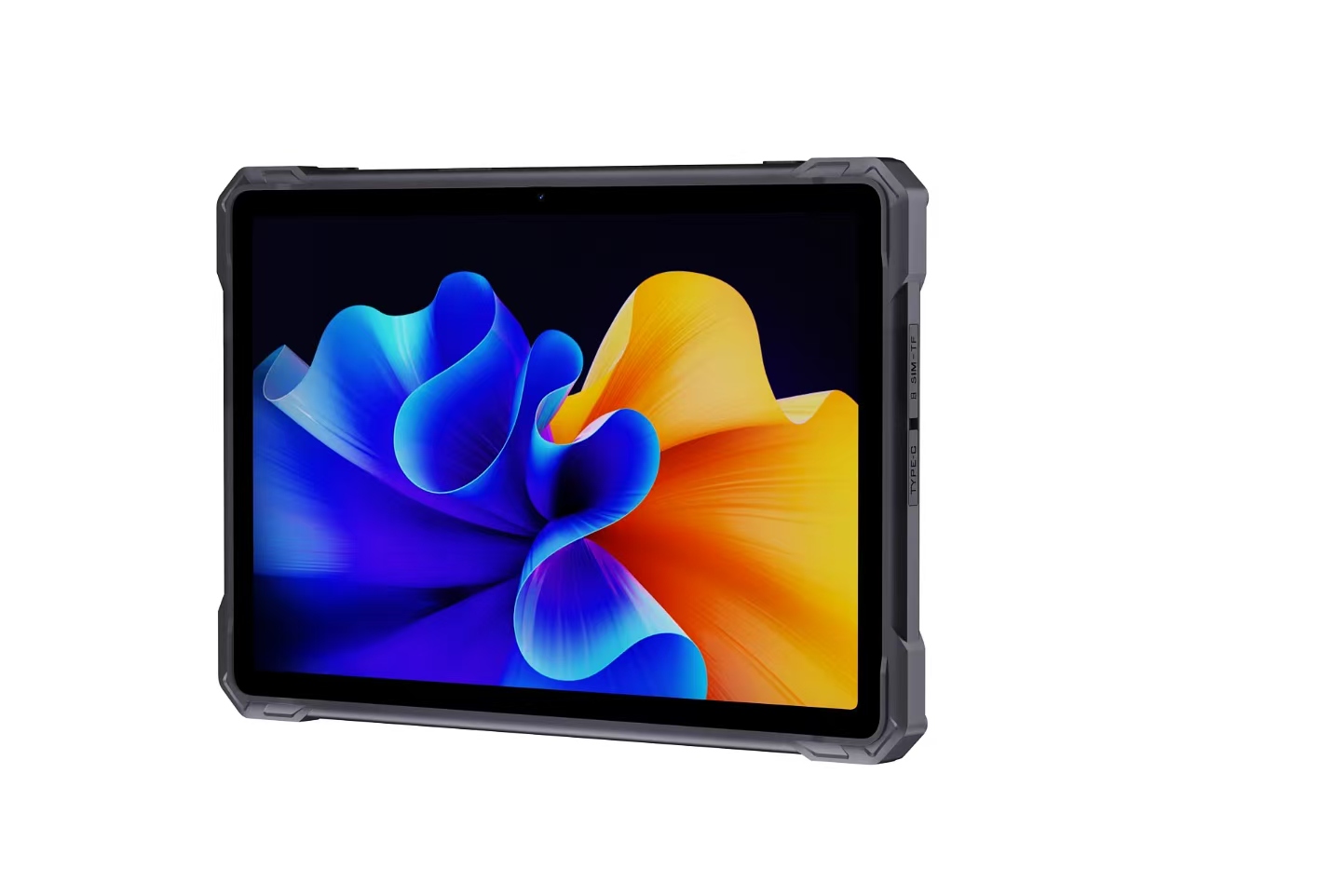
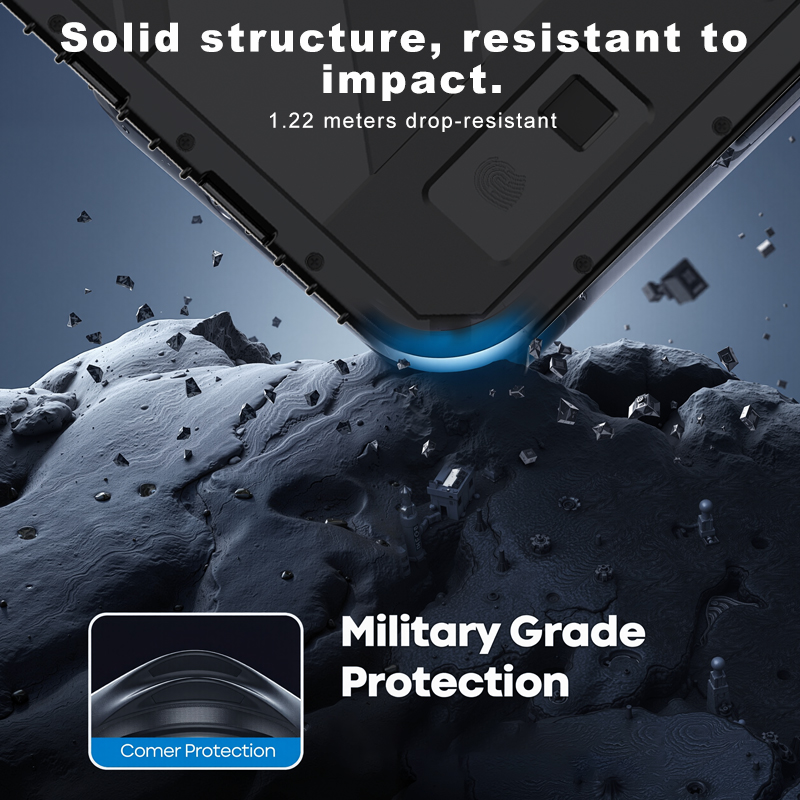
The dedicated education solutions start with the HTNJ08A Rugged Tablet, an 8-inch handheld built for exactly the kind of rough handling a shared lab produces. It runs an Intel Celeron N5100 quad-core processor at up to 2.8 GHz on an 8-inch 1200x1920 display that stays readable at 560 nits indoors, with a 7H-hardened touch panel that survives keys, pens, and the occasional dropped textbook. The IP67 rating and 1.22-meter drop resistance mean a spilled drink or a fall off a lab bench is an inconvenience, not a write-off. With a removable 7.6V/3500mAh battery, a full set of ports including RJ45, SIM, and a 12-pin docking connector, it plugs into the lab network or a charging cradle without dongles. For guided lessons, assessment apps, and mobile stations, this is the device I hand to the student. See the HTNJ08A Rugged Tablet full build options before you standardize the fleet.
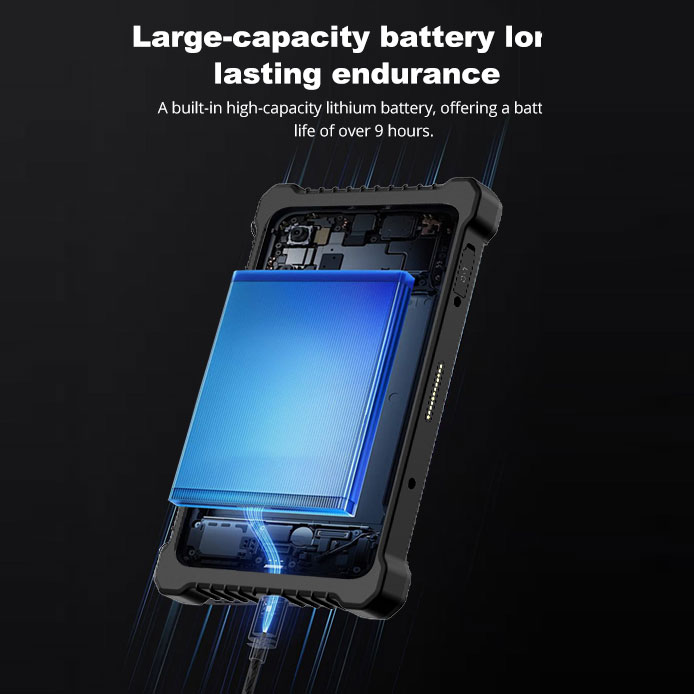
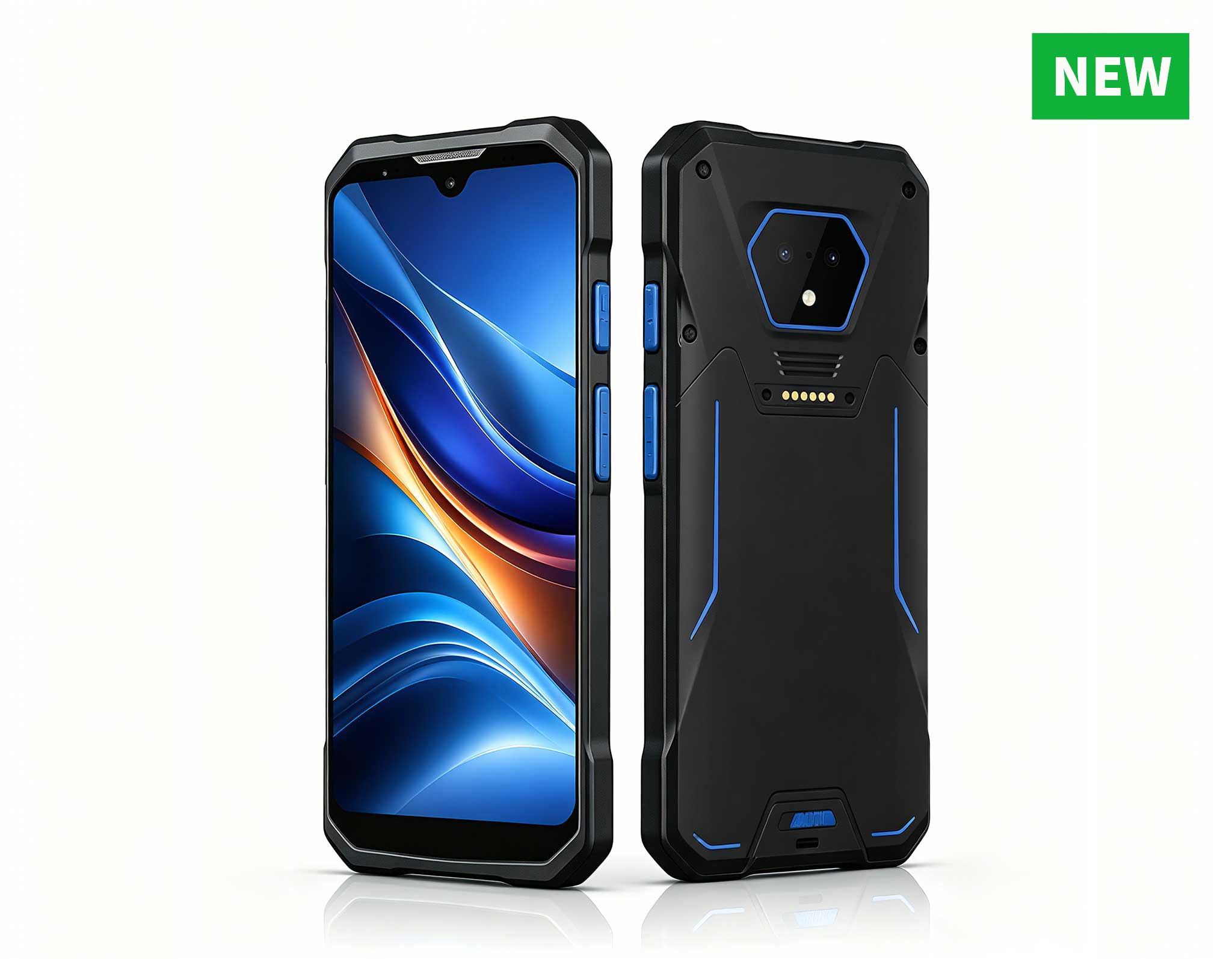
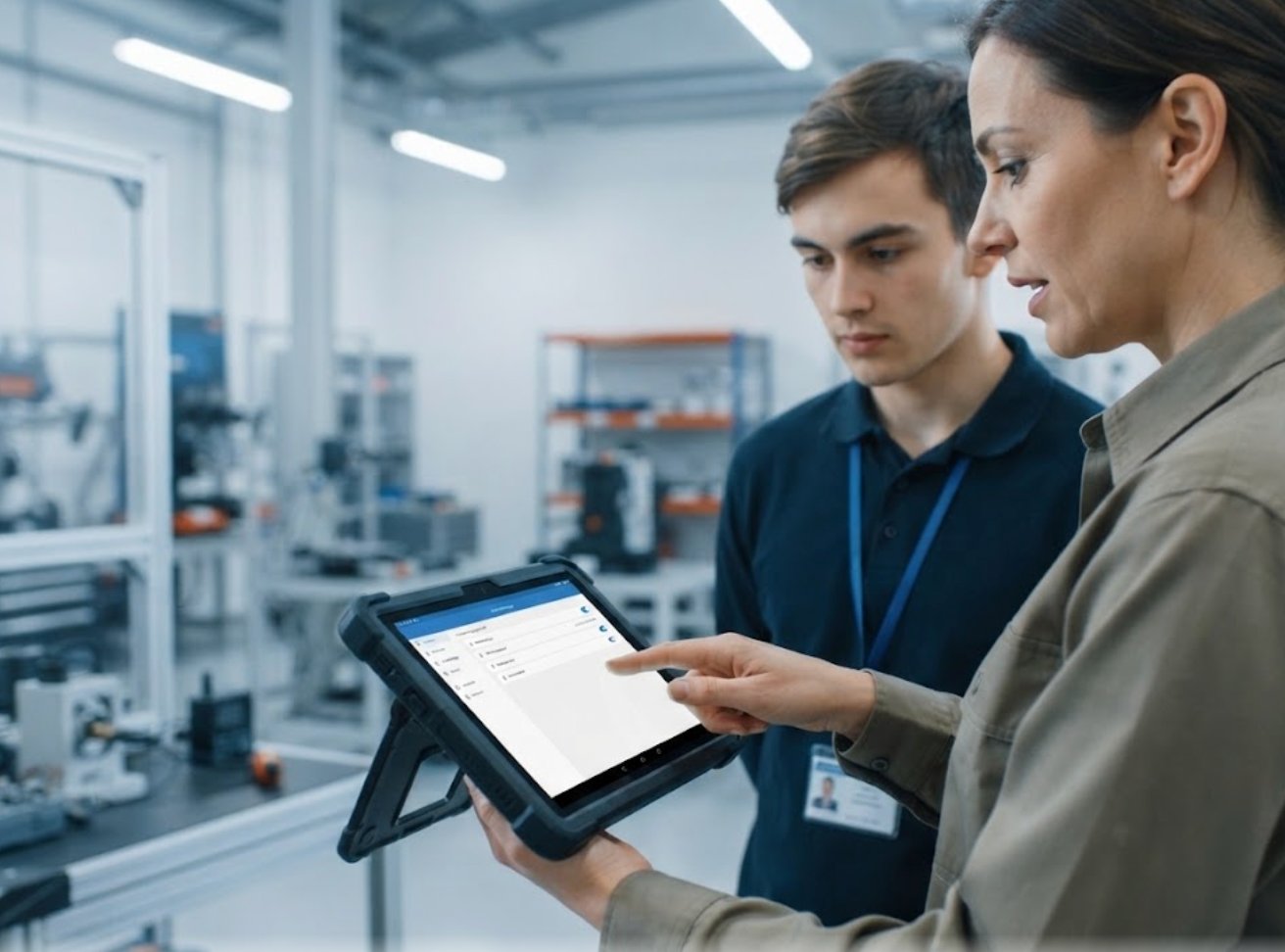
Where the ST9-J earns its place is the lab that spills outside the walls. It shares the same N5100 platform but adds Windows 10/11 Pro, 8 GB of memory, a brighter optional 1000-nit screen, and a rugged envelope certified to IP65 and MIL-STD-810G with a 1.2-meter drop rating. The 5000mAh battery runs close to seven hours, and built-in 4G LTE, GPS, and optional UHF RFID or fingerprint modules turn it into a data-collection and identity terminal for outdoor fieldwork, campus surveys, and industrial-visitor programs. If your computer classroom doubles as a training floor for logistics, manufacturing, or field service, the ST9-J is the unit I give the instructor.
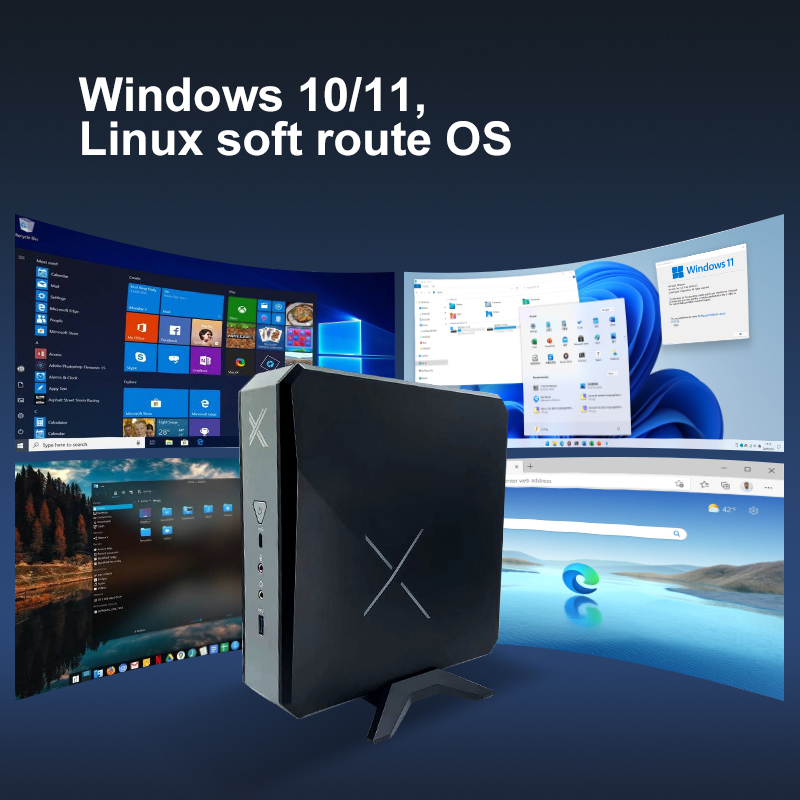
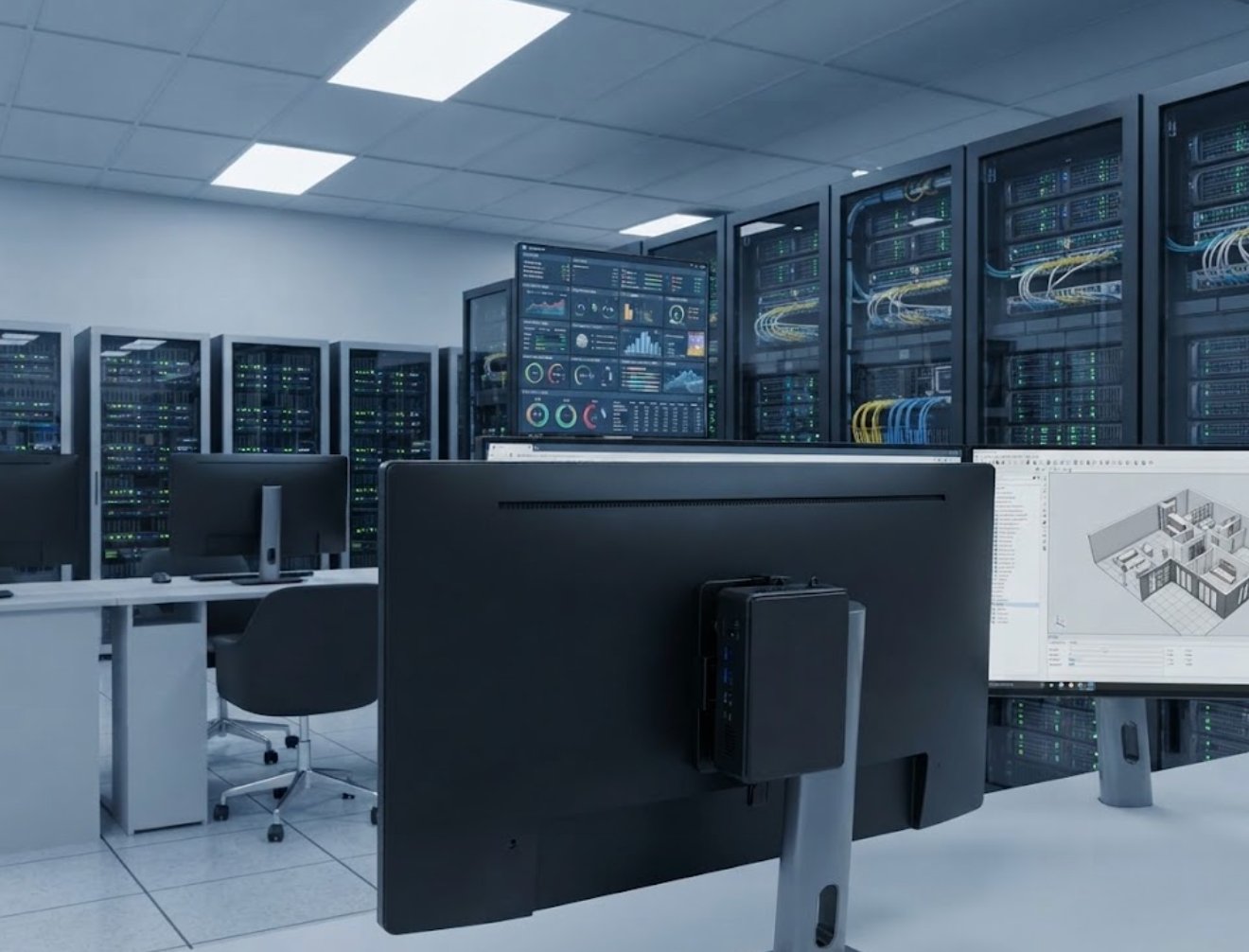
The third piece is the one most schools forget: the rugged mini PC solutions that power the room. The Palm-sized miniPC packs Intel 12th-generation Core processors, from i3-1215U up to i9-12900HK, with up to 64 GB of memory and a storage layout that is almost absurd for the size: two M.2 NVMe slots plus two 2.5-inch SATA bays, reaching 12 TB total. It drives three 8K displays through two HDMI 2.1 ports and one Type-C, runs Windows 11 or Linux, and stays silent under load. Mount it behind a monitor bank, a kiosk, or a digital-signage wall and it simply disappears into the infrastructure, which is exactly what lab IT wants. Instead of replacing a dozen heavy towers, one quiet box handles the shared compute, the demo station, and the local server role at once.
| Model | Processor | Memory | Display | Rugged Rating | Battery / Power | Best Lab Role |
|---|---|---|---|---|---|---|
| HTNJ08A Rugged Tablet | Intel Celeron N5100, 4C/4T, 2.8 GHz | Build-configurable | 8-inch 1200x1920, 560 nit | IP67, 1.22 m drop | 7.6V / 3500 mAh removable | Student mobile terminal |
| ST9-J | Intel Celeron N5100, 4C, up to 2.8 GHz | 8 GB (4 GB optional) | 8-inch IPS 1200x1920, up to 1000 nit | IP65 + MIL-STD-810G, 1.2 m drop | 5000 mAh / 7.7V, ~7 h | Field-ready instructor unit |
| Palm-sized miniPC | Intel 12th Gen Core, up to 12C/16T | Up to 64 GB | Triple 8K output | PC+ABS, fanless silent | 15-45 W TDP, AC powered | Shared compute / server |
The mistake I see most often is buying a single device class and forcing every workflow through it. Match by failure mode instead. If your lab is mostly seated instruction with shared carts, the HTNJ08A tablets keep costs low and breakage near zero. If your program includes fieldwork, logistics, or identity checks, the ST9-J's LTE,RFID, and certification cover the edge cases. And for the room itself, the Palm-sized miniPC removes the tower tax: less space, less heat, less maintenance, and triple-display headroom for demonstrations. Many schools I work with run all three as one coordinated fleet, and the Palm-sized miniPC anchors the backend while the tablets carry the front line. The result is a computer classroom that still works in year three, not one that needs a refresh by year two.
The plants and campuses pulling ahead are not the ones with the flashiest devices; they are the ones who decided, on purpose, that durability is part of the budget they plan. A rugged tablet and a compact mini PC turn a fragile, high-replacement lab into a controlled, low-downtime learning environment, and the HTNJ08A plus ST9-J plus Palm-sized miniPC combination covers both the student desk and the server rack a modern education computer lab actually needs. If you are planning to standardize your classroom hardware, start from a structured solution rather than a cart of consumer laptops, and the savings show up in your repair log before they show up in your next purchase order.