- Select Language
RS51 4G Rugged Handheld Terminal | 6.3" FHD+ ...
Enterprise Flagship SeriesEngineered for mission-c...
The N40 Android smart PDA features a Cortex-A53 qu...
Full SpecificationsModelHotus ST13‑UOSWindows 10 P...
R366C-S 5.5-inch Industrial UHF RFID Reader | Qual...
R366-S 5.5-inch Industrial PDA | Qualcomm Octa-cor...
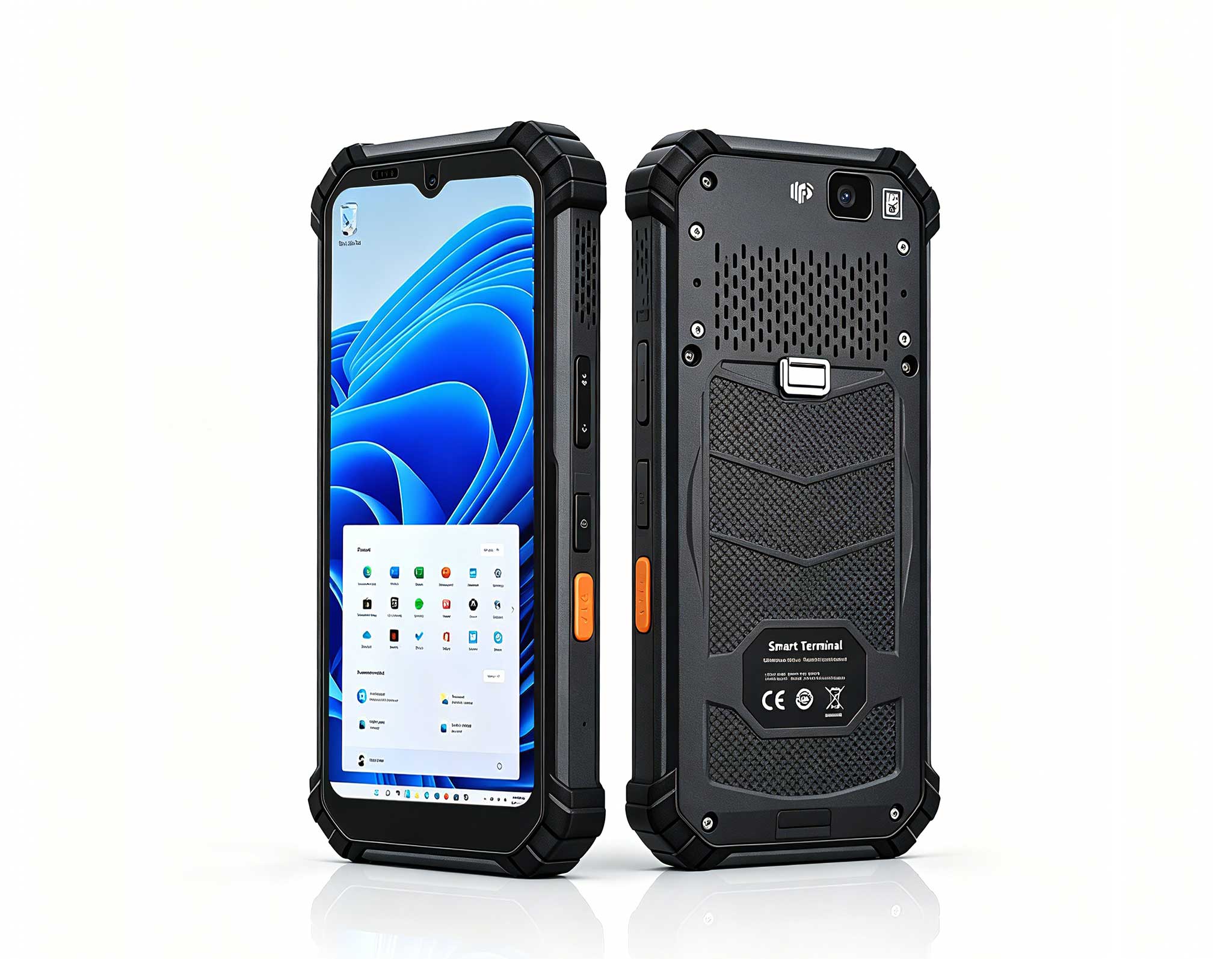
The X501 Handheld PDA combines advanced barcode sc...
Digital signage has two halves, and they get compared to different equipment. The back half is the player — a small computer that renders video walls and pushes content, which we covered in a previous comparison of mini PCs. The front half is the touchscreen the customer actually touches: the price checker at the shelf edge, the check-in tablet at the clinic desk, the portrait information panel beside the elevator. This comparison stays on that touch side with three Hotus tablets — the HTQ10A as the Android kiosk anchor, the HTNJ10B as the native portrait wall unit, and the HTNJ08C as the compact counter terminal — against two incumbents with very different stories: the Elo I-Series 3.0 Android all-in-one, the commercial interactive-signage standard, and the Samsung Galaxy Tab Active5, the consumer-rugged crossover that keeps showing up in kiosk deployments anyway.
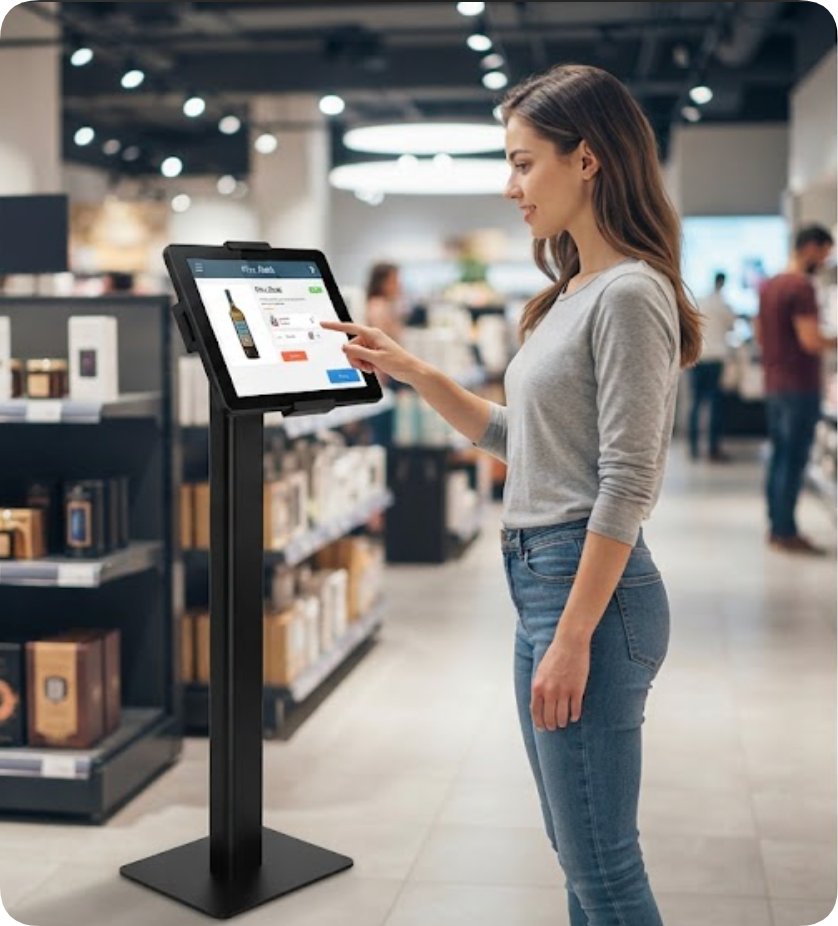
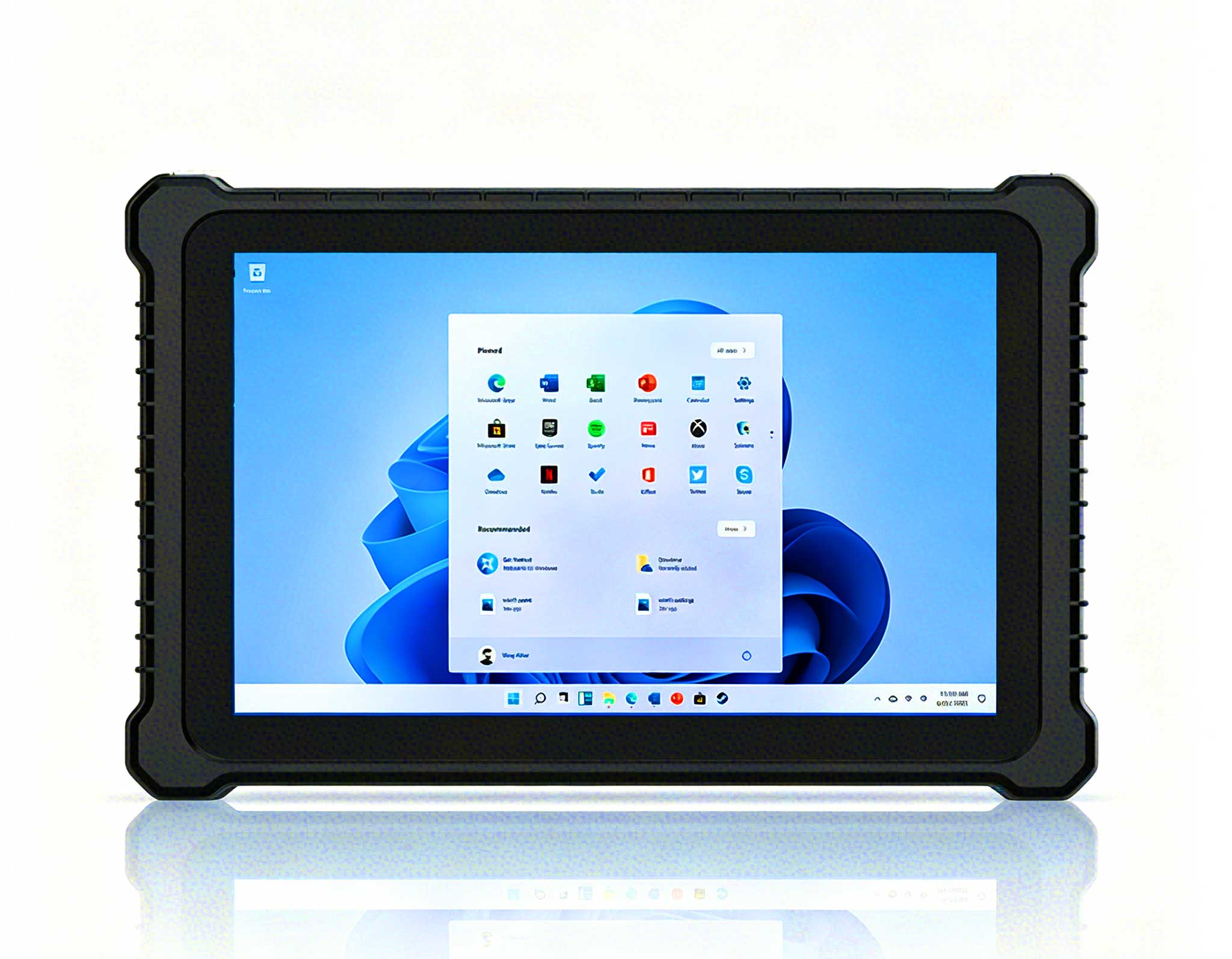
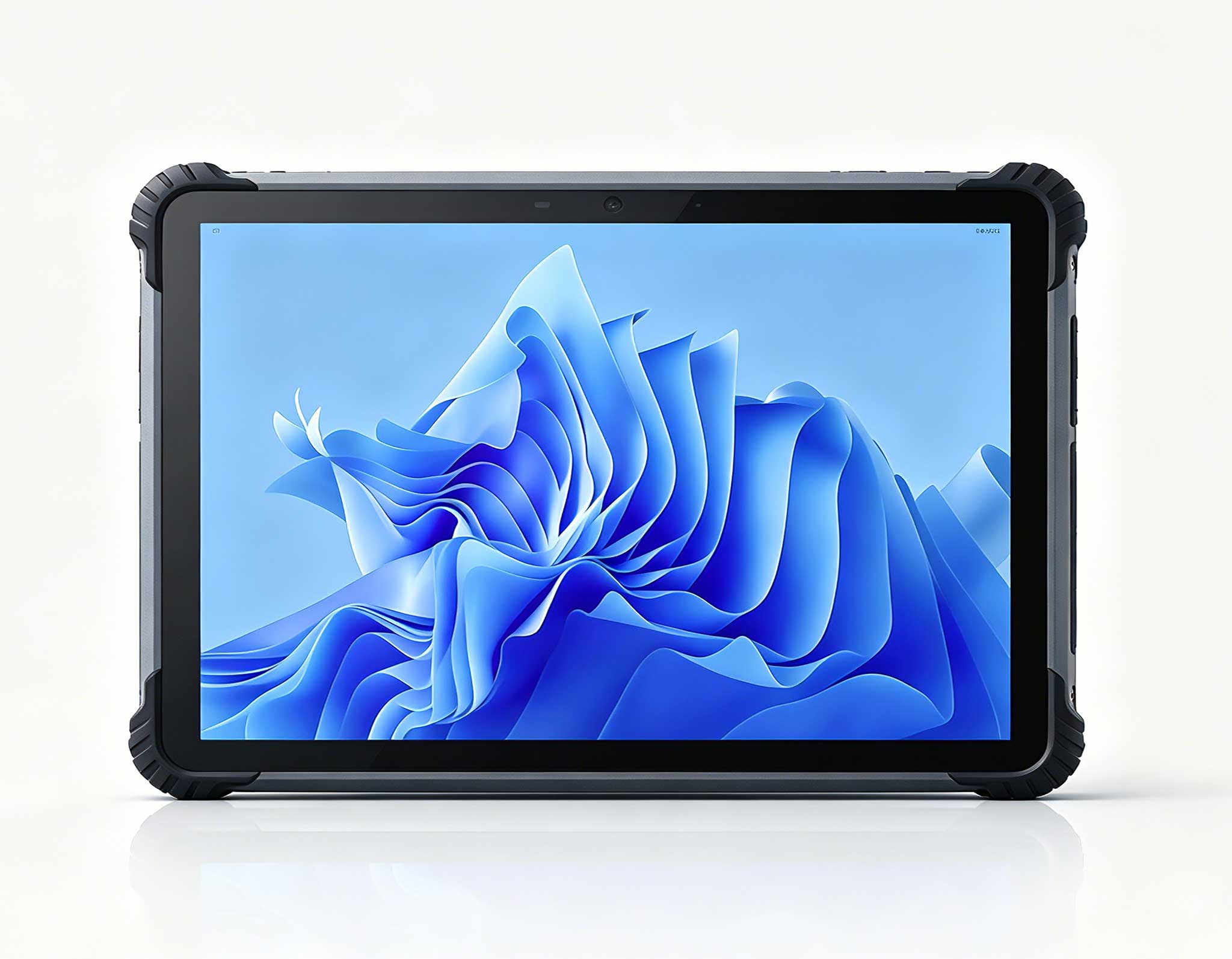
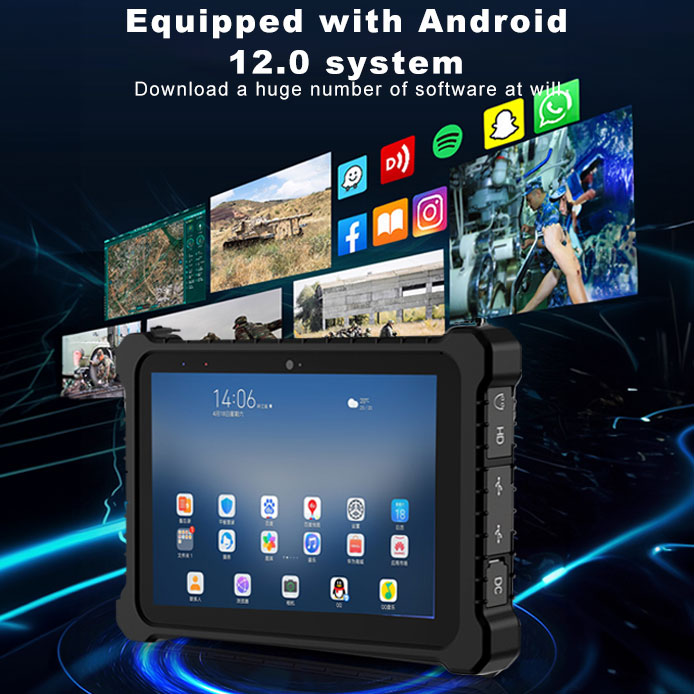
An unattended screen lives or dies by lockdown, and Android remains the fastest route to it: a single kiosk application, a pinned launcher, and the customer never sees the home screen. The HTQ10A runs Android 12 on an MTK 8788 octa-core at 2.0 GHz, with a 10-inch 1920×1200 panel pushing 560 nits — enough for a shop floor under mixed lighting without the washed-out look of consumer tablets. The IP67 sealing is the quiet differentiator: a kiosk near an entrance takes hand sanitizer, coffee spills and cleaning crews, and an IP67 front end shrugs at all three. The 7000 mAh fixed battery is really a UPS for the moments between wall power events, and the whole unit survives a 1.22-meter drop that would end a glass-and-plastic display's season.
Set beside the Elo I-Series 3.0, the contrast is sharper than the price gap. Elo's 10-inch Android unit runs Android 8.1 — an OS that left official support before some of its kiosks were even installed — on a Snapdragon APQ8053 with 3 GB of RAM and a 1280×800 panel at 400 nits. What Elo sells instead is infrastructure: a Power-over-Ethernet module that feeds data and power down one cable, the EloView cloud for remote content and OS management, and the Edge Connect rail that snaps on barcode scanners, NFC readers and EMV cradles. Those are genuine advantages for a chain rolling out five hundred units across a country, and Hotus has no equivalent rail — if the deployment lives on one screen per site, the newer OS, the higher resolution and the IP67 panel cost less; if it lives on central management and payment peripherals, Elo earns its premium.
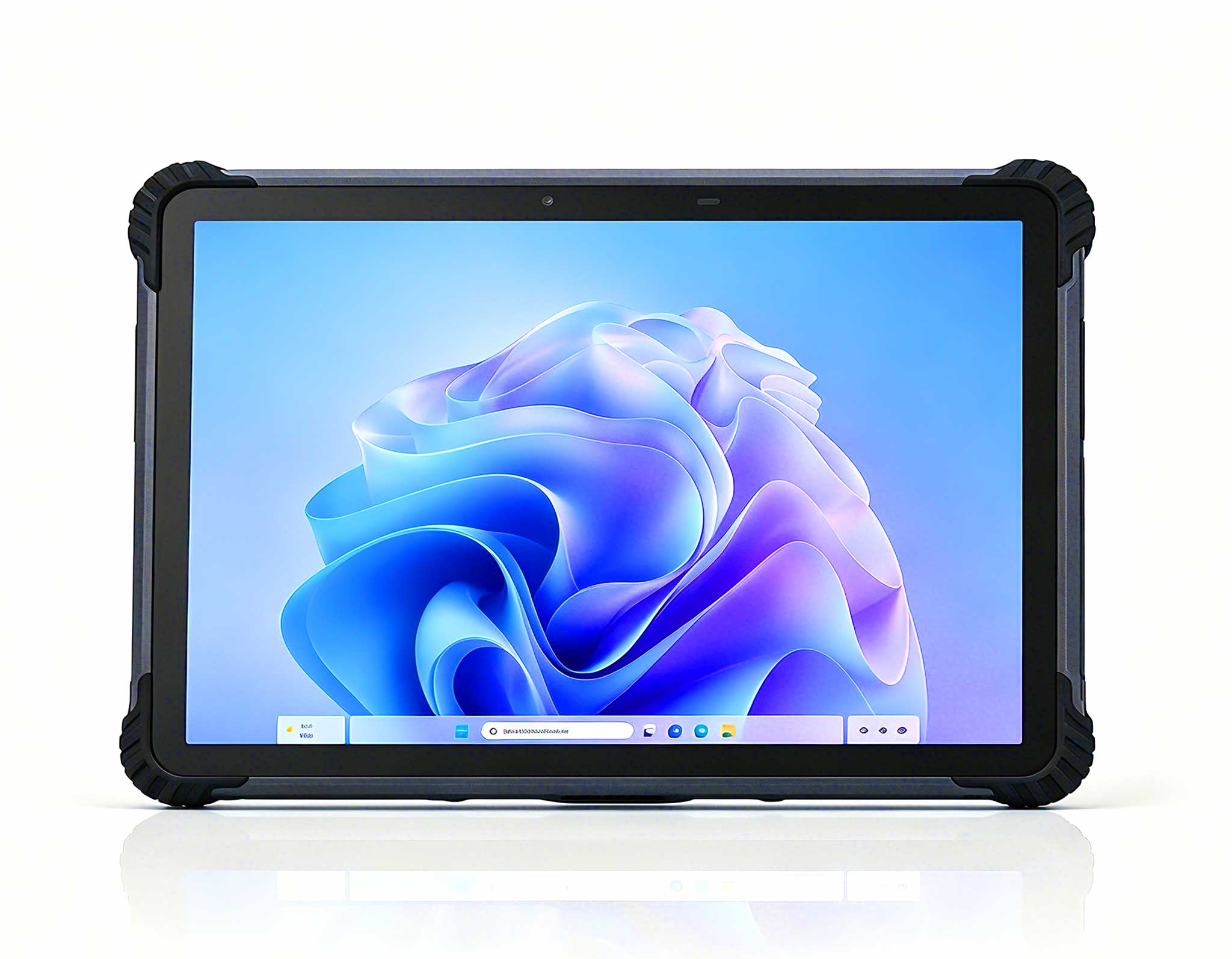
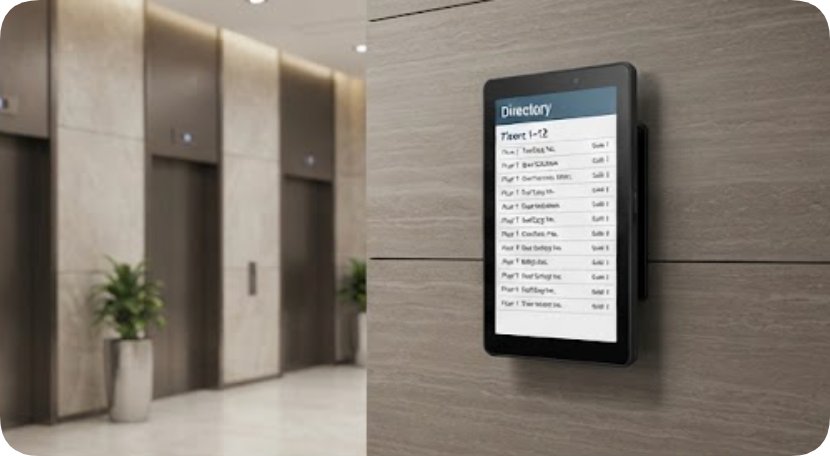
Most hallway and elevator signage is portrait, and rotating a landscape panel inside a third-party enclosure adds cost and glare. The HTNJ10B is native portrait: a 10-inch 1200×1920 panel at 560 nits, driven by an Intel Pentium N6000 quad-core on Windows 10/11, sealed to IP67 with the same 1.22-meter drop tolerance. Windows matters here for the same reason it matters in industry: digital signage networks that trigger content from local files, SQL feeds or bespoke .NET players run without rewrites, and the N6000 idles quietly enough for a wall cavity. WiFi 5 and Bluetooth 4.2 are unglamorous but sufficient for content sync overnight, and at this class the panel is bright enough to read across a corridor without paying 1000-nit sunlight money. Portrait resolution is the other quiet win: a 1200×1920 panel renders directory listings, wayfinding arrows and menu boards at native sharpness, while a rotated landscape panel either letterboxes or asks the content team to redesign every layout twice.
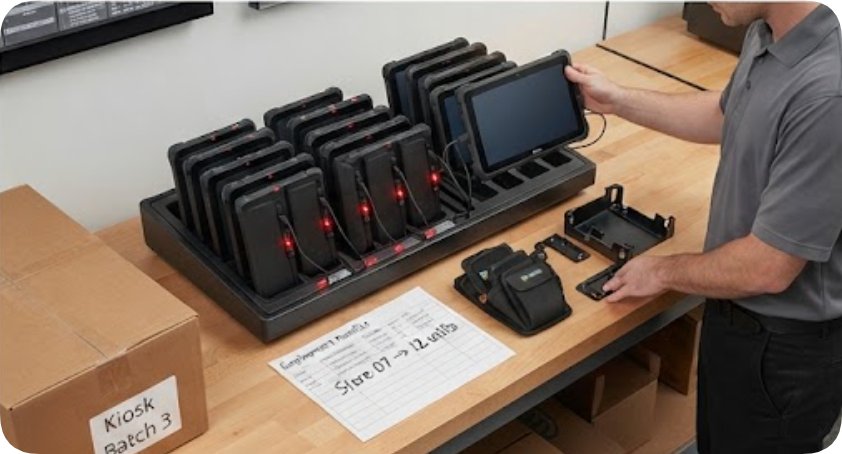
The tightest head-to-head is at the counter, where the HTNJ08C meets the Samsung Galaxy Tab Active5. Both are 8-inch, both run quad-core silicon — Intel N100 on the Hotus, Exynos 1380 on the Samsung — and both are sealed hard: IP67 with a 1.22-meter drop rating on the Hotus, IP68 with MIL-STD-810H and up to 1.8 meters with Samsung's case. Samsung's panel is better on paper, 600 nits at a 120 Hz refresh with Vision Booster, and the Tab Active5's party trick is real: a removable 5050 mAh battery plus a No Battery Mode that lets the tablet run permanently off wall power with the battery out of the circuit — a feature built precisely for kiosk duty, since swollen batteries are the classic failure of tablets that spend years plugged in. Samsung also commits to four OS generations and five years of security updates under Knox, an honesty interval most kiosk vendors never state. Samsung also rates the Tab Active5 from minus twenty to sixty degrees Celsius, which covers unheated loading docks and shaded outdoor queues that would stall ordinary consumer tablets. What the Hotus brings back is the desktop-class N100 running full Windows, which turns the same counter unit into a light POS terminal or registration station without a second device — a flexibility Android tablets cannot offer at any price. The HTNJ08C also keeps its 3500 mAh pack on board, so a counter terminal that loses wall power mid-shift keeps taking registrations through the outage instead of flashing a dead screen at the queue.
| Device | OS / Compute | Display | Sealing & Power | Management & Ecosystem |
|---|---|---|---|---|
| Hotus HTQ10A | Android 12; MTK 8788 octa 2.0 GHz | 10" 1920×1200; 560 nits | IP67; 1.22 m drop; 7000 mAh fixed | Standard Android MDM tooling |
| Hotus HTNJ10B | Windows 10/11; Pentium N6000 quad | 10" 1200×1920 native portrait; 560 nits | IP67; 1.22 m drop | Full Windows app compatibility |
| Hotus HTNJ08C | Windows; Intel N100 | 8" 1200×1920; 560 nits | IP67; 1.22 m drop; 3500 mAh | Desktop POS/registration capable |
| Elo I-Series 3.0 (10") | Android 8.1; Snapdragon APQ8053; 3 GB/32 GB | 10.1" 1280×800; 400 nits panel | No IP rating cited; touchscreen sealed; 10.2 W; PoE option | EloView MDM; Edge Connect peripherals; VESA rail |
| Samsung Tab Active5 | Android 14; Exynos 1380; 6–8 GB | 8" 1920×1200; 600 nits; 120 Hz | IP68; MIL-810H; 1.8 m with case; 5050 mAh swappable + No Battery Mode | Knox Suite; 4 OS + 5 yr security updates; POGO accessories |
For a single-site rollout — one clinic, one showroom, one store — the Hotus trio maps cleanly: HTQ10A on the floor for Android kiosk duty, HTNJ10B on the wall in portrait, HTNJ08C at the counter doubling as a Windows terminal when the queue grows. One fleet, one spare-parts drawer, and one mounting habit covers all three positions, which is its own kind of management layer even without a cloud console. Elo remains the right answer when the project is really a fleet-management project with payment peripherals, and it charges like one. The Tab Active5 is the toughest pure tablet of the three and the only one with a no-battery kiosk mode, though its Android runtime caps what the counter unit can become. Compare this touch-side picture with the mini PC signage players already covered, browse the full rugged tablet range for other form factors, or read more cross-brand matchups in the comparison archive.