- Select Language
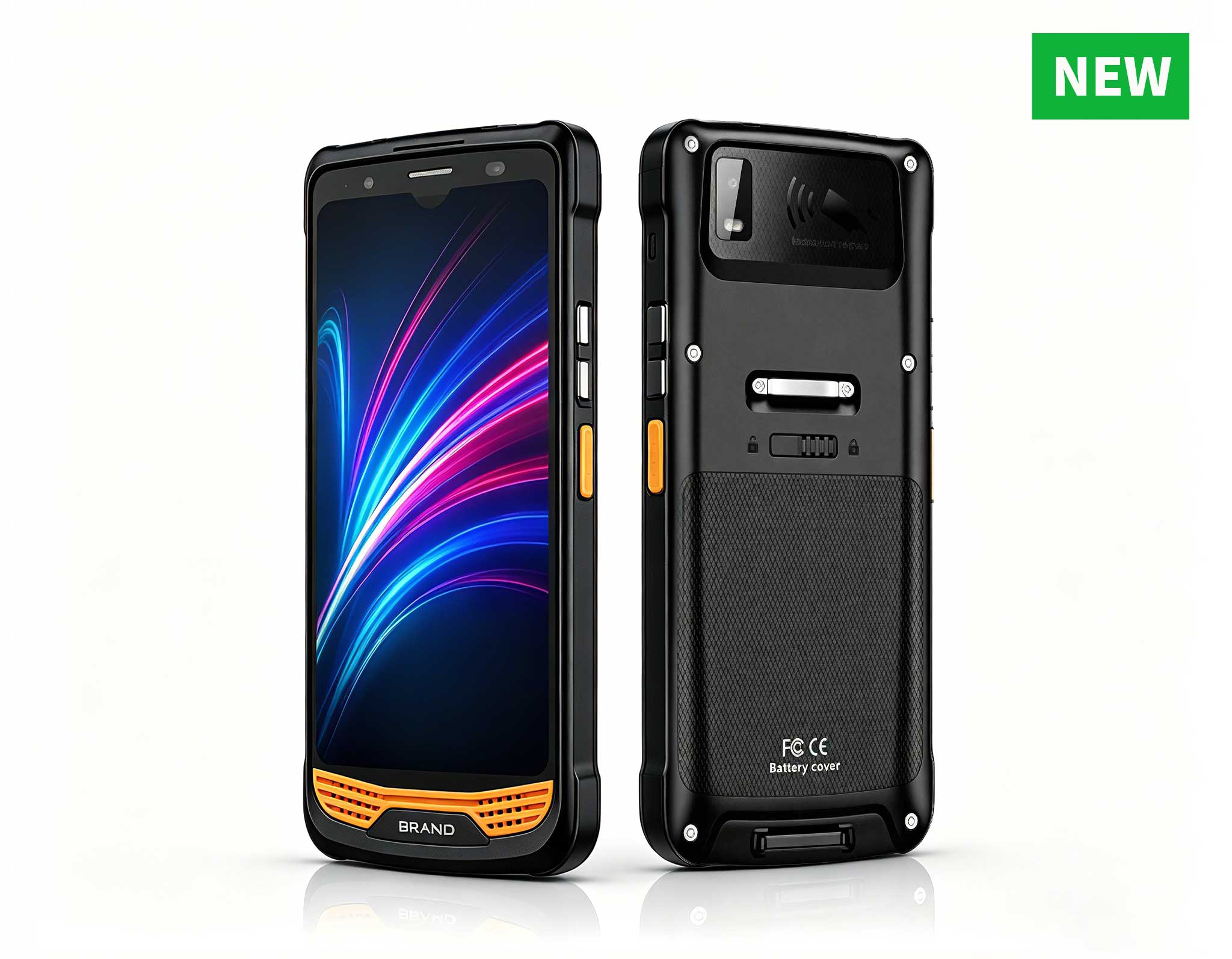
R366-S 5.5-inch Industrial PDA | Qualcomm Octa-cor...
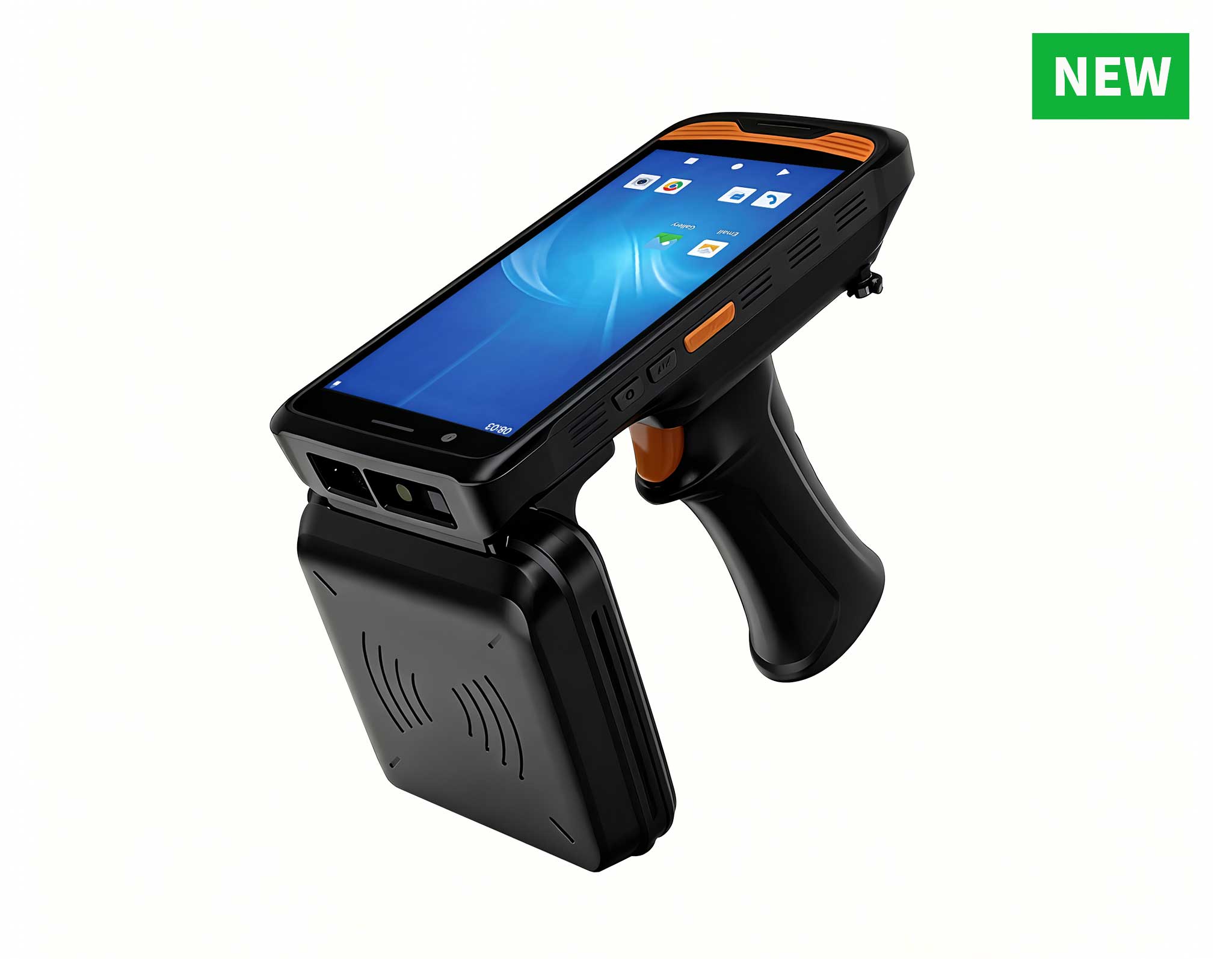
R366C-S 5.5-inch Industrial UHF RFID Reader | Qual...
Full SpecificationsModelHotus ST11‑UOSWindows 10 P...
R366-S 5.5-inch Industrial PDA | Qualcomm Octa-cor...
The U9000 handheld PDA combines advanced barcode s...
From the unknown so simpleUsed for mobile phones, ...
Full SpecificationsModelHotus ST11‑MOSWindows 10/1...
When I consult with businesses planning digital signage or kiosk rollouts, the first question is always about the computer driving the displays. Many assume a full-sized desktop tower is necessary, but I have seen time and again that this approach creates headaches: excessive heat, noisy fans, bulky mounting requirements, and unnecessary power consumption. For digital signage and kiosk deployments, the ideal computer is small, silent, reliable, and purpose-built for 24/7 operation. That is exactly what a quality Mini PC delivers. These compact devices can be VESA-mounted behind a screen, tucked inside a kiosk pedestal, or hidden above a ceiling tile — all while providing the processing power needed for smooth content playback and touch interactivity. In this post, I will walk through three distinct tiers of mini PCs from Hotus Technology, each suited to different signage and kiosk scenarios.
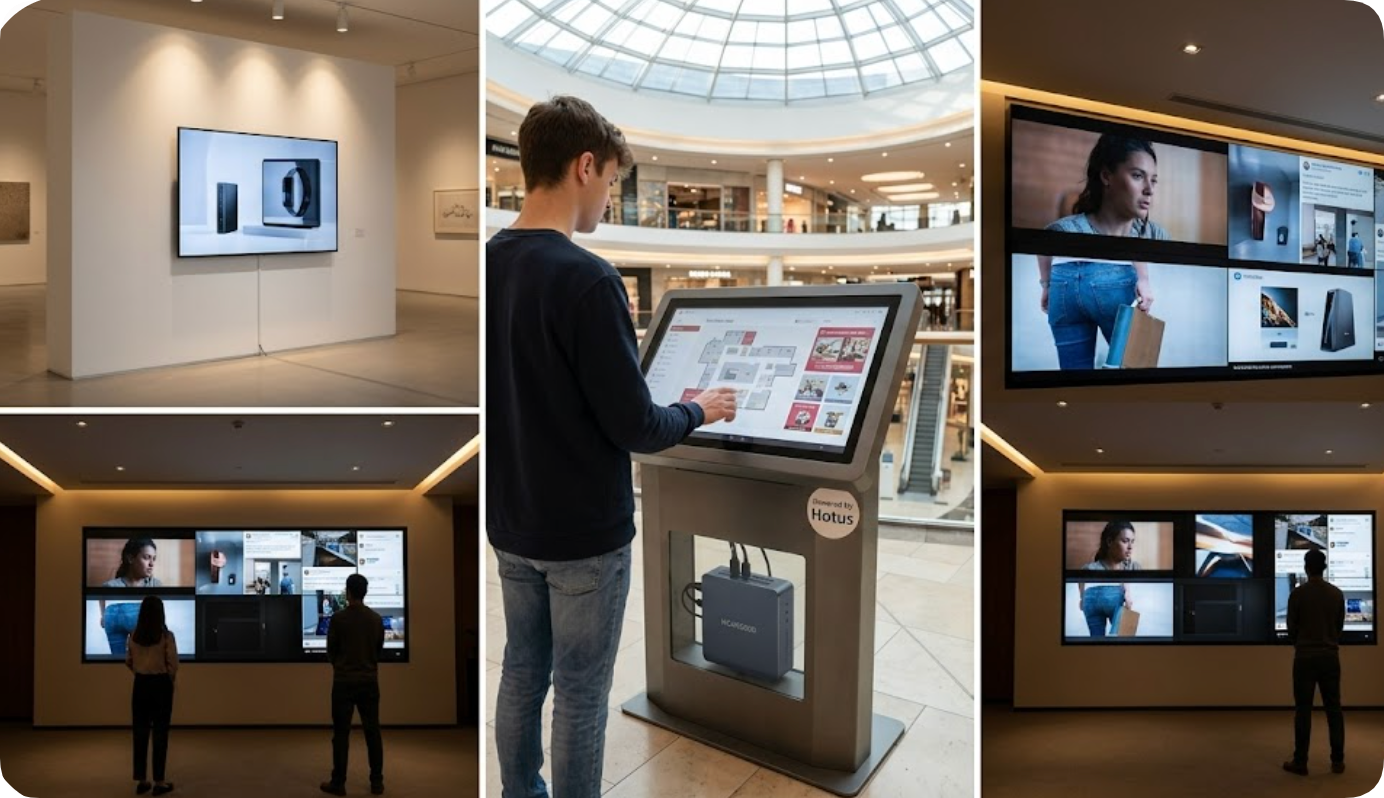
For straightforward deployments like menu boards, wayfinding kiosks, or single-screen information displays, the Palm-sized miniPC is my go-to recommendation. This unit is remarkably compact — it fits in the palm of your hand — yet it delivers reliable 1080p output for static signage and looping video content. Its fanless design means zero moving parts, which translates to silent operation and long-term durability in dusty or humid environments like restaurant kitchens or outdoor kiosk enclosures. I have deployed these in museum exhibit labels and retail shelf-edge displays where space is at a premium. The VESA mount compatibility lets you attach it directly behind the screen, creating a clean, cable-free installation. For entry-level digital signage where budget constraints exist but reliability cannot be compromised, this model provides an excellent foundation.
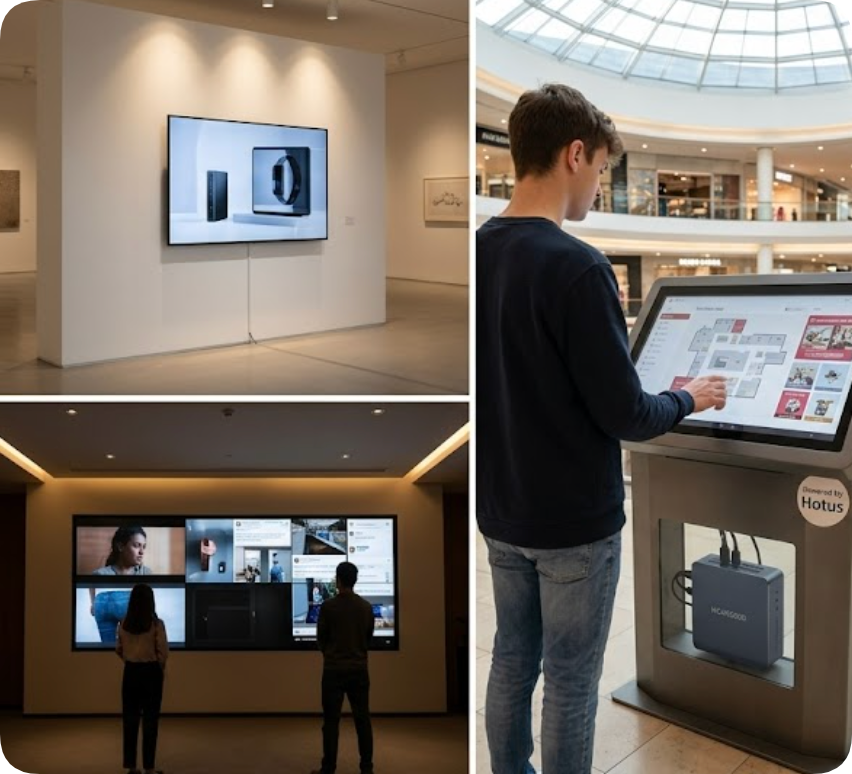
When your project requires touch interactivity, dual-screen output, or more demanding content, the HCAR5000 MI steps up to the challenge. This mid-range mini PC is built around an Intel processor with sufficient graphics horsepower to drive two displays simultaneously — ideal for a kiosk that shows both a touch interface and an overhead promotional screen. In a recent deployment at a shopping mall information kiosk, the HCAR5000 MI handled real-time wayfinding maps, weather data feeds, and a secondary advertising loop without any stutter. Its compact chassis still fits inside standard kiosk pedestals, and the active cooling system keeps temperatures in check during continuous operation. For interactive digital signage where responsiveness matters — such as product catalogs, ticketing kiosks, or self-checkout stations — this model offers the perfect balance of performance and physical footprint.
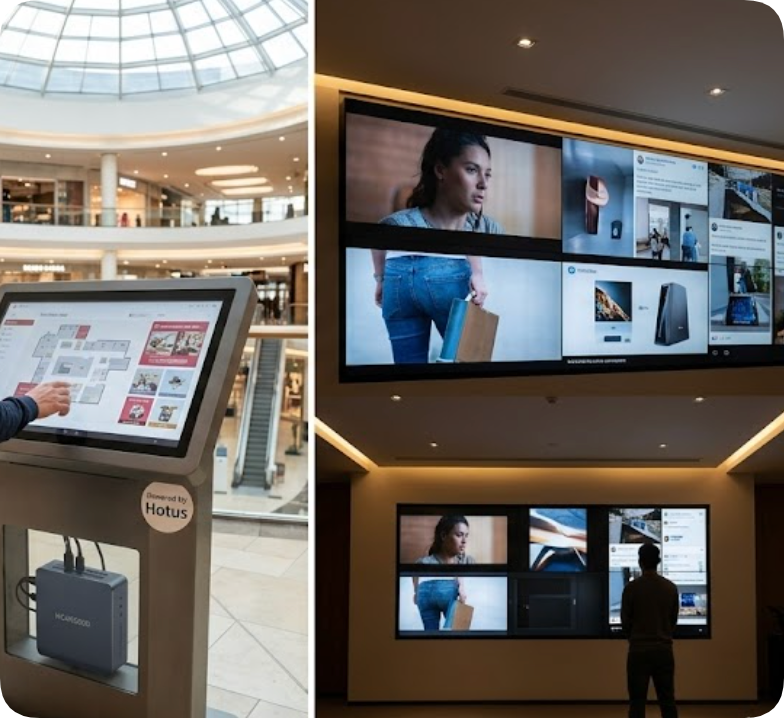
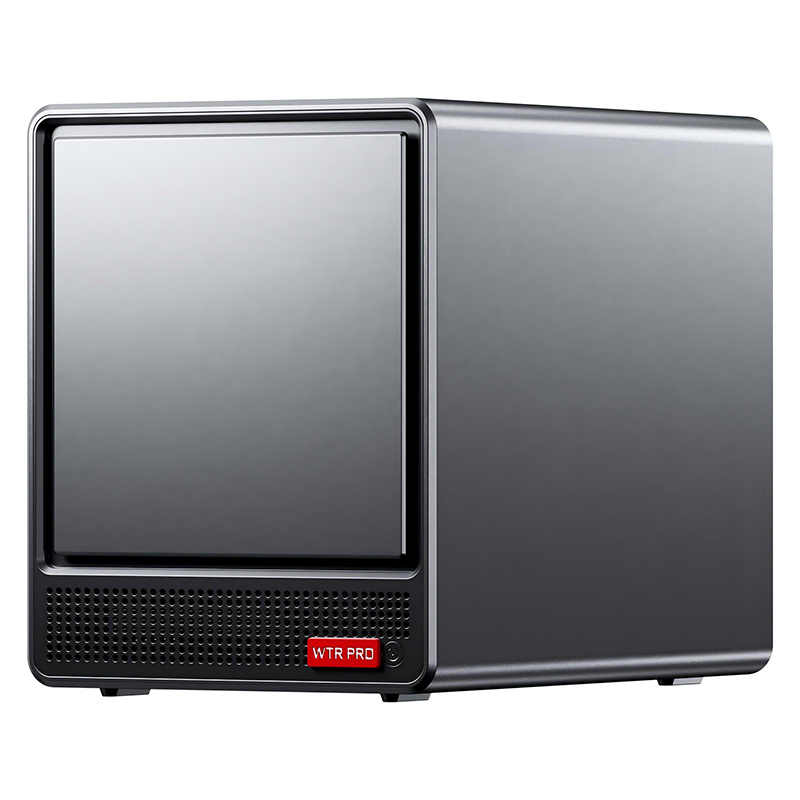
For the most demanding digital signage applications — video walls with four or more screens, high-resolution advertising displays in stadium concourses, or control room dashboards — the WTR PRO AMD is the powerhouse you need. Equipped with an AMD processor and robust integrated graphics, this mini PC can drive multiple 4K displays simultaneously, making it ideal for immersive video wall installations. I have seen this model deployed in a sports bar where six screens showed different games in perfect sync, and in a corporate lobby where a three-screen video wall welcomed visitors with dynamic brand content. Despite its performance, the WTR PRO AMD remains remarkably compact — it slides into a media cabinet or mounts behind the center screen of a video wall array. The dual Ethernet ports also allow for reliable network connectivity, which is critical when syncing content across multiple displays. For any project that demands high-resolution, multi-screen output, this is the tier I specify.
| Feature | Palm-sized miniPC | HCAR5000 MI | WTR PRO AMD |
|---|---|---|---|
| Best Use Case | Single-screen signage, info kiosk | Interactive kiosk, dual-screen displays | Multi-screen video walls, advertising walls |
| Processor | Entry-level Intel | Mid-range Intel | High-performance AMD |
| Max Displays | 1 x 1080p | 2 x 4K | 4+ x 4K |
| Cooling | Fanless (silent) | Active cooling | Active cooling with heat pipe |
| Mounting | VESA mount | VESA mount / pedestal | VESA mount / media cabinet |
| Ideal Environment | Retail menus, museum labels | Mall kiosks, ticketing stations | Control rooms, stadium concourses |
| Network | Single Ethernet | Single Ethernet | Dual Ethernet |
When planning your digital signage or kiosk project, I advise you to think beyond the initial hardware cost. Consider the total cost of ownership: power consumption, heat management, installation complexity, and long-term reliability. Mini PCs from Hotus Technology address all of these factors by eliminating the bulk and noise of traditional desktops while providing the specific performance you need for your screen count and interactivity requirements. Whether you are deploying a single menu board with the Palm-sized miniPC, an interactive touch kiosk with the HCAR5000 MI, or a multi-screen video wall with the WTR PRO AMD, you are choosing a form factor designed for continuous commercial operation. Start by defining your screen count and content type, then select the tier that matches — your installation team and your bottom line will thank you.
Personal Insight: Over the years, I have seen too many projects derailed by oversized, noisy, or unreliable hardware. The shift to mini PCs for digital signage and kiosk deployments is not just a trend — it is a practical evolution. The three tiers I have outlined here cover virtually every scenario I encounter, from a simple menu board in a coffee shop to a complex video wall in a sports arena. My advice: invest in the right tier from the start, and you will save yourself countless hours of troubleshooting and maintenance down the road.