- Select Language
Full SpecificationsModel Hotus SH5‑WOperating ...
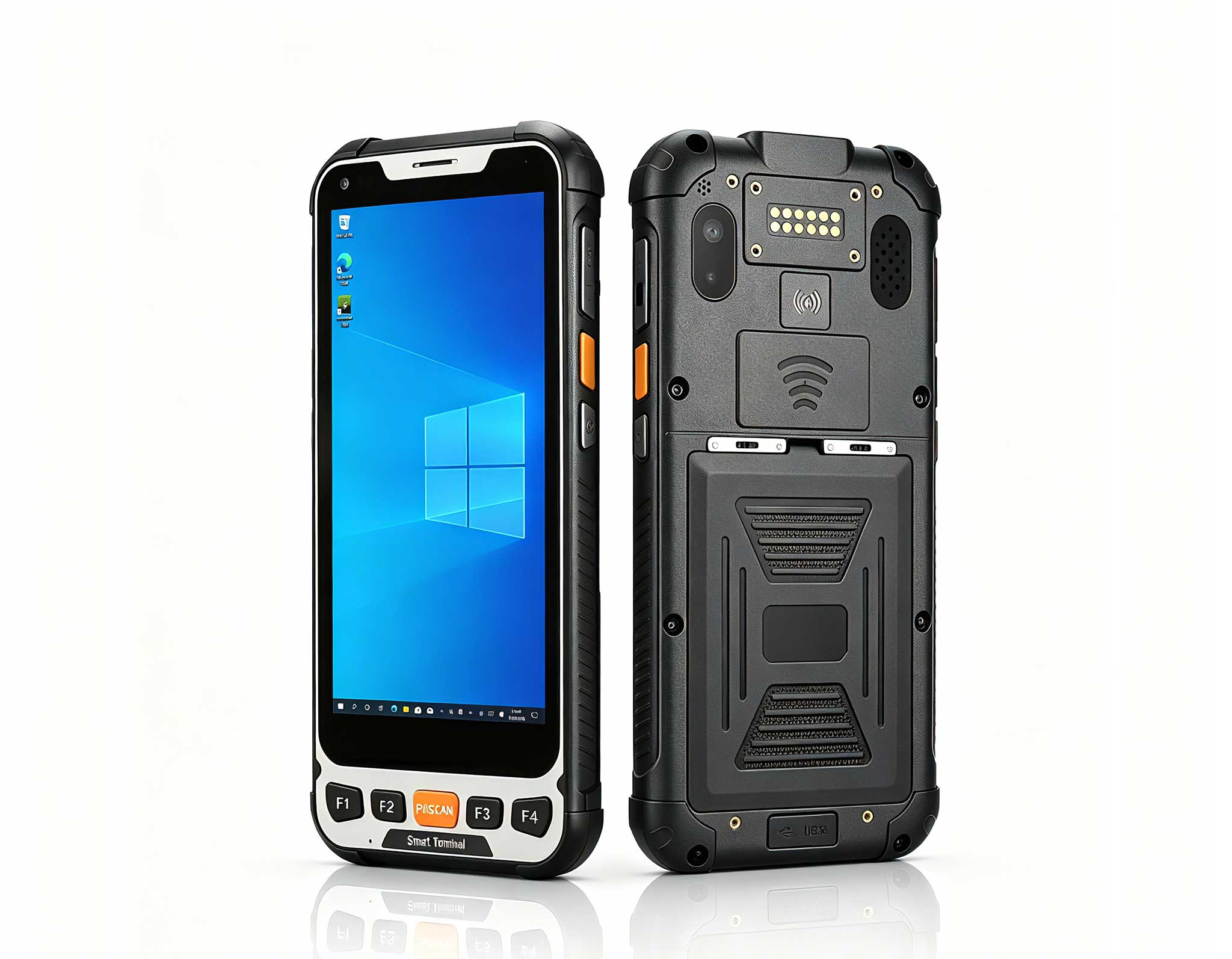
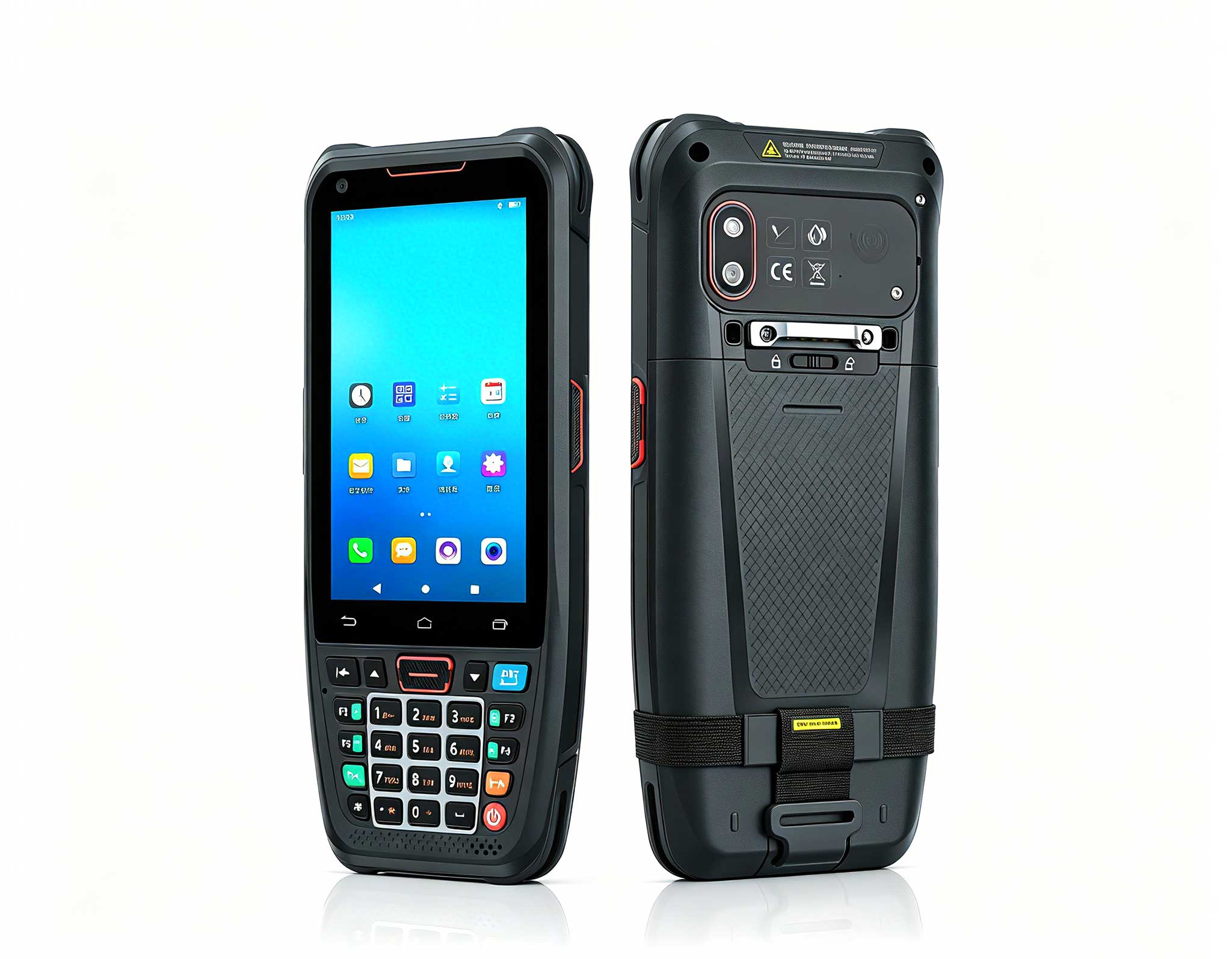
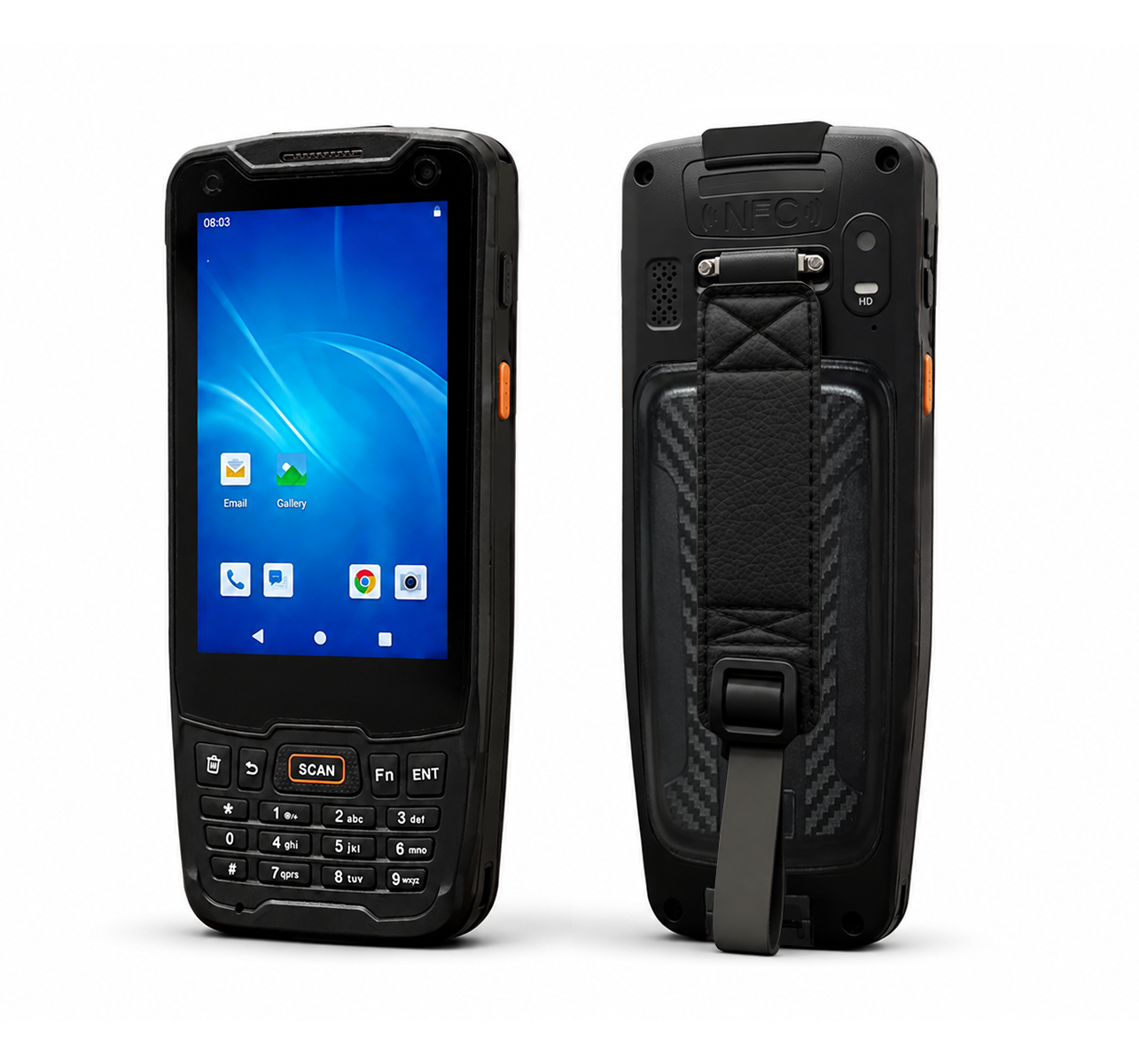
The N40 Android smart PDA features a Cortex-A53 qu...
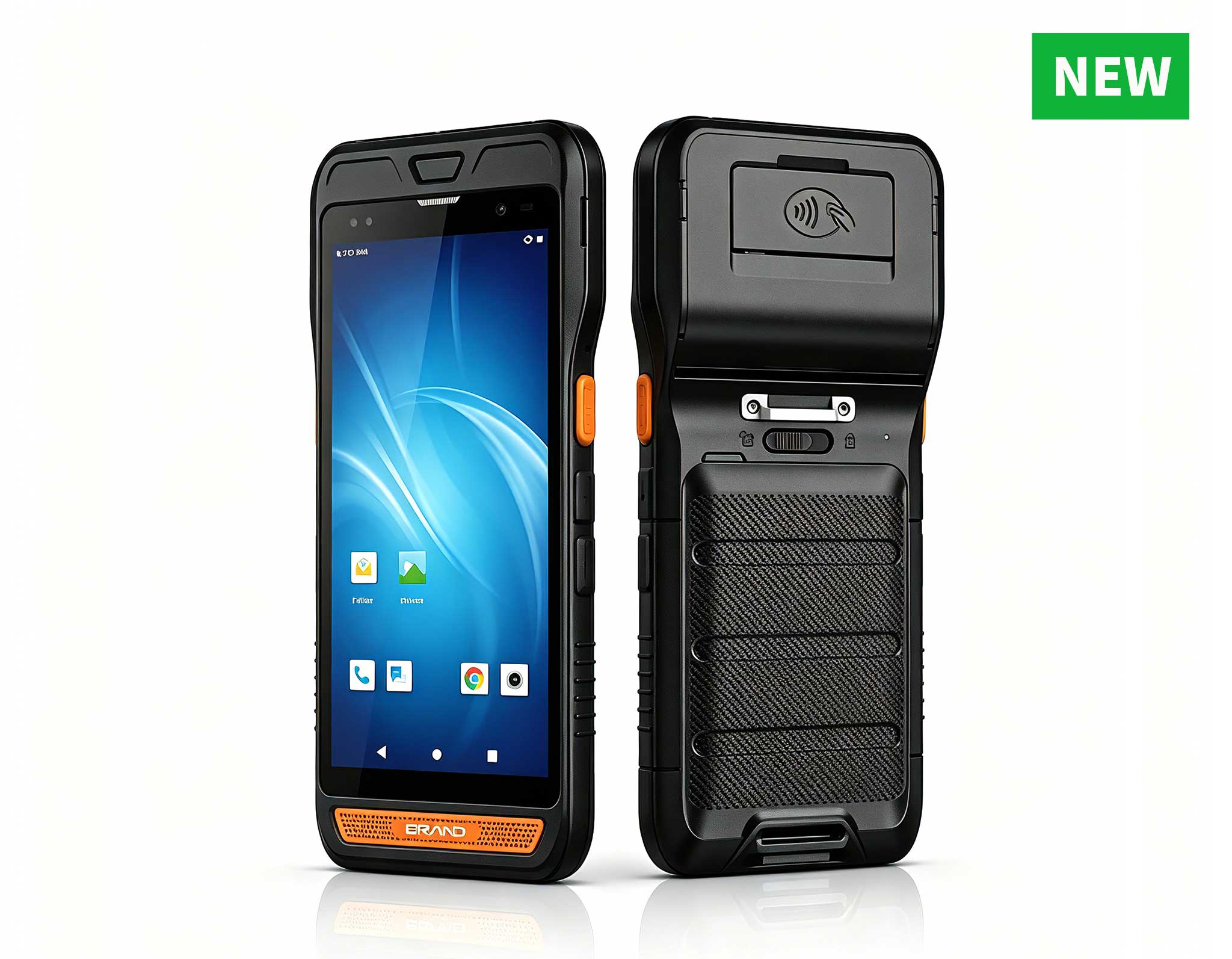
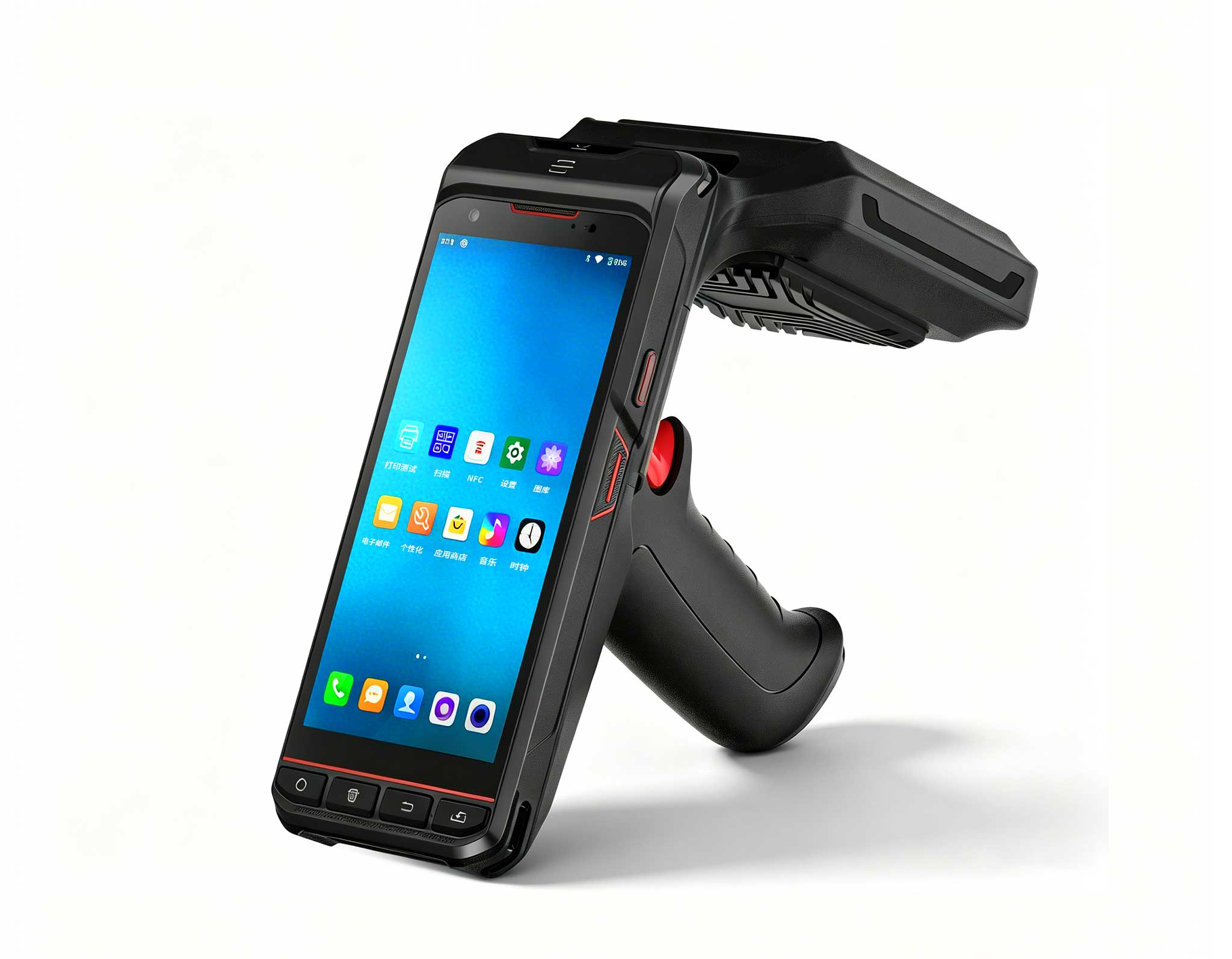
R860-S 5.5-inch Industrial PDA with Thermal Printe...
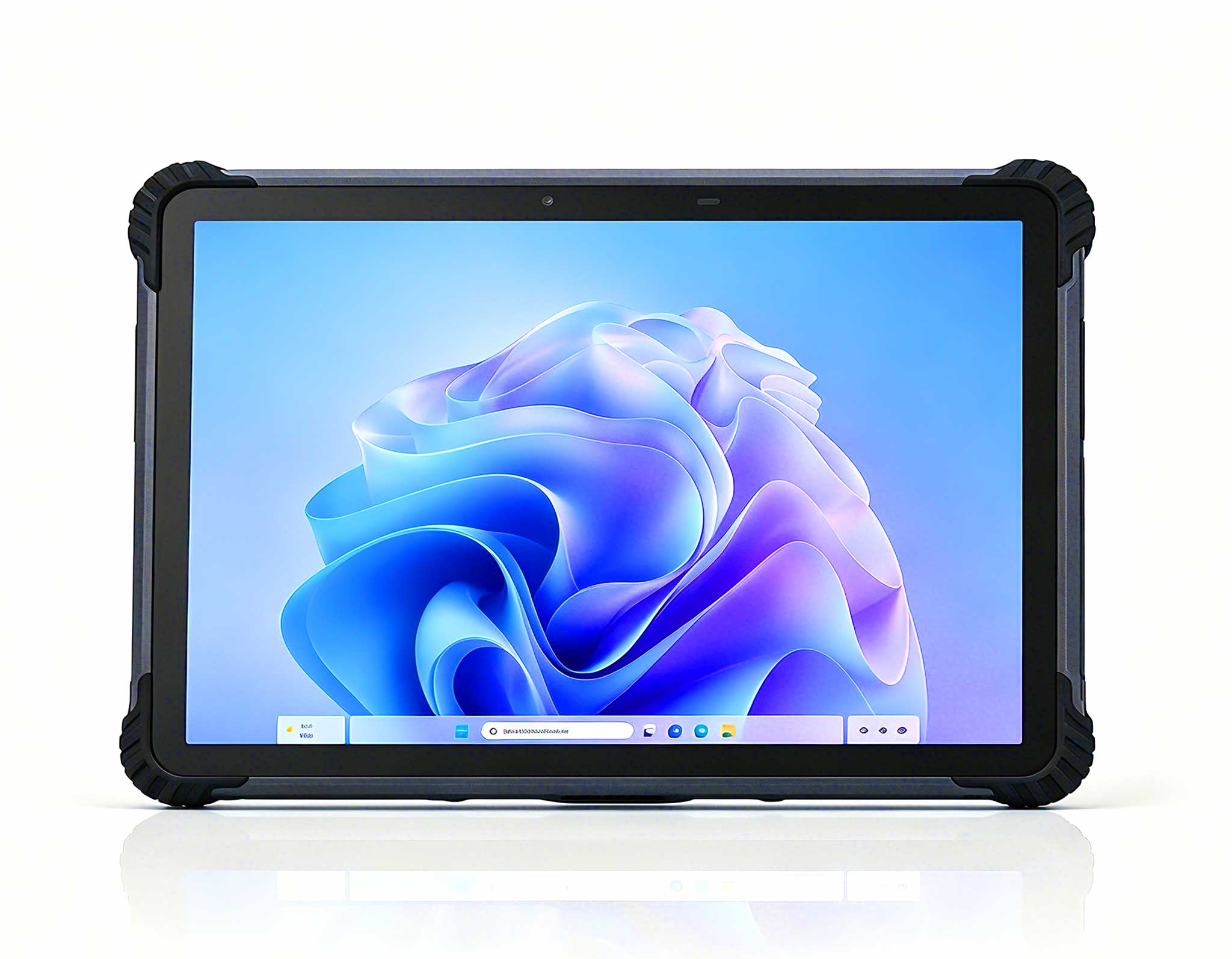
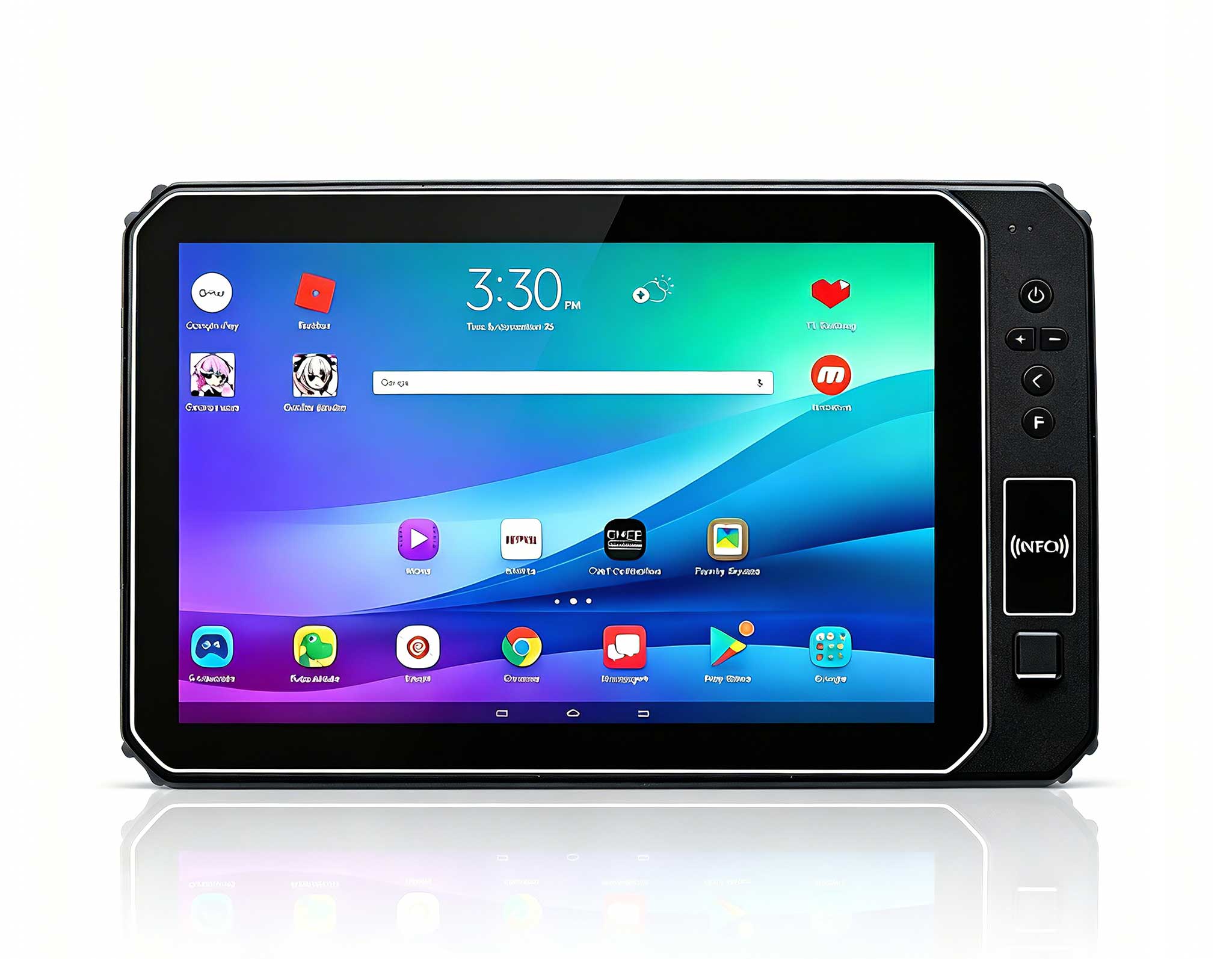
This 10-inch Android rugged tablet is designed for...
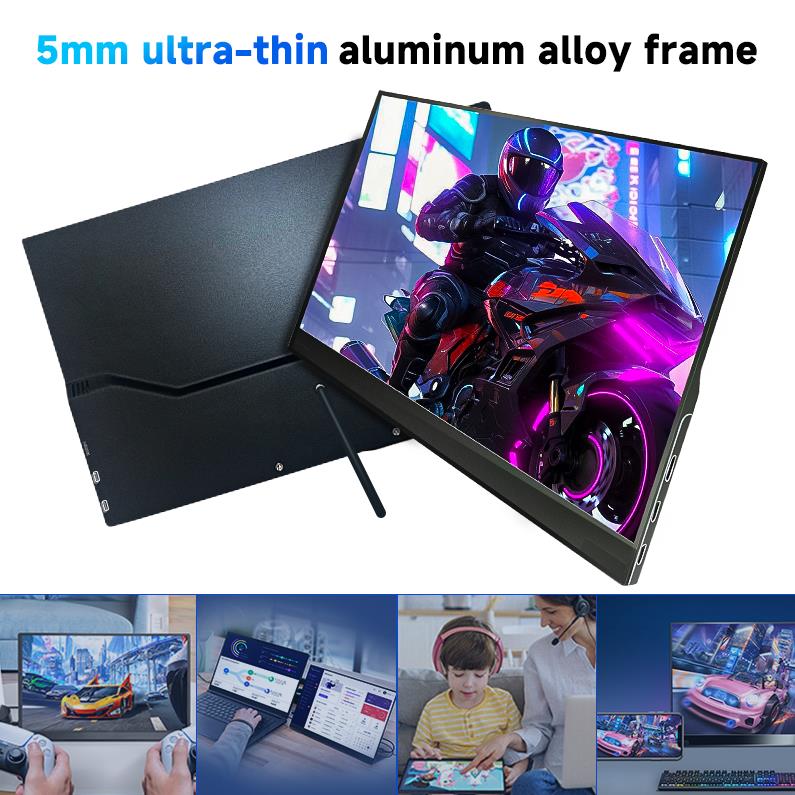
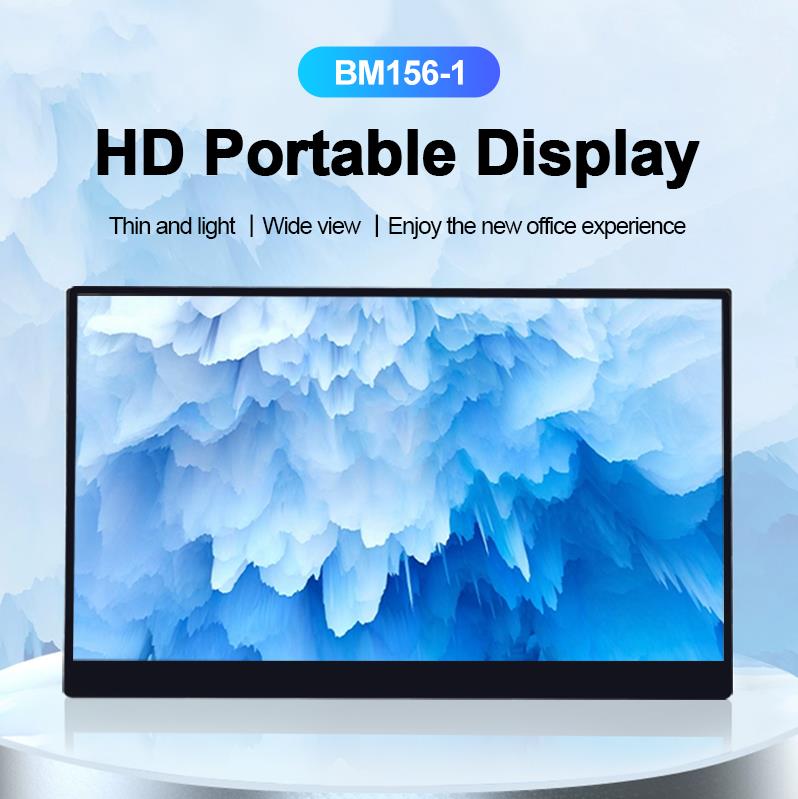
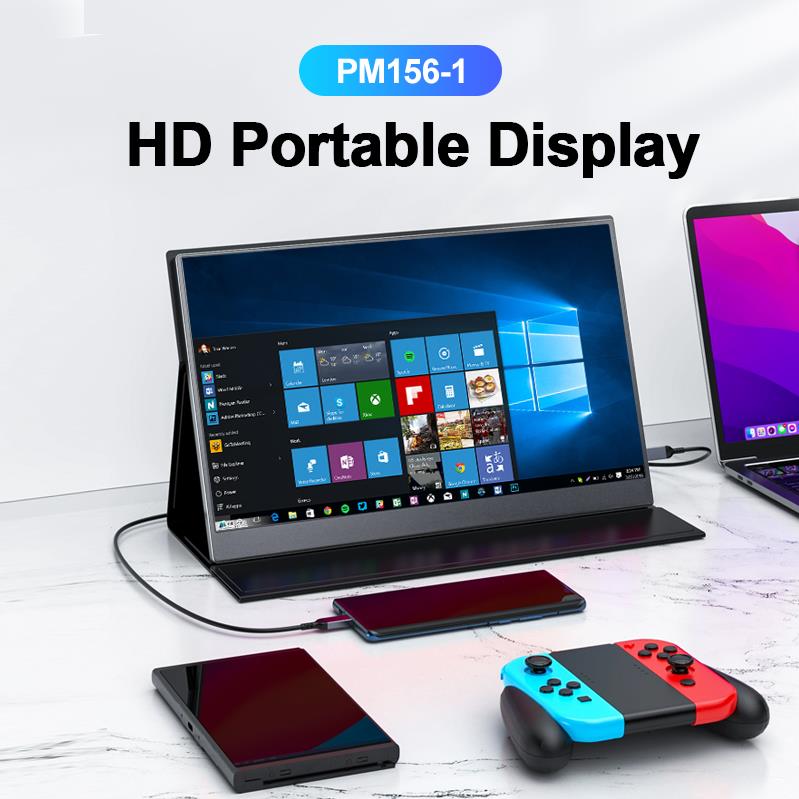
The PM156-1 is a 15.6-inch portable PC monitor fea...
The N40 Android smart PDA features a Cortex-A53 qu...
The R501 PDA combines a powerful MT6762 Octa-Core ...
R350C 4-inch Industrial Handheld PDA | Qualcom...
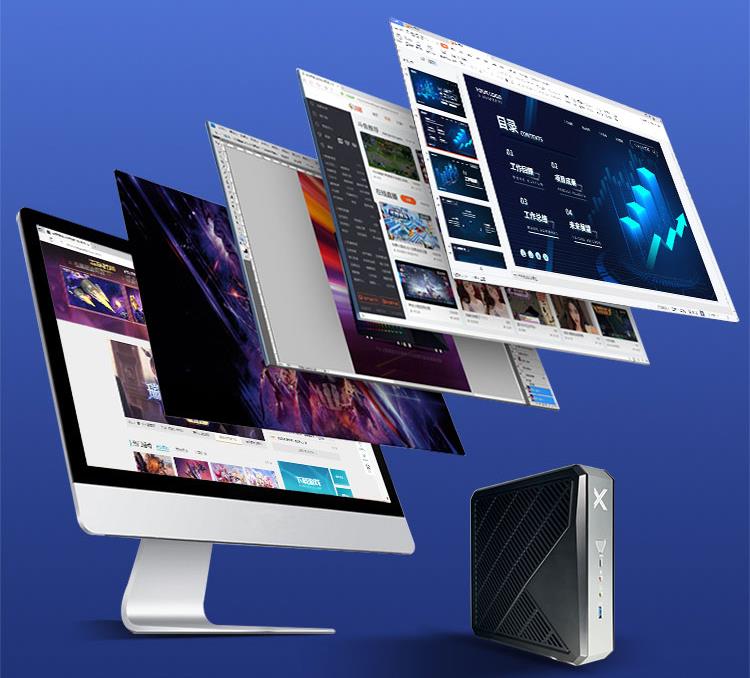
The shift to remote and hybrid work has made the home office a permanent fixture in modern professional life. A reliable, space-efficient, and powerful computer is no longer a luxury — it is a necessity. While traditional desktop towers eat up valuable desk space and laptops often compromise on connectivity and thermal performance, Mini PC solutions have emerged as the ideal middle ground. They deliver desktop-class performance in a footprint that fits in the palm of your hand, making them a top choice for anyone serious about building an efficient home office.
At Hotus Technology, we understand that every remote worker has different demands. A freelancer handling video calls and documents does not need the same hardware as a developer running multiple virtual machines. Below, we break down three distinct tiers of Mini PCs to help you build the perfect work-from-home setup, from entry-level productivity to a robust home lab. Each system is engineered to eliminate bottlenecks and keep you in the flow, whether you are crunching numbers or compiling code.
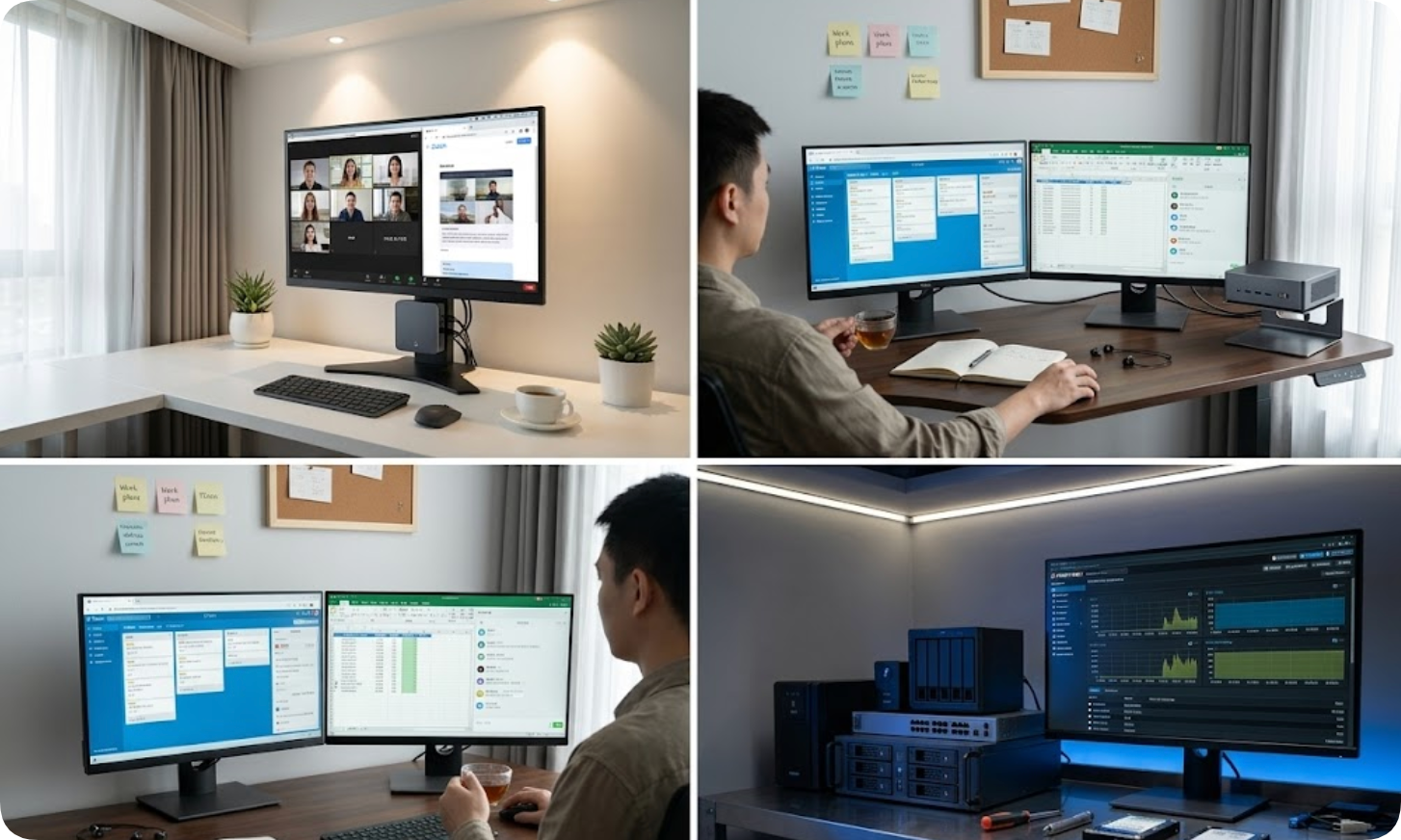
For professionals whose daily tasks revolve around email, spreadsheets, web browsing, and video conferencing, the Palm-sized Mini PC is the most cost-effective solution. Measuring just a few inches across, this device can be mounted behind a monitor or tucked away on a shelf, freeing up valuable desk real estate. It is the quiet, unobtrusive workhorse that keeps your workspace clean and your focus sharp.
Despite its compact size, this Mini PC handles all essential office applications without lag. It supports dual-display output, allowing you to extend your workspace across two monitors for smoother multitasking. Video calls on platforms like Zoom and Microsoft Teams run clearly, and the low power consumption means it can stay on all day without driving up your electricity bill. You will barely notice it is there — until you need to move it to another room, where its portability becomes a major advantage.
Ideal for: Remote customer service, administrative work, educators conducting online classes, and anyone who needs a silent, low-maintenance secondary workstation. It is also a great fit for hot-desking environments or temporary setups where space is at a premium.
Key specifications at a glance:
| Feature | Specification |
|---|---|
| Processor | Entry-level Intel or AMD (fanless options available) |
| Memory | Up to 16 GB DDR4 |
| Storage | 256 GB - 512 GB SSD |
| Video Output | Dual HDMI / DisplayPort |
| Connectivity | Wi-Fi 5 / Bluetooth 4.2, USB 3.0 |
| Dimensions | Approx. 12 x 12 x 4 cm (palm-sized) |
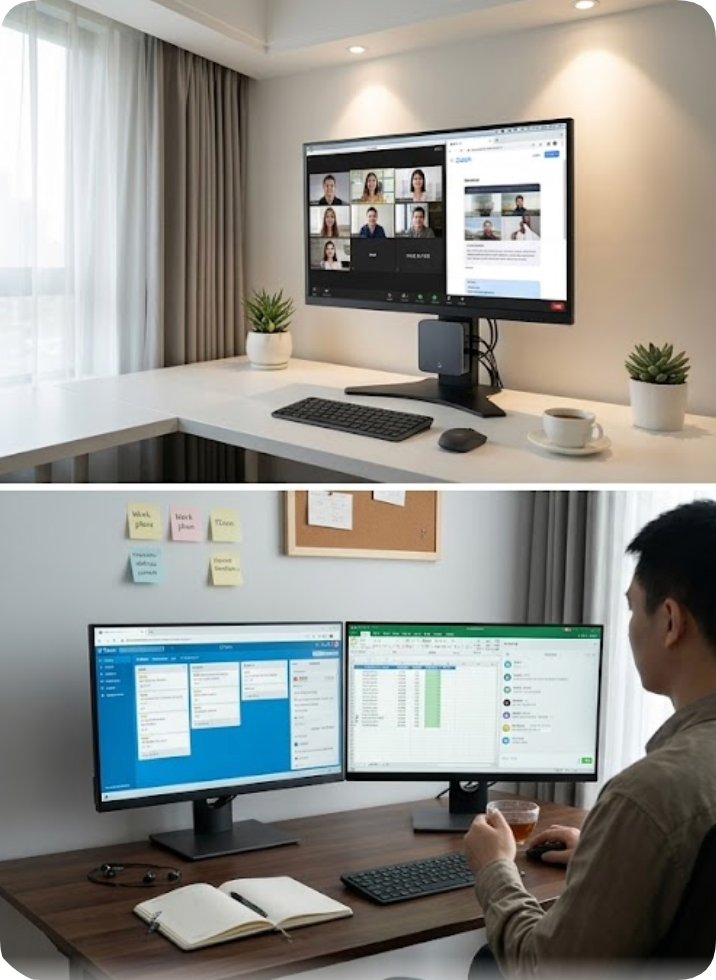
When your workflow demands more screen real estate and faster processing, the HCAR5000 MI steps in as the mid-range champion. This model is built for users who run multiple applications simultaneously — think a project manager with Slack, a dozen browser tabs, a spreadsheet, and a video call all at once. It is the kind of machine that turns a cluttered desktop into a streamlined command center.
The HCAR5000 MI features a more powerful processor and supports up to three independent displays. This is a game-changer for financial analysts, content editors, and remote sales professionals who need to monitor dashboards, CRM tools, and presentation materials side by side. The unit also includes faster SSD storage and dual-channel memory, which significantly reduces load times for large files and complex software. You will notice the difference the first time you switch between heavy applications without a stutter.
Another advantage is the enhanced I/O panel. With USB-C, multiple USB 3.2 ports, and a dedicated Ethernet jack, you can connect all your peripherals — from external webcams to high-speed storage drives — without needing a separate hub. This level of connectivity makes it a natural fit for professionals who rely on multiple external devices throughout the day.
Ideal for: Data analysts, graphic designers working with 2D layouts, remote project managers, and professionals who run virtual machines or Docker containers for testing. It also excels in shared office spaces where flexibility and performance need to coexist.
| Feature | Specification |
|---|---|
| Processor | Mid-range Intel Core i5 / AMD Ryzen 5 |
| Memory | 16 GB - 32 GB DDR4 |
| Storage | 512 GB - 1 TB NVMe SSD |
| Video Output | Triple HDMI / DisplayPort |
| Connectivity | Wi-Fi 6 / Bluetooth 5.2, USB-C, Gigabit Ethernet |
| Dimensions | Standard mini PC form factor (approx. 18 x 18 x 5 cm) |
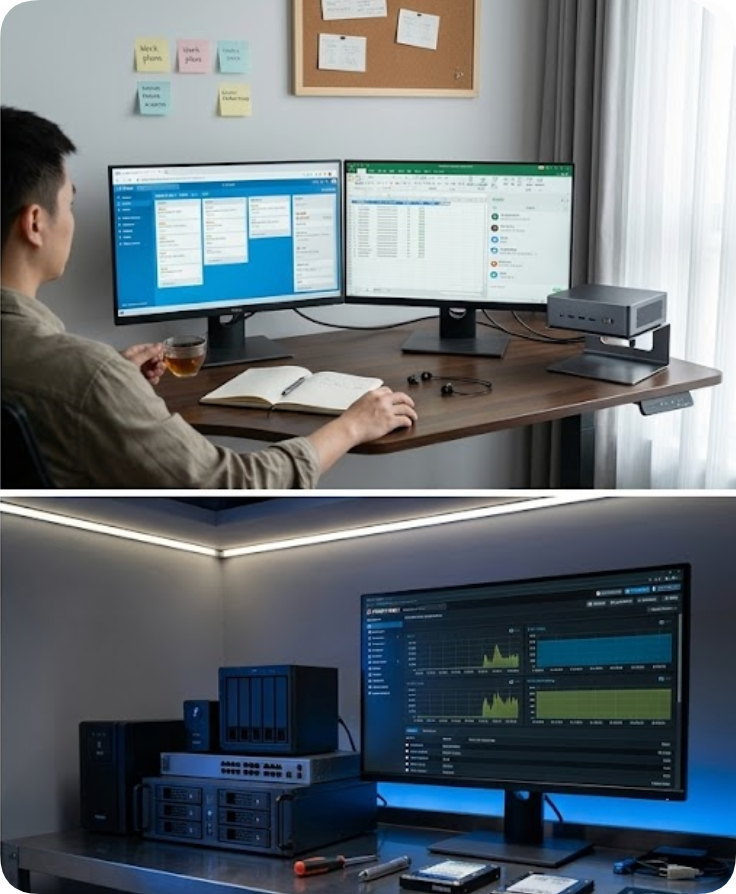
For the most demanding remote work scenarios, the WTR PRO AMD represents the pinnacle of Mini PC performance. This system is designed for developers, IT professionals, and content creators who need raw processing power and expandability in a compact chassis. It is the kind of machine that makes you forget you are working from a small box — until you check the benchmarks.
The WTR PRO AMD is powered by a high-performance AMD Ryzen processor with integrated Radeon graphics. This combination allows it to handle code compilation, software development environments, and even light 3D modeling or video editing. Its true strength, however, lies in its connectivity and storage flexibility. With support for dual NVMe drives and a 2.5-inch SATA bay, you can configure massive storage arrays for a home media server or a Proxmox-based home lab. It is built to grow with your projects, not hold them back.
Network professionals will appreciate the dual 2.5 Gigabit Ethernet ports, which enable link aggregation or direct connection to a NAS for fast file transfers. The WTR PRO AMD also supports up to 64 GB of RAM, making it a viable candidate for running multiple virtual machines or Kubernetes nodes in a test environment. This level of expandability is rare in such a small form factor, and it is exactly what power users need to push their workflows further.
Ideal for: Software developers, IT system administrators, homelab enthusiasts, and anyone running a Plex server, Nextcloud instance, or CI/CD pipeline from their home office. It is also a strong choice for data scientists who need local compute power without the noise and heat of a full tower.
| Feature | Specification |
|---|---|
| Processor | AMD Ryzen 7 / Ryzen 9 (with Radeon Graphics) |
| Memory | 32 GB - 64 GB DDR4 |
| Storage | 1 TB - 4 TB (Dual NVMe + SATA bay) |
| Video Output | Quad HDMI / DisplayPort |
| Connectivity | Dual 2.5G Ethernet, Wi-Fi 6E, USB 3.2 Gen 2, USB-C |
| Dimensions | Slightly larger chassis for thermal performance |
Regardless of which tier you choose, the Mini PC architecture offers several universal advantages for remote work. First, the small footprint allows for a cleaner desk layout with fewer cables. Second, the low noise levels — many models are passively cooled or use whisper-quiet fans — ensure you can focus during calls without background hum. Third, Mini PCs are highly energy-efficient, often consuming a fraction of the power of a traditional desktop, which is an important consideration for all-day operation. These benefits add up to a more comfortable and productive work environment over the long haul.
To complete your home office, pair your Mini PC with a quality monitor (or two), a comfortable keyboard and mouse, and a dedicated webcam with a ring light for professional video presence. A USB-C or Thunderbolt dock can further simplify cable management if you need to connect multiple peripherals. Do not overlook the importance of a good chair and proper lighting — your Mini PC is the brain, but the rest of the setup keeps the body happy.
Final recommendation: Start by assessing your daily workload. If your tasks are primarily browser-based and communication-focused, the Palm-sized Mini PC will serve you well. For heavy multitasking and multi-monitor setups, the HCAR5000 MI offers the best balance of price and performance. And if you need a system that can double as a development workstation or home server, the WTR PRO AMD is the ultimate choice. Each of these Mini PCs is built to handle the realities of remote work without compromise.
Visit the Hotus Technology blog for more guides on optimizing your remote work environment, and explore our full range of Mini PCs designed to meet the needs of modern professionals. Whether you are setting up your first home office or upgrading an existing one, the right hardware makes all the difference.