- Select Language
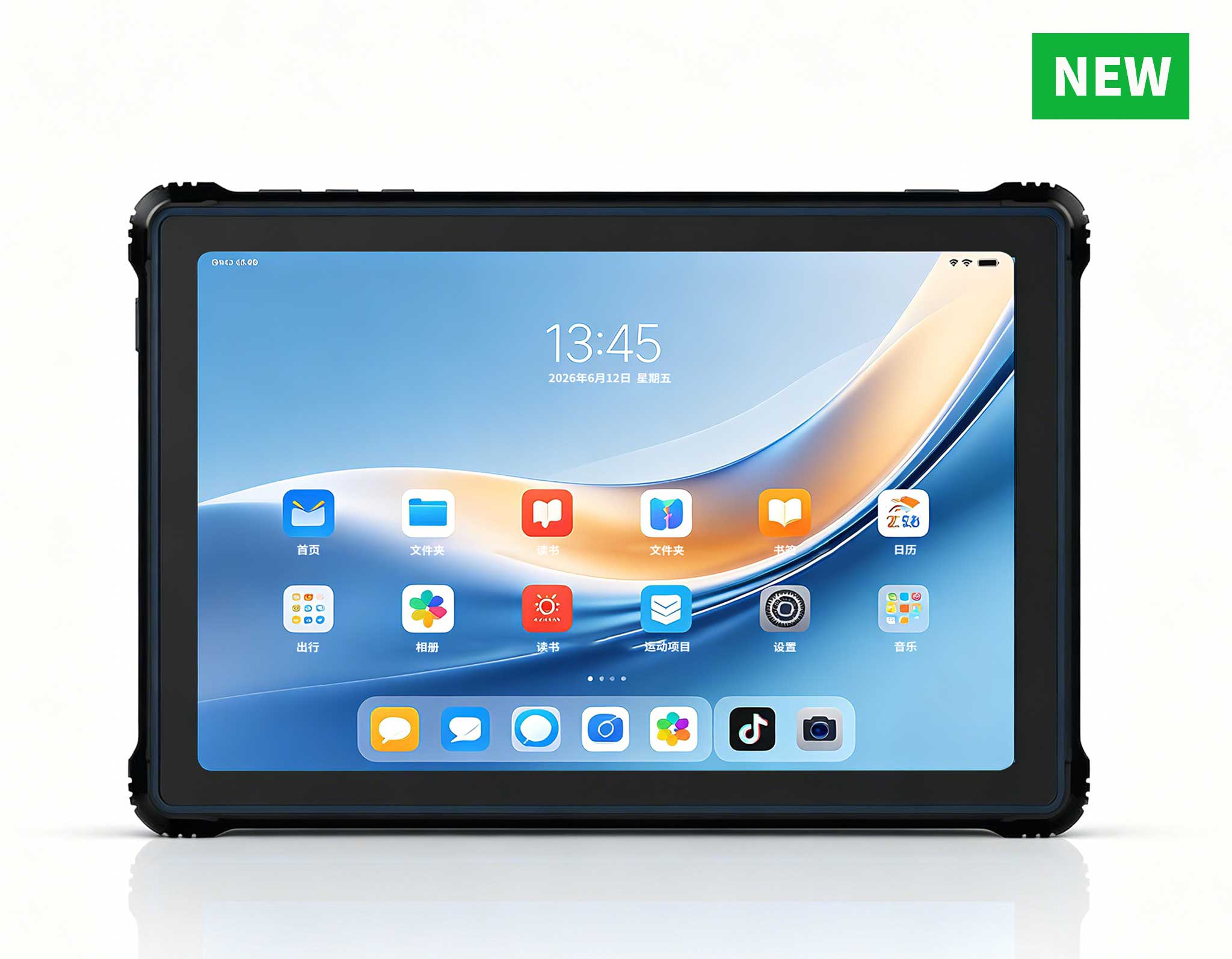
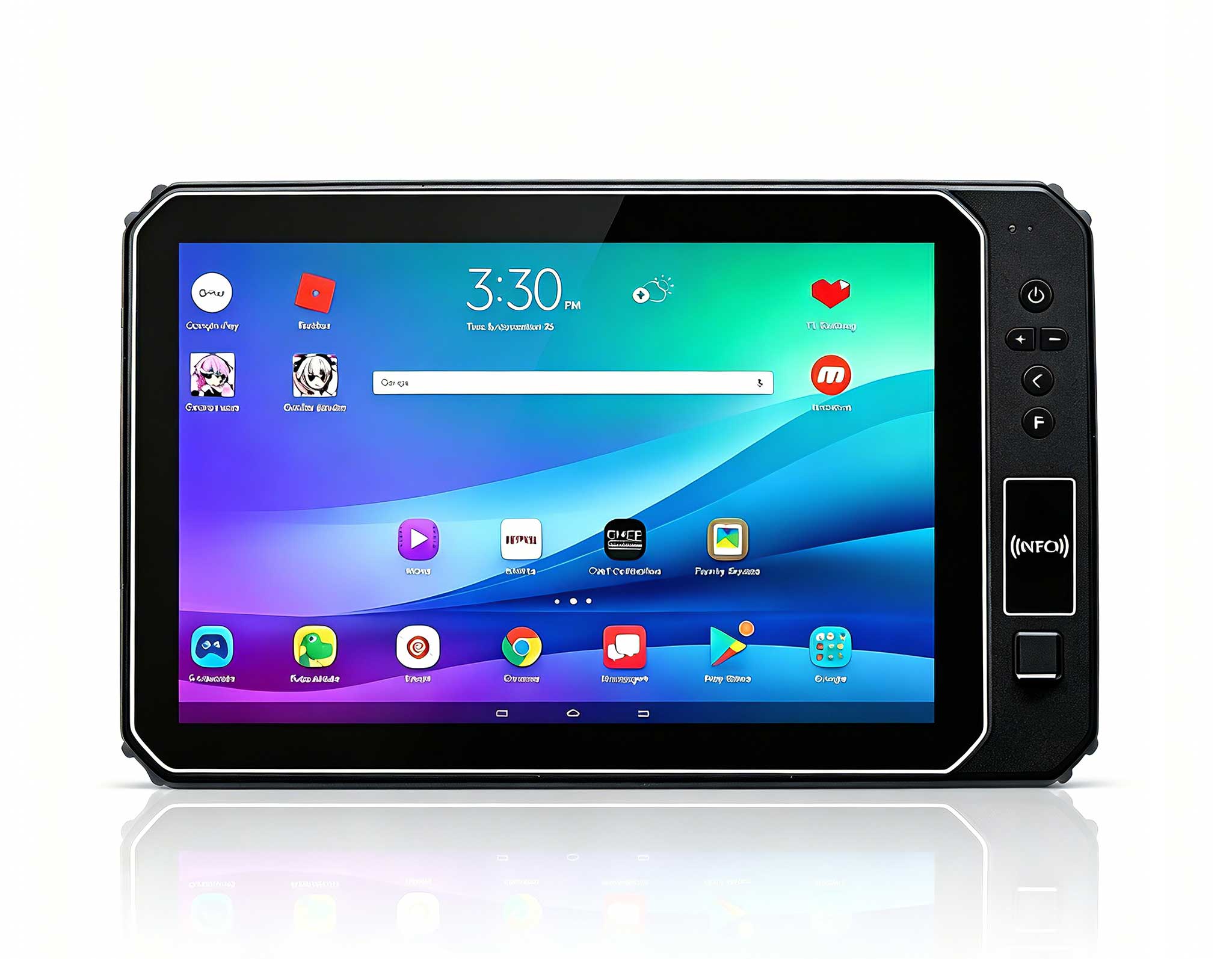
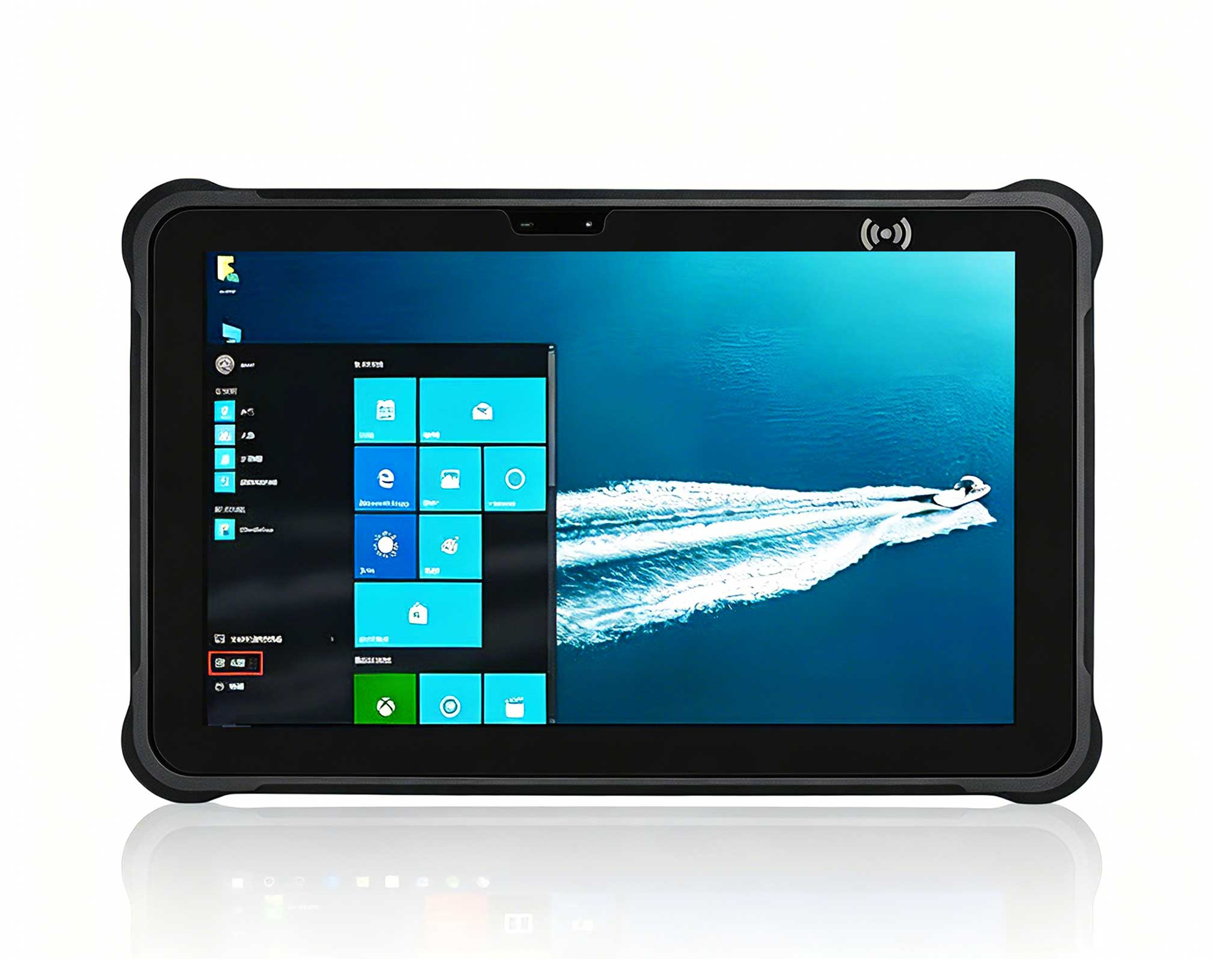
RT81 4G Rugged Tablet | 10.1" FHD 400nit | Qu...
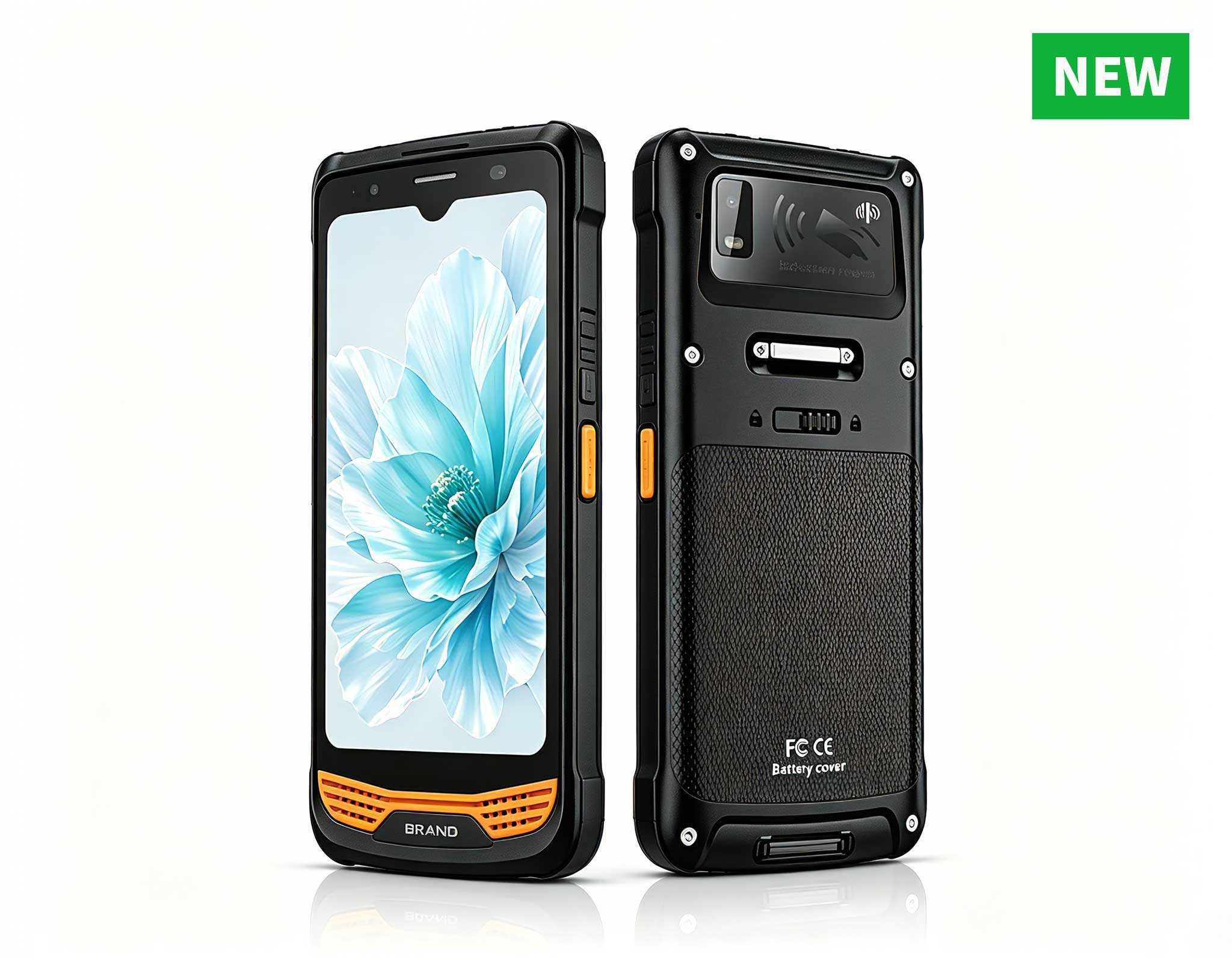
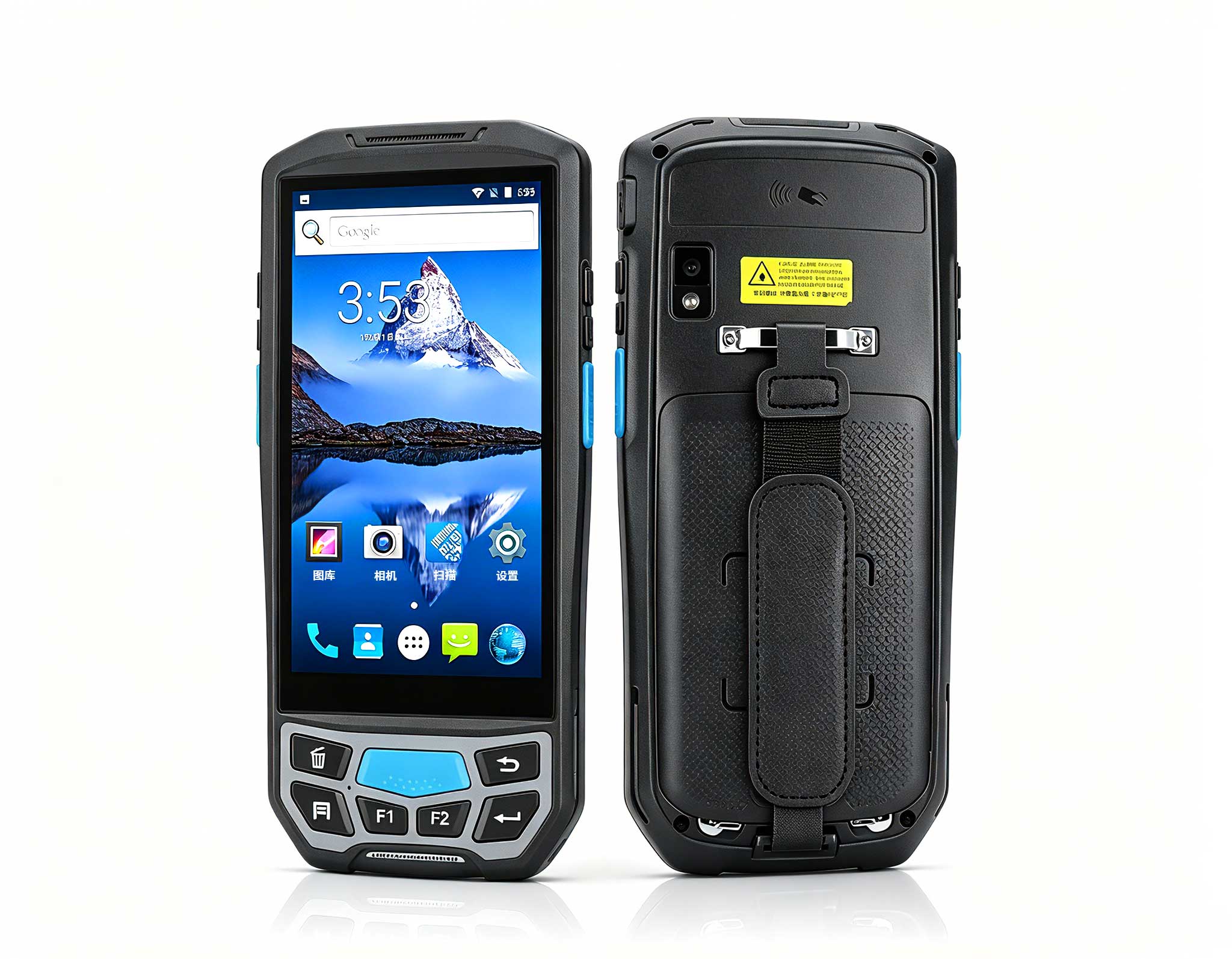
R366-S Thin 5.5-inch Industrial PDA | Qualcomm Oct...
The U9000 handheld PDA combines advanced barcode s...
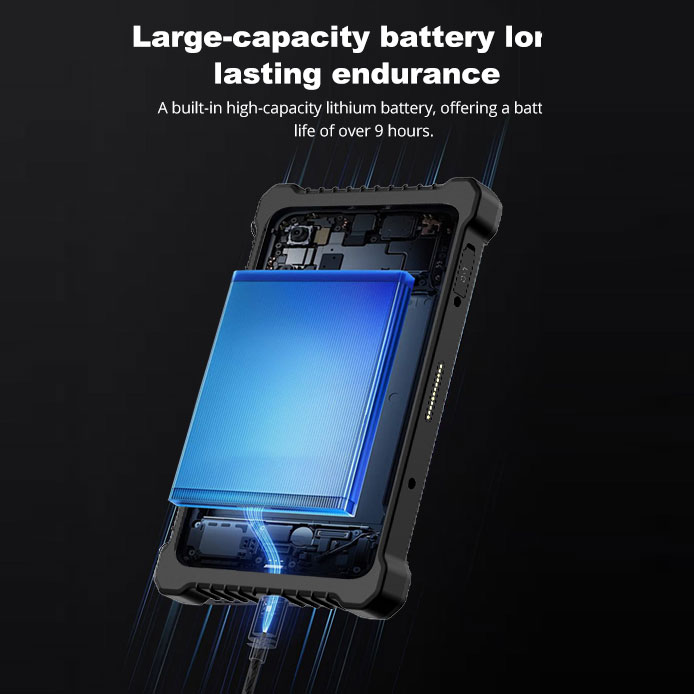
This 10-inch Android rugged tablet is designed for...
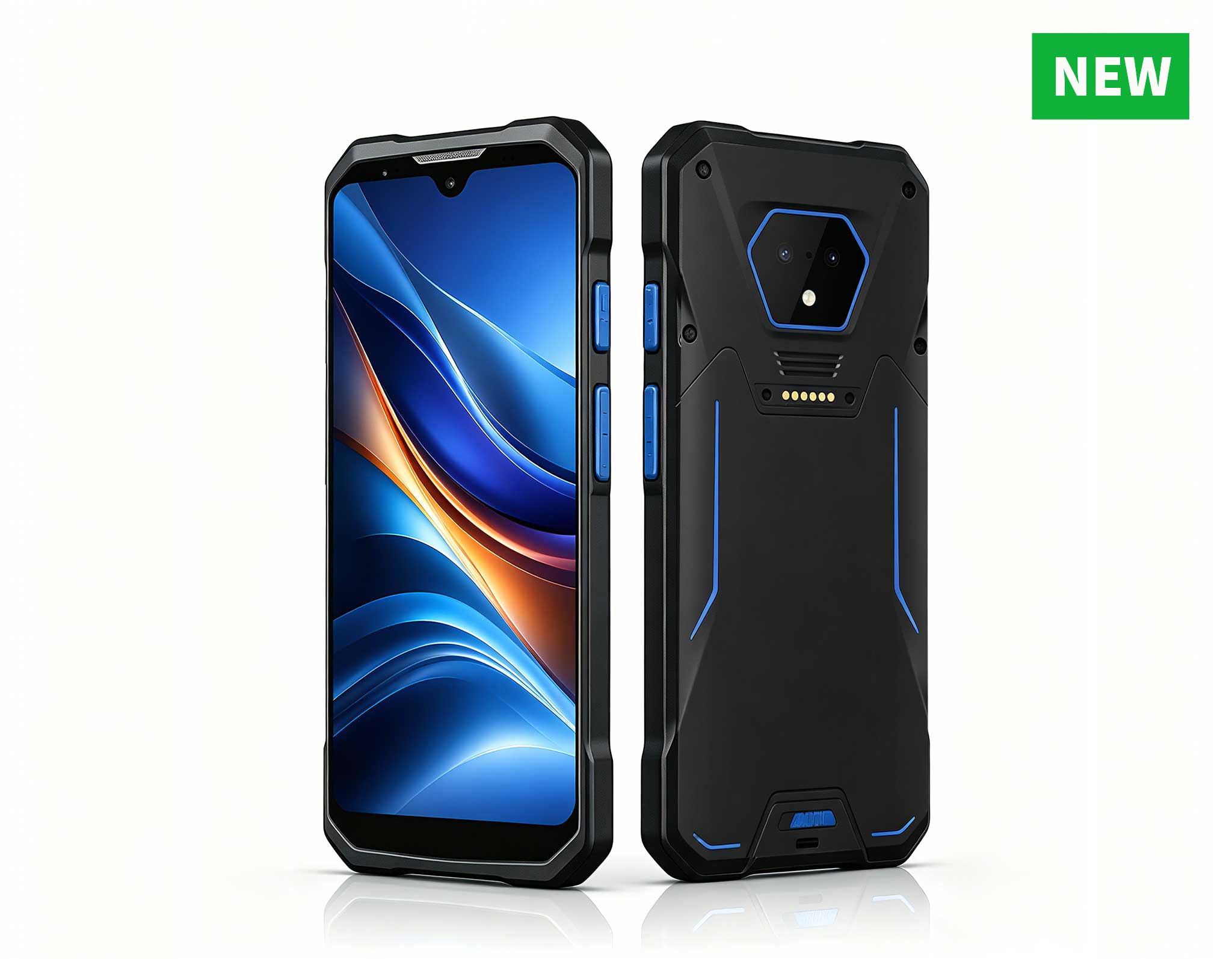
RS51 4G Rugged Handheld Terminal | 6.3" FHD+ ...
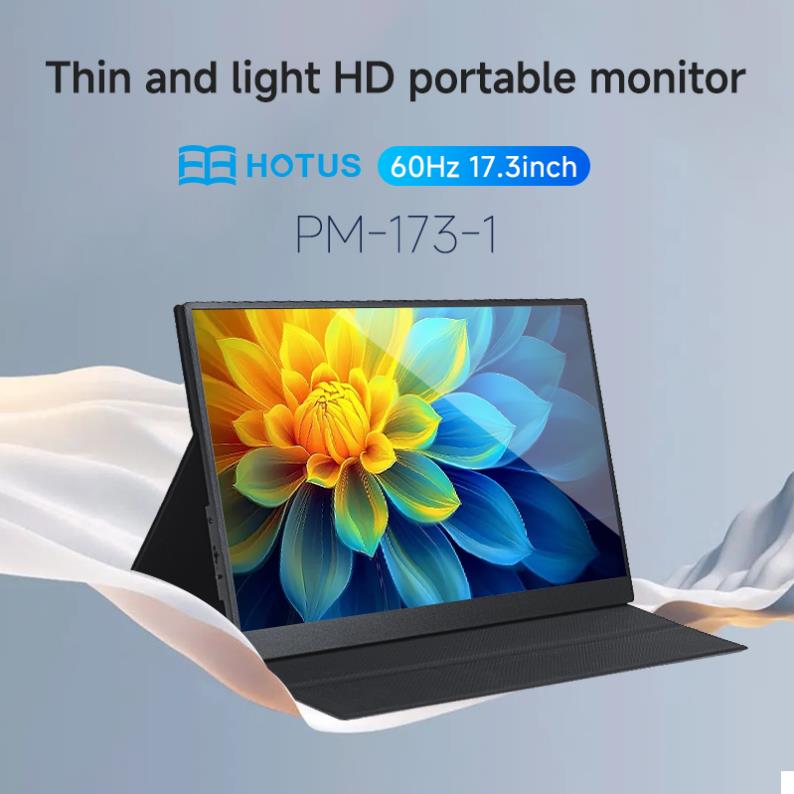
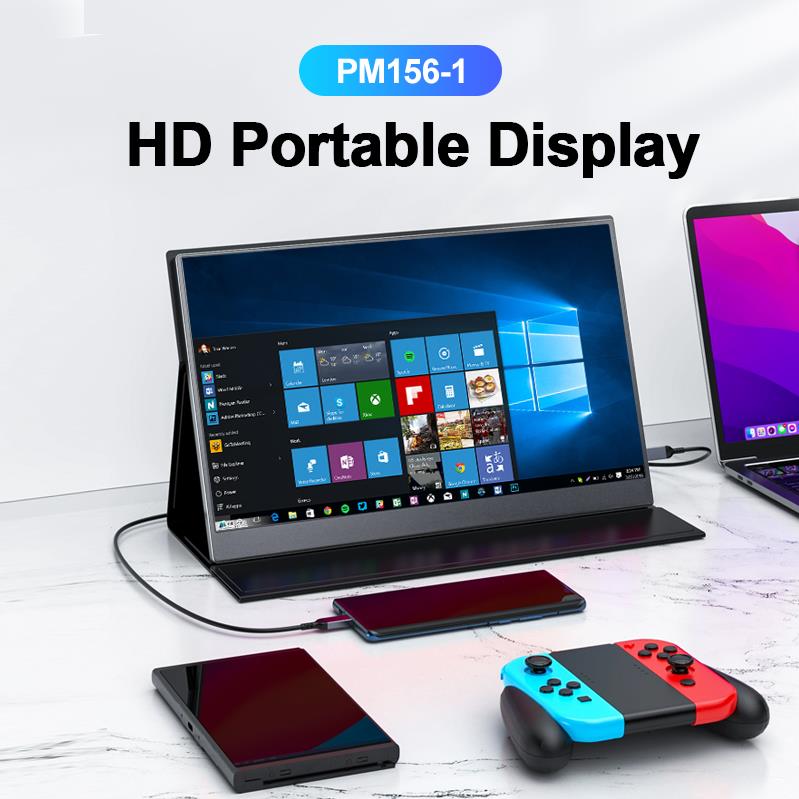
The PM156-1 is a 15.6-inch portable PC monitor fea...
Full SpecificationsModelHotus ST11‑JOSWindows 10 P...
The U9000 handheld PDA combines advanced barcode s...
The PM133-2 is a 13.3-inch portable monitor featur...
As an IT consultant who has spent years helping school districts modernize their infrastructure, I have seen the same challenges repeat themselves: tight budgets, limited physical space, and the constant demand for reliable technology that can support a growing range of educational software. Traditional desktop towers take up valuable desk real estate, consume significant power, and often become obsolete faster than the school can afford to replace them. That is why I have become a strong advocate for the Mini PC as the backbone of modern education technology. These compact devices offer the performance schools need while drastically reducing clutter, energy costs, and maintenance headaches. In this post, I will walk you through three specific models from Hotus Technology that can serve different roles within a school environment, from basic student workstations to advanced STEM labs.
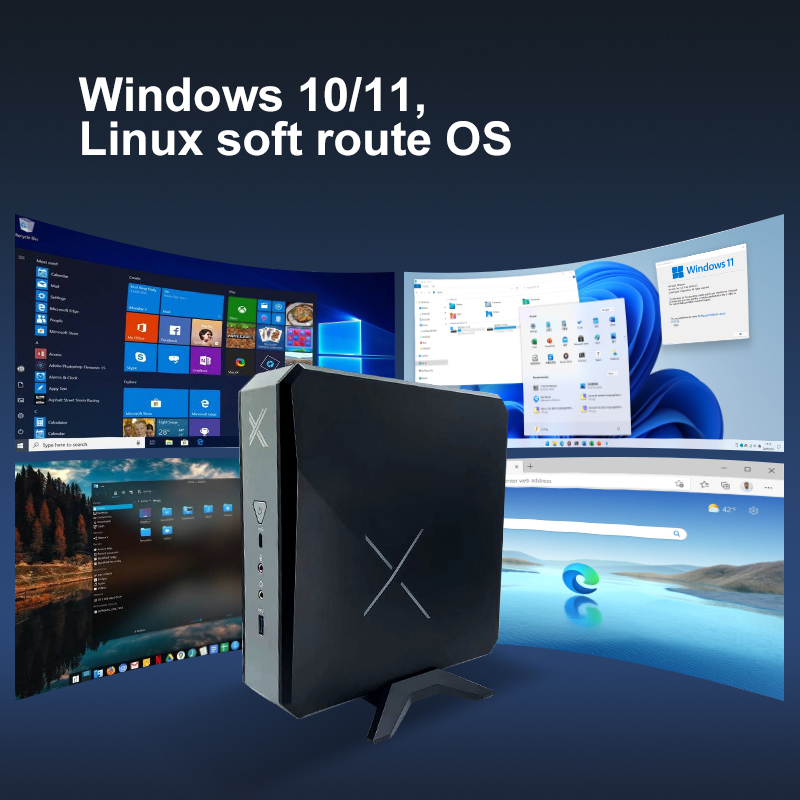
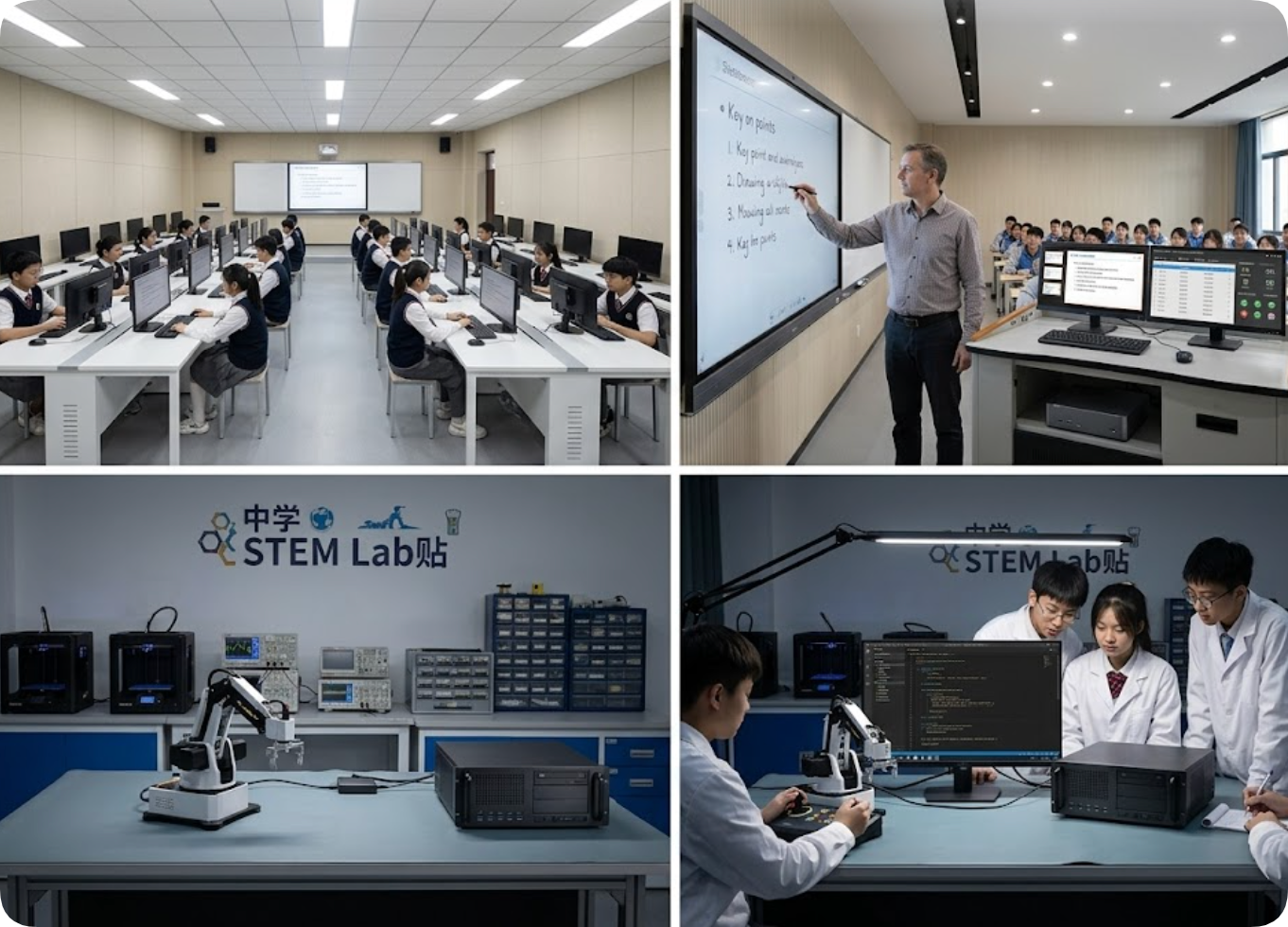
For the most common use case in education — basic student workstations, library catalog terminals, and introductory computer labs — the Palm-sized miniPC is an ideal entry-level solution. Its compact form factor, roughly the size of a paperback book, allows it to be VESA-mounted directly behind a monitor, effectively eliminating the tower from the desk entirely. This frees up workspace for textbooks, notebooks, and other learning materials, which is especially critical in crowded classrooms.
From a performance standpoint, this unit handles web browsing, office productivity suites, cloud-based learning platforms, and basic multimedia playback without issue. It consumes a fraction of the power of a traditional desktop, which translates to noticeable savings on the electric bill when deployed across a lab of thirty units. Its fanless design also means silent operation, reducing distractions in quiet study areas. For schools looking to stretch their technology budget while maximizing usable space, this is the most cost-effective path forward.
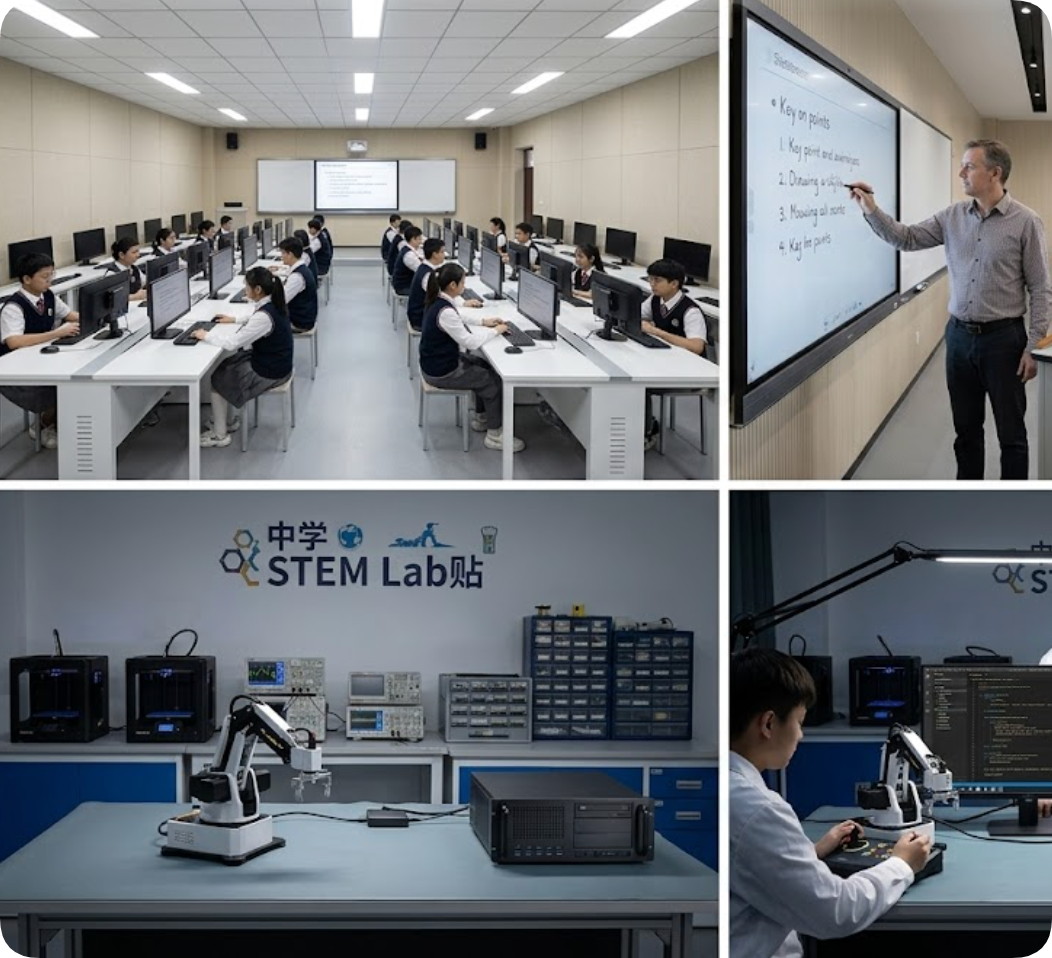
When we move to teacher workstations, multimedia classrooms, or any environment that demands dual-screen output, the HCAR5000 MI steps in as the mid-range workhorse. Teachers today often need one screen for presenting lesson content to the class via a projector or interactive whiteboard, while a second screen displays class management software, attendance records, or teaching notes. This mini PC supports that dual-monitor setup natively, making it a seamless fit for modern pedagogy.
Its upgraded processor and additional RAM ensure that multitasking remains smooth, even when running multiple applications simultaneously. I have seen this model deployed in computer labs where students need to run slightly more demanding applications, such as introductory graphic design tools or basic video editing software. It also includes enhanced connectivity options, including multiple USB ports and an RJ45 network port, which simplify peripheral management in a classroom setting. For schools that need a reliable middle-ground solution that balances cost with capability, the HCAR5000 MI is a strong contender.
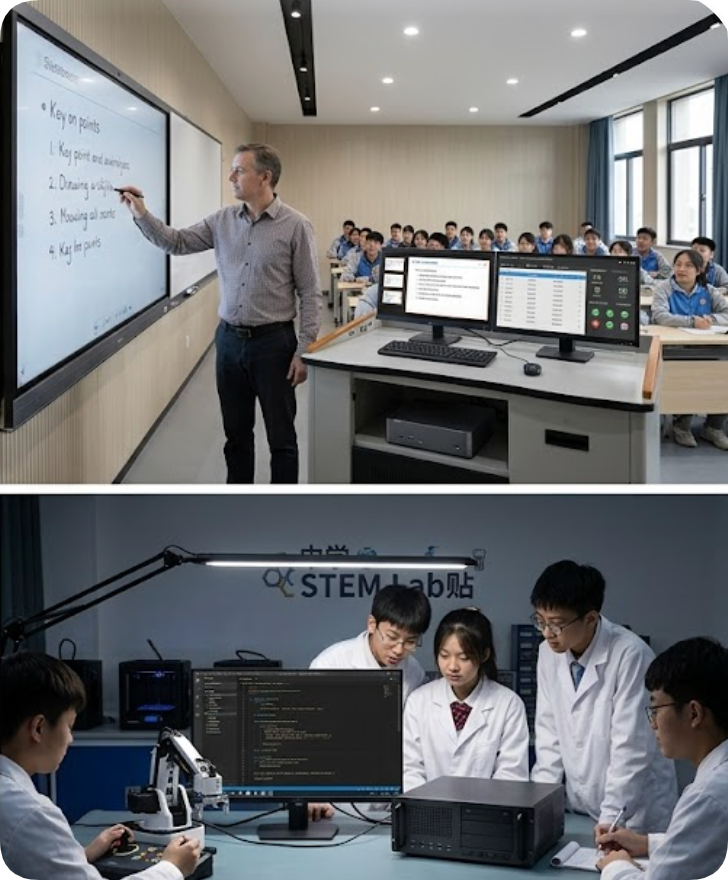
For the most demanding educational environments — STEM labs, robotics clubs, programming courses, and video editing classrooms — the WTR PRO AMD delivers the power required to keep up with advanced curricula. This model is built around an AMD processor with integrated Radeon graphics, which provides ample horsepower for compiling code, running simulation software, and handling moderate 3D rendering tasks. In a robotics lab, for example, this mini PC can drive a robot arm while simultaneously running an integrated development environment (IDE) on a large monitor, all without stuttering.
Its thermal management is notably robust, allowing sustained performance during long coding sessions or video rendering projects. The WTR PRO AMD also supports multiple high-resolution displays, which is essential when students need to view code on one screen and output on another. While it represents a higher upfront investment, it eliminates the need for a bulky gaming tower or workstation in the lab, preserving valuable bench space for hardware projects and collaborative work. For any school serious about preparing students for technology-driven careers, this is the model to choose.
| Feature | Palm-Sized Mini PC | HCAR5000 MI | WTR PRO AMD |
|---|---|---|---|
| Best Use Case | Student workstations, library terminals, basic labs | Teacher stations, multimedia classrooms, dual-screen teaching | STEM labs, robotics programming, video editing classrooms |
| Processor | Entry-level, low-power | Mid-range, balanced performance | High-performance AMD with Radeon graphics |
| Memory | 4GB - 8GB | 8GB - 16GB | 16GB - 32GB |
| Storage | 64GB eMMC or 128GB SSD | 256GB - 512GB SSD | 512GB - 1TB NVMe SSD |
| Display Support | Single monitor (HDMI) | Dual monitors (HDMI + DisplayPort) | Triple monitors (HDMI, DisplayPort, USB-C) |
| Power Consumption | Very low (fanless) | Low | Moderate |
| Mounting | VESA mountable | VESA mountable | VESA mountable |
| Ideal Room Size | 30+ stations | 10-20 stations | 5-10 stations |
When planning a technology refresh for your school or district, I recommend starting with a clear inventory of your use cases. Map each classroom or lab to one of these three tiers. For general-purpose labs and libraries, deploy the Palm-sized miniPC in bulk to maximize your budget. For teacher stations and rooms that require dual-screen functionality, invest in the HCAR5000 MI. And for specialized programs in STEM, robotics, or media production, the WTR PRO AMD will give your students the tools they need to excel. The common thread across all three models is the space-saving, energy-efficient, and reliable design that modern education demands. By choosing Hotus Technology, you are not just buying hardware — you are building a foundation for learning that will serve your students for years to come.